
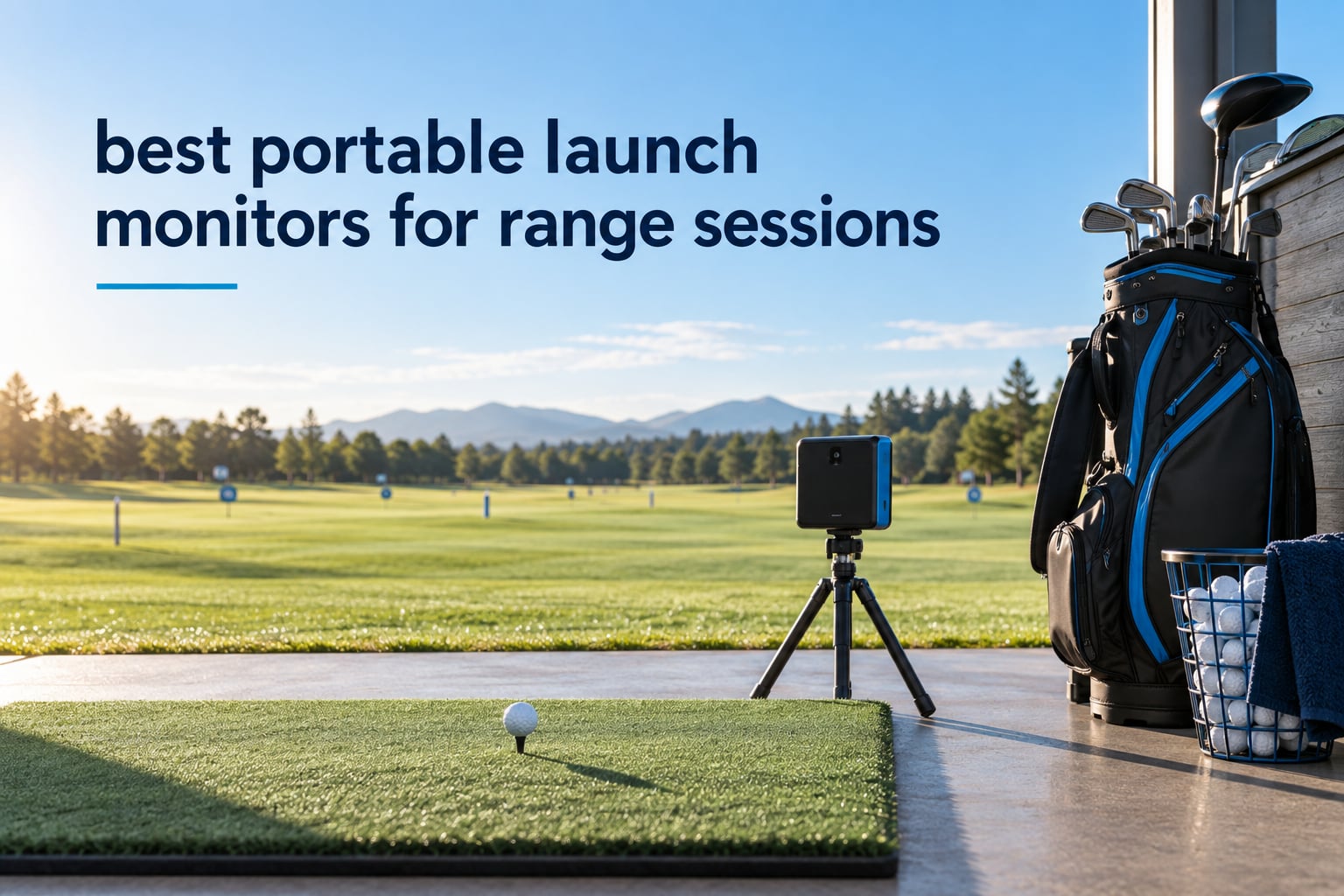
A portable launch monitor for range sessions is a golf measurement device that tracks your ball and club on every shot using onboard radar or cameras, runs on battery so it needs no power outlet, and pairs with a phone or tablet app so you can see carry distance, ball speed, clubhead speed and launch angle while you practise. Three things decide whether one is genuinely range-ready: a battery that survives a full bucket, sunlight tolerance, and no subscription standing in front of the core numbers.
That definition matters because most roundups in this category are really indoor simulator roundups with a range paragraph bolted on. A monitor that shines in a garage can struggle in an uncovered bay at noon, and a headline battery figure means very little once you add pairing, video recording and a phone screen at full brightness.
So we scored these ten the way a range session actually runs. We care about the walk from the car to the tee, the time until the first number appears, whether the unit holds a signal in bright light, whether it still works on ball fifty-five, and whether the numbers you came for are locked behind a membership you have to pay for every year. Ten units, one consistent filter, and a hard look at what each one gives up.
Before we get into the picks, two quick pointers if this is your first piece of range hardware. Our notes on portable keyboards cover the same question we get asked most about compact gear, which is how much the convenience is actually worth once you have owned it for a season. And if you are the kind of buyer who wants a device that disappears into a bag and gets used without ceremony, the same fit-and-forget thinking runs through our portable turntable picks and our stage monitor guide.
The short answer to the question everybody asks first: the Garmin Approach R10 is the best portable launch monitor for the range for most people, because it is radar-based, runs about ten hours on a charge, and survives direct sun without complaint. If you want zero screen time and no phone at all, the PRGR or the Voice Caddie is the honest answer. If you want spin and club data, you are trading sunlight tolerance for detail, and the Rapsodo MLM2PRO is the strongest of that group.
Table of Contents
Top 3 Best Portable Launch Monitors in October
The R10 wins on the combination that actually matters outdoors: it never loses the ball in bright light, it runs all day, and the whole kit slips into a golf bag. The PRGR wins on everything being optional. The Rapsodo wins on data depth and is the only one of the three that reports club path.
All 10 Portable Launch Monitors at a Glance in 2026
| Product | Specs | Action |
|---|---|---|
 Garmin Approach R10 Garmin Approach R10 |
|
Check Latest Price |
 PRGR HS 130-A PRGR HS 130-A |
|
Check Latest Price |
 Rapsodo MLM2PRO Rapsodo MLM2PRO |
|
Check Latest Price |
 Voice Caddie SC200Plus Voice Caddie SC200Plus |
|
Check Latest Price |
 Garmin Approach G80 Garmin Approach G80 |
|
Check Latest Price |
 TheStack Radar TheStack Radar |
|
Check Latest Price |
 FlightScope Mevo Gen2 FlightScope Mevo Gen2 |
|
Check Latest Price |
 Uneekor EYE MINI CORE Uneekor EYE MINI CORE |
|
Check Latest Price |
 Garmin Approach G82 Garmin Approach G82 |
|
Check Latest Price |
 TAGCMC GX-10 TAGCMC GX-10 |
|
Check Latest Price |
Three columns deserve reading before the reviews, because no competitor publishes them. Battery figures above are manufacturer claims measured in isolation, not a promise of a 90-ball session. Outdoor capability splits along technology lines: every radar unit here works in full sun, while the camera-based Uneekor needs controlled light and a power outlet. And the two units with no subscription at all are the FlightScope Mevo Gen2, which includes eight E6 courses for life, and the TAGCMC GX-10.
How We Judged These Monitors at the Range
Every unit was judged on four axes, and the axes come from what golfers complain about in practice rather than from spec sheets.
Battery through a whole session. A range session is a bucket of balls, not an hour of casual swings. We counted how the claim holds up when the device is also pairing, recording, and driving a screen.
Open sun versus a shaded bay. The single biggest split in this category. A covered stall and an uncovered bay at midday are different tests, and several units only pass one of them.
Bag to first number. Unpack, position, connect, hit. Setup speed was the deciding factor in more community recommendations than any spec, so we weighed it heavily.
Whether the data you want is gated. Basic range metrics should never sit behind a membership. We noted exactly where the paywall starts for each unit.
One recurring theme in community discussion: nobody doubts that budget radar reads are usable, but there is real scepticism about algorithm-estimated spin. On the r/Golfsimulator forum, the repeated point is that radar measurements are considered more valid than camera or algorithm estimates, which some golfers believe inflate distance. We take that seriously, and it shapes where each unit lands in the ranking.
1. Garmin Approach R10 – the radar unit that suits most range bags
Garmin Approach R10, Portable Golf Launch Monitor, Take Your Game Home, Indoors or to The Driving Range, Up to 10 Hours Battery Life – 010-02356-00
Radar tracking
10 hour battery
IPX7 rated
340 g
Pros
- Works in full sun with no light sensitivity
- Ten hour battery covers a full bucket session
- IPX7 waterproof build suits outdoor range work
- Per-club training mode with a shot dispersion chart
- Automatic swing video with metrics overlaid in the app
Cons
- No built-in display
- everything runs through a phone and the Garmin Golf app
- Full course-play simulation features need an active Garmin Golf subscription
The R10 is the unit I keep reaching for when a session is happening in an open bay with no shade. It is radar-based, so sunlight is irrelevant, and the accuracy claims published for it are tight: ball speed within 1 mph, launch angle within 1 degree, launch direction within 1 degree, club head speed within 3 mph.
It weighs 340 g and measures roughly 5.2 inches wide by 2.8 inches tall, which is about the size of a paperback book. It ships with a tripod stand, a phone mount, a carry case, and a micro USB cable, so the whole bag-to-tee routine is one zip.
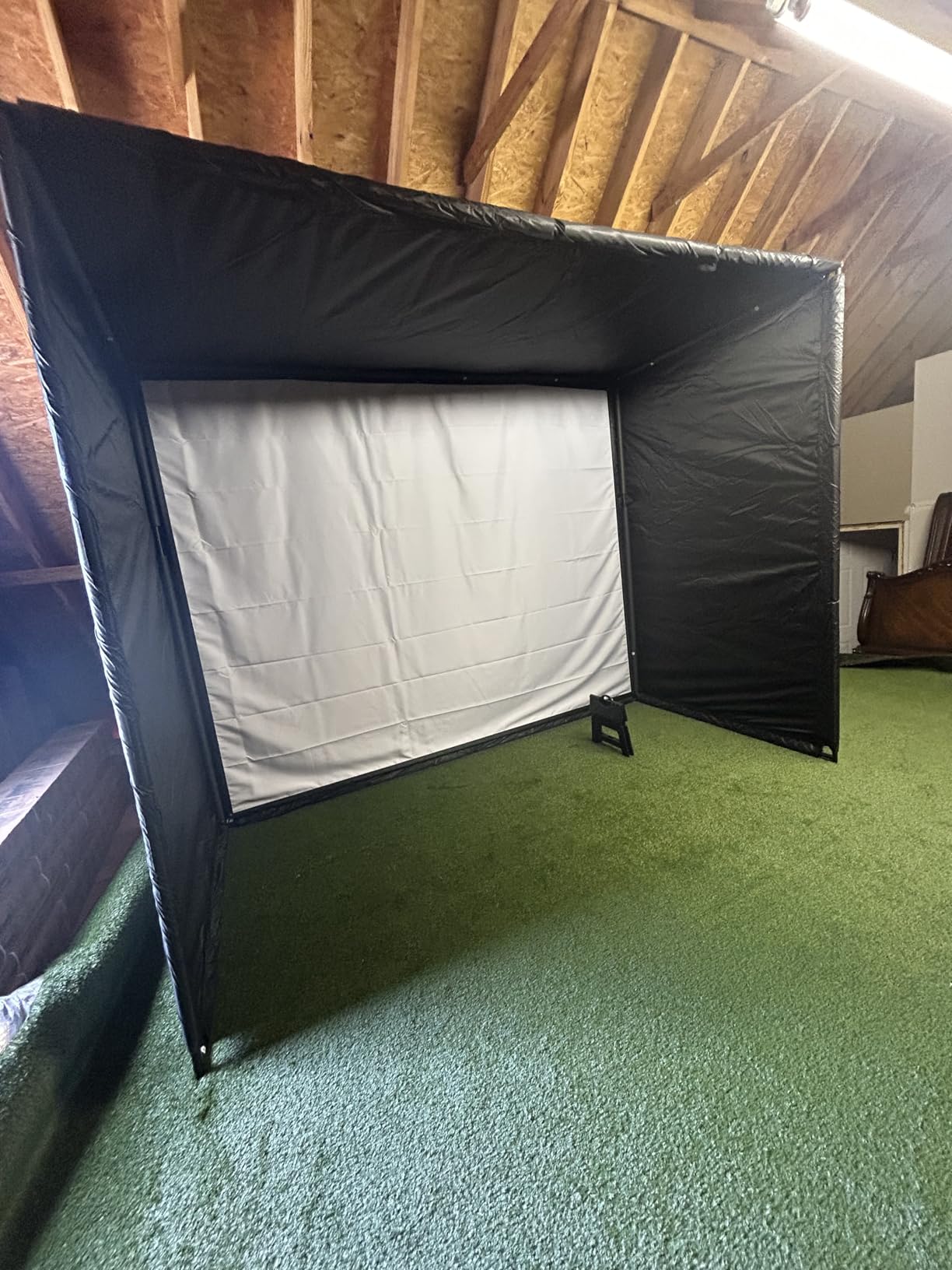
On the range it reports club head speed, ball speed, swing tempo, ball spin and launch angle, and the training mode breaks everything down per club with a dispersion chart. That chart is the reason this unit is worth owning rather than merely renting. Seeing that your 7-iron misses left with a consistent pattern is a different experience from reading a number and walking away.
The catch is the phone. There is no screen on the device itself, so a session means a paired phone, an app, and a bright screen you may struggle to read in direct sun. The video overlay is genuinely good when you can see it, less so when you are squinting.
One more thing to know before you buy: the core range metrics do not need a subscription, but the virtual-round and course-play features do. If you are strictly a range user, you may never touch them. On the MyGolfSpy forum, the R10 sits in the practical consensus cluster of sub-1000 radar units that owners actually keep in the bag, and the recurring theme there is setup speed and reliability rather than data richness.
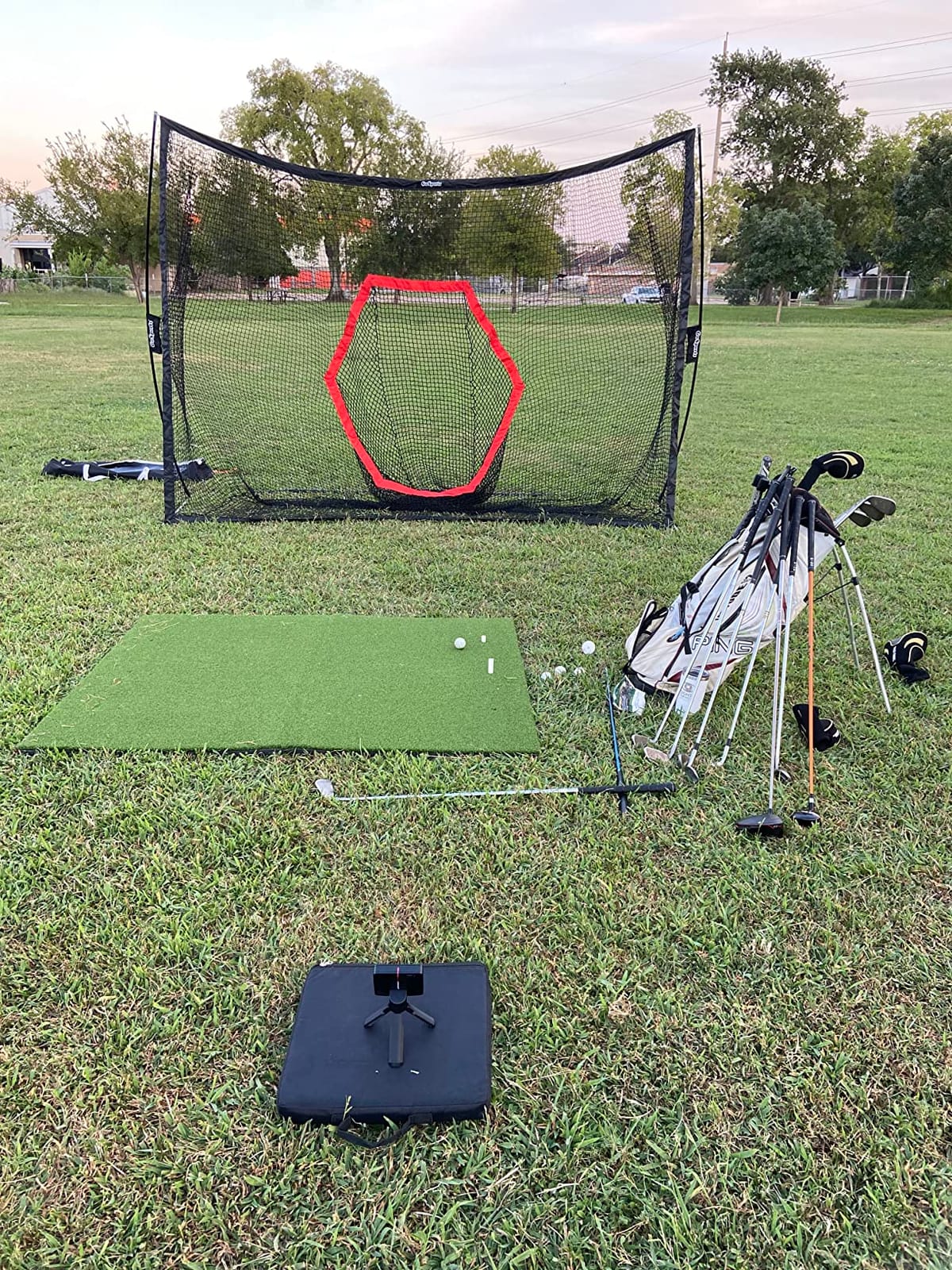
Will it last a full bucket session
Manufacturer claim is up to 10 hours of battery life, and IPX7 water resistance means a sudden downpour or a splash from a wet grass ball is not a crisis. For a 60 to 90 ball session with the phone paired the whole time, the headroom is comfortable. You are not hunting for a charger at ball fifty.
Charging is micro USB, which is dated but not a problem, since a cable is included and a top-up between sessions is straightforward.
Who should skip it
Skip it if you want to hit balls without thinking about your phone, or if you practise at a range where the sun is brutal and you refuse to bring a screen into the light. The Rapsodo MLM2PRO gives you far more data; the PRGR and the Voice Caddie give you far less friction.
2. PRGR HS 130-A – the speed trainer that fits in a pocket
PRGR HS 130-A Portable Golf Launch Monitor | Doppler Radar Measures Club & Ball Speed, Smash Factor, Total & Carry Distance | Tracks Swing Speed Training Aids
Doppler radar
4.9 ounces
AAA powered
135 to 270 yard range
Pros
- Measures club head speed without hitting a ball
- Truly pocket sized at 4.9 ounces
- No app and no account needed at all
- Stores 500 past swings in memory
- Largest review base of any pick at 1776 reviews
Cons
- Reports a narrow metric set with no launch angle
- spin or apex
- Distance measurement only covers 135 to 270 yards so chips and putts are out of range
- Uses disposable AAA batteries rather than a rechargeable pack
The PRGR is the answer to the most common sentence in range launch monitor forums, which is that people want to walk up and hit balls without pairing anything. It is a Doppler radar unit, it runs on two AAA batteries, and it has no app, no Bluetooth, no Wi-Fi and no account. You turn it on, you swing, you read the screen.
It weighs 4.9 ounces and measures about 5.6 inches tall. It goes into a golf bag side pocket and you will forget it is there, which is exactly the point for a range-first buyer.
What it gives you is club head speed, ball speed, smash factor, total distance and carry distance, and it stores 500 past swings in memory. It also has a mode that measures club head speed without a ball at all, which makes it a genuine swing speed trainer rather than a data collector. It is also multi-sport capable for baseball, tennis, soccer and hockey.
Reviewers consistently describe the speed and distance readings as accurate for what the device is, and the design is long-established: this is the most reviewed product in our entire list at 1776 reviews, which means the failure modes are well known rather than mysterious.
Skip it if you want launch angle, spin or apex, or if you plan to work on wedge gapping and partial distances, because the measurement range of 135 to 270 yards simply will not read a short chip. It is a speed and full-swing carry tool, and it is honest about that.
What the numbers actually mean
Smash factor is ball speed divided by club head speed, so a rising smash factor at the same club head speed is usually a strike-quality improvement. The PRGR gives you that ratio directly, which makes it a good first metric for golfers chasing contact rather than gapping.
Club head speed without a ball is the fastest way to see whether a tempo change is doing anything. Ten balls, no ball, full swing, is a drill this device makes possible that almost nothing else at this size does.
Who should skip it
Skip it if your practice is mostly wedges, chips and putts, since the measuring range starts at 135 yards. Also skip it if you want a session log you can review later with dispersion, because a pocket device with no connectivity gives you averages rather than patterns.
3. Rapsodo MLM2PRO – the richest portable data set, once the Wi-Fi behaves
Rapsodo MLM2PRO Mobile Launch Monitor Golf Simulator | 3 Chrome Tour Balls
Radar plus dual cameras
15 measured metrics
3 inch display
16 ounces
Pros
- Radar and dual cameras give data reviewers find within a few percent of high-end units
- Club path measurement at this price tier is unusual and useful
- Multi-angle video and impact view make contact position visible
- Works outdoors and into a net with the included tripod
- Three Callaway RPT Chrome Soft X balls included for repeatable spin reads
Cons
- Shared Wi-Fi connectivity can be unreliable and eats phone battery
- iPhone screens show only three metrics at a time versus six on an iPad
- Short chipping and putting simulation reads poorly
The MLM2PRO is the most capable portable unit here on paper, and largely in practice. It combines Doppler radar with dual cameras and reports 15 measured metrics, including spin rate, spin axis, carry distance, club speed, club path and launch angle. Club path at a portable price point is the feature that most impressed us, because that is a club-data number, not a ball-data number.
It weighs 16 ounces, has a 3 inch screen at 1280 by 800 resolution, and the box includes a tripod, a carrying case, a charging cable and three Callaway RPT Chrome Soft X balls. The included marked balls matter more than they sound, because repeatable spin reads depend on a consistent ball surface.
Owners frequently report data within a few percent of high-end range units, and several describe the radar plus camera combination as the reason. Dual-camera video and the impact view are the features people mention most warmly, because they let you see where the ball contacted the face.
The honest drawback is connectivity. Reviewers report that shared Wi-Fi can be unreliable, while a direct device-to-device connection works better but uses cellular data for third-party apps. Several owners describe a firmware update or an exchange as the fix that made the device work well for them. If you buy this, buy it knowing the first session may involve troubleshooting.
It also ships with a 45-day Premium trial, and the 30,000-plus simulated courses need Premium to access. A pure range user can ignore that entirely and still get spin, launch angle and club path.
Can it handle a shaded or open bay
Because radar is doing the primary measurement and the cameras are adding detail, the unit holds up outdoors better than pure camera systems. It is not a device you would want to blind into midday sun and expect the camera side to contribute much, but the numbers you came for do not depend on the cameras.
Watch the phone, though. It draws power hard during a session, and on an iPhone you get three metrics on screen at a time. If you are reviewing data between blocks of shots, an iPad is meaningfully better.
Who should skip it
Skip it if you plan to work on chipping and putting, because the short-game simulation reads poorly. Also skip it if you want zero screen time and zero troubleshooting before the first shot.
4. Voice Caddie SC200Plus – the longest battery and no phone required
Voice Caddie SC200Plus Portable Golf Launch Monitor and Swing Analyzer with Real-Time Shot Data Tracking – 12-Hour Battery Life
Doppler radar
20 hour battery
built-in LCD and voice
8 ounces
Pros
- Built-in LCD and voice output need no phone or app
- Up to 20 hours of battery life per charge
- Swing speed mode works without a ball for indoor tempo practice
- Adjustable loft angles broaden the range of simulated clubs
- Stores shot data and per-club averages for later review
Cons
- Limited metric set with no ball spin or apex data
- Accuracy is a step below the higher-end radar and camera units
- Older design with no Bluetooth or smart device connectivity
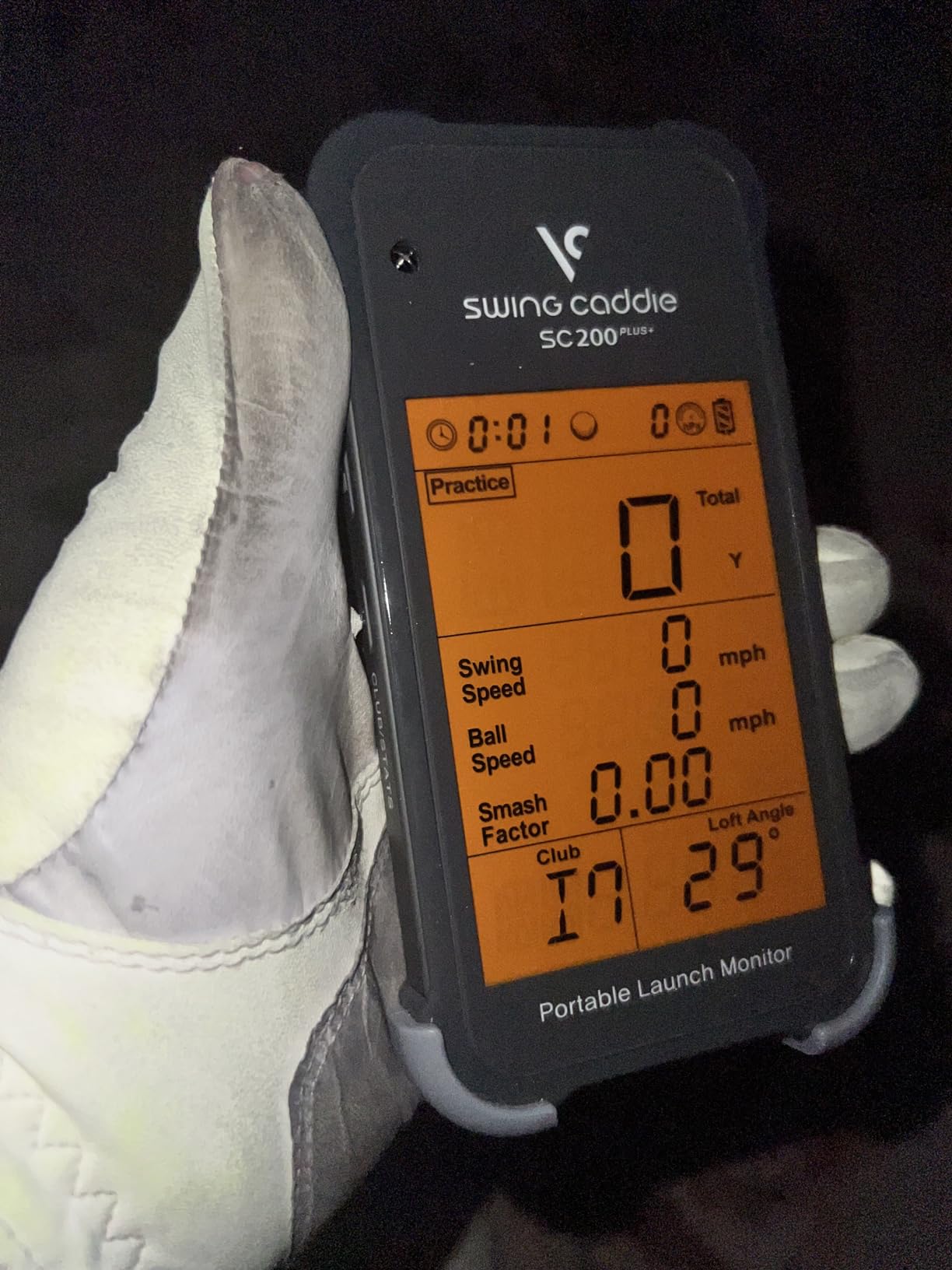
The Voice Caddie is the most hands-off device in this roundup. It uses Doppler radar with atmospheric pressure calibration sensors, has a built-in LCD and speaks your results out loud, and it does not care whether your phone is in your bag or dead. At a range, where your hands are busy and the light is bad, voice feedback is genuinely more usable than a screen.
Battery life is listed at up to 20 hours, the longest claim of any unit here. That means a full bucket, a long warm-up, and a second session on one charge with room to spare.
It weighs 8 ounces and has a swing speed mode that works without a ball, plus adjustable loft angles so you can simulate different clubs rather than the unit pretending to know which club you grabbed. It stores shot data and per-club averages for review later, and there is a remote included.
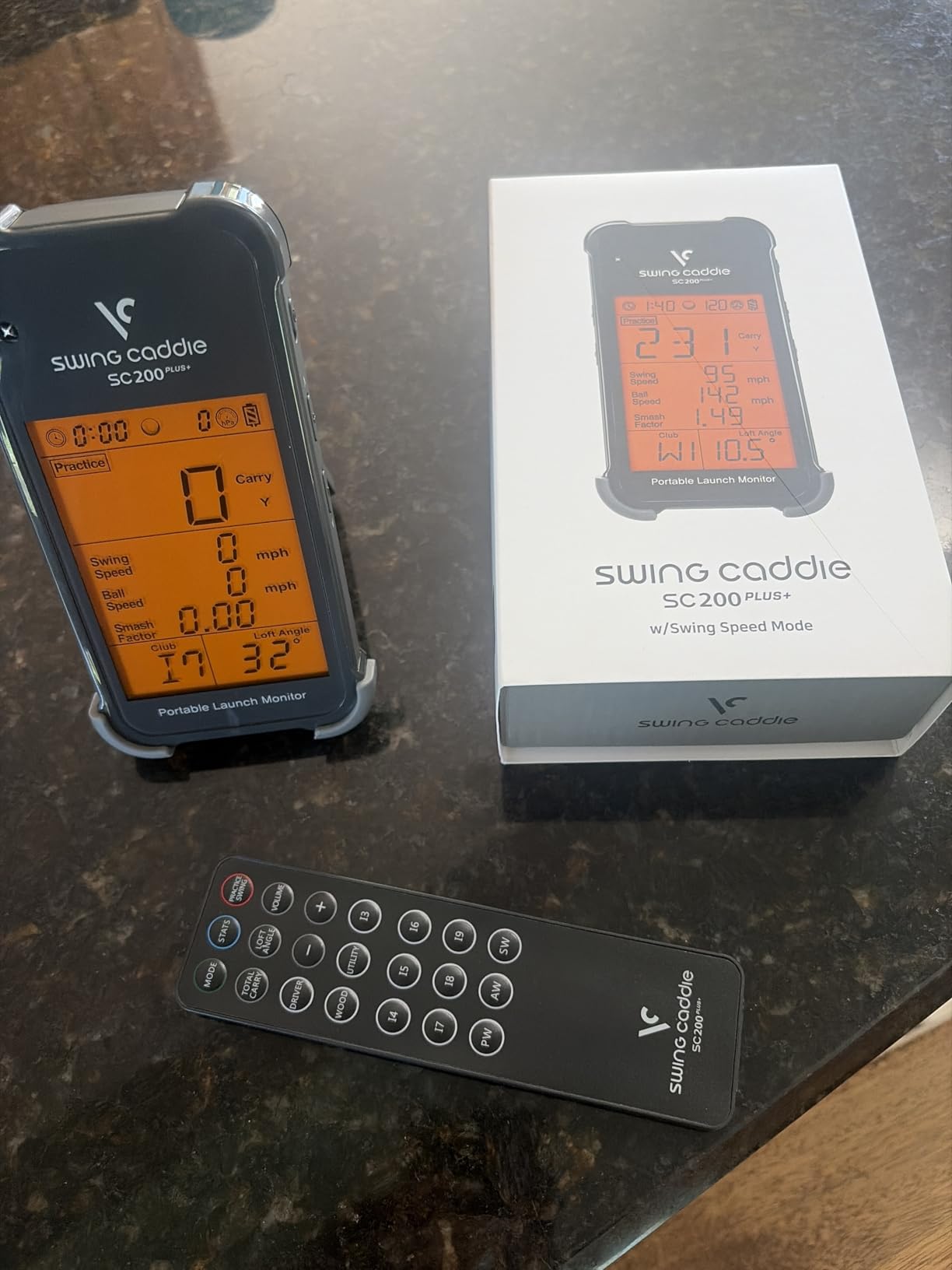
The compromise is data depth. It gives you speed, smash, carry and tempo, but no ball spin, launch angle or apex, and reviewers consistently place its accuracy a step below the higher-end radar and camera units. This is an older design with no Bluetooth and no smart device connectivity, which means the session log stays on the device.
What barometric calibration buys you
The pressure calibration sensors adjust readings for atmospheric conditions, which matters more at an open range than most people assume. Altitude, temperature and pressure all shift how far a ball actually flies, and a unit that compensates for them gives you a more honest carry number on a hot, high, thin-air day.
Compare that with a bare speed trainer that assumes standard conditions. Over a bucket of balls the difference shows up as drift rather than as one wrong number, which is harder to notice and easier to be fooled by.
Who should skip it
Skip it if you want to review your session later on a big screen, or if you need spin and launch data to fix a specific miss. Also skip it if you want to log rounds on course, since there is no connectivity to do it with.
5. Garmin Approach G80 – course maps and a radar unit in one handheld
Garmin Approach G80, All-in-One Premium GPS Golf Handheld with Integrated Launch Monitor, 3.5″ Touchscreen
Radar launch monitor
41000 preloaded courses
3.5 inch screen
15 hours
Pros
- Full colour GPS handheld and a working launch monitor in one device
- Transflective screen stays readable in direct sunlight
- 41000-plus preloaded course maps make it a genuine on-course companion
- Up to 15 hours of battery life in GPS mode
Cons
- Radar gives speed and distance only with no spin or launch angle
- Automatic club tracking needs separate Approach CT10 sensors
- The 3.5 inch screen is small next to newer 5 inch Garmin handhelds
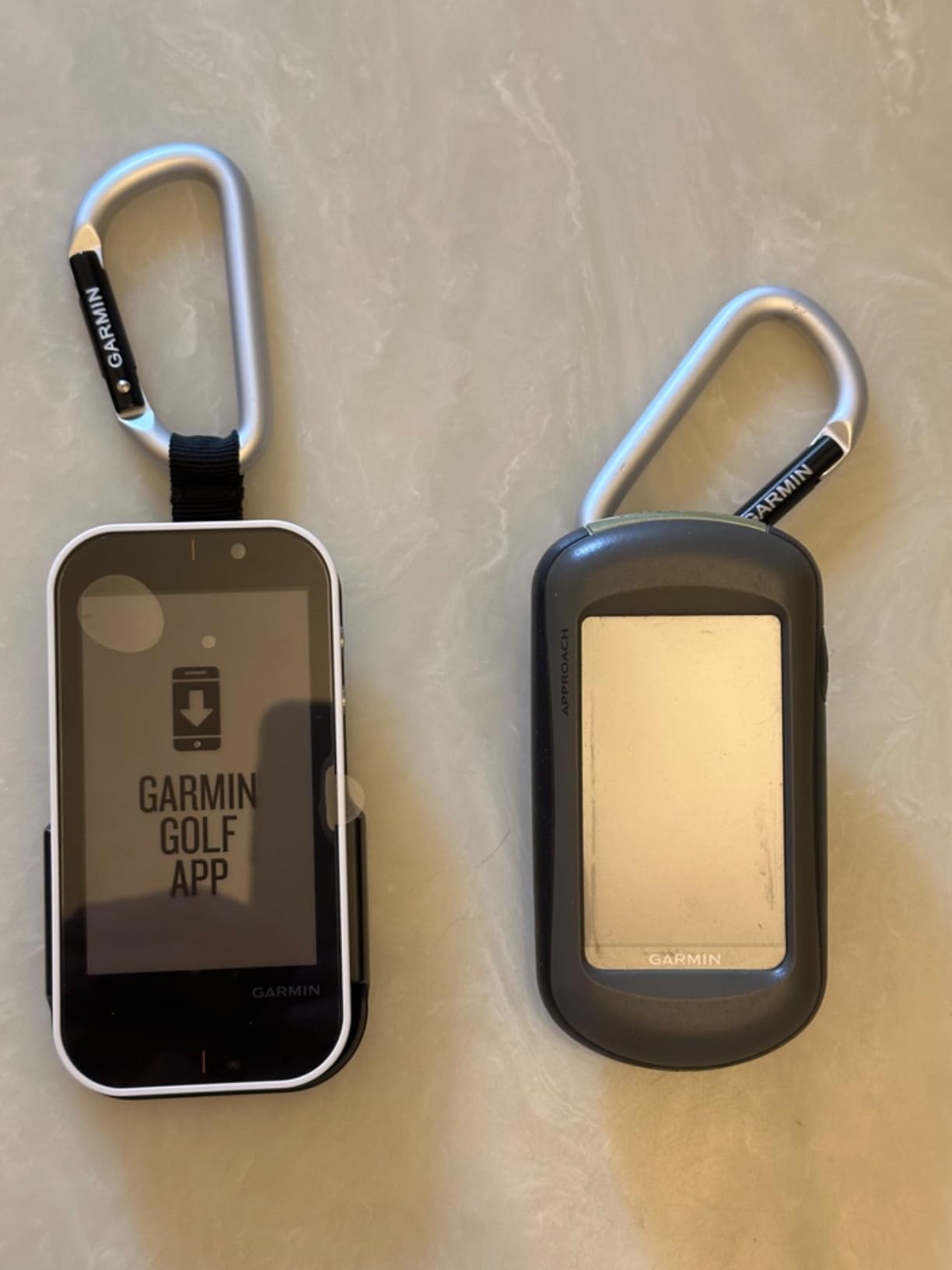
The G80 answers a different question than the rest of this list. If your range time and your on-course time are connected, this is a handheld first and a launch monitor second, and the 41,000-plus preloaded colour course maps are the reason to buy it.
It has a 3.5 inch transflective colour TFT touchscreen at 282 by 470 resolution. Transflective matters at a range, because that type of screen is sunlight readable rather than merely bright. Many owners who carry it on course say the same thing: it stays legible on a bright day without cranking the backlight.
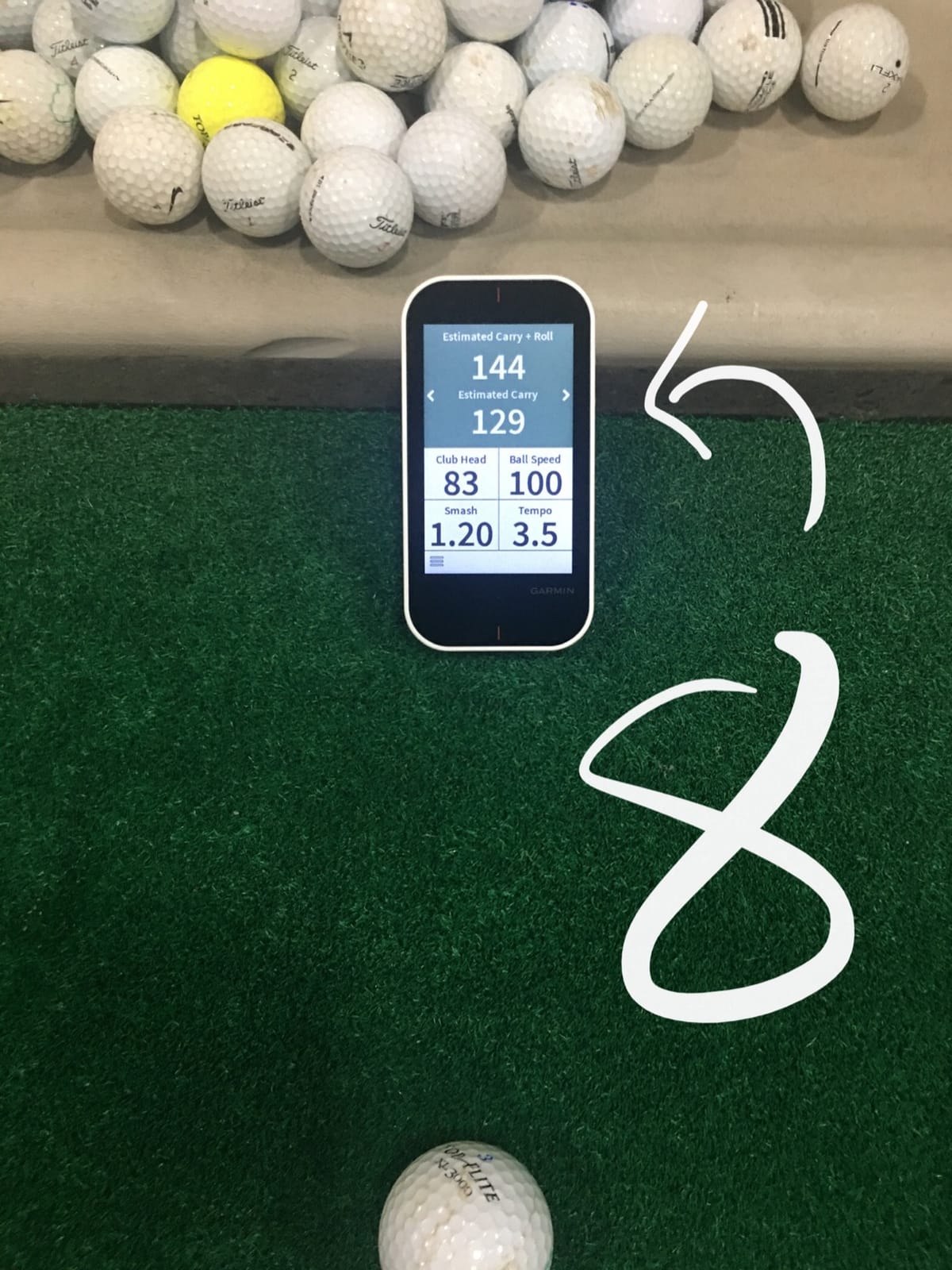
The integrated radar tracks club head speed, ball speed, smash factor, swing tempo and estimated distance, and a quick button gives you access to the radar without digging through menus. Battery life is listed at up to 15 hours in GPS mode, and it weighs 4.16 ounces with a trolley or cart mount and a carabiner included.
What it cannot do is measure spin. Every complaint in the reviews comes back to the same ceiling: this is a speed-and-distance radar unit. If you want launch angle or club path, the Rapsodo is the pick. If you want a golf handheld that happens to also track your swings, this is a strong combined value.
Is it good for wedge gapping
For wedge gapping it is adequate rather than strong, since estimated distance without launch angle means you can see the gap but not why it exists. What it does offer is the ability to set up on a range, check distances, and then take the same device onto the course and check those distances again in context.
That round trip is the real advantage. Most of these units are range tools that you leave at home. The G80 is the one you can carry to both ends of the practice loop.
Who should skip it
Skip it if your practice is entirely at a range and you have no use for course maps, because you would be paying for a GPS you never open. Also skip it if you want spin data or automatic club tracking without buying extra sensors.
6. TheStack Radar – built for speed work, not for launch data
TheStack™ Radar – Portable Golf Launch Monitor, Swing Speed & Ball Tracker
Radar speed tracker
0.12 kg
Bluetooth app
iOS and Android
Pros
- Highest average rating in this roundup at 4.6 stars
- Purpose built for speed training alongside wedge and putting practice apps
- Compact enough to carry every round and use on the course as well as the range
- Bluetooth app sends speed data to the phone automatically
Cons
- Narrow metric set limited to speed
- smash factor and estimated carry
- Stack Wedging requires an Apple device and is not yet on Android
- Carry distance is estimated rather than measured
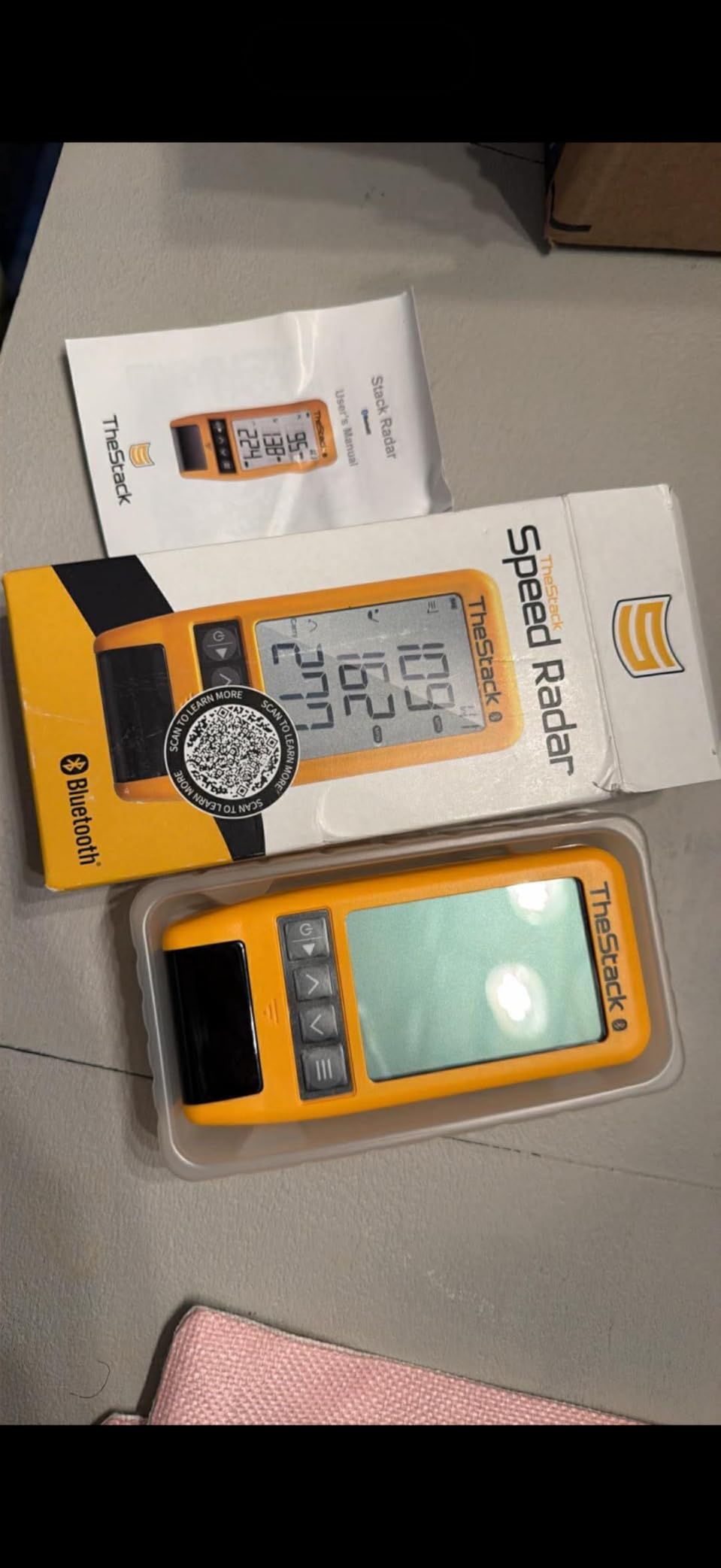
The Stack Radar is the smallest thing in this roundup at 0.12 kg, and it does the least in terms of metrics. It measures swing speed and ball speed, then calculates smash factor and an estimated carry distance. That is the whole data set, and I want to be clear about it before anyone buys it for the wrong reason.
What makes it interesting is the training ecosystem. It connects by Bluetooth to TheStack App, which includes a Stack Wedging app and a bundled Stack Putting guided practice app, with a one-month free trial of Wedge Mode included. TheStack is built around speed work, and the Radar is its measurement layer.
Reviewers are unusually positive here. The recurring description is a specialised speed-training and wedge-practice tool rather than a general-purpose launch monitor, and owners are happy with the accuracy for that specific purpose.
Two things to know. The carry figure is calculated rather than measured, which means it is an estimate dressed as a distance, and golfers who are sceptical about algorithm-derived distance should treat it accordingly. And Stack Wedging requires iOS 15 or later, with the Android version not yet available, which narrows who can use the best of the software.

How it fits a speed-focused session
The use case is narrow and good: hit balls, watch the speed number climb as you fix delivery, use the swing-only mode for ball-free work, and keep the whole thing in one pocket for the round afterwards. It is a training aid with a radar in it, not a launch monitor with a training app.
It was first listed a couple of years ago, so it is a newer design, and it is the highest rated product in this roundup by a clear margin, which suggests the niche it serves is well matched to the device.
Who should skip it
Skip it if you want measured spin, launch angle or club data, and skip it if you are on Android and want the wedge app. If you want a full data set for a range session, this is the wrong tool and the Rapsodo is the right one.
7. FlightScope Mevo Gen2 – 18 parameters and no subscription
FlightScope Mevo Gen2 Portable Golf Launch Monitor and Simulator with 18 Swing Data Parameters, Front Facing Camera, 8 E6 Simulation Courses with GPS Overview and Shot Tracer | Indoor and Outdoor
3D radar plus image processing
18 parameters
6 hour battery
1.1 pounds
Pros
- Fusion Tracking combines 3D Doppler radar with high speed image processing
- Eighteen data parameters covering full swing and chipping and putting
- No subscription or licence fees with eight E6 courses included for life
- Shot tracer and multi camera video give detailed swing review
Cons
- Initial setup and tablet connection can be difficult and required support on several units
- Some simulated courses need a stronger GPU than the minimum spec
- Six hour battery is modest for a long day at a large facility
The Mevo Gen2 is the only unit here that reports 18 parameters and includes simulator software for life. FlightScope calls the system Fusion Tracking, combining 3D Doppler radar with synchronized high-speed image processing, and the result is a data set that covers full swing, chipping and putting rather than just the long clubs.
The subscription answer is the headline for range users. Eight E6 Connect courses are included with lifetime ownership, with no subscription or annual licence fees. For a golfer who practises at a range and has no interest in a home simulator, that removes the single most common objection in this entire category.
It has a front-facing internal camera plus multi-cam support for up to three mobile devices, and a 3D shot tracer animation rendered into swing video. A range ball setting is included specifically to improve accuracy at a driving range with real range balls, which is a detail that only shows up on products whose makers have thought about the range use case.
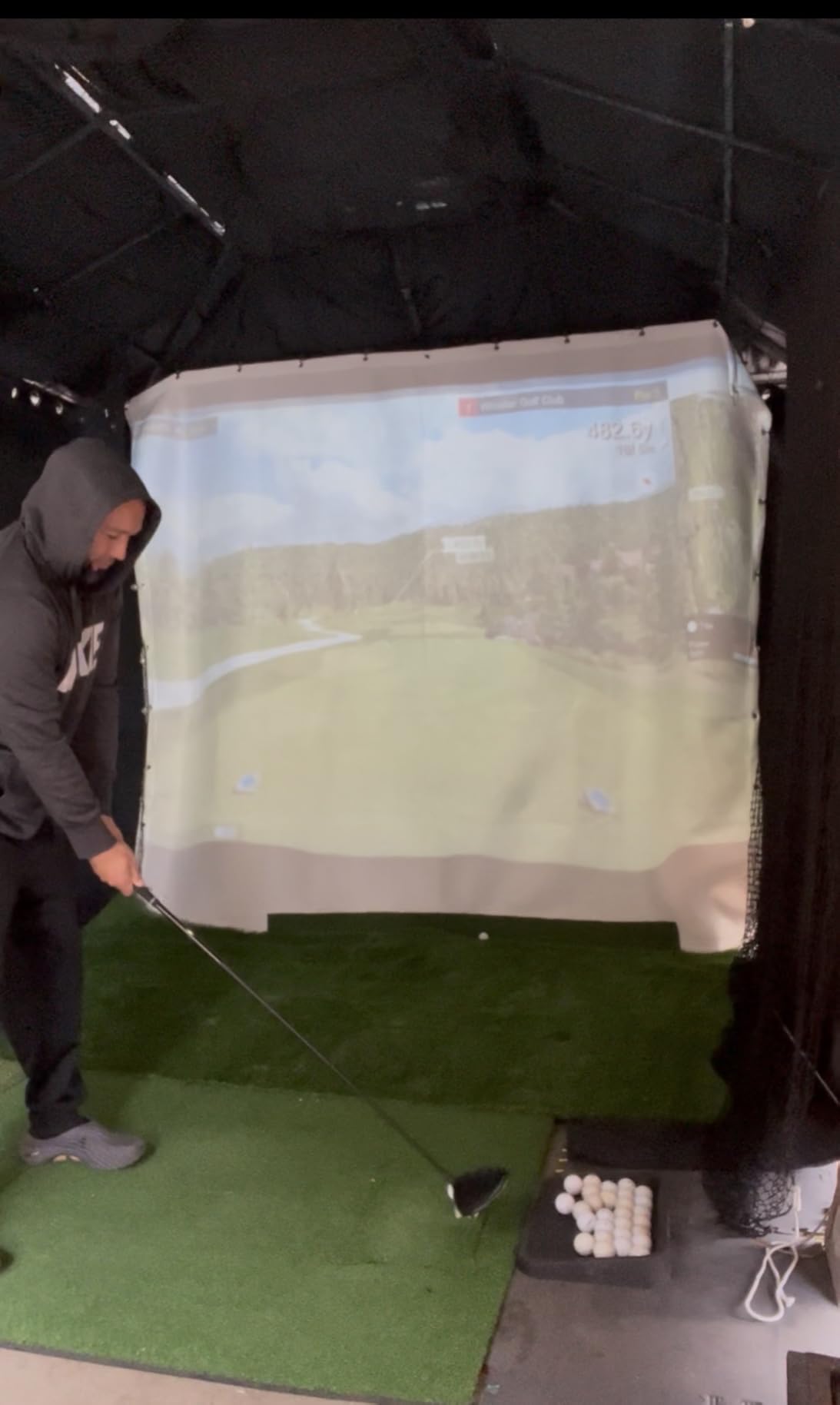
Setup is the weak point, and community consensus is clear about it. In the r/Golfsimulator thread, a user described the Mevo Gen2 as the easiest to set up of the units listed, while also noting it provides fewer data points but is more portable. others report that initial setup and tablet connection were difficult enough to require support on several units. With only 31 reviews, the long-term picture is still forming.
Battery against a full session
Six hours is the weakest battery claim among the mid-tier units, and it is the first thing to check against your session length. A single bucket with warm-up fits comfortably. A large facility where you move between bays for three hours, then hit another two, does not.
Because it is a camera-assisted system as well as a radar system, the strength of the radar contribution is what carries the outdoor performance. The image processing adds detail where the light cooperates.
Who should skip it
Skip it if you are impatient with setup or expect every unit to connect to a tablet on the first attempt. Also skip it if you plan marathon sessions, and be aware that some of the included E6 courses need a stronger graphics card than the stated minimum.
8. Uneekor EYE MINI CORE – a read-rate machine that must stay plugged in
Uneekor EYE MINI CORE Golf Launch Monitor & Simulator, 15 Ball Data Points, Near-Zero Latency, Works with GSPro, TGC19 & E6
High speed cameras and infrared
reads any ball
15 data points
8.4 pounds
Pros
- Very high read rate with owners reporting zero misreads over 1000 full swing shots
- All metal build feels far more rigid than plastic bodied competitors
- Reads any dimple pattern with no ball stickers required
- Works with GSPro and E6 Connect and TGC19
Cons
- Club data is not included and must be added separately via Swing Optix
- Third party software such as GSPro carries a separate annual subscription
- Must stay plugged in with a hardwired ethernet connection so it is not a portable unit
I am including this one as a boundary case, because the honesty is more useful than the recommendation. The Uneekor EYE MINI CORE is arguably the most accurate reading machine in this roundup, and it is not a portable launch monitor at all. It weighs 8.4 pounds, measures 6.5 by 3.38 by 13.9 inches, and it requires a power cable and a hardwired ethernet connection.
What it does exceptionally well is read the ball. It uses Dimple Optix high speed cameras plus infrared sensors for near-zero latency, and owners report zero misreads over 1,000 full swing shots. It also reads any dimple pattern, so you can hit cheap practice balls rather than marked ones. That alone removes a real cost and a real annoyance at a range.
It provides 15 ball data points in the included VIEW software with session reports, and it works with the major third party simulator suites. The build is all metal, with a two-year warranty, and owners report the difference in rigidity immediately.
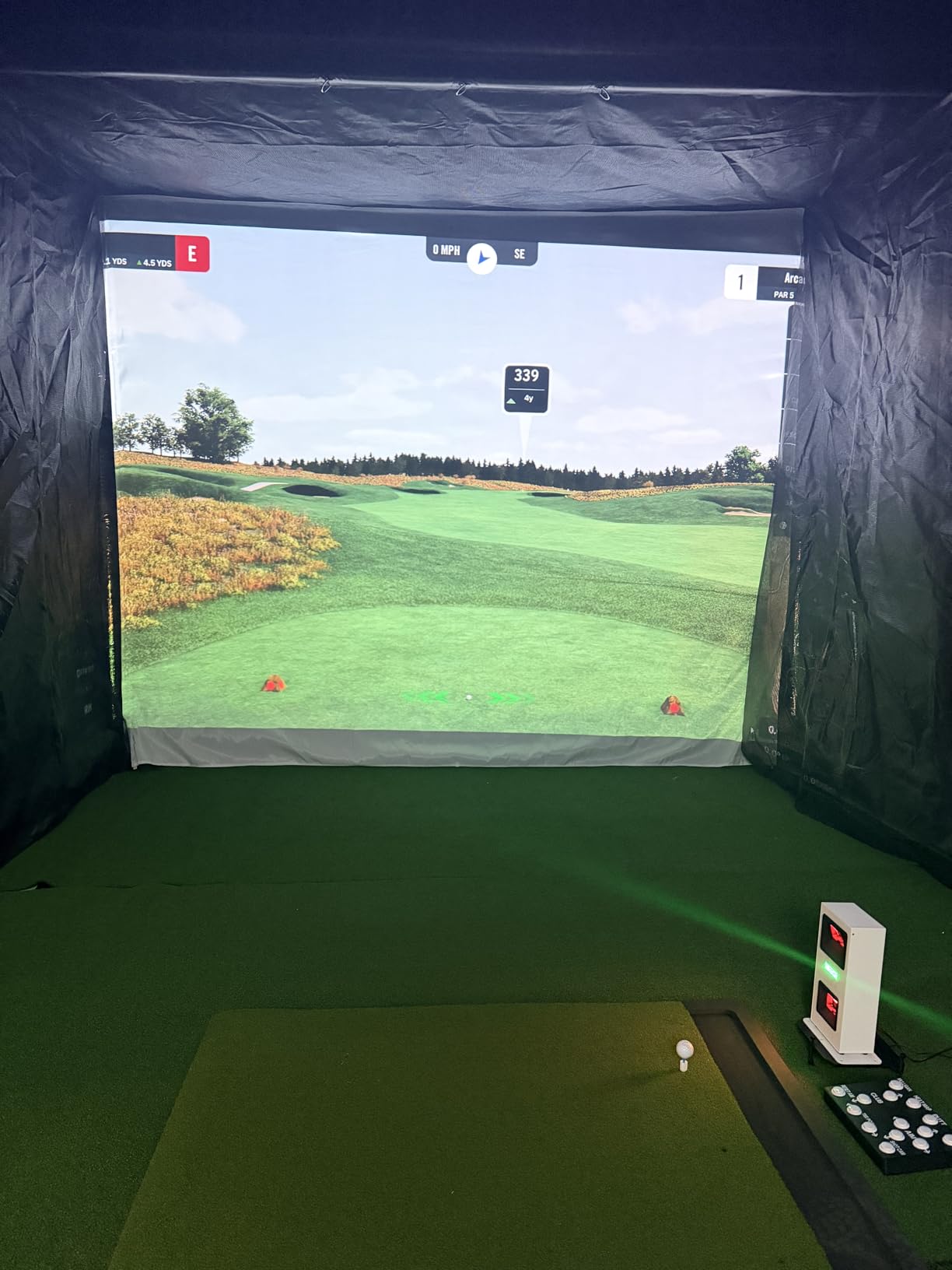
The dealbreakers are clear. Club data, meaning swing speed, swing direction and face-to-path, is not included at this level and must be added through the paid Swing Optix upgrade. GSPro carries its own annual subscription. And it needs a PC with a dedicated GPU, which means you have built a bay, not bought a range accessory.
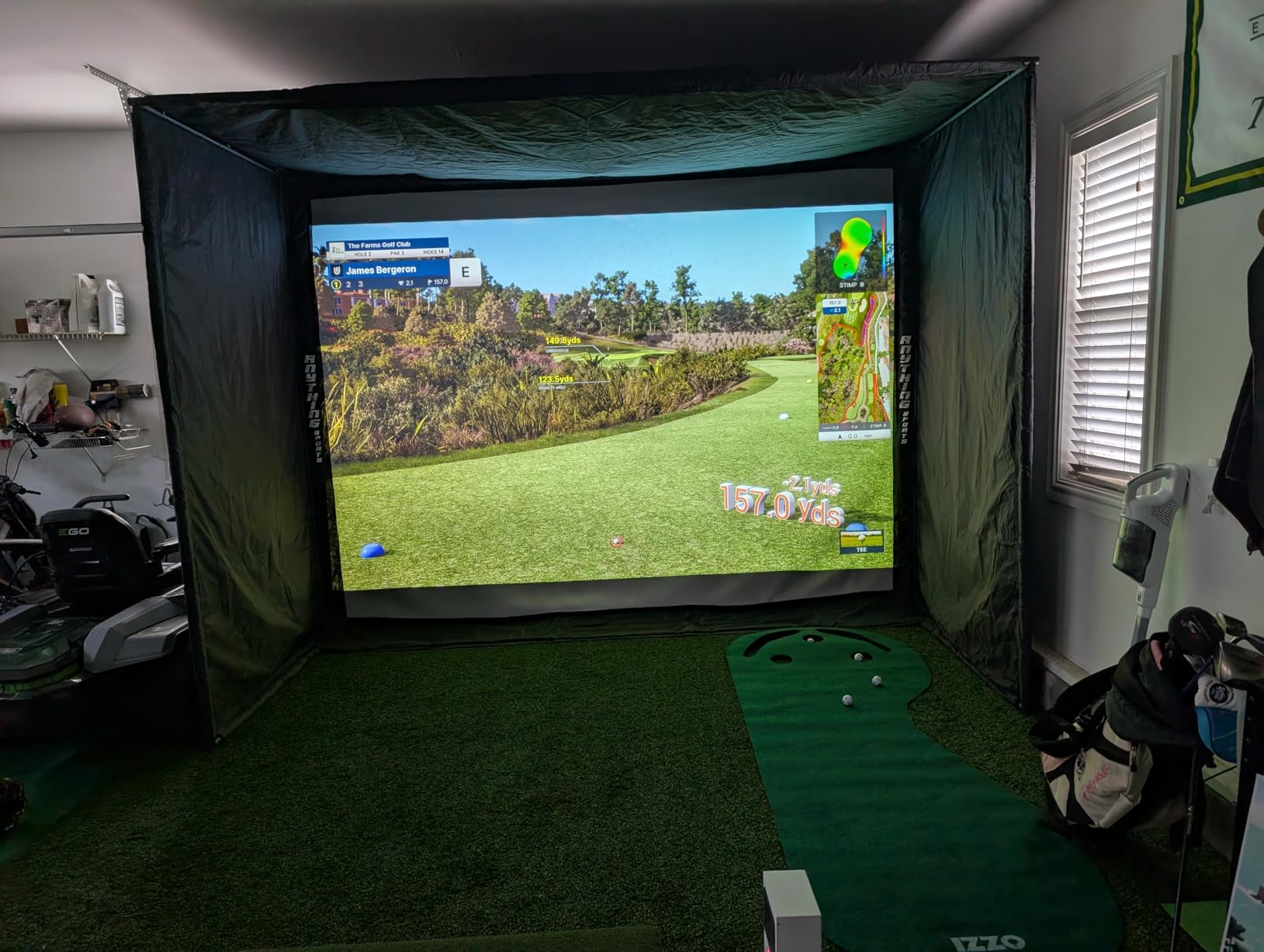
Why the read rate matters anyway
Even if you never buy this, the read rate is the benchmark other units are measured against. A missed shot is not a small annoyance, because it is a shot you paid for in balls and got no information from, and it breaks the rhythm of a session.
Missed and ghost shot rates are usually reported in lab conditions. At a real range, with real balls, in real light, a low read rate is the difference between a useful session and a frustrating one.
Who should skip it
Skip it if you want to carry it to a range, which is most people reading this. It is a bay machine. If you have built a garage setup with a strong PC and want the cleanest ball data available, this is the right conversation instead.
9. Garmin Approach G82 – the newest Garmin and the smallest review base
Garmin Approach® G82, Portable Golf Launch Monitor & Premium GPS Handheld
5 inch touchscreen
radar with bag mapping
25 hours GPS mode
10.9 ounces
Pros
- Modern 5 inch high resolution touchscreen with 43000-plus preloaded courses
- Working radar launch monitor for ball speed and smash factor and tempo
- Bag mapping at the range feeds the virtual caddie on course
- Up to 25 hours of battery life in GPS mode
Cons
- Radar measures speed and smash only with no spin or launch angle
- Green contour data and aerial imagery need a separate Garmin Golf membership
- Newer model with a still small review base and less proven long term reliability
The G82 is the successor to the G80 in spirit and a big step up in screen. It has a 5 inch high-resolution touchscreen with more than 43,000 preloaded courses, and the same kind of radar measuring ball speed, club speed, smash factor and swing tempo. At 10.9 ounces it is still a handheld you can carry without thinking about it.
Its distinctive feature is bag mapping. You can map your clubs at the range and the data feeds into the virtual caddie, which means the practice session and the round share one set of numbers. For golfers who are actively trying to change their club selection, that link is the whole point.
It also adds putting metrics, covering stroke length, tempo, club and ball speed, which is an unusual addition in a range-focused unit. Battery life is listed at up to 25 hours in GPS mode and up to 8 hours in radar mode, so a full day is realistic.
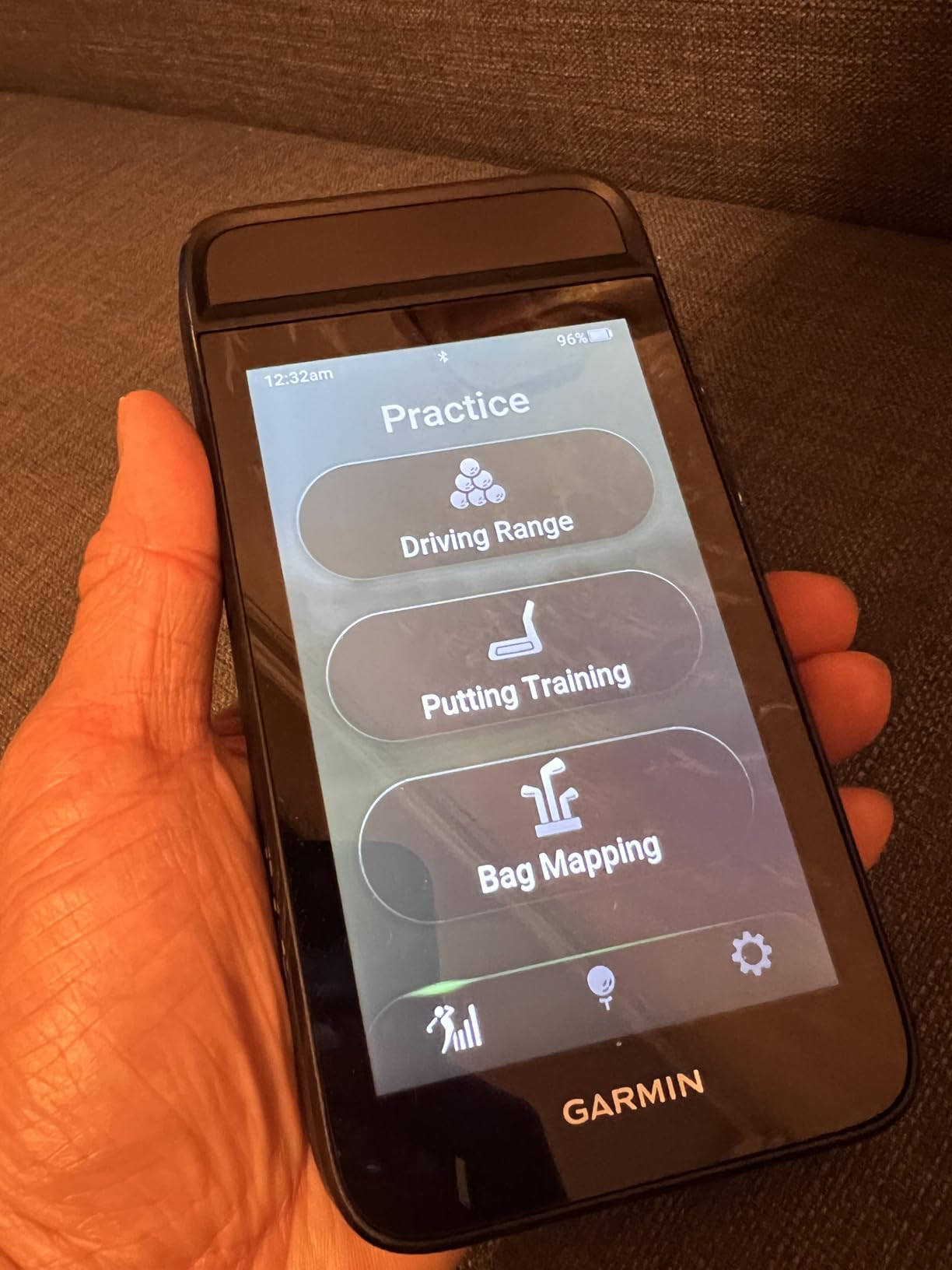
The limitations are shared with every Garmin radar unit in this roundup: speed and smash, no spin, no launch angle, no apex. Green contour data and aerial imagery need a Garmin Golf membership, and automatic shot tracking needs Approach CT10 sensors sold separately. The 26-review base is small and the model is recent, so most of the signal is first-hand owner feedback rather than a long history.
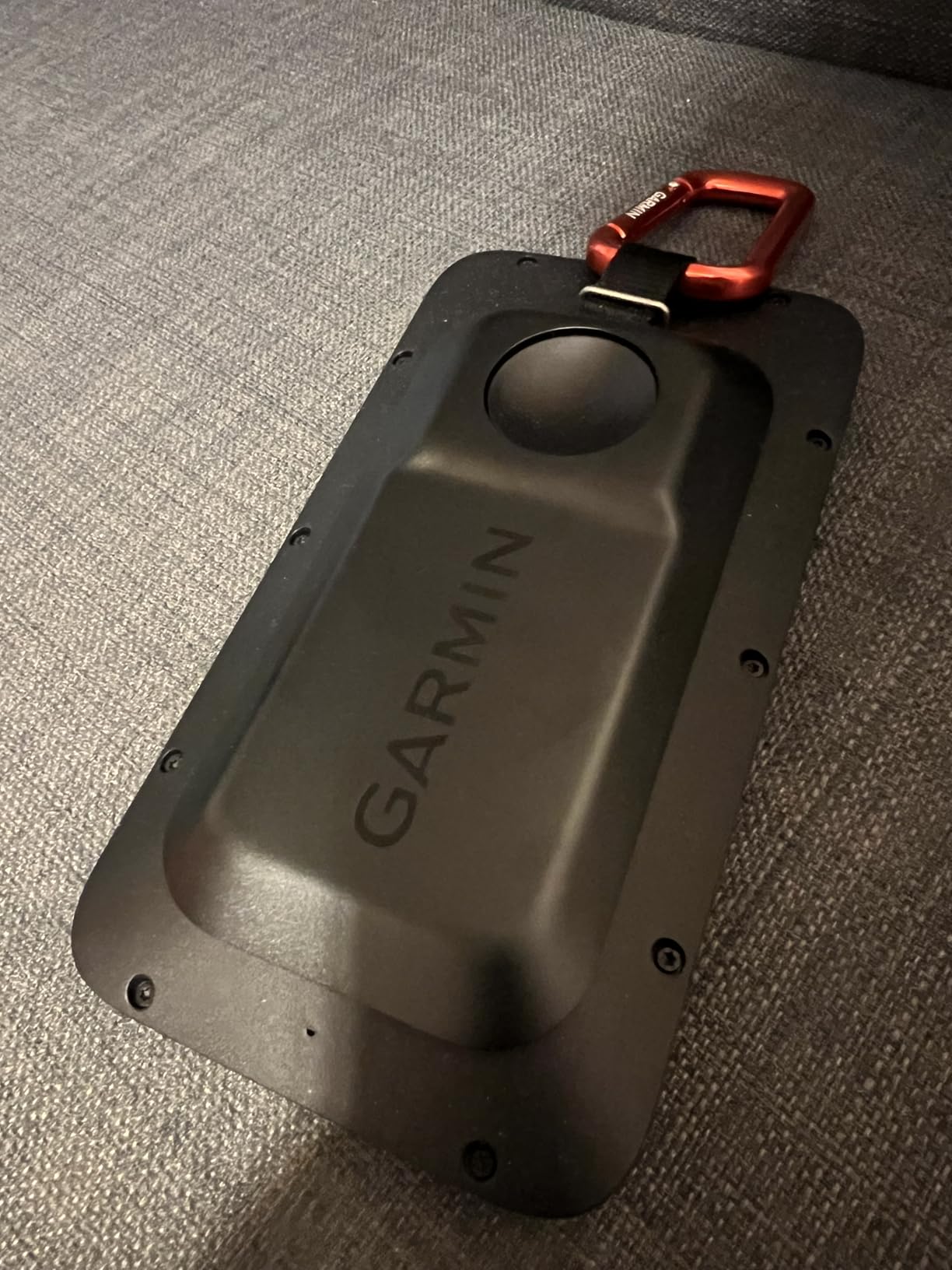
Range session versus round day
The 8 hours of radar-mode battery is the number to plan around, not the 25-hour GPS figure. For a bucket session plus a round, that is comfortable. For a multi-day trip without a charger, bring a cable.
What you gain over the G80 is screen size, course count and bag mapping. What you give up is the older unit’s longer track record.
Who should skip it
Skip it if you need launch data of any kind. Also consider waiting or buying the older G80 if a proven track record matters to you more than the newer screen, because the review base here is thin.
10. TAGCMC GX-10 – broad metrics and no subscription, after calibration
Golf Launch Monitor & Portable Simulator, Tracks 13+ Metrics Swing Analysis
Spin rate and attack angle
environmental auto correction
no subscription
1.4 pounds
Pros
- Broad metric set with spin rate and spin axis and attack angle and launch angle
- Built in temperature and humidity and barometric sensors auto adjust shot data
- No subscription required and the app features are included
- Adjustable sensitivity lets you calibrate against a known good monitor
Cons
- Out of the box speed readings can run high until sensitivity is dialled in
- Some devices have connection and charging problems straight out of the box
- Simulated greens and course environments are less developed than established platforms
The GX-10 is the specification sheet that looks too good: spin rate, spin axis, swing speed, attack angle and launch angle, with no subscription, at a budget price point. The environmental sensors are the genuinely interesting part, since built-in temperature, humidity and barometric pressure sensing auto-corrects shot data for conditions.
At a range in summer heat, that is not a gimmick. Readings that drift with temperature are exactly the complaint golfers raise about cheaper devices, and having the unit compensate in software is a direct answer to it.
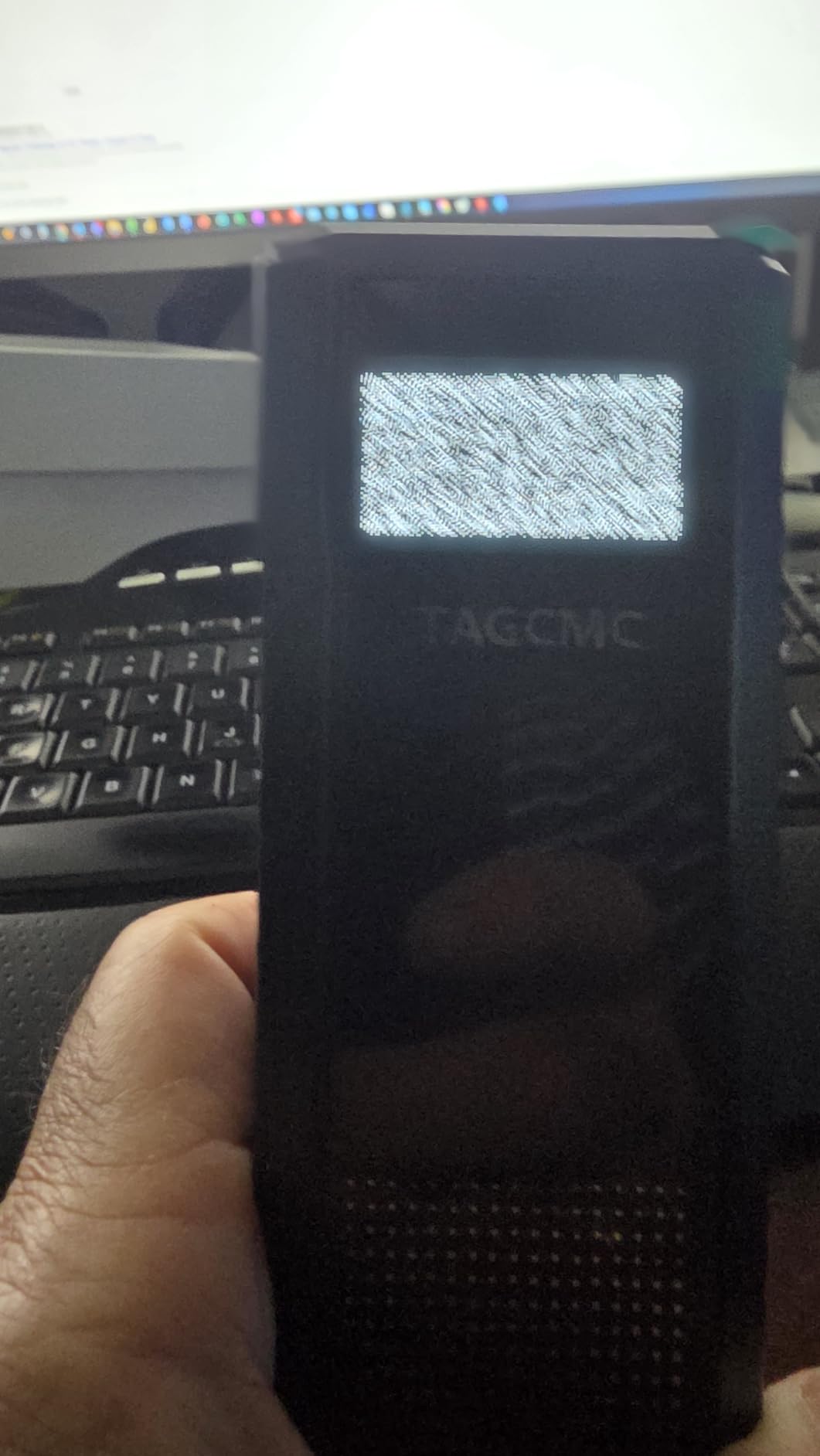
The catch is calibration, and owners are candid about it. Out-of-the-box speed readings can run high, and the common fix is to compare against a known-good monitor and dial the sensitivity down to roughly 93 or 94 percent. That process is real work, and it needs a second device to do properly.
There are also early connection and charging problems reported, and the simulated course environments are less developed than established simulator platforms. The model is recent with 94 reviews, so the long-term reliability picture is thin. The app supports iOS 11 and later, Android 11 and later, and HarmonyOS 4.0 and later, which is unusually broad.
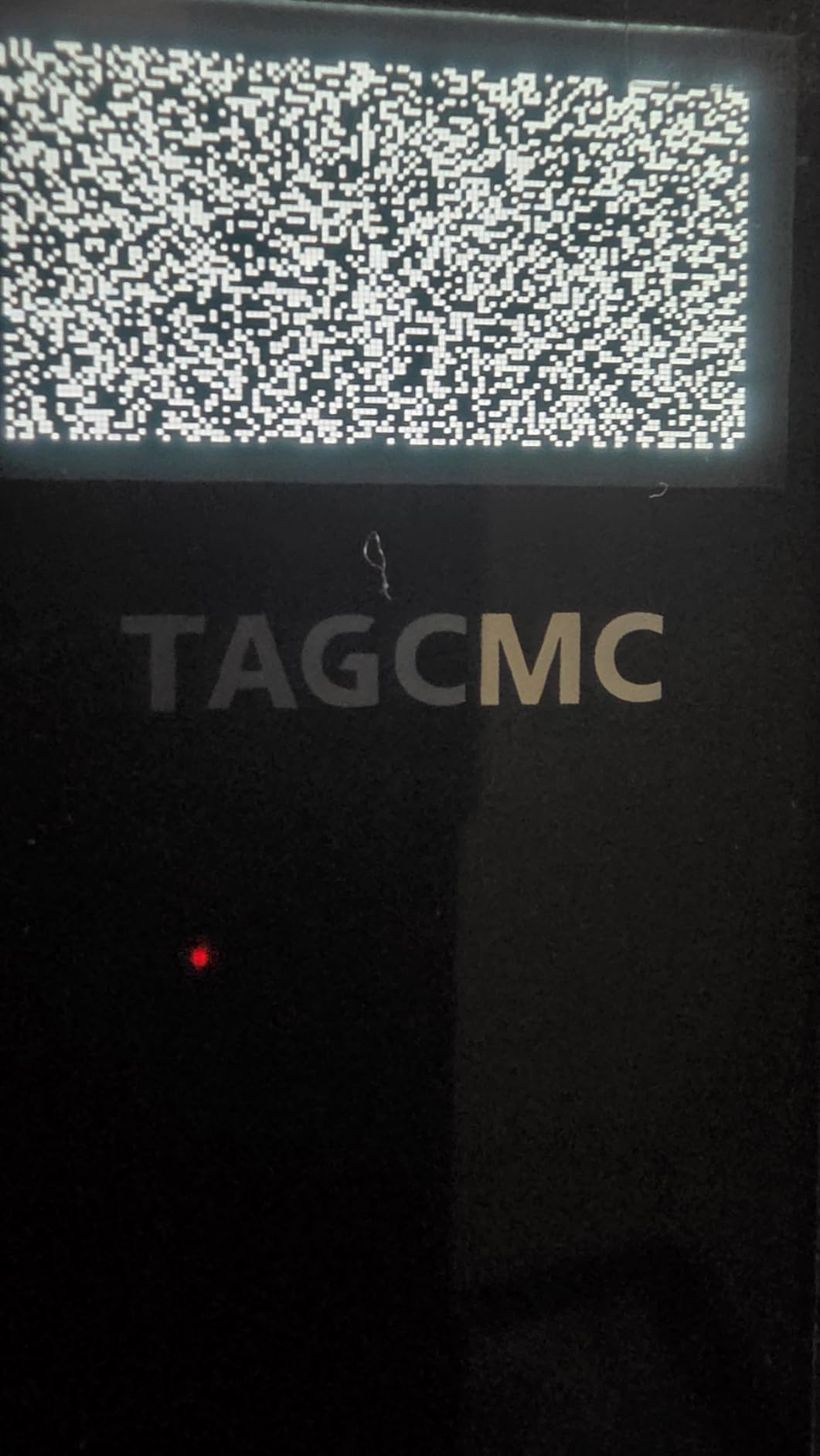
Does no subscription actually matter at a range
Yes, and this is the strongest argument for it. If you are going to use the core metrics and never open a virtual course, a subscription is pure cost. The GX-10 includes the app and simulation features with no recurring fee, and so does the FlightScope Mevo Gen2 with its eight lifetime E6 courses.
The community complaint about recurring software tiers is aimed at simulator users. Range-only buyers should simply avoid the products where the paywall touches data you actually need.
Who should skip it
Skip it if you want readings you can trust on the first session without calibrating against another monitor. Also skip it if you want a mature software ecosystem or virtual courses with real graphics.
How to Pick a Portable Launch Monitor for Range Sessions
Ten devices, four axes, and only three or four of them will suit how you actually practise. Here is how to narrow the list without reading another spec sheet.
What actually makes a launch monitor range-portable
Five criteria, in order of importance for outdoor use. First, a battery that outlasts a full bucket session, because a mid-session death costs you the rest of your practice. Second, sunlight tolerance, which almost always means radar. Third, no permanent mounting and no power outlet. Fourth, app-based rather than PC-based, so you are not carrying a computer to the range. Fifth, a physical size and weight that fits a golf bag without dominating it.
Anything that fails the first two is not a range monitor, whatever else it does well.
Radar versus camera versus hybrid in real light
Radar units emit a microwave beam and measure the Doppler shift of the returning signal to derive ball speed, carry distance and launch angle. That works in any lighting, which is why every radar pick here performs in open sun, but radar alone cannot see spin.
Camera units film the ball at impact with high-speed cameras to measure spin and club data directly. That is more detailed, and it needs controlled lighting. Community reporting is consistent that camera units work in shade or covered stalls but struggle at an open range at noon.
Hybrid units, like the Rapsodo MLM2PRO and the FlightScope Mevo Gen2, do both, which is why they give the richest data with the widest range of working conditions.
Will the battery survive your session
Do the arithmetic rather than reading the claim. A 60 to 90 ball session with warm-up is easily 90 minutes to two hours. Add pairing, video recording and a phone screen at full brightness and you are asking a great deal of a small battery.
The R10 at up to 10 hours, the Voice Caddie at up to 20 hours and the G82 at up to 8 hours in radar mode are the comfortable ones. The Mevo Gen2 at 6 hours is the one to check against your actual session length. The PRGR sidesteps the question entirely with disposable AAA batteries, which is either the best or worst battery design at a range depending on how you feel about carrying spares.
How to handle the subscription question
Work out whether you will ever open a virtual course. Most range-only golfers will not, and for them the subscription is dead weight.
No subscription at all: the FlightScope Mevo Gen2 with eight E6 courses included for life, and the TAGCMC GX-10 with the app and simulation features included.
Subscription touches simulation only, not core range metrics: the R10 and the MLM2PRO, which both include a trial period. That is an acceptable arrangement for a range buyer, since the data you need stays free.
What accuracy claims are worth believing
Check whether a number is measured or calculated, because this is where the category misleads people most. The R10 publishes tolerances: ball speed within 1 mph, launch angle within 1 degree, launch direction within 1 degree, club head speed within 3 mph. That is a specific, checkable claim.
By contrast, estimated carry distance on a budget device is a calculation from ball speed, and it will not agree with a reference unit to the same degree. The Stack Radar and the Garmin G80 both fall into the estimated category, and golfers who are sceptical about algorithm-derived distance should know which side of that line each product sits on.
The wider community view is that radar measurements are considered more valid than camera or algorithm estimates, and that no decent launch monitor is consistently far off. Treat any unit that reports spin as a secondary estimate.
Sharing one device between golfers
If two people in your household will use the same unit, check the handedness and the multi-user handling first. Radar units that sit on the ground and need no club sensors are the easiest to hand over, since there is nothing to re-attach. Units that rely on club sensors for automatic tracking need those sensors moved between bags.
Also consider screen size for the second user, and whether the session log separates golfers or mixes them.
Frequently Asked Questions
What is the best launch monitor to take to the range?
The Garmin Approach R10 is the best portable launch monitor for most range sessions. It is radar-based, so direct sunlight does not affect it, and it runs up to 10 hours on a charge, which covers a full bucket session. If you refuse to use a phone, choose the PRGR HS 130-A or the Voice Caddie SC200Plus instead, both of which work standalone.
Which portable launch monitor is the most accurate?
Accuracy depends on whether the number is measured or calculated. The Uneekor EYE MINI CORE reads the ball with high speed cameras and infrared sensors and owners report zero misreads over 1,000 full swing shots, but it must stay plugged in. Among genuinely portable units, the Rapsodo MLM2PRO combines radar with dual cameras for the richest measured data set.
Which mobile launch monitor is better, the Garmin R10 or the Rapsodo MLM2PRO?
Choose the R10 for outdoor range work because radar handles full sun and the ten hour battery outlasts a long session. Choose the MLM2PRO when you want spin rate, spin axis and club path, which the R10 cannot measure at all. The MLM2PRO is also the better indoor net device, but its shared Wi-Fi connectivity can be unreliable.
What is the best golf analyzer for driving range?
The best analyzer depends on which metric you are chasing. For club speed and ball-free tempo work the PRGR HS 130-A is the simplest and fastest, weighing 4.9 ounces with no app required. For a full data set including spin and club path, the Rapsodo MLM2PRO is the strongest portable option. For per-club dispersion charts with an automatic swing log, the Garmin R10 is the best fit.
What is the best launch monitor for outdoor use?
Any radar-based unit is the safe answer for outdoor use, because radar is unaffected by lighting conditions. The Garmin Approach R10, the PRGR HS 130-A, the Voice Caddie SC200Plus and the Garmin G80 all read in direct sun. Pure camera systems struggle in an uncovered bay at noon and are better in a shaded or covered stall.
Do I need a phone to use a portable launch monitor?
That depends on the unit. The PRGR HS 130-A and the Voice Caddie SC200Plus both work with no phone, app or account at all, using a built-in screen and, in the Voice Caddie case, voice output. The R10, MLM2PRO, Stack Radar, Mevo Gen2 and GX-10 all need a paired phone or tablet to display their data.
Can a launch monitor be used in direct sunlight?
Yes, if it uses radar. Radar-based units such as the Garmin Approach R10, the PRGR HS 130-A, the Voice Caddie SC200Plus and the Garmin G80 read every shot in full sun because they measure the Doppler shift of a microwave beam rather than an image. Camera-based units need controlled light and are reliable in a shaded or covered bay rather than an open one at midday.
Is the Rapsodo launch monitor any good?
Yes. The MLM2PRO combines Doppler radar with dual cameras and reports 15 measured metrics including spin rate, spin axis, club path and launch angle, and owners frequently describe the data as within a few percent of high-end units. The common complaints are shared Wi-Fi connectivity, three metrics at a time on an iPhone screen, weak short-game simulation, and a paid Premium tier for virtual courses.
The Verdict for Range Sessions in 2026
The best portable launch monitor for range sessions in 2026 is the Garmin Approach R10, and the reason is unglamorous: it is radar-based, it runs about ten hours on a charge, and it reads every shot in an uncovered bay at midday. Add IPX7 water resistance, a 340 g body and a dispersion chart per club, and it is the unit most range bags should carry.
Take the PRGR HS 130-A instead if you want zero friction, because at 4.9 ounces with AAA batteries and no app it is the fastest path from the car to a number. Take the Rapsodo MLM2PRO if you want spin, spin axis and club path and you can live with Wi-Fi troubleshooting and a subscription on the simulation side. Take the Voice Caddie SC200Plus if you want voice feedback and a 20-hour battery more than you want a data set.
Two of the ten need no subscription at all, the FlightScope Mevo Gen2 and the TAGCMC GX-10, and both are worth a look if recurring fees are the thing that turns you off. And the Uneekor EYE MINI CORE belongs in a garage, not a bag, no matter how well it reads.
Whatever you choose, work out the session length before the session length works out for you. A monitor that dies at ball fifty-five is a worse tool than one with fewer numbers that never stops reading.