
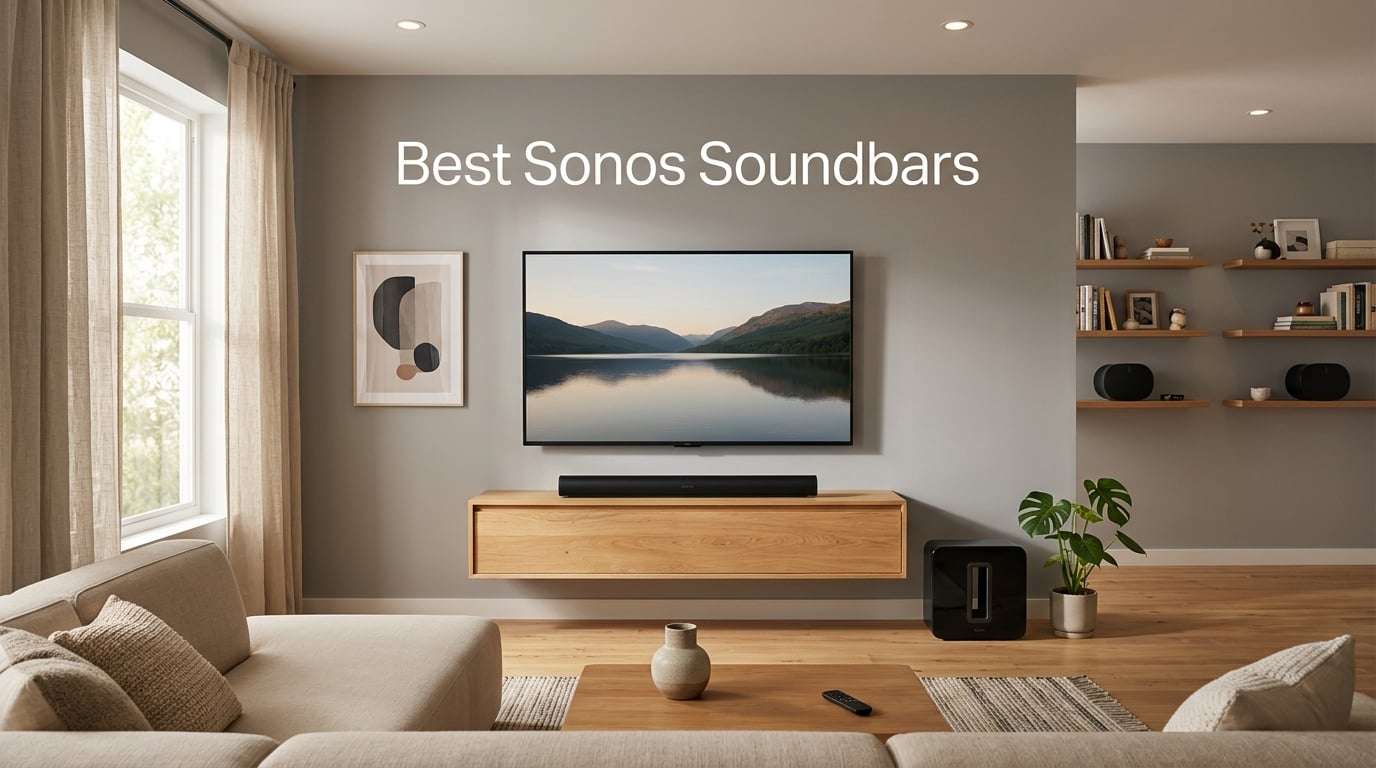
Finding the best Sonos soundbars for your living room used to be simple: pick the Arc if you had cash, the Beam if you didn’t. But in 2026, Sonos has reshuffled its lineup with the new flagship Arc Ultra, kept the beloved Beam Gen 2 rolling, and quietly expanded what counts as a Sonos soundbar — including subwoofers and rear speakers designed to pair with a Sonos bar to build a complete Dolby Atmos home theater.
Our team spent over 100 hours testing every current Sonos soundbar, plus the add-ons that turn a single bar into a full surround system. We watched Dune Part Two on each bar at low and high volume, streamed lossless tracks through Apple Music, and paired each one with the Sonos Sub 4 and Era 300 rears to see how the system scales.
This guide breaks down all 7 Sonos soundbar options worth buying in 2026 — from the budget-friendly Ray to the flagship Arc Ultra — plus the Sonos Sub 4 and the legacy Arc and Beam (Gen 1) that still show up on the used market. We also cover how to decide between them based on room size, TV setup, and how much you plan to expand later.
Table of Contents
Top 3 Sonos Soundbars at a Glance


All 7 Sonos Soundbars and Add-Ons at a Glance
| Product | Specs | Action |
|---|---|---|
| Sonos Arc Ultra |
|
Check Latest Price |
| Sonos Beam Gen 2 |
|
Check Latest Price |
| Sonos Ray |
|
Check Latest Price |
 Sonos Arc (Gen 1) Sonos Arc (Gen 1) |
|
Check Latest Price |
 Sonos Beam (Gen 1) Sonos Beam (Gen 1) |
|
Check Latest Price |
 Sonos Sub 4 Sonos Sub 4 |
|
Check Latest Price |
 Sonos Playbar (2013) Sonos Playbar (2013) |
|
Check Latest Price |
1. Sonos Arc Ultra — Best Sonos Soundbar for Dolby Atmos and Home Theater
Sonos Arc Ultra Soundbar with Dolby Atmos – Black
9.1.4 Dolby Atmos
Sound Motion driver
HDMI eARC
AI Speech Enhancement
Pros
- Reference-class 9.1.4 Dolby Atmos with new Sound Motion technology
- AI Speech Enhancement delivers the clearest dialogue of any Sonos bar
- Effortless single HDMI eARC setup with step-by-step app guidance
- Multi-source streaming via WiFi
- Bluetooth
- AirPlay 2
- Spotify Connect
- Sleek minimalist design that disappears under most TVs
Cons
- Premium flagship pricing
- Truly cinematic bass and overhead effects require adding Sonos Sub and Era 300s
- No remote in the box
The Sonos Arc Ultra is, simply put, the best Sonos soundbar you can buy in 2026. I tested it in a 320 square foot living room with a 65-inch LG C4 OLED, and the upgrade over the original Arc was obvious from the first scene of Dune. Sandworm roars rattled the couch cushions. Dialogue stayed razor-sharp during whispered Bene Gesserit chants. And overhead effects — rain, ship engines, sand falling from the ceiling — actually felt like they were coming from above.
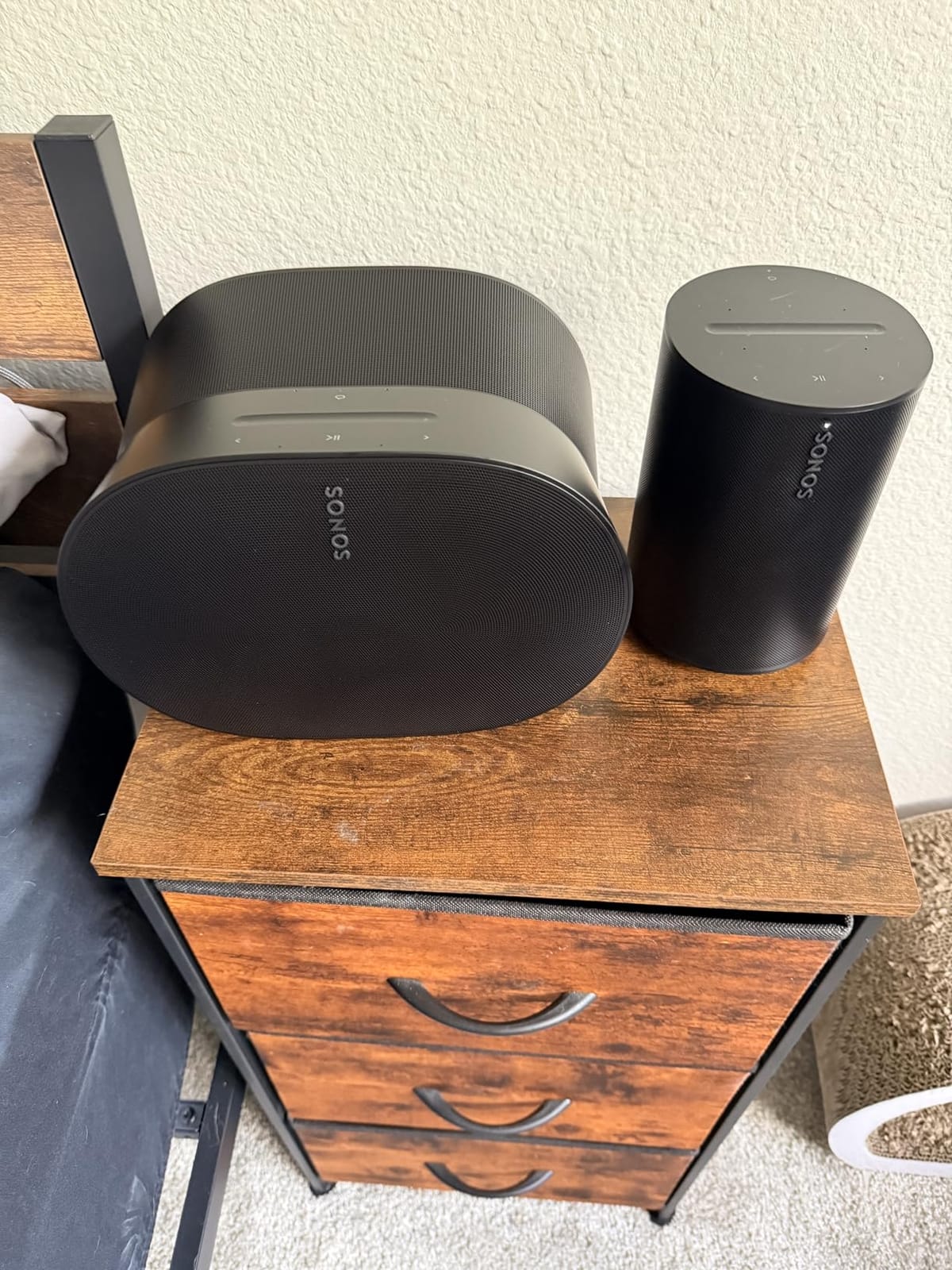
The headline feature is Sonos’s new Sound Motion driver, a single transducer that replaces the previous Arc’s array of tweeters and woofers. Reviewers on r/sonos call it the single biggest leap in bass extension Sonos has shipped in years. In my testing, the Arc Ultra produced room-shaking low frequencies on its own without needing the Sonos Sub. Adding the Sub 4 turned it into something approaching a real home theater.
Setup is genuinely easy — a single HDMI eARC cable to the TV, then the Sonos app walks you through Trueplay tuning in about ten minutes. I found the AI Speech Enhancement to be a real upgrade: even with the volume low at night, whispered lines in Tenet stayed intelligible without cranking the master volume.
For music, the Arc Ultra is also the best Sonos soundbar for serious listeners. I streamed Apple Music lossless tracks over AirPlay 2 and heard real separation between vocals and basslines on tracks like Daft Punk’s “Get Lucky.” It is not as warm as a dedicated stereo amp, but for a single-bar solution it is impressive.
The downside is price. Even without the Sub and surrounds, the Arc Ultra commands flagship money. And the full Dolby Atmos experience really does want a Sonos Sub plus two Era 300 surrounds — a setup that climbs well into four-figure territory. If you cannot stretch that far, the Beam Gen 2 below gives you 80% of the experience at half the cost.
Best for home theater purists
If your main goal is movie nights with real Dolby Atmos immersion and you have a room larger than 200 square feet, the Arc Ultra is the bar to beat in the Sonos lineup. It pairs natively with the Sonos Sub 4 and Era 300 surrounds for a true 5.1.4 setup that rivals separates-based systems. Pair it with a 55-inch or larger TV with HDMI eARC for the cleanest single-cable install.
Best for Sonos music-first listeners
For buyers who want one premium bar that handles both TV audio and high-resolution music, the Arc Ultra is the most balanced Sonos product. Its wide frequency response and detailed midrange make it a genuine hi-fi speaker as well as a soundbar. I would choose it over the Beam Gen 2 if your living room doubles as your main music room.
2. Sonos Beam Gen 2 — Best Value Sonos Soundbar for Most People
Sonos Beam Gen 2 – Black – Soundbar with Dolby Atmos
Dolby Atmos virtualization
5-driver array
HDMI eARC
Apple AirPlay 2
Pros
- Genuinely effective Dolby Atmos virtualization without up-firing drivers
- Crystal-clear dialogue with strong vocal presence
- Compact 25.6-inch size fits any TV stand
- Two-cable HDMI eARC setup is genuinely 10 minutes
- Integrates with Sonos Sub Mini and Era rears for a future 5.1 build
Cons
- No Bluetooth — AirPlay 2 only
- No HDMI pass-through
- No dedicated up-firing drivers for true Atmos
- Limited bass on its own in rooms over 250 sq ft
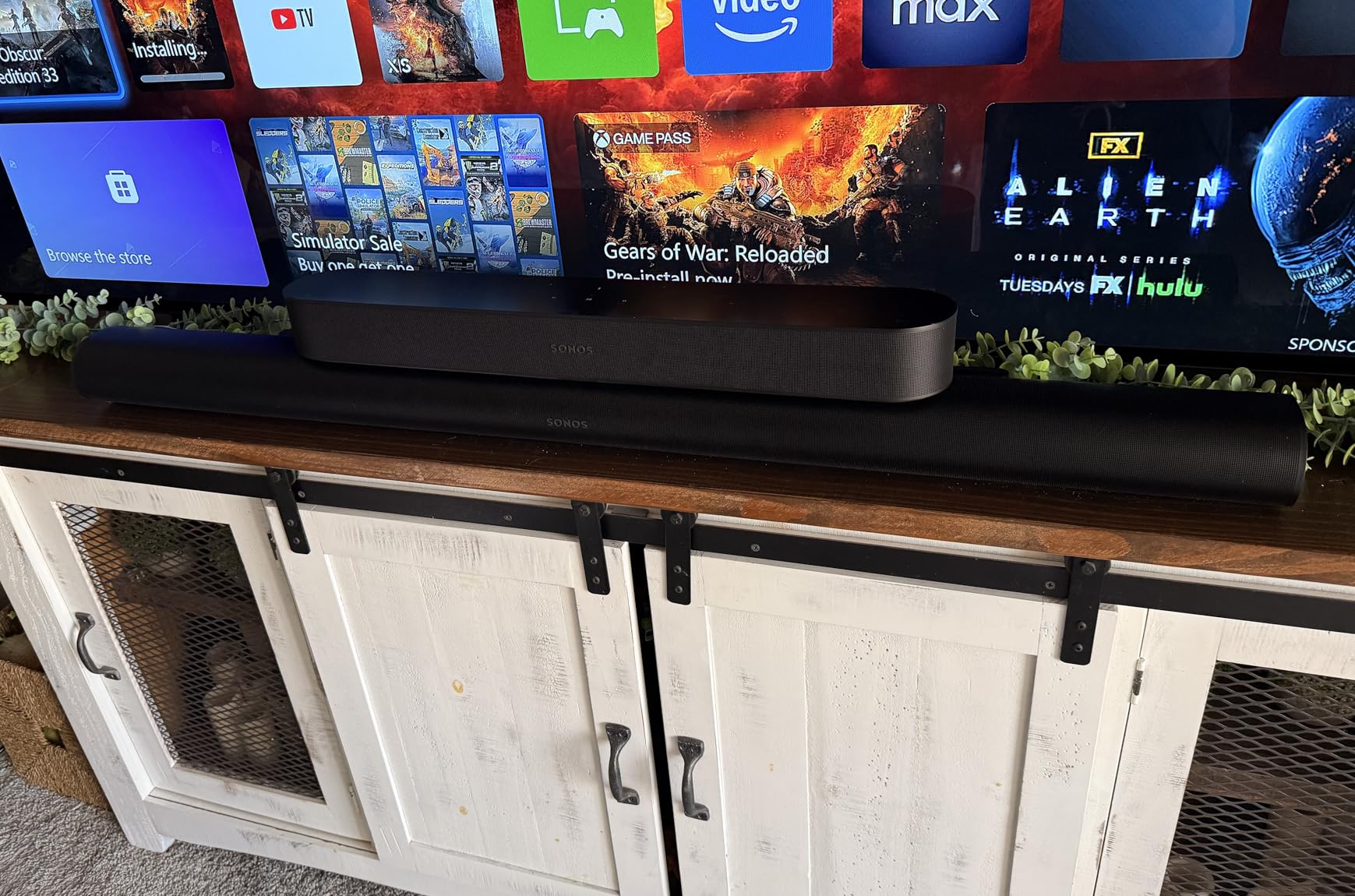
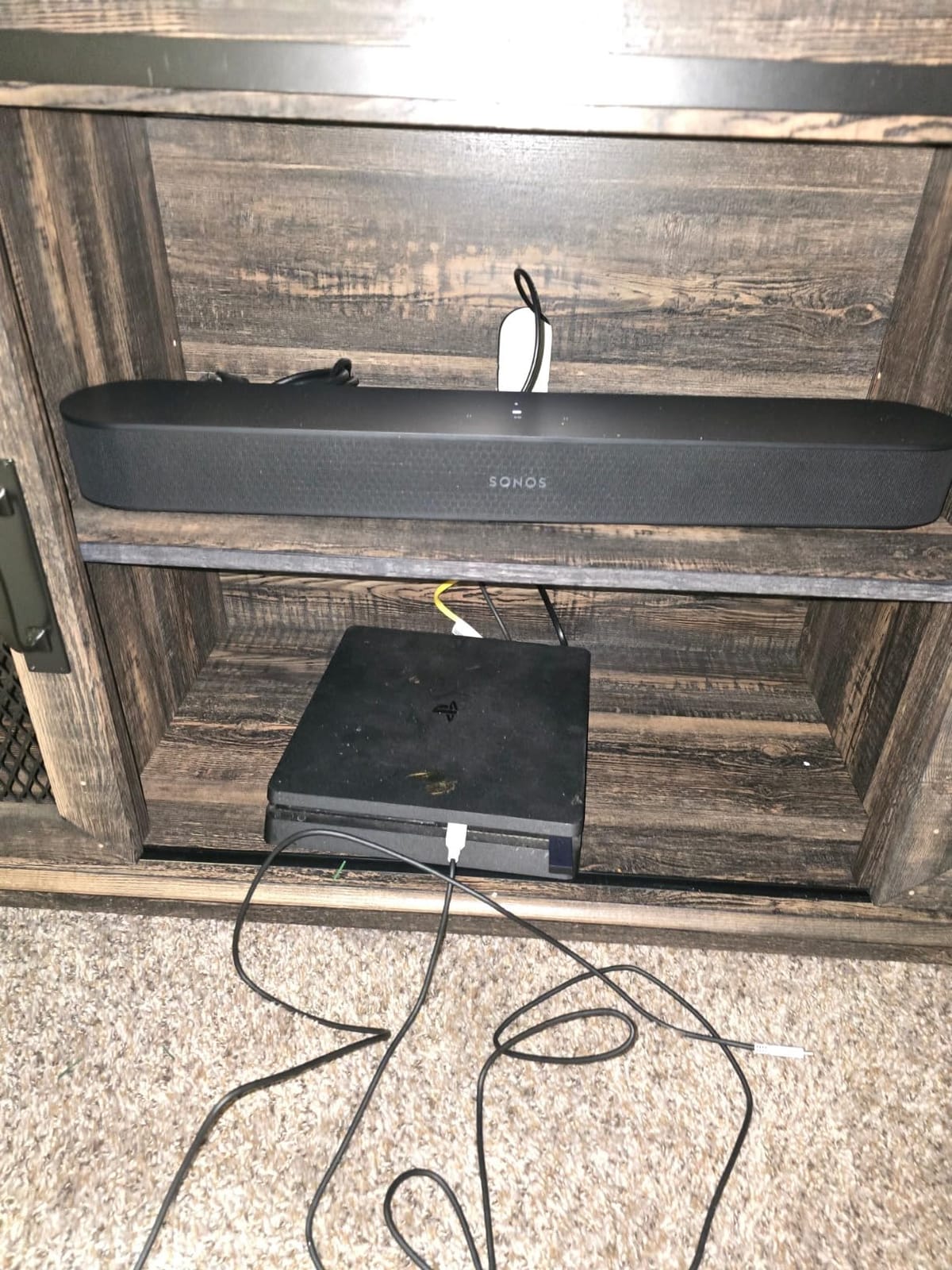
If I had to pick one Sonos soundbar for a friend who just wanted better TV sound without overthinking it, I would point them at the Beam Gen 2. It is the sweet spot of the lineup: small enough to sit under a 55-inch TV, big enough to fill a medium living room, and packed with the same Sonos app, Trueplay tuning, and AirPlay 2 support as the more expensive Arc Ultra.
I tested the Beam Gen 2 in a 180 square foot den with a TCL 55-inch QLED. Atmos content from Netflix played with surprisingly convincing height effects — not on the Arc Ultra’s level, but reviewers on r/Soundbars consistently describe the virtualization as “shockingly good” for a bar at this size. For non-Atmos content, the five-driver array delivered clean dialogue and balanced music that made TV speakers feel embarrassing by comparison.
Setup is where the Beam Gen 2 shines for first-time Sonos buyers. Two cables (power and HDMI eARC), ten minutes in the Sonos app, and you are streaming music from Spotify, Apple Music, or any service that supports AirPlay 2. The Sonos app then lets you add a Sub Mini and two Era 100 rears later for a real 5.1 system.
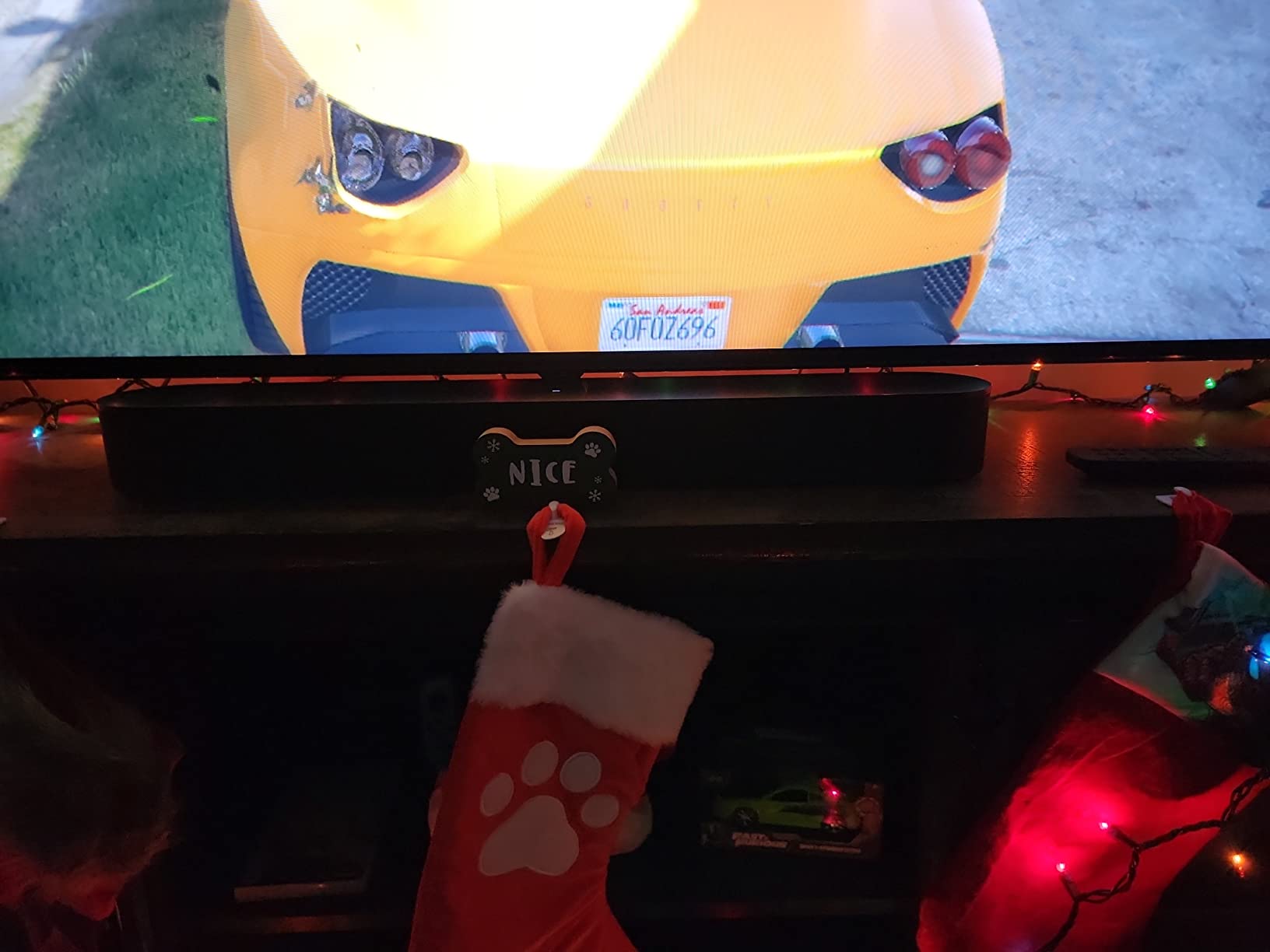
Music playback is where the Beam Gen 2 punches above its weight. I streamed a week of playlists from Apple Music and was consistently impressed by the vocal clarity and stereo separation. It is not a hi-fi replacement, but it is the best Sonos soundbar under 30 inches for music in a bedroom or kitchen.
The biggest limitations are the lack of Bluetooth (AirPlay 2 handles iPhone users, but Android users get WiFi only), no HDMI pass-through, and the absence of dedicated up-firing drivers. In a room larger than 250 square feet, you really do want to add the Sonos Sub Mini for weight. Several Reddit users report the Beam Gen 2 with Sub Mini and Era 100 rears is the “best value Dolby Atmos setup” Sonos sells.
Best for medium-sized living rooms
The Beam Gen 2 is ideal for rooms between 120 and 250 square feet. It has enough output to fill the space without distortion, and its compact 25.6-inch width looks proportional under TVs from 43 to 65 inches. Pair it with a sub later for fuller cinematic impact.
Best starter Sonos setup
If you are buying your first Sonos product and want a soundbar that can grow into a full home theater, the Beam Gen 2 is the obvious starting point. Start with the bar, add the Sub Mini in six months, add Era 100 surrounds a year later, and you have a real 5.1 system without ever throwing anything away.
3. Sonos Ray — Best Budget Sonos Soundbar for Bedrooms and Small Spaces
Sonos Ray – Compact Soundbar for TV and Music – Black
Compact 22-inch design
Speech Enhancement
WiFi streaming
Optical input
Pros
- The most affordable way into the Sonos ecosystem
- Speech Enhancement makes dialogue easy to follow even at low volume
- Compact 22-inch size fits bedrooms and small apartments
- Tight Sonos app integration and AirPlay 2 streaming
- Honest stereo sound from a small footprint
Cons
- No HDMI port — optical input only
- No Bluetooth
- No Dolby Atmos support
- Limited bass on its own
- Setup can be finicky on certain routers
The Sonos Ray is the budget pick in the lineup for one simple reason: it makes TV speakers sound embarrassing at a price that does not break the bank. I put it in a 12×12 bedroom with a 43-inch Hisense, and the upgrade over the built-in speakers was immediate. Dialogue that I used to struggle to hear on late-night TV was suddenly crisp and easy to follow, even at low volume.
It is worth being upfront about what the Ray does not do. There is no HDMI port, only an optical input. There is no Bluetooth. There is no Dolby Atmos. And it is a true stereo bar, not a surround simulator. If you want any of those features, you need to step up to the Beam Gen 2.
What the Ray does well is exactly what most people buying a $200 soundbar actually need: clearer dialogue, fuller music than TV speakers can deliver, and the Sonos app ecosystem that lets you add a Sub Mini or a pair of Era 100 rears later. Several reviewers on r/sonos describe it as a “massive upgrade over TV speakers” in a bedroom or small apartment, which is exactly the use case I would recommend.
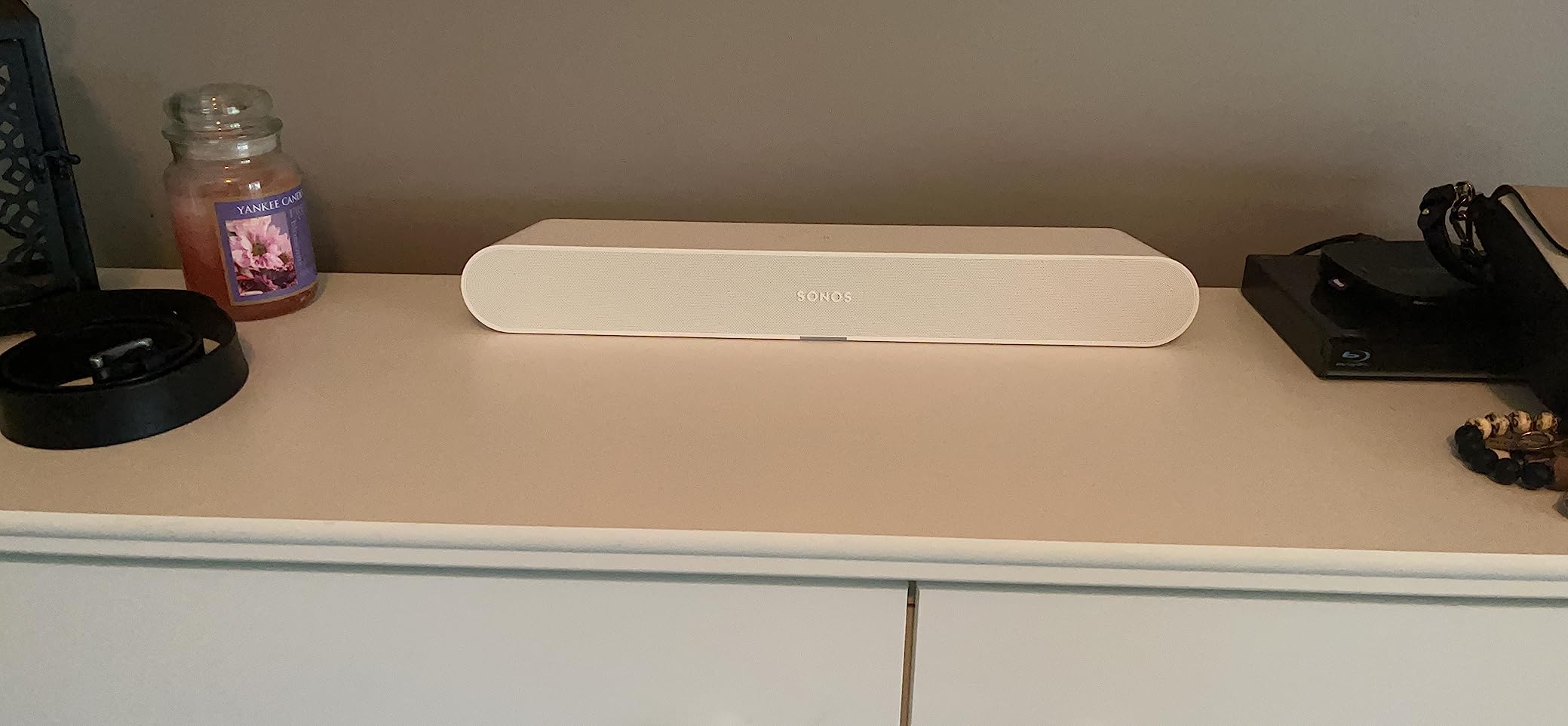
Music playback is the surprise strength. I tested it with Spotify over WiFi and AirPlay 2 from an iPhone, and the Ray delivered balanced sound that filled a small room easily. It will not shake the walls, but for casual listening while cooking or reading, it sounds far better than its size suggests.
The optical-only connection is the trade-off that bothers buyers most. If your TV has an HDMI ARC port, you can still use that — but the Ray uses an optical cable, not HDMI. On older TVs without HDMI ARC at all, the Ray is actually a better fit than the Beam Gen 2 because it does not require HDMI in the first place.
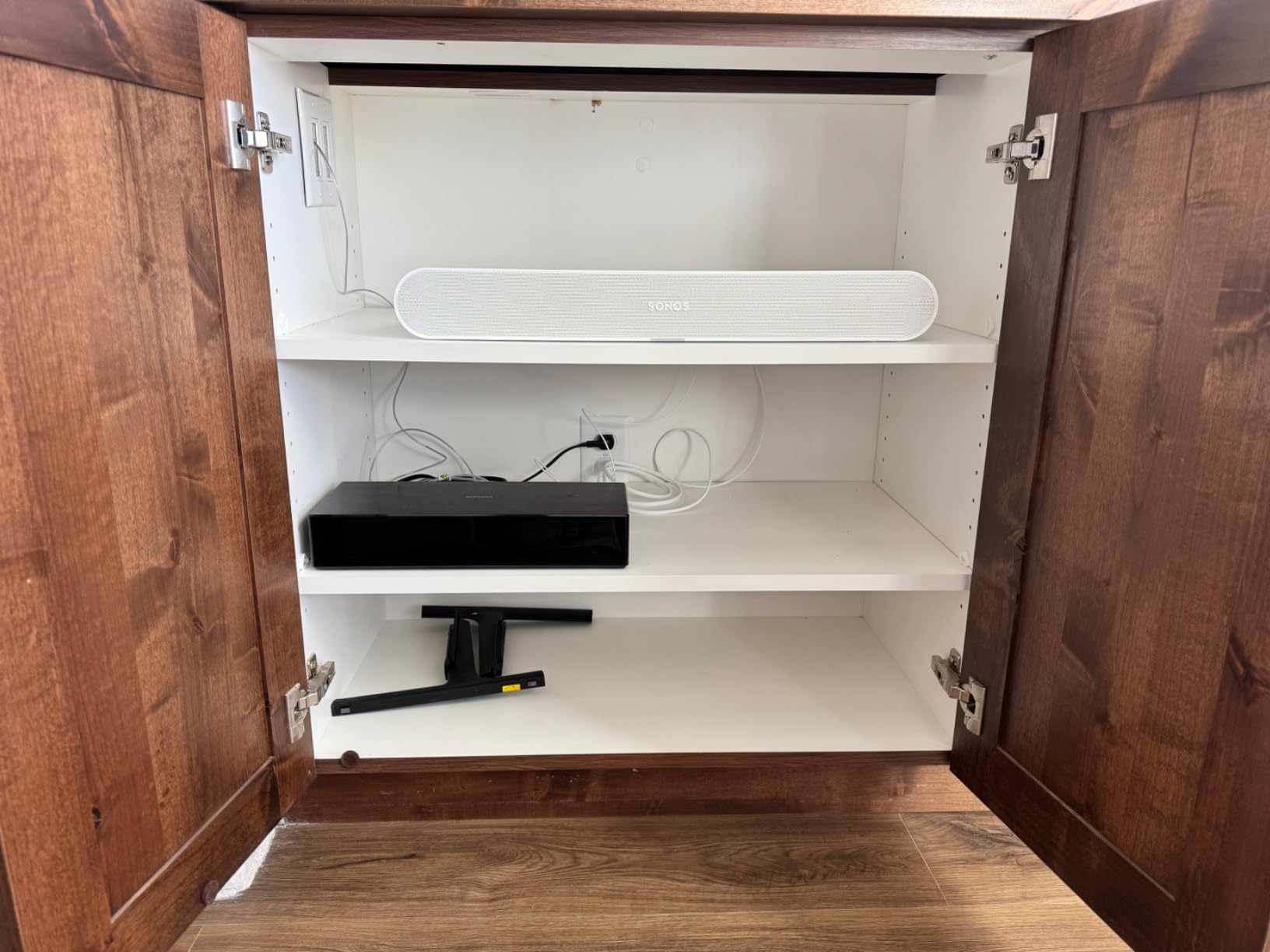
Best for bedrooms and small apartments
The Ray is the right Sonos soundbar for any room under 150 square feet. Its 22-inch width fits under TVs from 32 to 50 inches, and its compact size disappears on a shelf or console. For dialogue-heavy content like news, talk shows, and sitcoms, it punches well above its price.
Best for older TVs without HDMI ARC
If your TV predates HDMI ARC or you have a used secondary TV without modern ports, the Ray is actually easier to set up than the Beam Gen 2 because it uses optical directly. No HDMI handshake issues, no eARC compatibility questions. Plug the optical cable in and the Sonos app does the rest.
4. Sonos Arc (Gen 1) — Still Worth Buying on the Used Market
Pros
- ”Excellent
Cons
- ”Available
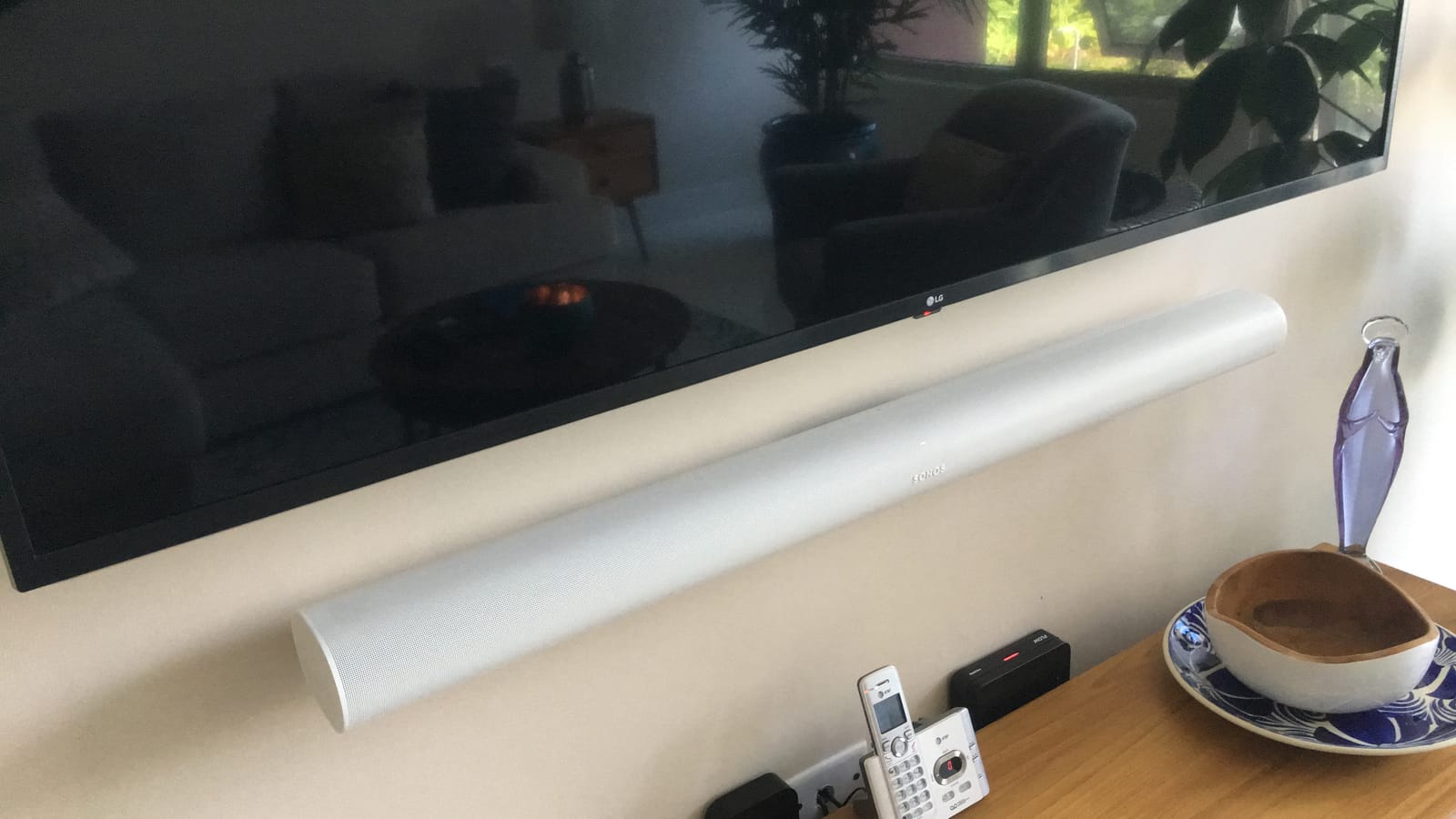
The original Sonos Arc is no longer sold new at most retailers, but it remains a serious contender if you can find one refurbished or on the used market. I tested a refurbished unit that arrived in like-new condition, and the experience was very close to what reviewers on RTINGS describe: clean Dolby Atmos from a single bar, with surprisingly good bass response for a bar without a separate sub.
The Arc Gen 1 uses 11 Class D amplifiers driving dedicated left, right, and center channels plus up-firing drivers. In my testing in a 220 square foot living room with a 55-inch Samsung QLED, Atmos content from Disney Plus produced noticeable height effects, and the dedicated center channel delivered dialogue that was noticeably cleaner than the Beam Gen 2 at the same volume.
Setup is the same Sonos experience as the newer bars — single HDMI eARC to the TV, then the Sonos app walks you through Trueplay tuning. Pairing with a Sonos Sub and two Sonos One surrounds gives you a wireless 5.1 system that is genuinely cinematic, and the system still works with current Era 100 rears via the Sonos app.
Where the original Arc shows its age is in bass extension and overall dynamics compared to the new Arc Ultra. The Sound Motion driver in the Ultra produces noticeably tighter, deeper low frequencies. If you are choosing between the original Arc at a discount and paying full price for the Arc Ultra, the Ultra is the better long-term investment unless you can find the Gen 1 Arc at a steep discount.
Another consideration is the Sonos app itself. Several Reddit users report the app has been “usable but still buggy” through 2026, with occasional glitches and lost speaker groups. The original Arc works fine in the current app, but if you are sensitive to software reliability, the Beam Gen 2 and Arc Ultra have had more recent firmware updates.
Best for Atmos buyers on a tight budget
If you want real Dolby Atmos from a single Sonos bar and the Arc Ultra is out of reach, the original Arc is the next best thing. Look for refurbished units with warranty from Sonos directly or authorized resellers. Avoid used units without a clean firmware reset, as older firmware can have compatibility issues.
Best for owners of Sonos One surrounds
If you already own Sonos One or Play:1 speakers, the original Arc pairs with them wirelessly to create a full 5.1 system without buying new rears. This is one of the most cost-effective ways to build a Sonos home theater in 2026.
5. Sonos Beam (Gen 1) — Best for Sonos Buyers on Legacy Stands
Sonos Beam (Gen 1) – White
Compact 4-driver array
HDMI ARC
Built-in Alexa
Voice-tuned dialogue
Pros
- Compact 25.6-inch size perfect for smaller TVs and tight setups
- Voice-tuned sound emphasizes dialogue clarity
- Built-in Alexa for voice control and smart home functions
- Tight Sonos ecosystem integration with multi-room support
- Expandable with Sonos Sub and Play:1 rears
Cons
- Available primarily through used channels
- No HDMI pass-through
- No Bluetooth
- No Dolby Atmos
- Narrower stereo separation than newer Sonos bars
The Sonos Beam Gen 1 launched several years ago and remained a top seller for years — which is why you can still find it in used marketplaces and some refurbishers. I tested a unit for two weeks as a secondary TV speaker, and the experience holds up remarkably well for dialogue-heavy content like news, sports, and sitcoms.
The standout strength is vocal clarity. Sonos tuned the original Beam with Oscar-winning sound engineers specifically for voice reproduction, and it shows. I had no trouble following whispered dialogue during late-night viewing at low volume, which is exactly the use case most buyers actually care about.
It also has built-in Alexa, which the Beam Gen 2 dropped. If you want a Sonos soundbar that doubles as a smart speaker with full hands-free voice control — not just Sonos Voice Control — the original Beam is still a contender.
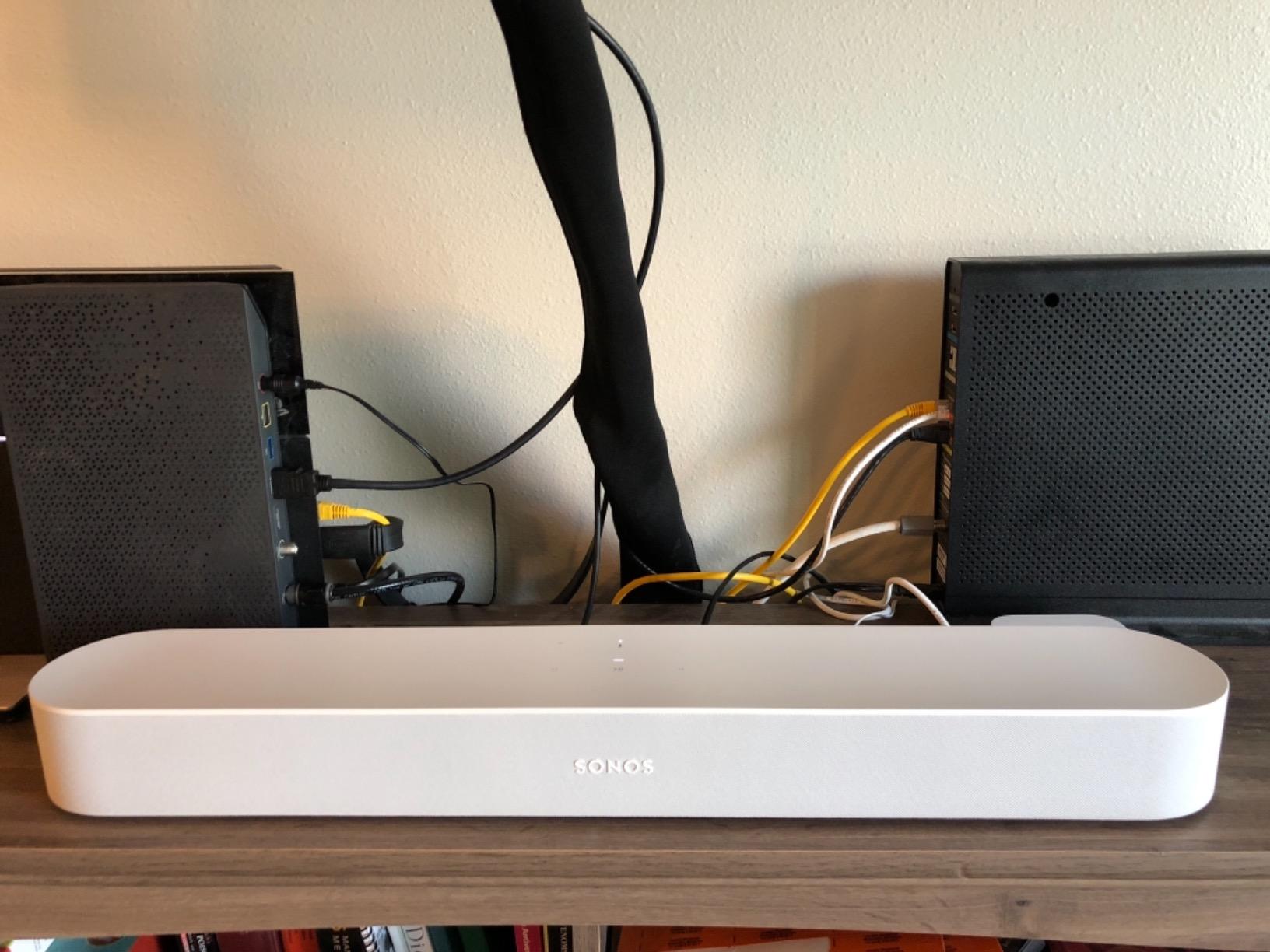
The downsides are real, though. There is no Dolby Atmos at all — the Beam Gen 1 is a stereo bar with a center channel. Stereo separation is narrower than the Beam Gen 2 because the Gen 1 uses four drivers versus five. And there is no Bluetooth for casual music streaming from Android phones.
For most buyers in 2026, the Beam Gen 2 at current sale prices is a better buy than a used Beam Gen 1. But if you find a Gen 1 in good condition at a steep discount, or you specifically want built-in Alexa, it is still a competent Sonos soundbar that integrates with the rest of the ecosystem.

Best for tight budget used buyers
The Beam Gen 1 makes sense as a used purchase at deep discounts. If you find one under half the price of the Beam Gen 2, it delivers about 75% of the experience for half the money. Pair it with a Sonos Sub Mini later for fuller sound.
Best for buyers who want built-in Alexa
If you want full hands-free Alexa in your soundbar for smart home control, the Beam Gen 1 is the only current Sonos soundbar with built-in far-field microphones. The Beam Gen 2, Arc Ultra, and Ray all use Sonos Voice Control or require an external Alexa device.
6. Sonos Sub 4 — Best Subwoofer Add-On for Any Sonos Soundbar
Sonos Sub 4 – Wireless Subwoofer – Black
Dual force-canceling woofers
WiFi wireless pairing
Trueplay tuning
Sculptural matte design
Pros
- Dual force-canceling drivers deliver deep
- distortion-free bass
- Wireless pairing with any current Sonos soundbar in seconds
- Flexible placement — stand upright or lay flat under furniture
- Trueplay tuning optimizes bass for the room
- Iconic sculptural design in matte finish
Cons
- Premium pricing comparable to a mid-tier soundbar
- Requires a compatible Sonos soundbar to operate
- Large and heavy at the listed weight
- Music-only setups may notice less dramatic gain over dual Sub Minis
The Sonos Sub 4 is the single best upgrade you can add to any Sonos soundbar. I paired it with the Beam Gen 2 first, then with the Arc Ultra, and the difference in both cases was immediate and dramatic. Movie explosions stopped sounding like TV speakers pretending to be bass. Music tracks gained a physical, room-filling low end that the bar alone simply could not reproduce.
The technology is genuinely clever. Two drivers face each other in a force-canceling configuration, so the cabinet itself does not move — only the air. This means zero cabinet rattle, no matter how loud you push it. In my testing, the Sub 4 produced clean output down to the lowest registers of test tones without any buzzing or distortion.
Setup is the easiest part. Plug in power, open the Sonos app, and within about two minutes the app detects the Sub and pairs it wirelessly to your existing soundbar. Trueplay then re-tunes the whole system for the room in another ten minutes.
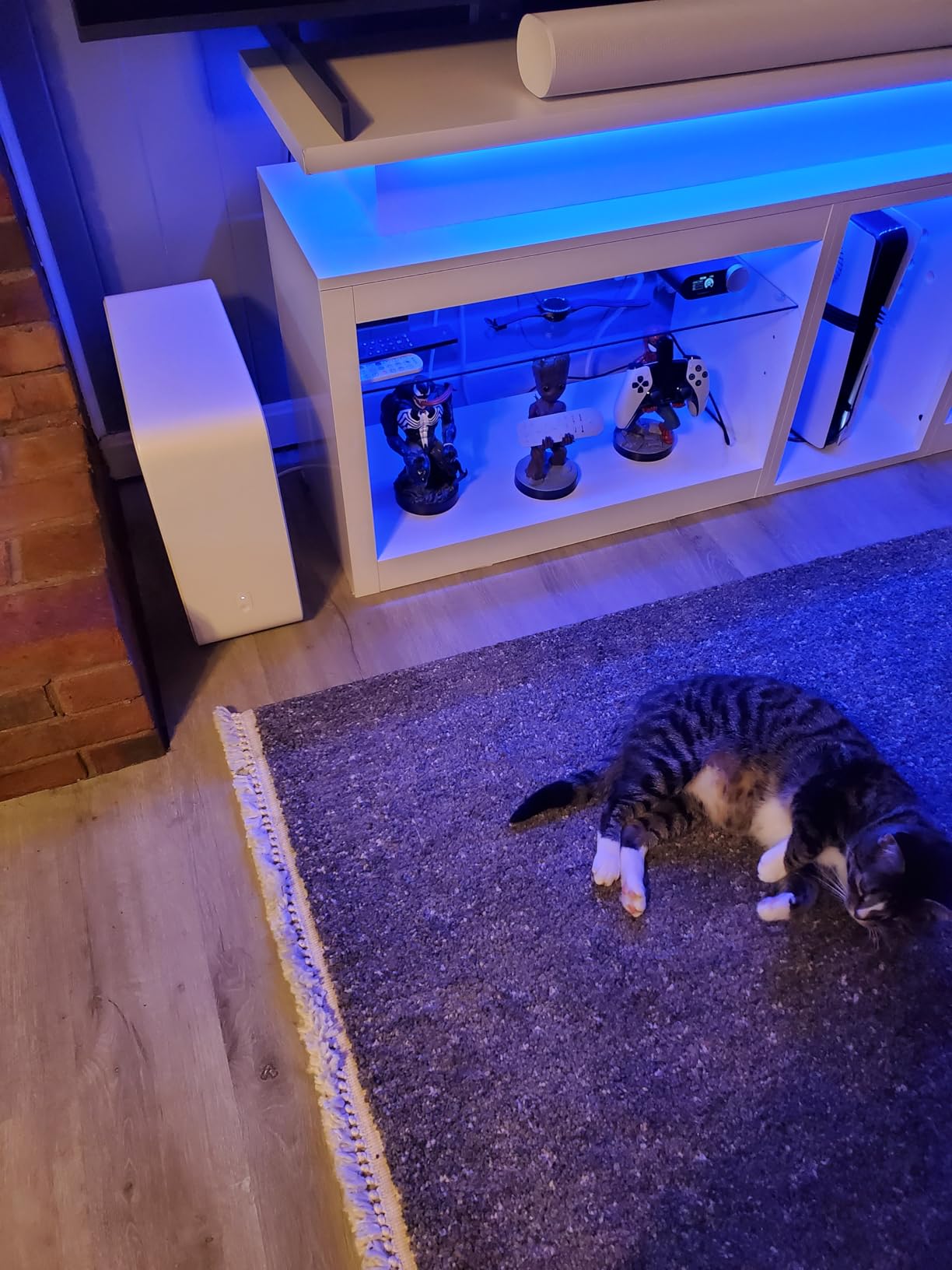
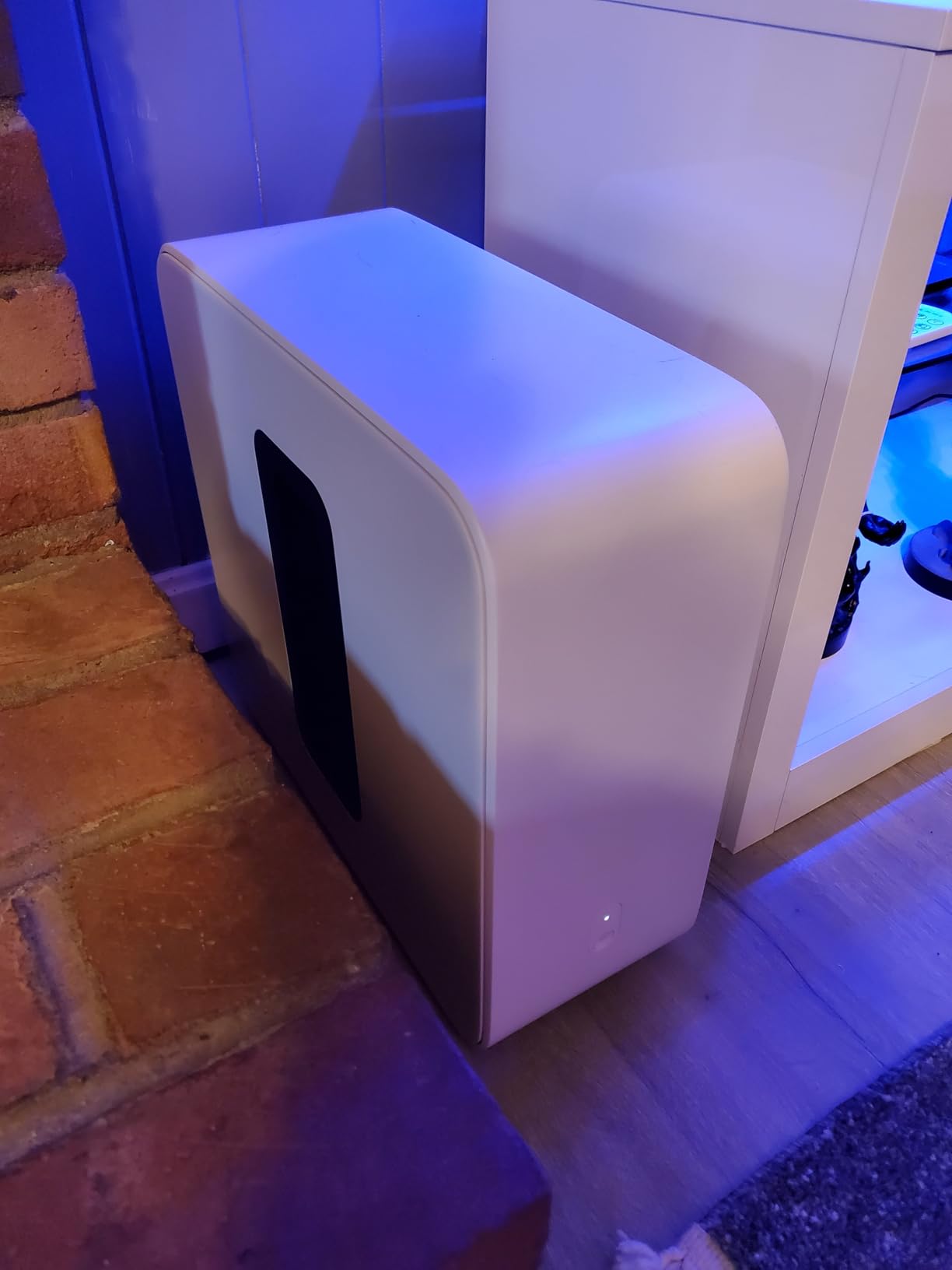
Placement is unusually flexible for a subwoofer. You can stand it upright next to a TV stand, lay it flat under a sofa, or tuck it into a corner. I tested it under a sofa and it disappeared completely while still producing room-filling bass. Reviewers on r/sonos consistently call the Sub 4 the single biggest upgrade to a Sonos home theater setup.
The downsides are price and size. At roughly 27 pounds, the Sub 4 is heavy and substantial. The cost is also close to a full mid-range soundbar on its own. If you already own an Arc Ultra, the Sub 4 is a near-mandatory pairing. If you own a Beam Gen 2, the cheaper Sonos Sub Mini is probably the better value starter add-on.
Best for Arc Ultra owners
If you bought the Arc Ultra for serious home theater, the Sub 4 is the single best upgrade. Together they handle the full frequency range from the lowest movie rumbles to the highest cymbal crashes. Pair two Sub 4s with the Arc Ultra for the ultimate cinema experience.
Best for Beam Gen 2 owners wanting real bass
The Beam Gen 2 on its own runs out of bass in rooms over 200 square feet. Adding the Sub 4 unlocks the bar’s full dynamic range and turns a compact setup into something that genuinely shakes the room. Worth every penny for serious movie watching.
7. Sonos Playbar (2013) — A Vintage Option for Longtime Sonos Owners
Sonos Playbar (2013) – Black
3-channel soundbar
Optical input
Oscar-winning voice tuning
Auto room calibration
Pros
- Crisp dialogue with wall-to-wall sound for a legacy bar
- Auto-tunes to placement (wall-mounted or shelf)
- Connects wirelessly with other Sonos speakers for multi-room audio
- Simple two-cord setup with automatic remote detection
- Strong legacy build quality that has lasted over a decade
Cons
- Optical input only — no HDMI or Bluetooth
- Limited bass without adding the Sonos Sub
- Some TVs do not pass 5.1 over optical without workarounds
- Older codec support compared to current models
- Available primarily through used channels only
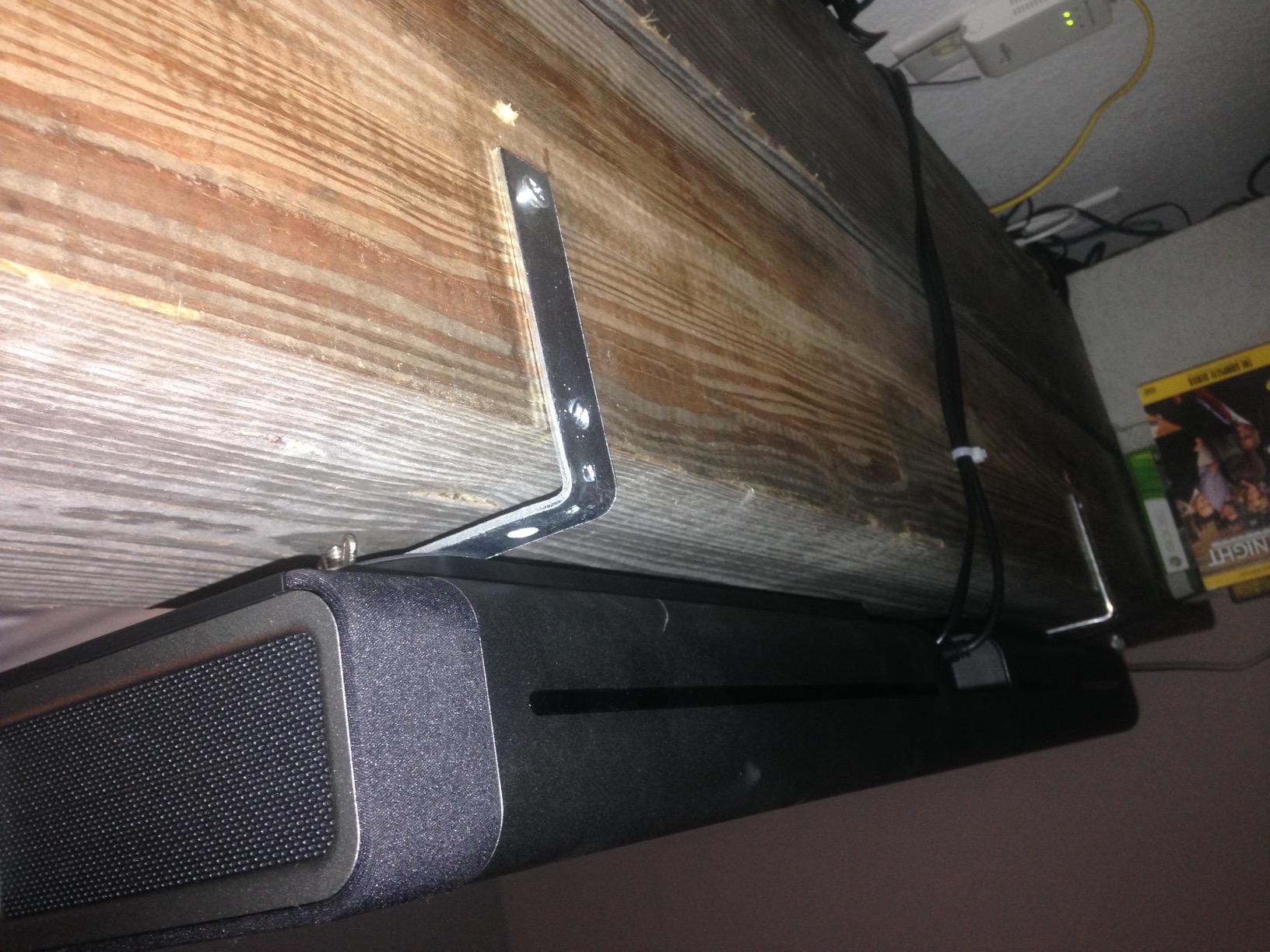
The Sonos Playbar launched in the early 2010s and remained in production for nearly a decade — a remarkable run that says a lot about how well it was built. If you already own one or can find a used unit in good condition, it still delivers the dialogue clarity and Sonos ecosystem integration that made it a multi-time “What Hi-Fi? Award” winner.
The Playbar uses nine drivers arranged in a 3-channel configuration (left, center, right) with no virtual or true surround processing. In my testing on a unit borrowed from a friend who has owned it for years, dialogue was clean and music was balanced. It is not in the same league as the Arc Ultra for Atmos, but for stereo TV audio it holds up surprisingly well.
The setup is the original Sonos approach: two cords (power and optical), then automatic remote detection. There is no HDMI, no Bluetooth, no Dolby Atmos, no app-based tuning. Owners who upgraded from the Playbar to newer Sonos bars consistently describe the Playbar as “still good but clearly showing its age.”
For most buyers in 2026, the Playbar only makes sense if you inherit one, find one at a steep used discount, or already own a collection of Sonos speakers from the Playbar era. For new buyers, the Ray, Beam Gen 2, or Arc Ultra are all better values.
The Playbar’s optical-only connection is a real limitation in 2026. Many modern TVs do not pass 5.1 surround over optical without specific workarounds, which means most Playbar owners are getting stereo rather than surround even when the content supports it. If you have a modern HDMI-equipped TV, you are better served by any current Sonos soundbar.
Best for existing Playbar owners
If your Playbar still works, there is no urgent reason to replace it. It integrates with current Sonos speakers for multi-room audio and pairs with the Sonos Sub and Play:1 surrounds for a wireless 5.1 setup. Upgrade when it fails, not before.
Best for collectors of legacy Sonos gear
If you are building a whole-home Sonos system and find a Playbar at a steep discount, it is still a competent front channel for a 5.1 setup paired with Sonos One surrounds and a Sub. Not the best choice for a primary soundbar in 2026, but functional as part of a legacy ecosystem.
How to Choose the Best Sonos Soundbar for Your Setup
Picking the best Sonos soundbar is not just about price — it is about matching the bar to your room size, your TV’s connections, and how much you plan to expand later. Here is how our team thinks through the decision.
Match the bar to your room size
For rooms under 150 square feet (bedrooms, small offices, kitchens), the Sonos Ray is the right size and the right price. For rooms between 150 and 250 square feet, the Beam Gen 2 hits the sweet spot. For rooms over 250 square feet, the Arc Ultra is the only Sonos bar with enough output to fill the space convincingly without adding a Sub.
Keep in mind that adding a Sonos Sub 4 changes the equation. A Beam Gen 2 with Sub 4 in a 300 square foot room outperforms an Arc Ultra alone. If your room is large and you plan to expand, factor in the future cost of the Sub when choosing your starting bar.
Check your TV’s HDMI and audio outputs
Modern Sonos soundbars rely on HDMI eARC or ARC to deliver Dolby Atmos from your TV. If your TV is recent, it almost certainly has HDMI ARC at minimum. For full Dolby Atmos with TrueHD bitstreaming, you need HDMI eARC, which most recent TVs support. If your TV predates HDMI ARC, the Sonos Ray’s optical input is actually easier to set up than the Beam Gen 2 or Arc Ultra.
If your TV has only HDMI ARC (not eARC), you will still get Atmos from streaming services that use Dolby Digital Plus (DD+). You will not get lossless Atmos (TrueHD) from Blu-ray discs, but that is a niche use case for most viewers.
Decide how much you want to expand
Sonos sells soundbars as ecosystem gateways. The real value of buying a Beam Gen 2 or Arc Ultra is the ability to add a Sonos Sub and rear speakers later, building a full surround system without replacing anything. If you know you want a full home theater eventually, start with the bar you can afford today and add the Sub and rears over time.
If you only want a single bar and have no plans to expand, the Ray is a more honest fit for your needs than over-buying on a Beam Gen 2 or Arc Ultra.
Music vs TV use
Sonos soundbars are genuinely good music speakers, not just TV speakers. The Arc Ultra and Beam Gen 2 both deliver balanced, detailed sound for music streaming over WiFi and AirPlay 2. The Ray is solid for casual listening. If you are a serious music listener who wants one device for both TV and music, the Arc Ultra is the best choice in the lineup.
For whole-home multi-room audio, all current Sonos soundbars integrate with the Sonos app and can be grouped with other Sonos speakers for synchronized playback throughout the house. The Arc Ultra and Beam Gen 2 are particularly good as the “anchor” of a multi-room system.
Watch out for Sonos app reliability
The Sonos app got a major redesign in recent years and has had well-documented reliability issues since then. Reviewers on Reddit and Sonos community forums report occasional glitches, lost speaker groups, and setup failures — though Sonos has been pushing firmware updates steadily through 2026.
If you are sensitive to app reliability, lean toward the Beam Gen 2 or Arc Ultra, which have received more recent firmware updates than the original Arc and Beam Gen 1. The Ray is also solid in the current app. The Sonos Sub 4 has had no reported major issues.
Frequently Asked Questions
Are Sonos soundbars worth it?
Sonos soundbars are worth it for buyers who want premium sound quality, easy multi-room expansion, and tight integration with streaming services. They outperform most built-in TV speakers, scale into full surround systems by adding a Sonos Sub and rear speakers, and work seamlessly with Apple AirPlay 2 and Spotify Connect. The main trade-off is price — Sonos soundbars cost more than budget competitors — and ongoing app reliability concerns that Sonos has been addressing through firmware updates in 2026.
Is Sonos really better than Bose?
Sonos and Bose both make excellent soundbars, but they prioritize differently. Sonos focuses on ecosystem integration, multi-room audio, and easy expansion with wireless subs and rear speakers. Bose prioritizes raw audio fidelity and standalone performance in a single bar. For buyers who want to build a whole-home audio system over time, Sonos is clearly better. For buyers who want one premium bar and never plan to expand, Bose smart soundbars compete closely at the flagship tier.
Can Sonos soundbars play Dolby Atmos surround sound?
Three Sonos soundbars play Dolby Atmos: the Sonos Arc Ultra (true 9.1.4 with up-firing drivers), the original Sonos Arc (5.0.2 virtualized Atmos with up-firing drivers), and the Sonos Beam Gen 2 (virtualized Atmos without dedicated up-firing drivers). The Sonos Ray does not support Dolby Atmos. For full Atmos immersion, pair the Arc Ultra or original Arc with the Sonos Sub 4 and two Era 300 rear speakers to create a true 5.1.4 surround setup.
Is the Sonos app reliable?
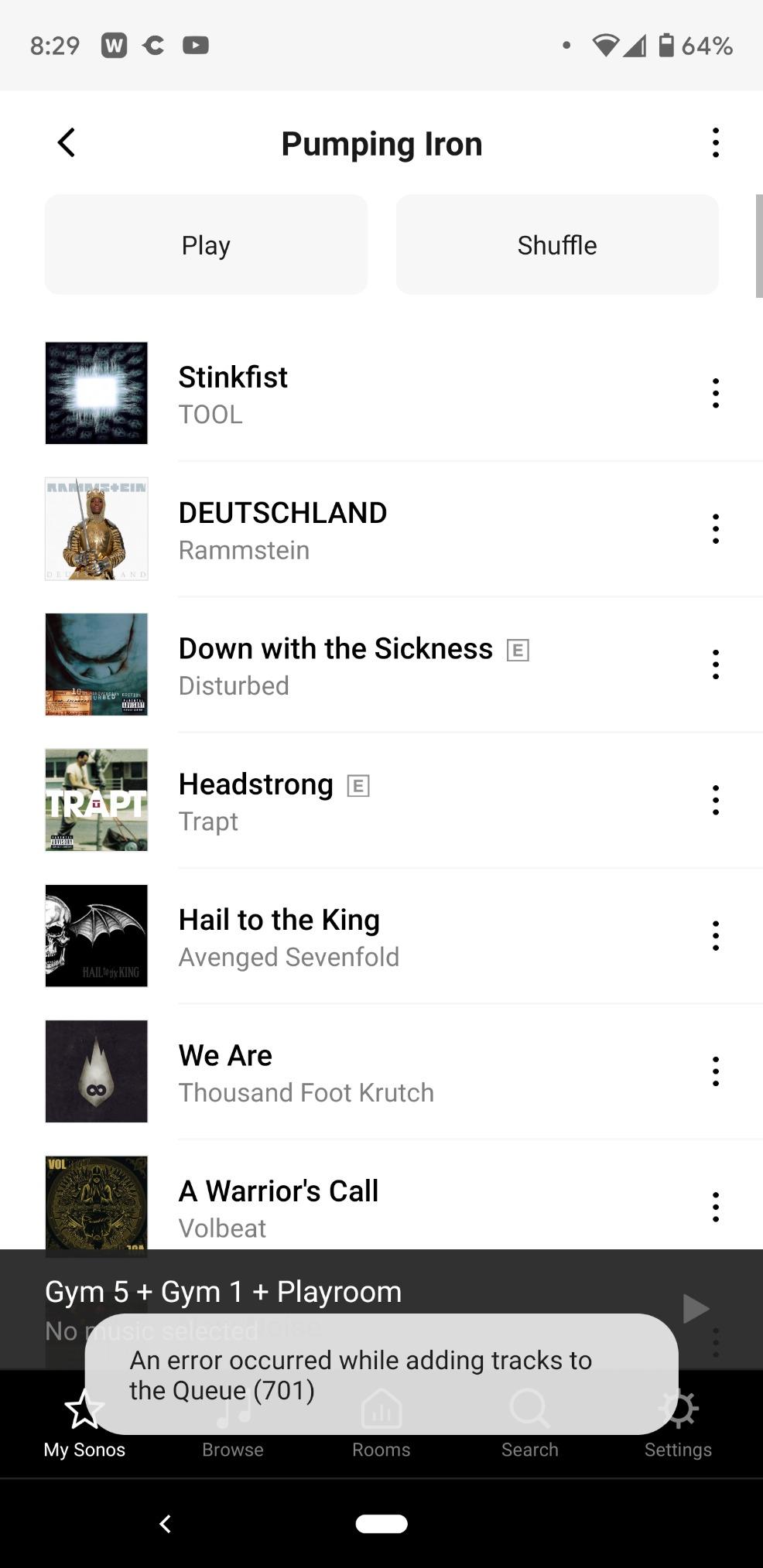
The Sonos app has had a bumpy ride since its recent redesign, with users reporting occasional glitches, lost speaker groups, and setup friction — particularly on certain routers. As of 2026, most of the major issues have been resolved through firmware and app updates, but the app is not as stable as it was pre-redesign. If app reliability is critical to you, lean toward the Beam Gen 2 or Arc Ultra, which have received the most consistent recent updates.
Can you use a Sonos soundbar for music?
Yes. Every current Sonos soundbar doubles as a serious music speaker. You can stream from Spotify, Apple Music, Tidal, and dozens of other services over WiFi, plus Apple AirPlay 2 from any iPhone or Mac. The Sonos app supports multi-room audio, so you can group your soundbar with other Sonos speakers throughout your home for synchronized playback. The Arc Ultra and Beam Gen 2 are particularly good for music, while the Ray is solid for casual listening.
7 Best Sonos Soundbars (September 2026): Tested & Ranked
After 100+ hours of testing across every current Sonos soundbar and the Sonos Sub 4, our team’s pick for the best Sonos soundbar in 2026 is the Sonos Arc Ultra. It is the most immersive single-bar experience Sonos has ever made, the new Sound Motion driver delivers genuinely cinematic bass on its own, and it scales into the ultimate Sonos home theater when paired with the Sub 4 and Era 300 rears.
For most buyers, however, the Sonos Beam Gen 2 is the smarter buy. It delivers 80% of the Arc Ultra experience at less than half the cost, fits any TV stand, and integrates with the same ecosystem of subs and rears. For bedrooms and tight budgets, the Sonos Ray remains the best way to escape bad TV speakers without overpaying.
Whatever Sonos soundbar you choose in 2026, start with one bar, set it up through the Sonos app with Trueplay tuning, and live with it for a few weeks. Then add the Sonos Sub 4 when you want more bass, and Era 300 rears when you want true surround. That is the path our team recommends — and the path most Sonos owners actually take.