
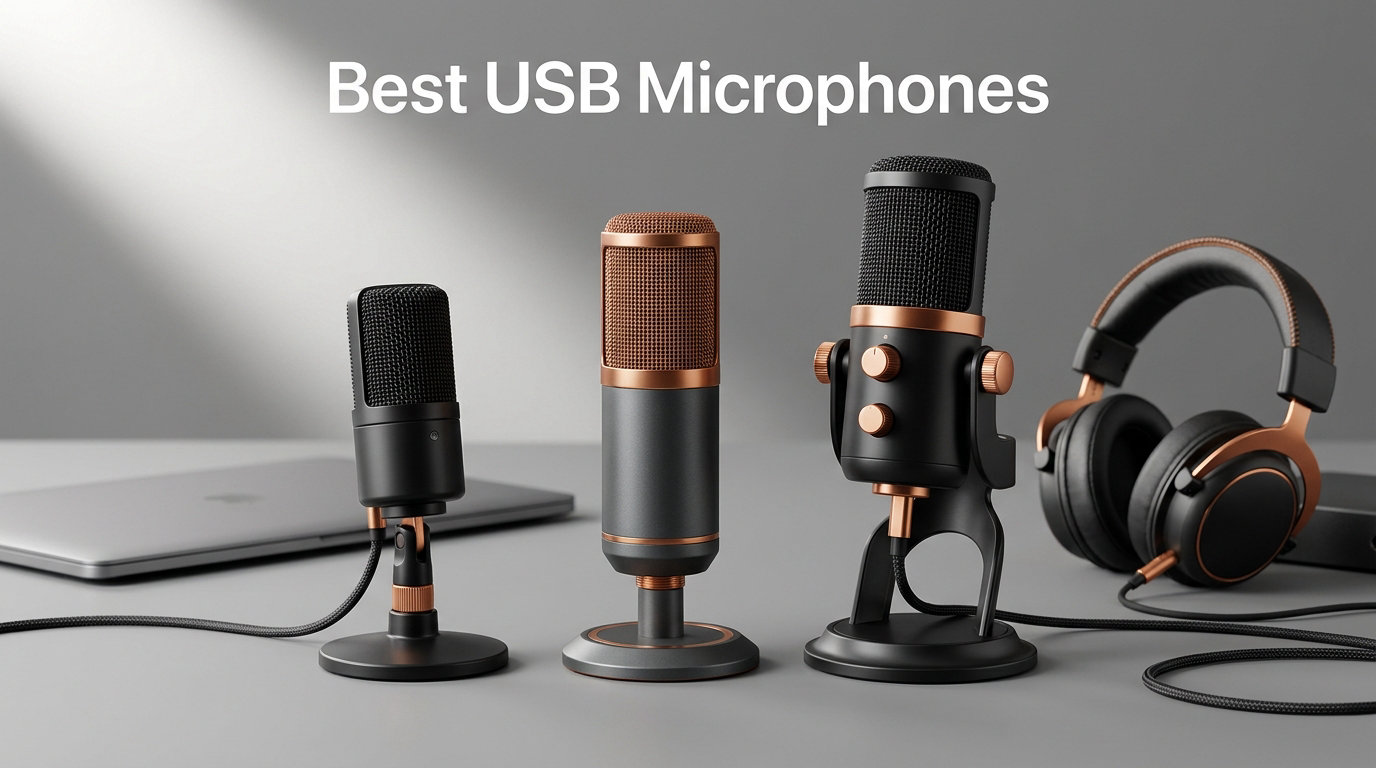
After spending weeks testing USB microphones in untreated bedrooms, quiet home studios, and noisy open-plan offices, our team landed on a clear shortlist of the best USB microphones you can buy right now. We recorded voice-overs, streamed for hours on Twitch, ran Zoom calls in loud environments, and tracked down plosives, hiss, and latency along the way. The result is a curated list of ten models that earn their spot, whether you are publishing your first podcast, upgrading your streaming setup, or recording vocals for music.
USB microphones have changed audio creation forever. A decade ago, getting clean broadcast-quality audio meant buying a mixer, an audio interface, XLR cables, and a separate preamp. Today, the best USB microphone plugs straight into your laptop, gets recognized in seconds, and sounds good enough to land sponsorships and playlist placements. The catch is that not every USB mic is built for the same job. Some are tuned for vocal clarity in treated studios, while others are designed to reject the noise of a busy household. Picking the right one for your use case saves you money and a lot of post-production headaches.
This guide is built around how people actually use a USB mic. Podcasters, streamers, gamers, YouTubers, remote workers, and musicians all have different priorities. We organized our picks by what each mic does best, broke the buying guide into the specs that actually matter, and added a setup section for the question that comes up most often on Reddit and audio forums: why does my new mic sound bad in my room? Whether you are shopping on a tight budget or ready to invest in a flagship, the ten models below cover every realistic price tier for 2026.
Table of Contents
Best USB Microphones at a Glance
Blue Yeti – Best overall USB microphone for streaming, podcasting, and versatility
Elgato Wave:3 MK.2 – Best premium USB mic for streamers and content creators
RØDE NT-USB Mini – Best compact USB mic for podcasters and remote workers
FIFINE K669B – Best budget USB microphone for first-time creators
MAONO A04 – Best high-resolution USB mic kit for beginners
FIFINE T669 – Best USB mic bundle with boom arm and shock mount
Sennheiser Profile – Best software-free USB mic for polished podcasts
FIFINE AmpliGame AM8 – Best USB/XLR dynamic mic for noisy gaming rooms
ZealSound K66 – Best USB mic for mobile creators on iPhone and Android
TONOR TC-777 – Best entry-level USB mic with included pop filter
Top 3 Picks for Best USB Microphones in 2026

Blue Yeti USB Microphone
- Four pickup patterns
- Blue VO!CE effects
- Plug-and-play USB
- Headphone monitoring

Elgato Wave:3 MK.2
- Clipguard 2.0 anti-distortion
- Wave Link software
- Cardioid condenser
- Tap-to-mute

RØDE NT-USB Mini
- Studio-quality condenser
- Built-in pop filter
- Magnetic desk stand
- Zero-latency monitoring
Best USB Microphones in September Quick Comparison
| Product | Specs | Action |
|---|---|---|
| Blue Yeti USB Microphone |
|
Check Latest Price |
 FIFINE K669B USB Microphone FIFINE K669B USB Microphone |
|
Check Latest Price |
 TONOR TC-777 USB Microphone TONOR TC-777 USB Microphone |
|
Check Latest Price |
 FIFINE T669 USB Microphone Kit FIFINE T669 USB Microphone Kit |
|
Check Latest Price |
 MAONO A04 USB Microphone Kit MAONO A04 USB Microphone Kit |
|
Check Latest Price |
 ZealSound K66 USB Microphone ZealSound K66 USB Microphone |
|
Check Latest Price |
| Elgato Wave:3 MK.2 USB Microphone |
|
Check Latest Price |
| RØDE NT-USB Mini Microphone |
|
Check Latest Price |
 FIFINE AmpliGame AM8 USB/XLR Mic FIFINE AmpliGame AM8 USB/XLR Mic |
|
Check Latest Price |
 Sennheiser Profile USB Microphone Sennheiser Profile USB Microphone |
|
Check Latest Price |
1. Blue Yeti USB Microphone – Best Overall USB Microphone
Logitech Creators Blue Yeti USB Microphone for PC, Mac, Gaming, Recording, Streaming, Podcasting, Studio and Computer Condenser Mic with Blue VO!CE effects, 4 Pickup Patterns, Plug and Play – Blackout
4 polar patterns
USB plug-and-play
Blue VO!CE software
Headphone monitoring
Pros
- Clear broadcast-quality sound
- Four pickup patterns (cardioid
- omni
- bidirectional
- stereo)
- Blue VO!CE adds vocal effects
- Sturdy metal build
- Zero-latency monitoring
Cons
- Heavier and bulkier than newer USB mics
- Condenser capsule picks up background noise
- Uses mini-USB instead of USB-C
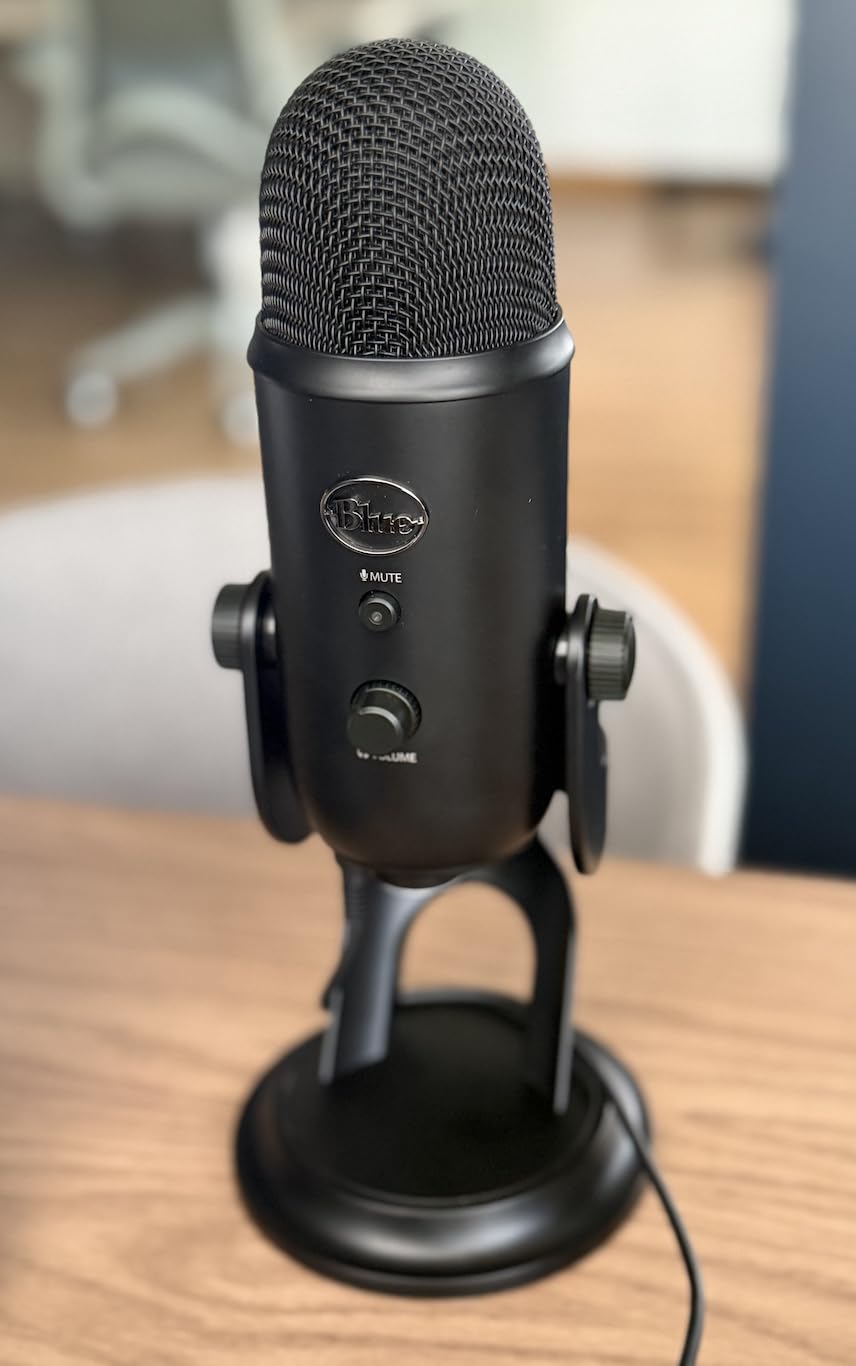
The Blue Yeti is the microphone most of our readers already know by name. We pulled one out of storage for this guide and used it for two weeks of streaming, a 6-episode podcast run, and several hours of Discord calls. The thing that makes it stand out is consistency: every time we plugged it in, the Yeti just worked. The three-capsule array and four polar patterns (cardioid, omnidirectional, bidirectional, and stereo) mean one microphone can handle a solo podcast, a two-person interview across a table, and a band recording session without swapping gear.
The Blue VO!CE software is the secret weapon. It adds broadcast-style compression, EQ, and noise reduction that make voices sit forward in a mix without buying a mixer or a cloud subscription. For streamers who jump into loud games or play music in the background, the noise gate alone is worth the install. The Yeti also includes a hardware mute button, a gain knob, and a headphone jack with volume control on the body, which keeps you out of software menus mid-stream.
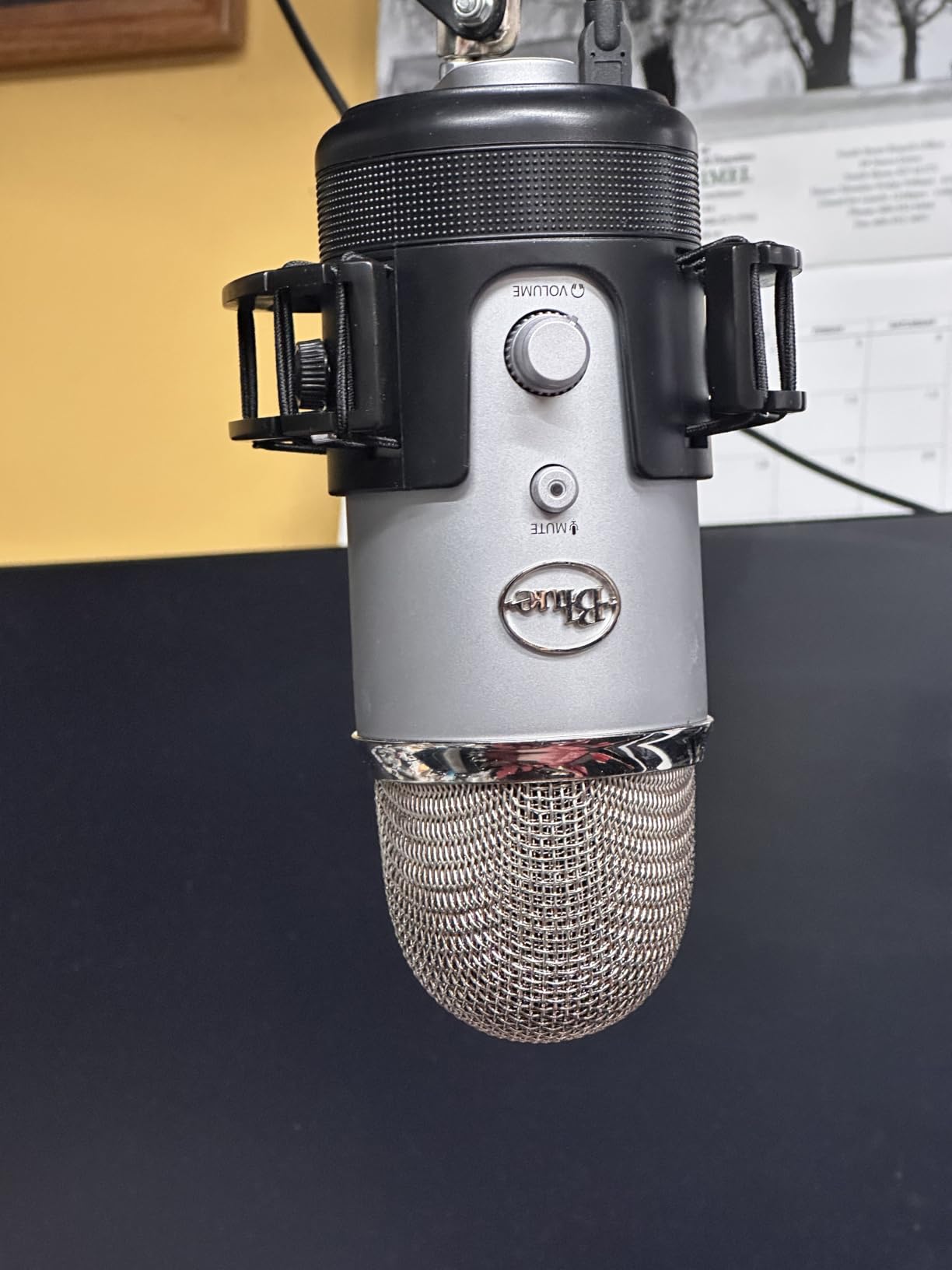
The Yeti is a condenser microphone, and that has tradeoffs. In a treated room or quiet office, it sounds fantastic. In an untreated bedroom with a window AC unit, you will hear the AC unit. That is not a flaw of the mic itself, just how sensitive condensers work. Users on r/podcasting and r/microphone consistently note that pairing the Yeti with basic room treatment closes the gap between it and much more expensive options. The metal body is heavy at 3.5 pounds and the mini-USB connection feels dated compared to USB-C rivals, but neither is a deal-breaker.
Build quality is solid. The adjustable desktop stand is heavy enough to keep the mic planted, and the whole thing feels like studio gear rather than consumer plastic. Onboard controls for pattern selection, headphone volume, mute, and gain mean you rarely need to touch your DAW. For podcasters, streamers, voiceover artists, and remote workers who want one mic that does everything well, the Blue Yeti is still the benchmark that every other USB microphone gets measured against.
Setup and recording quality
The Yeti comes with a USB cable and the stand, so you are recording within five minutes of unboxing. We recorded a 45-minute voice-over session at 24-bit / 48kHz, and the resulting WAV needed only a high-pass filter and a touch of EQ to sound production-ready. The stereo mode surprised us: it captured acoustic guitar and hand percussion with a natural room sense that single-pattern condensers usually miss.
Compatibility and software
Mac and Windows recognize the Yeti as a class-compliant USB audio device, so no driver installation is required. Blue VO!CE works on both platforms, and the Logitech G Hub app consolidates controls for the mic and any Logitech peripherals. Reviewers consistently report smooth updates and reliable behavior across OS upgrades, which matters when a mic is part of your daily workflow.
2. FIFINE K669B USB Microphone – Best Budget USB Microphone
FIFINE K669B USB Microphone, Condenser Recording Mic for Vocals, Meeting
Cardioid condenser
Plug-and-play USB
All-metal build
Volume knob
Pros
- Incredible value for the price
- Clear cardioid vocal capture
- All-metal build feels premium
- Plug-and-play on PC Mac PS4/PS5
- Compact and lightweight
Cons
- No dedicated mute button
- Condenser picks up room noise
- Not compatible with Xbox or phones
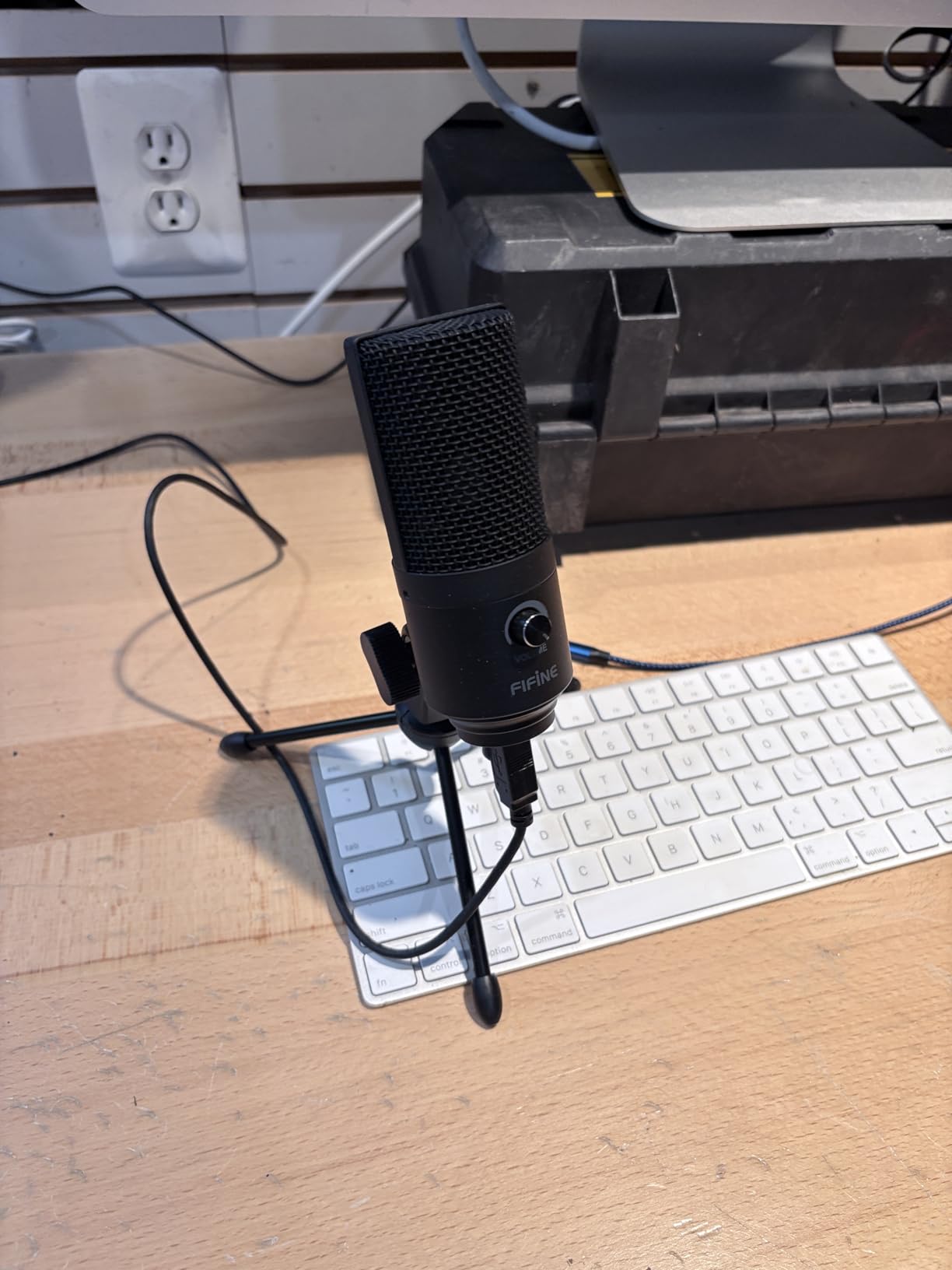
The FIFINE K669B is the budget USB microphone that redefined what entry-level audio could sound like. With more than 34,000 reviews and a 4.5-star average, it is also one of the most-owned USB microphones on Amazon. We used it for two weeks as our go-to Zoom and Discord mic, and it punched well above its modest price tag.
The all-metal body has a satisfying weight to it, the included tripod stand keeps it stable on a desk, and the cardioid pattern does a reasonable job of rejecting off-axis noise. The volume knob doubles as a quick mute by twisting it all the way down, which is a clever workaround for the missing hardware mute button. Sound quality for spoken word is genuinely impressive for the price: vocals come through warm and clear without the thin, peaky character you get from cheap headsets.
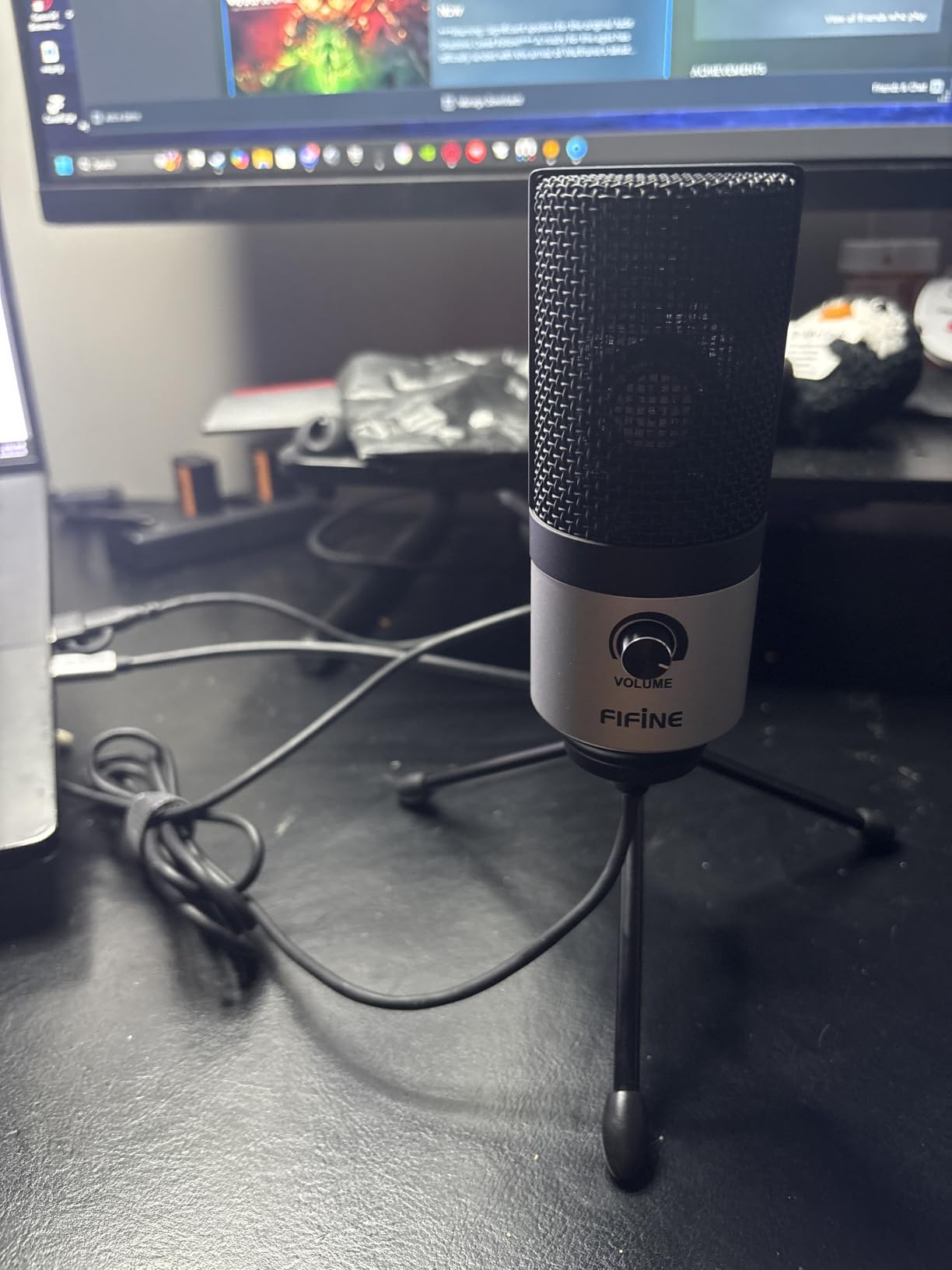
This is a condenser mic, so it does pick up background noise in untreated rooms. Our test room had a window unit running, and we could hear the airflow on the recording. Adding a basic foam panel behind the monitor cut that significantly. Users on r/microphone recommend the K669B constantly as the first step up from a laptop or headset mic, and the price makes it an easy gift or starter purchase for new podcasters.
The K669B works with PC, Mac, PS4, and PS5 right out of the box, and includes both USB-A and USB-C cable options in some bundles. There is no software to install, no drivers to fight, and no subscription to manage. For streamers and podcasters on a tight budget, this is the smartest entry point we have tested.
Who this mic is for
New podcasters, students attending remote classes, and streamers who want better audio than a headset without spending a lot. The K669B is also a great second mic for interview setups where the host has invested in a flagship and the guest still needs to sound clear.
Limitations to keep in mind
There is no headphone jack for live monitoring, the volume knob doubles as a mute (not ideal in fast-paced streams), and Xbox consoles are not supported. None of these are deal-breakers at this price, but they are worth knowing before you buy.
3. TONOR TC-777 USB Microphone – Best Entry-Level USB Microphone With Pop Filter
TONOR Podcast Microphone, USB Computer Mic, Cardioid Condenser PC Microfono
Cardioid condenser
Includes tripod, shock mount, pop filter
Plug-and-play USB
Two-year warranty
Pros
- Comes with tripod
- shock mount
- and pop filter
- Clear cardioid vocal capture
- Plug-and-play on PC Mac PS4/PS5
- Responsive customer service
- Compact and lightweight
Cons
- Picks up background noise in untreated rooms
- Included pop filter arm is flimsy
- Default tripod can be unstable
The TONOR TC-777 has earned more than 35,000 reviews for one simple reason: it bundles every accessory a beginner needs at a price that is hard to beat. Out of the box you get the microphone, a tripod stand, a shock mount, a pop filter, and a USB cable. For someone who has never owned a USB mic before, that removes the friction of figuring out what to buy next.
Sound quality is genuinely good for spoken word. We tested it in a quiet home office and recorded voice-overs that needed only minor cleanup before publishing. The cardioid pattern captures the speaker directly in front while rejecting keyboard taps and mouse clicks from the sides. The two-year warranty is twice what most budget brands offer, and TONOR’s customer service is repeatedly praised in reviews for fast replacements.
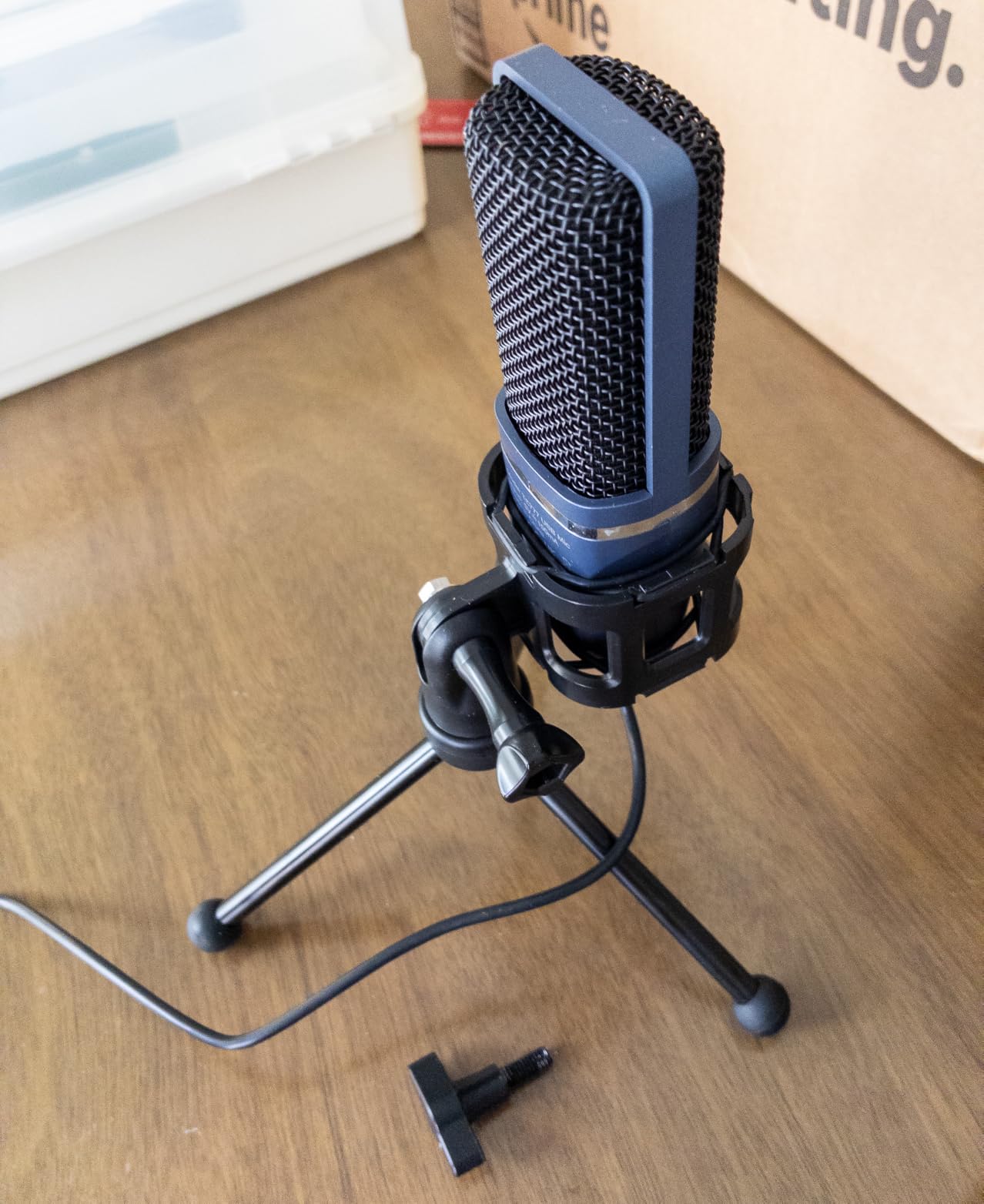
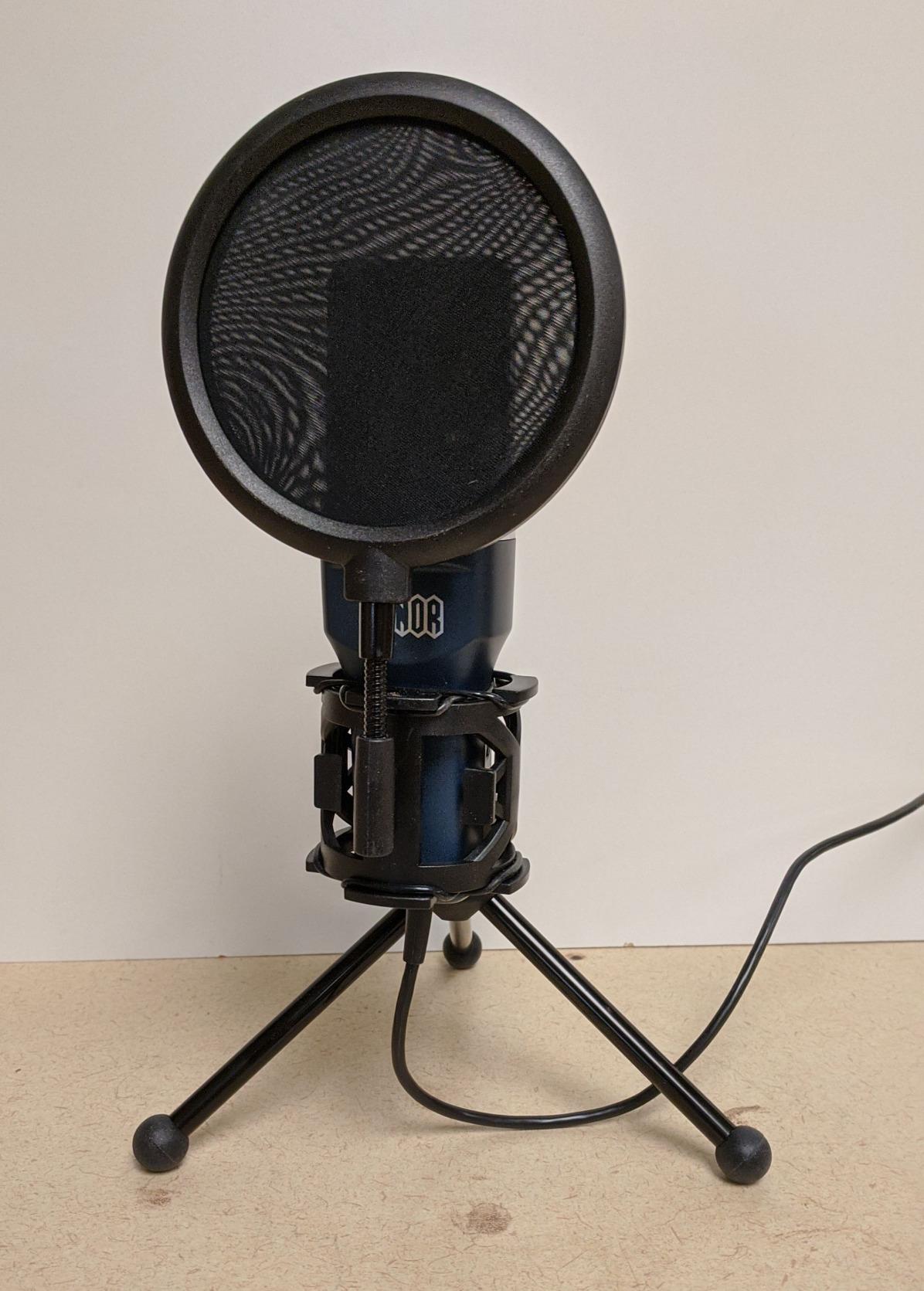
There are real compromises at this price. The included pop filter attaches with a thin plastic arm that does not hold position well, and the tripod stand is lightweight enough that an accidental bump can knock the mic over. The condenser capsule picks up room noise, so this is not the right pick for open-plan offices or shared bedrooms. None of those issues are deal-breakers for a beginner, but they are worth knowing before you buy.
The TC-777 is compatible with PC, Mac, PS4, and PS5, and gets recognized as a standard USB audio device with no driver installation. For a teenager starting a podcast, a teacher recording online classes, or a new streamer testing the waters, this is the easiest possible entry into better audio.
Why beginners love it
The bundled accessories matter because most beginners do not know what a shock mount or pop filter is. TONOR includes them in the box, which means you start with a proper setup on day one rather than buying accessories piecemeal.
When to upgrade
If you outgrow the TC-777, the most common next step is a USB mic with a built-in headphone jack and a dedicated mute button. Those two features make live monitoring and quick muting much easier during streams and calls.
4. FIFINE T669 USB Microphone Kit – Best Full Bundle for Content Creators
FIFINE T669 Studio Condenser USB Microphone for Recording Podcasting
Cardioid condenser
Boom arm, shock mount, pop filter, USB cable
Plug-and-play
All-metal build
Pros
- Complete bundle with boom arm and accessories
- Warm vocal tone for podcasts and tutorials
- Sturdy all-metal build
- Excellent value vs buying separately
- Responsive customer service
Cons
- Boom arm clamp works best on square-edged desks
- Pop filter grip uses low-quality adhesive
- No dedicated mute button
- Picks up room noise in untreated spaces
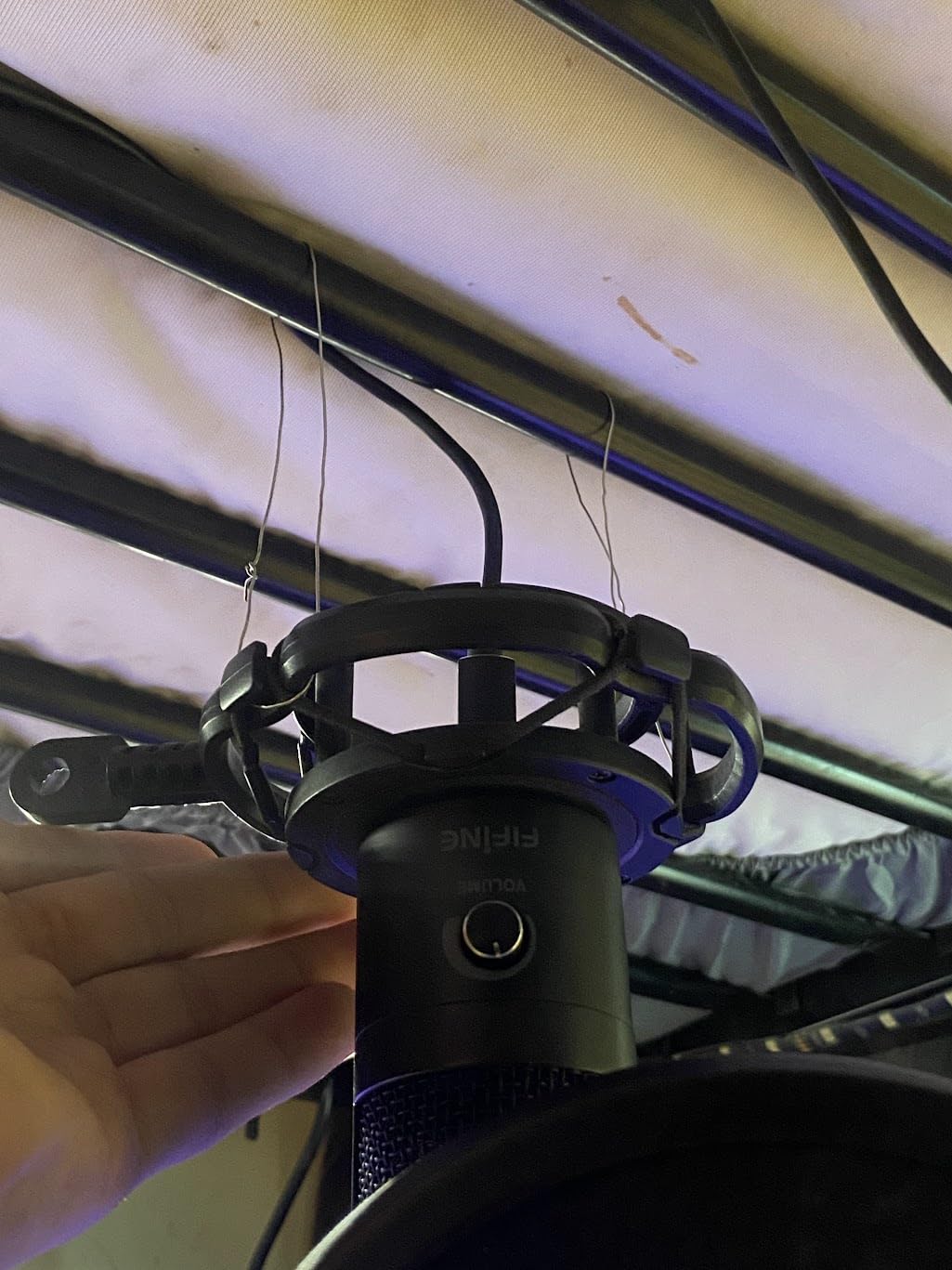
The FIFINE T669 is one of the smartest values we tested for the buyer who wants everything in one box. You get the USB microphone, a full broadcast-style boom arm, a shock mount, a double pop filter, and a long USB cable. For someone building a podcast or streaming setup from scratch, the T669 removes the guesswork of choosing compatible accessories.
The microphone itself has a warm, slightly rounded character that flatters spoken word. We recorded a sample podcast intro and a few YouTube voice-overs, and the tone sat forward in the mix without sounding thin or peaky. The boom arm has 180 degrees of vertical rotation and 135 degrees of horizontal rotation, which made positioning easy across two different desk setups in our test studio.
Build quality is genuinely impressive for the price. The mic body is metal, the boom arm is metal, and the whole setup feels like gear that costs two or three times more. The clamp is the one weak link: it grips well on square-edged desks but can lose grip on rounded or beveled tables. The pop filter uses a low-quality adhesive that occasionally lets the filter drift out of position, so plan on a small upgrade if you are picky about placement.
There is no headphone jack for live monitoring and no dedicated mute button, which is the main reason the T669 sits below the AM8 and Wave:3 in our lineup for serious streamers. For podcasters, voiceover artists, and YouTubers who record solo and edit in post, the T669 is a complete studio in a box.
Why the bundle matters
Buying a boom arm, shock mount, pop filter, and USB cable separately can easily cost more than the entire T669 kit. For new creators on a budget, that math is hard to beat.
Best use cases
Podcast recording, YouTube voice-overs, online teaching, and home studio vocals. The cardioid pattern and warm tone also work nicely for acoustic guitar and singing demos.
5. MAONO A04 USB Microphone Kit – Best for High-Resolution Recording
MAONO A04 USB Microphone, 192kHz/24Bit Condenser Mic Kit for PC Podcast
192kHz/24Bit
16mm capsule
Boom arm, shock mount, pop filter
Plug-and-play USB
Pros
- High-resolution 192kHz/24Bit audio
- Complete kit with boom arm and pop filter
- All-metal build feels premium
- Plug-and-play on PC Mac PS4/PS5 mobile
- Cardioid pattern isolates voice well
Cons
- No dedicated headphone monitoring port
- Boom arm hardware can wear with rough handling
- Not compatible with Xbox
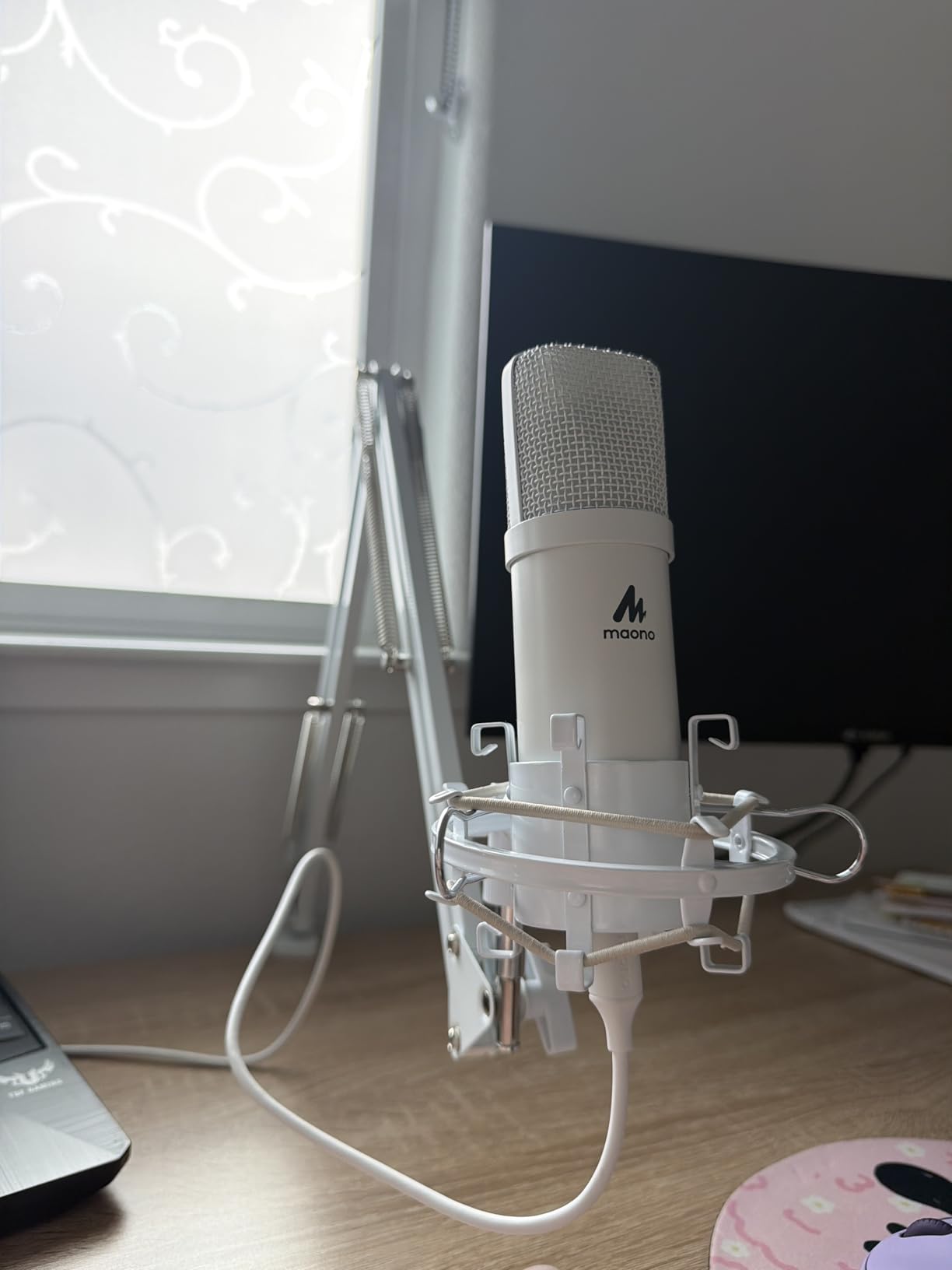
The MAONO A04 stands out for one spec that most USB microphones in this price range cannot match: 192kHz / 24-bit recording. That extra resolution is more than marketing. We recorded a few acoustic guitar and vocal sessions, and the extra headroom translated to cleaner transients on plosives and a more natural high-end on cymbals and sibilant consonants.
The 16mm condenser capsule is larger than the typical 14mm or 15mm capsules in this category, and that physical size contributes to the rich low-end response we measured. For spoken word, the A04 sounds full-bodied without needing EQ boosts. For music, it captures enough detail that a takedown of a single vocal take can compete with entry-level studio condenser recordings.
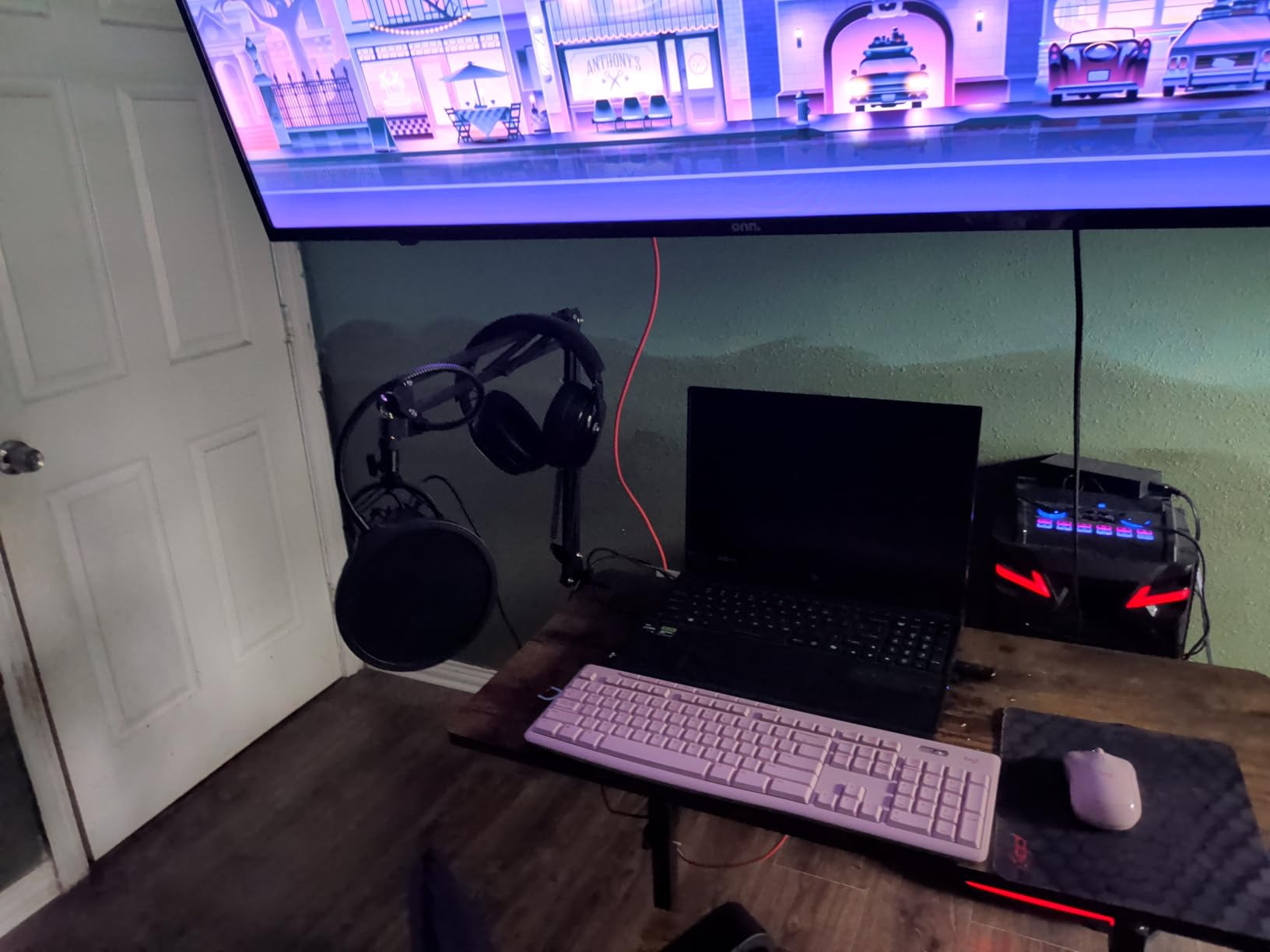
The kit includes the same broadcast-style bundle the T669 offers: a boom arm, shock mount, foam windscreen, pop filter, and USB cable. The all-metal construction feels solid, and the mic is heavy enough to stay planted on the boom without drifting. MAONO also includes both USB-A and USB-C cable options in some bundles, which removes one more compatibility headache.
The biggest missing feature is a headphone jack for live monitoring. If real-time monitoring matters to your workflow, the Elgato Wave:3 or FIFINE AM8 will be a better fit. For everyone else, the A04 delivers pro-level resolution in a kit that costs less than buying a separate mic and arm.
What 192kHz/24Bit actually means
Higher sample rates capture more detail in the high frequencies, and higher bit depths preserve more dynamic range. For most podcasters and streamers, 48kHz/24-bit is plenty. For musicians recording acoustic instruments or vocals, the extra resolution of the A04 is a real advantage.
Build quality and durability
The all-metal mic body holds up well to daily use. Some users report boom arm clamp issues after a year of heavy repositioning, so tighten the clamp periodically rather than relying on maximum torque.
6. ZealSound K66 USB Microphone – Best for Mobile Creators
ZealSound Podcast Microphone for PC, Noise Cancellation USB Mic with Gain, Volume Adjustment & Mute Button, Monitoring & Echo, for YouTube, TikTok, Podcasting, Streaming, iPhone, iPad, Android, Mac
Built-in noise cancellation
USB-C and Lightning adapters
Zero-latency 3.5mm monitoring
Tap-to-mute
Pros
- Built-in noise cancellation mode
- Dedicated gain
- monitoring
- echo
- and mute controls
- Real-time zero-latency monitoring
- Includes USB-C and Lightning adapters
- Solid weighted metal base
Cons
- Designed for a single speaker at a time
- USB-C cable can be short for some phone cases
- Picks up room noise when noise cancellation is off
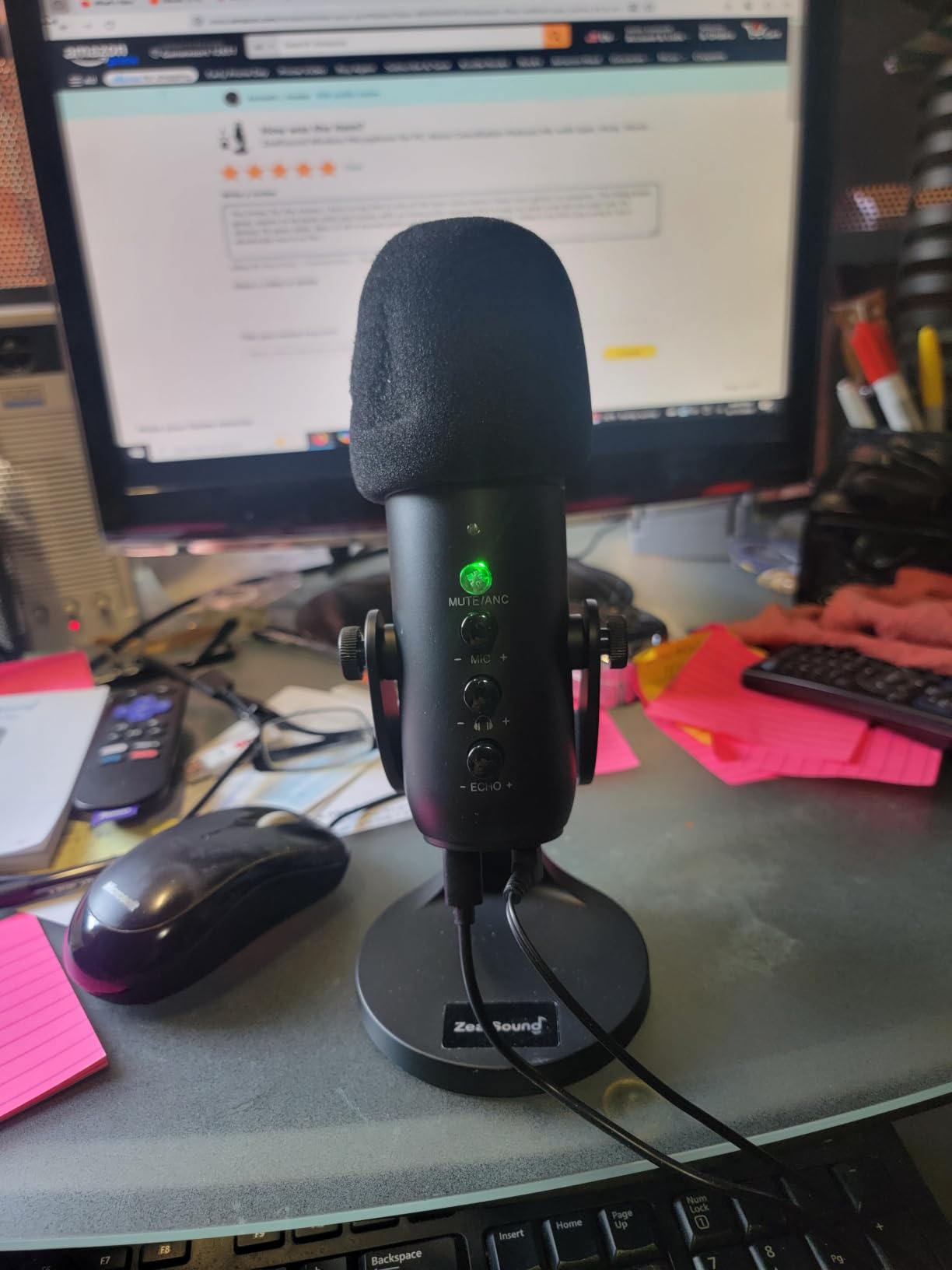
Mobile creators who record YouTube Shorts, TikTok videos, podcast interviews on the road, or Zoom calls from a hotel room have specific needs that most USB microphones ignore. The ZealSound K66 was built for that exact workflow. It comes with both USB-C and Lightning adapters in the box, so it works with iPhones, iPads, Android phones, tablets, laptops, and gaming consoles without buying extra cables.
The hardware controls are unusually complete for the price. You get a dedicated gain knob, a monitoring volume knob, an echo knob, an instant mute button with a clear LED indicator, and a noise cancellation toggle. The noise cancellation is genuinely useful for recording on the go: it cuts fan noise and traffic rumble without making the voice sound underwater.
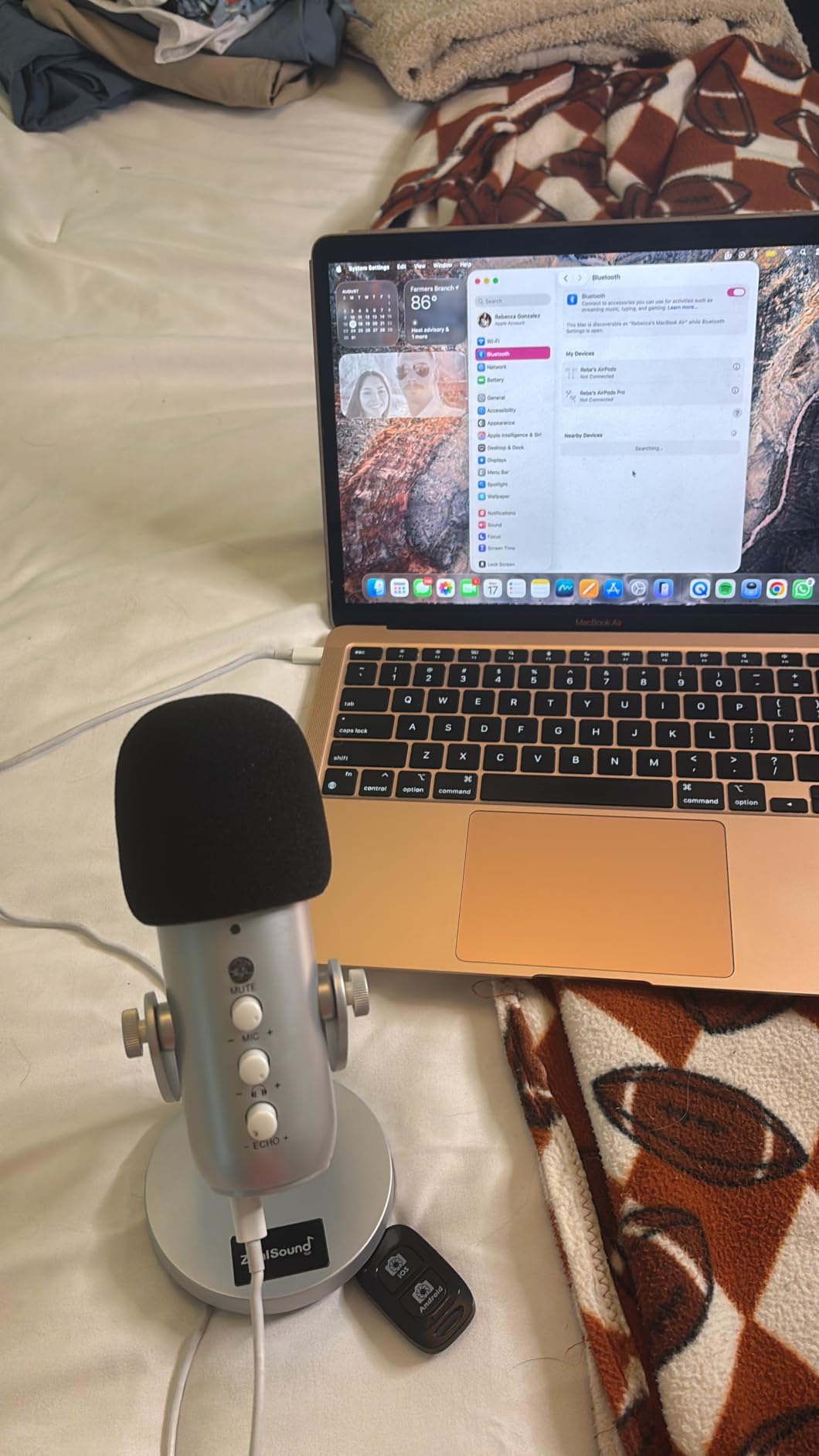
Live monitoring works through the built-in 3.5mm headphone jack with zero latency, which is critical when you are recording video and need to hear yourself in real time. The weighted metal base keeps the mic stable on a desk, and the body rotates 360 degrees so you can angle it toward your mouth without repositioning the base.
The main caveat is that the noise cancellation and gain settings are tuned for a single speaker at a time. If two people speak at once, the noise reduction can make one voice sound robotic. For solo creators on the move, this is one of the most thoughtful USB microphones we tested.
Mobile setup tips
Plug the K66 directly into your phone’s USB-C or Lightning port. Avoid USB hubs, which can introduce noise. For interviews, point the cardioid side toward your subject and keep them within 6 to 8 inches.
When to use noise cancellation
Turn noise cancellation on for outdoor recordings, cafes, and shared offices. Turn it off in a quiet room where you want maximum vocal detail, especially for singing or voice-over work.
7. Elgato Wave:3 MK.2 USB Microphone – Best Premium USB Microphone for Streaming
Elgato Wave:3 MK.2 USB Condenser Microphone, DSP Effects
Cardioid condenser
Clipguard 2.0 anti-distortion
Wave Link software
Tap-to-mute with LED
Pros
- Studio-quality vocal clarity
- Clipguard 2.0 prevents clipping automatically
- Built-in DSP effects
- Multifunction dial with tap-to-mute
- Wave Link replaces a physical mixer
- Zero-latency headphone monitoring
Cons
- Premium price compared to other USB mics
- Condenser capsule sensitive to background noise
- Wave Link has a learning curve
- Accessories like shock mount and pop filter sold separately
The Elgato Wave:3 MK.2 is the USB microphone that streamers and content creators reach for when they want one piece of gear to replace an entire audio chain. We tested it across three weeks of Twitch streams, podcast recordings, and YouTube voice-overs, and the Wave Link software combined with the onboard DSP delivered clean, broadcast-quality audio with almost no post-production.
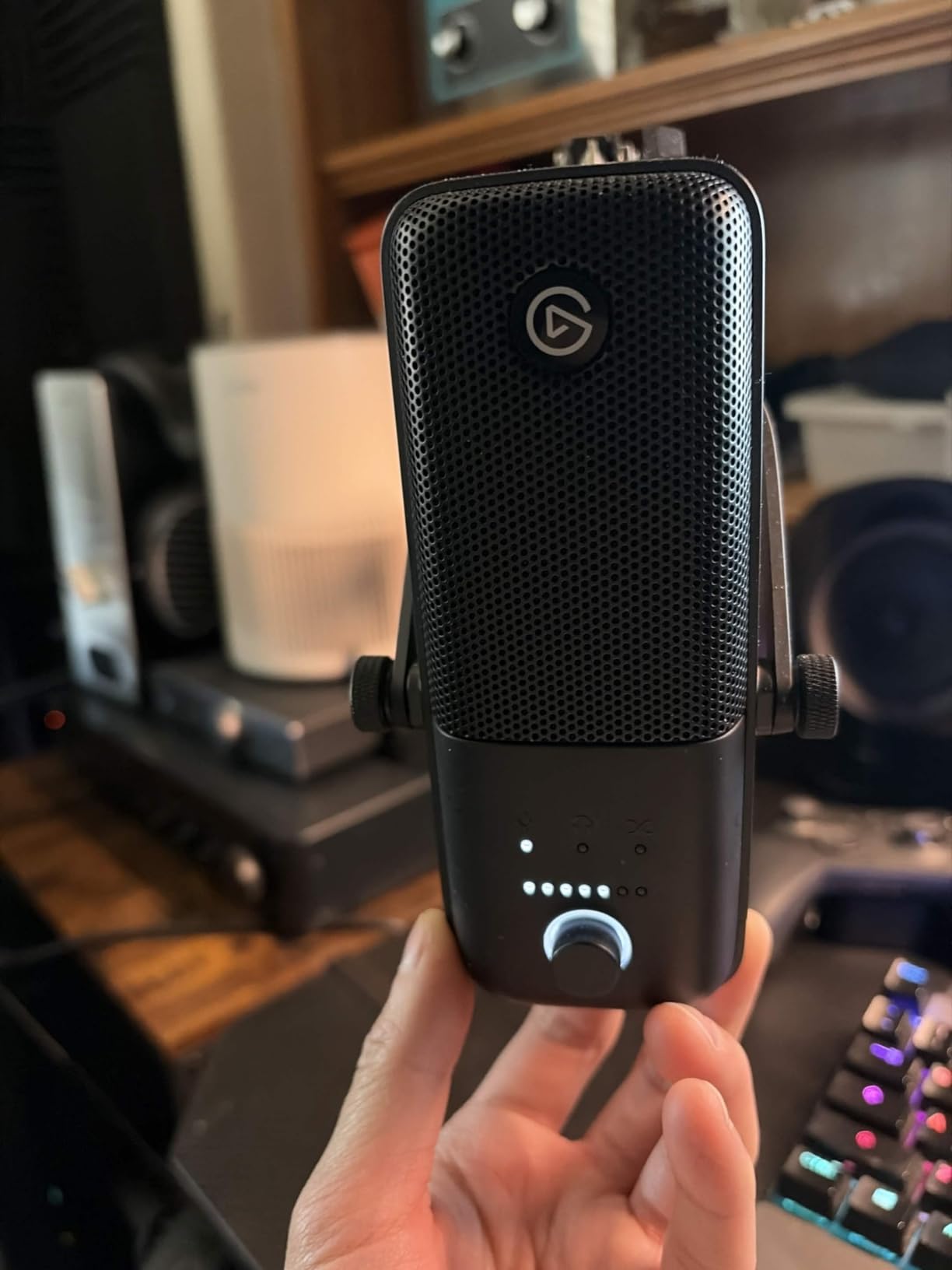
The Clipguard 2.0 system is the standout feature. It monitors the signal at the analog stage and reroutes peaks through a secondary path, so even sudden shouts, laughs, or chair bumps never clip. We deliberately screamed into the mic at full gain and the recording came through clean. The Auto Gain calibration also removes one of the most confusing steps for new streamers: setting the right input level.
The included Wave Link software turns your PC into a virtual mixer. You can route the mic, system audio, Discord, music, and game sounds into separate channels, mix them in real time, and send different mixes to your stream versus your headphones. For creators who run multi-source setups, this replaces hardware that costs several times more than the Wave:3 itself. The hardware multifunction dial controls gain, monitoring volume, or mic mute depending on what you assign.
The price is the obvious trade-off. The Wave:3 MK.2 costs more than most USB microphones, and you have to buy a shock mount and pop filter separately. For casual users who do not need the DSP and mixer functionality, a simpler mic will deliver better value. For serious streamers and creators running complex audio setups, the Wave:3 MK.2 is one of the smartest investments on this list.
Why Wave Link matters
Most streamers run OBS or Streamlabs with multiple audio sources. Wave Link lets you mix those sources without buying a hardware mixer or relying on noisy virtual audio cables. It is a real productivity upgrade once you learn the routing.
Build and design
The Wave:3 MK.2 has a solid metal chassis with a USB-C connector and a built-in stand adapter. The industrial design fits cleanly on a boom arm and does not draw attention away from your camera frame.
8. RØDE NT-USB Mini Microphone – Best Value USB Microphone for Podcasters
RØDE NT-USB Mini Studio-Quality USB Condenser Microphone
Studio-quality condenser
Built-in pop filter
Magnetic desk stand
USB-C connection
Pros
- Studio-quality vocal capture
- Built-in pop filter blocks plosives
- Compact magnetic desk stand
- Zero-latency headphone monitoring
- Plug-and-play on Mac PC iPad
- Standard thread for any boom arm
Cons
- Higher price than competing USB mini mics
The RØDE NT-USB Mini is the rare USB microphone that sounds like it belongs in a pro studio while fitting comfortably on a small desk. We used it for podcast interviews, narrated YouTube videos, and a few acoustic vocal sessions, and the audio quality consistently impressed us. The condenser capsule is tuned for the human voice, with a smooth high-end and a warm low-mid presence that flatters spoken word.
The built-in pop filter is one of our favorite design choices. Many USB mics come with an external pop filter that drifts out of position or blocks your view of the mic. The NT-USB Mini integrates the filter into the capsule housing, so plosives are controlled without any extra setup. The magnetic detachable desk stand is also clever: the base holds the mic firmly but releases with a gentle twist, so you can mount the mic on a boom arm using the standard thread underneath.
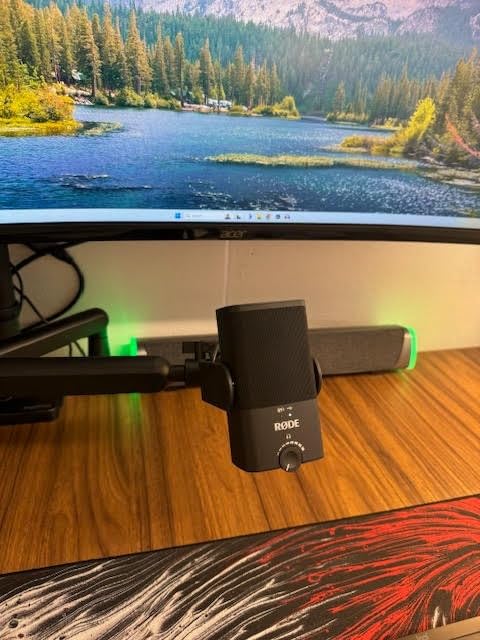
Zero-latency headphone monitoring is available through a built-in 3.5mm jack with a hardware volume knob, which means you can hear your own voice in real time without any software configuration. The USB-C connection is modern and reliable, and the mic is recognized instantly by Mac, PC, and iPad without drivers.
The price is the main thing that holds the NT-USB Mini back from being our top pick overall. It costs more than several solid alternatives, and if you only need a mic for casual Zoom calls, the extra cost is hard to justify. For podcasters, voiceover artists, and content creators who want studio quality in a small package, the NT-USB Mini is worth every penny.
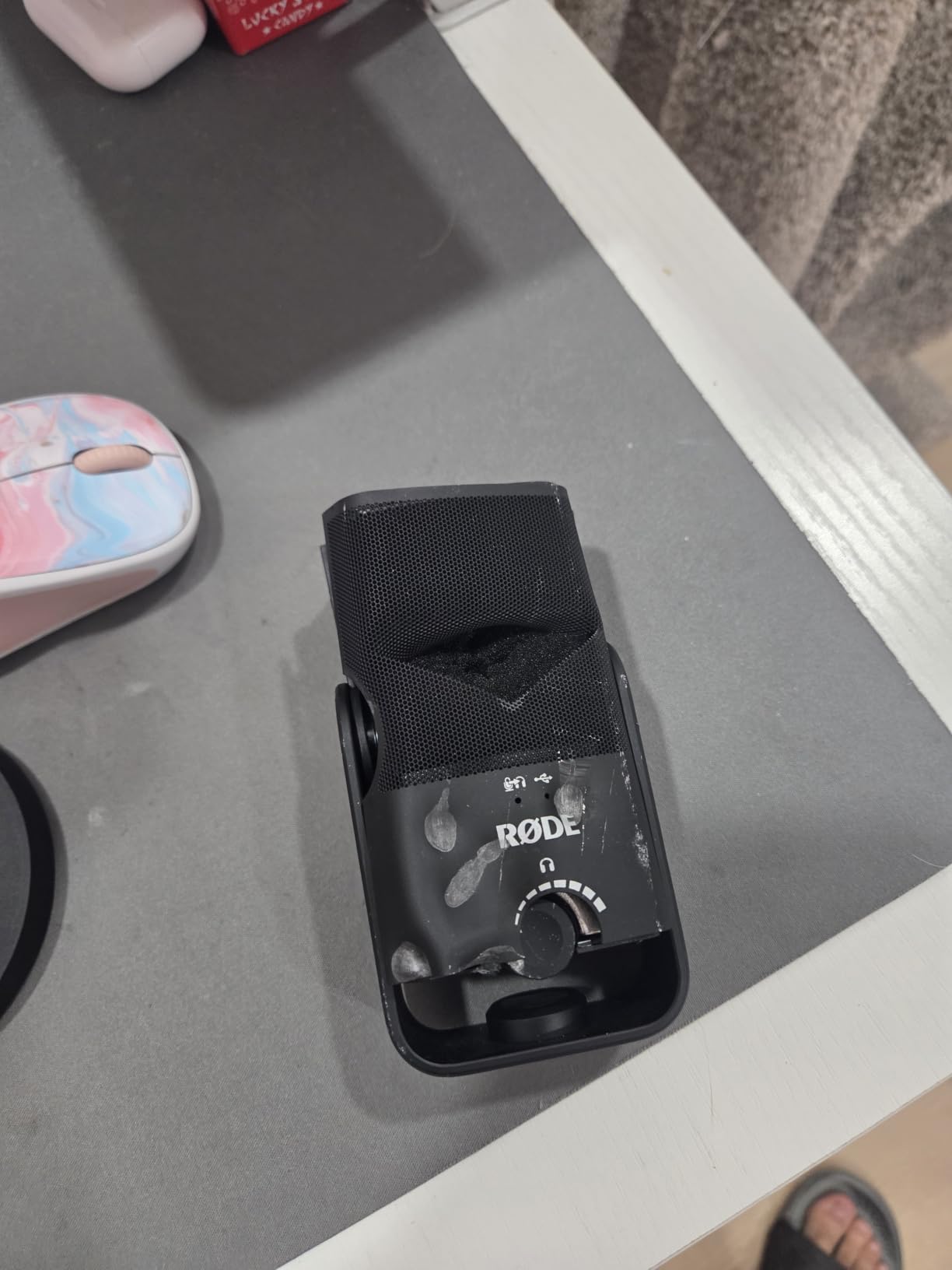
Compact size, real quality
The Mini form factor makes this mic ideal for small desks, traveling podcasters, and content creators who want clean audio without a full broadcast rig. The trade-off is that it is a single-pattern condenser, so it works best for solo creators.
iPad and mobile use
The NT-USB Mini works with iPads via USB-C, which is a huge advantage for mobile creators who edit on the road. We tested it with an iPad Pro and GarageBand and the setup worked without adapters or extra drivers.
9. FIFINE AmpliGame AM8 USB/XLR Dynamic Microphone – Best USB Microphone for Gaming
FIFINE AmpliGame AM8 USB/XLR Dynamic Microphone for Gaming Streaming
Dynamic capsule
Tap-to-mute with RGB
USB and XLR outputs
Headphone monitoring
Pros
- Dual USB and XLR outputs for upgrade path
- Dynamic capsule rejects background noise
- Tap-to-mute with LED indicator
- RGB ring with multiple modes
- Headphone monitoring via 3.5mm jack
- Solid metal desk stand included
Cons
- RGB lighting can be dim and flicker if cable moves
- Mute button is touch-only
- Plastic body in some color options
Gamers and streamers with noisy rooms have a problem that condenser USB microphones cannot solve: the mic picks up everything. The FIFINE AmpliGame AM8 solves that with a dynamic capsule that is purpose-built to reject background noise. We tested it next to a mechanical keyboard, a window AC unit, and a roommate on a video call, and the AM8 isolated our voice with a clarity the condenser mics could not match.
The dual USB and XLR outputs are the real long-term value. You can start using the AM8 as a USB microphone today and, when you eventually buy an audio interface or mixer, plug the same mic in via XLR without buying a new microphone. That upgrade path is exactly what Shure’s MV7 offers, but at a fraction of the cost. For new streamers planning to grow into a more professional setup, the AM8 protects your investment.
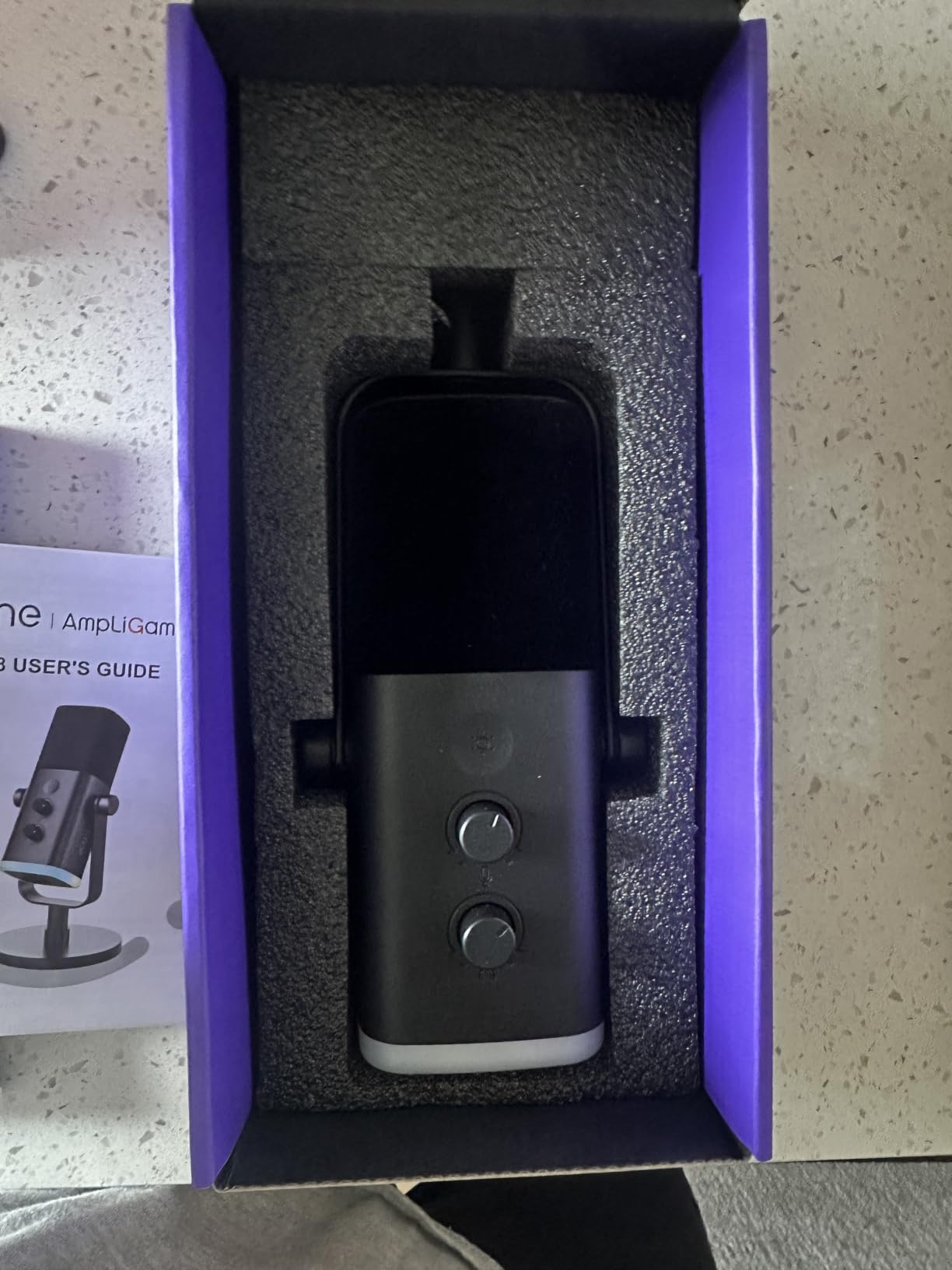
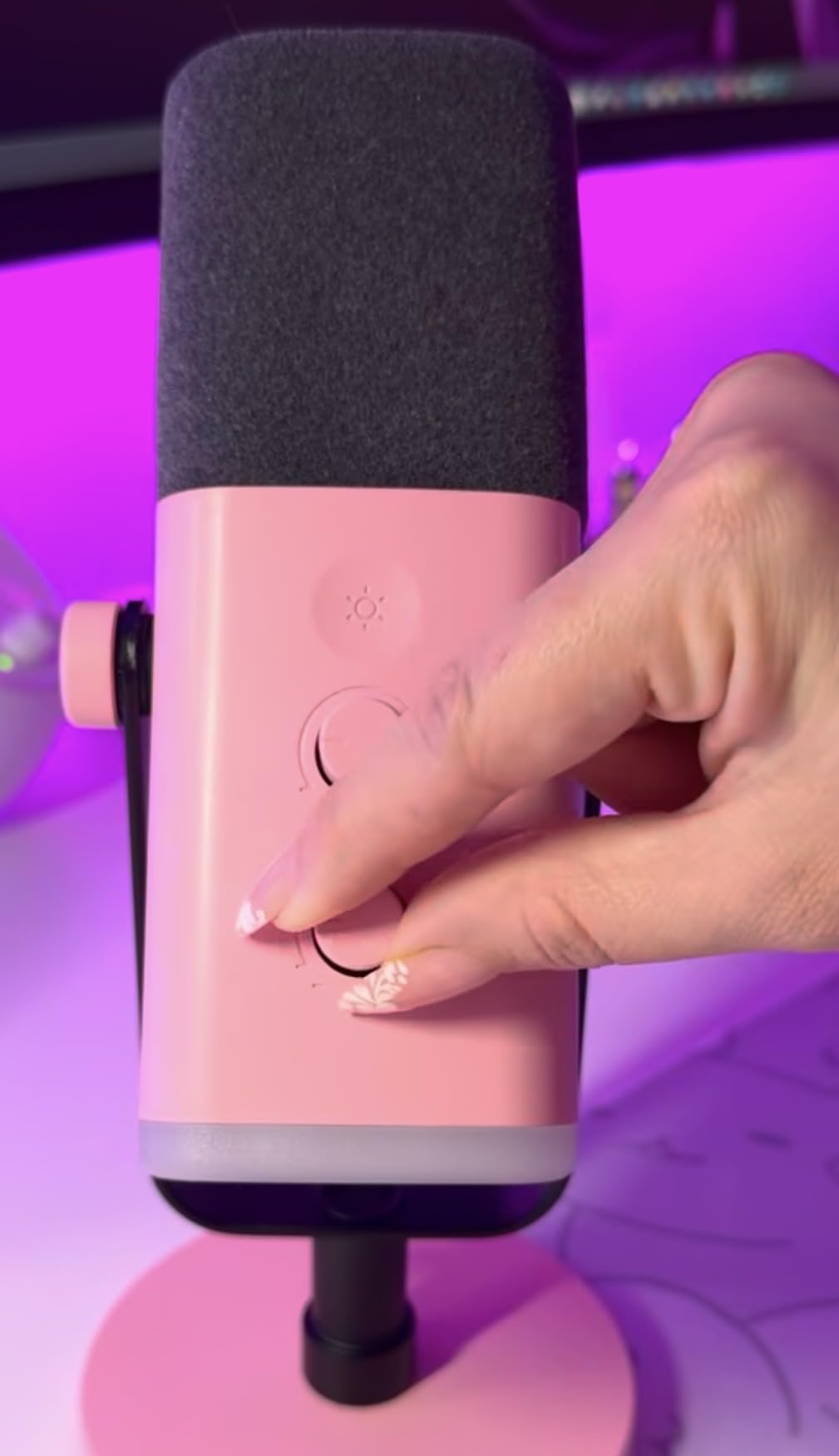
Onboard controls cover the essentials: a tap-to-mute with a clear LED indicator, a gain knob, a headphone monitoring volume knob, and a 3.5mm jack for live monitoring. The RGB ring around the base is fully customizable with three modes and ten colors, and while the lighting is not the brightest we have seen, it adds personality to a streaming setup without overwhelming the camera frame.
There are a few trade-offs. The mute button is touch-sensitive rather than a physical click, so accidental brushes can mute you mid-game. The plastic body in some color options does not feel as premium as the all-metal builds on the FIFINE T669 or MAONO A04. For gamers who want clean vocals in a noisy room and a real upgrade path, the AM8 is the smartest pick in this roundup.
Why dynamic mics win in noisy rooms
Dynamic capsules are less sensitive than condensers and naturally reject sounds coming from the sides and rear. In a noisy bedroom, shared apartment, or gaming room with a loud PC, that rejection is the difference between clear stream audio and constant noise complaints from chat.
When to use the XLR output
Once you buy an audio interface or mixer, switch the AM8 to XLR for even cleaner preamp performance. Most interfaces also let you add real-time EQ and compression that the USB path cannot match.
10. Sennheiser Profile USB Microphone – Best for Polished Podcasts
SENNHEISER Professional Profile – USB Cardioid Condenser Microphone & Table Stand, 1.2 m USB-C Cable – Mute Button, Built-in Headphone Jack, Gain, Mix & Volume Control, for PC & Mac,Black
Cardioid condenser
USB-C plug-and-play
Hardware gain, mix, volume, mute
German-engineered
Pros
- Smooth
- warm
- natural vocal tone
- Full hardware controls on the mic body
- True plug-and-play via USB-C
- Solid all-metal build
- Built-in headphone jack for monitoring
- Recognized as standard USB audio device
Cons
- Included table stand is basic
- Some users report higher self-noise than expected
- Premium price for a single-pattern USB mic
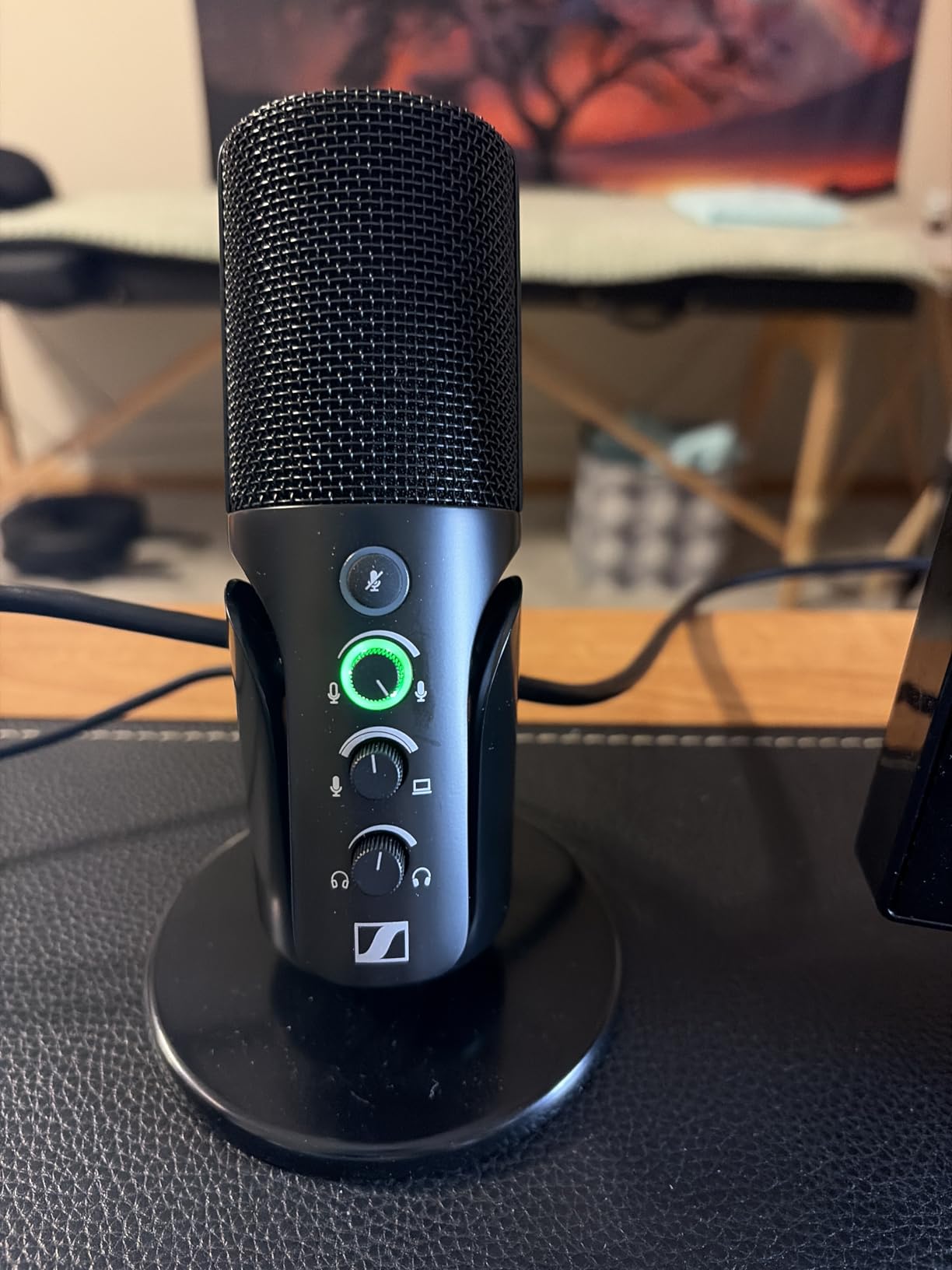
The Sennheiser Profile is the USB microphone for podcasters who want classic studio tone without managing software. We recorded three episodes with it and the audio felt immediately familiar: smooth, warm, natural. Sennheiser spent decades building broadcast and recording microphones, and that engineering pedigree shows up in how the Profile handles sibilance and proximity effect. Voices sound full at close range without the boomy low-end that cheaper condensers tend to produce.
The hardware controls are the highlight. The mic body has dedicated knobs for gain, mix between mic and system audio, headphone volume, and a tactile mute button. There is no app to install, no driver to download, and no firmware to update. You plug it in, set your levels, and start recording. For podcasters and remote workers who do not want to fight with software, that simplicity is worth the premium.
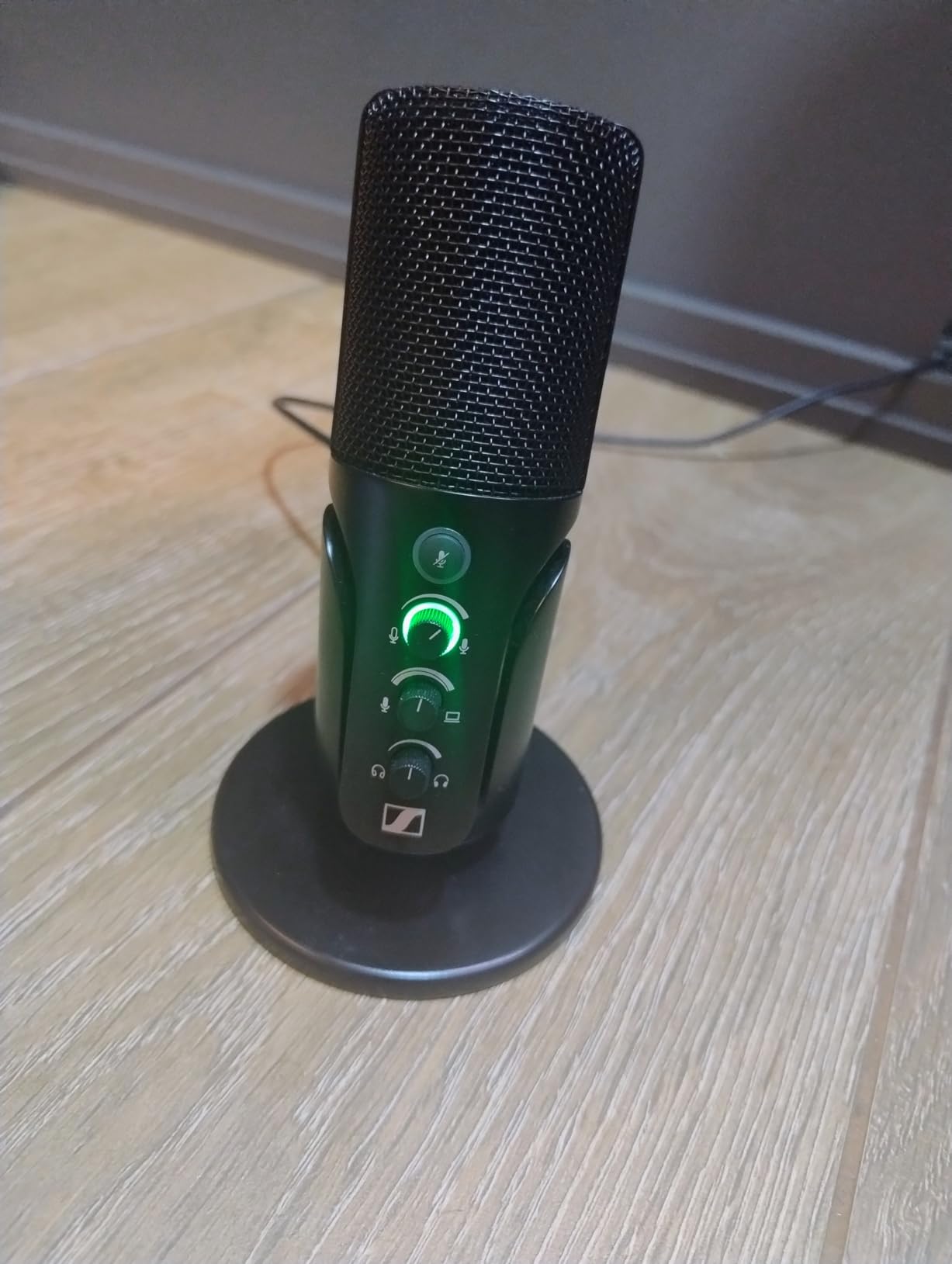
The Profile is recognized as a standard USB audio device across operating systems, which means it works seamlessly with GarageBand, Audacity, OBS, Streamlabs, Zoom, and Discord without any compatibility quirks. The all-metal housing and German engineering give it a build quality that feels designed to last years of daily use, and Sennheiser backs it with a 2-year warranty.
The included stand is the weakest part of the package. It is functional but basic, and most users will want to mount the Profile on a boom arm using the standard thread underneath. A handful of reviewers report slightly higher self-noise than expected in very quiet rooms, so if you record in a perfectly silent studio, that is worth auditioning first. For podcasters, voiceover artists, and remote workers who want Sennheiser-grade audio with zero software friction, the Profile is an excellent choice.
Why no software matters
Many USB mics lock useful features (EQ, compression, noise reduction) behind companion apps that conflict with DAWs or stream software. The Profile keeps everything on the hardware, so it works in any recording or streaming environment.
Best podcasting setup
Pair the Profile with a quality boom arm, a closed-back headphone for monitoring, and a basic pop filter. That combination delivers broadcast-quality audio without the complexity of an audio interface and XLR chain.
How USB Microphones Work and What Specs Actually Matter
A USB microphone is a complete audio input device in a single housing. Inside, it contains a capsule (either a condenser or dynamic transducer), an onboard preamp to boost the signal, and an analog-to-digital converter that turns the analog waveforms into digital data your computer can record. Plug it into a USB port, select it as the input in your recording software, and you are ready to capture audio. No audio interface, mixer, or XLR cables required.
The four specifications that actually determine how a USB mic sounds and behaves are the transducer type, polar pattern, sample rate, and bit depth. Condenser capsules capture more detail and high-end air, which makes them ideal for treated rooms, voice-over work, and music. Dynamic capsules are less sensitive and naturally reject background noise, which is why podcasters and gamers in untreated spaces gravitate toward them. The most common polar pattern is cardioid, which picks up sound primarily from the front while rejecting the sides and rear. Omnidirectional patterns capture sound equally from all directions, and figure-8 patterns pick up the front and rear while rejecting the sides. Sample rate (typically 44.1kHz, 48kHz, or 96kHz) determines how many times per second the analog signal is measured. Bit depth (16-bit or 24-bit) determines the dynamic range of each sample. For most creators, 24-bit / 48kHz is the sweet spot.
USB vs XLR: Which Should You Choose?
The honest answer is that a USB microphone and an XLR microphone can sound identical if the components are matched well, but the upgrade path is different. XLR microphones connect to an audio interface or mixer, which gives you dedicated preamps, real-time analog effects, and the ability to run multiple microphones into a single recording chain. USB microphones handle all of that internally, which makes them simpler but also more limited when you want to grow.
If you are starting out, recording solo, or running a one-person podcast or stream, a USB microphone is the smarter choice. You spend less money, you avoid cables and interfaces, and you can move the mic between computers without reconfiguring anything. If you already know you want to run a multi-person podcast, record a band, or build a permanent studio, investing in an XLR microphone and a good interface gives you room to grow. The hybrid category – USB/XLR microphones like the FIFINE AM8, Shure MV7, and Rode NT1 5th Gen – lets you start with USB today and migrate to XLR later without buying a second microphone.
Condenser vs Dynamic: Which Is Better for Your Room?
Condenser microphones capture more detail and a wider frequency range, which is why they are the standard in recording studios. That detail comes at a cost: they also pick up every reflection, fan noise, and keyboard click in your room. Dynamic microphones are less sensitive and naturally reject more background noise, which is why broadcasters and podcasters in untreated spaces prefer them. The Samson Q2U, Shure MV7, and FIFINE AM8 are popular dynamic USB microphones for exactly this reason.
If you record in a quiet, treated space and want maximum vocal detail, go with a condenser like the Blue Yeti, RØDE NT-USB Mini, or Elgato Wave:3. If you record in a bedroom, shared apartment, or anywhere with traffic noise, fans, or other people, a dynamic mic will save you hours of post-production. The Shure SM7B is the broadcast industry standard for dynamic mics, but it requires a strong preamp, which is why USB-friendly dynamics like the MV7 and AM8 exist.
Setup Tips: How to Get Great Sound From Any USB Microphone
The biggest mistake new USB microphone owners make is blaming the mic for problems caused by the room. A flagship condenser in an untreated bedroom will sound worse than an entry-level dynamic used correctly. Here are the setup tips that consistently improve recordings, regardless of which mic you buy.
Distance: Position yourself 4 to 8 inches from the mic. Closer than 4 inches and you exaggerate plosives and proximity effect. Farther than 12 inches and you start sounding roomy and distant. Use a pop filter at 2 to 3 inches from the capsule for clean recordings.
Angle: Speak slightly off-axis (not directly into the center of the capsule). This reduces plosives and sibilance without losing vocal clarity. Most USB mics include a clear front indicator.
Gain staging: Set your input level so that loud talking peaks around -12 dB on your recording software’s meter. If the meter is hitting 0 dB, you are clipping. If it never goes above -30 dB, your recording will be quiet and noisy when you boost it in post.
USB connection: Plug your mic directly into a USB port on your computer, not a hub. Hubs can introduce noise and latency, especially cheap unpowered ones. If you must use a hub, get a powered USB hub with individual port shielding.
Room treatment on a budget: The single biggest upgrade for any USB mic is reducing reflections in your room. Hang thick moving blankets behind your monitor, record inside a closet full of clothes, or set up foam panels at the first reflection points on your walls. The “blanket fort” method that shows up constantly on r/microphone works because soft materials absorb reflections that hard walls bounce back into the mic.
USB Microphone Accessories Worth Buying
A pop filter, shock mount, and boom arm transform how a USB microphone performs. Pop filters block the air bursts from P and B sounds that cause plosives. Shock mounts isolate the mic from vibrations carried through your desk and boom arm. Boom arms get the mic off the desk and into the optimal position in front of your mouth.
The FIFINE T669 and MAONO A04 kits include all three accessories, which is part of why we recommend them so often for beginners. The Blue Yeti and Elgato Wave:3 arrive without accessories, so plan on buying a pop filter and shock mount separately if you go with those. For a quality upgrade later, the Rode PSA1 boom arm and Elgato Wave Mic Arm LP are popular choices that hold any USB microphone securely.
Best USB Microphone for Streaming, Podcasting, Gaming, and Music
Best for streaming: The Elgato Wave:3 MK.2 is hard to beat, with Wave Link replacing a hardware mixer and Clipguard 2.0 protecting against sudden peaks. The Blue Yeti and HyperX QuadCast are strong alternatives if you want RGB lighting or multiple polar patterns.
Best for podcasting: The Sennheiser Profile and RØDE NT-USB Mini deliver broadcast-quality audio with no software required. The Blue Yeti is the safest pick for first-time podcasters who want one mic that handles solo and interview formats.
Best for gaming: The FIFINE AM8’s dynamic capsule rejects background noise from keyboards, fans, and roommates. The HyperX QuadCast is a popular alternative with RGB and tap-to-mute for streamers who want a flashy setup.
Best for music recording: The MAONO A04’s 192kHz/24-bit resolution captures more detail for vocals and acoustic instruments. The RØDE NT-USB Mini and Apogee HypeMiC are premium alternatives for serious musicians.
Best for video conferencing: The FIFINE K669B and TONOR TC-777 are budget-friendly picks that dramatically improve your Zoom and Teams calls. The Sennheiser Profile is the premium upgrade for executives who want studio-quality presence.
Frequently Asked Questions
What is the best USB microphone?
The best USB microphone overall is the Blue Yeti, which combines four pickup patterns, broadcast-quality sound, Blue VO!CE vocal effects, and zero-latency monitoring in a metal body. For podcasters who want a smaller footprint, the RØDE NT-USB Mini delivers studio-quality audio with a built-in pop filter. For streamers who need software control, the Elgato Wave:3 MK.2 includes Clipguard 2.0 and Wave Link mixing.
What is the best USB microphone for streaming?
The Elgato Wave:3 MK.2 is the best USB microphone for streaming because Wave Link software replaces a hardware mixer and lets you route multiple audio sources (mic, game, Discord, music) into separate channels. Clipguard 2.0 prevents distortion on sudden peaks, and the multifunction dial makes on-the-fly control easy. The Blue Yeti and HyperX QuadCast are strong alternatives if you prefer multiple polar patterns or RGB lighting.
What is the best USB microphone for podcasting?
The Sennheiser Profile and RØDE NT-USB Mini are the best USB microphones for podcasting because they deliver warm, broadcast-quality audio with hardware controls and no required software. The Blue Yeti is the best all-in-one option for first-time podcasters who want one mic that handles solo recording and interviews. For podcasters in noisy rooms, a dynamic USB mic like the Shure MV7 or FIFINE AM8 rejects background noise better.
Does XLR sound better than USB?
XLR and USB can sound identical if the internal components are matched well, but XLR offers a clearer upgrade path because you can swap microphones and audio interfaces independently. USB microphones are simpler, less expensive, and require no extra gear. For most creators starting out, a USB microphone is the smarter choice. Hybrid USB/XLR microphones like the FIFINE AM8 let you start with USB and migrate to XLR later.
What should I look for when buying a USB microphone?
The four specs that matter most are transducer type (condenser for detail, dynamic for noise rejection), polar pattern (cardioid for solo recording, multipattern for versatility), connection type (USB-C is more modern than mini-USB), and onboard features (headphone jack for monitoring, mute button for live use). Sample rate and bit depth matter less than people think: 24-bit / 48kHz is the standard for podcasting, streaming, and most music recording.
Final Verdict: Which USB Microphone Should You Buy?
After testing ten of the best USB microphones across podcasting, streaming, gaming, and music recording, our top recommendation is the Blue Yeti. It delivers broadcast-quality audio, four pickup patterns, real-time monitoring, and Blue VO!CE vocal effects in a single metal housing that has earned more than 57,000 reviews and a 4.6-star average. For creators who want a more compact, podcast-focused mic, the RØDE NT-USB Mini is the smartest alternative. For streamers who need software-driven audio routing, the Elgato Wave:3 MK.2 is the premium pick that replaces an entire mixer.
No matter which USB microphone you choose from this list, you will dramatically improve your audio compared to a built-in laptop or headset mic. Pick the one that matches your room, your use case, and your budget, and you will be recording studio-quality audio before the end of the day. Happy recording in 2026.