
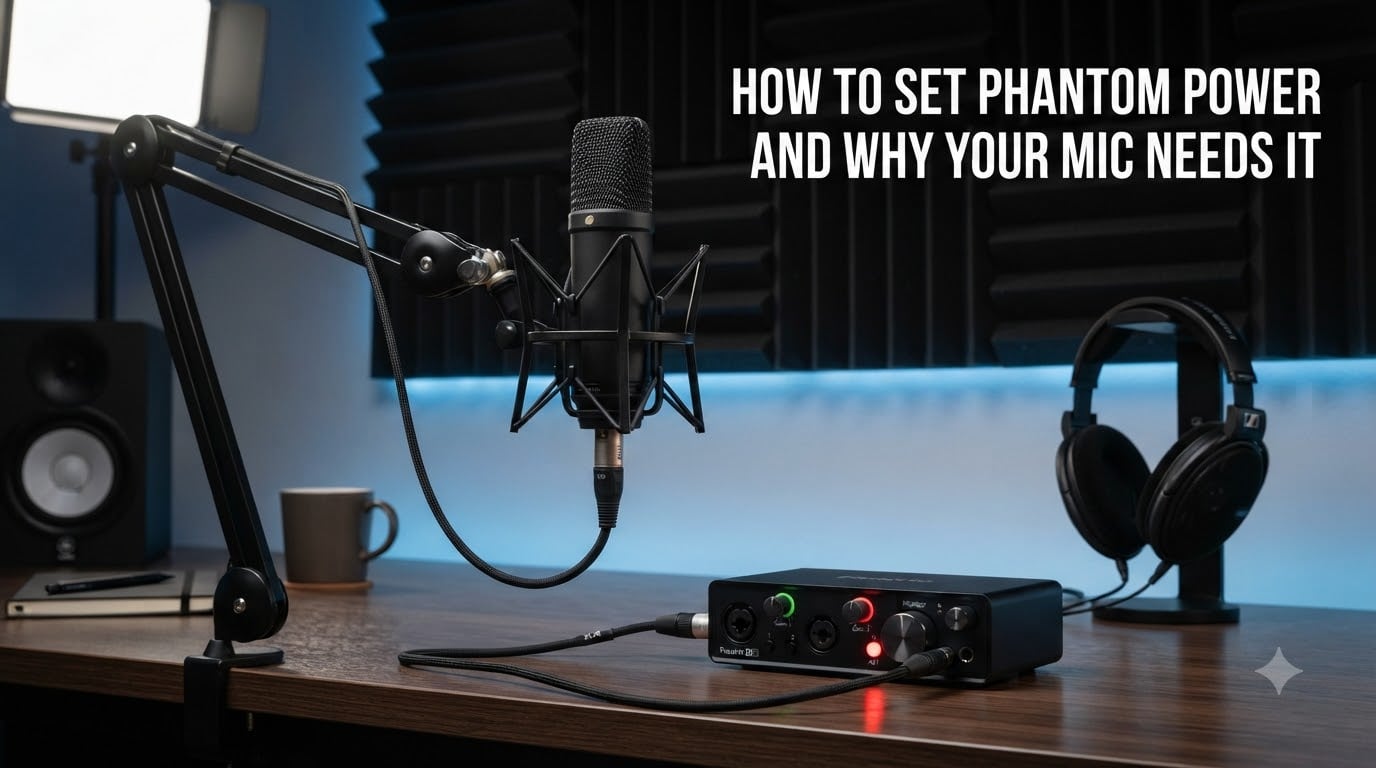
If you have ever plugged in a condenser microphone, hit record, and gotten nothing but silence, the missing piece is almost certainly phantom power. It is one of those concepts that confuses beginners but becomes second nature once you understand it. This guide breaks down exactly how to set phantom power and why your mic needs it, with step-by-step instructions you can follow today.
I have spent years recording vocals, podcasts, and instruments in home and project studios. Along the way, I have made every phantom power mistake possible, from frying connections with hot-plugging to wondering why my fancy new condenser sounded like a paperweight. Everything I share here comes from hands-on experience so you can skip the trial and error.
By the end of this article, you will know what phantom power is, which microphones require it, how to enable it safely on your gear, and how to troubleshoot when things go wrong. Let us start with the basics.
Table of Contents
What Is Phantom Power?
Phantom power is 48 volts of DC electricity delivered through an XLR cable to power the internal electronics of condenser microphones and other active audio devices. The name comes from the fact that the power rides on the same two wires that carry your audio signal, so it feels “invisible” or phantom to the microphone circuit.
The international standard, known as P48 and defined under IEC 61938, specifies 48V delivered equally on pins 2 and 3 of a standard XLR-3 connector. Pin 1 serves as the ground. Because the voltage on pins 2 and 3 is identical, the audio signal traveling between them is unaffected. The microphone draws whatever current it needs while the audio continues flowing in the opposite direction.
Most professional audio interfaces, mixers, and preamps feature a button labeled “48V” or “P48” that activates phantom power. When you press it, the device sends that voltage down the cable to any connected microphone that expects it.
Why Condenser Microphones Need Phantom Power
Condenser microphones use a capacitor formed by a thin metal-coated diaphragm and a fixed backplate. Sound waves move the diaphragm, changing the distance between the plates and varying the capacitance. This creates an electrical signal that represents the sound.
The problem is that a capacitor only generates a signal when it has a fixed electrical charge applied to it. Without external voltage, the diaphragm movement produces no usable output. That fixed charge comes from phantom power.
Beyond the capsule itself, condenser mics also contain an internal preamplifier and impedance converter. These active electronics boost the tiny signal from the capsule to a level that a mixing console or interface can work with. Phantom power runs both the charged capsule and that internal circuitry simultaneously.
Dynamic microphones, by contrast, use a moving coil and magnet to generate their own signal. They need no external power at all, which is why you can plug a Shure SM58 into anything and it just works.
How to Set Phantom Power on Your Equipment
Setting phantom power correctly is a simple process, but the order of operations matters for protecting your gear. Follow these steps every time.
Step 1: Turn down your speakers and headphones. Mute your monitor speakers and lower headphone volume. Enabling phantom power can produce a loud pop or thump that could damage speakers or your ears.
Step 2: Connect your microphone with the XLR cable. Plug one end of a balanced XLR cable into your condenser microphone and the other end into the input on your audio interface or mixer. Make sure both connections are firmly seated.
Step 3: Lower the input gain. Turn the preamp gain knob for that channel all the way down before sending power. This prevents sudden signal spikes.
Step 4: Press the 48V or P48 button. Locate the phantom power switch on your interface or mixer. It is usually labeled “48V,” “P48,” or “Phantom.” Press it to activate phantom power for that channel or all channels, depending on your device.
Step 5: Wait a few seconds. Condenser microphones need a brief moment to charge up. You will often hear a soft pop followed by silence, then the mic is ready. Give it two to three seconds before speaking or playing.
Step 6: Raise the gain gradually. Slowly bring up the input gain while speaking or playing at performance volume. Set the level so your loudest peaks stay in the green on your meters without clipping.
Step 7: To disconnect, reverse the order. Turn down gain, switch off phantom power, wait several seconds for the voltage to dissipate, then unplug the microphone. Never unplug while phantom power is still active.
Dynamic vs Condenser vs Ribbon: Which Mics Need Power?
Not every microphone needs phantom power, and knowing the difference saves you confusion and potential damage. Here is how the three main types stack up.
Condenser microphones always require phantom power (or an internal battery). Without it, the capsule and internal electronics simply cannot operate. If your condenser mic is dead silent, the first thing to check is whether 48V is switched on.
Dynamic microphones do not need phantom power at all. Their moving-coil design generates its own signal. Applying phantom power to a standard dynamic mic does nothing, neither helping nor hurting. The mic just ignores the voltage.
Ribbon microphones are the category where you must be careful. Passive ribbon mics do not need phantom power and can be damaged or destroyed by it. The thin metal ribbon inside is delicate, and voltage can stretch or break it. Some modern active ribbon mics do require phantom power, so always check your specific model before hitting that 48V switch.
Can Phantom Power Damage Your Microphone?
For condenser microphones, phantom power is completely safe. It is what they are designed to run on, and they cannot function without it. You can leave 48V on for hours of recording with zero risk to the microphone.
For standard dynamic microphones like the SM58 or SM7B, phantom power is harmless. The microphone ignores the voltage entirely. Forum users on r/audioengineering frequently confirm that leaving phantom power on with a dynamic mic connected causes no damage.
The real danger is with ribbon microphones. Passive ribbon designs can be permanently damaged by phantom power because the voltage flows through the fragile ribbon element. Some vintage ribbon mics are especially vulnerable. If you are unsure whether your ribbon mic is passive or active, the safe move is to leave phantom power off.
The other risk is not about the microphone but about your ears and speakers. Plugging or unplugging any microphone while phantom power is active produces a sharp, loud DC pop. Over time, repeated hot-plugging can stress components and damage tweeters in monitor speakers.
What Devices Provide Phantom Power?
Several types of gear can supply the 48V your condenser microphone needs.
Audio interfaces are the most common source for home and project studios. Nearly every modern interface from brands like Focusrite, Universal Audio, and PreSonus includes a 48V phantom power button. Some offer per-channel switching while others engage phantom power across all inputs at once.
Mixing consoles and live sound mixers almost always include phantom power for their XLR channels. Studio mixers and digital consoles let you toggle 48V per channel or in groups.
Standalone phantom power supplies exist for situations where your interface or mixer lacks phantom power. You connect the supply between your microphone and preamp, and it provides the 48V independently.
Some condenser microphones accept an internal battery as an alternative to phantom power. USB condenser microphones bypass XLR entirely, drawing power directly from the USB connection.
Troubleshooting Common Phantom Power Issues
Even when everything is set up correctly, problems can arise. Here are the most common phantom power issues and how to fix them.
Problem: Condenser mic produces no sound. First, confirm the 48V switch is engaged. Check that the XLR cable is fully connected at both ends. Try a different XLR cable, as a broken wire on pin 2 or 3 can cut both power and signal. If your interface has a global phantom switch, make sure it is on.
Problem: Low output or weak signal. A damaged cable can cause a partial connection that delivers reduced voltage. Swap cables to test. Also check whether your interface provides full 48V, as some budget units deliver lower voltage that certain mics struggle with.
Problem: Hum or buzz when phantom power is on. This usually points to a ground loop or a faulty cable. Ensure pin 1 of your XLR cable is intact. Try using a balanced cable from a different manufacturer. If the hum only appears with a dynamic mic, simply turn phantom power off since dynamic mics do not need it.
Problem: Loud pop when switching 48V on or off. This is normal behavior. Always mute your monitors and lower headphone volume before toggling phantom power. The pop is a DC transient and will not damage the microphone, but it can startle you and stress speakers.
Problem: Mic works intermittently. Intermittent sound often means a loose XLR connection or a cable with a broken internal wire that makes contact sporadically. Replace the cable and test again.
How to Test If Phantom Power Is Working
If you suspect your phantom power supply is not delivering voltage, there are a few ways to verify.
The most reliable method uses a digital multimeter. Set the meter to measure DC voltage. Connect the positive probe to pin 2 and the negative probe to pin 1 of the XLR output from your interface. You should read approximately 48 volts. Test pin 3 to pin 1 as well for the same reading.
For a quicker check without tools, plug in a known working condenser microphone. If it produces sound with 48V on and silence with 48V off, your phantom power is working correctly.
FAQs
Why do I need phantom power for a mic?
Condenser microphones need phantom power because their capsule requires external voltage to generate an electrical signal. The 48V also powers the internal preamp circuitry that boosts the signal to a usable level.
Do I need to turn off phantom power before unplugging the mic?
Yes. Always turn off phantom power and wait a few seconds before unplugging any microphone. This prevents loud DC pops that can damage speakers and stress your equipment over time.
How do I know if my mic needs phantom power?
Condenser microphones need phantom power. Dynamic microphones do not. Ribbon microphones generally should not receive phantom power unless they are specifically labeled as active. If your mic has an XLR connector and produces no sound, try enabling 48V.
Will phantom power hurt a mic that doesn’t need it?
Standard dynamic microphones are unaffected by phantom power and will not be damaged. However, passive ribbon microphones can be permanently damaged or destroyed by 48V. Always confirm whether your ribbon mic is active or passive before engaging phantom power.
Conclusion
Understanding how to set phantom power and why your mic needs it removes one of the biggest sources of confusion for anyone starting out in audio recording. Condenser microphones depend on that 48V supply to charge their capsule and power their internal electronics, and without it, you get silence.
The key takeaways are simple. Turn down your monitors, connect the mic with a balanced XLR cable, press the 48V button, wait a moment, then bring up the gain. When you are done, reverse the process and never unplug while phantom power is live. Treat ribbon microphones with extra caution, and remember that dynamic mics are perfectly safe with or without it.
Once you build the habit, engaging phantom power becomes automatic. Your recordings will thank you for it.