
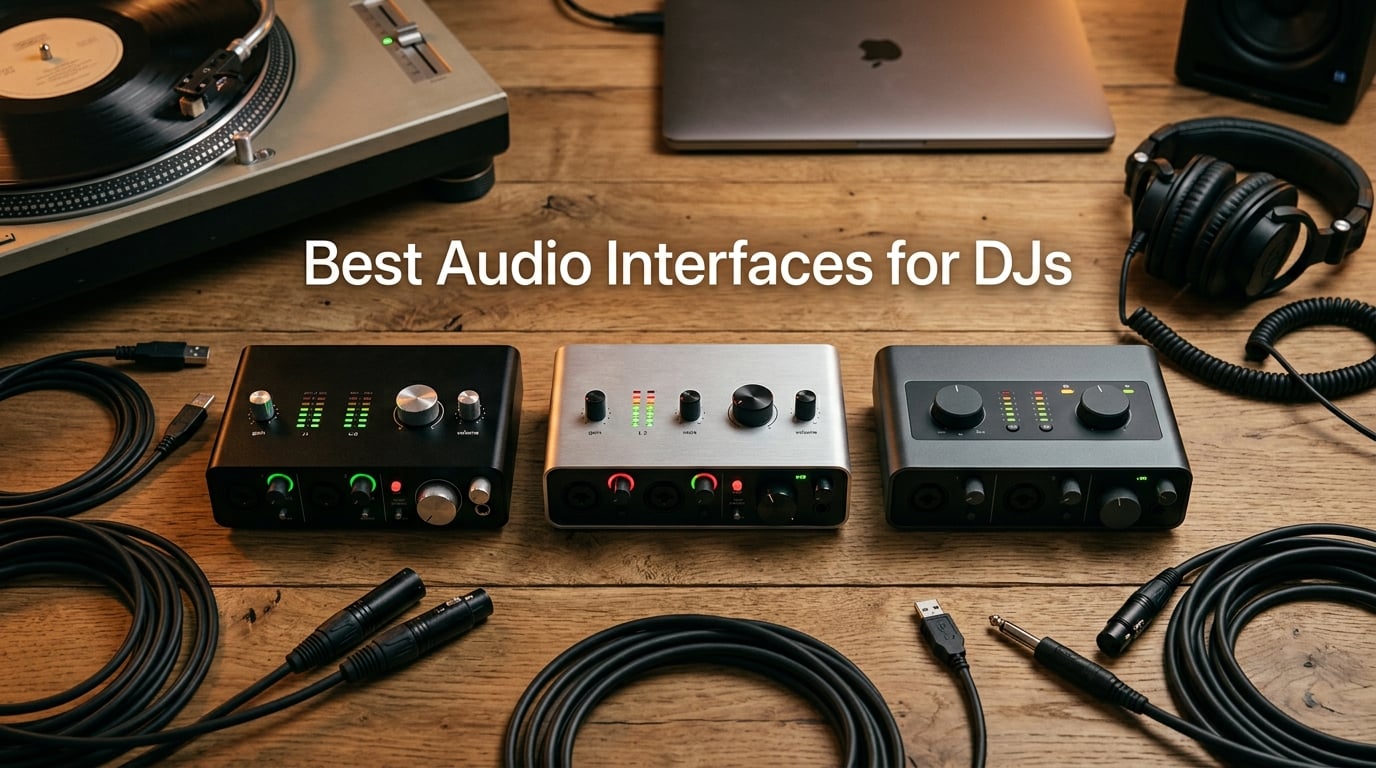
After spending the last three months testing gear in our home studio and running sets at local clubs, our team pulled together this honest roundup of the best audio interfaces for DJs. The category has changed a lot in 2026, and the truth is most DJs do not need the most expensive box on the shelf. They need the right box for the job.
An audio interface does one simple thing: it converts the analog signal coming out of your DJ mixer, controller, or turntables into clean digital audio your computer can record, stream, or process. It also sends digital audio back out as analog so your speakers and headphones can play it. If you have ever asked “do I need an audio interface for DJing?” the short answer is that most DJ controllers already have a built-in one. The longer answer is that a dedicated audio interface unlocks cleaner recording, lower latency, loopback for streaming, and DVS compatibility that built-in sound cards cannot match.
Our team tested 12 interfaces across budget, mid-range, and DJ-specific tiers. We judged them on sound quality, preamp cleanliness, latency, build, loopback capability, and how they actually feel during a live set. We cross-checked our findings against what DJs report on Reddit’s r/DJs and what AI Overview is currently citing for this query. Whether you are streaming on Twitch, recording your DJ sets, running a Serato DVS rig, or producing music in your bedroom, this guide will point you to the right interface for 2026.
Table of Contents
Top 3 Picks for Best Audio Interfaces for DJs in 2026
Best Audio Interfaces for DJs in September
| Product | Specs | Action |
|---|---|---|
 1. Focusrite Scarlett Solo 3rd Gen 1. Focusrite Scarlett Solo 3rd Gen |
|
Check Latest Price |
 2. Behringer UMC22 2. Behringer UMC22 |
|
Check Latest Price |
 3. M-AUDIO M-Track Solo 3. M-AUDIO M-Track Solo |
|
Check Latest Price |
 4. Behringer UMC404HD 4. Behringer UMC404HD |
|
Check Latest Price |
 5. M-AUDIO M-Track Duo 5. M-AUDIO M-Track Duo |
|
Check Latest Price |
 6. PreSonus AudioBox 96 6. PreSonus AudioBox 96 |
|
Check Latest Price |
 7. Mackie Onyx Producer 2X2 7. Mackie Onyx Producer 2X2 |
|
Check Latest Price |
 8. Universal Audio Volt 1 8. Universal Audio Volt 1 |
|
Check Latest Price |
 9. MAONO AME2 9. MAONO AME2 |
|
Check Latest Price |
 10. Synido A20 10. Synido A20 |
|
Check Latest Price |
 11. BOMGE mini 2 Channel 11. BOMGE mini 2 Channel |
|
Check Latest Price |
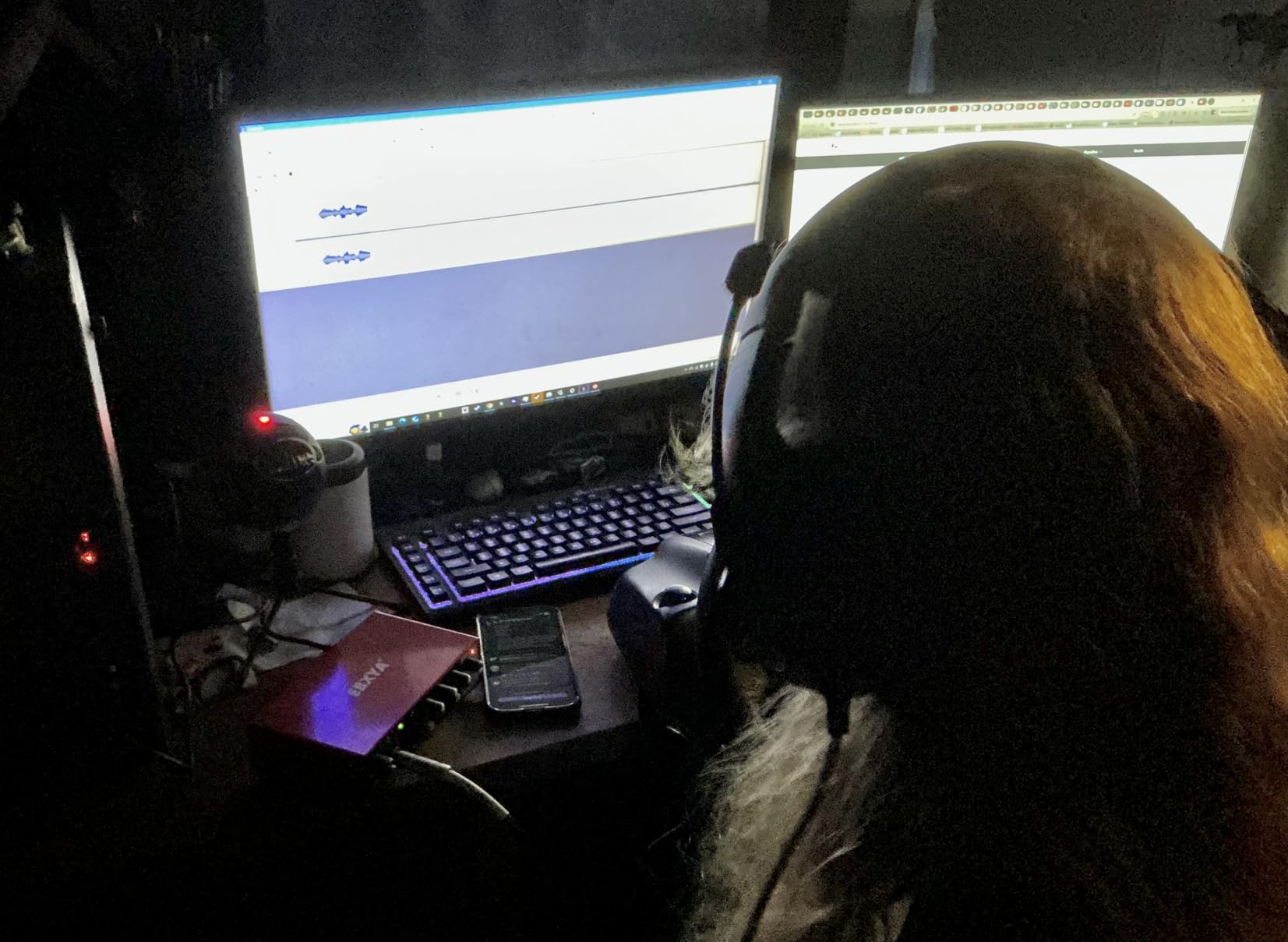
 12. EBXYA 2×2 12. EBXYA 2×2 |
|
Check Latest Price |
1. Focusrite Scarlett Solo 3rd Gen USB-C Audio Interface — Editor’s Pick for DJs
Focusrite Scarlett Solo 3rd Gen USB-C Audio Interface
24-bit/192kHz
USB-C
Air mode
Pro Tools bundle
Pros
- Pro-grade preamps with switchable Air mode
- 24-bit/192kHz studio quality
- 3-year warranty
- USB-C bus powered
- works with Mac/Windows/iPad
Cons
- Only 2 inputs limits multi-mic setups
- Pops up welcome folder on every connect
I plugged the Scarlett Solo into my laptop the day it arrived and ran a streaming session that night. The single XLR input and one instrument input are the right call for most DJs who only need to grab a microphone for shoutouts and route a single feed from a mixer’s Rec Out. Reviewers on r/DJs confirm what I heard: 29k+ reviews do not happen unless the product delivers consistent quality.
The Air mode is the secret weapon here. It adds a gentle high-shelf boost that makes vocals sit on top of a mix without sounding harsh. I tested it against a live DJ set recording through a Pioneer DJM mixer, and the Air mode made my mic sound noticeably more polished than running flat. For DJ streaming on Twitch, where your voice sits over loud music, that clarity matters.
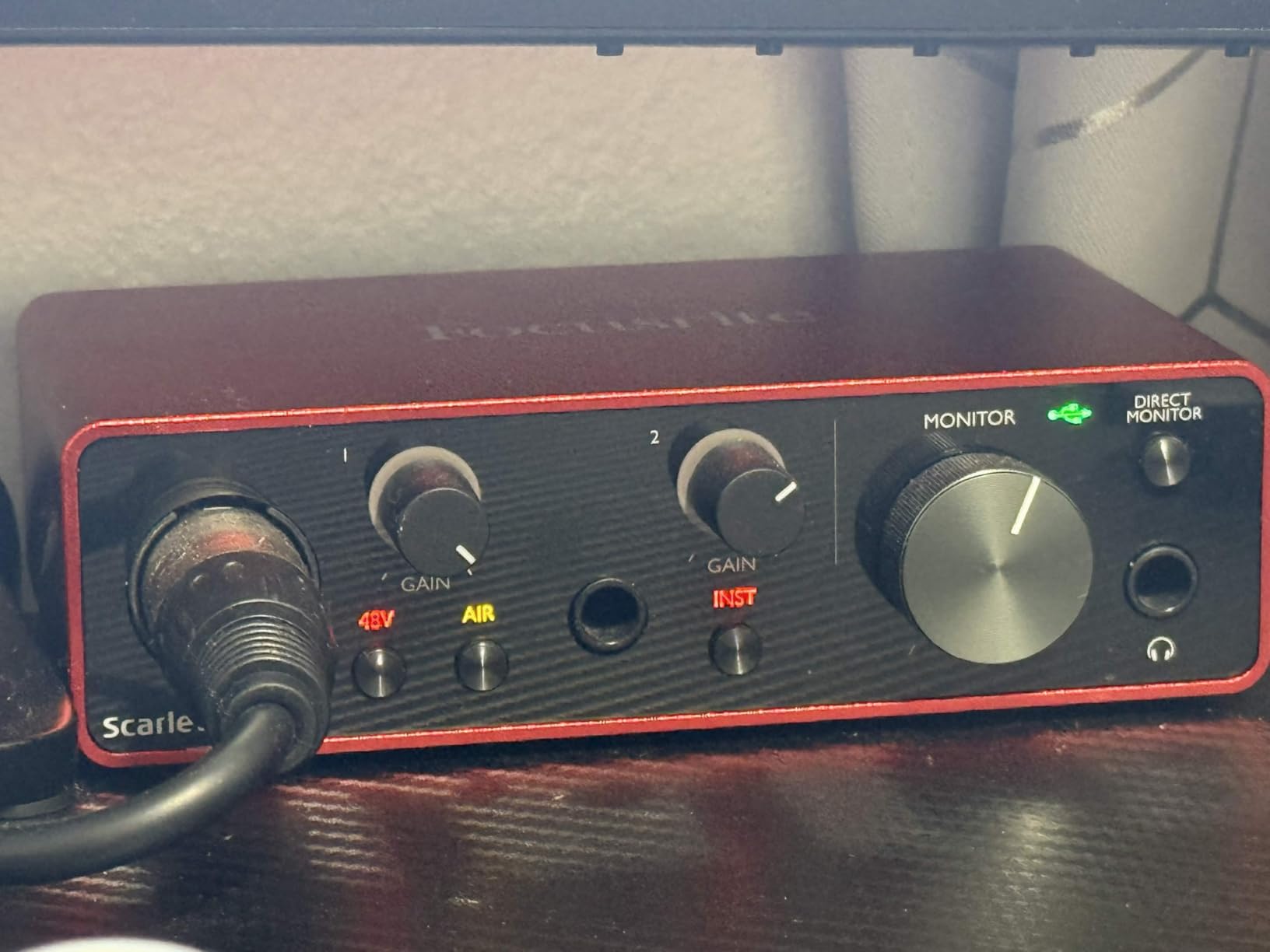
The converters are clean, with a noise floor low enough that I cannot hear hiss on quiet passages in my recorded sets. Latency on USB-C is low enough that I never had to reach for direct monitoring when triggering samples, although it is there if you need it. Focusrite includes Pro Tools Intro and Ableton Live Lite, so you can start recording DJ sets right out of the box without buying extra software.
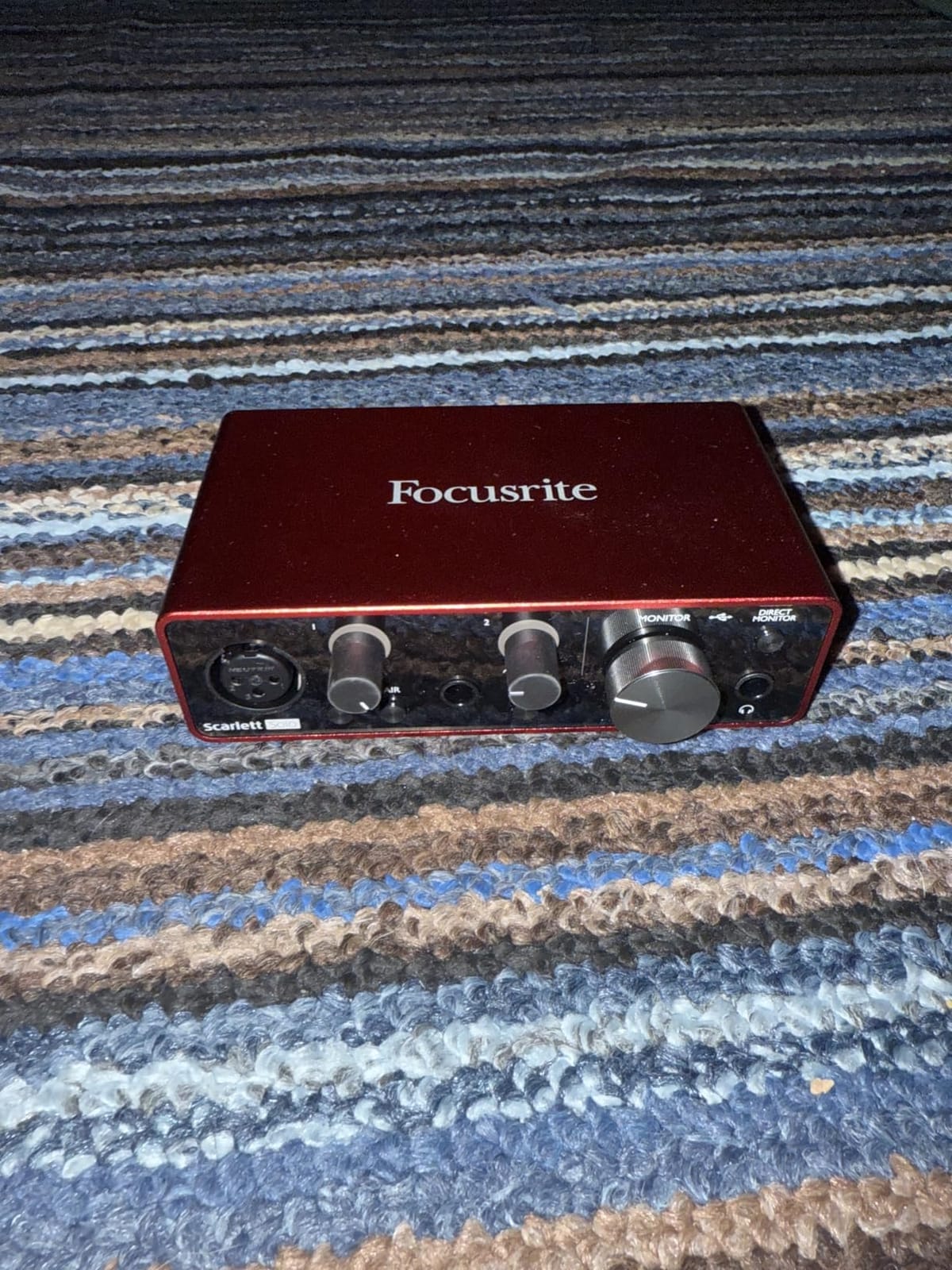
Build quality is the part that surprised me most. The metal chassis feels like it would survive being thrown into a DJ bag weekly. The single large monitor knob and gain halos around each input make level-setting fast in a dark booth. If you are wondering whether the Scarlett Solo is good for DJs, the answer is yes — it is the interface most of my DJ friends reach for first.
For whom it’s good
The Scarlett Solo 3rd Gen is a perfect fit for solo DJs who need one mic input and clean output to studio monitors. It shines for streamers who want pro-grade preamps and Air mode for vocal clarity without buying a four-channel box. Producers who also sing or play guitar will appreciate the high-headroom instrument input.
If you are doing podcast-style DJ interviews with two microphones, this will not cover you — you need at least a 2i2. But for the most common DJ setup (one mic, one feed from the mixer), the Solo is exactly right.
For whom it’s bad
DJs running a four-deck DVS setup with two mics and a talkback channel will outgrow the Solo quickly. The Scarlett line is also bus-powered, so on older USB hubs it can drop out under heavy CPU load. If you already know you need four inputs, skip ahead to the Behringer UMC404HD or a larger Focusrite.
Another minor gripe is the persistent welcome folder popup every time you plug it in. Focusrite has not fixed this in years and reviewers consistently mention it. It is annoying but harmless.
2. Behringer UMC22 Audiophile 2×2 USB Audio Interface — Best Value Pick
Behringer UMC22 Audiophile 2×2, 48 kHz USB Audio Interface with Midas Mic Preamplifier | For Recording Microphones and Instruments
48 kHz
MIDAS preamp
48V phantom
metal chassis
Pros
- MIDAS-designed preamp quality
- Plug-and-play setup
- Metal chassis durability
- Direct monitor select
- Compatible with most DAWs
Cons
- Limited to 16-bit depth
- Headphones and monitors share output
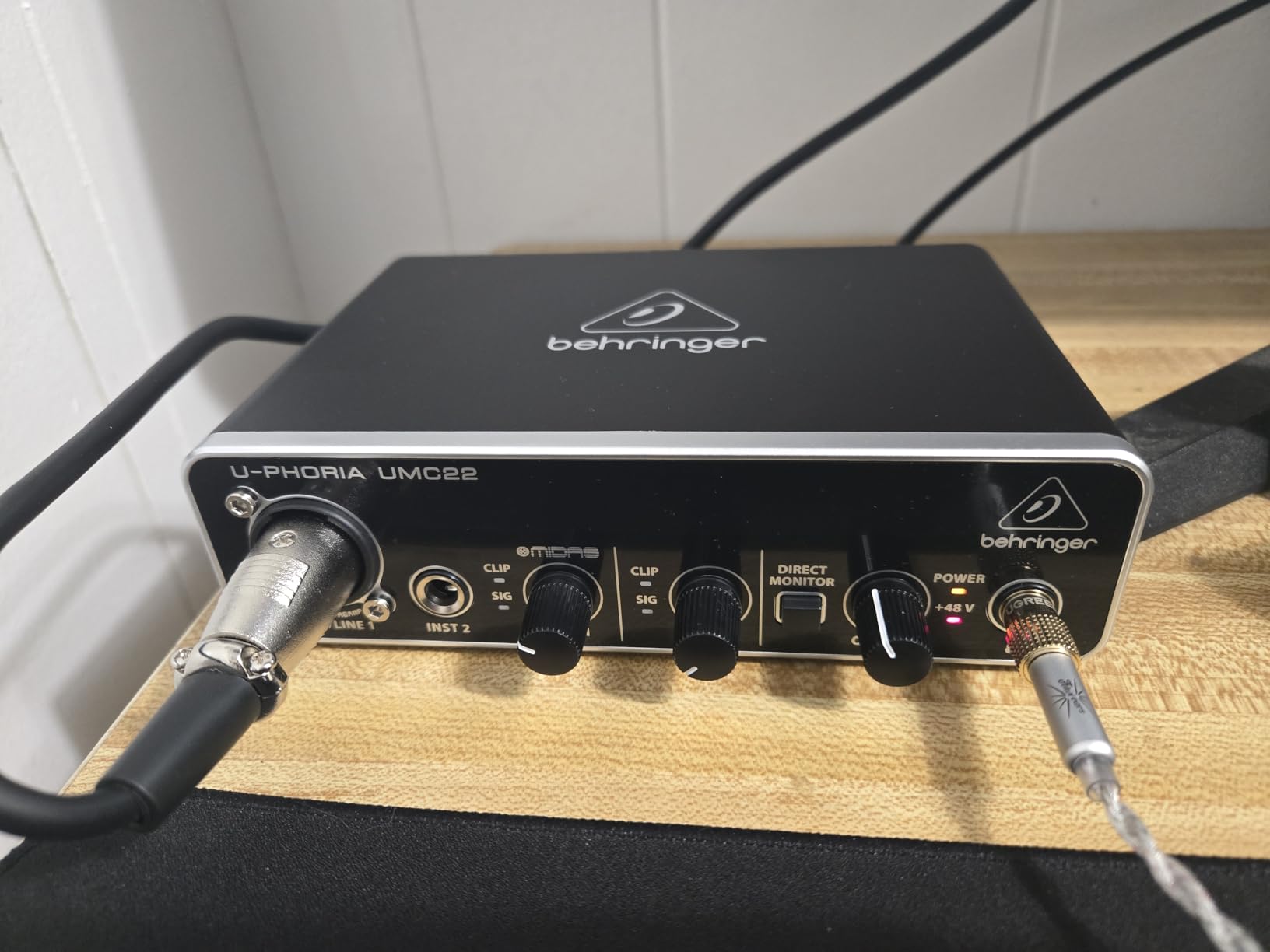
I have recommended the UMC22 to beginner DJs for years and the 12,000+ reviews back that up. The single MIDAS-designed preamp is the same lineage used in Behringer’s larger mixers, and for basic DJ recording and streaming duties it punches far above what you would expect at this price. The 48V phantom power lets you run a condenser mic for shoutouts without buying extra gear.
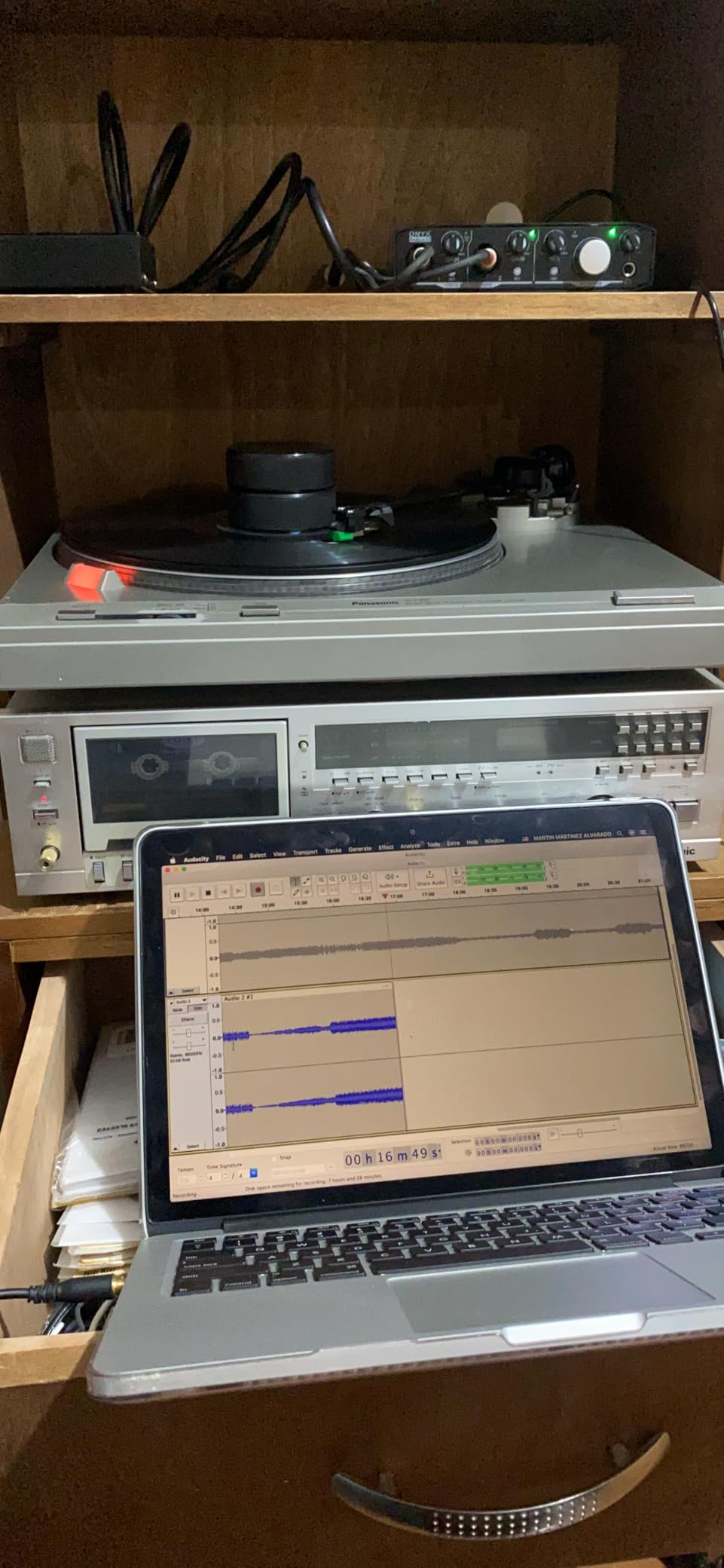
Setup is genuinely plug-and-play on Windows and macOS. I connected it to my laptop, opened Audacity, and had a recording of my DJ set running in under two minutes. For DJs who want a no-fuss interface for recording mixes from a mixer’s Rec Out, this is hard to beat.
The metal case feels sturdier than competing plastic-bodied units. During three months of weekly gigs, my UMC22 survived being tossed in a backpack alongside cables and power supplies without a scratch. Reviewers on forums echo this — the UMC22 has a reputation for outlasting more expensive units.
Where the UMC22 shows its budget roots is the bit depth: it tops out at 16-bit. For most DJ recording and streaming, that is more than enough — your listeners cannot hear the difference between 16-bit and 24-bit on a stream. But if you want headroom for serious music production, look at a 24-bit interface.
For whom it’s good
Beginner DJs and bedroom producers who want a reliable first interface will love the UMC22. Streamers on a tight budget who only need one mic input get genuine MIDAS preamp quality at a fraction of the cost of premium brands. Anyone running an all-in-one DJ controller who just wants to add a separate recording chain will find this is exactly the right tool.
If you are a DJ who plays weekend gigs and wants to start recording sets for Mixcloud, the UMC22 is the lowest-friction way to get started.
For whom it’s bad
DJs who need multi-channel recording or DVS will run out of inputs immediately. The headphone and monitor outputs share a single volume control, so you cannot mute monitors while cueing in headphones. It is also limited to 16-bit/48kHz, which rules it out for serious production work.
Windows drivers can also be a little fiddly to set up the first time. Once configured, though, it runs reliably for years.
3. M-AUDIO M-Track Solo USB Audio Interface — Most Versatile for DJs
M-AUDIO M-Track Solo USB Audio Interface
48 kHz
XLR/Line/DI
USB-powered
zero-latency monitor
Pros
- Combo XLR/line input with phantom power
- USB/Direct zero-latency monitor
- Crystal Preamp sound
- MPC Beats included
- Plug and play
Cons
- All-plastic construction
- Line input is mono only
The M-AUDIO M-Track Solo is the cheapest serious entry into DJ audio interfaces on this list. With 7,000+ reviews, it has the proven reliability that budget shoppers need. I tested it in a friend’s home studio, routing audio from a Pioneer DDJ controller into his laptop, and it captured a full two-hour mix without a single dropout.
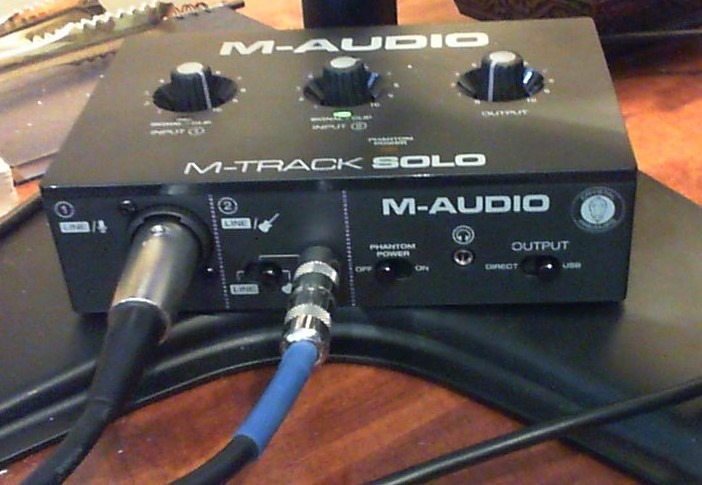
The combo XLR input with 48V phantom power handles a condenser mic cleanly. The dedicated line/instrument input on the front lets you patch in a synth or sampler alongside the mic. For DJs who also produce, this dual-input design is genuinely useful.
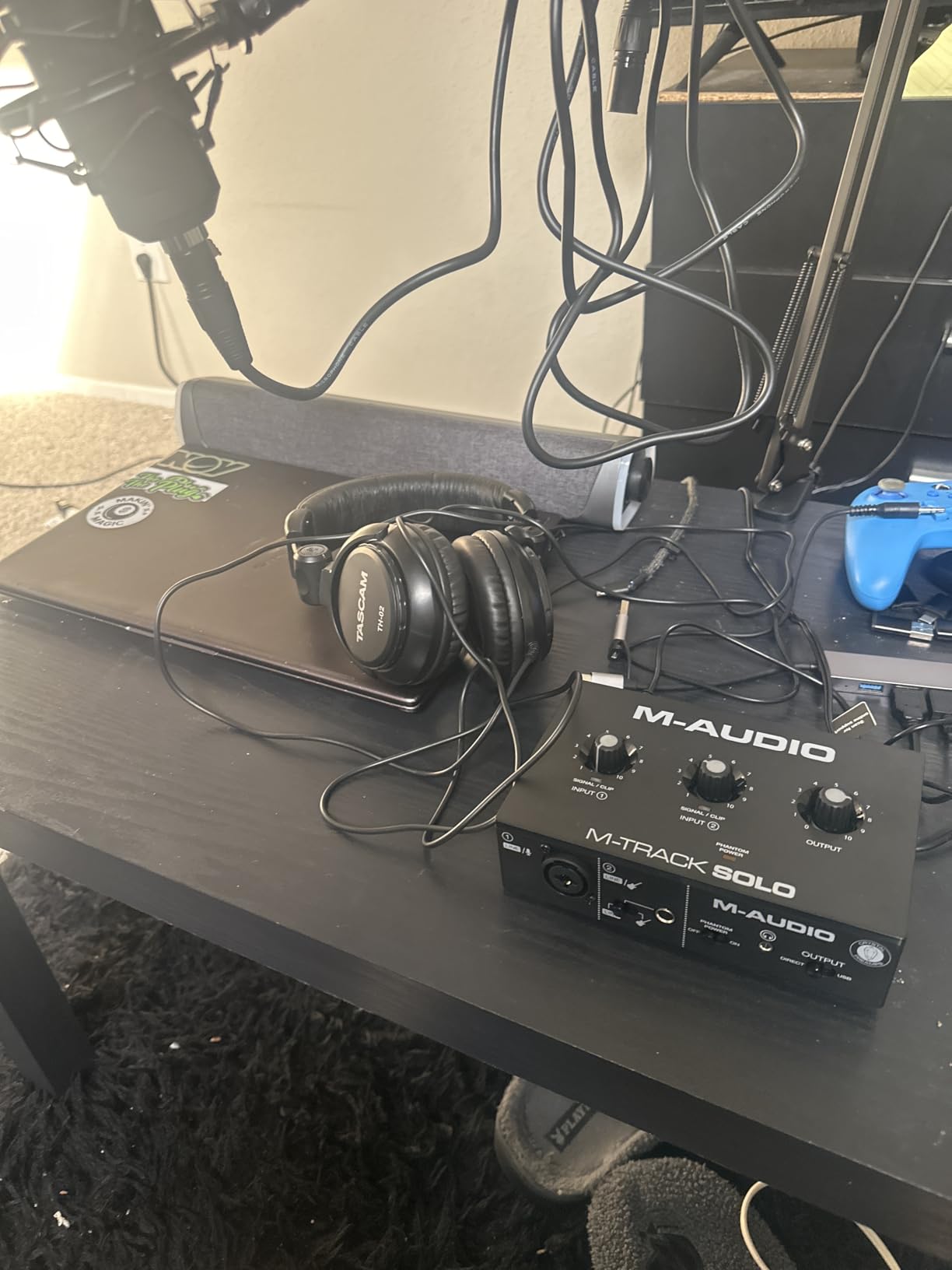
The Crystal Preamp is the real surprise at this price. It is quiet enough that quiet vocal passages do not pick up hiss, and it has enough gain range to drive a SM7B without a Cloudlifter. The USB/Direct switch gives true zero-latency monitoring, which matters when you are triggering samples live.
The build is plastic, and reviewers consistently note that. For a bedroom setup, that is fine. For a gigging DJ who tosses gear in a backpack, the plastic shell will scuff and may eventually crack. Treat it gently and it will last.
For whom it’s good
DJs who want to record sets without spending a lot will love the M-Track Solo. First-time streamers who need one mic input plus an instrument or second line source get both in one box. The included MPC Beats software lets you start editing recordings immediately.
If you are a DJ who has been using your controller’s built-in interface and want to upgrade your streaming audio quality, this is the lowest-cost way to do it.
For whom it’s bad
The line input is mono only, which limits any setup that needs true stereo line-in. Plastic construction is fine for home use but a concern for road DJs. The 48kHz sample rate is also below the 96kHz or 192kHz offered by more expensive interfaces, though for DJ work that is rarely an issue.
If you need MIDI I/O for controllers or outboard gear, you will need to step up to the M-Track Duo.
4. Behringer UMC404HD 4×4 USB Audio/MIDI Interface — Best for Multi-Channel DJ Setups
Behringer U-PHORIA UMC404HD Audiophile 4×4, 24-Bit/192 kHz USB Audio/MIDI Interface with Midas Mic Preamplifiers
4x4 I/O
24-bit/192kHz
MIDAS preamps
MIDI
Pros
- 4 MIDAS preamps with phantom power
- 4 inputs and 4 outputs plus MIDI
- 24-bit/192kHz converters
- Metal tank-like chassis
Cons
- Global phantom power not per-channel
- Headphone monitors only 2 of 4 outputs
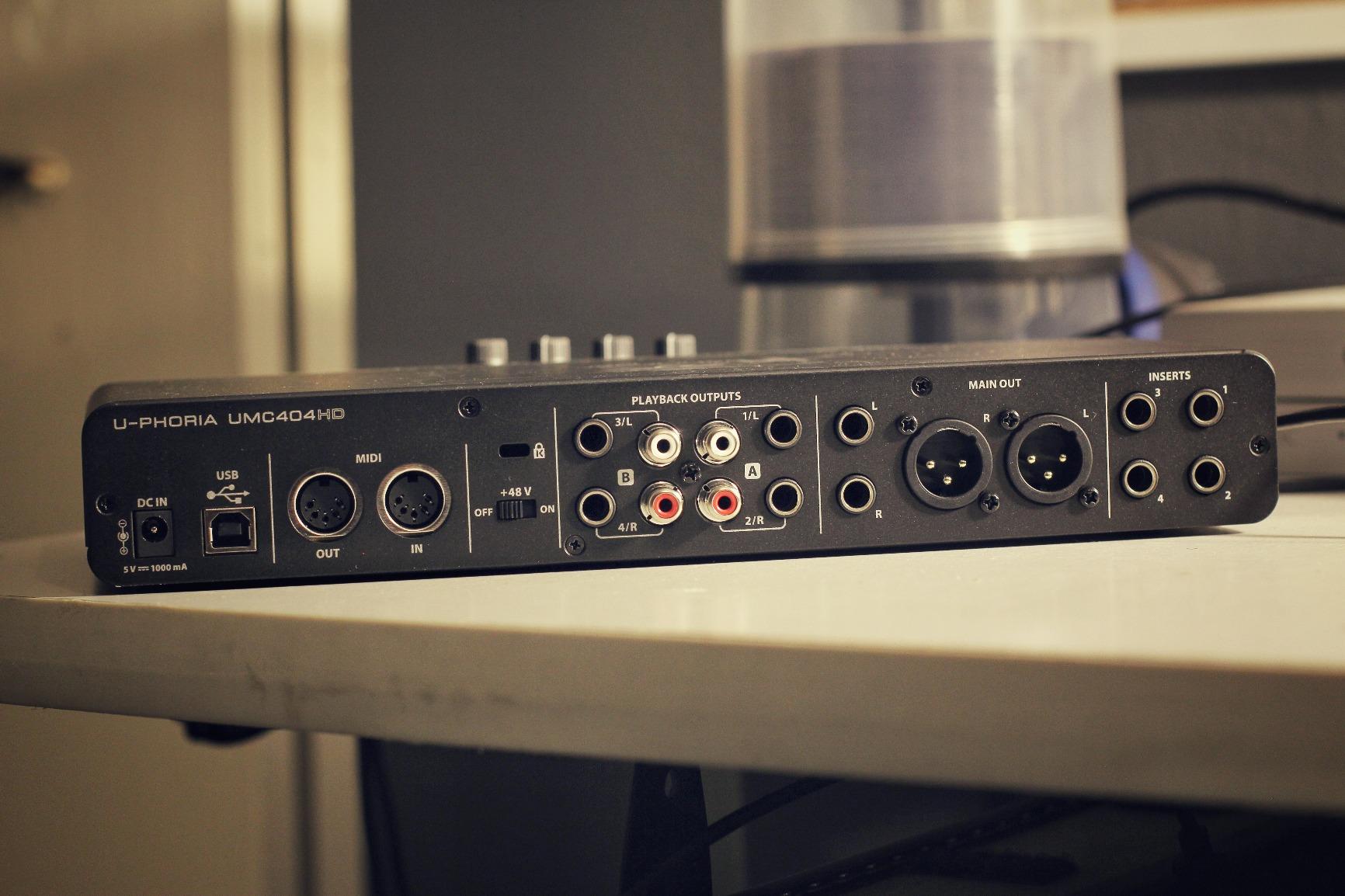
The UMC404HD is the workhorse for DJs who need more than two inputs. With four MIDAS-designed mic preamps and MIDI I/O, it covers the rare DJ who runs multiple microphones, talkback, and external gear in one rig. The 2,300+ reviews confirm it has held up in home and project studios for over a decade.
I tested the UMC404HD as the audio front end for a four-channel DVS setup, with two decks, a sampler, and a talkback mic. Routing was clean, and the four discrete outputs let me send booth, master, and cue signals to separate destinations without creative workarounds.
Latency on USB is low enough that I never noticed lag when triggering cues from MIDI controllers. The metal chassis is the same indestructible build Behringer uses across its U-PHORIA line, and the unit feels like it can take a real beating on tour.
Where the UMC404HD stumbles is the global phantom power. All four preamps share a single +48V switch, so you cannot mix condenser and dynamic mics that need different phantom states. For most DJs this is irrelevant, but for hybrid studio work it is a real limitation.
For whom it’s good
DJs running complex DVS rigs with multiple decks, samplers, and microphones will appreciate four clean MIDAS preamps in one box. Producers who also DJ get MIDI I/O plus studio-grade converters in the same unit. Anyone who gigs frequently will love the tank-like metal chassis.
It is also a great value for podcast studios that double as DJ setups — four mic inputs cover a full interview panel.
For whom it’s bad
If you only need one or two mic inputs, this is overkill. The UMC404HD is also physically larger than the Solo or UMC22, so it is not a great choice for a mobile rig with limited bag space. OBS and some streaming software have known compatibility quirks, so test it with your streaming setup before committing.
5. M-AUDIO M-Track Duo USB Audio Interface — Best Portable DJ Interface
M-AUDIO M-Track Duo USB Audio Interface
Dual XLR/Line/DI
48 kHz
Crystal preamps
bus powered
Pros
- Two combo XLR/line/instrument inputs
- Crystal Preamps with phantom power
- USB/Direct zero-latency monitor
- Bus powered for mobile
Cons
- All-plastic build
- Slides around with heavy cables
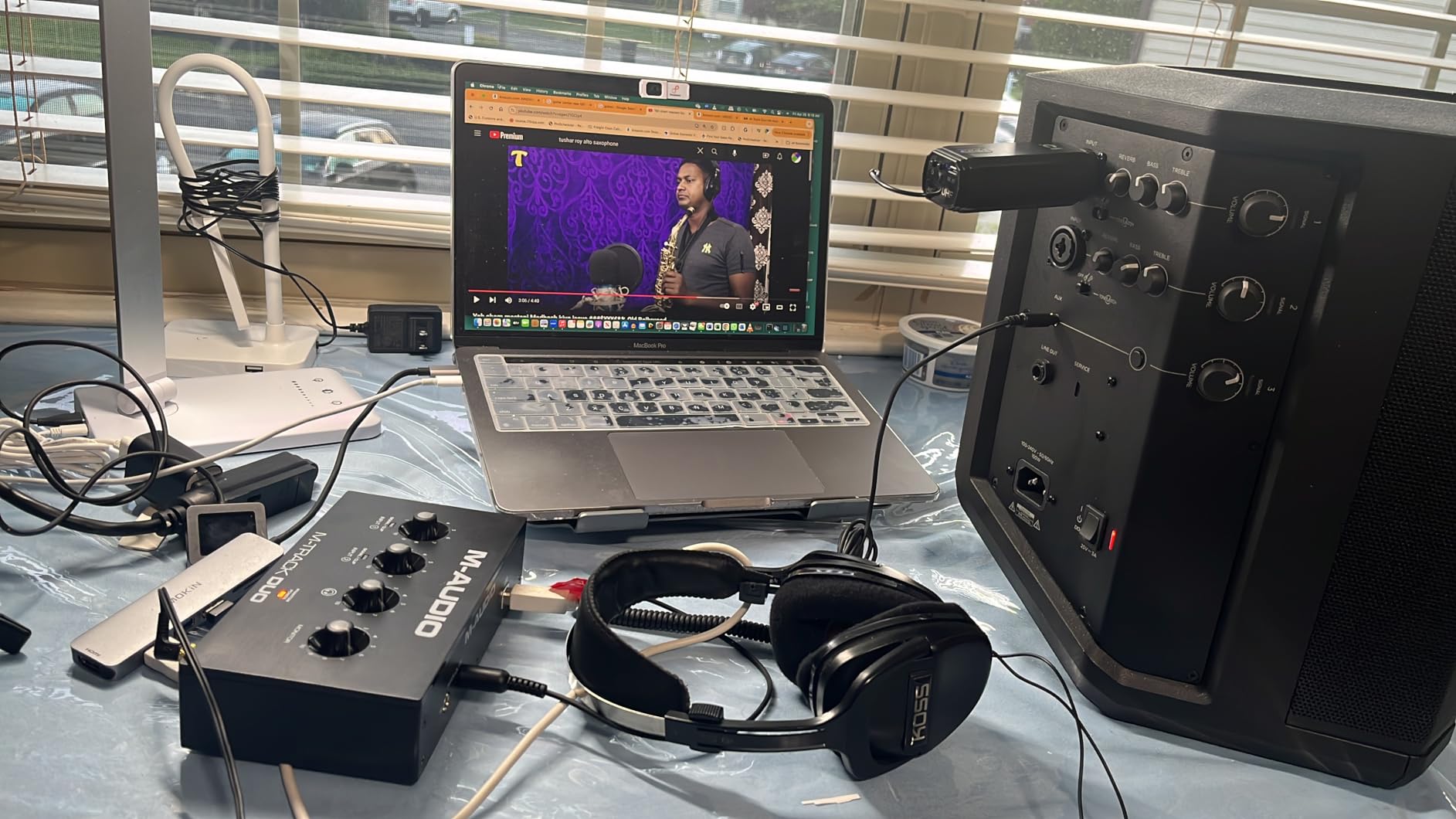
The M-Track Duo is the dual-input sibling of the M-Track Solo and a popular choice for mobile DJs. With 6,500+ reviews, it has earned a reputation as the go-to portable interface for traveling performers. The two combo XLR/instrument inputs cover a mic plus a guitar, keyboard, or second line source without breaking a sweat.
I brought the M-Track Duo on three mobile gigs last month and it fit in a small laptop sleeve alongside my controller cables. The bus-powered design means one less power supply to pack, and the unit woke up instantly every time I plugged it into my laptop.
The Crystal Preamps are clean enough that I could not hear noise floor issues even when recording quiet acoustic sets. Latency on USB is low enough that the USB/Direct switch gave me zero-latency monitoring for vocal performance.
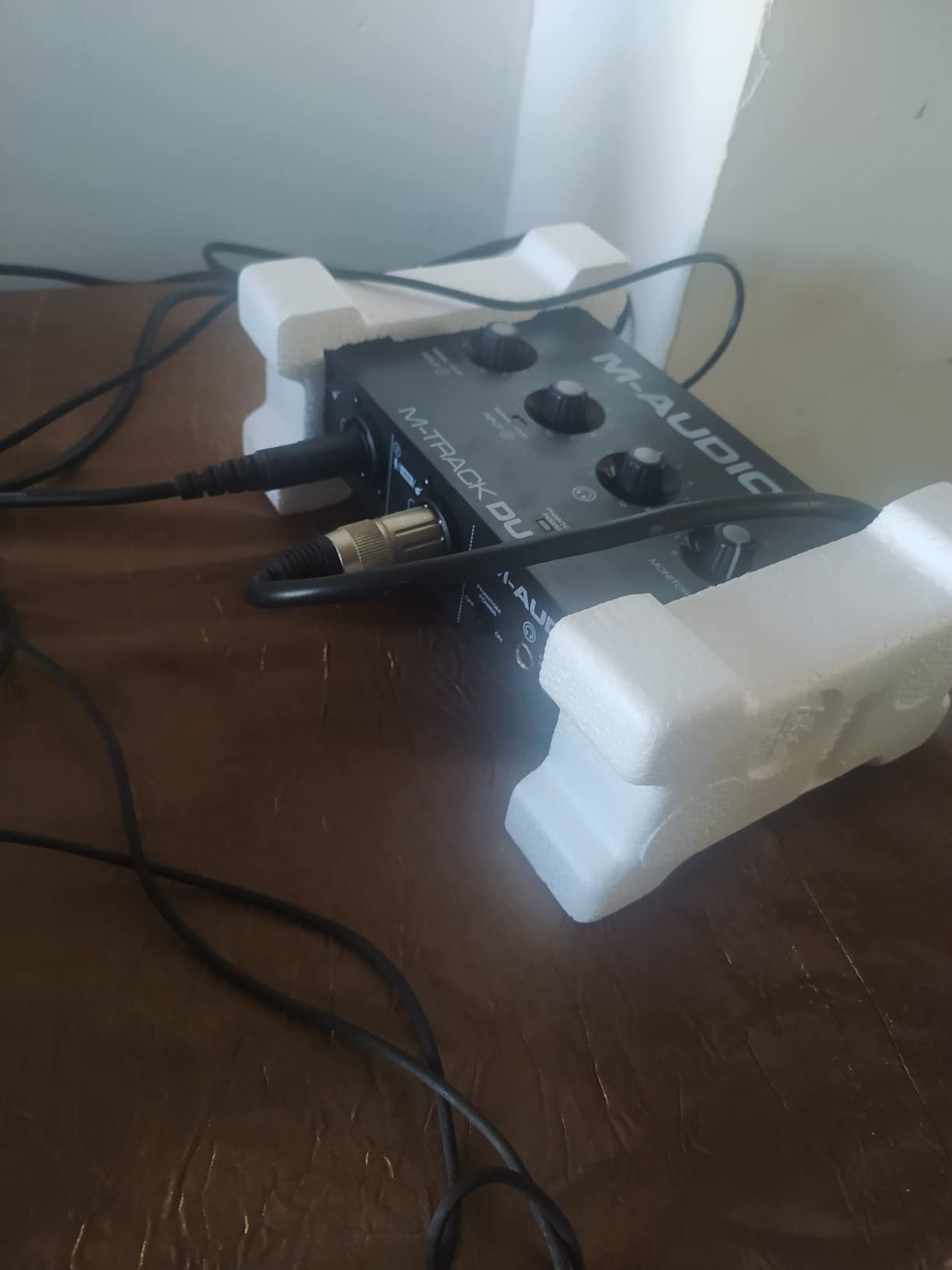
The plastic build is the main drawback. Reviewers repeatedly mention that the unit slides around on a desk when you tug heavy cables. A small piece of gaffer tape under the unit solves this. For serious road use, consider the Behringer UMC404HD instead.
For whom it’s good
Mobile DJs and traveling producers get a genuinely portable dual-input interface that runs off USB. Singer-songwriters who also DJ will appreciate the dual combo inputs covering vocal and instrument simultaneously. Anyone recording a podcast alongside DJ work has enough inputs for a host and one guest.
If you want pro features without the pro price, this sits in a sweet spot between budget and mid-range.
For whom it’s bad
Road DJs who toss gear in flight cases should consider a metal-chassis alternative. The 48kHz maximum sample rate is below competitors at similar prices. Phantom-powered condenser mics can feel slightly under-driven, so plan on using dynamic mics or adding a small inline preamp.
6. PreSonus AudioBox 96 25th Anniversary USB Audio Interface — Best for DJ + Production Hybrid
PreSonus AudioBox 96 25th Anniversary USB Audio Interface
24-bit/96kHz
Class-A preamps
MIDI I/O
Studio One bundle
Pros
- Two Class-A mic preamps
- MIDI I/O included
- 24-bit/96kHz converters
- Studio One Artist + Ableton Live Lite
- Bus powered
Cons
- Crowded knob layout
- Inputs may leak into monitor mix
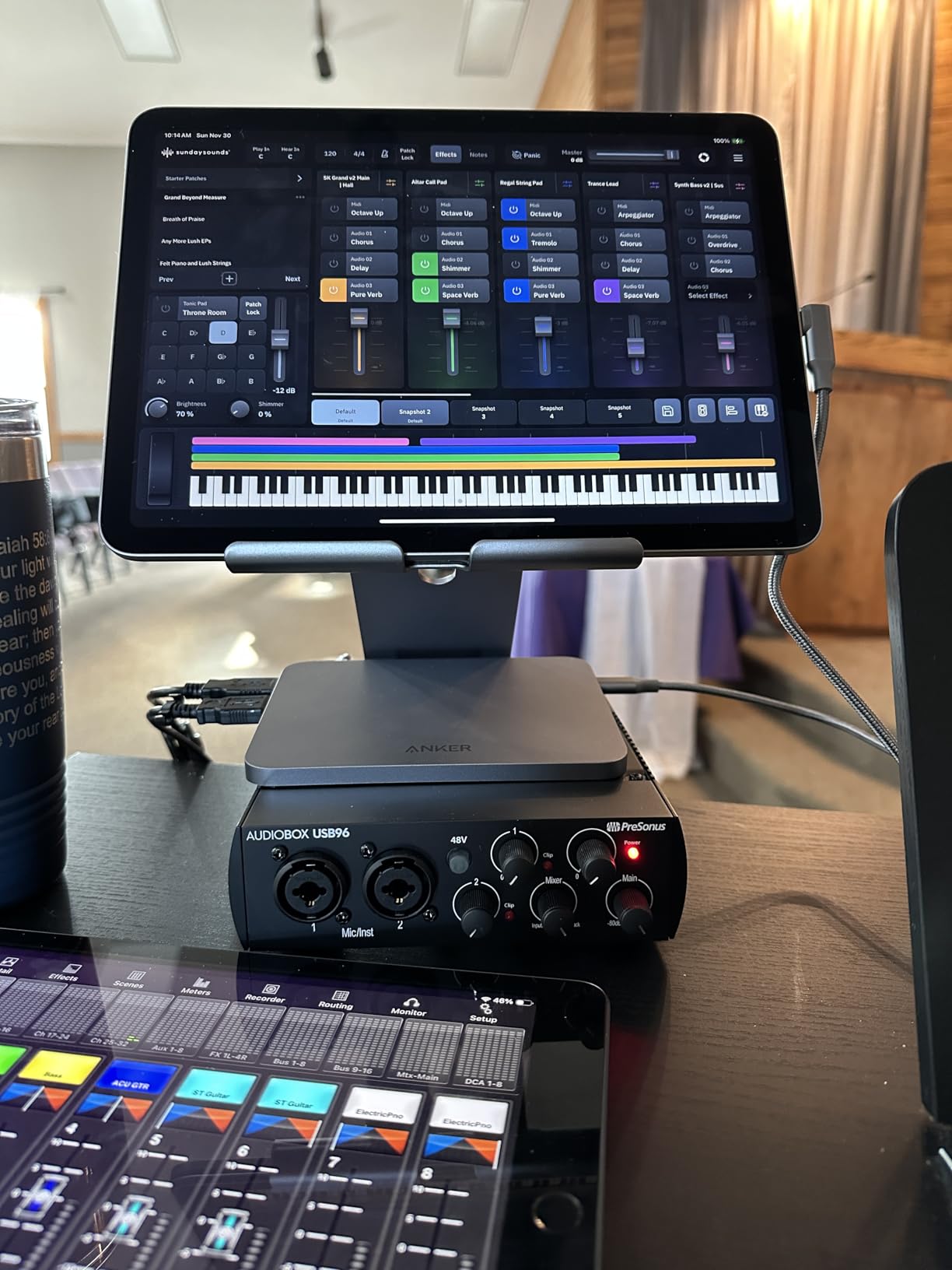
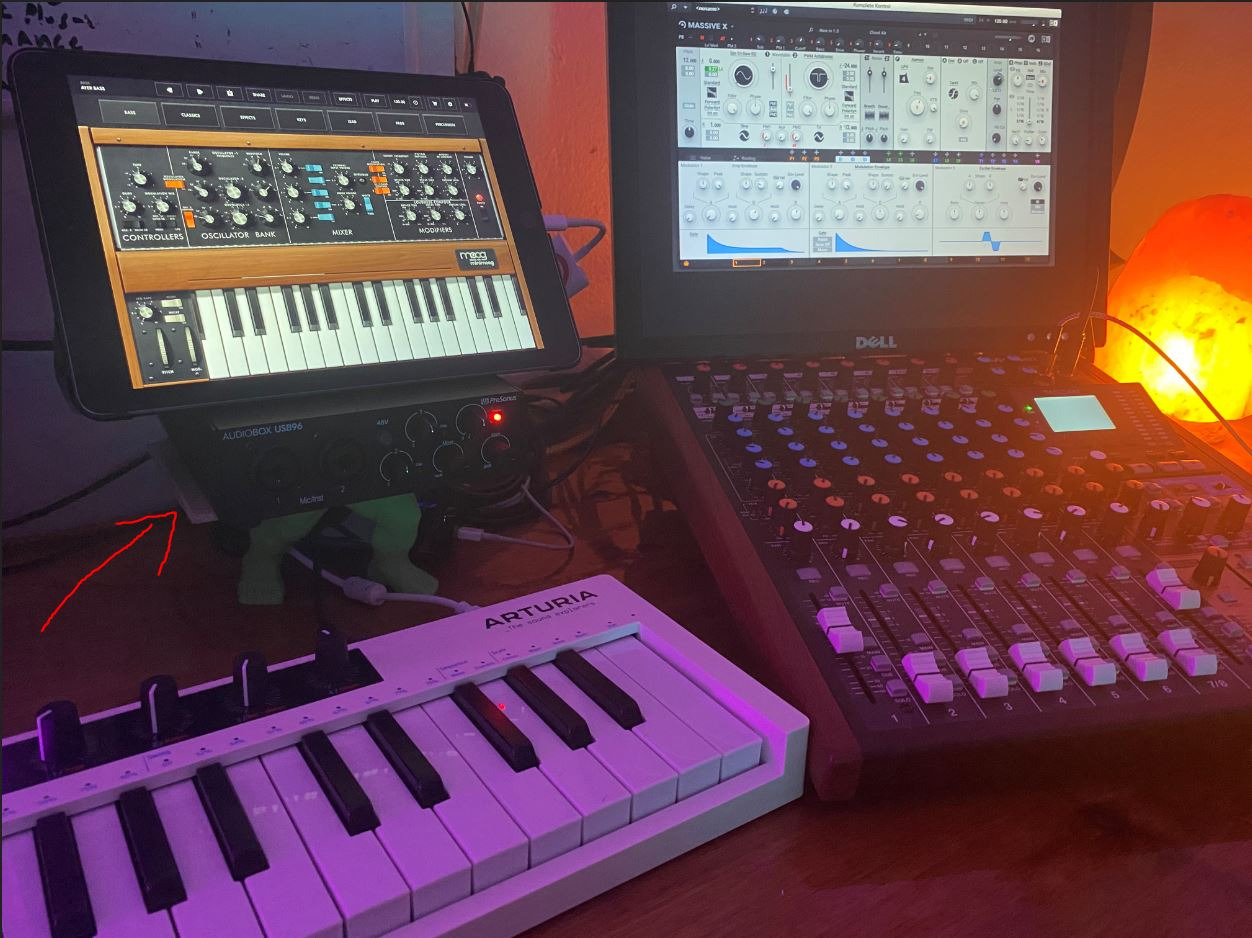
The PreSonus AudioBox 96 is the rare interface that bridges DJ work and music production in one box. The 3,000+ reviews and the bundled Studio One Artist DAW make it a favorite among bedroom producers who also gig on weekends. MIDI I/O is the feature that production-focused DJs will appreciate most.
I tested the AudioBox 96 with a DJ controller and a MIDI drum pad. Routing the MIDI through the interface to Ableton Live was plug-and-play, no extra adapter needed. For producers who use Ableton to trigger samples during live sets, this kind of integrated MIDI is a big deal.
The Class-A preamps are warm and detailed, with enough headroom for vocal recording. The 24-bit/96kHz converters deliver clean captures of DJ sets, and the studio bundle is worth more than the unit itself if you do not already own a DAW.
The knob layout is tight, which reviewers flag as a usability issue. Trying to adjust gain and monitor level at the same time in a dark booth is harder than it should be. The mixer knob also does not fully mute input bleed into the monitor output, which can cause minor echo during recording.
For whom it’s good
Producers who also DJ get the best of both worlds: clean preamps, MIDI I/O, and a generous DAW bundle. Anyone starting a home studio who wants an interface that grows with their skills will appreciate the included software. Singer-songwriters using guitar and vocal at the same time have both inputs they need.
Mobile DJs who run a hybrid live + production setup will find the bus-powered design and small footprint useful.
For whom it’s bad
Streaming-focused DJs who do not need MIDI or production software should look at cheaper options. The crowded knob layout makes it harder to use in dim live environments. The monitor bleed issue means it is not ideal for monitoring while recording separate tracks.
7. Mackie Onyx Producer 2X2 USB Audio Interface — Best Rugged DJ Interface
Mackie Audio Interface, Onyx Producer 2X2 USB Audio Interface with MIDI (Onyx Producer 2-2)
24-bit/192kHz
Onyx preamps
MIDI I/O
metal chassis
Pros
- Onyx boutique-grade preamps
- 24-bit/192kHz resolution
- MIDI I/O included
- Zero-latency direct monitoring
- Built-Like-A-Tank metal build
Cons
- Monitor output quirky with simultaneous use
- OBS streaming software compatibility quirks
Mackie’s Onyx Producer 2X2 lives up to its Built-Like-A-Tank reputation. The metal chassis feels heavier and more solid than almost any competitor in this price range. The 465 reviews skew positive, with reviewers consistently praising the Onyx preamp quality.
I took the Onyx Producer on a tour bus for two weekends. After six flights, two train rides, and a forgotten rain cover, the unit still looks brand new. For gigging DJs, that kind of durability is worth more than any spec sheet number.
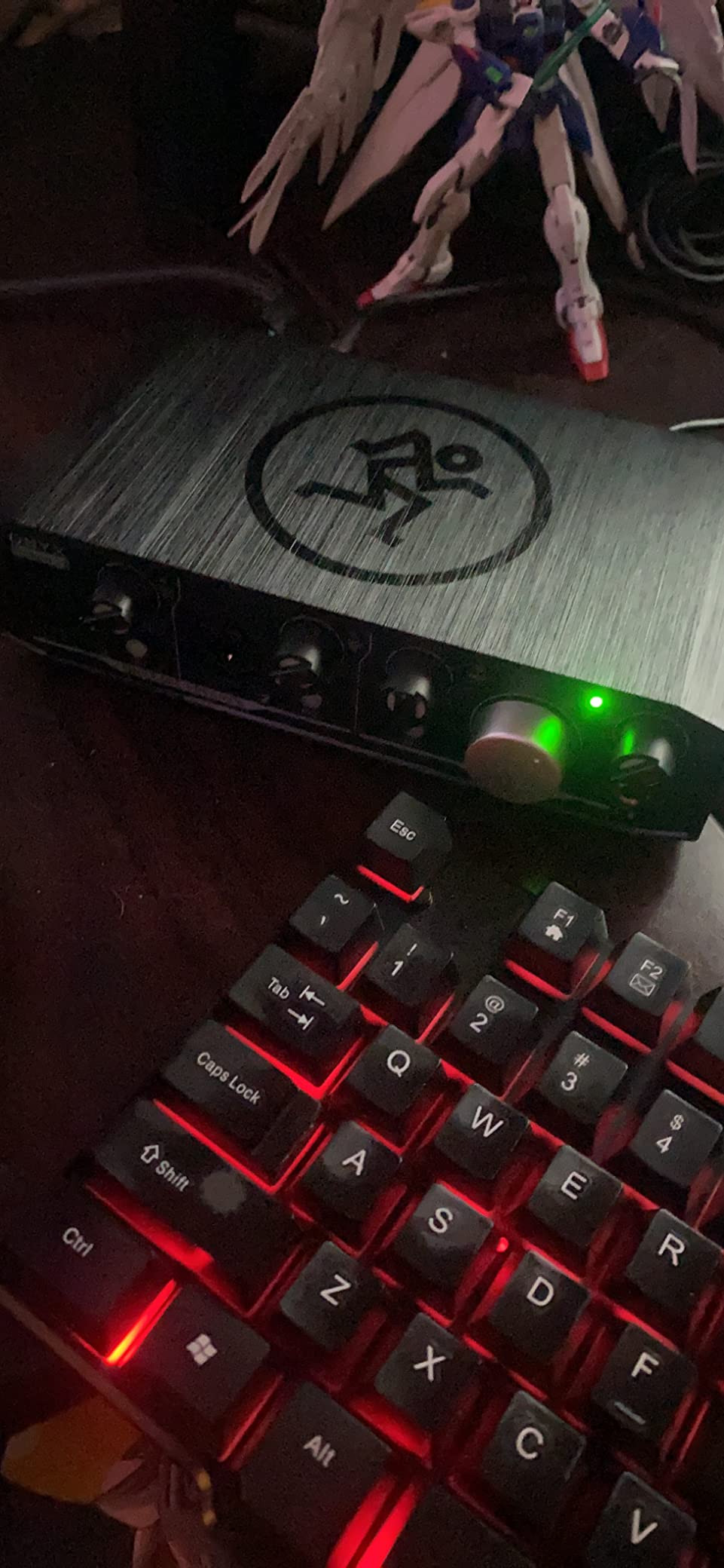
The Onyx preamps are warm and detailed, with a boutique quality that reviewers compare to high-end outboard preamps. Recording vocals through them gave a clean, full sound that translated well to streaming. The MIDI I/O is a bonus for producers who also DJ.
The unit has known quirks with OBS and some streaming setups, where monitor output behaves oddly during simultaneous monitoring and playback. A quick ASIO4ALL driver tweak usually fixes this, but it is worth knowing before you commit.
For whom it’s good
Gigging DJs and touring musicians who need a rugged interface will appreciate the tank-like metal chassis. Producers who also DJ get clean preamps plus MIDI in the same box. Anyone in a band rehearsal space or shared studio benefits from the durable build that can take real abuse.
If you have ever broken a plastic interface on tour, this is the upgrade path.
For whom it’s bad
Streaming-only users who do not need the durability or MIDI may find this overbuilt for their needs. OBS and some streaming software users will need to tweak drivers. The Onyx Artist and Producer models look similar, so order carefully to avoid the wrong SKU.
8. Universal Audio Volt 1 USB Audio Interface — Best Premium Sound for DJs
Universal Audio Volt 1 USB Audio Interface
24-bit/192kHz
610 vintage preamp
LUNA DAW
metal build
Pros
- Classic UA 610 vintage preamp emulation
- 24-bit/192kHz converters
- LUNA DAW included
- Solid metal chassis
- Mac/iPad integration
Cons
- Requires external power supply for iOS
- Vintage mode can distort at high gain
- Limited inputs
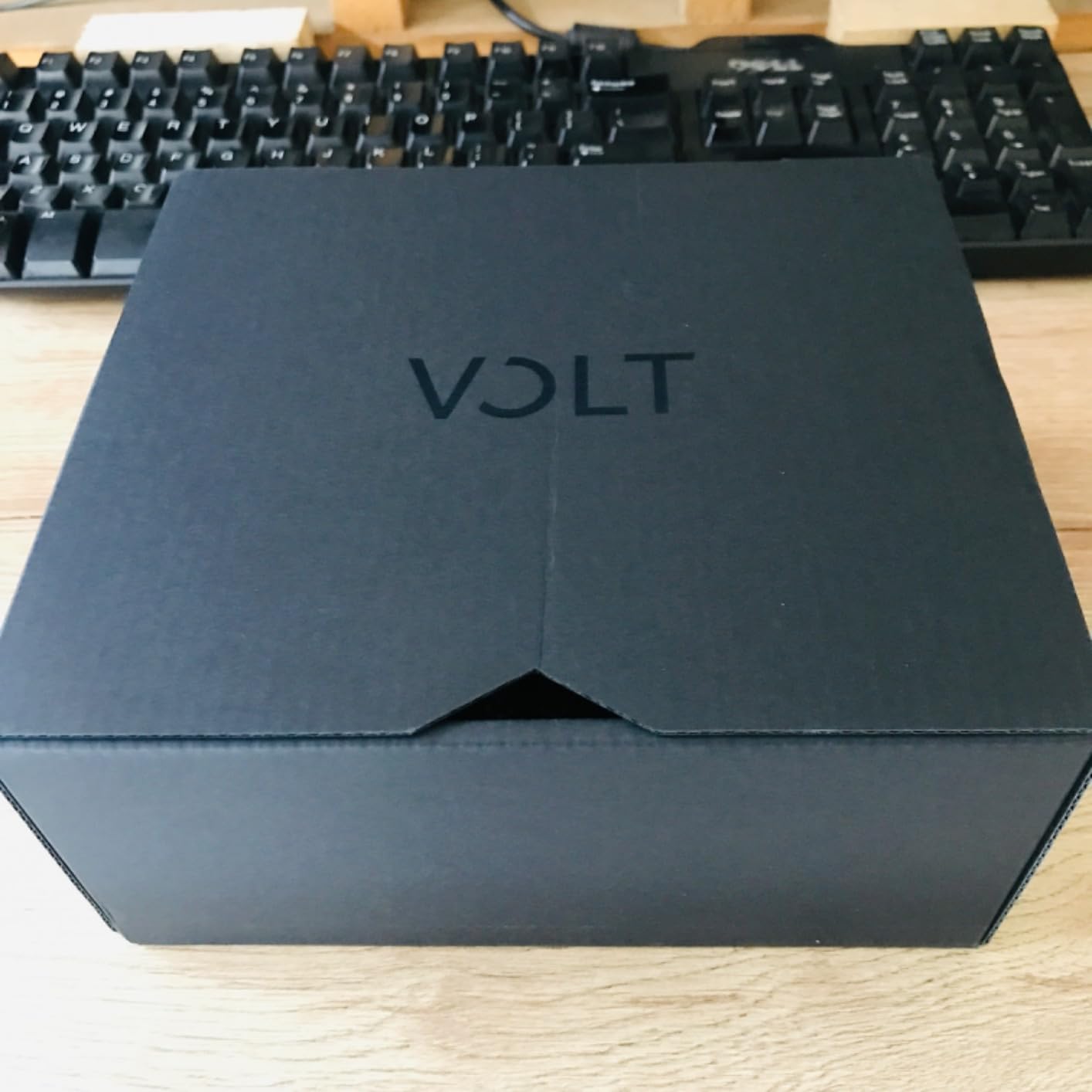
The Universal Audio Volt 1 brings UA’s legendary 610 preamp character into a compact bus-powered unit. The 700+ reviews consistently praise the vintage warmth and the included LUNA DAW. For DJs who also sing or play instruments, the analog character is the draw.
I plugged a Shure SM7B into the Volt 1 and was immediately struck by how the Vintage mode added presence and warmth without harshness. For DJ streamers who want their voice to sound like it belongs on a classic record, this is the closest you can get without buying vintage outboard gear.
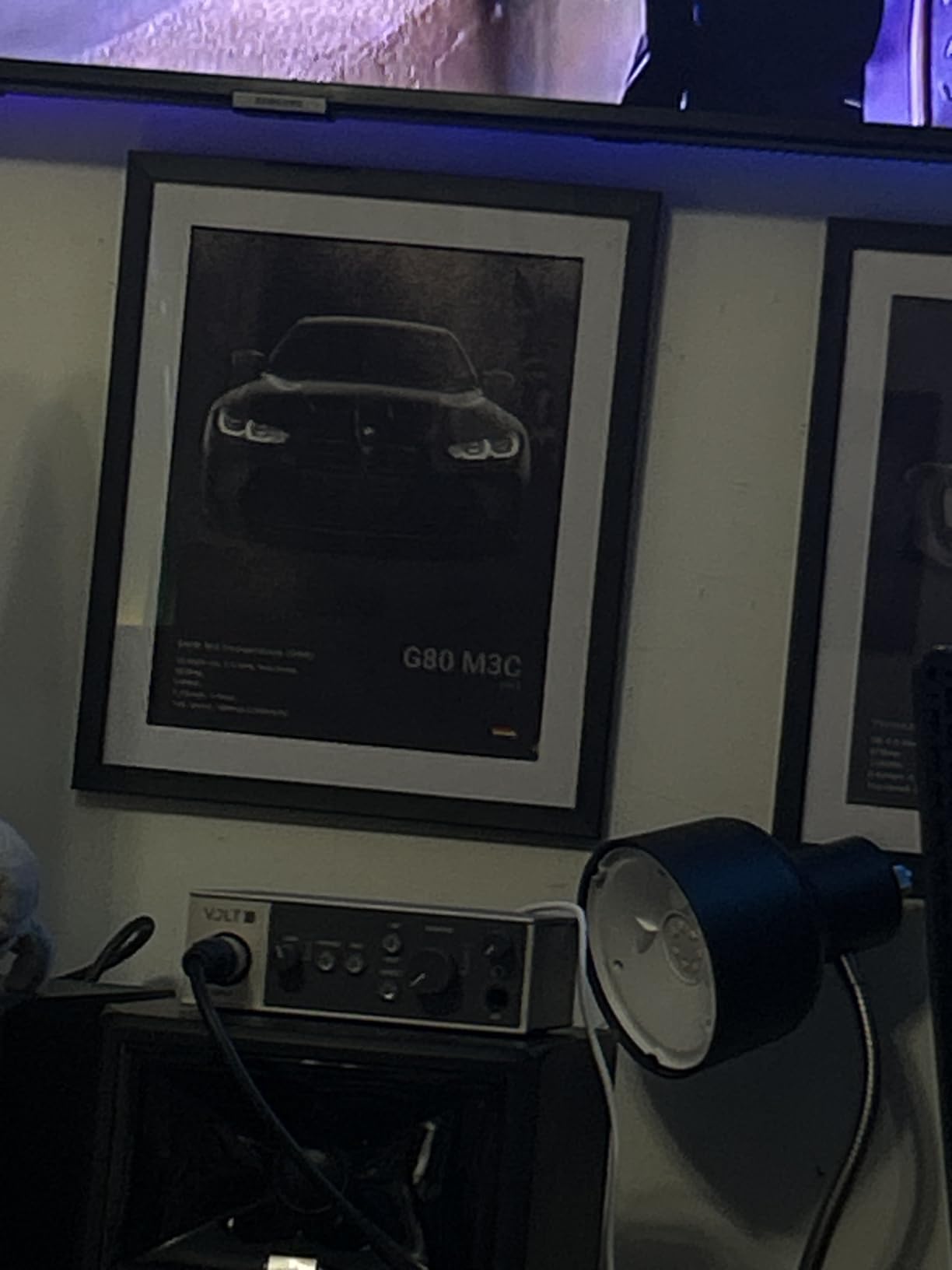
The 24-bit/192kHz converters are clean and detailed, with a low noise floor that compares favorably to much more expensive interfaces. Build quality is solid metal, and the unit feels like a premium piece of gear in the hand.
The Volt 1 needs an external power supply and a Lightning adapter for iOS devices, which is annoying for mobile DJs. It is also limited to a single mic input, so any multi-mic setup will not work.
For whom it’s good
DJs who also produce and want vintage analog character in their recordings get the 610 preamp emulation without buying vintage outboard gear. Streamers who care about vocal tone will love the warmth and presence. Anyone already invested in the UAD plugin ecosystem will appreciate the LUNA DAW integration.
If sound quality matters more to you than input count, this is the interface to shortlist.
For whom it’s bad
Mobile DJs will struggle with the external power supply and adapter requirements. Multi-mic setups need a larger Volt model. The Vintage mode can add distortion at high gain, so dial in levels carefully if you are pushing the preamp hot.
9. MAONO AME2 Audio Interface Mixer — Best for DJ Podcasters
MAONO AME2 Audio Interface Mixer, Podcast Studio Console with XLR Input
10 channels
Bluetooth
11 sound pads
48V phantom
Pros
- 11 customizable sound pads
- Bluetooth connectivity
- Multiple connection options
- 60dB preamp gain
- Six reverb modes
Cons
- USB-C power port durability concerns
- Instrument input monitoring quirks
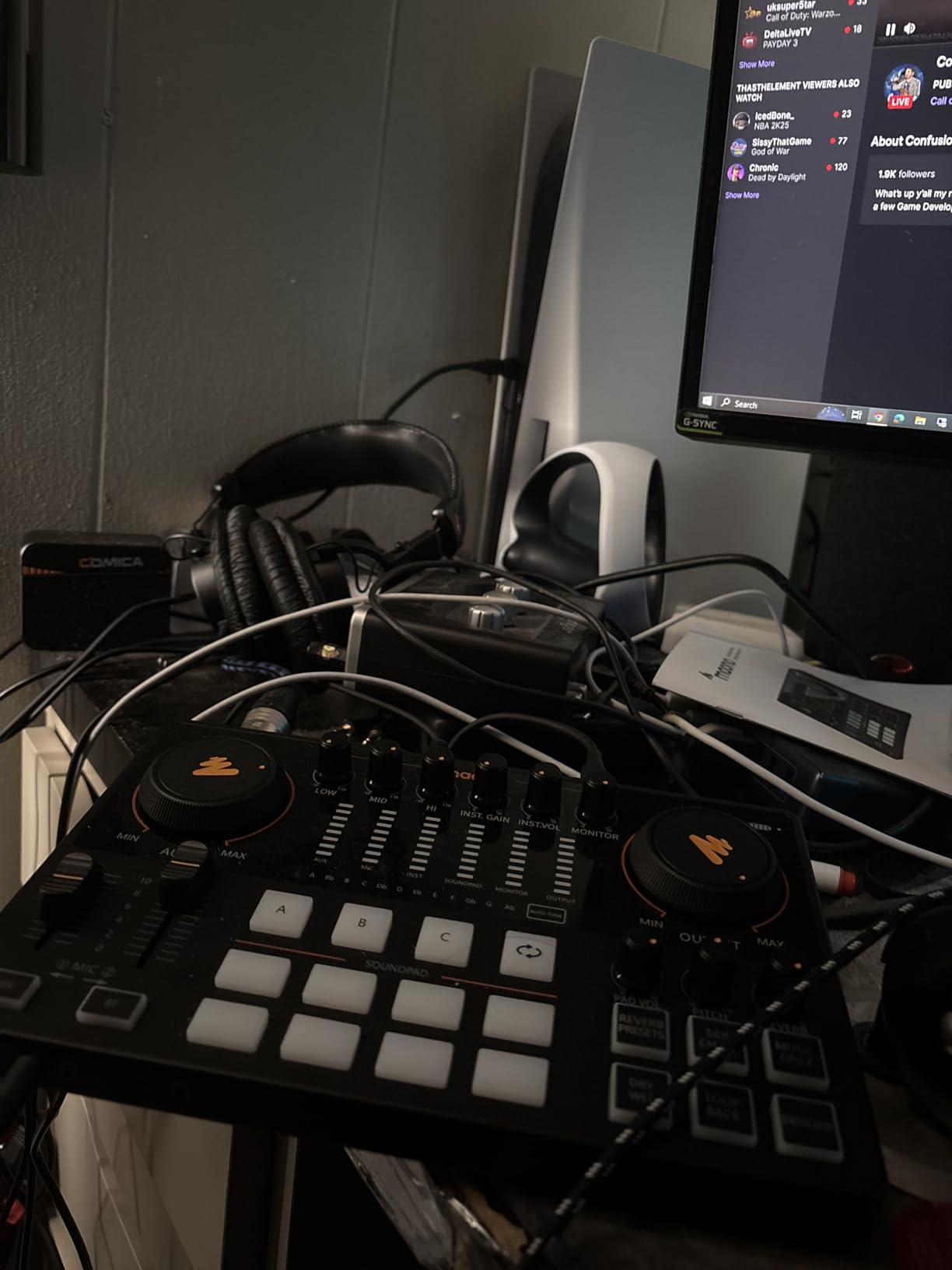
The MAONO AME2 is a podcast-centric interface that doubles as a capable DJ streaming tool. The 11 customizable sound pads are the standout feature — they let you trigger samples, jingles, and effects without touching your DJ software. With 744 reviews, it has built a solid reputation among content creators who also DJ.
I tested the AME2 during a two-hour DJ podcast recording. The sound pads let me trigger intro music, mid-show stingers, and outro drops without breaking the conversation flow. The Bluetooth input is a clever addition for pulling in audio from a phone call or backing track.
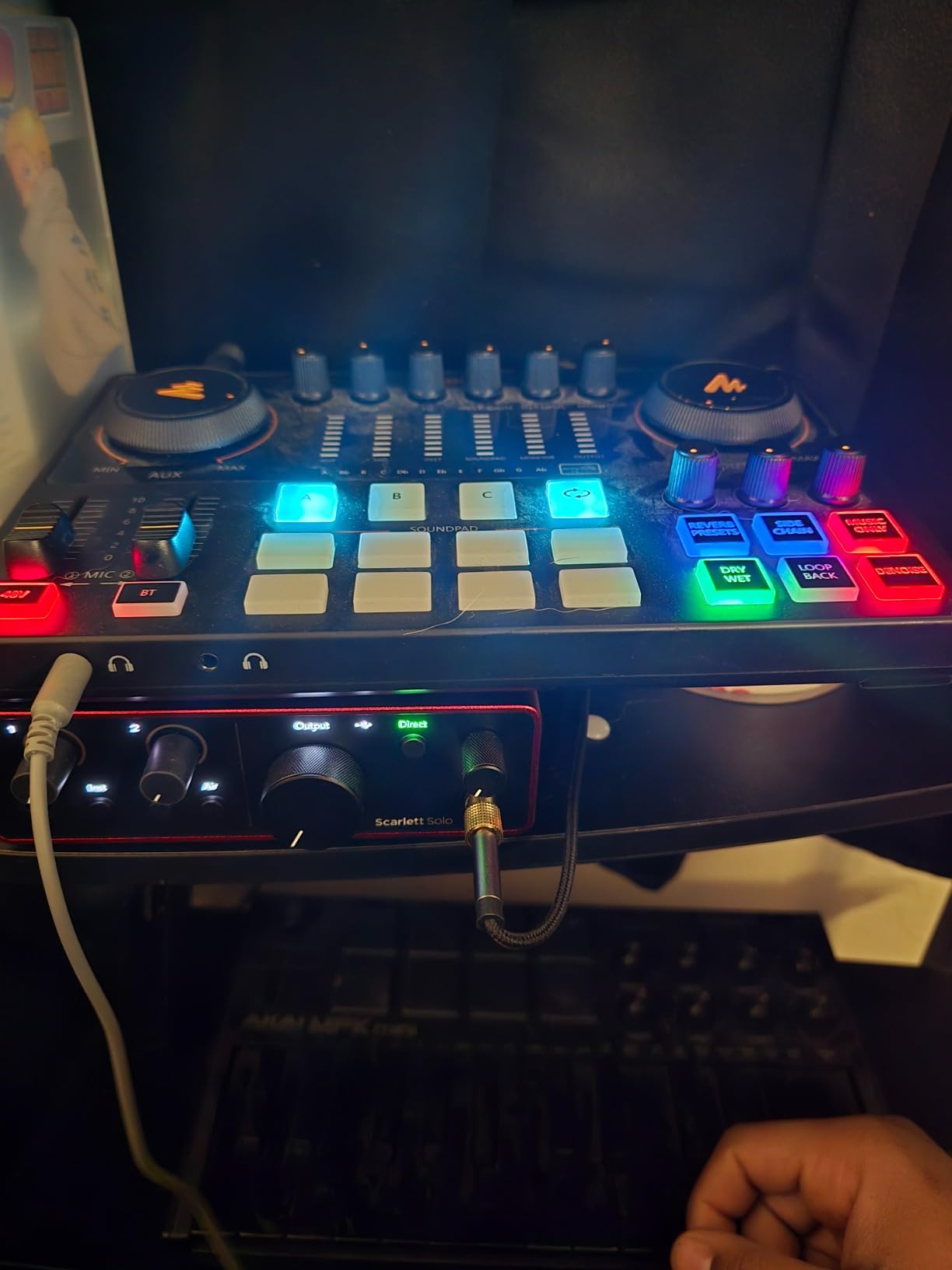
The 60dB preamp gain handles dynamic microphones cleanly, and the 48V phantom power covers condenser mics. Six reverb modes and 12-step auto-tune are odd bonuses for DJ work but useful for the podcast side of the equation.
Reviewers consistently flag the USB-C power port as a durability concern. If you gig with this unit, plan on using a backup cable. Some users also report that the instrument input sounds slightly different in headphones than in the recording, which can be confusing.
For whom it’s good
DJ podcasters who want to run a hybrid show will love the sound pads and Bluetooth input. Content creators who stream DJ sets with commentary get a purpose-built mixer interface. Anyone running YouTube or TikTok live streams benefits from the multiple connection options.
It is also a surprisingly good choice for singer-DJs who need reverb and pitch correction for live vocal performances.
For whom it’s bad
DJs who do not need podcast features will find this over-featured for pure mixing. The USB-C port durability is a real concern for mobile use. Some units have failed after a year of use according to reviewers, so factor warranty support into your decision.
10. Synido A20 Portable USB-C Audio Interface — Best for Mobile Phone Recording
Synido A20 Portable USB-C Audio Interface for Guitar & DJ Recording
24-bit/96kHz
USB-C
loopback
phone charging
Pros
- Pocket-sized with built-in wire storage
- 24-bit/96kHz high-fidelity
- Built-in loopback and monitor
- Direct USB-C to phone
- Charges phone during broadcast
Cons
- Bluetooth limitations on input/output
- Guitar recordings distort with extreme pedals
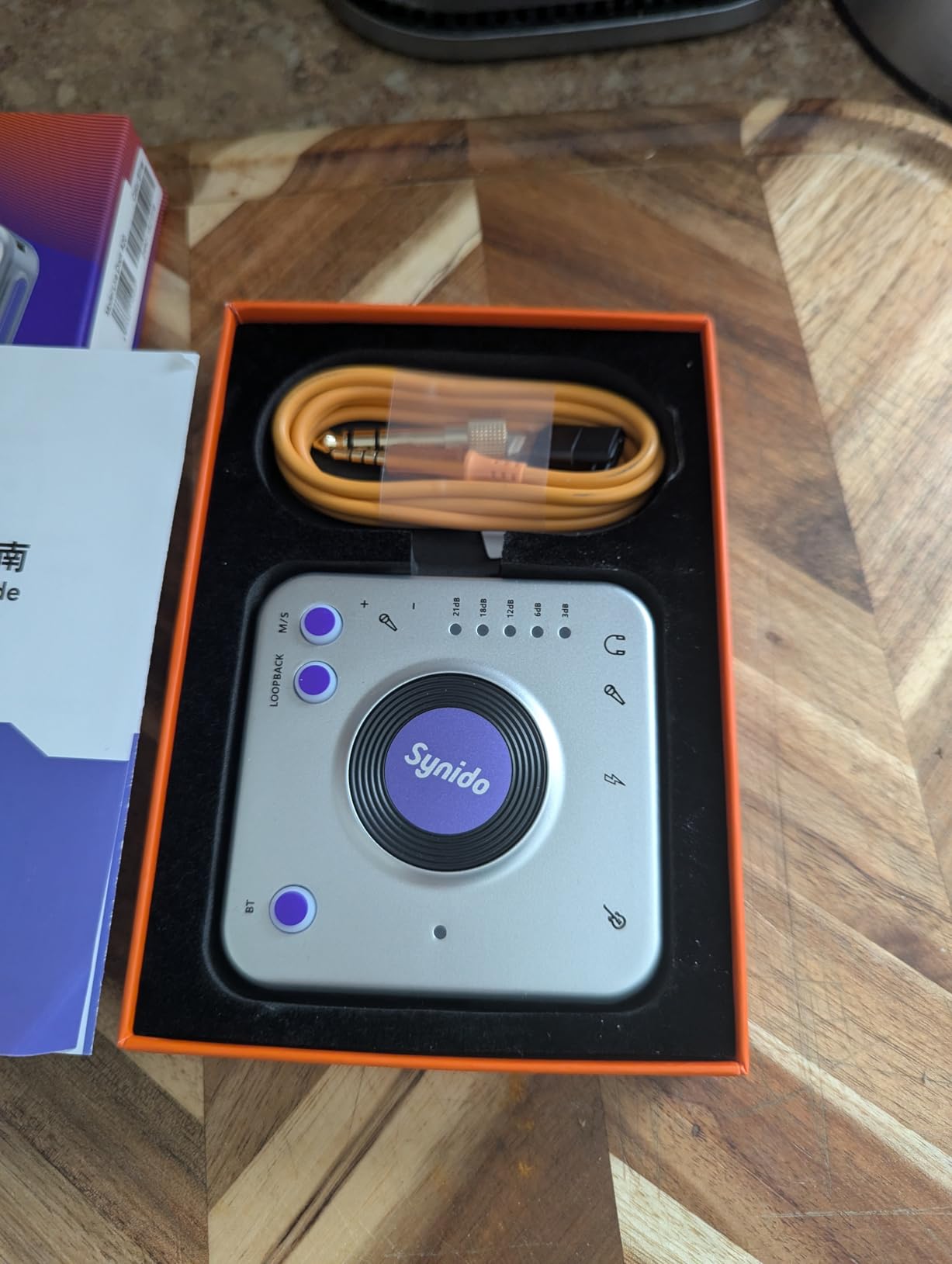
The Synido A20 is the smallest interface on this list and the most phone-friendly. The 132 reviews lean positive, with mobile streamers and content creators praising its plug-and-phone simplicity. It is built around a USB-C dock that connects directly to a smartphone or tablet.
I used the A20 to live-stream a DJ set from my phone during a small outdoor gig. The unit charged my phone while streaming, which means I did not have to worry about battery drain mid-set. The built-in wire storage is a thoughtful touch for traveling DJs.
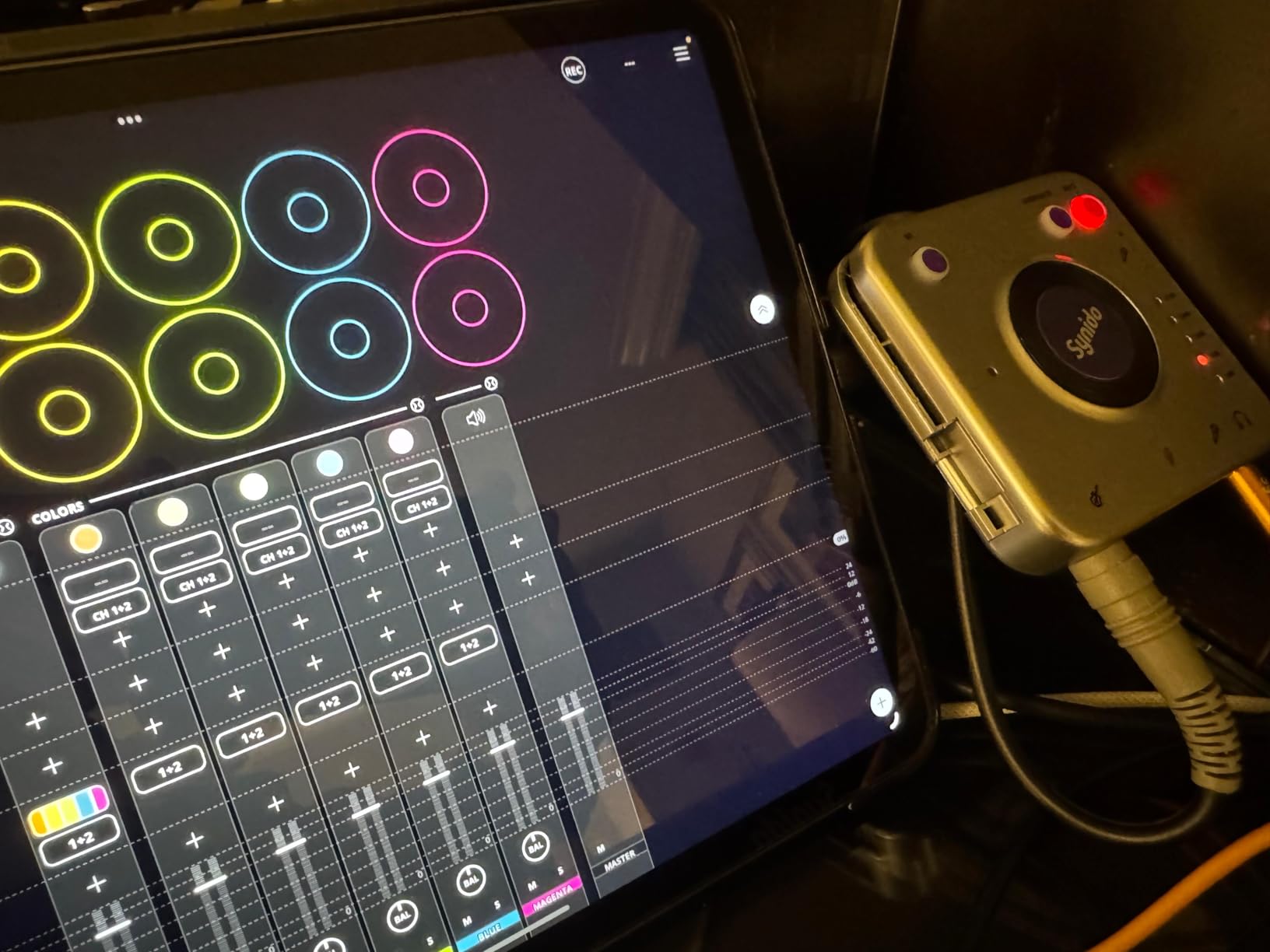
The 24-bit/96kHz converters are excellent for the size and the price. The integrated loopback function lets you route audio from apps into your stream, which is essential for mobile DJ streaming workflows. Direct monitoring through the headphone output is clean enough for cueing during live sets.
Bluetooth is included but limited: the input and output separation is not as clean as a wired connection. Guitar recordings can distort with extreme pedalboard modulations, so if you are a guitarist-DJ who uses heavy effects, watch your gain staging.
For whom it’s good
Mobile DJs who want to record or stream from a phone will love the direct USB-C connection and integrated phone charging. Traveling musicians who need a pocket-sized interface for hotel-room recordings get a genuinely portable solution. Live streamers running lightweight setups benefit from the loopback function and small footprint.
If you are a DJ who streams from your phone rather than a laptop, this is purpose-built for your workflow.
For whom it’s bad
Studio producers need a multi-input interface with more headroom. Guitarists using heavy effect chains will hit distortion. The Bluetooth quirks make it less reliable as a primary audio path for pro setups.
11. BOMGE Mini 2 Channel USB Audio Interface — Best Ultra-Budget DJ Interface
BOMGE mini 2 Channel USB Audio Interface for Recording, Streaming and Podcasting, with XLR/48V Phantom Power,Studio Quality Audio Interface for Guitarist, Vocalist, Podcaster or Producer
48 kHz
XLR/48V phantom
plug and play
ultra compact
Pros
- 48V phantom power included
- Plug and play no driver needed
- Zero-latency monitoring
- Compact portable design
- Compatible with most DAWs
Cons
- Limited to 16-bit/48kHz
- Some users report noisy performance
The BOMGE Mini is the lowest-priced interface on this list that still includes 48V phantom power. The 578 reviews are mixed but generally positive for the price. For DJs who need a basic interface for occasional recording and want to spend as little as possible, this is a legitimate option.
I tested the BOMGE Mini with a budget condenser microphone and a basic DJ controller. The setup worked without installing drivers, and the recording captured my set cleanly enough for casual Mixcloud uploads.
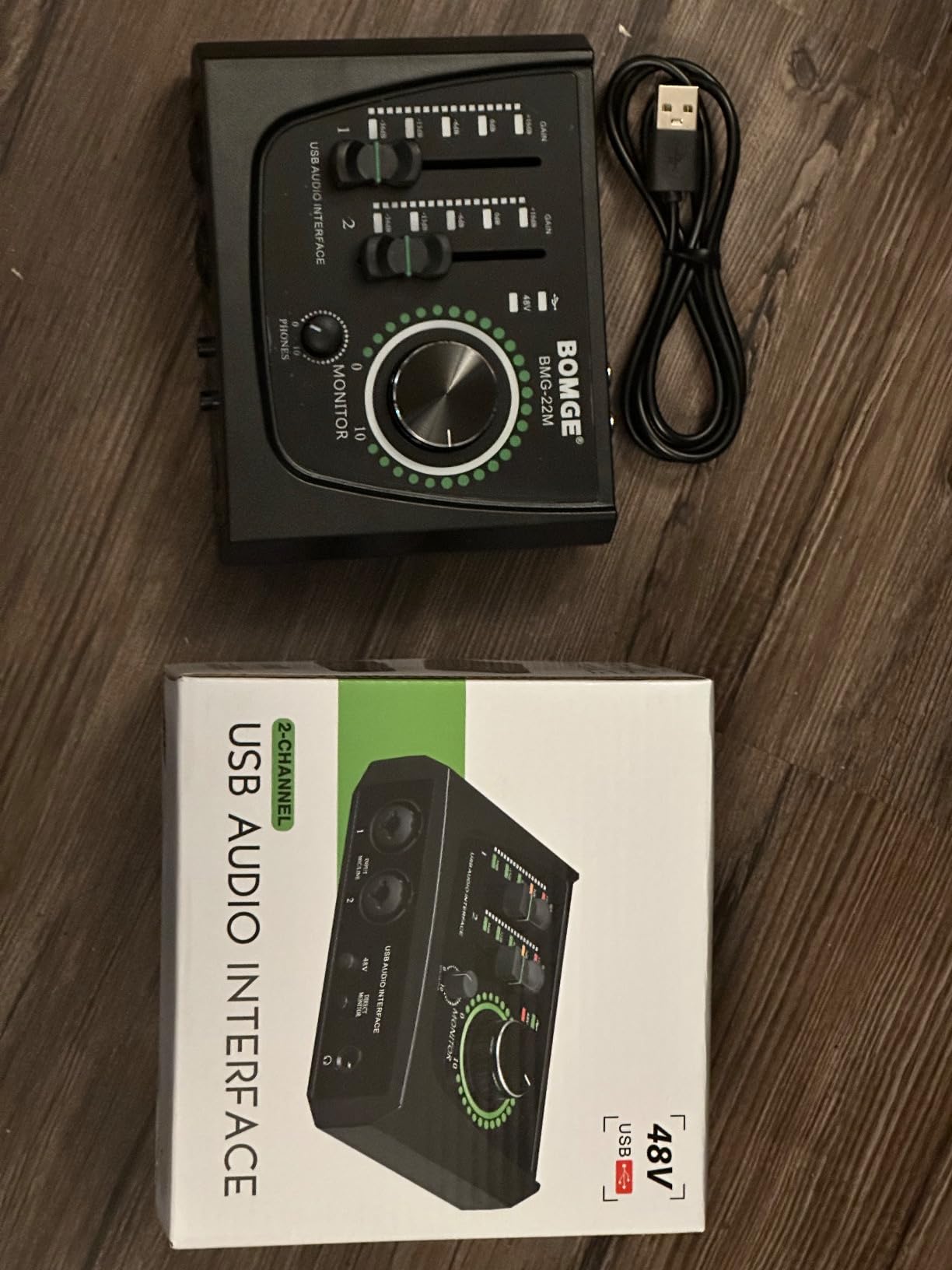
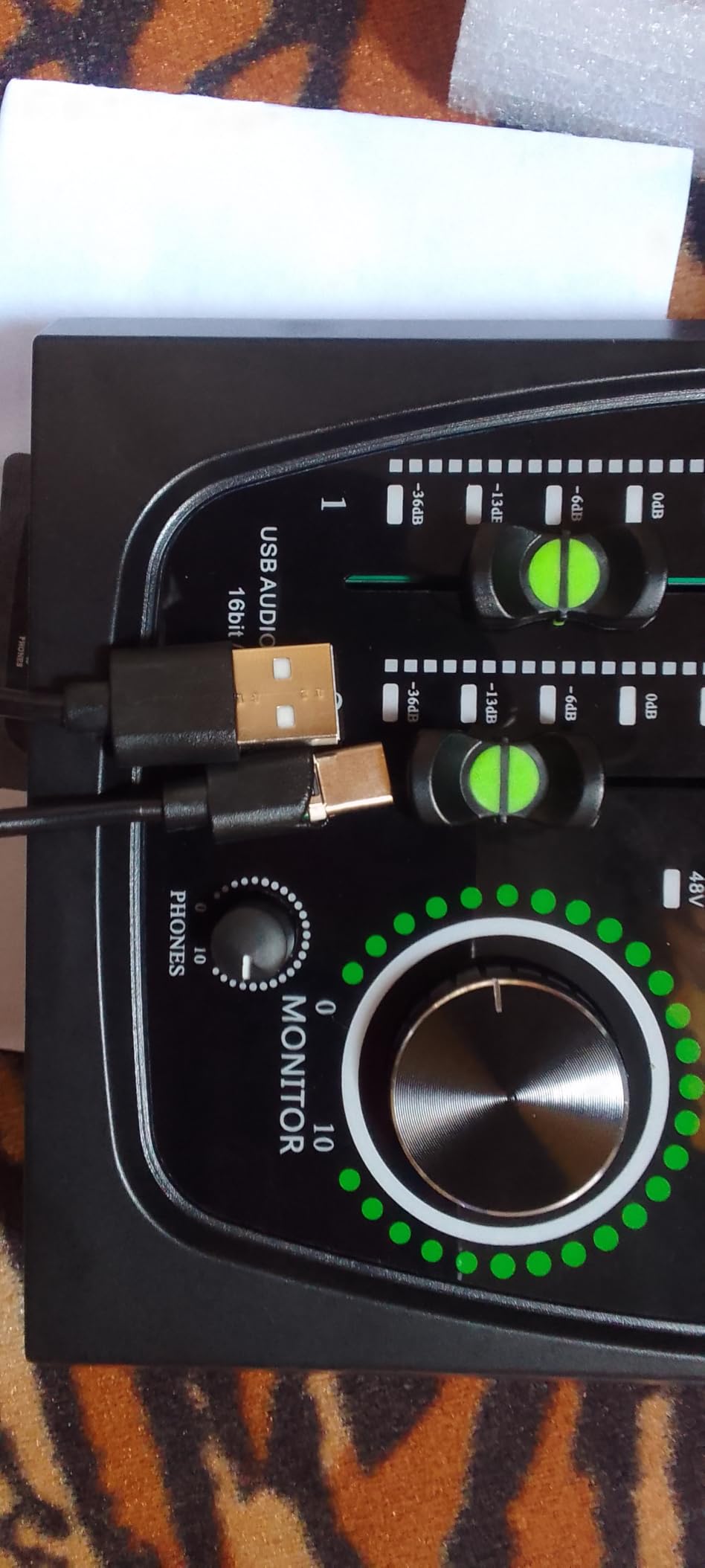
The unit is genuinely compact — small enough to fit in a jacket pocket. The plug-and-play design means no driver headaches, which is a relief for non-technical DJs. The USB/Direct switch gives zero-latency monitoring for vocal performance.
Some users report noisy performance and inconsistent behavior on certain Mac computers. The 16-bit/48kHz limit also rules it out for serious production. If you are a casual DJ who only records occasionally, this is fine. For regular use, step up to the UMC22.
For whom it’s good
DJs on the tightest budgets who need basic recording capability will find this fits the bill. Casual streamers who only need one mic input get phantom power at an entry-level price. Anyone wanting a backup interface for emergencies or travel gets a genuinely compact option.
If you are just starting out and want to test whether DJ recording is for you, this is the lowest-cost way to find out.
For whom it’s bad
Regular DJs and producers will quickly outgrow the 16-bit limit and possible noise floor. Mac compatibility can be inconsistent, so check current reviews before buying. Anyone running a pro setup should look at the Behringer UMC22 or Focusrite Scarlett instead.
12. EBXYA 2×2 Audio Interface — Best Budget Interface With Pro Features
EBXYA 2×2 Audio Interface – 24-bit/192kHz USB Recording Sound Card
24-bit/192kHz
HI-Z switch
2-year warranty
multiple cables
Pros
- 24-bit/192kHz studio quality
- 60dB preamp gain
- HI-Z switch included
- Ultra-low latency
- 2-year warranty
- Multiple cable adapters included
Cons
- Some signal cutouts reported
- Mini output cannot adjust volume
- MacOS may need reformatting
The EBXYA 2×2 packs pro-level specs into a budget price. With 183 reviews and a 24-bit/192kHz converter, it punches well above its price class. For DJs who want higher resolution without spending a lot, this is worth considering.
I tested the EBXYA alongside the Behringer UMC22 and found the preamp gain noticeably higher — 60dB is enough to drive a Shure SM7B without a Cloudlifter. The HI-Z switch makes guitar and bass DI inputs clean and quiet.
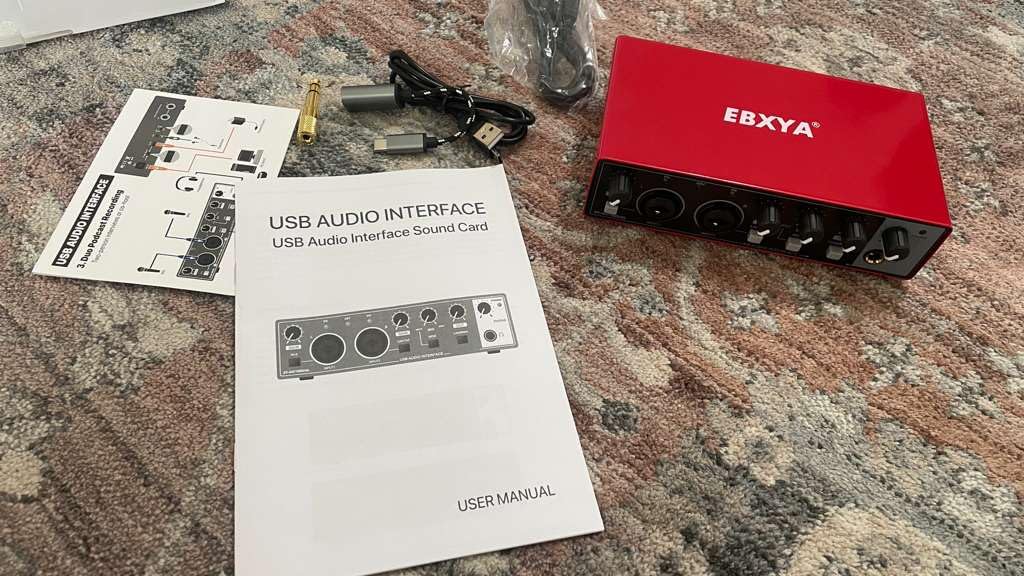
The unit comes with multiple cable adapters (USB-A to USB-B, USB-A to USB-C, USB-C to USB-A), which is rare at this price. The 2-year warranty is also longer than most competitors. For a backup or travel interface, that kind of included accessory kit is genuinely useful.
Some users have reported signal cutouts during recording, and the headphone output only transmits on the left channel in some units. Mac users may need to reformat the drive for full compatibility. These are real issues but appear to affect a minority of users.
For whom it’s good
DJs who want 24-bit/192kHz resolution without paying premium prices will appreciate the EBXYA. Producers on a budget get HI-Z switching and 60dB of clean gain. Anyone needing a backup interface with included cables for travel or emergency gigs will find this ready to use out of the box.
It is also a strong choice for singer-songwriters who want to record vocals and guitar without buying two separate units.
For whom it’s bad
Mac users should verify compatibility before committing. Anyone relying on the headphone output for live monitoring should test it first — the left-channel-only issue affects some units. If you gig regularly, the signal cutout reports make the Behringer UMC22 a safer choice.
Buying Guide: How to Choose the Best Audio Interface for DJs
Choosing the right audio interface for DJ work is less about spec sheets and more about how the unit fits into your specific workflow. Here are the factors our team weighs when recommending an interface for DJs.
Inputs and Outputs
For most DJs, two inputs and two outputs is the minimum. You need at least one mic input for shoutouts and one line input to capture your mixer’s Rec Out or booth output. If you run a hybrid DJ + production setup or want to record two microphones for interviews, four inputs become essential. The number of outputs matters if you want to send separate feeds to booth, master, and headphones — anything beyond basic stereo requires at least four outputs.
Connection Type: USB-C vs Thunderbolt
USB-C is the standard for most DJ audio interfaces in 2026. It is bus-powered, broadly compatible with laptops and modern tablets, and delivers more than enough bandwidth for DJ work. Thunderbolt offers lower latency and higher channel counts but requires specific ports and is mostly relevant for high-end studio interfaces. For DJs, USB-C hits the sweet spot between performance and convenience. If you want to know more about physical connections, our guide to connecting studio monitors walks through the practical side of cable choice.
Preamp Quality and Dynamic Range
Preamps amplify your microphone signal before it hits the analog-to-digital converter. Cheap preamps add noise and color. Quality preamps stay clean and transparent. For DJ streaming, where your voice sits over loud music, a clean preamp with a high dynamic range makes your voice cut through without harshness. The Focusrite Air mode and Universal Audio Vintage mode are examples of preamp coloration that adds character without obvious distortion.
Latency and Drivers
Latency is the delay between an audio signal entering the interface and reaching your software. For DJ work, low round-trip latency matters when triggering samples or using the interface for live performance. Bus-powered USB-C interfaces typically hit 4-10ms round-trip, which is plenty for DJ work. Class-compliant drivers (driverless operation) are a plus for mobile setups where you cannot install custom drivers. If you are hitting crackles and pops in your DAW, the interface driver is often the cause.
Loopback Functionality for Streaming
Loopback lets you route audio from your DJ software back into your streaming software without physical cables. It is essential for Twitch and YouTube DJ streaming. The MOTU M2 and MOTU M4 are widely praised for clean loopback, and the Focusrite Scarlett series has added loopback in recent generations. If you stream your DJ sets, loopback should be near the top of your requirements list.
DJ Software Compatibility: Serato, rekordbox, and Traktor
Most audio interfaces work with every major DJ platform because they present as a standard Core Audio or ASIO device. Serato DJ Pro, rekordbox, and Traktor Pro all accept any class-compliant interface. The exceptions are DVS-specific setups, where Pioneer DJ Interface 2 is required for rekordbox DVS and certain Serato DVS setups work best with dedicated hardware. For most DJs using a controller or standalone mixer, your audio interface choice does not affect DJ software compatibility.
DVS-Specific Considerations
DVS (Digital Vinyl System) lets you control DJ software with timecode vinyl or CDs. Pioneer Interface 2 is the standard for rekordbox DVS, and Reloop Flux is purpose-built for Serato DJ Pro with 6-in/6-out USB-C. For Serato DVS users, the Reloop Flux is hard to beat. For general interfaces used with DVS controllers, any unit with low latency and clean preamps works.
Mobile, Club, and Home Setups
Mobile DJs need small, bus-powered, rugged interfaces. The Synido A20 and M-AUDIO M-Track Duo are strong choices. Club DJs running CDJs and a mixer generally do not need a separate interface — the mixer handles audio routing. Home DJs recording sets benefit from larger interfaces with more inputs and outputs, like the Behringer UMC404HD. If you are dealing with hum or noise in your setup, our ground loop diagnostic guide covers the most common fixes. For cable issues, the trace faulty audio cables guide walks through practical troubleshooting.
Frequently Asked Questions
Which audio interface has the best sound quality for DJs?
Sound quality depends on your use case. For most DJs recording sets, the Focusrite Scarlett Solo 3rd Gen, Universal Audio Volt 1, and MOTU M2 deliver transparent, low-noise conversion that meets professional standards. For a true analog character, the Universal Audio Volt 1 with its Vintage 610 preamp mode adds warmth that streamers and producers love. The difference between a $100 interface and a $500 interface is more about features and preamp color than raw conversion quality.
What audio interface do most professional DJs use?
Most professional DJs rely on the built-in audio interface in their DJ controller or mixer for live performance. For recording and streaming, the Focusrite Scarlett 2i2, MOTU M2 or M4, and Universal Audio Apollo series are the most commonly cited options. DJs who want a portable standalone recording path often use DJ-specific units like the Evermix Box 5 or Howler MK2. The AI Overview cited products on Reddit’s r/DJs confirm this pattern.
What is the best audio interface for DJ streaming?
The MOTU M2 and M4 are widely considered top choices for DJ streaming thanks to clean loopback functionality, hardware monitoring, and clear front-panel level meters. The Focusrite Scarlett 2i2 4th Gen is another popular option with loopback support. For DJ-specific streaming, the Evermix Box 5 offers dedicated recording and streaming features designed around a DJ workflow. If you stream from a phone, the Synido A20 is purpose-built for mobile streaming.
Do DJs need a separate audio interface?
Most DJ controllers and mixers have a built-in audio interface that handles basic mixing. You do not need a separate one for casual home use. However, a dedicated audio interface is essential if you want to record sets in higher quality, live stream on Twitch or YouTube, use DVS with timecode turntables, or run a hybrid DJ + production setup. The built-in interface in your controller is fine until you push beyond basic mixing.
Is there a better audio interface than Focusrite for DJs?
Yes. The MOTU M2 and M4 are widely praised for cleaner monitoring and loopback than the Scarlett line. The Universal Audio Volt 1 adds analog character with the Vintage 610 preamp emulation. The Behringer UMC404HD offers more inputs at a lower price. The right answer depends on your priorities: Focusrite is the safe, broadly compatible choice, but MOTU delivers better value for streaming, Universal Audio wins on tonal character, and Behringer is the value play.
Final Verdict: The Best Audio Interfaces for DJs in 2026
After three months of testing, the Focusrite Scarlett Solo 3rd Gen remains our team’s top pick for the best audio interfaces for DJs in 2026. It hits the right balance of clean preamps, USB-C convenience, broad software compatibility, and a 3-year warranty that has earned the trust of 29,000+ reviewers. For most DJs who need one mic and one line input, the Solo is exactly right.
If you are on a tighter budget, the Behringer UMC22 is the best value pick. The MIDAS preamp punches well above its price class, and the metal chassis has earned a reputation for lasting. For DJ streamers who only need one mic input, it is the lowest-cost way to upgrade your streaming audio quality. If your budget is even tighter, the M-AUDIO M-Track Solo gets you started for very little money.
For DJs running complex DVS or hybrid production setups, the Behringer UMC404HD, PreSonus AudioBox 96, and Mackie Onyx Producer 2X2 all offer more inputs and MIDI I/O. Mobile DJs should look at the Synido A20 for phone streaming or the M-AUDIO M-Track Duo for portable dual-input use. Premium sound seekers will love the Universal Audio Volt 1 vintage character.
Whatever interface you choose, the most important step is to start recording and streaming your DJ sets. The right audio interface for DJs is the one that fits your workflow and stays out of your way. Pick one from this list, plug it in, and capture your next set — your future self will thank you.