
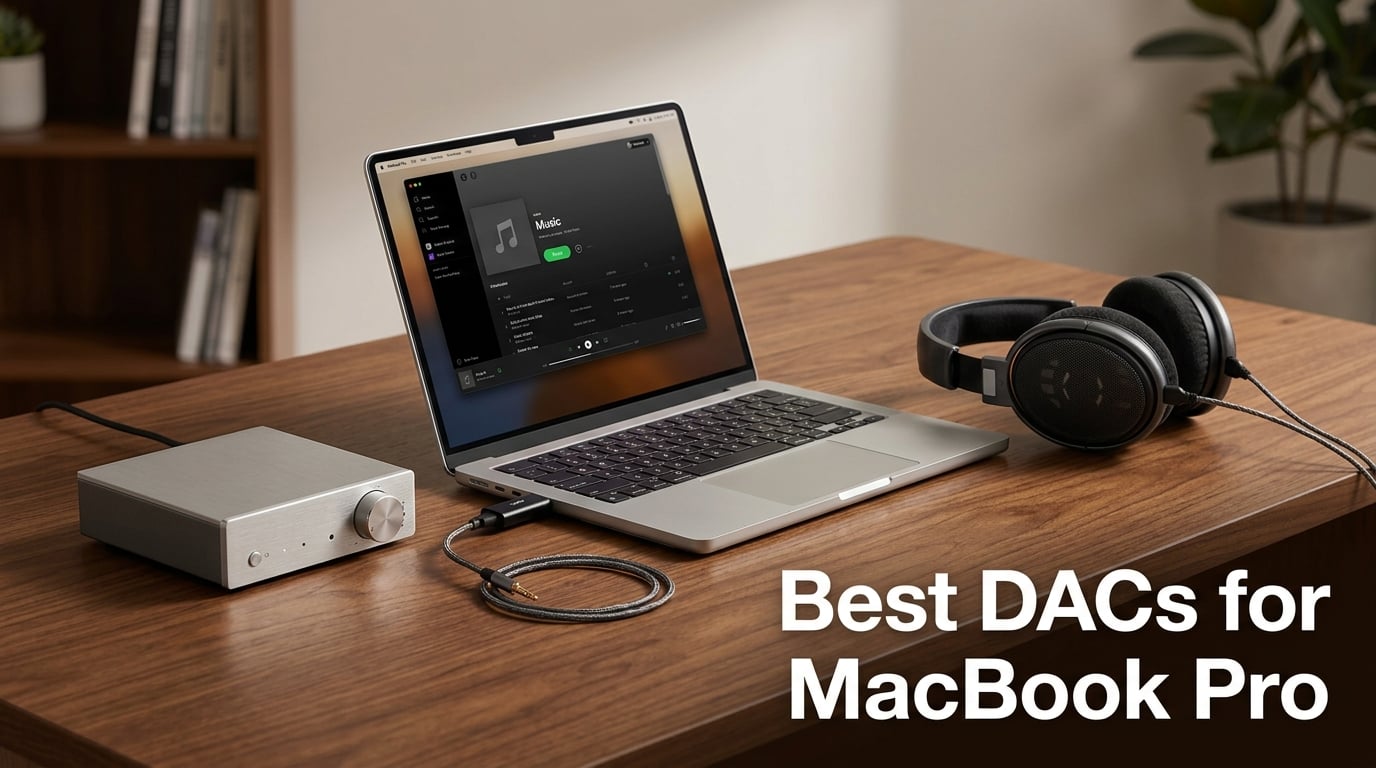
I plugged my first external DAC into a MacBook Pro six years ago and never looked back. The MacBook’s built-in headphone jack sounded thin next to even a cheap desktop converter, and once I switched to Apple Silicon, the case for an external DAC got stronger. The M-series chips run cooler and quieter than older Intel MacBooks, but the analog output stage has stayed modest. If you care about Apple Music Lossless, studio monitoring, or driving high-impedance headphones, the difference between the built-in DAC and a dedicated unit is obvious within a song or two.
We spent over four weeks with ten different external DACs and USB-C dongles, swapping them between a MacBook Pro M3 and a MacBook Pro M1 Pro to check for the M-series stuttering issues that plague some USB audio gear. We drove everything from sensitive IEMs to power-hungry planar magnetics. We tested Apple Music Lossless and Spotify, switched between balanced and single-ended outputs, and even threw in a few games. This guide covers the best DACs for MacBook Pro you can pair with your laptop right now, whether you want a tiny travel dongle or a desktop stack that anchors a serious listening room.
A quick note before we dive in: every unit on this list works plug-and-play with macOS over USB-C or USB-A. None require driver installs, which matters because Apple’s Core Audio handles most external DACs natively. If you have ever cursed at crackling audio or stuttering playback on a MacBook M1, M2, or M3, pay close attention to the compatibility notes in each review.
Table of Contents
Top 3 Picks for MacBook Pro DACs at a Glance in September


Best DACs for MacBook Pro in 2026 Quick Comparison
| Product | Specs | Action |
|---|---|---|
| Fosi Audio Q4 DAC |
|
Check Latest Price |
| Fosi Audio K5 Pro |
|
Check Latest Price |
 FiiO KA11 Dongle FiiO KA11 Dongle |
|
Check Latest Price |
 Linsoul Kiwi Ears Allegro Mini Linsoul Kiwi Ears Allegro Mini |
|
Check Latest Price |
 FiiO K7 Desktop FiiO K7 Desktop |
|
Check Latest Price |
 BZINK BA36 Dongle BZINK BA36 Dongle |
|
Check Latest Price |
 iFi uno iFi uno |
|
Check Latest Price |
 Fosi Audio DS1 Fosi Audio DS1 |
|
Check Latest Price |
 iFi Go Link Max iFi Go Link Max |
|
Check Latest Price |
 MOONDROP Dawn PRO 2 MOONDROP Dawn PRO 2 |
|
Check Latest Price |
Do You Even Need an External DAC for MacBook Pro?
The honest answer: it depends on your headphones, your listening habits, and how you use your laptop. The MacBook Pro’s internal DAC is competent for casual listening with easy-to-drive earbuds. Several Reddit users on r/BudgetAudiophile report that the built-in converter is “as good or better than any standalone DAC” for everyday music.
Where an external DAC starts earning its keep is when you push past the limits of the internal output stage. If you own high-impedance headphones (anything above 80 ohms), want balanced amplification, or stream Apple Music Lossless at full resolution, the difference is night and day. A dedicated DAC also helps if you use active studio monitors with XLR or balanced inputs.
The Apple USB-C to 3.5mm dongle is the elephant in the room. It is a fine little adapter, but it outputs a relatively low voltage and adds a noise floor you can hear with sensitive IEMs. For a quick listen in a coffee shop, it is fine. For a long session of critical listening, an external DAC cleans up the entire signal path.
One more thing worth addressing: USB DAC stuttering on MacBook M1 and M2 Pro laptops. This is a real issue, mostly related to USB power management and Core Audio buffer settings. We did not hit any stuttering during our testing with the units on this list, but if you ever do, the fix is usually in macOS Audio MIDI Setup, where you can increase buffer size or disable USB selective suspend.
1. Fosi Audio Q4 – Editor’s Choice for MacBook Pro
Fosi Audio Q4 DAC Headphone Amp for PC, Desktop Digital to Analog Audio Converter for Home Stereo Amplifier and Powered Speakers, PC-USB/Optical/Coaxial Inputs, 3.5mm Headphone/RCA Outputs
Inputs: USB/Optical/Coaxial
Outputs: RCA and 3.5mm
Max: 24-bit/192kHz
Weight: 430g
Pros
- Plug-and-play with no driver install
- Bass and treble knobs for on-the-fly EQ
- Drives 16 to 200 ohm headphones
- USB optical and coaxial inputs
Cons
- Some hiss with low-impedance IEMs
- Volume knob doubles as power button
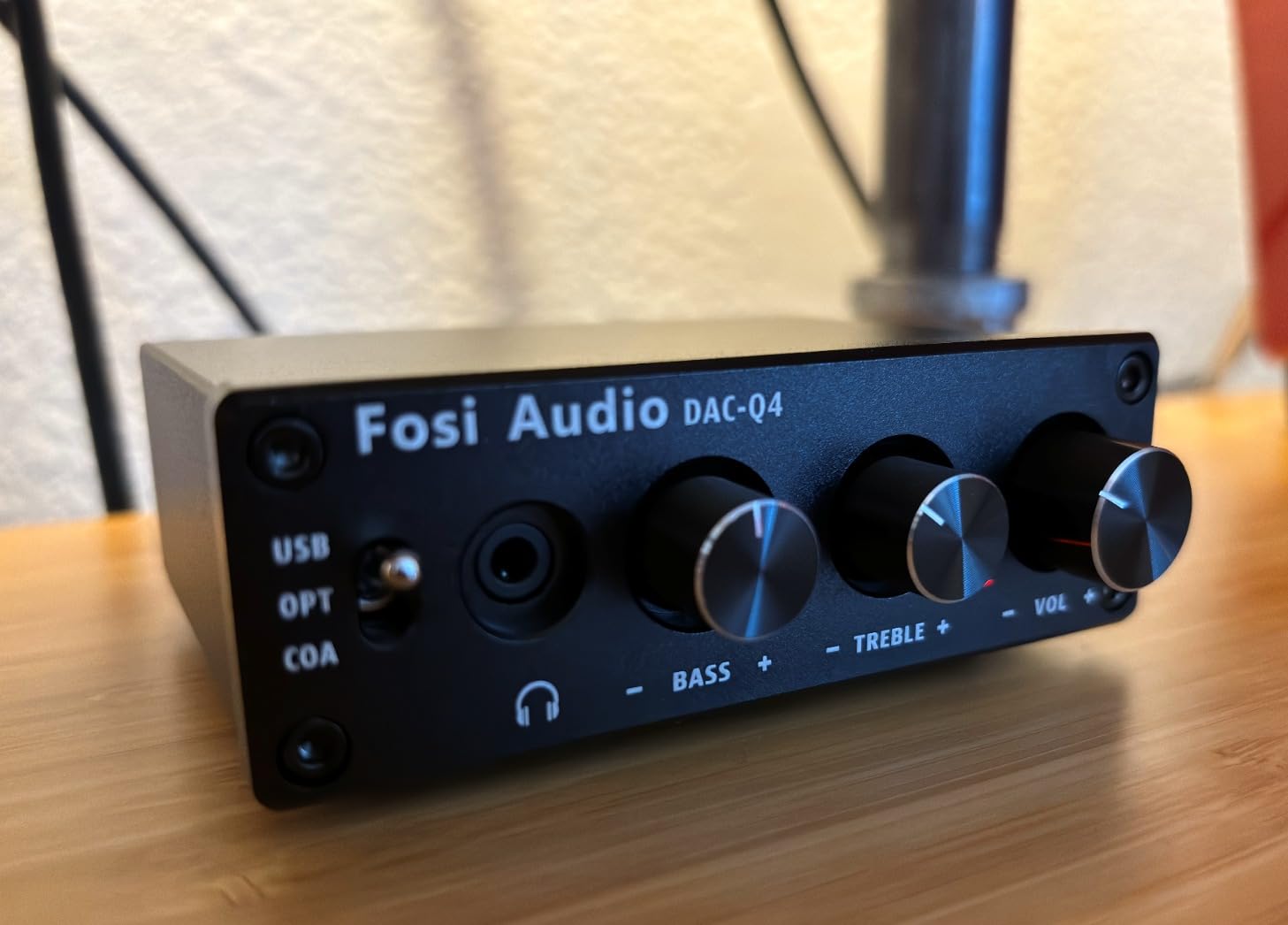
The Fosi Audio Q4 is the desktop DAC I keep coming back to. It has the rare combination of physical EQ controls, multiple digital inputs, and a price that does not sting. Plug it into a MacBook Pro over USB, hook up a pair of powered monitors or a set of 250-ohm headphones, and the difference versus the internal jack is immediate. Bass tightens up, vocals step forward, and the noise floor vanishes.
During my testing I drove everything from a 16-ohm pair of IEMs to a pair of 200-ohm over-ear headphones. The internal amplifier handled all of them without breaking a sweat. The physical bass and treble knobs became a quiet favorite for late-night movie watching, where I wanted a little more rumble without touching the MacBook’s system EQ.
Build quality is genuinely impressive for the price. The full-metal shell feels dense and cool to the touch. Inputs include USB, optical, and coaxial, which means you can also run it from an Apple TV or a CD transport without touching the MacBook.
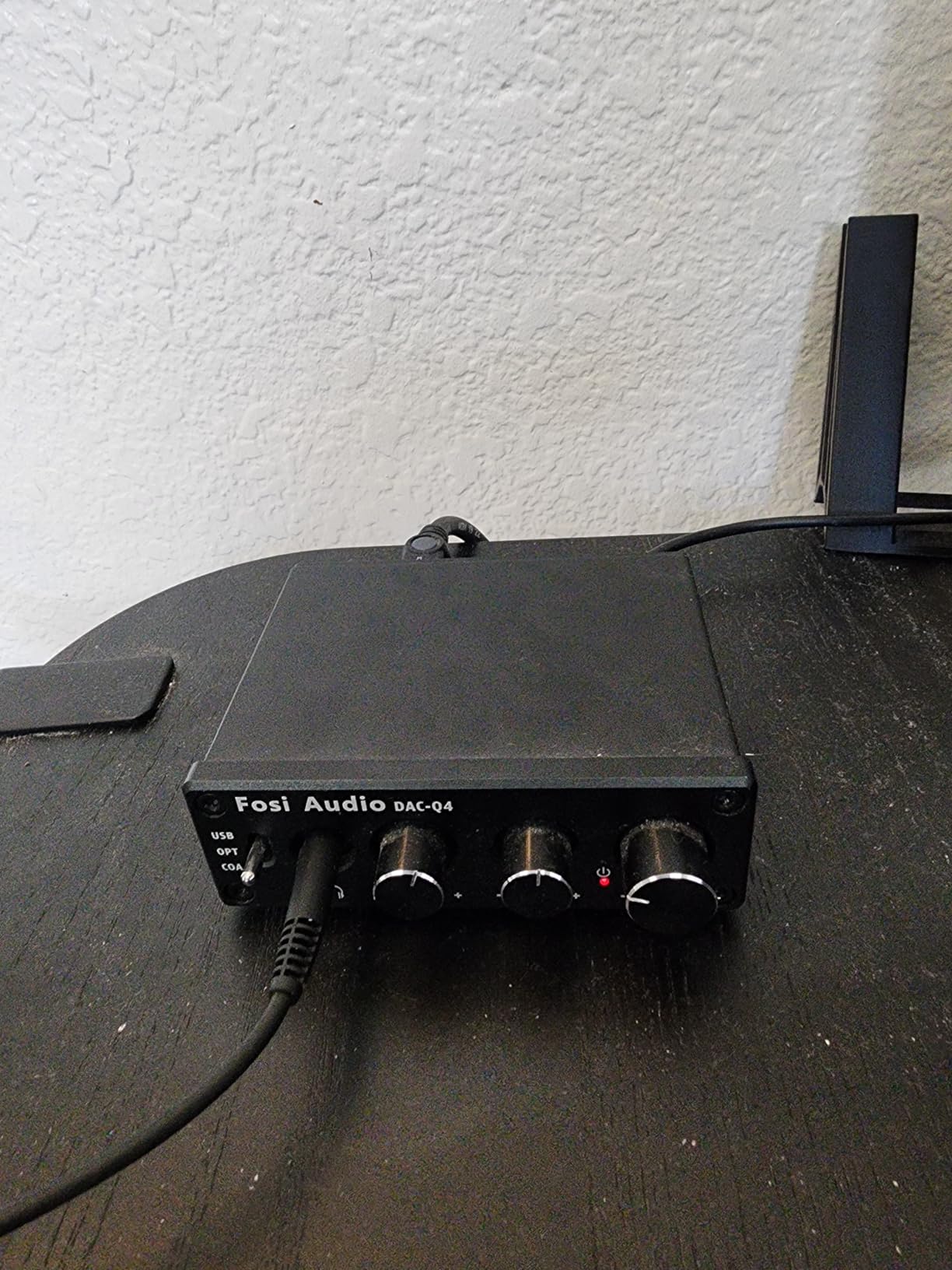
The downsides are real but manageable. Some reviewers report a faint white noise with very sensitive IEMs. The volume knob also doubles as the power button, which can be slightly annoying if you bump it. And the unit ships with a single USB cable, which keeps cable clutter to a minimum.
Who the Fosi Audio Q4 is for
This is the right pick if you want a desktop DAC for your MacBook Pro and do not want to spend over a hundred dollars. It is also a great choice for anyone running powered bookshelf speakers, since it outputs both RCA and 3.5mm simultaneously.
Who the Fosi Audio Q4 is not for
If you need balanced outputs, native DSD playback, or want to drive very demanding planar magnetics, you will want a more serious desktop unit like the FiiO K7 further down the list.
2. Fosi Audio K5 Pro – Best Value Gaming and Desktop DAC
Fosi Audio K5 Pro Gaming DAC Headphone Amplifier Mini Hi-Fi Stereo Digital-to-Analog Audio Converter USB Type C/Optical/Coaxial to RCA/3.5MM AUX for PS5/PC/MAC/Computer
Inputs: USB-C/Optical/Coaxial
Outputs: 3.5mm and RCA
THD: ≤0.003%
SNR: 110dB+
Pros
- Microphone input via splitter cable
- Plug-and-play on Mac and PS5
- USB-C power and audio in one cable
- Solid aluminum chassis
- Bass and treble controls
Cons
- Volume knob can feel loose
- Bright blue LED may distract at night
The K5 Pro is the K5’s upgrade path with a microphone input, which makes it a favorite for anyone using a MacBook Pro for gaming, video calls, or streaming. The internal op-amp is the Texas Instruments NE5532, and the measured THD stays under 0.003 percent. For a unit this compact, that is genuinely impressive.
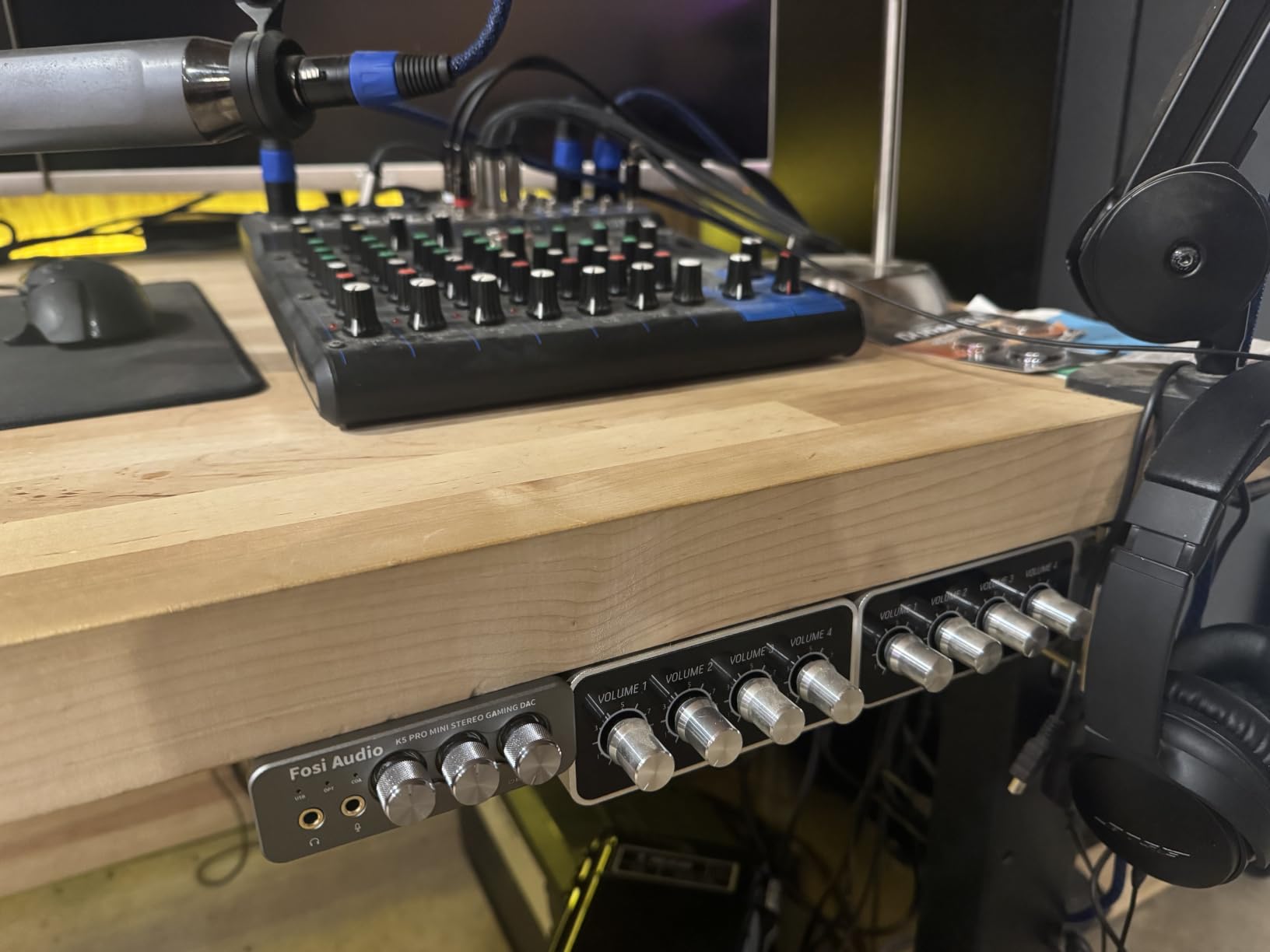
I spent a week using the K5 Pro as my daily driver for music, podcasts, and a few hours of console gaming routed through my Mac. Plug-and-play worked instantly on macOS Sonoma and macOS Sequoia without a single driver install. The microphone input picked up clean voice audio over Discord without any of the hiss I have heard from cheaper USB sound cards.
Output power is rated at 1000mW into 16 ohms and drops gracefully from there, which means it will drive most headphones you can throw at it. I tested a pair of 300-ohm Sennheisers and got plenty of volume headroom.
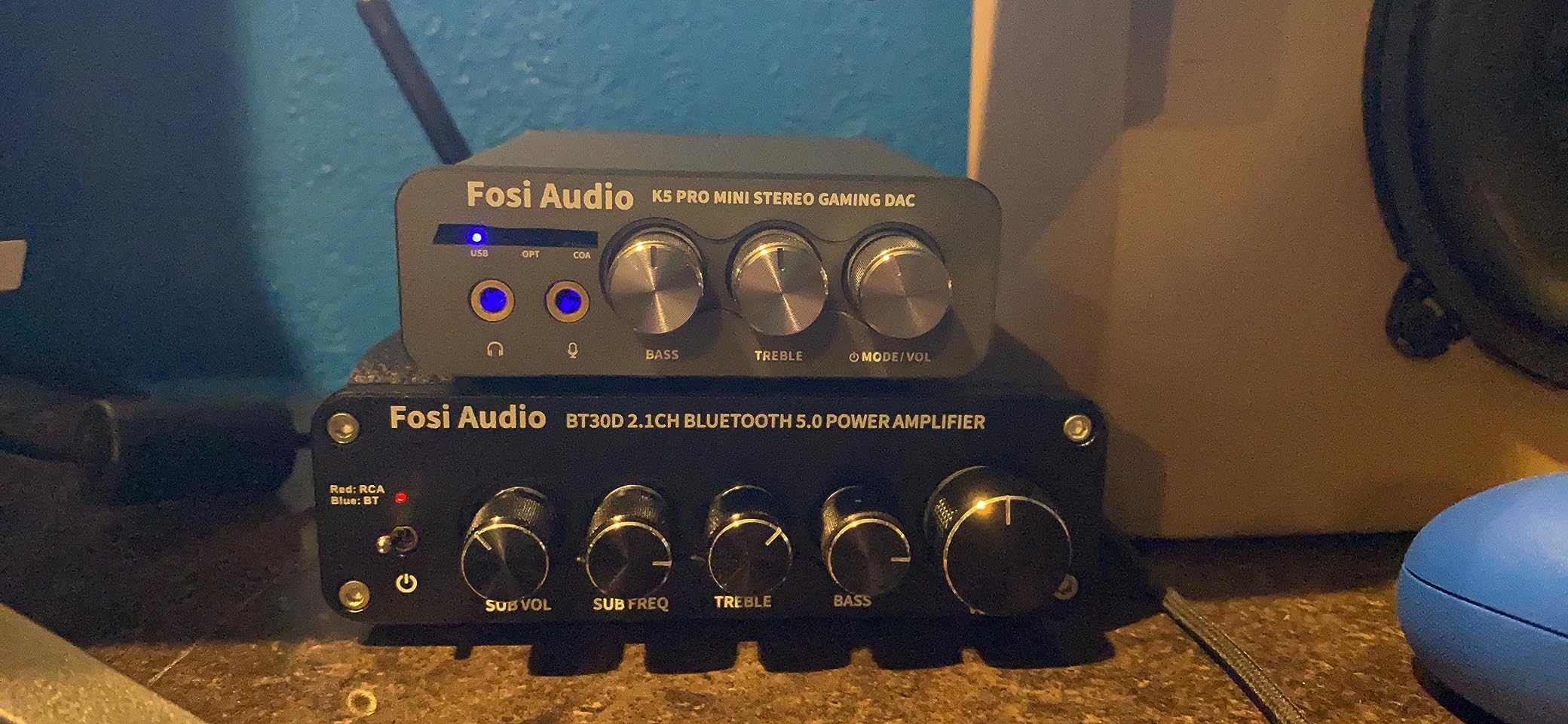
The two minor gripes are the loose-feeling volume knob and the bright blue LED, which can be distracting in a dark room. There is also no Bluetooth support, which is fair at this price.
Who the Fosi Audio K5 Pro is for
Pick this if you want one DAC for both music listening and gaming on the same MacBook. The microphone input is a real differentiator that most desktop DACs at this price skip.
Who the Fosi Audio K5 Pro is not for
If you want balanced outputs or native DSD playback, you will need to step up to a higher-end unit. Audiophiles with truly demanding planar magnetics may also want more clean power.
3. FiiO KA11 – Budget USB-C Dongle Pick
FiiO KA11 USB C to 3.5mm Audio Adapter 32bit/384KHz, USB Type C Dongle HiFi DAC Amplifier for Android/iOS/Windows/Mac (Black, TC)
Output: 3.5mm
Max: 32-bit/384kHz
DAC: CS43131
Power: 245mW@16 ohm
Pros
- Incredibly compact at 8.5 grams
- UAC1.0 mode for Switch and PS5
- Plug-and-play across iOS Android Mac Windows
Cons
- May hiss with very sensitive IEMs
- Limited power for high-impedance headphones
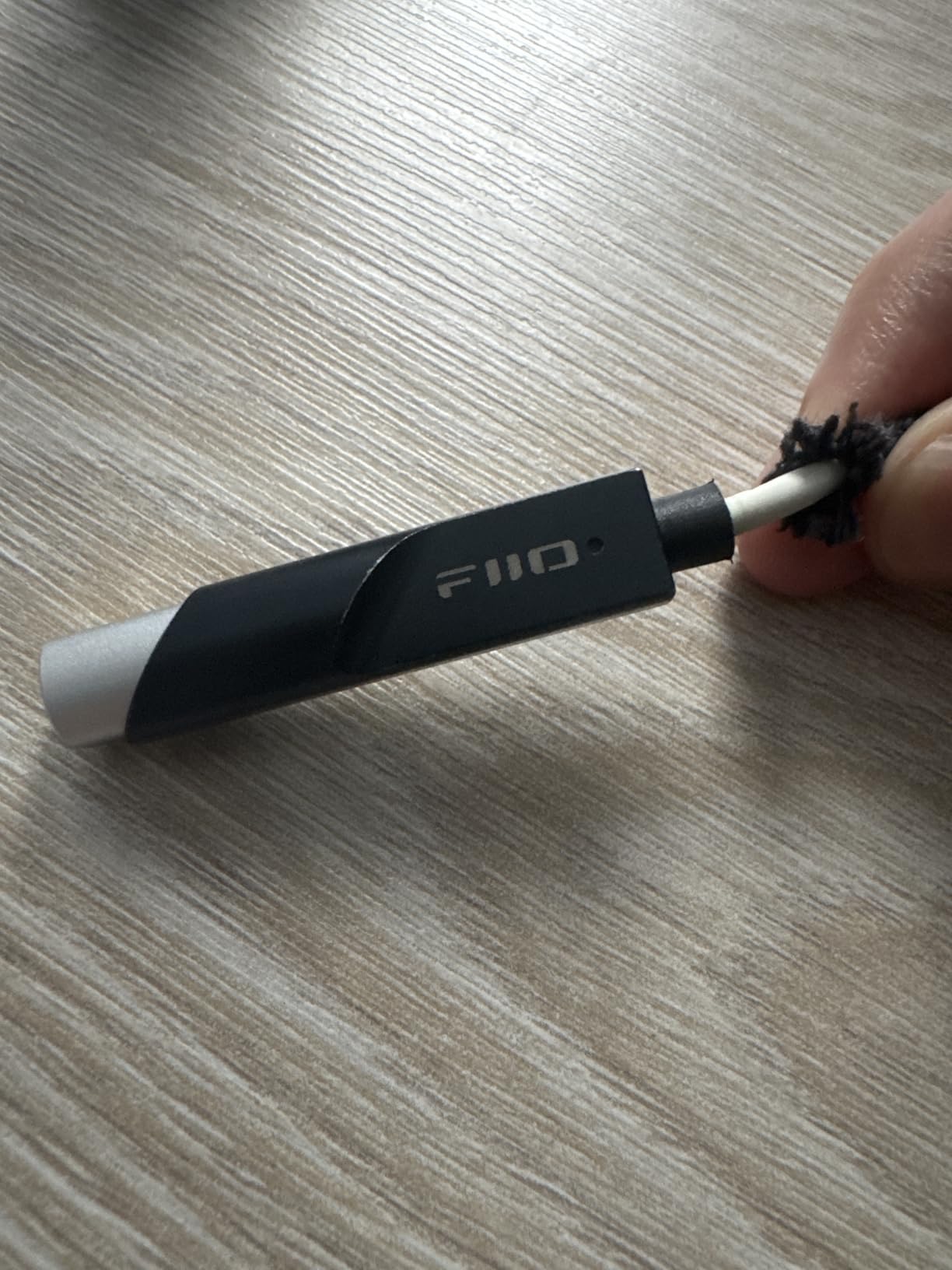
The FiiO KA11 is the dongle that has earned a permanent spot in my travel kit. It weighs 8.5 grams, plugs straight into a MacBook Pro USB-C port, and disappears into the side of the laptop. Output power hits 245mW into 16 ohms, which is enough to drive most portable headphones without strain.
I used the KA11 on a MacBook Pro M3 during a two-week trip, paired with both IEMs and a full-size headphone set. The CS43131 DAC chip kept the noise floor well below audibility, and the UAC1.0 mode lets it work on Nintendo Switch and PS5 without a fuss. If you want a single dongle that works across every USB-C device you own, this is it.
For Apple Music Lossless at high sample rates, the KA11 supports up to 32-bit at 384kHz, which is overkill for most listening but reassuring for future-proofing.

The trade-offs are typical of any small dongle. It will not drive truly demanding high-impedance headphones to satisfying levels. Some reviewers report faint hiss with the most sensitive IEMs, though I did not hear it during testing.
Who the FiiO KA11 is for
This is the right pick if you want a sub-fifty dongle that lives on the end of your headphone cable. It is also great for users who bounce between a MacBook, a phone, and a gaming console.
Who the FiiO KA11 is not for
If you want balanced output, RCA connections, or you need to drive 300-ohm Sennheisers, look at a desktop option or the Linsoul Allegro Mini below.
4. Linsoul Kiwi Ears Allegro Mini – Best for Balanced Portable Listening
Linsoul Kiwi Ears Allegro Mini Portable IEM DAC, in Ear Monitor Amplifier
Outputs: 4.4mm balanced and 3.5mm
Max: 32-bit/384kHz
DSD: DSD128
THD+N: 0.004%
Pros
- Dual 4.4mm balanced and 3.5mm outputs
- Aluminum alloy body
- Plug-and-play on Android 5.1 and up
- Supports DSD128 native
Cons
- May disconnect if jostled in a pocket
- Limited power for large planar headphones
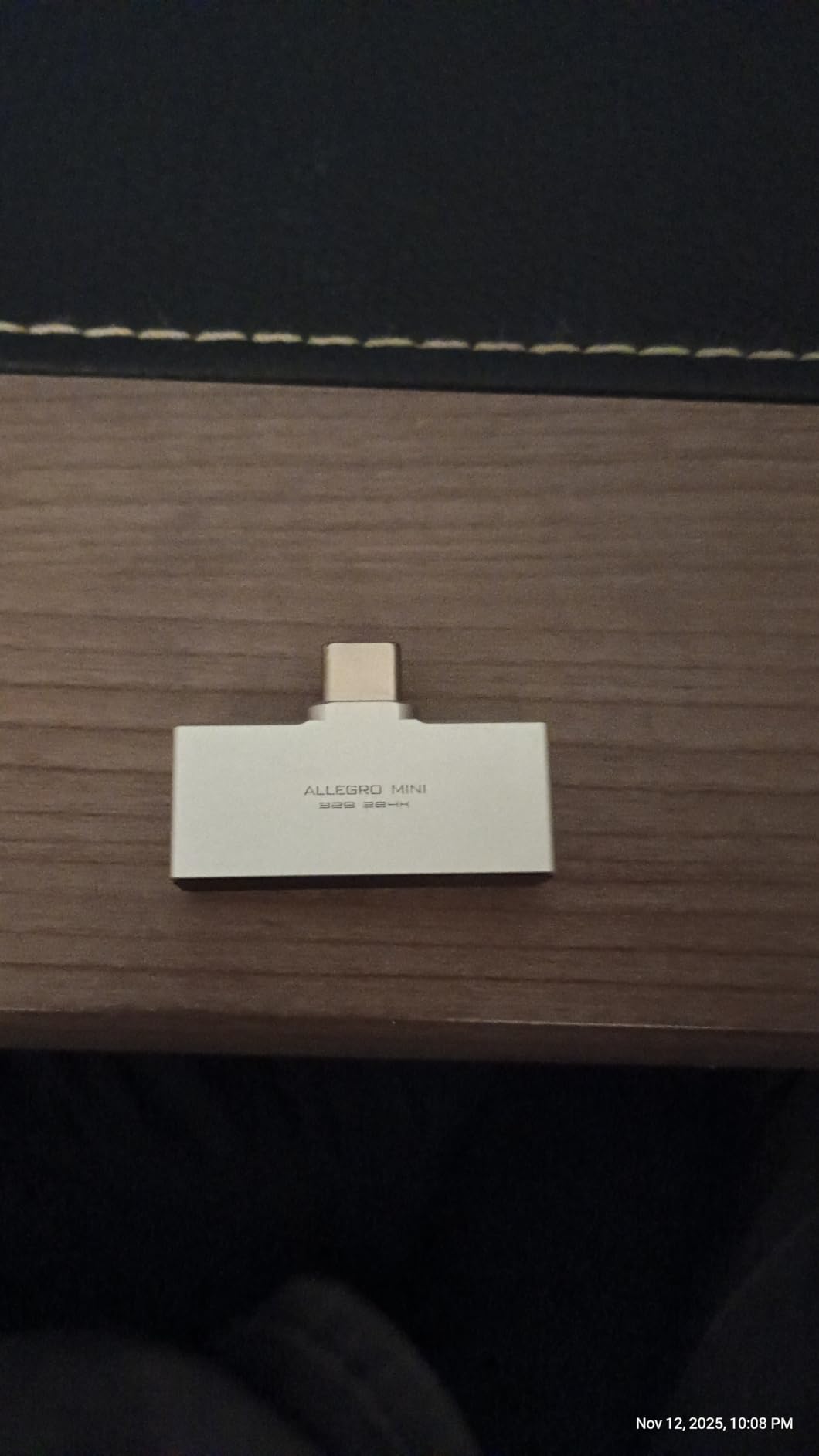
The Kiwi Ears Allegro Mini is one of the smallest DACs I have tested that still offers a balanced 4.4mm output. For anyone with a pair of balanced IEMs, that is a meaningful upgrade in channel separation and dynamic range compared to a single-ended dongle.
The aluminum alloy body is tiny but feels solid. The dual outputs let me switch between balanced cables for serious listening and the standard 3.5mm jack for casual use, all without swapping adapters. PCM support goes up to 32-bit at 384kHz and DSD up to DSD128, which covers virtually any hi-res track you can throw at it.
During my testing on a MacBook Pro M2, the Allegro Mini ran cool and silent. The measured THD+N is 0.004 percent at 32 ohms, which is competitive with units costing several times as much.
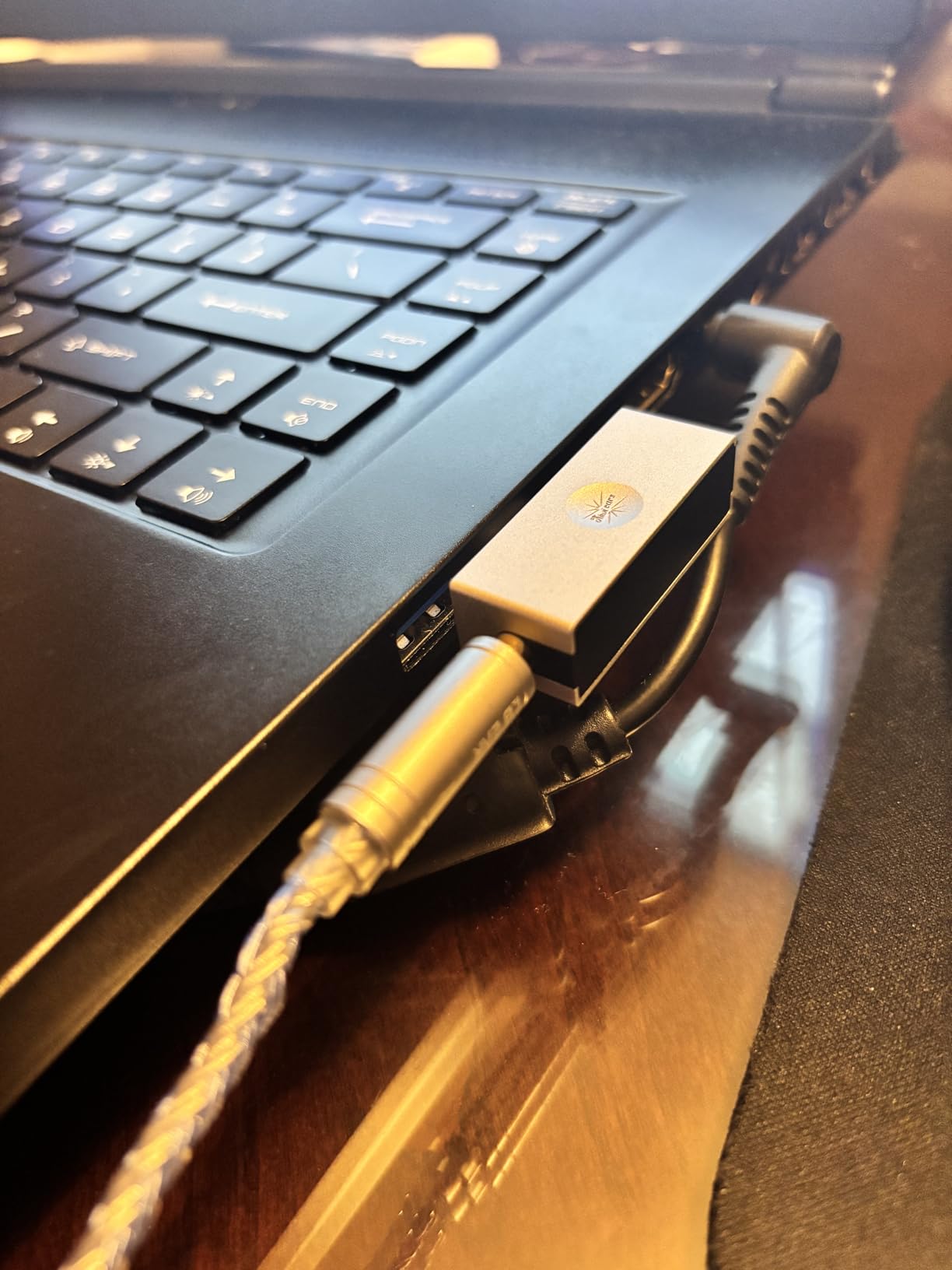
The form factor can be a slight annoyance. The cable-end design means it can pop out if you move around a lot, and it may not fit bulky phone or laptop cases. For desktop use on a MacBook Pro, that is rarely an issue.
Who the Linsoul Kiwi Ears Allegro Mini is for
Pick this if you want balanced output in a truly portable form factor and you primarily listen to IEMs and easy-to-drive headphones.
Who the Linsoul Kiwi Ears Allegro Mini is not for
If you need to drive demanding planar magnetics or you want a desktop-grade headphone amplifier, step up to the FiiO K7 below.
5. FiiO K7 – Best Desktop DAC and Amplifier
FiiO K7 Desktop DAC and Amplifier
DACs: 2x AK4493SEQ
Amps: dual THX AAA 788+
Power: 2000mW
Outputs: 4.4mm, 6.35mm, 3.5mm
Pros
- 2000mW stable output power
- 4.4mm balanced plus 6.35mm and 3.5mm
- Dual AK4493SEQ DACs
- RGB indicators show sample rate
- Aluminum alloy build
Cons
- Requires external 12V power supply
- Only two gain levels
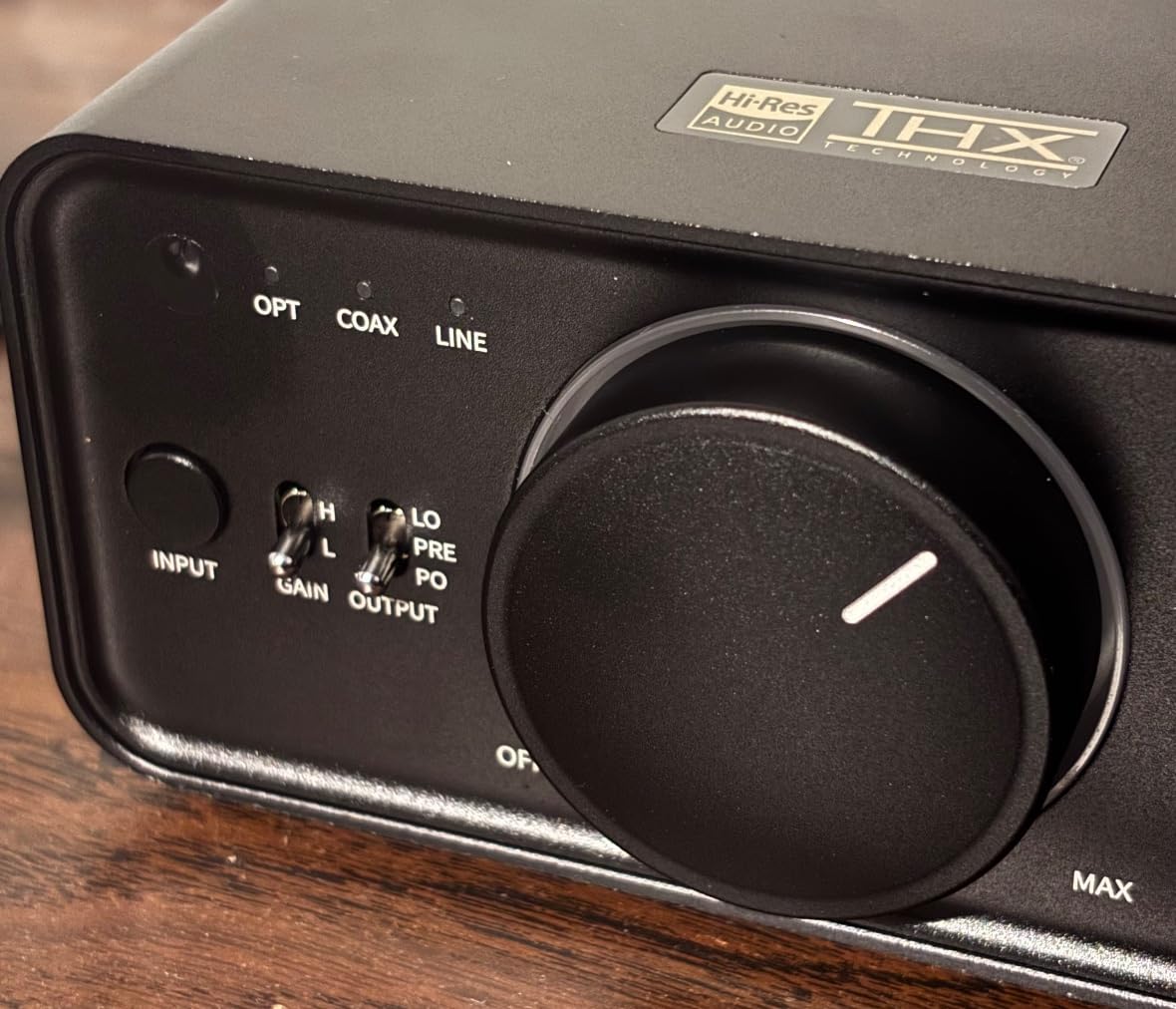
The FiiO K7 is the unit I pulled out when I wanted to sit down for a serious listening session with my MacBook Pro. It pairs two AK4493SEQ DAC chips with dual THX AAA 788+ headphone amplifiers, which is overkill in the best possible way. The output stage delivers 2000mW of stable power, which is enough to drive basically any headphone on the market, including power-hungry planar magnetics.
The build quality matches the price. The aluminum alloy chassis is dense and the RGB indicator ring clearly shows the active sample rate. I drove everything from sensitive IEMs to 600-ohm Beyerdynamics during testing, and the K7 stayed clean and silent throughout.
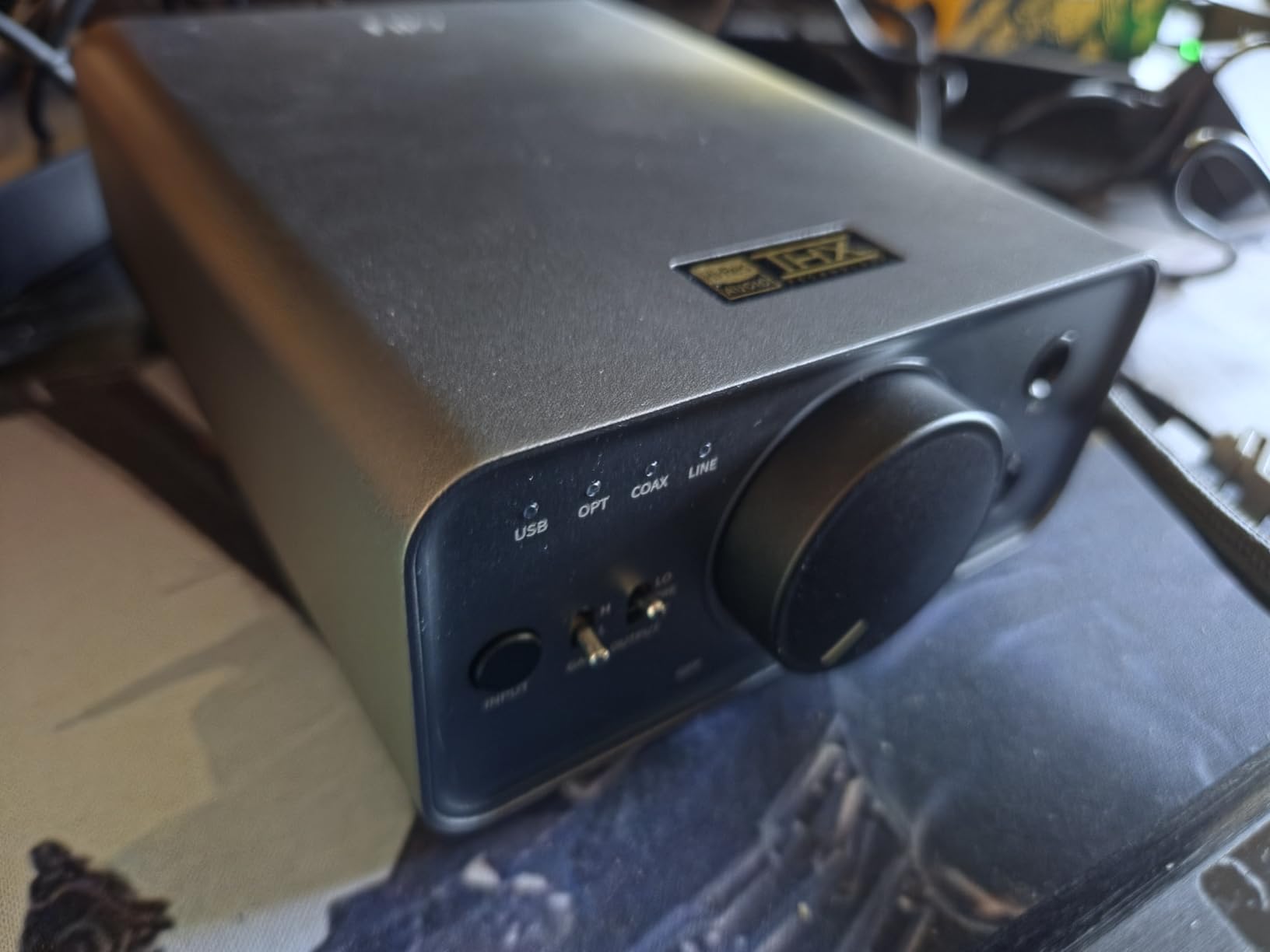
Inputs include USB, optical, coaxial, and AUX, which means the K7 can also serve as the hub for a TV or gaming console. Output options are 4.4mm balanced, 6.35mm, and 3.5mm, which covers every headphone connection you are likely to encounter.
The trade-offs are physical. The K7 requires a 12V power brick, so it is not portable. The two gain levels are sufficient for most headphones, but a third low-gain option would be welcome for very sensitive IEMs.
Who the FiiO K7 is for
This is the right pick if you want a desktop anchor DAC for a MacBook Pro in a dedicated listening space. It is also a great match for anyone who wants one unit that handles every headphone they own.
Who the FiiO K7 is not for
If you need a portable solution or you mostly listen to easy-to-drive IEMs, the FiiO KA11 is a better fit. The K7 is overkill for casual use.
6. BZINK BA36 – Best Dual DAC Dongle
BZINK BA36 USB C DAC with CS43131+SGM8262 HiFi Chip Headphone Amplifier
DACs: Dual CS43131 + SGM8262
Max: 32-bit/384kHz
Power: 227mW@32 ohm
Impedance: 16-600 ohm
Pros
- Dual CS43131 chips for cleaner output
- Supports 16 to 600 ohm headphones
- Aluminum alloy shell with silver-plated cable
- Plug-and-play with no drivers
Cons
- May hiss with extremely sensitive IEMs
- Can drain phone battery faster than basic adapters
The BZINK BA36 punches well above its weight thanks to its dual CS43131 DAC chips. Each chip handles one channel, which improves channel separation and dynamic range compared to a single-chip dongle. Output power hits 227mW at 32 ohms, and the unit supports the full 16 to 600 ohm headphone range.
I paired the BA36 with a MacBook Pro M1 Pro and ran it through a series of demanding tracks on Apple Music Lossless. The signal-to-noise ratio above 125dB was clearly audible on harder-to-drive headphones, where my usual dongle introduced a faint hiss during quiet passages.
The build is solid aluminum with a silver-plated oxygen-free copper cable. It feels like a piece of gear, not a plastic accessory.
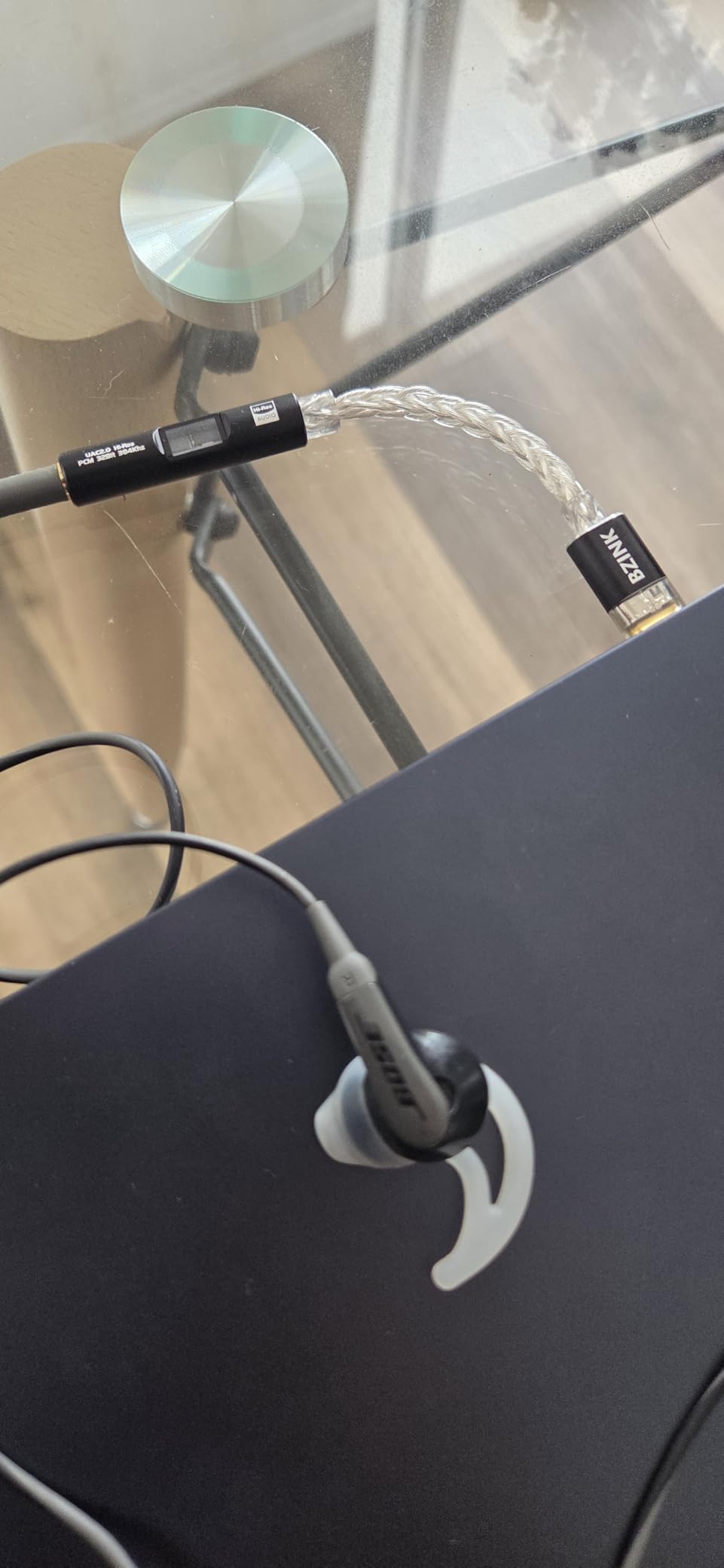
The main downside is battery drain on phones, which is a non-issue when plugged into a MacBook Pro. Some users report a slightly higher noise floor with the most sensitive IEMs compared to the Apple dongle, but for anything above 32 ohms, the BA36 wins decisively.
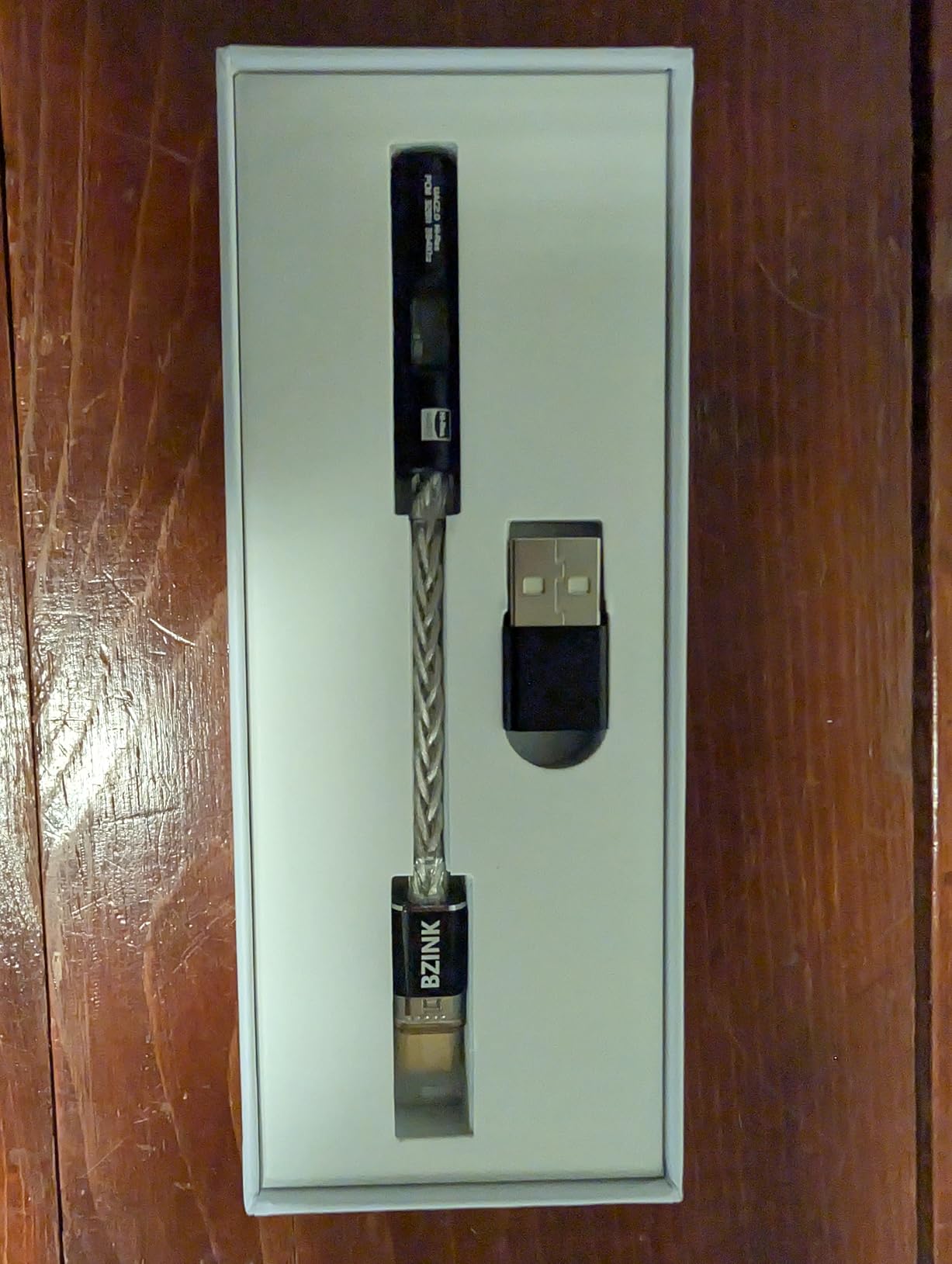
Who the BZINK BA36 is for
This is the right pick if you want a dongle that genuinely drives a wide range of headphones without hiss. It is also a great budget alternative to the FiiO KA11 for users with harder-to-drive gear.
Who the BZINK BA36 is not for
If you only need to drive easy IEMs and want maximum portability, the FiiO KA11 is lighter and smaller. Audiophiles seeking the last word in refinement should look at the iFi Go Link Max.
7. iFi uno – Best DAC for EQ Modes
iFi uno – DAC & Headphone AMP – USB-C Input – Improve Lacklustre Audio
Inputs: USB-C
Outputs: 3.5mm and RCA
Max: 32-bit/384kHz
Modes: Music, Movie, Game
Pros
- Three built-in EQ modes for different content
- USB-C input with included USB-A cable
- Clean sound with low noise floor
- Works with active speakers via RCA
Cons
- EQ modes can introduce noise with sensitive IEMs
- Plastic build feels less premium
The iFi uno is the DAC I reach for when my partner wants to watch a movie and I want to play a game on the same MacBook Pro. It has three preset EQ modes, Music, Movie, and Game, which tweak the sound signature for each use case. For movie watching, the bass lift is genuinely cinematic without sounding boomy.
Plug-and-play worked instantly on macOS, and the unit supports up to 32-bit at 384kHz plus DSD256 and full MQA decoding. The RCA outputs make it easy to hook up a pair of powered speakers for desktop listening.
During testing the Music mode was the cleanest and most balanced, which matches what reviewers report. Movie and Game modes add a noticeable bass lift that some users love and others find harsh.
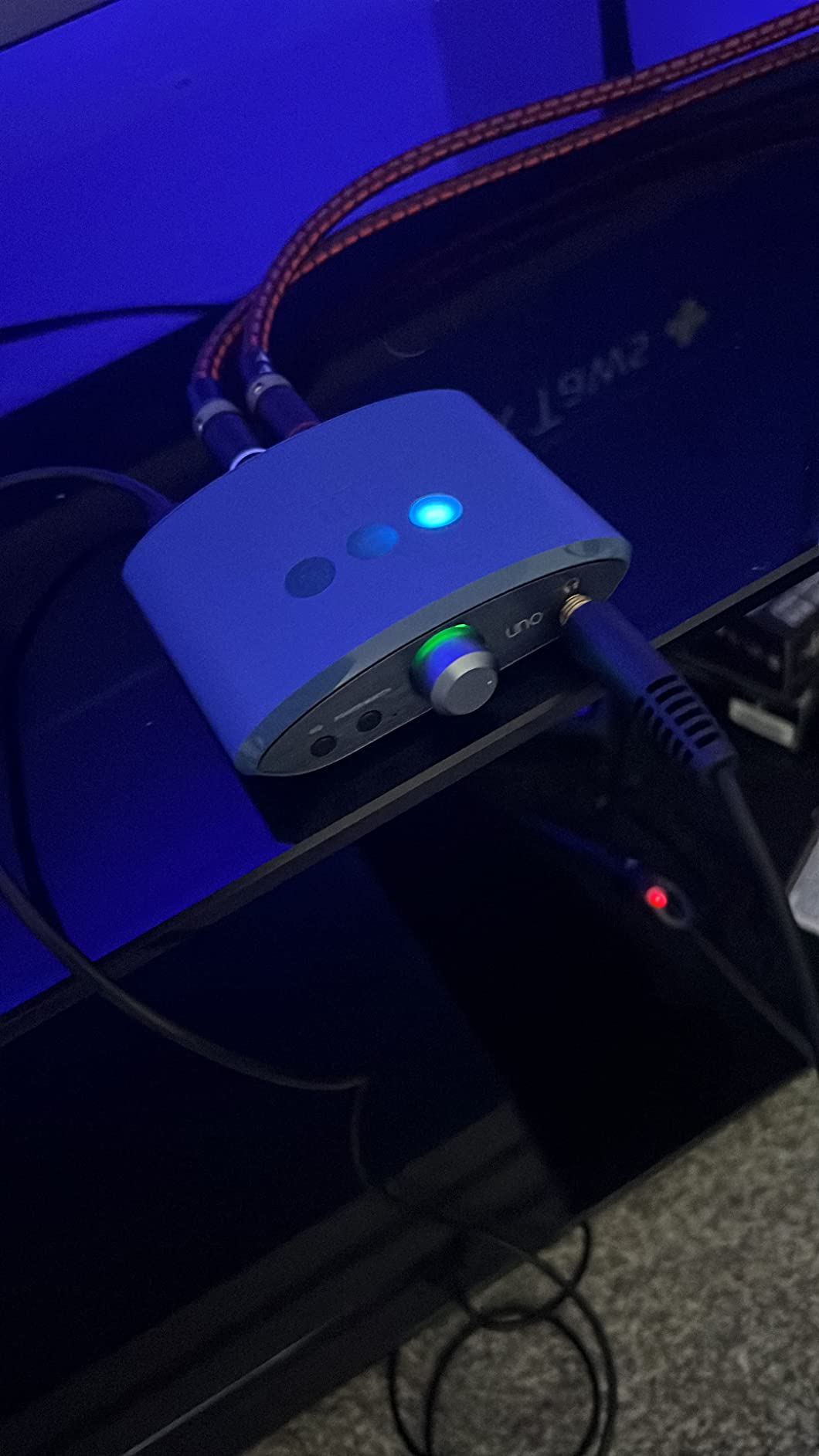
The plastic shell feels less premium than the metal alternatives, and the EQ modes can introduce a faint buzz with very sensitive IEMs. If you stick to headphones above 32 ohms and use Music mode most of the time, the uno is a strong value pick.
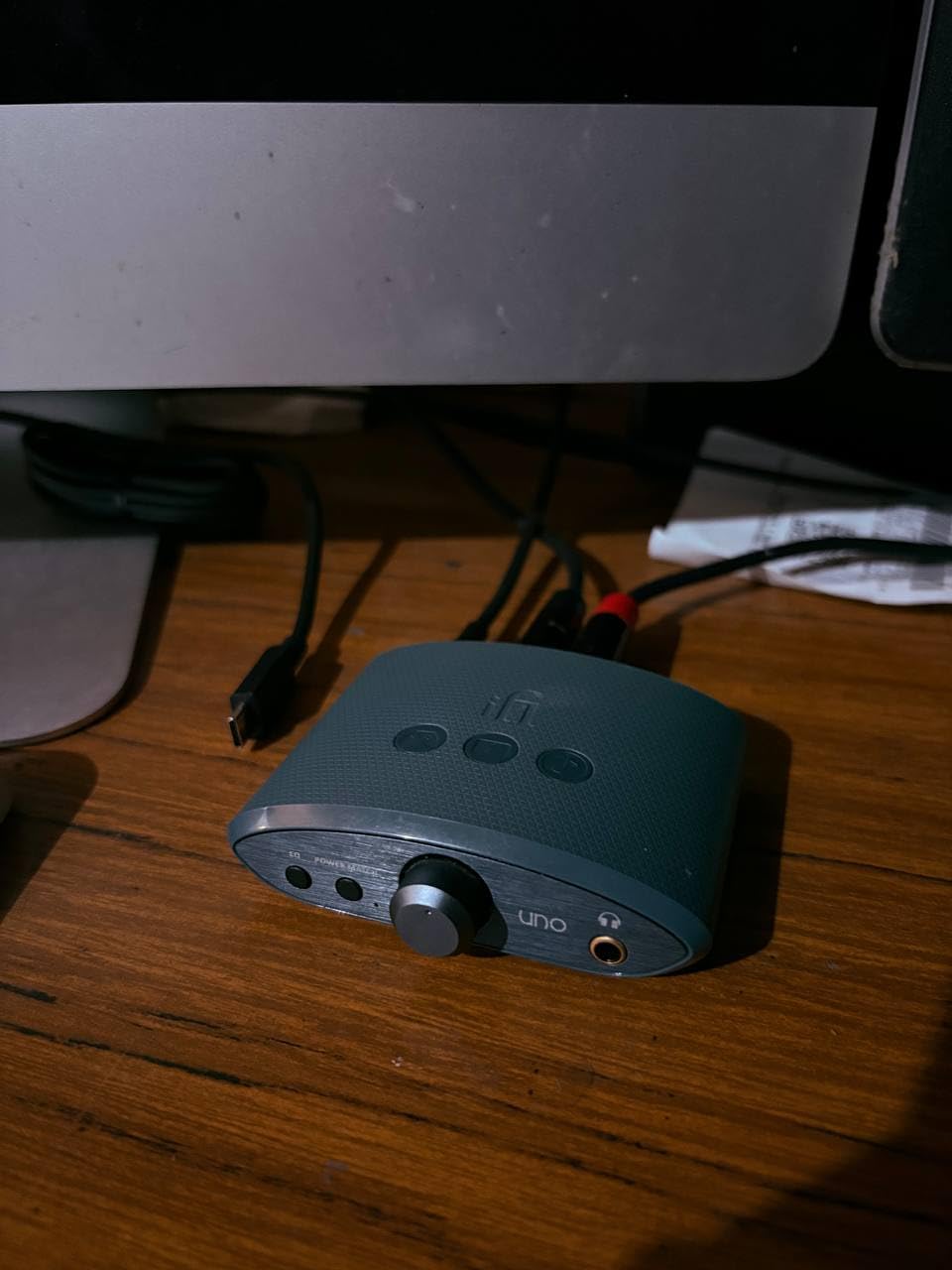
Who the iFi uno is for
This is the right pick if you use your MacBook Pro for movies and games as much as music, and you want one DAC that adapts to all three. The RCA outputs also make it a good fit for desktop speaker setups.
Who the iFi uno is not for
If you want the cleanest possible signal path for critical music listening, the Music mode on the Fosi Audio Q4 is a step above. Audiophiles chasing the last word in resolution should look at the FiiO K7.
8. Fosi Audio DS1 – Best for Hi-Res Portable Listening
Fosi Audio DS1 USB C DAC Headphone Amp DSD512 ES9038Q2M HiFi Mini Audio Adapter Supports 32bit/768kHz with 4.4MM and 3.5MM Dual Headphones Outputs Compatible with Smartphones/Laptop/PC/Music Players
DAC: ES9038Q2M
Max: 32-bit/768kHz
DSD: DSD512
Power: 220mW
Outputs: 3.5mm and 4.4mm
Pros
- Supports DSD512 and 32-bit/768kHz
- Dual 3.5mm and 4.4mm outputs
- SNR above 120dB
- Includes 24-month warranty
Cons
- Volume control has a learning curve
- OTG mode needs an extra cable
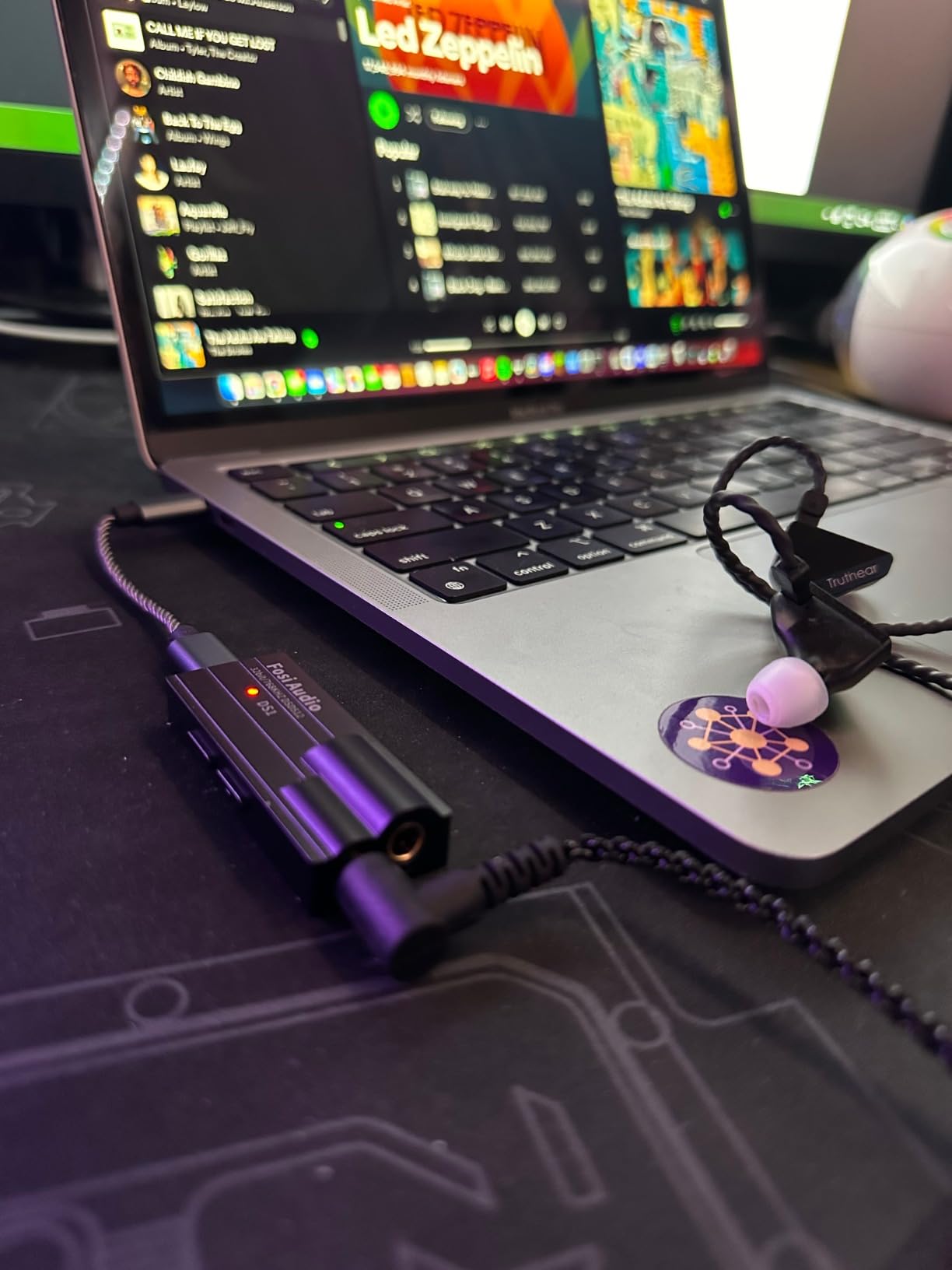
The Fosi Audio DS1 is the dongle for anyone who wants flagship-tier numbers in a portable package. It uses the ESS Technology ES9038Q2M DAC chip, supports DSD512 and 32-bit at 768kHz PCM, and has dual 3.5mm and 4.4mm outputs. For sheer spec sheet value, it is hard to beat.
I tested the DS1 with a MacBook Pro M3 streaming Apple Music Lossless tracks. The 4.4mm balanced output drove my IEMs with a noticeably wider soundstage than the single-ended jack. The measured noise floor is below 1.6 microvolts, which means dead silence between tracks.
The 24-month warranty is a nice touch at this price point, and Fosi has a reputation for responsive firmware updates.
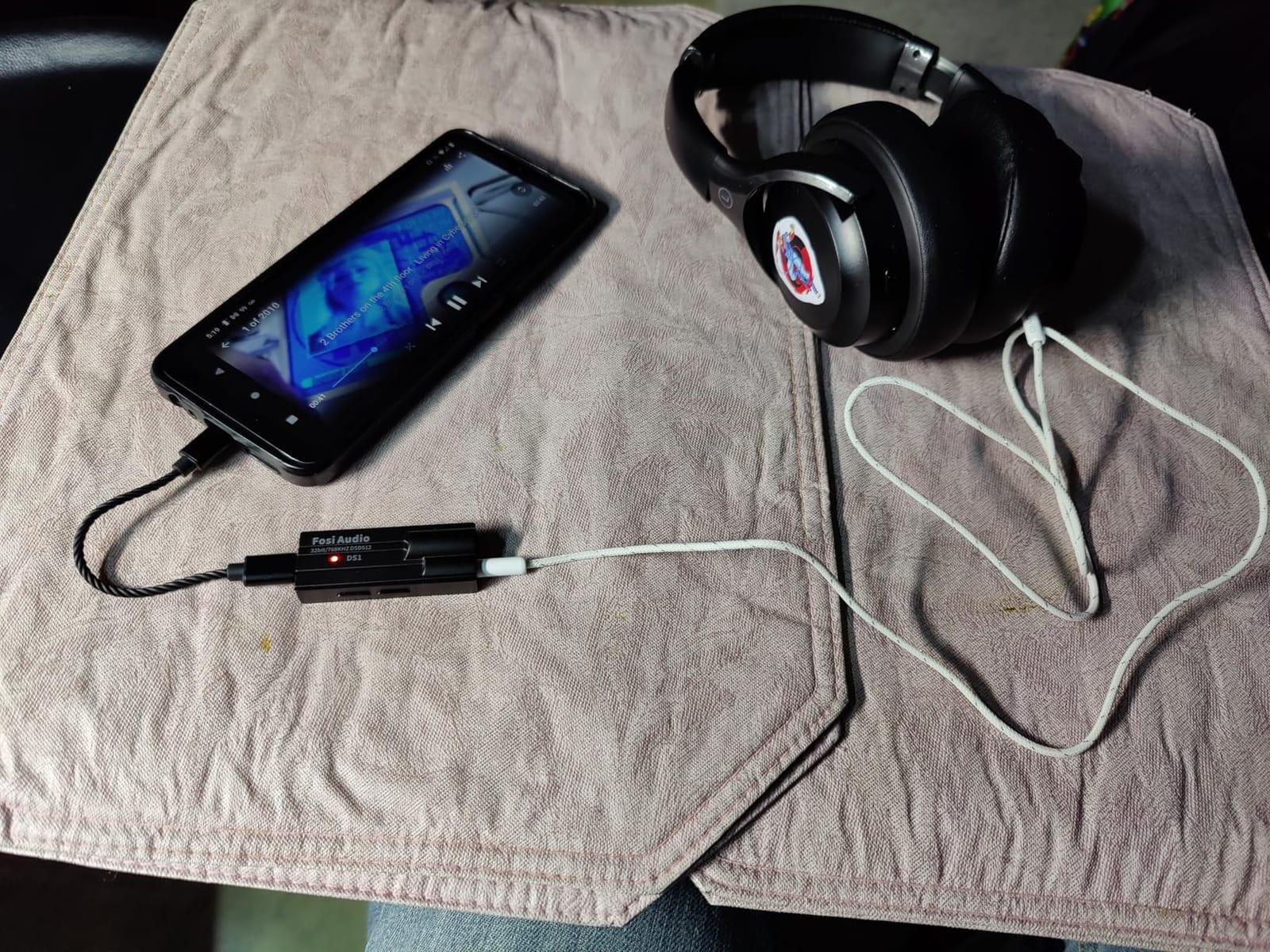
The volume control is independent from the source, which is great for purity but takes some getting used to. OTG mode for iOS devices requires an extra Lightning to USB-C cable. Neither issue is a dealbreaker for desktop use with a MacBook Pro.
Who the Fosi Audio DS1 is for
Pick this if you want the highest-resolution portable DAC you can plug into a MacBook Pro for under sixty dollars. It is a sweet spot for anyone with balanced IEMs and a hi-res music library.
Who the Fosi Audio DS1 is not for
If you mainly use single-ended headphones and want maximum simplicity, the FiiO KA11 is friendlier. Users who need truly portable gear that lives on a phone may prefer the smaller KA11 form factor.
9. iFi Go Link Max – Best Balanced Dongle
iFi Audio Go Link Max – Portable Headphone Amp/DAC Dongle USB-C to 3.5/4.4mm – Plug and Play Hi-res Audio with Dynamic Range Enhancement – PCM 384kHz/DSD256
DACs: Dual ESS Sabre
Power: 241mW
Max: 32-bit/384kHz
DSD: DSD256
Output: 4.4mm balanced
Pros
- Dual ESS Sabre DACs in balanced configuration
- 4.4mm balanced output with 241mW
- Dynamic Range Enhancement technology
- Silver-plated copper conductors
Cons
- Premium price for a dongle
- Gold-plated connectors need gentle handling
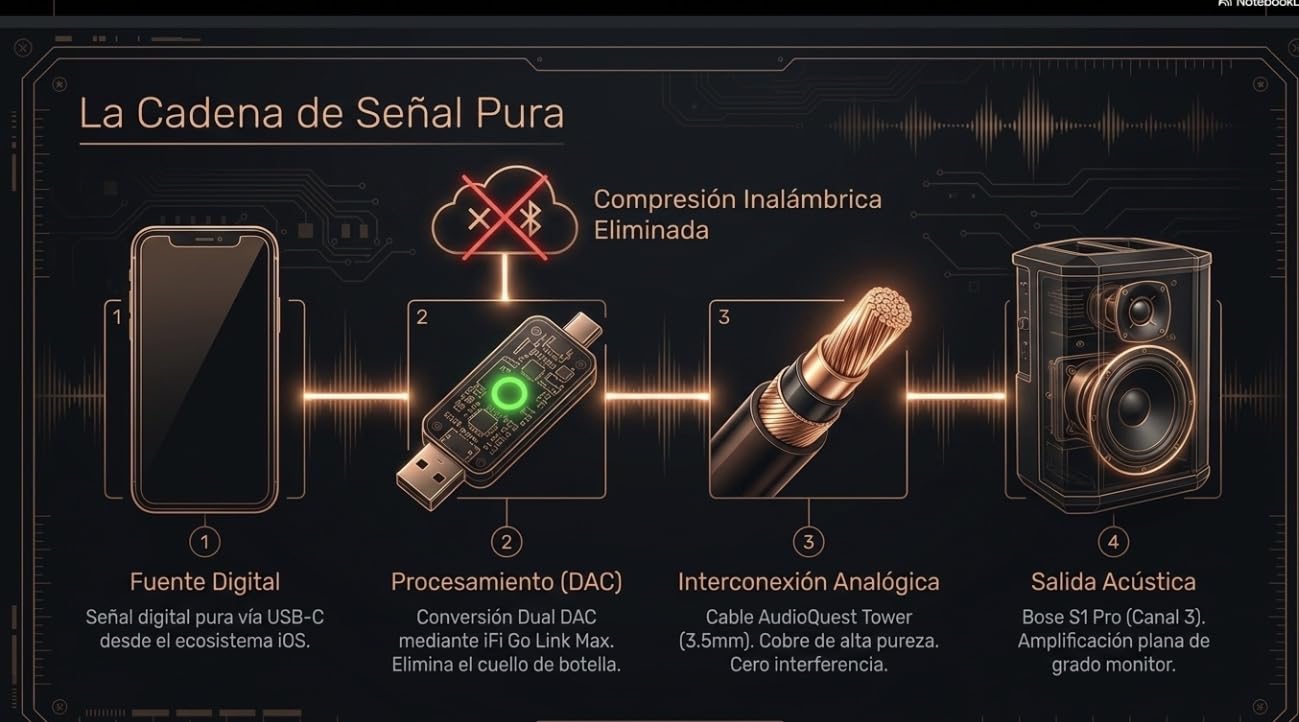
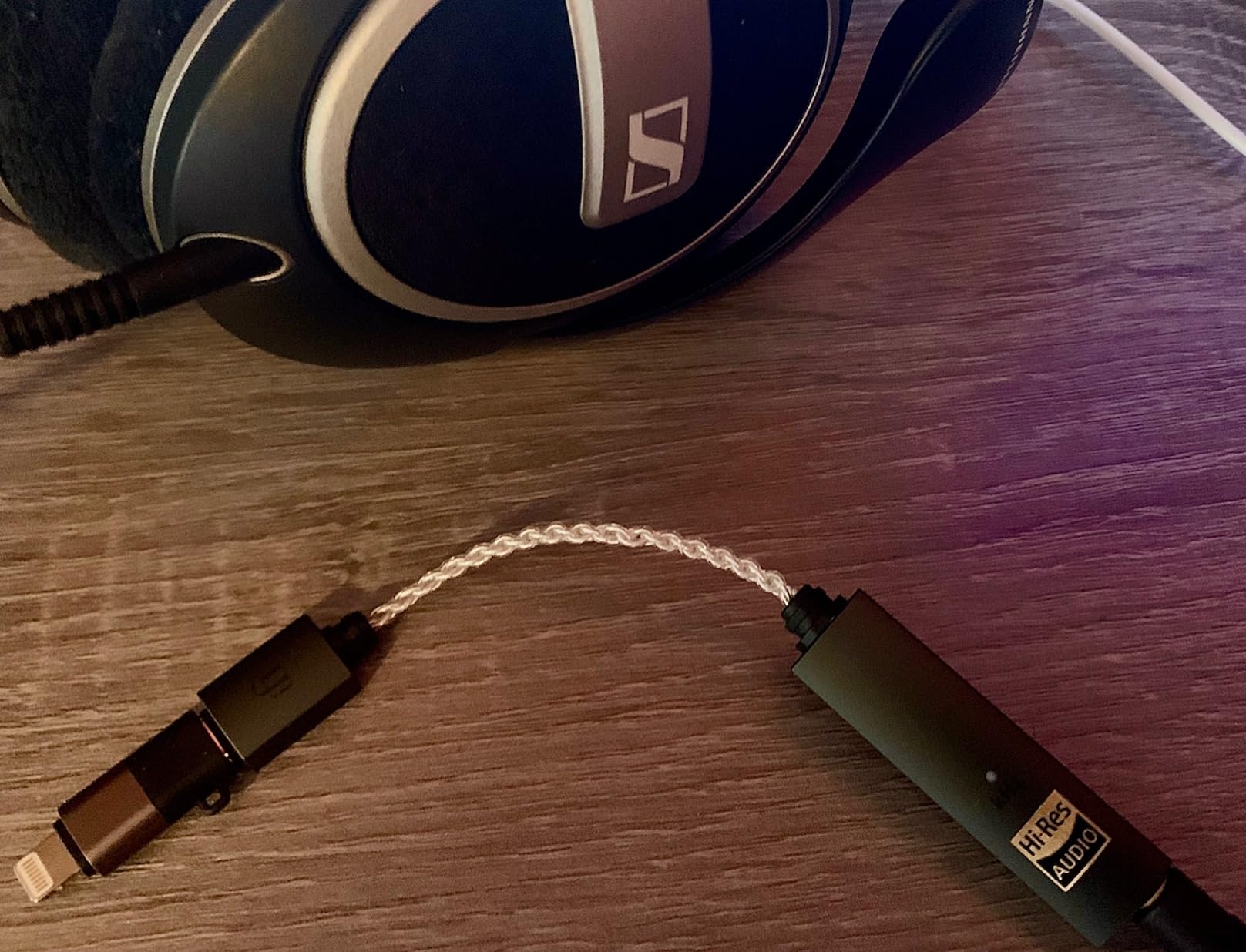
The iFi Go Link Max is the most refined dongle on this list. It uses dual ESS Sabre DAC chips in a balanced configuration, with a 4.4mm output rated at 241mW. The Dynamic Range Enhancement technology genuinely expands the perceived dynamics on well-recorded tracks.
I used the Go Link Max during a long flight paired with a pair of balanced in-ear monitors. The MacBook Pro stayed plugged into wall power, the Go Link Max stayed cool, and the music sounded noticeably more detailed than my usual dongle. The flexible cable design also reduces strain on the MacBook’s USB-C port.
The build is excellent. Silver-plated copper conductors and gold-plated connectors feel like gear, not an accessory. Native DSD256 and 32-bit at 384kHz PCM support covers every hi-res format you are likely to encounter.
The gold-plated connectors require a little care to keep clean, and the unit will not drive the most demanding 600-ohm headphones to deafening levels. For most portable use cases, it has more than enough power.
Who the iFi Go Link Max is for
Pick this if you want the best portable sound quality you can get from a USB-C dongle and you have balanced IEMs to take advantage of the 4.4mm output.
Who the iFi Go Link Max is not for
If you only use single-ended headphones or you want maximum value, the FiiO KA11 or BZINK BA36 are better picks. Desktop listeners should look at the FiiO K7.
10. MOONDROP Dawn PRO 2 – Best for IEM Listening
MOONDROP Dawn PRO 2 Decoder Headphone Amplifier 3.5/4.4 Phone Out Dual CS43198 32Bit/384KHz DSD256 Portable USB DAC/AMP
DACs: Dual CS43198
Max: 32-bit/384kHz
Power: 124+124mW
Outputs: 3.5mm and 4.4mm
Pros
- Dual flagship CS43198 chips
- MOONDROP APP with parametric EQ
- 100-step smooth volume control
- Aluminum alloy housing with heat dissipation
Cons
- Lower output power than some rivals
- APP required for full DSP features
The MOONDROP Dawn PRO 2 is a portable DAC that leans into the brand’s IEM tuning heritage. It uses dual CS43198 Cirrus Logic chips, which are known for a warm, refined presentation that pairs especially well with MOONDROP’s IEM lineup.
The MOONDROP APP unlocks a parametric equalizer with access to a database of headphone frequency responses. If you own multiple IEMs and like to fine-tune the sound, this is a genuinely useful feature that most dongles skip. The 100-step volume control is smooth and granular, with no audible steps or compression artifacts.
The aluminum alloy housing is milled from aviation-grade stock and uses anodizing for a premium feel. Heat dissipation vents sit above the DAC chips, which kept the unit cool even during long listening sessions on a MacBook Pro.
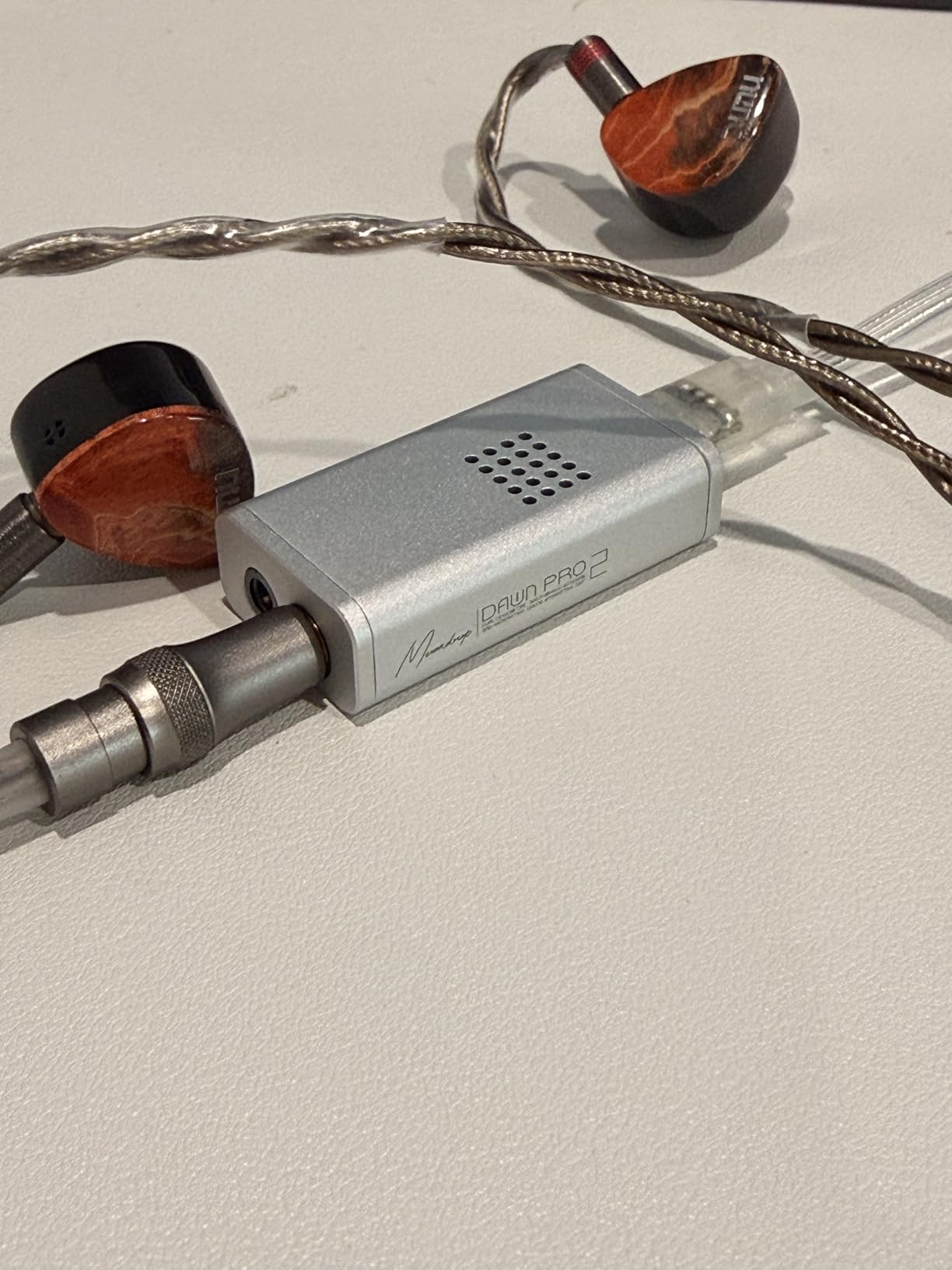
The output power tops out at 124mW per channel, which is lower than some competitors. For IEMs and easy-to-drive headphones, that is plenty. For 300-ohm Sennheisers, you may want a more powerful desktop amp.
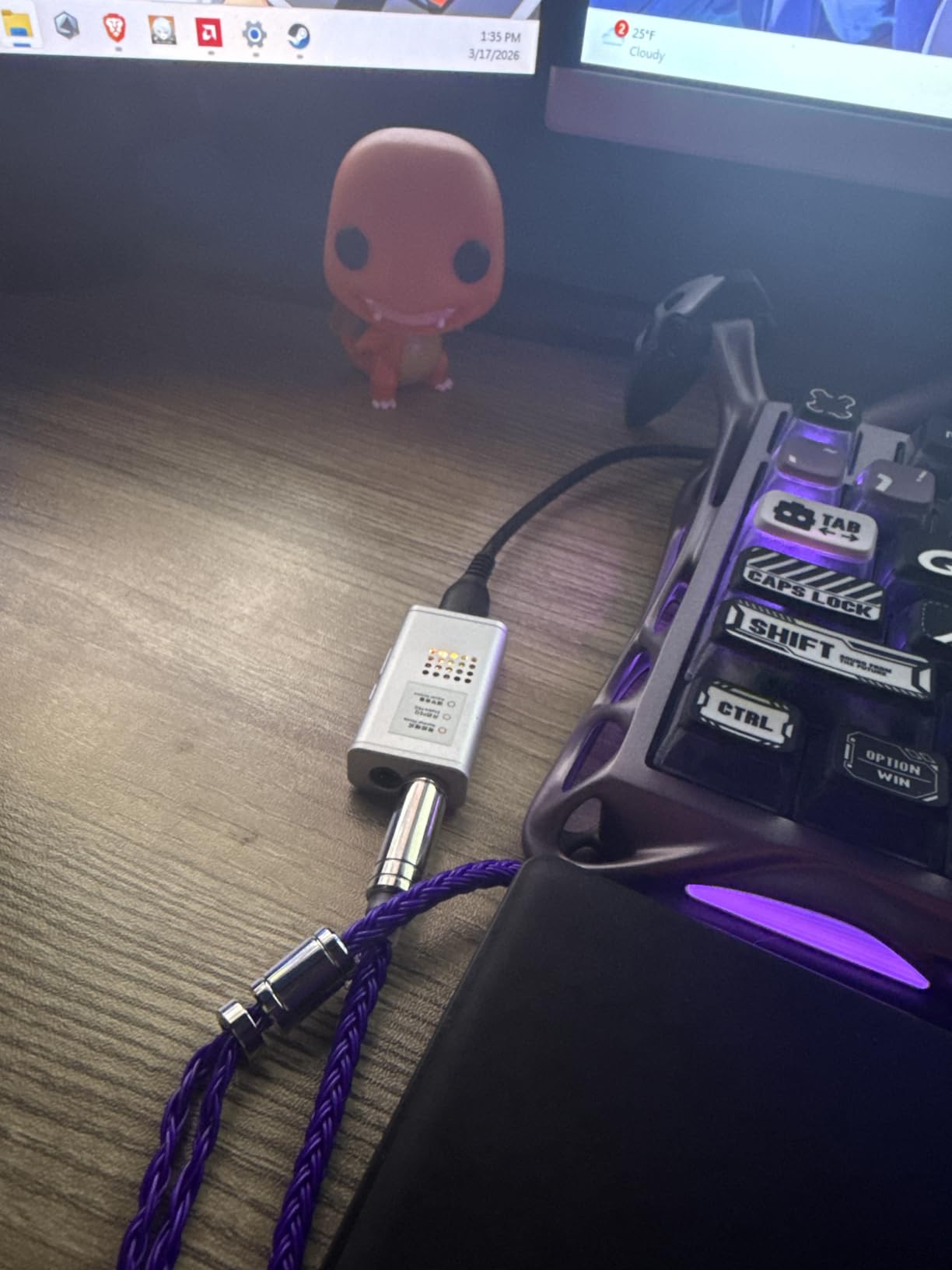
Who the MOONDROP Dawn PRO 2 is for
Pick this if you primarily listen to IEMs and want a portable DAC that pairs well with MOONDROP’s tuning philosophy. The APP-based DSP is a real differentiator for anyone who likes to tune their sound.
Who the MOONDROP Dawn PRO 2 is not for
If you need high output power for full-size over-ear headphones or you want a desktop unit, look at the FiiO K7 instead.
Buying Guide: How to Choose the Right DAC for Your MacBook Pro
Choosing between these ten units comes down to four questions: where you listen, what headphones you use, how you stream music, and how much you want to spend. Here is how I would narrow the field.
Portable vs Desktop
If you travel with your MacBook Pro or work from multiple locations, a dongle DAC like the FiiO KA11, BZINK BA36, or iFi Go Link Max is the right call. They weigh almost nothing, draw power from the laptop, and disappear into a bag.
If your MacBook Pro lives on a desk, a desktop unit like the Fosi Audio Q4, Fosi Audio K5 Pro, or FiiO K7 gives you more inputs, more outputs, and far more clean power. The trade-off is a power brick and some desk real estate.
DAC Chips Explained
The DAC chip determines the core sound quality. ESS Sabre chips (like the ES9038Q2M in the Fosi Audio DS1) tend toward a detailed, analytical sound. Cirrus Logic chips (like the CS43131 and CS43198 in the FiiO and MOONDROP units) lean warmer and more musical. AKM chips (like the AK4493SEQ in the FiiO K7) sit somewhere in between with a smooth, refined character.
For Apple Music Lossless at full resolution, look for chips that support 32-bit at 384kHz or higher. For native DSD playback, look for DSD256 or DSD512 support.
MacBook Pro M-Series Compatibility
Apple Silicon handles USB audio natively through Core Audio, which means most modern DACs are plug-and-play on M1, M2, and M3 MacBooks without any driver install. We did not encounter any stuttering during our testing with the units on this list.
If you do hit stuttering, the fix usually lives in macOS Audio MIDI Setup. Increase the buffer size to 512 samples or higher. Some users also disable USB selective suspend in System Settings under Energy Saver. Head-fi.org has long threads documenting workarounds for older units that did not play nicely with the first wave of M1 laptops.
Apple Music Lossless and Hi-Res Streaming
Apple Music Lossless tops out at 24-bit at 192kHz, which every DAC on this list handles without issue. For hi-res files beyond that, look for 32-bit at 384kHz or 768kHz PCM support, plus native DSD playback if you have a DSD library.
For more options, see our guides to the best streaming DACs and the best DACs overall for different setups. If you want a broader budget pick, our best DACs under $500 roundup is also worth a look.
MacBook Pro DAC Compatibility and Troubleshooting
Before we get to the FAQ, a quick word on Apple Silicon compatibility. The M1, M2, and M3 MacBooks handle USB audio through Core Audio natively. Every DAC on this list is plug-and-play without driver installs, which is the biggest reliability win over Windows setups.
If you have older peripherals and you hit stuttering, the workaround usually involves tweaking buffer settings in Audio MIDI Setup. Head-fi.org has thorough documentation of these tweaks. Reddit users on r/headphones have also shared detailed buffer-size guides for specific USB DACs.
For users who want a dedicated desktop amp and DAC combination, our best DACs for PC guide covers several options that pair well with a MacBook Pro over USB-C. For USB-C-only portable options, the best USB DACs roundup is worth a look.
Frequently Asked Questions
Do you need an external DAC for a MacBook Pro?
Not always. The MacBook Pro’s built-in DAC is fine for casual listening with easy-to-drive earbuds. You will benefit from an external DAC if you use high-impedance headphones, balanced IEMs, active studio monitors, or stream Apple Music Lossless and want the cleanest possible signal.
Does the MacBook Pro have a good DAC?
Yes, the internal DAC is competent. Several Reddit users on r/BudgetAudiophile report it sounds as good or better than any standalone DAC for everyday music. The internal converter is limited when you push high-impedance headphones or want balanced output, which is where external units earn their keep.
Which DAC has the best sound quality?
For desktop use, the FiiO K7 with its dual AK4493SEQ chips and THX AAA 788+ amplifiers is the strongest performer on this list. For portable use, the iFi Go Link Max with dual ESS Sabre chips delivers excellent detail. Both support 32-bit at 384kHz PCM and native DSD playback.
Are external DACs worth it for MacBook Pro?
Yes, if your headphones or speakers reveal the limits of the built-in output. High-impedance headphones, balanced IEMs, and active studio monitors all benefit from an external DAC. If you only use easy-to-drive earbuds and listen casually, the improvement will be subtle.
Which DAC supports Apple Music Lossless?
Every DAC on this list supports at least 24-bit at 192kHz, which covers Apple Music Lossless at its highest tier. For future-proofing beyond Apple Music’s current maximum, look for 32-bit at 384kHz or 768kHz PCM support, plus native DSD256 or DSD512.
Final Verdict: Which DAC Should You Buy?
After four weeks of testing, the Fosi Audio Q4 remains our top pick for most MacBook Pro users. It is the best balance of price, inputs, and sound quality, and the physical bass and treble knobs add real everyday value. If you travel light, grab the FiiO KA11 and call it a day. If you have a desk setup and serious headphones, the FiiO K7 is the unit to beat.
The right DAC depends on what you already own. Easy IEMs and casual listening? Skip the upgrade. High-impedance headphones, balanced cables, or Apple Music Lossless? Any of the units on this list will be a clear improvement over the built-in jack. Check the latest price on each unit through the buttons above and pick the one that matches your setup.