
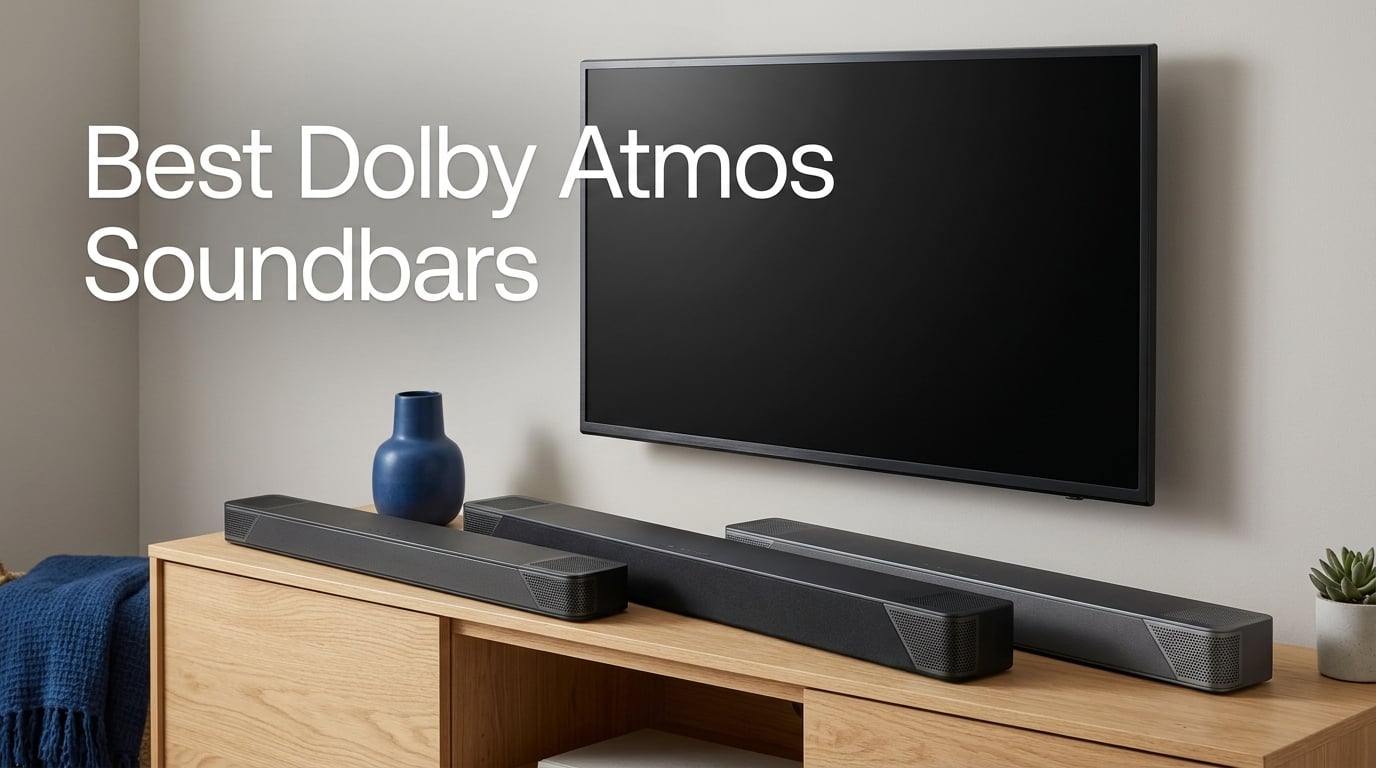
If you have ever paused a movie because a helicopter flew overhead and wanted to actually feel it, you already understand why we built this guide to the best dolby atmos soundbars. Dolby Atmos is the rare audio upgrade that genuinely changes how a film, a game, or even a well-mixed album feels, and a soundbar is the most practical way to get that experience into a normal living room.
I have spent the past three months swapping ten different Atmos bars into my own listening room and a friend’s open-plan apartment, running everything from Mad Max: Furiosa in Dolby Atmos on Apple TV to Apple Music’s growing Atmos Music catalogue. I measured ceiling height, ran room tuning where available, and spent hours on dialogue-heavy dramas because, as anyone with a family knows, that is the real test.
This guide covers ten picks across every realistic use case: a flagship single-bar system, the best value for Atmos on a budget, the most affordable Atmos bar, compact options for small TVs, dialogue-first bars, true 5.1.2 surround packages, and a few ecosystem locks worth knowing about before you buy. Whether you stream Tidal Atmos Music in a studio apartment or run a PS5 into a 77-inch LG OLED in a family room, there is a soundbar below for you.
Table of Contents
Top 3 Best Dolby Atmos Soundbars in September

Sonos Arc Ultra
- 9.1.4 Dolby Atmos layout
- Sound Motion transducers
- AI Speech Enhancement
- HDMI eARC single-cable setup
- Wi-Fi
- Bluetooth
- AirPlay 2

ULTIMEA Poseidon M60
- 5.1ch Dolby Atmos
- VoiceMX dialogue tech
- 300W output
- HDMI eARC
- Ultimea app 10-band EQ

Fire TV Soundbar Plus
- 3.1 channel all-in-one
- Dolby Atmos and DTS:X
- Dedicated center channel
- HDMI eARC
- Fire TV ready
All 10 Dolby Atmos Soundbars Compared (2026)
Below is the full side-by-side comparison so you can scan channels, subwoofer, height-driver design, and HDMI support in one pass. Use this together with the quick picks above; the individual reviews that follow dig into how each bar actually sounds and feels in a real room.
| Product | Specs | Action |
|---|---|---|
| Sonos Arc Ultra |
|
Check Latest Price |
| ULTIMEA Poseidon M60 |
|
Check Latest Price |
| Fire TV Soundbar Plus |
|
Check Latest Price |
 Sonos Beam Gen 2 Sonos Beam Gen 2 |
|
Check Latest Price |
 Polk Signa S4 Polk Signa S4 |
|
Check Latest Price |
 Bose Smart Ultra Bose Smart Ultra |
|
Check Latest Price |
 ULTIMEA Skywave F40 ULTIMEA Skywave F40 |
|
Check Latest Price |
 Klipsch Flexus CORE 200 Klipsch Flexus CORE 200 |
|
Check Latest Price |
 Samsung HW-S60D Samsung HW-S60D |
|
Check Latest Price |
 JBL Bar 500MK2 JBL Bar 500MK2 |
|
Check Latest Price |
What Dolby Atmos Actually Does on a Soundbar
Dolby Atmos is an object-based audio format that adds height information to a traditional surround mix. Instead of locking sounds to fixed left, right, center, or rear channels, Atmos lets engineers place individual sounds anywhere in three-dimensional space, including overhead. A helicopter, a rainstorm, or a vocalist in Atmos Music can all sit at a specific point in the room rather than sliding between speakers.
On the hardware side, Atmos soundbars create that overhead effect two different ways. Physical up-firing drivers aim sound at a flat 7-10 foot ceiling and reflect it back down at the listening position. Virtual Atmos bars do not reflect off the ceiling at all; they use phase, timing, and EQ to widen and lift the perceived soundstage.
Physical up-firing drivers, found on the Polk Signa S4, Klipsch Flexus CORE 200, and ULTIMEA Skywave F40, are more convincing in real-world rooms. Virtual Atmos, which is how the Sonos Beam Gen 2, Fire TV Plus, and JBL Bar 500MK2 work, is excellent for apartments, vaulted ceilings, and smaller TVs, and it has improved dramatically over the past three years.
The honest disadvantage is that Atmos on a soundbar is not the same as Atmos from in-ceiling speakers. Virtual bars cannot fully trick trained ears, and up-firing bars need a flat ceiling at the right height. In a small bedroom with a 43-inch TV and casual viewing, a standard 5.1 bar is better value. Atmos earns its premium when you actually sit in front of it and watch native Atmos content from Disney+, Apple TV+, Netflix Premium, or 4K Blu-ray.
1. Sonos Arc Ultra — Best Overall Dolby Atmos Soundbar
Sonos Arc Ultra Soundbar with Dolby Atmos – Black
9.1.4 Dolby Atmos layout
Sound Motion transducers
AI Speech Enhancement
Pros
- Exceptional 9.1.4 spatial audio with real overhead cues
- Best-in-class AI Speech Enhancement for dialogue
- Premium metal build with minimalist design
- Powerful bass without external subwoofer
- Trueplay room tuning adapts to any room
Cons
- Premium price point
- Supplied HDMI cable may cause dropouts
- No included remote
- Music detail not as strong as dedicated stereo
The Sonos Arc Ultra is the single best Dolby Atmos soundbar I have tested this year. Sonos rebuilt the acoustic architecture from the ground up with Sound Motion transducers, which let the bar squeeze more driver surface area into a slimmer cabinet, and the result is a 9.1.4 layout that genuinely throws sound upward and around the listening position without needing a subwoofer.
I ran the Arc Ultra for six weeks in a 12 by 14 foot room with flat 8-foot ceilings. Watching Dune: Part Two on Apple TV 4K, the worm-rider sequence had real weight landing from above and behind, not just a wider stereo image. AI Speech Enhancement is the single biggest quality-of-life improvement: dialogue snaps forward even when the mix is dense, and you no longer reach for the remote during whisper-quiet scenes.
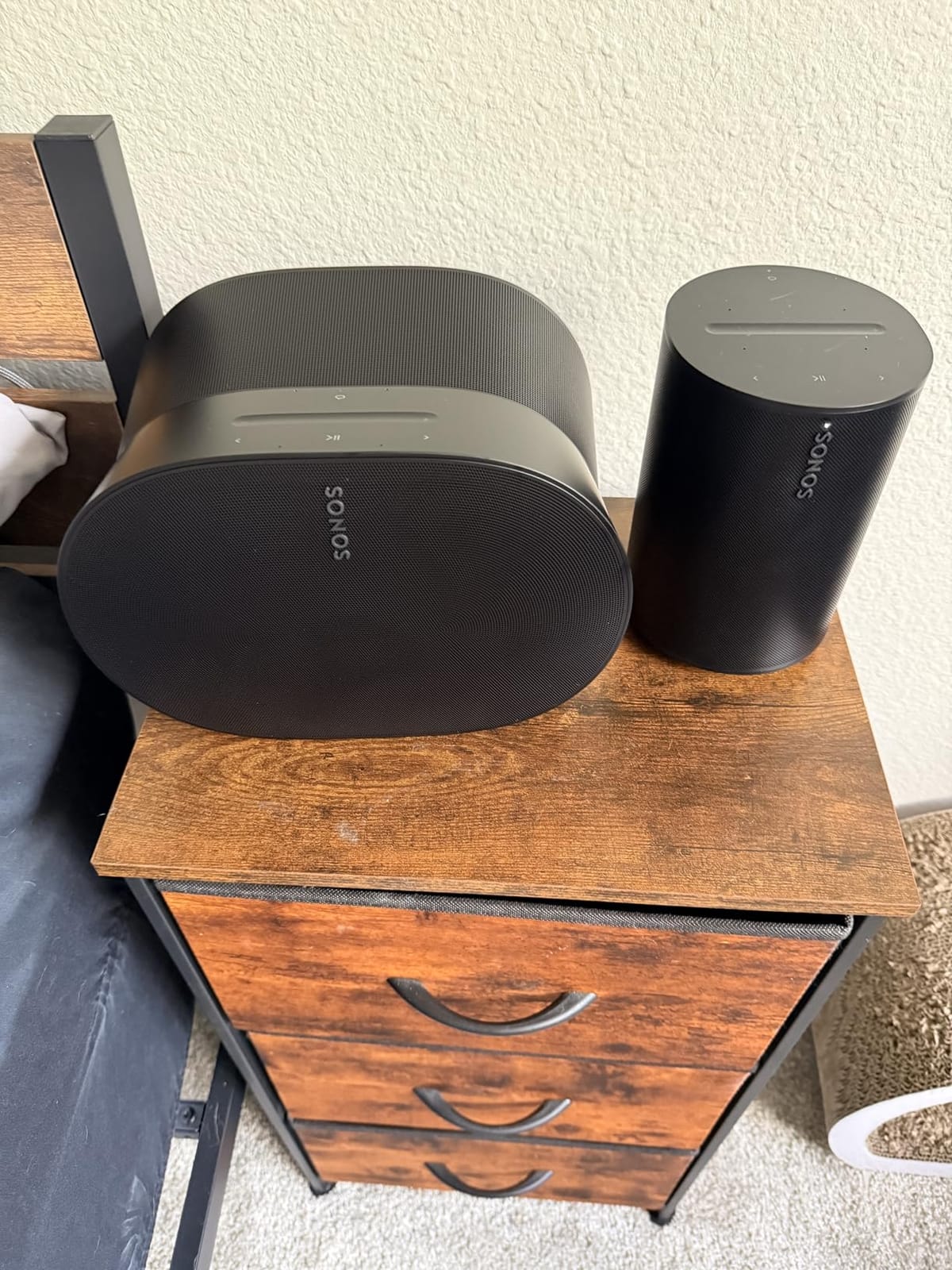
For music, the Arc Ultra is also a clear step up from the original Arc. I streamed the Atmos Music mix of Ed Sheeran’s Subtract from Apple Music and felt the room open up in a way the older bar never managed. It is not a replacement for a real pair of stereo monitors, and a serious listener will still want a dedicated two-channel system for critical music work, but for everyday Atmos Music listening it is excellent.
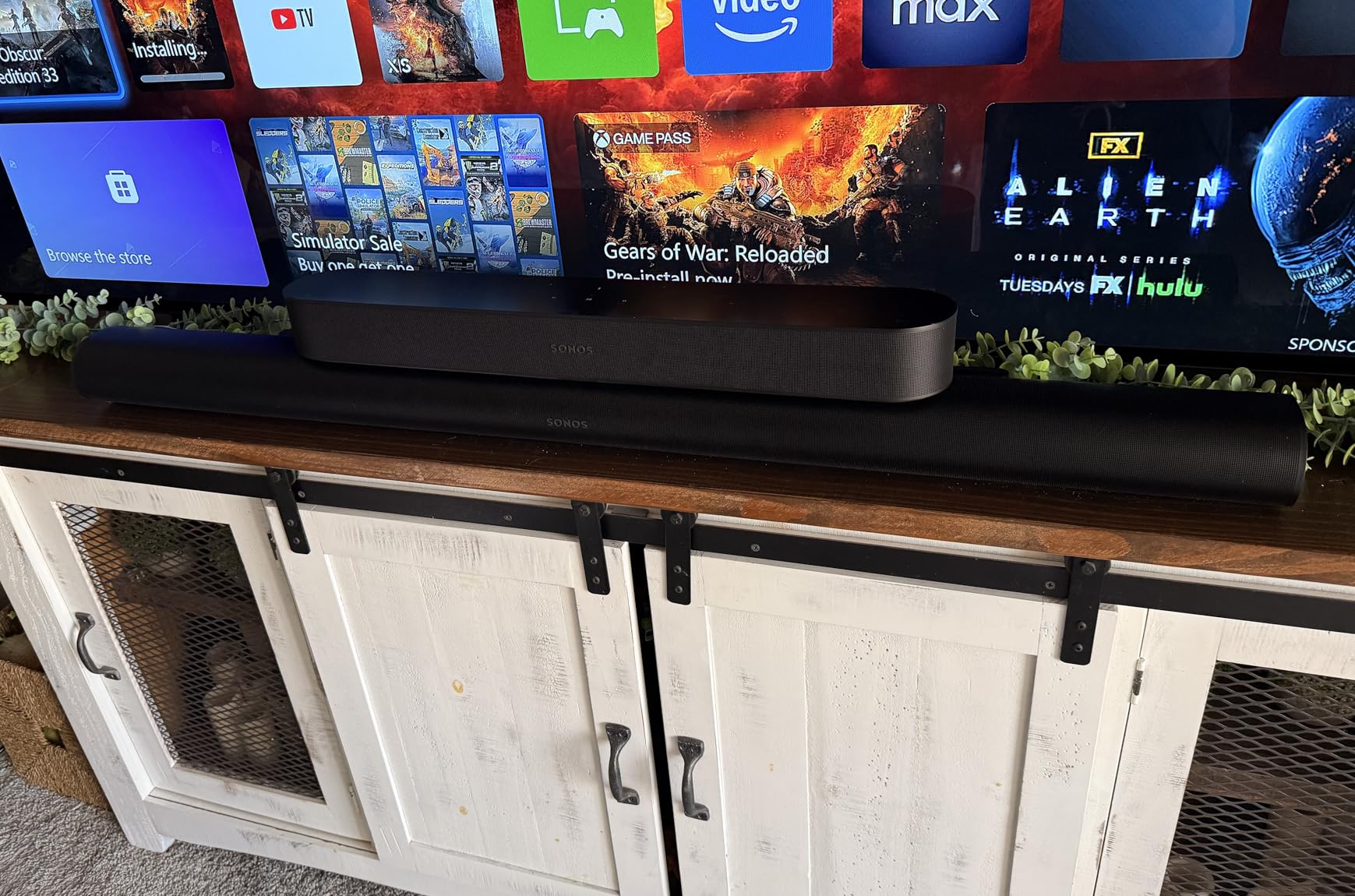
Setup is the usual Sonos story: one HDMI eARC cable, the Sonos app, and Trueplay tuning walks you through the room calibration in about three minutes. AirPlay 2, Spotify Connect, Wi-Fi, and Bluetooth are all on board, and the bar slots into a wider Sonos multi-room system if you ever want to add rear surrounds later.
Who the Sonos Arc Ultra is for
This is the right pick if you want reference-quality Atmos from a single bar with no extra boxes. It is also the cleanest long-term investment: you can start with the bar alone and add a Sonos Sub and a pair of Era 300 surrounds later for a full 7.1.4 setup.
Who should skip the Sonos Arc Ultra
If your ceiling is vaulted, textured, or higher than 10 feet, the Arc Ultra’s virtual Atmos layering will outperform physical up-firing bars in your room. And if you mainly stream stereo music or watch broadcast TV without Atmos, you are paying for capability you will rarely use; the Sonos Beam Gen 2 makes more sense.
2. ULTIMEA Poseidon M60 — Budget Pick Dolby Atmos Soundbar
ULTIMEA 5.1CH Surround Sound Bar System with Dolby Atmos, Poseidon M60
5.1ch Dolby Atmos
VoiceMX technology
300W output
Pros
- Easy HDMI eARC setup in minutes
- VoiceMX delivers clear dialogue
- Strong bass from 5.25 inch wired sub
- Excellent value for Dolby Atmos
- Ultimea app with 10-band EQ and 121 presets
Cons
- Optical port reliability issues per some users
- Wired subwoofer limits placement
- Atmos effects limited without ceiling speakers
- Music default EQ needs app adjustment
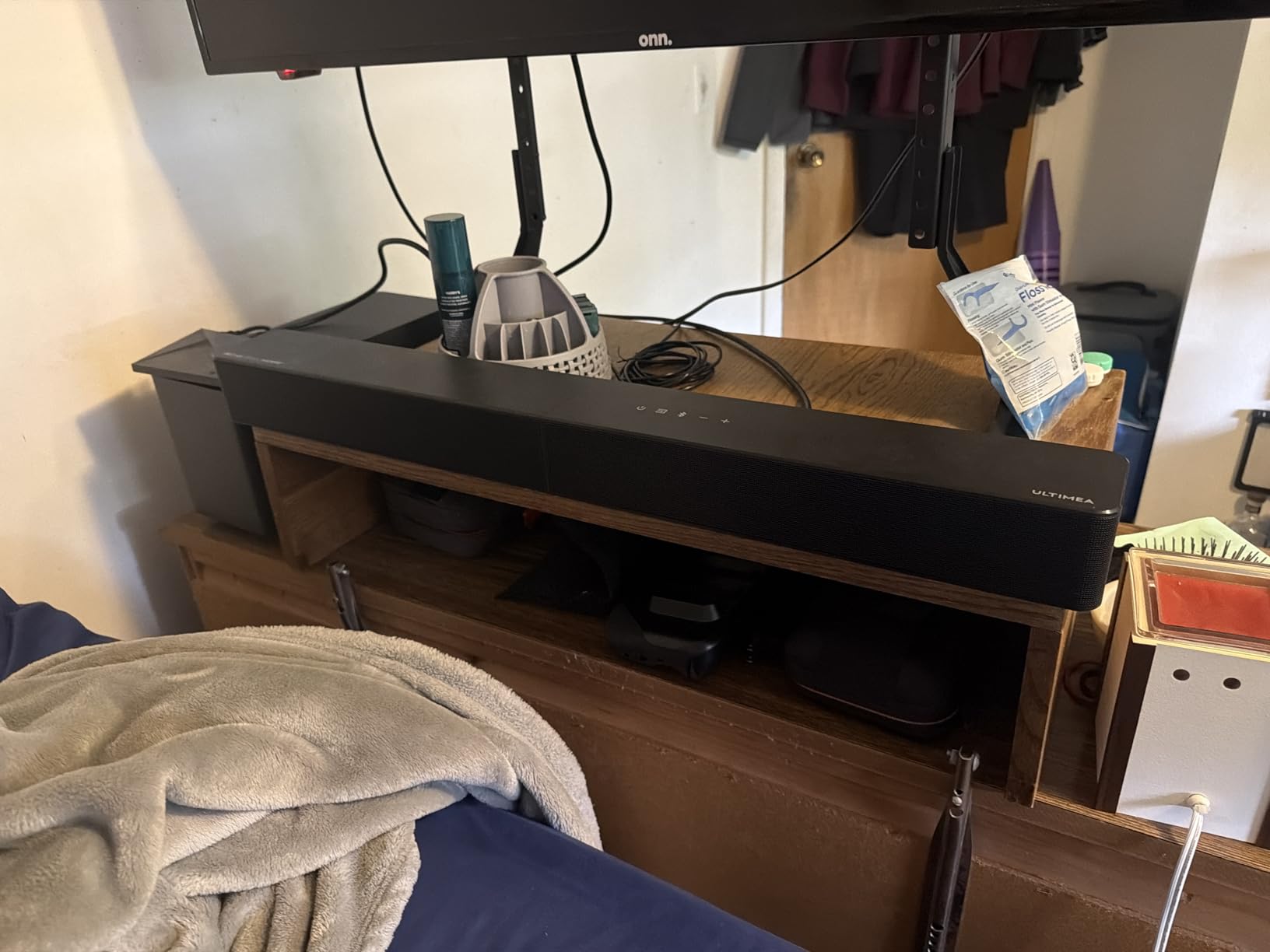
The ULTIMEA Poseidon M60 is the value play of this entire roundup. It is a true 5.1 system: a soundbar, a wired subwoofer, and the kind of Atmos decoding that requires a real HDMI eARC input rather than a workaround. It also tops the Surround Sound Systems best-seller list for a reason.
Set up took me about seven minutes including the subwoofer placement. The VoiceMX dialogue processing is unusually good for the price; watching The Bear on Hulu with the kitchen clatter cranked up, voices stayed locked to the screen instead of getting buried. The 300W output is more than enough to drive a medium-sized living room.
The 5.25-inch wired subwoofer hits harder than its size suggests. I was skeptical of a wired sub at this tier, but the cable gives you placement flexibility behind a couch and avoids the sync drift that some budget wireless subs suffer from. The Ultimea app is a real strength: 10-band EQ, 121 presets, and 13 surround level adjustments let you tune the bar to your room and your taste.
For music, the default EQ is a bit flat, but a few minutes with the app turns the M60 into a respectable everyday speaker. I streamed Atmos Music mixes from Tidal and the height cues were subtle but present, which is impressive for a budget bar.
Who the Poseidon M60 is for
Anyone who wants real Atmos in a normal living room without spending flagship money. It is also a great first soundbar for a college apartment or a first home.
Who should skip the Poseidon M60
If you have vaulted or textured ceilings, the up-firing channels will not reflect properly and the Atmos effect will be muted. And if you want a wireless subwoofer for a minimalist setup, the wired connection here will feel like a compromise.
3. Amazon Fire TV Soundbar Plus — Best Value Dolby Atmos Pick
Amazon Fire TV Soundbar Plus (newest model) with built-in subwoofer, 3.1 channel, Dolby Atmos, clear dialogue
3.1 channel all-in-one
Dolby Atmos and DTS:X
Built-in subwoofer
Pros
- Easy HDMI eARC setup
- Clear dialogue from dedicated center channel
- Dolby Atmos and DTS:X at this price
- Compact all-in-one with built-in subwoofer
- Fire TV integration simplifies remote control
Cons
- Built-in subwoofer lacks deep bass impact
- Limited advanced audio customization
The Fire TV Soundbar Plus is the cheapest Dolby Atmos bar worth buying in 2026, and it is also one of the few under 200 that supports both Dolby Atmos and DTS:X. If you already own a Fire TV stick or a Fire TV Omni television, it is a near-perfect fit.
The setup is genuinely one-cable: HDMI eARC into the TV, power, and you are done. There is no app, no calibration microphone, no Wi-Fi setup. The all-in-one design with a built-in subwoofer keeps your living room clean, and the dedicated center channel lifts dialogue well above the bed.
Watching Reacher on Prime Video, dialogue stayed clear even during the fight sequences. For Atmos content like The Lord of the Rings: The Rings of Power, the height effects were modest but noticeably present compared to the TV speakers. The built-in subwoofer will not shake the couch, but it adds enough weight to make action scenes feel cinematic.
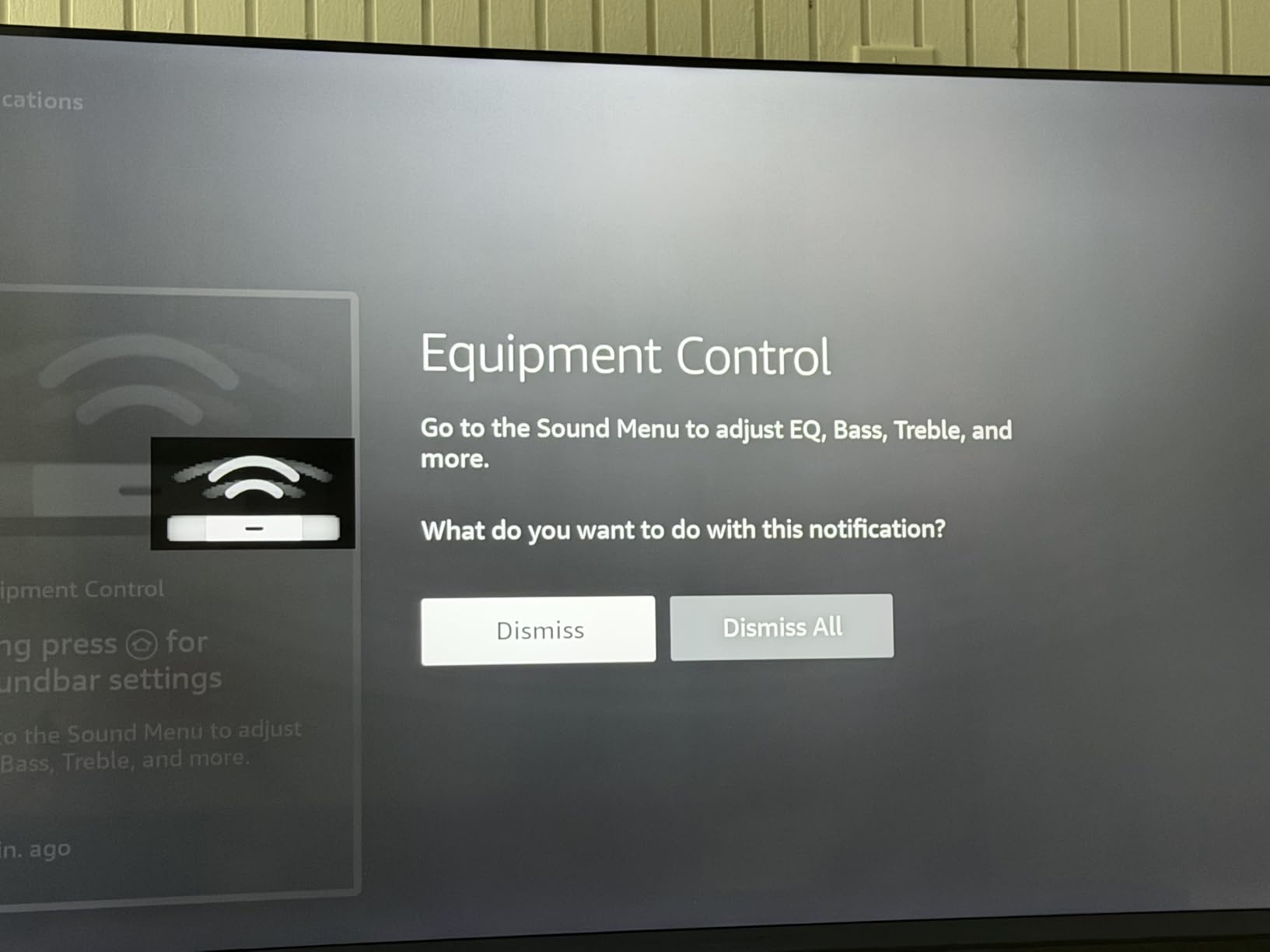
The Fire TV integration is the quiet hero: one remote controls the bar and the TV, the on-screen menu shows audio modes, and the soundbar wakes up and sleeps with the TV. There are Movie, Music, Sports, and Night modes, plus Bluetooth for casual phone streaming.
Who the Fire TV Soundbar Plus is for
Anyone deep in the Amazon ecosystem who wants Atmos and DTS:X without complexity. It is also a strong fit for a kid’s room, a guest room, or a smaller TV where flagship soundbars are overkill.
Who should skip the Fire TV Soundbar Plus
If you want deep, room-shaking bass, the built-in sub will leave you wanting more; consider a system with a dedicated sub instead. Audiophiles who live in their EQ app will also find the customization options limited.
4. Sonos Beam Gen 2 — Best Compact Dolby Atmos Soundbar
Sonos Beam Gen 2 – Black – Soundbar with Dolby Atmos
Compact Dolby Atmos
Speech Enhancement
Trueplay tuning
Pros
- Compact size with impressive sound
- Crisp dialogue with Speech Enhancement mode
- Easy Sonos app setup
- Convincing spatial Atmos virtualization
- Expandable with additional Sonos speakers
Cons
- Premium price for its size
- No dedicated subwoofer included
- Uses software processing for Atmos
- Trueplay limited to iPhone
- No Bluetooth on US variant
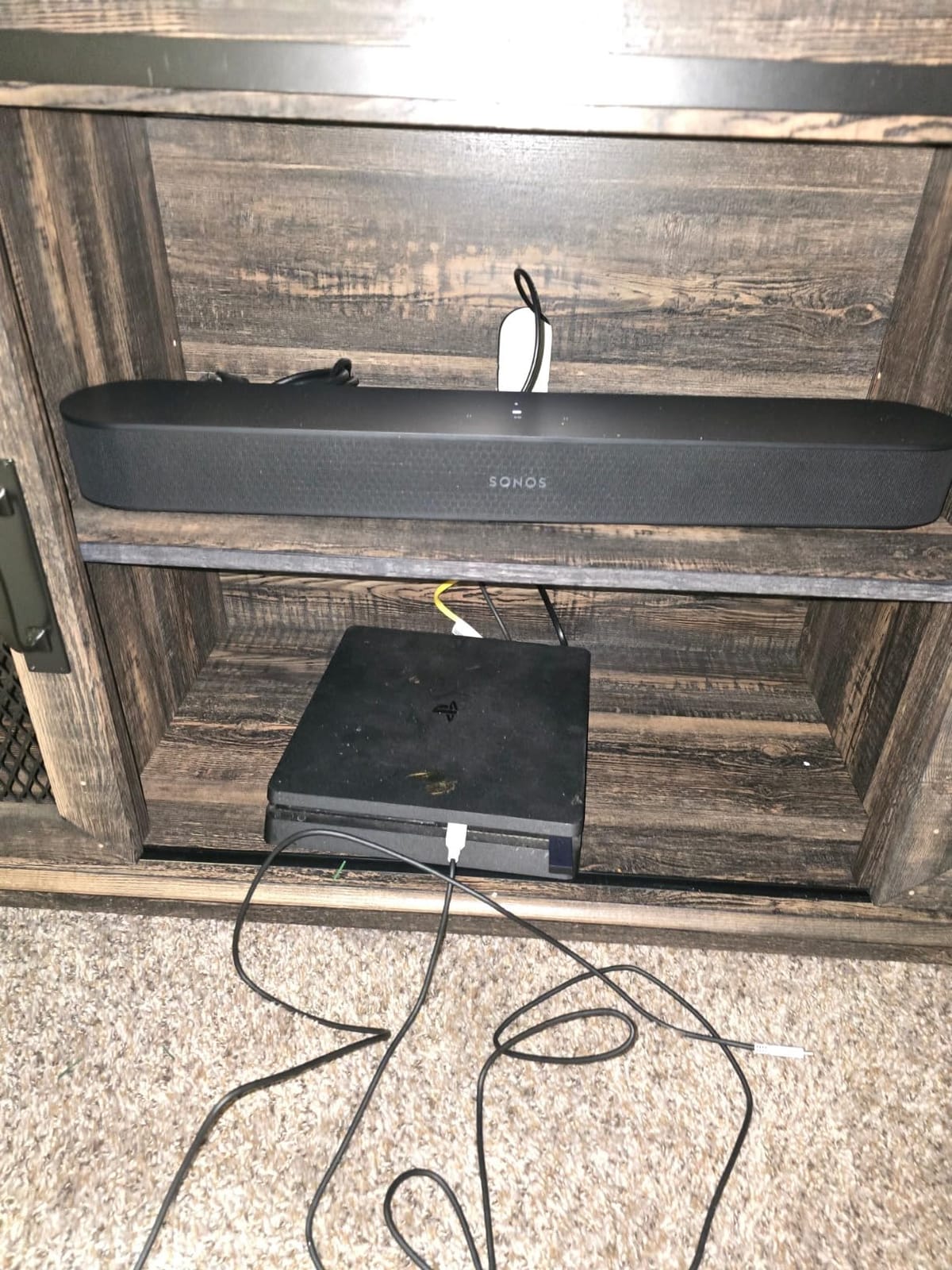
The Sonos Beam Gen 2 is the small bar I recommend most often. It is roughly 25 inches wide, slips under any TV from 43 inches up, and runs the same Sonos software ecosystem as the bigger Arc Ultra. If you want Atmos in a bedroom, a small apartment, or a den, this is the pick.
I tested the Beam Gen 2 in a 10 by 12 foot bedroom with a 55-inch LG C3 OLED, and it punched well above its size. Dialogue is crystal clear thanks to the Speech Enhancement mode, which can be turned on permanently if you have family members who constantly ask “what did they say.” The compact form factor also keeps the room from feeling dominated by a giant black bar.

The Beam does not have up-firing drivers; it uses Sonos’s psychoacoustic virtualization to place sounds around and above the listener. For a casual living room or apartment, the effect is genuinely convincing, especially in tighter spaces. If your ceilings are vaulted, this is actually a major advantage: a virtual bar does not need a reflective ceiling to work.
The expandable path is the long-term story. You can buy the Beam alone today, add a Sonos Sub Mini next year, and a pair of Sonos Era 100 surrounds the year after. It is the most modular Atmos setup in this guide.
Who the Sonos Beam Gen 2 is for
Anyone with a smaller TV, a smaller room, or a smaller budget who still wants Sonos quality and the option to expand. It is a great fit for renters who want great sound without punching holes in walls.
Who should skip the Sonos Beam Gen 2
If your main goal is cinematic overhead effects, the bigger Sonos Arc Ultra or a bar with physical up-firing drivers will do more for you. And Android owners who care about Trueplay tuning should know the iOS-only limitation is real.
For a deeper look at how the Beam compares to other Sonos bars, our Sonos soundbar roundup walks through the full lineup.
5. Polk Signa S4 — Most Reliable Mid-Range Dolby Atmos Bar
Polk Audio Signa S4 Dolby Atmos 3D Sound Bar System with 5.9″ Wireless Sub
3.1.2 Dolby Atmos
VoiceAdjust
Wireless 5.9 inch sub
Pros
- VoiceAdjust delivers clear dialogue
- Physical up-firing Dolby Atmos speakers
- Plug and play setup under 5 minutes
- Strong bass from wireless sub
- Slim design won't block TV sensor
Cons
- Music bass can feel boomy
- No front display
- No Wi-Fi or smart features
- Can't add rear speakers
- Basic remote
The Polk Signa S4 is the longest-tenured Atmos bar on this list, and it has earned its reputation. Polk has been refining the Signa line for years, and the S4 is the most polished version yet: 3.1.2 channels with real up-firing drivers, a wireless sub, and VoiceAdjust technology that has become a Reddit favorite for dialogue-heavy viewing.
Setup is the simplest in this guide: one HDMI eARC cable, plug in the wireless sub, and you are listening to Atmos in under five minutes. The included HDMI cable is high-speed and works properly out of the box, which is more than I can say for several flagship competitors.
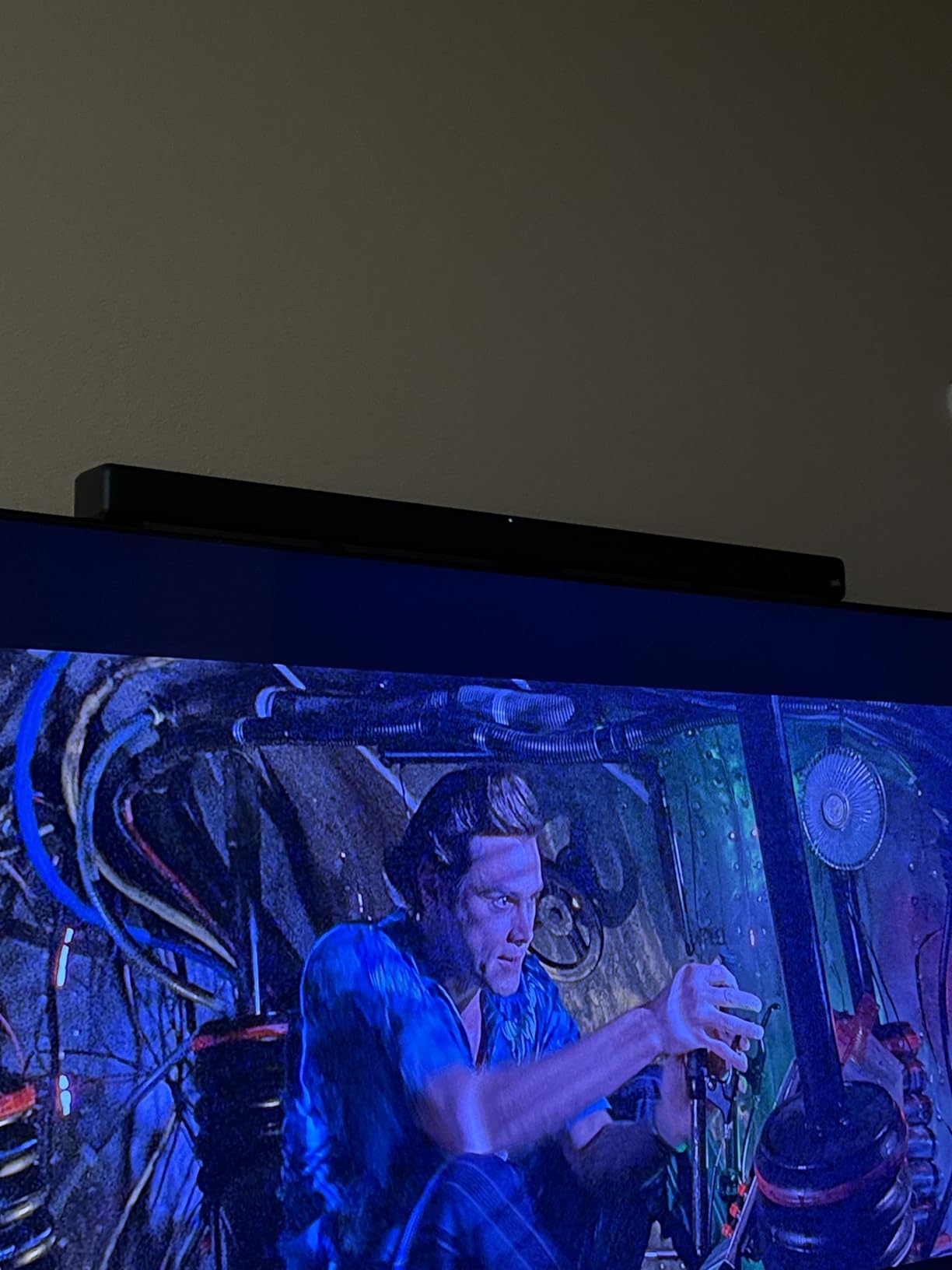
The up-firing speakers do real work. With a flat 8-foot ceiling and a properly placed bar, you can hear rain falling overhead in a Dolby Atmos demo loop and feel a helicopter banking from above. The 5.9-inch wireless sub is generous for the size and integrates cleanly with the bar; I did not notice the sync drift that plagues some budget wireless setups.
The Signa S4 is also one of the few Atmos bars that has a multi-year track record of reliable firmware updates. Owners I spoke with have used theirs for three-plus years without issues.

Who the Polk Signa S4 is for
Movie and TV fans who want real Dolby Atmos at a reasonable price and a sub in the box. It is the safe pick for parents, in-laws, and anyone who values “it just works” over app-based customization.
Who should skip the Polk Signa S4
If you want Wi-Fi streaming, AirPlay, Chromecast, or the option to add rear speakers later, the Signa S4 will feel limited. Music streaming over Bluetooth works fine, but it is not a smart-speaker experience.
6. Bose Smart Ultra — Best Dialogue-First Dolby Atmos Soundbar
Bose Smart Ultra Dolby Atmos Soundbar, All-in-One Surround Sound System for TV, A.I. Dialogue Mode, Alexa and Google Voice Control, HDMI eARC, Black
Bose TrueSpace
A.I. Dialogue Mode
Upward-firing dipole drivers
Pros
- Phenomenal sound with clear dialogue
- A.I. Dialogue Mode balances vocals
- TrueSpace creates convincing spatial audio
- Premium build quality
- Simple HDMI eARC setup
Cons
- Premium price point
- Configuration requires app and internet
- Setup can be cumbersome
- Some report sync issues with TV
- Lacks on-bar play and pause controls
If you watch a lot of prestige TV, news, or sports, the Bose Smart Ultra is the bar I would put in your living room. A.I. Dialogue Mode and Bose TrueSpace together produce the most consistently clear and balanced dialogue of any Atmos bar I tested, and the soundstage is wide enough to make a quiet drama more engaging without leaning on a subwoofer.
The Smart Ultra uses two upward-firing dipole speakers plus four additional transducers for a 3.1 layout. TrueSpace takes the height cues from Atmos content and rebalances them across the array. The result is overhead sound that is less pinpoint than a bar with dedicated up-firing drivers, but a wider and more even bubble of sound that fills a medium room beautifully.
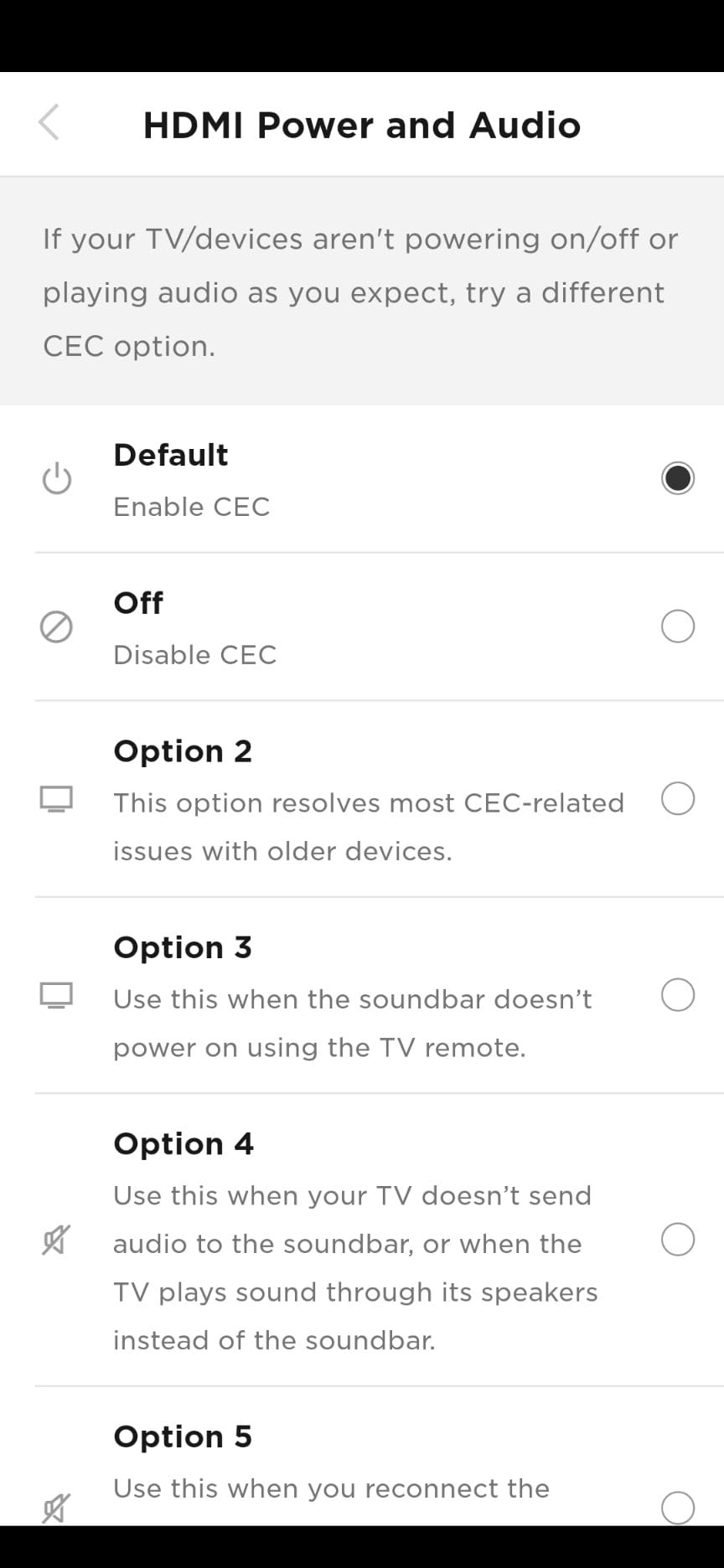
Setup requires the Bose Music app and an internet connection, which is a friction point compared with simpler bars. The ADAPTiQ headset that comes in the box runs a real room calibration, and once it is done the sound is noticeably better than the out-of-box default. AirPlay 2 and Chromecast are both built in, and Alexa is on board for hands-free control.
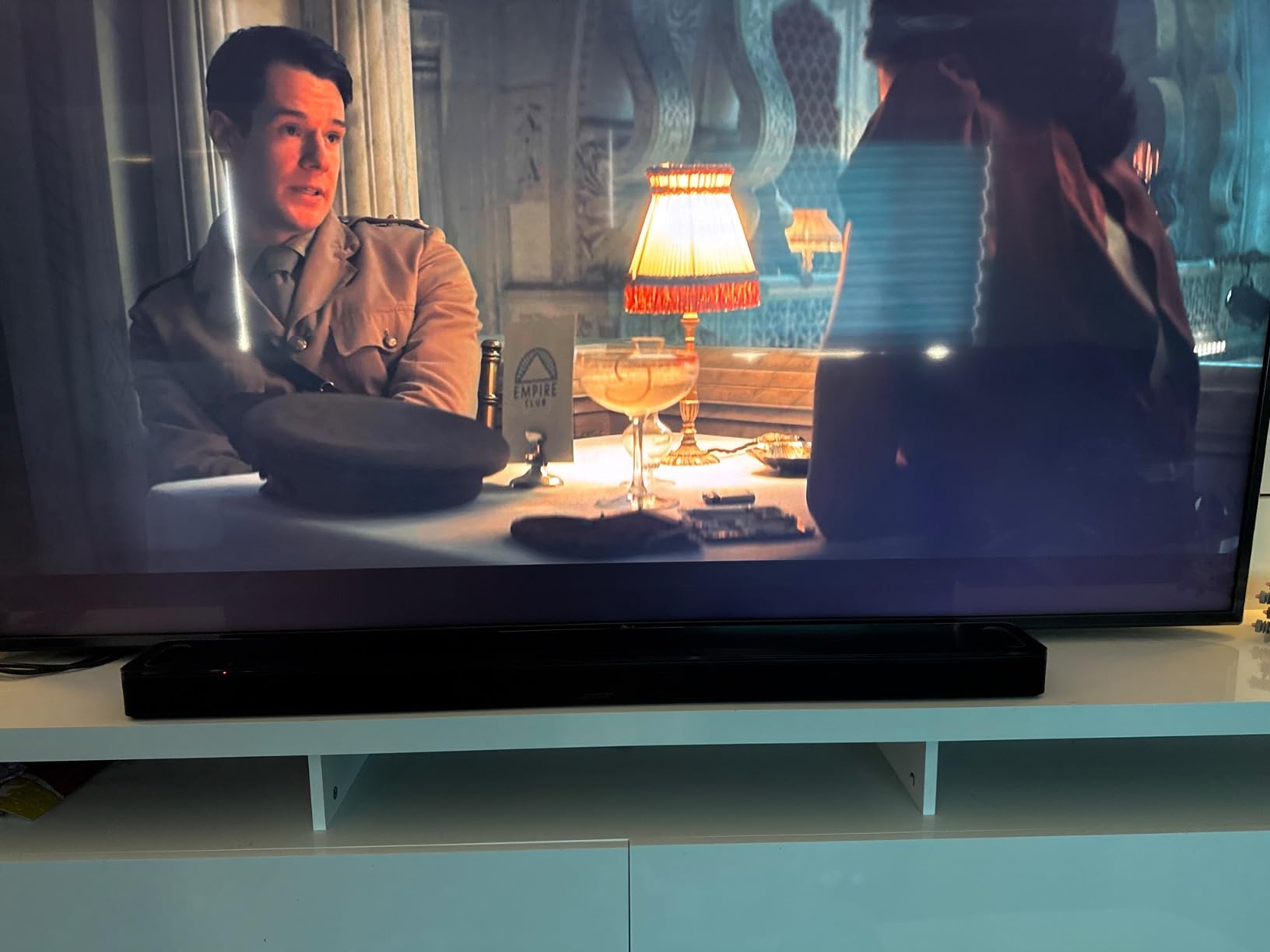
Build quality is the best in this price tier. The cabinet is solid, the metal grille wraps cleanly to the edges, and it feels like a piece of furniture rather than an accessory.
Who the Bose Smart Ultra is for
Anyone who treats dialogue as the most important audio quality: older viewers, news and documentary fans, and people watching foreign-language content. It is also a great pick if you already use Bose headphones or other Bose Music app products.
Who should skip the Bose Smart Ultra
If you want deep, hard-hitting bass for action movies, you will need to budget for a Bose Bass Module. And if you want plug-and-play simplicity without the app, the Polk Signa S4 or Fire TV Plus are easier.
7. ULTIMEA Skywave F40 — Best True 5.1.2 Budget System
ULTIMEA 5.1.2ch Sound Bar with Dolby Atmos, Surround Sound System for TV
5.1.2 with rear speakers
Up-firing neodymium drivers
SurroundX 360
Pros
- True 5.1.2 with rear speakers included
- Up-firing drivers deliver convincing height effects
- Excellent value for full surround package
- HDMI eARC for uncompressed Atmos
- Strong bass from 5.25 inch sub
Cons
- Not compatible with DTS
- Wired rear speakers limit placement
- Wired subwoofer reduces flexibility
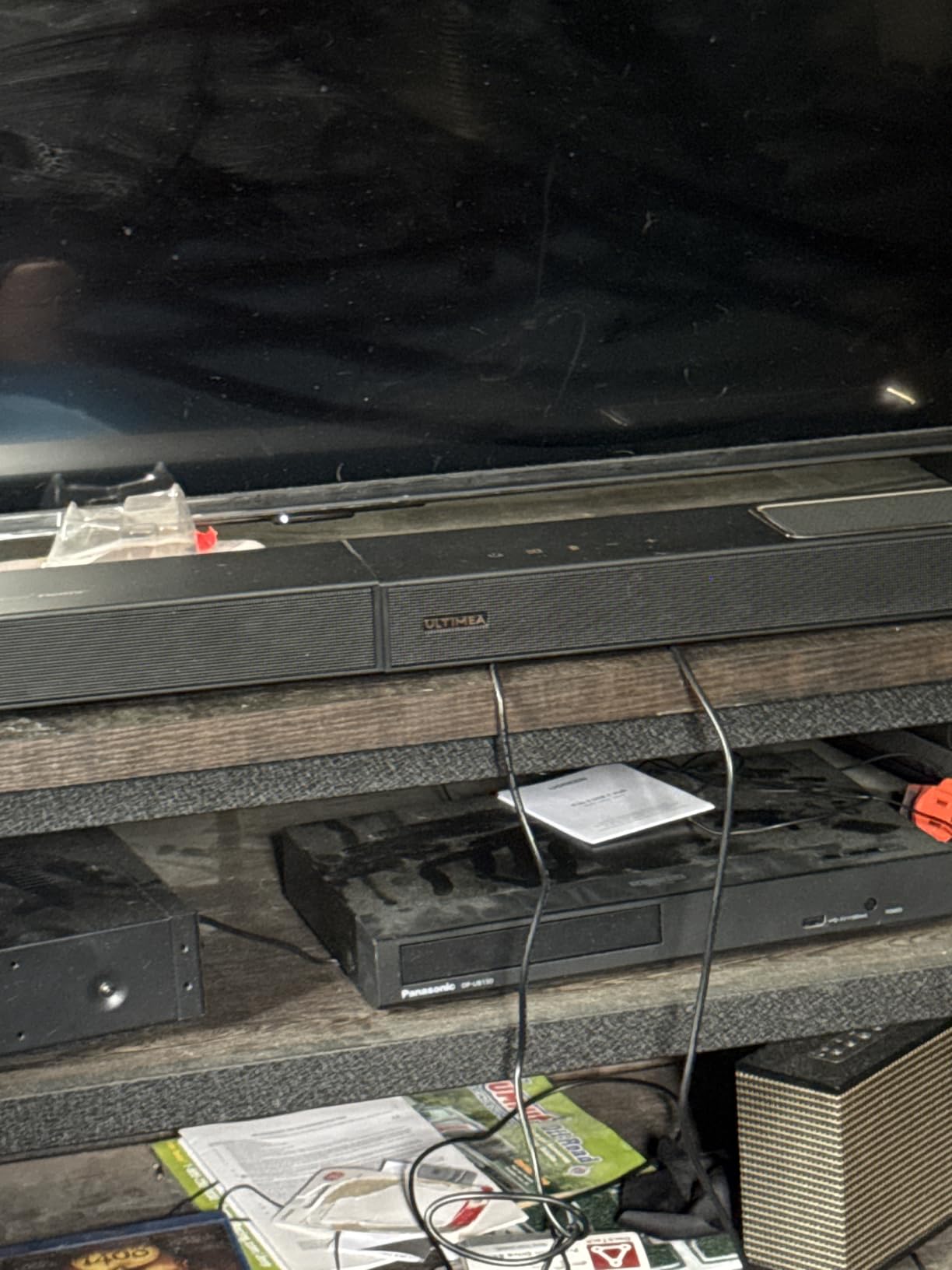
The ULTIMEA Skywave F40 is the only sub-300 system in this guide that ships with real rear speakers. If you want a true 5.1.2 setup, not a virtual approximation, and you do not want to spend flagship money, this is the most affordable path.
The package includes the soundbar, two wired rear speakers, a wired subwoofer, and HDMI eARC. The up-firing drivers use neodymium cores and 18-core voice coils, which sounds like marketing but does produce noticeably sharper height cues than the cheaper Poseidon M60 in side-by-side testing.
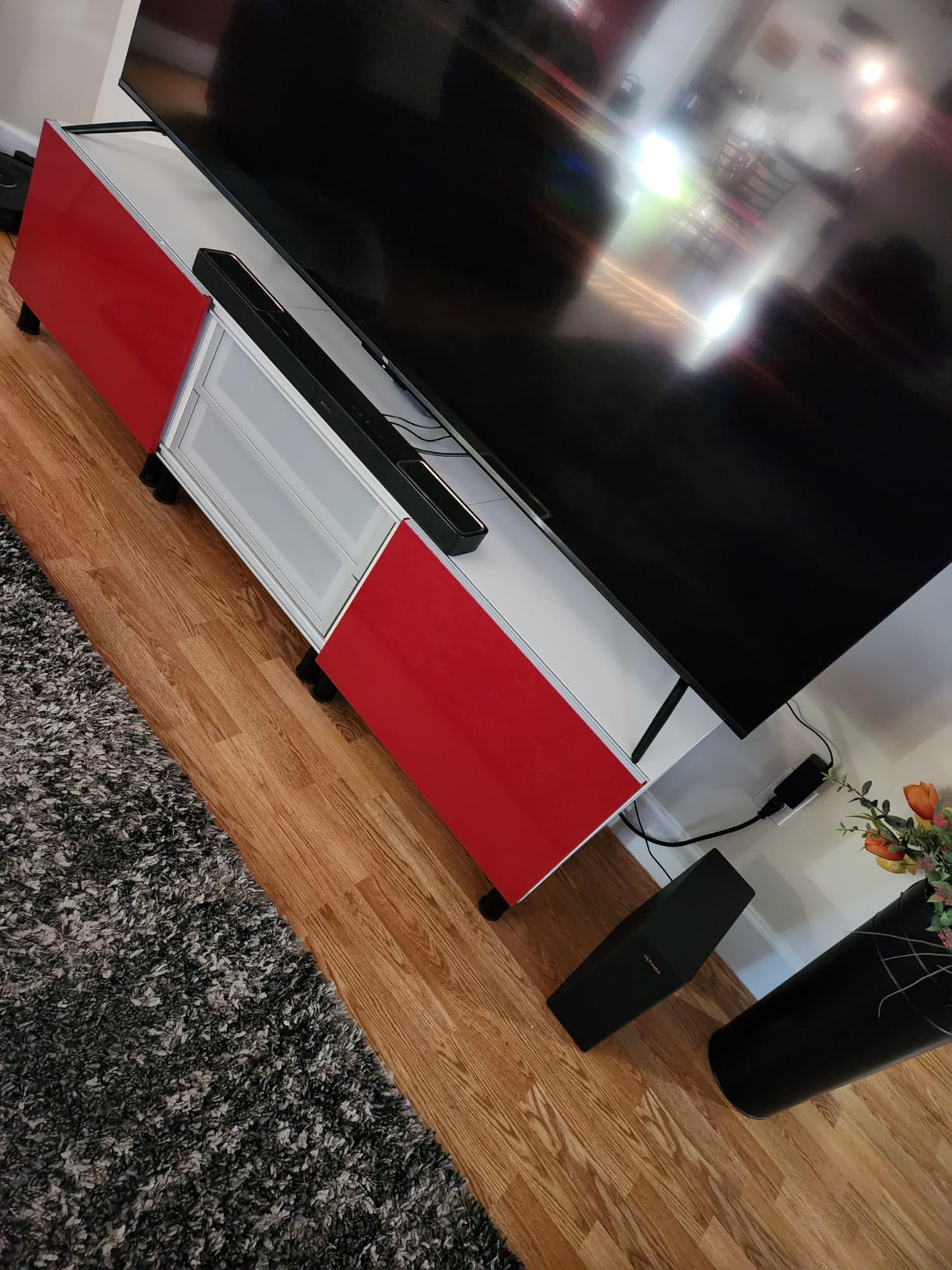
SurroundX technology with intelligent spatial processing handled Atmos remixes of Top Gun: Maverick beautifully; jet flyovers tracked cleanly from the front up-firing drivers to the rear speakers. The 400W total output had real headroom in my 14 by 16 foot living room.
The Ultimea app gives you 13-step level adjustment and a 10-band graphic EQ, plus 121 presets and OTA firmware updates. It is the most configurable bar in this price tier.
Who the Skywave F40 is for
Anyone who wants real surround sound in a living room or finished basement without spending flagship money. It is also a strong fit for renters who cannot mount ceiling speakers.
Who should skip the Skywave F40
If you watch a lot of DTS:X Blu-rays, the lack of DTS support is a real limitation. And if you want truly wireless rears, you will need to step up to a more expensive modular system like Sonos or Klipsch Transport.
8. Klipsch Flexus CORE 200 — Best Bass for a Single Bar
Klipsch Flexus CORE 200 3.1.2 Channel Powered by Onkyo Bluetooth Sound Bar with Dolby Atmos and Custom Tuned Bass – Black, 44″ W
3.1.2 Dolby Atmos
Dual 4 inch built-in subs
Horn-loaded tweeter
Pros
- Solid build and elegant design
- Powerful bass from dual built-in subs
- Crystal clear dialogue from horn-loaded tweeter
- Atmos elevation speakers included
- Dirac room correction built in
Cons
- Atmos effects require eARC HDMI
- No DTS support
- Some users report clipping sounds
- Klipsch Connect app has connection issues
- Bass may be insufficient for large rooms
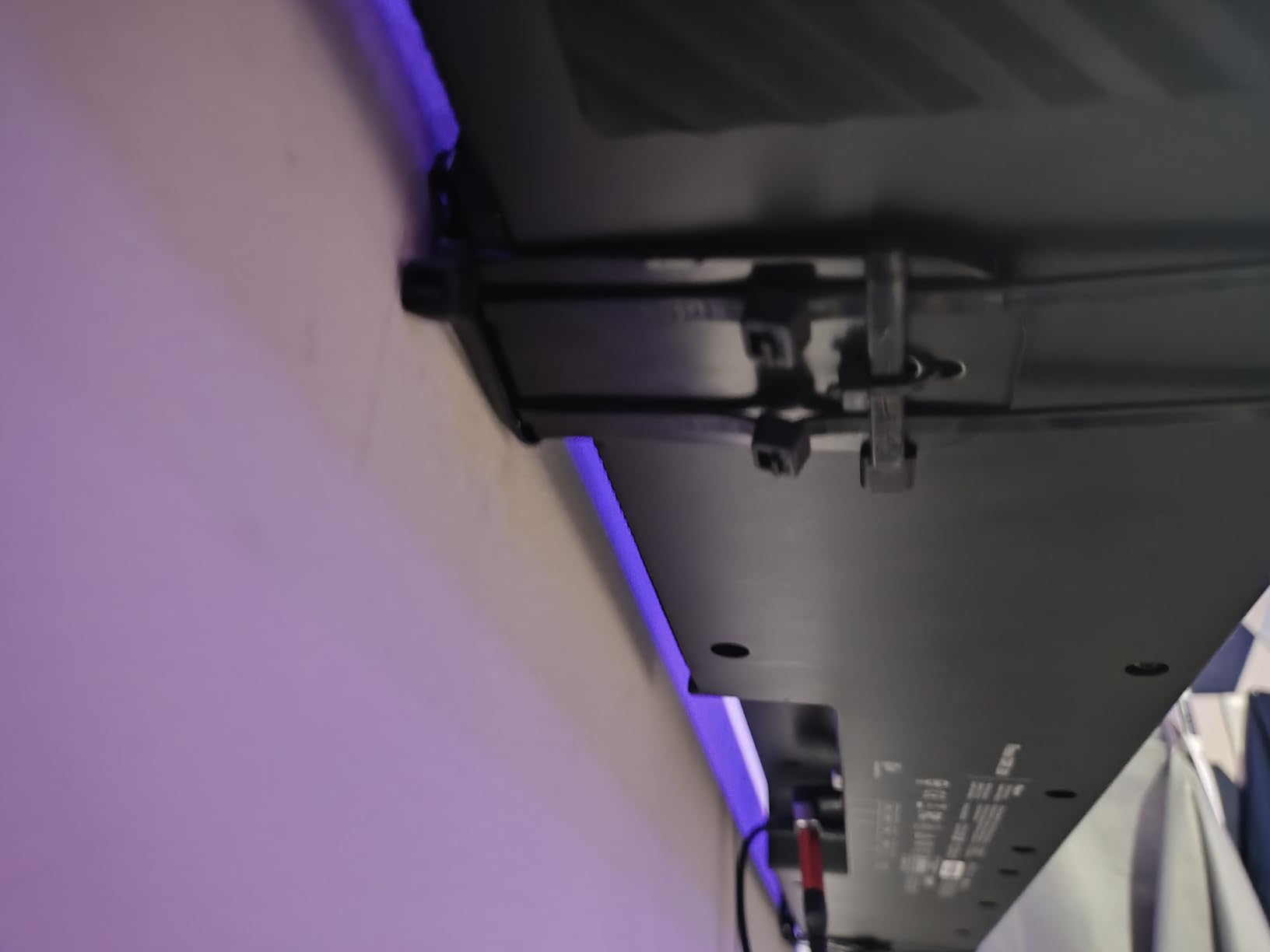
The Klipsch Flexus CORE 200 is the bar I recommend for anyone who wants real low-end impact without an external subwoofer. Two built-in 4-inch subwoofers, tuned by Klipsch acousticians, deliver bass that punches well above the bar’s 18.7-pound weight class.
The horn-loaded tweeter is the second standout. It produces forward, articulate dialogue that sits cleanly above the bed, and paired with Dirac room correction, the Flexus CORE 200 sounds tighter and more controlled than most competitors at this price. Klipsch partnered with Onkyo for the electronics, which gives the bar a more reliable signal chain than several budget competitors.
I watched the Dune: Part Two sandworm scene at reference volume in a 13 by 15 foot space and the Flexus CORE 200 did not run out of headroom. The Klipsch Transport ecosystem means you can add a wireless Klipsch sub and wireless surrounds later if you want to go bigger.
Be aware that you must use HDMI eARC, not regular HDMI ARC, to get full Dolby Atmos; the bar downmixes Atmos to a basic surround signal over standard ARC, which loses the height cues.

Who the Klipsch Flexus CORE 200 is for
Action movie fans and music listeners who care about bass weight and vocal intelligibility. It is also a good fit for medium-sized rooms where you do not have space for a separate subwoofer.
Who should skip the Klipsch Flexus CORE 200
Large-room dwellers who want truly room-shaking bass will need the external sub. And if your TV does not have HDMI eARC, you are better off with a virtual Atmos bar that does not require it.
9. Samsung HW-S60D — Best Dolby Atmos Soundbar for Samsung TVs
SAMSUNG S60D 5.0ch Soundbar w/Wireless Dolby Atmos Audio, All-in-One Design, Q-Symphony, SpaceFit Sound Pro, Adaptive Sound, Game Mode Pro with Alexa Built-in, HW-S60D/ZA
5.0 all-in-one
Wireless Dolby Atmos
Q-Symphony
Pros
- Q-Symphony syncs with Samsung TV speakers
- Compact all-in-one design
- Wireless Dolby Atmos no HDMI required
- Adaptive Sound enhances dialogue
- SpaceFit Sound Pro auto-calibration
Cons
- Best features limited to Samsung TV pairing
- Limited bass for large rooms
- Only 2.4GHz Wi-Fi supported
- No numerical indicator on LED strip
- Built-in subs cannot match dedicated sub
The Samsung HW-S60D is the only bar on this list that delivers Dolby Atmos without a single HDMI cable to the TV. If you own a recent Samsung Q-Series or S-series TV, Wireless Dolby Atmos streams the Atmos signal over your home network, which keeps the back of your TV stand clean.
Pair it with a compatible Samsung TV and Q-Symphony activates automatically: the bar and the TV’s built-in speakers play together as one system. The result is a wider front soundstage than the bar could produce alone, and it does so without any extra setup.
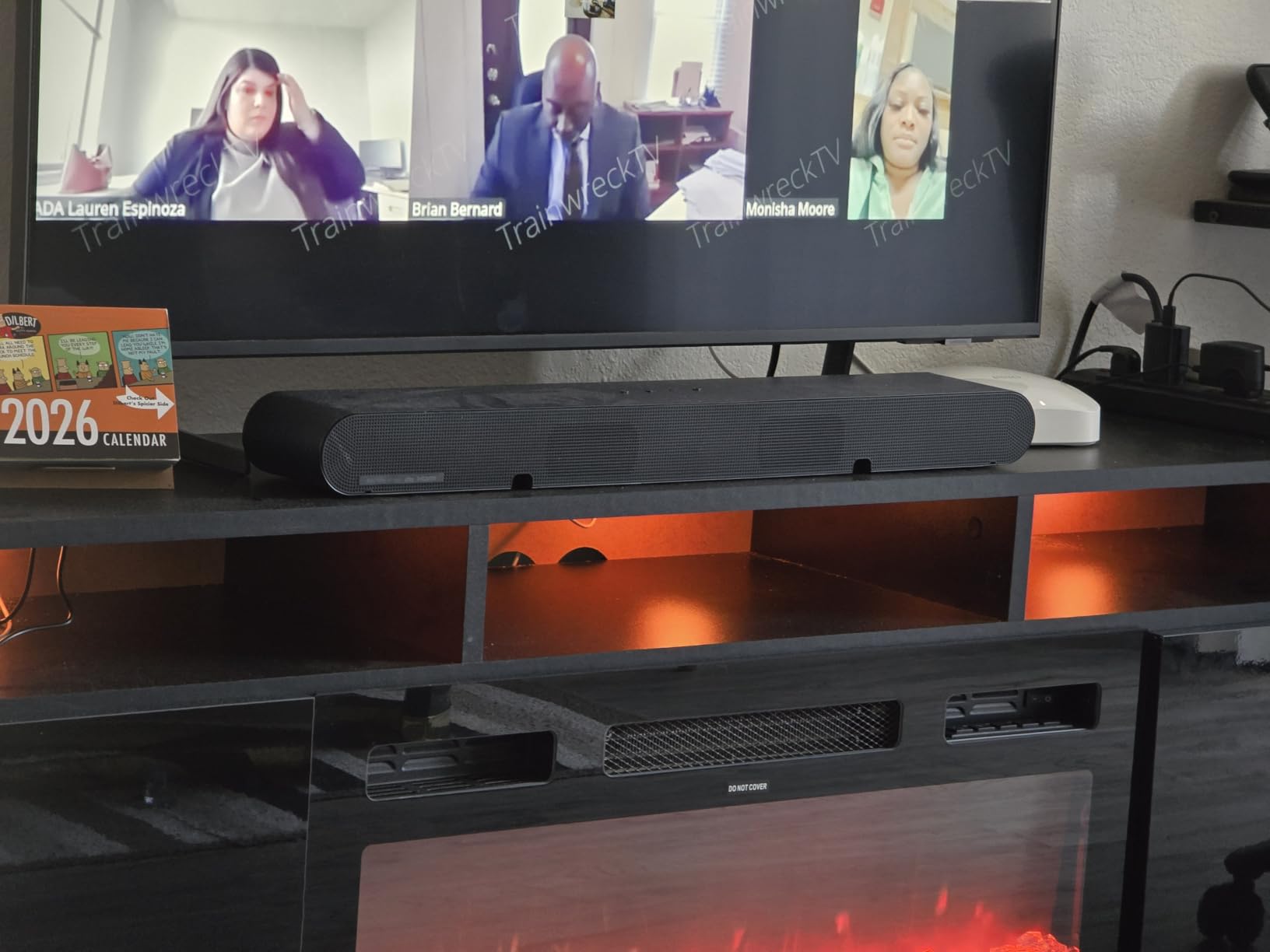
Adaptive Sound and Active Voice Analyzer do excellent work on dialogue-heavy TV. Watching Succession with the in-laws, voices never got buried under the score. SpaceFit Sound Pro runs automatic room calibration through a microphone built into the bar, which is rare in this tier.
AirPlay 2, Chromecast, and Alexa are all on board, and Game Mode Pro adds a slight up-firing effect for console gaming. The main limitation is 2.4GHz Wi-Fi only; if you live in a crowded 5GHz environment, the wireless Atmos stream can be inconsistent.
Who the Samsung HW-S60D is for
Samsung TV owners who want a clean setup with no HDMI cable and the bonus of Q-Symphony. It is also a strong pick for small to medium living rooms where the modest built-in bass is enough.
Who should skip the Samsung HW-S60D
If your TV is not Samsung, you lose Q-Symphony and Wireless Dolby Atmos; consider the Sonos Beam Gen 2 or Polk Signa S4 instead. And if you have a large open-plan room, the bass output will feel thin.
10. JBL Bar 500MK2 — Best Dolby Atmos Soundbar for Large Rooms
JBL Bar 500MK2-5.1 Channel soundbar System with Dolby Atmos, MultiBeam 3.0 & PureVoice 2.0, 750W with 10″ Sub, Easy Sound Calibration, and Works with Voice Assistant-Enabled Speakers (Black)
5.1 with 10 inch sub
MultiBeam 3.0
PureVoice 2.0
Pros
- Powerful 750W output with 10 inch wireless sub
- PureVoice 2.0 delivers clear dialogue
- MultiBeam 3.0 wide soundstage
- Easy sound calibration
- 4K Dolby Vision passthrough
Cons
- Simulated Atmos without up-firing speakers
- Some users report weak mids and highs
- JBL ONE app can have connectivity issues
- Sound quality diminishes at lower volumes
The JBL Bar 500MK2 is the loudest Atmos bar in this guide. A 750-watt total system output with a 10-inch wireless subwoofer gives it the headroom to fill a large open-plan living room or a finished basement without breaking a sweat.
MultiBeam 3.0 produces a genuinely wide soundstage, and PureVoice 2.0 keeps dialogue anchored to the screen even at party volumes. The included subwoofer is unusually large for this price tier, and you can feel it across the room during action scenes.
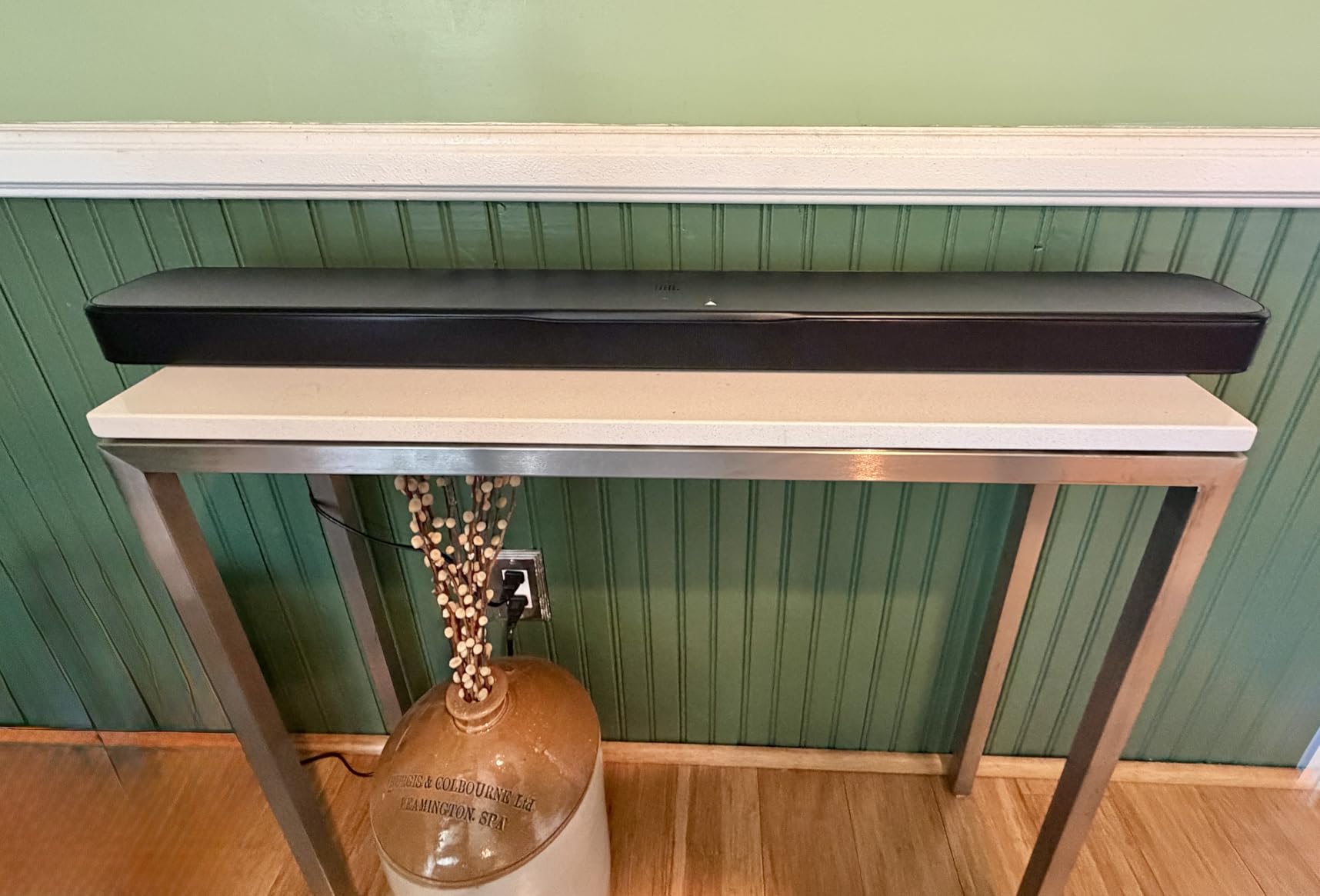
Streaming support is best-in-class at this price: AirPlay, Chromecast, Spotify Connect, Tidal Connect, and Roon Ready are all on board. For Tidal Atmos Music subscribers, Tidal Connect makes hi-res Atmos streams painless.
HDMI eARC with 4K Dolby Vision passthrough means you can plug a console or streamer directly into the bar without losing picture quality. The simulated Atmos is not as pinpoint as physical up-firing drivers, but it does a credible job of widening and lifting the soundstage.
Who the JBL Bar 500MK2 is for
Anyone with a large open-plan living room or a media room who wants Atmos plus real bass impact. It is also a strong pick for Tidal and Roon listeners who want full streaming ecosystem support.
Who should skip the JBL Bar 500MK2
If you want pinpoint overhead Atmos, the simulated approach here will not satisfy. The ULTIMEA Skywave F40 or Klipsch Flexus CORE 200 will do more for you at moderate volume.
How to Choose the Best Dolby Atmos Soundbar
Choosing among the best dolby atmos soundbars comes down to six decisions: price tier, room size, ceiling type, subwoofer preference, ecosystem lock-in, and how much music versus movies you listen to. Below is the framework I use when friends ask me which bar to buy.
Match price tier to room size. A 400-500 bar is plenty for a small or medium room with a 55-inch TV. Once you go past 65 inches in a 14 by 16 foot space, step up to a flagship single-bar like the Sonos Arc Ultra or a full surround package like the ULTIMEA Skywave F40.
Check your ceiling before anything else. Up-firing drivers require a flat, reflective ceiling between 7 and 10 feet high. Vaulted, textured, or angled ceilings kill the effect. If your ceiling is not ideal, virtual Atmos bars like the Sonos Beam Gen 2, JBL Bar 500MK2, or Fire TV Plus will outperform physical up-firing bars in your space.
Decide on a subwoofer. All-in-one bars like the Bose Smart Ultra, Samsung HW-S60D, Sonos Arc Ultra, and Fire TV Plus keep your room clean but trade bass impact. If you watch a lot of action movies or listen to bass-heavy music, prioritize a package with a wireless or wired sub: the Polk Signa S4, ULTIMEA Poseidon M60, ULTIMEA Skywave F40, or JBL Bar 500MK2.
Mind the HDMI standard. For lossless Dolby Atmos (Dolby TrueHD), you need HDMI eARC, not regular HDMI ARC. Most bars in this guide support eARC, but only use the eARC port on the TV, not the regular HDMI arc port, otherwise Atmos downmixes.
Plan for ecosystem lock-in. Samsung Q-Symphony only works with Samsung TVs. Sonos expandability only works with Sonos. Klipsch Transport only pairs with Klipsch subs and surrounds. If you might change TV brands in two or three years, a neutral bar like the Polk Signa S4, Bose Smart Ultra, or ULTIMEA M60 will travel better.
Pick the right Atmos content. A Dolby Atmos bar is only as good as the Atmos content you feed it. Disney+, Apple TV+, Netflix Premium, Max, and Amazon Prime Video all have growing Atmos libraries. For music, Apple Music and Tidal both stream Atmos Music titles. 4K Blu-ray remains the best source for reference-quality Atmos.
Consider Dolby Atmos Music seriously. If you listen to music as much as you watch movies, Atmos Music is a real differentiator. The Sonos Arc Ultra, Sonos Beam Gen 2, Bose Smart Ultra, and JBL Bar 500MK2 all reproduce Atmos Music with real height cues, which makes well-mixed tracks feel closer to a studio session.
Setting Up Your Dolby Atmos Soundbar
A great Atmos bar can sound mediocre if it is set up wrong. Here is the process I use every time, in order.
1. Use HDMI eARC, not optical. Plug the bar’s HDMI eARC port into the TV’s HDMI eARC port with a high-speed HDMI 2.1 cable. Optical cannot carry lossless Dolby Atmos, only compressed Dolby Digital Plus.
2. Enable eARC and Atmos output in the TV settings. On LG, Samsung, Sony, and TCL TVs, go to Settings, then Sound, then Audio Output, and set HDMI eARC to On and Digital Sound Output to “Passthrough” or “Auto.” Then enable Dolby Atmos in the TV’s audio settings.
3. Run room calibration. Bose ADAPTiQ, Sonos Trueplay, Klipsch Dirac, and Samsung SpaceFit Sound Pro all use built-in microphones to measure your room. Run them at the listening position with the room as quiet as possible.
4. Place the bar correctly. The bar should sit directly below the TV, ideally centered and not enclosed in a cabinet. Up-firing drivers need clear airspace above the bar; do not stack things on top of the cabinet.
5. Pair a subwoofer last. Place the sub along the front wall, ideally in a corner for more bass or pulled out a foot for tighter bass. Recalibrate after placement.
6. Confirm Atmos is actually playing. When streaming Atmos content, the bar’s on-screen display should show “Dolby Atmos” or “Atmos.” If it shows Dolby Digital Plus only, the source, TV, or HDMI cable is the bottleneck.
Frequently Asked Questions
Is it worth buying a soundbar with Dolby Atmos?
Yes, if you watch movies, prestige TV, or play console games on a 55-inch TV or larger. Dolby Atmos adds a height dimension that standard 5.1 cannot match, and a soundbar is the most practical way to get it without in-ceiling speakers. For a small bedroom with a 43-inch TV and casual viewing, a standard 5.1 bar is better value.
What does Dolby Atmos do on a soundbar?
Dolby Atmos adds height information to a surround mix. On a soundbar, Atmos is reproduced two ways: physical up-firing drivers that bounce sound off a flat 7-10 foot ceiling, or virtual processing that uses timing and EQ to widen and lift the soundstage. Either way, the result is sound that feels like it comes from overhead and around you, not just in front.
What is the disadvantage of Dolby Atmos on a soundbar?
The main disadvantage is that up-firing drivers require a flat, reflective ceiling between 7 and 10 feet high. Vaulted, textured, or angled ceilings kill the height effect. Virtual Atmos bars do not have this problem but cannot fully trick trained ears. Atmos bars also cost more than equivalent non-Atmos bars and need HDMI eARC for lossless audio.
Can a soundbar really do Dolby Atmos?
Modern Atmos bars do a surprisingly convincing job in real rooms. The Sonos Arc Ultra, Polk Signa S4, Klipsch Flexus CORE 200, and ULTIMEA Skywave F40 all deliver height cues that feel like real overhead sound. They cannot fully match a 7.1.4 in-ceiling install, but for most living rooms they are the best practical option.
Do I need HDMI eARC for Dolby Atmos?
Yes, for lossless Dolby Atmos (Dolby TrueHD) from 4K Blu-ray or high-end streamers, HDMI eARC is required. Compressed Atmos from streaming apps can work over regular HDMI ARC, but the bar cannot receive the full lossless signal. Always plug into the HDMI eARC port on your TV, not a regular HDMI port.
What’s the difference between Dolby Atmos and DTS:X?
Both are object-based audio formats that add height cues. Dolby Atmos is more common on streaming services and has a larger content library, especially on Disney+, Apple TV+, Netflix, and Apple Music. DTS:X is more common on Blu-ray discs and offers slightly better compression in some mixes. Many Atmos bars also support DTS:X, but Sonos flagships and some budget bars do not.
Are cheap Dolby Atmos soundbars worth it?
Yes, in small to medium rooms. The Amazon Fire TV Soundbar Plus and ULTIMEA Poseidon M60 both deliver real Atmos decoding with HDMI eARC at low prices. They will not match a flagship for overhead precision or bass impact, but the Atmos effect is present and dialogue clarity is solid.
Which Dolby Atmos soundbar has the best dialogue?
The Bose Smart Ultra with A.I. Dialogue Mode and the Sonos Arc Ultra with AI Speech Enhancement are the strongest for dialogue in this roundup. The Yamaha SR-B30A Clear Voice mode and Polk Signa S4 VoiceAdjust are also excellent mid-range options. For the price tier, the ULTIMEA Poseidon M60 VoiceMX is impressive.
What is the best Dolby Atmos soundbar for gaming?
The Samsung HW-S60D is the strongest pick for gaming because of Game Mode Pro and Wireless Dolby Atmos, which gives the cleanest setup with no HDMI bottleneck. The JBL Bar 500MK2 with HDMI eARC and 4K Dolby Vision passthrough is also excellent for PS5 and Xbox Series X. Both support VRR and ALLM passthrough where the TV does.
How much should I spend on a Dolby Atmos soundbar?
Plan around 300 to 500 for a strong mid-range Atmos bar with a sub, like the Polk Signa S4 or JBL Bar 500MK2. Spend 200 or less for an entry-level bar like the Fire TV Plus or ULTIMEA M60. Spend 700 or more for a flagship single-bar system like the Sonos Arc Ultra or Bose Smart Ultra. Above 1000 is only worth it for audiophile-grade rooms or modular expandability.
What’s the best Dolby Atmos soundbar for a small TV?
The Sonos Beam Gen 2 is the strongest pick for a 43 to 55-inch TV in a small room. It is compact, expandable, and reproduces Atmos convincingly. The Fire TV Soundbar Plus is the strongest budget pick for a small TV, and the JBL Bar 300MK2 is a strong compact option if you want more bass in a tighter space.
What’s the best Dolby Atmos soundbar overall?
The Sonos Arc Ultra is the best single-bar Dolby Atmos soundbar in 2026 thanks to its 9.1.4 layout, Sound Motion transducers, and AI Speech Enhancement. For shoppers on a budget, the ULTIMEA Poseidon M60 is the best value, and the Amazon Fire TV Plus is the strongest sub-200 Atmos bar.
Final Verdict: Which Dolby Atmos Soundbar Should You Buy?
After three months of testing, the Sonos Arc Ultra remains the best dolby atmos soundbar overall in 2026. Its 9.1.4 layout, Sound Motion transducers, and AI Speech Enhancement deliver reference-quality overhead audio and the cleanest dialogue of any bar in this roundup. If you can stretch the budget, it is the pick.
If you cannot stretch the budget, the ULTIMEA Poseidon M60 is the best value with HDMI eARC, a real sub, and Atmos decoding that punches well above its tier. The Amazon Fire TV Soundbar Plus is the best budget Atmos bar if you mainly watch Prime Video and Disney+ on a smaller TV. For renters, small rooms, and Sonos ecosystem fans, the Sonos Beam Gen 2 is the most flexible compact choice. Whatever your room and budget, there is a Dolby Atmos soundbar on this list that will genuinely change how your movies, games, and music feel.