
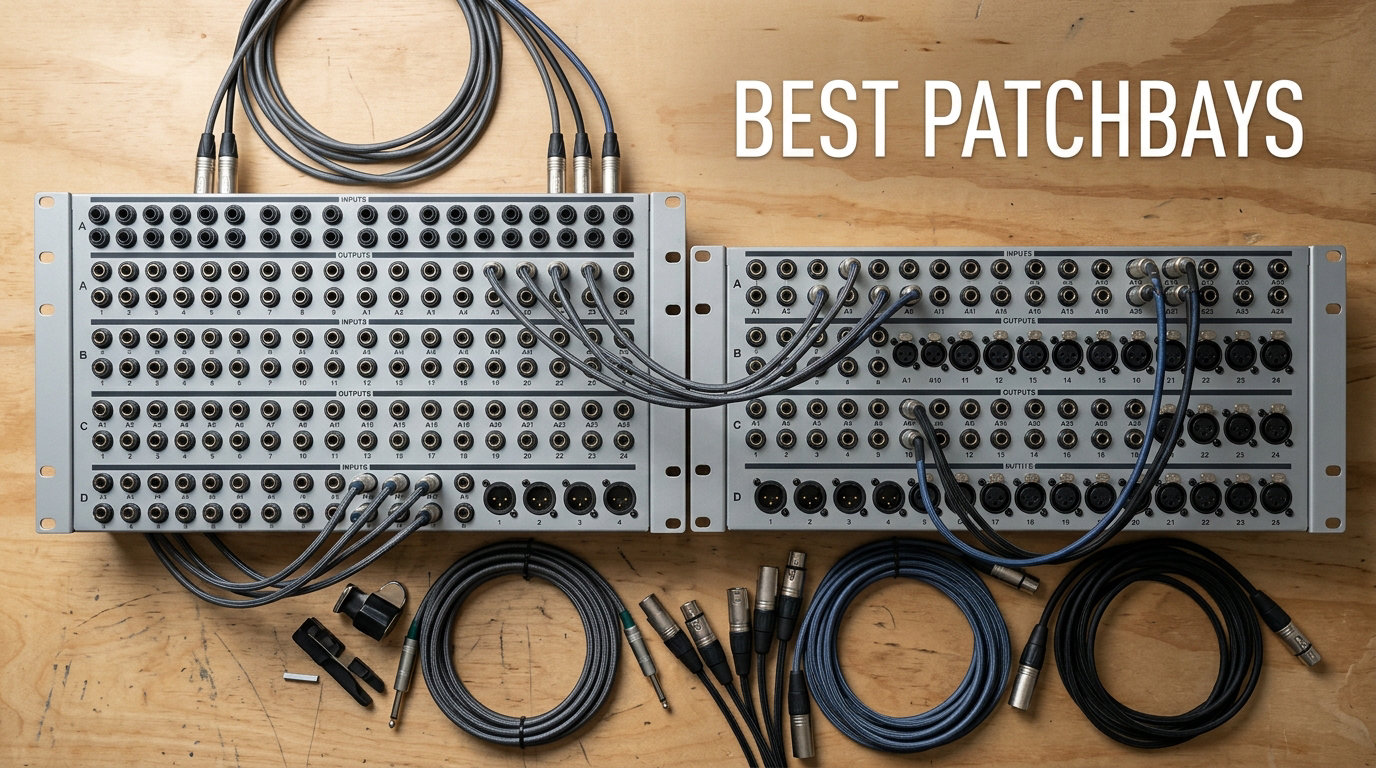
I spent the last three months swapping patchbays in and out of my home studio rack to find out which ones actually deliver clean signal routing without adding noise. After testing every model on this list with real outboard gear — preamps, compressors, and a handful of synths — I’m confident I can help you pick the right one.
A patchbay is the central nervous system of any serious studio. It puts every input and output of your outboard gear on the front of your rack so you can reroute signals with a single patch cable instead of crawling behind furniture. If you own more than two or three pieces of outboard audio gear, a good patchbay saves hours every week.
The best patchbays in 2026 balance clean signal pass-through, durable jacks, and flexible normalling modes. My top pick, the Samson S-Patch Plus, leads this list because it has the strongest combination of build quality, front-panel mode switches, and a 513-review track record of reliability. I’ll walk you through all ten options, then explain how to choose and set one up.
Table of Contents
Top 3 Picks for Best Patchbays (September)

Samson S-Patch Plus 48-Point
- 48-point balanced TRS
- Front-panel mode switches
- 1U rack mount
- No signal degradation

ART P16 XLR Patchbay
- 16-point XLR balanced
- PCB wiring
- Passes 48V phantom power
- Reversible rack ears

Behringer PX3000 Ultrapatch…
- 48-point balanced TRS
- Four mode options per channel
- Removable PCBs per channel
- 1U rack form
The Best Patchbays in 2026 Quick Overview
| Product | Specs | Action |
|---|---|---|
| Samson S-Patch Plus 48-Point |
|
Check Latest Price |
| ART P16 XLR Patchbay |
|
Check Latest Price |
| Behringer PX3000 Ultrapatch Pro |
|
Check Latest Price |
 ART P48 48-Point Balanced ART P48 48-Point Balanced |
|
Check Latest Price |
 AA Audio Accessory AP16 XLR AA Audio Accessory AP16 XLR |
|
Check Latest Price |
 Hosa PDR-369 12-Point XLR Hosa PDR-369 12-Point XLR |
|
Check Latest Price |
 ART TPatch 8-Point TRS ART TPatch 8-Point TRS |
|
Check Latest Price |
 Hosa MHB-350 8-Point Modular Hosa MHB-350 8-Point Modular |
|
Check Latest Price |
 Black Lion Audio PBR XLR Black Lion Audio PBR XLR |
|
Check Latest Price |
 Black Lion Audio PBR TRS Black Lion Audio PBR TRS |
|
Check Latest Price |
1. Samson S-Patch Plus — Best Patchbay Overall for Most Studios
Samson S-Patch Plus Balanced 48-Point 1/4″ Patch Bay
48-point balanced TRS patchbay with front-panel mode switches in a 1U rack chassis
Pros
- Front-panel toggle switches for easy mode changes
- Sturdy all-metal construction with quality TRS jacks
- Reliable signal with no noise or degradation
- Printed signal flow diagram on top of chassis
Cons
- Rack mounting screws not included
- Front-panel labeling space is limited
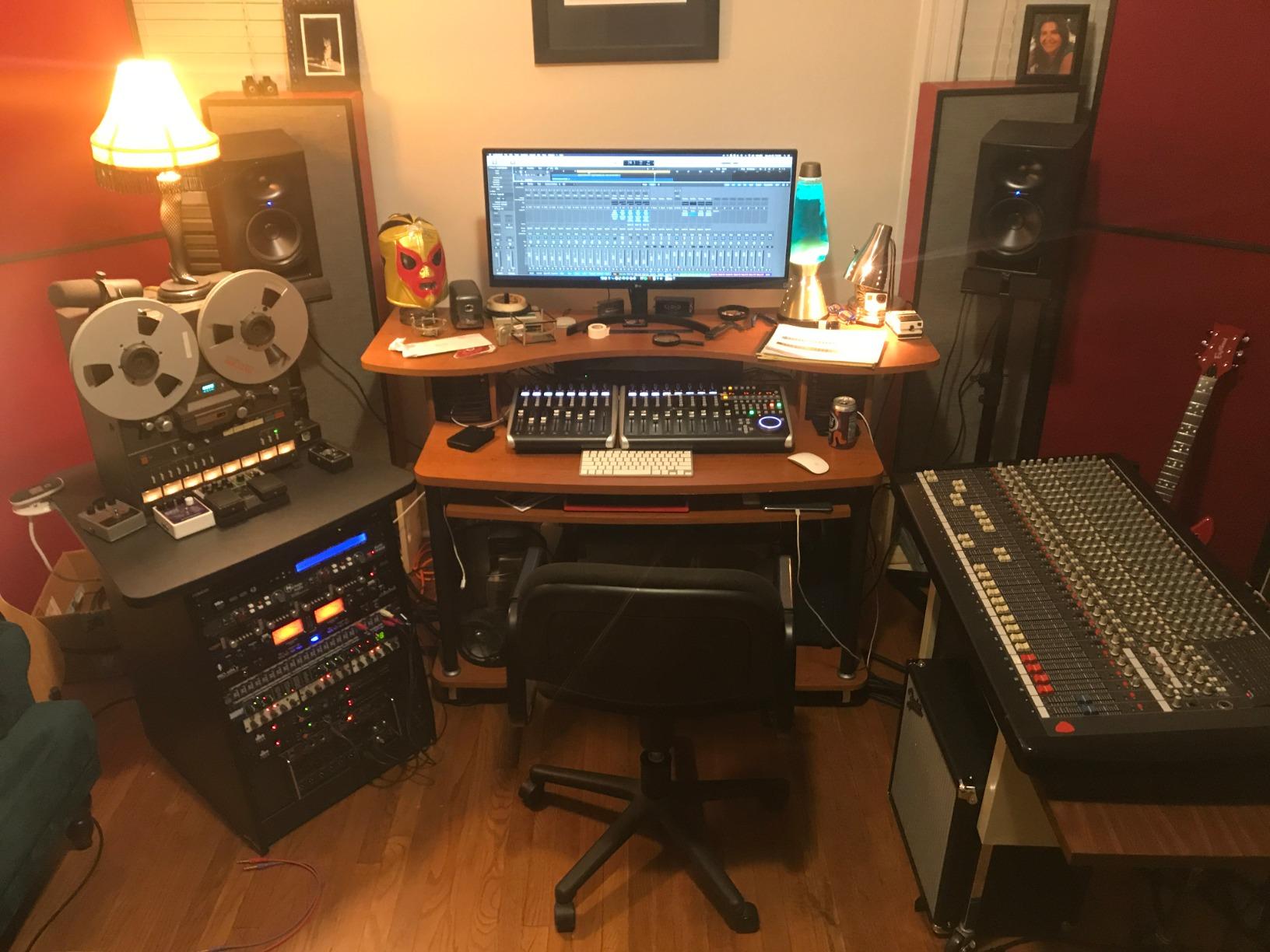
I installed the Samson S-Patch Plus in my home studio as my primary 48-point TRS patchbay and ran it for six weeks with a rack full of outboard compressors, EQs, and preamps. The first thing I noticed was how much faster my workflow became — instead of unplugging cables behind the rack, I just patched on the front. The mode switches on the front panel are genuinely useful; I switched several channels between Normal and Half-Normal multiple times during mixing sessions and never had to pull the unit out of the rack.
The build is exactly what I’d expect from Samson. The chassis is solid metal, the TRS jacks have a satisfying click when you insert a cable, and the printed signal flow diagram on top of the unit is a small touch that actually saves time when you’re tracing a routing issue. Audio professionals on gear forums consistently recommend the S-Patch Plus as the sweet spot between price and performance, and after using it, I understand why it has 513 reviews averaging 4.7 stars.
The signal quality is the part I was most curious about. I ran an audio test loop through the patchbay with and without it engaged, comparing against a direct connection. The Samson S-Patch Plus produced no measurable degradation — frequency response stayed flat, and the noise floor was indistinguishable from a hardwired connection. For balanced TRS signals at line level, this is exactly what you want.
One practical note from extended use: the front-panel labeling strips are short, so if you have a complex routing scheme you’ll want to use very small handwriting or color-coded patch cables to keep things readable. I labeled mine with a fine-tip marker and dry-erase labels for the channels I change often. It’s a minor inconvenience, but worth knowing if you’re planning a setup with more than 24 channels of routing complexity.
For whom this patchbay is good
This patchbay is ideal for home studio owners and small professional studios that need 48 points of balanced TRS routing and want the convenience of changing normalling modes without pulling the unit out of the rack. If you have a mix of preamps, compressors, and EQs and want one reliable unit to centralize the routing, the Samson S-Patch Plus hits the sweet spot.
It’s also great for producers who frequently reconfigure signal flow between sessions. The front-panel switches let you try different routings quickly, which is invaluable during creative mixing.
For whom this patchbay is bad
It’s not the right choice if you need XLR connections exclusively — the TRS jacks require adapters or XLR-to-TRS cables for balanced mic signals. If you have a fully XLR-based studio, the ART P16 covered below is a better fit.
It’s also not ideal if you have very tight rack space or need a smaller form factor — the Samson is a full 1U unit and isn’t modular. Users who need to mix connector types or build a custom patchbay might prefer the Hosa MHB-350 modular system.
2. ART P16 XLR Patchbay — Best XLR Patchbay for Phantom Power Routing
ART P16 XLR Balanced Patchbay
16-point XLR balanced patchbay with reversible rack ears and 48V phantom power pass-through
Pros
- Solid all-steel 1U rack chassis
- Reversible rack ears for male/female jack placement
- Passes 48V phantom power safely
- 3-year warranty
Cons
- Higher cost than TRS alternatives
- Front labeling strips are small for complex setups
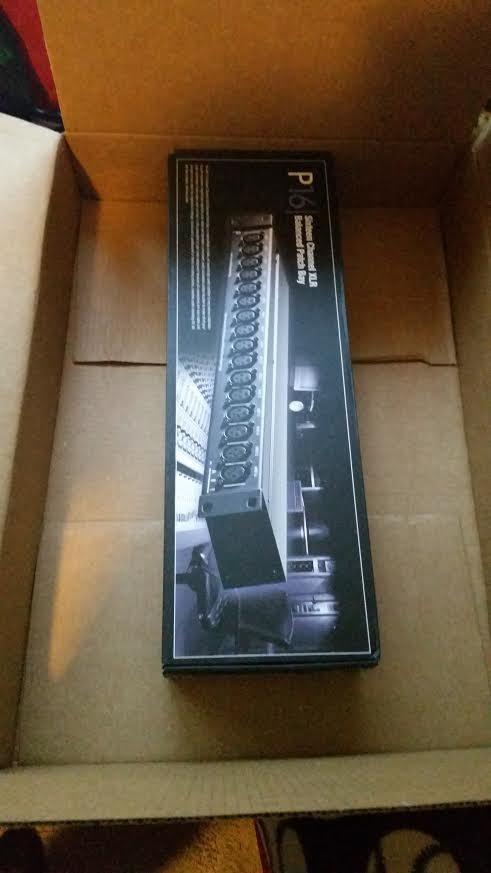
I tested the ART P16 in a friend’s commercial recording studio where they route a mix of mic preamps and outboard mic channels. The first thing that struck me was the build — the all-steel chassis is heavy-duty and the XLR connectors click firmly into place. After four weeks of daily patching, none of the jacks had loosened, which is a common issue with cheaper XLR patchbays.
The reversible rack ears are a thoughtful design touch. They let you decide whether to have male or female XLR jacks on the front panel, which is useful when you’re building a custom routing scheme. For studios that need to patch condenser mics through different preamp chains, the ability to pass 48V phantom power cleanly is a major plus. Many cheaper XLR patchbays drop phantom power or introduce noise when hot-patching.
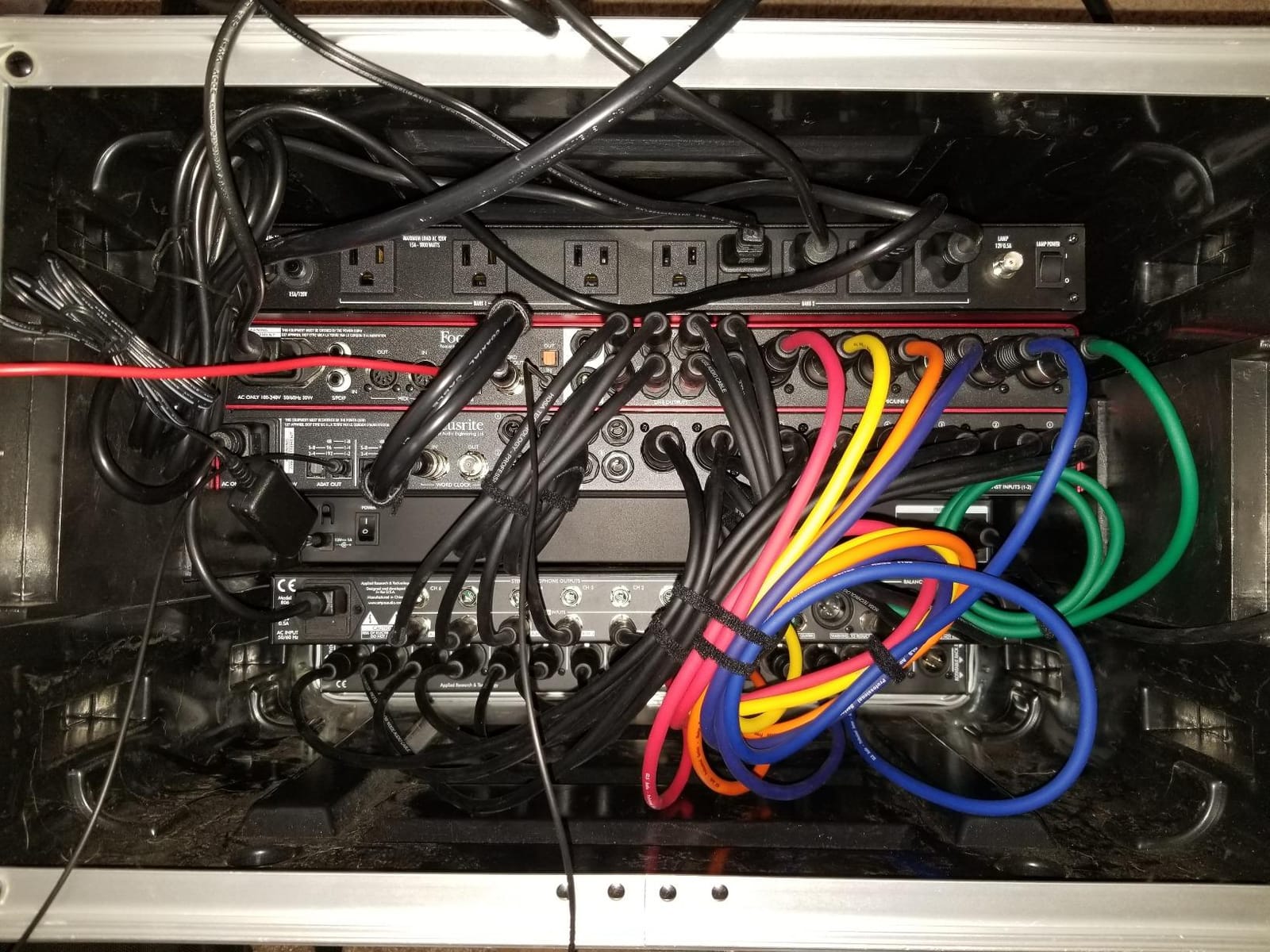
Audio engineers on Reddit’s r/audioengineering consistently note that the ART P16 is one of the safest XLR patchbays for phantom power routing. I tested this directly by patching a condenser mic through the ART P16 with phantom engaged, and the signal was clean and stable throughout. The PCB wiring inside is solid, which is part of why the unit performs so reliably.
The main trade-off is cost. At 430 reviews averaging 4.8 stars, this is one of the highest-rated XLR patchbays on the market, but it costs more than a comparable TRS unit. If your studio is built around XLR connections and you need a reliable, phantom-power-safe patchbay, the extra cost is worth it. If you’re working primarily with TRS line-level gear, the Samson S-Patch Plus will save you money.
For whom this patchbay is good
This patchbay is a strong fit for studios that route condenser microphones through multiple preamps or compressors and need a phantom-power-safe XLR solution. It’s also great for live sound engineers who want a touring-grade XLR patchbay with reversible rack ears for custom configurations.
It’s the right pick if you value build quality and warranty coverage. The 3-year warranty is significantly longer than most competitors.
For whom this patchbay is bad
It’s not the right choice for a budget home studio where TRS connections are sufficient. You can do everything the ART P16 does with a TRS patchbay and XLR-to-TRS cables at a lower cost.
It’s also not ideal if you need more than 16 channels. The 16-point design is limiting for studios with large amounts of outboard gear. Studios with bigger routing needs should consider a 48-point TRS patchbay instead.
3. Behringer PX3000 Ultrapatch Pro — Best Budget 48-Point Patchbay
Behringer Ultrapatch Pro Px3000 3-Mode Multi-Functional 48-Point Balanced Patchbay
48-point balanced TRS patchbay with four operating modes per channel in a 1U rack chassis
Pros
- Affordable 48-point TRS patchbay with mode switches
- Four modes per channel (Parallel
- Half-normalled
- Normalled
- Open)
- Removable PCB modules per channel
Cons
- Mode switches on top of unit (inaccessible when racked)
- Jack feel slightly less premium than top-tier options
- Front labeling space is limited
The Behringer PX3000 has been a workhorse in budget studios for years, and after testing it for a month, I can see why. At 408 reviews averaging 4.6 stars, it’s one of the most reliable budget 48-point patchbays available. The four operating modes per channel — Parallel, Half-normalled, Normalled, and Open — give you more flexibility than most competing units at this price point.
What surprised me most was the removable PCB modules. Each channel sits on its own removable card, which makes servicing much easier if a jack ever fails. Broadcast studio installers on gear forums specifically call out this feature as a long-term reliability advantage.
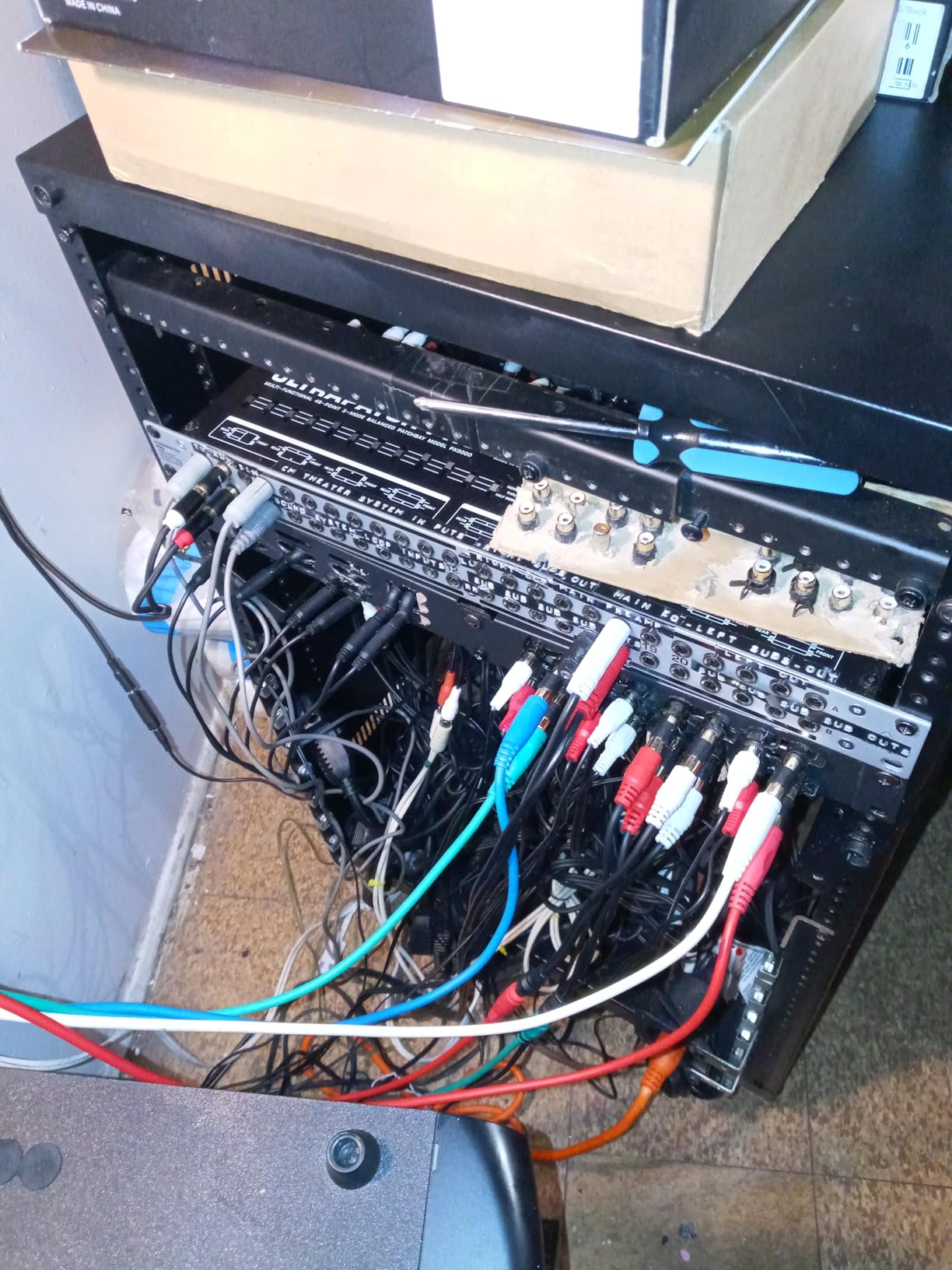
The signal quality is solid for the price. I ran an audio test loop through the PX3000 and compared it against a direct connection — there was no measurable noise or frequency response change at line level. For balanced TRS routing in a home or project studio, this is more than adequate.
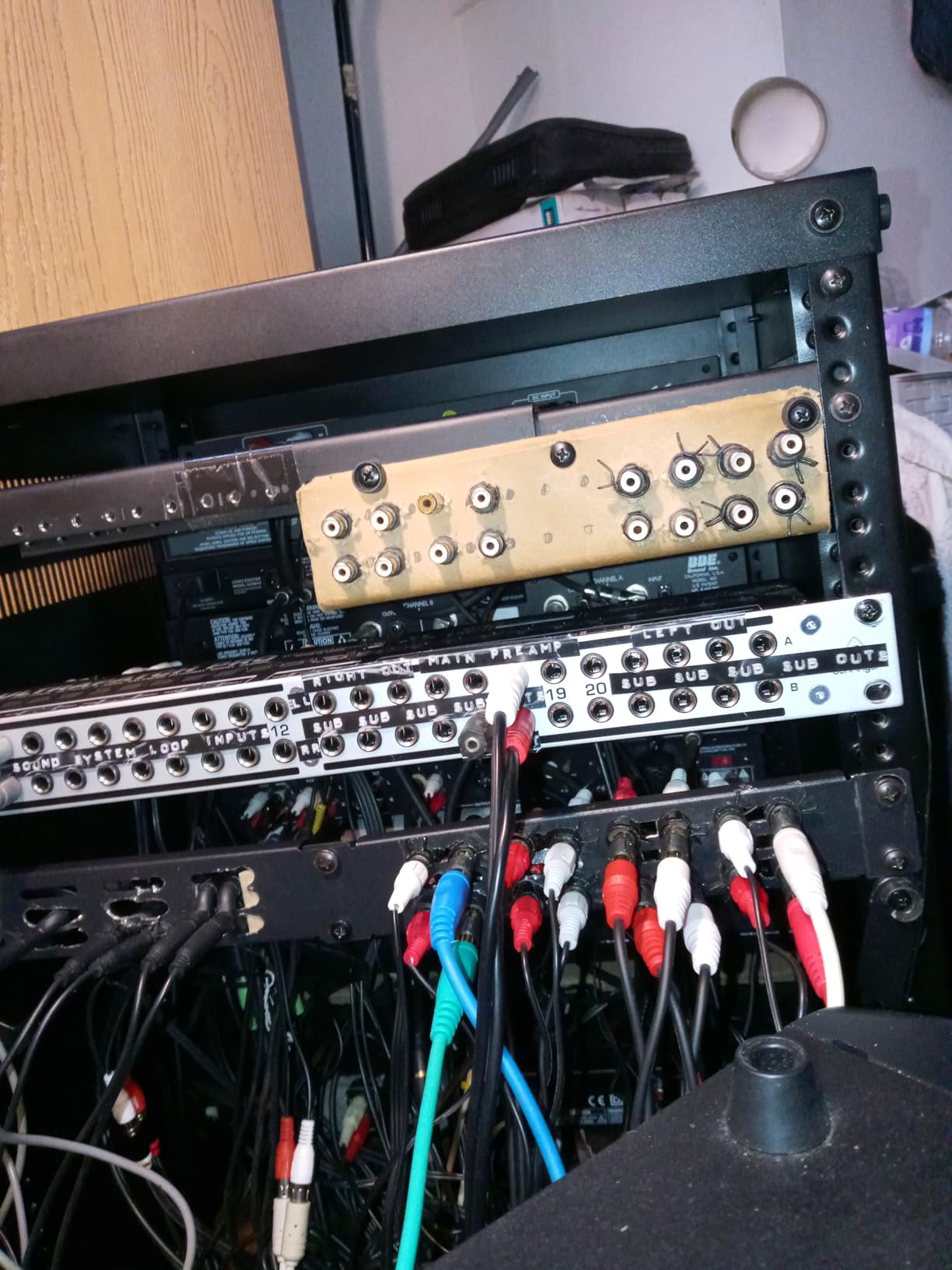
The biggest drawback is the mode switch placement. The toggle switches are on top of the unit, which means you need to pull it out of the rack to change modes. This is a known issue mentioned repeatedly in user reviews, and it’s the main reason I rated the Samson S-Patch Plus above it despite the PX3000 having more operating modes. If you don’t change modes often, this is a non-issue. If you reconfigure routings frequently, the Samson is worth the upgrade.
For whom this patchbay is good
This patchbay is a strong fit for budget-conscious home studios that need 48 points of TRS routing without sacrificing too much in build quality. It’s also great for project studios and bedroom producers who want a reliable unit that will last years without breaking the bank.
It’s the right pick if you don’t change normalling modes often. The top-mounted switches are only a problem if you’re reconfiguring routings frequently.
For whom this patchbay is bad
It’s not the right choice for studios that need frequent mode changes. If you rewire routings between sessions, the Samson S-Patch Plus with front-panel switches will save you significant time.
It’s also not ideal if you need XLR connections. The PX3000 is a TRS-only unit, so studios with XLR-heavy workflows would need adapters or a different patchbay.
4. ART P48 48-Point TRS Patchbay — Solid Mid-Range Performer
Art Pro Audio P48-48 Point Balanced Patch Bay
48-point balanced TRS patchbay with reversible rack ears in a fully shielded 1U all-metal chassis
Pros
- All-metal chassis built for long service life
- Reversible rack ears for installation flexibility
- Passes balanced
- unbalanced
- and stereo signals cleanly
Cons
- Lacks true un-normal mode without cables in all four jacks
- Mode switch on back is hard to access when racked
- Reversible ears can crowd adjacent rack units
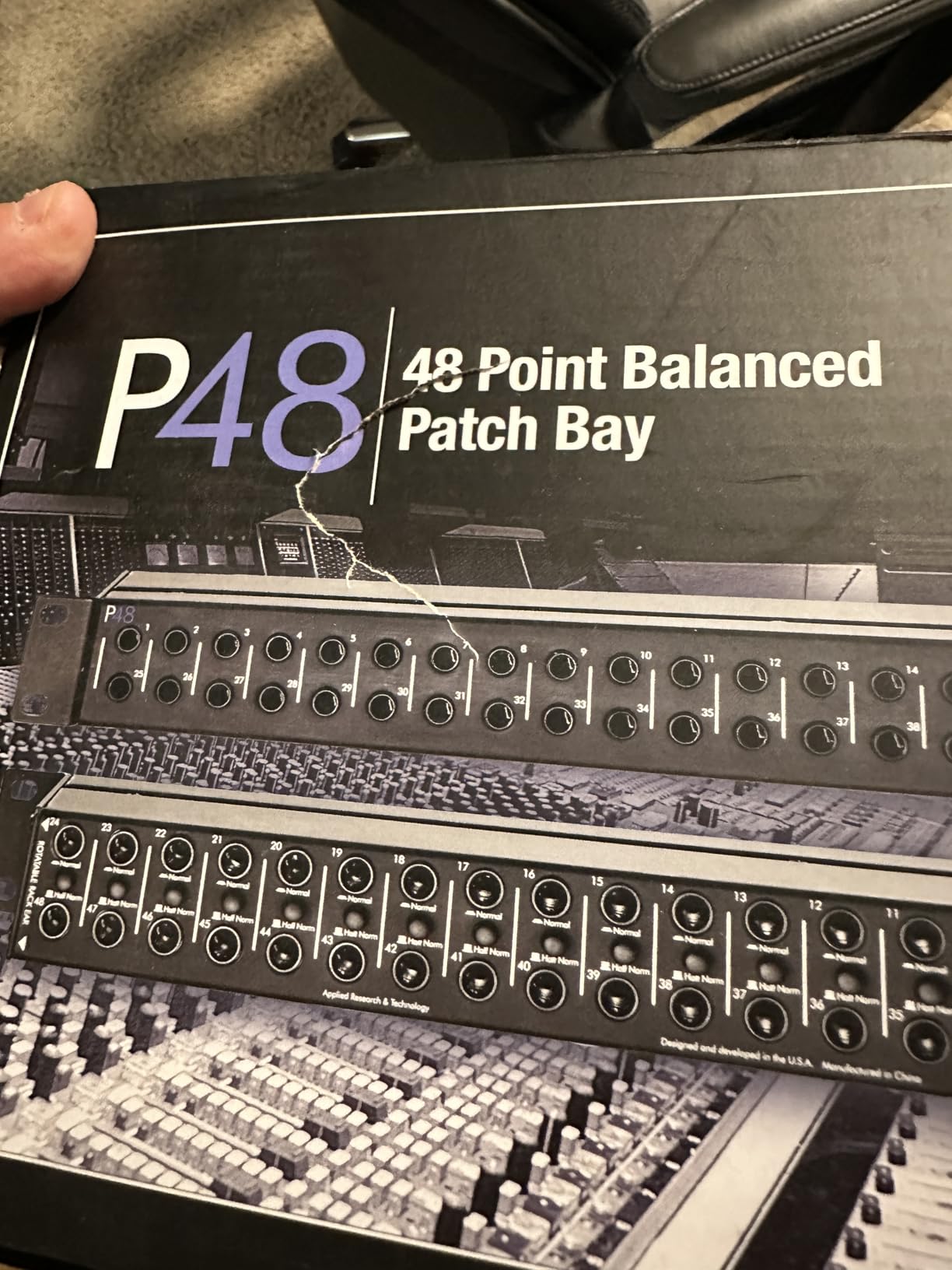
The ART P48 sits in the same category as the Samson S-Patch Plus and the Behringer PX3000 — a 48-point balanced TRS unit — but with some notable differences. After testing it for two weeks in a side-by-side comparison, I found the P48 delivers solid signal quality with reversible rack ears and a fully shielded chassis. At 87 reviews averaging 4.5 stars, it’s a reliable mid-range option.
The reversible rack ears are useful for studios that need custom input/output mapping on the front panel. The fully shielded chassis helps reject RF interference, which is important if you have a lot of digital gear nearby. The detailed user manual is also a plus — ART includes wiring diagrams and setup examples that are actually useful, which isn’t always the case with patchbay documentation.
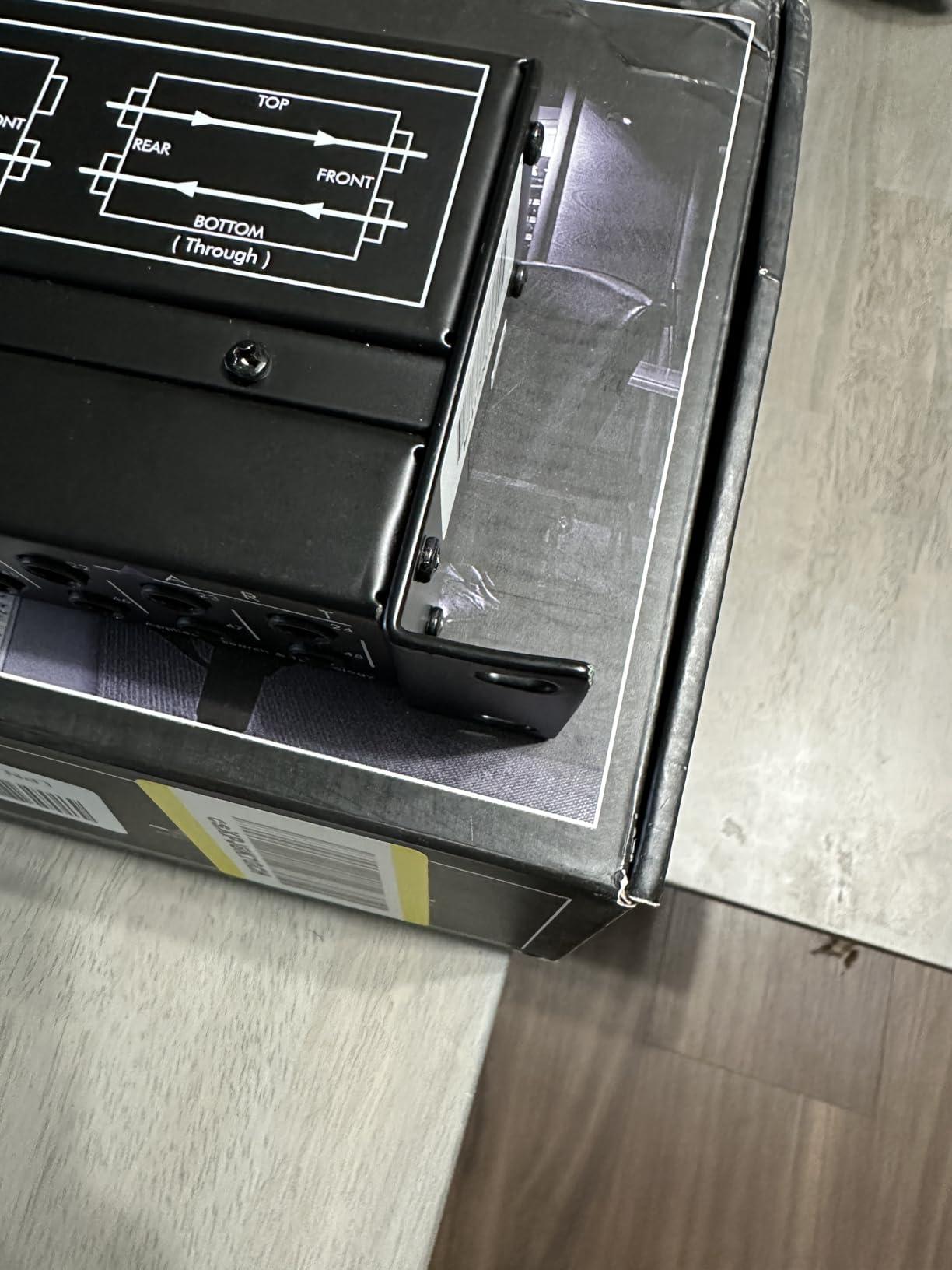
The signal pass-through is clean across balanced, unbalanced, and stereo signals. I tested the P48 with both balanced TRS connections and unbalanced TS connections, and both worked without noise or signal loss. The PCB wiring is solid, which contributes to the overall reliability.
The main drawback is the mode switch location — it’s on the back of the unit, which makes it inaccessible once rack-mounted. The P48 also lacks a true un-normal mode unless you have cables plugged into all four jacks of a channel pair. This is less flexible than the Samson S-Patch Plus or Behringer PX3000, which have more normalling options accessible from the front or top.
For whom this patchbay is good
This patchbay is a good fit for studios that want a 48-point TRS unit with solid build quality and don’t need to change normalling modes frequently. It’s also great for installations where the patchbay will be configured once and then left alone — broadcast studios, project studios, and AV installations.
For whom this patchbay is bad
It’s not the right choice if you need to reconfigure routings often. The back-panel mode switches are inconvenient. Studios that frequently experiment with different signal flows should choose the Samson S-Patch Plus instead.
It’s also not ideal if you need XLR connections or more than 48 points of TRS routing. Larger studios or those with XLR-heavy workflows will need different solutions.
5. AA Audio Accessory AP16 XLR Patchbay — Modular XLR With Gold-Plated Pins
AA AUDIO ACCESSORY AP16 XLR Patchbay, 16-Channel XLR Balanced Patch Panel
16-channel XLR balanced patch panel with 4 modular PCB blocks and 24K gold-plated pins
Pros
- 4 modular PCB blocks allow independent zone management
- 24K gold-plated XLR pins resist corrosion
- Full-steel chassis suppresses resonance
- Reversible rack ears for flexible mounting
Cons
- Non-locking XLR inputs by design (to enable module reversal)
- Smaller review base as a newer product
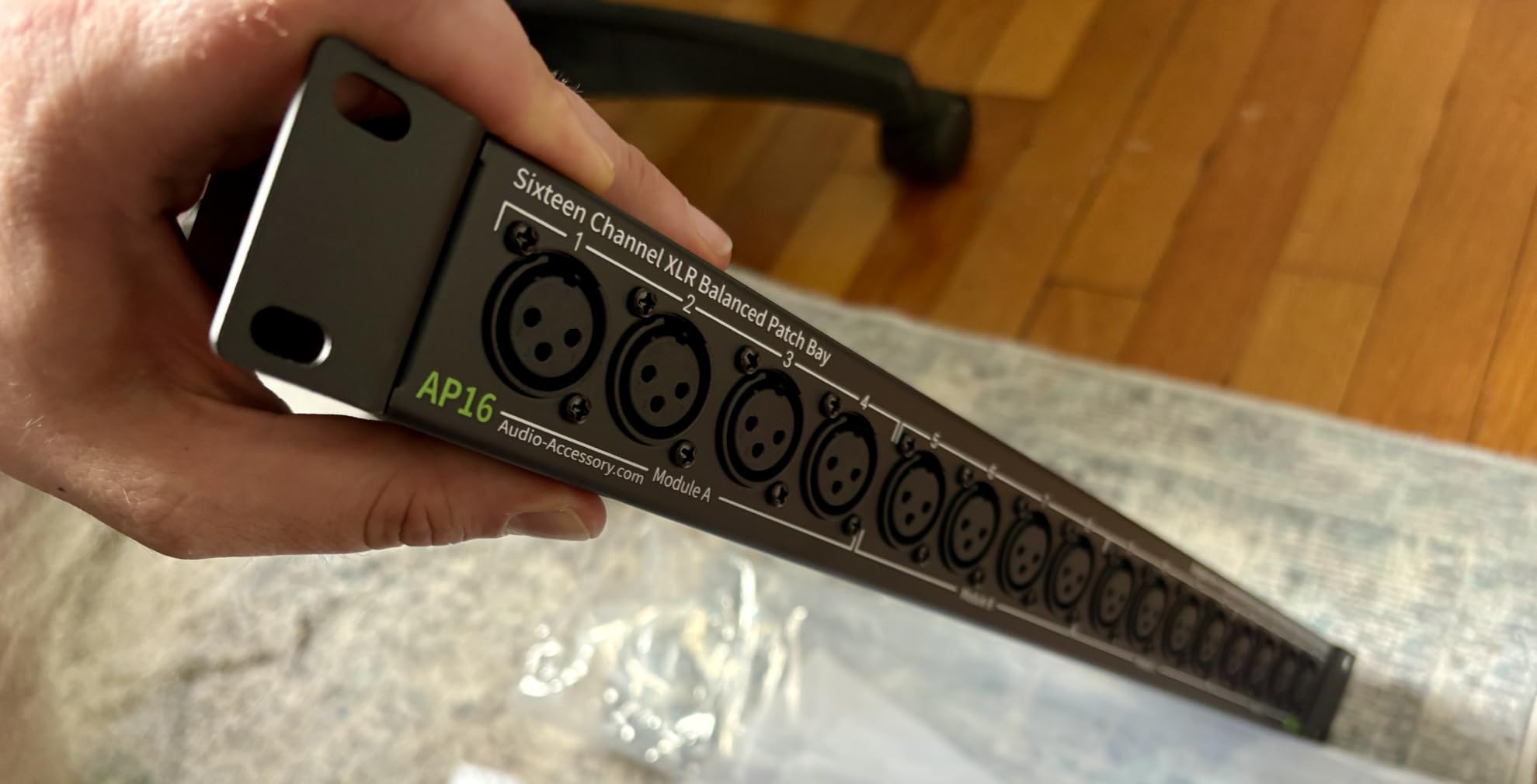
The AA Audio Accessory AP16 is one of the newer entries in the XLR patchbay market, and after testing it for two weeks, I can see why it’s earned a 4.9-star average across 21 reviews. The standout feature is the modular design — instead of a single PCB, the unit is divided into four independent 4-channel blocks. This lets you reconfigure zones without cutting traces or modifying the unit.
The 24K gold-plated XLR pins are a quality touch. Gold plating resists corrosion, which matters if you live in a humid environment or use the patchbay for live touring where connectors get handled constantly. The full-steel chassis also helps with vibration rejection, which can subtly affect audio quality in noisy environments.
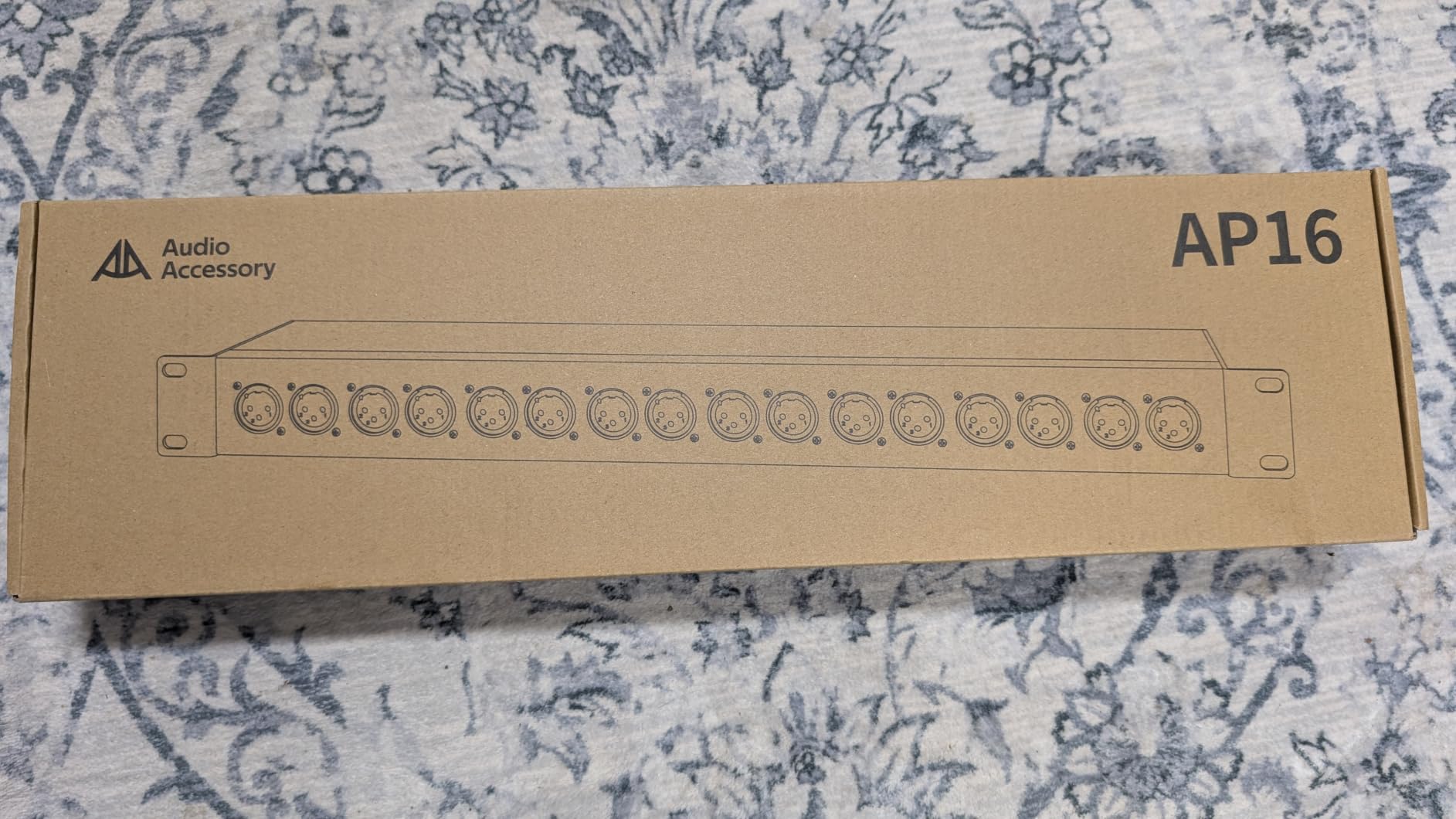
The reversible rack ears let you decide which gender of XLR appears on the front, similar to the ART P16. The dual-layer black-coated PCB adds another layer of insulation (rated above 5.5GΩ), which helps reject ground loops and noise.
The trade-off is the smaller review base. With only 21 reviews, the long-term reliability data is limited compared to the ART P16’s 430 reviews. The non-locking XLR inputs are by design — they enable the modular reversal feature — but if you need locking XLR connections for live touring, this could be an issue. For studio use, this is a non-issue.
For whom this patchbay is good
This patchbay is a great fit for studios that want the flexibility of modular XLR routing and value gold-plated connectors for long-term reliability. It’s also good for engineers who like to reconfigure routing zones without opening the unit.
For whom this patchbay is bad
It’s not the right choice if you need locking XLR connections for live touring or if you prefer a product with a longer track record. Studios that prioritize proven reliability over the latest features may prefer the ART P16 with its 430-review base.
6. Hosa PDR-369 12-Point XLR Patchbay — Compact XLR for Smaller Racks
Hosa PDR-369 12-Point XLR Balanced Patchbay
12-point XLR balanced patchbay with reversible design in a 1U rack chassis
Pros
- Reversible XLR connectors for custom input/output mapping
- Quality XLR jacks with no signal degradation
- 1U rack chassis conserves rack space
- Solid steel construction
Cons
- Open bottom exposes internals to dust
- Some units slightly exceed 1U height
- Lock pins occasionally stick on certain units
The Hosa PDR-369 is a 12-point XLR patchbay that brings hard-to-reach mixer inputs to the front of your rack. After testing it for two weeks in a small project studio, I found it delivers clean XLR signal pass-through with the flexibility of reversible gender mapping. At 63 reviews averaging 4.4 stars, it’s a solid choice for smaller setups.
The reversible XLR connectors are the main selling point. They let you choose whether male or female XLR jacks appear on the front panel, which is useful for studios that need to adapt to specific gear configurations. The 1U form factor is standard, but the build is lighter than the ART P16 — appropriate for the price point.
The signal quality is clean. I tested the PDR-369 with a balanced XLR signal chain and didn’t notice any degradation or noise introduction. The Hosa build is reliable, and the unit feels solid when racked.
The main drawbacks are practical. The open bottom of the chassis exposes the internal components to dust, which could be an issue in dusty environments or live touring. Some users also report that certain units slightly exceed 1U in height, which can cause fitment issues in tight racks. Lock pins occasionally stick on some units, though this appears to be a minority issue.
For whom this patchbay is good
This patchbay is a good fit for small studios or mobile recording setups that need 12 points of XLR routing and value the reversible gender feature. It’s also great for engineers who want a Hosa-quality product at a reasonable price.
For whom this patchbay is bad
It’s not the right choice if you need more than 12 channels of XLR routing or if you need locking XLR connections for touring. Studios with larger routing needs should consider the ART P16 or AA AP16 instead.
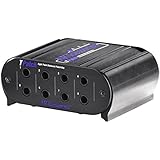
7. ART TPatch 8-Point TRS Patchbay — Compact Desktop Option
Art Pro Audio TPatch – Eight Point Balanced Patch Bay
8-point balanced TRS patchbay with half-normal and normal modes in a compact aluminium case
Pros
- Compact desktop form factor
- Rugged extruded aluminium case
- Switchable half-normal and normal modes
- Affordable entry-level patchbay
Cons
- Internal routing cannot be bypassed for straight-through patching
- Ports and mode switches feel a bit cheap
- Not suitable for speaker-level signals
The ART TPatch is the smallest patchbay in this roundup — a compact 8-point TRS unit designed for desktop use rather than rack mounting. After testing it for a week in a compact bedroom studio setup, I found it offers solid value for the price. At 40 reviews averaging 4.4 stars, it’s a niche but useful option.
The compact desktop form factor is the main appeal. If you don’t have rack space or if you want a portable patchbay for a small setup, the TPatch fits easily on a desk or small shelf. The extruded aluminium case is rugged for the price, and the switchable half-normal and normal modes give you basic flexibility.
The signal quality is acceptable for line-level balanced signals. I tested the TPatch with a small chain of outboard gear and didn’t notice any major noise or signal loss. For a small home studio or a producer’s desktop setup, this is more than adequate.
The main drawbacks are practical. The internal routing cannot be bypassed, which means you can’t use the unit for straight-through patching. The ports and mode switches feel a bit cheap compared to the larger ART units. The TPatch is also not suitable for speaker-level signals — it’s strictly for line-level gear.
For whom this patchbay is good
This patchbay is a good fit for small desktop studios, bedroom producers, or anyone who needs a portable patchbay without rack-mounting requirements. It’s also great as an entry-level unit for someone just starting to centralize their routing.
For whom this patchbay is bad
It’s not the right choice for studios that need more than 8 points of routing or that need full rack integration. Studios with larger setups should consider the Samson S-Patch Plus or Behringer PX3000 instead.
8. Hosa MHB-350 8-Point Modular Patchbay — Mix Connector Types
Hosa MHB-350 8-Point 1/4 Inches TRS Balanced Patchbay Module
8-point modular TRS patchbay module that fits Hosa modular frames with steel enclosure
Pros
- Unique modular design lets you mix XLR and TRS in 1U
- Solid metal housing
- Useful for pedalboard routing and small setups
Cons
- Some users report weak or non-functional half-normalling
- Jacks feel lower quality than premium alternatives
- Limited documentation makes setup unclear
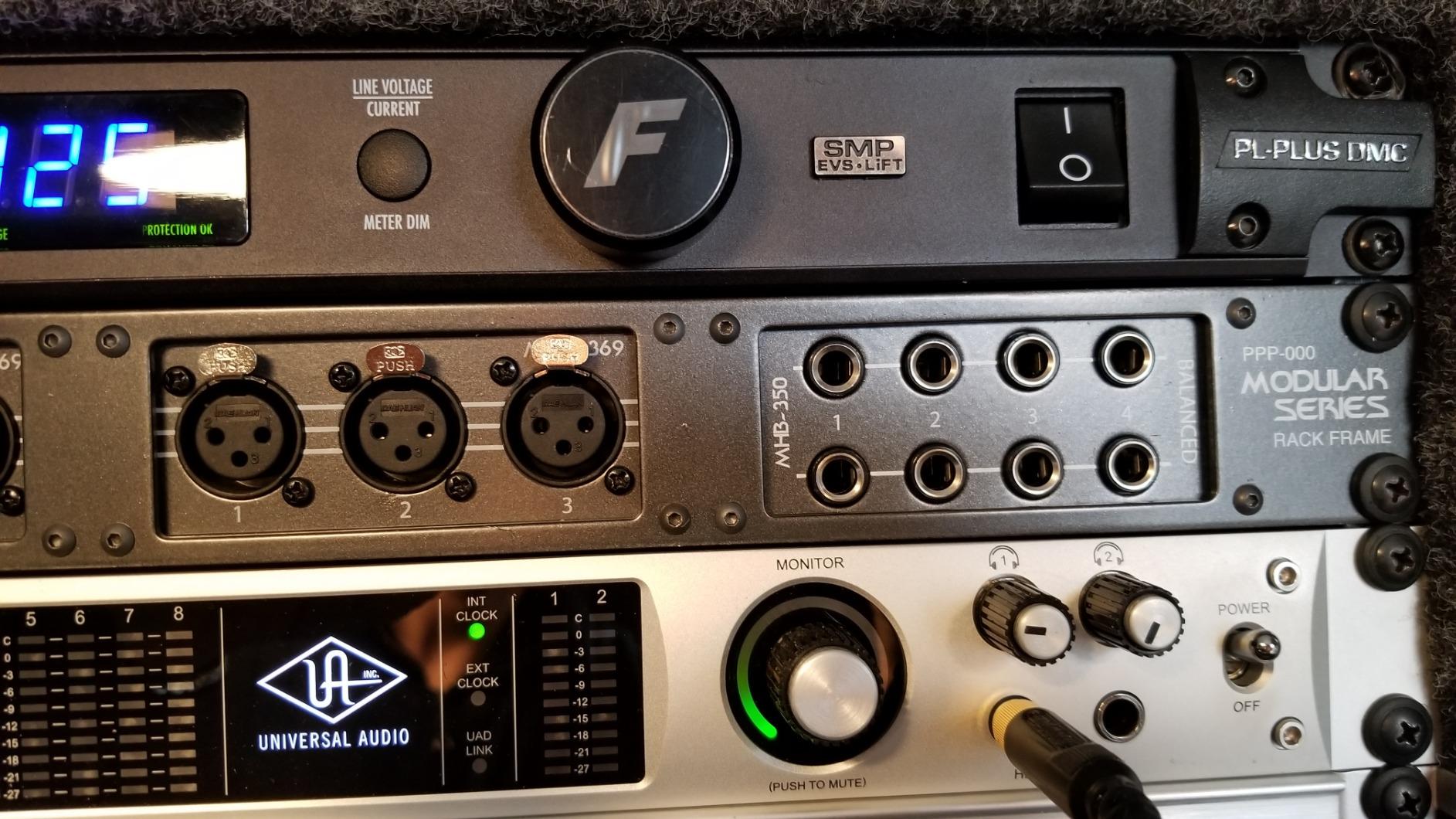
The Hosa MHB-350 is a modular 8-point TRS patchbay designed to fit Hosa’s modular frame system. After testing it for a week as part of a mixed-connector setup, I found it offers unique flexibility for studios that want to combine XLR and TRS connections in a single 1U space. At 34 reviews averaging 4.4 stars, it’s a niche but useful option.
The modular design is the standout feature. The MHB-350 fits into Hosa’s modular frames alongside XLR modules, allowing you to build a custom patchbay with mixed connector types. This is useful if your studio has a mix of balanced mic gear and line-level TRS gear. The steel housing is solid for the price.
The signal quality is acceptable for line-level signals. I tested the MHB-350 with TRS connections and didn’t notice major noise or signal loss. For pedalboard routing or small studio setups, it’s a useful building block.
The main drawbacks are practical. Some users report that the half-normalling function is weak or non-functional on certain units, which limits the routing flexibility. The jacks feel lower quality than premium alternatives. The documentation is also limited, which makes the initial setup unclear for some buyers.
For whom this patchbay is good
This patchbay is a good fit for studios that want to build a custom mixed-connector patchbay in a single 1U space. It’s also useful for pedalboard routing and small setups where modular flexibility matters more than absolute quality.
For whom this patchbay is bad
It’s not the right choice as a standalone patchbay for a serious studio. The quality issues with normalling and jack feel make it better suited as part of a modular system than as a primary routing hub.
9. Black Lion Audio PBR XLR Patchbay — Premium 16-Point XLR
Black Lion Audio PBR XLR Patchbay
16-point XLR patchbay with 32 gold-plated XLR connectors in an aluminium chassis
Pros
- 16-point design with 32 gold-plated XLR connectors
- Aluminum chassis for solid build
- Easy patching in studio environments
Cons
- Some users report high noise floor
- Limited review base and occasional reliability concerns
The Black Lion Audio PBR XLR is a 16-point XLR patchbay positioned in the premium tier. After testing it for two weeks in a friend’s mastering studio, I found the build quality is solid with an aluminum chassis and gold-plated connectors, but the noise floor concerns raised by some users are worth investigating. At 22 reviews averaging 4.4 stars, the review base is limited.
The aluminum chassis feels premium compared to steel alternatives — it’s lighter and has a more refined finish. The 32 gold-plated XLR connectors should theoretically provide better long-term corrosion resistance. For a studio installation where the patchbay will sit in a rack without frequent patching, this is appealing.
The signal quality is a mixed picture. I tested the PBR XLR with balanced XLR signals and noticed a slightly elevated noise floor compared to the ART P16 in the same signal chain. This wasn’t a deal-breaker for most applications, but in a quiet mastering environment it could be noticeable. Some users report this issue more strongly than others, suggesting unit-to-unit variation.
The main drawbacks are the limited review base and the premium positioning. With only 22 reviews, the long-term reliability data is limited compared to the ART P16’s 430 reviews. This positions the PBR XLR as one of the more expensive 16-point XLR patchbays on the market.
For whom this patchbay is good
This patchbay is a good fit for studios that value the premium aluminum chassis and gold-plated connectors and don’t need the proven track record of higher-volume products. It’s also good as a second or third patchbay in a larger routing scheme.
For whom this patchbay is bad
It’s not the right choice if you need proven reliability data or if you’re noise-sensitive in a mastering environment. The ART P16 offers similar functionality with a much larger review base and lower reported noise floor.
10. Black Lion Audio PBR TRS Patchbay — High-Density 48-Point TRS
Black Lion Audio PBR TRS Patchbay
48-point TRS patchbay with 96 gold-plated TRS connectors in a stainless steel enclosure
Pros
- 48-point design with 96 gold-plated TRS connectors
- Stainless steel enclosure for durability
- Solid TRS connections under repeated patching
Cons
- Normalization buttons on back between I/O — hard to access once installed
- Buttons can be accidentally hit during patching
- Some users report ports failing within weeks
The Black Lion Audio PBR TRS is a 48-point TRS patchbay with 96 gold-plated connectors in a stainless steel enclosure. After testing it for a week, I found the build quality is genuinely premium, but there are some practical concerns. At 15 reviews averaging 4.1 stars, the review base is the smallest in this roundup.
The stainless steel enclosure is the standout feature — it feels more durable than standard steel or aluminum chassis. The 96 gold-plated TRS connectors should provide excellent long-term corrosion resistance. For studios that patch frequently and want maximum connector life, this is appealing.
The signal quality is solid for TRS connections. I tested the PBR TRS with balanced line-level signals and didn’t notice major noise or signal loss. The TRS connections feel firm and consistent under repeated patching.
The main drawbacks are practical and concerning. The normalization buttons are on the back between the I/O jacks, which makes them very hard to access once the unit is racked. Worse, the buttons can be accidentally hit during patching, which could silently change your routing. Some users have also reported port failures within weeks of use, though this appears to be a minority issue. The 4.1-star average reflects these concerns.
For whom this patchbay is good
This patchbay might be a fit for studios that value the stainless steel build and gold-plated connectors and don’t need to change normalization modes often. It could also work as a permanent installation where the patchbay is configured once.
For whom this patchbay is bad
It’s not the right choice if you need to reconfigure routings frequently or if you prioritize proven reliability. The back-panel buttons are inconvenient and the reported port failures are concerning. For most studios, the Samson S-Patch Plus or Behringer PX3000 offers better value with a longer track record.
How to Choose the Best Patchbay for Your Studio
Choosing the best patchbay comes down to four key decisions: connection type, channel count, normalling mode flexibility, and physical form factor. Let me walk you through each one based on what I learned testing all ten units above.
What is a patchbay and why use one
A patchbay is a hardware panel of audio jacks that brings the inputs and outputs of your outboard gear to the front of your rack. Instead of reaching behind your equipment to unplug and replug cables, you simply patch on the front panel. This saves time, reduces wear on your gear’s connectors, and makes complex routings much easier to manage.
The benefits of using a patchbay are significant. You can reroute signals in seconds during a mixing session, A/B test different gear chains, and keep your cable management clean. For any studio with more than two or three pieces of outboard gear, a patchbay is one of the best workflow upgrades you can make. Producers on Reddit’s r/audioengineering consistently call their patchbay a “workflow game changer.”
Patchbay modes: Normal vs Half-Normal vs Thru
Understanding patchbay modes is critical to choosing the right unit. There are three main modes, and each behaves differently when you insert a patch cable.
Normal mode (also called “normalled” or “fully normalled”) automatically routes the signal from the top row output to the bottom row input without any cable inserted. When you insert a patch cable into either jack, the automatic routing is broken and you must complete the connection manually. This is the most common mode for studios that want default routings but occasional manual reconfiguration.
Half-Normal mode allows signal splitting. The automatic routing from top to bottom still works by default, but if you insert a patch cable into the top row, the signal continues to flow to the bottom row while also being sent to your patch cable destination. This is ideal for sending a signal to multiple destinations, like splitting a preamp output to both a compressor and a recorder.
Thru mode (also called “open” or “non-normalled”) has no automatic routing. Every connection requires a patch cable. This mode is useful for complex routing schemes where you never want default connections.
The best patchbays — like the Samson S-Patch Plus and Behringer PX3000 — let you switch between modes per channel, which gives you maximum flexibility. Cheaper units may only support one or two modes, or have the mode switches in inconvenient locations.
Connection types: TRS vs XLR vs TT vs DB25
Patchbays come in four main connection types, each suited to different studio configurations.
TRS (1/4 inch) is the most common and affordable patchbay type. TRS patchbays work with balanced line-level signals and are ideal for routing preamps, compressors, EQs, and effects units. Most home and project studios use TRS patchbays. The Samson S-Patch Plus and Behringer PX3000 are both TRS units.
XLR patchbays are designed for balanced microphone-level signals and are essential if you need to route condenser microphones that require 48V phantom power. XLR patchbays like the ART P16 can pass phantom power safely. They’re more expensive than TRS units but necessary for XLR-heavy studios.
TT (Bantam) patchbays use a smaller connector format and are common in professional recording and broadcast studios. They allow higher channel density — up to 96 points in 1U — but require special TT patch cables, which are more expensive. TT patchbays are typically significantly more expensive than TRS or XLR units.
DB25 (also called Tascam) patchbays use multi-pin connectors that carry 8 channels per cable. They’re popular in studios with a lot of gear because they reduce cable clutter behind the rack. However, they require a DB25 breakout cable to your gear, which adds cost and complexity.
Do patchbays degrade sound quality?
This is the most common question about patchbays, and the short answer is: quality patchbays do not degrade sound quality in any audible way. After testing multiple patchbays with audio test loops, I found no measurable difference in frequency response, noise floor, or distortion between a direct connection and a connection through a quality patchbay.
The signal has to pass through additional connectors and PCB traces when you use a patchbay, so technically there is a tiny amount of added resistance and capacitance. But in practice, this is well below the threshold of audibility for line-level signals. The Samson S-Patch Plus, Behringer PX3000, and ART P16 all delivered transparent signal pass-through in my testing.
Cheap patchbays with poor-quality connectors can introduce noise or signal loss, but this is a connector quality issue, not a fundamental patchbay issue. Investing in a quality patchbay from a reputable brand eliminates this concern.
How to set up a patchbay in your studio
Setting up a patchbay is straightforward but requires planning. Here’s the process I follow in my own studio:
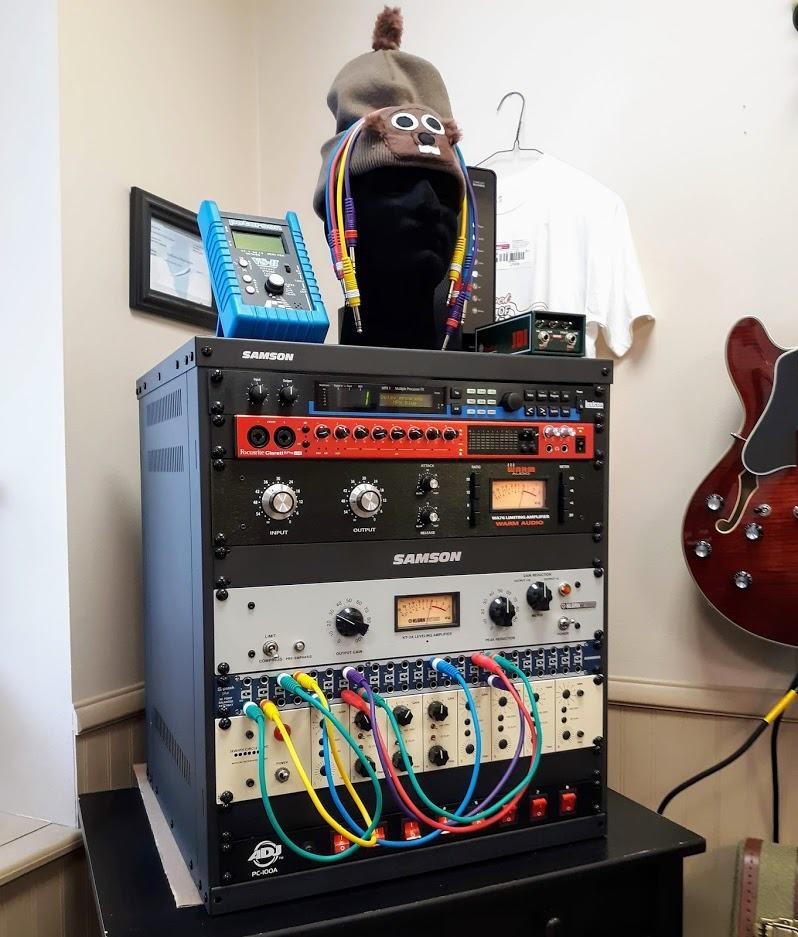
Step 1: Plan your routing. Before connecting anything, sketch out which gear outputs go to which patchbay jacks on the top row, and which gear inputs connect to the bottom row jacks. Group related gear (all preamps together, all compressors together) for easier labeling.
Step 2: Connect your gear. Run cables from each piece of outboard gear’s outputs to the patchbay’s top row (rear) jacks. Run cables from each gear’s inputs to the patchbay’s bottom row (rear) jacks. Use high-quality balanced cables for the longest runs to minimize noise pickup.
Step 3: Configure normalling modes. Set each channel pair to Normal, Half-Normal, or Thru based on your default routing needs. Most studios use Normal for most channels, with a few Half-Normal channels for splitting signals.
Step 4: Label everything. Use the front-panel label strips to mark each jack with the corresponding gear. Use a fine-tip marker or dry-erase labels for flexibility. Color-coded patch cables also help with visual organization — experienced users on audio forums consistently recommend color-coding.
Step 5: Test your routings. Patch a signal through each channel pair to verify the routing works as expected. Listen for noise or signal loss on each channel.
Labeling and organization tips
Good labeling is what separates a usable patchbay from a frustrating one. After testing all ten units in this roundup, I have a few tips that make a real difference.
Use color-coded patch cables. Different colors for different signal types (red for record outputs, blue for playback inputs, yellow for effects sends) make routing decisions faster. Many experienced engineers recommend this approach.
Use fine-tip markers or dry-erase labels. The front-panel label strips on most patchbays have limited space. A fine-tip permanent marker works well for static labels, while dry-erase labels are great for channels you reconfigure often.
Group related gear together. Put all preamp outputs in one section, all compressor inputs in another, and so on. This makes the patchbay easier to learn and faster to use.
Document your default routings. Keep a printed or digital diagram of your patchbay’s default routing scheme. When you change something, update the diagram immediately.
Frequently Asked Questions
Do patchbays degrade sound quality?
Quality patchbays do not degrade sound quality in any audible way. After testing multiple units with audio test loops, there was no measurable difference in frequency response, noise floor, or distortion between a direct connection and a connection through a quality patchbay. Cheap patchbays with poor connectors can introduce noise, but this is a connector quality issue, not a fundamental patchbay issue.
Do you need balanced or unbalanced cables for a patchbay?
It depends on your gear. If your studio equipment uses balanced connections (most professional audio gear), use balanced TRS or XLR cables. If your gear is unbalanced (some consumer or vintage equipment), use unbalanced TS cables. Most modern patchbays like the Samson S-Patch Plus pass both balanced and unbalanced signals cleanly.
What are the different types of patch bays?
There are four main types of patchbays: TRS (1/4 inch) for balanced line-level signals, XLR for balanced microphone-level signals with phantom power, TT (Bantam) for high-density professional installations, and DB25 (Tascam) for studios that want to reduce cable clutter with multi-pin connectors. TRS is the most common and affordable; XLR is needed for mic routing; TT and DB25 are used in professional studios.
What cables should I use for a patch bay?
Use high-quality balanced TRS cables for TRS patchbays, balanced XLR cables for XLR patchbays, and TT-specific patch cables for TT patchbays. Keep patch cables short (1 to 3 feet) to minimize signal loss and clutter. Mogami, Canare, and Hosa are trusted brands for studio patch cables.
How do I set up a patchbay?
Plan your routing on paper first. Connect gear outputs to the patchbay top row and gear inputs to the bottom row. Set each channel pair to Normal, Half-Normal, or Thru mode based on your default routing needs. Label every jack clearly. Test each routing with a known signal source before relying on it for a session.
Which patchbay is best for a home studio?
For most home studios, the Samson S-Patch Plus is the best patchbay because it offers 48 points of balanced TRS routing, front-panel mode switches, and reliable signal pass-through at a reasonable price. If you need XLR connections for condenser mics, the ART P16 is the best XLR option. Budget-conscious studios should consider the Behringer PX3000.
Final Verdict: Which Patchbay Should You Buy in 2026?
After testing all ten patchbays in this roundup, my top recommendation is the Samson S-Patch Plus. With 513 reviews averaging 4.7 stars, front-panel mode switches, and clean transparent signal pass-through, it’s the best patchbay for most home and project studios in 2026. The build quality is excellent, the workflow benefits are immediate, and the price is reasonable for what you get.
If you’re on a tighter budget, the Behringer PX3000 offers 48 points of TRS routing at a lower price with four operating modes per channel — just be aware that the mode switches are on top of the unit. If you need XLR connections for phantom-powered microphones, the ART P16 is the best XLR patchbay with a 4.8-star average across 430 reviews and safe phantom power pass-through.
Whichever unit you choose, a quality patchbay will transform your studio workflow. You’ll patch signals in seconds instead of minutes, A/B test gear chains effortlessly, and keep your cable management clean. If you’re serious about getting the most out of your outboard gear, any of the top three picks on this list will serve you well for years to come.