
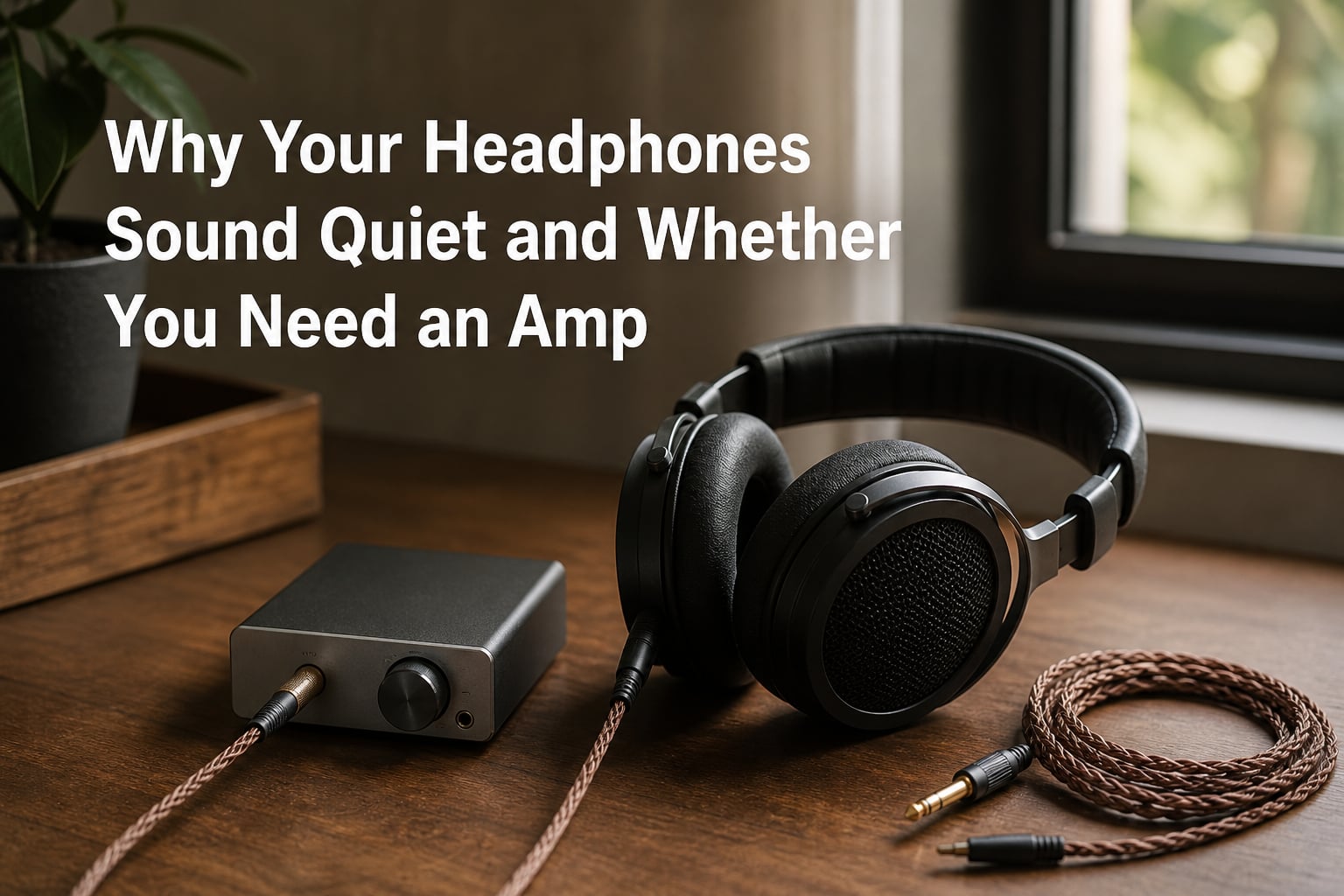
I have plugged expensive headphones into a phone, cranked the volume slider to 100 percent, and still felt like the music was whispering at me. If that sounds familiar, the issue is almost never your ears or your music files. It is a power delivery problem, and the fix depends on understanding two numbers printed on every headphone spec sheet: impedance and sensitivity.
At Nabiha Music we get questions about quiet headphones every week. Some users own budget IEMs that hiss and distort at high volume. Others bought studio-grade cans like the Beyerdynamic DT 880 or Sennheiser HD600 and cannot get them loud enough on a MacBook. Both groups are asking the same question: do I need a headphone amp?
This guide answers that question step by step. I will explain what makes headphones sound quiet, when an amplifier actually helps, and what to try first before spending a cent. By the end you will know whether your setup is underpowered and what to do about it.
Table of Contents
Understanding Impedance: The Key Factor
Impedance is the electrical resistance your headphones present to the source driving them, measured in ohms. Think of it like a pipe: a wider pipe (low impedance) lets water flow easily, while a narrower pipe (high impedance) restricts flow. Your phone or laptop has to push audio signal through that pipe, and higher impedance means the source has to work harder.
Most consumer earbuds and wireless headphones sit between 16 and 32 ohms. They were designed to be easy to drive, so even a weak phone output can power them to painful levels. Studio and audiophile headphones are a different story. Models like the Sennheiser HD600 (300 ohms) or Beyerdynamic DT 880 (250 ohms) were built with higher impedance to work better with dedicated amplifiers and mixing consoles. Plug them into a phone and they sound thin, quiet, and lifeless.
The rough thresholds our team uses when evaluating gear:
Below 32 ohms: Easy to drive, any device handles them fine.
32 to 80 ohms: Still portable-friendly, though loudness may vary by source.
80 to 250 ohms: Dedicated amp strongly recommended for full volume.
250 ohms and above: Amp required, not optional.
Impedance alone does not tell the whole story, though. Sensitivity is the other half of the equation.
How Sensitivity Affects Volume
Sensitivity tells you how loud your headphones will play given a specific amount of power, expressed in decibels per milliwatt (dB/mW). A headphone rated at 105 dB/mW gets noticeably louder from the same power than one rated at 95 dB/mW. Two headphones with identical impedance can sound completely different in actual loudness if their sensitivity numbers diverge.
I learned this the hard way testing the Sennheiser HD660S2 (300 ohms, 104 dB/V sensitivity) against a 250-ohm Beyerdynamic. The Beyerdynamic was easier to push to satisfying levels even though both are technically “high impedance.” That gap comes down to sensitivity, not raw resistance.
Lower sensitivity values mean your source has to deliver more current to hit the same volume. Many planar magnetic headphones (Audeze, HIFIMAN, Dan Clark Audio) drop into the 90 to 95 dB/mW range, which is why they notoriously demand amplification. A phone simply cannot push enough current through their voice coils, no matter how hard the output stage strains.
If you can find both numbers on the spec sheet (or in our headphone database), you have everything you need to judge whether your source is up to the task.
Why Your Phone or Laptop Cannot Drive Your Headphones
Modern smartphones, tablets, and laptops all ship with built-in headphone amplifiers, but they are designed for one job: powering easy-to-drive earbuds efficiently while sipping battery. Most phone outputs deliver between 20 and 40 milliwatts into 32 ohms. Some flagships do better, but the constraint is real.
Voltage swing is the bigger bottleneck. To get a 300-ohm headphone to a comfortable listening level (roughly 100 dB SPL), you need around 5 to 7 volts of swing. A phone headphone jack often maxes out around 1 to 2 volts. The math simply does not work out, no matter how loud the volume slider appears to go.
Laptops face the same challenge, plus extra electrical noise from USB-C hubs, charging circuits, and WiFi antennas. That is why a pair of sensitive IEMs plugged into a MacBook can hiss audibly between tracks. A dedicated amp provides cleaner power, more voltage swing, and often a properly designed output stage with low output impedance.
Output impedance matters more than most beginners realize. The general rule is the 1/8 rule: source output impedance should be one-eighth or less of the headphone impedance. Break that rule and your frequency response changes, usually with bass bloat and treble recession. Most dedicated amps follow this rule by design. Many phone and laptop outputs do not.
Do You Actually Need a Headphone Amp?
Honestly, most people do not. If you own mainstream wireless headphones, standard earbuds, or anything rated under 50 ohms with sensitivity above 100 dB/mW, your phone or laptop will drive them perfectly. Adding an amp to an already-capable source buys you nothing measurable, and the marketing claims about “better soundstage” are mostly placebo.
You do need an amp in these situations:
Your headphones are rated above 80 ohms and sound quiet at maximum volume.
You own planar magnetic headphones from Audeze, HIFIMAN, or similar brands.
Volume cranked to 100 percent still leaves you wanting more loudness.
You hear distortion, clipping, or buzzing when turning volume past 70 percent.
Your current source is hissing audibly through sensitive IEMs.
If none of those describe your situation, save your money. The best upgrade for quiet headphones is sometimes a different pair better matched to your source, not a new amp for headphones that were already easy to drive.
Signs Your Headphones Need More Power
Before you buy anything, run through this short checklist. Our team uses it when readers ask whether their gear is underpowered.
Volume maxes out and music still feels quiet. You should be hitting uncomfortable levels well before the slider reaches 100 percent.
Bass feels thin or rolled off. Headphones reaching their power limit lose low-end impact first.
Dynamic range collapses. Loud passages no longer feel louder than quiet ones. Everything compresses together.
Distortion at moderate volume. If clean signals sound gritty on peaks, the source is clipping.
Volume differs wildly between devices. The same headphones should sound roughly similar in loudness on your phone, laptop, and dedicated player, all else equal.
Two or more of these symptoms on the same pair of headphones is a strong signal that amplification will help.
How to Check Your Headphone Specs
Finding the numbers you need takes about two minutes. Start with the manufacturer’s product page. Look for “specifications” or “tech specs.” You want two values: impedance in ohms and sensitivity in dB/mW (sometimes written as dB SPL/mW or dB/V).
Open the manufacturer’s product page for your exact model.
Scroll to specifications, technical data, or downloads.
Note the impedance rating (the number followed by “ohms” or “Ω”).
Note the sensitivity rating (number followed by “dB”).
Cross-reference with our headphone database for measurement verification.
Some brands list sensitivity as dB/V instead of dB/mW. To convert, multiply dB/V by 0.94 for a rough comparison. A 105 dB/V headphone is roughly equivalent to 104 dB/mW.
Quick Fixes Before Buying an Amp
Try these steps in order. Most of our readers solve their quiet-headphone problem before reaching step five.
1. Check your device volume limit. iPhones ship with a headphone safety limit in Settings > Sounds > Headphone Safety. Android phones have similar volume caps. Disable them temporarily and test again.
2. Inspect the connection. A loose 3.5mm plug, dirty contacts, or a damaged cable can drop volume by half. Unplug, blow out debris, and reseat firmly. For Lightning or USB-C headphones, try a different cable if possible.
3. Disable any active EQ flattening. Some phones apply bass-reduction EQ at high volumes to protect hearing. Disable EQ apps, Dolby processing, and “smart volume” features while testing.
4. Test with a different source. Plug your headphones into a desktop PC, a different phone, or a friend’s amp. If volume changes drastically, the source is the problem, not the headphones.
5. Update firmware and drivers. Bluetooth headphones in particular get meaningful volume improvements from firmware updates that optimize codec efficiency and output stage behavior.
6. Try a USB DAC dongle. Before buying a full amp, test a $20 to $50 USB DAC dongle (Apple USB-C to 3.5mm, CX-Pro Audio, Hidizs S9). These include a small amp stage that often resolves laptop and phone limitations for moderate-impedance headphones.
7. Consider a different pair. If you bought high-impedance studio headphones for casual mobile listening, no amp will make them portable-friendly. A more efficient closed-back design may suit your use case better.
Only after these steps fail should you invest in a dedicated headphone amplifier. And when you do, pair the amp with your headphone’s impedance range, not raw wattage numbers. More power than needed just wastes money and rarely improves sound.
FAQs
Do you really need a headphone amp?
Most people do not. If your headphones are under 50 ohms with sensitivity above 100 dB/mW, your phone or laptop will drive them fine. You need an amp if your headphones are above 80 ohms, if they are planar magnetic, or if maxed-out volume still feels too quiet.
Why does my headphone sound so quiet?
Headphones sound quiet when the source cannot deliver enough voltage or current to drive them properly. Common causes include high impedance (over 80 ohms), low sensitivity (under 95 dB/mW), a weak source output, a software volume limit, or a loose cable connection.
How to make headphones louder without an amp?
First disable any volume safety limits in your phone settings, then test with a different cable or source to rule out a connection issue. Disable EQ flattening, update your Bluetooth firmware if wireless, and try a USB DAC dongle. If none of these work, the headphones likely need more power than your current source can provide.
Do headphones sound better with an amp?
Headphones sound better with an amp only when the original source was underpowered. A clean dedicated amp restores proper dynamics, bass impact, and volume headroom. With an already-capable source, adding an amp produces no audible improvement and is not worth the cost.
Can I use 80 ohm headphones without an amp?
Yes, most 80 ohm headphones work without an amp on phones and laptops, though maximum volume may feel limited. Sensitive models like the Sennheiser HD 569 (80 ohms, 115 dB/mW) play loud enough from any source. Less efficient 80 ohm designs benefit from a basic amp but do not strictly require one.
Is a DAC really necessary?
A DAC is only necessary if your current source has audible digital artifacts, jitter, or noise issues. Most modern phones and laptops include competent DACs. A dedicated DAC helps most when paired with an amp and high-impedance headphones, not as a standalone upgrade.
Final Verdict
Headphones sound quiet because of a power mismatch, not because they are broken. Check the impedance and sensitivity, rule out software limits and bad cables, and only then consider an amp. For most users with mainstream gear, a phone or laptop is enough. For owners of high-impedance or planar magnetic headphones, a dedicated amp transforms the listening experience and is well worth the modest investment.
1 thought on “Why Your Headphones Sound Quiet and Whether You Need an Amp (2026) Guide”