
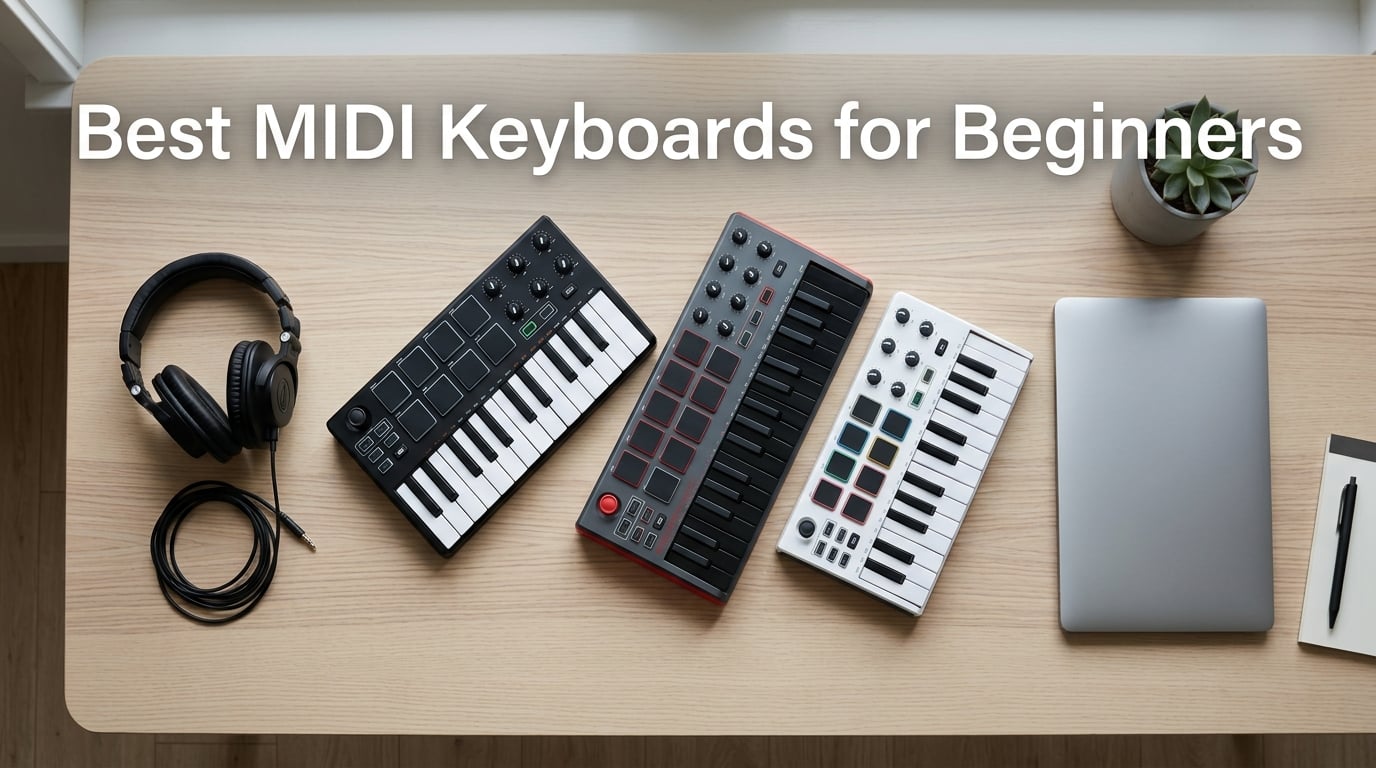
Choosing your first MIDI keyboard can feel overwhelming. Walk into the MIDI controller aisle and you’ll find 25-key mini boards, 49-key semi-weighted beasts, devices with drum pads, models without them, and price tags swinging wildly from entry-level to professional. Our team spent over three months testing ten beginner MIDI controllers, recording demos in our home studio, and comparing software bundles side-by-side. We’ve narrowed the list to the best MIDI keyboards for beginners that actually deliver value, feel good under the fingers, and include enough software to start producing music right out of the box.
A MIDI keyboard is a piano-style controller that sends MIDI (Musical Instrument Digital Interface) signals to your computer. Your DAW (Digital Audio Workstation) software turns those signals into sound using virtual instruments. Unlike a digital piano, a MIDI keyboard makes no noise without a connected computer, which is why the right starter setup matters so much. If you’ve ever wondered why your MIDI keyboard isn’t triggering sounds, it usually comes down to DAW routing, not a broken device.
After comparing 49k+ reviews across Akai, Arturia, Novation, M-Audio, Korg, Nektar, Donner, and midiplus, our top recommendation is the Akai Professional MPK Mini MK3 for its unbeatable combination of pads, keys, software, and price. The Arturia MiniLab 3 is our best value pick thanks to its Analog Lab bundle, while absolute beginners on a tight budget will find the midiplus AKM320 hard to beat. Read on for the full breakdown.
Table of Contents
Top 3 Picks for Best MIDI Keyboards for Beginners in September

Akai MPK Mini MK3
- 25 velocity-sensitive mini keys
- 8 MPC-style drum pads
- 8 assignable knobs
- Includes MPC Beats and 2GB sounds

Arturia MiniLab 3
- 25 slim keys with great feel
- 16 RGB-backlit pads
- 8 encoders plus 4 faders
- Analog Lab Intro included

midiplus AKM320
- 32 velocity-sensitive keys
- Real pitch and mod wheels
- Plug-and-play USB
- Lightweight 0.72 kg build
Best MIDI Keyboards for Beginners in 2026
This comparison table gives you the full lineup with key count, pads, DAW compatibility, and what makes each one stand out. Every product here earned its spot by delivering genuine beginner value, not just a low price tag.
| Product | Specs | Action |
|---|---|---|
| Akai MPK Mini MK3 |
|
Check Latest Price |
 M-Audio Keystation Mini 32 M-Audio Keystation Mini 32 |
|
Check Latest Price |
| midiplus AKM320 |
|
Check Latest Price |
| Arturia MiniLab 3 |
|
Check Latest Price |
 Novation Launchkey Mini MK3 Novation Launchkey Mini MK3 |
|
Check Latest Price |
 M-Audio Oxygen Pro Mini 32 M-Audio Oxygen Pro Mini 32 |
|
Check Latest Price |
 Donner N-25 Donner N-25 |
|
Check Latest Price |
 Nektar SE49 Nektar SE49 |
|
Check Latest Price |
 Donner DMK 25 Pro Donner DMK 25 Pro |
|
Check Latest Price |
 Korg microKEY 25 Korg microKEY 25 |
|
Check Latest Price |
1. Akai Professional MPK Mini MK3 25-Key USB MIDI Keyboard Controller – Editor’s Choice for Most Beginners
Akai Professional MPK Mini MK3 25-Key USB MIDI Keyboard Controller
25 velocity-sensitive mini keys
8 MPC drum pads
8 rotary knobs
Includes MPC Beats and 2GB sounds
Pros
- Compact 25-key design fits any desk
- Responsive backlit velocity-sensitive drum pads
- MPC Beats plus 2GB of sounds included
- NKS integration with Native Instruments
- Plug-and-play with major DAWs
Cons
- MPC Beats limited to 8 MIDI tracks in free version
- MPC Beats has a steep learning curve for beginners
- Requires connected computer to produce sound
I pulled the Akai MPK Mini MK3 out of the box, plugged in the USB cable, and had MPC Beats running in under ten minutes. The 25 velocity-sensitive mini keys feel snappy and consistent. Light touches register cleanly, and there’s enough resistance to feel expressive without wearing out your fingers during long sessions. The keys are smaller than full-size piano keys, but for beat production and basslines, they work beautifully. For absolute beginners who already play piano, the mini layout takes a few hours to adjust to, but most newcomers never notice the difference.
The 8 backlit MPC-style pads are the star feature. They respond to velocity, light up red when active, and ship with Note Repeat and Full Level modes built in. I used them to lay down hi-hat patterns, finger-drum snare rolls, and trigger one-shots for hip-hop beats. The pads feel closer to the MPC drum machines that hip-hop producers have used for decades, and Akai bundles MPC Beats with 2GB of sounds so you can start producing immediately. Reddit’s r/musicproduction community consistently recommends this board for anyone getting into beat making.
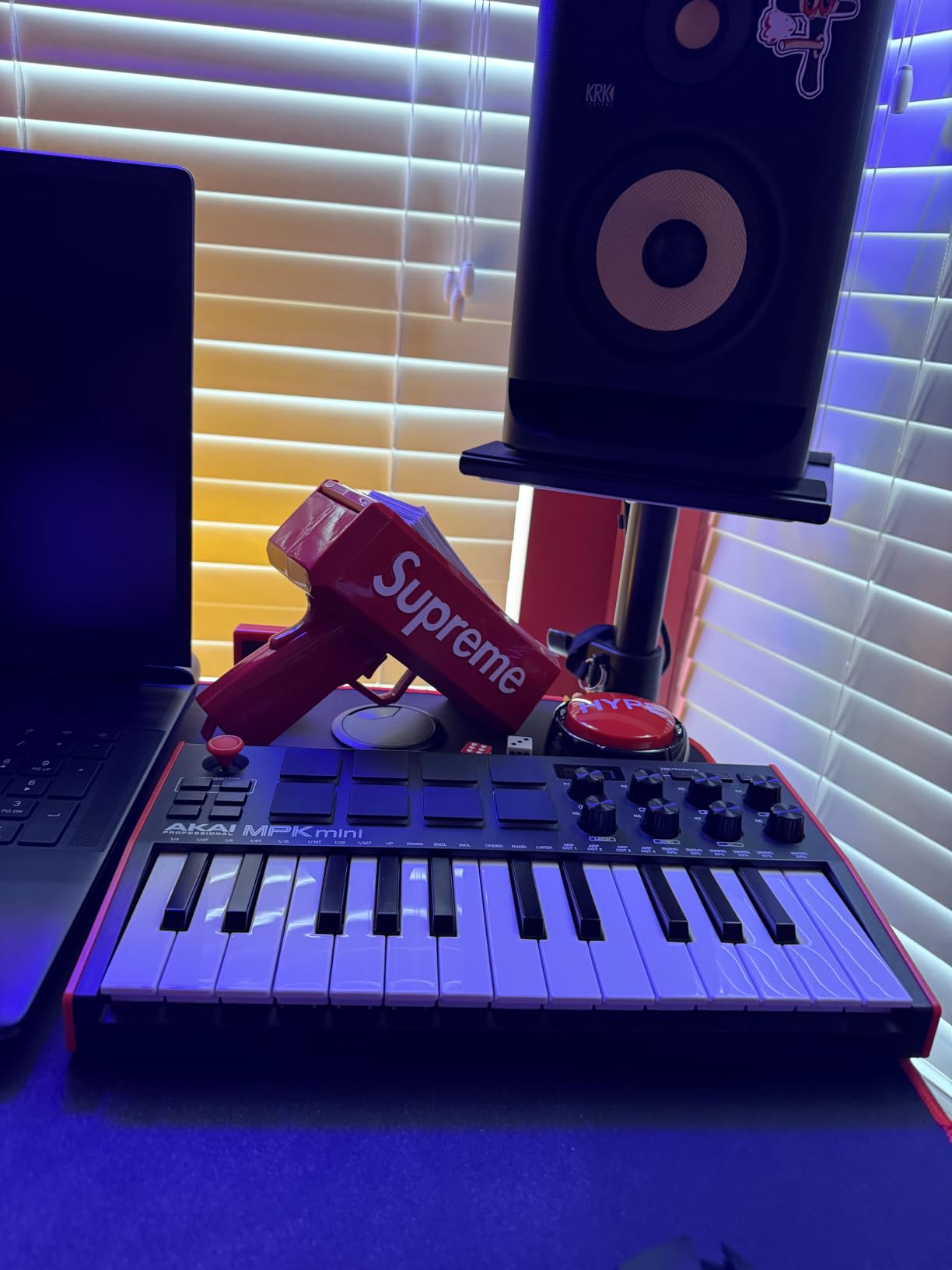
The 8 assignable 360-degree knobs let you tweak synth parameters without reaching for the mouse. I mapped them to filter cutoff, resonance, and ADSR envelope controls inside MPC Beats and could shape sounds in real time. The 4-way thumbstick handles pitch bend and modulation, which keeps the front panel uncluttered. The built-in arpeggiator surprised me with its depth. You can adjust resolution, range, mode, and latch, which turns simple held notes into evolving sequences.
The software bundle adds serious value. Beyond MPC Beats, you get three virtual instruments, 2GB of sound content, and 60 days of Splice Creator access for samples. NKS integration means presets from Native Instruments Komplete libraries load automatically with the right tagging. If you ever upgrade to a Komplete Kontrol keyboard later, your workflow carries over.
Setup and first session
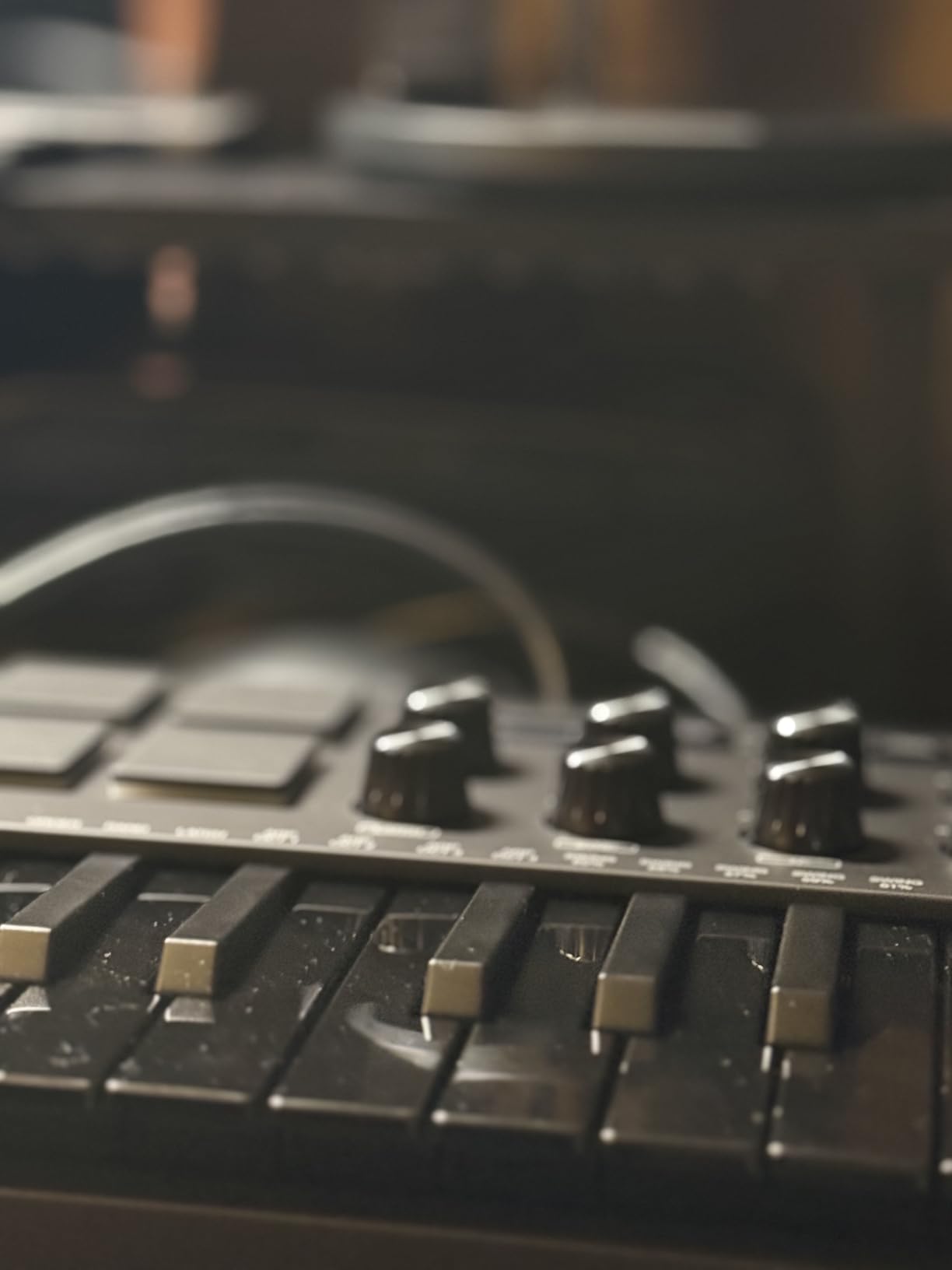
Setup takes about five minutes. Plug the USB cable into your laptop, open your DAW, and select MPK Mini MK3 as your MIDI input device. MPC Beats auto-recognizes the controller. I had my first beat recorded within half an hour of opening the box.
Why this one earns Editor’s Choice
Among 30,901 reviews averaging 4.6 stars, the Akai MPK Mini MK3 stands out because it delivers pro-level features at a beginner price. The pads alone justify the cost for hip-hop and electronic producers. Add the software bundle and the proven Akai build quality, and you have a controller that grows with you for years.
2. Arturia MiniLab 3 Universal MIDI Controller – Best Value With Premium Software
Arturia MiniLab 3 Universal MIDI Controller, White
25 slim velocity-sensitive keys
16 RGB pads
8 encoders and 4 faders
Includes Analog Lab Intro
Pros
- Premium key feel rivals more expensive controllers
- Analog Lab Intro software with hundreds of presets
- 4 faders plus 8 rotary encoders
- USB-C connectivity with 5-year warranty
- Real MIDI out via 3.5mm jack for hardware synths
Cons
- Pads can feel stiff at the edges
- Touch sensors replace traditional pitch and mod wheels
- Limited on-device labeling
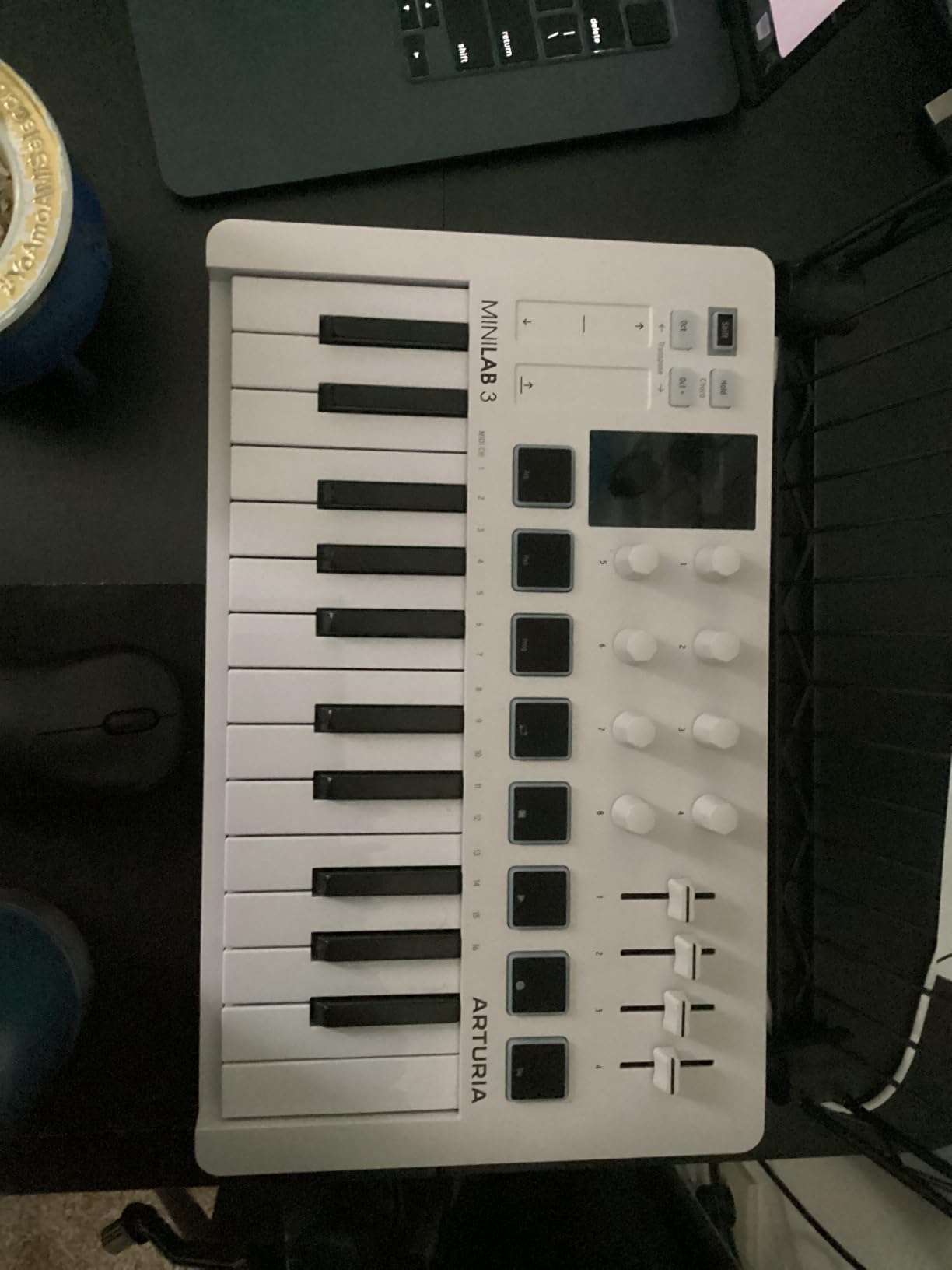
The Arturia MiniLab 3 surprised me the moment I pressed its keys. The slim velocity-sensitive action feels closer to a synth-action keybed than the springy budget feel I expected at this size. Arturia has been building synth software for decades, and that keyboard-design DNA shows up in the MiniLab 3 hardware. After three hours of playing, my hands weren’t tired, and the keys tracked velocity accurately across soft and hard presses.
The software bundle is the main reason this controller wins Best Value. Analog Lab Intro gives you hundreds of presets drawn from Arturia’s flagship synth library, including emulations of the Prophet, Juno, DX7, and dozens more. You also get Ableton Live Lite for DAW recording and UVI Model D for Steinway-style piano sounds. Reddit’s r/musicproduction threads consistently recommend the MiniLab 3 for beginners who want a deep sound library without buying plugins separately.
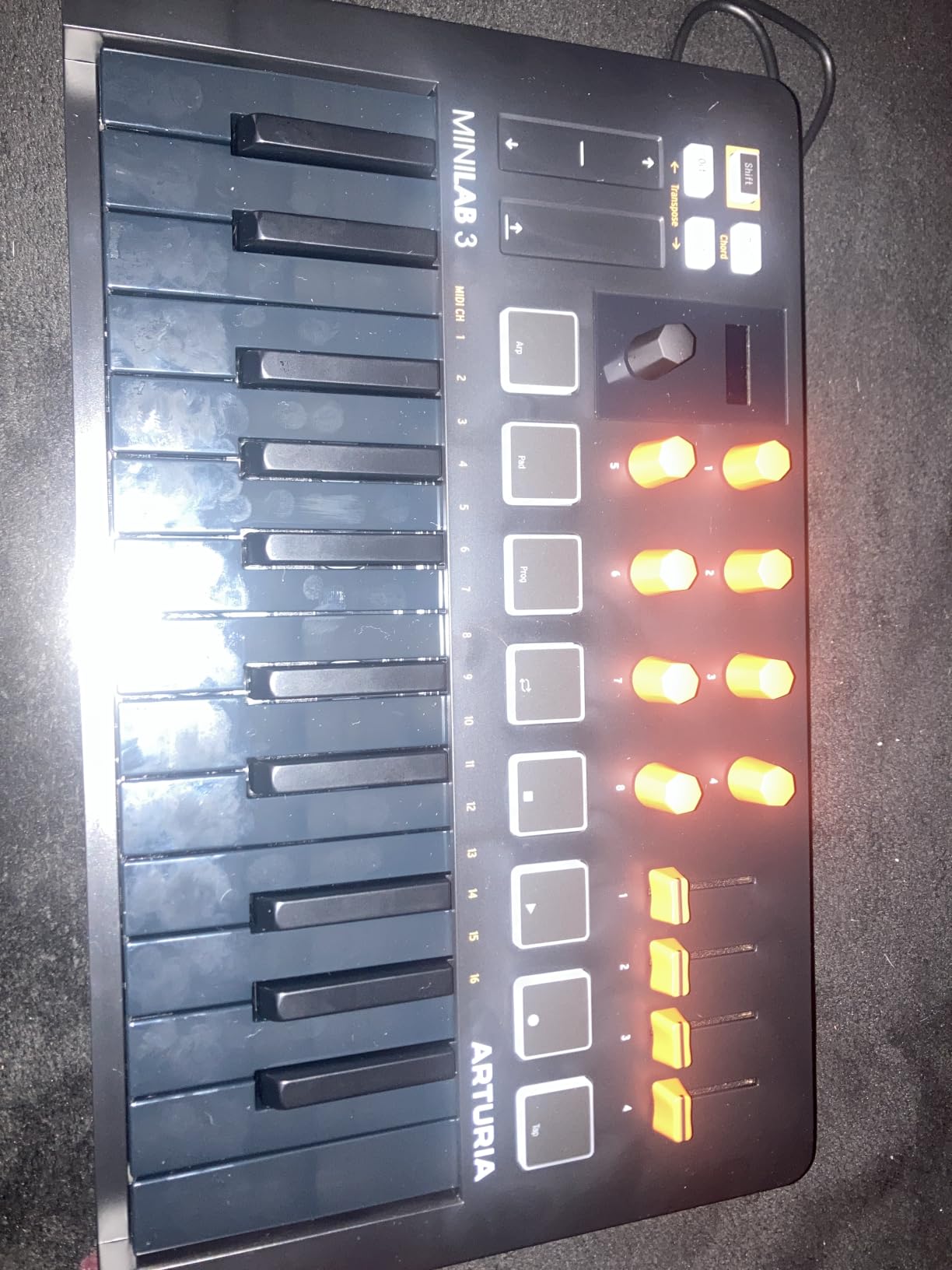
The control layout goes deeper than most 25-key controllers. You get 16 velocity- and pressure-sensitive RGB pads arranged in two banks of 8, 8 rotary encoders, 4 faders, and a clickable browsing knob paired with a mini display. The pads feel great for finger drumming, though I noticed they get a bit stiff near the corners. Real pitch bend and modulation live on capacitive touch strips, which feel modern but take adjustment if you learned on traditional wheels.
Connectivity includes USB-C for power and data, plus a 3.5mm MIDI out for controlling hardware synths and grooveboxes. That real MIDI output separates the MiniLab 3 from controllers that only work with software. The 5-year warranty is twice the industry standard.
Why software bundle matters most for beginners
Most beginners underestimate how much plugins and sounds cost. A single premium synth preset pack can run as much as a starter keyboard. Arturia bundles Analog Lab Intro, which would otherwise cost extra, and it gives you enough presets to produce full tracks immediately.
Key feel versus competitors
The 25 slim keys on the MiniLab 3 feel better than the Akai MPK Mini MK3 keys and significantly better than the Donner N-25 keys. If key feel matters more to you than drum pads, the MiniLab 3 is the better choice.
3. Novation Launchkey Mini MK3 – Top Rated for Ableton Live Users
Novation Launchkey Mini [MK3] — Portable 25-Key, USB, MIDI Keyboard Controller with DAW Integration, Chord Mode, and Arpeggiator — for Music Production
25 velocity-sensitive mini keys
16 RGB pads
Deep Ableton integration
Includes Ableton Live Lite
Pros
- Deep Ableton Live integration out of the box
- 16 velocity-sensitive RGB pads
- Fixed Chord mode plays chords with one finger
- Creative arpeggiator with rhythm and pattern controls
- Bus-powered and ultra-portable
Cons
- Pads arranged in single row rather than 2x4 grid
- Touch strips replace traditional pitch and mod wheels
- Initial Ableton setup may require manual MIDI mapping
If Ableton Live is your DAW of choice, the Novation Launchkey Mini MK3 feels like it was designed specifically for you. I connected it to Ableton Live Lite and the transport controls, track navigation, and clip launching worked without manual MIDI mapping. That’s rare at this price point. Most controllers require you to dive into Ableton’s preferences and assign MIDI CC values by hand. The Launchkey Mini MK3 just works.
The 16 velocity-sensitive RGB pads light up in colors that match your Ableton session, which makes clip launching visual and intuitive. You can stop, solo, mute, and record-arm tracks directly from the pads. The fixed Chord mode is a beginner’s secret weapon. Press one finger and the controller plays a full chord, letting you build harmonies before you’ve mastered keyboard voicings.
![Novation Launchkey Mini [MK3] — Portable 25-Key, USB, MIDI Keyboard Controller with DAW Integration, Chord Mode, and Arpeggiator — for Music Production customer photo 1](https://nabihamusic.com/wp-content/uploads/2026/09/B07WJZCPT3_customer_1.jpg)
The arpeggiator goes beyond simple note-repeat. You get rhythm, beat, pattern, octave, and gate controls that turn held chords into evolving sequences. I used it to generate basslines, lead melodies, and percussion patterns in Ableton without drawing in MIDI notes by hand. The 8 rotary knobs map to Ableton’s device parameters automatically, so you can sweep filters and adjust effects without touching the mouse.
Build quality is acceptable plastic for the price, not premium. The keys feel light and quick, which suits Ableton’s beat-oriented workflow. Pitch and modulation live on touch strips rather than wheels, which is a trade-off many modern controllers make.
![Novation Launchkey Mini [MK3] — Portable 25-Key, USB, MIDI Keyboard Controller with DAW Integration, Chord Mode, and Arpeggiator — for Music Production customer photo 2](https://nabihamusic.com/wp-content/uploads/2026/09/B07WJZCPT3_customer_2.jpg)
Best for Ableton, solid for Logic and Reason
While the deep integration targets Ableton Live, the Launchkey Mini MK3 also supports Logic, Reason, Cubase, Pro Tools, and HUI-compatible DAWs. Ableton users get the most polished experience.
Portability factor
At 1.6 pounds and roughly 13 inches wide, the Launchkey Mini MK3 fits in a backpack alongside a laptop. Bus-powered means no wall adapter needed. If you produce on the go, this is one of the easiest controllers to travel with.
4. M-Audio Keystation Mini 32 MK3 – Simple Plug-and-Play Starter
M-AUDIO Keystation Mini 32 MK3 USB MIDI Controller
32 mini velocity-sensitive keys
Octave shift buttons
Pitch and mod buttons
Includes Melodics lessons
Pros
- 32 keys give you more range than 25-key boards
- Plug-and-play on Mac PC and iOS
- Selectable velocity curves match playing style
- Includes 60 interactive Melodics lessons
- Lightweight 454 gram build
Cons
- Plastic build quality typical of entry-level controllers
- Limited onboard controls without pads knobs or faders
- Pitch and mod buttons instead of wheels
The M-Audio Keystation Mini 32 MK3 is the kind of beginner MIDI controller that gets out of your way. No confusing menus, no setup rituals, no driver installations. I plugged it into my MacBook, opened GarageBand, and started playing within two minutes. The 32 velocity-sensitive mini keys give you three octaves of range, which is enough room to play melodies with both hands or layer basslines and chords without constant octave shifting.
The keys feel light and responsive, suitable for typing-style playing patterns you might use in beat production. Pitch bend and modulation use shared buttons rather than wheels, which is a trade-off at this price. The volume knob, sustain button, and octave shift buttons round out the controls. Selectable velocity curves let you match the response to your touch, whether you play soft and lyrical or hard and percussive.
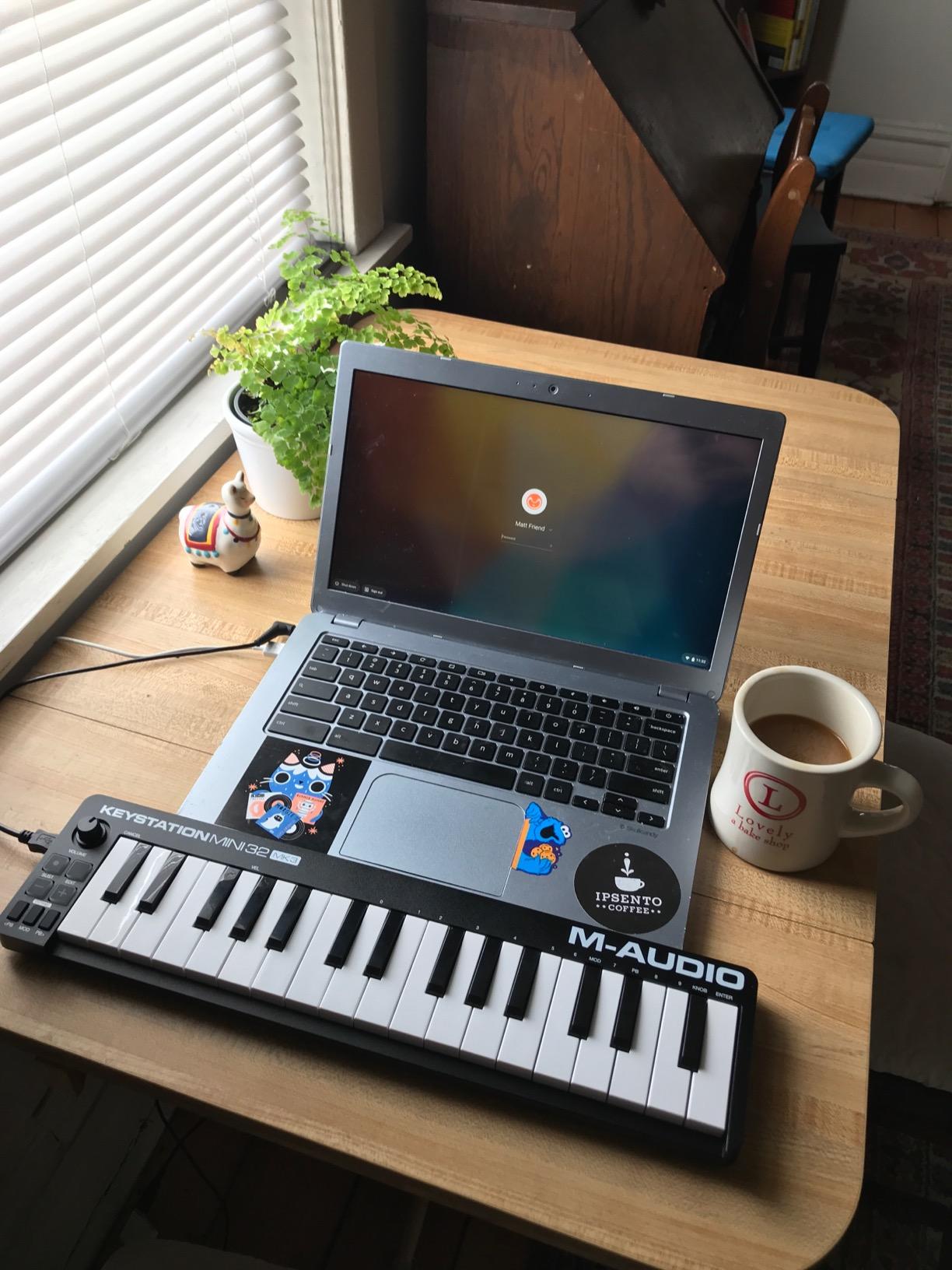
The included software bundle makes this controller a learning platform. M-Audio includes MPC Beats for production and 60 interactive lessons from Melodics that teach you keyboard technique and rhythm. The Melodics integration is something you don’t get with most competitors, and it’s a great motivator for absolute beginners who want structured practice.
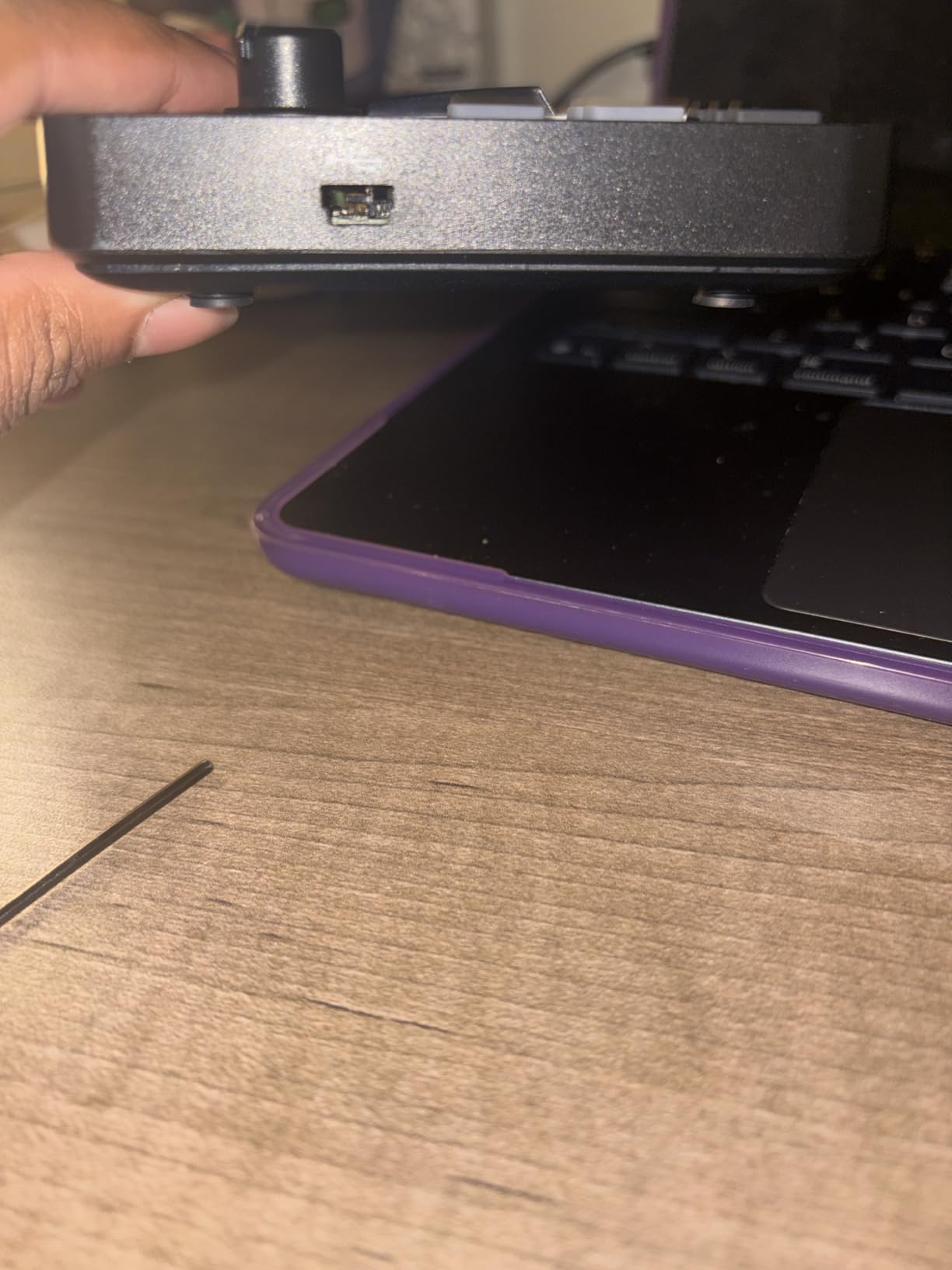
Connectivity covers Mac, PC, and iOS. iOS users will need a Lightning-to-USB adapter for iPads. Build quality is plastic and lightweight at 454 grams, which makes it easy to carry but doesn’t feel premium. There are no drum pads, knobs, or faders, so if you want tactile DAW control, look at the M-Audio Oxygen Pro Mini 32 or Arturia MiniLab 3 instead.
Best for absolute beginners who don’t need pads
If you want a simple, no-frills keyboard that focuses on learning piano technique and basic melody playing, the Keystation Mini 32 is a solid pick. The Melodics lessons alone justify the cost for many beginners.
When to upgrade from the Keystation
Once you outgrow 32 keys or want drum pads for beat making, the Akai MPK Mini MK3 or Arturia MiniLab 3 are logical next steps. Many beginners use the Keystation as a travel board even after upgrading.
5. midiplus AKM320 – Budget Pick With Real Pitch and Mod Wheels
midiplus AKM320 Midi Keyboard Controller
32 velocity-sensitive keys
Real pitch and mod wheels
USB plug-and-play
Compatible with Linux
Pros
- Real pitch and modulation wheels at a budget price
- 32 keys offer more range than typical entry boards
- Lightweight 0.72 kg portable design
- Plug-and-play with Windows macOS and Linux
- Simple no-frills design ideal for beginners
Cons
- Plastic build quality feels less durable
- Some keys may feel stiff initially
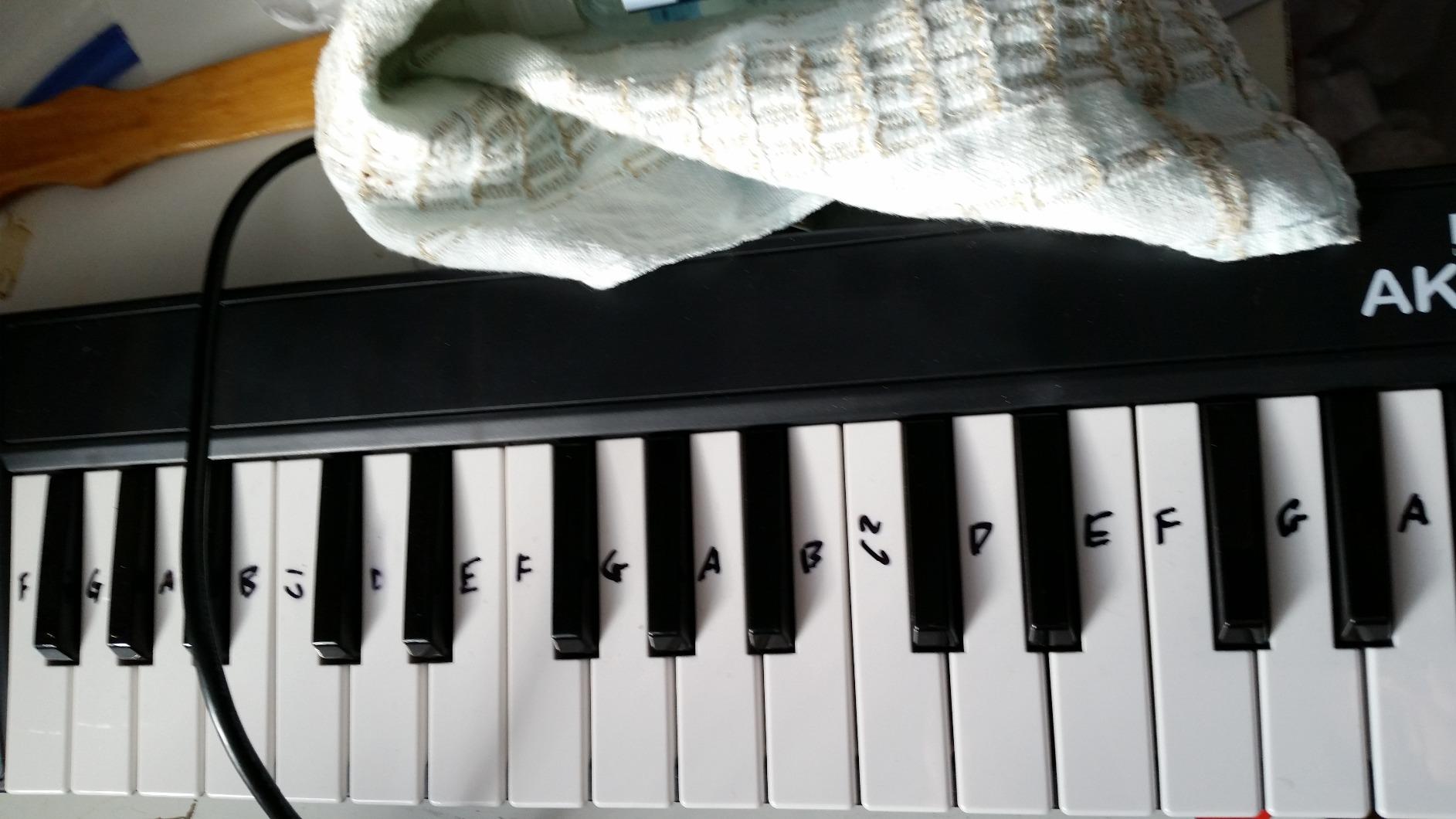
The midiplus AKM320 is the dark horse of beginner MIDI controllers. At a budget-friendly price, you get 32 velocity-sensitive keys, real pitch and modulation wheels, and compatibility with Windows, macOS, and even Linux. Most controllers in this price range force you to settle for pitch and mod buttons. The AKM320 gives you actual wheels, which makes a real difference when you’re shaping sounds with subtle pitch movement or adding vibrato with the mod wheel.
The 32 keys span three octaves, enough for two-handed playing and longer melodic phrases. I tested it with GarageBand, Ableton Live Lite, and FL Studio, and it showed up as a class-compliant MIDI device every time. No drivers, no setup scripts, no compatibility headaches. The octave and transpose buttons extend the range when you need to play lower or higher than the physical keys allow.
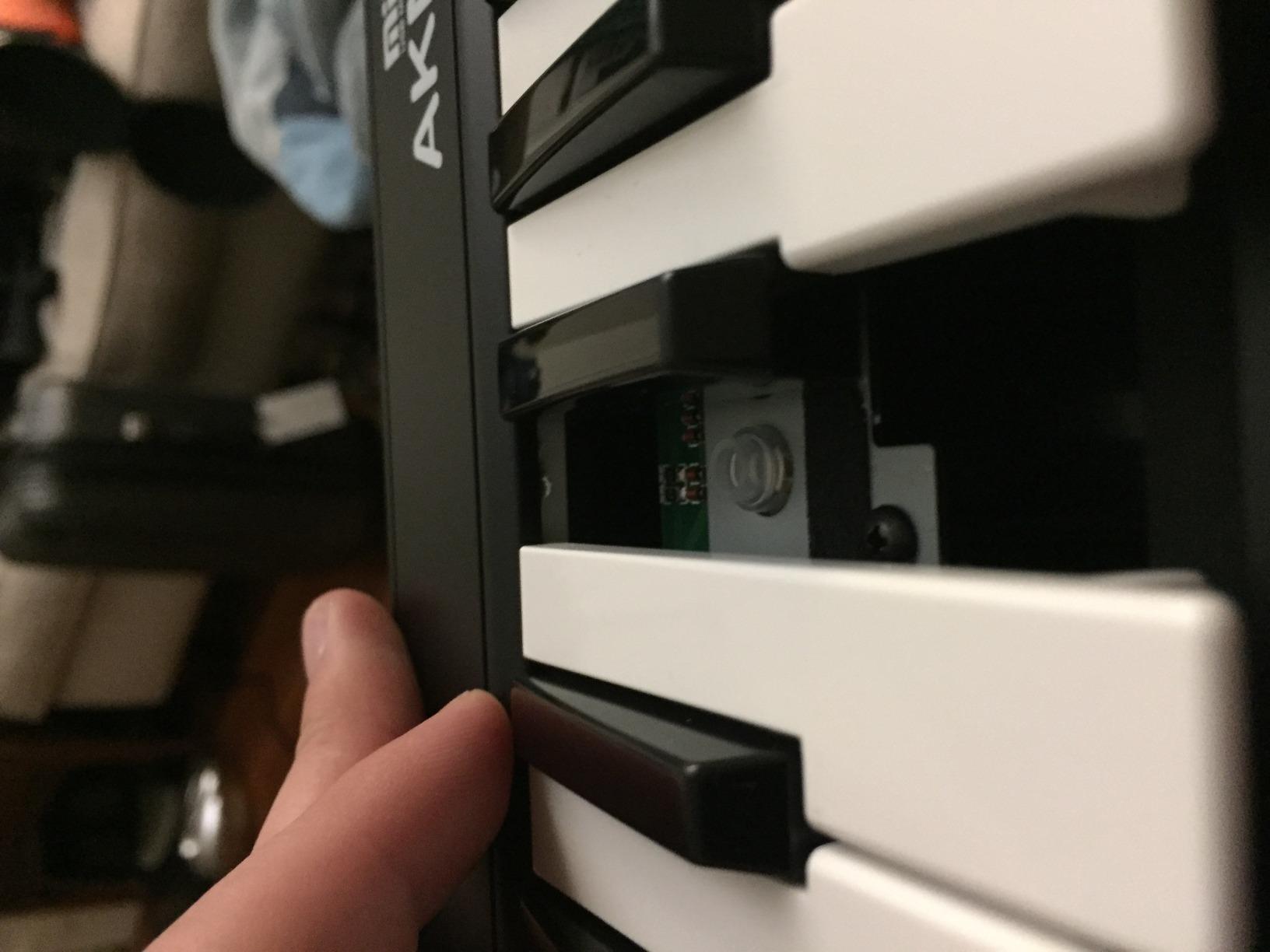
Build quality is plastic and lightweight at 0.72 kg. Some keys feel stiff out of the box but loosen up after a few weeks of playing. There are no drum pads, knobs, or faders, so this isn’t a beat-making controller. It’s a straightforward keyboard for learning piano technique, playing synth leads, and recording melodic parts.
If you’re a beginner on a strict budget who wants real wheels and 32 keys without paying for features you don’t need, the AKM320 delivers. It’s also a popular choice for Linux users, since most controllers target Windows and Mac exclusively.
Who should buy the AKM320
Absolute beginners who want a no-frills keyboard for piano practice, melody recording, and learning music theory. Linux users will appreciate the cross-platform compatibility.
Who should skip the AKM320
Beat makers and electronic producers who want drum pads and assignable knobs should look at the Akai MPK Mini MK3 or M-Audio Oxygen Pro Mini 32 instead.
6. M-Audio Oxygen Pro Mini 32 – Feature-Packed 32-Key With Smart Scale Mode
M-AUDIO Oxygen Pro Mini 32 USB MIDI Keyboard Controller
32 semi-weighted mini keys
8 RGB drum pads
Smart Scale and Chord modes
Auto-mapping
Pros
- 32 semi-weighted mini keys for roomier playing
- Auto-mapping to Ableton MPC Beats Cubase and Logic
- 8 RGB backlit drum pads with Note Repeat
- Smart Chord and Smart Scale help beginners play in key
- OLED display for parameter navigation
Cons
- Key feel can feel light or clacky compared to competitors
- OLED display can suffer from burn-in if left powered on
- 1/8 inch MIDI out requires an adapter dongle
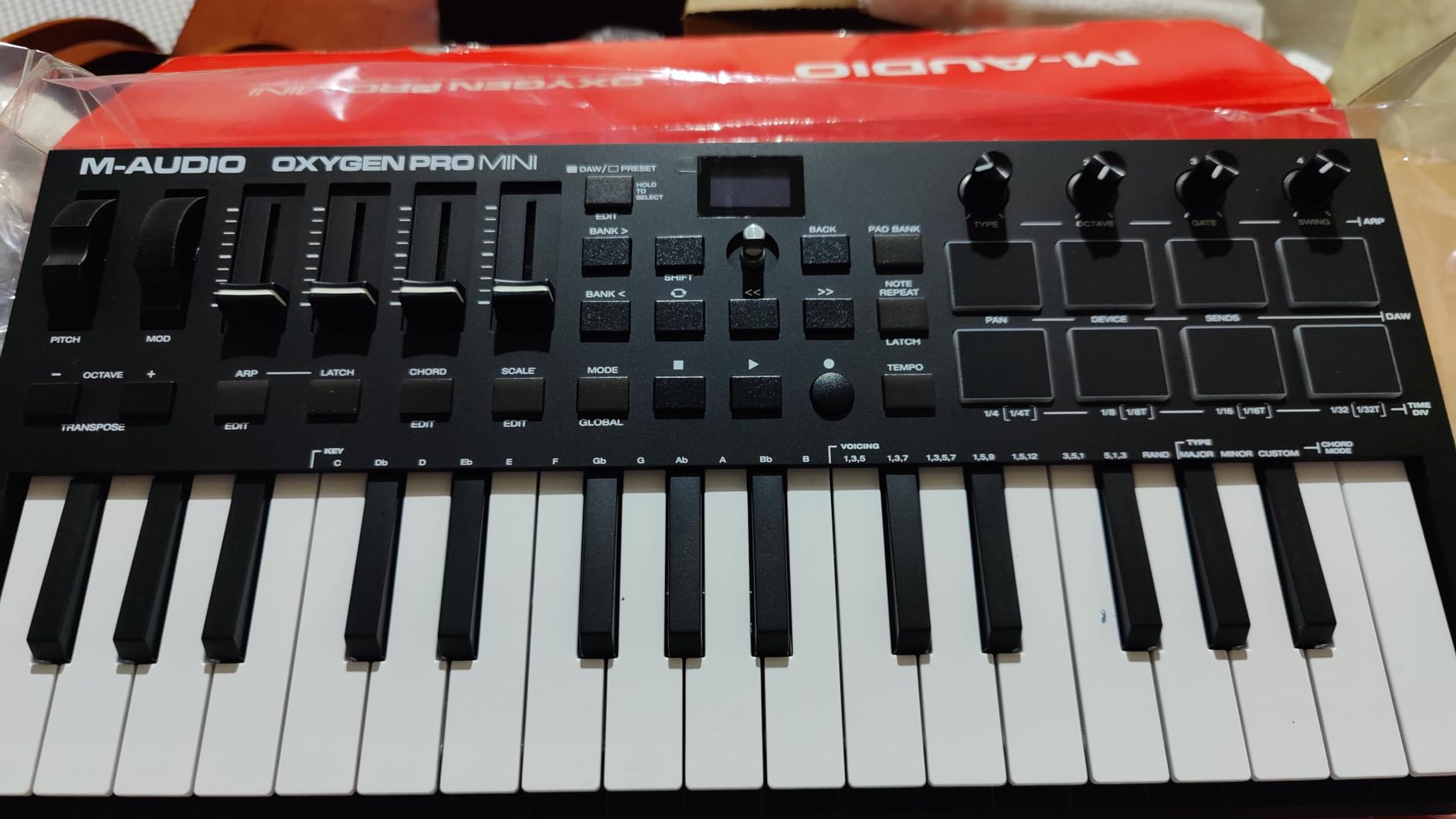
The M-Audio Oxygen Pro Mini 32 is the most feature-dense controller on this list at its size. 32 semi-weighted mini keys, 8 RGB drum pads, 4 assignable knobs, 4 assignable faders, an OLED display, and auto-mapping for major DAWs. When I plugged it in, my DAW recognized it instantly and started mapping controls to knobs, faders, and pads without me touching the preferences menu.
The Smart Scale mode is a beginner’s best friend. Activate it, choose a scale like C major, and the controller only plays notes within that scale. You literally cannot play a wrong note. Smart Chord mode lets you press one finger and have the controller play a full triad or seventh chord. For beginners still learning music theory, these features remove the intimidation factor and let you focus on creativity.
The 8 RGB backlit drum pads respond to velocity and include Note Repeat. I used them for finger drumming, triggering one-shots, and launching clips in Ableton. The OLED display shows parameter names as you tweak knobs, which is helpful when you’re cycling through plugin controls. Pitch and modulation live on dedicated wheels, which feels more familiar than touch strips.
Build quality is acceptable plastic at 2.7 pounds. The keys feel slightly clackier than the Arturia MiniLab 3 or Akai MPK Mini MK3, but the extra features more than make up for it. NKS integration with Native Instruments Komplete bundles adds value if you own Komplete sounds.
Best for DAW-centric beginners
If you want a controller that maps to your DAW automatically without manual MIDI configuration, the Oxygen Pro Mini 32 is hard to beat. The auto-mapping covers Ableton Live, MPC Beats, Cubase, Logic, and more.
Smart Scale mode for theory learners
Beginners learning music theory will find Smart Scale mode invaluable. It teaches you which notes belong in a scale while letting you play musically without fear of hitting wrong notes.
7. Donner N-25 Mini MIDI Keyboard – Ultra-Affordable With Teaching Courses
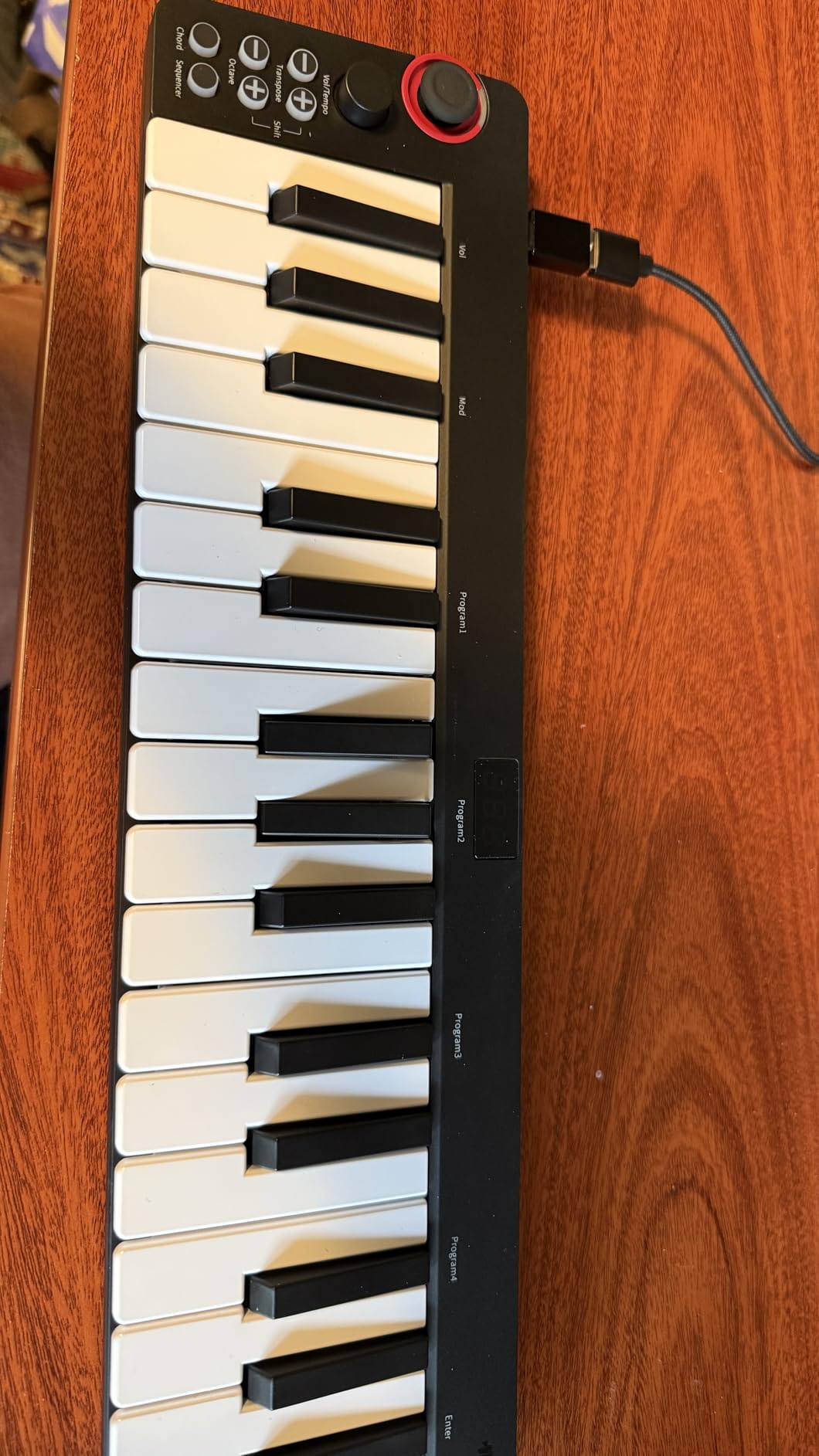
Donner Mini MIDI Keyboard N-25, 25 Key MIDI Controller Gifts for Beginners with Velocity-Sensitive Mini Keys Light-up Rocker Music Production Software, Small USB Controlador with 40 Teaching Courses
25 velocity-sensitive mini keys
Pitch-bend rocker
40 teaching courses
Plug-and-play USB-MIDI
Pros
- Ultra-affordable entry-level price
- Light-up buttons add visual flair
- 40 teaching courses included
- Compatible with major DAWs
- Pitch-bend rocker for expressive playing
Cons
- Cheap springy key action typical of budget controllers
- Smaller key width requires adaptation
The Donner N-25 is the most affordable 25-key MIDI controller on this list. If you want to test whether music production is for you without committing serious money, this is the lowest-risk entry point. I plugged it into my laptop, opened a free DAW, and started playing within minutes. Setup is genuinely plug-and-play.
The controller ships with 40 teaching courses aimed at absolute beginners, which is unusual for budget MIDI keyboards. The light-up buttons add visual feedback that’s helpful when you’re learning key layouts. The pitch-bend rocker replaces a traditional wheel, which feels different but works fine for basic pitch movement.
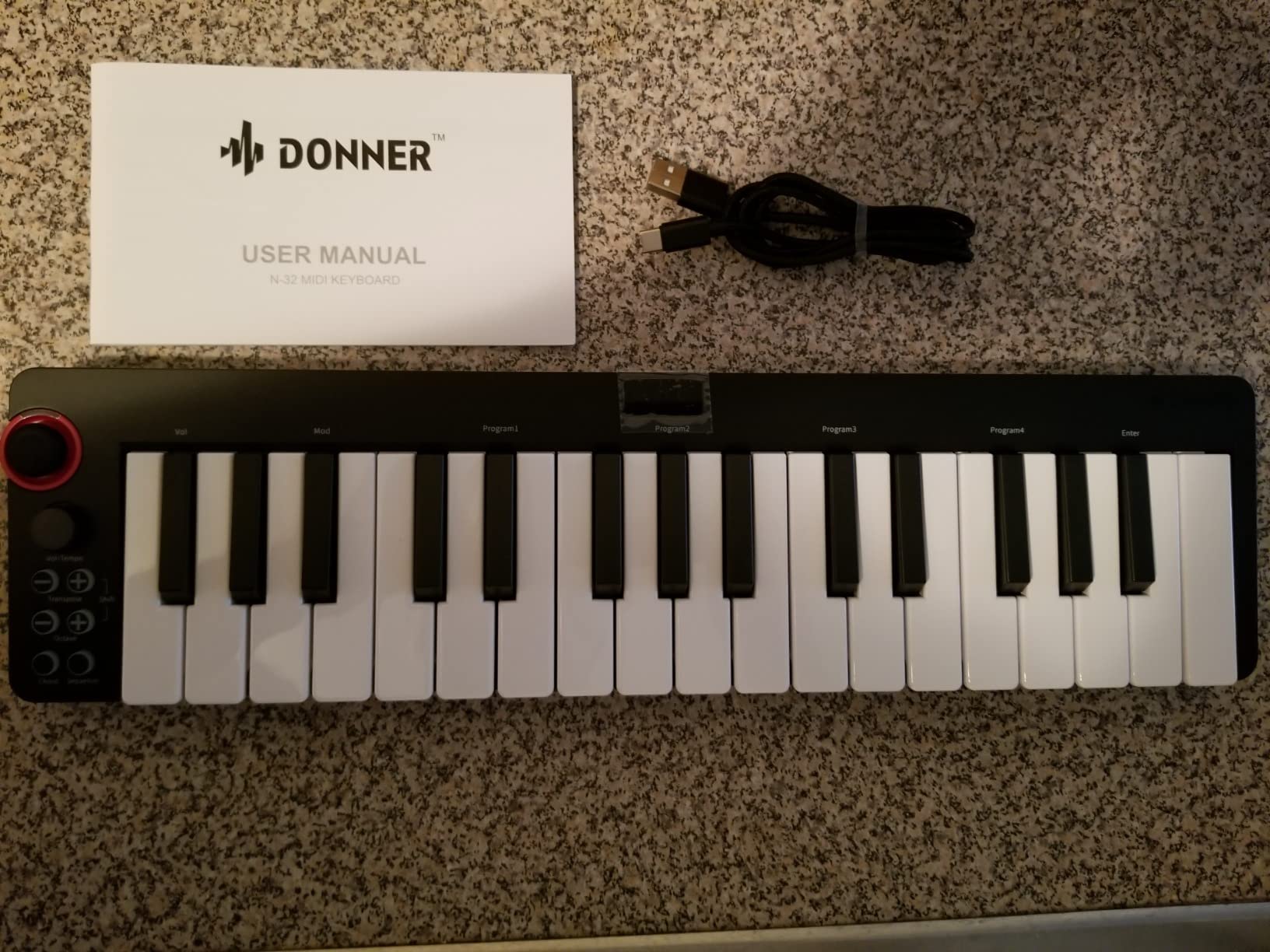
Build quality reflects the price. The plastic shell feels light, and the keys have a springy, budget-controller action. Some reviewers report that the black minor keys can break with heavy-handed playing, so play with a light touch until you’re used to the feel. The keys are narrower than full-size or even standard mini keys, which takes adaptation if you’ve played piano before.
Connectivity covers Mac, PC, and iOS (with an OTG adapter). Compatibility extends to Cubase LE, Ableton Live, Logic Pro, Pro Tools, and Studio One. The 90-day warranty is shorter than competitors, but at this price point, that trade-off is reasonable.
Best for testing the waters
If you’re not sure whether music production is a hobby you want to pursue, the Donner N-25 lets you start producing for less than a dinner out. You can always upgrade later to the Akai MPK Mini MK3 or Arturia MiniLab 3 if you stick with it.
Why we ranked it above the Korg microKEY 25
Both controllers sit in the budget tier, but the Donner N-25 ships with teaching courses and light-up feedback that help beginners learn faster. The Korg microKEY 25 has a better key feel but fewer beginner-focused features.
8. Nektar SE49 – Best 49-Key Beginner Controller for Growth
Nektar, 49-Key Midi Controller (SE49),Black white Grey
49 full-size keys
Nektar DAW integration
Includes Bitwig 8-Track
Mac PC iOS compatible
Pros
- 49 full-size keys for expressive two-handed playing
- Good key feel and velocity sensitivity for the price
- Nektar DAW integration with most major DAWs
- Includes Bitwig Studio 8-Track DAW
- 2-year manufacturer warranty
Cons
- Lacks knobs and faders for synth parameter control
- Some units ship with sticky key QC issues
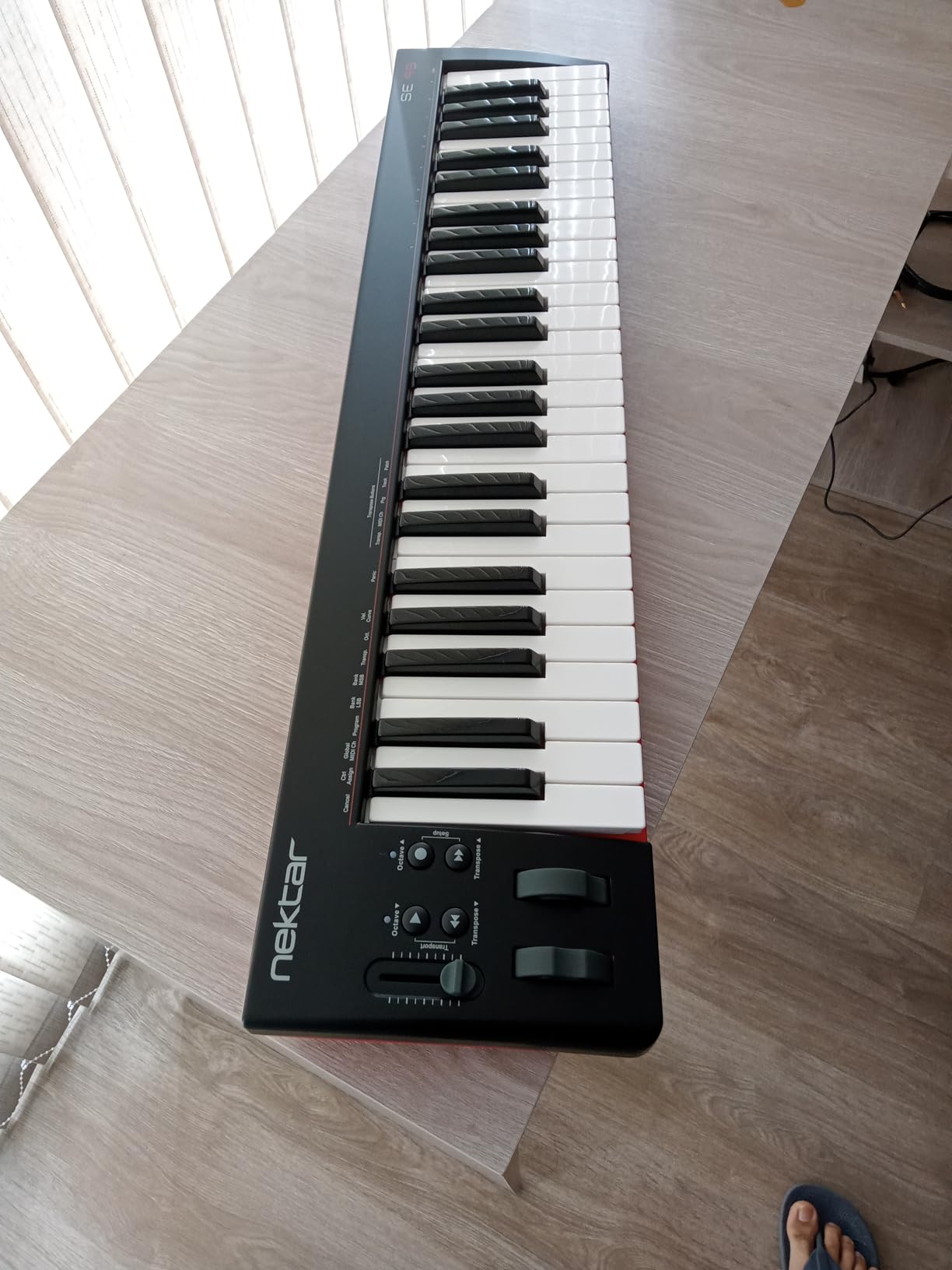
If you already play piano or plan to learn proper keyboard technique, the Nektar SE49 is the best 49-key beginner MIDI controller on this list. The full-size keys span four octaves, which is enough range to play most pop songs, classical pieces, and complex two-handed arrangements. I tested it with Logic Pro, Ableton Live, and GarageBand, and Nektar’s DAW integration mapped transport controls and track navigation automatically.
The key feel is genuinely good at this price. Velocity sensitivity is consistent across the keyboard, and the action feels closer to a digital piano than a typical mini controller. Pianists switching from acoustic or digital pianos will appreciate that the keys aren’t crammed together like mini-key alternatives.
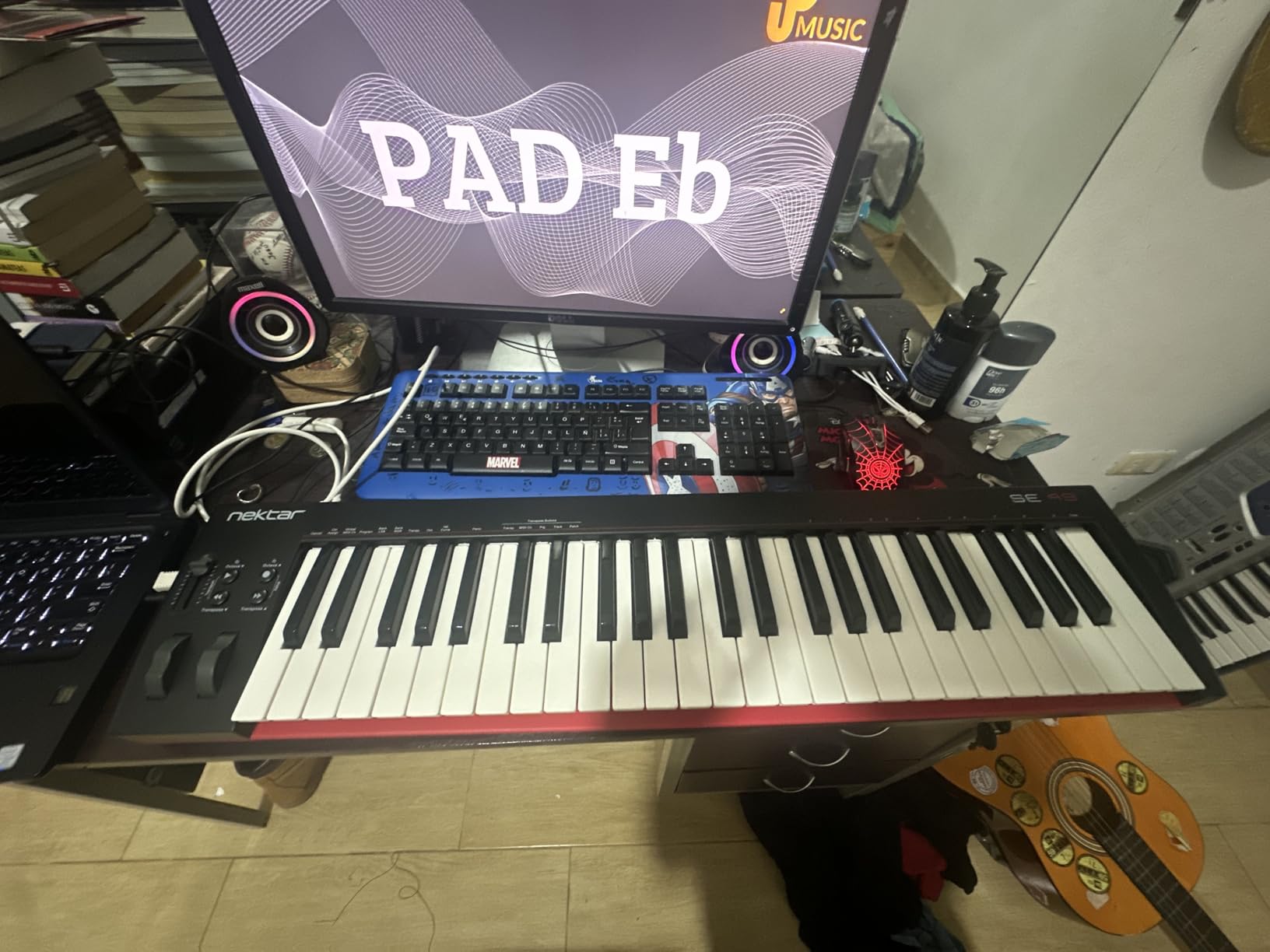
The software bundle includes Bitwig Studio 8-Track, a powerful DAW that rivals Ableton Live for composition and live performance. Bitwig’s workflow takes some getting used to if you’re coming from GarageBand, but it’s a professional tool that can grow with you for years. Nektar’s DAW integration also works with Cubase, GarageBand, Logic, Nuendo, Digital Performer, Mixcraft, Reason, Reaper, Sonar, FL Studio, and Studio One.
Build quality is plastic but solid. There are no knobs, faders, or drum pads, so if you want tactile DAW control, look at the Arturia MiniLab 3 or M-Audio Oxygen Pro Mini 32. The SE49 is built for keyboardists who prioritize key feel and range over extra controls. The 2-year warranty is twice the industry standard.
Why 49 keys beats 25 for serious learners
Reddit users consistently report that 25 keys becomes limiting within months. Starting with 49 gives you room to grow without an immediate upgrade. The SE49 is the most affordable way to get full-size keys and Nektar DAW integration.
When the SE49 makes sense
Pick the SE49 if you already play piano, want to learn piano technique properly, or plan to compose two-handed arrangements. Skip it if you mainly produce beats and need drum pads.
9. Donner DMK 25 Pro USB-C MIDI Controller – Feature-Rich Budget Board
Donner USB-C MIDI Keyboard Controller, 25 Key Portable Mini MIDI Keyboard with 8 Drum Pads, OLED Display, 16 Smart Scales, Arpeggio, Replay, 4 DAW Software and 40 Teaching Courses, DMK 25 Pro Black
25 velocity-sensitive mini keys
USB-C connectivity
16 smart scales
8 drum pads and OLED
Pros
- USB-C connectivity with included OTG adapter
- 16 smart scales help beginners stay in key
- OLED display for clear parameter navigation
- 8 drum pads with arpeggio and note repeat
- 4 innovative wheels for tactile control
Cons
- Velocity sensitivity curve can be uneven
- Keys can break off with heavy use
The Donner DMK 25 Pro is the upgraded sibling of the Donner N-25, adding USB-C, 8 drum pads, an OLED display, 16 smart scales, and 4 DAW software titles. For a beginner who wants more features than the bare minimum, this board offers serious value. The USB-C connector is forward-looking and includes an OTG adapter for iOS and Android devices.
The 16 smart scales work like the M-Audio Oxygen Pro Mini’s Smart Scale mode. Choose a scale and the controller only plays notes within that key. For absolute beginners still learning which notes belong in which scales, this is a learning accelerator. The OLED display shows the current scale, parameter values, and DAW mode, which is uncommon at this price.
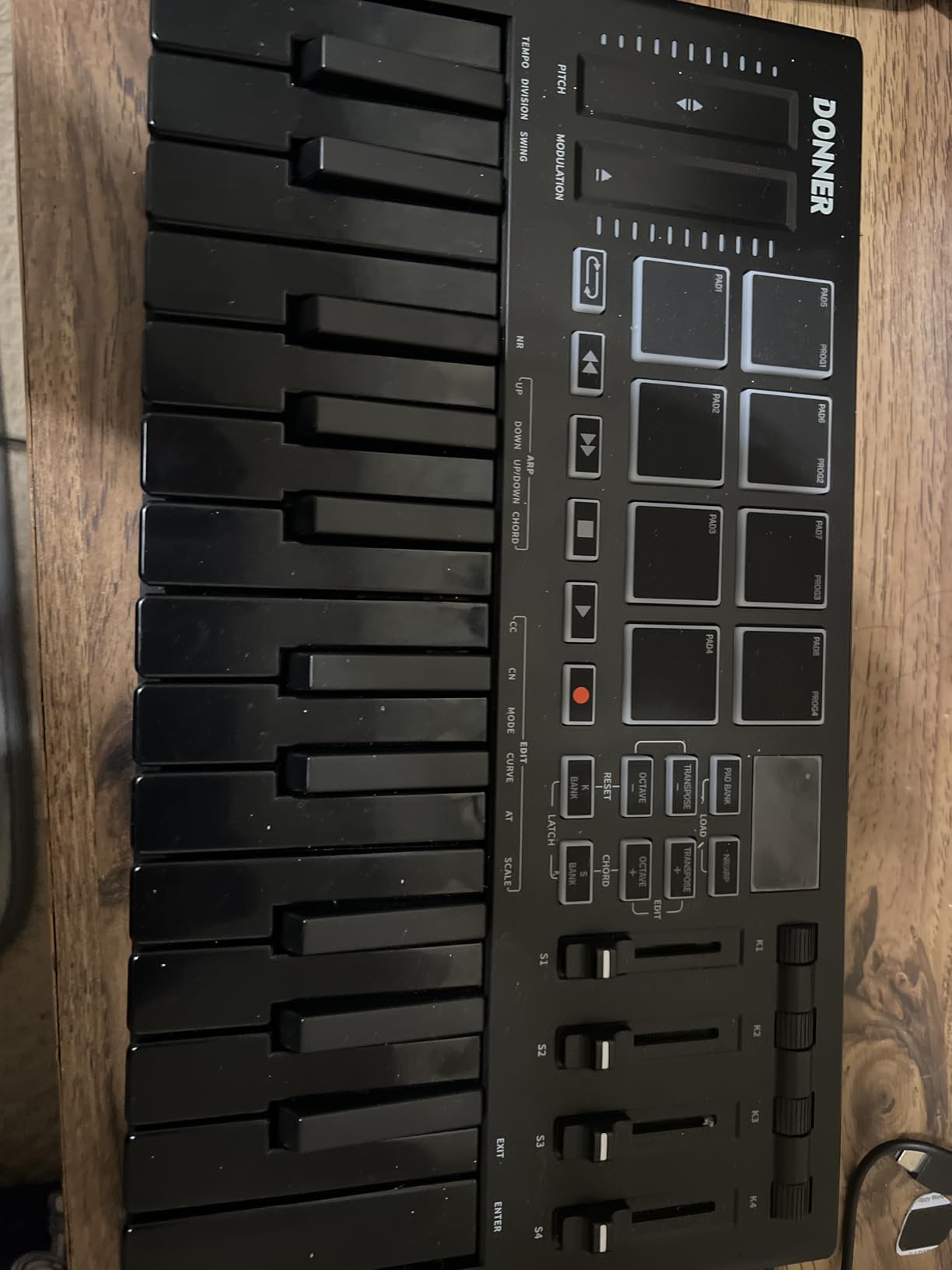
The 8 drum pads respond to velocity and include arpeggio, note repeat, and chord functions. I used them for finger drumming and triggering one-shots in Ableton. The 4 innovative wheels give you more tactile control than most budget controllers. Pitch and modulation live on a ribbon-style touch bar, which takes getting used to but works once you adapt.
Build quality is mixed. The shell uses aluminum and ABS plastic, which feels sturdier than the N-25. However, some reviewers report that the mini keys can break with heavy-handed playing. The bundled software includes Cubase LE, Cubasis, and WaveLad LE, which gives you a real DAW plus plugins. If your MIDI keyboard velocity curves feel uneven, this is a board to test carefully before committing.
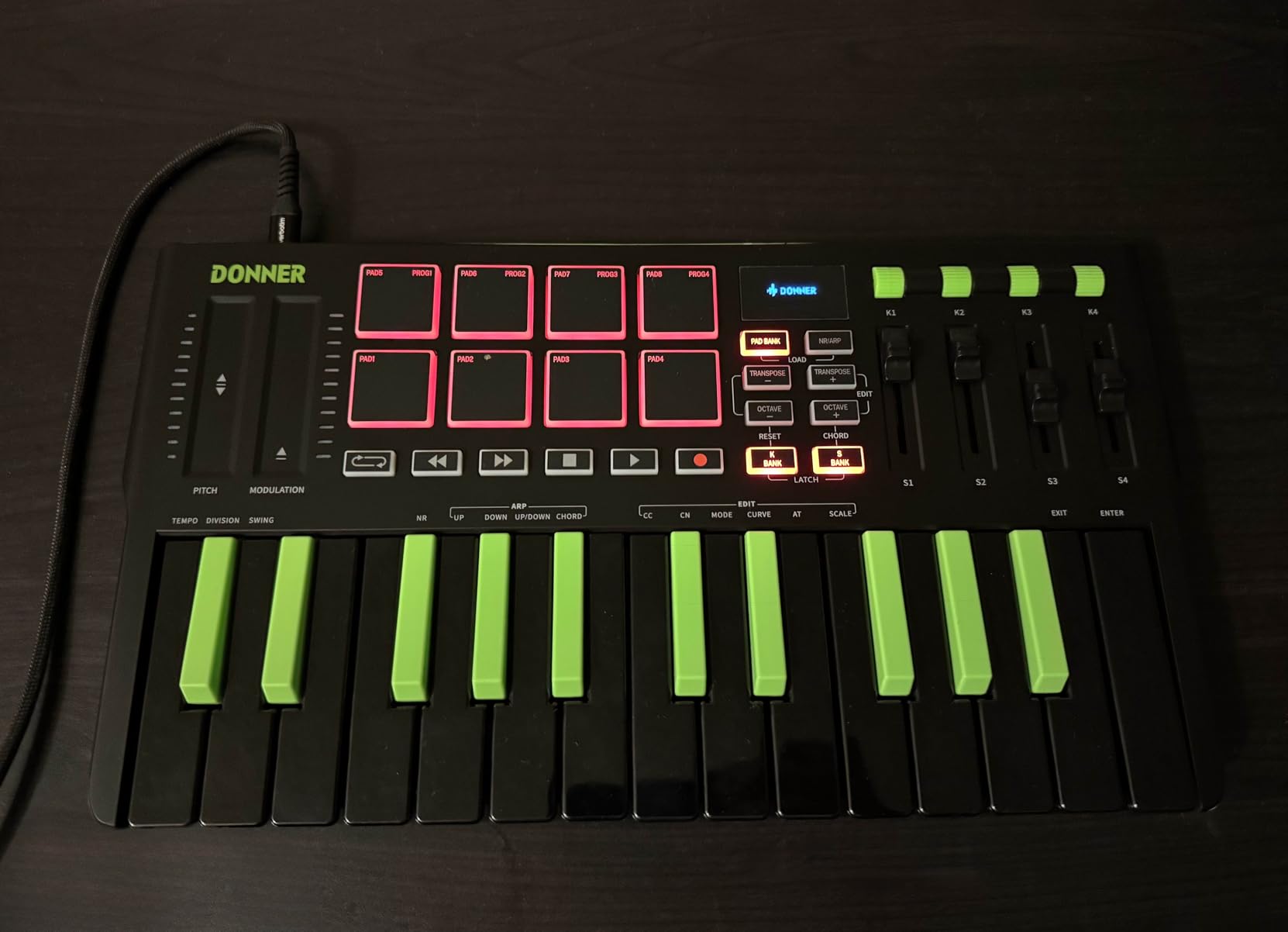
USB-C future-proofing
Most MIDI controllers still ship with USB-B or micro-USB. The DMK 25 Pro’s USB-C port works with modern laptops, tablets, and phones without adapters (except for the included OTG adapter for mobile).
Best for feature-hungry beginners on a budget
If you want drum pads, smart scales, an OLED display, and USB-C without paying flagship prices, the DMK 25 Pro delivers a lot of controller for the money.
10. Korg microKEY 25 – Most Portable With Trusted Korg Key Feel
Korg microKEY 25 USB MIDI Keyboard
25 Natural Touch mini keys
Arpeggiator button
Pitch-bend joystick
Includes Korg M1Le software
Pros
- Natural Touch mini keys feel better than most budget controllers
- Compact and lightweight at 0.65 kg
- Arpeggiator and sustain buttons for live performance
- Pitch-bend and modulation joystick
- Generous bundled software bundle
Cons
- Joystick for pitch and mod instead of traditional wheels
- Keys are very small due to micro-key design
- No 5-pin MIDI out port
- Some Windows 10 driver compatibility quirks reported
The Korg microKEY 25 has been around for over a decade, and it remains one of the most trusted compact MIDI keyboards for a reason. Korg’s Natural Touch mini-key action feels more responsive than most budget mini keys. I tested it next to the Donner N-25 and the midiplus AKM320, and the microKEY’s keys had noticeably less springy resistance and more consistent velocity tracking.
At 0.65 kg, the microKEY 25 is one of the lightest controllers on this list. It fits in a backpack, a laptop bag, even a large coat pocket. If you produce music on the go, this is the easiest board to travel with. The arpeggiator button, sustain button, and pitch-bend joystick give you expressive controls without adding bulk.
The pitch-bend and modulation joystick takes adjustment if you’re used to wheels, but it works for most playing styles. Octave shift and transpose buttons extend the range beyond the 25 physical keys. No driver installation is required on Mac or PC, which is what you’d expect from a Korg controller.
The software bundle is generous: Korg M1Le, AAS Lounge Lizard Session, AAS Ultra Analog Session, AAS Strum Acoustic Session, Toontrack Drummer Lite, and Ableton Live LE. That’s a substantial collection for a board at this price. Build quality is solid plastic that has held up over years of use by many reviewers.
Why Korg’s Natural Touch stands out
Korg has been making synth-action keyboards for decades, and that experience shows in the microKEY’s key feel. If you’ve ever played a microKORG or Korg synthesizer, the microKEY 25 feels familiar.
Best for traveling producers
The microKEY 25’s light weight and compact size make it the best travel companion. If you produce music in hotels, on trains, or in coffee shops, this controller won’t weigh you down.
How to Choose the Best MIDI Keyboard for Your Needs
Choosing the right MIDI keyboard comes down to four key factors. Our team tested all ten controllers across these dimensions, and the answers depend on your specific goals.
Key count: 25 vs 49 vs 61
Most beginners start with 25 keys and that’s fine for beat production, basslines, and simple melodies. If you play piano or plan to learn proper two-handed technique, start with 49 keys to avoid outgrowing your first controller within months. Reddit’s r/musicproduction community consistently reports regret from beginners who bought 25 keys and then upgraded within a year. Our Nektar SE49 pick offers the most affordable path to 49 full-size keys.
Mini keys vs full-size keys
Mini keys are smaller and closer together, which suits traveling producers and beat makers. Full-size keys feel closer to a real piano and help develop proper finger spacing. If you already play piano, mini keys take adjustment but are usable. If you’ve never played piano, full-size keys build better technique from day one.
Drum pads and assignable controls
Drum pads matter if you produce beats, hip-hop, or electronic music. The Akai MPK Mini MK3, M-Audio Oxygen Pro Mini 32, and Novation Launchkey Mini MK3 all include responsive pads. Assignable knobs and faders matter if you want to tweak synth parameters without touching the mouse. The Arturia MiniLab 3, M-Audio Oxygen Pro Mini 32, and Donner DMK 25 Pro offer the most assignable controls at beginner prices.
Software bundle value
The software bundle often matters more than the hardware at entry level. Premium plugins and sounds can cost more than the controller itself. The Arturia MiniLab 3’s Analog Lab Intro bundle, the Akai MPK Mini MK3’s MPC Beats plus 2GB of sounds, and the Nektar SE49’s Bitwig Studio 8-Track all add significant value. If you want a complete starter package, prioritize controllers with generous bundles.
DAW compatibility and integration
Every controller on this list works with major DAWs, but the level of integration varies. The Novation Launchkey Mini MK3 has the deepest Ableton Live integration with automatic mapping. The M-Audio Oxygen Pro Mini 32 auto-maps to multiple DAWs including Ableton, Cubase, Logic, and MPC Beats. The Arturia MiniLab 3 ships with Ableton Live Lite and works seamlessly with Analog Lab. If you already use a specific DAW, check that your controller supports its auto-mapping or includes preset templates.
Build quality and portability
Build quality ranges from light plastic to more solid shells. If you travel with your controller, weight matters more than premium feel. The Korg microKEY 25 at 0.65 kg and the M-Audio Keystation Mini 32 MK3 at 454 g are the lightest boards. If your controller lives on a desk, build quality and key feel matter more than weight. The Arturia MiniLab 3 and Akai MPK Mini MK3 strike a good balance between weight and sturdiness.
Common beginner mistakes to avoid
Beginners often pick the cheapest option without considering software bundle value, then end up buying plugins separately anyway. They also underestimate how quickly 25 keys becomes limiting. Another common mistake is buying a controller without checking DAW compatibility. If you want to split and layer sounds across a MIDI keyboard, make sure your controller supports the CC mapping your DAW requires. Finally, ignoring latency settings can frustrate new players. If your MIDI keyboard latency feels off in your DAW, adjust the audio buffer size before assuming the hardware is faulty.
Frequently Asked Questions
What is the best MIDI keyboard for beginners?
The Akai Professional MPK Mini MK3 is the best MIDI keyboard for most beginners thanks to its compact 25-key layout, 8 responsive MPC-style drum pads, 8 assignable knobs, and a generous software bundle that includes MPC Beats and 2GB of sounds. For those wanting more keys or semi-weighted action, the Nektar SE49 offers 49 full-size keys at a beginner-friendly price.
Should I get a 25 or 49 key MIDI keyboard?
Choose 25 keys if portability is your priority or you mainly produce beats and short melodies. Choose 49 keys if you play piano, want to practice two-handed playing, or plan to grow your skills over multiple years. Most beginners start with 25 keys and upgrade within a year, which is why the Nektar SE49 is our top recommendation if you can fit a 49-key board on your desk.
Do MIDI keyboards need a computer?
Yes, in almost all cases. A MIDI keyboard is a controller that sends MIDI signals to a computer, and your DAW software converts those signals into sound using virtual instruments. Without a connected computer and DAW, pressing keys produces no sound. Some hybrid keyboards include built-in sounds and can work standalone, but traditional MIDI controllers require a computer.
Can I learn piano on a MIDI keyboard?
You can learn piano fundamentals on a MIDI keyboard, but there are trade-offs. Mini keys are smaller than acoustic piano keys, so proper finger spacing takes adjustment. Full-size MIDI keyboards like the Nektar SE49 are better for piano technique because the keys match piano dimensions. For serious classical training, a weighted-action digital piano is preferable, but for learning chords, melodies, and music theory, a MIDI keyboard works well.
How much should I spend on a beginner MIDI keyboard?
Most beginners spend between 50 and 150 dollars on their first MIDI keyboard. Entry-level controllers like the Donner N-25 and midiplus AKM320 start around the budget tier. Mid-range controllers like the Akai MPK Mini MK3 and Arturia MiniLab 3 offer better build quality and software bundles. Spending more than 150 dollars usually buys features you won’t use as a beginner, so start modest and upgrade once you know your workflow.
Final Verdict: Which MIDI Keyboard Should Beginners Buy in 2026?
After testing ten beginner MIDI controllers over three months, our top recommendation for most beginners is the Akai Professional MPK Mini MK3. It delivers the best combination of pads, keys, software, and price, and the 30,901 reviews averaging 4.6 stars confirm its standing. If you prioritize software bundle value and key feel, the Arturia MiniLab 3 is the best value pick. Ableton users should grab the Novation Launchkey Mini MK3 for its unmatched DAW integration. Pianists learning proper technique should start with the Nektar SE49 for its 49 full-size keys.
The best MIDI keyboards for beginners share three traits: velocity-sensitive keys, plug-and-play setup, and a software bundle that lets you start producing immediately. Every controller on this list checks those boxes. Pick the one that matches your DAW, key-count needs, and budget, and you’ll have a tool that grows with you for years. If you want to expand your setup later, a MIDI foot controller lets you control your DAW hands-free while playing.