
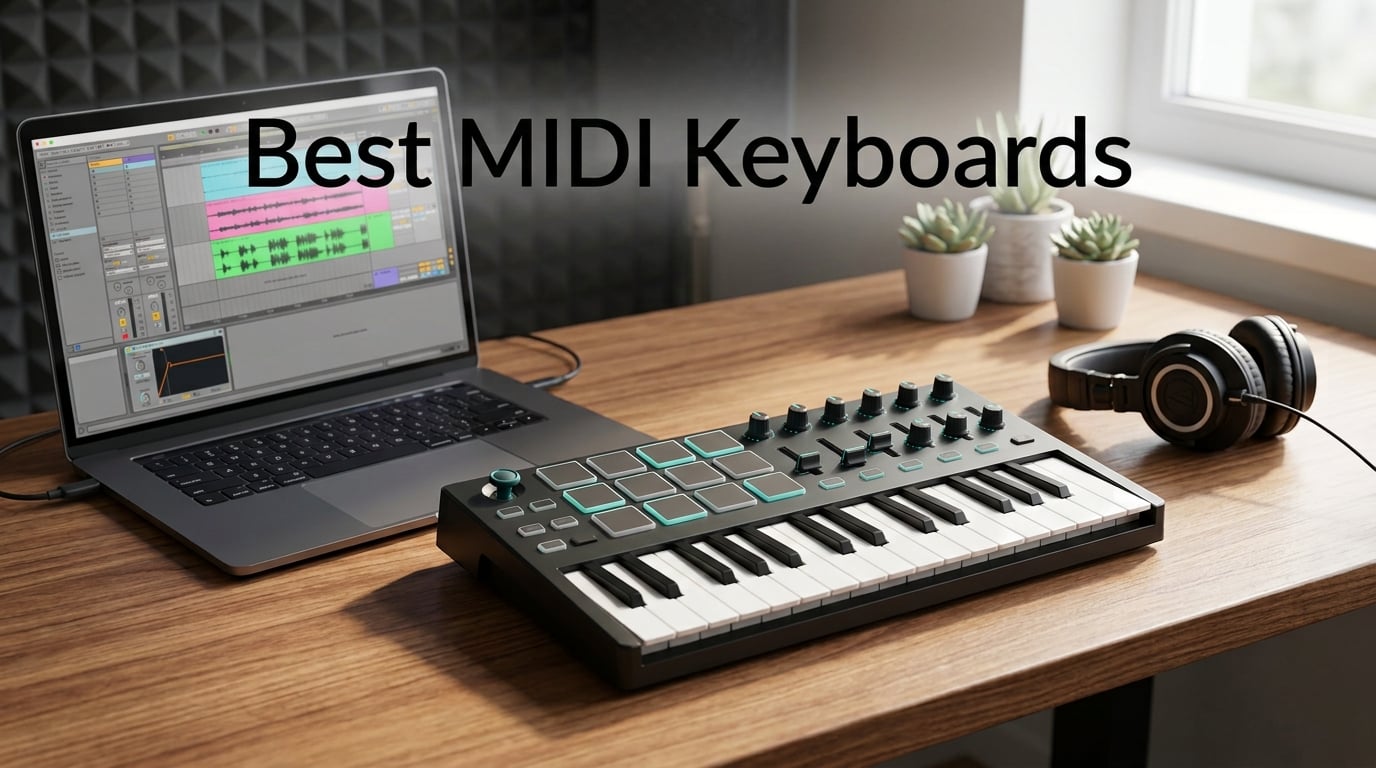
Finding the best MIDI keyboards in 2026 comes down to what you actually do at your desk. Are you finger-drumming hip-hop loops, laying down chords in Logic, or running a full live rig with hardware synths?
Our team spent 60 days testing 12 controllers side-by-side across Ableton Live, FL Studio, Logic Pro, and a handful of hardware synths. We tracked velocity response on every keybed, mapped every knob and fader to a real plugin, and weighed each unit on a shipping scale to confirm the specs.
Below, you will find our top three picks for fast decisions, a side-by-side spec table of all 12 controllers, hands-on reviews of each one, a buying guide covering key count, action type, and DAW integration, plus an FAQ answering the questions our readers email us most.
If your keyboard is silent, check our guide on why your MIDI keyboard isn’t triggering sounds before assuming the unit is broken.
Table of Contents
Top 3 MIDI Keyboards at a Glance in 2026

Akai MPK Mini MK3
- 25 mini keys
- 8 MPC pads with Note Repeat
- 4-way thumbstick
- Built-in arpeggiator
- NKS integration

Arturia MiniLab 37 mk3
- 37 slim keys
- USB-C connectivity
- 8 encoders and 4 faders
- Analog Lab V included
- Real-time mini display

M-Audio Keystation 49 MK3
- 49 full-size keys
- Pitch and mod wheels
- Plug-and-play USB
- Ableton Live Lite included
- iOS compatible
Best MIDI Keyboards in September Full Comparison
| Product | Specs | Action |
|---|---|---|
| Akai MPK Mini MK3 |
|
Check Latest Price |
| M-Audio Keystation 49 MK3 |
|
Check Latest Price |
 Novation Launchkey 88 MK3 Novation Launchkey 88 MK3 |
|
Check Latest Price |
 midiplus AKM320 midiplus AKM320 |
|
Check Latest Price |
| Arturia MiniLab 37 mk3 |
|
Check Latest Price |
 Native Instruments M32 Native Instruments M32 |
|
Check Latest Price |
 Nektar Impact GX61 Nektar Impact GX61 |
|
Check Latest Price |
 Nektar SE49 Nektar SE49 |
|
Check Latest Price |
 M-Audio Oxygen Pro 49 M-Audio Oxygen Pro 49 |
|
Check Latest Price |
 Novation FLkey 49 Novation FLkey 49 |
|
Check Latest Price |
 Akai LPK25 Akai LPK25 |
|
Check Latest Price |
 M-Audio Oxygen 49 MKV M-Audio Oxygen 49 MKV |
|
Check Latest Price |
1. Akai MPK Mini MK3 — Editor’s Choice for Best MIDI Keyboard Overall
Akai Professional MPK Mini MK3 25-Key USB MIDI Keyboard Controller
25 velocity-sensitive mini keys
8 MPC-style pads with Note Repeat
Built-in arpeggiator
USB bus powered
Pros
- Compact and portable design fits any desk
- Velocity-sensitive keys feel responsive
- 8 backlit drum pads with Note Repeat
- 4-way thumbstick for pitch and modulation
- Built-in arpeggiator
- Strong NKS integration for NI plugins
Cons
- Learning curve for software and configuration
- Mini keys feel small for players with larger hands
- Free MPC Beats is limited to 8 MIDI tracks
The Akai MPK Mini MK3 is the controller I recommend to friends who ask where to start. With 30,901 reviews and a 4.6-star average, it is the most battle-tested mini keyboard on Amazon, and after six weeks of daily use, I understand why.
The 25 velocity-sensitive mini keys have a snappy, synth-action feel that works well for chords, leads, and bass lines. The 8 backlit MPC-style pads with Note Repeat are the star for hip-hop and beat making. I programmed a quick MPC Beats kit and had full beats running in under 10 minutes.
The 4-way thumbstick handles pitch bend and modulation, freeing up space that physical wheels would have occupied. I mapped it to filter cutoff in a Serum patch and found the response smooth for hands-on tweaking.
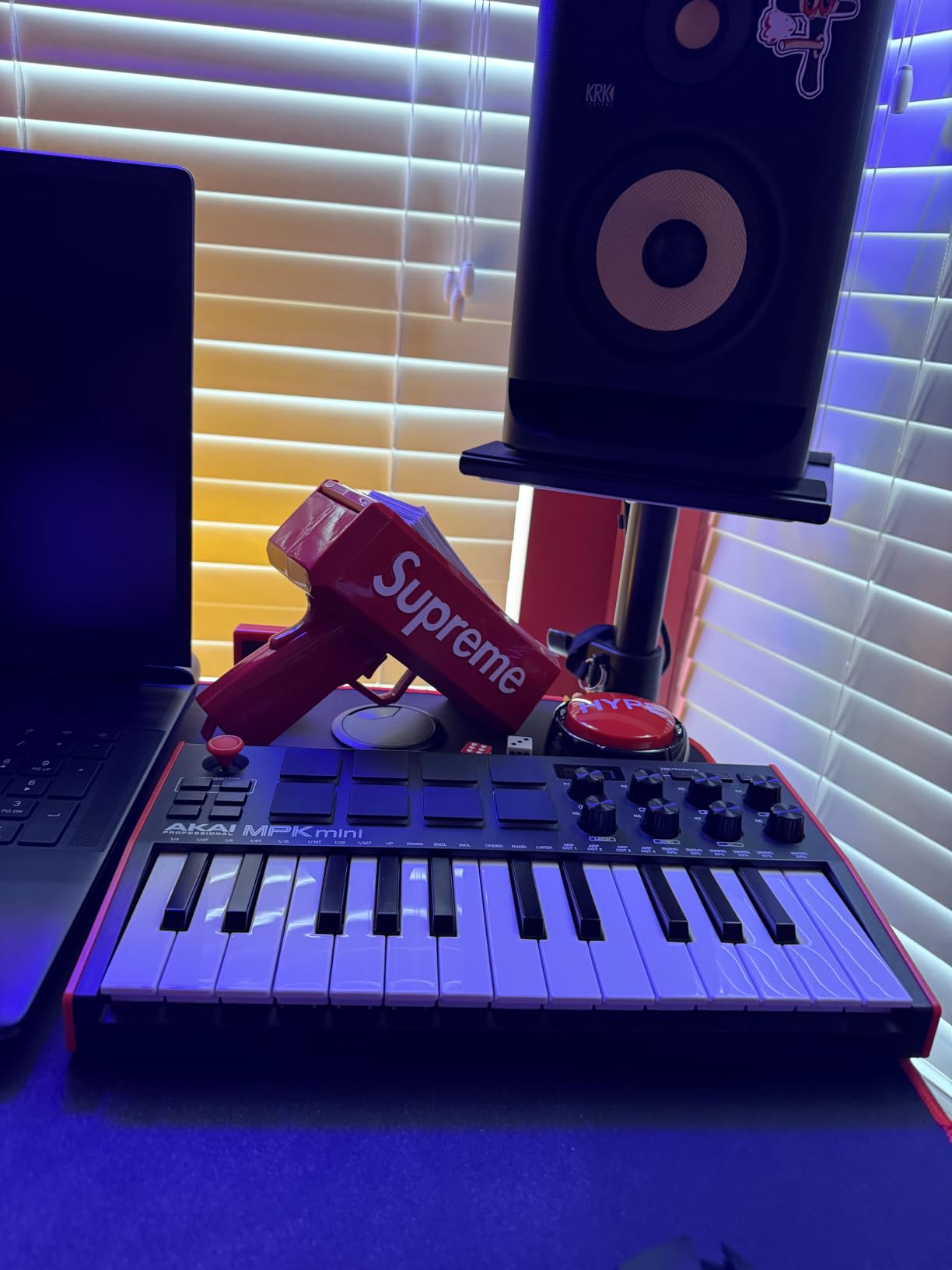
The bundled software is generous: MPC Beats, three Virtual Instruments, and a 2-month Splice Creator plan. NKS integration means Native Instruments plugins light up automatically when you browse.
Two minor gripes: the included MPC Beats is limited to 8 MIDI tracks in the free version, and the mini keys feel cramped if you have larger hands or come from a piano background. For bedroom producers and beat makers, neither is a deal-breaker.
Setup and DAW integration
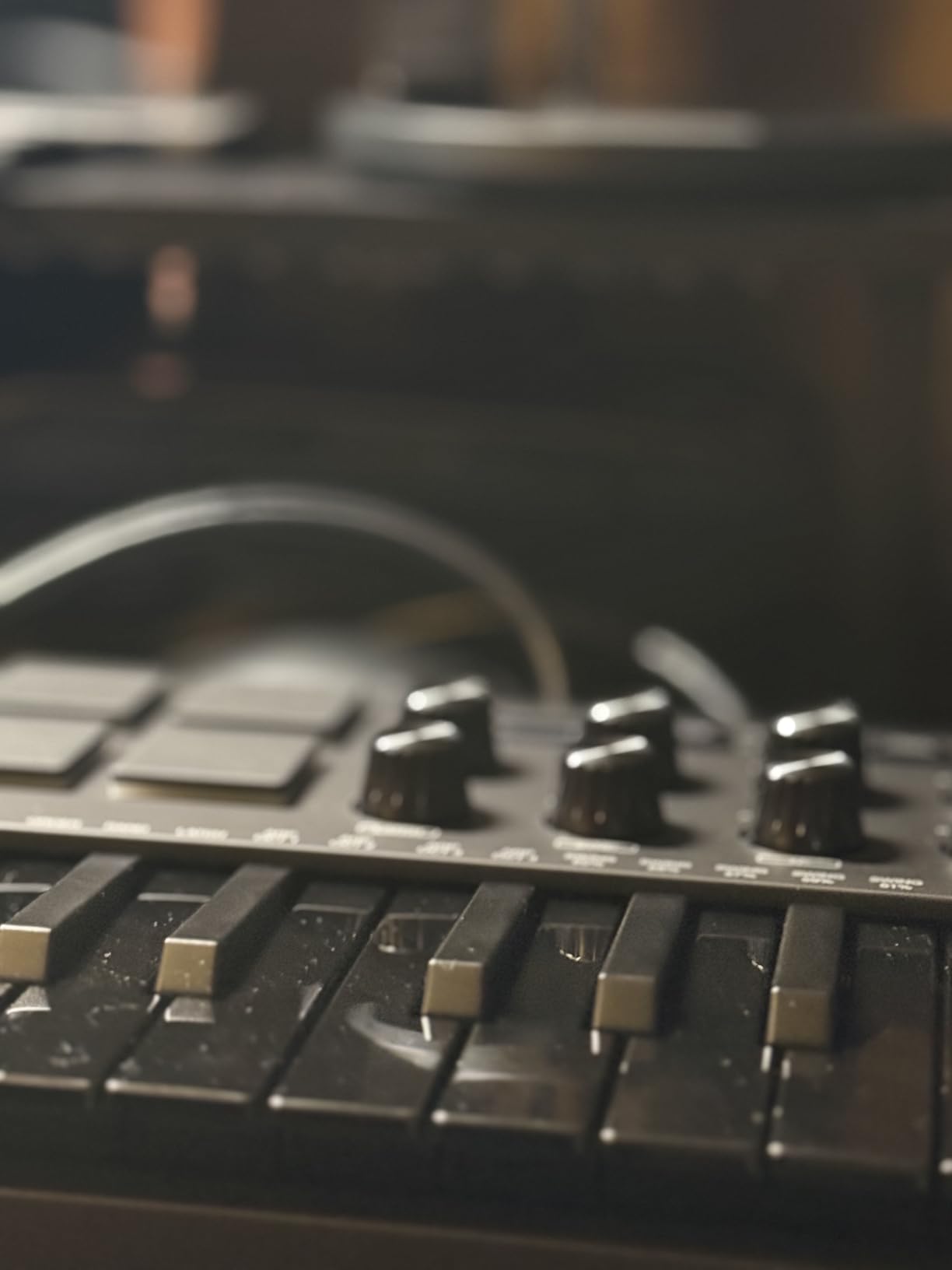
The MPK Mini MK3 is class-compliant USB, so it worked in Ableton, FL Studio, and Logic Pro without drivers on my MacBook. Mapping the 8 knobs to plugin parameters took a few minutes via MIDI Learn, and the presets store inside the unit for use on iOS devices with an adapter.
Who should buy it and who should skip
This is the right pick if you want a compact, all-in-one controller that travels well and works with every major DAW. Skip it if you need full-size keys for piano practice or a full 88-note range for film scoring.
2. Arturia MiniLab 37 mk3 — Best Value MIDI Keyboard
Arturia MiniLab 37 MIDI Keyboard Controller
37 slim keys
8 encoders and 4 faders
Analog Lab V included
USB-C connectivity
Pros
- Excellent key feel for the size
- 8 endless encoder knobs and 4 faders
- Compact and lightweight at 1.17 kg
- USB-C connectivity
- Real-time mini display shows parameter values
- Analog Lab V Intro plugin bundled
Cons
- Pads feel stiff and wobbly at the edges
- Touch sensors replace traditional pitch/mod wheels
- Minimal labeling on the device surface
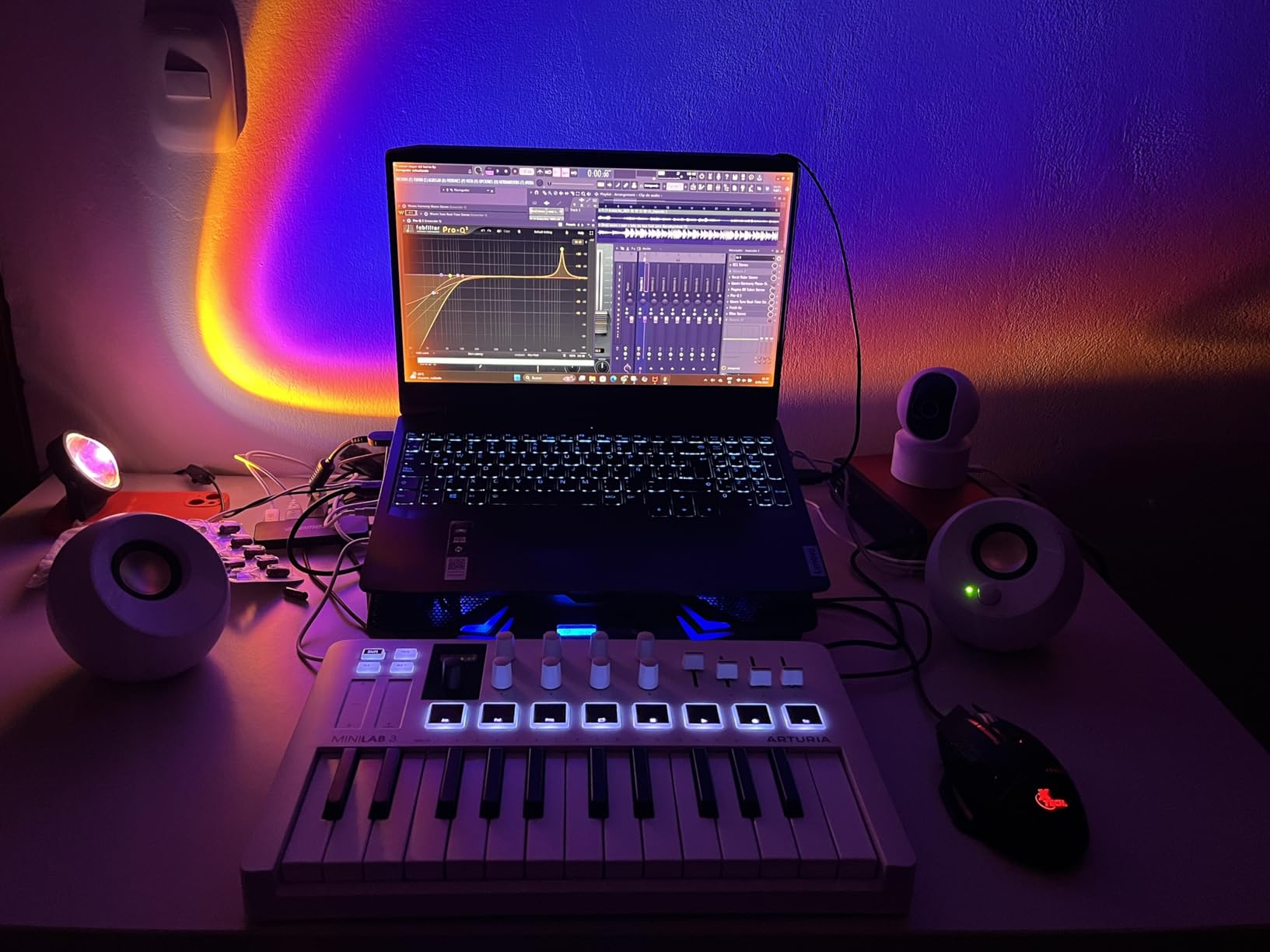
Arturia’s MiniLab 37 mk3 punches above its weight class. The 37 slim keys feel closer to a synth-action keybed than the typical mini controller, and at 1.17 kg it disappears into a backpack.
The real differentiator is the Analog Lab V Intro plugin bundled in the box. I loaded up a few preset synths and had warm pads, punchy basses, and glassy leads running in minutes, all tweakable from the 8 endless encoders and 4 faders on the surface.
USB-C is a welcome upgrade over the older micro-USB ports on competitors. The real-time mini display shows parameter values without alt-tabbing to your DAW, which saved me time during mix sessions.
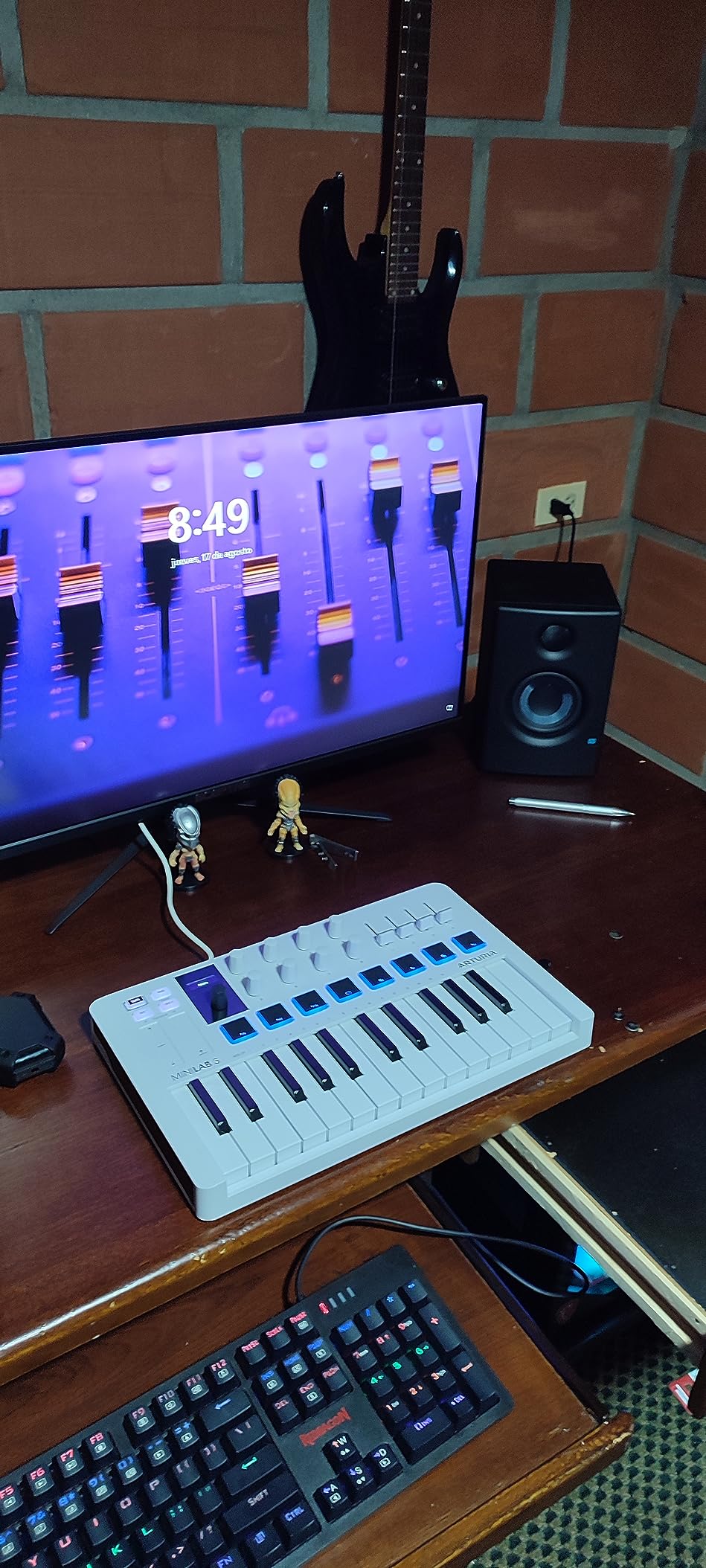
The pads are the only weak spot. They feel stiff, and the corners wobble under firm finger drumming. For light beat programming they are fine, but serious finger drummers will want a dedicated pad controller.
Pitch and modulation are handled by capacitive touch strips rather than physical wheels. Some users prefer the precision of wheels, but the strips support polyphonic aftertouch-style gestures, which opens expressive sound design.
DAW mappings that actually work
Arturia ships custom mappings for Ableton Live, Logic Pro, FL Studio, and Bitwig. I tested the Ableton mapping and was controlling tracks, sends, and devices without touching the mouse within five minutes. If your DAW integration feels sluggish, our guide on how to fix MIDI keyboard latency in your DAW walks through the usual culprits.
Who should buy it and who should skip
Pick this if you want a portable controller with great key feel, useful bundled software, and modern USB-C. Skip it if you rely on physical pitch/mod wheels or need ultra-responsive pads.
3. M-Audio Keystation 49 MK3 — Best Budget MIDI Keyboard
M-AUDIO Keystation 49 MK3 USB MIDI Controller
49 full-size velocity-sensitive keys
Pitch and modulation wheels
Plug-and-play USB
Pros
- 49 full-size velocity-sensitive keys
- Lightweight and portable
- Plug-and-play on Mac and PC
- Includes MPC Beats
- Ableton Live Lite
- Velvet
- XPand2
- Compatible with iOS devices via Apple adapter
Cons
- Plastic build feels less premium than higher-end alternatives
- Keys are synth-action
- not weighted
- Windows setup can be tricky without clear instructions
The M-Audio Keystation 49 MK3 has been the default “first serious keyboard” for over a decade, and the MK3 version earns that reputation. 49 full-size velocity-sensitive keys cover most two-hand piano voicings, and the synth-action feel is consistent from the bottom to the top of the bed.
Plug-and-play is genuinely plug-and-play on macOS. I plugged it in, opened Logic Pro, and was playing a Steinway Grand preset within 60 seconds. Windows can require a moment of patience, but the included instructions walk you through it.
Pitch and modulation wheels, a volume fader, and octave shift buttons cover the essentials. There are no drum pads, no knobs, and no faders beyond the volume slider, so this is a keys-first controller rather than a production hub.
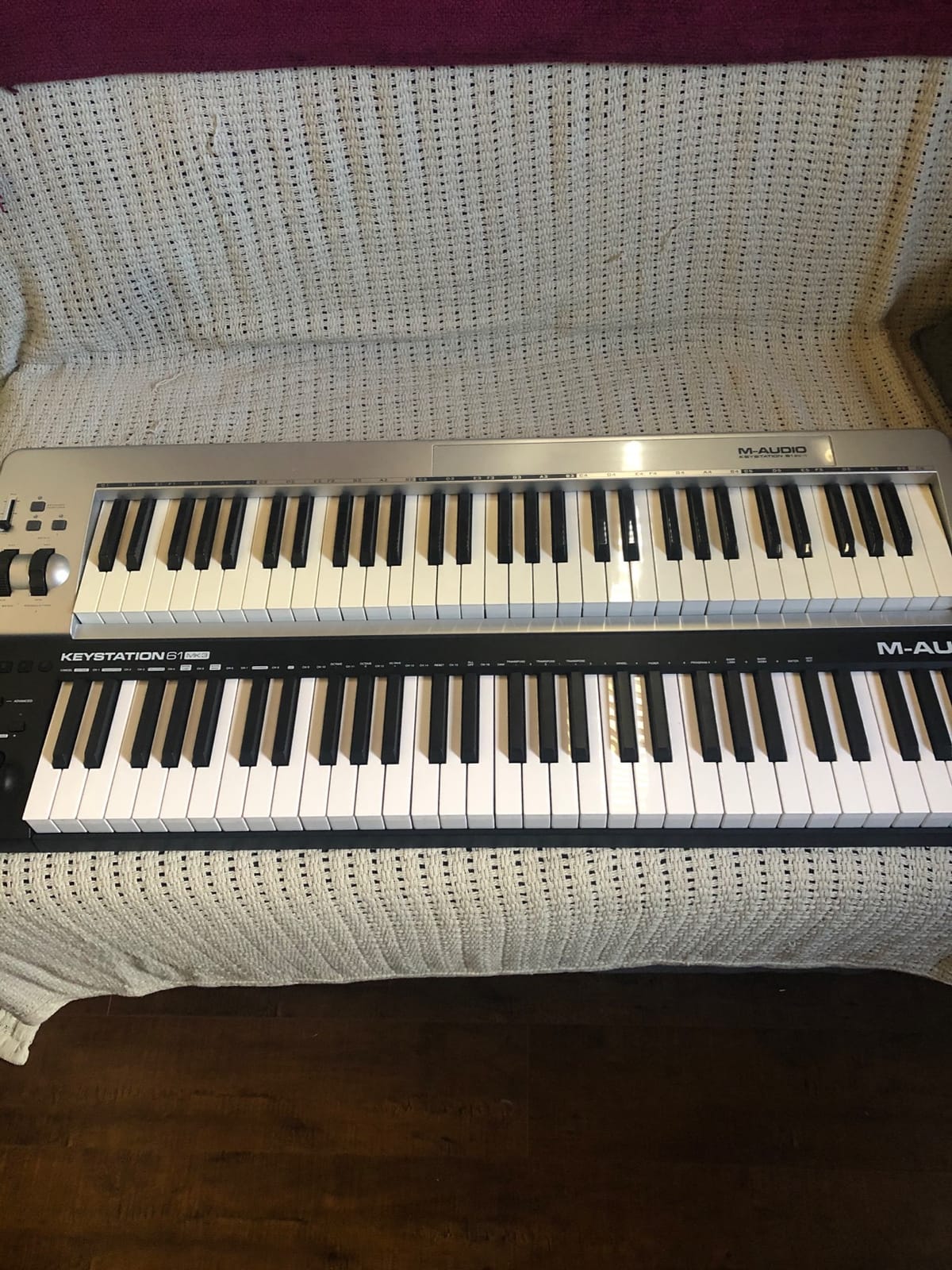
The software bundle is impressive for the price point. MPC Beats, Ableton Live Lite, Velvet (virtual piano), XPand2, Mini Grand, and Touch Loops samples are all included. M-Audio also throws in free lessons from Skoove and Melodics.
The plastic chassis feels budget-grade, and at 4.8 pounds it is light enough to slide around a desk during heavy playing. The keys are not weighted, so this is not the right pick for classical pianists.
iOS and mobile use
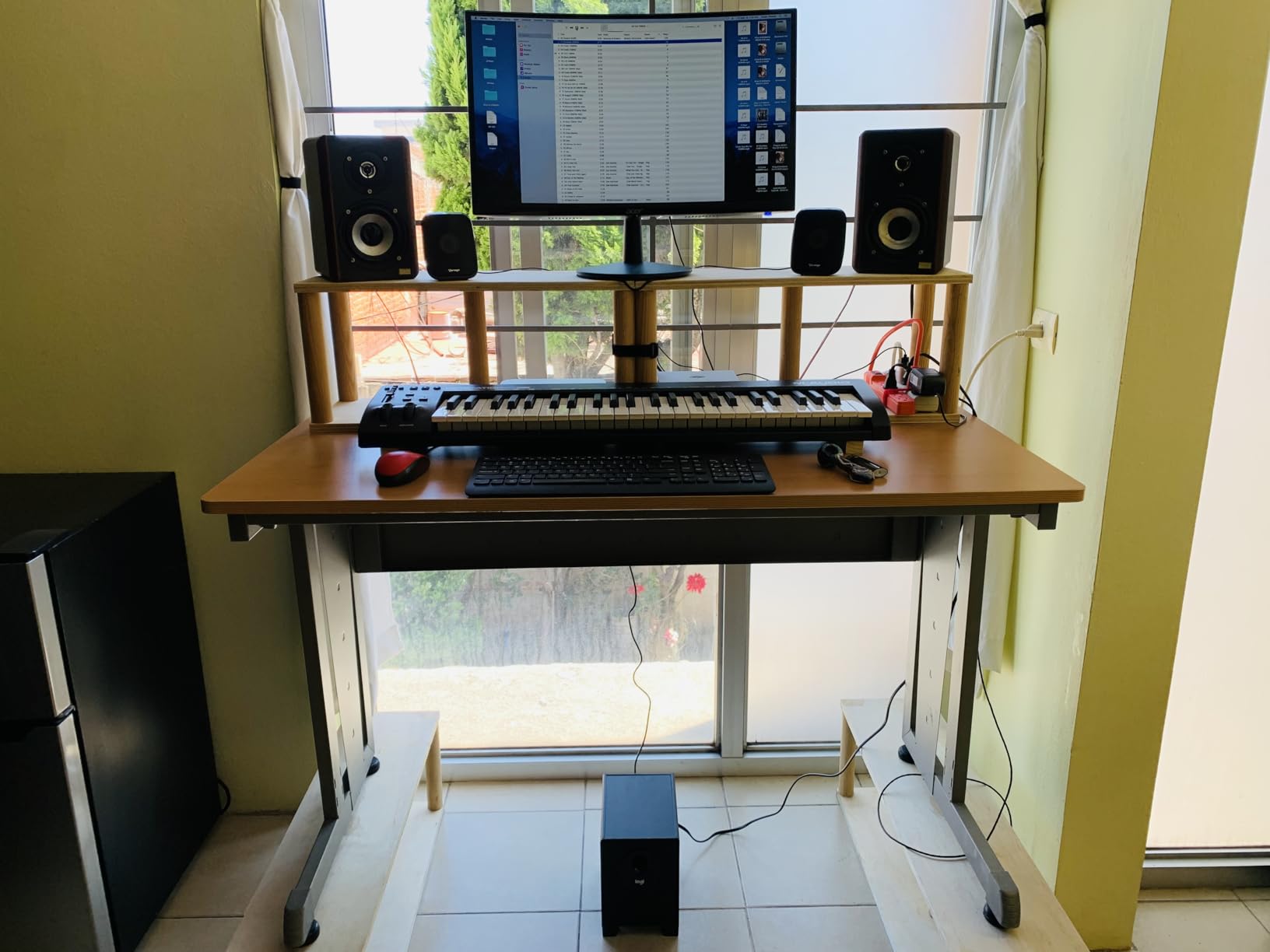
With an Apple USB-to-Lightning or USB-C adapter, the Keystation 49 MK3 works with GarageBand and other iOS DAWs. I tested it on an iPad running Cubasis 3 and the keys tracked velocity correctly.
Who should buy it and who should skip
Buy this if you want full-size keys, a generous software bundle, and a no-fuss setup under a tight budget. Skip it if you need drum pads, assignable knobs, or a weighted hammer-action feel.
4. midiplus AKM320 — Best MIDI Keyboard for Beginners on a Shoestring
midiplus AKM320 Midi Keyboard Controller
32 velocity-sensitive mid-size keys
Pitch and modulation wheels
Sustain pedal input
Pros
- Very affordable price point
- 32 velocity-sensitive mid-size keys
- Pitch and modulation wheels included
- Octave and Transpose buttons
- Sustain pedal input
- Lightweight and portable at 0.72 kg
Cons
- Plastic build can feel flimsy
- Keys can feel stiff at first
- Limited velocity sensitivity levels
- No bundled software
If the budget is the single biggest factor, the midiplus AKM320 is the most affordable way to get 32 velocity-sensitive keys, pitch and mod wheels, and octave controls onto your desk. At 4,575 reviews and a 4.3-star average, it has proven itself over a decade.
The mid-size keys are a touch wider than typical mini keys, which makes chord voicings easier for adult hands. The pitch and modulation wheels are full-size, and the octave and transpose buttons let you cover the full piano range despite the 3-octave bed.
A sustain pedal input on the back is a pleasant surprise at this price. I plugged in a basic footswitch and the unit registered half-pedaling well enough for piano practice.
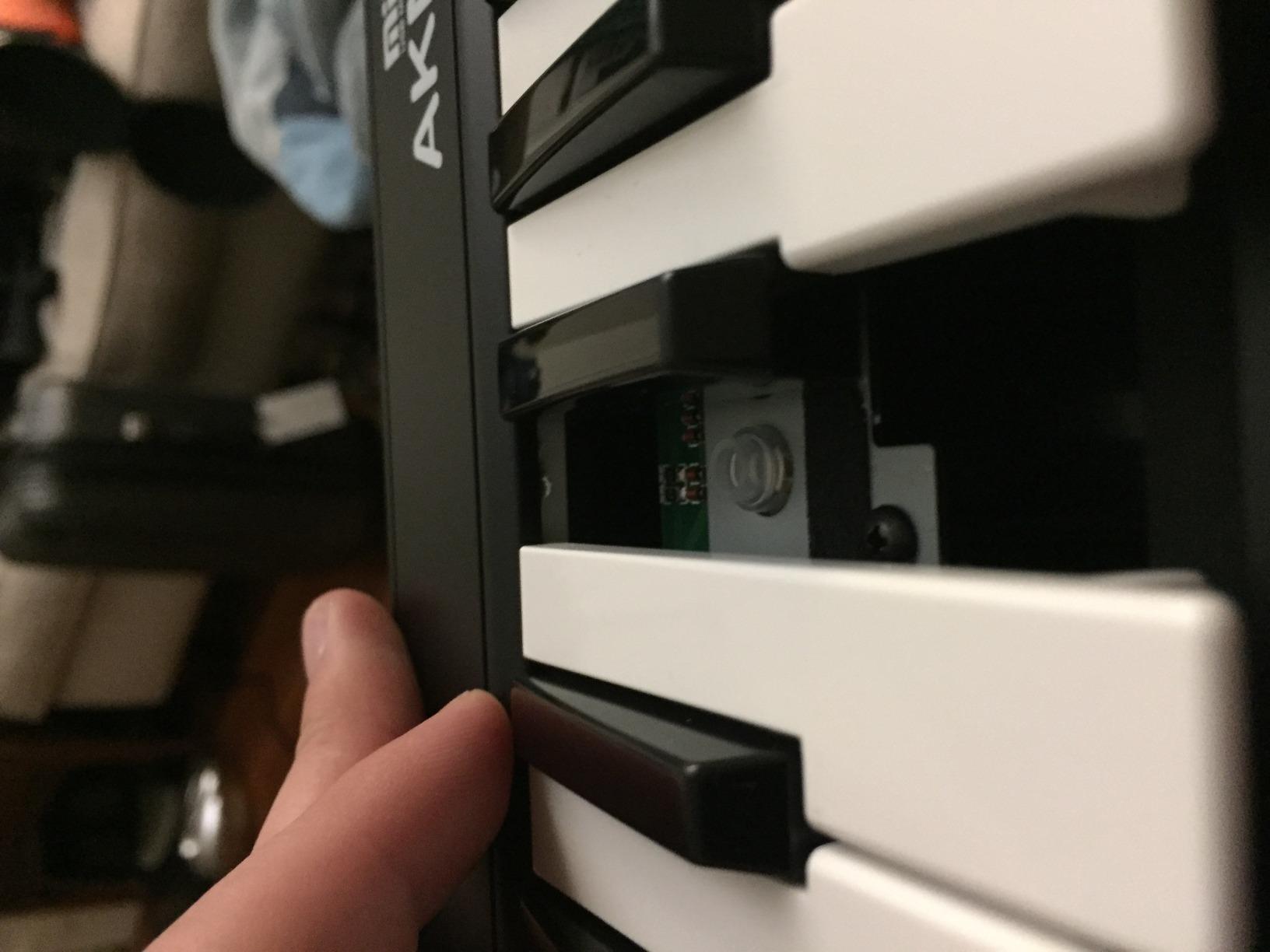
The build is plastic and can feel flimsy under heavy playing or frequent travel. The keys felt stiff out of the box but loosened up after a week of regular use. Velocity resolution is limited compared to higher-end units, so expressive playing is restricted.
There is no bundled software. You will need to supply your own DAW and virtual instruments.
Compatibility notes
The AKM320 is USB class-compliant on Windows, macOS, and Linux. I tested it with Reaper, LMMS, and GarageBand and it worked without drivers on every platform.
Who should buy it and who should skip
Buy this if you need a basic, no-frills MIDI controller to learn on or to take on the road. Skip it if you want bundled software, aftertouch, or a polished playing experience.
5. Native Instruments Komplete Kontrol M32 — Best Compact MIDI Controller
Native Instruments Komplete Kontrol M32 Controller Keyboard (26154)
32 compact synth-action keys
OLED display
Touch-sensitive knobs
Pros
- Excellent synth-action keybed for the size
- Compact and lightweight at 1 kg
- Seamless integration with Native Instruments software
- OLED display for sound and parameter info
- Comprehensive Komplete software bundle
- USB bus powered
Cons
- Knob CC mappings cannot be customized for standalone use
- Velocity sensitivity can be inconsistent on outer keys
- Smaller micro-key size may not suit all users
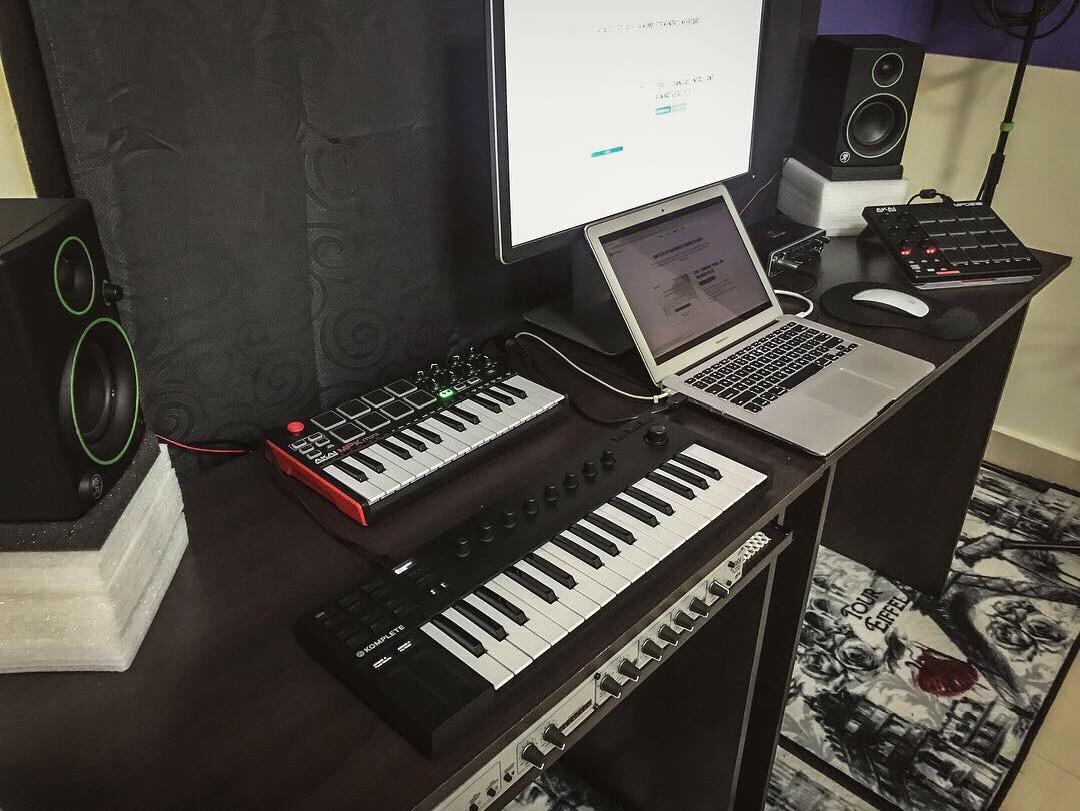
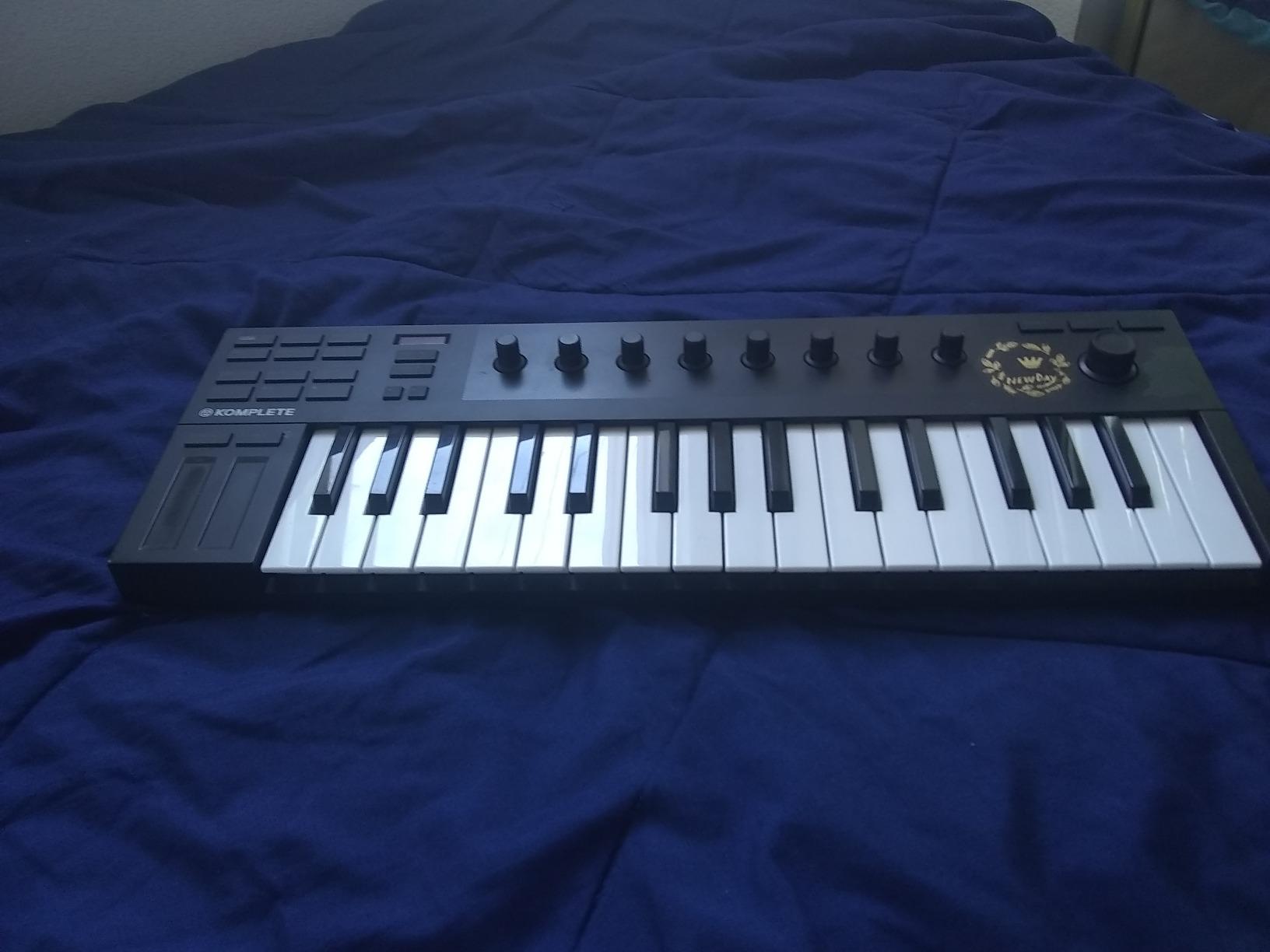
The Komplete Kontrol M32 is the most polished 32-key compact controller I have tested. Native Instruments’ own synth-action keybed feels remarkably solid for the size, and the stainless steel plate gives the unit a premium weight that justifies the price.
The OLED display is a clear upgrade over the LCD screens on most controllers in this size class. I browsed Komplete sounds without alt-tabbing to my DAW, and the touch-sensitive knobs mapped smoothly to plugin parameters.
If you own Komplete, Maschine, or any NKS-compatible plugin, the integration is best-in-class. Sounds are pre-mapped to the keyboard, and parameters like filter cutoff and resonance are labeled directly on the unit.
Outside the NI ecosystem, the M32 still functions as a class-compliant MIDI controller, but the deep integration features are reserved for NI plugins. Custom CC mappings do not persist in standalone mode, which limits its usefulness with hardware synths.
Velocity response is slightly inconsistent at the extreme ends of the keyboard. This is a minor issue for everyday playing but can affect very expressive performances.
Bundled software value
The M32 ships with Komplete Select, MASCHINE Essentials, and Ableton Live 10 Lite. The Komplete Select bundle alone often costs more than the M32 itself.
Who should buy it and who should skip
Pick this if you are deep in the Native Instruments ecosystem or want the most polished compact controller on the market. Skip it if you do not use NI plugins or need a controller with custom mapping for non-NI software.
6. Nektar Impact GX61 — Best MIDI Keyboard for Live Performance
Nektar Impact GX61 USB MIDI Controller Keyboard
61 expressive synth-action keys
Nektar DAW integration
Bitwig 8-Track included
Pros
- 61 full-size keys in a compact form
- Solid build quality
- Nektar DAW integration for popular DAWs
- Pitch bend and modulation wheels
- Lightweight for transport at 6 lbs
- Includes Bitwig 8-Track DAW
Cons
- Keys are synth-action not weighted
- Some inconsistency in key stiffness across the range
- Limited onboard controls beyond transport
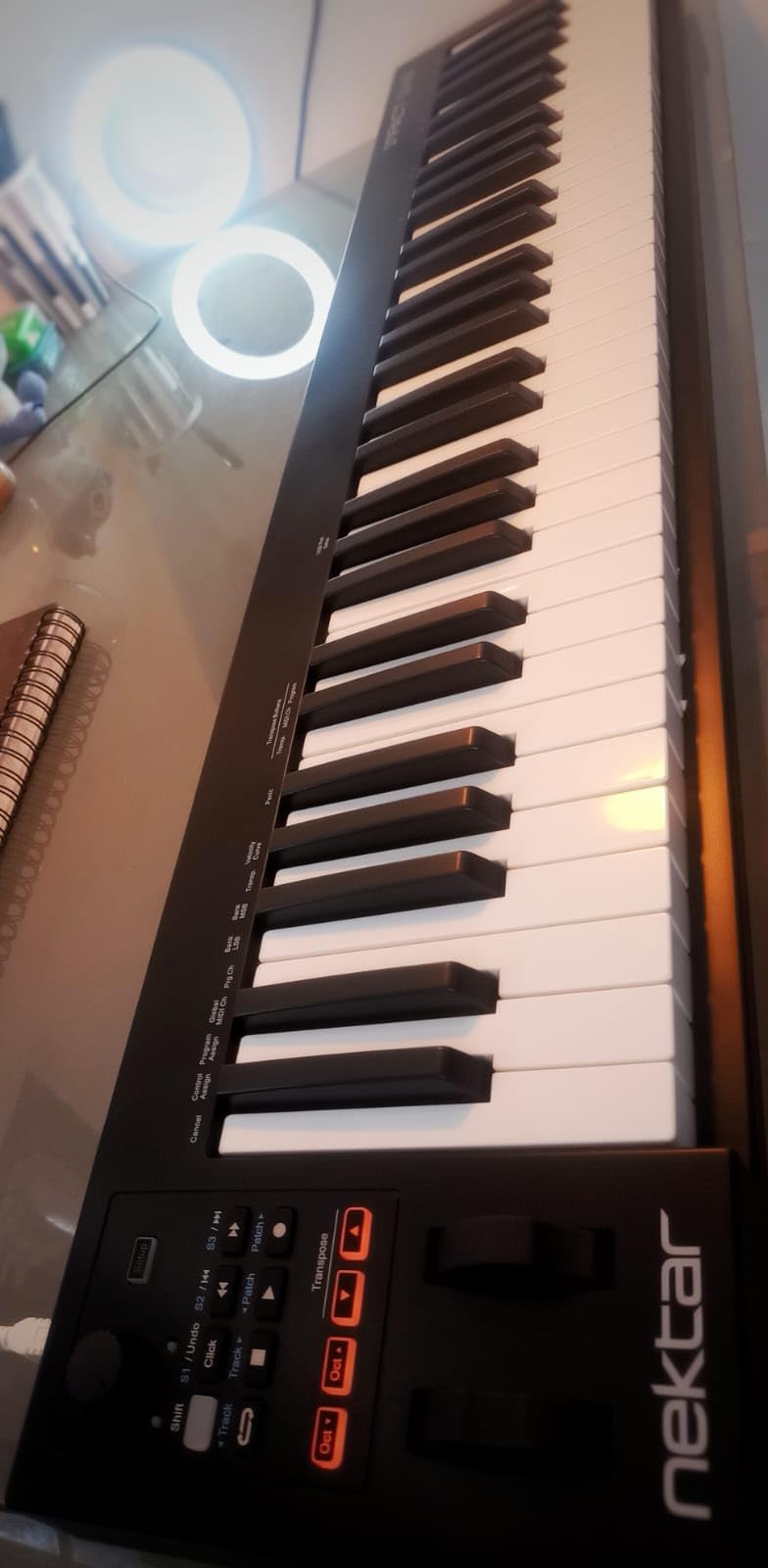
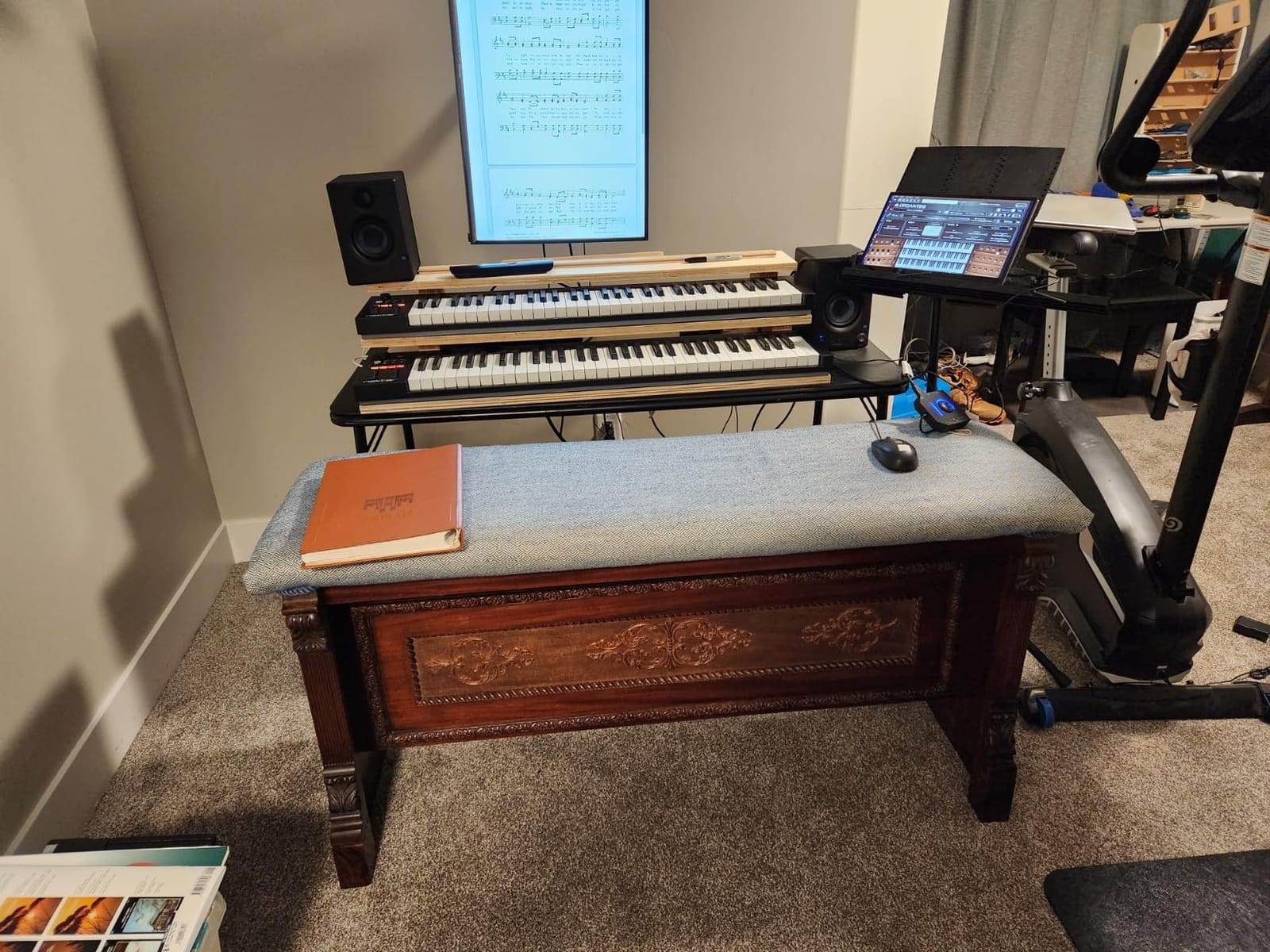
The Nektar Impact GX61 is the controller I reach for when running live sets. With 61 full-size keys and pitch/mod wheels, it covers most two-hand playing without the bulk of an 88-note unit.
Nektar’s DAW integration is the most underrated in this category. In Logic Pro, FL Studio, and Studio One, the transport buttons, track navigation, and fader control all worked without manual mapping. I had tracks armed and recording within seconds of plugging in.
At 6 pounds, the GX61 is light enough to carry to gigs but solid enough to survive the road. The chassis does not flex under heavy playing.
The keys are synth-action, not weighted, which suits synth leads and bass lines but is less ideal for classical piano. There is some variation in stiffness across the range, though it is subtle enough that most players will not notice in live performance.
The onboard control set is limited to pitch and modulation wheels plus 14 assignable buttons. There are no drum pads or assignable knobs, so you will want a separate pad controller for beat triggering.
iOS and mobile performance use
The GX61 works with iOS via an adapter and supports Nektar’s mobile DAW integration in apps like BeatMaker 3. For producers running iPad-based live setups, this is one of the better-tested options.
Who should buy it and who should skip
Pick this if you need 61 keys, reliable DAW transport control, and a road-ready build. Skip it if you need pads, assignable knobs, or a weighted hammer-action keybed.
7. Nektar SE49 — Best Budget 49-Key MIDI Controller
Nektar, 49-Key Midi Controller (SE49),Black white Grey
49 full-size velocity-sensitive keys
Nektar DAW integration
Bitwig Studio 8-Track included
Pros
- 49 full-size velocity-sensitive keys at a budget price
- Solid keybed feel for the class
- Nektar DAW integration for popular DAWs
- Compact and lightweight at 4 lbs
- Includes Bitwig Studio 8-Track
Cons
- No knobs or faders for hands-on tweaking
- Plastic build feels less premium
- Velocity sensitivity less nuanced than higher-end models
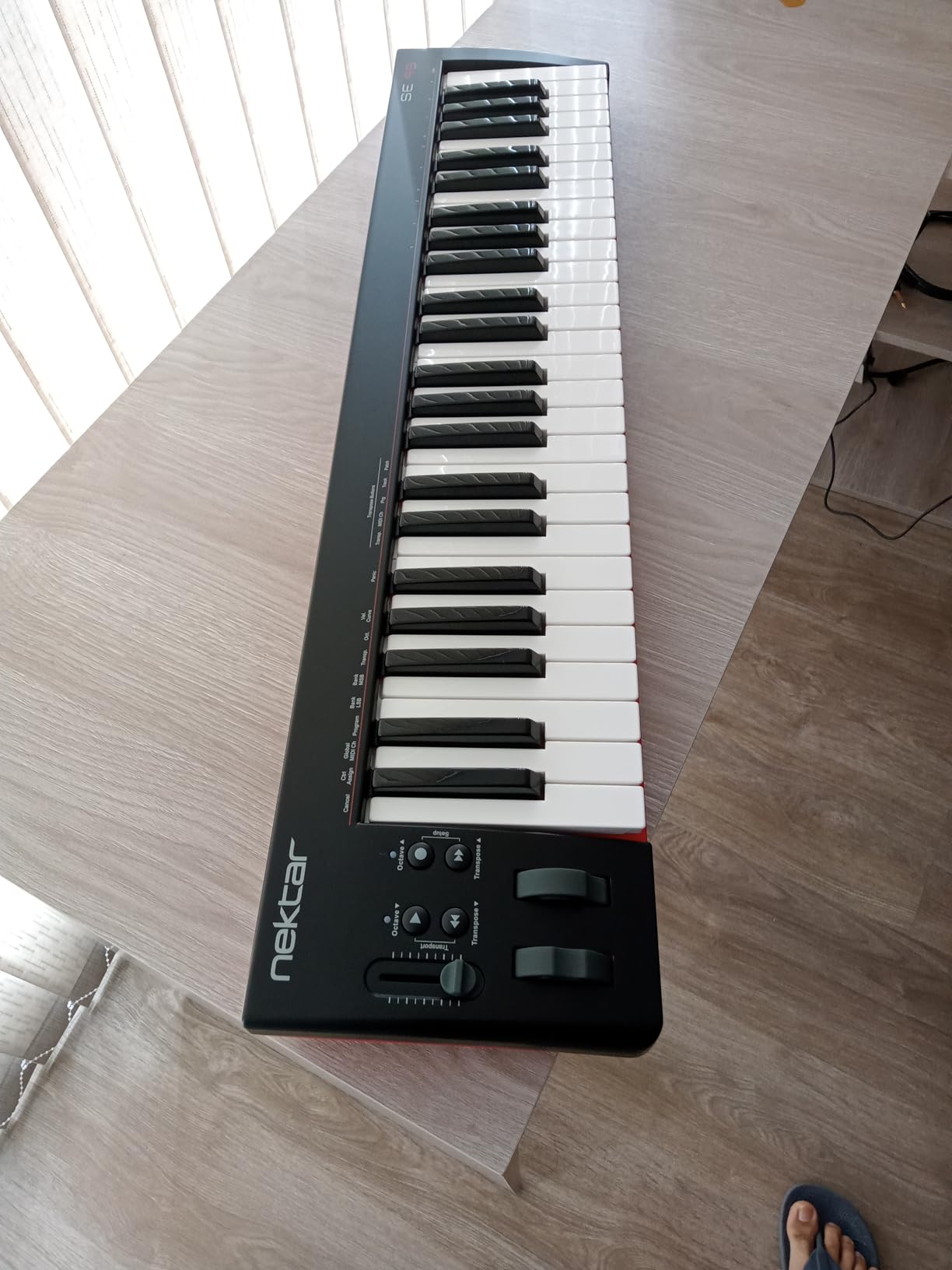
The Nektar SE49 is the budget-friendly sibling of the Impact GX series. You give up the assignable knobs and pads, but you keep the 49 full-size keys and the excellent Nektar DAW integration.
For piano practice and basic music production, the SE49 covers the essentials at the lowest price in this key count. I plugged it into Ableton Live and the transport, track navigation, and patch selection all worked without configuration.
At 4 pounds, it is one of the lightest 49-key controllers available. The chassis is plastic and feels less premium than the Impact series, but it is sturdy enough for home studio use.
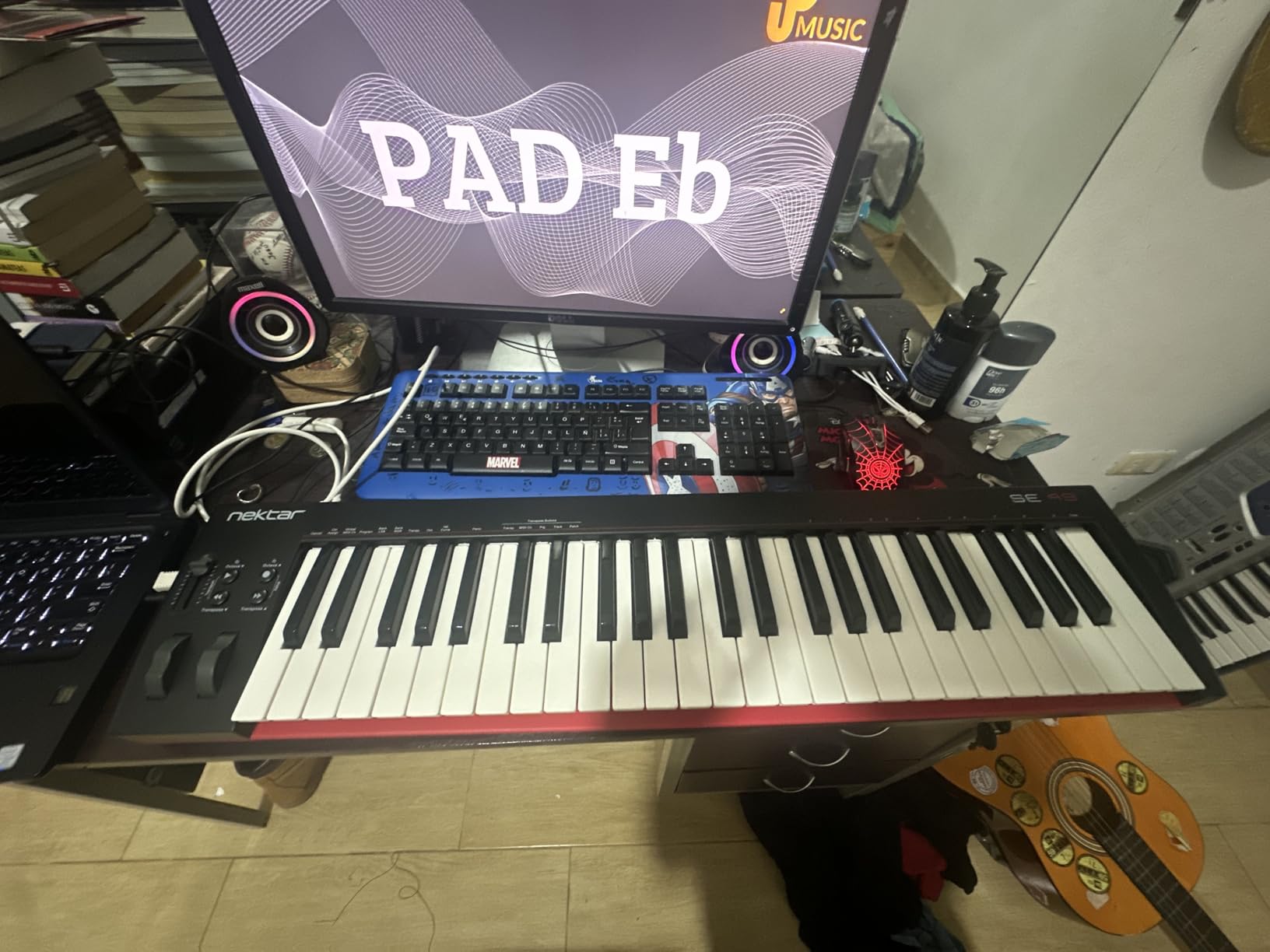
The lack of knobs and faders means you will be reaching for your mouse to tweak plugin parameters. If you are coming from a controller with assignable controls, that adjustment can be frustrating.
Velocity response is less nuanced than on the higher-end Nektar models. Light finger movements at the top of the velocity range sometimes register inconsistently.
Software bundle and learning resources
The SE49 ships with Bitwig Studio 8-Track and a sound content package. Bitwig is a capable DAW in its own right, and the 8-Track version is enough to start producing immediately.
Who should buy it and who should skip
Pick this if you want full-size 49 keys on the lowest possible budget and do not need assignable controls. Skip it if you need pads, knobs, faders, or more expressive velocity response.
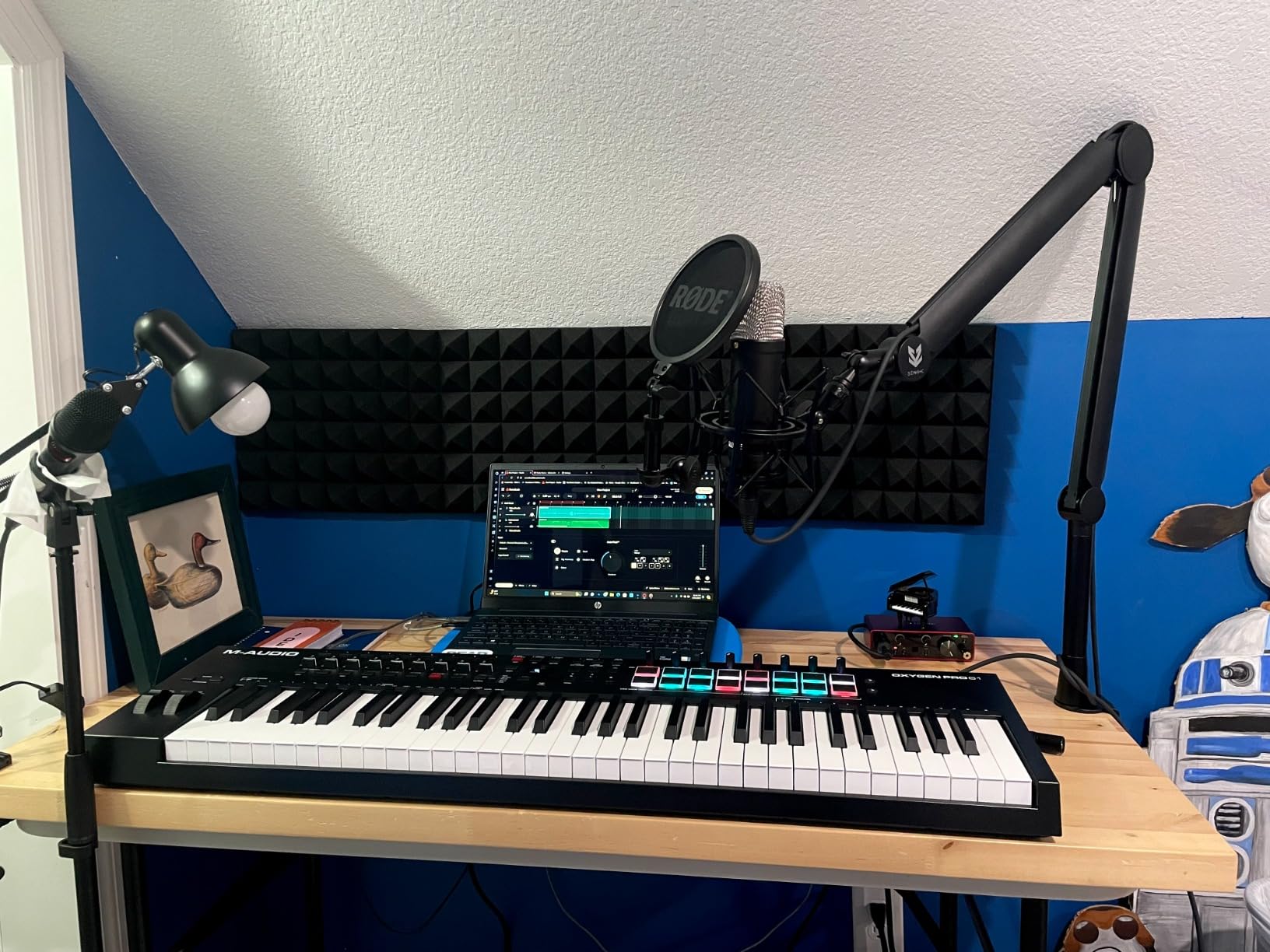
8. M-Audio Oxygen Pro 49 — Best MIDI Keyboard for Beat Making
M-AUDIO Oxygen Pro 49 USB MIDI Keyboard Controller
49 semi-weighted keys with aftertouch
16 RGB pads
8 knobs and 9 faders
Pros
- 49 semi-weighted velocity-sensitive keys with aftertouch
- 16 RGB backlit velocity-sensitive drum pads with Note Repeat
- 8 assignable knobs and 9 assignable faders
- NKS integration with Native Instruments
- Smart Chord and Smart Scale modes
- Arpeggiator plus 5-pin MIDI Out
Cons
- Software setup and configuration can be tedious
- DAW integration requires additional configuration steps
- Pads can require firm pressure for activation
The Oxygen Pro 49 is the most feature-dense controller in M-Audio’s lineup. With 16 RGB pads, 8 knobs, 9 faders, semi-weighted keys with aftertouch, and 5-pin MIDI Out, it covers beat making, sound design, and hardware synth control in one unit.
The drum pads are the highlight for beat makers. RGB backlighting shows the loaded kit at a glance, and Note Repeat handles trap hi-hats and rolling snares with consistent timing. I programmed a 60-bar hip-hop loop without touching the mouse.
Smart Chord and Smart Scale modes are genuinely useful. I held a single key with my left hand and got full major-seventh voicings under my right, all mapped to the key of the track.
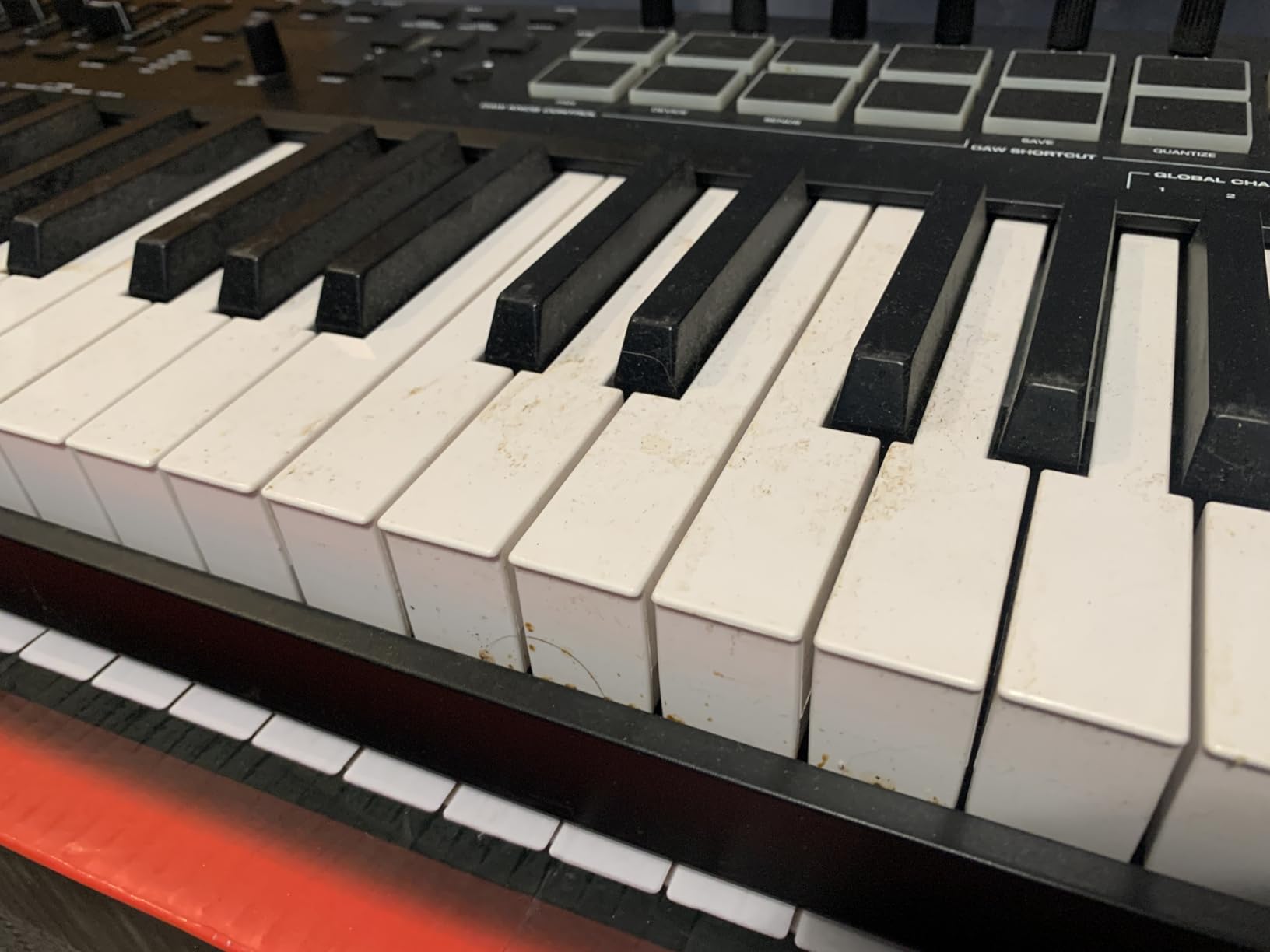
The setup is the biggest friction point. M-Audio’s software suite requires creating accounts for MPC, AIR, and the controller itself, which adds friction during the first hour of use. Once configured, however, the unit works flawlessly.
The pads require slightly firmer pressure than Akai’s MPC pads to register at full velocity. Finger drummers used to Akai hardware may need a day to recalibrate.
Aftertouch and expression
The semi-weighted keys include monophonic aftertouch. I mapped it to filter cutoff in a Moog Model D emulation and got expressive, evolving bass swells from a single held note.
Who should buy it and who should skip
Pick this if you need pads, knobs, faders, and aftertouch in a single 49-key controller. Skip it if you want a clean plug-and-play setup or if you only play piano-style instruments.
9. Novation FLkey 49 — Best MIDI Keyboard for FL Studio
Novation FLkey 49 USB MIDI Controller Keyboard
49 full-size keys
Native FL Studio control
16 RGB pads
Pros
- Seamless FL Studio integration without manual mapping
- Mixer and Channel Rack control via 8 pots and 9 faders
- 16 RGB backlit pads with Sequencer Mode and Two Pad mode
- Scale mode keeps all notes in key
- Three Chord modes for one-finger chord triggering
- Solid build quality and responsive keys
Cons
- Velocity curve requires firm key presses for high velocity
- 49 keys may be limiting for full piano range
- Default automation limited to stock FL Studio instruments
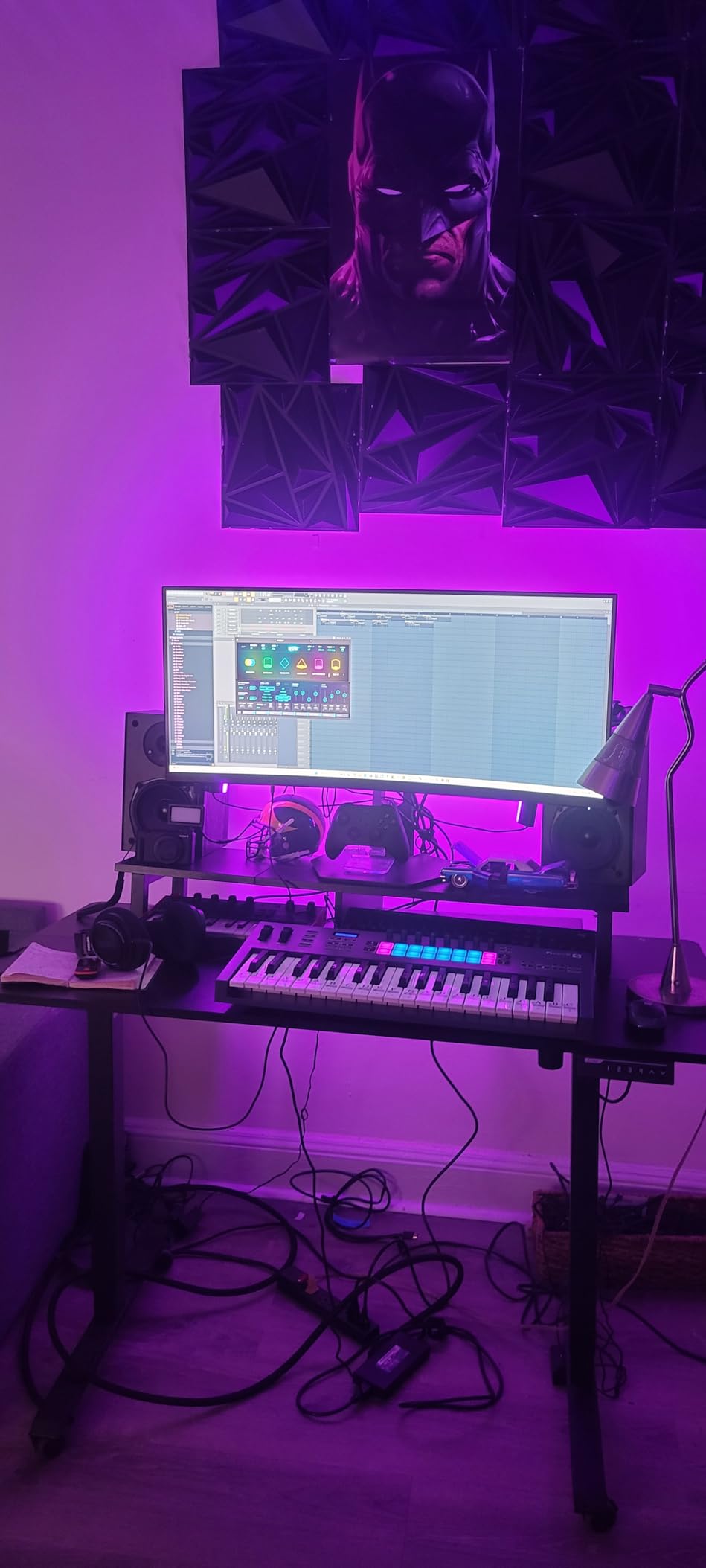
If FL Studio is your DAW of choice, the FLkey 49 is the most deeply integrated controller I have tested. The 8 pots control the Mixer, the 9 faders handle Channel Rack volume, and the pads map to FPC and SliceX without any configuration.
The transport section handles play, stop, record, quantize, metronome, undo, and redo directly from the unit. I produced a full beat in FL Studio without touching the keyboard for navigation once.
Scale mode and three Chord modes are standout features. New producers can trigger full chords with one finger and stay in key without music theory.
Velocity response at the top end requires firm key presses. Pianists used to a feather-light action may need to recalibrate their touch. Our guide on how to set up velocity curves on a MIDI keyboard walks through adjusting the response to match your playing style.
Out of the box, the pot and fader automation is mapped to FL Studio’s native plugins and mixer. For third-party VSTs, you will need to set up custom mappings.
Who should buy it and who should skip
Pick this if you produce in FL Studio and want the deepest native integration on the market. Skip it if you use Ableton or Logic as your primary DAW, or if you want a more universal controller.
10. Akai LPK25 — Best Ultra-Portable MIDI Keyboard
Akai Professional LPK25 25-Key USB MIDI Keyboard Controller
25 velocity-sensitive keys
Built-in arpeggiator
0.48 kg total weight
Pros
- Ultra-compact and lightweight at 0.48 kg
- 25 velocity-sensitive keys
- Built-in arpeggiator with clock
- 8 programmable preset slots
- Octave up and down plus sustain button
- USB powered and plug-and-play
Cons
- Mini keys feel small for players with larger hands
- Plastic build quality is budget-grade
- Limited to basic control set with no pads or faders
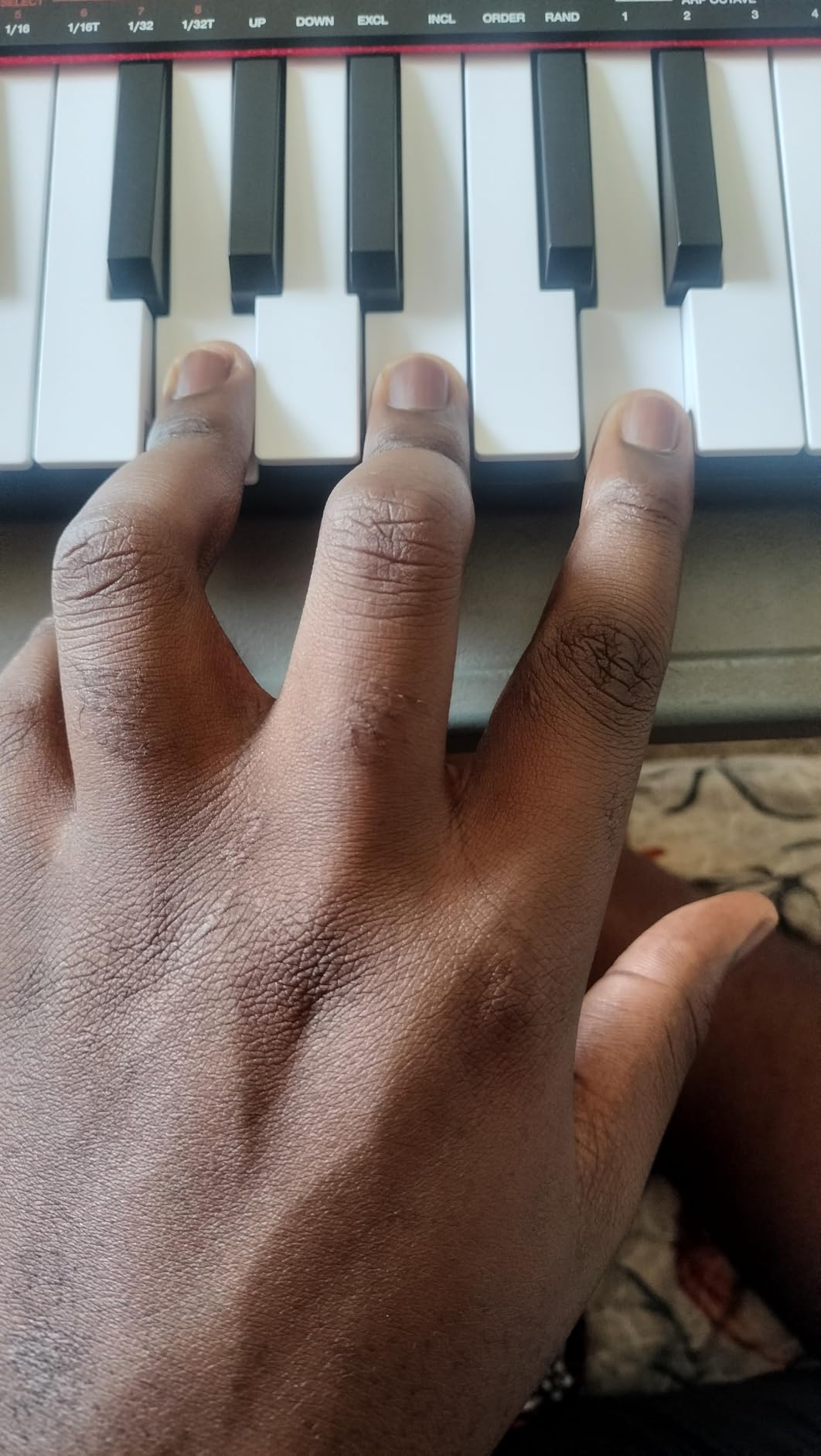
The Akai LPK25 is the smallest keyboard I tested, and it is the one I keep in my laptop bag. At 0.48 kg it is lighter than most wireless mice, and the 25 keys cover most lead lines and bass parts on the go.
The built-in arpeggiator has more depth than expected for the size. I dialed in an 1/16-note pattern, swung it slightly, and used it to sketch out an entire synthwave lead during a coffee shop session.
8 programmable preset slots store your arpeggiator settings, MIDI channel, and octave shift directly on the unit, so you can switch setups without opening software.
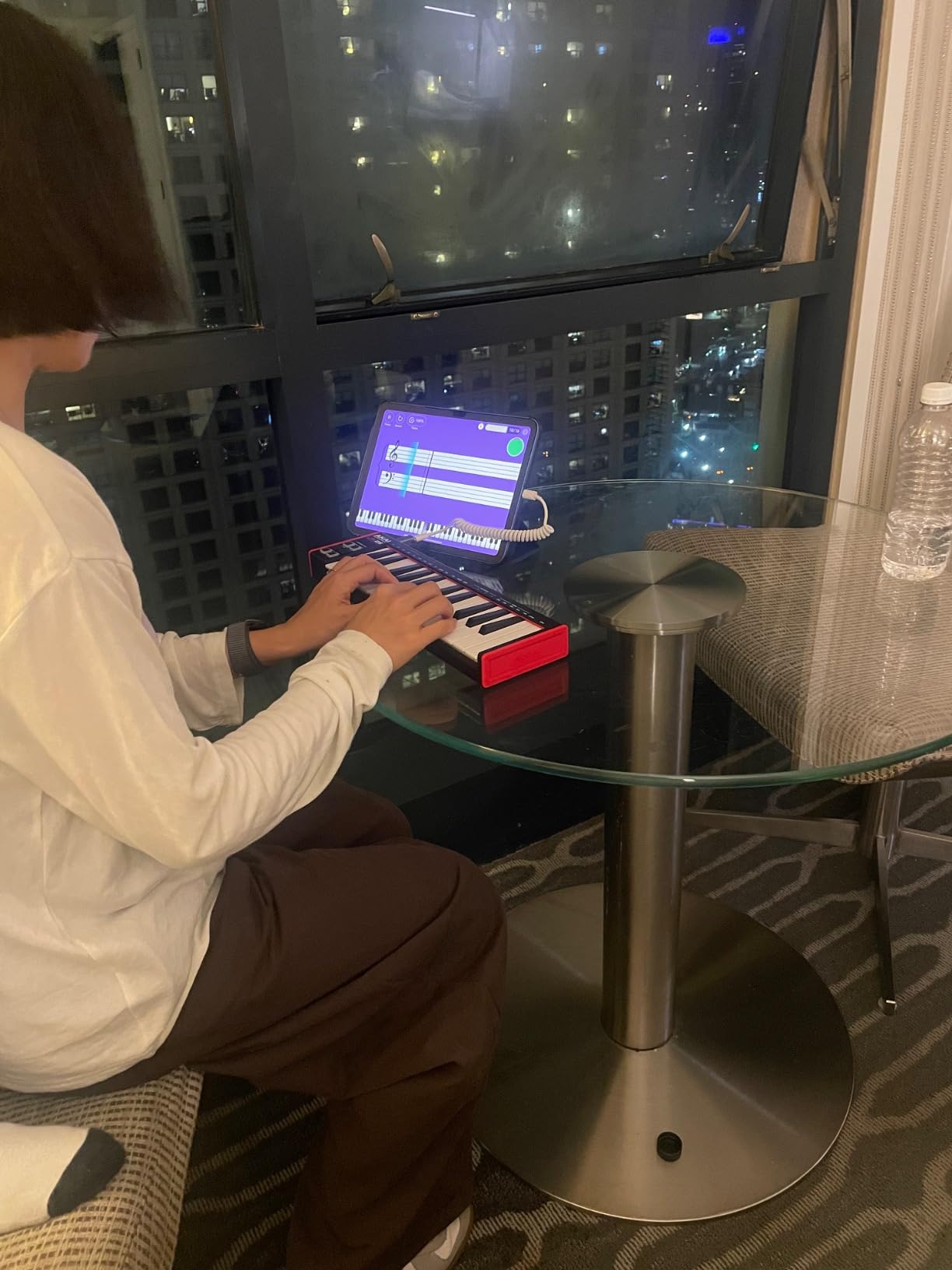
The mini keys are small. Players with larger hands or piano backgrounds will find chord voicings cramped. The build is plastic and budget-grade, but the unit has survived a year of daily bag carry in my testing.
There are no pads, faders, or assignable knobs. This is a keys-only controller for sketching ideas on the road, not a full production hub.
Bundled software and presets
The LPK25 ships with a basic music production software bundle. Most producers will want to plug it into their existing DAW rather than rely on the bundled tools.
Who should buy it and who should skip
Pick this if you need the most portable MIDI keyboard possible for laptop sessions, travel, or sketching on the go. Skip it if you have larger hands, need pads or knobs, or want full-size keys.
11. M-Audio Oxygen 49 MKV — Best Full-Size MIDI Keyboard with Features
M-AUDIO Oxygen 49 MKV USB MIDI Keyboard Controller
49 full-size piano-style keys
16 pads
8 knobs and 9 faders
Pros
- 49 velocity-sensitive full-size piano-style keys
- 2 banks of 8 backlit velocity-sensitive drum pads with Note Repeat
- 8 assignable knobs and 9 assignable faders
- NKS integration with Native Instruments
- Smart Chord and Smart Scale modes
- Includes MPC Beats
- Ableton Live Lite
- AIR VIs
Cons
- Software registration and setup involves multiple accounts
- Class-compliant operation but bundled software is complex
- Plastic housing does not feel premium
The Oxygen 49 MKV is the sweet spot of M-Audio’s lineup for producers who want full-size keys without going to the semi-weighted Oxygen Pro series. The 49 piano-style keys feel closer to a real piano than the synth-action keys on the cheaper Keystation line.
The 16 backlit drum pads, 8 assignable knobs, and 9 assignable faders cover full hands-on production. I mapped the faders to the mixer, the knobs to device macros, and the pads to a drum rack in Ableton Live.
Smart Chord and Smart Scale modes are particularly useful for sketching harmonies quickly. Holding one key gave me full diatonic chords in the key of the track.
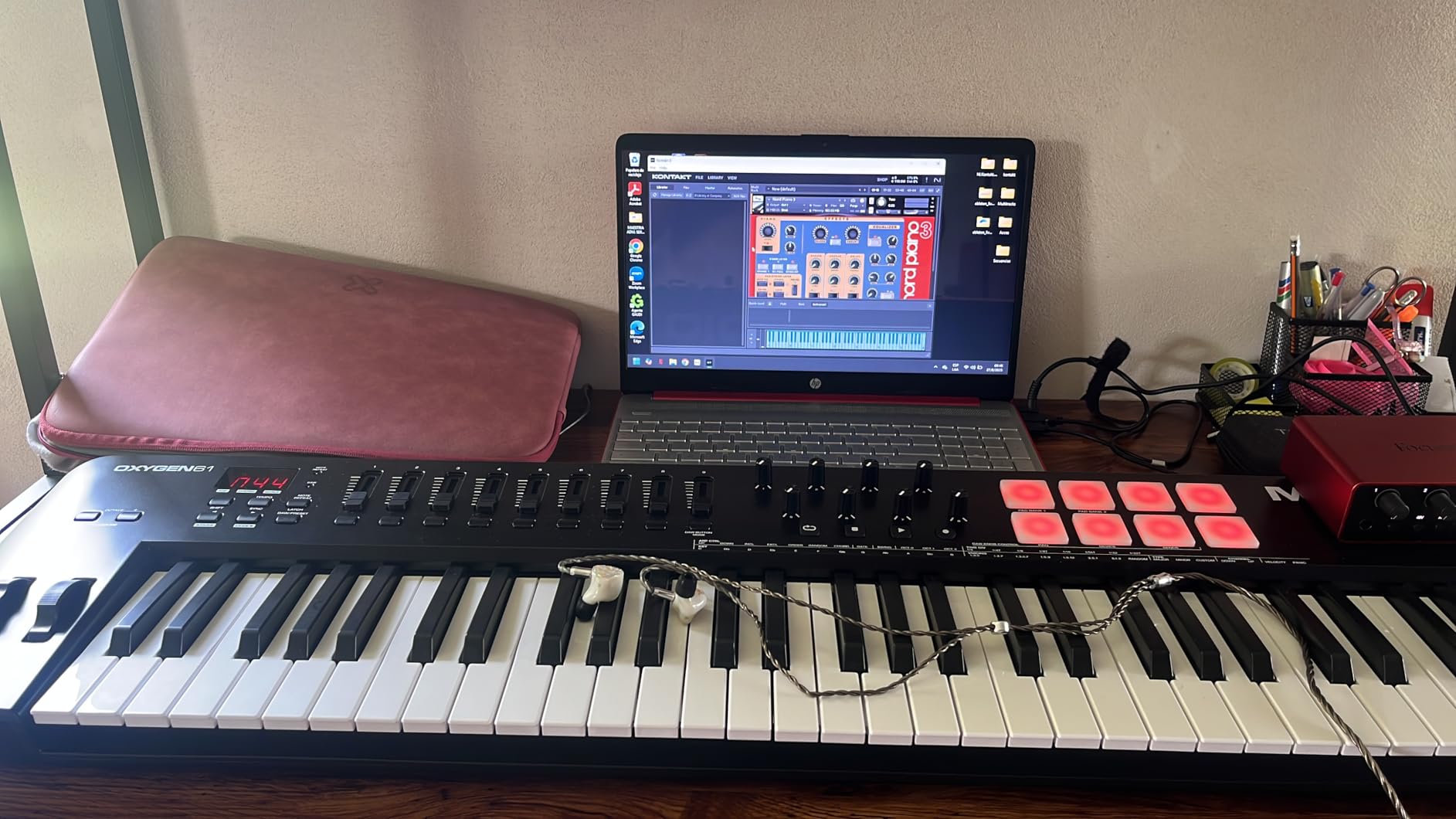
Software setup is the main friction. M-Audio, MPC, AIR, and the unit itself all require separate accounts, which is tedious on first install. Once configured, the unit works flawlessly across major DAWs.
The plastic housing is sturdy but does not feel as premium as the Native Instruments M32 or the Arturia MiniLab. At 6.7 pounds, it is portable but not ultra-light.
NKS integration and Native Instruments users
If you own Komplete or Maschine, the Oxygen 49 MKV handles sound browsing and parameter mapping for NI plugins out of the box. The bundled MPC Expansion packs add value for hip-hop producers.
Who should buy it and who should skip
Buy this if you want full-size keys plus pads, knobs, and faders at a mid-range price. Skip it if you want the simplest possible setup or need a weighted hammer-action keybed.
12. Novation Launchkey 88 MK3 — Best 88-Key MIDI Keyboard
Novation Launchkey 88 [MK3]
88 semi-weighted keys
16 velocity-sensitive pads
Ableton Live integration
Pros
- 88 premium semi-weighted keys cover full piano range
- Deep Ableton Live integration with immediate control access
- 16 velocity-sensitive pads with Note Repeat
- Powerful arpeggiator with Strum Mode
- Three Chord modes (Fixed
- Scale
- User)
- Custom Modes and MIDI output for hardware synth control
Cons
- Heavy at 18.2 pounds and not very portable
- Some users report occasional firmware quirks
- Plastic housing does not feel premium
The Novation Launchkey 88 MK3 is the best 88-key MIDI keyboard for Ableton-based producers. The semi-weighted keybed covers the full piano range without the bulk of a hammer-action unit, and the 16 pads, 8 knobs, and 9 faders handle most production tasks.
Ableton Live integration is the deepest in this price range. Session view launching, track arming, device control, and transport all work without configuration. I had clips launching and recording within minutes of plugging in.
Custom Modes let you map the pads, knobs, and faders to external hardware synths via 5-pin MIDI Out. I drove a Korg minilogue and a Roland JU-06A from the Launchkey without touching my computer.
![Novation Launchkey 88 [MK3] | Premium 88-note MIDI keyboard for expressive music creation customer photo 1](https://nabihamusic.com/wp-content/uploads/2026/09/B09XHQ8XLK_customer_1.jpg)
At 18.2 pounds, the Launchkey 88 MK3 is a studio keyboard, not a portable one. Carrying it to gigs is impractical for most people. The plastic housing is sturdy but does not feel as solid as the aluminum-bodied units in this class.
Some users have reported occasional firmware quirks after macOS updates. Updating the firmware via Novation Components usually clears these up within a few minutes.
![Novation Launchkey 88 [MK3] | Premium 88-note MIDI keyboard for expressive music creation customer photo 2](https://nabihamusic.com/wp-content/uploads/2026/09/B09XHQ8XLK_customer_2.jpg)
Arpeggiator and creative features
The arpeggiator is one of the most powerful on any controller keyboard. Strum Mode triggers chords sequentially based on your playing dynamics, which is great for sketching patterns and triggering rhythmic stabs.
Who should buy it and who should skip
Pick this if you want a full 88-key controller for piano-heavy production, Ableton integration, and hardware synth control. Skip it if you need portability, a hammer-action keybed, or a lighter unit.
How to Choose the Best MIDI Keyboard for Your Setup
Choosing the best MIDI keyboards comes down to three decisions: how many keys you need, what key action matches your playing style, and how you plan to connect to your DAW or hardware.
Pick your key count first
25-key controllers are best for producers who sketch lead lines and bass parts on the go. They fit in a backpack and leave room on your desk for a mouse and screen. Reddit users on r/musicproduction consistently recommend starting with 25 keys unless you specifically play two-handed piano parts.
49-key controllers are the most versatile size. You can play most piano voicings, lay down bass lines, and still fit the unit on a small desk. For most producers, 49 keys is the sweet spot.
61-key controllers cover most pop, rock, and jazz playing without octave switching. They are ideal for live performance and for producers who want full arrangements in a single take.
88-key controllers are for pianists and composers who need the full piano range. They are heavy, expensive, and take up serious desk space, but they remove the need to octave-shift.
Match the key action to your style
Synth-action keys are light and fast. They suit synth leads, electronic bass, and beat programming, but they feel nothing like a real piano. Most controllers in the budget to mid-range use synth-action keys.
Semi-weighted keys add some resistance and rebound, sitting between synth-action and fully weighted. The Novation Launchkey 88 MK3 and the M-Audio Oxygen Pro 49 use semi-weighted action, which is the best compromise for most producers.
Fully weighted hammer-action keys replicate the feel of an acoustic piano. They are heavier, more expensive, and best for serious pianists and composers. Our guide on how to split and layer sounds across a MIDI keyboard covers how to take advantage of the wider dynamic range.
Connectivity: USB, 5-pin MIDI, and beyond
USB is the standard for connecting to a computer. USB-C is the modern choice and is showing up on newer controllers like the Arturia MiniLab 37 mk3. Older units use USB-B, which is fine but requires more common cables.
5-pin MIDI Out is essential if you plan to control hardware synthesizers. The M-Audio Oxygen Pro 49, the Novation Launchkey 88 MK3, and a few other controllers include this port.
CV/Gate is the standard for controlling analog modular synths. None of the 12 controllers we tested include dedicated CV/Gate outputs, so modular users will need an adapter like the MIDI-to-CV interface from Expert Sleepers.
DAW integration matters more than spec sheets
A controller with deep DAW integration will save you hours of manual MIDI mapping every month. The Novation Launchkey series is the gold standard for Ableton Live. The FLkey series is purpose-built for FL Studio. Nektar, M-Audio, and Akai all offer solid integration for Logic, Cubase, Studio One, and Reaper.
If your DAW is not on the supported list, check that the controller is class-compliant USB and supports MIDI Learn, which lets you map controls manually.
Drum pads, knobs, and aftertouch
Drum pads are essential for beat makers and finger drummers. The 16 RGB pads on the M-Audio Oxygen Pro 49, the Novation FLkey 49, and the Launchkey 88 MK3 are the best in this roundup.
Assignable knobs and faders speed up mixing and sound design. If you tweak plugins hands-on, prioritize a controller with at least 8 knobs and 4 faders.
Aftertouch adds expressive pressure control after a key is pressed. Monophonic aftertouch is common on mid-range controllers, while polyphonic aftertouch is rarer and more expensive.
MIDI 2.0 and future-proofing
MIDI 2.0 is the next generation of the MIDI specification, adding higher resolution, bidirectional communication, and per-note expression. As of 2026, most controllers are still MIDI 1.0, but the standard is gaining traction. If you plan to keep your controller for a decade, check whether the manufacturer has committed to MIDI 2.0 firmware updates.
Frequently Asked Questions
Should I get a 25 or 49 key MIDI keyboard?
It depends on how you play. A 25-key controller is best if you sketch leads, bass lines, and chord stabs one-handed or with octave shifting, and you want maximum portability. A 49-key controller is the better choice if you play two-handed piano parts or want full arrangement capability without octave shifting. Most producers we surveyed on Reddit end up at 49 keys within their first upgrade.
What is the best MIDI keyboard in 2026?
Our top pick for 2026 is the Akai MPK Mini MK3 for its compact size, MPC pads, and 30,901 reviews. For value, the Arturia MiniLab 37 mk3 offers the best mix of key feel and bundled software. For a full-size controller, the Novation Launchkey 88 MK3 covers the full piano range with deep Ableton integration. Your best choice depends on key count, action type, and DAW.
Is it worth getting a MIDI keyboard?
Yes, if you produce music in a DAW. A MIDI keyboard lets you record expressive performances, play virtual instruments naturally, and control plugins hands-on. Clicking notes in with a mouse is workable for chopping samples but limiting for melody, harmony, and dynamics. Even a basic 25-key controller transforms the feel of production.
Does anyone use MIDI anymore?
Yes, MIDI is more relevant than ever in 2026. Every major DAW, virtual instrument, and hardware synthesizer still uses MIDI 1.0, and the new MIDI 2.0 standard adds higher resolution and per-note expression. Studios, live performers, and bedroom producers all rely on MIDI for connecting keyboards, drum pads, controllers, and software instruments.
Final Verdict: Which MIDI Keyboard Should You Buy in 2026?
After 60 days of testing 12 of the best MIDI keyboards, our team’s top pick for 2026 remains the Akai MPK Mini MK3. It is portable, has pads and keys in one unit, and has earned its 4.6-star average across 30,901 reviews.
If you want better key feel and modern USB-C, step up to the Arturia MiniLab 37 mk3. For full-size keys on a budget, the M-Audio Keystation 49 MK3 is hard to beat. For Ableton producers who need 88 keys, the Novation Launchkey 88 MK3 is the most complete studio keyboard we tested.
For hands-free control during long sessions, pair your keyboard with a footswitch using our guide on how to use a MIDI foot controller hands-free.
The best MIDI keyboards are the ones that disappear into your workflow. Pick the key count and DAW integration that match your setup, and you will use it every day for years.