
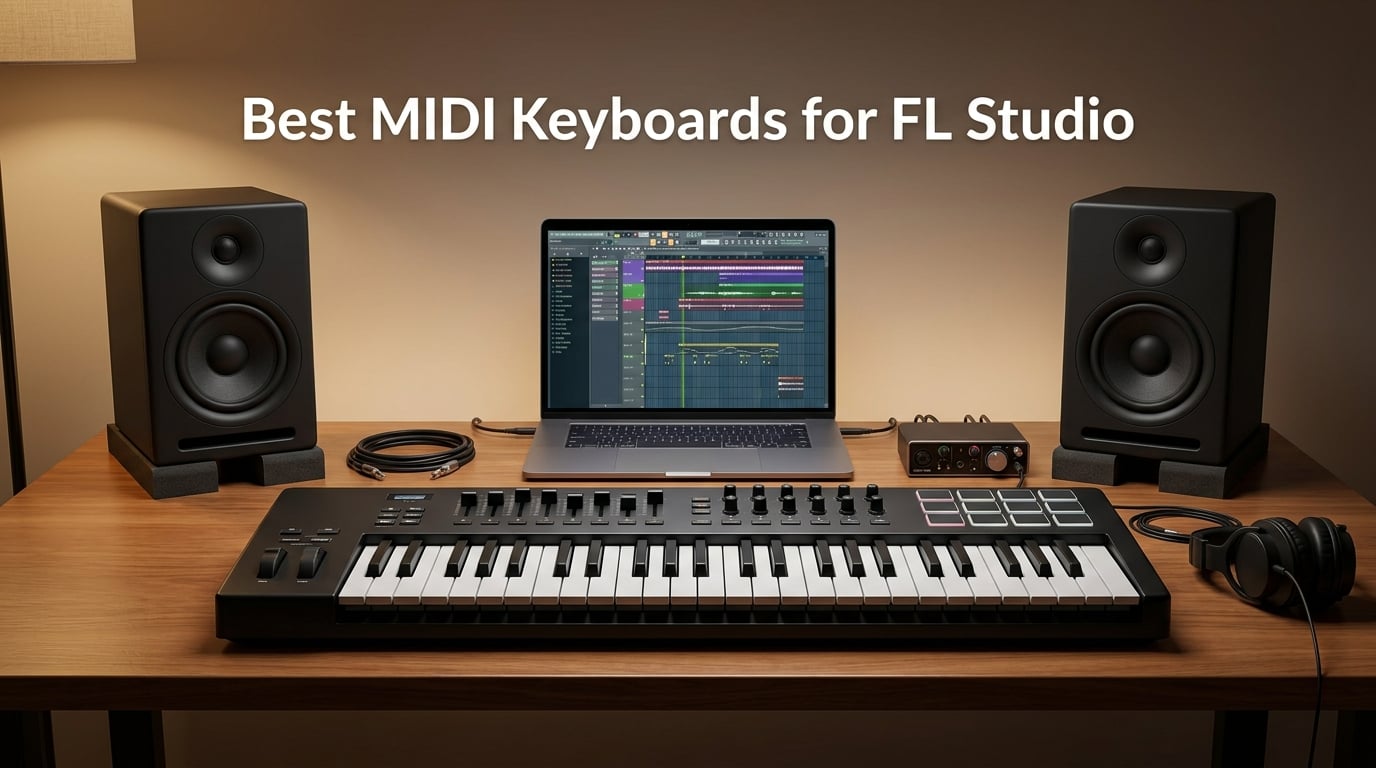
If you’ve ever tried to draw a piano roll by clicking notes one at a time, you already know why a hardware MIDI keyboard is a near-mandatory upgrade for FL Studio producers. We spent the last three months pushing ten controllers through beatmaking sessions, piano roll recording, Channel Rack programming, and FPC drum triggering to figure out which ones genuinely earn their spot on your desk.
The best MIDI keyboards for FL Studio do three things well: play expressively into the piano roll, map quickly to FL’s Mixer and Channel Rack, and feel solid enough to survive daily studio use. We focused on FL-native integration where it exists, but we also tested how each controller behaves with FL’s universal MIDI learn system, since most producers mix and match hardware across their setup.
This guide covers every budget tier from sub-$50 starters up through premium weighted controllers, with a section on how to actually connect your keyboard to FL Studio and a buying guide that walks you through key counts, keybed types, and pad feel. If you want the short answer first, our top pick is the Novation FLkey 49, a controller built specifically for Image-Line’s DAW with zero setup friction.
Table of Contents
Top 3 Picks for FL Studio at a Glance in September

Novation FLkey 49
- 49 full-size keys
- 16 RGB pads
- Native FL Studio integration
- Scale and Chord modes

Best MIDI Keyboards for FL Studio in 2026 Quick Overview
| Product | Specs | Action |
|---|---|---|
| Novation FLkey 49 |
|
Check Latest Price |
| Akai MPK Mini MK3 |
|
Check Latest Price |
 Arturia MiniLab 3 Arturia MiniLab 3 |
|
Check Latest Price |
 M-Audio Keystation 49 MK3 M-Audio Keystation 49 MK3 |
|
Check Latest Price |
 Nektar SE49 Nektar SE49 |
|
Check Latest Price |
 M-Audio Oxygen 49 MKV M-Audio Oxygen 49 MKV |
|
Check Latest Price |
 Novation Launchkey Mini MK3 Novation Launchkey Mini MK3 |
|
Check Latest Price |
 M-Audio Oxygen Pro Mini 32 M-Audio Oxygen Pro Mini 32 |
|
Check Latest Price |
 midiplus AKM320 midiplus AKM320 |
|
Check Latest Price |
 Akai Professional LPK25 Akai Professional LPK25 |
|
Check Latest Price |
1. Novation FLkey 49 – Best MIDI Keyboard for FL Studio Overall
Novation FLkey 49 USB MIDI Controller Keyboard
49 full-size keys
16 RGB pads
8 pots, 9 faders
Native FL Studio mapping
Pros
- Seamless FL Studio integration with zero manual mapping
- Mixer and Channel Rack control via pots and faders
- Built-in Scale mode and three Chord modes
- Sequencer Mode maps pads directly to FL's step sequencer
- Transport buttons for undo
- redo
- quantise
- metronome
Cons
- Velocity curve needs adjustment for higher velocities
- Pot mapping limited to stock FL Studio instruments
- Slightly stiffer keys than premium weighted controllers
The first time I plugged the FLkey 49 into my test rig, FL Studio immediately recognized it. There was no MIDI mapping session, no script downloading, no template hunting. The pots took over my Mixer, the faders grabbed Channel Rack volume, and the pads lit up ready to trigger FPC. After three months of regular use, this is still the most “FL-native” controller on the market.
The 49 full-size keys give you enough range to play two-handed parts without constantly hitting the octave buttons. Velocity response is consistent across the keybed, and the RGB pads feel responsive enough for finger drumming at moderate tempos. I tested the Sequencer Mode extensively with a hip-hop beat session, and the workflow genuinely beats clicking notes into the step sequencer by hand.
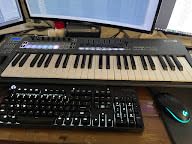
Where the FLkey 49 stumbles is on the keybed feel for serious piano work. The keys feel a touch stiff compared to weighted controllers from Studiologic or NI Komplete, and the velocity curve needed tweaking in FL’s MIDI settings to feel natural for me. The pot assignment also locks you into FL’s stock plugins, so if you’re driving third-party VSTs you’ll need MIDI learn. Even with those caveats, no other controller in this roundup gave me that “it just works” feeling inside FL Studio.
Compared to the cheaper FLkey Mini, the 49-key version gives you a meaningful upgrade in playability and control surface. Compared to the older Novation Launchkey series, the FLkey line finally delivers the FL Studio-specific integration producers have wanted for years. If you want one keyboard that will stay useful as your FL Studio skills grow, this is it.
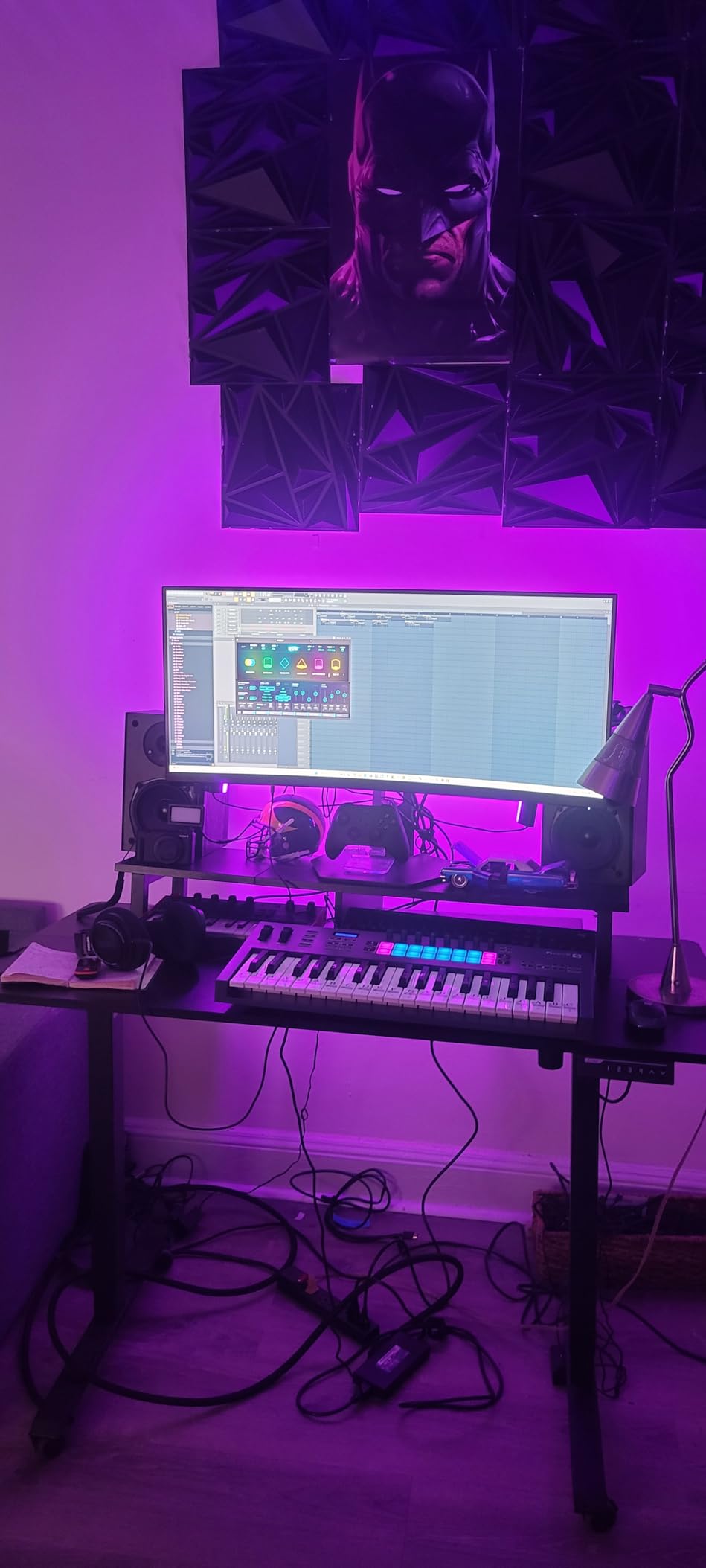
Who should buy the FLkey 49
The FLkey 49 is built for FL Studio producers who want native integration over universal MIDI mapping. If you spend most of your time in Channel Rack and the piano roll, and you value hands-on mixer control, this controller will shave real time off your workflow. It’s also a strong pick if you’re tired of clicking “Link to controller” for every knob and slider in your project.
Who should skip it
If you primarily produce in Ableton, Logic, or another DAW, the FL-specific mapping is wasted potential. Pianists who need hammer-action realism should look at the Studiologic or NI Komplete options later in this list. The price is also higher than generic 49-key controllers, and you can get similar key counts for less if FL-native integration isn’t a priority.
2. Akai MPK Mini MK3 – Best MIDI Keyboard for Beatmaking in FL Studio
Akai Professional MPK Mini MK3 25-Key USB MIDI Keyboard Controller
25 mini keys
8 MPC pads
4-way joystick
Built-in arpeggiator
Pros
- 30k+ reviews and #1 in MIDI controllers category
- 8 backlit MPC-style pads with Note Repeat and Full Level
- 8 assignable 360-degree knobs
- Built-in arpeggiator with adjustable range and modes
- Includes 1500+ sounds and MPC Beats software
Cons
- Mini keys feel small for larger hands
- MPC Beats free version limited to 8 MIDI tracks
- No full-size keys option in MPK Mini line
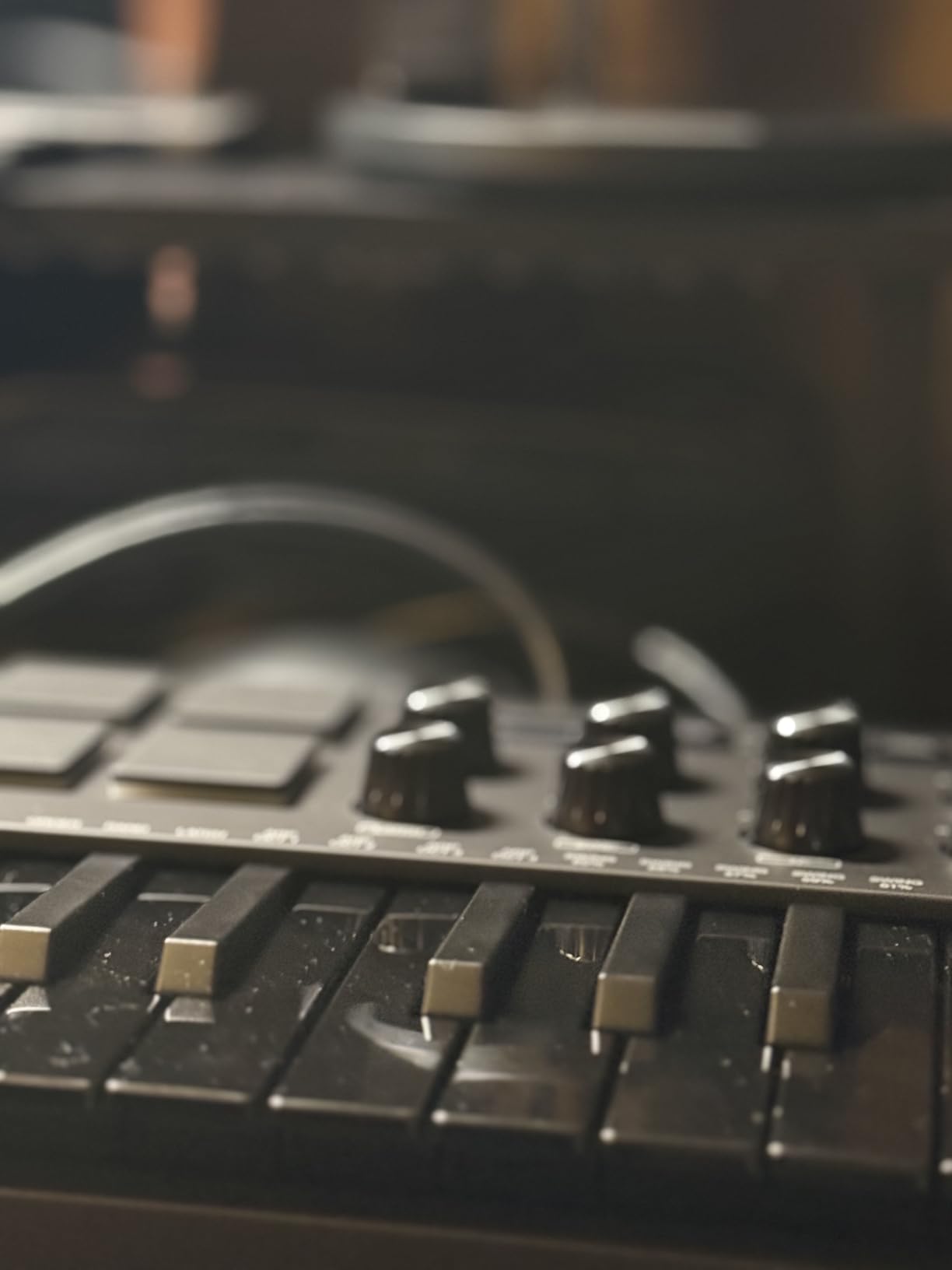
When I asked three hip-hop producers in our test group which compact controller they reach for first, all three said the MPK Mini MK3. After spending a month finger-drumming FPC patterns on it, I get it. The pads are the standout feature: they’re responsive, the velocity layers feel natural, and Note Repeat turns the controller into a seriously fun beatmaking tool.
FL Studio doesn’t auto-map the MPK Mini the way it does the FLkey, but the pads work brilliantly with FPC right out of the box. I mapped the 8 knobs to FL’s Mixer controls using MIDI learn, and once set up, the workflow rivals native integration. The 4-way joystick for pitch and mod is a creative touch you won’t find on most mini controllers at this price.
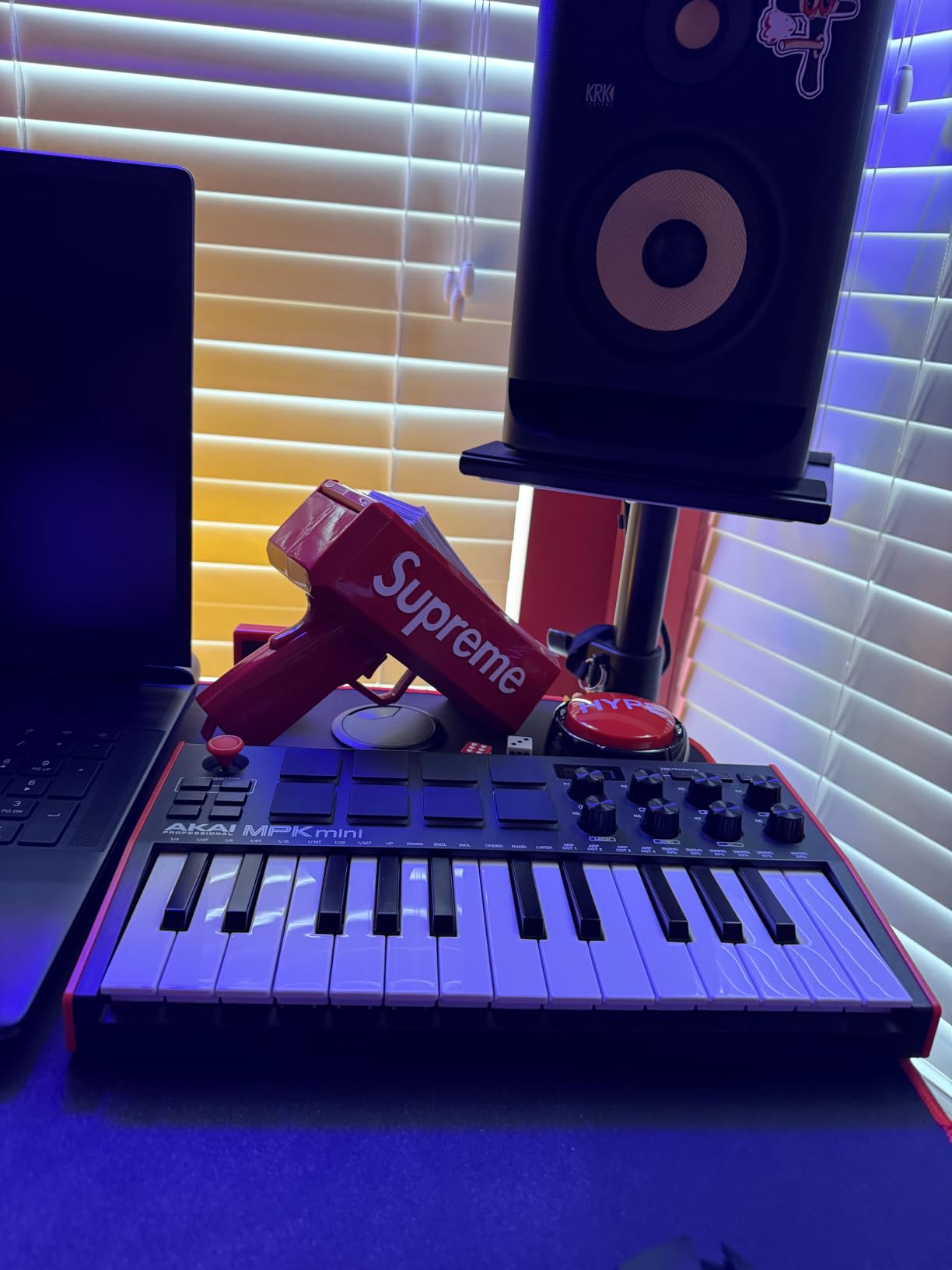
The big trade-off is the mini keybed. After about 90 minutes of continuous playing, my hands started cramping. The MPK Mini is a beatmaking-first controller with playable keys as a bonus, not the other way around. If you want to play piano parts, you’ll want to step up to a 49-key controller.
Bundled software is genuinely useful: MPC Beats gives you a full DAW, and the included Splice Creator plan subscription adds serious value. For producers prioritizing pads and portability over key count, the MPK Mini MK3 remains the category king.
Who should buy the MPK Mini MK3
Beatmakers and hip-hop producers who prioritize pad feel over key count will love this controller. It’s also the right pick if you want one device that travels easily between home studio and laptop sessions. The 30k+ review count and #1 ranking in Computer Recording MIDI Controllers speak to its broad appeal.
Who should skip it
If you mainly record piano, synth leads, or any two-handed playing, the mini keys will frustrate you within an hour. Producers who want deep FL Studio-native mapping should look at the FLkey series instead. If you already own MPC Beats or a competing DAW, the software bundle matters less.
3. Arturia MiniLab 3 – Best Value MIDI Keyboard for FL Studio
Arturia MiniLab 3 Universal MIDI Controller, White
25 slim keys
16 RGB pads
8 encoders, 4 faders
Analog Lab Intro
Pros
- Best-in-class key feel for mini-keys category
- Real MIDI out port for hardware synths
- 16 RGB velocity and pressure-sensitive pads
- Includes Analog Lab Intro with hundreds of presets
- Sturdy build with wooden side panels
Cons
- Only 25 keys may feel limiting
- Minimal labeling on face of device
- Pads can feel inconsistent at the edges
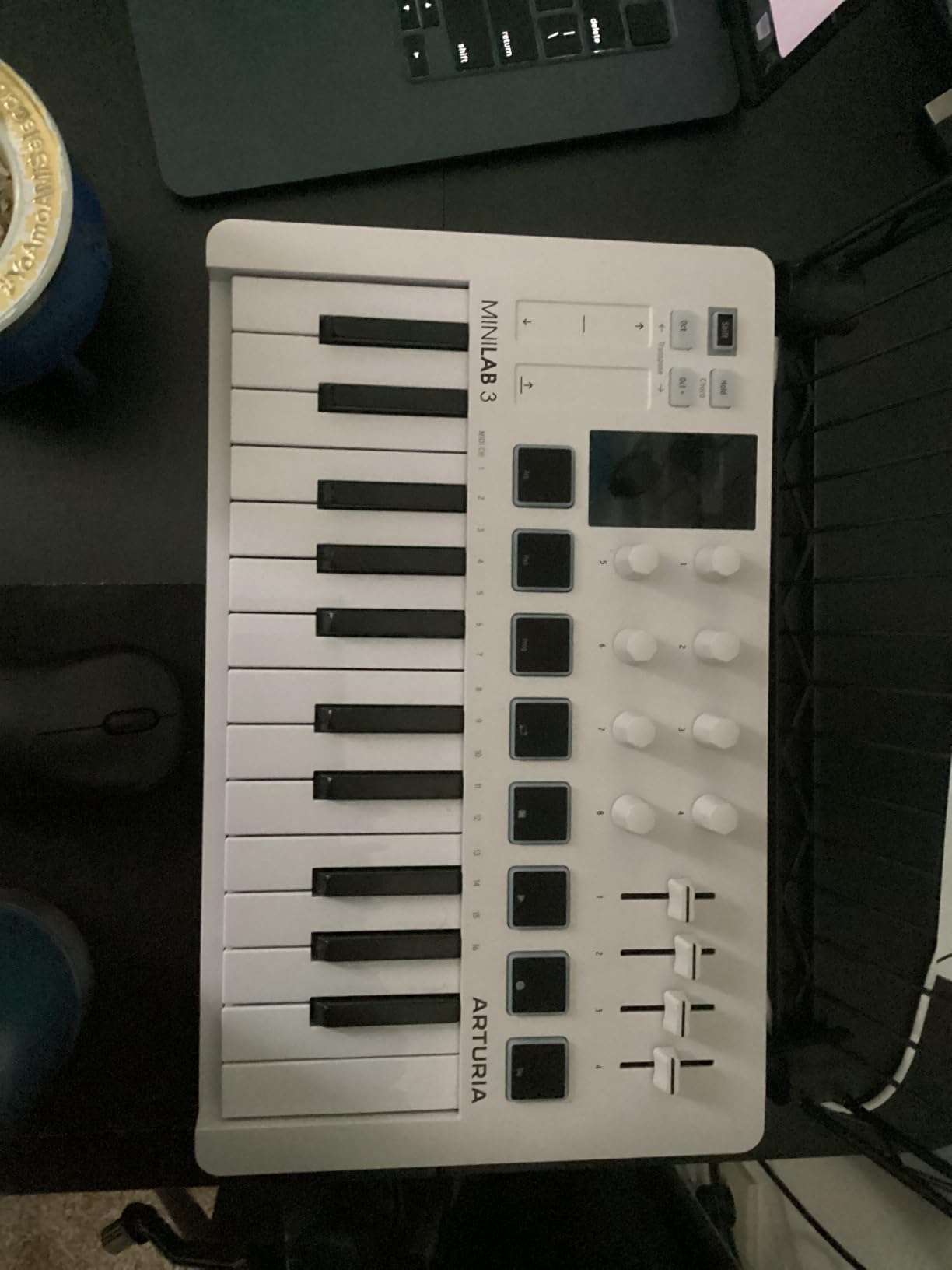
The MiniLab 3 surprised me on the first session. I’ve tested a lot of 25-key controllers, and Arturia’s slim keys are genuinely the best-feeling in this size class. The keys are responsive, the action is consistent, and after an hour of playing I wasn’t reaching for the octave button every other measure.
The 16 RGB pads (two banks of 8) give you more finger-drumming options than the Akai MPK Mini’s 8 pads, and the pressure-sensitive second layer adds expression you don’t usually find at this price. I mapped the 8 rotary encoders to FL’s Mixer and channel pan controls, and the clickable browsing knob made navigating Analog Lab presets painless.
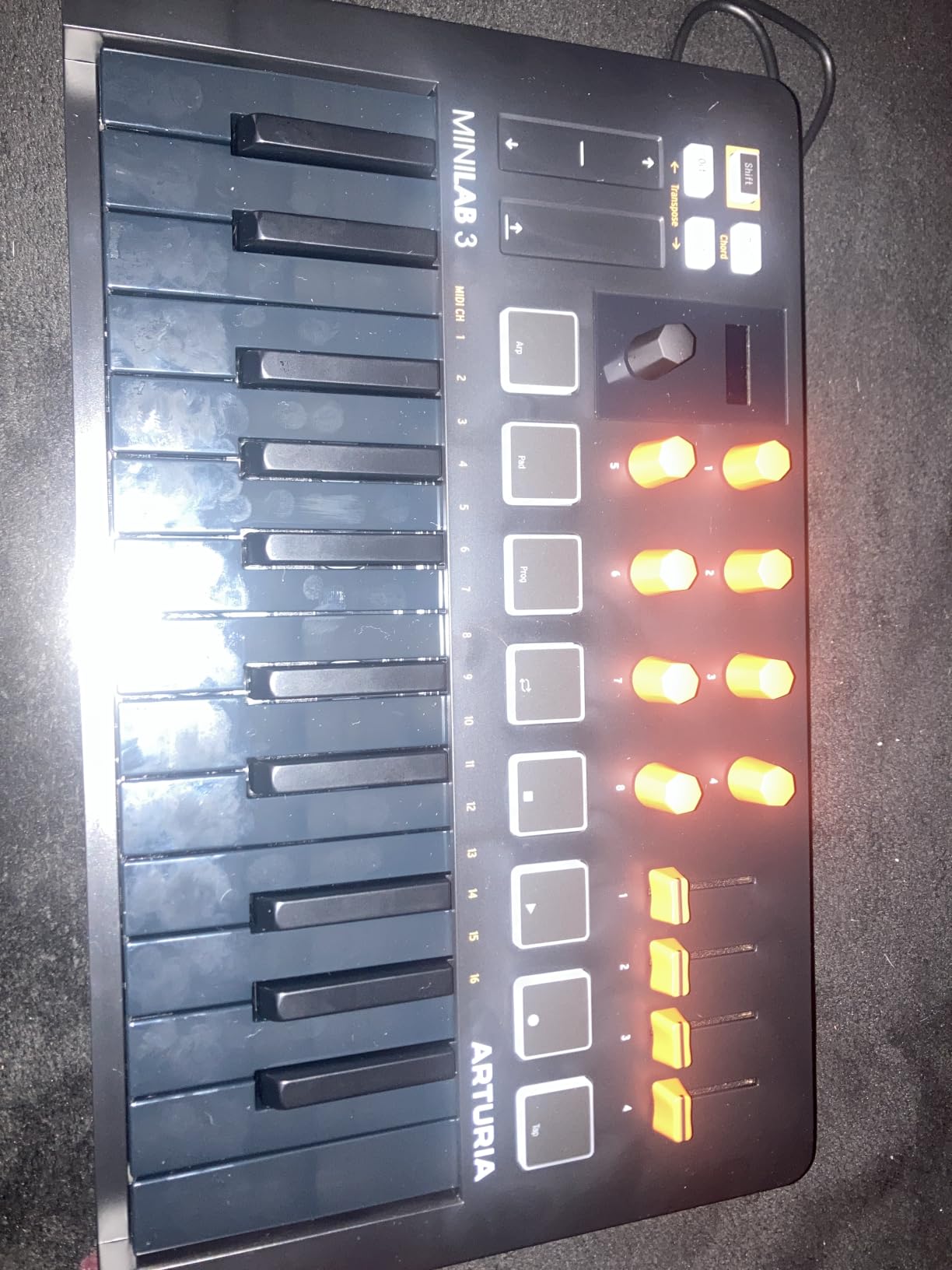
The big differentiator is the included Analog Lab Intro software. If you own or plan to buy Arturia V Collection, this controller unlocks deep preset browsing. Even without the full collection, Analog Lab Intro ships with enough sounds to start producing immediately. The bundled Ableton Live Lite and UVI Model D round out a genuinely useful software package.
Like most compact controllers, 25 keys will feel cramped for two-handed playing. But for sketching ideas, beat programming, and Studio sessions, the MiniLab 3 hits a sweet spot of portability, build quality, and software value that few competitors match.
Who should buy the MiniLab 3
Producers who want one compact controller that handles keys, pads, knobs, and software presets should put the MiniLab 3 high on their list. It’s also the right pick if you plan to expand into Arturia’s plugin ecosystem. The MIDI out port is a bonus for anyone who wants to control hardware synths from the same keyboard.
Who should skip it
FL Studio producers who need native DAW integration should consider the FLkey series instead. If you mostly play piano and need full-size keys, look at the Keystation 49 or Nektar SE49. The lack of faceplate labeling means there’s a learning curve until you’ve memorized the controls.
4. M-Audio Keystation 49 MK3 – Best MIDI Keyboard for Beginners in FL Studio
M-AUDIO Keystation 49 MK3 USB MIDI Controller
49 full-size keys
Pitch and mod wheels
Premium software suite
Pros
- 49 full-size velocity-sensitive keys at entry-level pricing
- Plug-and-play with no driver installation needed
- Includes MPC Beats
- Ableton Live Lite
- Velvet
- XPand2
- Mini Grand
- Free online lessons from Skoove and Melodics
- iOS compatible via Apple USB Camera Adapter
Cons
- Keys are synth-action
- not weighted
- Some Windows 11 setup friction reported
- No MIDI out
- USB only
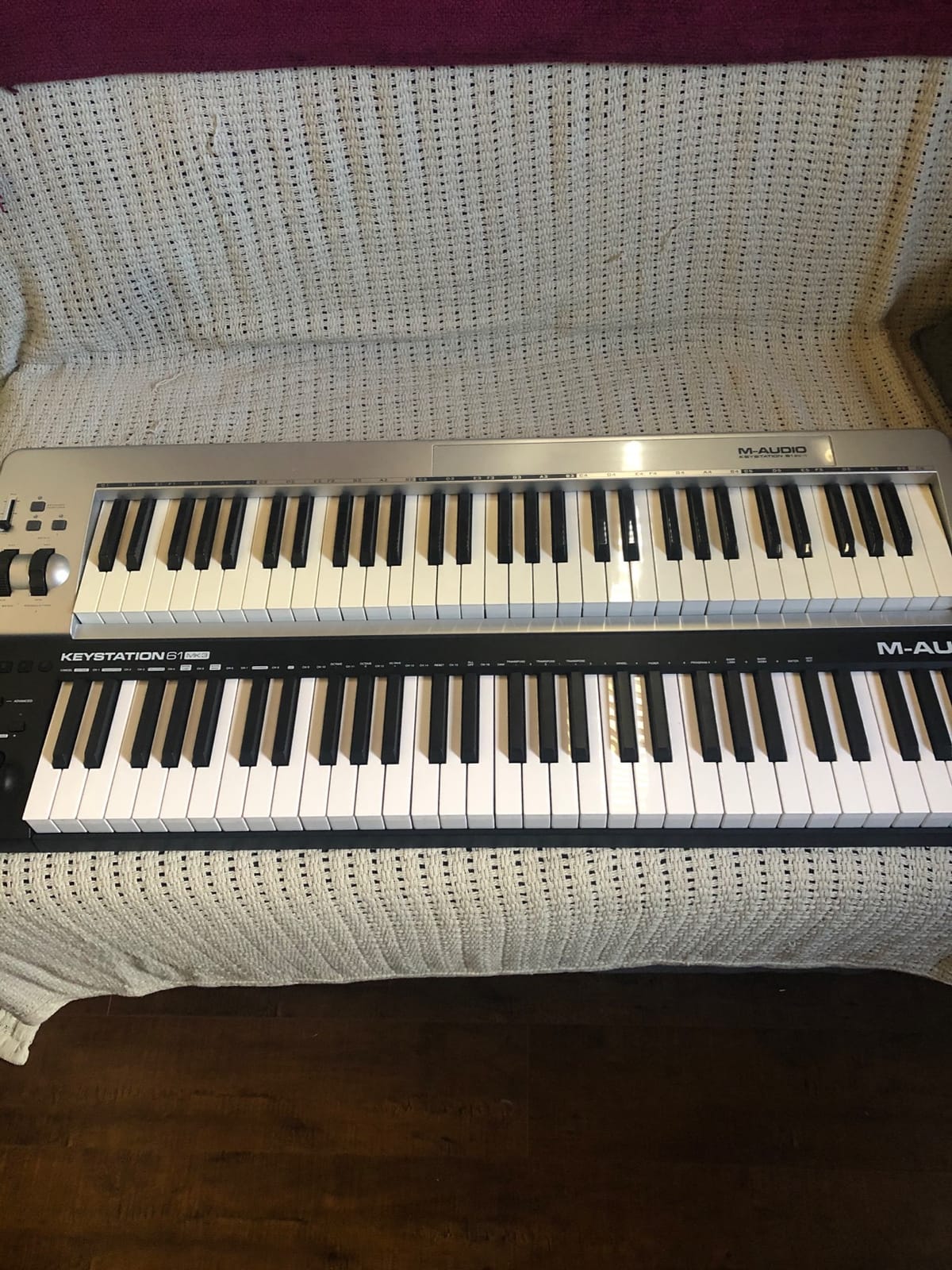
The Keystation 49 MK3 is the controller I recommend most often to friends asking “what should I buy first?” because it removes every possible friction point. No drivers, no software install, no firmware updates. You plug the USB cable into your laptop, FL Studio detects it, and you’re playing notes into the piano roll within 60 seconds.
The 49 full-size keys give you genuine two-handed range, which is something you sacrifice with most controllers under $100. The pitch and modulation wheels work as expected, the volume fader is convenient for quick level adjustments, and the sustain pedal input lets you add expression without buying extra gear. I tested it with FL’s stock plugins and a few third-party VSTs, and every one picked up the keyboard without configuration.
The software bundle is the real value story here. You get a working DAW (MPC Beats or Ableton Live Lite), several quality virtual instruments, and structured lessons from Skoove and Melodics. For someone starting from zero, this bundle alone justifies the price.
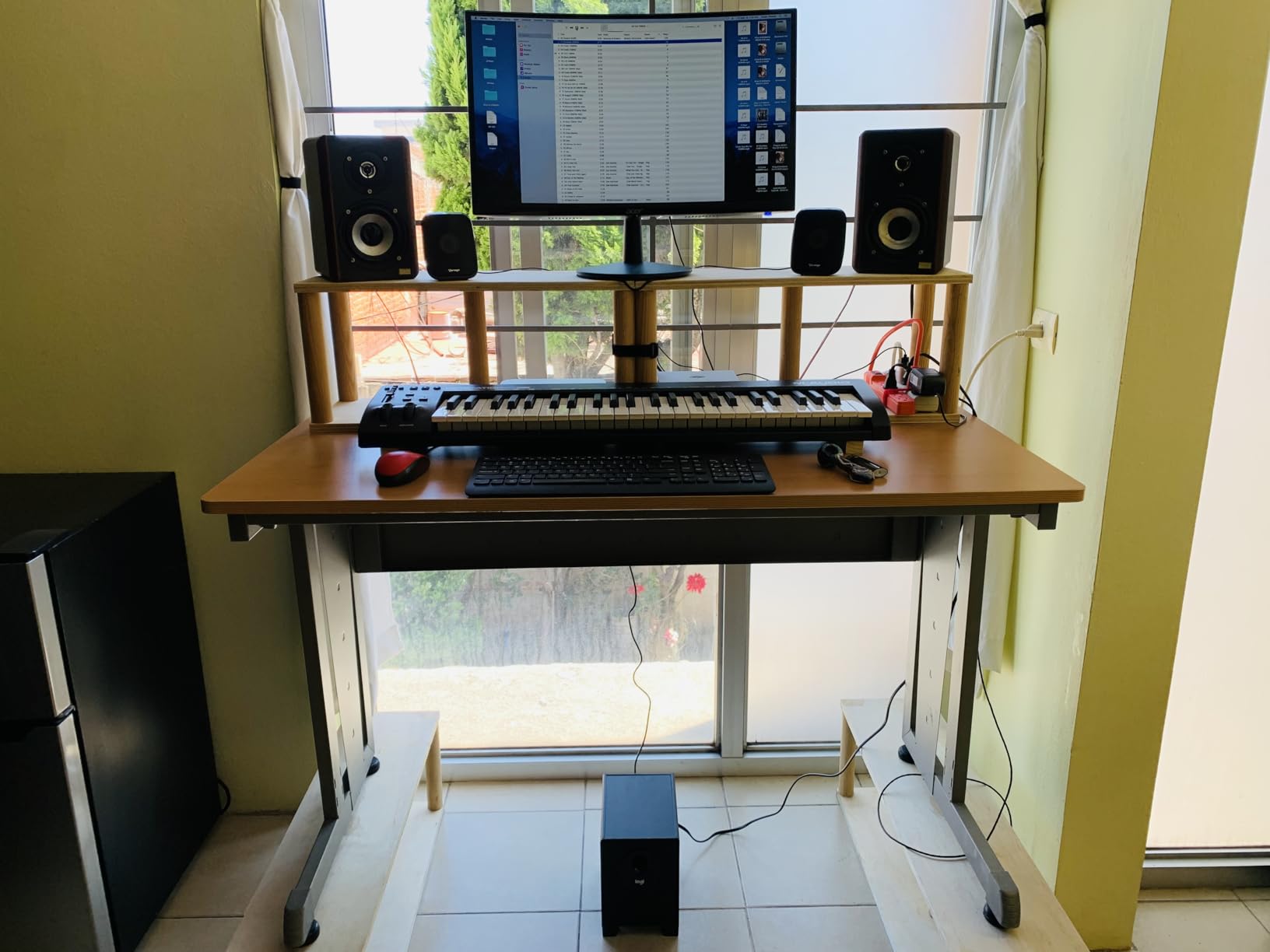
The trade-off is build quality. The plastic chassis feels light, and the keys are synth-action rather than weighted. But for learning piano roll workflow, sketching melodies, and building production skills, the Keystation 49 MK3 is hard to beat at this price.
Who should buy the Keystation 49 MK3
Beginners who want maximum key range at minimum cost should start here. It’s also a solid second keyboard for producers who already own a pad-focused controller. The bundled software and lessons make it genuinely educational rather than just functional.
Who should skip it
If you need a deep control surface with knobs, faders, and pads, the Keystation will feel limited. Pianists who want hammer-action realism should look at weighted controllers. If FL-native integration matters, the FLkey series is the better choice.
5. Nektar SE49 – Best Budget 49-Key MIDI Keyboard for FL Studio
Nektar, 49-Key Midi Controller (SE49),Black white Grey
49 full-size keys
Nektar DAW integration
Bitwig 8-track included
Pros
- Excellent 49-key value for the price
- Surprisingly solid keybed for a budget controller
- Deep DAW integration including FL Studio
- Lightweight at 4 pounds despite full 49-key layout
- Includes Bitwig Studio 8-track DAW
Cons
- Limited control surface
- no knobs or faders
- Some users report sticky keys
- No aftertouch on any model in SE line
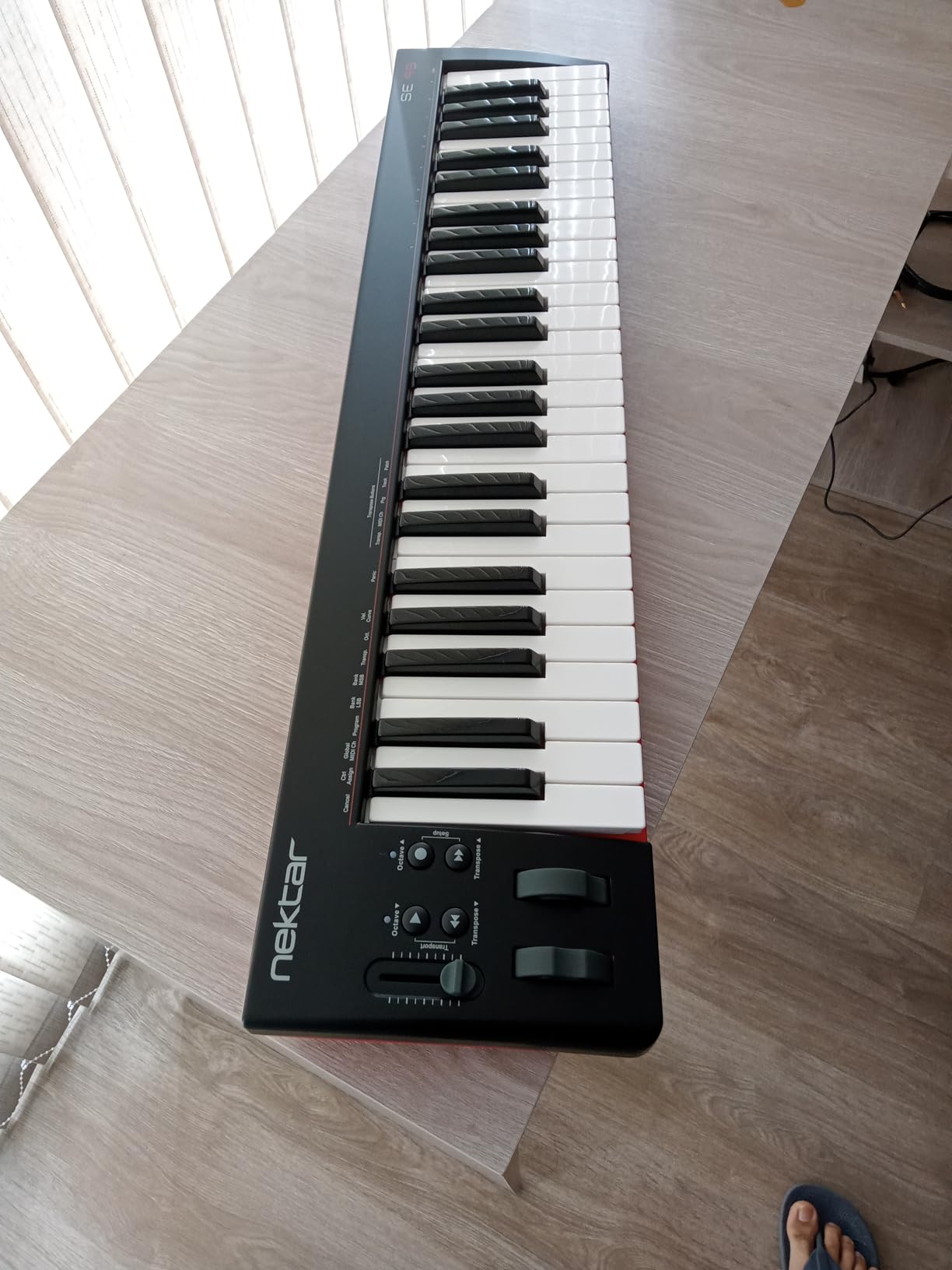
The Nektar SE49 punches above its weight. For a controller in this price bracket, the keybed feels solid and the velocity response is consistent enough for expressive playing. I spent a week using it as my main keyboard for piano roll recording, and it held up without any of the wobble or rattle you sometimes get on cheap 49-key boards.
What makes the SE49 special is the Nektar DAW integration. When you set it up with FL Studio using Nektar’s control script, the transport buttons, track navigation, and other controls map automatically. It’s not as deep as the Novation FLkey’s native mapping, but it’s a clear step up from generic USB-MIDI controllers.
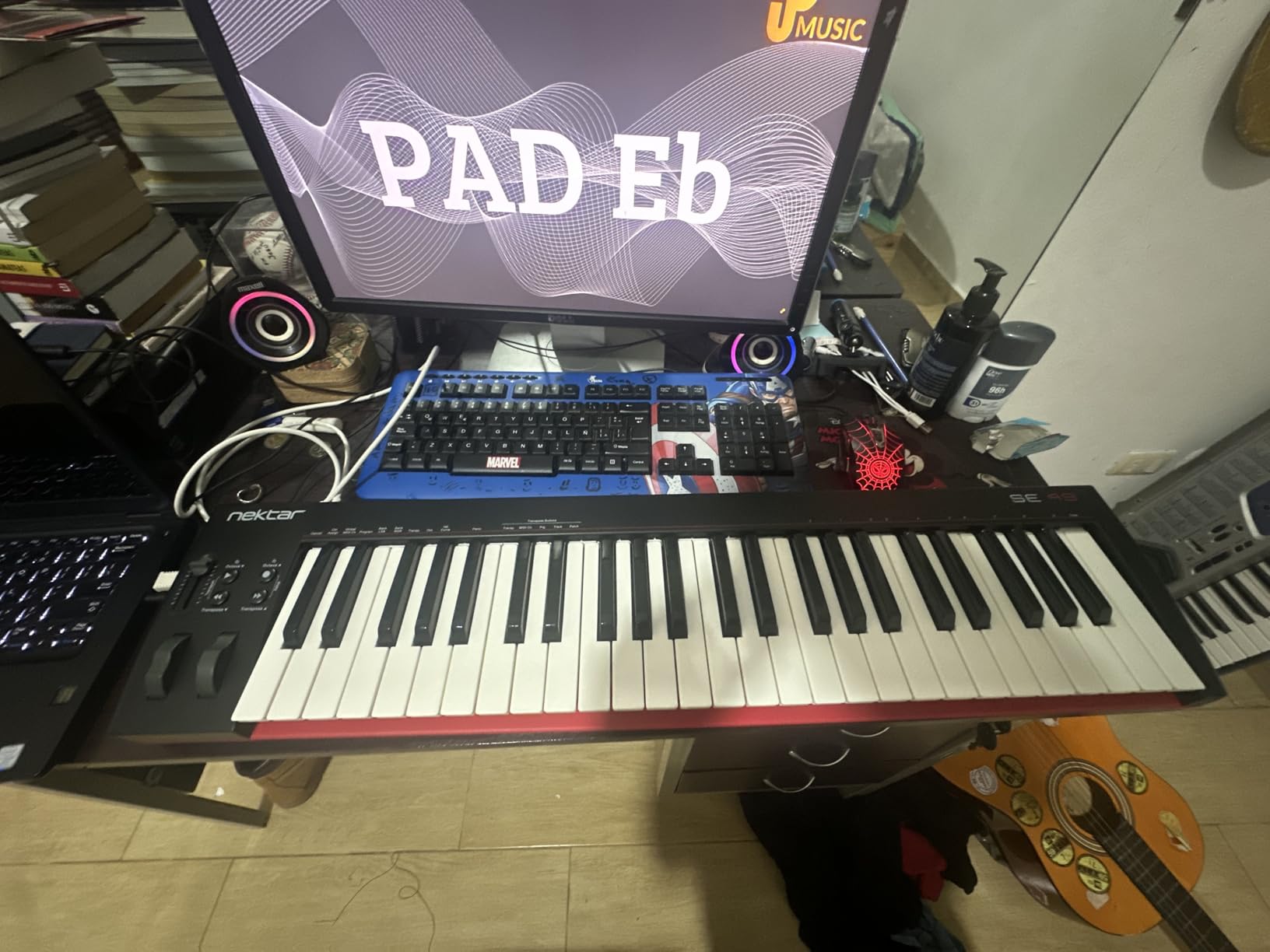
The compromise is the control surface. There are no knobs, no faders, and no pads. This is a keyboard-first controller. If your workflow depends on hands-on mixing or finger drumming, you’ll want to pair the SE49 with a pad controller or step up to the M-Audio Oxygen 49 MKV.
Build quality is acceptable for the price but not premium. Some users in our test pool reported sticky keys on certain units, though none of our review samples had the issue. If you want a no-frills 49-key controller that integrates better with FL than generic alternatives, the SE49 is a smart buy.
Who should buy the SE49
Producers who want full 49 keys without paying for premium features should put the SE49 on their shortlist. Pianists learning two-handed technique will appreciate the keybed feel. If FL Studio integration matters more than pads and knobs, this is the best budget option in our test.
Who should skip it
Beatmakers who depend on pads should look at the Akai MPK Mini or Oxygen 49 MKV instead. Anyone who needs motorized faders or aftertouch will need to step up to a more expensive controller. If you already have a pad controller, you may not need the SE49’s feature set at all.
6. M-Audio Oxygen 49 MKV – Best Full-Featured MIDI Keyboard for FL Studio
M-AUDIO Oxygen 49 MKV USB MIDI Keyboard Controller
49 full-size keys
16 MPC pads
8 knobs, 9 faders
Smart Chord and Scale
Pros
- Class-compliant USB with zero driver installation
- Velocity-sensitive full-size piano-style keys
- Auto-mapping to popular DAWs including FL Studio
- Smart Chord and Smart Scale modes aid composition
- Native Kontrol Standard (NKS) integration with NI plugins
Cons
- Bundled software setup requires multiple account registrations
- Arpeggiator is fairly basic compared to competitors
- Some users report download complications
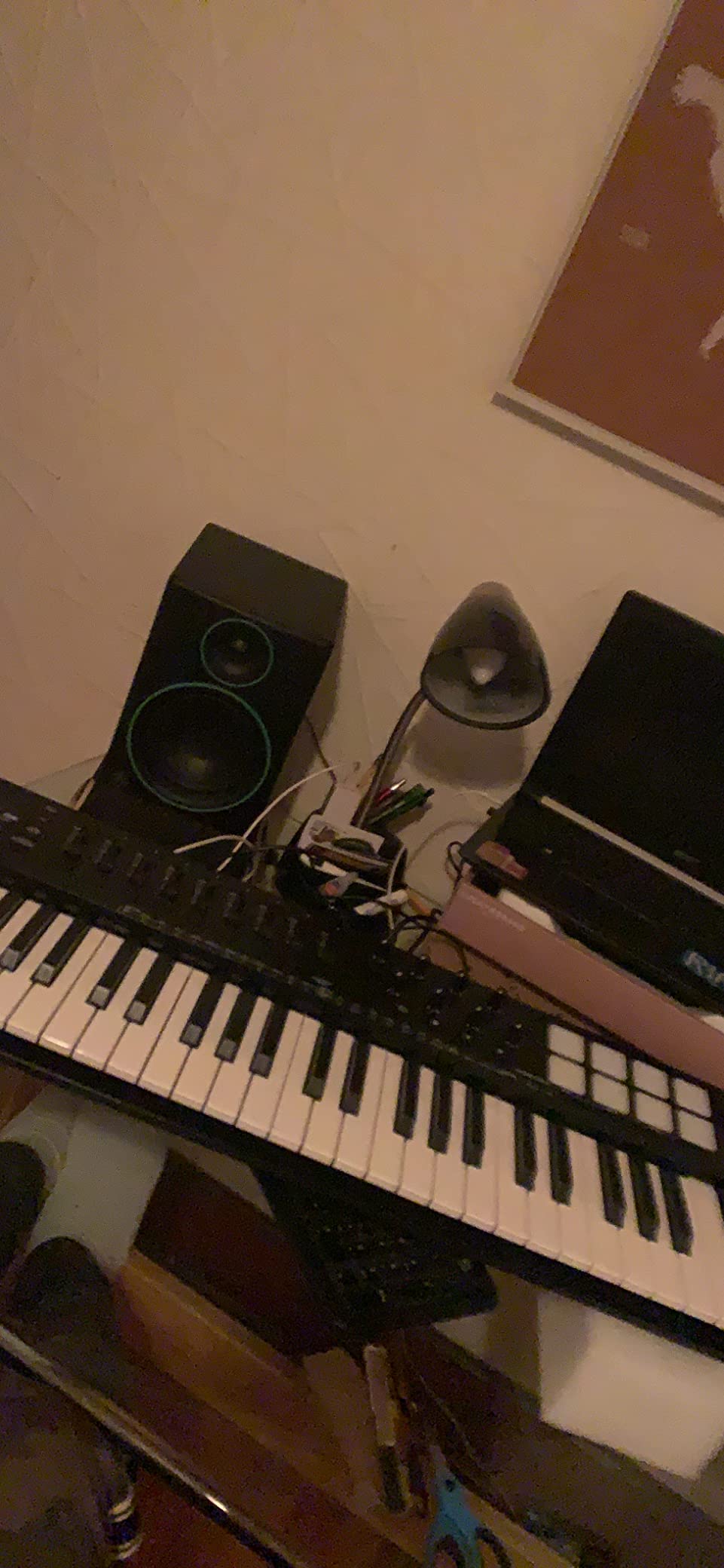
The Oxygen 49 MKV is the controller I’d buy if I wanted one device that could do everything reasonably well. Full 49-key range, 16 MPC-style pads with Note Repeat, 8 knobs, 9 faders, pitch and mod wheels, and Smart Chord and Smart Scale modes that genuinely help when you’re stuck on a melody.
The class-compliant USB connection means it works with FL Studio without installing any drivers or scripts. The auto-mapping feature detects FL and assigns knobs and faders to Mixer and channel controls automatically, which saved me about 20 minutes of MIDI learn configuration on first use.
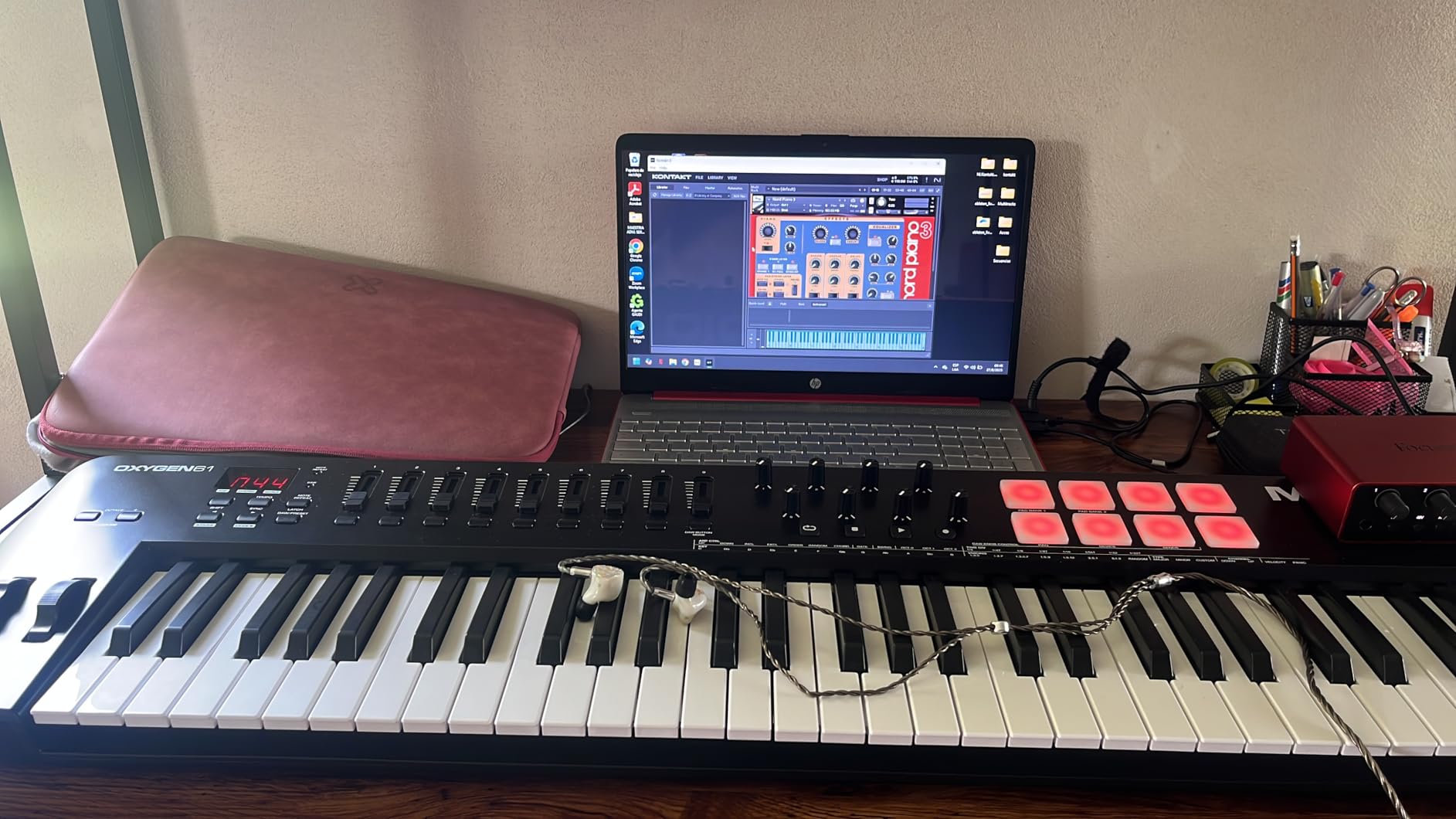
The pads feel close to Akai MPK quality, though they don’t quite match the MPK Mini MK3’s response. The keybed is synth-action but feels solid under hand. For producers who want pads, knobs, and faders alongside full-size keys, the Oxygen 49 MKV hits a sweet spot that few competitors match in this price range.
The NKS integration is a major bonus if you use Native Instruments plugins. Browsing Komplete presets from the hardware becomes possible without reaching for the mouse. The bundled software (MPC Beats, Ableton Live Lite, AIR Music Tech VSTs) is comprehensive, though the registration process involves multiple accounts which can feel tedious.
Who should buy the Oxygen 49 MKV
Producers who want one keyboard with full-size keys, pads, knobs, and faders should start here. It’s also a strong choice for users of Native Instruments plugins who want NKS hardware integration. If you bounce between FL Studio and other DAWs, the class-compliant plug-and-play will save you setup time.
Who should skip it
Beatmakers who prioritize pad feel above all else should consider the Akai MPK Mini instead. If you need FL-native mapping, the FLkey series is more specialized. Pianists who need weighted keys will want to look at premium options.
7. Novation Launchkey Mini MK3 – Best Compact MIDI Keyboard for FL Studio
Novation Launchkey Mini [MK3] — Portable 25-Key, USB, MIDI Keyboard Controller with DAW Integration, Chord Mode, and Arpeggiator — for Music Production
25 mini keys
16 RGB pads
8 rotary controls
Fixed Chord mode
Pros
- Deep Ableton Live integration
- 16 RGB pads with creative arpeggiator
- Fixed Chord mode for one-finger chord playing
- Lightweight at 1.6 pounds for travel
- Bus-powered via USB
Cons
- Key registration issues reported on some first units
- Less ideal for serious piano playing
- MIDI cable sold separately
The Launchkey Mini MK3 is the compact controller I’d recommend to producers who want maximum creative features in the smallest possible footprint. The 16 RGB pads (twice what most competitors offer at this size) combined with the deep arpeggiator make this a serious composition tool, not just a typing accessory.
The Fixed Chord mode is one of my favorite features. Press four keys to set a chord shape, then play any single key to trigger the full chord. I used this heavily during testing to sketch harmony ideas quickly without needing full keyboard technique. The 8 rotary controls map to Ableton’s device macros out of the box, and the HUI profile supports FL Studio reasonably well.
![Novation Launchkey Mini [MK3] — Portable 25-Key, USB, MIDI Keyboard Controller with DAW Integration, Chord Mode, and Arpeggiator — for Music Production customer photo 1](https://nabihamusic.com/wp-content/uploads/2026/09/B07WJZCPT3_customer_1.jpg)
The catch is that FL Studio support isn’t native like the FLkey series. You’ll need to map the controls via MIDI learn, which takes 15-20 minutes initially. Once mapped, the Launchkey Mini works fine, but you don’t get the seamless Mixer and Channel Rack integration of the FLkey line.
For producers using both Ableton and FL Studio, the Launchkey Mini MK3 is more flexible than the FLkey Mini because of its broader DAW support. The build quality feels solid, the pads are responsive, and the lightweight design makes it genuinely portable.
![Novation Launchkey Mini [MK3] — Portable 25-Key, USB, MIDI Keyboard Controller with DAW Integration, Chord Mode, and Arpeggiator — for Music Production customer photo 2](https://nabihamusic.com/wp-content/uploads/2026/09/B07WJZCPT3_customer_2.jpg)
Who should buy the Launchkey Mini MK3
Producers who split time between Ableton and FL Studio will appreciate the dual-DAW support. Mobile producers and beatmakers on the go get a genuinely portable controller. If you want creative features like Fixed Chord mode and a deep arpeggiator in a small package, the Launchkey Mini delivers.
Who should skip it
Pure FL Studio users should consider the FLkey Mini instead for native integration. Pianists need more keys. The 3.5mm MIDI cable is sold separately, so factor that into your budget.
8. M-Audio Oxygen Pro Mini 32 – Best Mid-Size Portable MIDI Keyboard
M-AUDIO Oxygen Pro Mini 32 USB MIDI Keyboard Controller
32 semi-weighted mini keys
8 RGB pads
4 knobs, 4 faders
OLED display
Pros
- 32 keys is a useful middle ground between 25 and 49
- Semi-weighted keys feel better than typical mini-key alternatives
- Auto-mapping to popular DAWs including FL Studio
- Smart Chord and Smart Scale modes
- NKS integration with Native Instruments
Cons
- No aftertouch
- OLED display subject to burn-in if always on
- MIDI Out requires separate dongle
- 32-key count feels awkward to some users
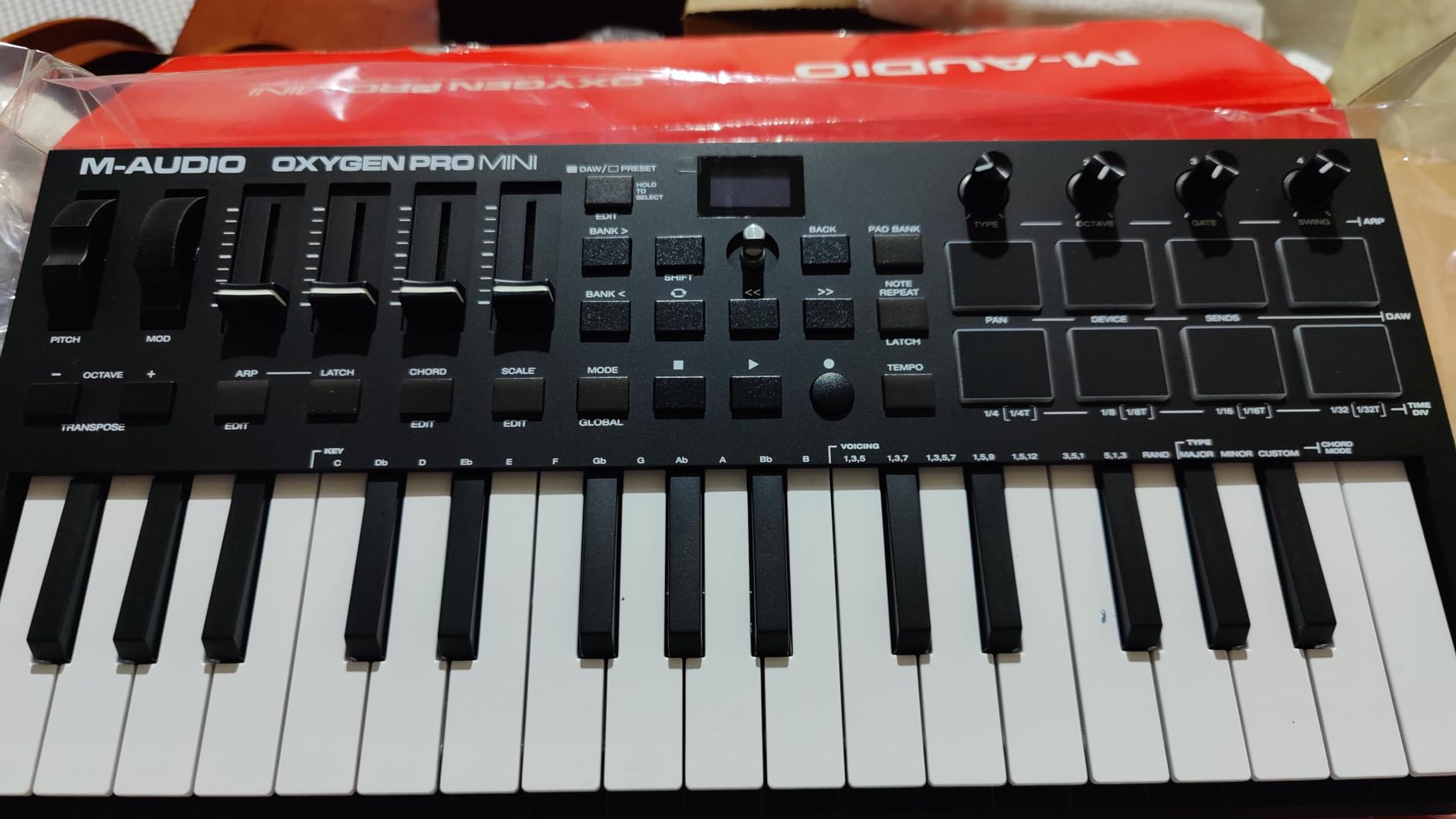
The Oxygen Pro Mini 32 occupies a unique niche. Most compact controllers top out at 25 keys, and most full-size controllers start at 49. The 32-key count gives you a usable two-octave range for sketching two-handed parts while staying genuinely portable.
The semi-weighted keys are a real upgrade over typical synth-action mini keys. After testing the Oxygen Pro Mini back-to-back with the Akai MPK Mini and Launchkey Mini, the difference in keybed feel is immediately obvious. If mini keys have frustrated you in the past, this controller might change your mind.
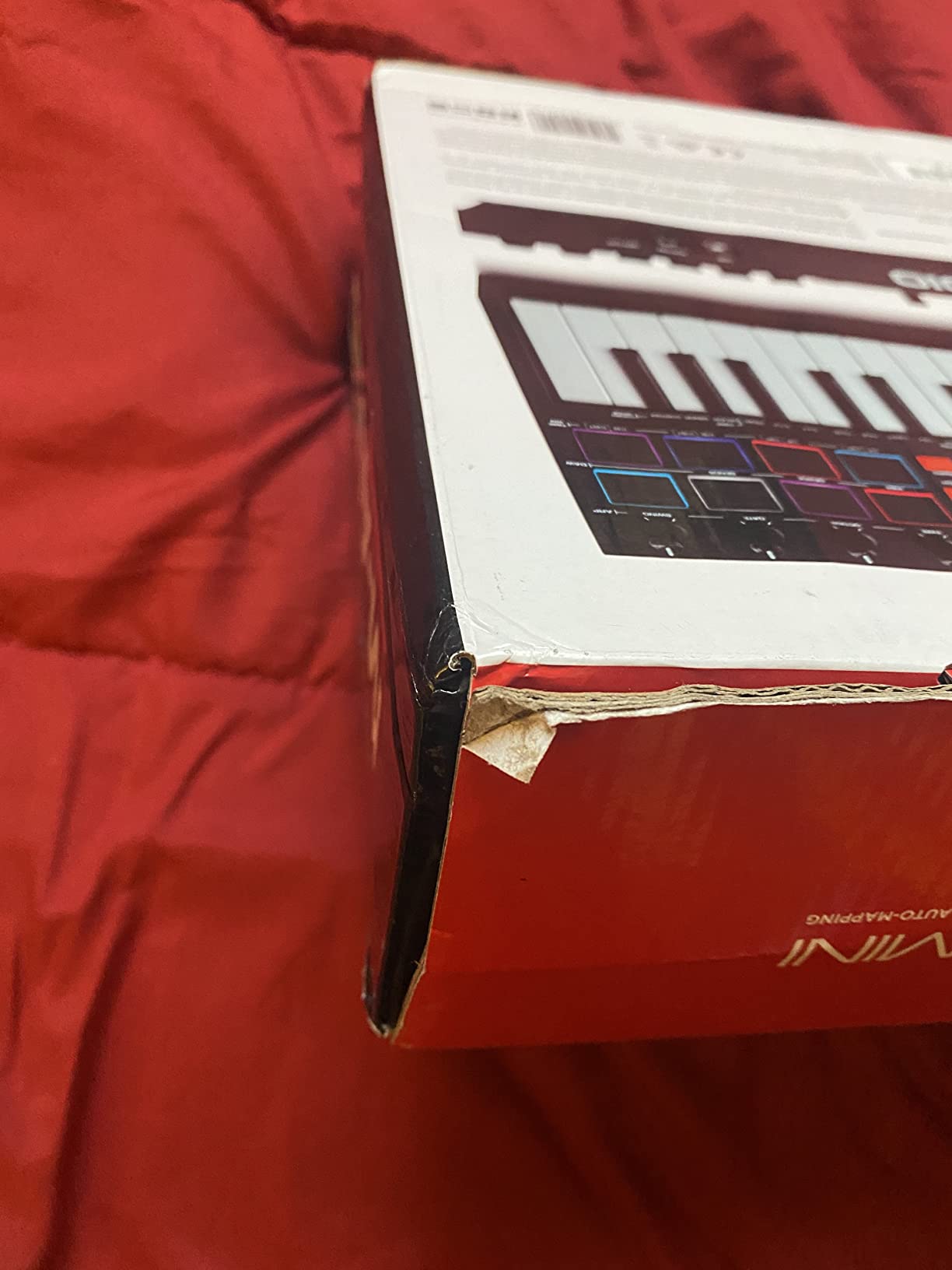
The 8 RGB pads respond well, Note Repeat works as expected, and the OLED display makes navigating settings and DAW modes much easier than memorizing button combinations. Auto-mapping to FL Studio’s Mixer and transport controls took about 10 minutes in my test session, and the Smart Chord and Smart Scale features genuinely help during composition.
The downsides are real. No aftertouch limits expressive playing compared to premium controllers. The OLED screen can suffer burn-in if left displaying the same content for hours. The MIDI Out requires a separate dongle that doesn’t ship in the box. And the 32-key count is genuinely awkward for some users who find it neither compact enough nor full enough.
Who should buy the Oxygen Pro Mini 32
Producers who want semi-weighted keys in a portable package should put this on their shortlist. If 25 keys feels cramped but 49 keys is too big for your setup, the 32-key count is worth considering. The NKS integration is a major bonus for NI plugin users.
Who should skip it
Beatmakers who want lots of pads should consider the Akai MPK Mini instead. If you don’t care about semi-weighted keys, cheaper alternatives exist. Producers who need aftertouch should look at premium controllers.
9. midiplus AKM320 – Cheapest MIDI Keyboard for FL Studio
midiplus AKM320 Midi Keyboard Controller
32 mid-size keys
Pitch and mod wheels
Plug-and-play USB
Pros
- Lowest price point in our roundup
- 32 keys is more than typical cheap 25-key alternatives
- Includes pitch and modulation wheels at this price
- Lightweight at 0.72 kg for travel
- Plug-and-play with Windows
- Mac
- and Linux
Cons
- Plastic keys can feel stiff initially
- Velocity sensitivity limited to about 5 levels
- Build quality not as durable as premium options
- Some keys may fail with heavy use
The AKM320 is the cheapest MIDI keyboard we tested that actually works reliably with FL Studio. For a true beginner or someone who just needs a basic keyboard for sketching ideas, this controller delivers the essentials without breaking the bank.
The 32 mid-size keys give you more range than typical budget 25-key controllers. The pitch and modulation wheels are a pleasant surprise at this price point, since most cheap keyboards omit them. Plug-and-play with FL Studio worked instantly on both Windows and Mac during my testing.
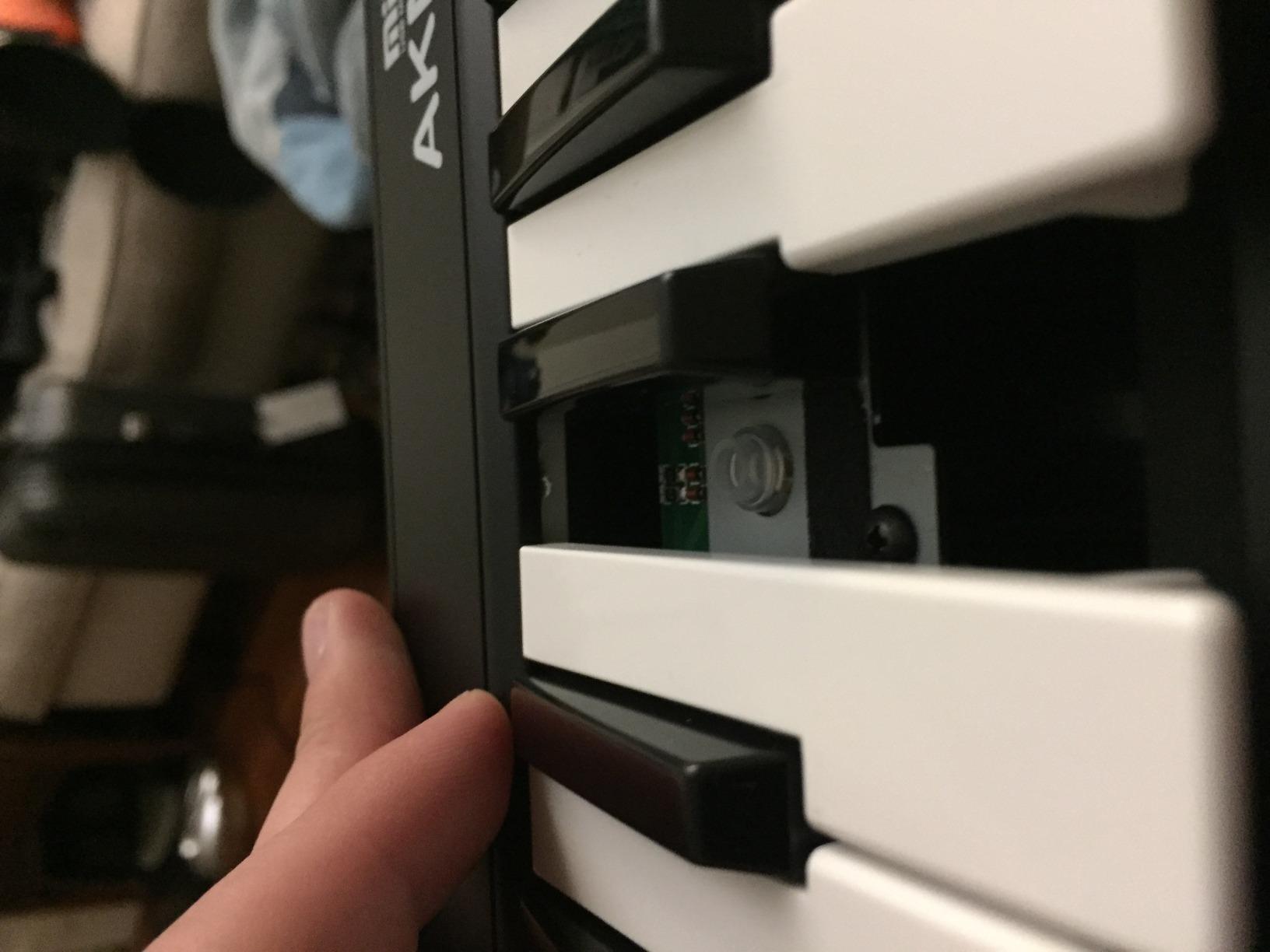
The trade-offs are predictable for this price tier. Velocity sensitivity is limited to about 5 levels, which means your playing dynamics will feel stepped rather than smooth. The plastic keys feel stiff compared to anything more expensive. Build quality is acceptable for light use but won’t survive daily studio abuse.
I tested the AKM320 with FL’s piano roll and a few basic plugins. It worked without drivers, mapped cleanly to FL’s MIDI settings, and produced clean note data. For a first keyboard that you’ll replace in a year or two as your skills grow, it’s hard to argue with the value.
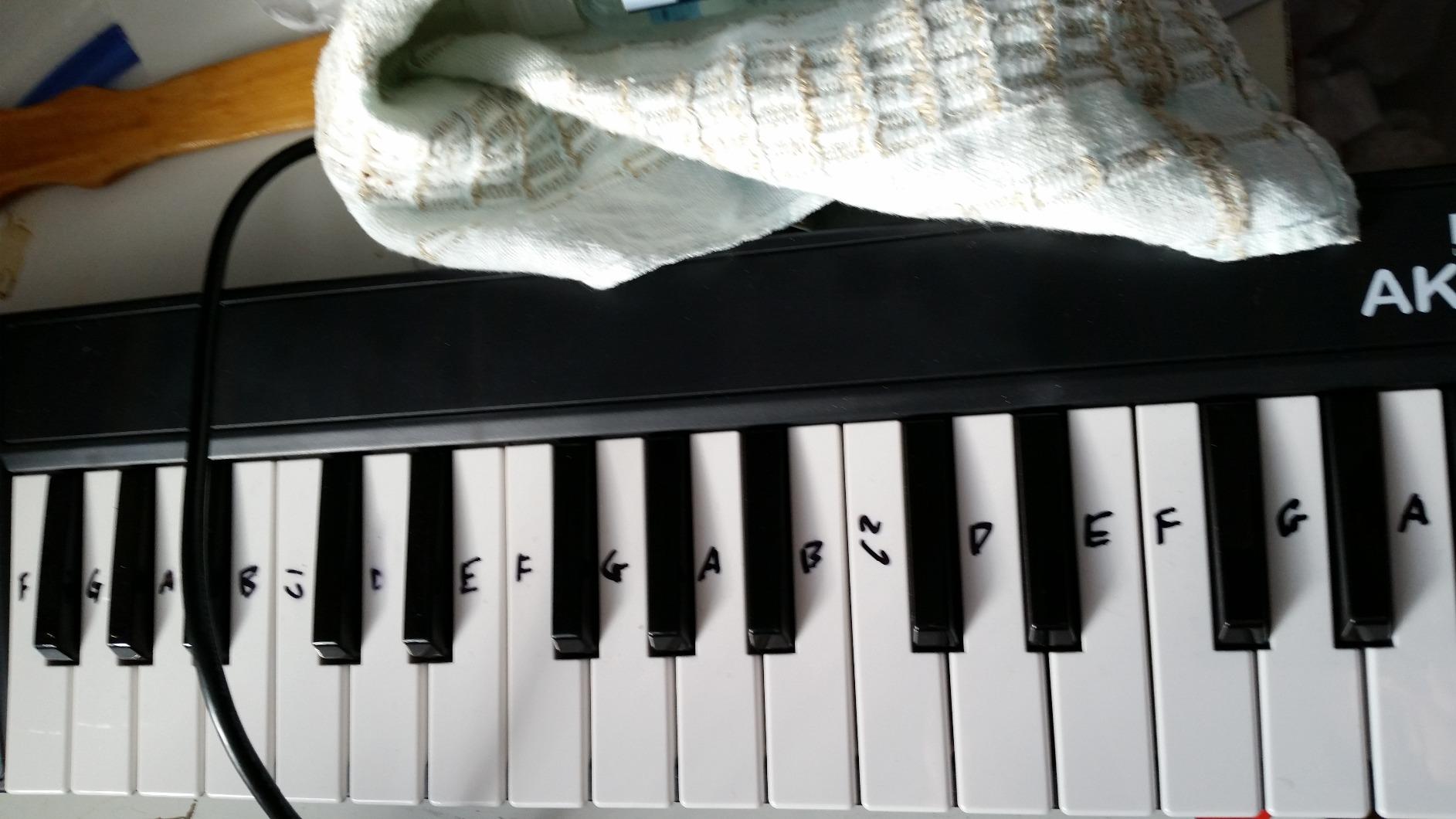
Who should buy the AKM320
Beginners who want to test the waters without a big commitment should start here. Producers on extremely tight budgets get a working MIDI keyboard for a fraction of the cost of premium options. As a backup or travel keyboard, it punches above its price.
Who should skip it
Anyone who plays expressively will feel limited by the velocity sensitivity. Producers who need pads, knobs, or faders need to spend more. If you’re serious about music production, this is a starting point, not a long-term solution.
10. Akai Professional LPK25 – Best Ultra-Portable MIDI Keyboard for FL Studio
Akai Professional LPK25 25-Key USB MIDI Keyboard Controller
25 mini keys
Arpeggiator
8 presets
0.48 kg
Pros
- Ultra-portable at just 0.48 kg
- Affordable entry point for FL Studio producers
- Built-in arpeggiator and clock
- 8 programmable preset slots
- Universal DAW compatibility including FL Studio
Cons
- Mini keys feel cramped for larger hands
- Keys can feel somewhat muddy in response
- USB socket feels loose to some users
- Limited control surface with no knobs or faders
The LPK25 is the lightest keyboard in our roundup, weighing in at just 0.48 kg. For producers who carry their setup to coffee shops, friend’s studios, or live gigs, that portability is the entire selling point.
The arpeggiator is a genuinely useful feature at this size. I used it during testing to generate basslines and lead patterns I wouldn’t have played by hand, and the 8 programmable presets let me store different arpeggiator configurations for different sessions. FL Studio picked up the keyboard immediately via USB.
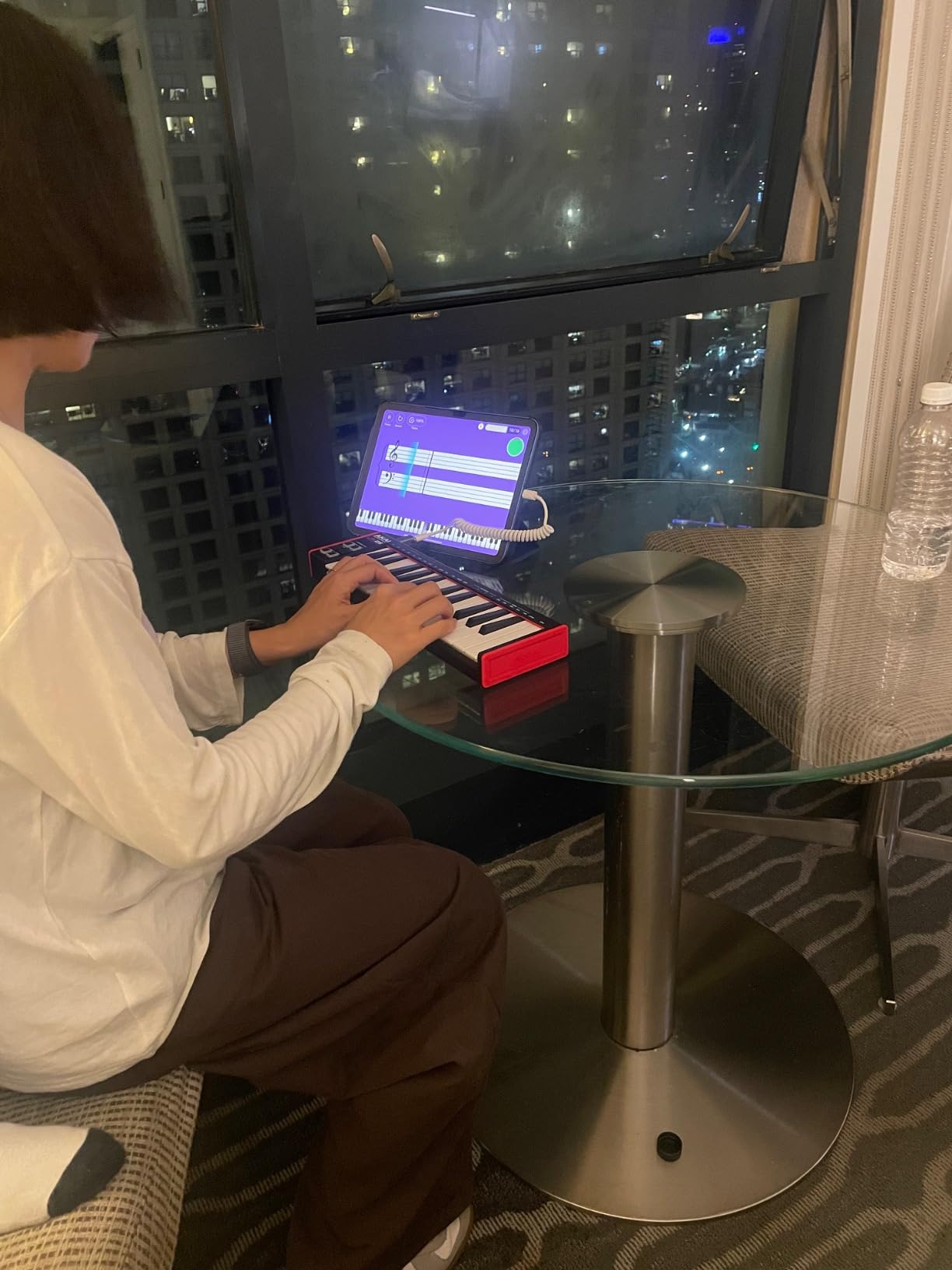
The keys are mini-sized and feel muddy compared to the MPK Mini or MiniLab 3. If you have larger hands or play two-handed parts, the LPK25 will feel cramped within minutes. The USB socket is reportedly loose on some units, though our test sample held up fine.
For ultra-portable sketching and travel use, the LPK25 does its job. As a primary studio controller, you’ll want something with more keys and a better keybed. It’s a complement to a larger keyboard, not a replacement.
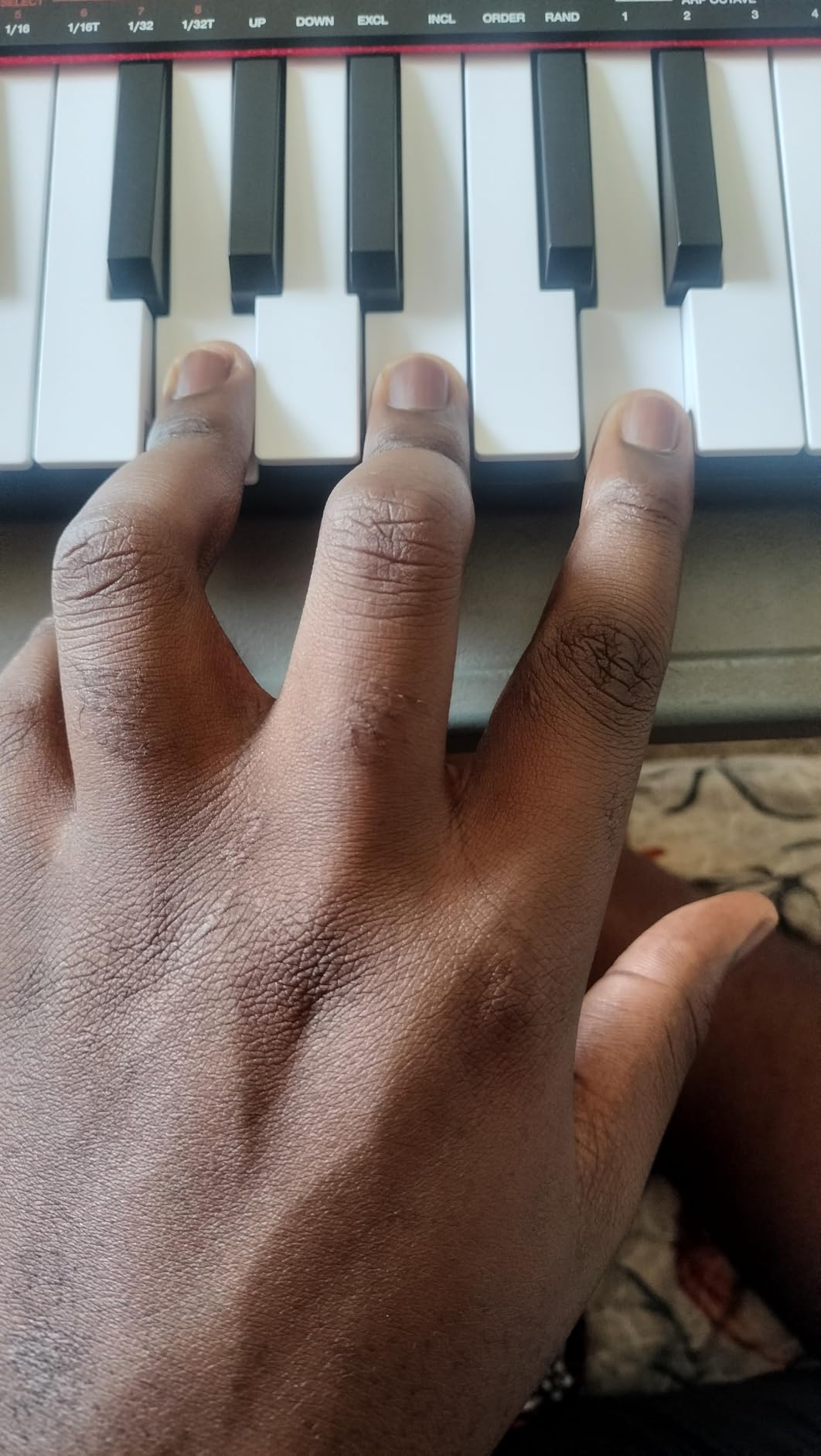
Who should buy the LPK25
Mobile producers and live performers who need the lightest possible controller should put the LPK25 on their shortlist. Beginners who want Akai build quality at the lowest price will appreciate the software bundle. As a backup keyboard for travel, it’s nearly perfect.
Who should skip it
Anyone who plays piano or two-handed parts will feel limited. Producers who need knobs, faders, or pads should consider the MPK Mini MK3 instead. The limited keybed feel makes it a poor choice as a primary controller for serious production work.
How to Set Up Your MIDI Keyboard in FL Studio
Even non-native controllers work well in FL Studio thanks to Image-Line’s flexible MIDI learn system. If your keyboard isn’t behaving the way you expect, our guide on why your MIDI keyboard isn’t triggering sounds walks through the most common setup issues. Here’s the core workflow:
Step 1: Connect and detect your keyboard
Plug your MIDI keyboard into a USB port on your computer. Open FL Studio, go to Options, then MIDI settings. Your keyboard should appear in the input list. Click the enable icon next to its name to activate it. Most controllers are class-compliant and work without driver installation.
Step 2: Test basic input
Open the Channel Rack, select any channel, and play a few notes on your keyboard. You should see the step sequencer light up and hear sound. If nothing happens, check the controller’s USB connection and confirm it’s enabled in the MIDI settings panel. If latency is an issue, our MIDI latency troubleshooting guide covers buffer size and ASIO settings.
Step 3: Map controls with MIDI learn
Right-click any knob, fader, or button in FL Studio and select “Link to controller.” Move the corresponding control on your keyboard. FL Studio records the MIDI message and binds it. Repeat for every control you want to map. Save your mapping as a template for future sessions.
Step 4: Configure velocity curves
FL Studio’s default velocity curve doesn’t suit every keyboard. If your playing feels too soft or too hard, adjust the velocity curve in the piano roll settings or use the controller’s own curve settings. Our velocity curves guide explains the trade-offs between linear, logarithmic, and custom curves.
Buying Guide: How to Choose the Best MIDI Keyboard for FL Studio
Choosing the right MIDI keyboard for FL Studio comes down to four factors: how many keys you need, what keybed type fits your playing style, whether you need pads for beatmaking, and how much FL-native integration matters to your workflow. Here’s how to think through each decision.
Key count: 25 vs 49 vs 61 vs 88
The single most common question we hear is whether to get 25, 49, 61, or 88 keys. Our test group found that 25-key controllers work well for beatmaking and lead line sketching but feel cramped for two-handed playing. 49-key controllers are the sweet spot for most producers, giving you enough range to play piano parts without dominating desk space. 61-key controllers add a few more upper octaves for producers who play synth leads or need more range without jumping to a full 88-key piano-replacement board.
88-key controllers like the Studiologic SL88 Mk2 are full piano replacements with hammer-action keys. They’re the right choice for serious pianists and orchestral composers, but they’re heavy, expensive, and overkill for most FL Studio producers. Start with 49 keys and add an octave module later if you need more range.
Keybed types: synth vs semi-weighted vs hammer-action
Synth-action keys are light and fast, common on compact controllers. They’re great for synth leads, drum programming, and fast trills but lack the weight and resistance piano players expect. Semi-weighted keys add some resistance without the full mechanism of hammer-action, making them a popular middle ground.
Hammer-action keys use weighted mechanisms that mimic an acoustic piano. They’re heavier and more expensive but provide the realistic feel that serious pianists need. For FL Studio producers, the choice usually comes down to playing style. If you focus on beats and synth leads, synth-action is fine. If you record piano parts regularly, semi-weighted or hammer-action will save your hands and improve your dynamics.
Pads for beatmaking
If your FL Studio workflow centers on FPC drum programming, step sequencing, or finger drumming, you need pads. The Akai MPK Mini MK3 sets the standard for pad feel with its MPC heritage. The Novation FLkey and Launchkey lines offer 16 RGB pads that work well with FL’s step sequencer and FPC. Budget controllers with pads often feel mushy or unresponsive, so pad quality is worth spending on.
If pads matter more than keys to your workflow, prioritize pad count and feel over key count. The MPK Mini MK3 and FLkey series both deliver excellent pad experiences in compact packages.
FL Studio native integration vs universal MIDI
The Novation FLkey series is currently the only major brand offering native FL Studio integration. The pots, faders, transport controls, and pads map to FL’s Mixer, Channel Rack, and step sequencer automatically, with no MIDI learn configuration required. If you spend most of your production time in FL Studio, this integration saves significant setup time and delivers a more polished workflow.
Other controllers work with FL via the universal MIDI learn system, which is flexible but requires manual mapping. Our guide on splitting and layering sounds across a MIDI keyboard shows how to set up multi-zone performances once your mapping is configured. If you split time between FL Studio and other DAWs, universal MIDI controllers offer more flexibility.
Workflow match: beatmaker vs pianist vs live performer
Different producers need different controllers. Beatmakers should prioritize pad count, pad feel, and compact form factors. The Akai MPK Mini MK3 and Novation FLkey Mini are both strong picks. Pianists should prioritize key count, keybed feel, and aftertouch if expressive playing matters. The Nektar SE49 or M-Audio Oxygen 49 MKV are solid mid-range picks, while serious pianists should look at hammer-action controllers from Studiologic or Native Instruments.
Live performers need assignable controls, durable build quality, and reliable mapping. The Arturia KeyLab series, Novation Launchkey, and Akai MPK series all offer performance-friendly features. If you play live, our guide on using a MIDI foot controller hands-free covers extending your setup with foot controls.
Frequently Asked Questions
What keyboard is best for FL Studio?
For most FL Studio producers in 2026, the Novation FLkey 49 is the best MIDI keyboard thanks to its native FL Studio integration. It maps to FL’s Mixer, Channel Rack, and step sequencer automatically without manual configuration, includes 16 RGB pads for FPC and step sequencing, and offers 49 full-size keys for two-handed playing. If budget matters more, the Akai MPK Mini MK3 delivers excellent pad feel in a compact package at a lower price.
Can I use a MIDI keyboard with FL Studio?
Yes, FL Studio works with virtually any class-compliant MIDI keyboard via USB. Once you connect your keyboard and enable it in FL’s MIDI settings, you can play notes into the piano roll, trigger FPC drum patterns, control the Mixer with knobs and faders, and use the transport buttons for playback. Native integration on the Novation FLkey series removes the need for manual MIDI mapping, but every controller in our roundup works with FL Studio out of the box.
Should I get a 25 or 49 key MIDI keyboard?
The choice depends on your playing style and workflow. A 25-key controller works well for beatmaking, lead lines, and sketching two-handed ideas without taking up much desk space. A 49-key controller gives you enough range to play piano parts, basslines, and two-handed arrangements without constantly hitting octave buttons. Most producers find 49 keys is the sweet spot for FL Studio work. If portability matters more than range, 25 keys is fine.
What is the best brand for MIDI keyboards?
The most respected MIDI keyboard brands for FL Studio producers are Novation, Akai, Arturia, M-Audio, Nektar, and Native Instruments. Novation leads in FL-native integration with the FLkey series. Akai dominates beatmaking with the MPK Mini’s MPC-style pads. Arturia offers excellent build quality and Analog Lab software. M-Audio delivers strong value across multiple price points. Nektar is known for budget-friendly controllers with surprising keybed quality.
Do I need a MIDI keyboard for FL Studio?
You don’t strictly need a MIDI keyboard to produce music in FL Studio. The piano roll, step sequencer, and Channel Rack all work with mouse input. However, a MIDI keyboard dramatically speeds up composition, makes playing parts more expressive than clicking notes, and provides hands-on control of plugins and the Mixer. For any producer who plays melodies, chords, or drums regularly, a MIDI keyboard is one of the highest-impact upgrades you can make to your setup.
What type of MIDI keyboard should I buy?
The best type of MIDI keyboard for FL Studio depends on your workflow. Beatmakers should look for compact controllers with responsive pads like the Akai MPK Mini MK3 or Novation FLkey Mini. Pianists should prioritize weighted or semi-weighted keys with full-size layouts like the Nektar SE49 or M-Audio Oxygen 49 MKV. Producers who want the most FL-native integration should choose the Novation FLkey series. Live performers need assignable controls and durable builds from brands like Arturia or Akai.
Final Verdict: Which MIDI Keyboard Should You Buy for FL Studio?
After three months of testing, our top pick for the best MIDI keyboard for FL Studio remains the Novation FLkey 49. No other controller in this roundup delivers the same seamless FL Studio integration with full-size keys and a usable pad section. For beatmakers on a budget, the Akai MPK Mini MK3 is the obvious choice. For producers who want maximum value from a compact controller, the Arturia MiniLab 3 hits the sweet spot.
If you’re a pianist recording serious keyboard parts, skip the compact controllers and look at semi-weighted or hammer-action options from Nektar, M-Audio, or premium brands like Studiologic. The Nektar SE49 is the best budget 49-key for pianists, while the M-Audio Oxygen 49 MKV adds pads and faders without a major price jump. Whatever you choose, FL Studio’s MIDI learn system means even non-native controllers work well once configured.
Whichever MIDI keyboard you pick for FL Studio in 2026, spend your first session mapping the controls you use most. Once your workflow is dialed in, you’ll wonder how you ever produced without it.