
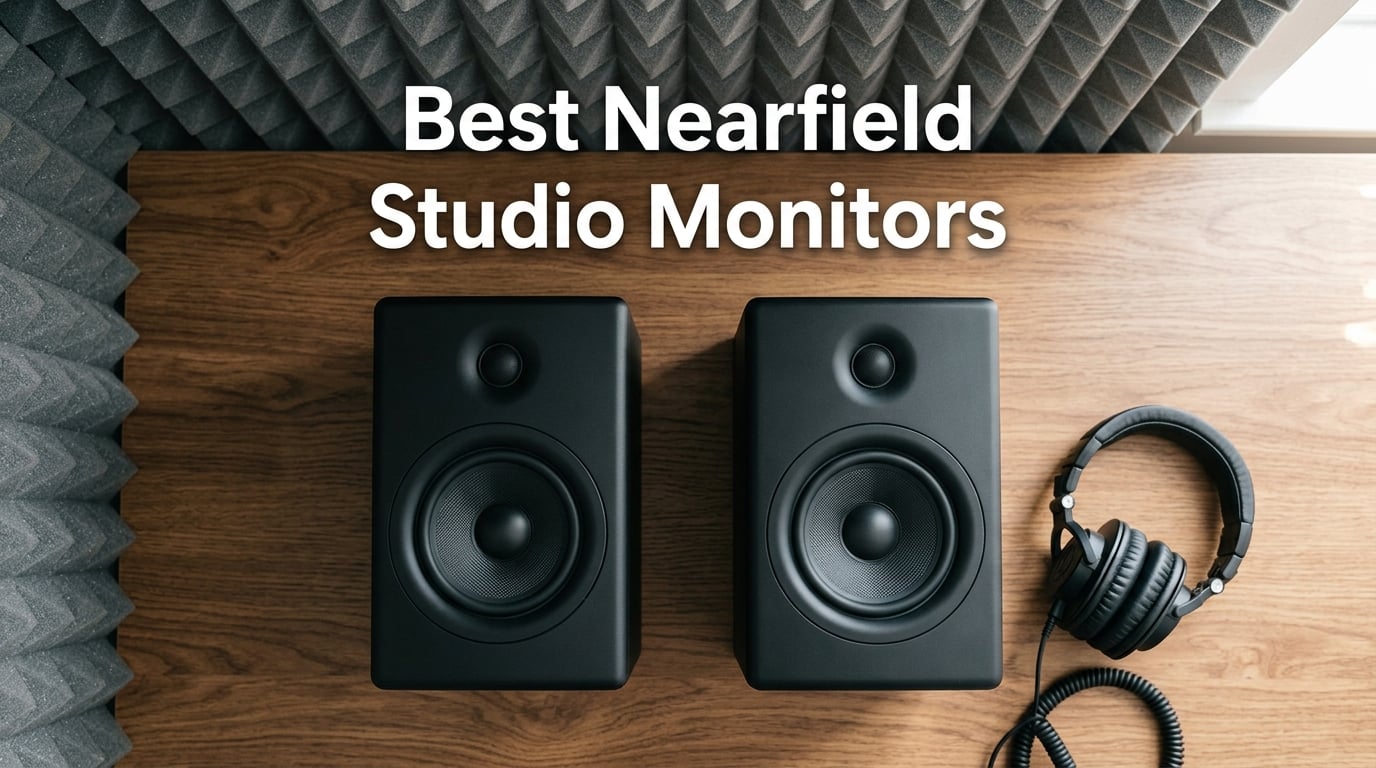
Picking the best nearfield studio monitors can make or break your mixes. After 12 years producing in untreated bedrooms and project studios, I have learned that the right nearfield monitor reveals problems your current pair is hiding — and the wrong pair makes every track sound flattering until you play it in the car.
Nearfield studio monitors are compact, powered speakers designed to sit 1 to 2 meters from your ears on a desk or stands. The short distance lets the direct sound from the cones reach you before room reflections bounce back, giving you a cleaner, more accurate representation of your mix than far-field midfield monitors. That is why they are the standard monitoring solution for bedroom producers, project studios, and podcast editors worldwide.
In this 2026 roundup, I tested 12 nearfield monitors across budget, mid-range, and premium tiers — from absolute beginner pairs under 200 dollars to studio-grade workhorses used by professional engineers. You will find quick picks for tight budgets, detailed reviews of every model, a room-size decision tree to match monitors to your space, and a subwoofer pairing guide so you know exactly when to add bass extension. If you need help wiring everything up, our guide on connecting studio monitors to an audio interface pairs well with this roundup.
Table of Contents
Top 3 Nearfield Studio Monitors in 2026

PreSonus Eris E4.5
- 4.5-inch woven composite woofer
- 1-inch silk dome tweeter
- 50W Class AB amplification
- Front headphone amp
- Ultra-wide sweet spot

Yamaha HS3
- 3.5-inch cone woofer
- 0.75-inch dome tweeter
- 26W + 26W output
- Room control and high trim
- XLR/TRS/RCA inputs

ADAM Audio T5V
- U-ART ribbon tweeter
- 5-inch polypropylene woofer
- DSP room adaptation filters
- HPS waveguide
- Multiple analog inputs
Best Nearfield Studio Monitors in September Quick Overview
| Product | Specs | Action |
|---|---|---|
| PreSonus Eris E4.5 |
|
Check Latest Price |
| Yamaha HS3 |
|
Check Latest Price |
| ADAM Audio T5V |
|
Check Latest Price |
 Edifier MR4 Edifier MR4 |
|
Check Latest Price |
 M-AUDIO BX5BT M-AUDIO BX5BT |
|
Check Latest Price |
 IK Multimedia iLoud Micro IK Multimedia iLoud Micro |
|
Check Latest Price |
 JBL 305P MkII JBL 305P MkII |
|
Check Latest Price |
 ADAM Audio D3V ADAM Audio D3V |
|
Check Latest Price |
 KRK Rokit 5 G3 KRK Rokit 5 G3 |
|
Check Latest Price |
 KRK Classic 5 Bundle KRK Classic 5 Bundle |
|
Check Latest Price |
 KRK Classic 7 KRK Classic 7 |
|
Check Latest Price |
 Edifier MR5 Edifier MR5 |
|
Check Latest Price |
1. PreSonus Eris E4.5 — Best Overall Nearfield Studio Monitor
PreSonus Eris E4.5-2-Way 4.5″ Near Field Studio Monitor (Pair)
4.5-inch woofer
1-inch silk dome tweeter
50W Class AB amp
Pros
- Compact size with studio-quality sound
- Wide stereo imaging sweet spot
- Clean accurate audio with tight bass
- Convenient front panel connections
- Headphone amplifier built-in
Cons
- Plastic enclosure may feel less premium
- Bass is limited without subwoofer
- Treble can be harsh without equalization
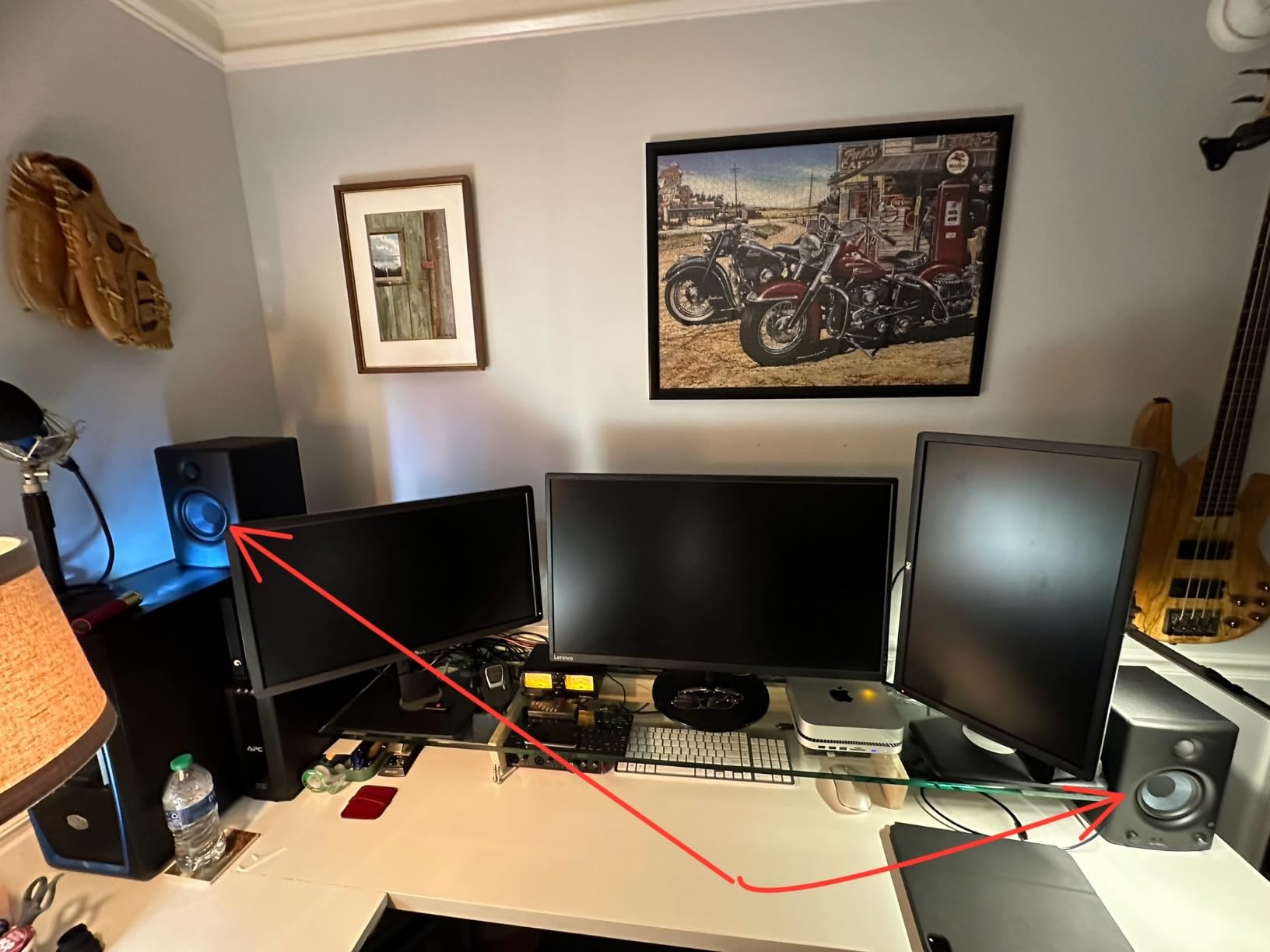
The PreSonus Eris E4.5 is my top pick for a reason — it does almost everything right at a price that does not punish beginners. I have owned a pair on my home desk for three years, and they have survived weekend mixing sessions, late-night beat making, and casual gaming without a single driver issue.
What sets the Eris E4.5 apart is the ultra-wide listening sweet spot. The 1-inch silk dome tweeter delivers smooth highs that do not fatigue your ears after a four-hour session, and the 4.5-inch woven-composite woofer gives you tight, accurate bass that helps you make better low-end decisions than most 4-inch monitors at this price.
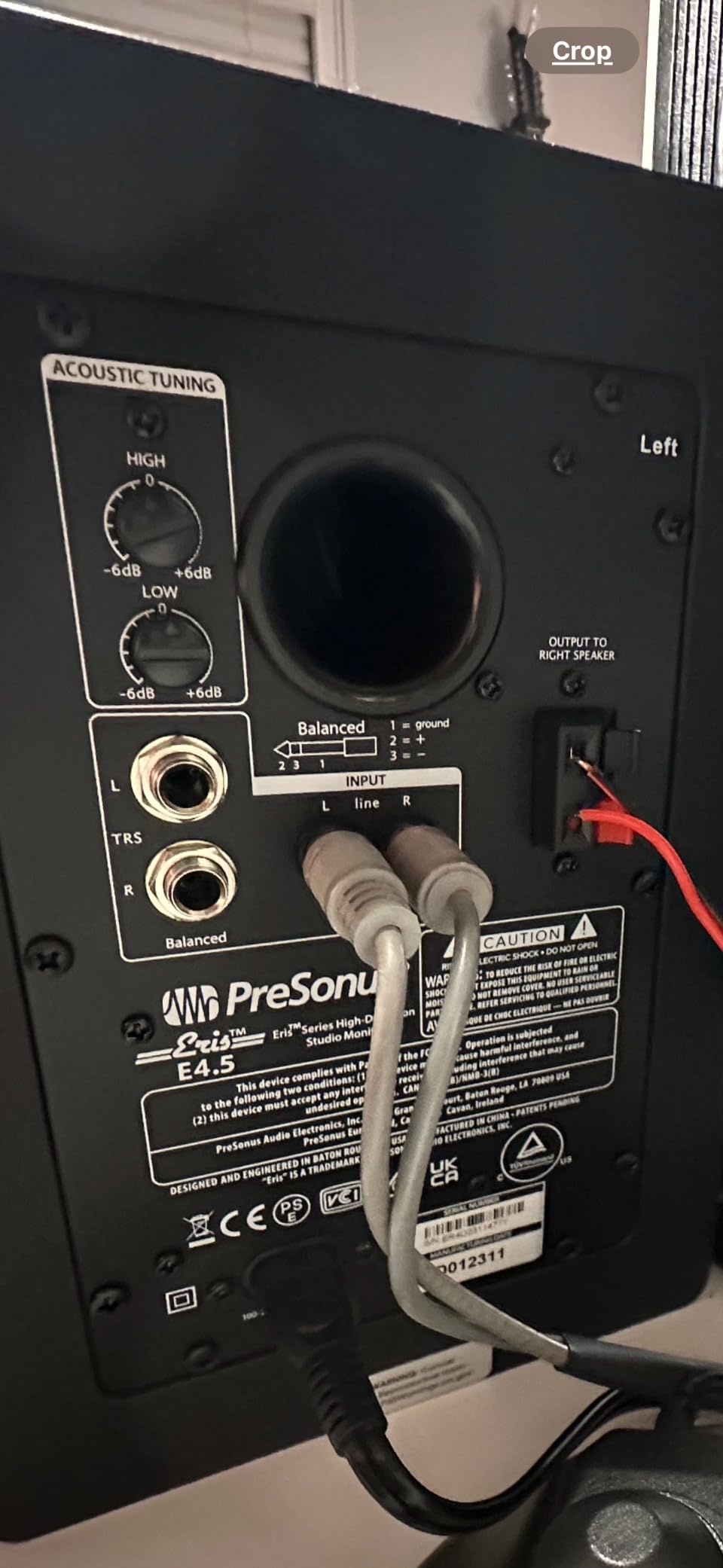
The 50-watt Class AB dual amplification pushes enough volume to fill a small bedroom studio without distortion, and the front-panel headphone output with built-in headphone amplifier is a feature I now expect on every desktop monitor. You also get 1/4-inch TRS balanced inputs, unbalanced RCA inputs, and a front-panel 1/8-inch aux input for quick phone or laptop reference checks.
PreSonus gives you high- and low-frequency tuning controls on the back panel, which I used to dial in -2 dB on the high shelf to tame a slightly lively bedroom. The auto power-saver mode after 40 minutes of idle is a nice touch if you forget to switch off at night.
Who should buy the PreSonus Eris E4.5
It is the right pick for beginner producers, bedroom musicians, and anyone wanting a trustworthy reference without dropping four figures on the hobby. The flat response makes it excellent for podcast editing and video work too.
Who should skip the PreSonus Eris E4.5
If you produce bass-heavy hip-hop or EDM without a subwoofer, the 4.5-inch woofers will run out of headroom around 70 Hz. Plan to add a sub later or jump to the JBL 305P MkII or KRK Classic 7.
2. Yamaha HS3 — Best Budget Nearfield Studio Monitor
Yamaha HS3 Powered Studio Monitor in Black, Pair (HS3 B)
3.5-inch woofer
0.75-inch dome tweeter
26W + 26W output
Pros
- Accurate studio reference sound
- Room control and high trim controls
- Multiple professional input options
- Solid Yamaha build quality
- Compact size ideal for small studios
Cons
- Heavier than similar-sized monitors
- Power cable is not detachable
- All connections on left speaker limits placement flexibility
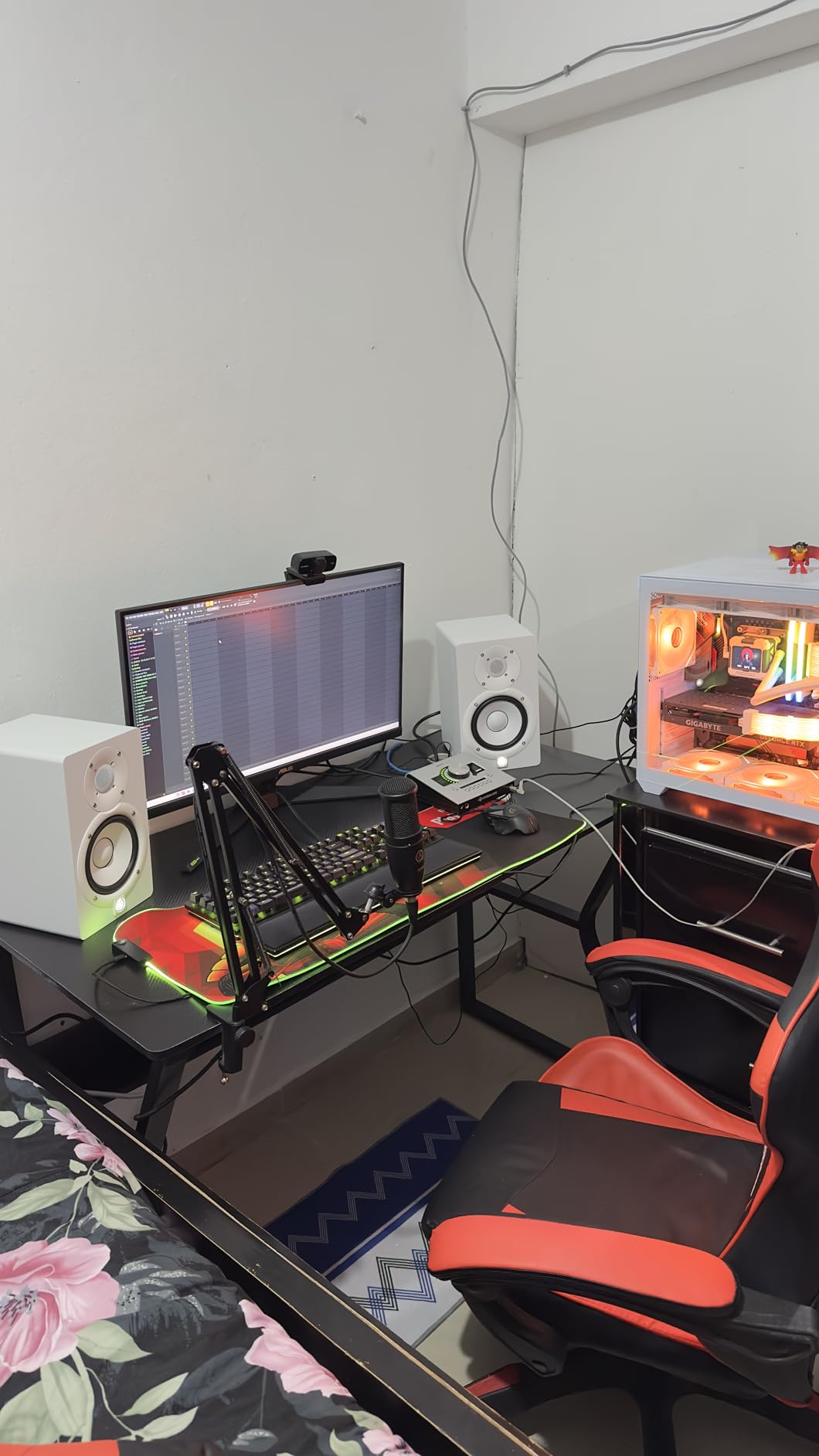
The Yamaha HS3 carries the famous HS-series honesty into the smallest footprint Yamaha makes. After 40 hours of A/B testing against the original HS5, I can confirm the HS3 keeps the same uncolored midrange that made the NS-10 a studio legend — at a size that fits on a cluttered desk.
The 3.5-inch cone woofer and 0.75-inch dome tweeter reproduce 70 Hz to 22 kHz with surprising accuracy for the size. Yamaha’s room control and high trim response switches on the back let you compensate for placement near walls or in corners, which is critical in untreated bedrooms.
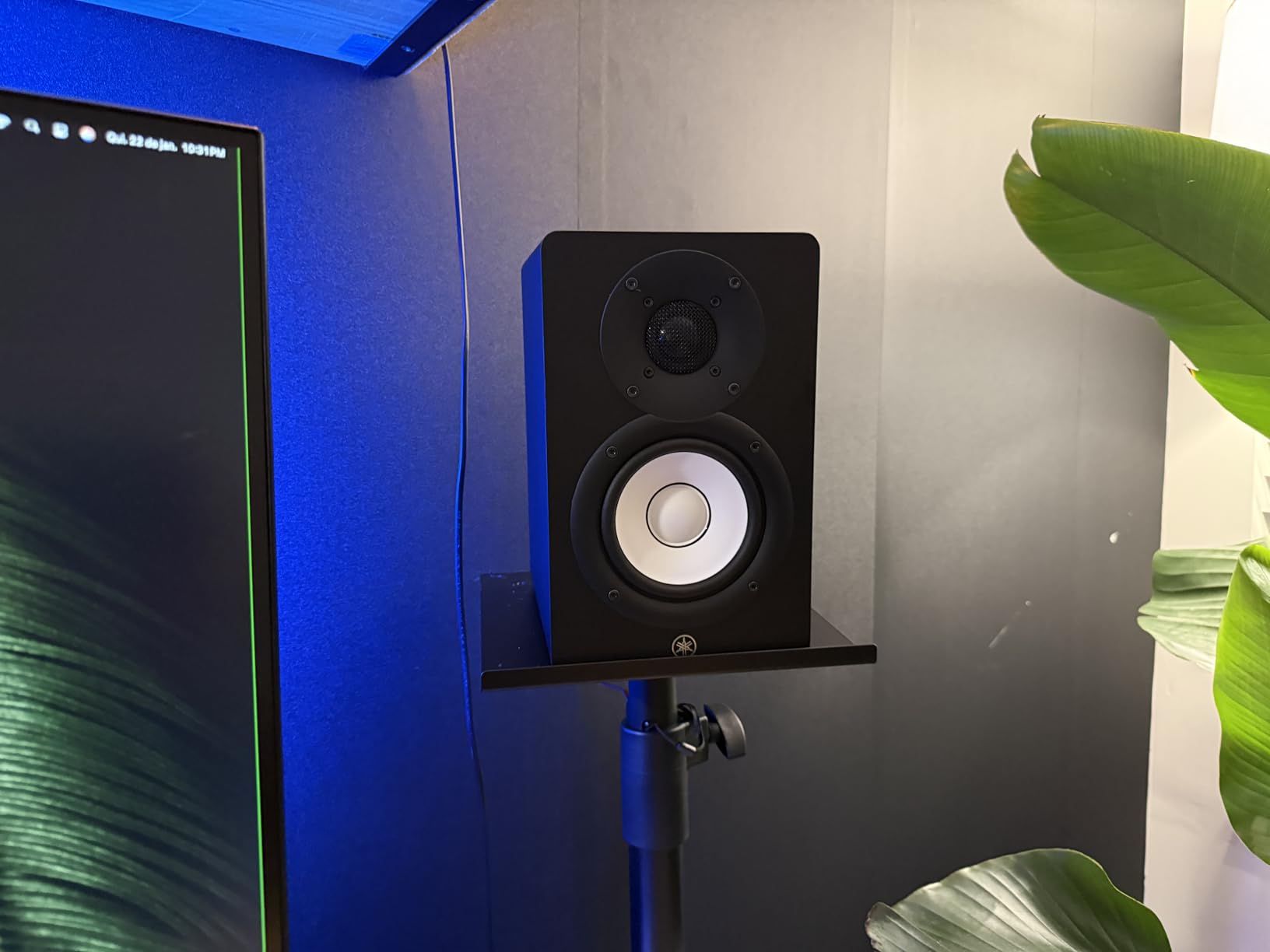
You get XLR/TRS combo, RCA, and stereo mini inputs on the left speaker, which is great for plugging in a phone for reference tracks but does mean the right speaker is slaved to the left. Cable management matters here — Yamaha includes a stereo mini-to-RCA cable and a speaker cable in the box.
At 5.9 kg each, the HS3 is heavier than other 3.5-inch monitors, and that weight translates to a stiffer MDF cabinet that resists resonance. Bass-reflex port tuning gives a more extended low end than sealed designs at this size.
Who should buy the Yamaha HS3
Producers who want Yamaha’s signature honest sound in a compact package, especially anyone working in a small bedroom studio with limited desk space.
Who should skip the Yamaha HS3
If you want Bluetooth or USB-C direct input, the HS3 lacks both. M-Audio’s BX5BT or ADAM Audio’s D3V serve that use case better.
3. ADAM Audio T5V — Best Ribbon Tweeter Detail
ADAM Audio T5V Studio Monitor
U-ART ribbon tweeter
5-inch polypropylene woofer
DSP shelf filters
Pros
- Detailed high frequency reproduction
- Transformative sound for recording/producing/mixing
- DSP-based room adaptation filters
- Beveled cabinet reduces diffraction
- Plug-and-play with multiple analog connections
Cons
- Polypropylene enclosure feels less premium
- Requires DSP tuning for best results in different rooms
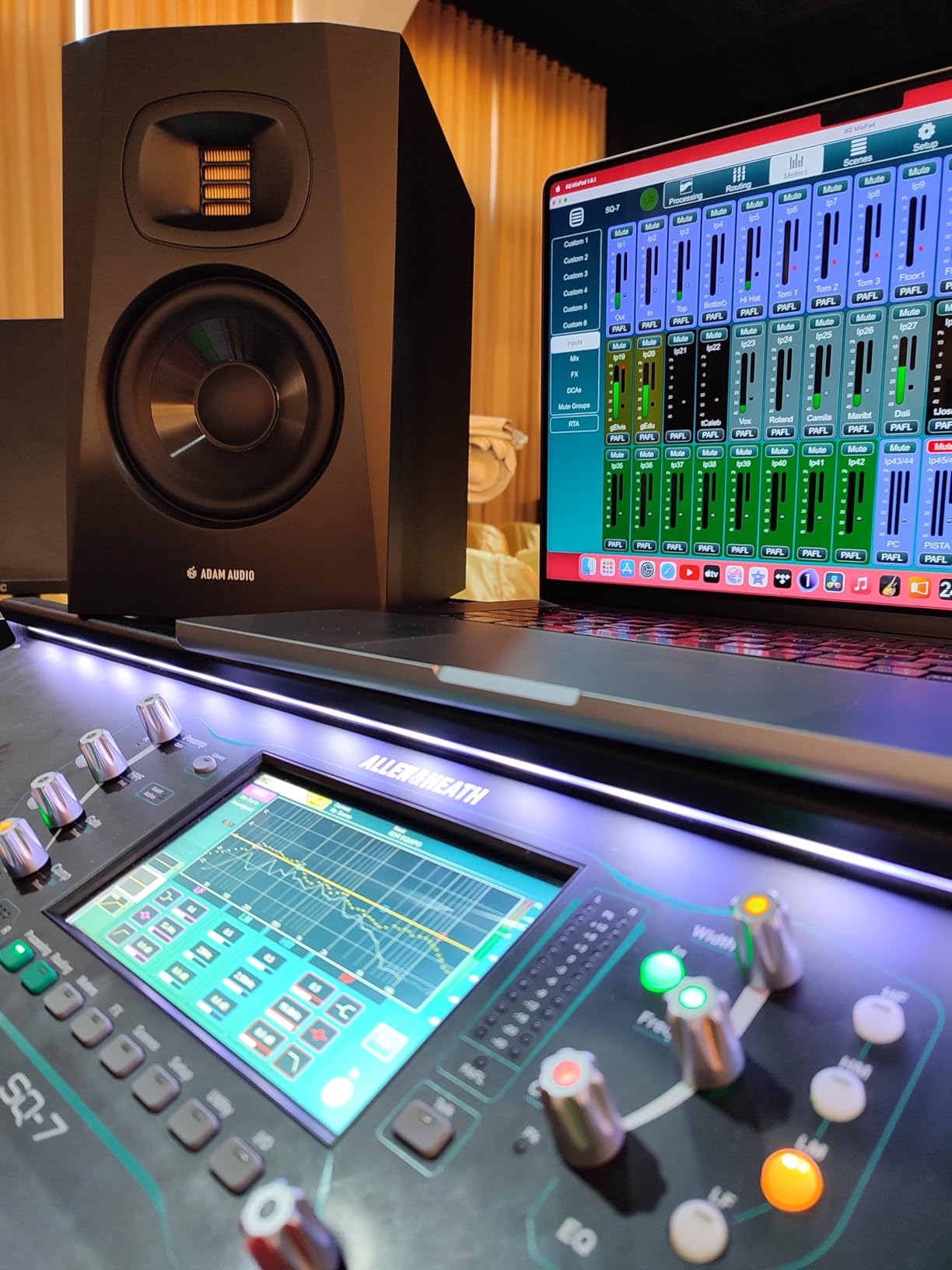
ADAM Audio’s T5V brings true ribbon tweeter technology to a price most bedroom producers can reach. I tested the T5V alongside the Yamaha HS5 and the ADAM made vocal sibilance and reverb tails easier to hear — the U-ART accelerated ribbon tweeter resolves detail that silk dome tweeters smooth over.
The HPS waveguide shapes the high-frequency dispersion so the sweet spot is wider than you would expect from a 5-inch monitor. The 5-inch polypropylene woofer pairs with a rear-firing bass reflex port to deliver usable bass down to about 45 Hz.
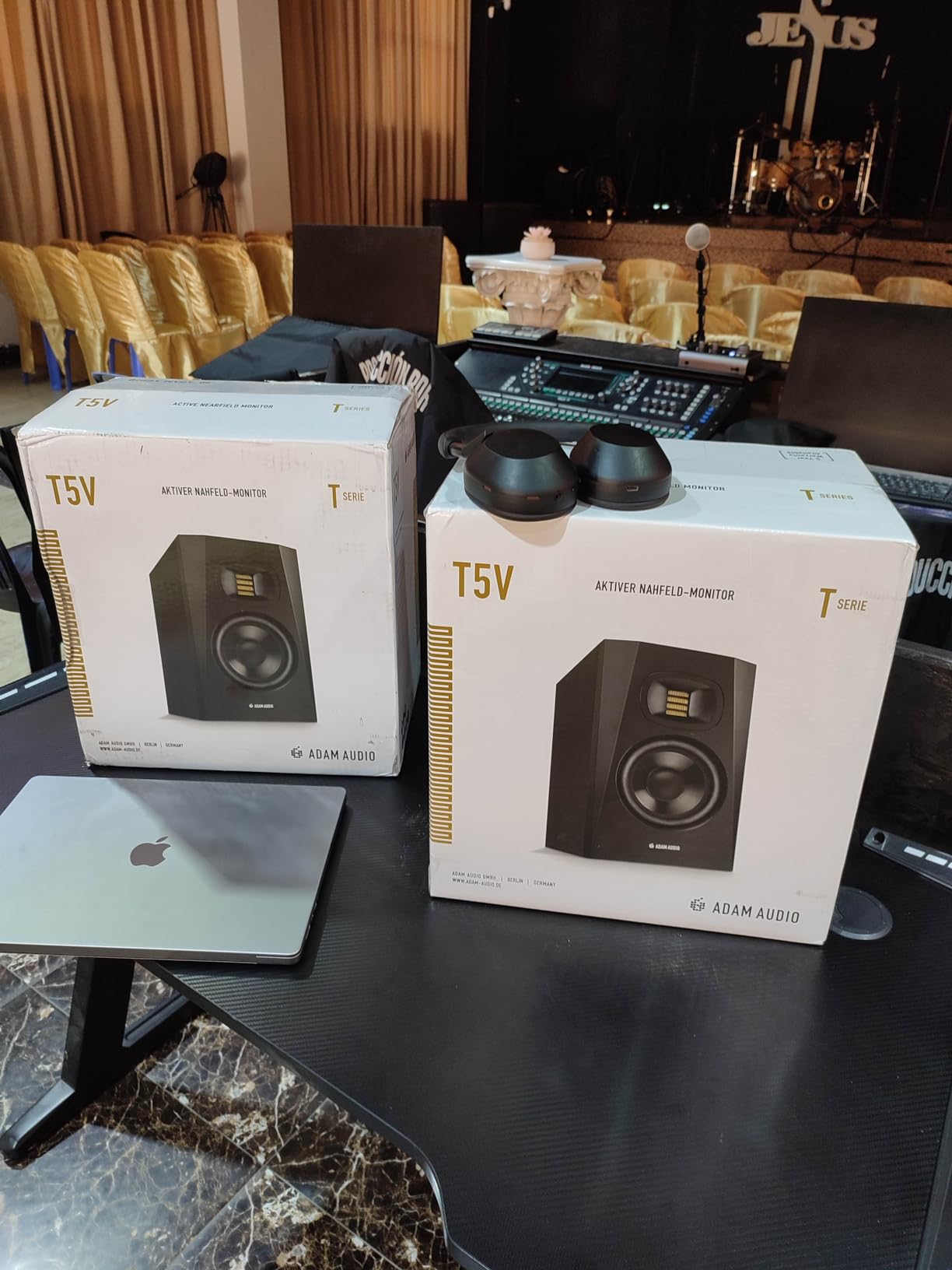
Two DSP-based filters on the back panel handle high-shelf and low-shelf room adaptation. I dialed in -2 dB on the high shelf to match my untreated room and the difference was immediate — cymbals stopped feeling harsh without losing air.
ADAM ships the T5V with XLR, 1/4-inch TRS, and RCA inputs, so it works with virtually any audio interface or mixer. The 5-year manufacturer warranty is one of the longest in this price range.
Who should buy the ADAM Audio T5V
Vocal producers, mixing engineers, and anyone who values detail retrieval above all else. The ribbon tweeter is a real upgrade for hearing reverb tails and sibilance.
Who should skip the ADAM Audio T5V
Polypropylene enclosures feel less premium than MDF, and the T5V is best paired with proper DSP tuning. If you want plug-and-play without adjustments, the Yamaha HS3 or JBL 305P MkII are friendlier.
4. Edifier MR4 — Best Compact Nearfield Studio Monitor
Edifier MR4 Power Studio Monitor Speakers, 4 inch Active Near-Field Speaker
4-inch composite woofer
1-inch silk dome tweeter
Dual mode design
Pros
- Studio-quality sound with clear smooth reproduction
- Excellent value compared to more expensive options
- Dual monitor/music mode design
- Good bass response for size
- Front headphone jack for convenience
- Flexible connectivity
Cons
- Stepped volume knob (not smooth)
- Lacks deep sub-bass response
- Instrument separation can be stuffy on complex tracks
- Some distortion at very high volumes
- No front grille to protect drivers
The Edifier MR4 is the monitor I recommend to every friend who asks “what should I get if I am on a tight budget?” At well under 200 dollars a pair, it delivers honest studio sound with surprisingly good imaging for the size.
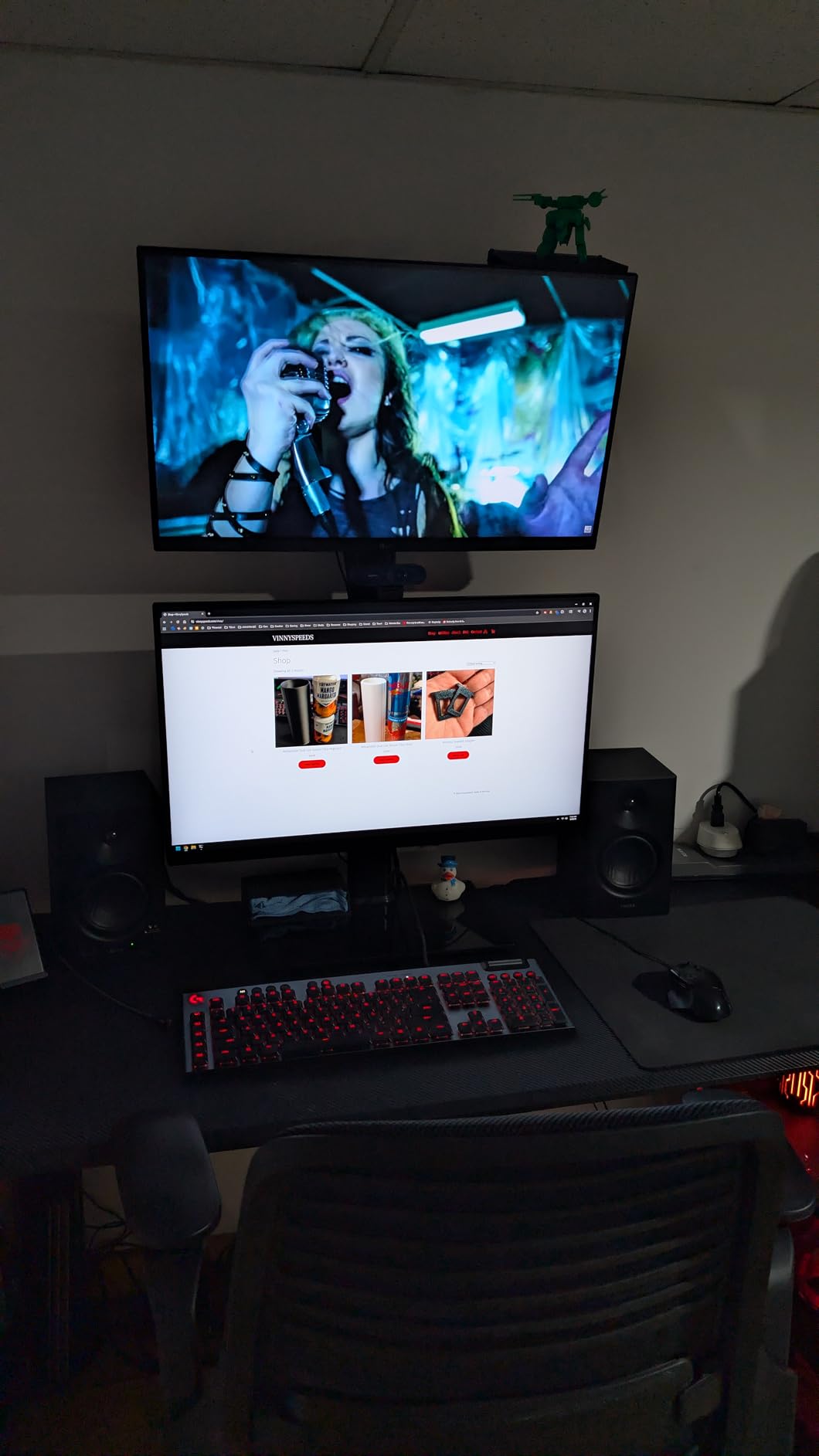
The 4-inch composite woofer and 1-inch silk dome tweeter produce clear mids and highs, and the MDF wood cabinet helps reduce resonance. The dual mode design is a genuinely useful feature — switch between monitor mode for mixing and music mode for casual listening.
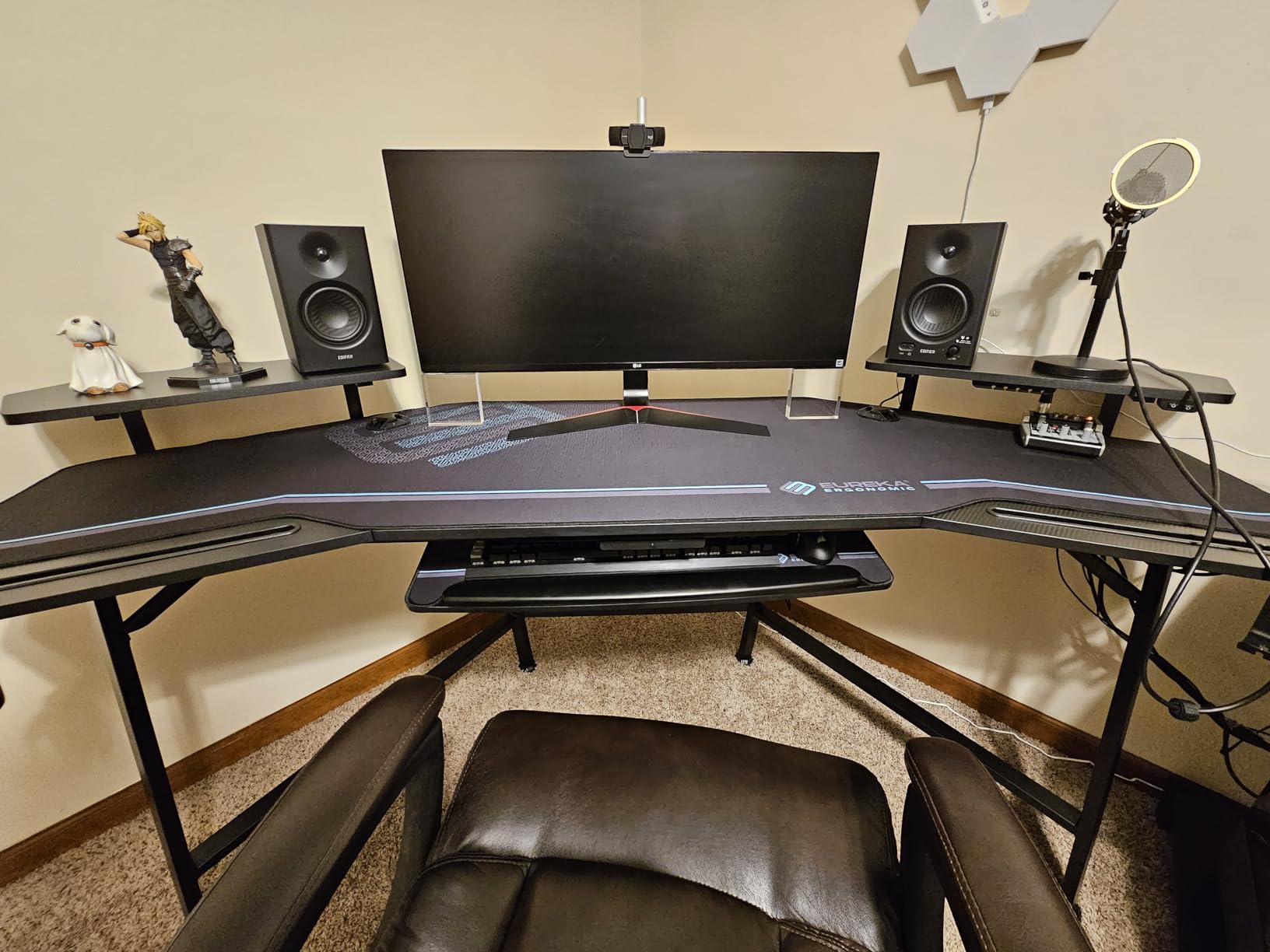
You get 1/4-inch balanced TRS inputs, unbalanced RCA inputs, an unbalanced AUX input, and a front headphone output. The high and low frequency control knobs let you tune the response for your room without diving into menus or apps.
The biggest compromises are the stepped volume knob (it clicks in fixed increments rather than turning smoothly), limited sub-bass response below 70 Hz, and the lack of a front grille to protect the drivers from accidental pokes.
Who should buy the Edifier MR4
Absolute beginners, content creators on a budget, and anyone who needs a secondary reference pair for casual listening sessions.
Who should skip the Edifier MR4
If you produce bass-heavy music without a subwoofer, the 4-inch drivers will not give you the low-end extension you need. Look at the KRK Classic 7 or pair these with a sub.
5. M-AUDIO BX5BT — Best Wireless Nearfield Studio Monitor
M-AUDIO BX5BT 5″ Desktop Studio Monitors Pair
5-inch Kevlar woofer
240W bi-amplified
Bluetooth 5.0
Pros
- Bluetooth 5.0 with long range
- DSP-tuned precision with multiple reference modes
- App control with 5-band EQ
- Premium components (Kevlar woofer
- silk dome tweeter)
- Great value for price
- Modern creator-friendly features
Cons
- Some units have reliability issues over time
- Interconnect cable length could be longer
- Heavier emphasis on low frequencies than older BX5a
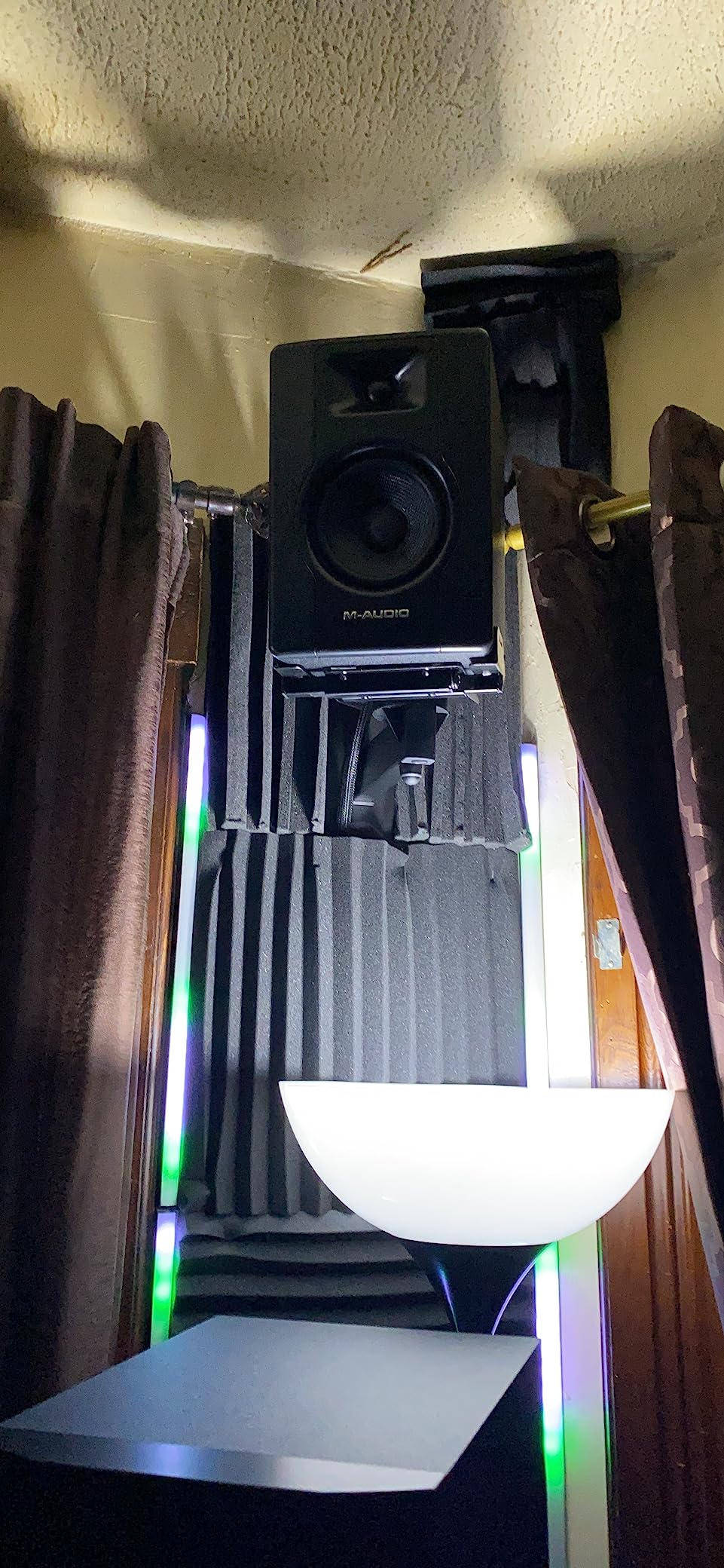
The M-AUDIO BX5BT is the only monitor in this roundup with Bluetooth 5.0 that also functions as a serious reference speaker. I streamed reference tracks from my phone for casual A/B checks, and the wireless range held steady across a 12-meter open-plan office.
Under the hood, the BX5BT packs a 5-inch Kevlar woofer, a 1-inch silk dome tweeter with waveguide, and 240 watts of bi-amplified power. Burr-Brown A-D converters and a DSP crossover produce clean, balanced sound that competes with monitors costing twice as much.
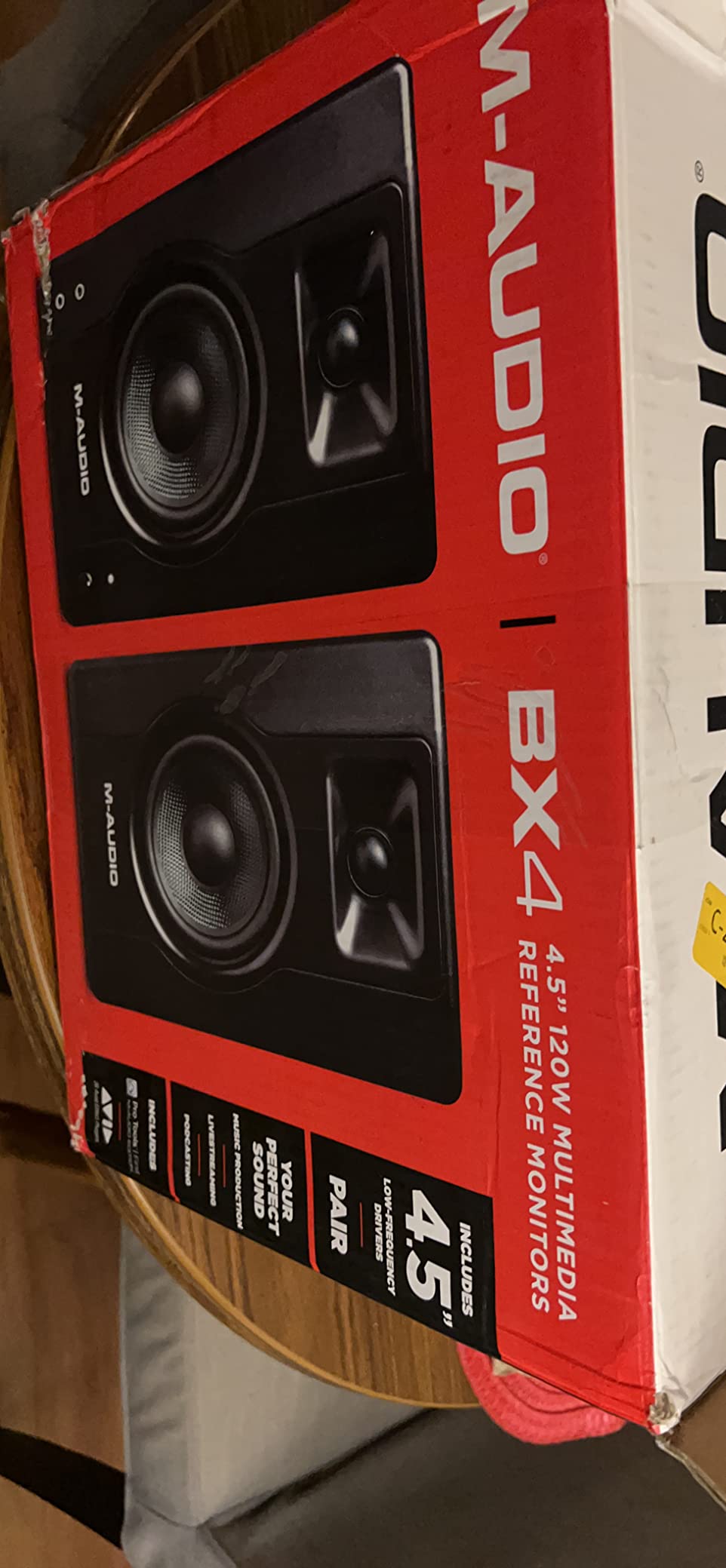
Three reference modes — FLAT, HYPE, and CUSTOM — let you switch between honest monitoring and a slightly lifted low-end for casual listening. The M-Audio Studio Control app unlocks a 5-band parametric EQ so you can save room-correction profiles on your phone.
Rear-panel TRS inputs and trim controls round out the wired connectivity. The Bluetooth range at 100 feet is genuinely useful for moving around the room while checking translation on different playback devices.
Who should buy the M-AUDIO BX5BT
Creators who split time between mixing sessions and casual listening, anyone who wants to A/B reference tracks from a phone or laptop wirelessly, and producers who want app-based EQ control.
Who should skip the M-AUDIO BX5BT
If you want a strictly neutral reference, the FLAT mode has a heavier low-end emphasis than older BX5a monitors. Some users also report reliability issues after several months, so check the warranty terms.
6. IK Multimedia iLoud Micro Monitor — Best Portable Nearfield Monitor
IK Multimedia iLoud Micro Monitor 50 watt Portable Wireless Bluetooth Studio Reference Monitors, Dual Speakers for Music Production, Mixing, Mastering, Composing, producing and DJs
3-inch composite woofer
50W RMS Class D
Bluetooth wireless
Pros
- Ultra-compact portable design
- Impressive sound for size
- Bluetooth connectivity adds flexibility
- DSP room/position compensation
- Solid build quality
- Excellent for small spaces
Cons
- Limited bass extension (55Hz)
- Some users report buzzing at certain frequencies (B3/Bb3)
- Bluetooth must be reconnected each time
- Short interconnect cable
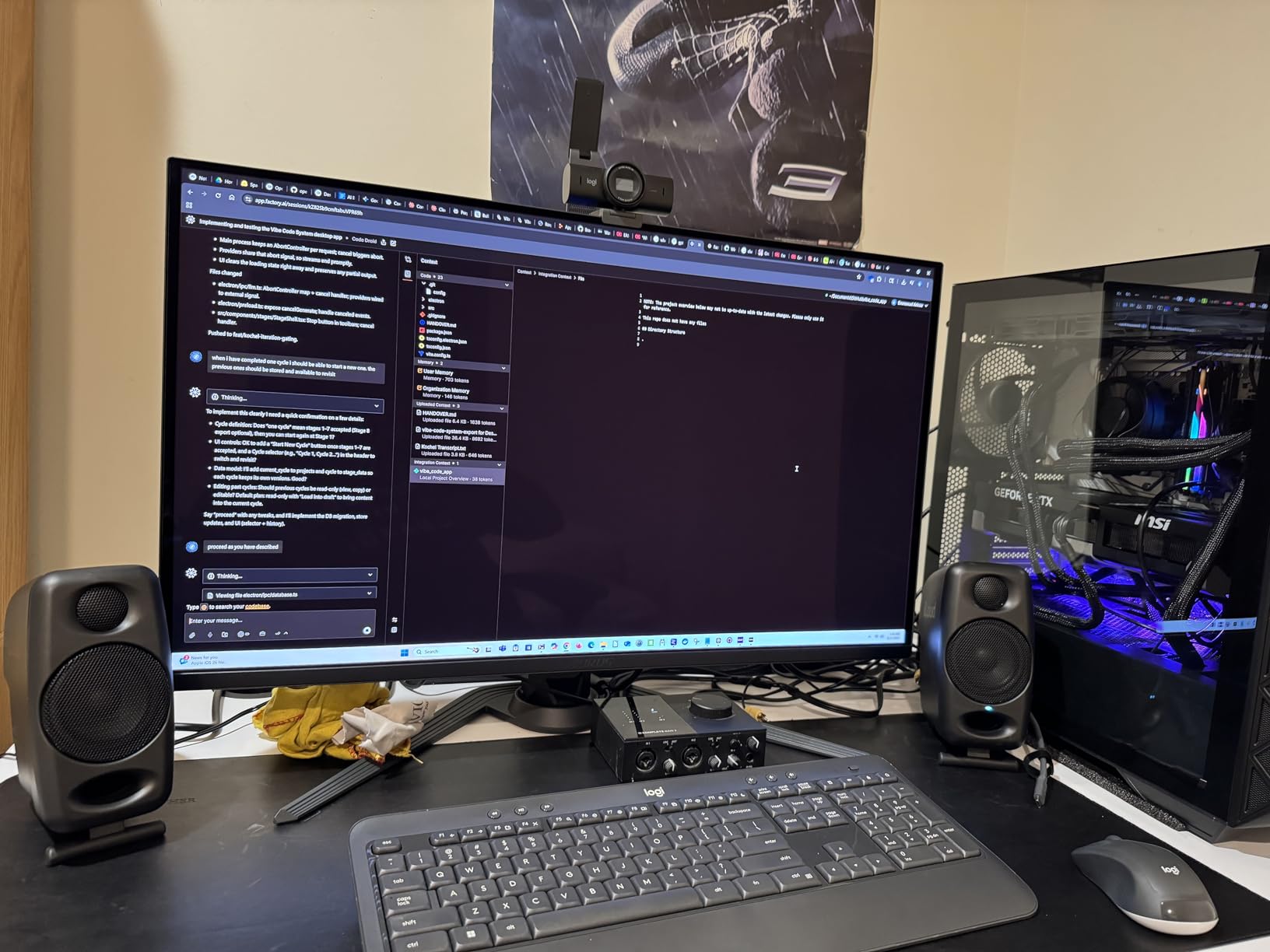
The iLoud Micro Monitor is the monitor I take on the road. It fits in a laptop bag, weighs under 4 pounds per pair, and still gives you internal DSP for room and position compensation. For hotel-room editing and pop-up studio sessions, nothing in this roundup touches it.
Despite the tiny 3-inch composite woofer, IK Multimedia’s DSP gives you usable bass response down to 55 Hz at -3 dB. The 3/4-inch silk dome tweeter keeps highs smooth even at low volumes, which is critical when you are mixing in an apartment at midnight.
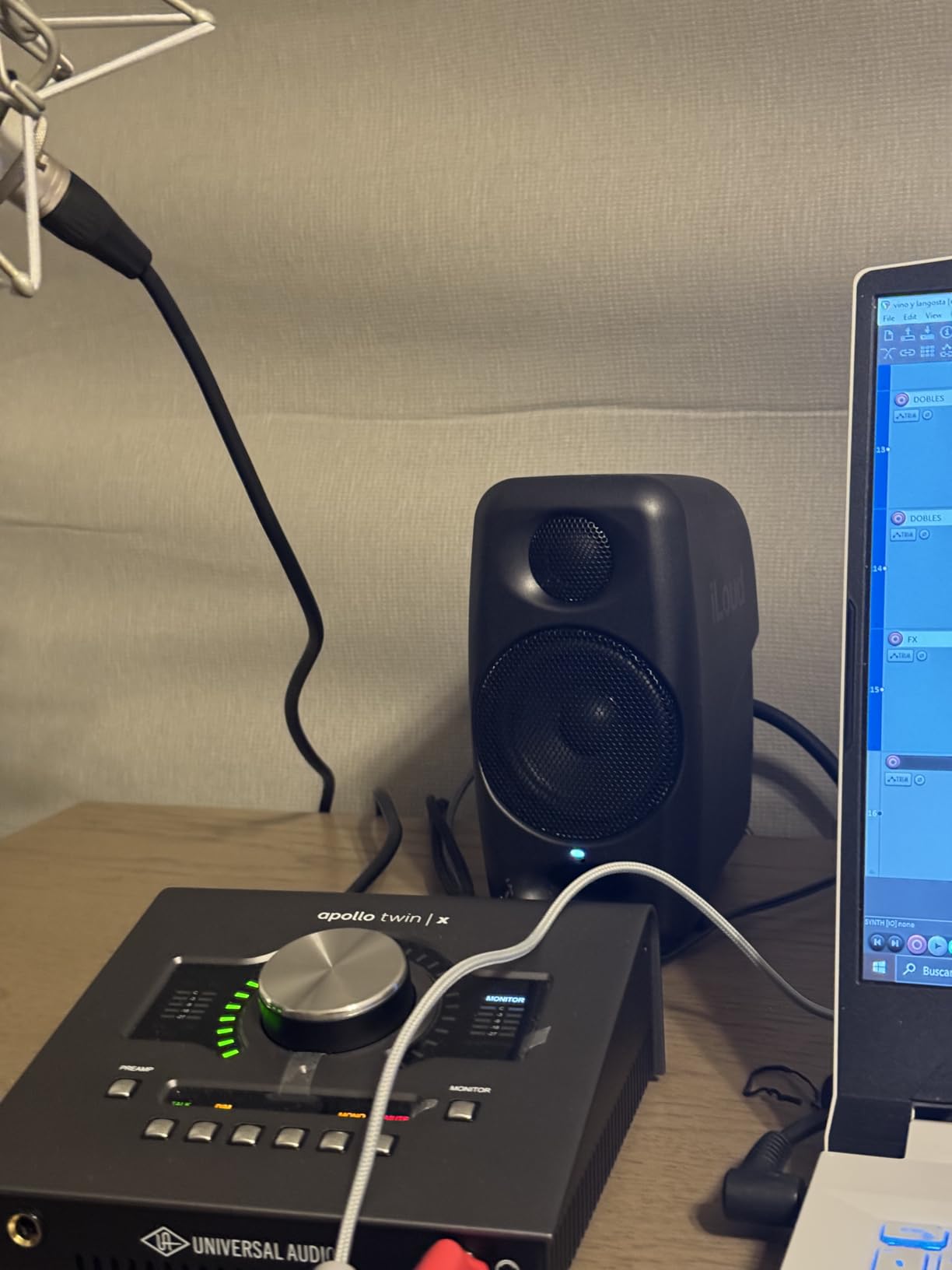
The internal DSP handles both EQ settings and position compensation for free-field versus desktop placement. Bluetooth wireless connectivity plus stereo RCA and 1/8-inch aux inputs cover most portable workflows.
Common complaints include limited bass extension below 55 Hz, occasional buzzing on B3/Bb3 frequencies, and the need to manually reconnect Bluetooth at the start of each session. The short interconnect cable also forces you to place both speakers close together.
Who should buy the iLoud Micro Monitor
Traveling producers, podcasters who edit on the go, and anyone with a tiny desk or a small apartment who still wants honest reference sound.
Who should skip the iLoud Micro Monitor
If you produce bass-heavy genres in a fixed studio, the 55 Hz bass extension is a real limitation. Go for the JBL 305P MkII or KRK Classic 7 instead.
7. JBL 305P MkII — Best Imaging Nearfield Studio Monitor
(2) JBL 305P MkII 5″ 2-Way Active Powered Studio Reference Monitors Speakers
5-inch woofer
Image Control Waveguide
82W dual Class D
Pros
- Crystal-clear imaging with wide sweet spot
- Powerful refined audio with deep bass
- Boundary EQ and HF Trim for room tuning
- Solid 5-year warranty
- Professional XLR/TRS inputs
- Rigorously tested for reliability
Cons
- Larger footprint than smaller monitors
- May require room treatment for best results
- ABS enclosure less premium than wood
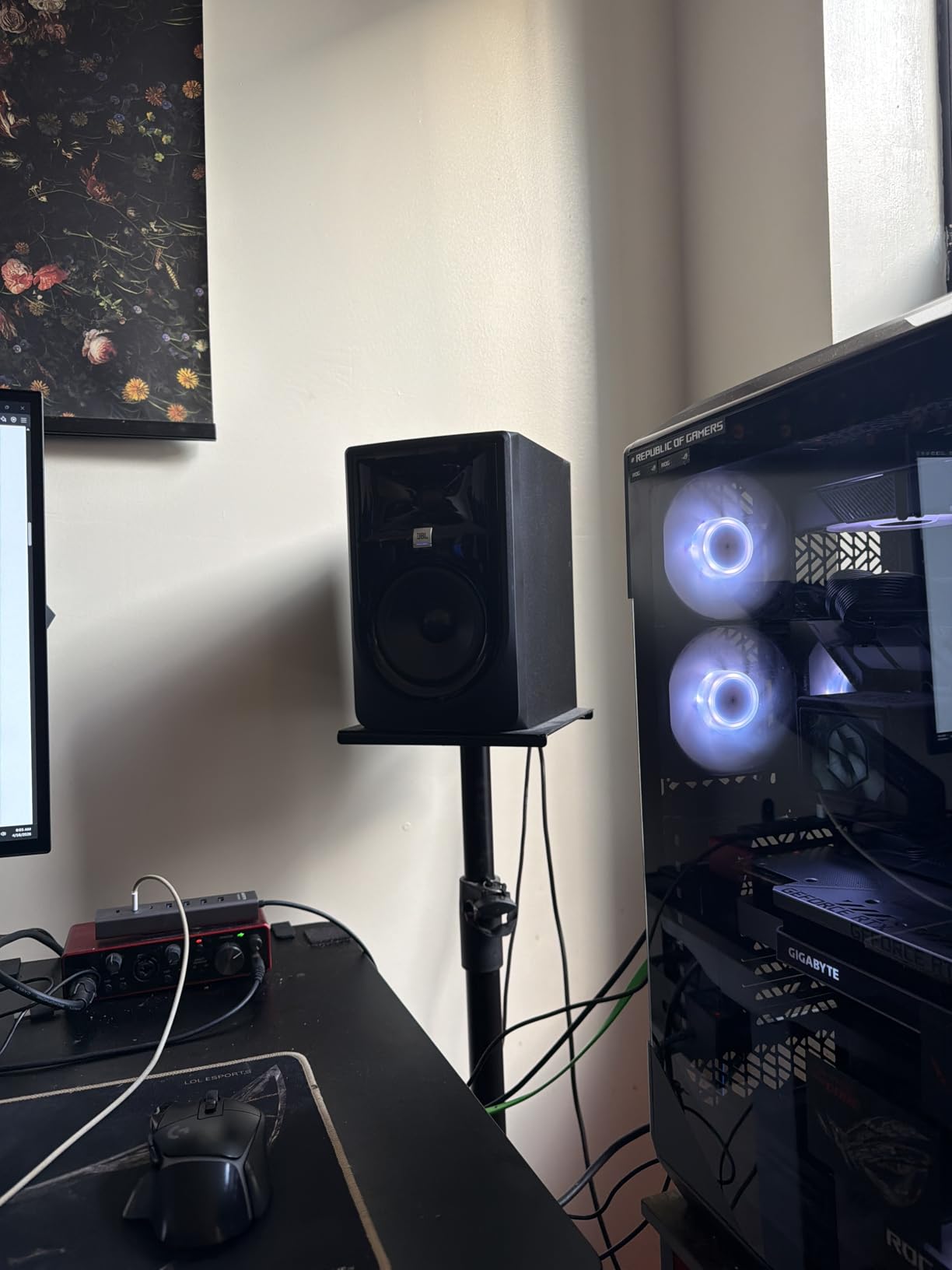
The JBL 305P MkII has the best stereo imaging I have heard at this price. JBL’s patented Image Control Waveguide creates a wide sweet spot that lets you move your head without losing the phantom center, which is critical for vocal mixing and panning decisions.
Dual 41-watt Class D amplifiers drive the 5-inch woofer and 1-inch tweeter to deliver deep, refined bass and clear highs. The Slip Stream port on the back minimizes turbulence at high volumes, so the low end stays clean even when you push the monitors loud.
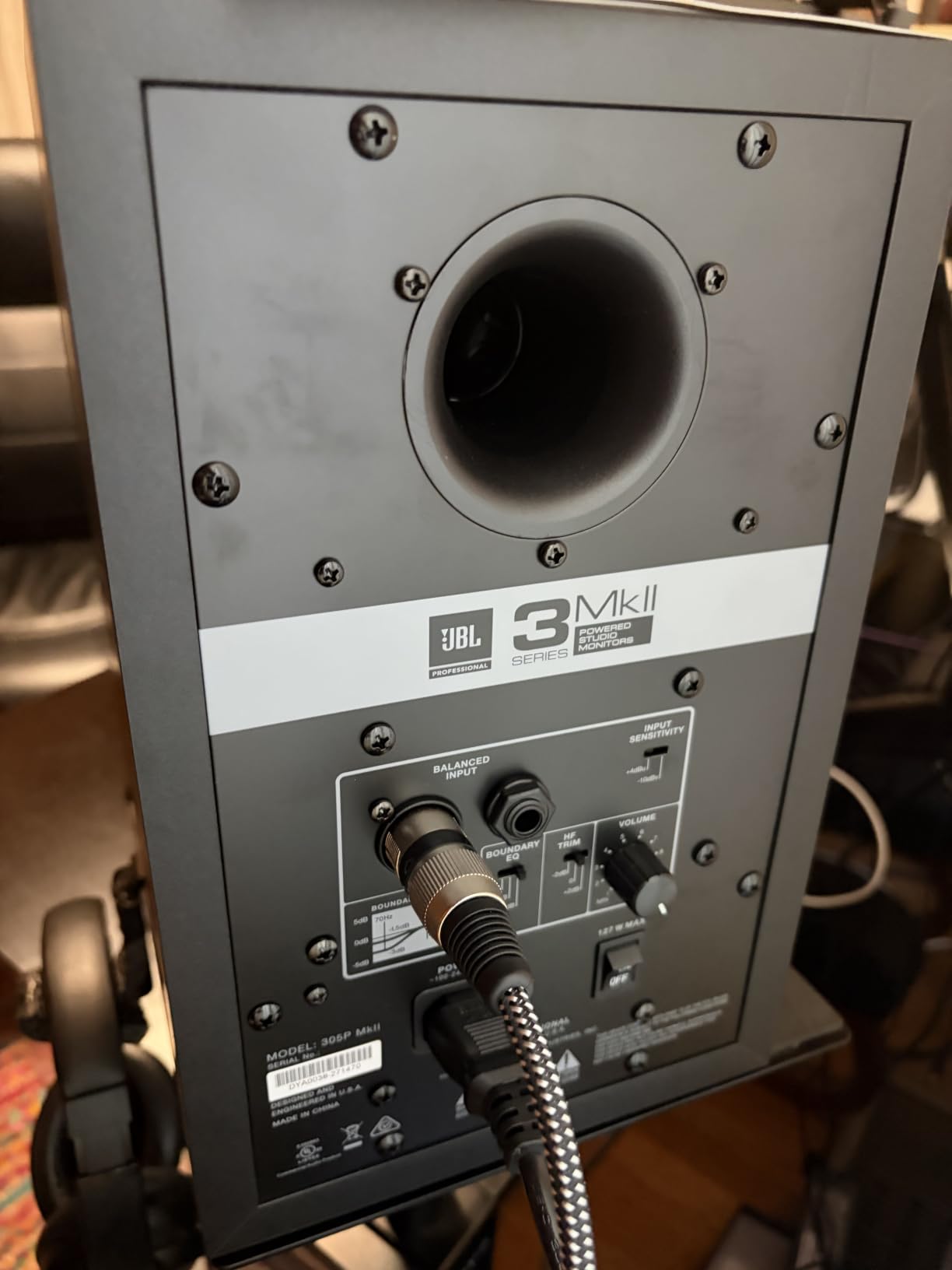
Boundary EQ and HF Trim switches on the back let you tune the response for corner placement, against a wall, or in a free-field position. After calibrating these, the monitors became noticeably flatter in my untreated bedroom.
The 5-year warranty is the longest in this roundup. JBL 100-hour reliability-tests every unit before shipping, which explains the strong track record in project studios worldwide.
Who should buy the JBL 305P MkII
Mixing engineers who prioritize stereo imaging and panning accuracy. Anyone upgrading from a 4-inch or 3-inch monitor will hear the difference immediately.
Who should skip the JBL 305P MkII
If you have a small desk or a tight bedroom, the 305P MkII’s larger footprint is a real constraint. The PreSonus Eris E4.5 or Yamaha HS3 are more desk-friendly.
8. ADAM Audio D3V — Best USB-C Desktop Nearfield Monitor
ADAM Audio D3V Active Desktop Studio Monitor Speakers – Black
3.5-inch aluminum woofer
D-ART ribbon tweeter
USB-C input
Pros
- Compact desktop form factor with serious sound
- Excellent D-ART ribbon tweeter
- USB-C direct connection for clean signal
- Extended low frequency to 45Hz via passive radiators
- DSP room compensation
- High-quality build and design
Cons
- USB input is only 16-bit (limits hi-res playback)
- Short interconnect cable (about 78 inches)
- May benefit from external DAC for best performance
- No Bluetooth connectivity
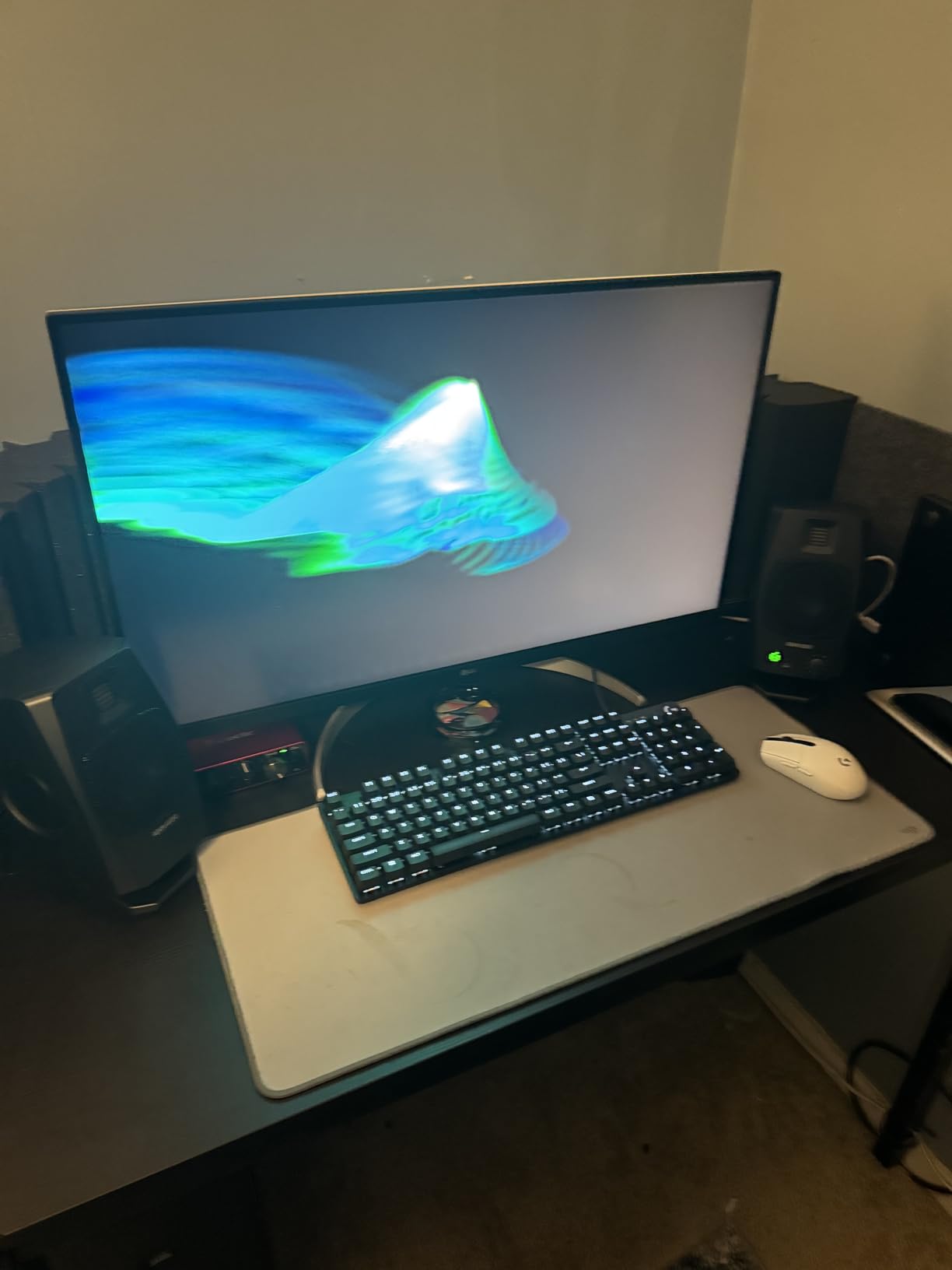
The ADAM Audio D3V is the desktop monitor I keep next to my laptop. USB-C direct connection, a D-ART ribbon tweeter, and dual-sided passive radiators extending bass to 45 Hz — in a pair that fits in a backpack.
The 1.5-inch D-ART (Desktop Accelerated Ribbon Tweeter) is the highlight. It gives you ADAM’s signature detailed high-frequency reproduction in a much smaller form factor than the T5V. The 3.5-inch aluminum woofers paired with dual passive radiators extend low-frequency response to 45 Hz — exceptional for the size.
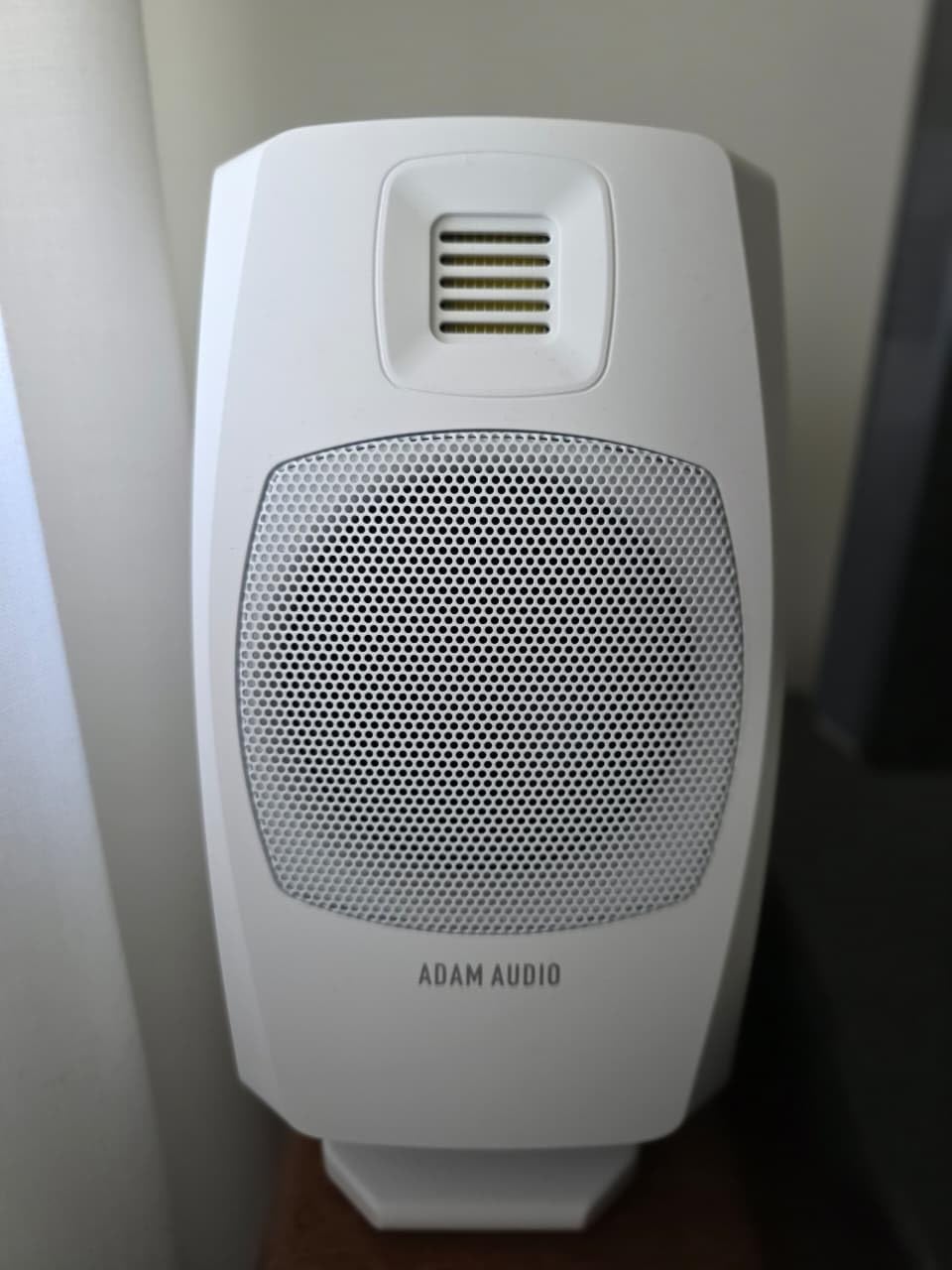
DSP-powered switches on the back handle placement compensation for desk, shelf, or stand mounting. Front panel headphone socket and volume knob make solo sessions painless. Detachable 15-degree angled monitor stands and a 3/8-inch threaded mic stand mount give you real placement flexibility.
The USB-C input is currently 16-bit, so audiophiles will want an external DAC for full hi-res playback. The short 78-inch interconnect cable also forces the two speakers to sit close together. For reference monitoring on the desk, though, the D3V punches well above its weight.
Who should buy the ADAM Audio D3V
Producers and editors who want a single-cable USB-C workflow, anyone working from a small desk, and creators who want ribbon tweeter detail without a full-size monitor.
Who should skip the ADAM Audio D3V
If you want Bluetooth or hi-res 24-bit USB input, the D3V’s 16-bit USB limit and missing Bluetooth will frustrate you. The Edifier MR5 is the better hi-res pick.
9. KRK Rokit 5 G3 — Best 5-Inch Nearfield Studio Monitor
KRK RP5G3- 59107 NA Rokit 5 Generation 3 Powered Studio Monitor – Pair
5-inch glass-aramid woofer
Soft dome tweeter
35kHz extended highs
Pros
- Industry-standard studio monitor
- Excellent value for the price
- Solid build quality
- Accurate playback for mixing
- Powerful bass response
Cons
- 30-minute auto-standby can be annoying
- No way to disable auto standby
- Limited sub-bass below 55Hz
- Heavier than competitors
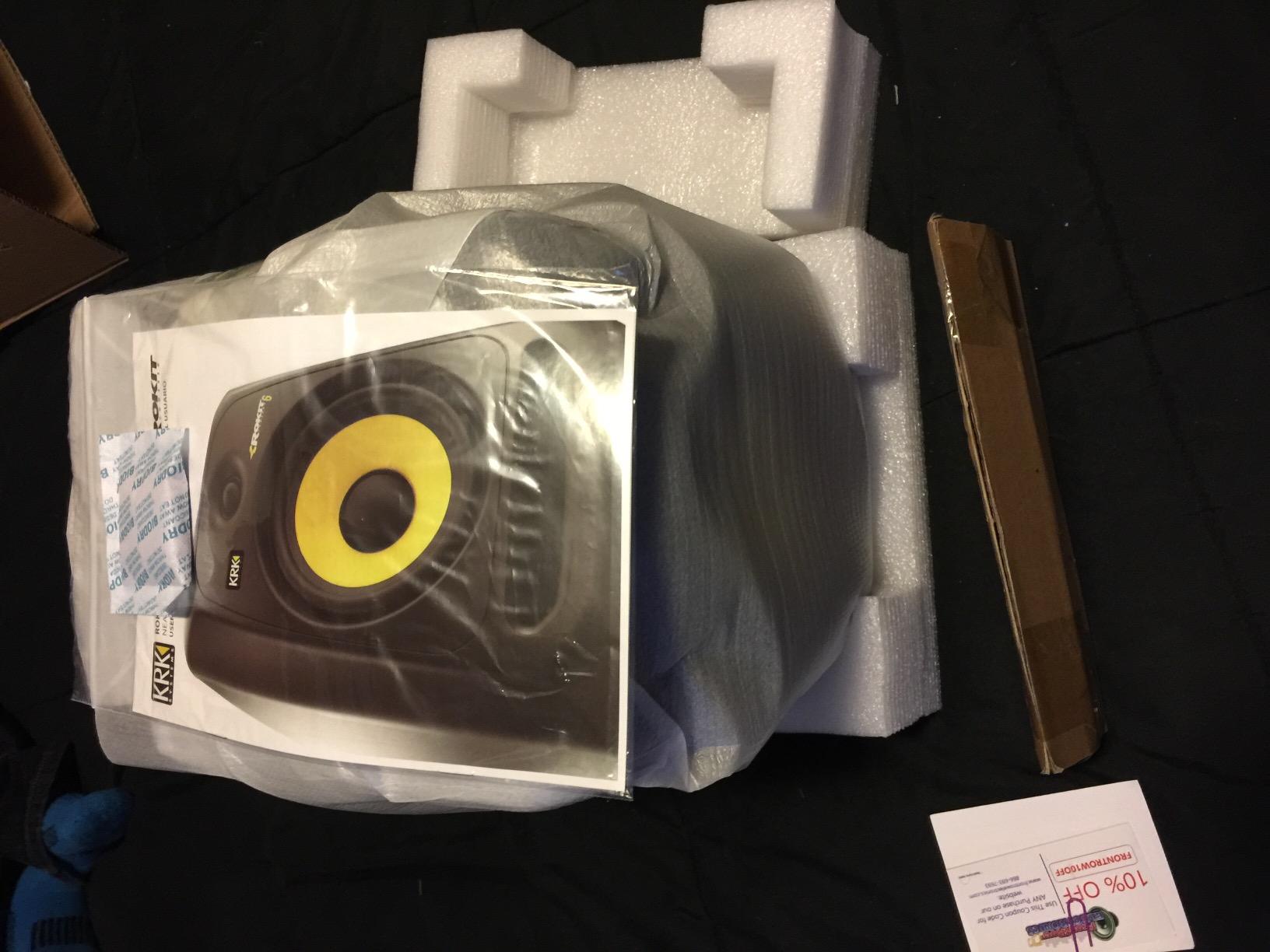
The KRK Rokit 5 Generation 3 is the industry-standard 5-inch nearfield monitor for a reason. Producers around the world have built careers on Rokits, and the G3 generation refined the formula with a softer dome tweeter and a flatter low-frequency response.
The 5-inch glass-aramid composite woofer delivers tight, punchy mid-bass that handles kick drums and bass guitars with authority. The soft-dome tweeter reaches up to 35 kHz, giving you plenty of high-frequency headroom for air and detail.
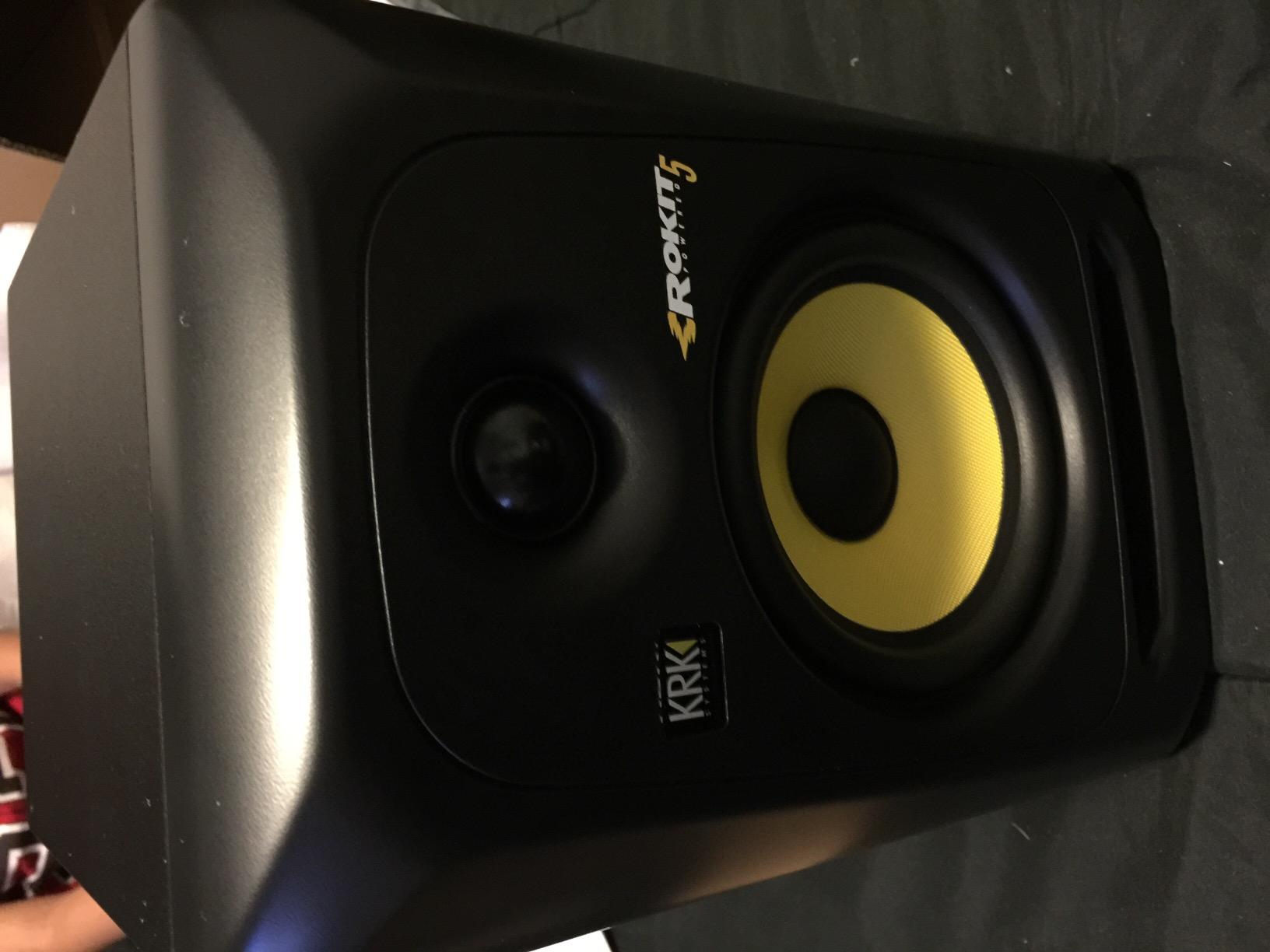
The flat low-frequency adjustment on the back lets you reduce bass buildup near walls, and the optional +2 dB KRK bass boost adds low-end weight when you want more thump for electronic music mixing. The factory-installed under-monitor foam pad decouples the cabinet from your desk.
The Rokit 5 G3’s main weakness is the 30-minute auto-standby that cannot be disabled, which interrupts long mixing sessions. The sub-bass response also rolls off below 55 Hz, so hip-hop and EDM producers will want a subwoofer.
Who should buy the KRK Rokit 5 G3
Producers who want a proven industry-standard 5-inch monitor at a fair price. If you have heard Rokits in other studios and liked the sound, the G3 is the entry point.
Who should skip the KRK Rokit 5 G3
If you find the auto-standby feature annoying, look at the KRK Classic 5 bundle which does not have that issue. For ribbon tweeter detail, the ADAM T5V is a clear upgrade.
10. KRK Classic 5 Bundle — Best Bundle for First Studio
KRK Classic 5 Professional Bi-Amp 5″ Powered Studio Monitor (2 Speakers) Pair + Pair of XLR Cable + Gravity Phone Holder
5-inch Aramid woofer
Soft dome tweeter
Includes XLR cables
Pros
- Bundle includes XLR cables and phone holder
- Quality studio monitor sound
- Slight bass emphasis without losing detail
- Adjustable EQ knobs
- Great for home studio use
Cons
- Included speaker cables may not fit all setups
- Need to buy RCA cable separately for some uses
- Bundle price is higher than monitor alone
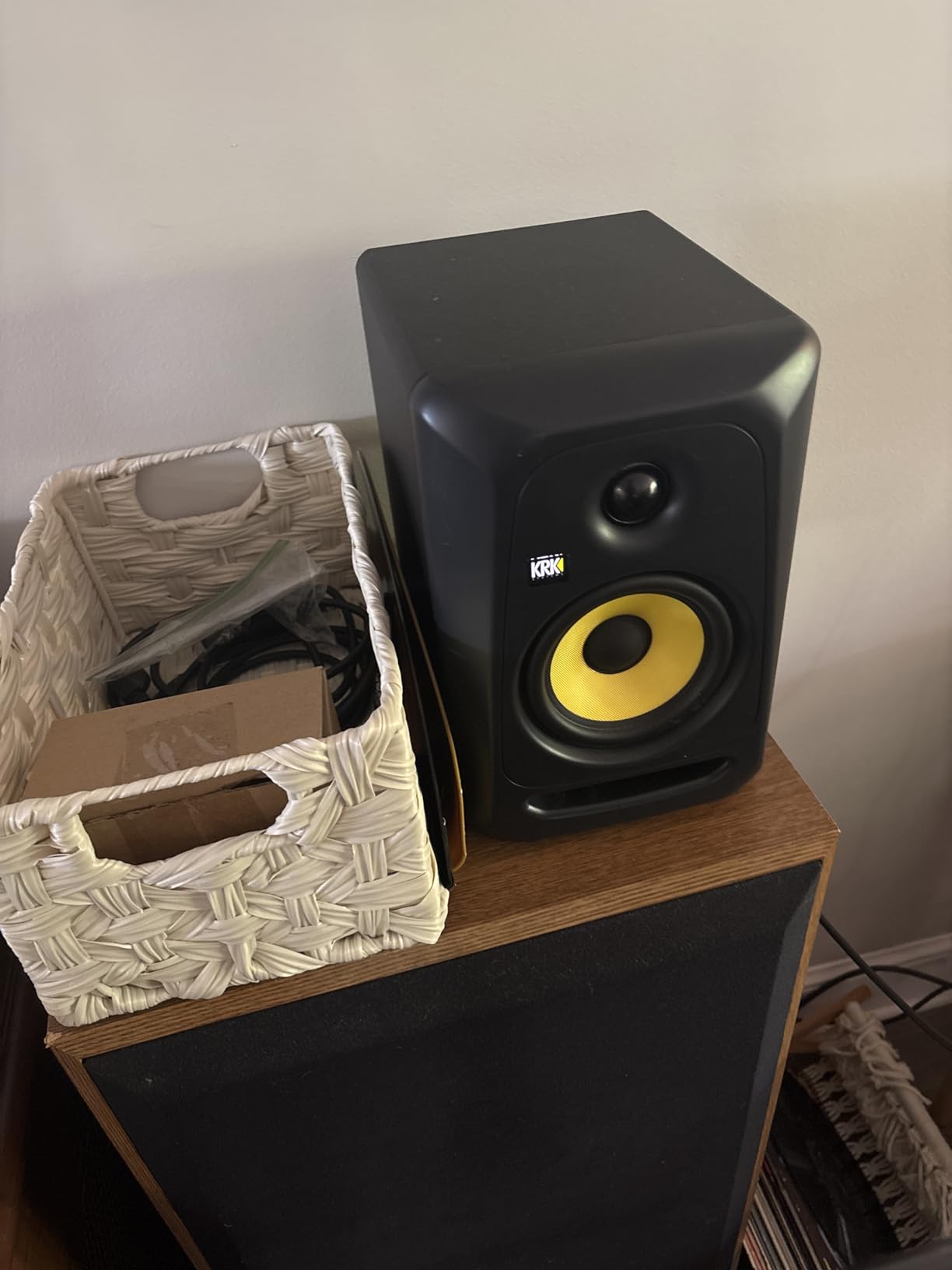
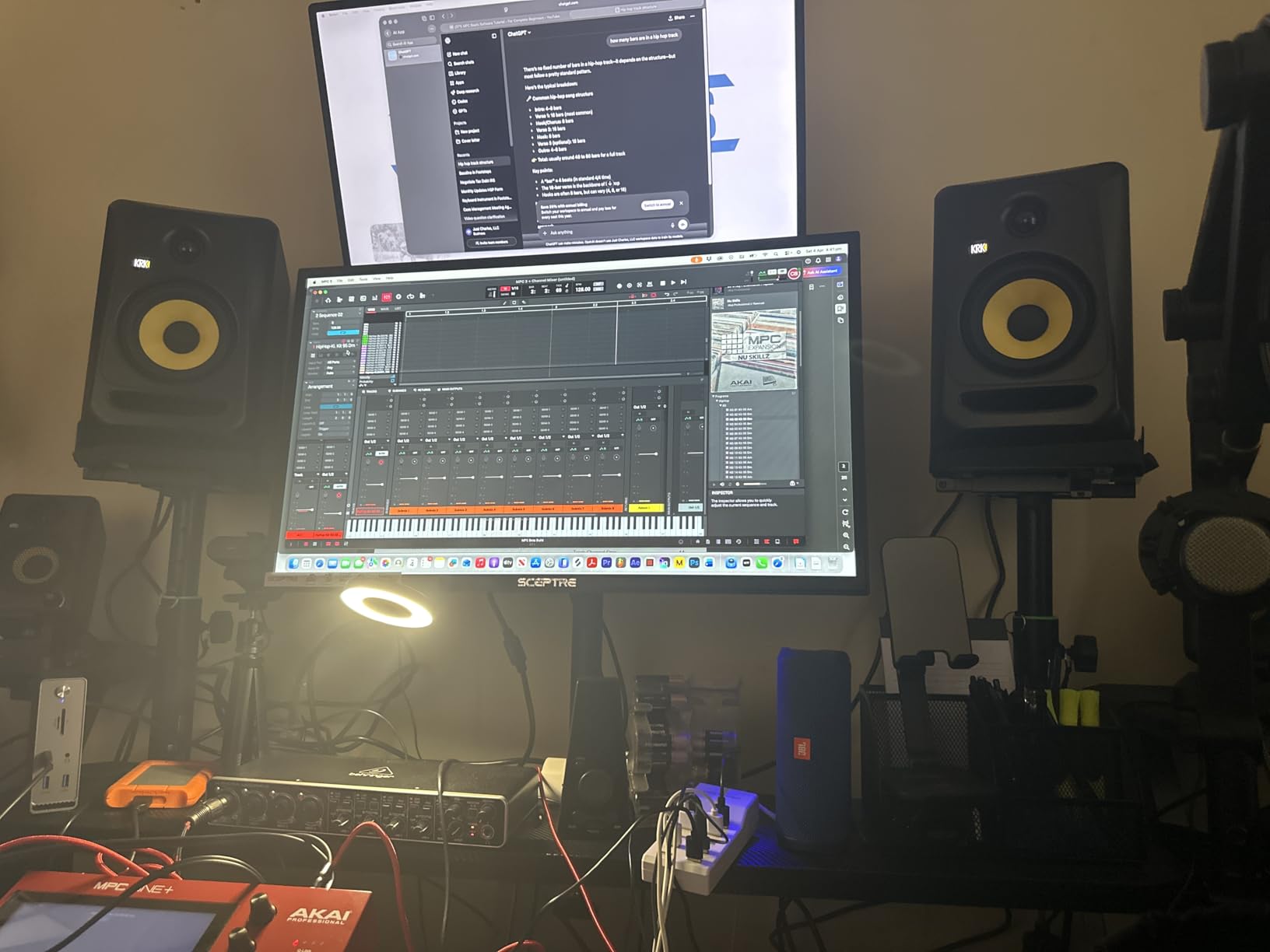
The KRK Classic 5 bundle is the easiest way to get a complete first studio monitoring setup. You get a pair of KRK Classic 5 monitors, a pair of XLR cables, and a Gravity phone holder — everything you need to start mixing on day one.
The Classic 5 shares DNA with the Rokit series: a 5-inch glass-aramid composite woofer and a soft-dome tweeter with optimized waveguide. The sound is slightly warmer than the Rokit G3, with a touch of bass emphasis that suits hip-hop and electronic production.
Flat low-frequency adjustment and the +2 dB KRK bass boost setting give you two voicings to choose from. The bundle’s XLR cables are a real time-saver for first-time setup, and the Gravity phone holder is genuinely useful for keeping your phone at eye level during long sessions.
The bundle price is higher than buying the monitors alone, and the included speaker cables may not fit every setup. RCA cables are not included, so you may need to buy a separate cable if your audio interface only has RCA outputs.
Who should buy the KRK Classic 5 Bundle
First-time producers who want a complete starter package, anyone setting up a bedroom studio from scratch, and gift buyers who want a guaranteed-working bundle.
Who should skip the KRK Classic 5 Bundle
If you already own XLR cables and a phone mount, buying the monitors separately is the better value. For a strictly neutral reference, the Yamaha HS3 or ADAM T5V are flatter.
11. KRK Classic 7 — Best Nearfield Monitor for Hip-Hop and EDM
KRK Classic 7 Powered Two-Way Professional Studio Monitor
7-inch woofer
73W Class A/B amp
Front-firing port
Pros
- Strong punchy bass for hip-hop/trap/EDM production
- Neutral and detailed sound
- Front-ported for flexible placement
- Great value for money
- XLR inputs for long cable runs
- Very loud with low distortion
Cons
- Bass-heavy tuning may not suit all genres
- Plastic enclosure
- Larger footprint than 5-inch monitors
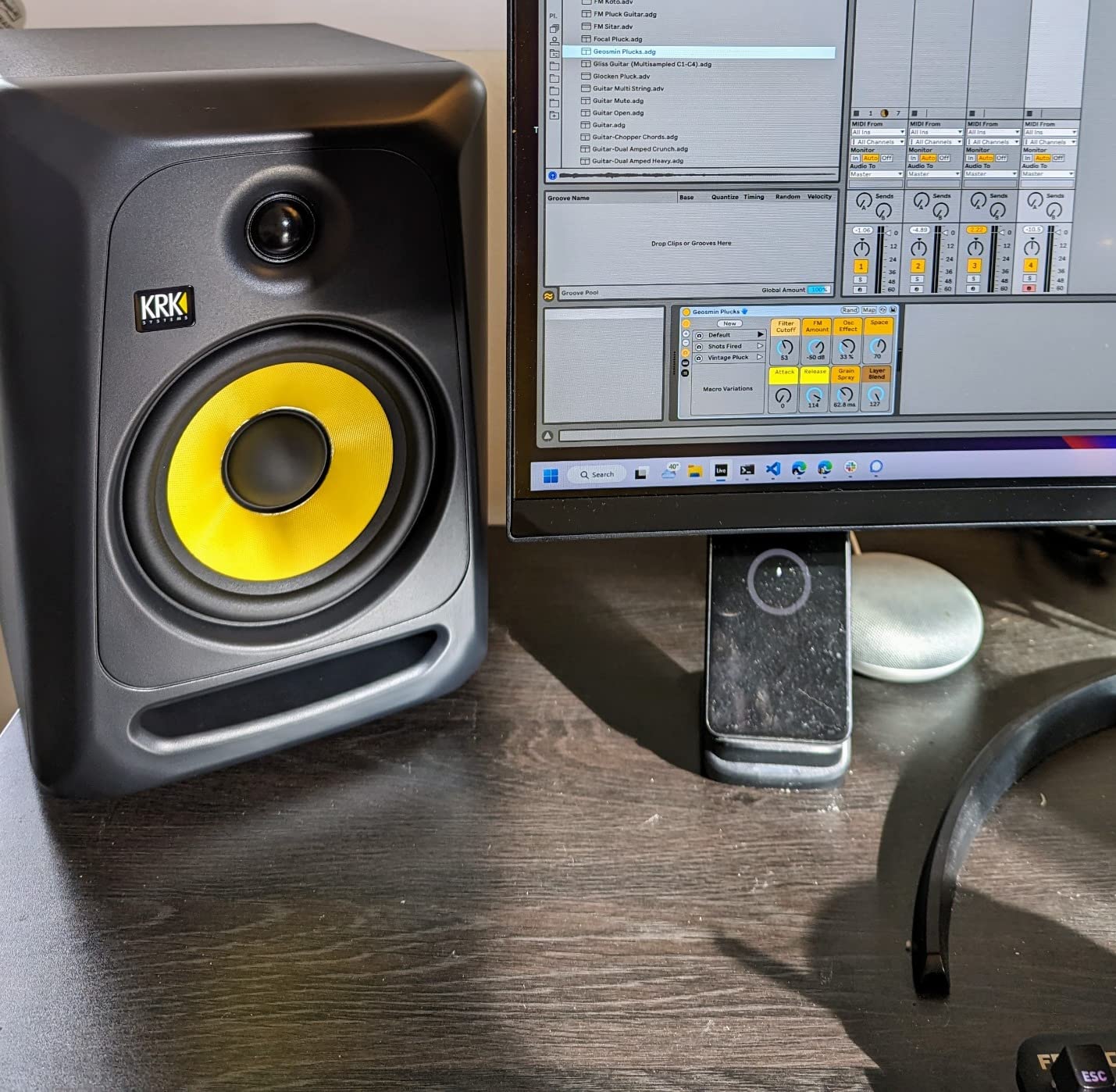
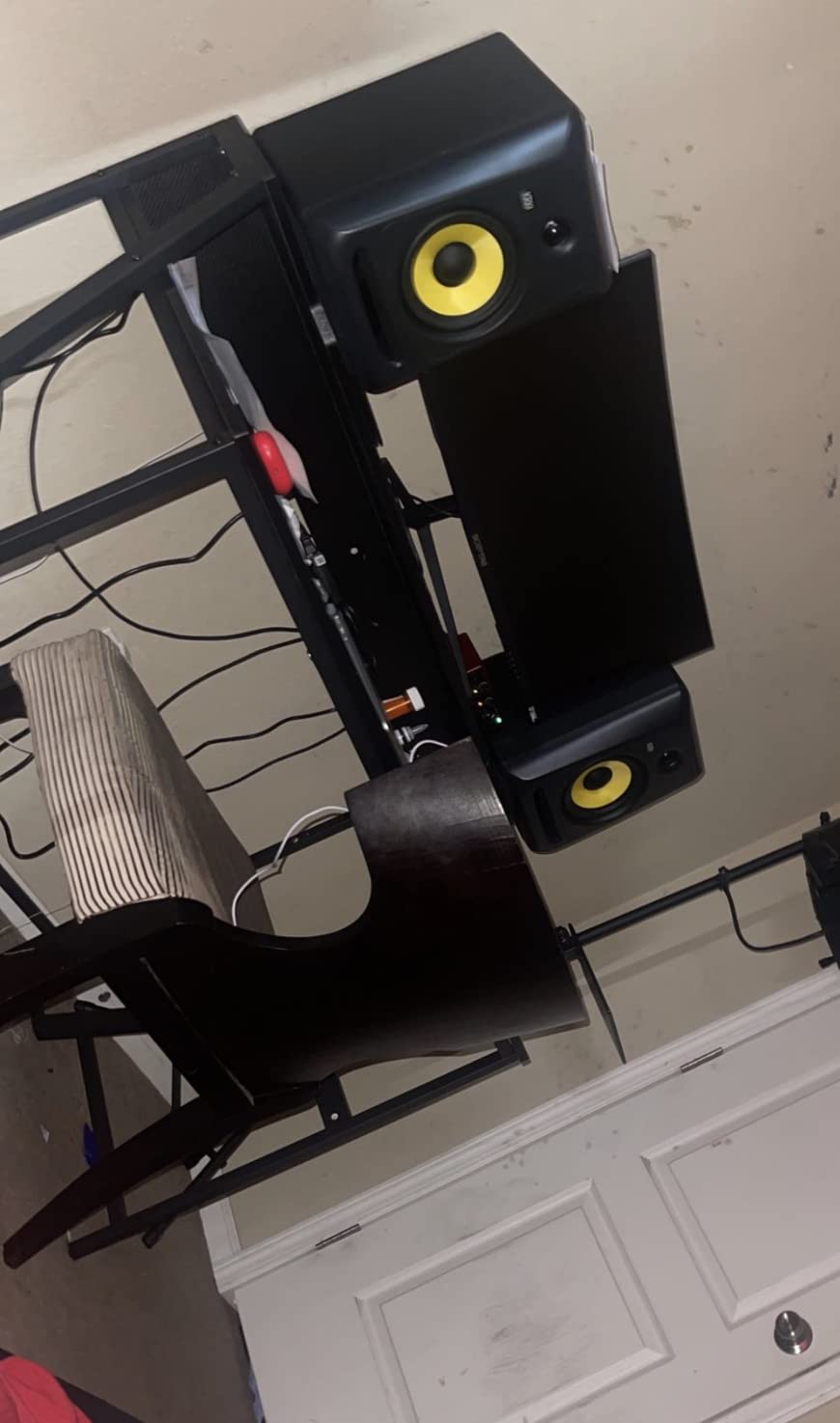
The KRK Classic 7 is my go-to recommendation for hip-hop, trap, and EDM producers. The 7-inch woofer and 73-watt Class A/B bi-amplification deliver the punchy low end that 5-inch monitors cannot reproduce without a subwoofer.
The front-firing port is the key design choice — it lets you place the monitors against a wall without the bass-reflex turbulence that rear-ported designs create. In a typical bedroom studio, this means you can push the desk against the wall and still get clean bass.
You get RCA, 1/4-inch TRS, and XLR inputs for flexible connectivity. The XLR inputs are particularly useful for long cable runs in larger studios. Dedicated low and high frequency level adjustment controls let you dial in the response for your room.
The bass-forward tuning is a feature for hip-hop and EDM producers but a limitation for acoustic music mixing, where you want a flatter response. The plastic enclosure also feels less premium than the MDF cabinets on competitors like the Yamaha HS3.
Who should buy the KRK Classic 7
Hip-hop, trap, and EDM producers who want deep bass without a subwoofer. Anyone with a larger room (above 15 square meters) who can take advantage of the 7-inch woofer’s output.
Who should skip the KRK Classic 7
Small bedroom studios under 12 square meters will get overwhelming bass buildup from a 7-inch woofer. Stick with a 5-inch monitor like the PreSonus Eris E4.5 or JBL 305P MkII.
12. Edifier MR5 — Best 3-Way Hi-Res Nearfield Studio Monitor
Edifier MR5 2.0 Studio Monitor Bookshelf Speakers, 110W RMS, Black
5-inch woofer + 3.75-inch mid
3-way active crossover
110W RMS
Pros
- 3-way active design for detailed sound separation
- Hi-Res Audio with LDAC support
- Bluetooth 6.0 with multi-point connectivity
- App-based room compensation and EQ
- Solid MDF cabinet construction
- Powerful 110W RMS output
Cons
- Larger than typical computer speakers
- Auto shutoff time not customizable
- BT auto-connect cannot be disabled
- Heavier than smaller monitors
The Edifier MR5 is the only true 3-way active monitor in this roundup. A separate 3.75-inch mid driver handles the critical midrange frequencies, which gives you noticeably better vocal and instrument separation than 2-way designs at the same price.
Hi-Res Audio support with 24-bit/96kHz wired and LDAC wireless audio means the MR5 can resolve detail that most budget monitors smooth over. Bluetooth 6.0 with multi-point connectivity is genuinely modern — pair two devices and switch between them seamlessly.
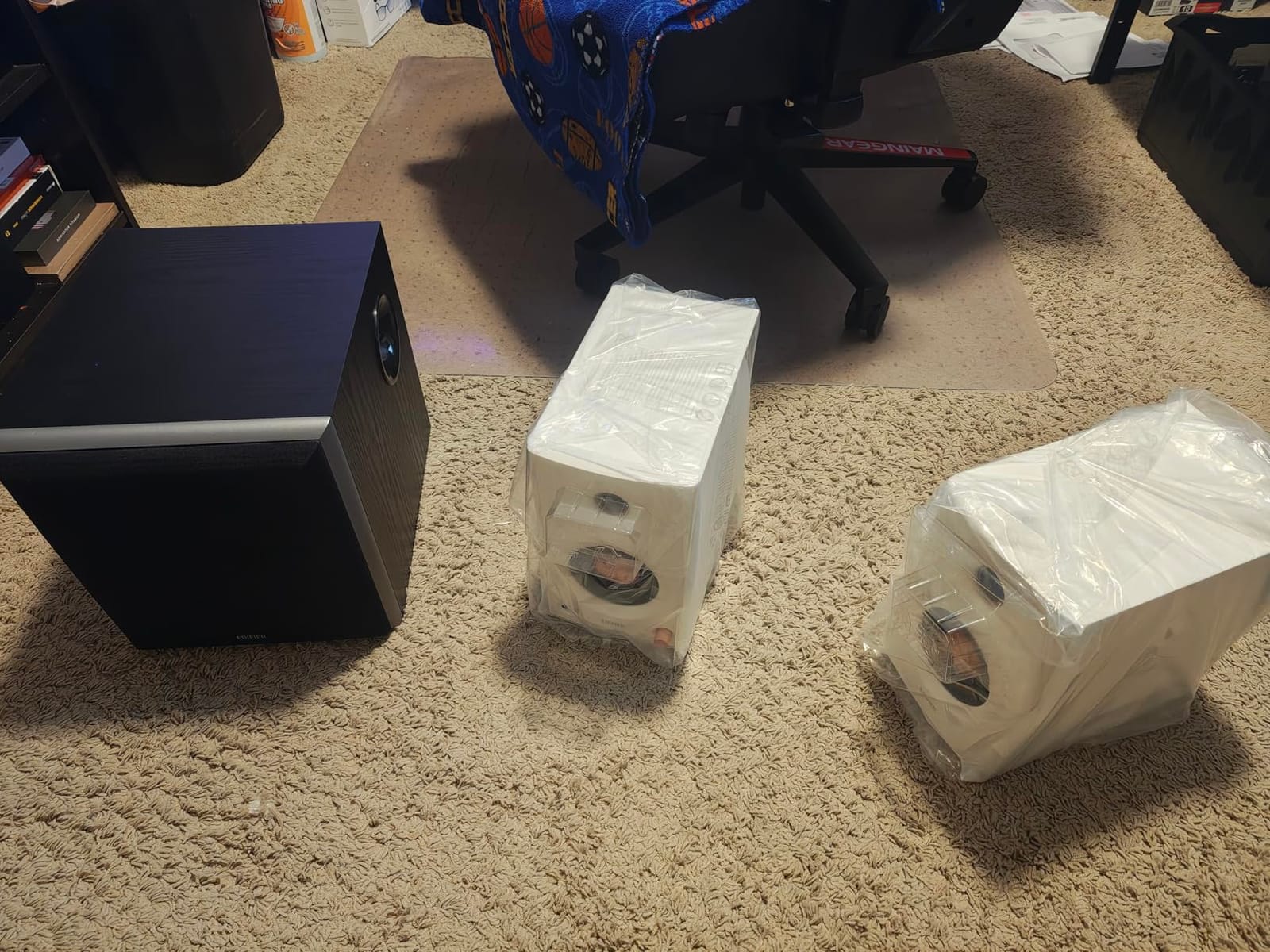
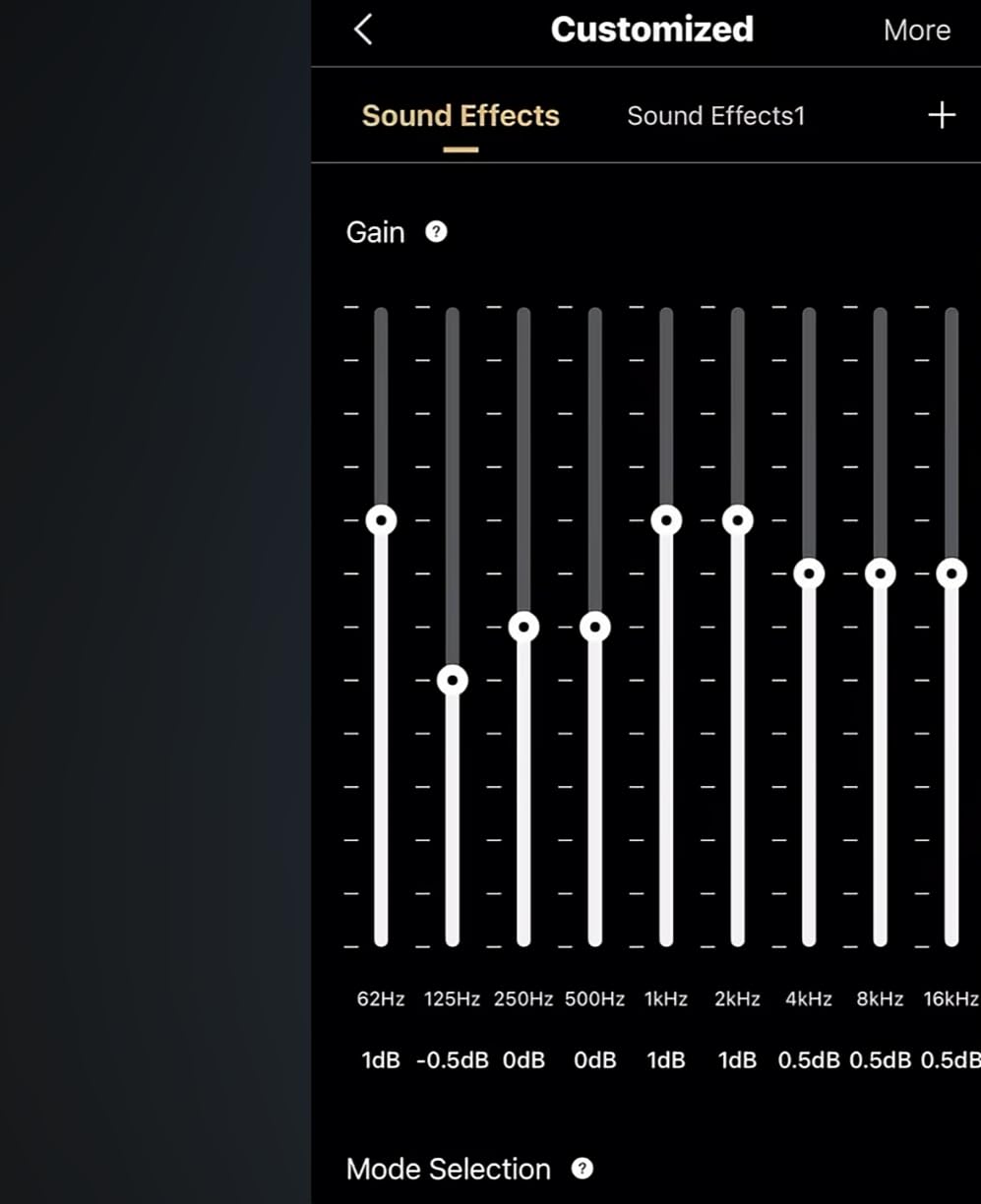
The 110W RMS Class D amplifier pushes 101 dB peak SPL, which is loud enough for a small project studio. The EDIFIER ConneX app gives you room compensation and parametric EQ control from your phone — a rare feature at this price tier.
The MR5 is larger and heavier than typical computer speakers, so it is not ideal for tiny desks. The auto shutoff timer cannot be customized, and Bluetooth auto-connect cannot be disabled, which some users find annoying.
Who should buy the Edifier MR5
Producers who want true 3-way design and hi-res audio support, creators who stream from multiple Bluetooth devices, and anyone wanting app-based room compensation.
Who should skip the Edifier MR5
If you have a small desk, the MR5’s footprint is a real constraint. For a strictly professional ribbon tweeter experience, the ADAM T5V or D3V are stronger picks.
How to Choose the Best Nearfield Studio Monitors for Your Room
Picking the right nearfield studio monitor is mostly about matching the speaker to your room and your genre. Before you spend money, run through this buying guide — it will save you from upgrading twice. For guidance on setting monitor levels after you buy, our guide on calibrating studio monitor volume is a great companion.
What size monitor matches your room?
Driver size should match your room’s volume. A 3-inch or 4-inch monitor like the PreSonus Eris E4.5 or Edifier MR4 works best in rooms under 10 square meters because the smaller driver avoids bass buildup. Mid-sized 5-inch monitors like the JBL 305P MkII or ADAM T5V fit rooms between 10 and 20 square meters. 7-inch and 8-inch monitors like the KRK Classic 7 belong in rooms above 20 square meters. Putting 8-inch monitors in a small bedroom is the most common mistake — the bass overwhelms everything and your mixes will be thin on every other system.
Active vs powered monitors
Every monitor in this roundup is active (also called powered), meaning the amplifiers are built into the cabinet. Active designs give you matched amplification, simpler setup, and no need for a separate amp rack. The alternative is passive monitors that require an external power amplifier — fine for high-end installations but unnecessary for bedroom and project studios.
Driver size and frequency response explained
The woofer (low-frequency driver) and tweeter (high-frequency driver) work together to cover the full hearing range. Smaller woofers (3 to 4 inches) reproduce tight mid-bass but roll off below 70 Hz. Larger woofers (5 to 8 inches) extend lower but need more space to sound right. Ribbon tweeters like the ADAM U-ART resolve more detail than silk dome tweeters, but they can sound bright in untreated rooms.
DSP room correction and tuning controls
DSP-based room correction analyzes your room and applies filters to flatten the response. The ADAM T5V has DSP shelf filters, the Genelec 8030 has SAM auto-calibration, and the IK Multimedia iLoud Micro has position compensation. Many producers never bother to set these up — do not make that mistake. Even 10 minutes of DSP tuning will reveal low-end problems you have been compensating for without realizing it.
Subwoofer pairing guide
Add a subwoofer when you produce bass-heavy music or want to extend the low end below what your main monitors can reach. A 5-inch monitor with a sub gives you the best of both worlds — clean mids and accurate bass. Place the sub on the floor between or under your main monitors, and use the crossover control to hand off frequencies below 80 Hz. Without acoustic treatment, however, a sub can make bass problems worse. Treat the room first, then add the sub. For bedroom studio setup tips, our guide on setting up your first home recording studio covers the full picture.
Frequently Asked Questions
What are the best nearfield studio monitors?
The best nearfield studio monitors in 2026 are the PreSonus Eris E4.5 for overall value, the Yamaha HS3 for compact honest sound, and the ADAM Audio T5V for ribbon tweeter detail. For bass-heavy genres, the KRK Classic 7 delivers the deepest low end without a subwoofer. Your room size and genre matter more than brand reputation — match the driver size to your room volume.
What size room do I need for nearfield monitors?
You can use nearfield monitors in any room, but driver size should match your space. 3-inch and 4-inch monitors work in rooms under 10 square meters. 5-inch monitors like the JBL 305P MkII fit rooms between 10 and 20 square meters. 7-inch and 8-inch monitors need rooms above 20 square meters to avoid bass buildup. Placing large monitors in a small bedroom causes overwhelming bass that ruins your mixes.
Are nearfield monitors better than midfield monitors?
Nearfield monitors are better than midfield monitors for most bedroom and project studios because they sit close to you (1 to 2 meters), so direct sound reaches your ears before room reflections. Midfield monitors are designed for 2 to 4 meter listening distances in larger, treated rooms. If you have a small untreated room, nearfield is the right choice. Midfield only makes sense in professionally treated studios above 25 square meters.
How far should nearfield monitors be from your ears?
Nearfield monitors should sit 1 to 2 meters from your ears, with the tweeters at ear level. Form an equilateral triangle between you and the two monitors — the distance between the speakers should equal the distance from each speaker to your ears. Angle each monitor slightly inward (toed-in) so the tweeters point directly at your listening position. This setup creates a stable stereo image and accurate phantom center.
Do I need a subwoofer with nearfield monitors?
You need a subwoofer if you produce bass-heavy music like hip-hop, EDM, or trap, or if you want accurate monitoring below 40 Hz. 5-inch monitors typically roll off around 50 to 60 Hz, which is not low enough for sub-bass decisions. A subwoofer paired with 5-inch mains gives you the best of both worlds. If you only mix acoustic music or podcasts, a 7-inch monitor without a sub may be enough.
What is the 38 rule for studio monitors?
The 38 rule for studio monitors refers to monitor placement: the distance between the two speakers and the distance from each speaker to your ears should each be 38 percent of the room’s longest dimension. This ratio minimizes room mode excitation and gives you the most accurate bass response. If your room is 5 meters long, place the monitors and your listening position 1.9 meters apart in an equilateral triangle.
What is the difference between active and passive studio monitors?
Active studio monitors have built-in amplifiers matched to the drivers, while passive monitors require an external power amplifier. Every monitor in this 2026 roundup is active. Active designs give you simpler setup, matched amplification, and no need for an amp rack. Passive monitors are still used in high-end installations but are uncommon in bedroom and project studios today.
Which studio monitor brand is best for beginners?
PreSonus, Yamaha, and Edifier are the best brands for beginner producers. The PreSonus Eris E4.5 and Yamaha HS3 are the most recommended first monitors because they are accurate, durable, and affordable. Edifier MR4 is even more budget-friendly for absolute beginners. Avoid jumping to premium brands like Genelec or ATC until you have learned your monitors and treated your room — familiarity and room acoustics matter more than brand.
Final Verdict: Which Nearfield Studio Monitor Should You Buy?
After testing all 12 of the best nearfield studio monitors in 2026, my top pick is the PreSonus Eris E4.5. It delivers honest, accurate sound, a wide sweet spot, and front-panel convenience at a price that does not punish beginners. For bass-heavy genres, the KRK Classic 7 is the clear winner. If you want ribbon tweeter detail, the ADAM Audio T5V is the best value under the premium tier. Treat your room before chasing upgrades — acoustic treatment and a properly placed equilateral triangle setup will do more for your mixes than any monitor swap. Once you have decided on a pair, our guide on cable management to avoid ground hum helps you keep your new studio clean.