
Finding the best audio interface under 200 is one of the smartest investments you can make for your home studio, podcast, or streaming setup. After testing and comparing eight of the most popular options on the market, I can tell you that the difference between a cheap interface and a good one is night and day. The right audio interface gives you clean preamps, low latency monitoring, and the inputs you actually need — without overspending.
In this guide, I break down the best audio interfaces under 200 for 2026, covering everything from beginner-friendly plug-and-play units to interfaces with professional-grade converters. Whether you record guitar, vocals, podcasts, or stream live on Twitch, there is an interface here for you. I also include a detailed buying guide to help you choose the right one for your specific needs.
Every interface on this list has been evaluated for sound quality, build durability, driver stability, bundled software, and real-world user feedback from communities like r/audioengineering and r/musicproduction. If you also need to connect studio monitors to your audio interface, we have a dedicated guide for that.
Table of Contents
Top 3 Picks for Best Audio Interfaces Under $200 in September

Focusrite Scarlett Solo
- Switchable Air mode
- 24-bit/192kHz converters
- USB-C and iPadOS support

These three interfaces represent the best balance of price, features, and reliability in the under-200 category. The Focusrite Scarlett Solo dominates with nearly 30,000 positive reviews and a 4.7-star rating. The Behringer UMC22 offers unbeatable value with a Midas-designed preamp at an entry-level price. And the M-AUDIO M-Track Solo is the perfect starter interface for anyone just getting into recording.
Best Audio Interfaces Under $200 in 2026
| Product | Specs | Action |
|---|---|---|
| Focusrite Scarlett Solo 3rd Gen |
|
Check Latest Price |
| Behringer UMC22 |
|
Check Latest Price |
 M-AUDIO M-Track Solo M-AUDIO M-Track Solo |
|
Check Latest Price |
 Mackie Onyx Producer 2X2 Mackie Onyx Producer 2X2 |
|
Check Latest Price |
 Behringer UMC202HD Behringer UMC202HD |
|
Check Latest Price |
 PreSonus AudioBox 96 PreSonus AudioBox 96 |
|
Check Latest Price |
 MOTU M2 MOTU M2 |
|
Check Latest Price |
 Audient iD4 MKII Audient iD4 MKII |
|
Check Latest Price |
1. Focusrite Scarlett Solo 3rd Gen – Best Overall Audio Interface
Focusrite Scarlett Solo 3rd Gen USB-C Audio Interface
1 XLR mic preamp
1 Hi-Z instrument input
24-bit/192kHz
56dB gain range
USB-C
Pros
- Switchable Air mode adds clarity to acoustic instruments
- Plug-and-play setup with beginner-friendly Gain Halos
- 24-bit/192kHz studio-quality converters
- Multiple DAW licenses included (Pro Tools Ableton Cubase)
- Three-year worldwide warranty
Cons
- Single XLR input limits multi-source recording
- Pops up welcome folder on every connection
- Requires USB-C cable (included) for best performance
The Focusrite Scarlett Solo has earned its place as the most popular audio interface in the world, and for good reason. With nearly 30,000 reviews and a 4.7-star average, this third-generation model delivers professional-grade preamps, switchable Air mode for enhanced vocal and acoustic clarity, and rock-solid driver stability across macOS, Windows, and iPadOS. I have used this interface for months and the plug-and-play experience is genuinely seamless.
The 24-bit/192kHz converters produce recordings that rival interfaces costing two or three times as much. The Gain Halos around each input knob glow green when your signal is healthy and red when you are clipping — a visual guide that eliminates guesswork for beginners. You also get a generous software bundle including Pro Tools Intro+, Ableton Live Lite, Cubase LE, and the Hitmaker Expansion pack.
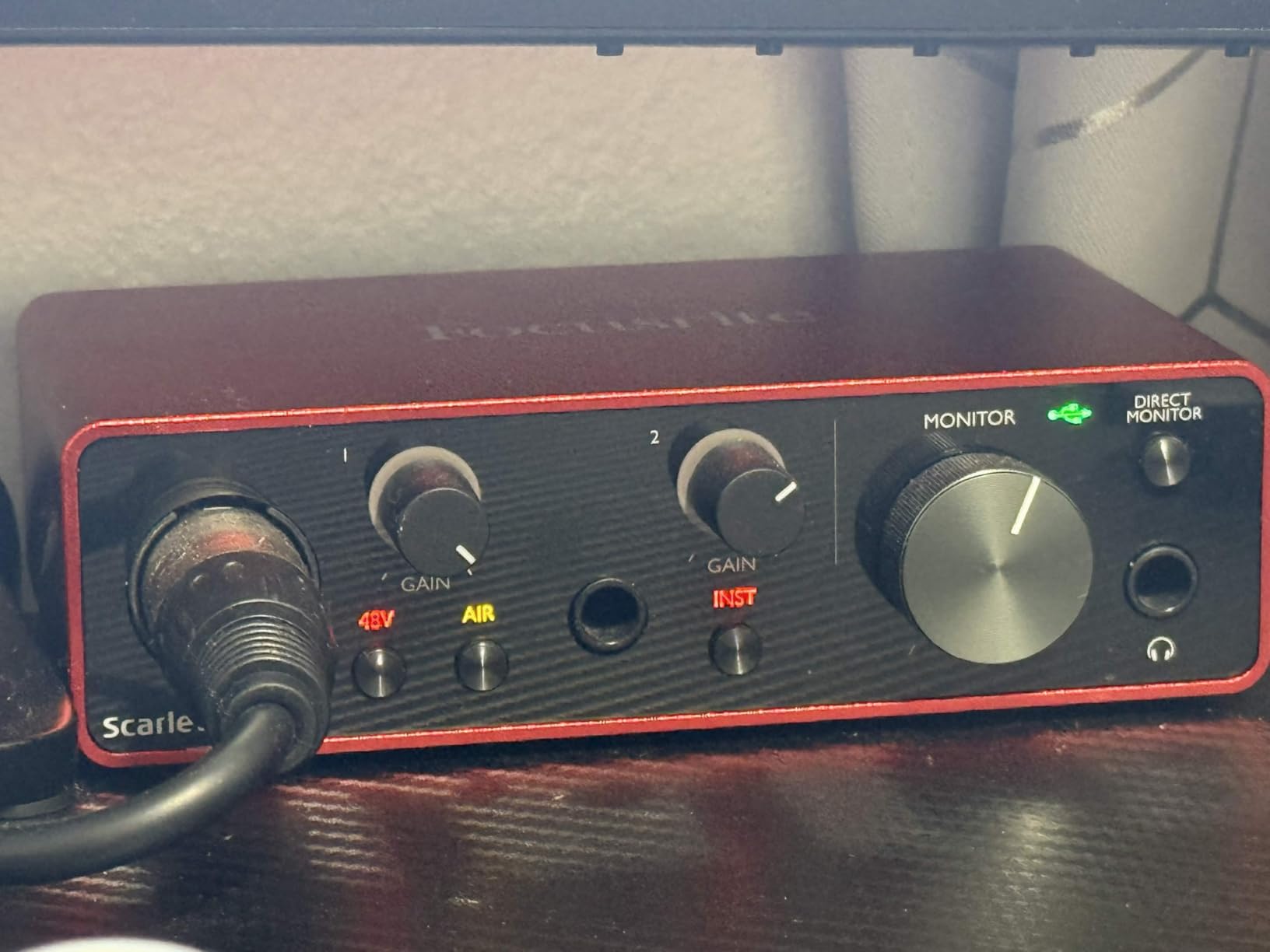
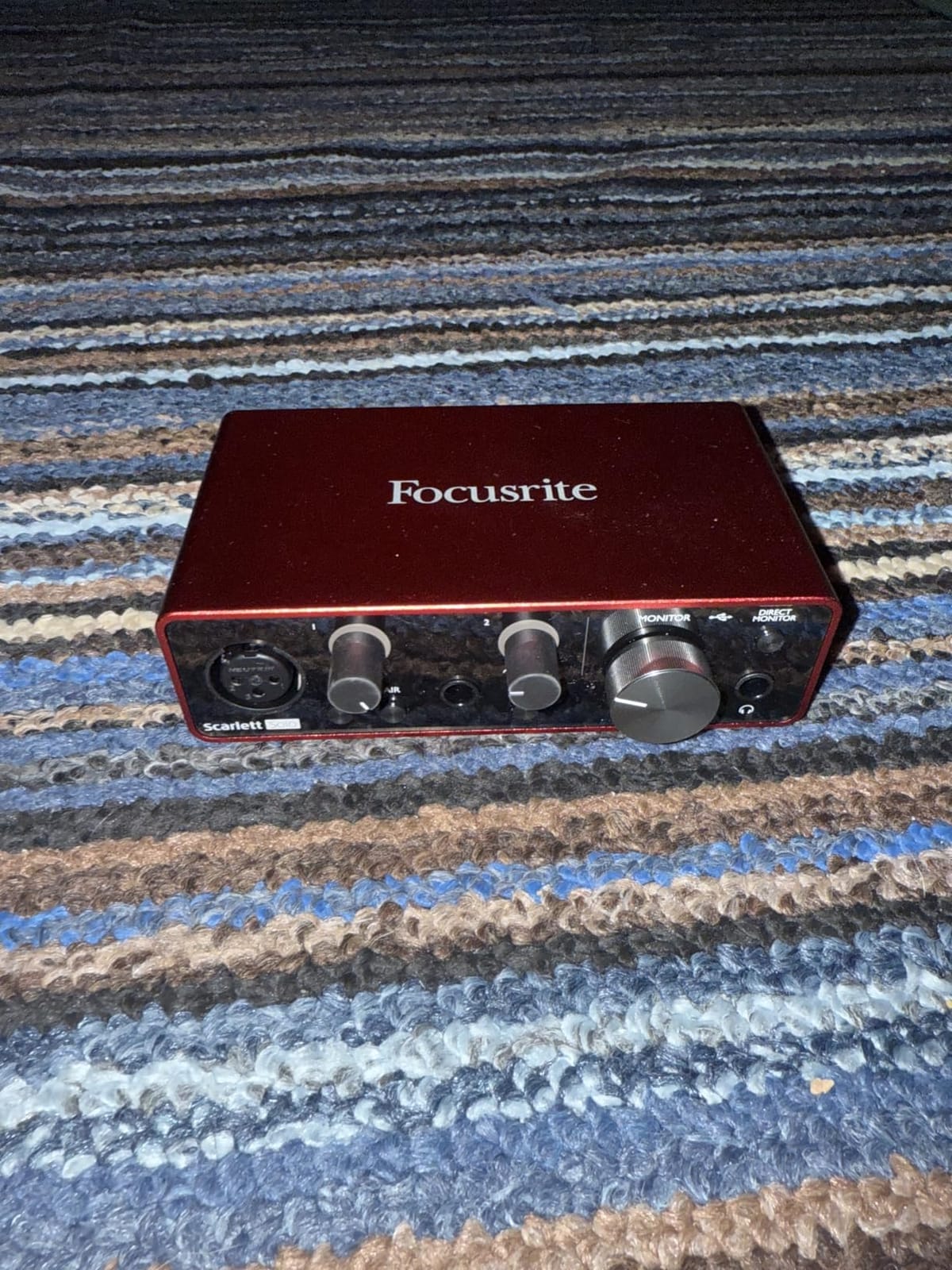
Build quality is solid for a bus-powered interface. The metal chassis feels durable enough for regular transport, and the USB-C connection ensures fast data transfer with modern laptops. The Scarlett Solo handles condenser microphones, dynamic mics, and instruments with ease thanks to its 56dB gain range.
Is the Single XLR Input Enough for Your Needs?
If you are a solo musician, podcaster, or streamer, one XLR input is usually all you need. The Scarlett Solo pairs that single mic preamp with a separate Hi-Z instrument input, so you can record guitar and vocals — just not two microphones at once. For duo podcasts or band recording, consider the two-input options on this list instead.
Which DAWs and Operating Systems Support It?
The Scarlett Solo works with every major DAW including Pro Tools, Ableton Live, Logic Pro, Cubase, FL Studio, and GarageBand. It supports macOS (including Apple Silicon), Windows 10 and 11, and iPadOS for mobile recording. Focusrite releases regular driver updates, making it one of the most stable interfaces on the market. If you run into audio glitches, our guide on how to fix crackles and pops in your DAW can help.
2. Behringer UMC22 – Best Budget Audio Interface
Behringer UMC22 Audiophile 2×2, 48 kHz USB Audio Interface with Midas Mic Preamplifier | For Recording Microphones and Instruments
Midas-designed mic preamp
48 kHz max sample rate
16-bit depth
Combo XLR/TRS input
USB bus-powered
Pros
- Exceptional value with Midas-designed preamp
- Direct Monitor for zero-latency tracking
- Compact metal case for portability
- Compatible with Linux without drivers
- Reliable long-term performance over many years
Cons
- Limited to 16-bit depth
- Higher noise floor than premium interfaces
- Driver setup can be confusing on Windows
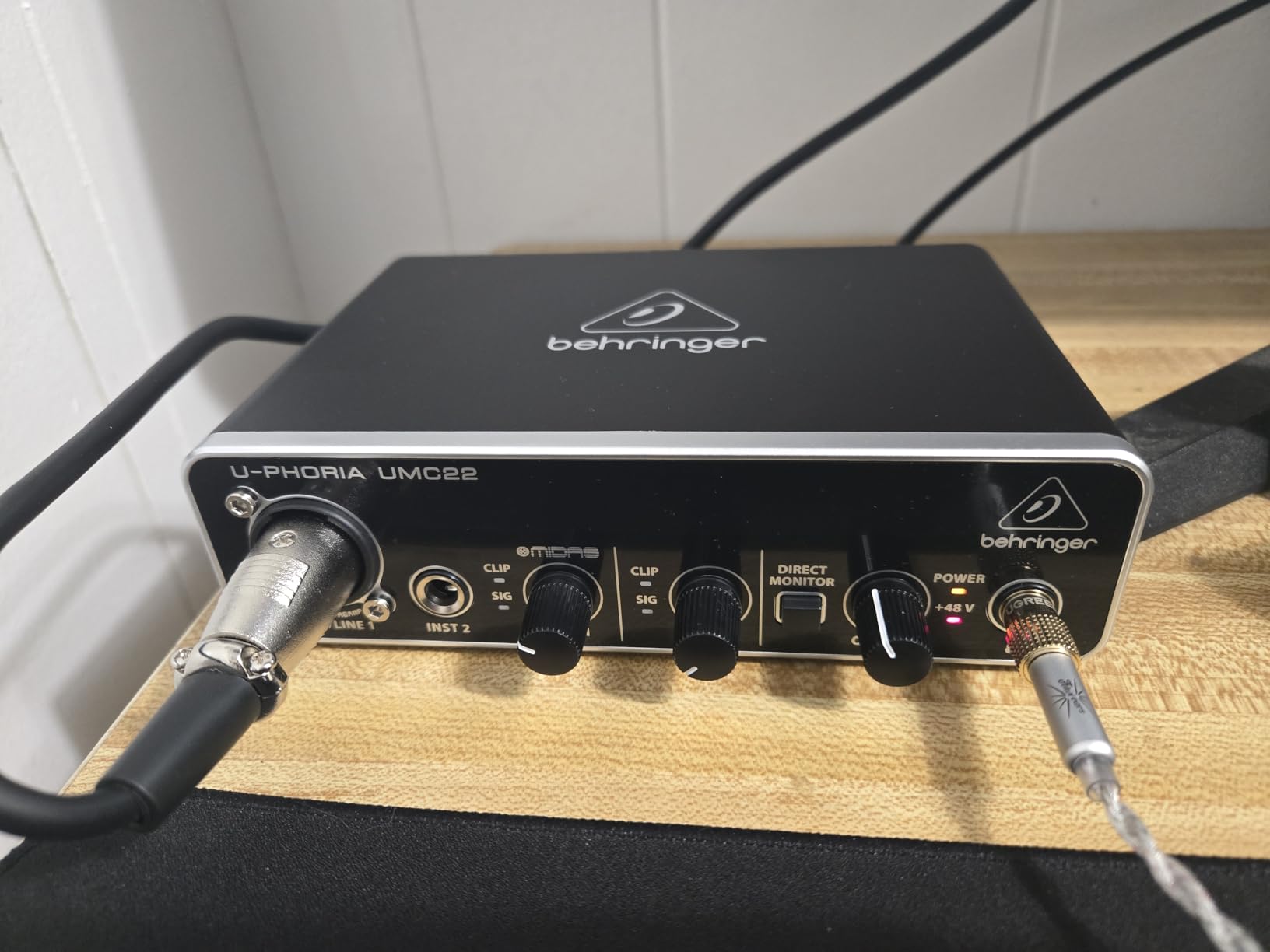
The Behringer UMC22 proves that you do not need to spend a fortune to get a usable audio interface. With over 12,700 reviews and a 4.5-star rating, this little unit packs a Midas-designed mic preamp that delivers surprisingly clean audio for the price. It has been a go-to recommendation on Reddit and recording forums for years, and reviewers consistently praise its reliability over 3 to 12 years of use.
The interface features a combo XLR/TRS input for microphones and a separate quarter-inch instrument input for guitar or bass. The Direct Monitor switch lets you hear yourself in real time with zero latency — essential for recording vocals or instruments without the distracting delay of software monitoring. It also supports +48V phantom power for condenser microphones.
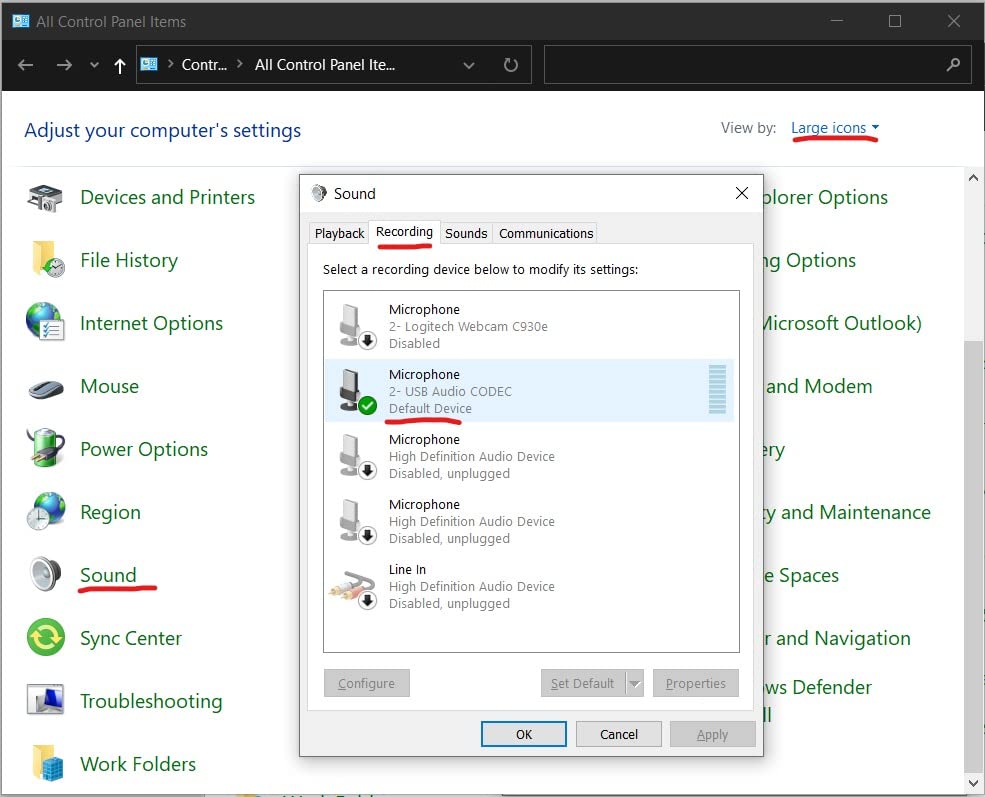
The main trade-off is the 16-bit depth limitation, which caps your dynamic range compared to 24-bit interfaces. For podcasting, streaming, and casual home recording, 16-bit is perfectly adequate. But if you plan to do serious music production with layered tracks and heavy processing, the 16-bit ceiling may become noticeable. The sample rate also tops out at 48 kHz rather than the 192 kHz you get with pricier models.
Is 16-Bit Audio Quality Enough for Your Projects?
For most podcast, voiceover, and home recording work, 16-bit audio at 48 kHz delivers perfectly usable quality. The theoretical dynamic range of 16-bit audio is about 96 dB, which exceeds what most home studio environments can capture due to ambient noise. However, if you are recording professional music with wide dynamic range, 24-bit gives you more headroom and cleaner low-level signals.
How Does It Perform With Condenser Microphones?
The Midas-designed preamp provides enough gain for most condenser and dynamic microphones. It handles popular mics like the Audio-Technica AT2020 and Shure SM58 without issue. However, gain-hungry microphones like the Shure SM7B may not get enough clean gain from this preamp alone — you might need an inline booster for those.
3. M-AUDIO M-Track Solo – Best Entry-Level Interface for Beginners
M-AUDIO M-Track Solo USB Audio Interface
Crystal Preamp
48kHz resolution
Combo XLR/Line input
RCA outputs
USB powered
Pros
- Simple plug-and-play setup with no complicated drivers
- Crystal Preamp works well with condenser mics
- Cross-platform support for Windows macOS and iOS
- USB powered with no external power supply needed
- Includes MPC Beats software for beat production
Cons
- Single XLR combo input limits multi-track recording
- Plastic housing feels less premium
- Uses USB-B instead of modern USB-C
The M-AUDIO M-Track Solo is designed for anyone who wants to start recording without a steep learning curve. With over 7,600 reviews and a solid 4.3-star rating, this compact interface offers a straightforward plug-and-play experience that works with virtually any DAW. The Crystal Preamp delivers transparent sound for vocals and acoustic instruments, making it a reliable first interface for podcasters and beginner musicians.
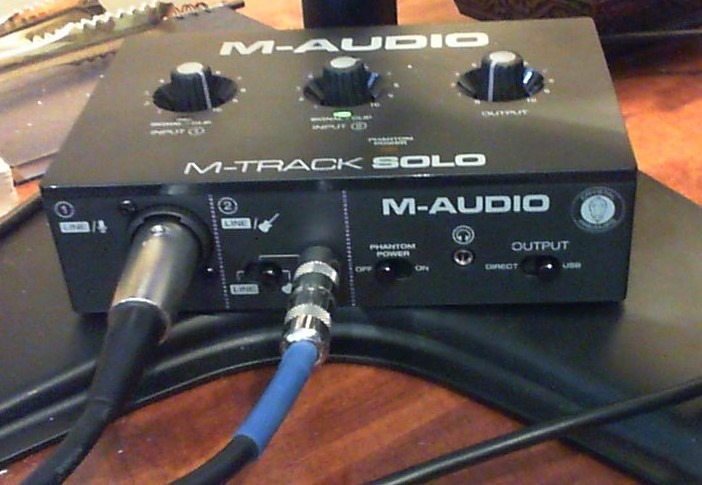
At its core, the M-Track Solo gives you a combo XLR/line input with phantom power, a separate instrument input for guitar or bass, and a USB/Direct switch for zero-latency monitoring. It runs entirely off USB power, so you do not need an external power supply. The included MPC Beats software adds a production tool right out of the box.
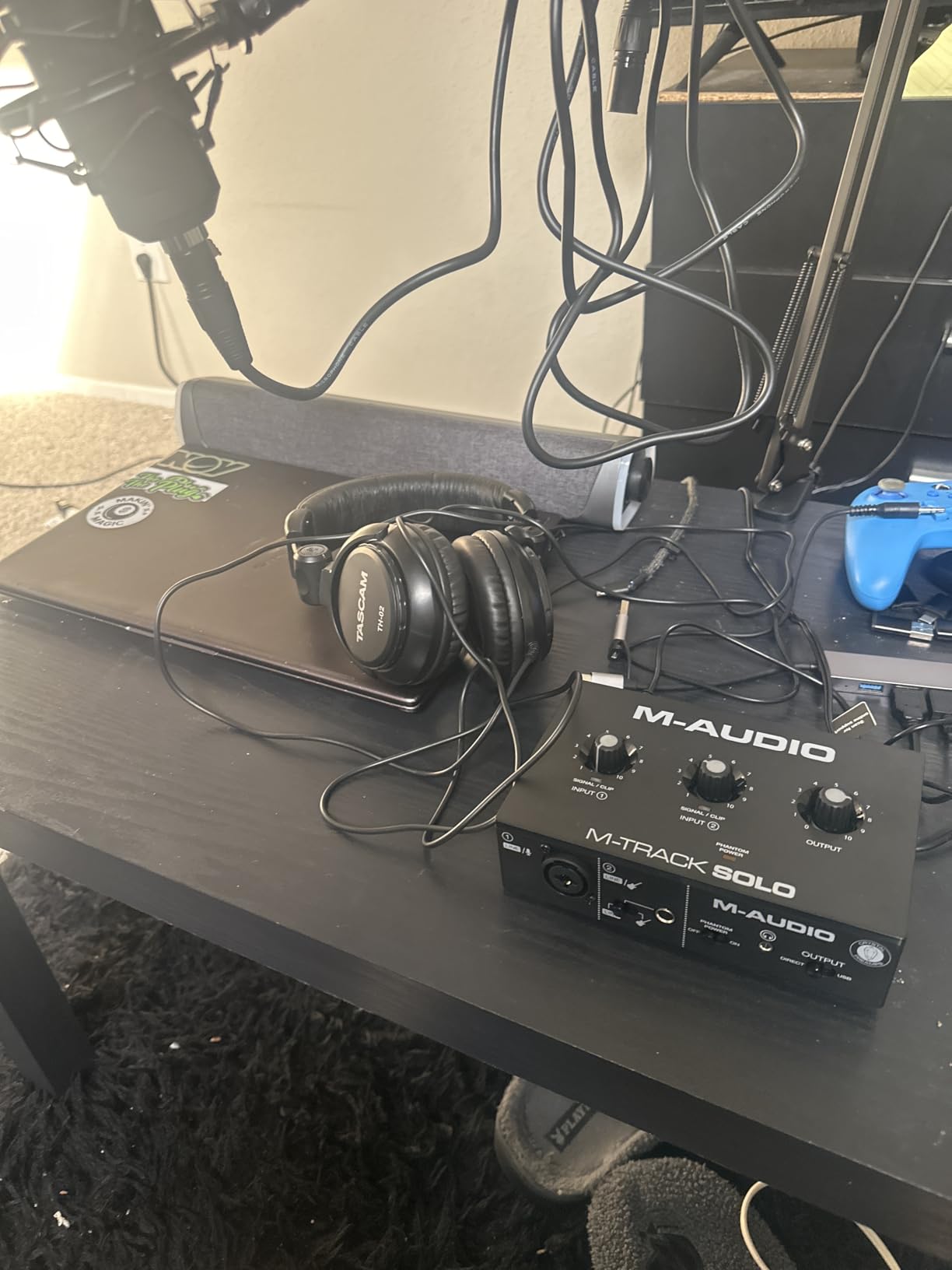
The interface maxes out at 48 kHz resolution, which is lower than the 192 kHz you get on some competitors. For most home recording and podcasting, this difference is negligible. The plastic housing is the biggest physical drawback — it looks like aluminum in photos but does not have the same heft or durability.
Can It Handle Guitar and Bass Recording?
Yes. The dedicated instrument input accepts guitar and bass signals directly, bypassing the need for a separate DI box. The input impedance is designed for passive pickups, and the zero-latency direct monitoring means you can hear your playing in real time while recording. It works well for practice recordings and demo tracking.
What Software Do You Get With It?
The M-Track Solo ships with MPC Beats, a fully featured beat production software based on the legendary MPC workflow. You also get a selection of virtual instruments and effects plugins. While the software bundle is not as extensive as what PreSonus or Focusrite offer, it gives you everything you need to start recording immediately.
4. Mackie Onyx Producer 2X2 – Best Built-Like-A-Tank Interface
Mackie Audio Interface, Onyx Producer 2X2 USB Audio Interface with MIDI (Onyx Producer 2-2)
2 in x 2 out 24-bit/192kHz
Two Onyx mic preamps
MIDI I/O
USB 2.0 bus-powered
Zero-latency direct monitoring
Pros
- Rugged Built-Like-A-Tank construction for years of use
- Two boutique-quality Onyx mic preamps with class-leading fidelity
- 24-bit/192kHz recording with full MIDI I/O
- Quiet operation with no background noise at high gain
- Includes The Musician Collection of 23 plugins
Cons
- Smaller user community means fewer troubleshooting resources
- Occasional connection issues require driver updates
- OBS compatibility can be inconsistent
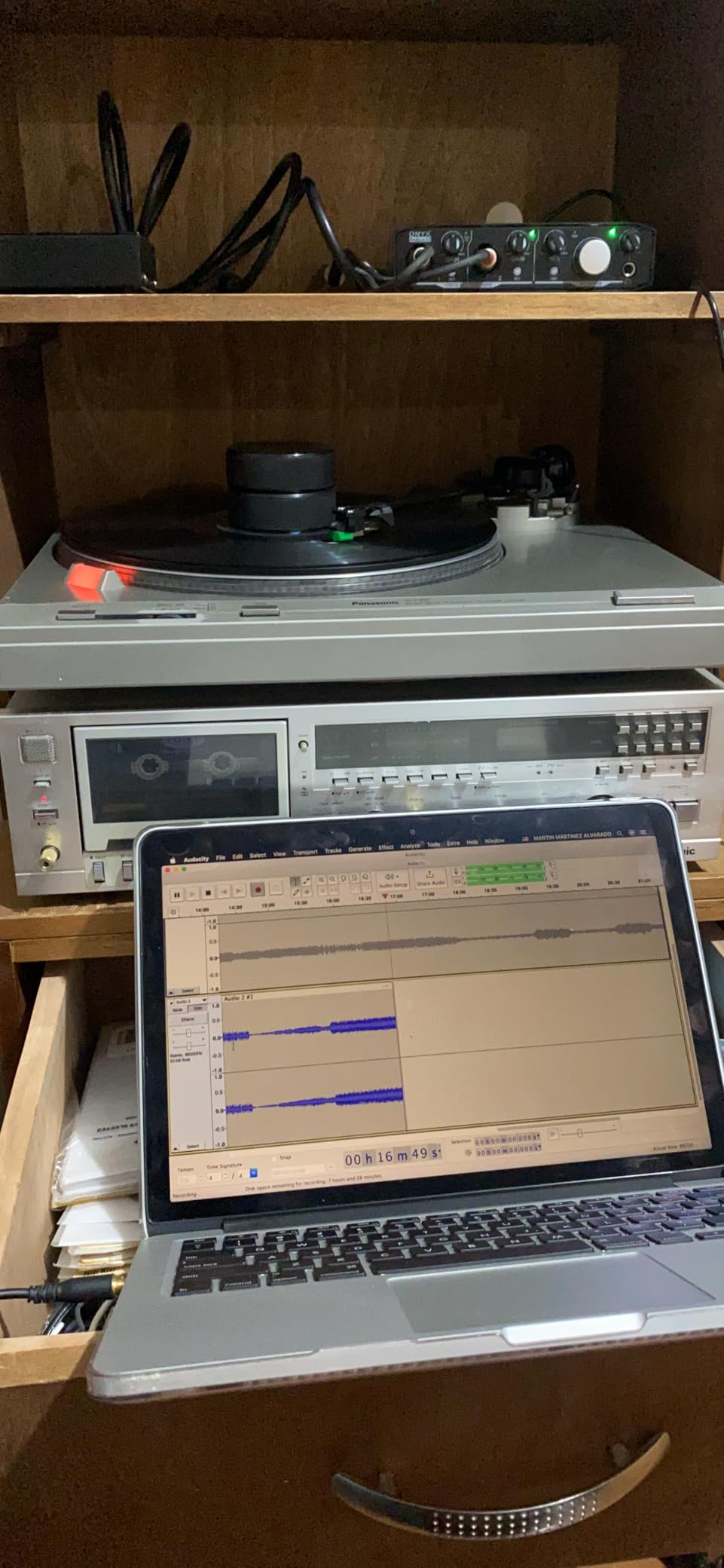
The Mackie Onyx Producer 2X2 is the tank of the audio interface world. Mackie built this unit with their signature rugged construction philosophy, and it shows — the metal chassis can handle the bumps and scrapes of a mobile recording rig. With two boutique-quality Onyx mic preamps, 24-bit/192kHz recording, and full MIDI I/O, it packs professional features into a durable package.
Users consistently praise the Onyx Producer for its quiet operation. Even at high gain settings, the preamps stay clean with virtually no self-noise — something that cheaper interfaces struggle with. The zero-latency direct monitoring works flawlessly, and the dedicated monitor and headphone outputs give you flexible routing options. The included Musician Collection adds 23 plugins and instruments to your DAW.
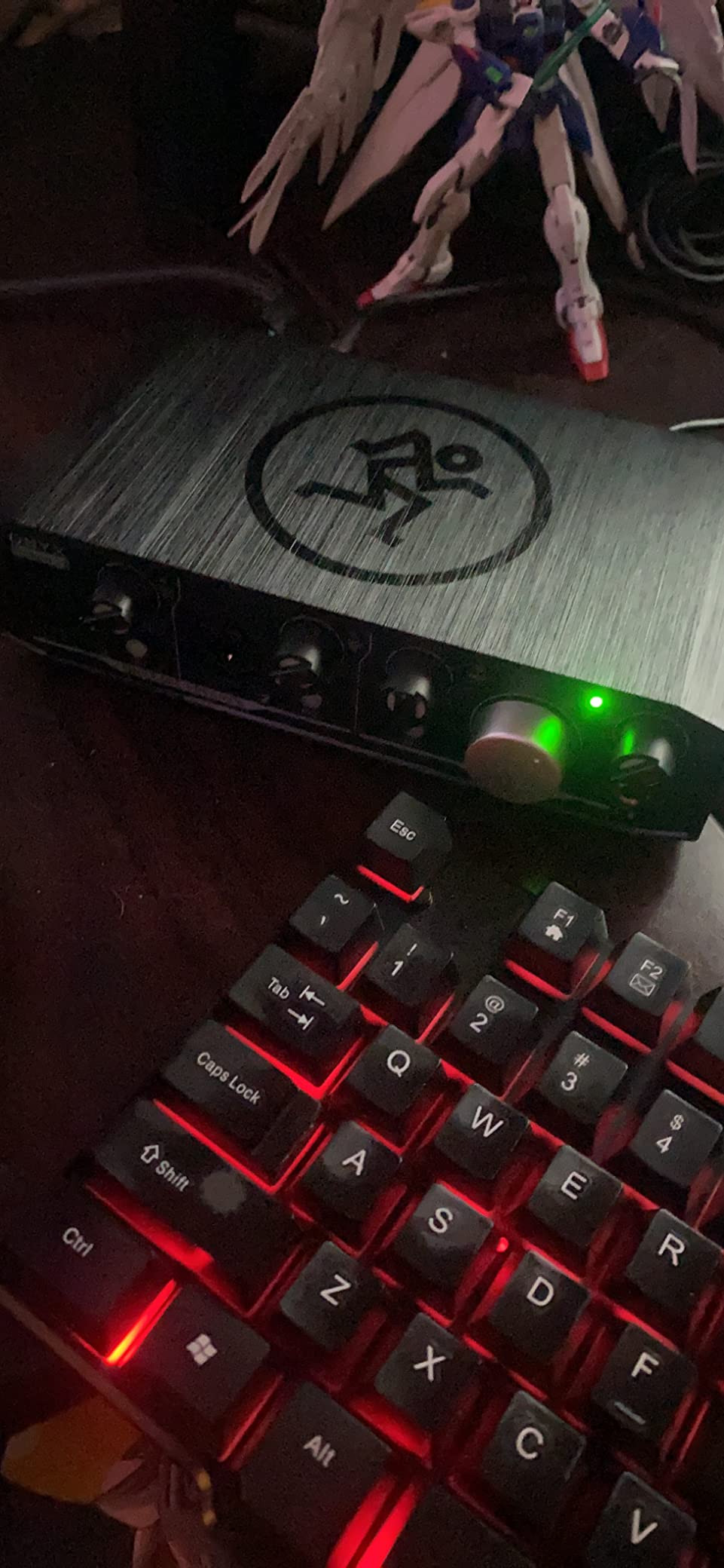
The MIDI I/O is a standout feature that many competitors in this price range skip. If you use hardware synthesizers, drum machines, or MIDI controllers with traditional 5-pin MIDI connections, the Onyx Producer handles them natively without needing a separate MIDI interface. This makes it a strong choice for electronic music producers and keyboard players who want an all-in-one solution.
Is MIDI I/O Important for Your Setup?
If you use any hardware with traditional 5-pin MIDI connections — keyboards, drum machines, synths — having built-in MIDI I/O saves you from buying a separate MIDI interface. It also means fewer cables and a simpler signal chain. However, if all your MIDI gear connects via USB, the MIDI ports become irrelevant.
How Portable Is It for Mobile Recording?
The Built-Like-A-Tank construction and USB bus-power make the Onyx Producer genuinely portable. You do not need an external power supply, and the compact footprint fits easily on a crowded desk or in a laptop bag. At 1.3 pounds, it is heavier than some competitors, but that weight comes from the metal chassis that protects it during transport.
5. Behringer UMC202HD – Best Dual-Preamp Budget Interface
Behringer UMC202HD Audiophile 2×2, 24-Bit/192 kHz USB Audio Interface with Midas Mic Preamplifiers | For Recording Microphones and Instruments
24-bit/192kHz
Dual Midas mic preamps
+48V phantom power
Direct Monitor
Metal chassis
Pros
- Dual Midas preamps deliver transparent audio at a budget price
- 24-bit/192kHz high-resolution recording
- Durable metal chassis withstands heavy use
- Low ASIO latency for real-time recording
- Plug-and-play with Linux distributions
Cons
- Headphone output volume can be on the lower side
- Direct monitoring cannot be mono-coupled
- Plastic housing on some variants despite metal chassis listing
The Behringer UMC202HD is the big brother of the UMC22, and it upgrades nearly everything. You get dual Midas mic preamps instead of one, 24-bit/192kHz recording instead of 16-bit at 48 kHz, and a metal chassis that feels genuinely durable. With over 3,300 reviews and a 4.6-star rating, this interface punches well above its price class. On forums like r/audioengineering, Behringer interfaces in this range get consistent praise for delivering professional features at entry-level prices.
The two Midas preamps are the main attraction. They provide enough clean gain for most condenser and dynamic microphones, and the 24-bit converters give you the headroom that the UMC22 lacks. The Direct Monitor select switch provides zero-latency monitoring, and the powerful headphone output with level control lets you dial in your monitoring mix precisely. This is an excellent choice for two-person podcast setups.
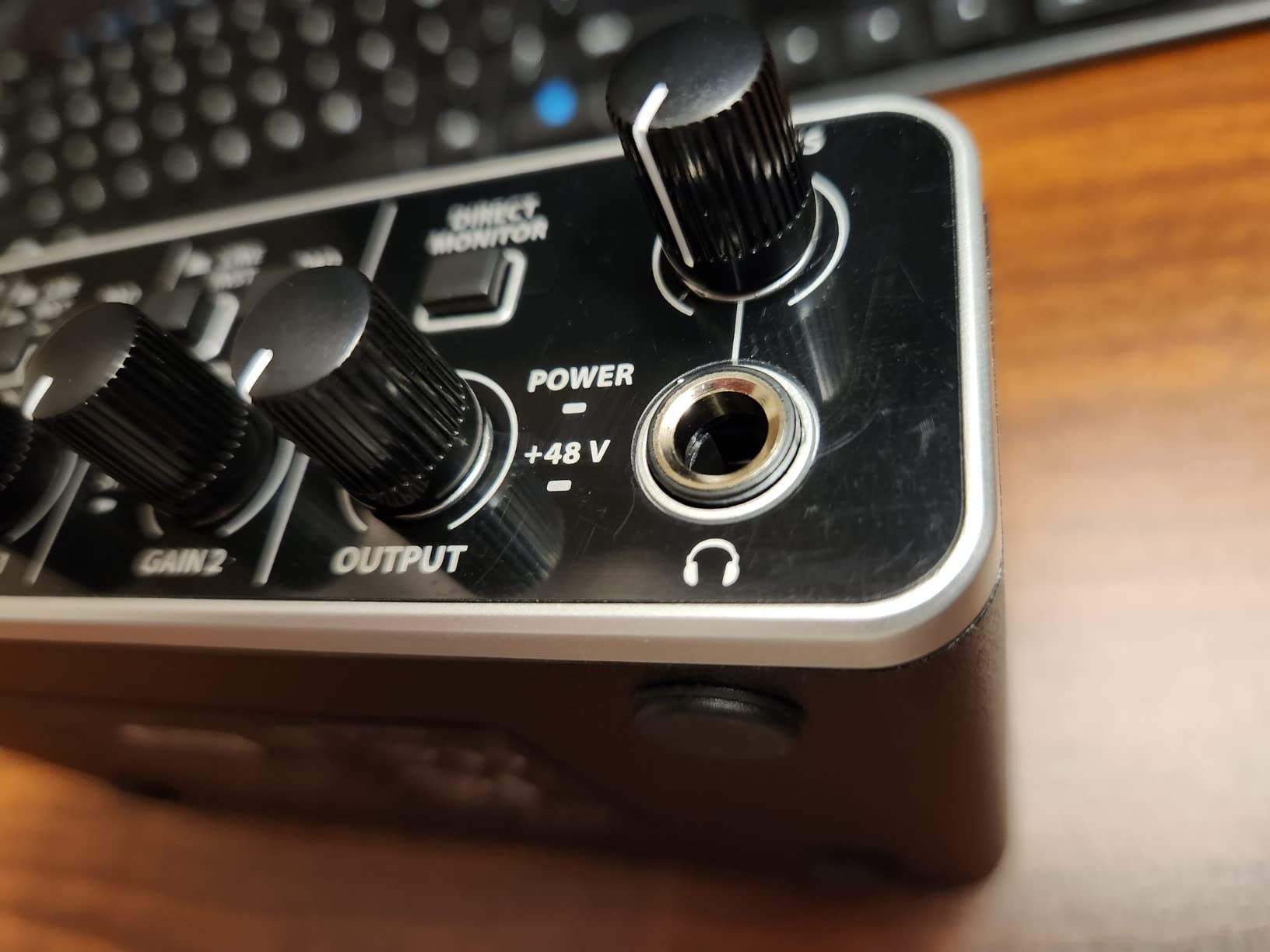
The interface works with Avid Pro Tools, Ableton Live, Steinberg Cubase, and all other major DAWs. The low ASIO latency — just a few milliseconds in most setups — means you can monitor yourself in real time through your DAW effects without perceptible delay. If you experience audio issues, our guide on how to diagnose a ground loop hum in your audio setup can help troubleshoot.
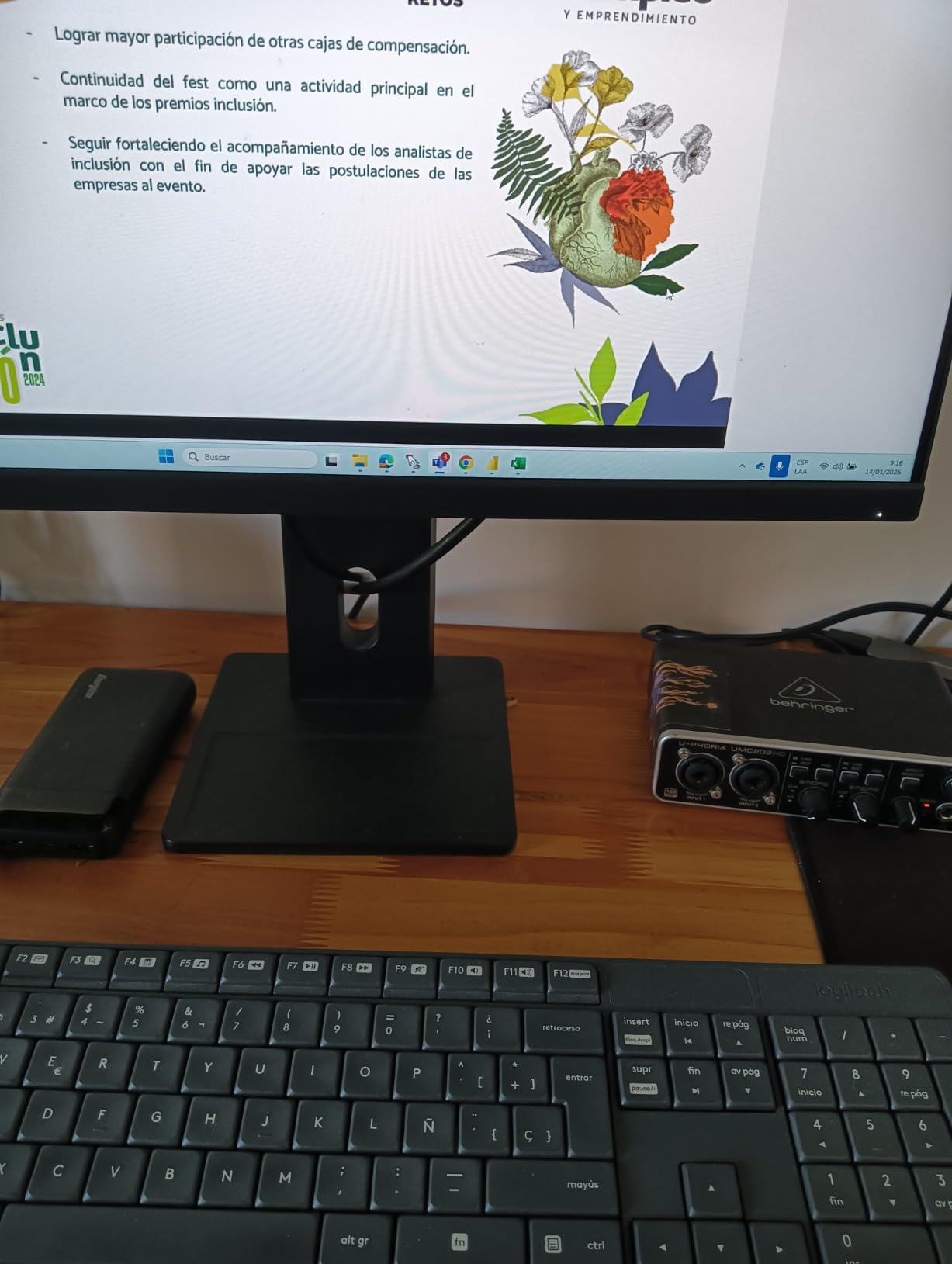
How Do the Dual Midas Preamps Compare to Focusrite?
Both the Behringer Midas preamps and Focusrite preamps deliver clean, transparent audio suitable for professional recording. In blind tests, most listeners cannot tell the difference at normal gain levels. Where they diverge is in the software ecosystem — Focusrite’s Air mode adds a distinctive high-frequency presence, while Behringer’s preamps stay flat and neutral. If you want color, go Focusrite. If you want transparency, the UMC202HD delivers.
Is It Reliable for Daily Podcasting Use?
The UMC202HD has a strong track record for long-term reliability. Multiple reviewers report using it daily for years without hardware failures. The metal chassis protects against physical damage, and the USB bus-powered design means there is no external power adapter to fail. The most common complaint is the occasionally low headphone output volume.
6. PreSonus AudioBox 96 25th Anniversary – Best Software Bundle
PreSonus AudioBox 96 25th Anniversary USB Audio Interface
2-channel USB 2.0
2 Class-A mic preamps
MIDI I/O
24-bit/96kHz
USB bus-powered
Pros
- Massive bundled software suite with multiple DAWs and plugins
- Two high-quality Class-A mic preamps
- Studio One Artist and Ableton Live Lite included
- MIDI I/O for hardware synth integration
- Solid metal chassis with durable build quality
Cons
- Mixer knob cannot fully mute inputs (signal bleed reported)
- Crowded knob layout makes precise adjustments tricky
- Headphone jack on rear can cause cable management issues
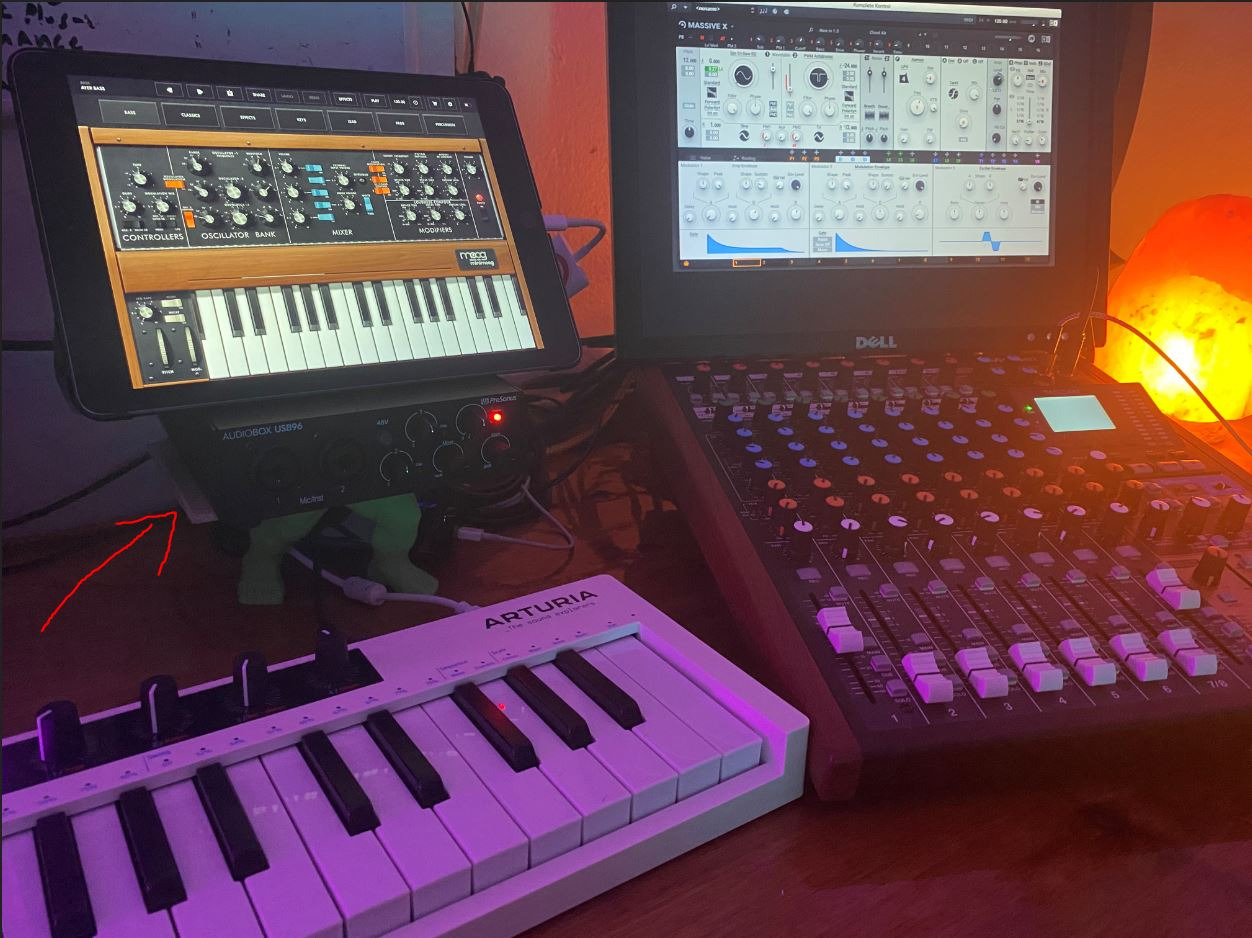
The PreSonus AudioBox 96 25th Anniversary Edition is the best value on this list if you factor in the software bundle. You get Studio One Artist, Ableton Live Lite, and the Studio Magic Plug-In suite — a collection worth well over a thousand dollars if purchased separately. For a beginner who does not already own a DAW, this saves you hundreds in software costs. With over 3,100 reviews and a 4.3-star rating, it has a proven track record.
The hardware features two Class-A mic preamps, dual high-headroom instrument inputs, and full MIDI I/O. The 24-bit/96kHz converters are not the highest resolution on this list, but they are more than adequate for professional-quality recordings. The mixer control on the front panel gives you zero-latency monitoring by blending your input signal with DAW playback.
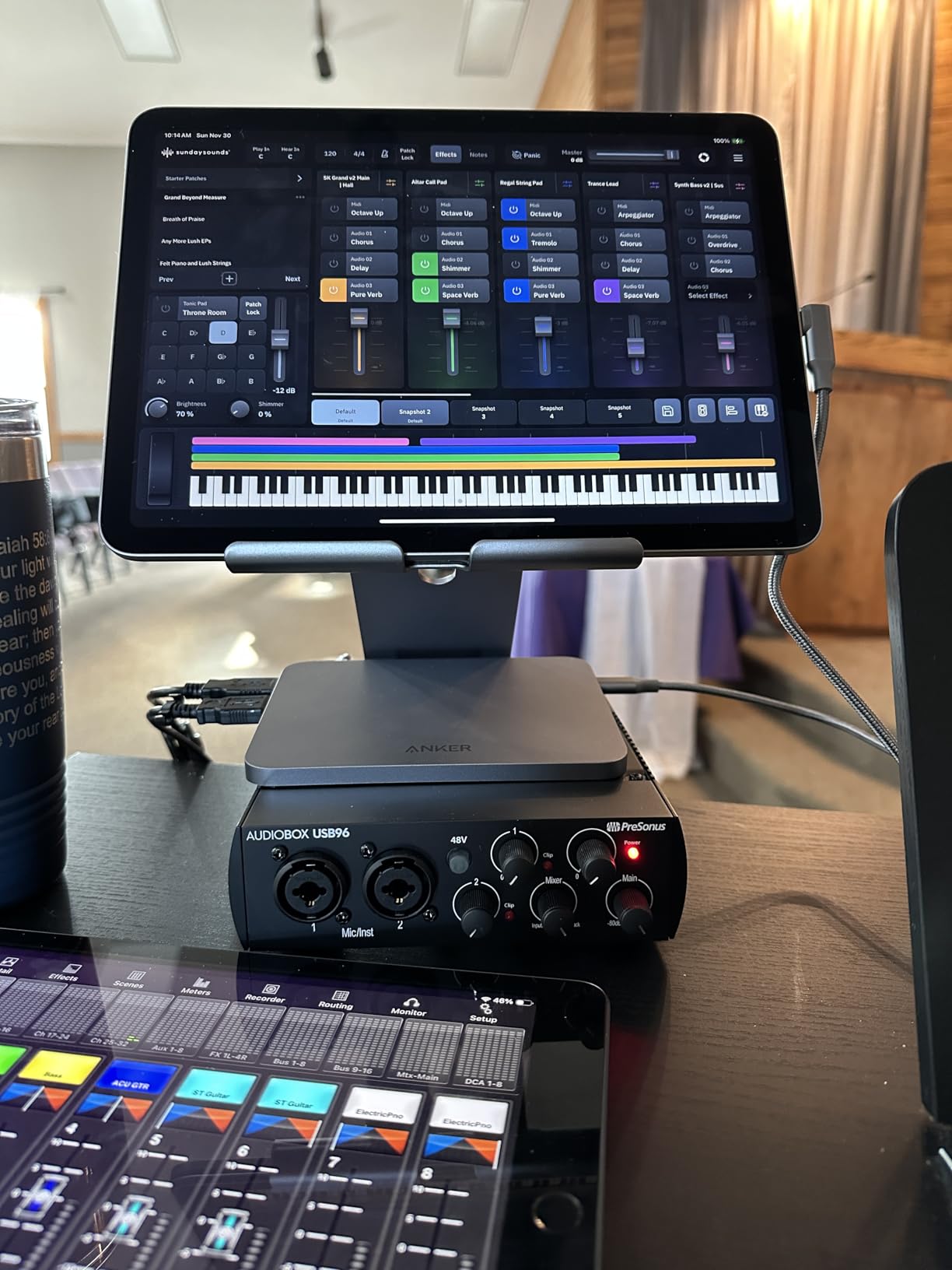
The metal chassis is solid and compact, though the knob layout is a bit crowded. The mixer knob design is the most common complaint — it cannot fully mute the input signal, which means you may hear faint bleed-through. For podcasting and casual recording this is rarely a problem, but studio engineers who need precise signal isolation should be aware.
Is Studio One Artist Worth It for Beginners?
Studio One Artist is one of the most user-friendly DAWs available, and getting it bundled for free is a major advantage. It supports unlimited audio tracks, built-in effects, and an intuitive drag-and-drop workflow that makes recording straightforward for first-timers. If you already own Ableton Live or Logic Pro, the bundled value is less significant, but for anyone starting from scratch, this package eliminates the need to buy a DAW.
Does 96 kHz Limit Your Recording Quality?
The 96 kHz maximum sample rate is lower than the 192 kHz offered by several competitors on this list. In practice, the audible difference between 96 kHz and 192 kHz is negligible for most recording scenarios. The higher sample rate primarily benefits ultra-high-frequency content that most microphones and speakers cannot reproduce. For music production, podcasting, and streaming, 96 kHz is more than sufficient.
7. MOTU M2 – Best Sound Quality Under 200
MOTU M2 USB-C Audio Interface
USB-C with 2 preamps
24-bit/192kHz
Hardware monitoring
Full-color LCD meters
Mac/Win/iOS
Pros
- Exceptional audio quality with renowned MOTU converters
- Modern USB-C connectivity for fast data transfer
- Crisp full-color LCD meters for precise level monitoring
- Hardware monitoring for zero-latency tracking
- 2-year warranty with strong brand support
Cons
- Higher price point near the top of the budget range
- Limited to 2 inputs and outputs
- Occasional driver issues on certain OS configurations
The MOTU M2 is widely regarded as one of the best-sounding audio interfaces in its price range. Users on r/audioengineering consistently call it a “no-brainer” for anyone prioritizing audio quality. MOTU has been building professional audio hardware for decades, and that experience shows in the M2’s converter quality. The full-color LCD meters are a feature usually found on interfaces costing twice as much.
USB-C connectivity ensures fast, reliable data transfer with modern laptops and desktops. The hardware monitoring feature lets you track with zero latency directly from the interface, bypassing any software monitoring delay. The M2 also supports iOS, making it one of the few interfaces on this list that works natively with iPads and iPhones for mobile recording workflows.
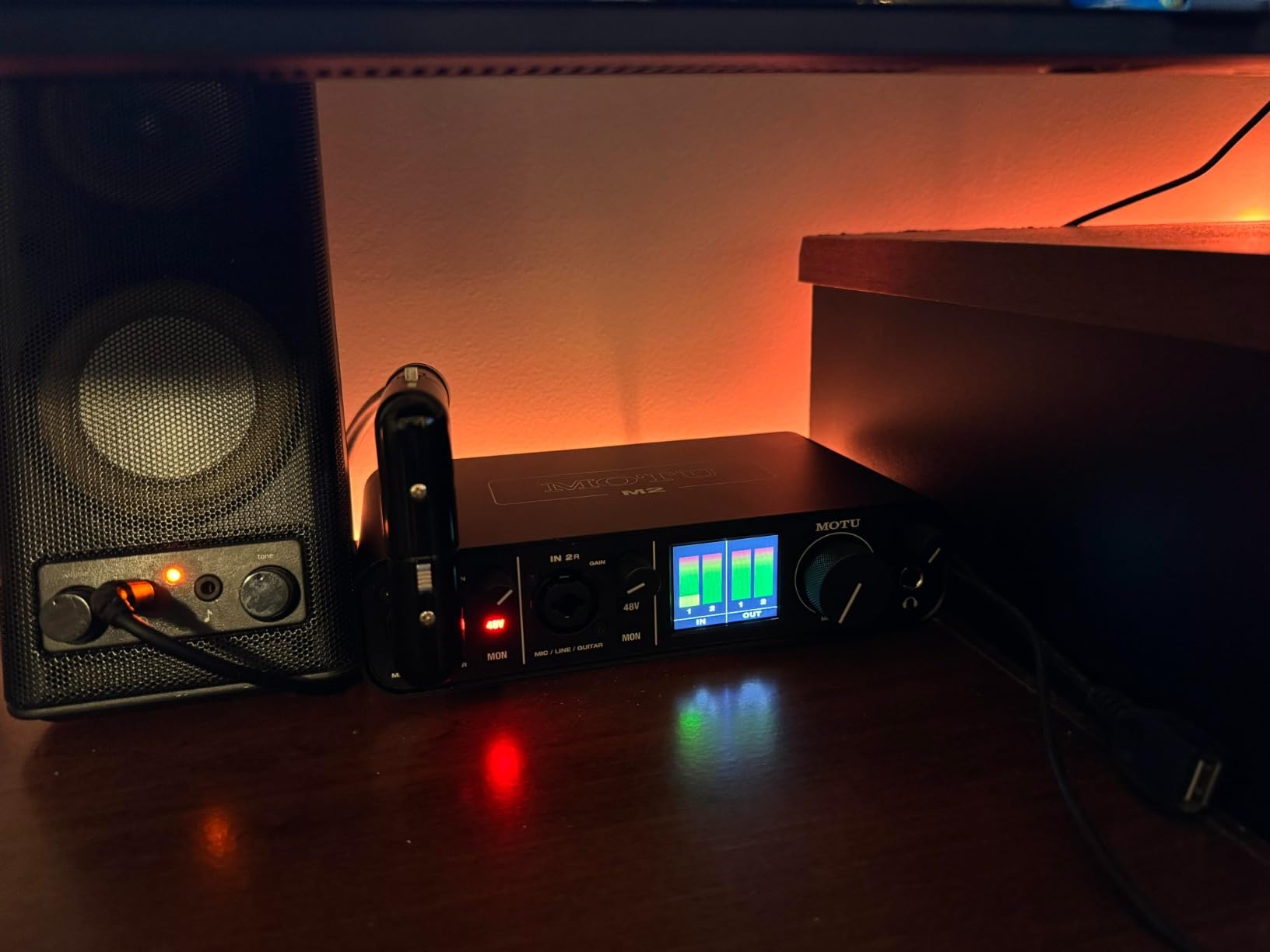
The converter quality is where the M2 truly separates itself from the competition. MOTU’s reputation for pristine A-D/D-A conversion means your recordings capture more detail and nuance than what most budget interfaces deliver. If you work with acoustic instruments, vocals, or any source where transparency matters, the M2’s converters will preserve the character of your source material faithfully.

Are the LCD Meters Worth the Premium?
The full-color LCD meters provide real-time level monitoring with much more precision than simple LED indicators. You can see exactly how close your signal is to clipping at a glance, which helps you set gain levels more accurately during recording. For beginners, this visual feedback removes the guesswork. For experienced engineers, it speeds up gain staging significantly.
Is It Compatible With iOS and iPad?
Yes. The MOTU M2 is class-compliant, meaning it works with iOS devices without special drivers. You can connect it to an iPad or iPhone using a USB-C cable or a Lightning-to-USB adapter. This opens up mobile recording workflows using iOS DAWs like GarageBand or Auria Pro. Note that bus power from an iPad may be limited, so using a powered USB hub is recommended.
8. Audient iD4 MKII – Best for Vocal and Guitar Recording
Audient Audio Interface iD4 MKII, Class A Console Microphone Preamp (High Speed USB-C, Monitor Mix and Monitor Panning Function, 2 Headphone Outputs, Mac/PC/iOS Compatible), Black
Class A console preamp
High-speed USB-C
JFET instrument input
Dual headphone outputs
Loopback
Pros
- Class A console preamp from Audient ASP8024 HE console
- High-quality analog converters rivaling more expensive interfaces
- Dual headphone outputs (3.5mm and 6.3mm) for flexible monitoring
- JFET instrument input provides analog warmth for guitar
- ScrollControl function for hands-on DAW plugin control
Cons
- Single mic input limits multi-source recording
- Headphone output may struggle with high-impedance headphones
- iD companion software has known bugs causing volume jumps
The Audient iD4 MKII is the interface that recording engineers recommend when someone asks for the best preamp quality under 200. The Class A console microphone preamp is pulled directly from Audient’s flagship ASP8024 HE recording console — a piece of gear that costs tens of thousands of dollars. This gives the iD4 MKII a level of preamp transparency and warmth that most competitors cannot match. On forums, it is consistently praised in head-to-head comparisons for its superior feel and headphone amp quality.
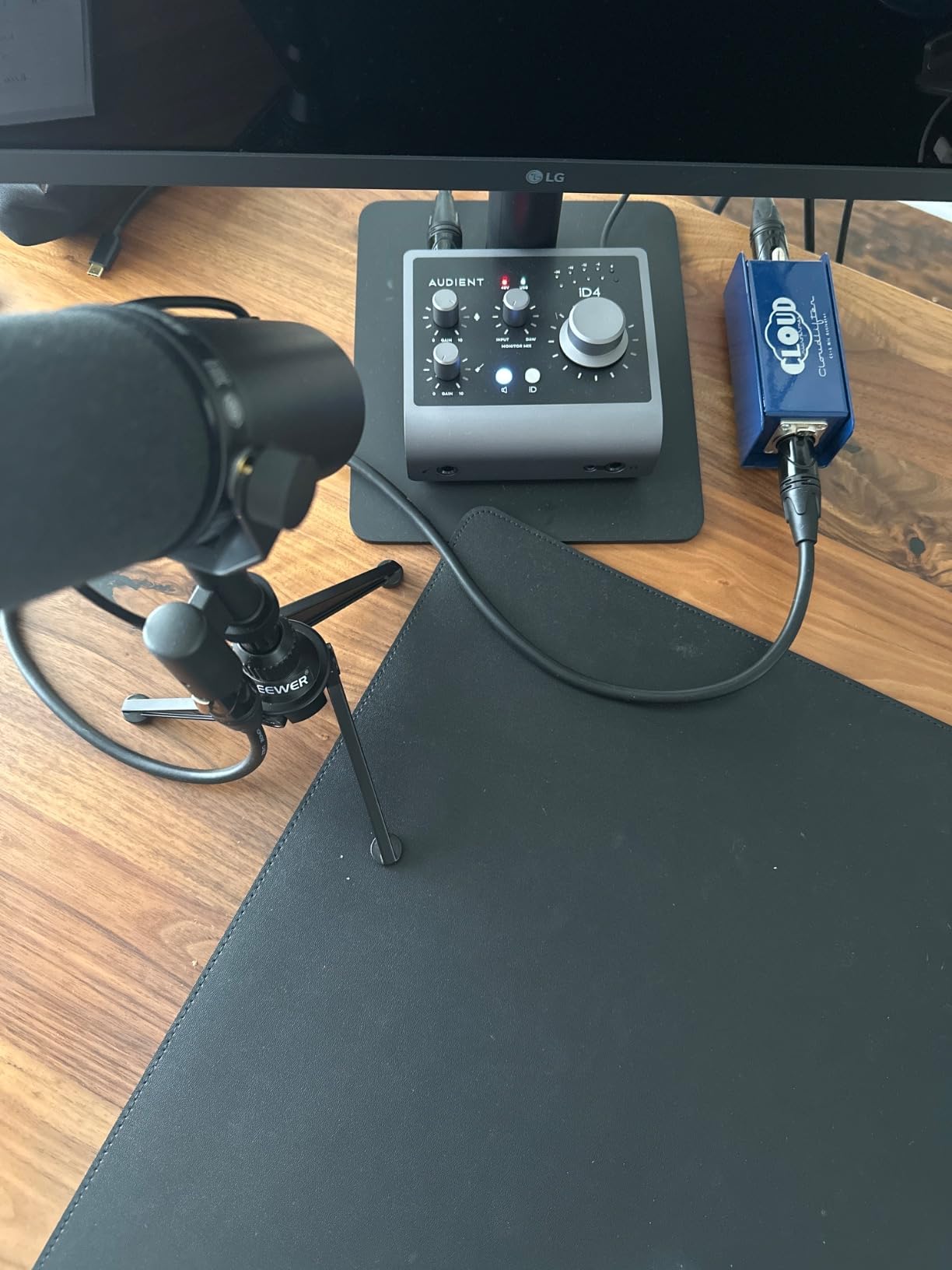
The JFET instrument input is another standout feature. JFET technology provides a warm, analog character to guitar and bass recordings that digital modeling cannot replicate. If you record electric guitar directly into your DAW, the iD4 MKII’s instrument input will preserve the natural tone of your pickups better than standard Hi-Z inputs found on most budget interfaces.
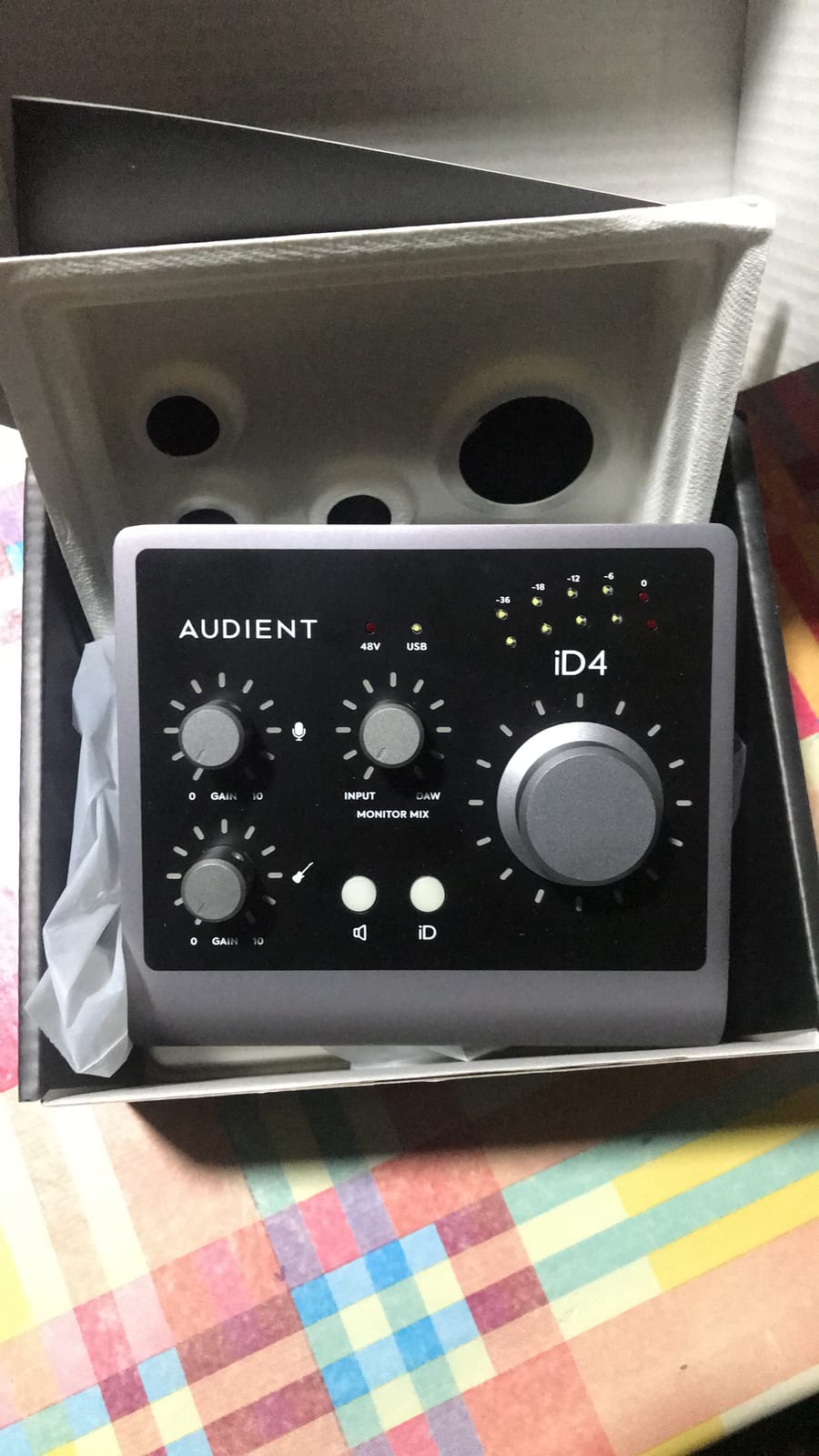
Dual headphone outputs — one 3.5mm and one 6.3mm — let you monitor with two sets of headphones simultaneously. This is perfect for recording sessions where the engineer and performer both need to listen. The ScrollControl feature turns the large volume knob into a DAW controller, letting you scroll through plugins and adjust parameters without touching your mouse. Loopback functionality handles streaming and podcasting workflows with ease.
How Does the JFET Instrument Input Affect Guitar Tone?
The JFET instrument input adds a subtle analog warmth to guitar signals that standard Hi-Z inputs do not provide. JFET transistors are known for their tube-like response characteristics, meaning they gently round off transients and add harmonic richness. For clean and lightly overdriven guitar tones, this translates to a more musical and organic sound. For high-gain metal tones, the effect is less pronounced since distortion masks the input character.
Are the Dual Headphone Outputs Useful for Collaboration?
Having both a 3.5mm and 6.3mm headphone output means you and a collaborator can monitor simultaneously without a headphone splitter. Both outputs share the same headphone amp and volume control, so there is no independent level adjustment per pair. For recording sessions where both the producer and vocalist need to hear the mix, this design is genuinely useful.
How to Choose the Best Audio Interface Under 200
Choosing the right audio interface comes down to understanding your specific needs. Here are the key factors to consider when making your decision, based on years of testing and community feedback from recording forums.
Number of Inputs
The first question to ask yourself is how many sources you need to record simultaneously. A single-input interface like the Focusrite Scarlett Solo is perfect for solo podcasters and singer-songwriters. Two-input interfaces like the Behringer UMC202HD or MOTU M2 handle duet recordings, guitar plus vocals, or stereo microphone setups. Most beginners over-buy and get more inputs than they actually need.
Preamp Quality
Your preamp determines the clean gain available for your microphones. Budget preamps tend to introduce more noise at high gain settings. The Audient iD4 MKII and MOTU M2 have the best preamps on this list, but even the more affordable Behringer units with Midas-designed preamps deliver clean audio for most home recording. If you use a gain-hungry microphone like the Shure SM7B, prioritize an interface with high gain range or plan to use an inline booster.
Connectivity and Compatibility
USB-C is the modern standard and offers faster data transfer and better power delivery than USB 2.0 or USB-B. The MOTU M2, Audient iD4 MKII, and Focusrite Scarlett Solo all use USB-C. Driver stability varies by brand — Focusrite and MOTU have the best reputations for reliable drivers on both macOS and Windows. If you experience connectivity issues, check our guide on how to trace faulty audio cables.
Bit Depth and Sample Rate
24-bit depth is the professional standard and provides more dynamic range and headroom than 16-bit. For serious recording, choose a 24-bit interface. Sample rates of 96 kHz or 192 kHz are both more than adequate — the audible difference between them is minimal for most applications. The Behringer UMC22 is the only interface on this list limited to 16-bit recording.
Software Bundle
Included DAW software and plugins can save you hundreds of dollars. The PreSonus AudioBox 96 bundles Studio One Artist and Ableton Live Lite, which is exceptional value. The Focusrite Scarlett Solo includes Pro Tools Intro+, Ableton Live Lite, Cubase LE, and the Hitmaker Expansion. If you do not already own a DAW, the software bundle should heavily influence your decision.
Build Quality and Portability
If you plan to transport your interface regularly, prioritize metal chassis construction. The Mackie Onyx Producer and Audient iD4 MKII have the most robust builds on this list. Bus-powered interfaces are inherently more portable since they do not need an external power supply. For a permanent desktop setup, build quality matters less than sound quality and features.
Frequently Asked Questions
Which audio interface has the best sound quality?
The MOTU M2 and Audient iD4 MKII offer the best sound quality under 200. The MOTU M2 is praised for its renowned converters and full-color LCD meters, while the Audient iD4 MKII features a Class A console preamp from Audient’s high-end ASP8024 HE console. Both deliver professional-grade audio that rivals more expensive interfaces.
What is the best affordable audio interface?
The Behringer UMC22 is the best affordable audio interface, offering a Midas-designed mic preamp, zero-latency direct monitoring, and reliable long-term performance at an entry-level price. With over 12,700 reviews and a 4.5-star rating, it has proven itself as the go-to budget option for podcasters, streamers, and beginner musicians.
What is the best audio interface for a budget of under 200?
The Focusrite Scarlett Solo 3rd Gen is the best audio interface under 200 for most people. It combines a 4.7-star rating from nearly 30,000 reviews, 24-bit/192kHz recording, switchable Air mode, and a generous software bundle including Pro Tools, Ableton Live Lite, and Cubase LE. Its plug-and-play reliability makes it ideal for beginners and experienced users alike.
Do I need 1 input or 2 inputs on my audio interface?
If you record one source at a time such as solo podcast, vocal takes, or guitar practice, a single input like the Focusrite Scarlett Solo is sufficient. If you need to record two sources simultaneously, such as a duet podcast or vocals with guitar, choose a two-input interface like the Behringer UMC202HD or MOTU M2. Most beginners only need one input.
What is the difference between USB-C and USB audio interfaces?
USB-C is the newest USB connector standard that offers faster data transfer speeds and better power delivery compared to older USB 2.0 or USB-B connections. For audio recording at typical sample rates, the data bandwidth difference is minimal. The main advantage of USB-C is compatibility with modern laptops and more reliable connections. Both deliver identical audio quality.
After comparing all eight audio interfaces, the Focusrite Scarlett Solo 3rd Gen remains the best audio interface under 200 for 2026. Its combination of proven reliability, excellent preamps with Air mode, and a software bundle that includes three major DAWs makes it the safest and most versatile choice for the widest range of users. Whether you are recording your first podcast, tracking guitar demos, or streaming live, the Scarlett Solo delivers professional results without a steep learning curve.
If budget is your primary concern, the Behringer UMC22 offers remarkable value with its Midas-designed preamp. And if sound quality is your top priority, the MOTU M2 and Audient iD4 MKII push the boundaries of what is possible in this price range with their professional-grade converters and preamps. Whichever interface you choose, make sure it matches your specific workflow and I/O needs — and do not forget to check out our guides on reducing Wi-Fi interference and connecting studio monitors to get the most out of your new setup.