
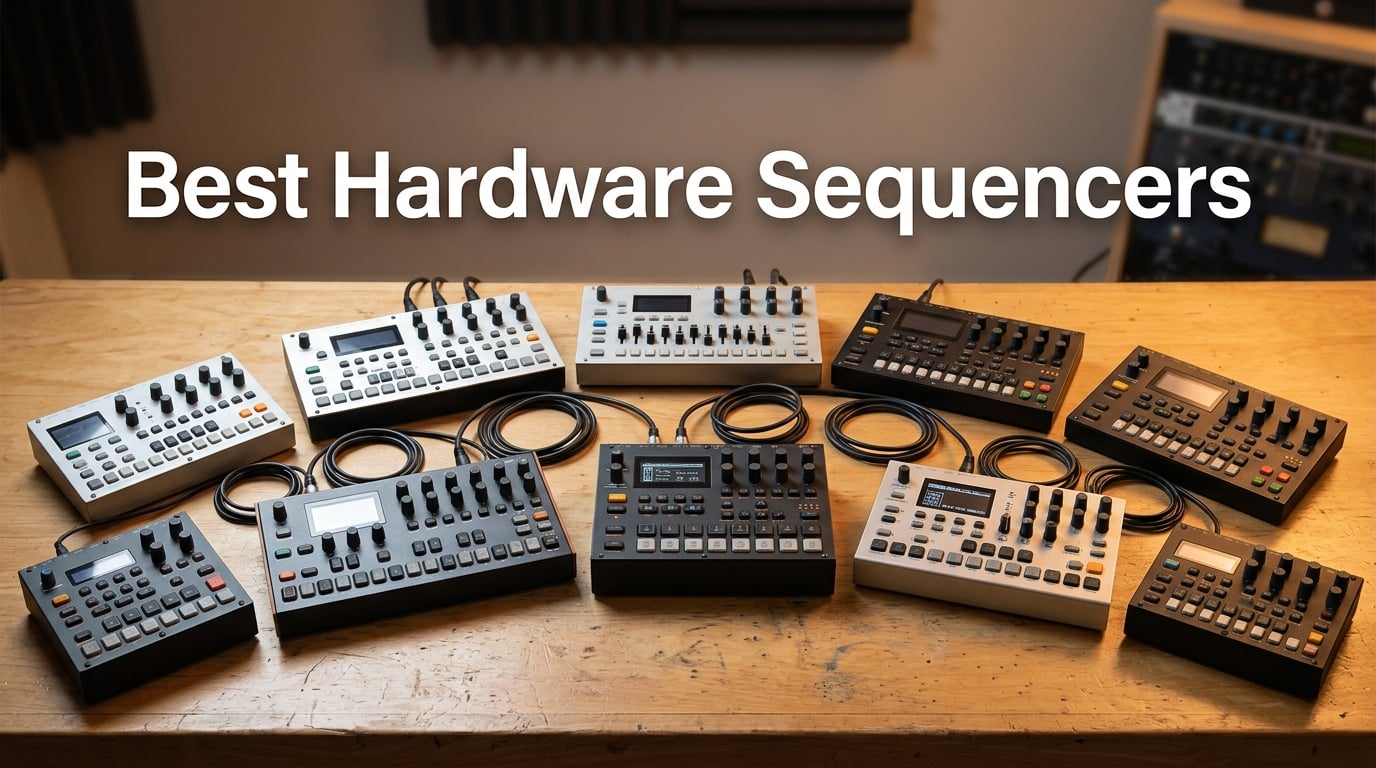
If you have ever finished a track in your DAW and felt the magic leak out of the room, you already know why the best hardware sequencers matter. A standalone sequencer pulls you out of the screen, drops your hands onto pads and knobs, and turns pattern-making into a tactile act. After spending the last two months running ten different hardware sequencers through studio sessions, modular setups, and live jams, our team is convinced that 2026 is the best year yet to buy one.
We tested each sequencer on three things: how fast we could build a beat from silence, how cleanly it talked to other gear via MIDI and CV/Gate, and how it felt under stage lights. We synced them with Eurorack, vintage analogs, and modern DAWs. This guide ranks the ten hardware sequencers that actually earned a permanent spot on our desks, plus a buying guide that breaks down CV/Gate versus MIDI, budget tiers, and workflow tips so you can pick the right one without buying the wrong one first.
Table of Contents
Top 3 Hardware Sequencers at a Glance in September

Teenage Engineering PO-33 K.O!
- 40-second sampler with built-in mic
- 16 patterns chainable 100x
- Credit-card sized portability
- 16 built-in effects
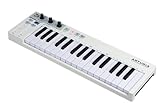
Arturia KeyStep 32-Key
- 64-step polyphonic sequencer
- CV/Gate and MIDI connectivity
- 8-mode arpeggiator
- Slimkey velocity keybed
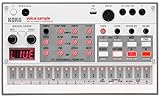
Korg Volca Sample 2
- Compact sample drum machine
- 16-step sequencer with chain
- Dedicated Librarian software
- Integrated speaker and battery
Best Hardware Sequencers in 2026
| Product | Specs | Action |
|---|---|---|
| Teenage Engineering PO-33 K.O! |
|
Check Latest Price |
| Arturia KeyStep 32-Key |
|
Check Latest Price |
| Korg Volca Sample 2 |
|
Check Latest Price |
 Korg SQ-1 CV Sequencer Korg SQ-1 CV Sequencer |
|
Check Latest Price |
 Novation Circuit Tracks Novation Circuit Tracks |
|
Check Latest Price |
 Roland SP-404MKII Roland SP-404MKII |
|
Check Latest Price |
 Roland MC-101 Groovebox Roland MC-101 Groovebox |
|
Check Latest Price |
 Arturia BeatStep Pro Arturia BeatStep Pro |
|
Check Latest Price |
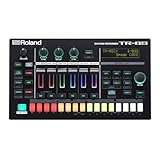 Roland TR-6S Rhythm Performer Roland TR-6S Rhythm Performer |
|
Check Latest Price |
 Novation 49SL MkIII Novation 49SL MkIII |
|
Check Latest Price |
1. Teenage Engineering PO-33 K.O! – Editor’s Choice Pocket Sampler Sequencer
teenage engineering pocket operator PO-33 K.O.! micro sampler and drum machine with built-in microphone, sequencer and effects
Credit-card sized
Built-in mic
16 patterns chainable
40s sample memory
Pros
- Ultra-portable with 1 month battery life
- Built-in microphone samples any sound source
- 16 patterns chainable up to 100 times
- 16 built-in effects for live performance
Cons
- 8-bit audio can sound gritty on some samples
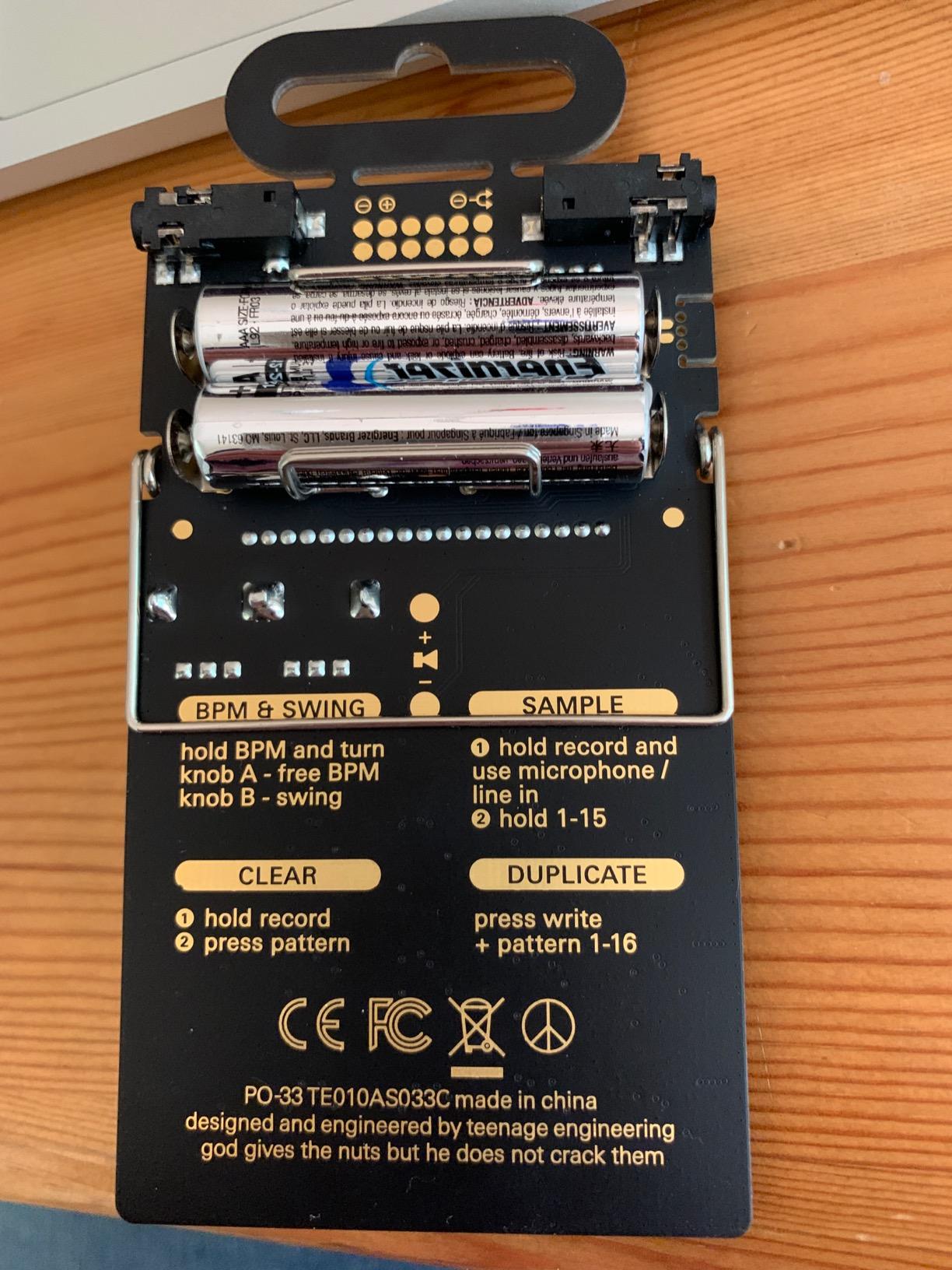
- Fragile exposed circuit board design
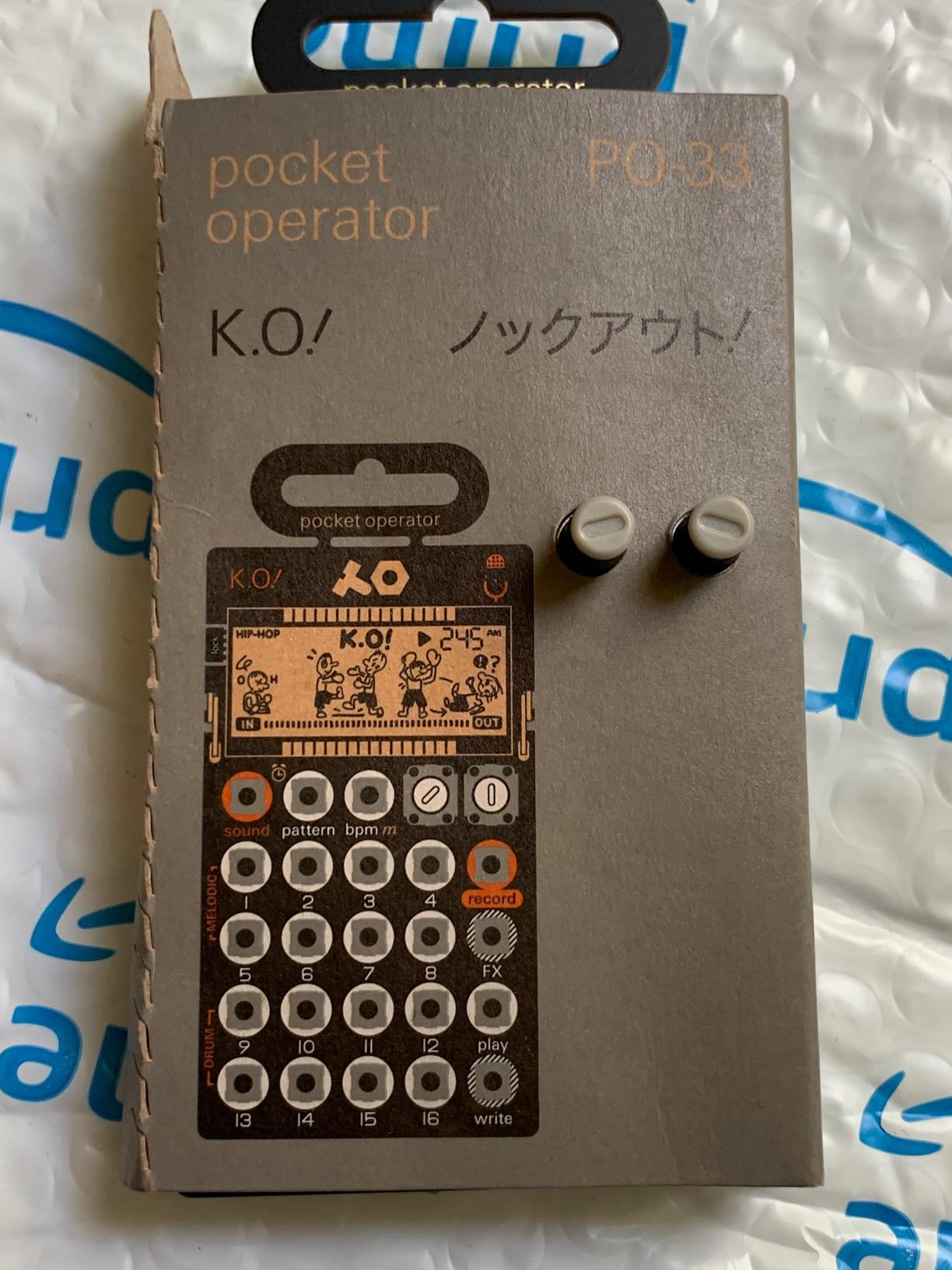
I carried the PO-33 in my jacket pocket for three weeks straight. It went to cafes, train rides, and one extremely boring waiting room. Every single time I pulled it out, I was making a beat within 90 seconds.
The built-in microphone is the magic trick. You hold it near any sound source – a coffee grinder, your own voice, a kazoo – and it captures 40 seconds of sample memory. Split into 8 melodic slots and 8 drum slots, those slices become the raw material for sequencing. The 16 patterns chain into each other, so one pattern can trigger the next and build a song that runs far past what the small body suggests.
That depth is the part that surprised our team. On paper this looks like a toy. In practice it is a serious pocket-sized music production tool with parameter locks, swing, and step editing that rivals much larger grooveboxes. The 16 onboard effects cover everything from bit-crush to vinyl simulation, and they map per step so you can shape phrases as you sequence.
There are real trade-offs. The audio is 8-bit, which means your orchestral samples will sound like a Game Boy – sometimes that is the point, sometimes it is not. The exposed circuit board is genuinely fragile, so a case is mandatory. And the learning curve is steeper than the spec sheet suggests, because the menu system relies on tiny dials and a screen the size of a postage stamp.
How it compares to other hardware sequencers for live performance
For a stage rig, the PO-33 slots in as a sketchpad and percussion source. It pairs beautifully with a larger sequencer such as the Arturia BeatStep Pro or Novation Circuit Tracks because it sends MIDI clock out via 3.5mm and can sync to almost anything that accepts a clock signal. Reviewers regularly call out the depth of the chain mode as the feature that makes the PO-33 more than a gimmick, and our team agrees after watching a single pattern cascade into a four-minute arrangement without touching the unit.
Who should skip this hardware sequencer
If you need pristine 24-bit audio for sample-based hip-hop production, look at the Roland SP-404MKII instead. If you want a 64-step polyphonic sequencer with CV/Gate outputs, the Arturia KeyStep is a better fit. The PO-33 is for musicians who want the best affordable hardware sequencer that lives in a pocket and runs on two AAA batteries for a month.
2. Arturia KeyStep 32-Key – Best Value Controller and Sequencer
Arturia KeyStep 32-Key Controller & Sequencer USB/MIDI/CV Keyboard Controller
64-step polyphonic sequencer
CV/Gate and MIDI
8-mode arpeggiator
Slimkey keybed
Pros
- Excellent metal build quality
- Versatile USB MIDI CV/Gate analog sync connectivity
- 64-step sequencer with 8-note polyphony
- Velocity-sensitive Slimkey keybed with aftertouch
Cons
- Keys sit between mini and full-size
- No screen for parameter feedback
The Arturia KeyStep sits in a sweet spot that almost no other hardware sequencer hits. You get a 32-key velocity-sensitive keyboard, a 64-step polyphonic sequencer, an 8-mode arpeggiator, and the kind of connectivity list usually reserved for units costing three times as much.
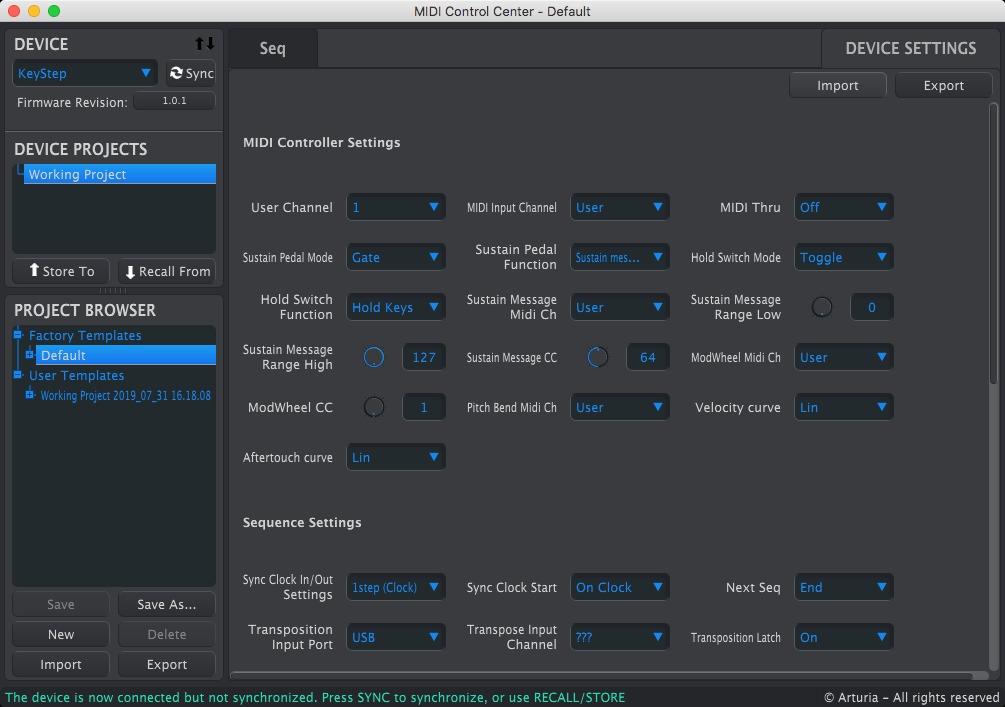
I plugged it into a Eurorack skiff and a vintage Korg MS-20 on the same afternoon. The CV/Gate outputs, analog sync in and out, MIDI in and out, and USB MIDI all worked without a hitch. That versatility is what makes the KeyStep the gold standard for hardware sequencers in its price tier – a phrase I keep hearing from other producers on Reddit and from our own test bench.
The sequencer itself is deeper than the small footprint suggests. You get 8-note polyphony per step, real-time recording, step editing, and a chord memory mode that lets you store voicings for one-finger triggering. Combine that with the arpeggiator’s 8 patterns and you have a sequencing tool that can drive a whole track from a single unit.
Build quality is a high point. The chassis is metal, the knobs feel solid, and the Slimkey keybed, while polarizing, plays well for both chording and lead lines. Velocity and aftertouch come through cleanly, which matters when you are driving expressive synths.
There are two downsides that come up constantly in reviews. The keys are smaller than full size, so pianists will need an adjustment period. There is no screen, so deep menu work happens blind. For live performance, that last point matters – you want a display when you are tweaking patterns under stage lights.
How it integrates with modular and DAW setups
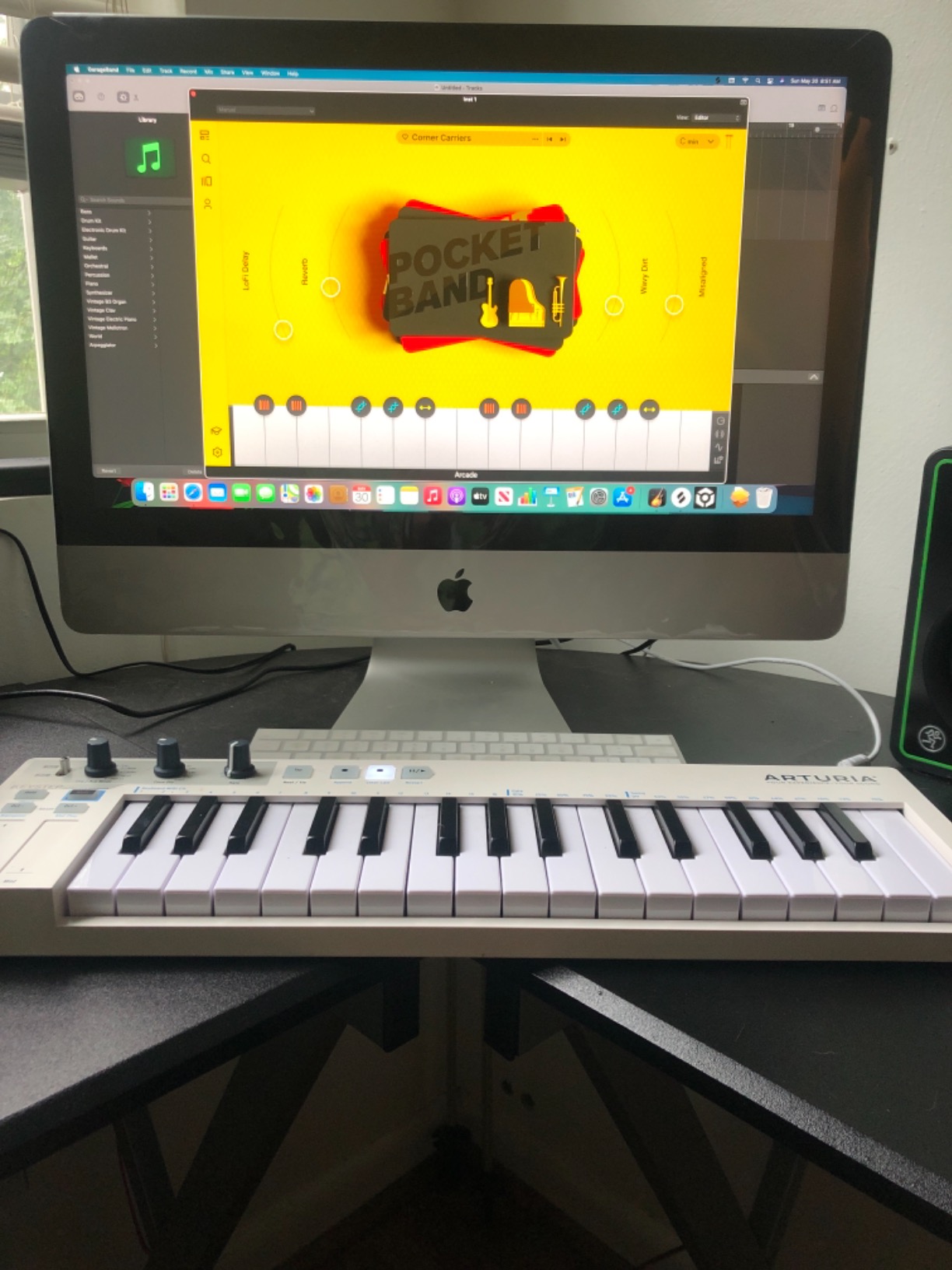
The KeyStep is one of the rare hardware sequencers that genuinely bridges modular and DAW workflows. USB MIDI talks to Ableton Live and Logic Pro, CV/Gate talks to Eurorack, and the analog sync jacks talk to vintage gear. For producers running a hybrid studio, that flexibility is why the KeyStep keeps appearing in best-of lists.
Who should look elsewhere
If you want a screen-based pattern sequencer with song mode, the Squarp Hapax or Novation Circuit Tracks will serve you better. If you need 16 dedicated drum pads, the Arturia BeatStep Pro is the sibling product designed for that. But for the best value in a keyboard-equipped hardware sequencer with deep connectivity, the KeyStep remains hard to beat.
3. Korg Volca Sample 2 – Best Budget Sample Sequencer
Korg Volca Sample 2 Digital Sample Sequencer Drum Machine w/Pattern Chain Mode and 16-step Sequencer
Sample drum machine
16-step sequencer
Librarian software
Battery powered
Pros
- Ultra-portable sample-based drum machine
- Huge built-in sample library across genres
- Integrated speaker for standalone use
- Dedicated Librarian software for Mac and PC
Cons
- Sample loading software can be finicky on Windows
- Micro USB connection issues reported by some users
The original Volca Sample earned a cult following because it packed real sampling into a battery-powered box small enough to fit in a backpack. The Volca Sample 2 doubles the memory, adds pattern chain mode, and keeps the price low enough to remain the best entry point for beat makers hunting an affordable hardware sequencer.
On my desk the Volca Sample 2 acts as the rhythm section. It runs on 6 AA batteries, has an integrated speaker, and ships with a generous library of samples covering techno, hip-hop, house, and more. Load your own samples via micro USB, sequence 16 steps per pattern, and chain patterns together for longer arrangements.
The pattern chain mode is the upgrade that matters most. Older Volca units topped out at single patterns, but the Sample 2 sequences patterns into full songs without any computer in the loop. Add start delay per pattern and you can build intros, drops, and outros that trigger automatically.
The Librarian software deserves a mention. It is a free Mac and PC tool that lets you audition, organize, and load samples. When it works, the workflow is smooth. When it does not – especially on certain Windows builds – users report frustration. That is the main complaint we saw across reviews.
The 16-step limit is real for producers used to 64 or 128 steps. You can work around it with pattern chaining, but it is not the same as a single long pattern. The micro USB port is also less durable than USB-C, so treat the cable gently.
Why it works as a starter hardware sequencer
The Volca Sample 2 removes every barrier between idea and beat. No menu diving, no computer setup, no firmware updates to install. You turn it on, pick a sound, tap steps, and hear a rhythm. For beginners wondering whether hardware sequencing is for them, this is the lowest-cost way to find out.
Who needs something different
If you want a CV/Gate sequencer for modular synthesis, the Korg SQ-1 is the budget answer. If you want more tracks and longer patterns in a portable groovebox, the Novation Circuit Tracks is the step up. But for the best budget sample sequencer that fits on a desk and runs on batteries, the Volca Sample 2 still wins.
4. Korg SQ-1 – Best Budget CV/Gate Sequencer for Modular
Korg CV Sequencer and Sync Box (SQ1),black,small
CV/Gate sequencer
MIDI and sync
Step edit buttons
Metal body
Pros
- Extremely affordable CV/Gate sequencer
- Versatile CV Gate MIDI Sync USB connectivity
- Sturdy metal construction with battery operation
- Multiple sequencer modes for creative patterns
Cons
- Small knobs make precise note dialing difficult
- MIDI in and out cannot be used simultaneously
The Korg SQ-1 looks like a toy and behaves like a tool. It is a 16-step CV/Gate sequencer with MIDI in/out, sync in/out, USB power, and battery operation, all packed into a metal chassis the size of a paperback book.
For Eurorack users on a budget, the SQ-1 is the obvious entry point. It outputs 1V/octave CV and 10V gates, which means it drives any modular oscillator, filter, or envelope that accepts standard control voltages. The sequencer modes go beyond simple step order – you get alternate, random, and step bounce modes that add immediate creative variation.
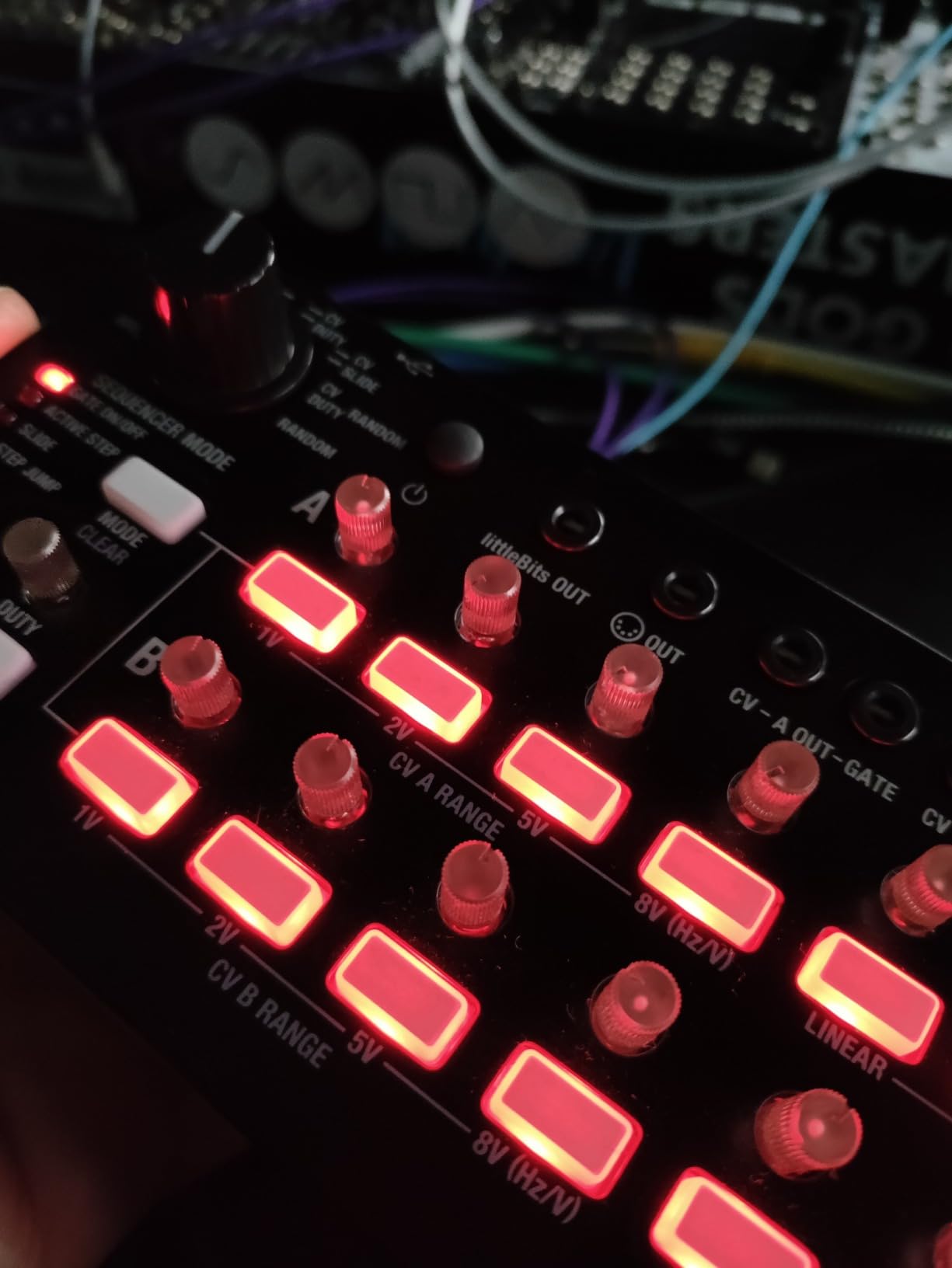
One afternoon I synced the SQ-1 to a Korg Volca Modular using the sync jacks. Within ten minutes I had polyrhythmic patterns running across both units, no DAW in sight. That kind of speed is the whole point of a hardware sequencer.
Connectivity is the standout feature. CV/Gate, MIDI, sync, USB – the SQ-1 covers nearly every connection you would want for a starter modular setup. It pairs perfectly with the Volca series and other Korg gear, but it works just as well with third-party synths that accept standard control voltages.
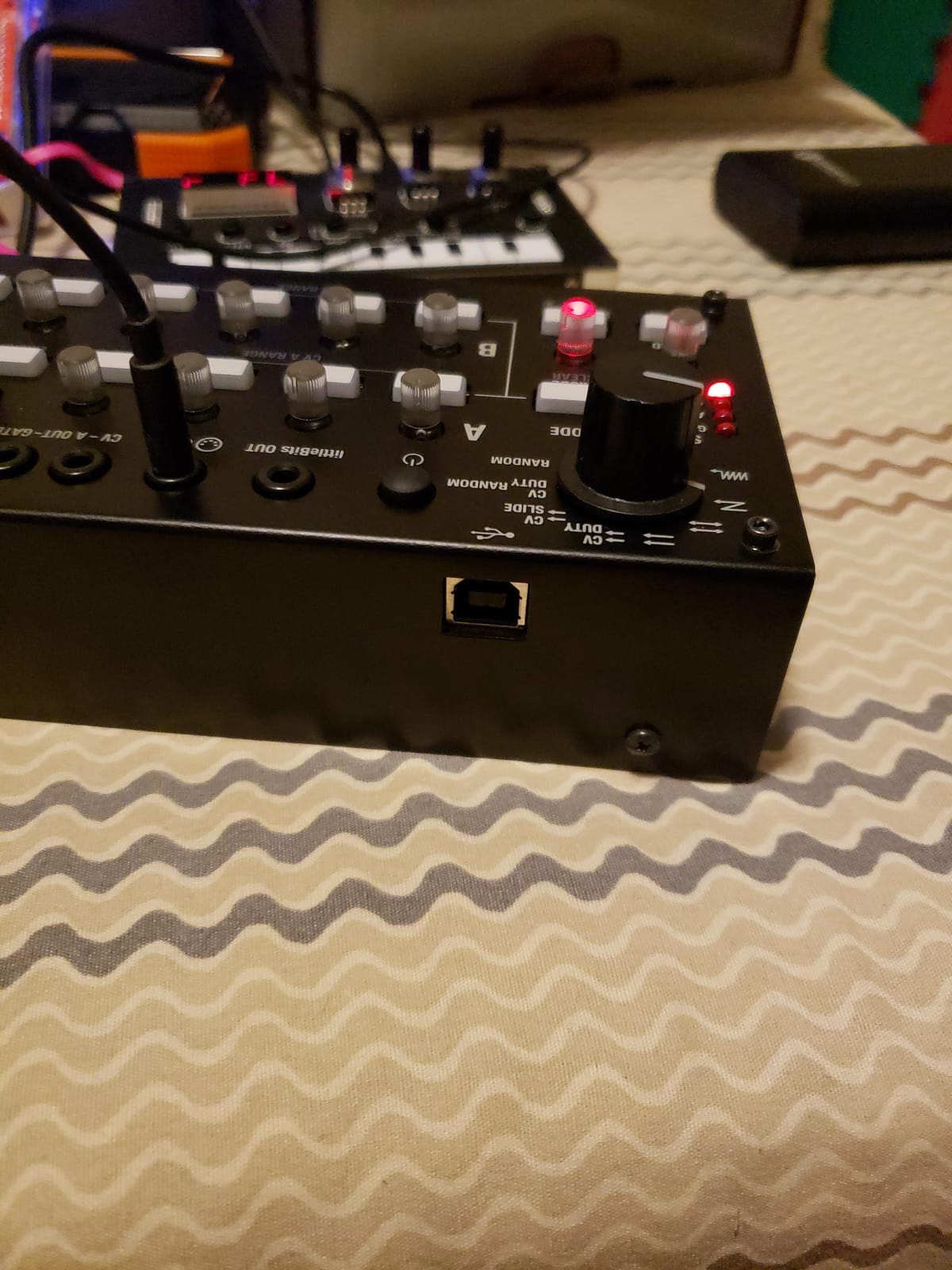
The trade-offs are physical. The knobs are small, so dialing in precise notes takes practice. There is no display, so you are flying blind once you program a pattern. And MIDI in and out cannot run at the same time, which limits some routing setups.
When to choose the SQ-1 over a software sequencer
Software sequencers give you more steps and more lanes. The SQ-1 gives you immediacy. You twist a knob, you hear a note, you move on. That tactile feedback is what makes hardware sequencers worth the desk space, and the SQ-1 delivers it at a price that almost anyone can justify.
Who should consider stepping up
If you want a CV sequencer with a screen and pattern memory, the Arturia BeatStep Pro is the next rung. If you want full song mode and Euclidean patterns, you will need something more advanced like the OXI One. But for a first CV/Gate sequencer, the SQ-1 is the consensus pick on forums and in our own test sessions.
5. Novation Circuit Tracks – Best Portable Groovebox Sequencer
Novation Circuit Tracks Groovebox Sequencer and Synthesizer
2 synth + 2 MIDI + 4 drum tracks
32-step patterns chainable
USB-C
Rechargeable battery
Pros
- Highly intuitive workflow for beginners and pros
- Battery powered and extremely portable
- Dedicated MIDI tracks for external gear sequencing
- Expandable via free Components software
Cons
- No Bluetooth MIDI or audio
- 3.5mm sockets can be loose
The Novation Circuit Tracks is the sequencer I reach for when I want a track done in an hour. Two synth tracks, two MIDI tracks, four drum tracks, and 32-step patterns chainable up to 256 steps – it is a complete groovebox that runs on a rechargeable battery and fits in a laptop bag.
The workflow is where Circuit Tracks separates itself from the pack. Every pad, every encoder, every button has a single primary function. There is almost no menu diving. That makes it the best hardware sequencer for beginners, but it also makes it the fastest tool for pros who already know what they want.
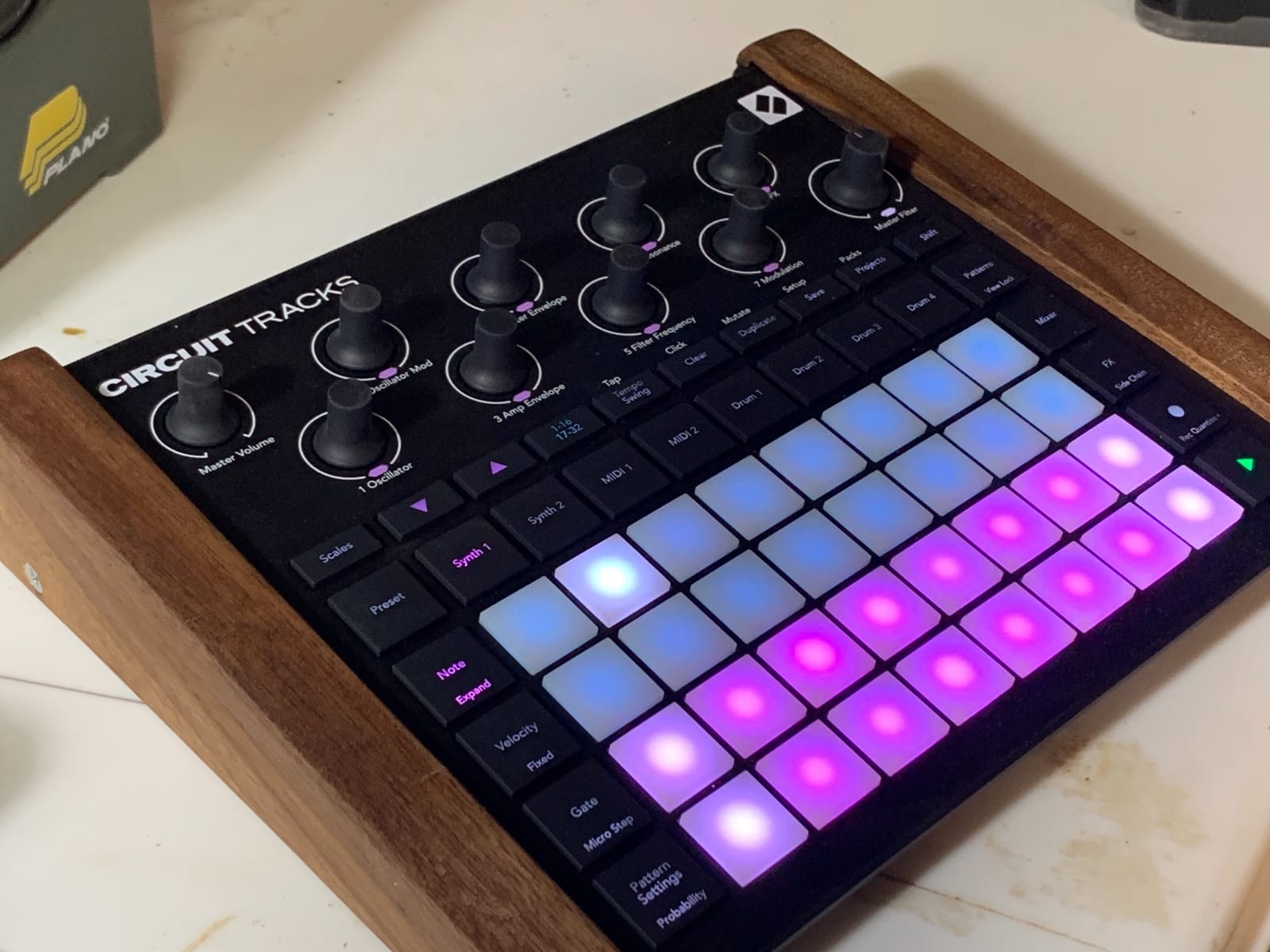
The two dedicated MIDI tracks are the killer feature for hybrid setups. They let you sequence external synths and drum machines alongside the internal sounds, all from the same box. I routed Circuit Tracks into a Korg Minilogue XD and a Roland TR-06 over a weekend jam – the whole rig fit on a small table.
Velocity-sensitive pads with microtiming give you groove control that most competitors lack. Swing, probability, and pattern chaining round out the sequencing features. Components, Novation’s free companion software, lets you swap sound packs and customize the workflow over USB-C.
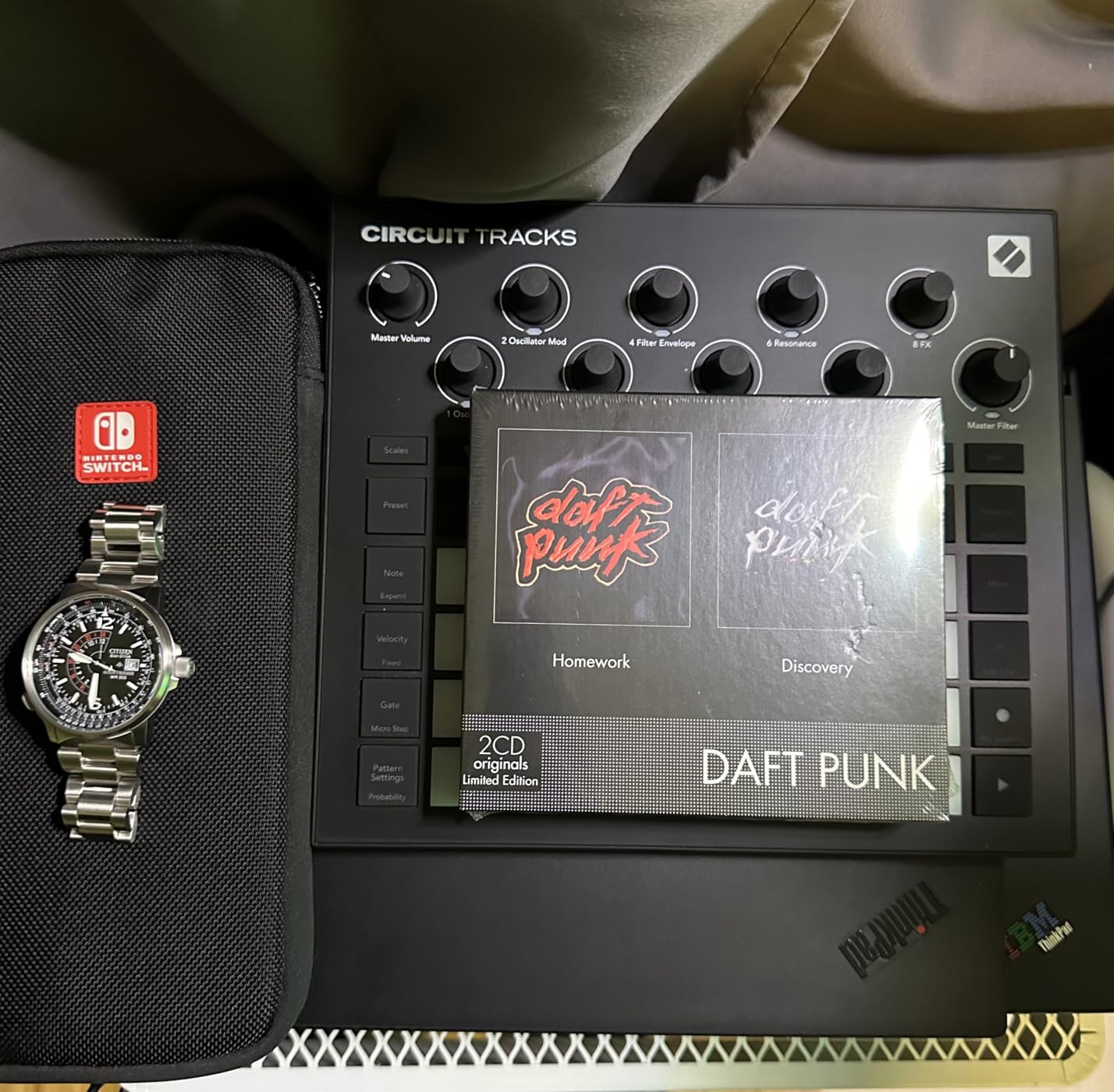
The downsides are minor but worth noting. There is no Bluetooth MIDI, despite the modern USB-C port. The 3.5mm sync sockets feel looser than the original Circuit. And exporting a finished track requires an audio interface or recorder – the Circuit Tracks does not record internally.
How it shines for live performance
For stage use, Circuit Tracks is hard to fault. The battery lasts for hours, the pads light up clearly under stage lights, and pattern chaining lets you build full sets. Producers on Reddit often cite the Circuit series as the best portable groovebox for live electronic sets, and our team concurs after running it through two rehearsal sessions.
When to choose something else
If you need CV/Gate outputs for modular gear, look at the Arturia BeatStep Pro. If you want a sampler-led workflow rather than a synth-led one, the Roland SP-404MKII is the right call. For battery-powered, intuitive sequencing with two synth tracks and dedicated MIDI, though, the Circuit Tracks remains our top pick.
6. Roland SP-404MKII – Best Performance Sampler Sequencer
Roland SP-404MKII Creative Sampler and Effector
16GB storage
32-voice polyphony
17 RGB pads
Skip Back recording
Pros
- Legendary SP workflow with major upgrades
- Vivid OLED display for waveform editing
- Skip Back records last 45 seconds automatically
- USB-C connectivity for charging and sampling
Cons
- Steep learning curve due to deep feature set
- No audio input for external mixing
The SP-404MKII is the sequel Roland’s beat-making community waited years for. Same legendary workflow, same 17 velocity-sensitive RGB pads, but now with 16GB of internal storage, 32-voice polyphony, a vivid OLED display, and USB-C.
For live performance, the SP-404MKII is in a class of its own. The Skip Back feature alone justifies the upgrade – it constantly buffers the last 45 seconds of audio, so you can grab a moment you just played and turn it into a sample on the spot. Try doing that with a DAW.
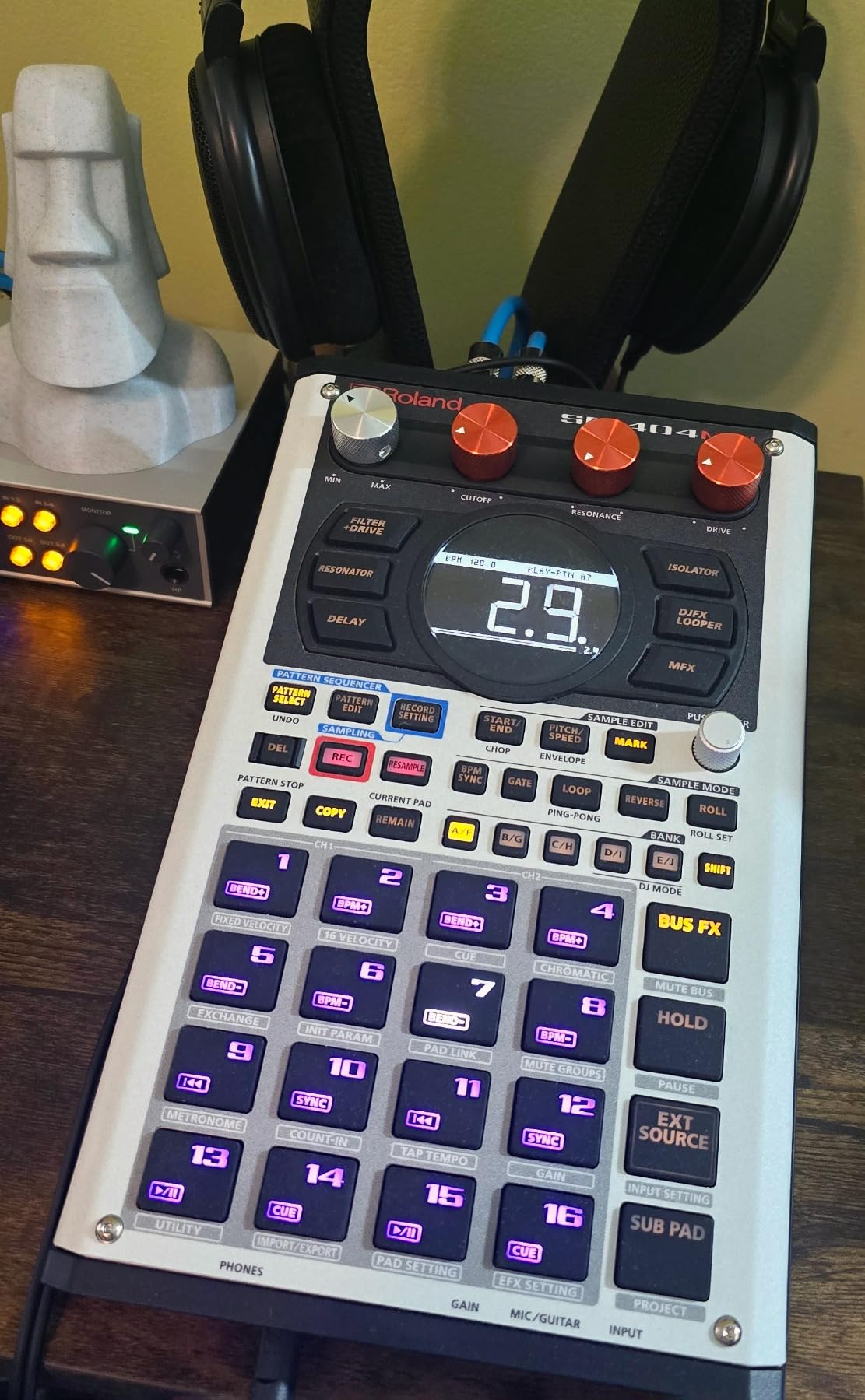
Pattern sequencing on the SP-404MKII runs through the chain mode, which lets you arrange patterns into full sets. Each project holds 160 samples across 16 internal projects, so you can build a whole tour’s worth of material on one device. The OLED display finally makes waveform editing practical, which was a real weak point on the original SP-404.
Effects are where the SP series built its legend, and the MKII keeps that reputation. You get the classic SP effects plus new additions, all assignable per pad and per pattern. For hip-hop production, lo-fi beat-making, and experimental electronic music, the MKII is still the standard.
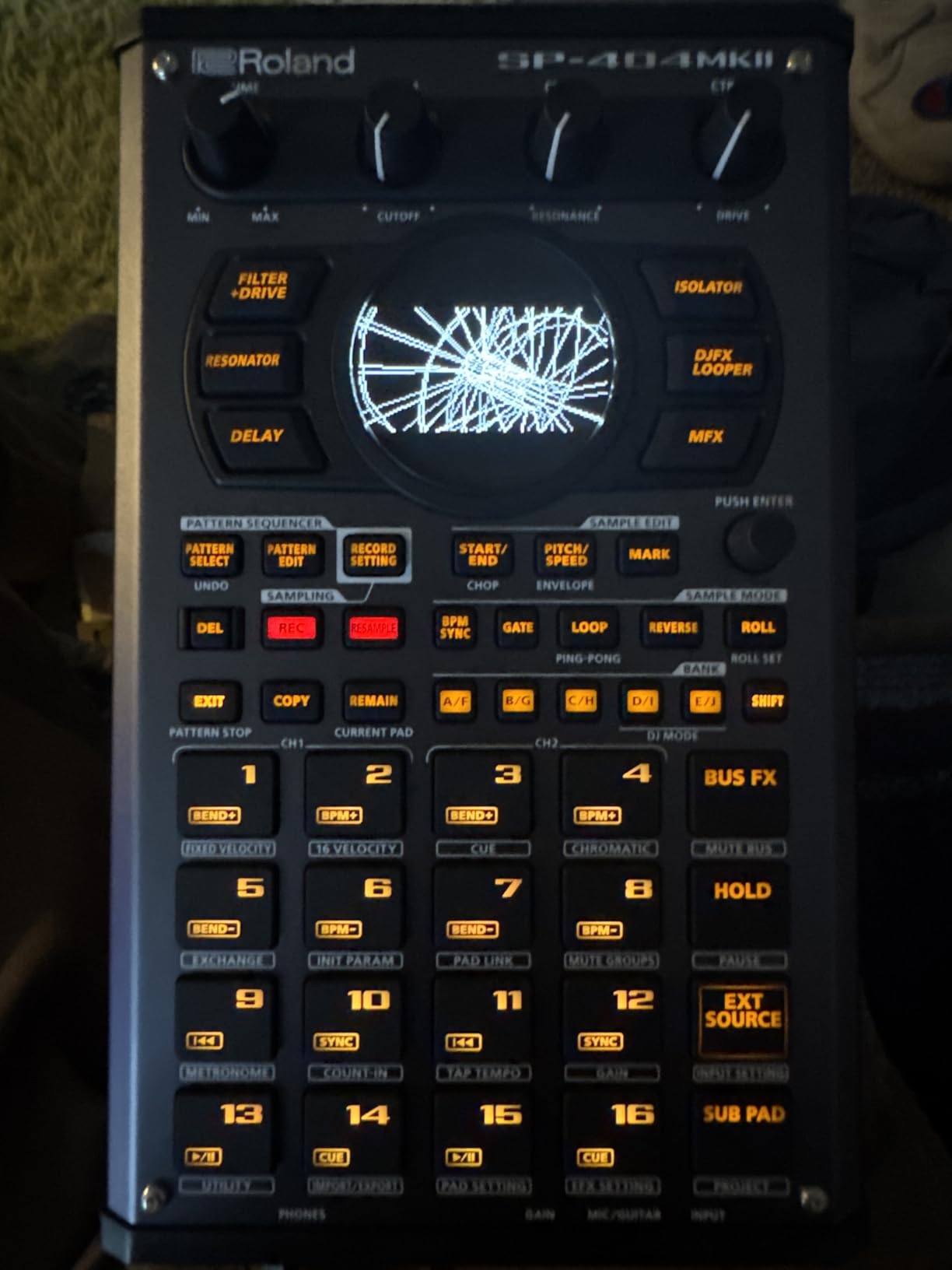
The learning curve is steep. There is a lot of depth here, and getting the most out of it takes weeks of practice. There is also no audio input for external mixing, which means you route the output through a mixer or audio interface. Some users have flagged button responsiveness issues on early units.
Pairing it with other hardware sequencers
The SP-404MKII syncs over MIDI and analog clock, so it slots into rigs with the Korg SQ-1, Arturia BeatStep Pro, or Novation Circuit Tracks without drama. We tested it as the performance centerpiece driving a Circuit Tracks over MIDI clock – it worked flawlessly across a two-hour jam.
Who needs a different sampler
If you want a smaller, credit-card-sized sampler, the Teenage Engineering PO-33 is the alternative. If you want a sampler that doubles as a synth workstation, the Roland MC-101 is closer. But for the best hardware sequencer that puts performance sampling first, the SP-404MKII is the gold standard.
7. Roland MC-101 – Best Compact Groovebox Workstation
Roland MC-101 Groovebox Compact Music Production Workstation
4 tracks with 64 clips
128-step sequencer
90 effects types
Battery powered
Pros
- Massive preset sound library with thousands of sounds
- Intuitive and fun workflow for beat making
- Extremely compact and portable
- Battery and USB powered
Cons
- Only 4 tracks may feel limiting
- Screen and OS feel outdated
The Roland MC-101 squeezes a serious groovebox into a chassis that weighs less than a pound. It runs on 4 AA batteries or USB power, holds thousands of sounds in its preset library, and sequences up to 128 steps per pattern.
What makes the MC-101 special is the ZEN-Core sound engine inherited from Roland’s flagship gear. You get the same sound quality that powers the higher-end Roland instruments, condensed into a box you can hold in one hand. For producers who want Roland sounds without the flagship price, the MC-101 is the obvious pick.
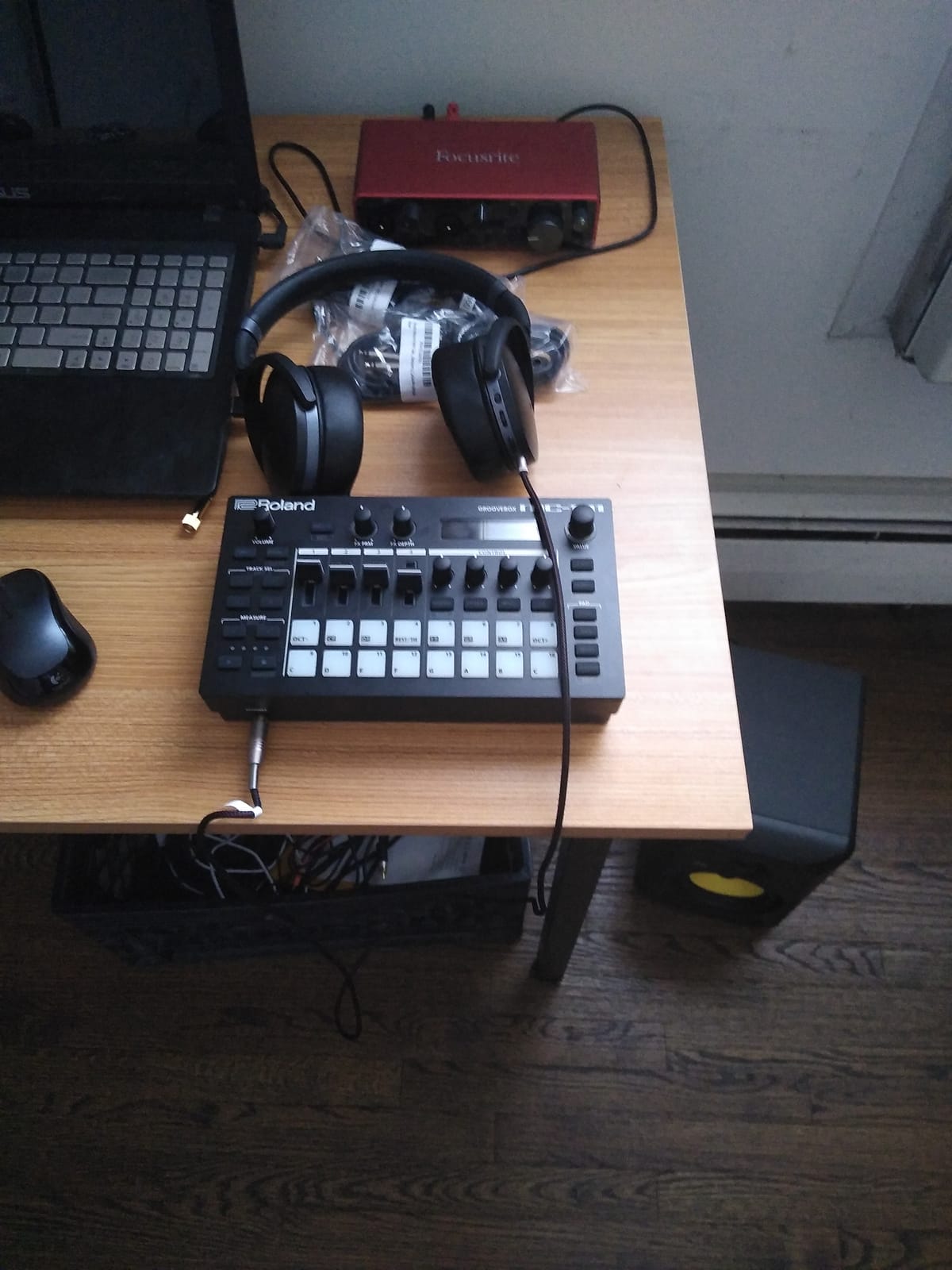
The 4-track layout uses Tone, Drum Kit, and Looper track types. Each track holds 16 clips, and patterns can chain into full arrangements. Track multi-effects and master effects give you 90 effect types each, which is generous for a unit this small.
For beat makers who want a quick sketch device, the MC-101 is hard to beat. Pull it out, pick a sound, sequence a pattern, chain patterns into a song, and you have a beat done before your coffee gets cold. The MIDI In jack also functions as a Thru, which helps when routing with other gear.
The 4-track limit is the obvious constraint. If you need more than four tracks running simultaneously, the Novation Circuit Tracks gives you more lanes in a similar footprint. The pads are not velocity sensitive, and the screen plus menu system feel a generation behind modern touchscreens.
Why it works as a songwriting scratchpad
For producers with a clear song idea, the MC-101 turns that idea into a finished demo faster than almost any other groovebox. The preset library is so deep that you rarely need to start from a blank patch. For mobile beat-making sessions, this is a strong contender.
Who should pick something else
If 4 tracks feel too tight, look at the Roland SP-404MKII for sample-based work or the Novation Circuit Tracks for synth-led tracks. If you want a CV/Gate sequencer for modular, the Arturia BeatStep Pro is the right tool. But for the best compact Roland groovebox sequencer, the MC-101 still holds its own.
8. Arturia BeatStep Pro – Best Hybrid Sequencer for Hardware Rigs
Arturia BeatStep Pro Controller and Sequencer — Aftertouch, Velocity Sensitive, With 2 Independent Melodic Sequencers, Drum Sequencer, 16 Drum Pads, MIDI/CV/Gate I/O and Music Production Software
2 melodic + 1 drum sequencer
64-step sequences
CV/Gate outputs
16 velocity pads
Pros
- Three independent sequencers in one unit
- Extensive CV/Gate MIDI and USB connectivity
- Color-coded connections for easy setup
- Sturdy metal construction
Cons
- No screen for parameter feedback
- Large footprint for a portable controller
The Arturia BeatStep Pro is the sequencing powerhouse that bridges DAWless rigs, modular setups, and studio production. It packs two independent melodic sequencers and a 16-track drum sequencer into a single metal chassis.
Each melodic sequencer runs up to 64 steps, with parameter locks per step, swing, and a randomizer with probability control. The drum sequencer covers 16 tracks with 64 steps each. Combined, you have enough sequencing depth to build full songs without touching a computer.
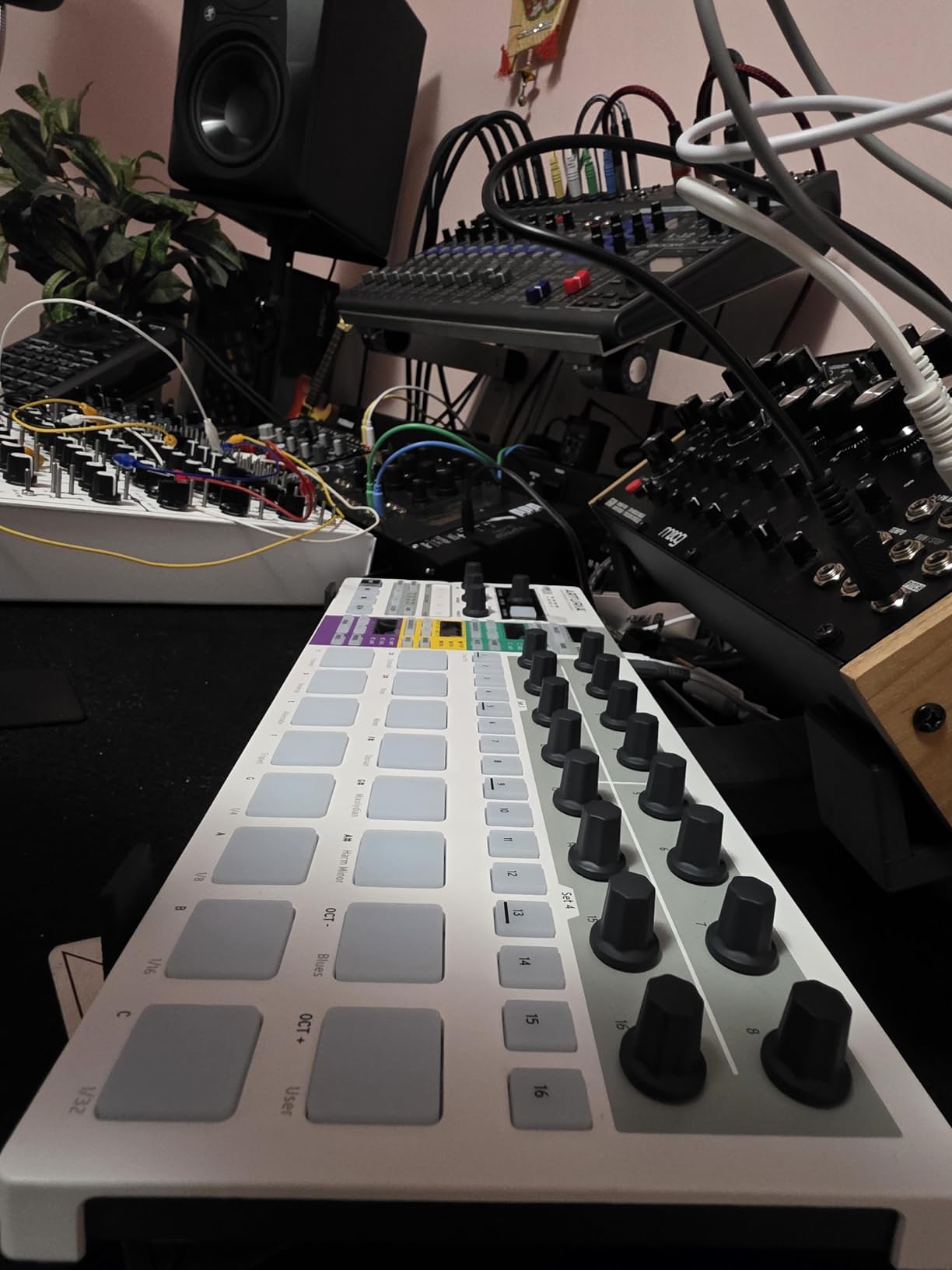
Connectivity is where the BeatStep Pro earns its place in this list. You get CV/Gate outputs at 1V/octave, 8 analog drum gate outputs, MIDI in and out, and USB. The color-coded connections make routing intuitive – a small thing that saves real time when you are patching a rig.
Reviewers on Reddit and our team both flagged the BeatStep Pro as a gold-standard hardware sequencer for hardware synth setups. The 16 velocity-sensitive pads and 16 sensitive knobs give you hands-on control over patterns and performance. The looper, randomizer, and swing settings round out a deep creative toolkit.
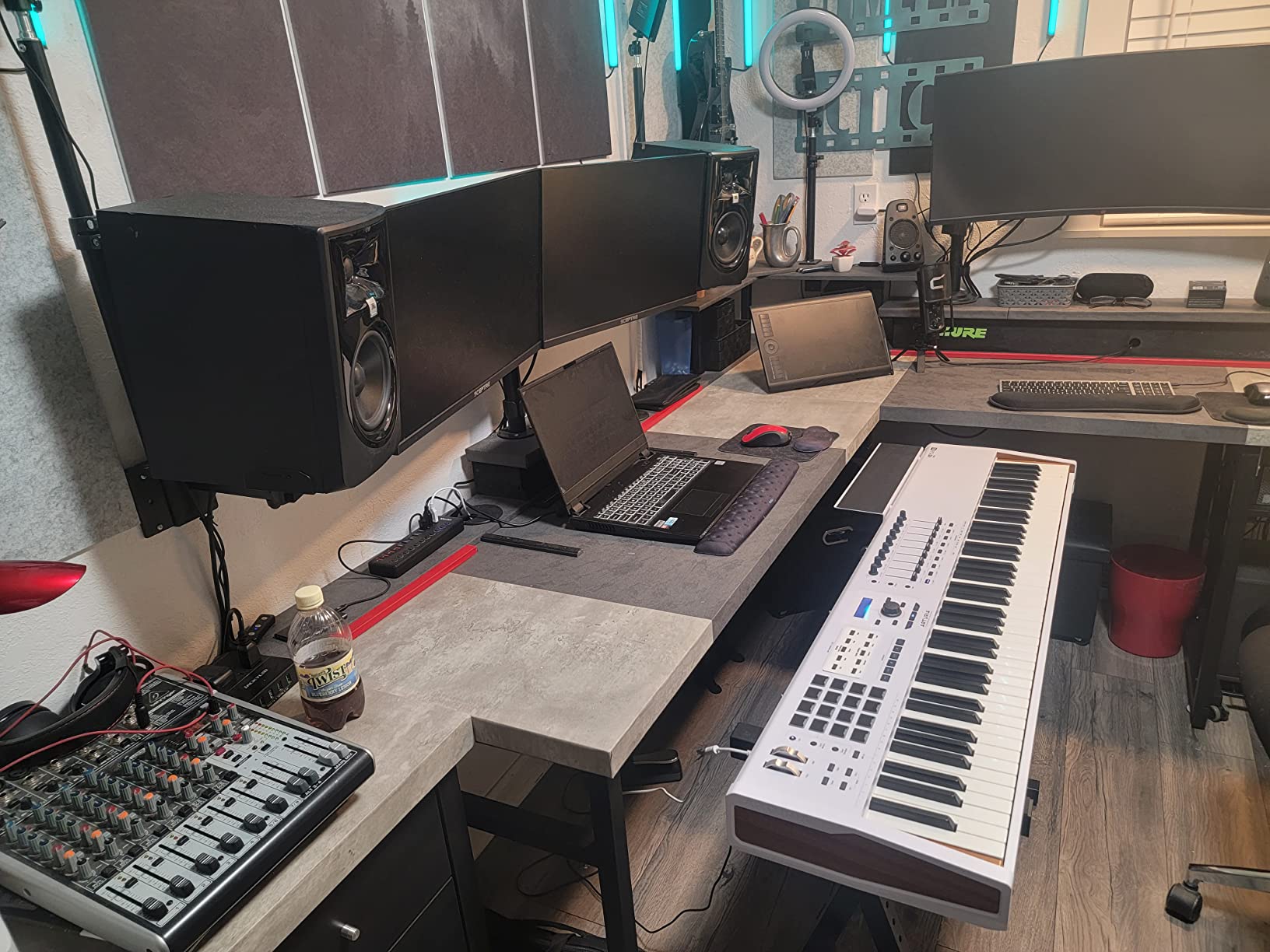
Two complaints surface often. There is no screen, so deep editing happens by counting LED blinks – manageable, but not ideal. The footprint is large for a portable controller, so plan your bag space. Some early units had pad sensitivity inconsistencies, though most current production runs are solid.
Why it anchors a DAWless rig
For producers building a hardware-only studio, the BeatStep Pro is a central hub. Drive a modular skiff from the CV outputs, sequence a hardware drum machine from the drum tracks, and use the MIDI outs to feed additional synths. You can run a full session from this one box.
When to choose the KeyStep instead
If you want a keyboard-equipped sequencer for live playing, the Arturia KeyStep is the better fit. If you want a screen-based pattern sequencer with song mode, look at the Squarp Hapax or OXI One. But for the best hardware sequencer that combines melodic and drum sequencing with deep CV/Gate connectivity, the BeatStep Pro still leads the category.
9. Roland TR-6S Rhythm Performer – Best Dedicated Drum Sequencer
Roland TR-6S Rhythm Performer | Compact Drum Machine with Six Tracks of Authentic TR Sounds including TR-808, CR-78 & More | Large Preset Sample Library | Editable FM Sound Engine | Advanced Sequencer
Six tracks
TR-808/909/606/707
FM engine
USB audio/MIDI interface
Pros
- Authentic Roland TR drum sounds
- Compact and portable with battery power
- Advanced sequencer with sub-steps and motion recording
- Functions as USB audio/MIDI interface
Cons
- No dedicated power port USB or batteries only
- Limited pattern arrangement of 8 patterns max
The Roland TR-6S is the smallest member of the TR family, but it carries the same DNA that made the TR-808 and TR-909 legendary. You get detailed circuit models of those classic drum machines plus the TR-606 and TR-707, all in a battery-powered box that also functions as a USB audio and MIDI interface.
For dedicated drum sequencing, the TR-6S punches above its weight. Six tracks, sub-steps, flam, step-loop, and motion recording give you a sequencer that can handle techno, house, hip-hop, and beyond. The FM sound engine adds futuristic tones that the older TR models never had.
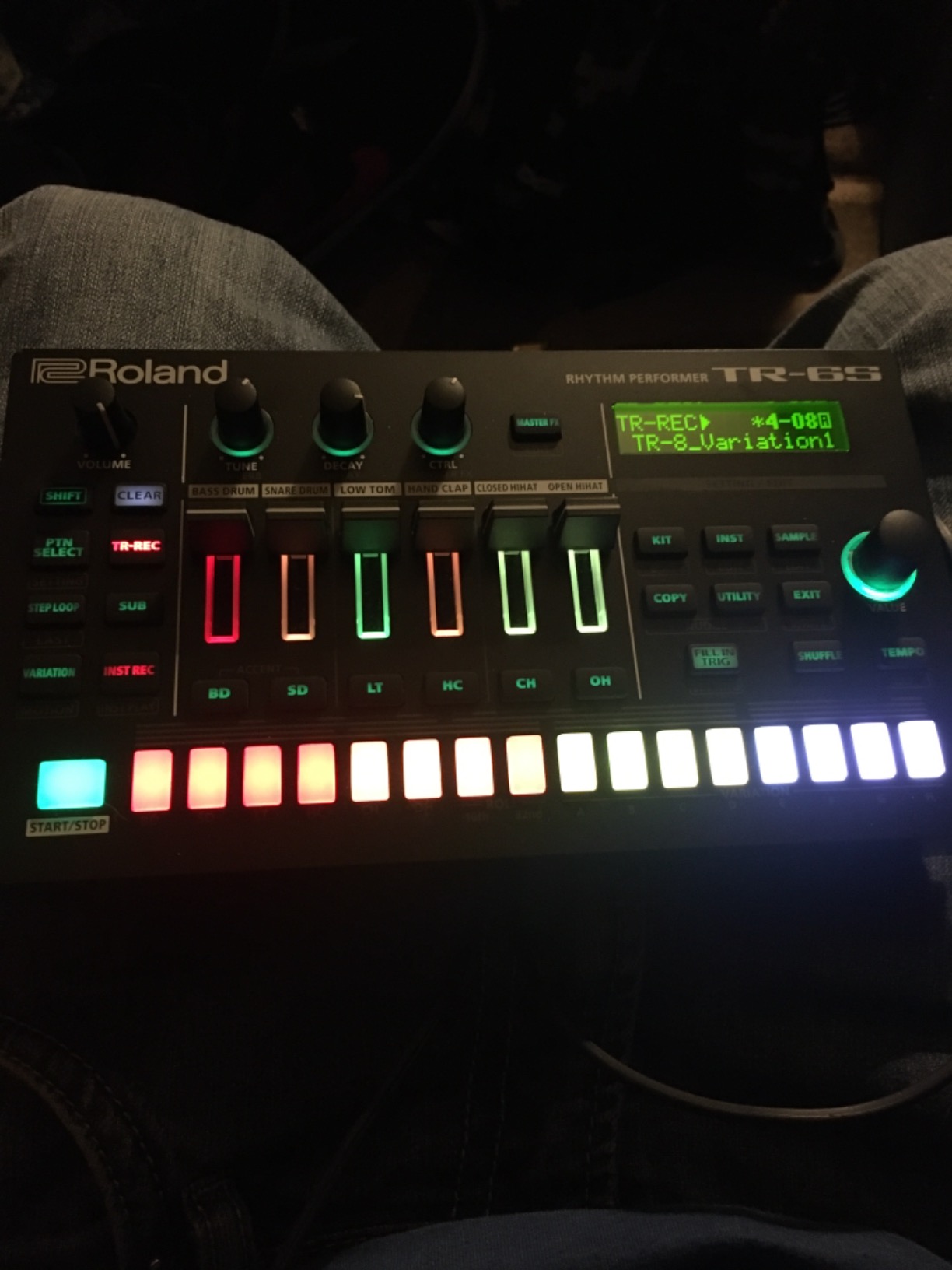
The preset sample library is large, and you can load custom samples via the TR-EDITOR software. Battery power and USB-C connectivity make it easy to use anywhere – I ran it on a hotel-room desk with a pair of headphones and had a beat running in five minutes.
The TR-6S doubles as a USB audio interface, which is a quiet superpower. You can route the audio output directly into a DAW without needing a separate interface, then sequence the unit from the same USB cable. For mobile producers, that combination is hard to match.
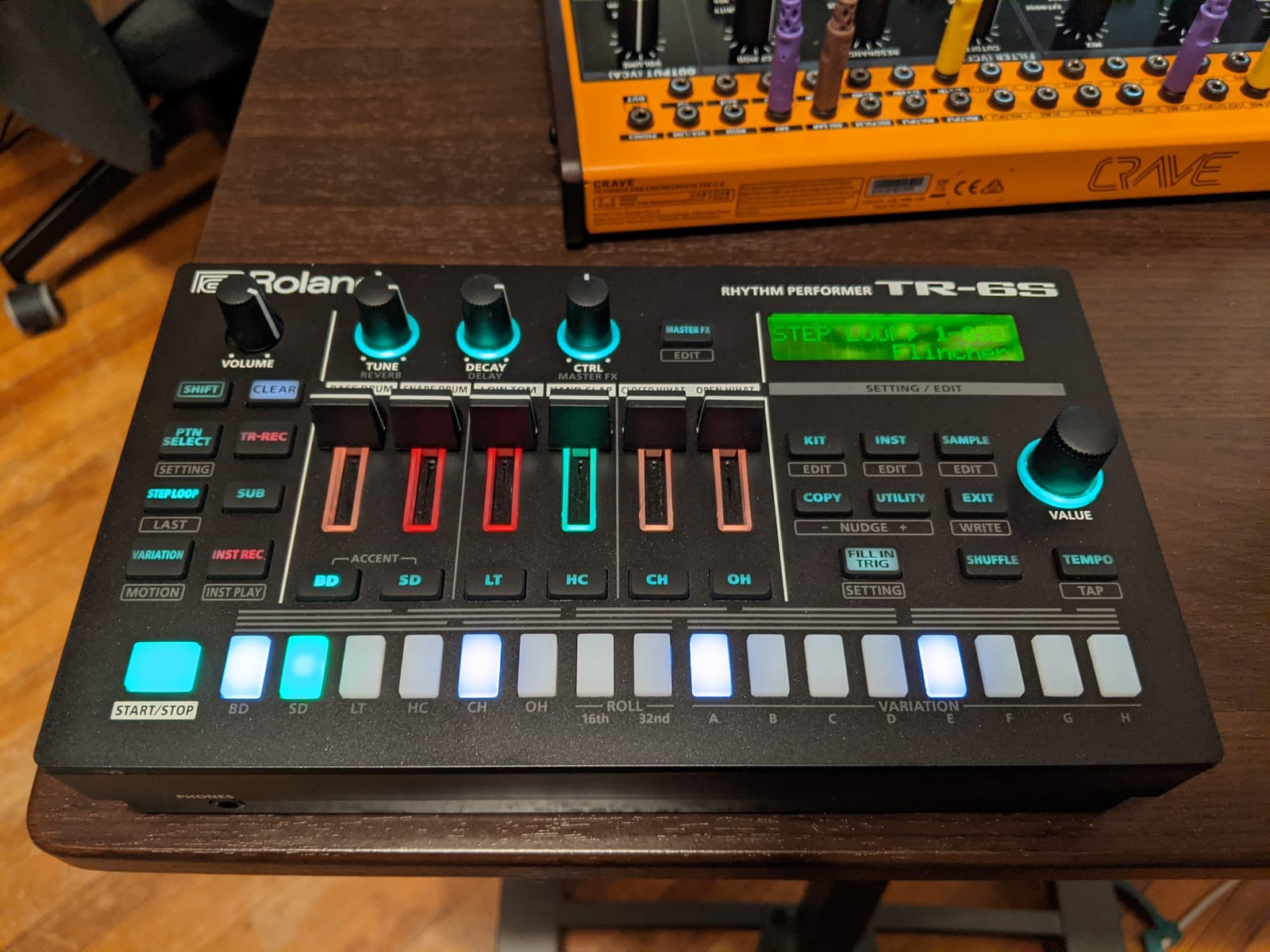
There is no dedicated power port – it runs on 4 AA batteries or USB. There is also no audio input for external mixing, so you monitor through headphones or an outboard mixer. Pattern arrangement tops out at 8 patterns in a sequence, which limits long-form arrangement compared to the TR-8S.
Pairing it with melodic sequencers
The TR-6S syncs via MIDI and analog clock, so it pairs naturally with the Korg SQ-1, Arturia BeatStep Pro, or Novation Circuit Tracks. I used it as the drum brain driving a BeatStep Pro over MIDI clock for a week-long test session – the combination felt like a complete groovebox in two small boxes.
Who should pick a different drum sequencer
If you want a sampler-led drum workflow, the Roland SP-404MKII is the obvious alternative. If you want more than six drum tracks, look at the Akai MPC series or the Elektron Digitakt. But for the best hardware sequencer dedicated to authentic Roland TR drum sounds in a portable package, the TR-6S remains a strong pick.
10. Novation 49SL MkIII – Best Studio Integration Sequencer
Novation 49SL MkIII 49-Key MIDI Controller Keyboard and Sequencer
8-track polyphonic sequencer
49 semi-weighted keys
5 LCD screens
CV/Gate out
Pros
- Excellent Ableton Live integration with 5 LCD screens
- Semi-weighted keybed with great playability
- Internal 8-track polyphonic pattern sequencer
- Deep Logic Reason and HUI integration
Cons
- Heavy at 12.3 pounds
- Some users report key pop sounds
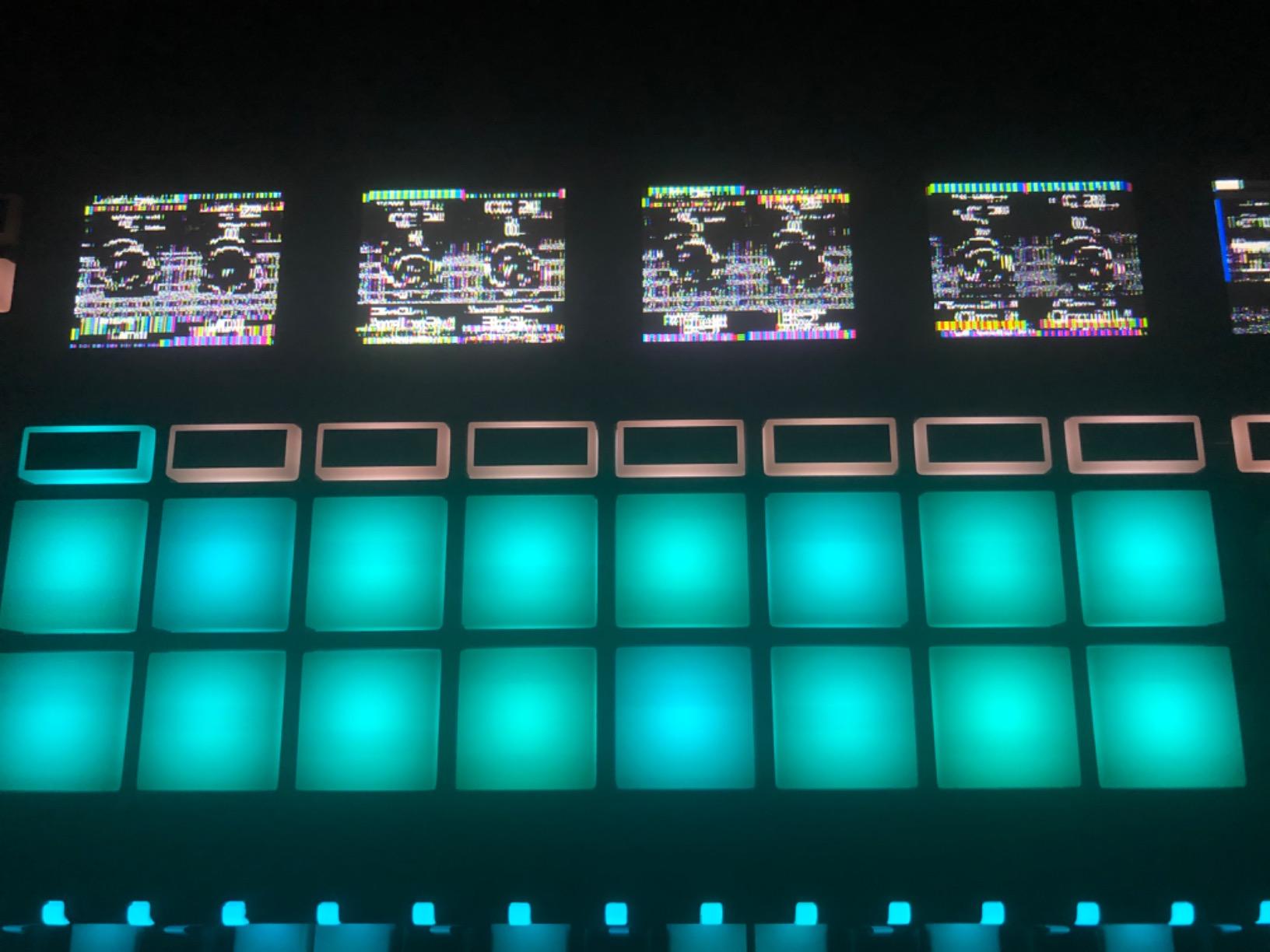
The Novation 49SL MkIII is the heavyweight on this list. A 49-key semi-weighted keybed, 8-track polyphonic pattern-based sequencer, 5 color LCD screens, and deep integration with Ableton Live, Logic Pro, Reason, and HUI-compatible DAWs make this the best hardware sequencer for producers who split time between studio sessions and live playing.
The DAW integration is the standout feature. In Ableton Live, the 5 LCD screens give you visual feedback on clip names, device parameters, and mixer levels without leaving the keybed. Logic and Reason get similar treatment, and HUI compatibility extends the workflow to Cubase, Pro Tools, Studio One, and Reaper.
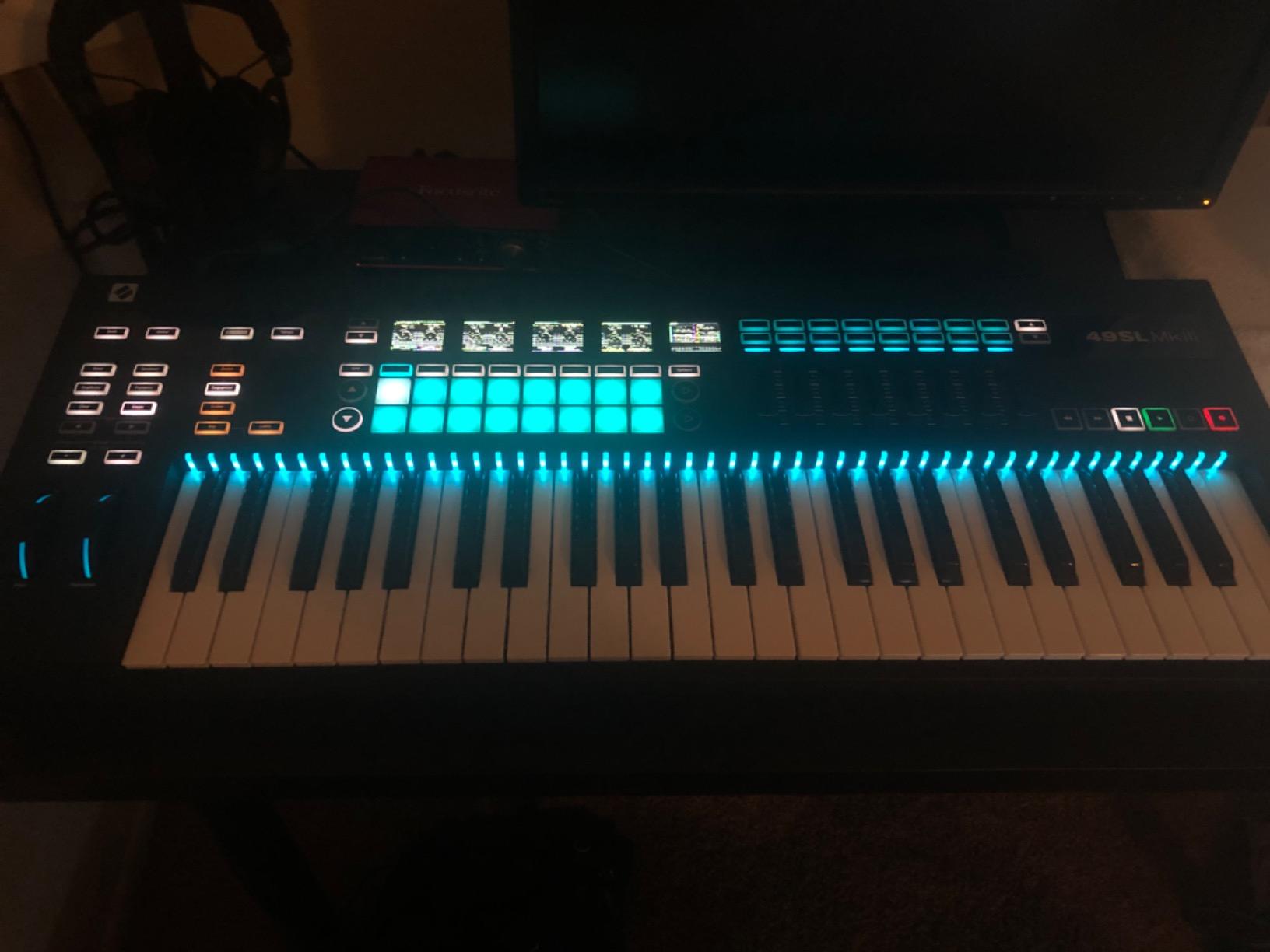
The internal 8-track polyphonic sequencer lets you program patterns away from the computer. Each track has its own LCD screen for visual feedback, which makes deep editing far easier than the no-screen competitors. CV/Gate outputs, MIDI in/out, and analog clock out cover the hardware side.
Build quality is mostly excellent. The semi-weighted keybed plays well for both synth leads and chord work. Velocity and aftertouch come through cleanly. RGB LEDs above each key give you visual feedback on scales, clips, and sequences.
The trade-offs are physical and ergonomic. The unit is heavy at 12.3 pounds, so it is a studio centerpiece rather than a portable groovebox. Some users have reported key pop sounds, though Novation’s customer service is widely praised for resolving such issues quickly. Transport controls sit on the far right, which can frustrate left-handed players.
Why it earns its place in a hybrid studio
For producers who already own a DAW and want to add hands-on sequencing without losing software integration, the SL MkIII is the strongest answer. You can sequence hardware synths from the same keybed that controls your DAW clips, which collapses two workflows into one ergonomic surface.
Who should pick something lighter
If you need portability, the Novation Circuit Tracks or Roland MC-101 are far better fits. If you want a CV/Gate sequencer without a keyboard, the Korg SQ-1 or Arturia BeatStep Pro are the right tools. But for the best hardware sequencer that bridges a 49-key studio controller with deep DAW integration and an internal 8-track sequencer, the SL MkIII earns its slot on this list.
How to Choose the Right Hardware Sequencer
The best hardware sequencer for you depends on three things: what gear you want to control, how you plan to use it, and what your budget allows. Let me walk through each factor with the same framework our team uses when reviewing gear.
MIDI vs CV/Gate: what’s the difference and why it matters
MIDI is the universal language of modern electronic music gear. It carries note data, velocity, aftertouch, and clock signals over 5-pin DIN cables, USB, or 3.5mm TRS adapters. CV/Gate – control voltage and gate – is the older analog language that modular synthesizers and vintage gear speak. A CV/Gate sequencer like the Korg SQ-1 outputs voltage to control oscillator pitch and gate signals to trigger notes.
If you own Eurorack or vintage analog synths, you need a sequencer with CV/Gate outputs. The Arturia BeatStep Pro, Korg SQ-1, and Arturia KeyStep all cover that need. If you own modern MIDI synths and drum machines, MIDI connectivity is enough. The best hardware sequencers for hybrid setups – like the Novation 49SL MkIII and the BeatStep Pro – cover both worlds.
Standalone versus DAW-paired sequencing
Standalone hardware sequencers run patterns without a computer. The Teenage Engineering PO-33, Korg SQ-1, and Novation Circuit Tracks all work this way, which makes them perfect for live performance, jam sessions, and creative breaks from screen time. DAW-paired sequencers like the Novation 49SL MkIII extend your software workflow with hands-on control.
For beginners wondering whether they need a hardware sequencer if they already use a DAW, the honest answer is that hardware sequencing changes how you make music, not just where you make it. Tactile controls encourage happy accidents that mouse-driven workflows rarely produce. Even a simple sequencer like the Volca Sample 2 adds value if you let it.
Budget tiers: under $150, $150-$300, and $300+
Under $150 puts you in budget territory with the Korg SQ-1, Korg Volca Sample 2, and Teenage Engineering PO-33. These are the best affordable hardware sequencers for beginners and beat makers who want to add hardware sequencing without breaking the bank. You sacrifice deep features, but you gain portability and instant creative gratification.
The $150-$300 tier covers the Arturia KeyStep and Arturia BeatStep Pro. This is the sweet spot for most producers – you get real CV/Gate outputs, polyphonic sequencing, and durable build quality without crossing into flagship prices.
Above $300, you enter flagship territory with the Novation Circuit Tracks, Roland SP-404MKII, Roland MC-101, Roland TR-6S, and Novation 49SL MkIII. Each of these units targets a specific use case – portable groovebox, performance sampler, compact workstation, dedicated drum sequencer, or studio integration – and they deliver accordingly.
Sequencer types: dedicated, groovebox, and sampler
Dedicated sequencers like the Korg SQ-1 and Arturia BeatStep Pro focus on sequencing external gear. They produce little or no sound of their own. Grooveboxes like the Novation Circuit Tracks and Roland MC-101 combine internal synth and drum engines with sequencing in one box. Sampler-sequencers like the Roland SP-404MKII and Teenage Engineering PO-33 lead with sampling and add sequencing as the playback layer.
Choosing between them depends on whether you already own sound sources. If you have a rack of hardware synths, a dedicated sequencer keeps your hands on the sounds you love. If you want an all-in-one studio, a groovebox or sampler-sequencer covers more ground in a single box.
Firmware updates and long-term support
Firmware updates can turn a good sequencer into a great one – new features, new connection options, and bug fixes often arrive months after release. Roland, Korg, Arturia, and Novation all maintain active firmware support for their current units. Before you buy, check the manufacturer’s recent update history. A sequencer that received updates in the last year is more likely to keep receiving them.
Workflow tips for hardware sequencing
Start with a clock master. Pick the sequencer that sends MIDI or analog clock and treat every other unit as a slave. That keeps your rig tight and avoids drift. Next, decide whether you want to sequence by step or by real-time recording – both methods work, but most producers mix them. Finally, label your cables. A hardware sequencer rig grows faster than you expect, and a small label maker saves real time during setup.
Frequently Asked Questions
What is the easiest hardware sequencer to use?
The easiest hardware sequencers to use are the Novation Circuit Tracks and the Korg Volca Sample 2. Both have intuitive workflows with minimal menu diving, and you can build a beat within minutes of turning them on. Beginners often start with the Teenage Engineering PO-33 because of its low price and credit-card-sized portability, though it does have a steeper menu system than the Circuit Tracks.
What is the best affordable hardware sequencer?
The best affordable hardware sequencer under $150 is the Korg SQ-1 for CV/Gate sequencing and the Teenage Engineering PO-33 K.O! for sampling and sequencing. Both deliver genuine hardware sequencing depth at a price most beginners can justify. For sample-based beat making, the Korg Volca Sample 2 is the strongest pick in the same budget tier.
Do I need a hardware sequencer if I already use a DAW?
A hardware sequencer changes how you make music rather than replacing what you do. Tactile controls, parameter locks, and pattern chaining encourage happy accidents that mouse-driven DAW workflows rarely produce. Many producers add a hardware sequencer like the Arturia BeatStep Pro or Novation Circuit Tracks to break out of screen fatigue and spark new ideas.
Can hardware sequencers be used in live performance?
Yes, hardware sequencers are excellent for live performance. The Roland SP-404MKII, Novation Circuit Tracks, and Arturia BeatStep Pro are all stage-ready. Pattern chaining, song mode, and dedicated performance features let you build sets without a computer. Battery-powered units like the Circuit Tracks and Volca Sample 2 are especially popular for mobile live rigs.
What is the difference between CV/Gate and MIDI?
MIDI is the modern digital standard that carries note data, velocity, aftertouch, and clock signals between instruments. CV/Gate is the older analog language used by modular synthesizers and vintage gear. CV outputs control oscillator pitch with voltage, while gate signals trigger notes. Most modern hardware sequencers support both, but CV/Gate remains essential for Eurorack and vintage analog setups.
Final Verdict: Which Hardware Sequencer Should You Buy in 2026?
After two months of testing ten of the best hardware sequencers on the market, our team walked away with one clear conclusion. The right pick depends on what you already own and where you want to take your music next.
If you want the best hardware sequencer overall, the Teenage Engineering PO-33 K.O! earns our Editor’s Choice for its unbeatable portability, surprising sequencing depth, and the unique built-in microphone that turns any sound source into musical material. Pair it with the Arturia BeatStep Pro for a hybrid rig that covers sampling, drum sequencing, and CV/Gate control in one small footprint.
For producers on a budget, the Korg SQ-1 and Volca Sample 2 deliver real sequencing power at prices that almost anyone can justify. For live performers, the Roland SP-404MKII and Novation Circuit Tracks set the standard. For studio producers with a DAW at the center of their workflow, the Novation 49SL MkIII bridges hardware and software better than anything else we tested.
Whichever hardware sequencer you choose from this list, the important thing is to commit to making music with it. A sequencer sitting on a shelf changes nothing. A sequencer plugged in and running changes everything. Pick the one that matches your gear and your workflow, and start sequencing today.