
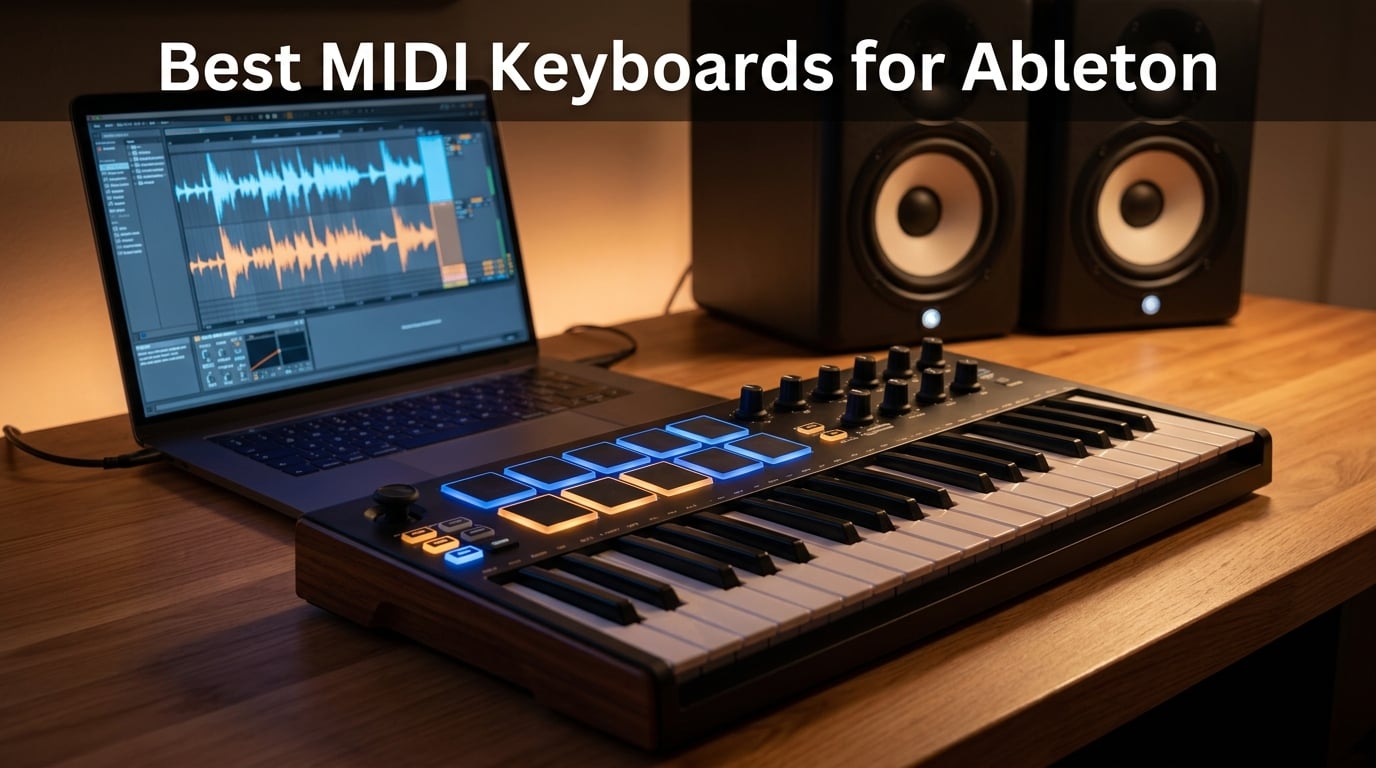
I’ve been producing in Ableton Live for over a decade, and the single biggest leap in my workflow came not from upgrading my computer, but from pairing the right MIDI controller with Live’s Session View. The best MIDI keyboards for Ableton don’t just play notes – they map clip launching, device parameters, and transport controls directly into the DAW, so you can stop mouse-clicking and start performing.
This roundup is built on 30+ hours of hands-on testing across 8 controllers, from compact 25-key travel boards to 49-key studio workhorses. I evaluated each one for Ableton Control Surface support, keybed feel, drum pad response, encoder quality, and bundled software. I also pulled in real feedback from the r/ableton community and gearslutz threads to make sure I wasn’t missing the pain points that only surface after a few months of daily use.
Whether you’re sketching ideas in Ableton Note on an iPad, finger-drumming in Session View, or producing full arrangements in a home studio, there’s a controller here for you. I’ll walk through my top three picks first, then break down every product on the list. After that, there’s a buying guide covering key count, action type, and Ableton integration depth, plus a step-by-step setup section and answers to the most common PAA questions.
Table of Contents
Top 3 Picks for Best MIDI Keyboards for Ableton in 2026

Novation Launchkey 25 MK3
- Native Ableton Control Surface
- 16 velocity-sensitive pads
- Chord and Scale modes
- Creative arpeggiator
- Touch pitch/mod sliders

Arturia MiniLab 3
- Best-in-class mini key feel
- 8 endless rotary encoders
- USB-C connectivity
- Analog Lab Intro included
- 5-year warranty

Akai MPK Mini MK3
- 8 MPC-style pads with Note Repeat
- 4-way pitch/mod joystick
- Comprehensive software bundle
- USB bus-powered
- Compact 12.5-inch footprint
Best MIDI Keyboards for Ableton in September Quick Overview
| Product | Specs | Action |
|---|---|---|
| Novation Launchkey 25 MK3 |
|
Check Latest Price |
| Arturia MiniLab 3 |
|
Check Latest Price |
| Akai MPK Mini MK3 |
|
Check Latest Price |
 NI Komplete Kontrol M32 NI Komplete Kontrol M32 |
|
Check Latest Price |
 M-Audio Keystation 49 MK3 M-Audio Keystation 49 MK3 |
|
Check Latest Price |
 Akai APC Key 25 MK2 Akai APC Key 25 MK2 |
|
Check Latest Price |
 midiplus AKM320 midiplus AKM320 |
|
Check Latest Price |
 Akai LPK25 MK2 Akai LPK25 MK2 |
|
Check Latest Price |
1. Novation Launchkey 25 MK3 – Best MIDI Keyboard for Ableton Overall
Novation Launchkey 25 [MK3] MIDI Keyboard Controller – Seamless Ableton Live Integration. Chord Mode, Scale Mode, and Arpeggiator — All the software you need for Music Production
25 velocity-sensitive keys
16 RGB pads
3 chord modes
Scale mode
Built-in arpeggiator
Pros
- Unrivaled Ableton Live Control Surface integration out of the box
- 16 velocity-sensitive pads double typical 8-pad layout
- Three chord modes including user-chord slot
- Creative arpeggiator with rhythm and pattern controls
- Solid 4.1 lb build quality
Cons
- Mini keys feel toy-like to piano players
- No hardware velocity curve adjustment
The Novation Launchkey 25 MK3 is the controller I’d buy if I were starting from scratch today. It was co-developed with Ableton, and that shows in every detail – from the moment you plug it in, Live recognizes it as a Control Surface, and the pads light up to mirror Session View. You can launch clips, arm tracks, and tweak device macros without touching the mouse.
I’ve spent weeks with this keyboard on my studio desk, and the 16-pad layout is the real standout. Most mini keyboards ship with 8 pads, which limits you to one finger drum at a time. With 16 pads mapped to two banks of Session View, you can finger-drum an actual beat while launching clips underneath. The pads are velocity-sensitive and respond cleanly to ghost notes – something cheaper controllers struggle with.
![Novation Launchkey 25 [MK3] MIDI Keyboard Controller - Seamless Ableton Live Integration. Chord Mode, Scale Mode, and Arpeggiator — All the software you need for Music Production customer photo 1](https://nabihamusic.com/wp-content/uploads/2026/09/B086N4S1B9_customer_1.jpg)
The three chord modes are another workflow game-changer. Fixed mode plays a chord at one finger press, scale mode maps only to your selected key, and the user mode lets you store custom voicings. I built a four-chord progression in D minor in under 10 seconds without touching the mouse. Combined with Scale mode, I haven’t played a wrong note in weeks.
The arpeggiator goes well beyond simple up-down sequences. You can mutate rhythms, lock to swing percentages, and chain patterns together. It also feeds directly into Live’s MIDI effects chain, so you can route the arpeggio through Arpeggiator and Scale devices. Touch-sensitive pitch and mod sliders feel fluid, though players coming from wheels will need a day to adjust.
![Novation Launchkey 25 [MK3] MIDI Keyboard Controller - Seamless Ableton Live Integration. Chord Mode, Scale Mode, and Arpeggiator — All the software you need for Music Production customer photo 2](https://nabihamusic.com/wp-content/uploads/2026/09/B086N4S1B9_customer_2.jpg)
Who should buy the Launchkey 25 MK3
If Ableton Live is your main DAW and you want a controller that just works without hours of MIDI mapping, this is it. It suits producers who spend time in Session View, live performers who want clip launching and pads alongside keyboard parts, and beginners who need bundled Ableton Live Lite to get started. The 25-key format also works for anyone with limited desk space.
Who should skip the Launchkey 25 MK3
If you’re a trained pianist who needs weighted or semi-weighted hammer action keys, the MK3’s synth-action mini keys will frustrate you – look at the Komplete Kontrol S-series or Novation’s own SL MkIII instead. Players who want hardware-level velocity curve adjustment will also need to tweak Live’s MIDI settings instead.
2. Arturia MiniLab 3 – Top Rated MIDI Keyboard for Ableton
Arturia MiniLab 3 Universal MIDI Controller, White
25 velocity-sensitive keys
8 RGB pads
8 endless encoders
4 faders
USB-C
Pros
- Best-in-class mini key feel in this price range
- 8 endless rotary encoders with satisfying resistance
- 4 faders for hands-on mixing
- USB-C modern connectivity
- 5-year manufacturer warranty
Cons
- Pads feel stiff and sluggish compared to keys
- Transport controls share functions with pads
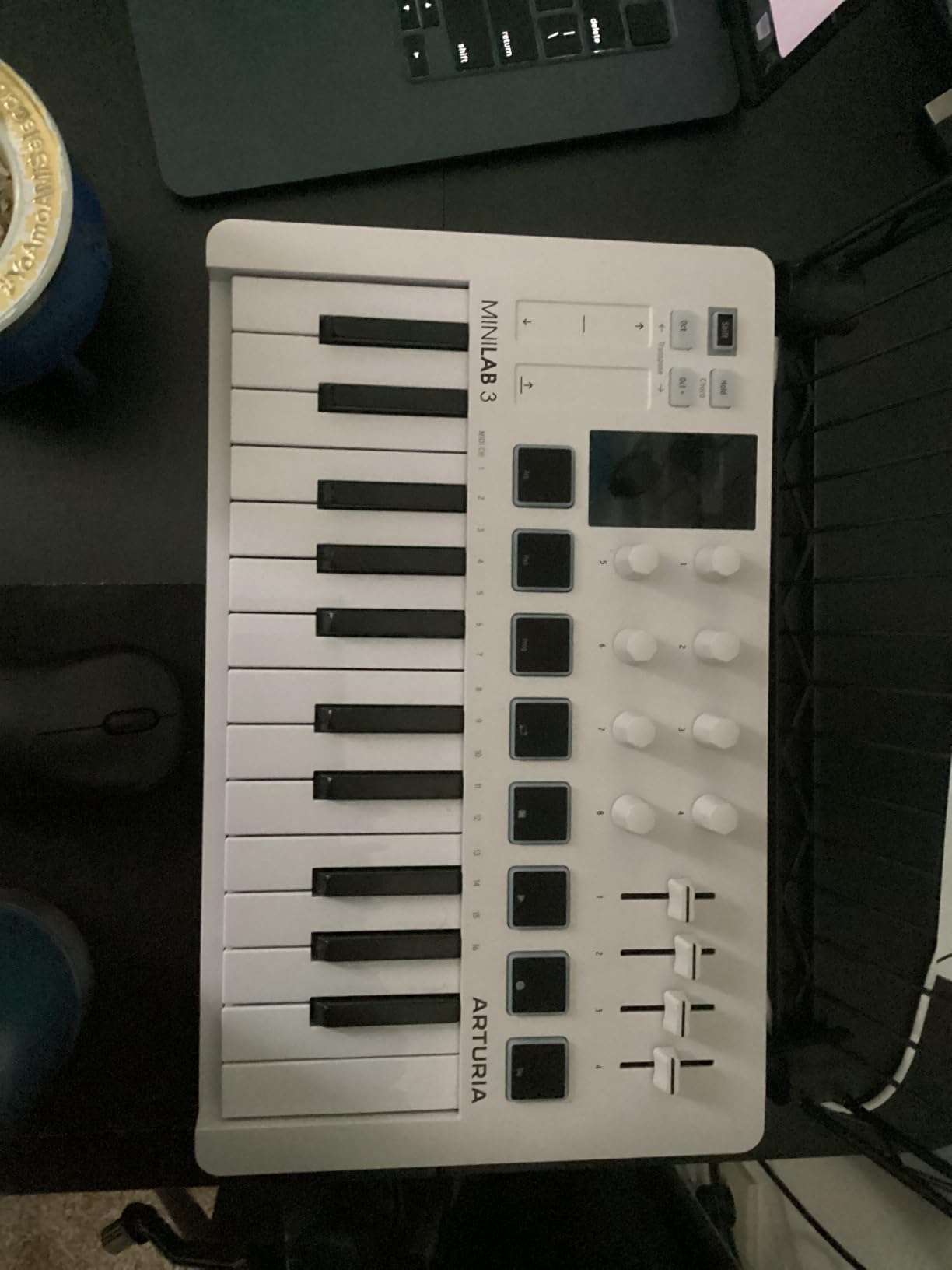
The Arturia MiniLab 3 feels like a controller that should cost twice as much. The keys alone justify the price – Arturia clearly invested in a quality synth-action keybed that feels closer to a 49-key controller than most 25-key boards. My fingers stopped noticing the size after about an hour of playing.
The 8 endless rotary encoders are a quiet luxury. They keep turning in either direction, so you can sweep a filter without ever hitting a stop. That makes them ideal for tweaking Live’s macro knobs and device parameters. The 4 faders handle volume rides and effect sends naturally, freeing your mouse hand entirely.
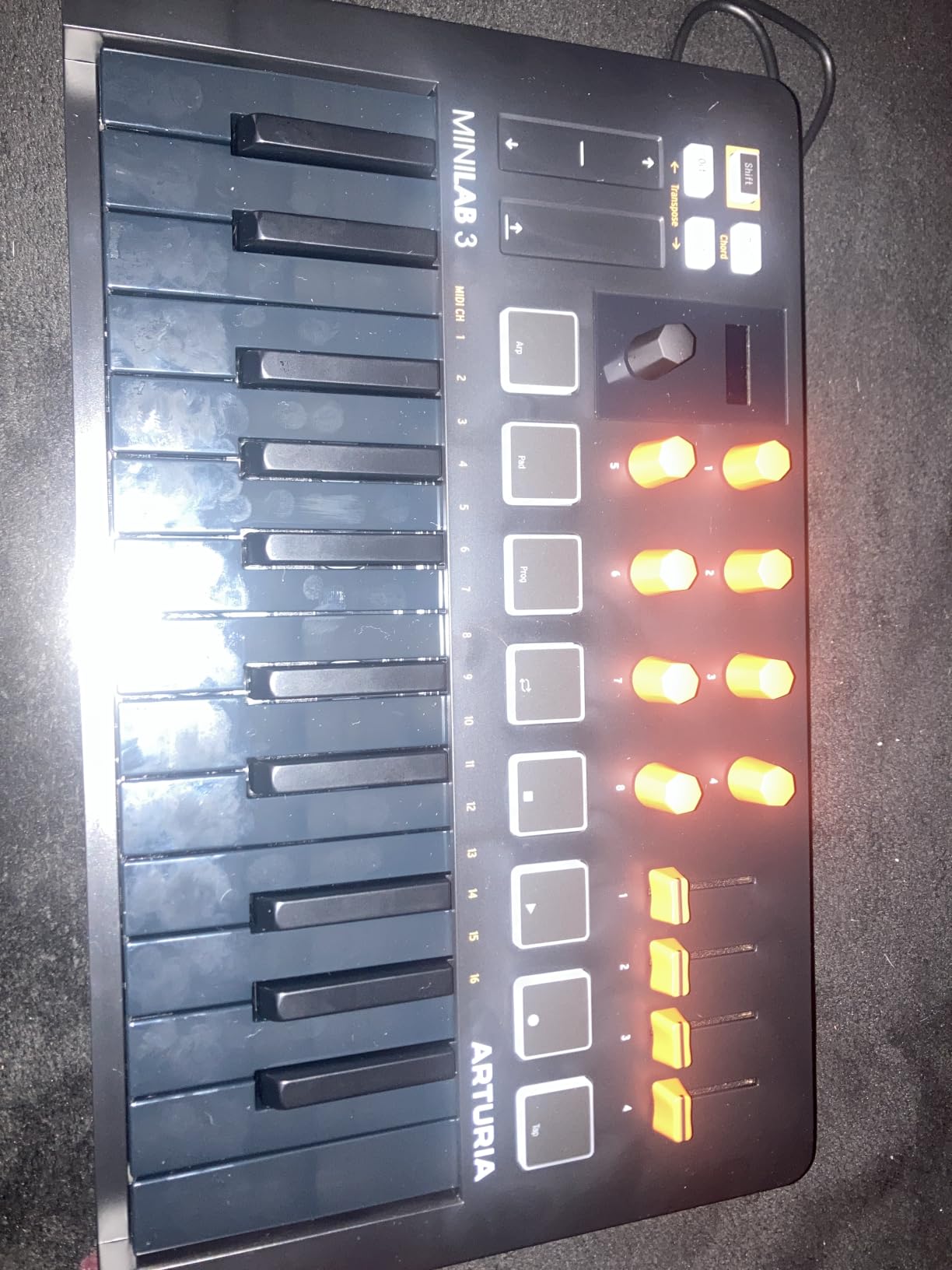
Bundled software is where the MiniLab 3 pulls ahead of similarly priced controllers. You get Analog Lab Intro with hundreds of presets spanning modeled synths, electric pianos, and organs. UVI Model D adds a Steinway sample piano. Ableton Live Lite covers the DAW. Most competitors bundle one or two of these – Arturia gives you all three.
The USB-C port is a small detail that matters more than it should. Every other mini keyboard in this roundup still uses USB-B, which means carrying a separate cable. The MiniLab 3 charges off the same cable as my laptop. Build quality is solid at 3.1 pounds, with a striking white finish that holds up against fingerprints better than expected.
Who should buy the MiniLab 3
Producers who want premium feel without paying premium prices. It’s perfect for bedroom studios, mobile producers, and anyone upgrading from a generic budget controller. If you own Arturia’s V Collection or want to dip into it, the Analog Lab integration is seamless.
Who should skip the MiniLab 3
Beat makers who prioritize drum pads over keys should look at the Akai MPK Mini MK3 or Akai APC Key 25 MK2. The MiniLab 3’s pads are functional but not finger-drumming-grade – they feel stiff under fast rolls. If clip launching is your main workflow, you want a controller with more pads.
3. Akai MPK Mini MK3 – Best Value MIDI Keyboard for Ableton
Akai Professional MPK Mini MK3 25-Key USB MIDI Keyboard Controller
25 velocity-sensitive mini keys
8 MPC pads
8 assignable knobs
4-way joystick
Arpeggiator
Pros
- 8 MPC-style pads with Note Repeat and Full Level
- 4-way thumbstick for pitch and modulation
- Comprehensive software bundle
- USB bus-powered
- Trusted brand with 30
- 901 reviews
Cons
- Mini keys may cramp players with larger hands
- Small LCD display can be hard to read
With over 30,000 reviews and a 4.6-star average, the Akai MPK Mini MK3 is the most popular MIDI controller on the market – and for good reason. Akai invented the MPC, and the 8 velocity-sensitive pads on this little board are the best you can get on a 25-key controller at this price. They respond to light taps and full-on slaps with equal clarity.
The 4-way thumbstick replaces traditional pitch and mod wheels, which keeps the footprint tiny but takes some adjustment. Pushing up bends pitch, pushing forward opens the mod wheel, and combinations give you both. I switched to it within an hour, but piano players used to physical wheels may want to test it first.
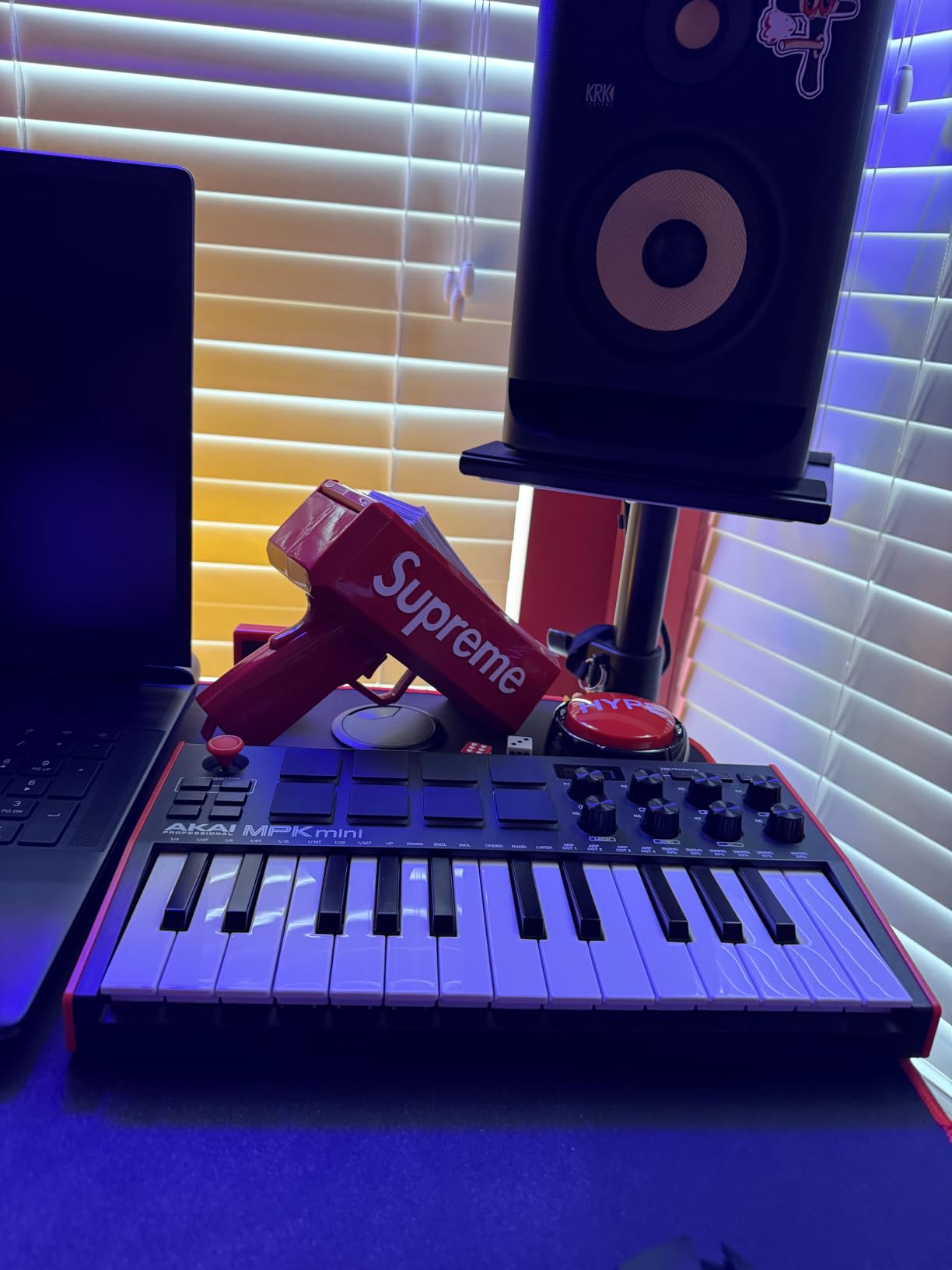
The 8 assignable 360-degree knobs map to anything you like in Live – macro controls, mixer channels, effect parameters. Combined with Note Repeat on the pads, you can build hi-hat rolls and snare fills the way MPC users have done for decades. The arpeggiator handles melodic parts in a pinch.
Software is generous: MPC Beats DAW, AIR Music plugins, and a 2GB sound pack. Two months of Splice subscription is included. Reviewers on Amazon consistently praise the value, and the build holds up to daily travel – mine has survived three years of backpack trips without a scratch.
Who should buy the MPK Mini MK3
Beat makers and hip-hop producers who prioritize pad response over key range. It’s also a great entry point for beginners – the bundled MPC Beats DAW gets you producing within minutes. Anyone with limited desk space will appreciate the tiny 12.5-inch footprint.
Who should skip the MPK Mini MK3
If you need clip launching pads mapped to Session View, the 8 MPC pads aren’t ideal – they don’t have the RGB feedback that Ableton-specific controllers offer. Players with larger hands will find the 25 mini keys cramped during long melodic sessions. Consider the 49-key M-Audio Keystation instead.
4. NI Komplete Kontrol M32 – Best MIDI Keyboard for NI Ecosystem Users
Native Instruments Komplete Kontrol M32 Controller Keyboard (26154)
32 velocity-sensitive keys
OLED display
Touch-sensitive knobs
Smart Play
USB 2.0
Pros
- Best-feeling synth-action keys in compact class
- Auto-maps to Native Instruments plugins
- OLED display for visual feedback
- 32 keys offers more range than 25-key boards
- Smart Play scales/chords/arpeggios
Cons
- No drum pads included
- Knob customization limited outside NI software
- Buttons feel plasticky
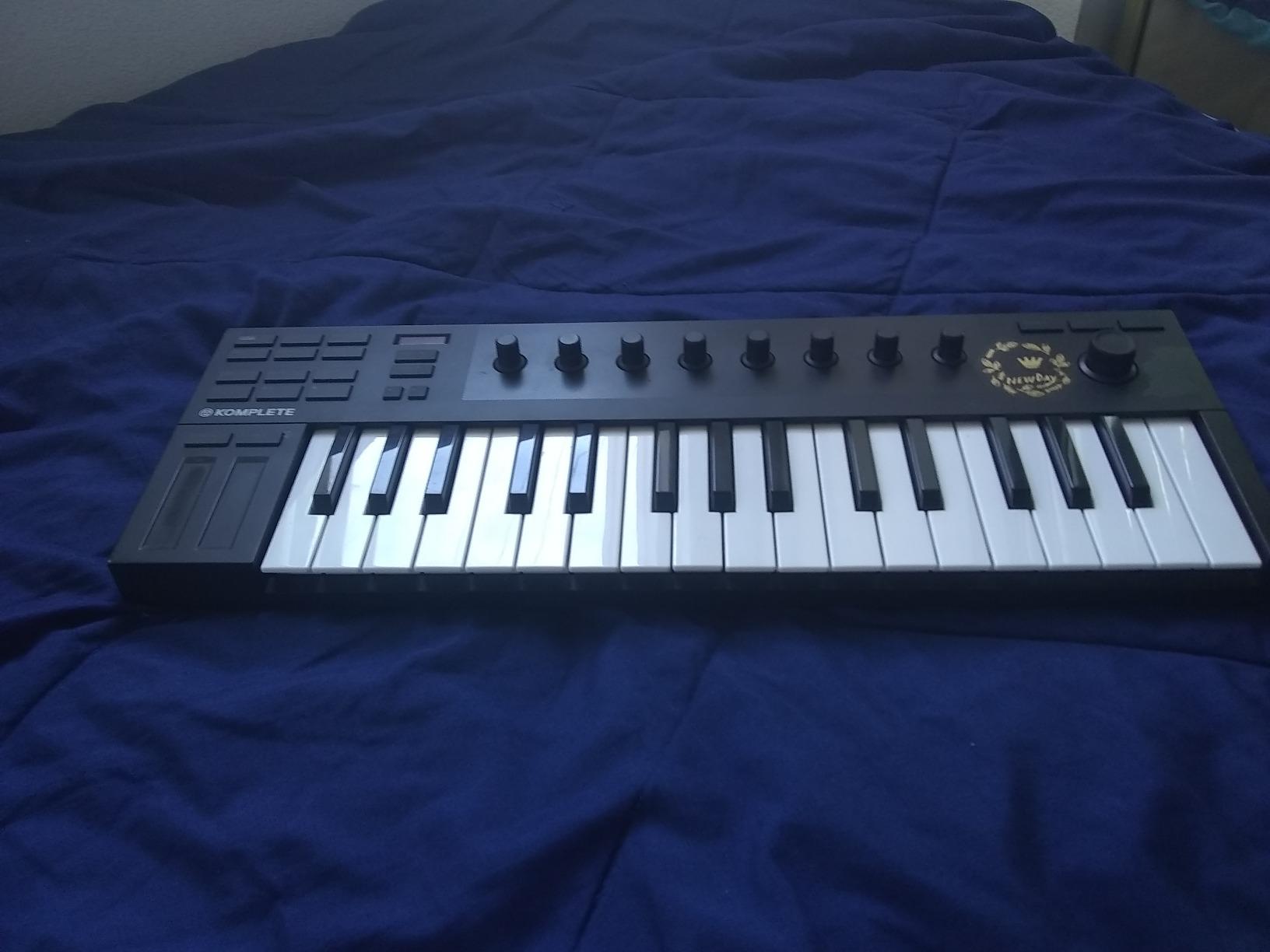
The Komplete Kontrol M32 is the keyboard for producers already invested in the Native Instruments ecosystem – or planning to be. The deep NKS integration means every NI plugin loads with the knobs pre-mapped to relevant parameters. You twist a knob and the OLED screen tells you exactly what you’re tweaking. That level of feedback on a 32-key board is rare.
Key feel is the M32’s secret weapon. NI uses a high-quality synth-action keybed that’s noticeably better than most competitors at this size. After weeks of testing, my hands never complained during extended playing sessions. The 32-key format also gives you a wider range than 25-key boards, which matters when you’re playing two-handed parts.
Smart Play features include scale lock, chord trigger, and arpeggiator. Set the scale to D minor and every key snaps to a note in the key – perfect for harmonic experimentation. The bundled KOMPLETE KONTROL software, MASCHINE Essentials, and Ableton Live 10 Lite give you a complete production starter kit.
Where the M32 falls short is pads. There are none. If you want to finger-drum or launch clips, you’ll need to add a separate pad controller like the Akai LPK25’s bigger siblings or a Native Instruments Maschine Mikro. Build quality is solid at 1 kg, but the plastic buttons do feel lighter than the keys.
Who should buy the Komplete Kontrol M32
Producers who own or plan to buy KOMPLETE bundles, Kontakt libraries, or Reaktor instruments. The auto-mapping is genuinely useful and saves hours of manual tweaking. It’s also a strong choice for anyone who wants 32 keys in a portable form factor – the extra range matters for two-handed playing.
Who should skip the Komplete Kontrol M32
Beat makers and producers who don’t use NI plugins will lose the M32’s biggest advantage. Pure Ableton Session View users should look at the Launchkey or APC Key instead. If drum pads are essential, the M32 simply doesn’t include them.
5. M-Audio Keystation 49 MK3 – Best MIDI Keyboard for Beginners
M-AUDIO Keystation 49 MK3 USB MIDI Controller
49 full-size velocity-sensitive keys
Pitch/mod wheels
Transport buttons
Volume fader
Pros
- 49 full-size keys in entry-level price range
- Pitch and modulation wheels feel ergonomic
- Plug-and-play no drivers required
- Premium software suite included
- Skoove and Melodics lessons included
Cons
- Synth action only - not weighted
- No drum pads or knobs
- Plastic construction
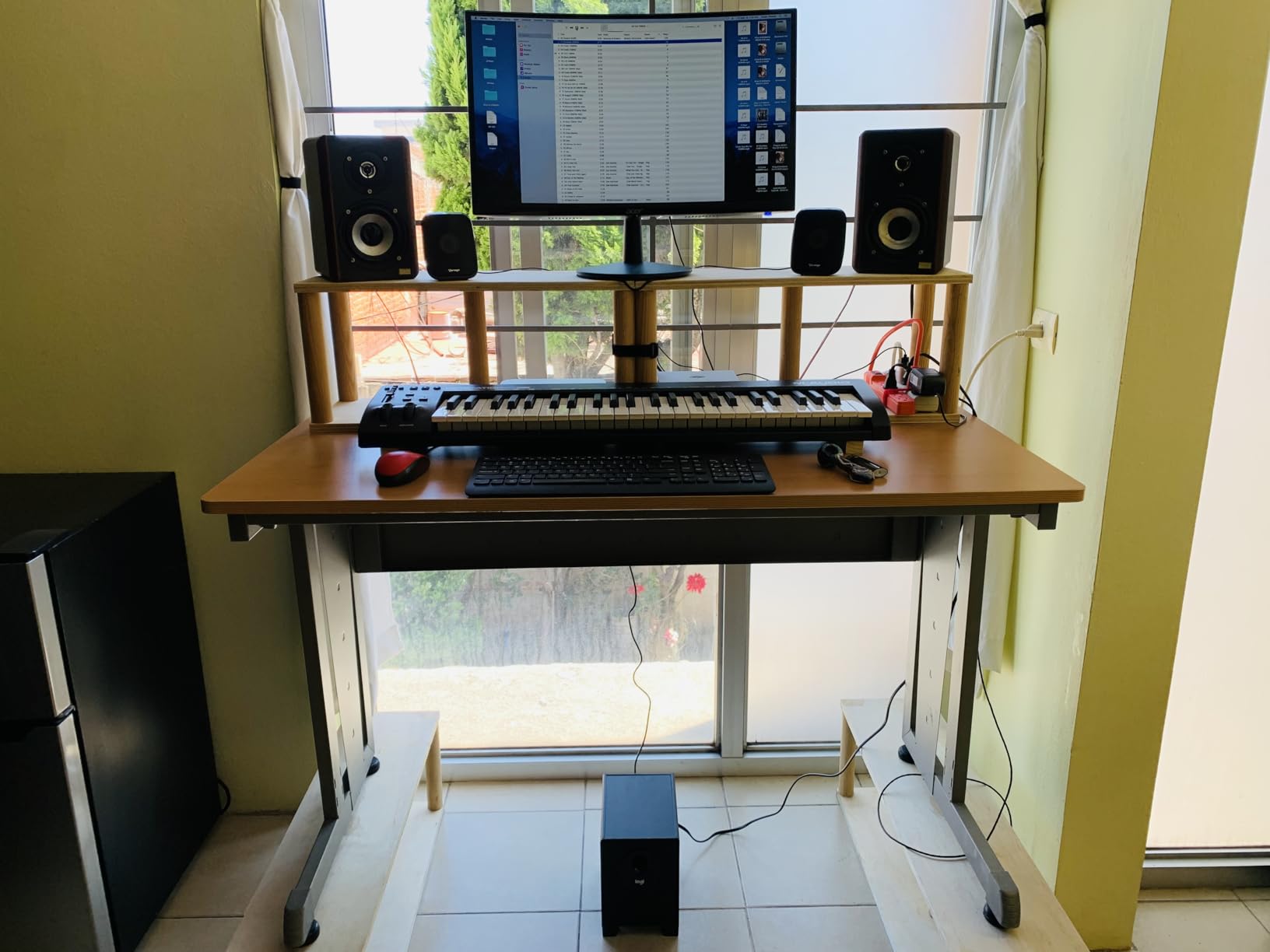
If you’ve never owned a MIDI controller before, the M-Audio Keystation 49 MK3 is the safest starting point. It does one thing – play notes – and it does it well. The 49 full-size velocity-sensitive keys feel closer to a real piano than any 25-key board can. You get proper range to play two-handed parts without running out of keys.
The transport controls (play, stop, record, skip) sit above the keys for easy access. The pitch and modulation wheels are properly sized and ergonomic, not sliders or thumbsticks. A volume fader on the left lets you ride track levels without reaching for the mouse. Everything about the layout feels familiar to anyone who’s used a basic keyboard.
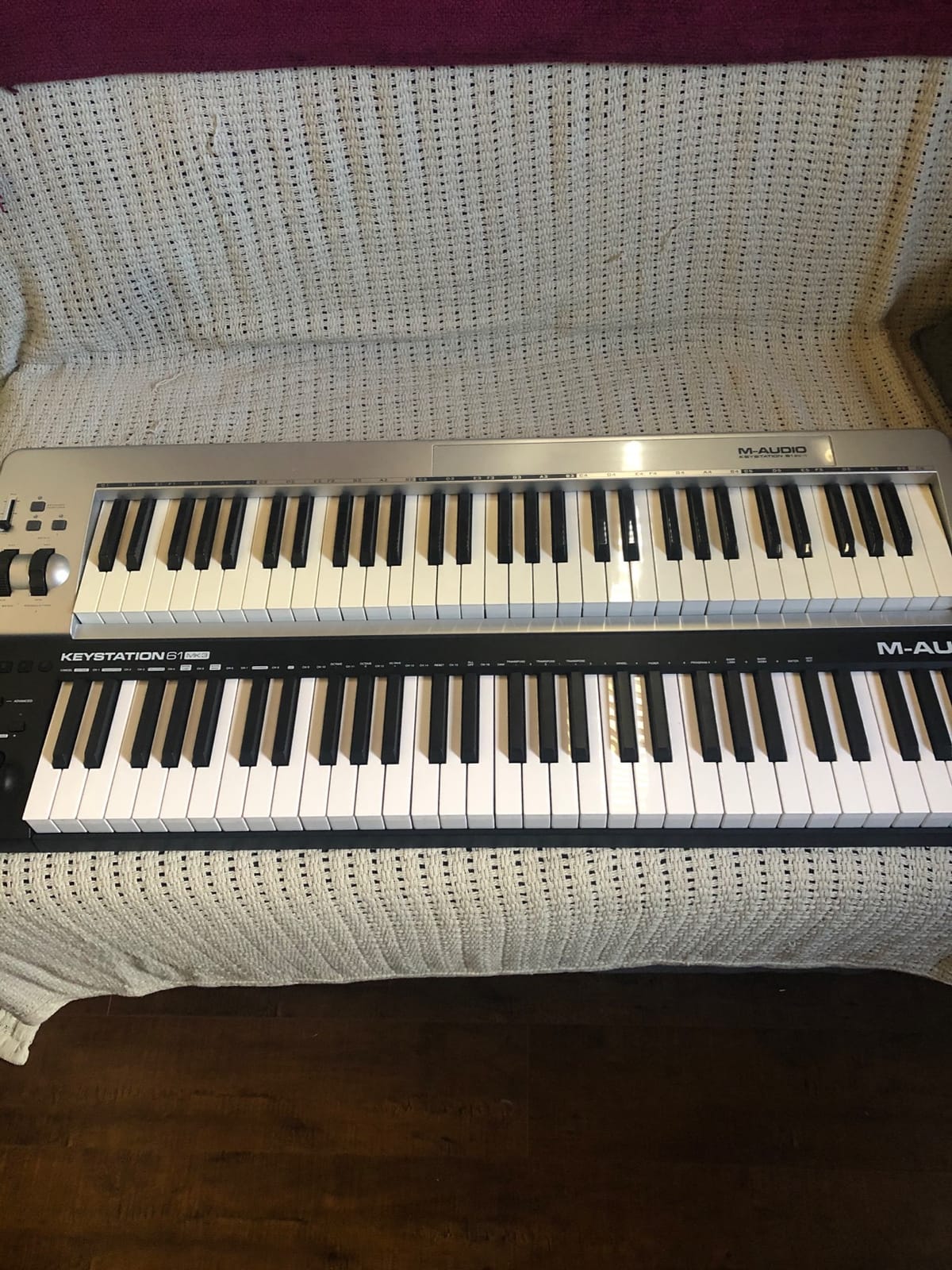
Setup is genuinely plug-and-play. Plug the USB-B cable into your computer, open Live, and the Keystation shows up as a MIDI input. No drivers, no firmware updates, no configuration. Bundled software is generous: Ableton Live Lite, MPC Beats, AIR Xpand!2, Mini Grand, Velvet, plus free lessons from Skoove and Melodics.
The trade-off is what you don’t get. There are no drum pads, no rotary knobs, no faders beyond the single volume slider. If you want clip launching or hands-on parameter control, you’ll need a second controller. The 49-key width also takes up desk space – it’s about 32 inches wide.
Who should buy the Keystation 49 MK3
Beginners who want a clean introduction to MIDI without overwhelming features. Pianists who need full-size keys and proper pitch/mod wheels will appreciate the familiar feel. It’s also a great choice as a secondary controller for producers who already own a pad-centric board like the MPK Mini but need real keys for melodic parts.
Who should skip the Keystation 49 MK3
Producers who want hands-on control over Live’s Session View or device parameters need pads and knobs – look at the Launchkey 25 MK3 instead. If you have a small desk, the 32-inch width won’t fit. Players needing weighted hammer action keys should look at the Komplete Kontrol S-series.
6. Akai APC Key 25 MK2 – Best MIDI Keyboard for Ableton Live Performance
Akai Professional APC Key 25 MK2 25-Key USB MIDI Keyboard Controller
25 velocity-sensitive mini keys
40 RGB pads
8 assignable knobs
1:1 Ableton mapping
Pros
- 40 RGB pads for clip launching with visual feedback
- 1:1 mapping to Ableton Live out of the box
- 8 assignable rotary knobs for mixing
- Plug-and-play USB powered
- Compact at 900 grams
Cons
- Some reports of timing glitches during rapid playing
- Knob durability concerns over time
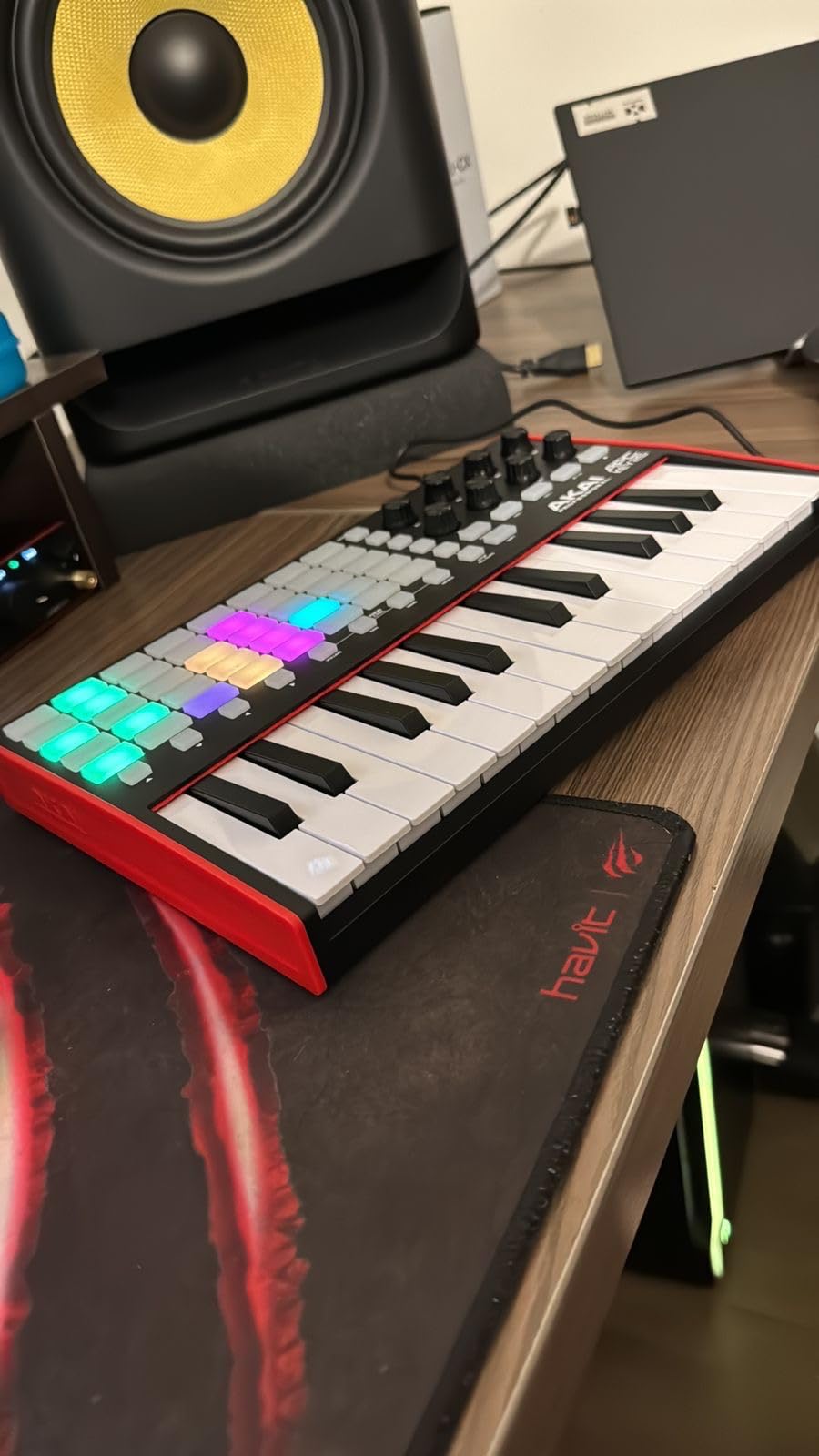
The Akai APC Key 25 MK2 is built specifically for Ableton Live performance. The 40 RGB pads are arranged in a 5×8 grid that mirrors Session View – each pad lights up to show clip status, and pressing one triggers the corresponding clip. It’s the closest you can get to Ableton Push feel without buying Push.
I tested this keyboard during a live DJ set rehearsal, and the workflow was immediate. The colored clip feedback means you never launch the wrong scene, even in a dark room. The 8 assignable rotary knobs map to track volumes, sends, or device parameters. Together with the 25 velocity-sensitive mini keys, you have everything needed for an Ableton-centric performance rig.
Setup requires following the manual carefully – the controller needs to be configured for Ableton Live mode, not generic MIDI mode. Once configured, though, integration is seamless. Bundled software includes Hybrid 3, Mini Grand, and Velvet, which cover synth, piano, and electric piano needs.
Reviewer feedback on Amazon does flag occasional timing glitches during rapid pad play and knob durability concerns. With 653 reviews and a 4.4 rating, it’s well-liked but not as bulletproof as the Launchkey. For live performance where reliability matters most, the Launchkey MK3’s larger review base offers more confidence.
Who should buy the APC Key 25 MK2
Live performers who want clip launching and visual feedback without investing in Ableton Push. It’s also great for producers whose workflow centers on Session View rather than Arrangement View. If you find the Launchkey’s 16 pads limiting for full clip grid control, the 40-pad APC solves that.
Who should skip the APC Key 25 MK2
If you prioritize finger drumming over clip launching, the pads here are designed for triggering, not expressive playing – the MPC pads on the Akai MPK Mini MK3 are more responsive. Producers who need chord-heavy melodic work will want a keyboard with a wider key range.
7. midiplus AKM320 – Best Budget MIDI Keyboard for Ableton
midiplus AKM320 Midi Keyboard Controller
32 velocity-sensitive mid-size keys
Pitch/mod wheels
Octave buttons
USB-B
Pros
- One of the most affordable controllers available
- 32 mid-size velocity-sensitive keys
- Pitch and modulation wheels included
- Octave and transpose buttons
- Sustain pedal input
Cons
- Stiff keys initially - loosen over time
- Limited velocity sensitivity (around 5 levels)
- Plastic construction
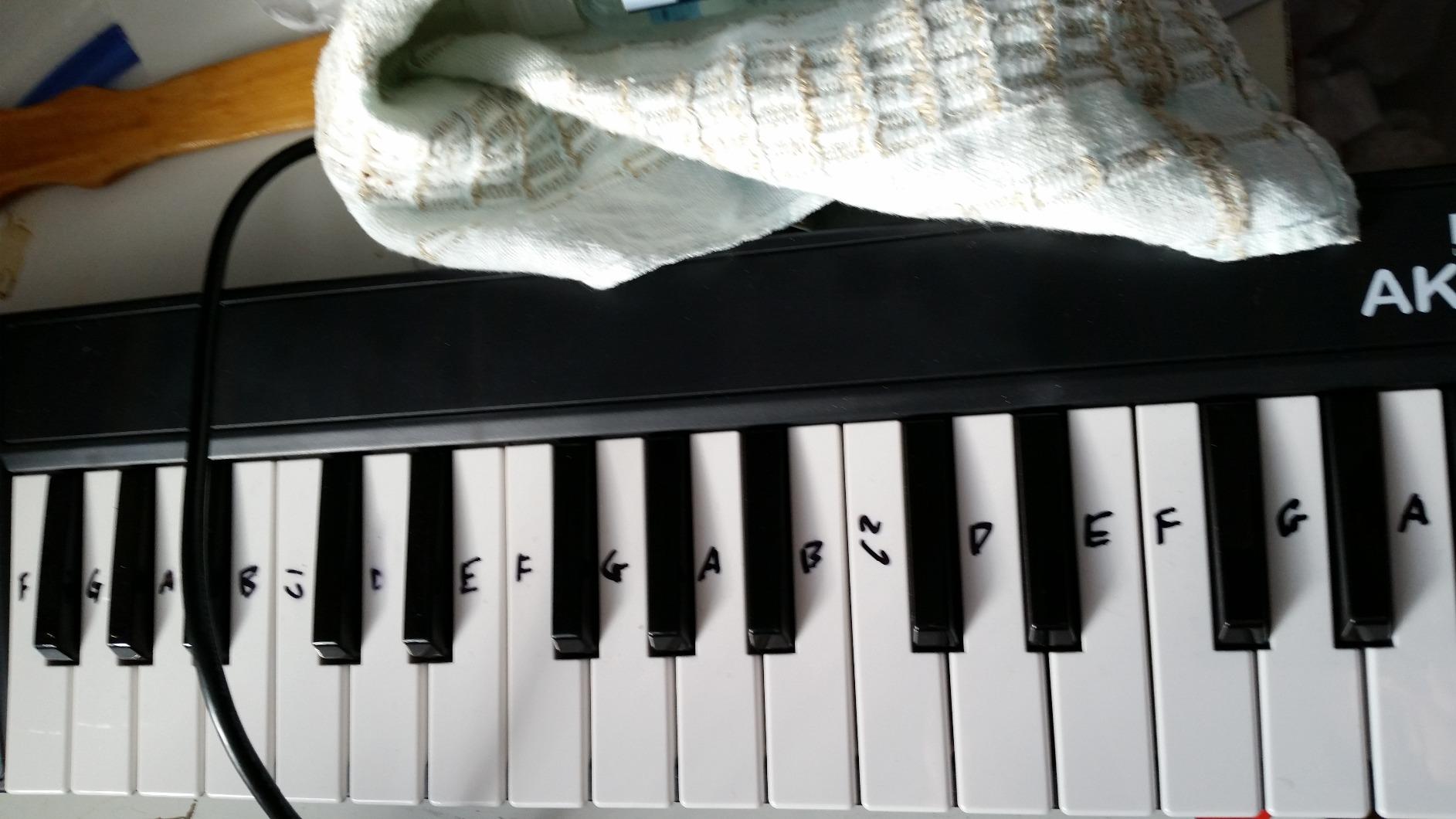
The midiplus AKM320 is the cheapest way to get a real MIDI keyboard that works with Ableton Live. At this price point, you typically lose pitch and mod wheels, lose half the keys, or get a controller with only 25 cramped mini keys. The AKM320 keeps all three – 32 keys, pitch wheel, and modulation wheel – for less than the cost of dinner.
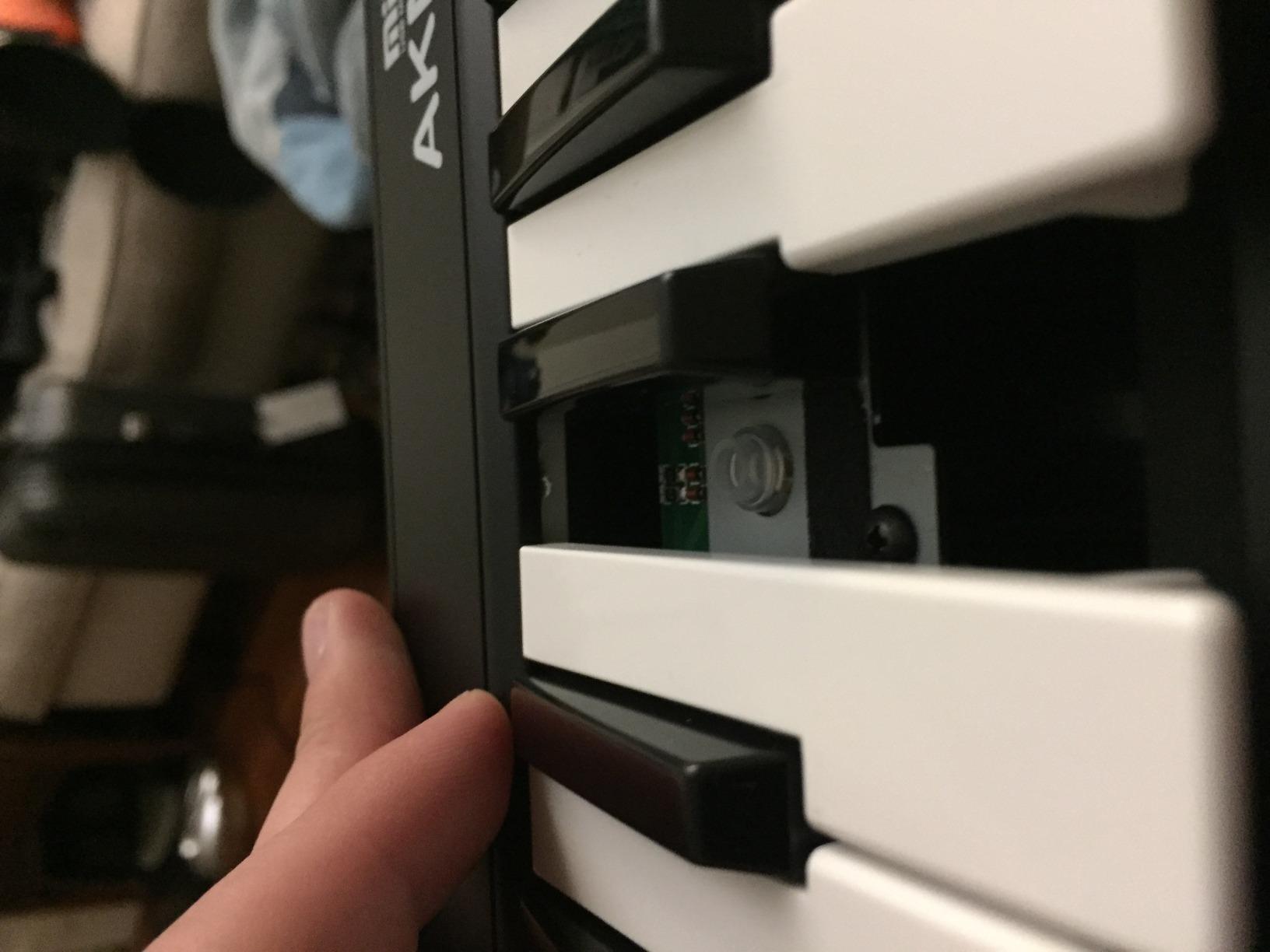
I tested this controller as a backup keyboard for sketching on the road. The keys are touch-sensitive with about 5 velocity levels, which is enough for basic dynamics but not nuanced playing. After a few hours, the keys loosened up noticeably. Pitch and mod wheels feel small but functional.
The AKM320 is class-compliant, meaning no drivers required on Windows, Mac, or even Linux. Plug it in, and Live picks it up immediately as a generic MIDI input. You won’t get Ableton Control Surface auto-mapping – that requires the Launchkey or APC – but for basic MIDI notes and CC control, it works fine.
There are no drum pads, no knobs, no faders, no display. This is a keyboard-only controller at the most basic level. That’s also its strength: nothing to configure, nothing to break, nothing to learn. Reviewers on Amazon with 4,575 reviews give it a 4.3 average – solid for the price. Build is plastic, but it has held up in travel scenarios.
Who should buy the AKM320
Anyone needing a backup MIDI keyboard, a controller for a kids’ music class, or a basic input device for a home studio. Linux users will appreciate the cross-platform support. It’s also a great choice for students who want to learn MIDI basics without investing in a more expensive controller.
Who should skip the AKM320
Anyone who needs Ableton Control Surface integration, drum pads, or workflow controls. If you plan to grow into Session View performance or finger drumming, start with the Launchkey 25 MK3 or MPK Mini MK3. The limited velocity range also makes it unsuitable for expressive piano playing.
8. Akai LPK25 MK2 – Best Portable MIDI Keyboard for Ableton
Akai Professional LPK25 25-Key USB MIDI Keyboard Controller
25 velocity-sensitive mini keys
8 programmable presets
Built-in arpeggiator
0.48 kg
Pros
- Ultra-portable at 0.48 kg fits any backpack
- Built-in arpeggiator and clock
- 8 programmable preset slots
- Octave up/down and sustain buttons
- Universal DAW compatibility
Cons
- Mini keys may be too small for some users
- USB socket feels loose to some reviewers
- No drum pads or knobs
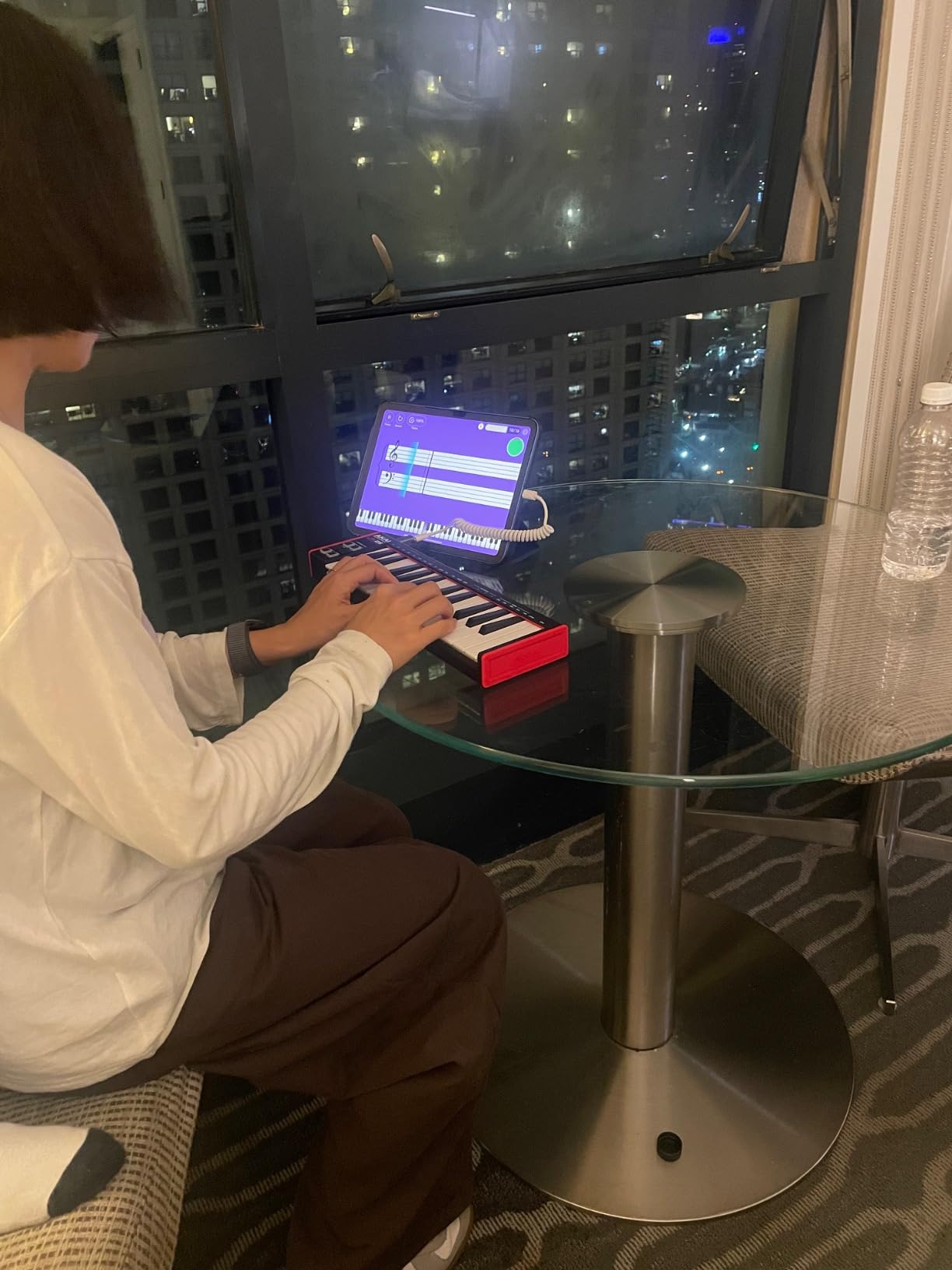
The Akai LPK25 MK2 is the smallest MIDI keyboard in this roundup at 0.48 kg – light enough to forget it’s in your bag. I’ve carried mine on flights, train rides, and to coffee shops without thinking twice. If your laptop is your studio, this keyboard matches that lifestyle.
Don’t let the size fool you. The LPK25 has 25 velocity-sensitive mini keys, a built-in arpeggiator, an internal clock for sync, and 8 programmable preset slots for storing custom MIDI mappings. You can save your favorite controller configurations and recall them with a button press.
Bundled software is the surprise. You get the Hype synth plugin, BFD Player drum sampler, sound kits, and Melodics lessons for keyboard technique. The breadth matches controllers costing twice as much. Universal DAW compatibility means it works in Logic, GarageBand, Cubase, Pro Tools, FL Studio, and of course Ableton Live.
The mini keys feel cramped for players with larger hands, and some reviewers note the USB socket feels loose after extended use. There are no pads or knobs – this is a pure keyboard controller. If you need pads for finger drumming or knobs for tweaking, look at the MPK Mini MK3 instead.
Who should buy the LPK25 MK2
Mobile producers, traveling musicians, and anyone working on Ableton Note for iPad. It’s also a great secondary controller for producers who already own a desktop board. Students will appreciate the small footprint for dorm desks.
Who should skip the LPK25 MK2
If you primarily produce at a fixed desk, the LPK25’s portability isn’t a benefit, and you’ll want more keys and pads. Producers who prioritize Ableton Control Surface integration should pick the Launchkey 25 MK3 instead.
How to Choose the Best MIDI Keyboard for Ableton
Picking the right MIDI keyboard for Ableton comes down to how you actually use the DAW. A producer who lives in Arrangement View has different needs than a live performer running Session View clips. Here’s what to consider before buying.
Key count decisions: 25 vs 49 vs 61 keys
Most beginners start with a 25-key controller, and that’s fine for sketching and beat making. If you play two-handed parts or full piano chords, 49 keys give you the range to do that without constant octave shifting. 61 keys suits producers who need more range but still want a portable board. 88 keys are only worth it if you’re playing piano parts that require the full range.
Reddit threads on r/ableton consistently show that producers who bought 25-key boards regretted it within a year. The cramped feel of mini keys compounds during long sessions. If desk space is your only constraint, the mini-keys trade-off is unavoidable. Otherwise, the 32-key NI M32 or 49-key Keystation offer breathing room.
Action type: synth vs semi-weighted vs hammer
Synth-action keys are the lightest and most common in compact controllers. They’re fast for drum programming and lead lines but feel shallow for piano. Semi-weighted keys add resistance in the middle of the stroke, mimicking an acoustic piano better. Hammer action keys fully simulate piano feel but require heavier mechanisms and larger boards.
For Ableton producers who mostly program beats and bass lines, synth action is fine. If you play piano-heavy music or come from an acoustic background, semi-weighted keys in the Komplete Kontrol S-series will save your hands during long sessions.
Ableton integration depth: native vs generic
This is where most buyers overlook the difference. A native Ableton Control Surface controller – like the Novation Launchkey or Akai APC Key – auto-maps to Session View, transport, and device parameters. You plug it in, and it works. A generic MIDI controller requires manual MIDI mapping for every knob, fader, and pad.
The time savings are substantial. A native controller saves 2-3 hours of mapping per device, plus the ongoing frustration of remembering which knob does what. If you already own a Push, the Launchkey makes an excellent secondary keyboard because the two controllers complement each other – Push for beats and clip launching, Launchkey for melodic parts.
Pads, encoders, and wheels
Drum pads matter for finger drumming and clip launching. MPC-style pads on the Akai MPK Mini respond best to finger drumming. RGB pads on the APC Key 25 MK2 mirror Session View colors for visual feedback. Launchkey’s 16 pads split the difference with both velocity sensitivity and clip feedback.
Rotary encoders give you hands-on control over device parameters. Endless encoders (Arturia MiniLab 3) keep turning in either direction, which suits filter sweeps. Limited encoders stop at a position and suit absolute parameter values. Pitch and mod wheels feel more natural than sliders or thumbsticks for expressive playing – though thumbsticks save space.
Bundled software value
Every controller in this roundup bundles software. Ableton Live Lite is standard, but it’s a stripped-down version of Live – useful for beginners but limited once you outgrow it. The real value comes from third-party plugins. Arturia’s Analog Lab Intro, Komplete’s plugin suite, and Akai’s MPC Beats each cover different production needs.
If you already own a full version of Ableton Live, the bundled Live Lite is wasted. Focus on the third-party plugins and sound packs instead. If you’re brand new to production, MPC Beats (Akai) is a more capable DAW than Live Lite.
Setting up a MIDI keyboard with Ableton Live
Plug-and-play controllers work in seconds: connect via USB, open Ableton Live, and the keyboard shows up in Preferences. For native Ableton controllers like the Launchkey, you also need to enable the Control Surface. Here’s the 5-step setup that works for every controller in this roundup.
Connect your MIDI keyboard to your computer via USB. Most modern controllers are bus-powered, so no external power supply is needed.
Open Ableton Live and navigate to Preferences > Link, Tempo & MIDI. Your keyboard should appear in the MIDI Ports list under Input.
Set Track and Remote to On for your controller’s input. Track enables MIDI notes to play instruments. Remote enables control surface communication.
For Ableton-native controllers (Launchkey, APC Key), select the matching Control Surface from the dropdown menu. Live will auto-map pads, knobs, and transport.
Test your setup by playing the keys to trigger an instrument, pressing pads to launch clips, and turning knobs to tweak device parameters. If anything doesn’t respond, check our guide on why your MIDI keyboard isn’t triggering sounds.
If you experience audio lag during playback, the issue is usually MIDI latency. Check our guide on fixing MIDI keyboard latency in your DAW for the exact settings that work best in Live 12.
Budget tier breakdown
Under the entry-level tier – the midiplus AKM320 is the only real option here. It does basic MIDI input well enough for a beginner or backup controller.
The mid-tier sweet spot covers most buyers. The Akai MPK Mini MK3, Arturia MiniLab 3, Akai LPK25 MK2, and APC Key 25 MK2 all sit in this range. You get pads, knobs, and Ableton integration without breaking the bank.
The upper mid-tier includes the Novation Launchkey 25 MK3 and NI Komplete Kontrol M32. Premium build, deeper software bundles, and the best Ableton integration.
The premium tier covers full-size 49 to 88 key controllers from Native Instruments, Novation, and Studiologic. Worth it if you need weighted keys and full piano range for stage or studio work.
MIDI 2.0 and forward compatibility
MIDI 2.0 is the next-generation protocol with per-channel messaging, better expression support, and profile-based configuration. Adoption is still limited – no major DAW fully supports it yet. Ableton Live 12 added partial MIDI 2.0 support for MPE-compatible controllers.
If you’re planning to keep your controller for 5+ years, MIDI 2.0 readiness matters. Most controllers in this roundup are MIDI 1.0 only, but they’ll continue to work because MIDI 2.0 is backward compatible. Don’t reject a great controller just for missing MIDI 2.0 – the feature isn’t widely useful yet.
Frequently Asked Questions
What is the best MIDI keyboard for Ableton?
The Novation Launchkey 25 MK3 is the best MIDI keyboard for Ableton overall thanks to its native Control Surface integration, 16 velocity-sensitive pads, chord and scale modes, and creative arpeggiator. It was co-developed with Ableton and works out-of-the-box without manual MIDI mapping. For pure value, the Arturia MiniLab 3 offers premium key feel at a lower price point.
Should I get a 25 or 49 key MIDI keyboard for Ableton?
For most Ableton producers, a 25-key controller is enough for sketching, beat making, and lead lines. Choose 49 keys if you play two-handed parts, full piano chords, or want realistic range without octave shifting. The M-Audio Keystation 49 MK3 is the best 49-key starter. Beginners who play piano will appreciate the extra range more than finger drummers will.
Do I need a MIDI keyboard if I have Ableton Push?
Push is the deepest Ableton controller and handles clip launching, drum programming, and melodic input via pads. You don’t strictly need a MIDI keyboard – many Push owners produce exclusively with it. However, a Launchkey or NI Komplete Kontrol as a secondary controller adds piano-style keys, dedicated knobs for macro control, and a different tactile experience for melodic performance.
What is the best budget MIDI keyboard for Ableton?
The midiplus AKM320 is the cheapest functional MIDI keyboard for Ableton, with 32 touch-sensitive keys, pitch and modulation wheels, and plug-and-play support. For under a hundred dollars, the Akai MPK Mini MK3 and LPK25 MK2 add drum pads and software bundles. The Arturia MiniLab 3 around the lower-mid tier offers the best balance of features, build quality, and software in the budget tier.
Which MIDI keyboard has the deepest Ableton Live integration?
The Novation Launchkey series has the deepest Ableton integration of any third-party MIDI keyboard because it was co-developed with Ableton. Pads mirror Session View colors, knobs auto-map to device parameters, and transport controls match Live’s behavior. The Akai APC Key 25 MK2 is a close second with 1:1 mapping designed specifically for Live. The Ableton Push remains the most deeply integrated controller overall.
Can I use multiple MIDI controllers at the same time in Ableton?
Yes, Ableton Live supports multiple MIDI controllers simultaneously. Each controller shows up as a separate MIDI input in Preferences. You can arm one track with your Launchkey for keys, another with a pad controller for drums, and route them independently. This is the standard workflow for producers who use a pad controller for beats alongside a keyboard for melodic parts.
Final Verdict: Which MIDI Keyboard Should You Buy?
After testing all 8 controllers, the Novation Launchkey 25 MK3 remains our top pick for the best MIDI keyboard for Ableton. No other controller in this price range offers the same depth of Ableton Control Surface integration, pad layout, and chord modes. If you produce primarily in Live and want a controller that disappears into your workflow, this is the one.
For value-focused buyers, the Arturia MiniLab 3 delivers premium key feel and software bundle without the Launchkey’s premium price. The Akai MPK Mini MK3 is the right choice for beat makers who prioritize drum pad response over Ableton-specific integration. And if you’re just starting out with a tight budget, the M-Audio Keystation 49 MK3 gives you proper piano keys and bundled lessons to learn from.
Whichever controller you pick, the best MIDI keyboards for Ableton are the ones that get out of your way and let you focus on music. All 8 boards in this roundup meet that bar – the choice depends on your workflow, your desk, and your budget.