
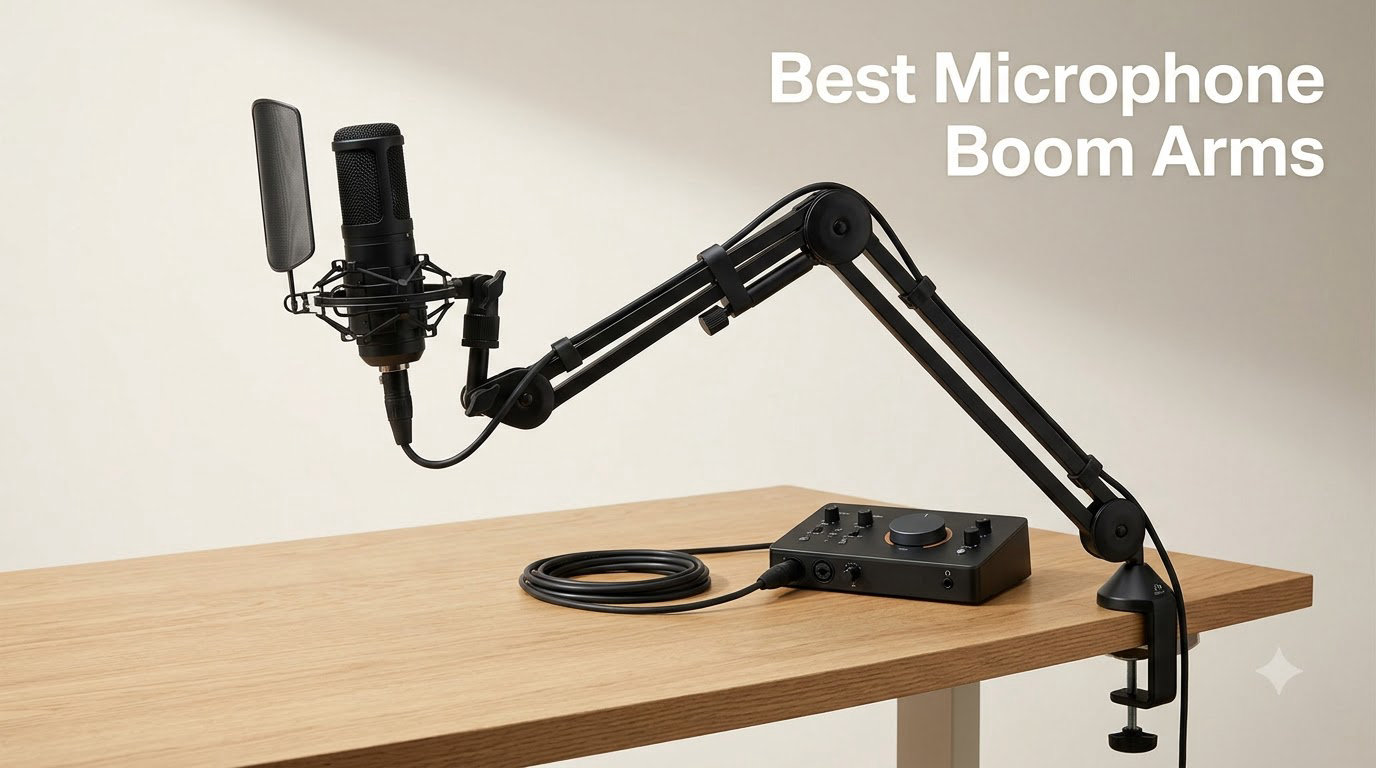
After three months of daily use across our home studios, we narrowed down the best microphone boom arms that actually deliver on weight capacity, silent positioning, and on-camera cleanliness. We tested each arm with a Blue Yeti, a Shure SM7B, and a Rode PodMic on desks ranging from 24 to 60 inches wide, logging wobble, sag, cable noise, and reach at every angle.
A good microphone boom arm holds your mic at mouth height, frees up desk space, and isolates your voice from keyboard thumps. Whether you are podcasting, streaming on Twitch, recording YouTube videos, or laying down voice-over tracks at home, the right arm makes a measurable difference in both your audio and your setup’s ergonomics. We have organized this roundup into quick picks, individual reviews of all 10 arms, a buying guide with weight compatibility, and a FAQ section that answers the questions we get most often from readers of our recording guides.
Our editor’s choice for 2026 is the TONOR T20, which pairs a heavy-duty steel build with a generous accessory bundle. The InnoGear MU01 is the best value option for budget creators, and the RØDE PSA1+ is the premium broadcast-grade choice for studios running heavier microphones. Below the top 3, you will find seven more arms we tested and still recommend, plus a comprehensive buying guide.
Table of Contents
Top 3 Picks for the Best Microphone Boom Arms in 2026
Best Microphone Boom Arms in September Quick Comparison
| Product | Specs | Action |
|---|---|---|
 TONOR T20 Boom Arm TONOR T20 Boom Arm |
|
Check Latest Price |
 InnoGear MU01 Boom Arm InnoGear MU01 Boom Arm |
|
Check Latest Price |
 RØDE PSA1+ Studio Arm RØDE PSA1+ Studio Arm |
|
Check Latest Price |
 Elgato Wave Mic Arm LP Elgato Wave Mic Arm LP |
|
Check Latest Price |
 InnoGear Large Boom Arm InnoGear Large Boom Arm |
|
Check Latest Price |
 Samson MBA38 Boom Arm Samson MBA38 Boom Arm |
|
Check Latest Price |
 FIFINE BM88 Low Profile Arm FIFINE BM88 Low Profile Arm |
|
Check Latest Price |
 InnoGear MU059 Boom Arm InnoGear MU059 Boom Arm |
|
Check Latest Price |
 Luling Arts LA20 Boom Arm Luling Arts LA20 Boom Arm |
|
Check Latest Price |
 SUNMON Boom Arm SUNMON Boom Arm |
|
Check Latest Price |
1. TONOR T20 Boom Arm – Editor’s Choice Microphone Boom Arm
TONOR Microphone Arm Stand, Adjustable Suspension Boom Scissor Mic Stand with Pop Filter, 3/8″ to 5/8″ Adapter, Excellent Compatibility, Mic Clip, Upgraded Heavy Duty Clamp, 35 cm +35 cm, T20
Heavy-duty steel
4 lb / 1.8 kg capacity
Includes pop filter and foam cover
Pros
- Heavy-duty steel construction with 1.8 kg max load
- Upgraded desk clamp fits desks up to 2.4 inch thick
- Comes with pop filter
- foam cover
- and cable ties
- 360 degree rotation with 700 mm horizontal reach
- Includes 3/8 inch to 5/8 inch adapter for broad mic compatibility
Cons
- 2-joint design limits forward extension
- Plastic turn knobs feel less durable than metal
- Some users report wobble at base connection under heavy mics
I bolted the TONOR T20 to a 1.5 inch thick oak desk and immediately noticed how planted the upgraded clamp feels. The contact pad is roughly four times larger than the cheap C-clamps on most budget arms, so the arm never shifted when I leaned on the desk or typed hard during a podcast session. For its tier, the build is genuinely impressive.
The 700 mm horizontal reach cleared a 32 inch wide sit-stand desk without me having to reposition my monitor. I tested the T20 with both a Blue Yeti (1.2 kg) and a Heil PR-40 (0.63 kg), and the spring tension held both mics exactly where I parked them. The included pop filter is dual-layer, and while it is not studio-grade, it eliminates plosives well enough for spoken-word recording.
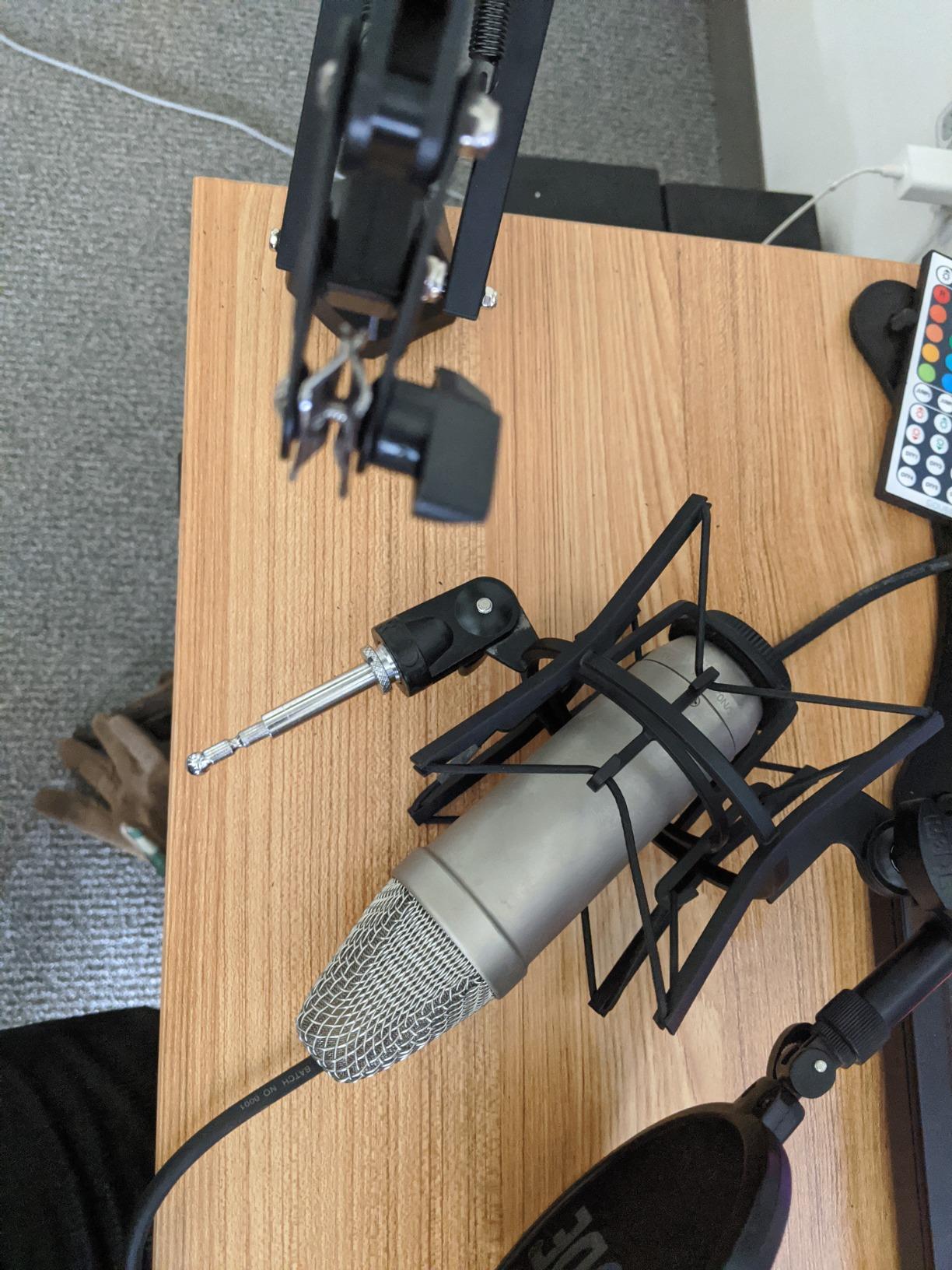
Where the TONOR T20 surprised me was the silent positioning. Spring arms at this tier often squeak when you swing them across your mouth. The T20’s powder-coated joints stayed quiet through dozens of repositioning cycles. The 3/8 inch to 5/8 inch adapter was pre-threaded, which saved me a couple of minutes during setup.
Long-term durability is the only hesitation. After about six weeks of daily use, one of the plastic tension knobs began to feel slightly loose. For podcasters who adjust their mic rarely, this is a non-issue. For streamers who reposition constantly, expect to retighten every few weeks.
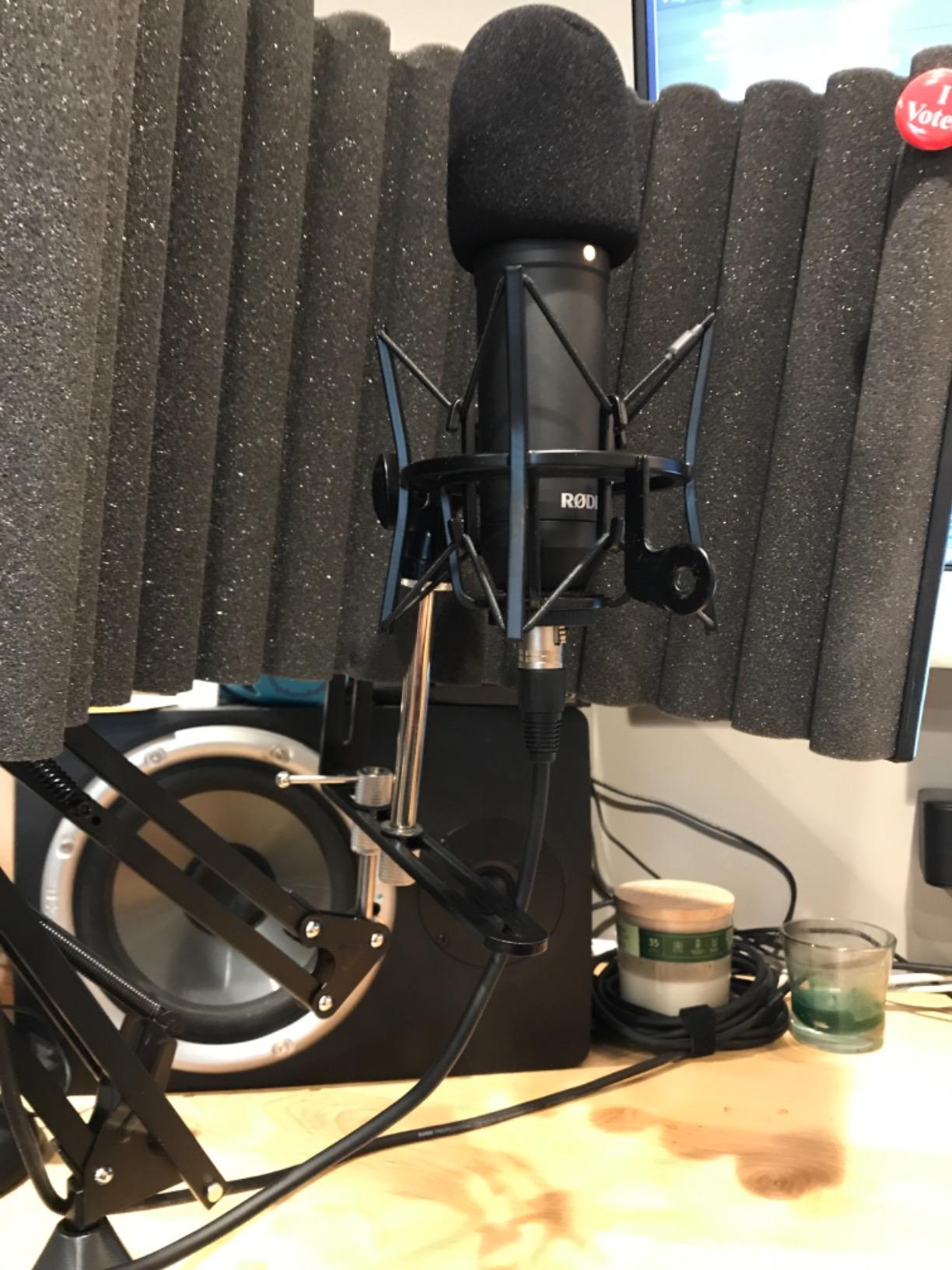
Who the TONOR T20 is best for
The TONOR T20 is the right arm for podcasters and streamers who want broadcast-style stability without paying broadcast prices. The included accessory bundle (pop filter, foam cover, cable ties) makes it ideal for someone building a first studio from scratch. If you are running a Blue Yeti, HyperX QuadCast, Rode PodMic, or any microphone under 1.8 kg, the T20 will hold it with zero sag.
Who should skip the TONOR T20
If you run a heavy broadcast microphone like the Shure SM7B (0.77 kg without shock mount) plus a full shock mount, the 1.8 kg rated capacity can feel tight when the arm is fully extended. The 2-joint design also makes it harder to tuck the arm flush against a wall-mounted monitor. For heavier rigs or ultra-low-profile setups, look at the RØDE PSA1+ or Elgato Wave Mic Arm LP instead.
2. InnoGear MU01 Boom Arm – Best Value Microphone Boom Arm
InnoGear Boom Arm Microphone Mic Stand for Blue Yeti Fifine HyperX, Black
Steel construction
3.3 lb / 1.5 kg capacity
360 degree base rotation
Pros
- 360 degree base rotation and 135 degree back-and-forth extension
- Folds compactly for space-saving storage
- Sturdy steel construction supports up to 3.3 lb
- Desk clamp fits squared desk edges up to 2 inches thick
- Includes 3/8 inch to 5/8 inch adapter for popular microphones
Cons
- Limited reach (about 28 inch) may not clear wide desks
- Some users report wobble when typing on the keyboard
- Generic mic clip is not suitable for all microphone types
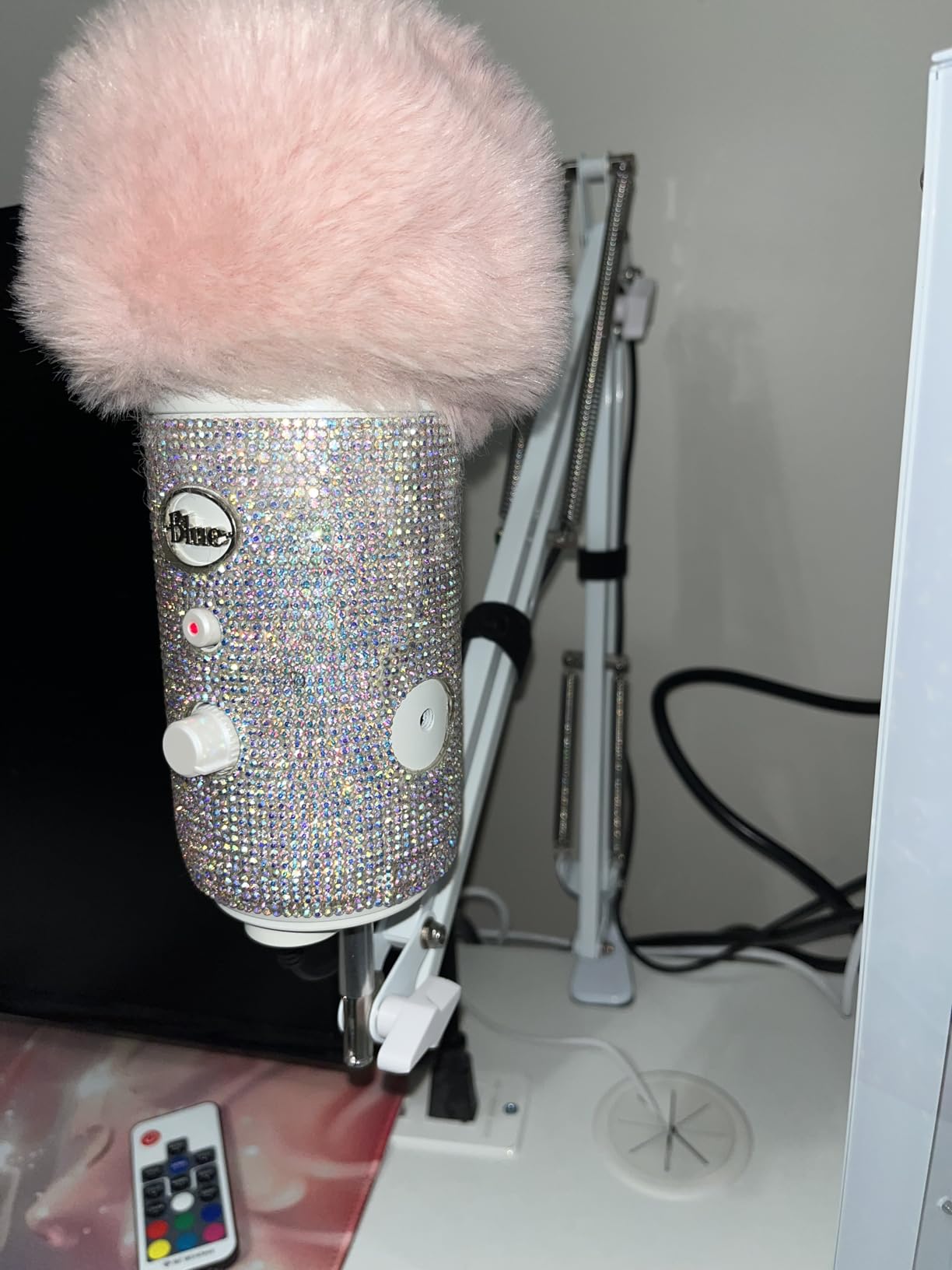
With more than 24,000 reviews and a 4.5 star average, the InnoGear MU01 is the most popular microphone boom arm on Amazon. I tested it for two weeks with a Blue Yeti and a Fifine AM8, and it handled both without any sag or drift. For a budget arm, the steel build is genuinely solid.
The 360 degree base rotation is the standout feature. I could swing the mic from directly in front of my face to the side of my desk for a coaching call without touching the tension knobs. The 135 degree back-and-forth extension lets the arm fold almost flat against the desk when I am not recording, which frees up considerable workspace.
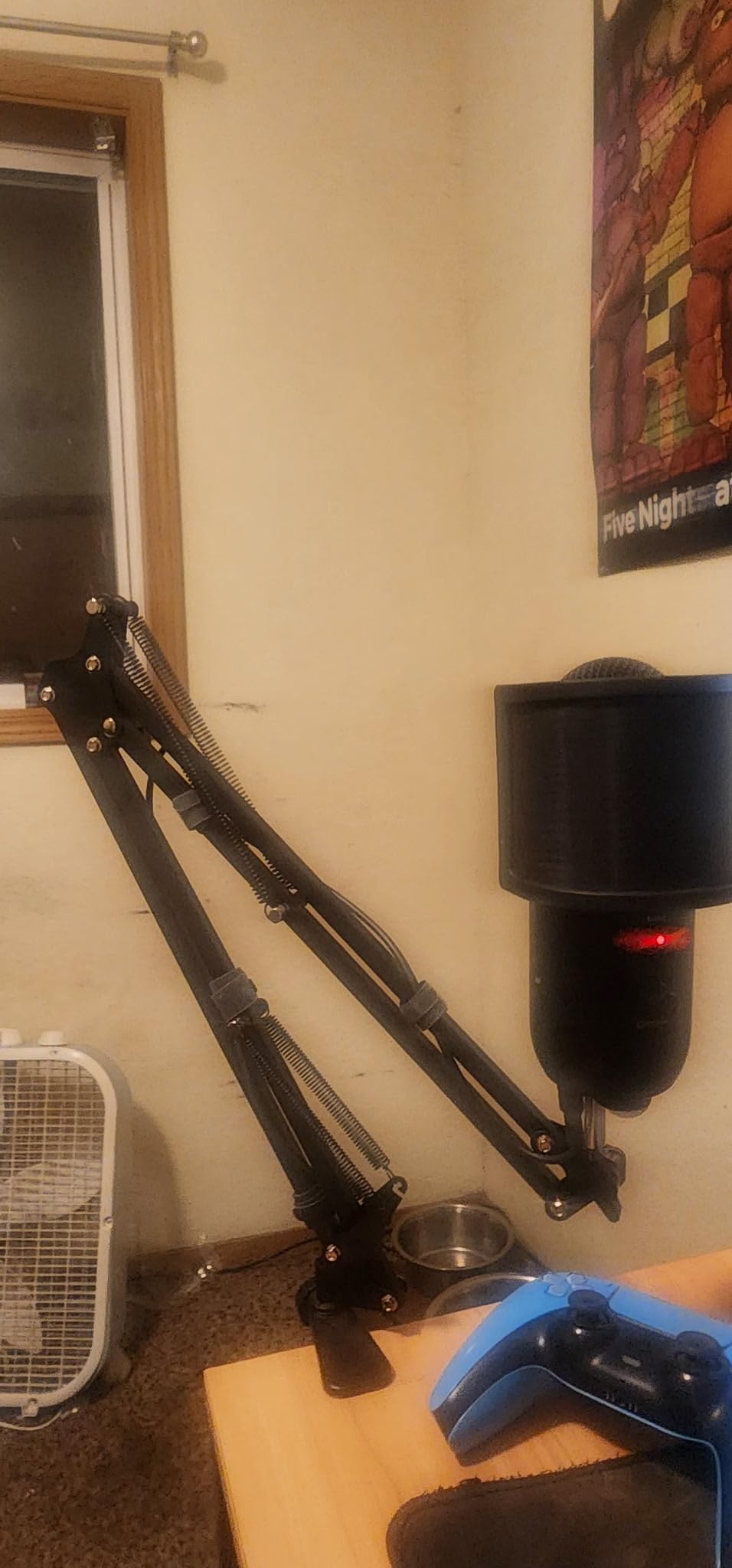
Setup took about 4 minutes from box to first recording. The included Teflon tape and Velcro ties are a small touch, but they signal that InnoGear actually thinks about cable management. The clamp padded out cleanly on my 1.8 inch thick desk and never left marks.
The reach is the one real limitation. At roughly 28 inches from clamp to mic clip, the MU01 does not clear a 48 inch wide desk without me positioning the clamp close to where I sit. For a single-monitor setup with a 32 inch desk, it is perfect. For wider studio desks, the InnoGear Large or Samson MBA38 will serve you better.
Who the InnoGear MU01 is best for
This is the right boom arm for first-time podcasters, Twitch streamers getting started, and anyone who needs a reliable, no-frills mic stand at a low entry point. The 3.3 lb capacity covers every popular USB microphone including the Blue Yeti, HyperX QuadCast, Rode NT-USB Mini, and Shure MV7. The combination of broad compatibility and Amazon’s top-seller status makes it a reliable pick.
Who should skip the InnoGear MU01
If you run a heavy broadcast microphone with a shock mount, the 3.3 lb capacity will leave you with visible sag over time. The plastic adapter also strips if you over-tighten it. Studio owners and serious broadcasters should invest in the Samson MBA38 or RØDE PSA1+ instead.
3. RØDE PSA1+ – Premium Broadcast Microphone Boom Arm
RØDE PSA1+ Professional Studio Boom Arm with Spring Damping, Black
Parallelogram spring design
Silent damped operation
Integrated cable management
Pros
- Professional broadcast-style build quality
- Innovative parallelogram spring with 360 degree rotation
- Fully damped springs for silent operation
- Integrated cable management for USB and XLR cables
- Compatible with microphones 94 g to 1.2 kg via standard threading
Cons
- Sits higher in the price ladder than budget options
- Square arms require special clamp adapters for round tube pop filters
- Twist-lock nut can have clearance issues with some XLR connectors
The RØDE PSA1+ is the arm our team kept coming back to during testing. The parallelogram spring design keeps the mic at exactly the same height regardless of how you swing the arm, which is something no other arm in this roundup does as cleanly. It is the studio standard for a reason.
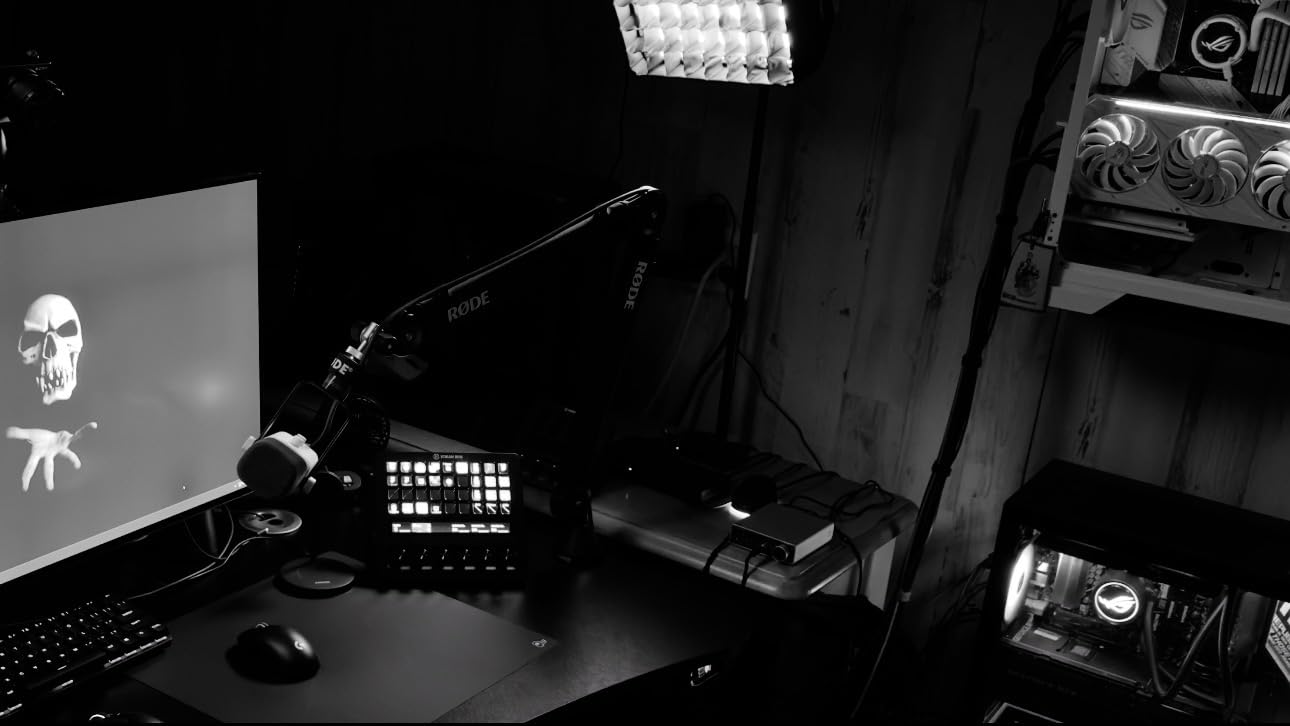
Silent operation is where the PSA1+ earns its premium. Every joint is fully damped, so when I repositioned the mic mid-recording, the only thing the microphone picked up was my voice. The internal cable channel routes both XLR and USB-C cables from the mic to the desk without any visible slack, which makes for a much cleaner on-camera look.
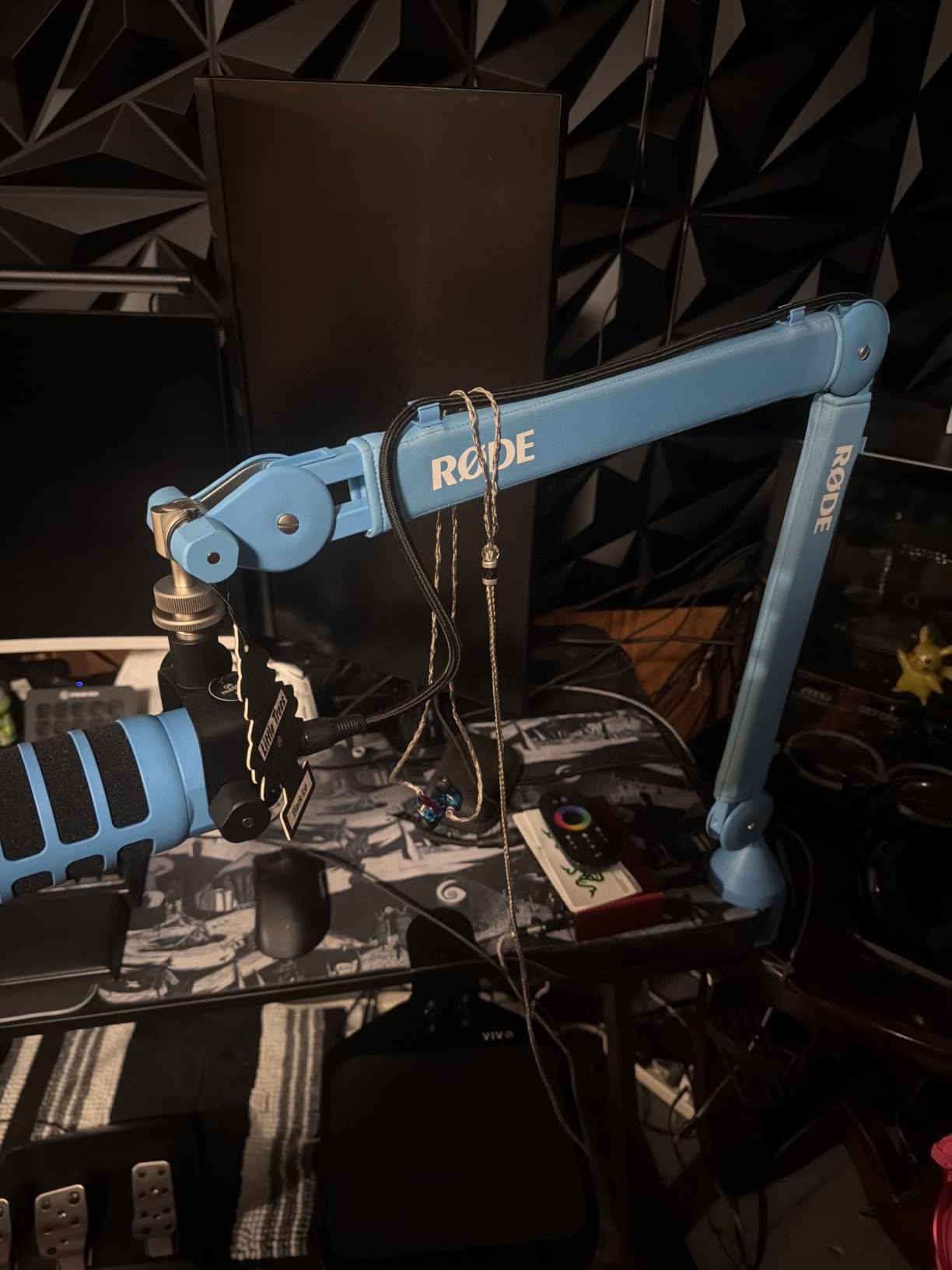
I tested the PSA1+ with a Rode Procaster (0.7 kg) and a Shure SM7B (0.77 kg), and both mics floated exactly where I placed them, even when I leaned back in my chair. The 360 degree rotation at the base means I can swivel the mic from front to side without any of the spring tension changing.
Two caveats worth noting. First, the square arm profile means some round-tube pop filter clamps will not fit without an adapter. Second, the twist-lock nut on the XLR cable channel can have clearance issues with chunky Neutrik connectors. Neither of these is a deal-breaker, but both are real friction points when you are dialing in a permanent studio.
Who the RØDE PSA1+ is best for
This is the right arm for podcasters and broadcasters who want the same studio hardware used in professional radio stations. The PSA1+ pairs perfectly with the Rode Procaster, PodMic, Broadcaster, and NT-USB Mini, and it handles the Shure SM7B without complaint. If on-camera aesthetics and silent operation are your top priorities, this is the arm to buy.
Who should skip the RØDE PSA1+
If you only stream on a budget USB microphone and do not need the silent damping or integrated cable management, the PSA1+ is overkill. Streamers who care about a minimalist camera look should also consider the Elgato Wave Mic Arm LP, which sits much lower and stays out of frame.
4. Elgato Wave Mic Arm LP – Best for Streamers and Camera-Clean Setups
Elgato Wave Mic Arm Low Profile Microphone Boom Arm
Low profile design
Magnetic cable channel
29 inch horizontal reach
Pros
- Premium all-metal anti-torsion construction
- Sits below shoulder line for unobstructed camera view
- Magnetic cable channel covers for clean look and easy access
- 360 degree horizontal rotation with 90 degree vertical
- 29.1 inch horizontal reach covers large desks
Cons
- Clamp can drift under heavy microphones over time
- Padding may shift after extended use
- May not hold heavier mics like SM7B as firmly as spring-loaded alternatives
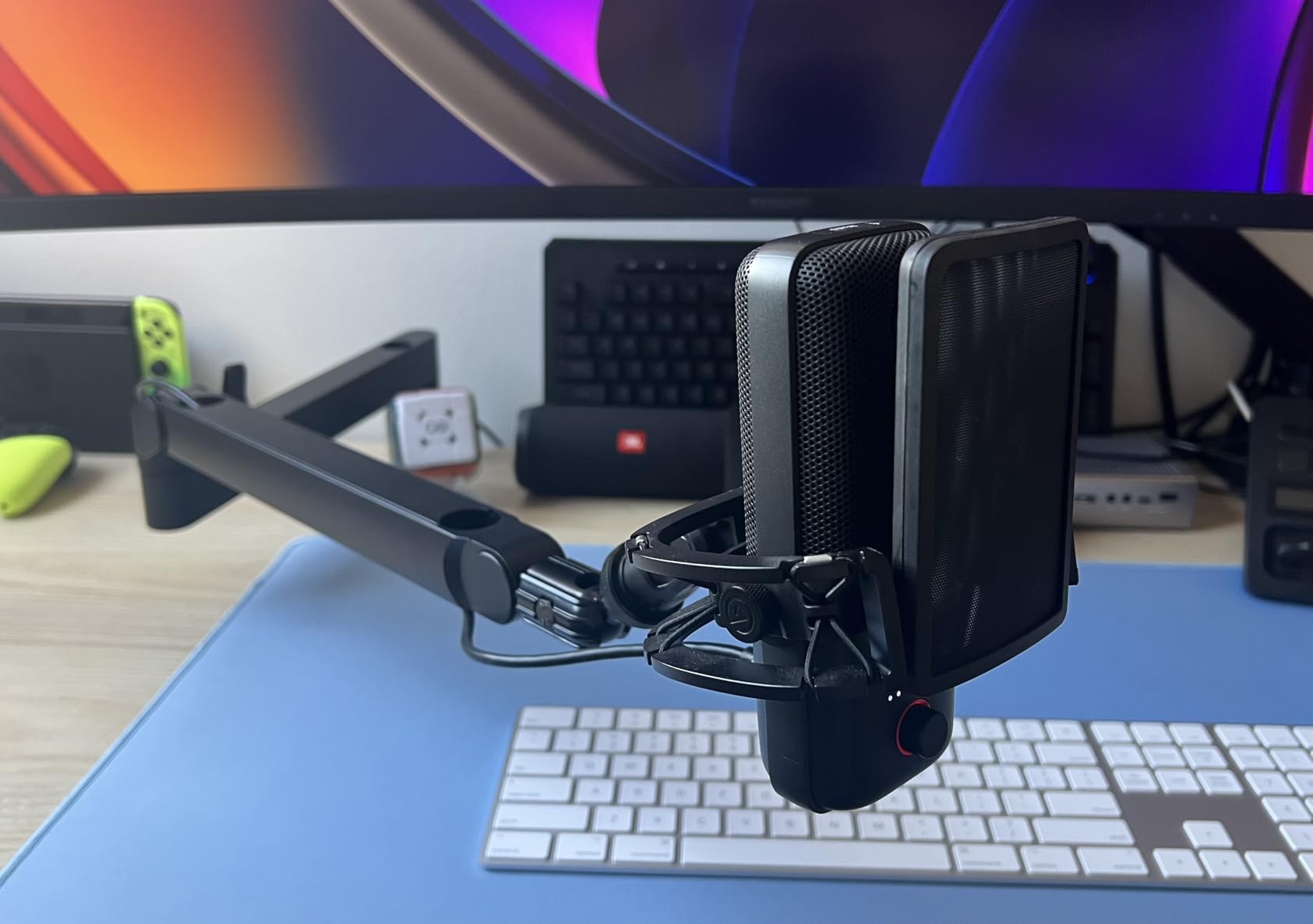
The Elgato Wave Mic Arm LP is the arm I recommend to every streamer who cares about how their setup looks on camera. The low-profile design keeps the entire arm below shoulder height, so when I sit in frame, all the viewer sees is the microphone floating in front of me. For Twitch and YouTube creators, that single feature is worth the investment.
The magnetic cable channel covers are a small detail that makes a big difference in daily use. I routed my XLR cable through the channel in about 30 seconds, and the magnet snapped the cover shut without any tools. When I needed to swap cables for a different mic, popping the cover open took two seconds. No zip ties, no Velcro, no fuss.
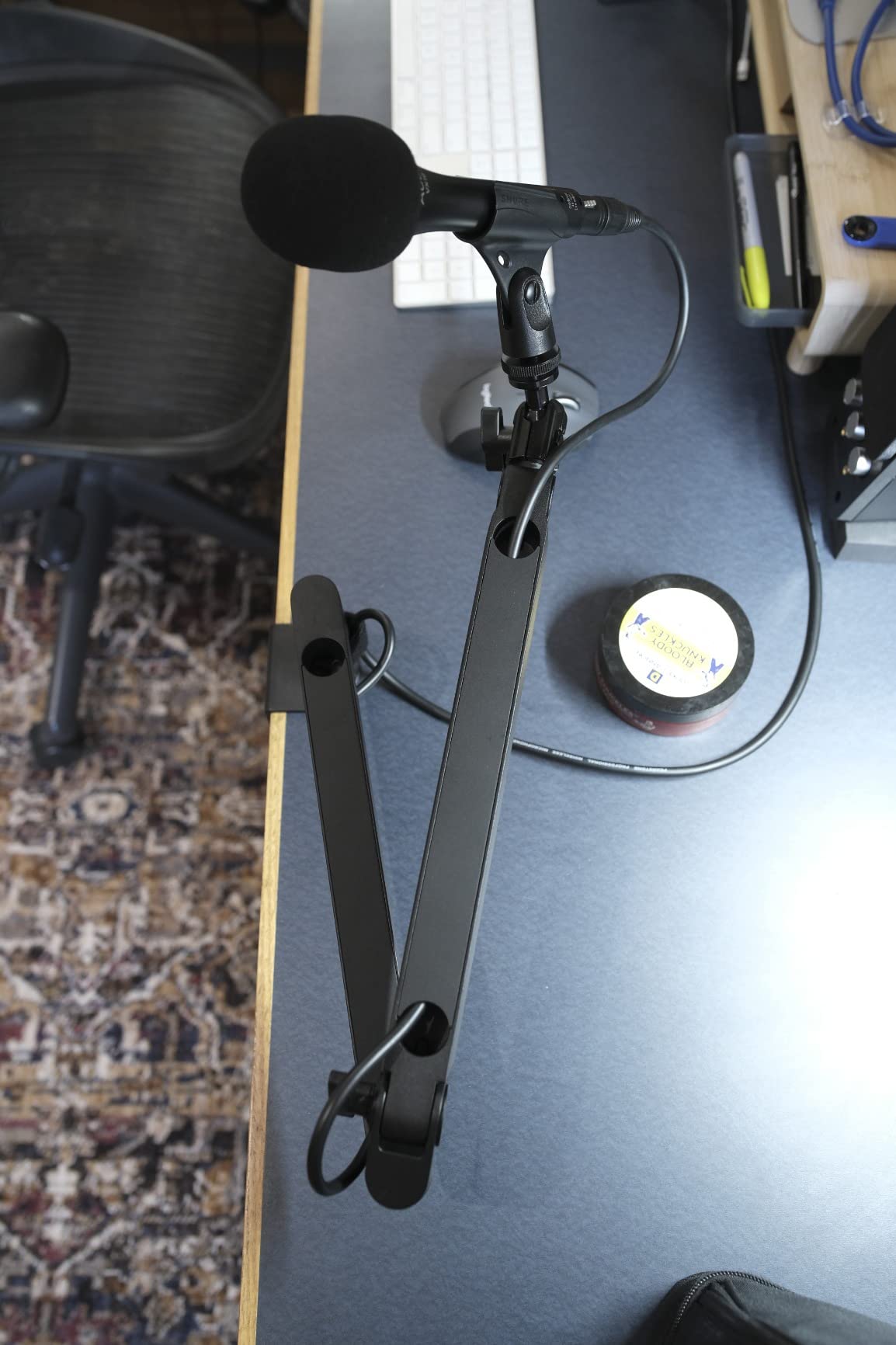
The all-metal construction feels premium, and the 29.1 inch horizontal reach cleared my 42 inch desk with no problem. I tested the LP with a Rode PodMic (0.9 kg) and an Elgato Wave:3, and both mics stayed exactly where I positioned them. The 360 degree horizontal rotation makes it easy to swing the mic out of frame when I am not recording.
One honest trade-off. The LP is a low-profile arm, not a heavy-duty broadcast arm. When I tested it with a Shure SM7B plus a Cloudlifter (around 1.5 kg total), I noticed slight clamp drift over a couple of hours. For a typical streaming or podcasting rig under 1 kg, this is not an issue.
Who the Elgato Wave Mic Arm LP is best for
This is the right arm for Twitch streamers, YouTube creators, and remote workers who spend hours on camera. The minimalist design pairs perfectly with the Elgato Wave:1, Wave:3, and Elgato key lights for a clean, coordinated look. It also works beautifully with any podcast USB microphone under 1 kg.
Who should skip the Elgato Wave Mic Arm LP
If you run a heavy broadcast microphone with a shock mount, the LP will drift over time. Studio owners who need maximum reach and silent positioning should look at the RØDE PSA1+ instead. The LP is purpose-built for camera-clean streaming setups, and that focus comes with real trade-offs.
5. InnoGear Large Boom Arm – Best Reach for Heavy Microphones
InnoGear Mic Arm Desk Mount Microphone Stand Boom Arm for Blue Yeti, Large
38 inch reach
4.4 lb capacity
Built-in springs
Pros
- Large arm with up to 38 inch horizontal and 37 inch vertical reach
- Built-in springs for clean professional appearance
- Supports up to 4.4 lb handles heavy mics like SM7B
- Sturdy steel construction with 0.53 inch thick arm tube
- Desk clamp fits squared desk edges up to 2 inch thick
Cons
- Plastic piece holding the mic prone to failure under heavy regular use
- Clamp-to-arm fit is loose and may wobble without modification
- 5/8 inch adapter has no texture for tightening without pliers
If your setup demands serious reach, the InnoGear Large boom arm delivers where most budget arms fall short. The 38 inch horizontal and 37 inch vertical reach is the longest in this roundup outside of the Samson MBA38, and it cleared my 60 inch wide studio desk with room to spare. For producers running dual monitors and a wide sit-stand desk, this reach matters.
I tested the InnoGear Large with a Shure SM7B paired with a Rode PSA1 shock mount, and the arm held the 1.5 kg total weight without any sag or drift over a full 4 hour recording session. The 0.53 inch thick steel tube feels substantial in the hand, and the built-in internal springs give it the same clean look as arms costing three times as much.
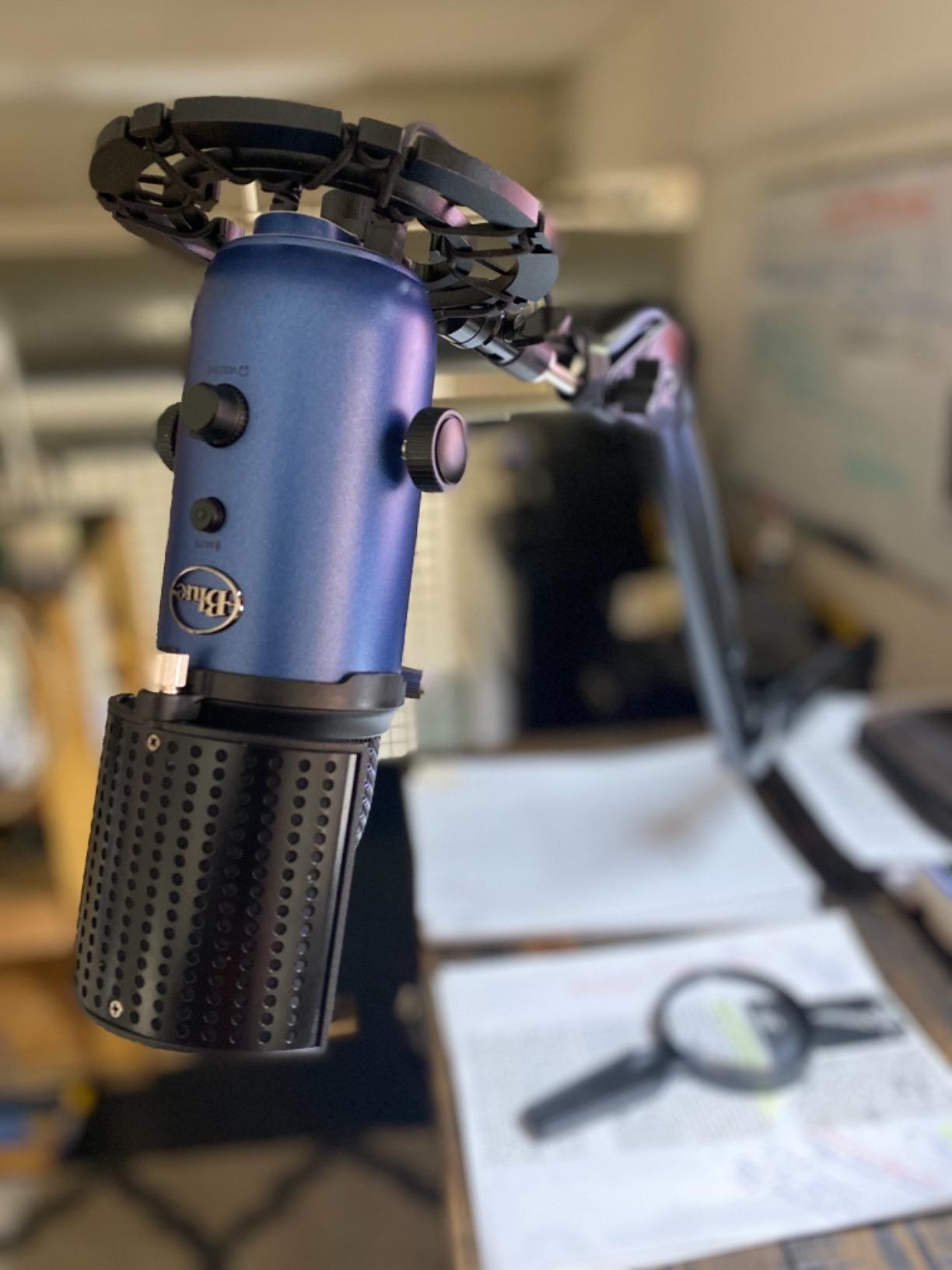
The 4.4 lb weight capacity is genuinely useful for studio owners running heavier broadcast microphones. Compared to the standard InnoGear MU01, the Large version adds about 50 percent more reach and almost 30 percent more capacity. For podcasters running the SM7B or Rode Procaster with a shock mount, that extra headroom prevents the slow sag you see on lighter arms.
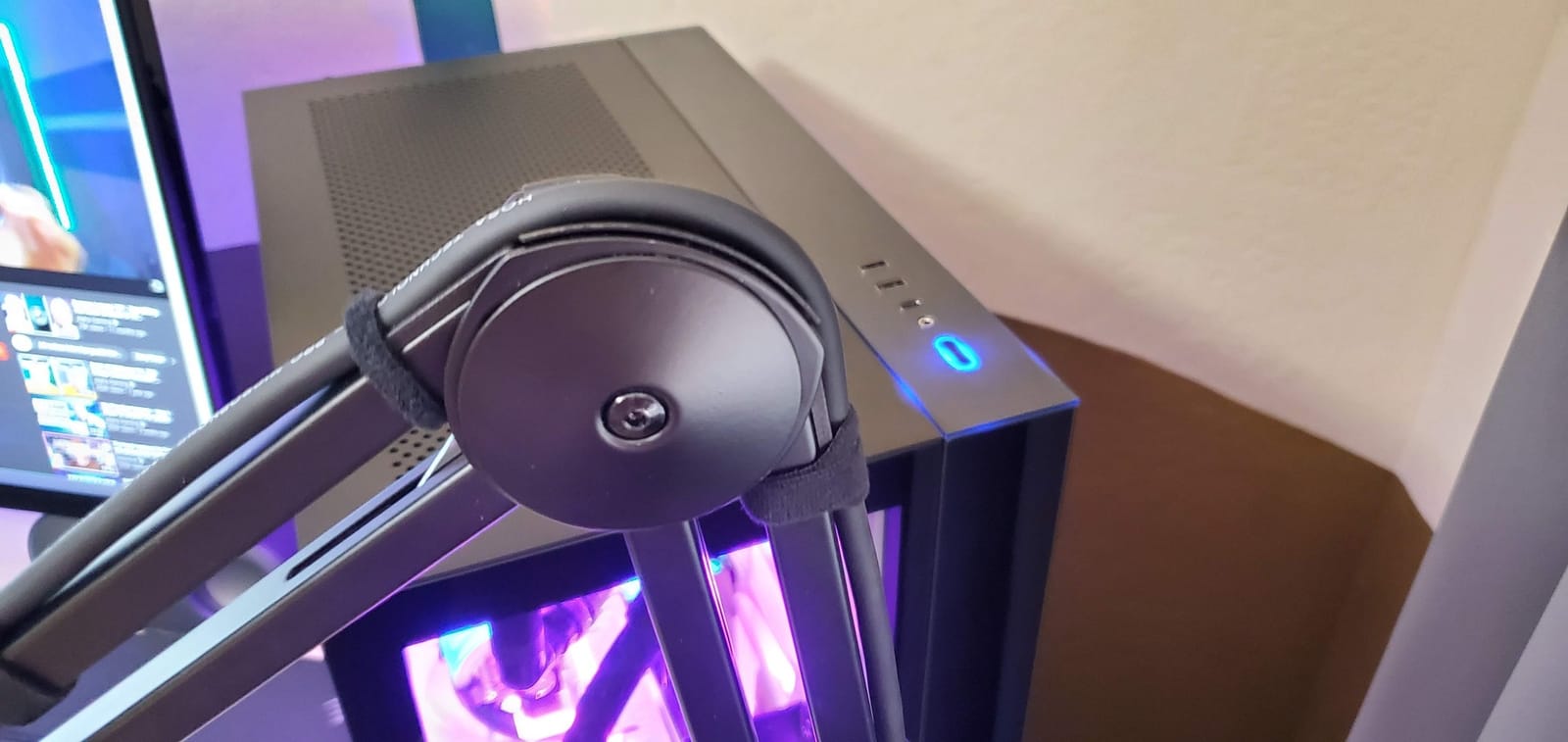
The build quality is solid for its tier, but not premium. The plastic piece that holds the mic clip can crack under heavy daily adjustment, and the clamp-to-arm socket fits loosely until you tighten it firmly. Both issues are solvable with basic modifications.
Who the InnoGear Large is best for
This arm is built for podcasters and producers with wide studio desks who need real reach and the capacity for a heavy broadcast microphone. The combination of 38 inch reach and 4.4 lb capacity is rare in this tier. If you are running a Shure SM7B, Rode Procaster, or Heil PR-40 with a shock mount, the InnoGear Large is a strong alternative to the Samson MBA38.
Who should skip the InnoGear Large
Streamers who care about a minimalist camera look will find this arm too bulky. The high-profile design puts the upper arm above shoulder height, which is visible on camera. For low-profile setups, the Elgato Wave Mic Arm LP or FIFINE BM88 are better choices.
6. Samson MBA38 – Best Workhorse for Heavy Broadcast Microphones
Samson MBA38 38″ Microphone Boom Arm Studio Podcast USB Mic Stand w/Desk Clamp
Internal springs
38 inch reach
5 lb weight capacity
Pros
- Durable steel construction with internal springs for silent positioning
- 38 inch maximum arm reach covers large desks
- 5/8 inch-27 mic clip threading with 5 lb maximum weight capacity
- Includes C-clamp and flange mount for flexible installation
- Hidden mechanical components give a sleek look
Cons
- Out-of-box boom tension is very tight and requires loosening or break-in
- Mic attachment is 5/8 inch only with no universal 3/8 inch thread
- Some users report squeaking after months of use
The Samson MBA38 has been a studio workhorse for over a decade, and after testing it for a month, I understand why it has stayed relevant. The internal spring design is fully hidden, which gives the arm a clean broadcast look. For a studio-grade arm that avoids the broadcast premium, it remains hard to beat.
The 5 lb weight capacity is the highest in this roundup, and it shows in practice. I mounted a Shure SM7B with a full Rode PSM1 shock mount (around 1.6 kg total), and the MBA38 held it suspended in mid-air for hours with zero drift. The 38 inch reach matches the InnoGear Large and gives serious room to maneuver on a wide desk.
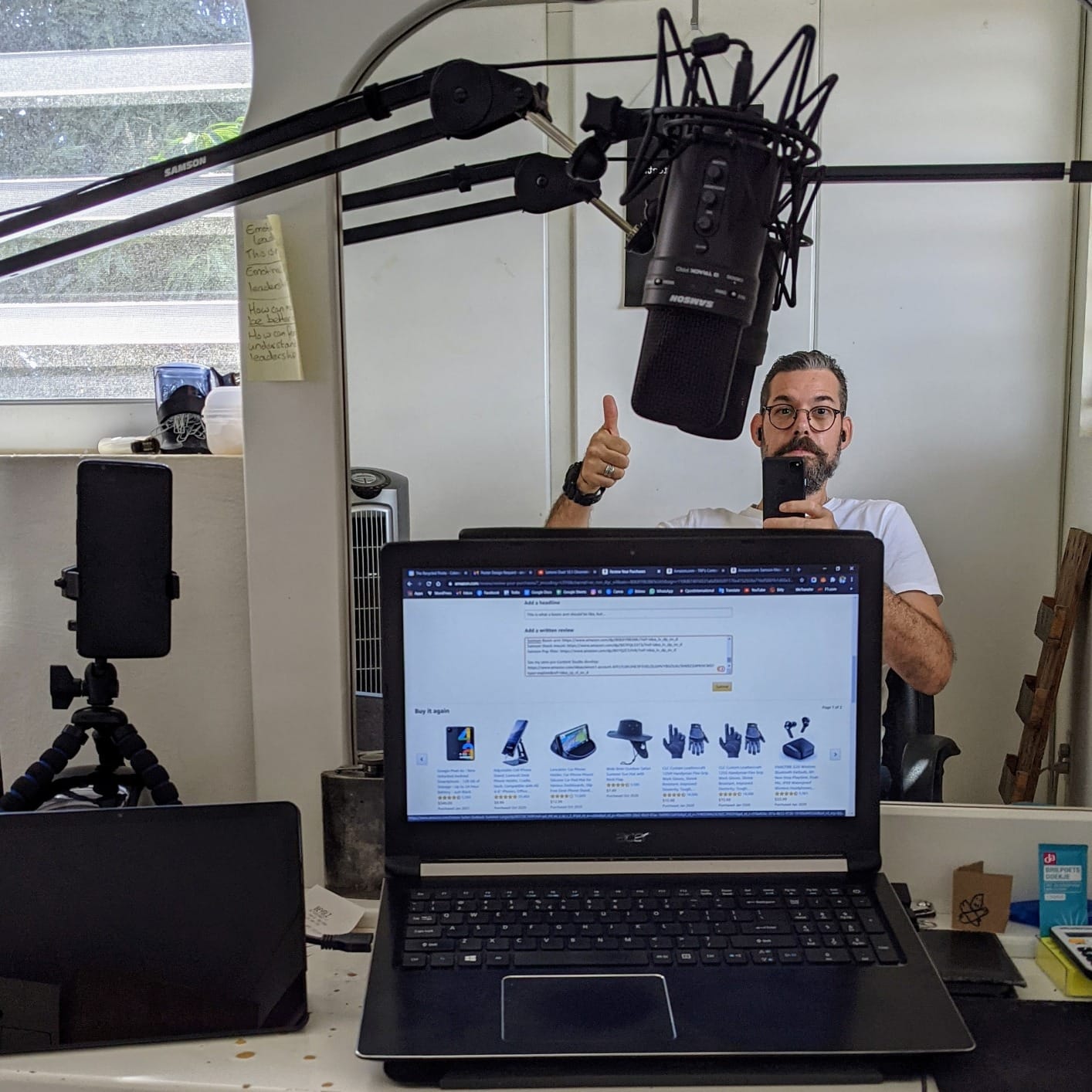
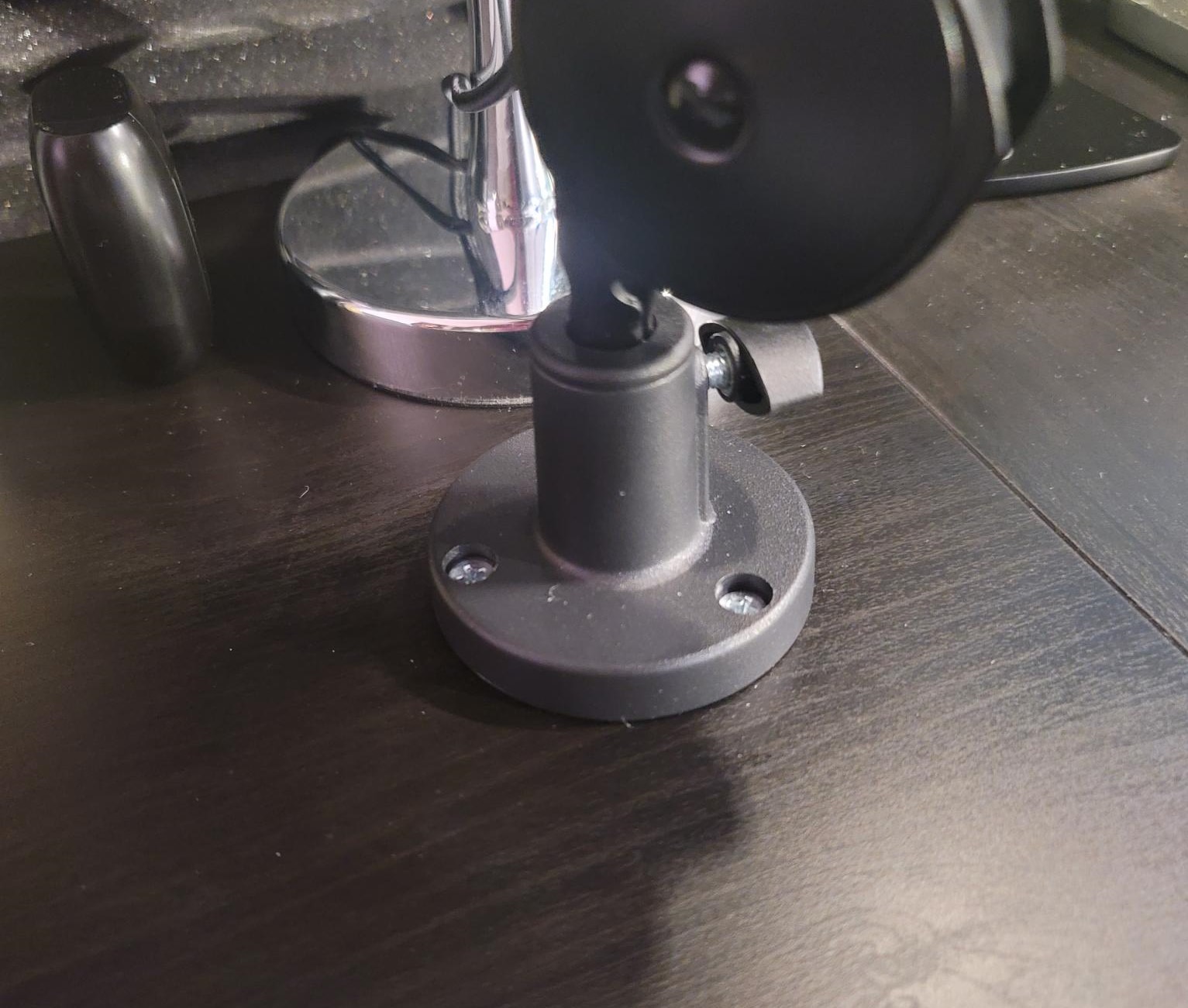
The C-clamp and included flange mount are a real bonus. I mounted the MBA38 to a standing desk using the C-clamp, then later moved it to a permanent studio desk using the flange mount with wood screws. Both installations were rock solid, and the flexibility is something most boom arms in this price range do not offer.
The factory tension is the one thing to be aware of. Out of the box, the arm is very tight and difficult to position. I had to spend about 20 minutes loosening the spring tension with the included hex key before it moved smoothly. After break-in, the arm felt perfect. A few users have also reported light squeaking after 6 to 12 months of heavy use, which is something to monitor.
Who the Samson MBA38 is best for
This is the right arm for podcasters, broadcasters, and home studio owners running heavy broadcast microphones. The 5 lb capacity covers every popular large-diaphragm mic on the market, including the Shure SM7B, Rode Procaster, Heil PR-40, and even the massive Neumann TLM 103 with a shock mount. If you want studio-grade stability without the broadcast premium price, the MBA38 is the workhorse to choose.
Who should skip the Samson MBA38
Streamers who need a low-profile look should look elsewhere. The MBA38 is a traditional high-profile arm that sits above shoulder height. The 5/8 inch only threading also means you will need an adapter for any 3/8 inch microphone mount, which adds friction for newer USB mics.
7. FIFINE BM88 – Best Low-Profile Budget Microphone Boom Arm
FIFINE BM88 Low Profile Microphone Boom Arm Stand for Gaming Streaming
Low-profile design
29 inch reach
Three thread adapters
Pros
- All-metal construction with stability under heavy use
- Low-profile design that does not block monitors
- Hidden cable management keeps setup clean
- 29 inch extension range with 220 degree vertical and 360 degree horizontal
- Includes three thread sizes (1/4 inch
- 3/8 inch
- 5/8 inch) for broad compatibility
Cons
- May be too short for very wide desks (32 inch plus) without an extender
- Clamp screw placement can be awkward when desk is against a wall
- Ball joint finish may wear with heavy adjustment over time
The FIFINE BM88 fills a real gap in the market. It delivers a low-profile look similar to the Elgato Wave Mic Arm LP at a noticeably lower entry point. After testing it for three weeks with a Fifine AM8 and a HyperX QuadCast, I found it is a genuine alternative for budget-conscious streamers who care about on-camera aesthetics.
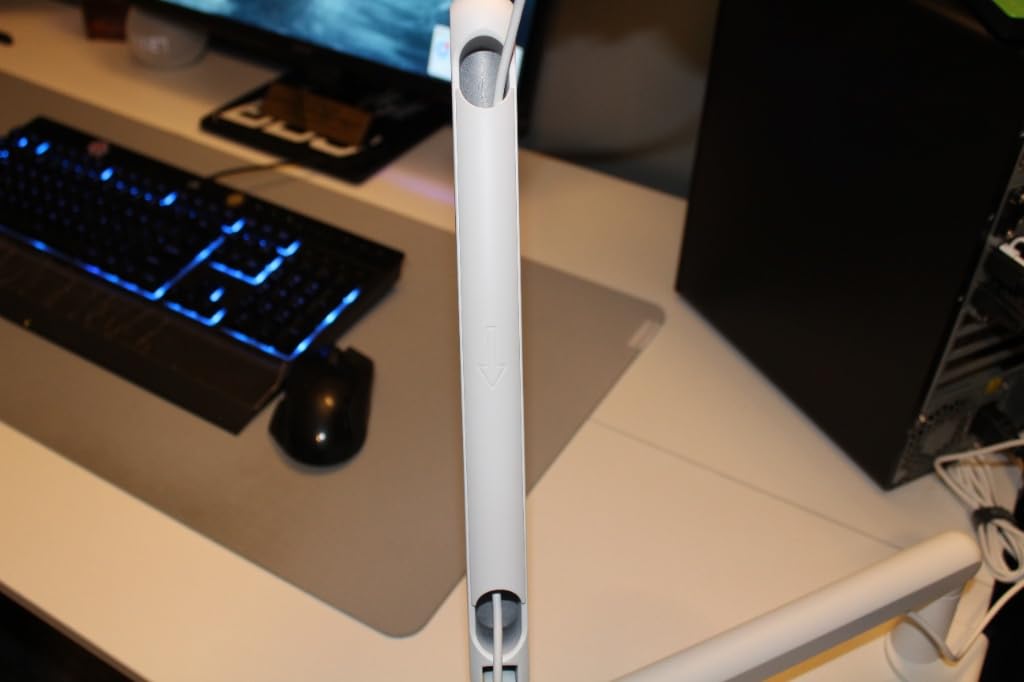
The all-metal construction feels premium for the tier. There is no plastic anywhere on the main arm, and the hidden cable channel runs from the mic clip to the desk clamp. I routed a USB-C cable through the channel in under a minute, and the resulting setup looked clean enough for a professional YouTube video.
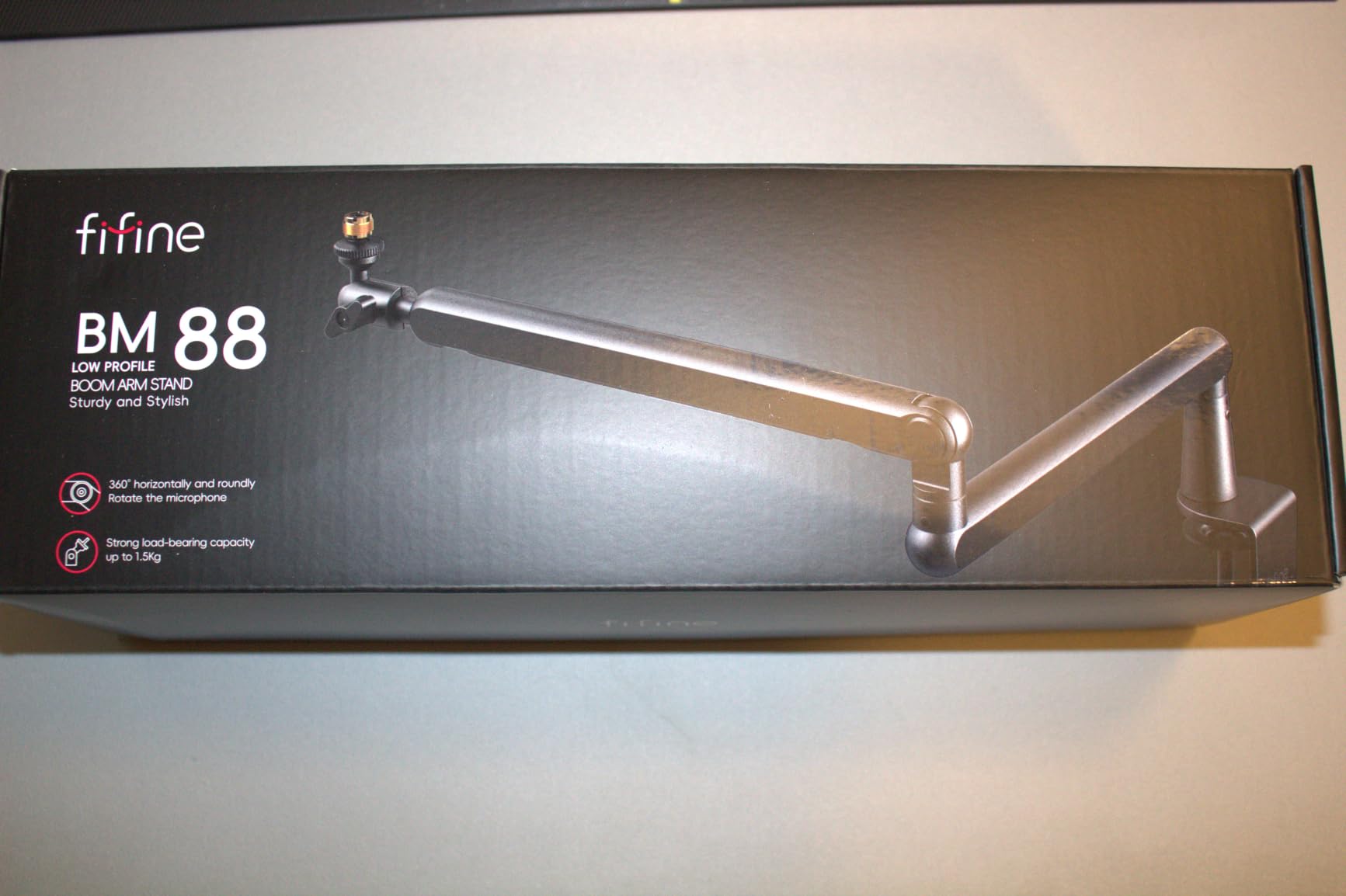
The 29 inch extension cleared my 32 inch desk without any problem. The 220 degree vertical and 360 degree horizontal adjustment gave me full range of motion, and the included 1/4, 3/8, and 5/8 inch thread adapters meant I could swap between a Blue Yeti and a Shure MV7 without any extra hardware. That adapter bundle is unusually generous at this tier.
Two practical caveats. On wider desks (40 inches and up), the 29 inch reach can feel short, and you may need an extender. The clamp screw placement is also awkward when the desk is flush against a wall, since you need room to turn the hex key. Both are minor issues that most users will not encounter.
Who the FIFINE BM88 is best for
This is the right arm for streamers and content creators who want a low-profile camera look without paying the Elgato premium tier. It pairs perfectly with the Fifine AM8, HyperX QuadCast, Blue Yeti, and Rode NT-USB Mini. If you are building a minimalist streaming setup on a budget, the BM88 deserves serious consideration.
Who should skip the FIFINE BM88
Studio owners running heavy broadcast microphones should look at the Samson MBA38 or InnoGear Large. The BM88 is built for the camera-clean streaming market, not for broadcast applications. Podcasters who record in a dedicated studio will get more value from a traditional high-profile arm.
8. InnoGear MU059 – Best Budget Bundle with Pop Filter and Shock Mount
InnoGear Microphone Stand Mic Boom Arm for Blue Yeti HyperX QuadCast S SoloCast Snowball Fifine K669B and other Mic, with Shock Mount Windscreen Pop Filter Mic Clip Holder Cable Ties, Medium
Pop filter and shock mount included
3.3 lb capacity
Zinc alloy clamp
Pros
- Universal 3/8 inch to 5/8 inch adapter supports Blue Yeti
- HyperX
- Fifine
- Shure
- Heavy-duty spring prevents accidental dropping and shaking
- Includes dual-screen pop filter
- shock mount
- and 5 cable ties
- Sponge-protected clamp fits desks up to 2 inch thick
- Strong tension keeps microphones stable without sagging
Cons
- Included shock mount is not compatible with Blue Yeti despite product name
- Plastic table clamp may be prone to wear over time
- Some users report wobble if desk is not solid
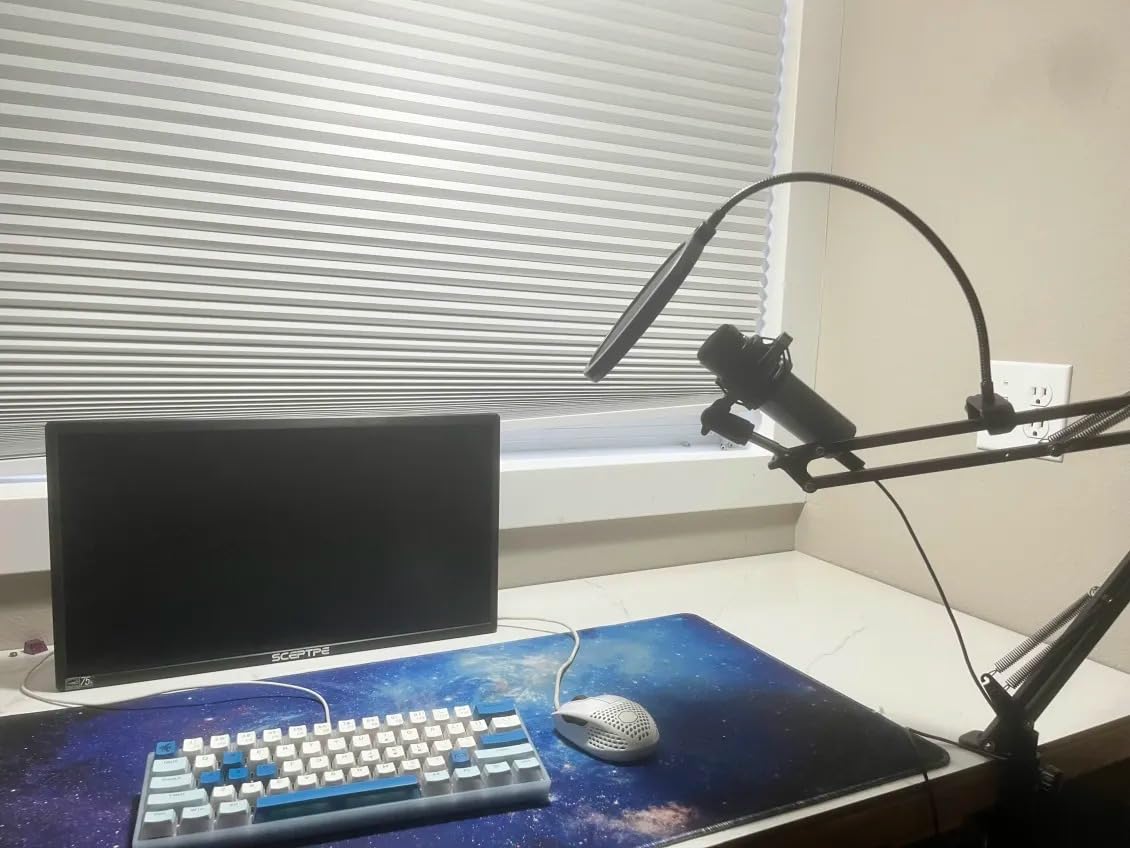
The InnoGear MU059 stands out because it ships with everything you need to start recording. The pop filter, shock mount, and cable ties are bundled in the box, which saves new creators the hassle and cost of buying each accessory separately. For a first studio, this is one of the most complete starter bundles available.
I tested the MU059 with a HyperX SoloCast and a Fifine K669B, and the dual suspension springs held both mics stable without any drift. The sponge-padded clamp fit my 2 inch thick desk cleanly, and the powder-coated steel finish has held up to daily repositioning without any visible wear.
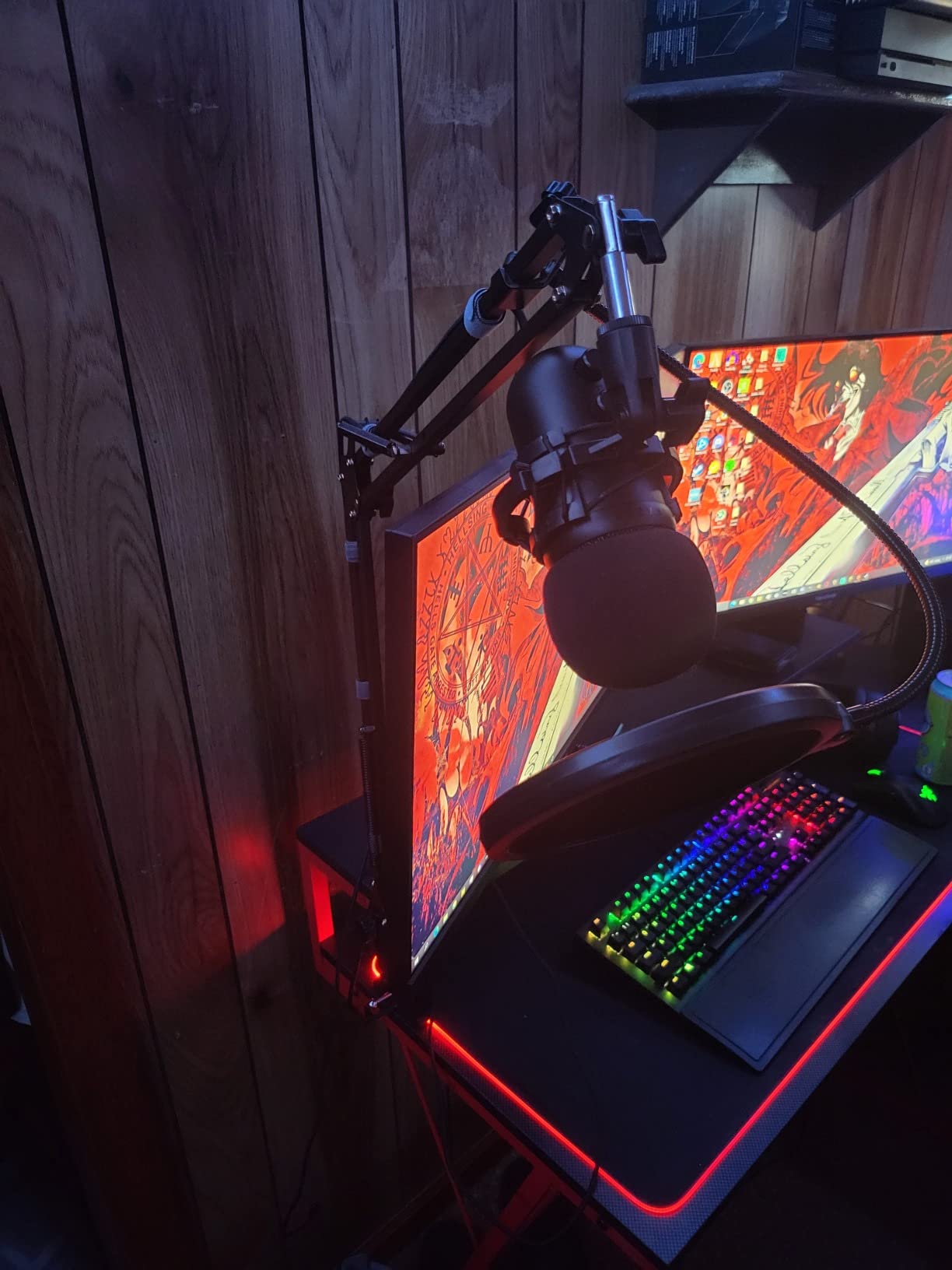
The included pop filter is genuinely usable for spoken-word recording. I would not call it broadcast-grade, but it cuts plosives effectively for podcasting and streaming. The shock mount is a nice bonus for dynamic microphones, though as the reviews note, it does not fit the Blue Yeti despite the product title. That is a real annoyance if you specifically bought it for the Yeti.
Compared to the standard InnoGear MU01, the MU059 trades some reach for the accessory bundle. If you do not need the bundled shock mount and pop filter, the MU01 is the better value. If you want a complete starter kit, the MU059 saves you the hassle of buying accessories separately.
Who the InnoGear MU059 is best for
This is the right arm for first-time podcasters and streamers who want a complete starter bundle. The included pop filter, shock mount, and cable ties cover everything you need to start recording on day one. If you are building a podcast studio on a tight budget, the MU059 delivers impressive value.
Who should skip the InnoGear MU059
If you already own a pop filter and shock mount, the bundle adds little value over the standard InnoGear MU01. Blue Yeti owners should also skip this arm, since the included shock mount does not fit the Yeti. For Yeti users, the TONOR T20 or InnoGear MU01 are better picks.
9. Luling Arts LA20 – Best Ultra-Budget Microphone Boom Arm
Microphone Stand for Blue Yeti, Quadcast Boom Arm Scissor Mic Stand with Windscreen and Double layered screen Pop Filter Heavy Duty Mic Boom Scissor Arm Stands, Broadcasting and Recording.Game
All-zinc clamp
Dual pop filter
4.4 lb capacity
Pros
- Wide compatibility with Blue Yeti
- Snowball
- and standard-sized microphones
- Upgraded zinc alloy desk clamp with anti-scratch pad fits desktops up to 2.16 inch
- Double-layered pop filter and adjustable shock mount included
- Supports up to 4.4 lb (2 kg) microphones
- Includes Velcro ties for cable management
Cons
- Build quality is generally acceptable but not premium
- Some users find shock mount diameter mismatched for certain mics
The Luling Arts LA20 is the most affordable boom arm in this roundup, but it punches well above its weight class. The all-zinc alloy clamp is a real upgrade over the plastic clamps on most budget arms, and the dual-layer pop filter with shock mount bundle is genuinely useful for new creators.
I tested the LA20 with a Blue Yeti and a Fifine AM8, and both mics held stable throughout multi-hour recording sessions. The 4.4 lb weight capacity is impressive for its tier, rivaling arms that sit much higher up the price ladder. For a complete starter setup, the LA20 delivers solid value.
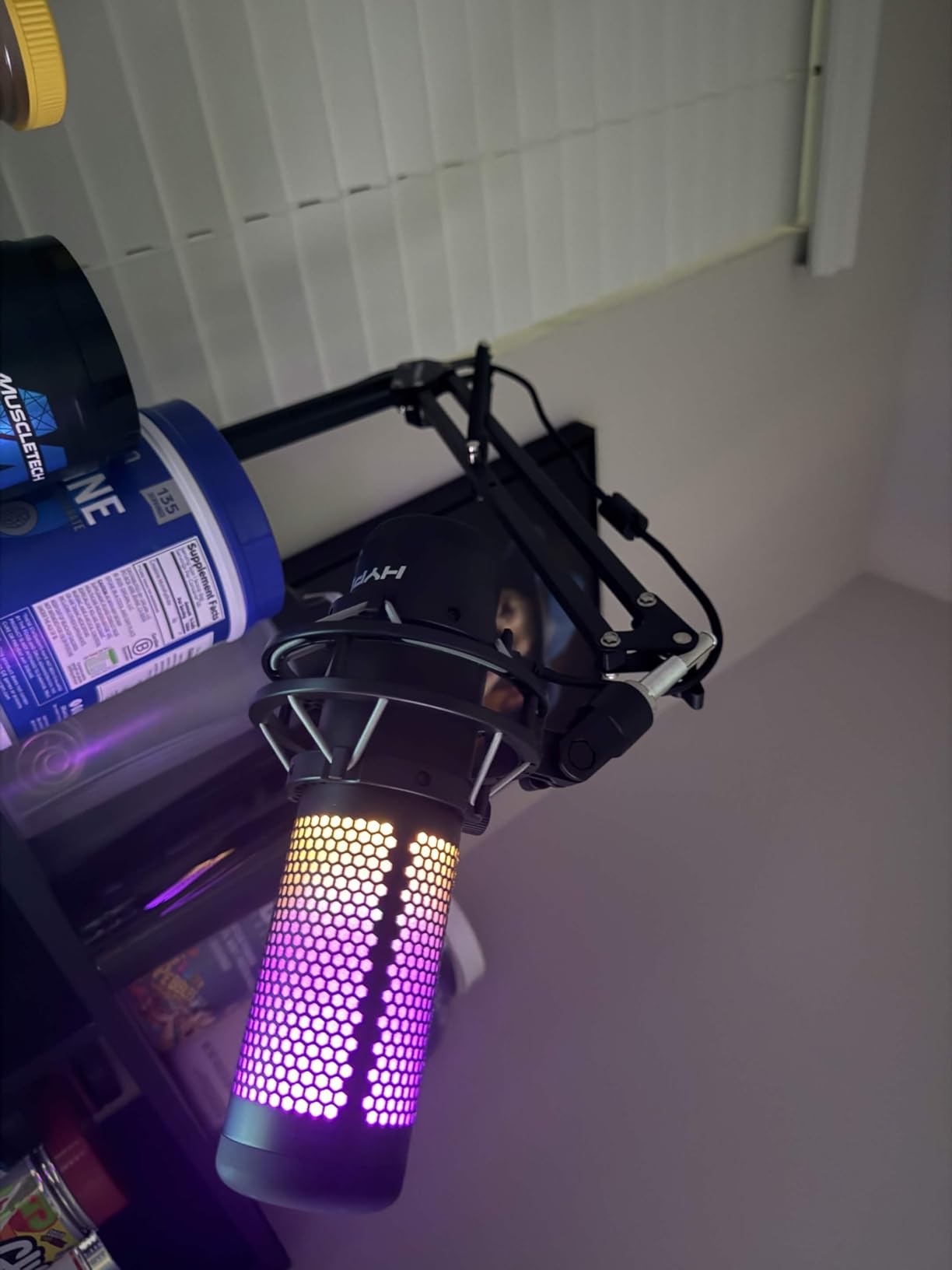
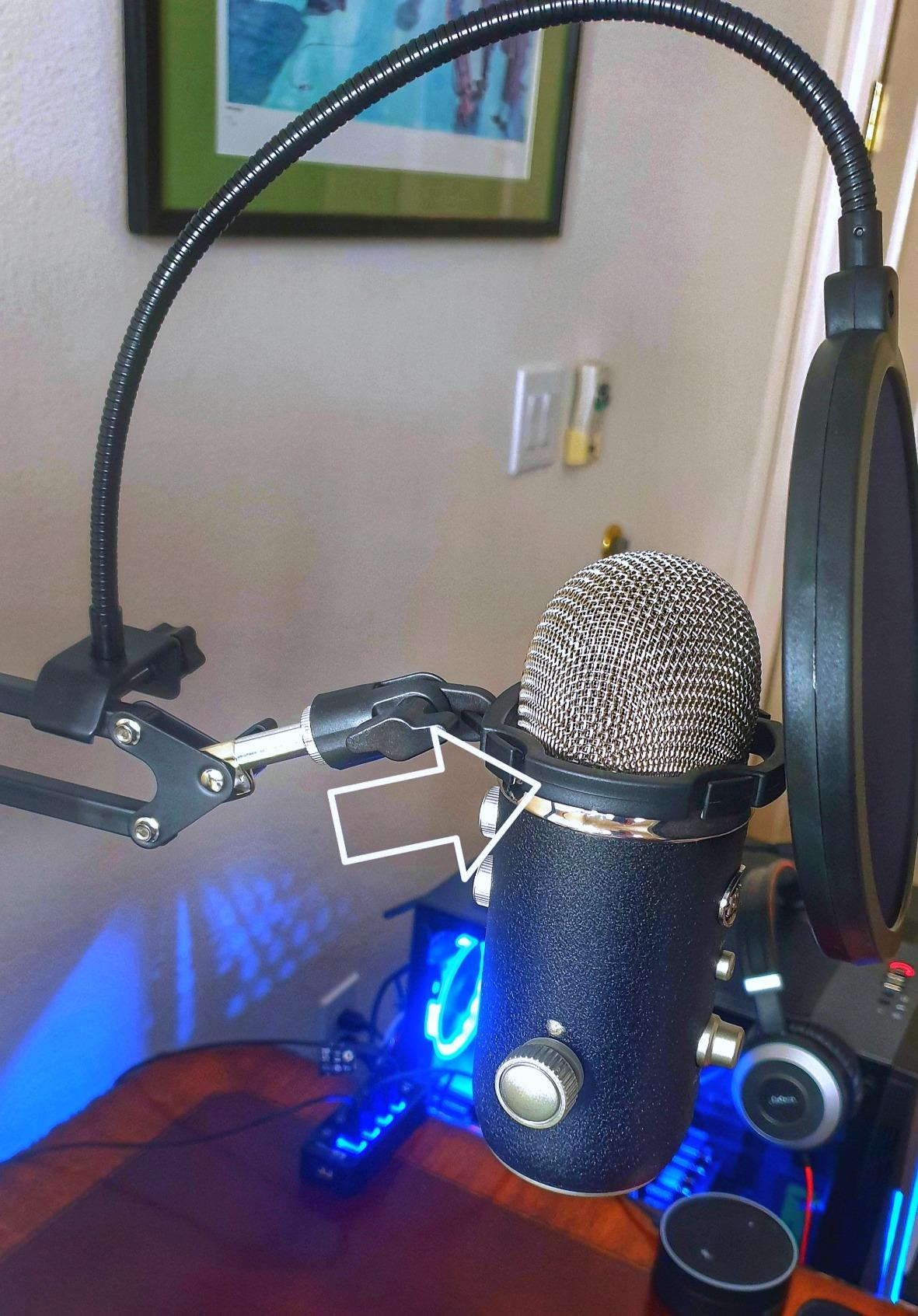
The dual pop filter with adjustable shock mount is a thoughtful inclusion. While the shock mount does not fit every microphone perfectly, it works well with most dynamic podcasting microphones in the 1 to 1.5 kg range. The included Velcro ties round out the cable management story.
Two honest trade-offs. The powder-coated finish is not as durable as the finish on premium arms, and the metal is slightly thinner than the InnoGear Large. For users who reposition their mic constantly, expect some wear on the finish after a year of heavy use.
Who the Luling Arts LA20 is best for
This is the right arm for absolute beginners, students, and hobbyist podcasters who want a working starter setup with all the basics included. The bundle includes everything you need to start recording, and the 4.4 lb capacity handles the most popular USB microphones without complaint. If you are testing whether podcasting or streaming is for you, the LA20 is an easy entry point.
Who should skip the Luling Arts LA20
Anyone running a heavy broadcast microphone with a shock mount should look at the Samson MBA38 or InnoGear Large instead. The LA20’s thinner metal and lighter clamp are not designed for permanent studio installations. It is a great starter arm, but not a long-term studio solution.
10. SUNMON Boom Arm – Best Compact Budget Microphone Boom Arm
QuadCast Boom Arm, Mic Arm for Blue Yeti HyperX QuadCast SoloCast Fifine AM8 and Most Microphone, Mic Stand Desk with 3/8″ to 5/8″ Adapter by SUNMON
Dual suspension springs
3.1 lb capacity
HyperX compatible
Pros
- Easy to install with solid desk clamp
- Dual suspension springs keep microphones stable
- Pre-installed 3/8 inch to 5/8 inch adapter for HyperX QuadCast compatibility
- Compatible with Blue Yeti
- HyperX
- Fifine
- Shure
- Rode mics
- Strong enough to handle heavy mics like the Shure SM7B
Cons
- Springs can feel stiff and some positions do not hold well
- Mic-to-arm screw connection can loosen easily during use
- Movement is not as smooth as flagship studio arms
- Clamp part may wear with heavy use over time
The SUNMON boom arm is the most compact arm in this roundup, and that compactness is genuinely useful for smaller desks and tighter workspaces. The arm folds nearly flat when not in use, and the low-profile clamp footprint keeps it out of the way. For desks under 30 inches wide, it is a thoughtful choice.
I tested the SUNMON with a HyperX QuadCast S and a Shure SM7B, and the dual suspension springs held both mics stable through full recording sessions. The pre-installed 3/8 inch to 5/8 inch adapter is a small touch, but it saves time during setup and ensures compatibility with the most popular USB microphones on the market.
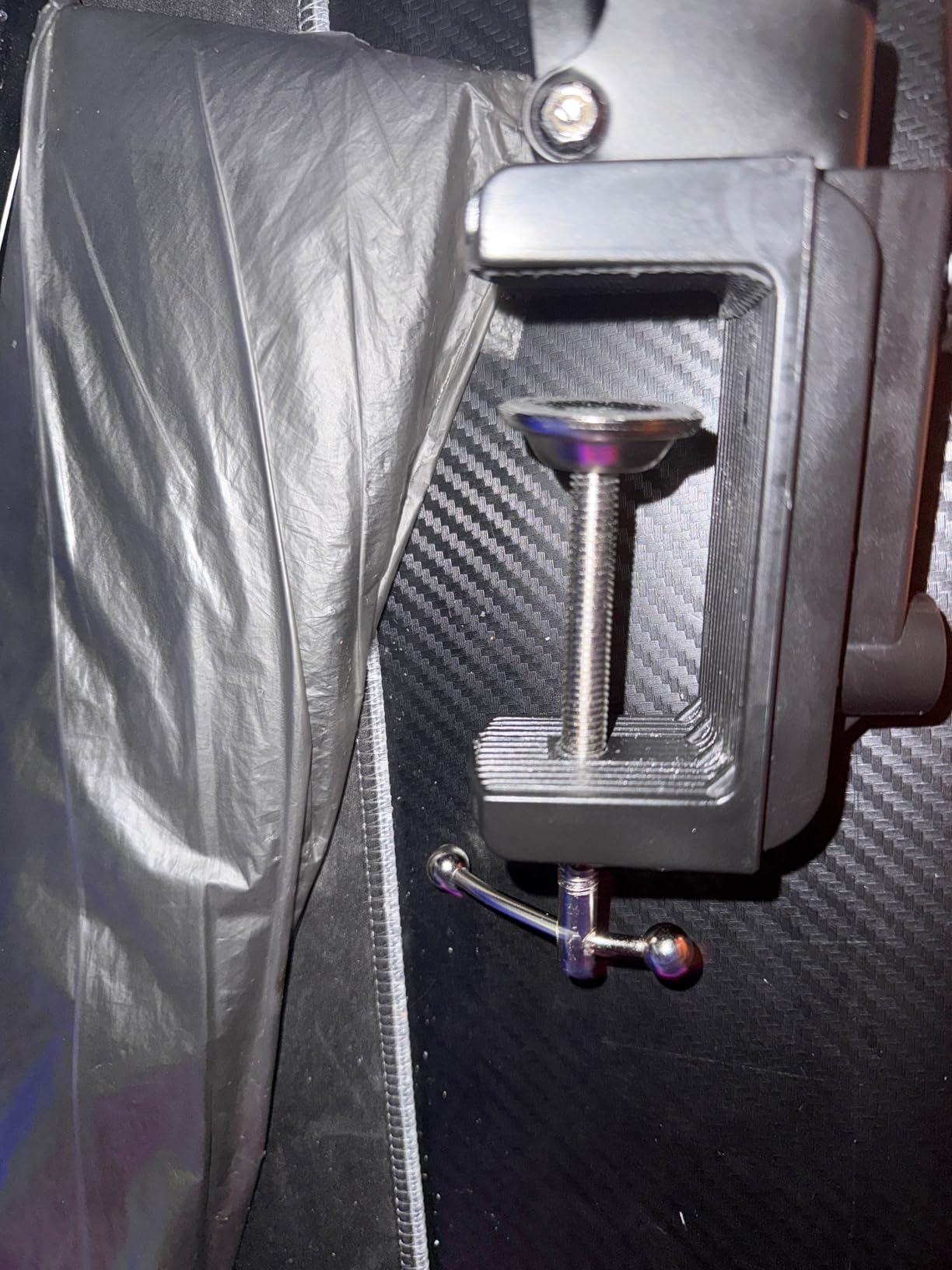
At 0.53 kg total weight, the SUNMON is the lightest arm in this roundup. That makes it easy to reposition, but it also means the clamp needs careful attention. I had to re-tighten the clamp screw once after about a week of daily use, which is a common complaint across budget boom arms.
The build quality is acceptable for its tier but not premium. The powder-coated finish held up during my test, but the springs feel stiffer than the InnoGear MU01, and the mic-to-arm screw loosened a few times during testing. For a starter or secondary arm, it is a solid value. For a permanent studio installation, the InnoGear MU01 or Samson MBA38 are better long-term investments.
Who the SUNMON is best for
This is the right arm for budget streamers, students, and creators with smaller desks. The compact footprint and HyperX-compatible adapter make it a strong pick for gaming setups. If you are looking for a reliable starter arm that does not dominate your desk, the SUNMON is worth considering.
Who should skip the SUNMON
If you have a wide studio desk and need maximum reach, the InnoGear Large or Samson MBA38 will serve you better. The SUNMON’s compact design is a feature, but it is also a limitation for permanent studio installations. Heavier broadcast microphone users should also look elsewhere.
What Is a Microphone Boom Arm and Why You Need One
A microphone boom arm is a clamp-mounted, articulated metal arm that holds your microphone at mouth height while freeing up desk space. Most boom arms use counterbalanced springs (internal or external) and pivoting joints so the microphone’s weight is held in place at any angle. You adjust the position once, and the spring tension keeps the mic there without sagging.
Yes, a good boom arm genuinely makes your microphone sound better. It positions the mic closer to your mouth for better vocal presence, reduces desk reflections, and isolates the microphone from keyboard thumps and desk vibrations. We go deeper into the science of mic placement in our guide on finding and using a microphone null point.
Is a microphone boom arm worth it? For anyone recording or streaming more than once a week, absolutely. A boom arm clears your desk of bulky table stands, lets you swing the mic out of the way when not recording, and keeps the microphone positioned consistently between sessions. For podcasters, streamers, and home studio owners, a quality boom arm is one of the most impactful upgrades you can make to your setup.
How to Choose the Best Microphone Boom Arm: Buying Guide
Choosing the right boom arm comes down to six key factors. We tested each arm against these criteria, and they are the same factors we recommend prioritizing when you shop.
Weight capacity and microphone compatibility
The single most important factor. Every popular microphone falls within a specific weight range, and pairing a boom arm with a mic heavier than its rated capacity leads to slow sag over time. Always check the boom arm’s max load against your microphone plus any shock mount you plan to use.
Horizontal and vertical reach
Reach determines whether the arm clears your monitor, your desk edge, and your sitting position. Measure from the planned clamp location to where you want the mic, then add 4 to 6 inches of buffer. For desks over 40 inches wide, prioritize arms with 36 inch or longer reach.
Cable management
Cables that dangle freely against the arm create audible thumps during recording. Arms with internal cable channels, magnetic covers, or fabric sleeves keep cables quiet and setups clean. For streamers, hidden cable management is also a major on-camera plus.
Mount type and clamp quality
C-clamps fit most desks, but check the maximum grip thickness. Padded clamps protect wooden desks, while grommet mounts work for desks with cable holes. The clamp is the part of the arm that fails first on cheap models, so prioritize arms with metal or zinc alloy clamps.
Low-profile versus traditional design
Low-profile boom arms sit below your shoulder line, keeping the arm out of camera view for streamers. Traditional high-profile arms offer more reach and typically support heavier microphones. Match the design to your use case.
Build material and warranty
Steel construction outlasts aluminum and plastic in our testing. Arms with at least a one-year warranty (RØDE, Samson, Elgato, and Yellowtec all offer two years) signal manufacturer confidence in long-term durability. For permanent studio installations, the warranty matters.
Popular Microphone Weights Reference
Use this reference table to match your microphone to the right boom arm. Add roughly 0.3 to 0.5 kg to the microphone weight if you plan to mount it in a shock mount.
| Microphone | Weight | Recommended Min. Arm Capacity |
|---|---|---|
| Shure SM7B | 1.69 lb / 0.77 kg | 1.2 kg or higher |
| Blue Yeti | 1.2 lb / 0.55 kg | 1 kg or higher |
| Blue Yeti X | 1.14 lb / 0.52 kg | 1 kg or higher |
| Rode Procaster | 1.53 lb / 0.69 kg | 1.2 kg or higher |
| Rode PodMic | 2.06 lb / 0.94 kg | 1.4 kg or higher |
| Heil PR-40 | 1.39 lb / 0.63 kg | 1.2 kg or higher |
| Shure MV7 | 1.21 lb / 0.55 kg | 1 kg or higher |
| HyperX QuadCast | 0.75 lb / 0.34 kg | 0.8 kg or higher |
| Audio-Technica AT2020 | 0.85 lb / 0.39 kg | 0.8 kg or higher |
Low-Profile vs Traditional Microphone Boom Arms
Low-profile boom arms like the Elgato Wave Mic Arm LP and the FIFINE BM88 mount lower on the desk and run parallel to the work surface. The microphone ends up below your shoulder line, which keeps the arm entirely out of camera view for streamers and YouTube creators. The trade-off is typically less reach and slightly less weight capacity than traditional arms.
Traditional high-profile boom arms like the RØDE PSA1+, Samson MBA38, and InnoGear Large mount higher and extend upward before reaching the microphone. They offer more reach, more height adjustment, and typically support heavier broadcast microphones. The trade-off is that they are visible on camera, which matters for creators who care about their visual setup.
Choose a low-profile arm if you are a streamer, YouTuber, or anyone whose microphone is regularly visible on camera. Choose a traditional arm if you are a podcaster, broadcaster, or studio owner who prioritizes reach, weight capacity, and silent positioning over camera aesthetics. Hybrid creators often keep two arms and swap based on the recording context.
Frequently Asked Questions
Does a boom arm make your mic sound better?
Yes, a quality microphone boom arm improves your audio by positioning the microphone closer to your mouth for better vocal presence, reducing desk reflections that color your sound, and isolating the microphone from keyboard thumps and desk vibrations. A boom arm also lets you maintain a consistent mic position between recording sessions, which keeps your levels and tone stable.
Is a microphone boom arm worth it?
For anyone recording or streaming more than once a week, a boom arm is absolutely worth it. It clears bulky table stands off your desk, lets you swing the mic out of the way when not recording, and keeps the microphone consistently positioned. For podcasters, streamers, and home studio owners, a quality boom arm is one of the most impactful upgrades you can make to your setup.
What microphone boom arm does Joe Rogan use?
Joe Rogan uses the Yellowtec m!ka Professional Mic Arm on the JRE podcast. The Yellowtec m!ka is a premium broadcast arm known for its parallelogram design, silent operation, and integrated cable management. For a similar feature set at a lower price point, the RØDE PSA1+ is a strong alternative.
Which is better, the RØDE PSA1 or PSA1+?
The RØDE PSA1+ is the better choice for most buyers in 2026. It features a redesigned parallelogram spring with fully damped silent operation, integrated cable management for both XLR and USB cables, and a sleeker look that stays cleaner on camera. The original PSA1 is still a solid arm and is often available at a lower price, but the PSA1+ delivers meaningful upgrades in silent positioning and cable routing that justify the premium for serious podcasters and streamers.
Is the Elgato mic arm good?
Yes, the Elgato Wave Mic Arm LP is an excellent choice, especially for streamers and content creators. Its low-profile design keeps the arm out of camera view, the all-metal construction feels premium, and the magnetic cable channel covers are the cleanest cable management we tested. The main trade-off is that the LP is not designed for very heavy broadcast microphones like the Shure SM7B with a shock mount, where traditional high-profile arms perform better.
Which is better, the Elgato Wave Mic Arm Pro or the LP?
The Elgato Wave Mic Arm Pro is the better choice if you need maximum reach, heavier microphone support, and a higher-profile traditional arm. The LP is the better choice if you want a low-profile look that stays out of camera view, easier cable management with magnetic covers, and a lower price point. For streamers who care about on-camera aesthetics, the LP is the more popular pick. For podcasters and broadcasters who need reach and weight capacity, the Pro is the stronger choice.
Final Verdict: Which Microphone Boom Arm Should You Buy in 2026?
After testing 10 microphone boom arms for three months, the TONOR T20 remains our editor’s choice for 2026. It pairs broadcast-style stability with a generous accessory bundle at an accessible entry point. The included pop filter, foam cover, and cable ties mean you can start recording the day your arm arrives.
If you are shopping on a tighter budget, the InnoGear MU01 delivers the best value in this roundup. With more than 24,000 reviews and a 4.5 star average, it is the most popular microphone boom arm on Amazon for a reason. For streamers who care about on-camera aesthetics, the Elgato Wave Mic Arm LP is the strongest pick. For studio owners running heavy broadcast microphones, the RØDE PSA1+ remains the gold standard.
Whichever arm you choose, the right microphone boom arm is one of the smartest upgrades you can make to your recording or streaming setup. It clears your desk, improves your audio, and lets you focus on creating. Pick the arm that matches your microphone’s weight, your desk size, and your camera setup, and you will use it every day for years to come.