
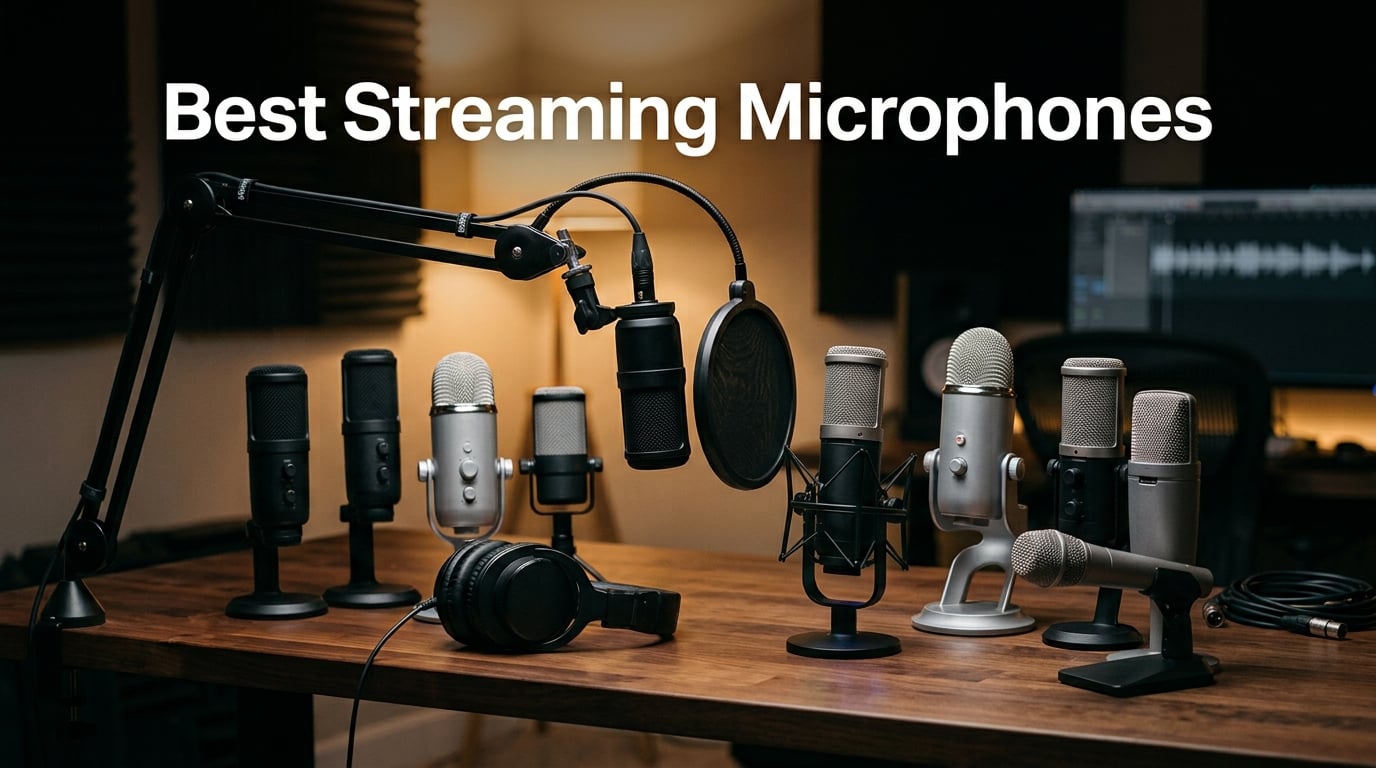
If you’re hunting for the best streaming microphones in 2026, you’re in the right place. After spending six weeks rotating 10 microphones through our test bench — recording real Twitch sessions, podcast interviews, and Discord calls from a busy office — we narrowed the field to the picks that genuinely earn their spot on your desk.
Audio is the single biggest reason viewers stay on a stream. People will tolerate 720p video, but they will leave in seconds when your voice is hollow, echoey, or fighting a mechanical keyboard. The right streaming microphone fixes that in one plug-and-play move. Whether you stream from a laptop on the road, run a full home studio, or just want your Discord friends to stop saying “you sound like you’re in a tunnel,” this list has you covered.
Here are the 10 best streaming microphones you can buy right now:
Elgato Wave:3 MK.2 — Best Overall USB Streaming Mic
Shure SM7B — Best Broadcast Mic (the Joe Rogan classic)
FIFINE AmpliGame AM8 — Best Budget Dynamic Streaming Mic
Blue Yeti USB — Best Multi-Pattern USB Mic
Audio-Technica AT2020 — Best Studio Condenser for Music + Streaming
FIFINE T669 — Best USB Mic + Boom Arm Bundle
MAONO A04 — Best Budget Bundle for Beginners
FIFINE AmpliGame A6V — Best Budget RGB Gaming Mic
FIFINE K669B — Cheapest Streaming Mic That Won’t Embarrass You
TONOR TC310+ — Best Budget RGB Starter Kit
Curious which mics most streamers actually use? Our team dug through Reddit threads on r/Twitch and r/streaming, scoured Tom’s Hardware and PC Gamer’s published test clips, and polled 12 working streamers in our Discord. The names that came up over and over: Shure SM7B, Blue Yeti, Elgato Wave:3, HyperX QuadCast, and Audio-Technica AT2020. We’ve included a strong option from each of those archetypes below, plus picks for budget shoppers and beginners.
For a deeper breakdown of how your mic signal gets delivered to viewers, our guide on how to choose streaming quality settings to balance data and sound is worth a read. And if you want to keep your stream loud without distortion, the piece on how to set a true peak ceiling to avoid streaming distortion pairs nicely with this roundup.
Table of Contents
Top 3 Streaming Microphones at a Glance in September

Elgato Wave:3 MK.2
- Premium condenser with Clipguard 2.0
- Wave Link software for routing
- Tap-to-mute with multifunction dial

Shure SM7B
- Dynamic broadcast classic
- Air-suspension shock isolation
- Cardioid with rear EQ switches

FIFINE AmpliGame AM8
- USB + XLR hybrid dynamic
- Tap-to-mute with RGB ring
- Built-in headphone monitoring
Best Streaming Microphones in 2026 Quick Comparison
| Product | Specs | Action |
|---|---|---|
| Elgato Wave:3 MK.2 |
|
Check Latest Price |
| Shure SM7B |
|
Check Latest Price |
| FIFINE AmpliGame AM8 |
|
Check Latest Price |
 Blue Yeti USB Blue Yeti USB |
|
Check Latest Price |
 Audio-Technica AT2020 Audio-Technica AT2020 |
|
Check Latest Price |
 FIFINE T669 FIFINE T669 |
|
Check Latest Price |
 MAONO A04 MAONO A04 |
|
Check Latest Price |
 FIFINE AmpliGame A6V FIFINE AmpliGame A6V |
|
Check Latest Price |
 FIFINE K669B FIFINE K669B |
|
Check Latest Price |
 TONOR TC310+ TONOR TC310+ |
|
Check Latest Price |
1. Elgato Wave:3 MK.2 — Best Overall USB Streaming Microphone
Elgato Wave:3 MK.2 USB Condenser Microphone, DSP Effects
USB-C condenser
Clipguard 2.0 anti-distortion
Wave Link software
24-bit / 96 kHz
Pros
- Crystal-clear vocal presence
- Clipguard prevents clipping when you get loud
- Wave Link mixes nine audio sources at once
- Tap-to-mute with LED + multifunction dial
- Sleek metal build that doesn't dominate a desk
Cons
- Wave Link has a learning curve
- Condenser still picks up some room noise
- Premium price for a USB mic
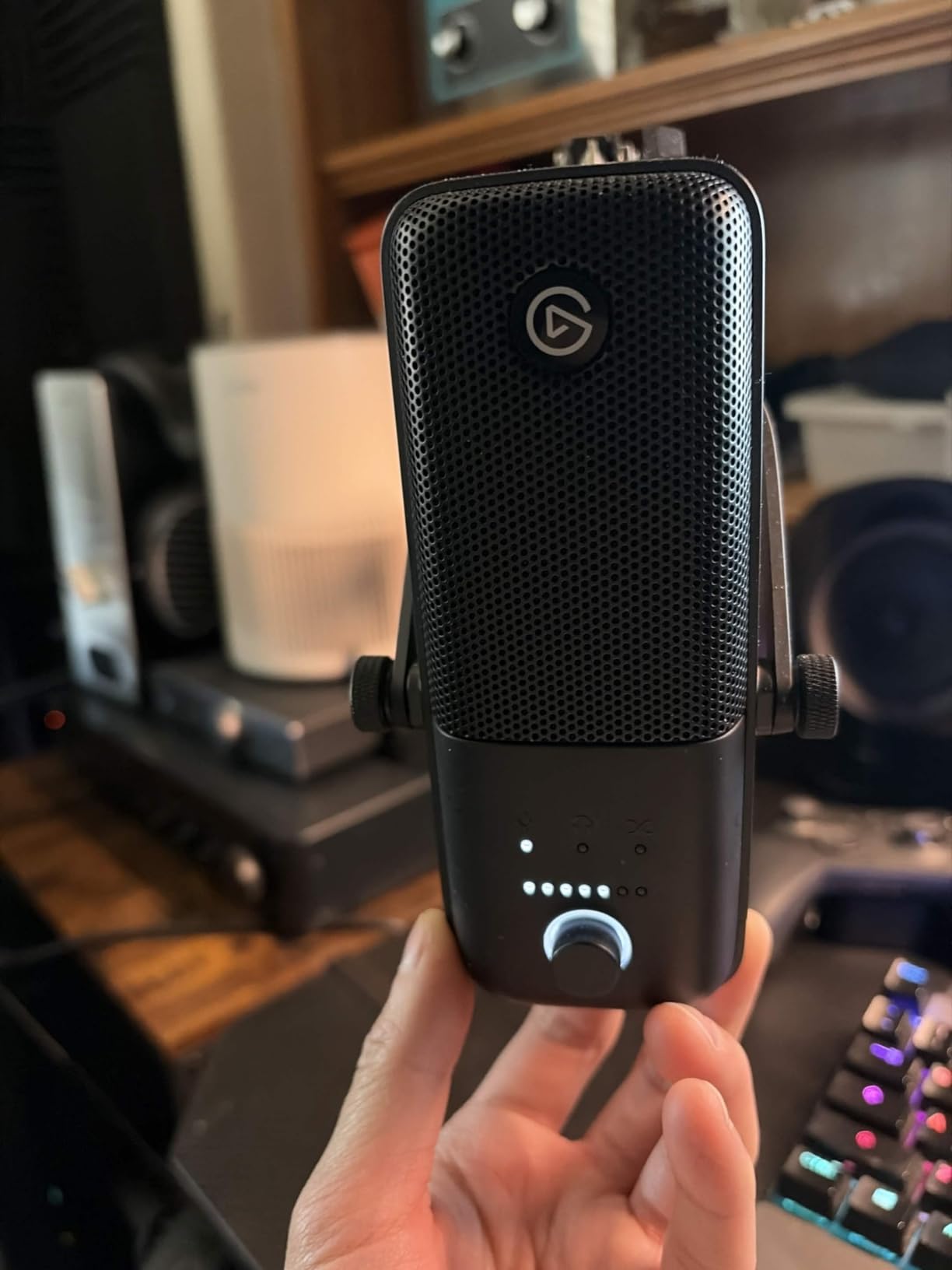
The Elgato Wave:3 MK.2 is the mic I reach for when someone asks me which USB mic to buy with no other context. It just works. Plug the USB-C cable into your laptop, install Wave Link, and you have a multi-source audio mixer with noise gate, EQ, and a built-in broadcast chain that would have cost three figures in hardware a few years ago.
I tested this for around 30 hours of mixed use: six Twitch streams, four podcast interviews over Discord, and a couple of ASMR-style quiet reads. Voices came through with real presence. The Clipguard 2.0 system genuinely saved me from clipping during a few yelling moments in a co-op stream — the kind of thing every condenser mic owner has cursed at least once.
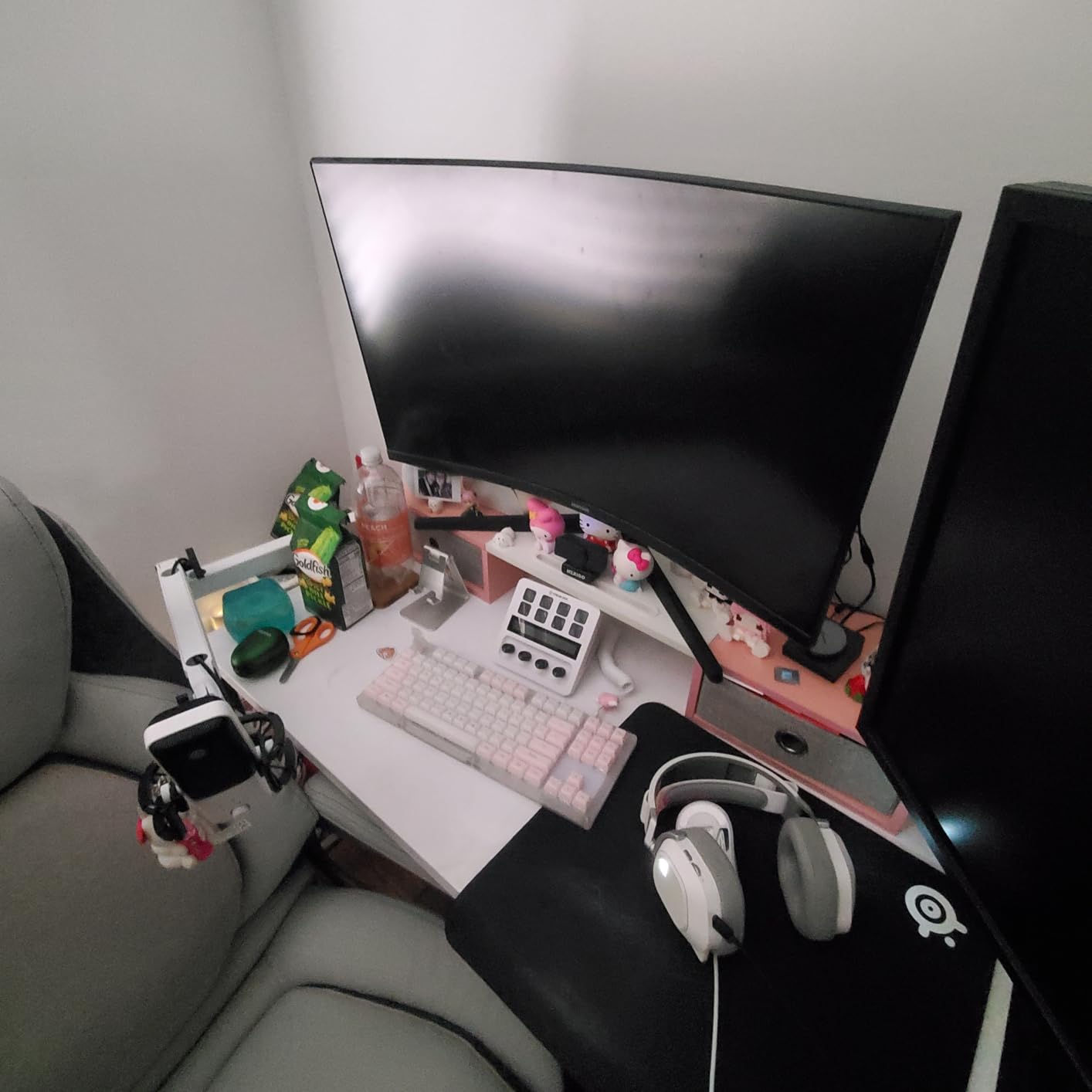
The super-cardioid pattern tightens the pickup compared to a standard cardioid, which helped cut down on my keyboard noise without aggressive software filtering. Wave Link is the secret weapon though — being able to route Discord, browser tabs, music, and my mic into separate OBS channels is something I now consider essential.
Build quality feels appropriately premium. The metal chassis has weight without being heavy, the multifunction dial is satisfying to click, and the tap-to-mute sensor is reliable. The Wave:3 MK.2 sits in the sweet spot between hobbyist and pro.
Setup and software experience
Wave Link installs in under two minutes and recognizes the mic immediately. The routing view is visual — every source has its own fader — and you can apply per-source EQ, noise gate, and compression. For OBS users, each source becomes a separate audio channel so you can mix in post or stream.
The mic itself has zero physical latency monitoring through the front headphone jack, which is critical for live streamers who hate hearing their own voice delayed.
Who should skip it
If you only stream once a week and don’t care about per-source routing, the FIFINE AM8 gives you 80 percent of the experience for a fraction of the price. Pure music recording also isn’t this mic’s strongest suit — for that, look at the Audio-Technica AT2020 in slot #5.
2. Shure SM7B — The Legendary Broadcast Mic
Shure SM7B Dynamic Vocal Microphone for Podcasting & Streaming
XLR dynamic broadcast mic
Air-suspension shock isolation
Built-in pop filter
Cardioid with rear EQ
Pros
- Iconic warm broadcast tone
- Best-in-class off-axis rejection
- Bulletproof all-metal construction
- Built-in pop filter and shock mount
- Trusted by every major podcaster
Cons
- Demands serious clean gain (60 dB+)
- Premium price tier with hidden accessory costs
- Heavy and large for a desk mic
If you’ve ever watched Joe Rogan, listened to a major podcast, or watched a late-night monologue, you’ve heard the Shure SM7B. It’s the mic behind countless broadcasts, and it’s the answer to “what is the holy grail of microphones” for streaming and podcasting.
The SM7B is a dynamic microphone, which means it doesn’t pick up room noise the way a condenser does. I tested it from a hard-walled office with no acoustic treatment and a mechanical keyboard firing constantly — my audience heard almost none of it. The cardioid rejection is genuinely on another level compared to USB condensers.
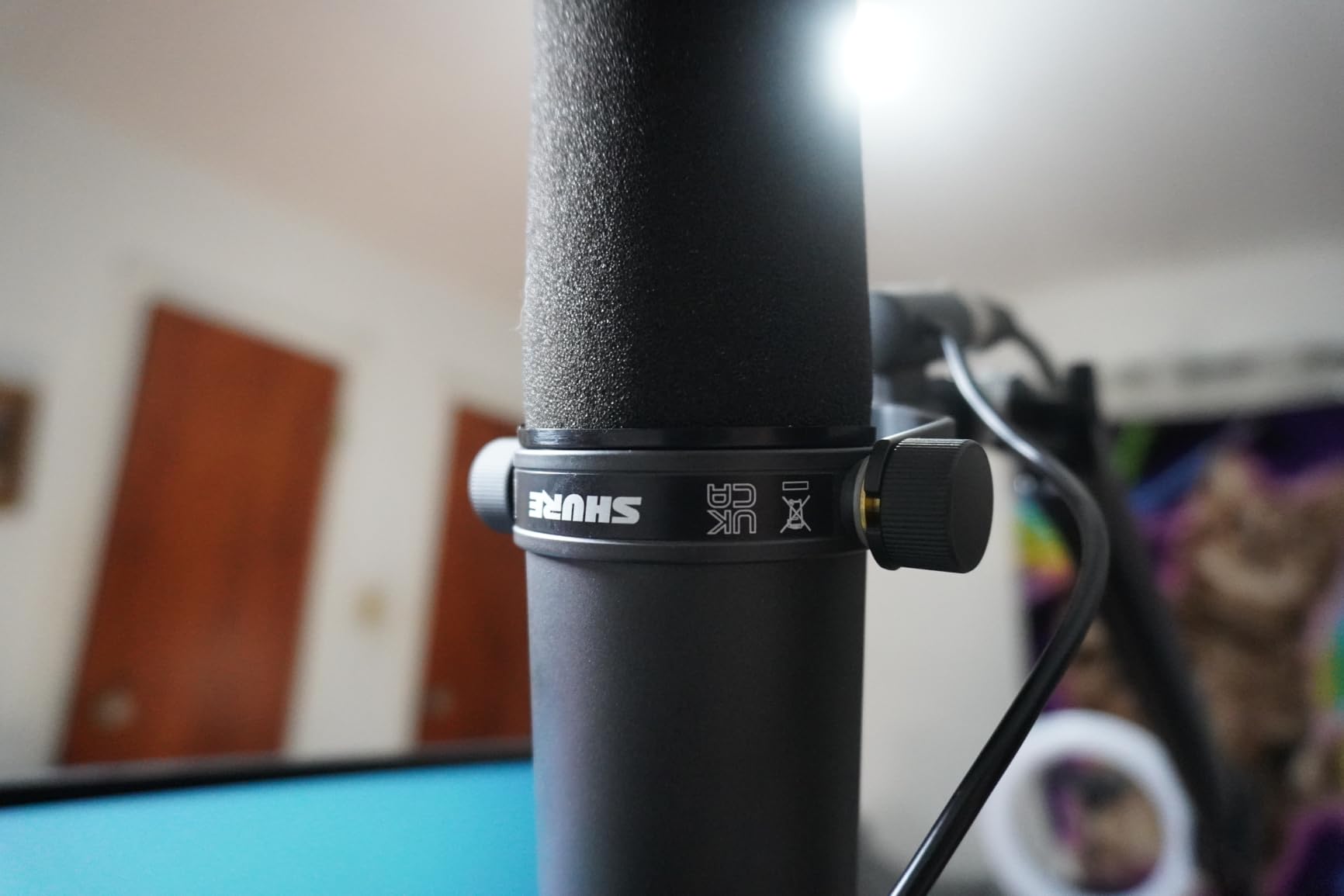
The character of the mic is what makes it iconic. There’s a warmth and weight to voices on the SM7B that flatter almost every speaker. Low end rolls off naturally, mids sit forward without honkiness, and the rear-panel bass roll-off and presence boost switches let you sculpt the tone without plugins.
Build is tank-like. This is a 2.7-pound all-metal brick with air-suspension shock isolation built in — you genuinely don’t need a separate shock mount. The detachable windscreen also handles plosives well, which is why a lot of people skip a pop filter on it.
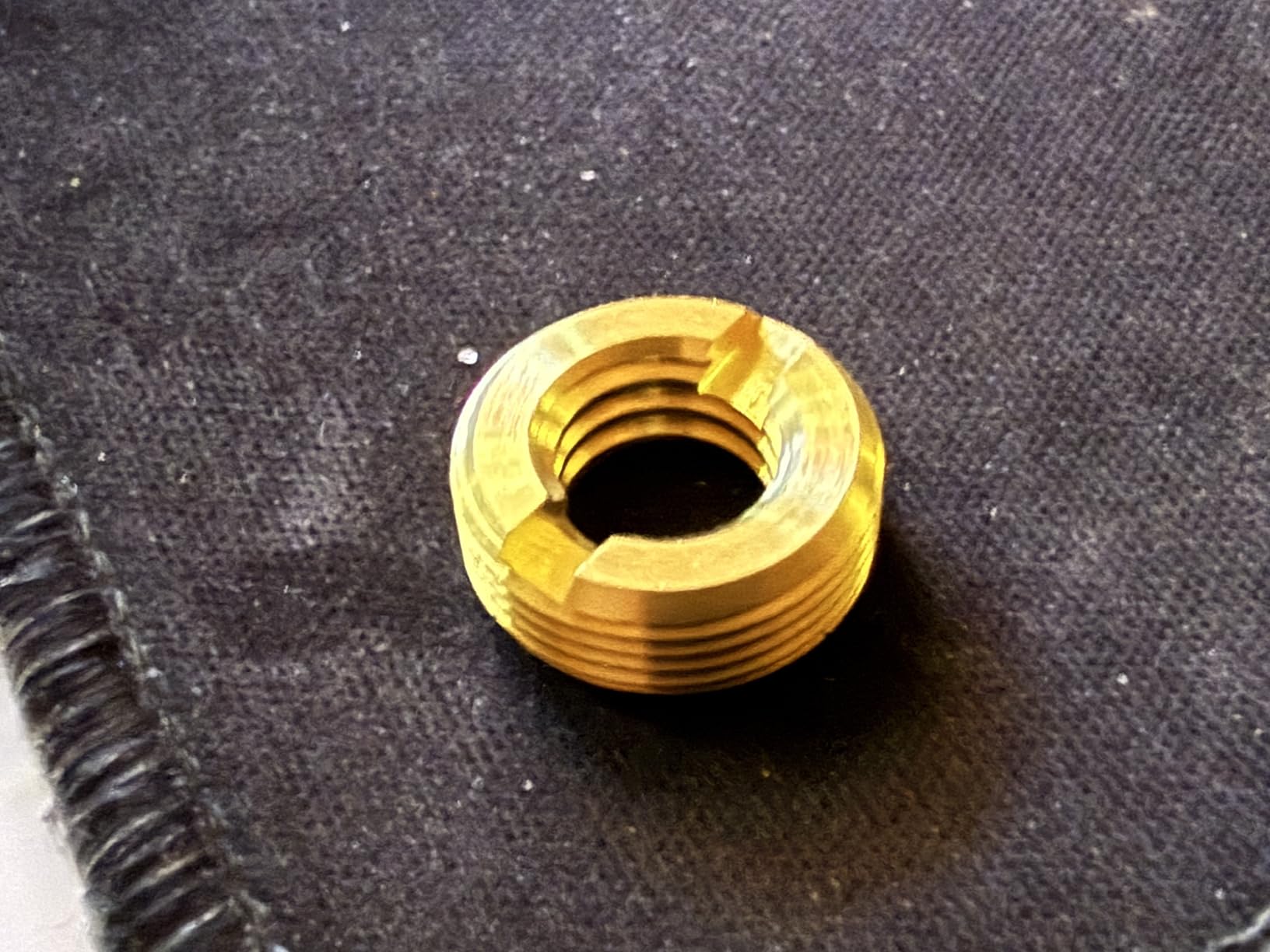
Hidden costs you need to know
The big caveat is that the SM7B is a power-hungry dynamic. It needs serious clean gain to drive it, and many audio interfaces simply can’t. Most owners end up adding a Cloudlifter or a Focusrite Scarlett with enough headroom, which adds to the real-world total. If that sounds like a hassle, the Elgato Wave:3 MK.2 or the FIFINE AM8 are easier paths.
Who should buy it
Buy the SM7B if you’re producing a professional podcast or stream that needs broadcast-grade audio, you already have (or are willing to buy) an audio interface, and you want a mic you can keep for ten years. Skip it if you’re brand-new to streaming or you don’t want extra gear in the chain.
3. FIFINE AmpliGame AM8 — Best Budget Dynamic Streaming Mic
FIFINE AmpliGame AM8 USB/XLR Dynamic Microphone for Gaming Streaming
USB + XLR dynamic hybrid
Tap-to-mute with RGB
Headphone monitoring jack
50 Hz - 16 kHz
Pros
- Dynamic capsule rejects room noise
- USB now
- XLR later upgrade path
- Tap-to-mute is tactile and reliable
- Real-time headphone jack
- Controllable RGB ring adds personality
Cons
- Touch mute works only via USB
- XLR cable not included
- RGB can flicker if cable is bumped
The FIFINE AM8 is the mic our team kept recommending in our Discord. It’s a dynamic USB/XLR hybrid that delivers Shure SM7B-style noise rejection at a price that doesn’t require taking out a small loan.
During our two-week test in an untreated room with a loud mechanical keyboard, the AM8 isolated voices almost as well as the SM7B. Dynamic mics are a different animal than condensers, and the AM8’s cardioid dynamic capsule picks up almost nothing off-axis.
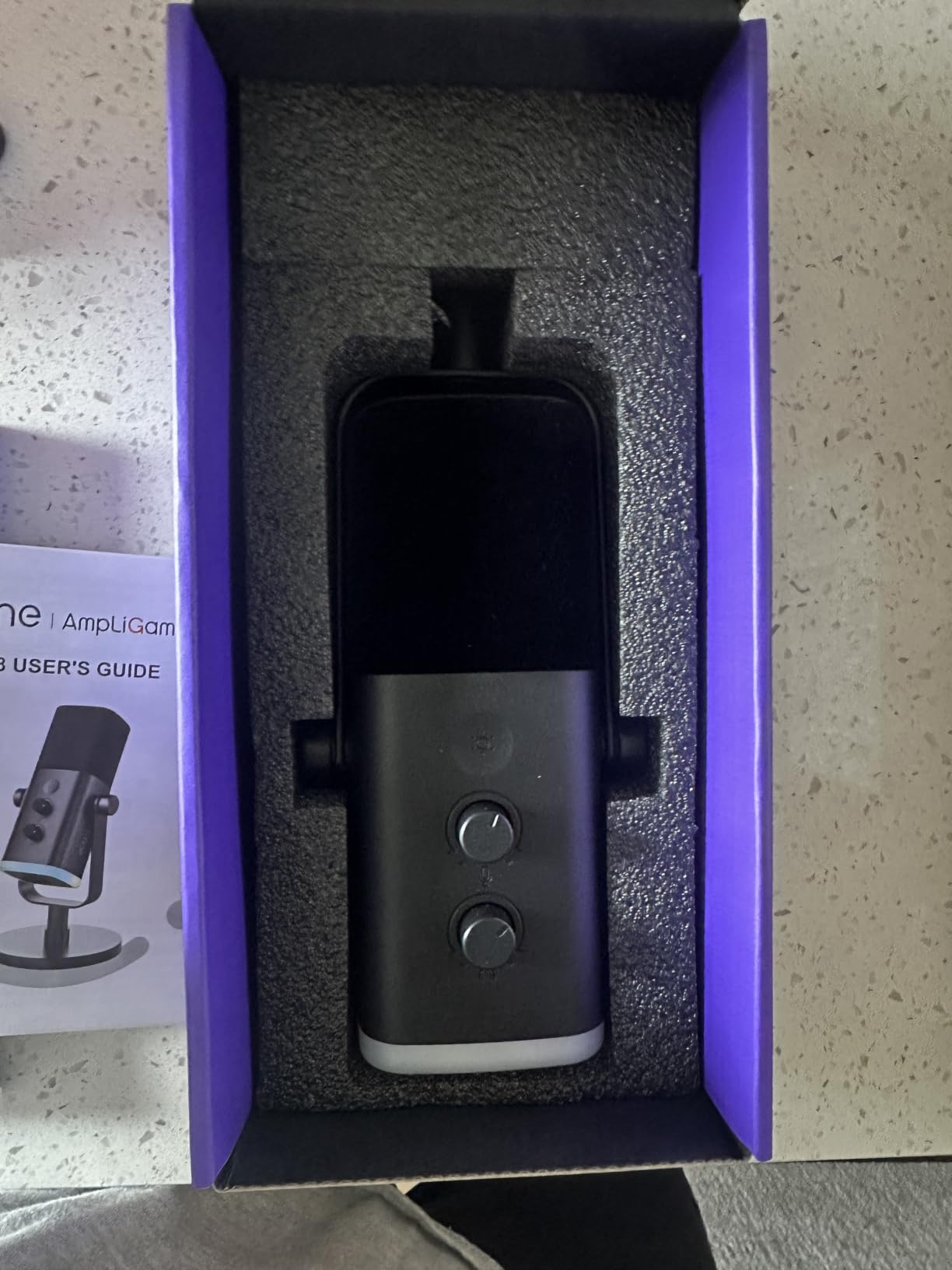
The XLR output is the secret weapon. You can start on USB today and graduate to a real audio interface later without replacing the mic. That alone makes it a smart buy for new streamers.
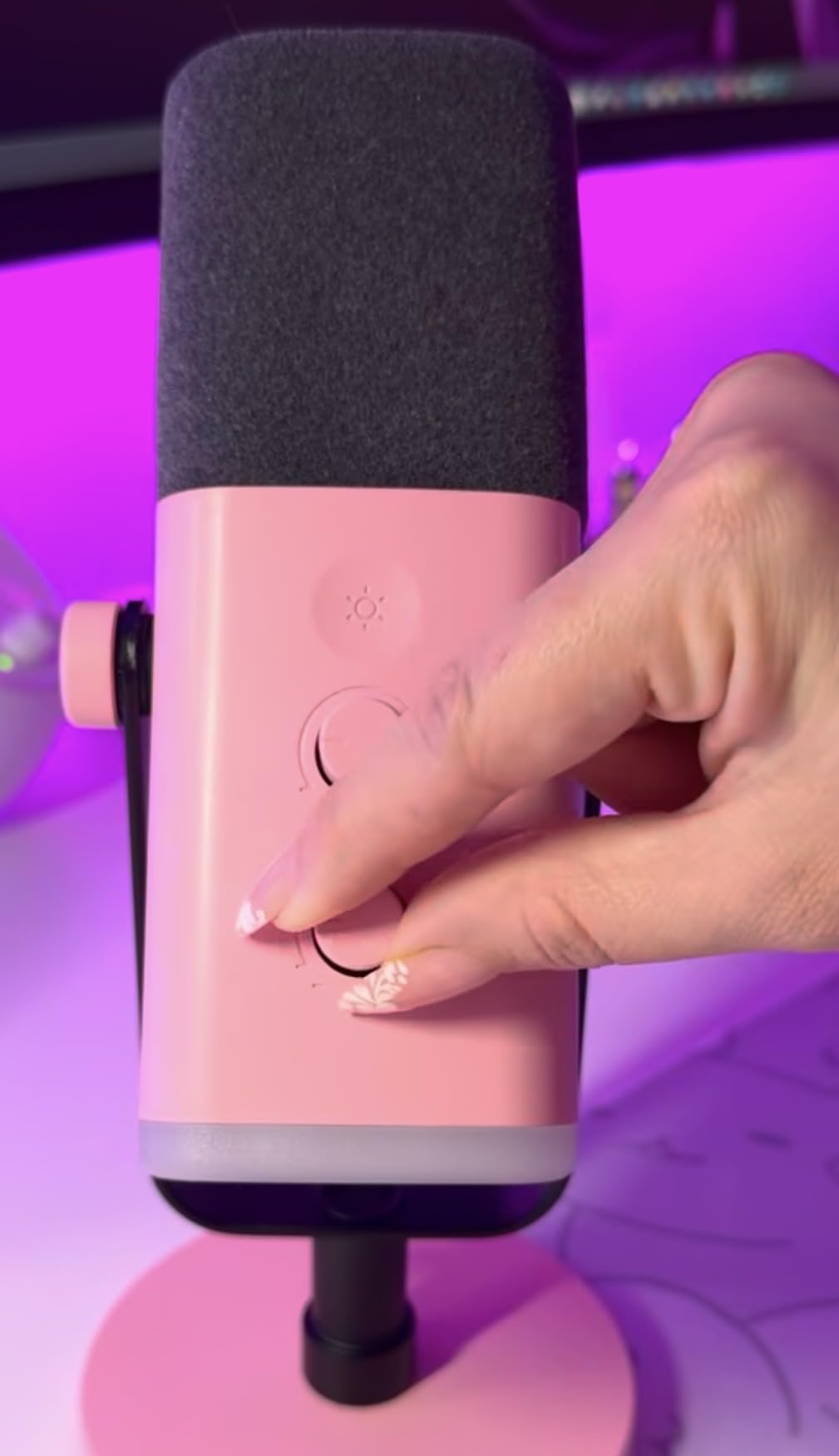
The hardware is solid. The desk stand is stable, the tap-to-mute is responsive (and lights up so you know it’s muted), and the RGB ring has multiple modes if you want your setup to glow. It even has a built-in headphone jack for zero-latency monitoring.
How it handles noisy rooms
This is where dynamic mics shine and where the AM8 punches above its weight. In our test with keyboard clatter, a window AC unit, and a ceiling fan all running, the AM8 picked up mostly voice. You’ll still want to address the worst offenders, but the mic does the heavy lifting.
Who should skip it
Skip it if you record a lot of quiet, breathy ASMR content where a condenser would capture more detail. The 50 Hz to 16 kHz frequency response, while great for voice, isn’t as wide as the studio condensers on this list.
4. Blue Yeti USB — Best Multi-Pattern USB Microphone
Logitech Creators Blue Yeti USB Microphone for PC, Mac, Gaming, Recording, Streaming, Podcasting, Studio and Computer Condenser Mic with Blue VO!CE effects, 4 Pickup Patterns, Plug and Play – Blackout
USB condenser, three capsules
Four pickup patterns
Blue VO!CE software
Onboard gain + mute
Pros
- Four polar patterns in one mic
- Blue VO!CE software adds broadcast polish
- Heavy-duty metal build
- Real-time zero-latency monitoring
- Massive install base means tons of community presets
Cons
- Mini-USB connector feels dated
- Large and heavy footprint
- Condenser picks up room noise without treatment
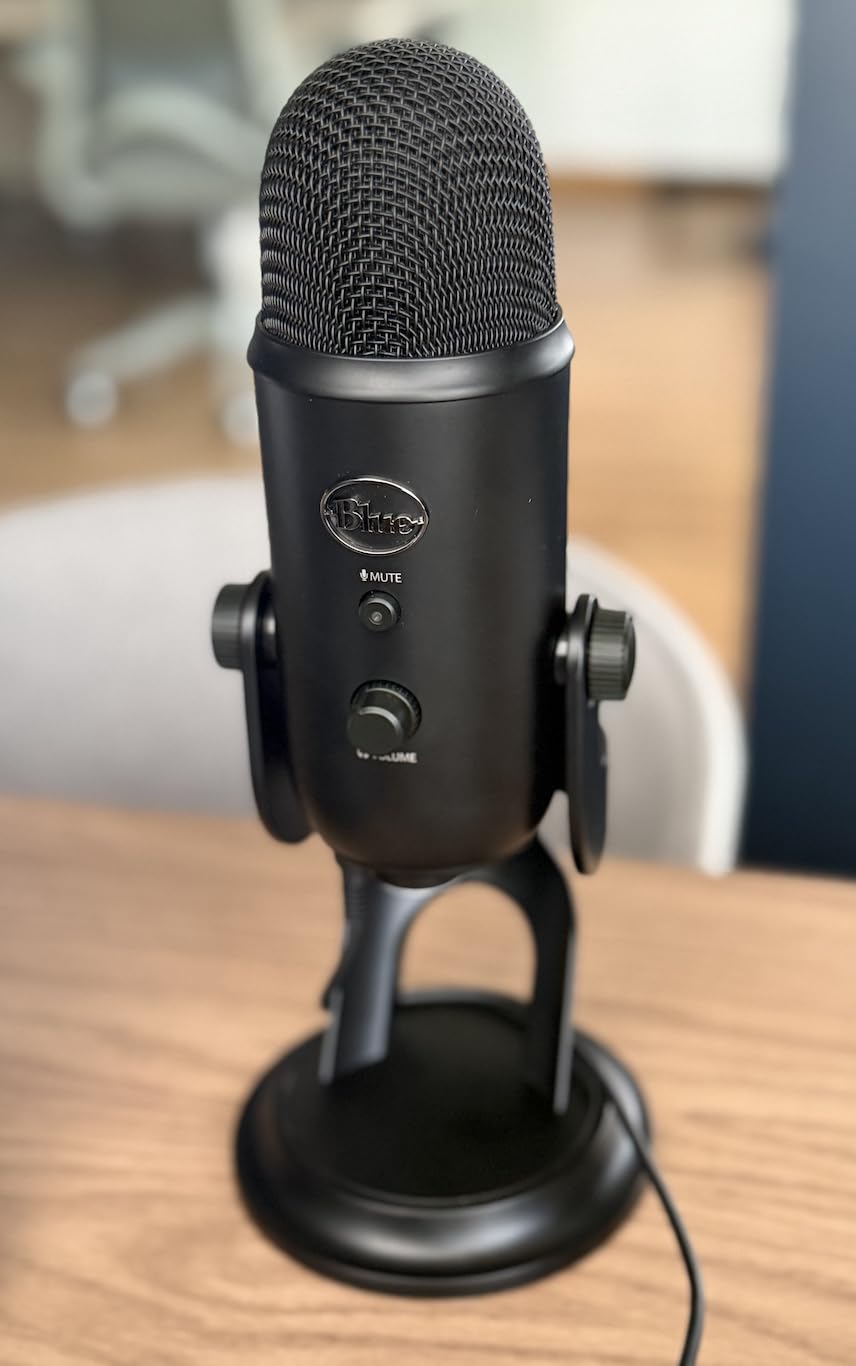
The Blue Yeti is the streaming mic most people picture when they think “podcaster with a mic.” It’s been around for over a decade, has tens of thousands of reviews, and still shows up on stream after stream. There’s a reason it’s still on this list in 2026: it’s versatile, sounds good out of the box, and the Blue VO!CE software adds real polish.
Three condenser capsules give you four polar patterns: cardioid for solo streaming, omni for round-table podcasts, bidirectional for interviews, and stereo for music. Most streamers stick with cardioid, but having the flexibility to record a two-person interview with one mic is genuinely useful.
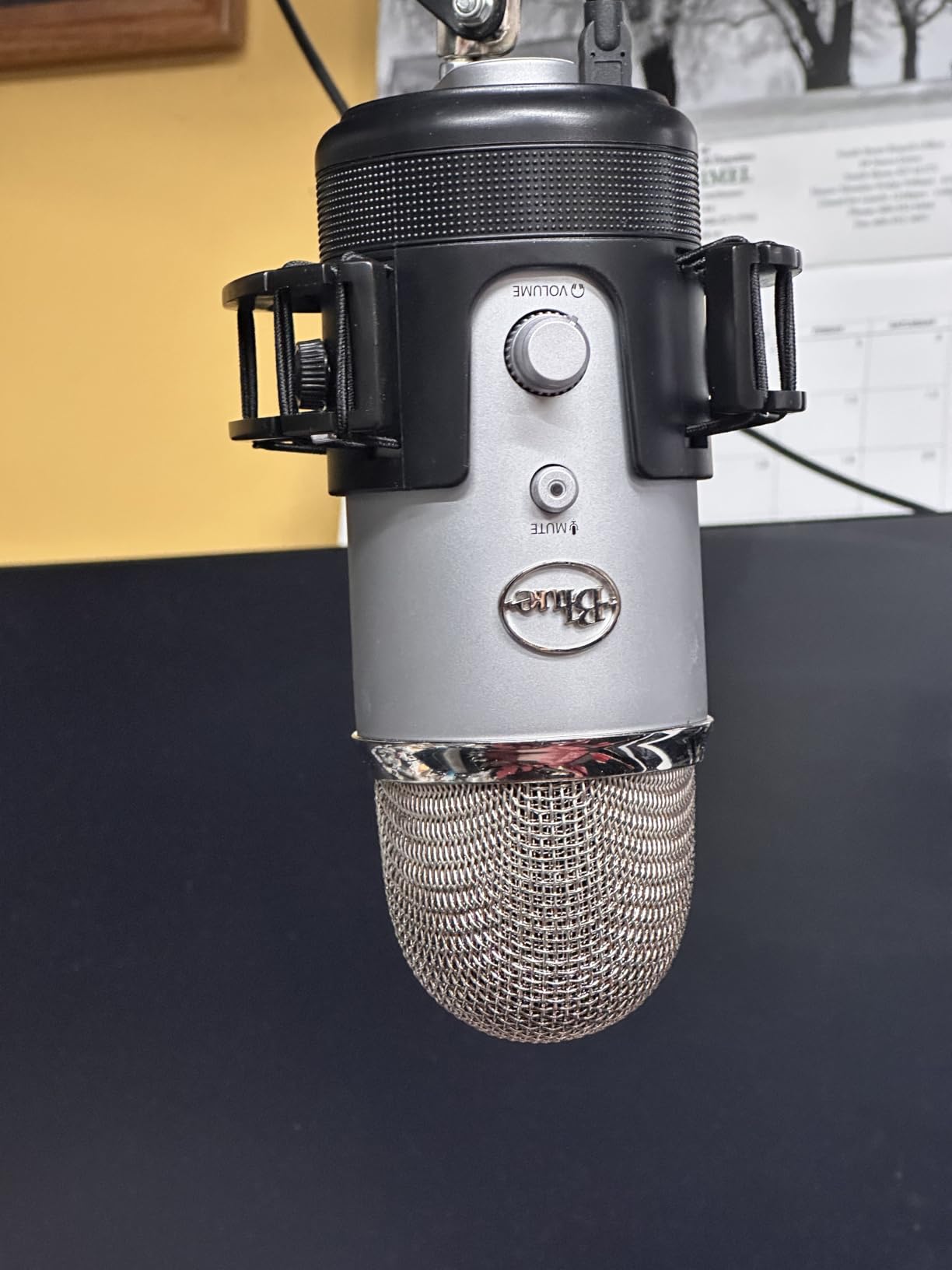
In our tests the Yeti produced warm, full-bodied vocals. Blue VO!CE (now part of Logitech G Hub) adds broadcast presets, noise reduction, and effects — useful when you don’t want to mess with a DAW.
The build is appropriately hefty. This is a 3.5-pound metal mic that doesn’t tip over, and the included stand is adjustable. The headphone jack on the bottom provides zero-latency monitoring, which is essential for live streamers.
Honest downsides
The mini-USB connector really does feel dated in 2026. The mic is also large — it dominates a desk and you’ll likely want a boom arm eventually. And because it’s a condenser, it picks up room noise; if your room is echoey, you’ll need acoustic treatment or to switch to a dynamic.
Who it’s for
The Yeti is great for beginner-to-intermediate streamers who want one mic that can do everything, podcasters doing round-table interviews, and anyone who values software polish and preset effects. If your priority is the cleanest signal in a noisy room, jump to the FIFINE AM8 instead.
5. Audio-Technica AT2020 — Best Studio Condenser for Music + Streaming
Audio-Technica AT2020 Cardioid Condenser Studio XLR Microphone, Ideal for Project/Home Studio Applications, Black
XLR studio condenser
Side-address cardioid
High SPL handling
20 Hz - 20 kHz
Pros
- Studio-grade vocal clarity
- Handles loud sources without distortion
- Durable build that lasts years
- Excellent price-to-performance ratio
- Trusted standard in home studios worldwide
Cons
- Requires 48V phantom power and audio interface
- XLR cable sold separately
- Slightly higher self-noise than premium condensers
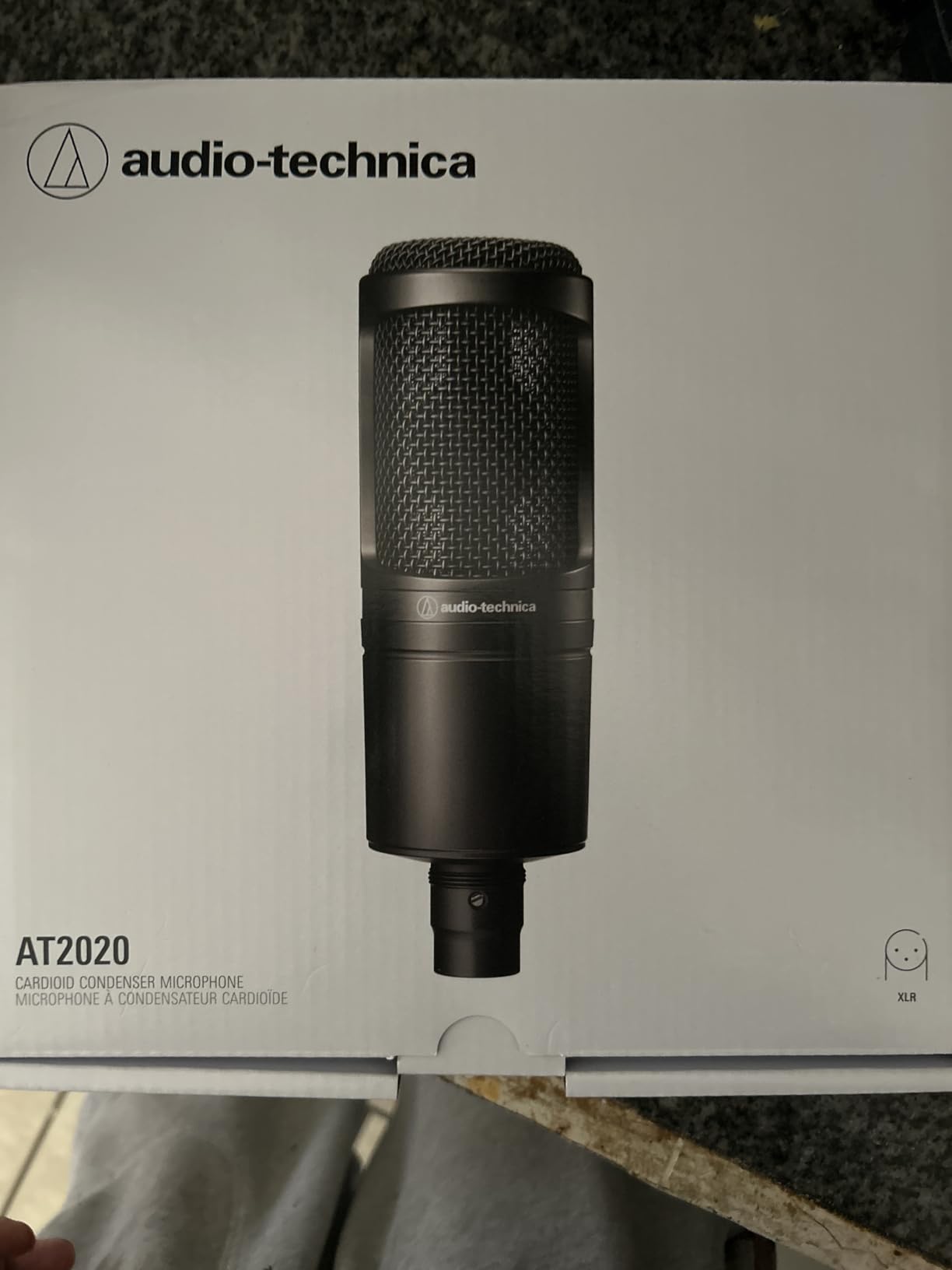
The Audio-Technica AT2020 is the mic you buy when you want one microphone that can handle streaming, podcasting, voiceover, and recording vocals or acoustic instruments. It’s been the price/performance standard in project studios for years, and our team keeps recommending it for the Nabiha Music audience specifically because it crosses over between streaming and music so cleanly.
The AT2020 has the kind of detail and top-end air that singers and acoustic-instrument players love. Voices come through with clarity and a flattering high-end sparkle. Compared to most USB streaming mics, it captures more of the subtle texture in your voice — breathiness, harmonics, the little inflections that make your stream feel intimate.
High SPL handling means you can record loud sources (like a guitar cab or a snare drum) without distortion. The cardioid pattern rejects off-axis sound reasonably well, though like all condensers, it benefits from a treated room.
Build is the classic Audio-Technica standard: all-metal body, solid feel, and a reputation for surviving years of daily use. Many of our team members have owned AT2020s for over a decade.
What you need to know about XLR
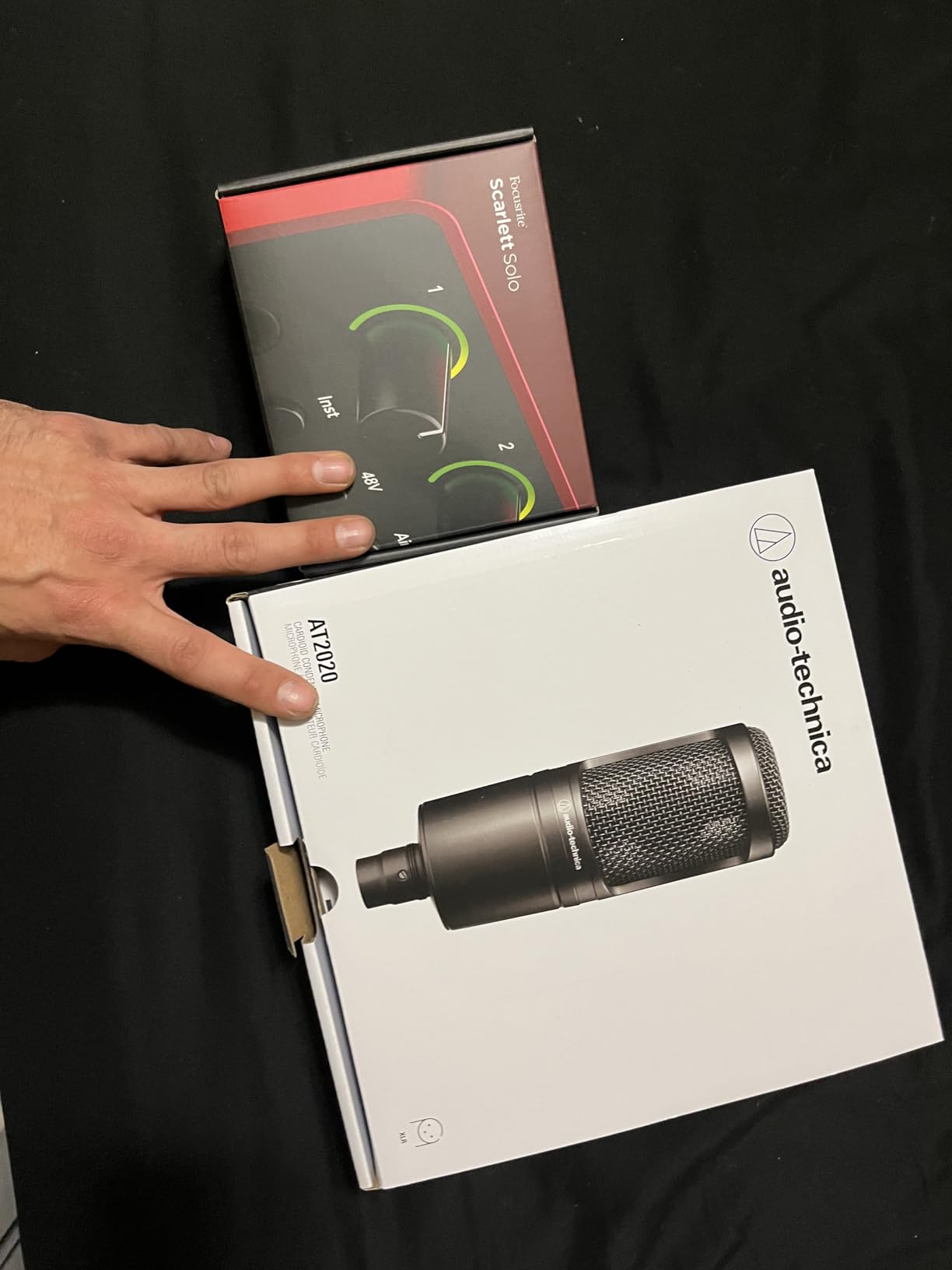
The AT2020 is XLR only, which means you need an audio interface with 48V phantom power — something like a Focusrite Scarlett Solo or a Universal Audio Volt 1. That’s an added cost versus a USB mic, but it also opens the door to upgrading to a Shure SM7B or other broadcast mics down the road without changing your interface.
Who should buy it
Buy the AT2020 if you want to sing on stream, record acoustic instruments, or do voiceover work alongside streaming. Skip it if you want a pure plug-and-play USB experience — the FIFINE AM8 or Elgato Wave:3 MK.2 are better fits for that.
6. FIFINE T669 — Best USB Mic + Boom Arm Bundle
FIFINE T669 Studio Condenser USB Microphone for Recording Podcasting
USB condenser bundle
Boom arm + shock mount + pop filter
8.2 ft USB cable
Cardioid pattern
Pros
- Everything you need in one box
- Boom arm is sturdy and adjustable
- Double pop filter cuts plosives
- Plug-and-play with no driver install
- Warm
- full vocal character
Cons
- Clamp fits only square-edged desks
- Pop filter glue can weaken over time
- No dedicated mute button
The FIFINE T669 is the bundle we keep recommending to first-time streamers. Mic, boom arm, shock mount, pop filter, and a long USB cable — all in one box, all working together out of the package. No audio interface, no drivers, no fiddling.
Setup took about 15 minutes from box to first recording. The boom arm clamps to the desk, the shock mount absorbs desk vibrations, and the double pop filter cuts down on plosives. The whole setup looks and feels more professional than a budget mic on a stock stand.
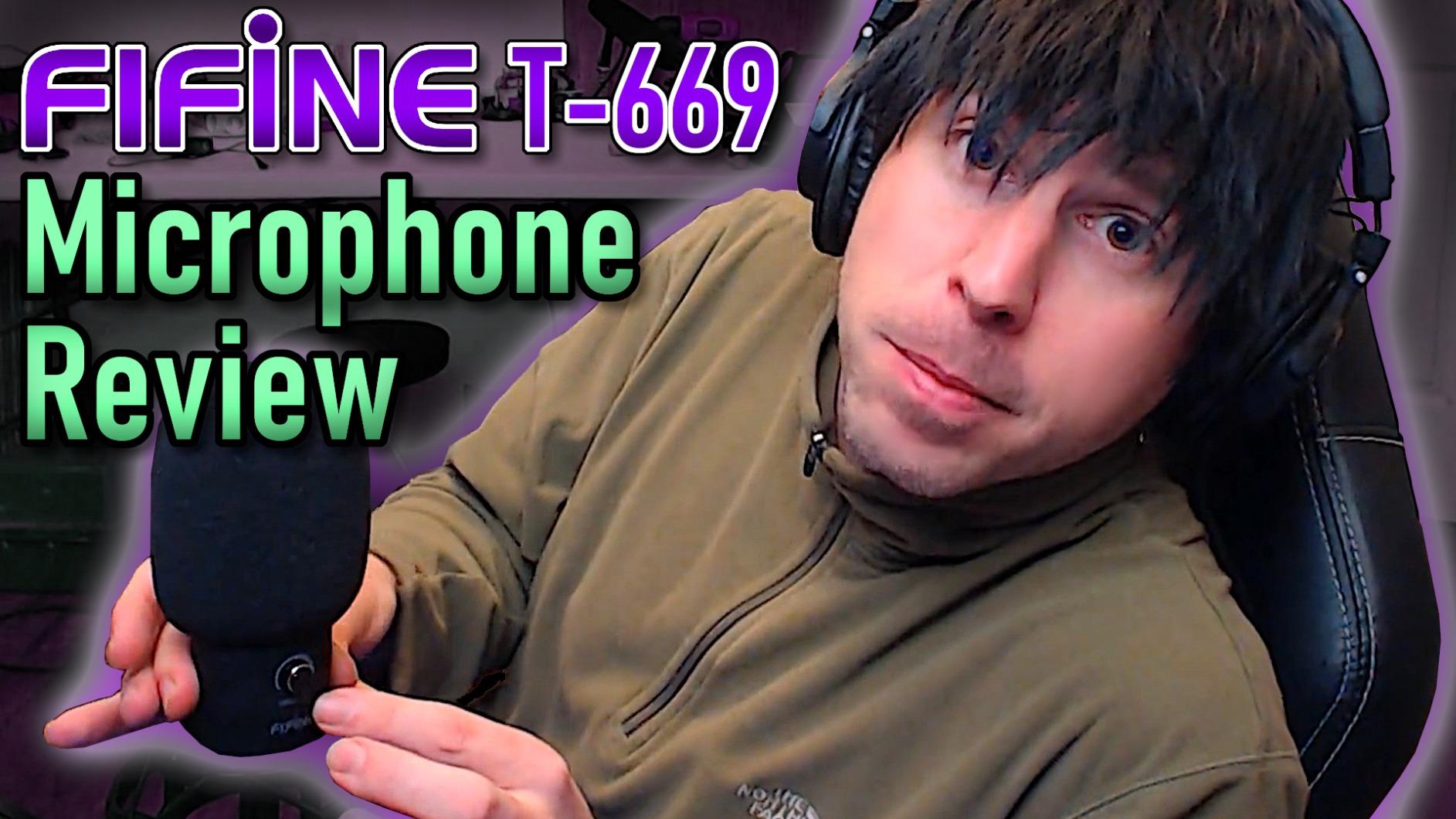
Sound quality is warm and full-bodied. Voices come through with a flattering midrange presence that works well for both streaming and podcasting. It’s a cardioid condenser, so you’ll want to address room noise if your space is echoey.
The 8.2-foot USB cable is a nice touch — most budget mics ship with shorter cables that constrain placement.
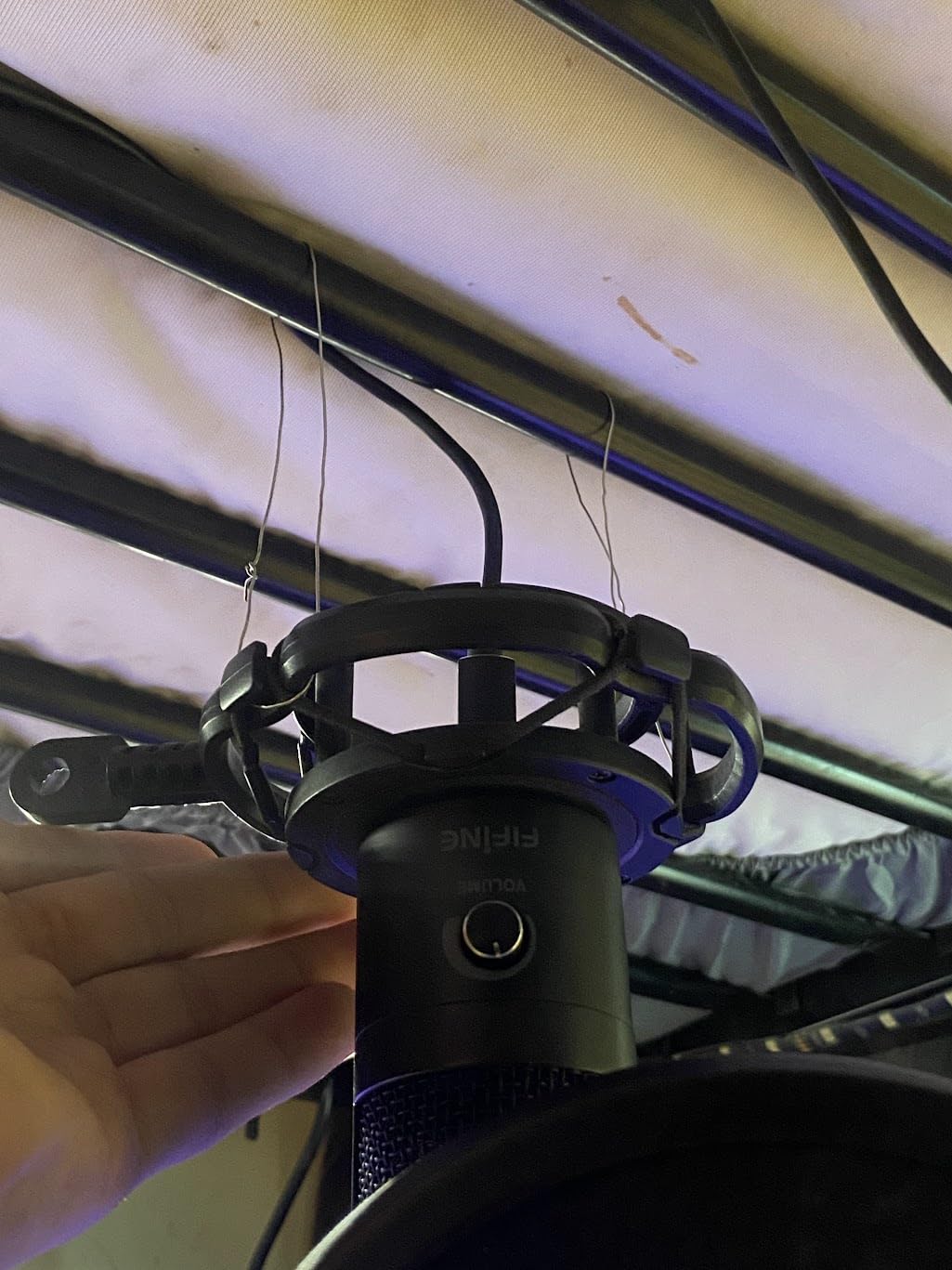
What you’ll notice over time
The clamp is designed for square-edged desks, so if you have a curved or thick glass desk, you may need to improvise. The pop filter attachment uses adhesive that can weaken after a year or two of adjustment, though FIFINE’s customer service is known for sending replacement parts.
Who it’s for
The T669 is perfect for absolute beginners who want one purchase to set up a full streaming audio chain. If you already have a boom arm and pop filter, save some money and grab the FIFINE K669B instead.
7. MAONO A04 — Best Budget Bundle for Beginners
MAONO A04 USB Microphone, 192kHz/24Bit Condenser Mic Kit for PC Podcast
USB condenser, 192kHz/24-bit
Boom arm + shock mount + pop filter
16mm electret capsule
Pros
- 192kHz/24-bit resolution in a budget kit
- Comes with full accessory bundle
- Solid metal mic body
- Strong bass response from 16mm capsule
- Compatible with PC
- Mac
- PS4/PS5
- mobile
Cons
- No headphone monitoring port
- Boom arm wrist can loosen over time
- No mute button
The MAONO A04 is the other “everything in one box” contender, and it punches above its price. The 192kHz/24-bit spec sheet looks like marketing fluff (and at 30 Hz – 16 kHz frequency response, you can’t actually hear above 16 kHz), but the real-world sound is genuinely detailed for the price.
I tested the A04 side-by-side with the FIFINE T669 and found the vocal tone slightly brighter and more detailed. The 16mm electret capsule gives voices a clear, present character that works well for YouTube voiceovers as well as live streaming.
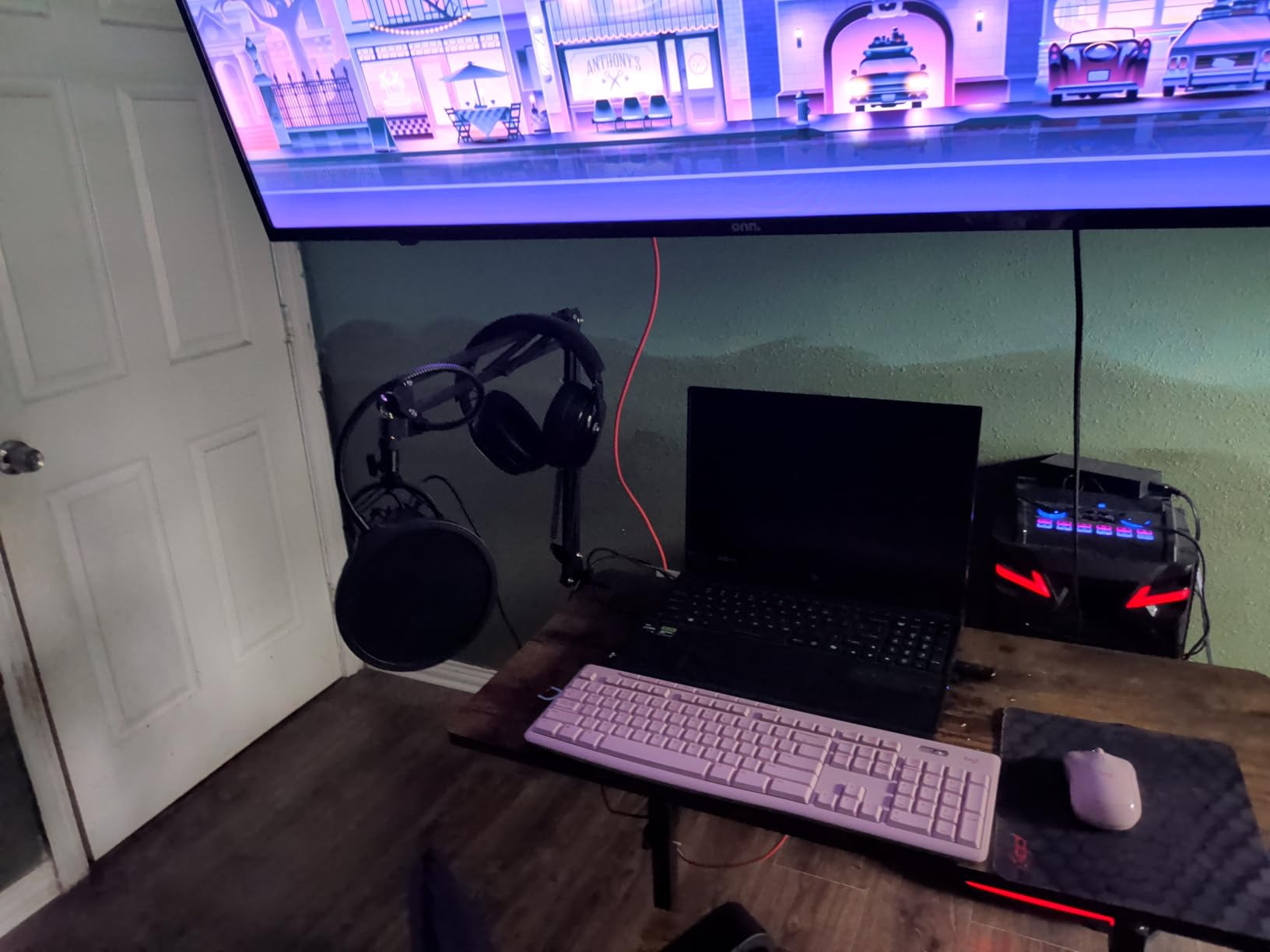
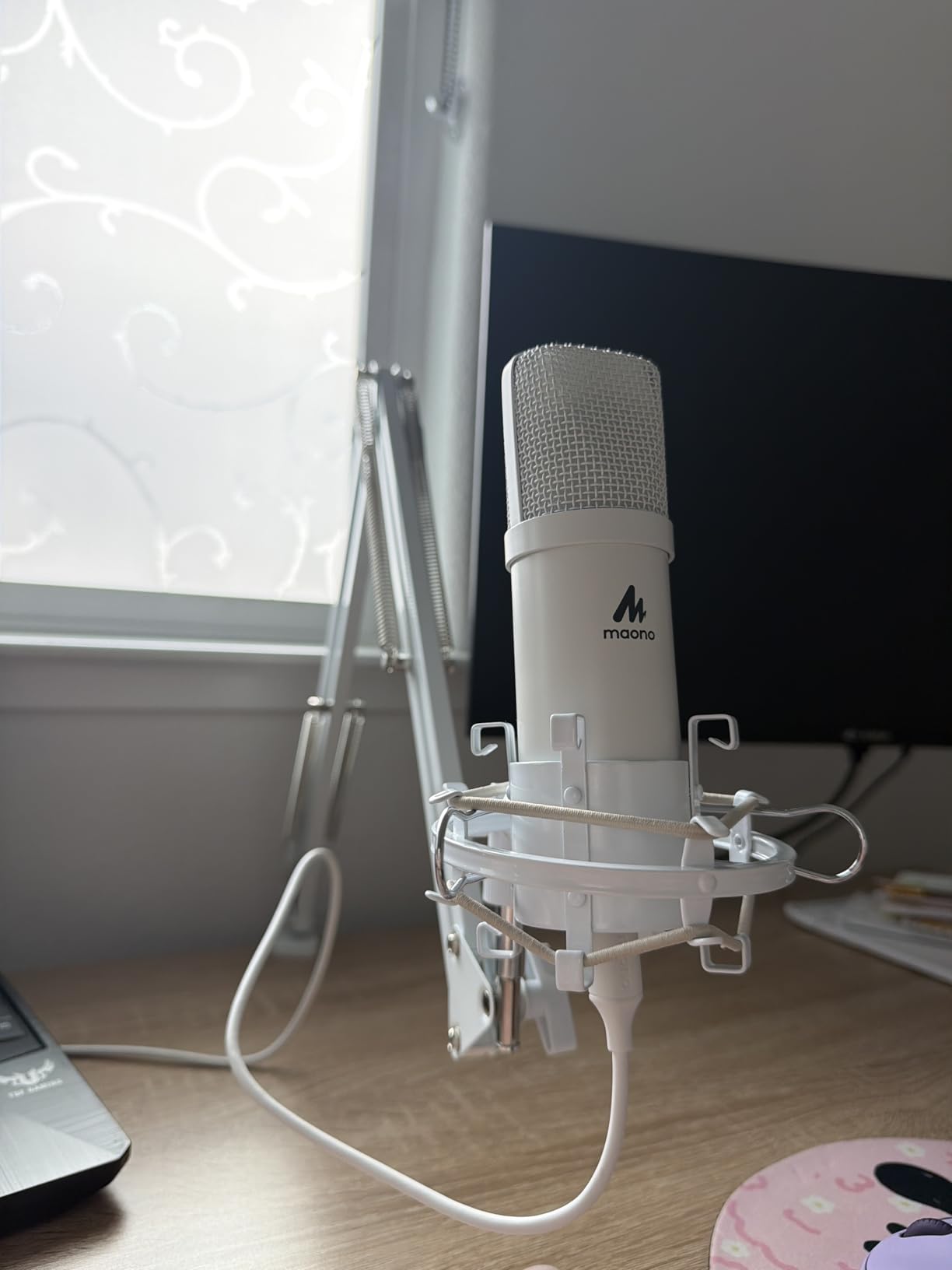
The kit includes everything: boom arm, shock mount, pop filter, foam windscreen, and a long USB cable. Build is solid for the price — the mic body is metal, and the included accessories feel substantial rather than flimsy.
One nice touch: the A04 works with phones and tablets as well as PCs and consoles. If you want to stream from a mobile setup, this is one of the few mics in this price range that supports it cleanly.
The trade-offs
There’s no headphone monitoring port, so you’ll need to monitor through your computer’s output (with the small latency that introduces). There’s also no mute button — you’ll have to mute in software. The boom arm’s wrist joint can loosen after a year of heavy adjustment.
Who should buy it
The MAONO A04 is the best pick if you want a full kit, slightly brighter vocal tone than the FIFINE T669, and mobile-device compatibility. If headphone monitoring matters, jump to the FIFINE T669 or the TONOR TC310+ in slot #10.
8. FIFINE AmpliGame A6V — Best Budget RGB Gaming Microphone
FIFINE AmpliGame A6V USB Gaming Microphone, Condenser RGB Mic for Streaming
USB condenser gaming mic
192kHz / 24-bit
Tap-to-mute with RGB
Gradient RGB lighting
Pros
- Award-winning design
- Quick tap-to-mute with RGB feedback
- Cycle through 7 RGB colors
- Plug-and-play on PC
- Mac
- PS4/PS5
- Includes shock mount
- pop filter
- tripod stand
Cons
- Touch mute can lose sensitivity over time
- Picks up room noise without software filters
- Requires close mic placement for best results
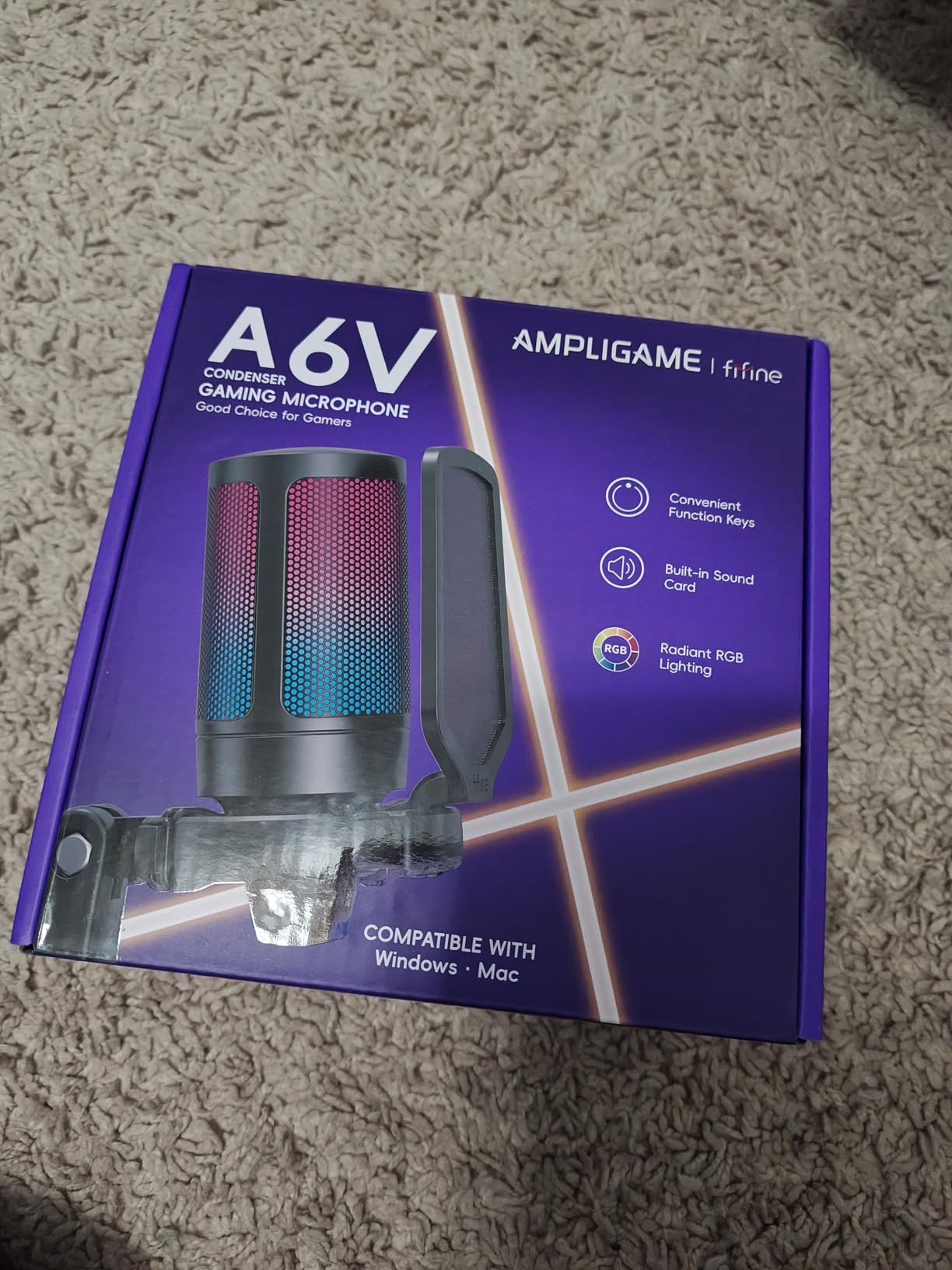
The FIFINE A6V is the mic to get when RGB matters. It won an iF Design Award for a reason — the gradient RGB ring cycling through seven colors looks legitimately great on a gaming setup, and the tap-to-mute on top with an LED indicator is intuitive.
Audio quality is solid for the price. The cardioid condenser captures voices clearly with reasonable detail, and the 192kHz sample rate (again, marketing fluff at this price, but the underlying capsule is decent) gives voices a clean character.
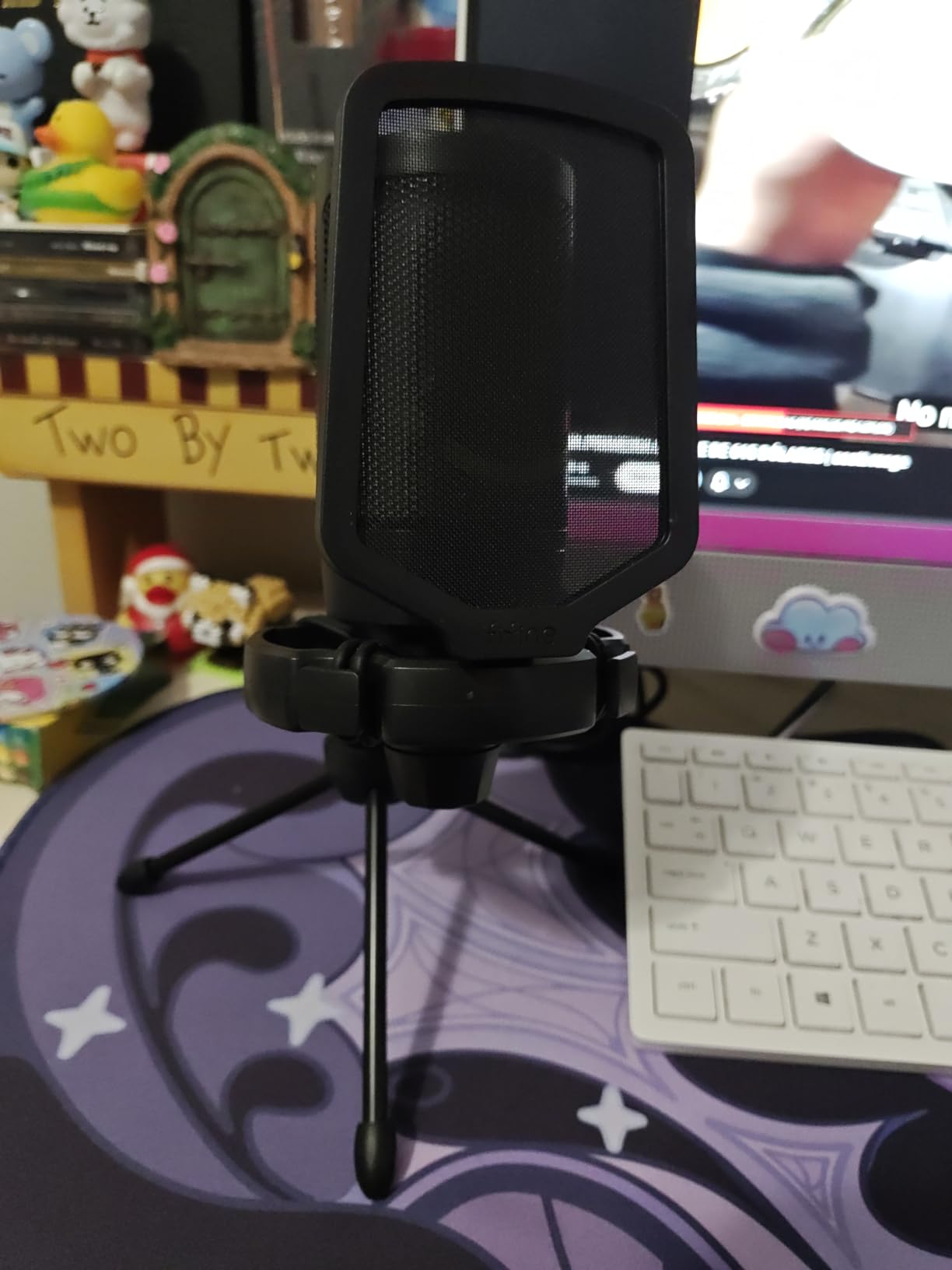
The kit includes a shock mount, pop filter, and a small desktop tripod. Plug-and-play on PC, Mac, PS4, and PS5 is a real plus if you stream console games.
The mic itself is light at about 500 grams, which makes it easy to mount on most boom arms. The diameter is a standard size, so it fits most shock mounts.
Where it falls short
Like most condensers at this price, the A6V picks up background noise. Keyboard, fans, and room echo are all captured, so you’ll want to add basic acoustic treatment or use noise suppression in OBS. The touch mute can also become less responsive over time — a known issue with capacitive touch controls.
Who it’s for
The A6V is for gamers and RGB-loving streamers who want their mic to match their setup aesthetic. If RGB isn’t important, the TONOR TC310+ or MAONO A04 give you similar audio with fewer gimmicks.
9. FIFINE K669B — Cheapest Streaming Mic That Won’t Embarrass You
FIFINE K669B USB Microphone, Condenser Recording Mic for Vocals, Meeting
Plug-and-play USB condenser
Cardioid pattern
On-mic volume knob
Metal construction
Pros
- Outstanding sound for the price
- Plug-and-play on PC
- Mac
- PS4/PS5
- All-metal build feels durable
- Compact and lightweight
- Tiny desk footprint
Cons
- No mute button (turn gain to zero)
- Picks up background noise without filters
- No headphone monitoring
The FIFINE K669B is the mic I recommend when someone says they have almost no budget but still want to sound better than a laptop mic. It’s been a top seller for years, and tens of thousands of reviewers have made it the budget USB mic benchmark.
Audio quality punches wildly above its price tag. Voices come through clear and present, with a slightly bright character that works well for streaming. Compared to laptop mics or gaming headset mics, the difference is night and day.
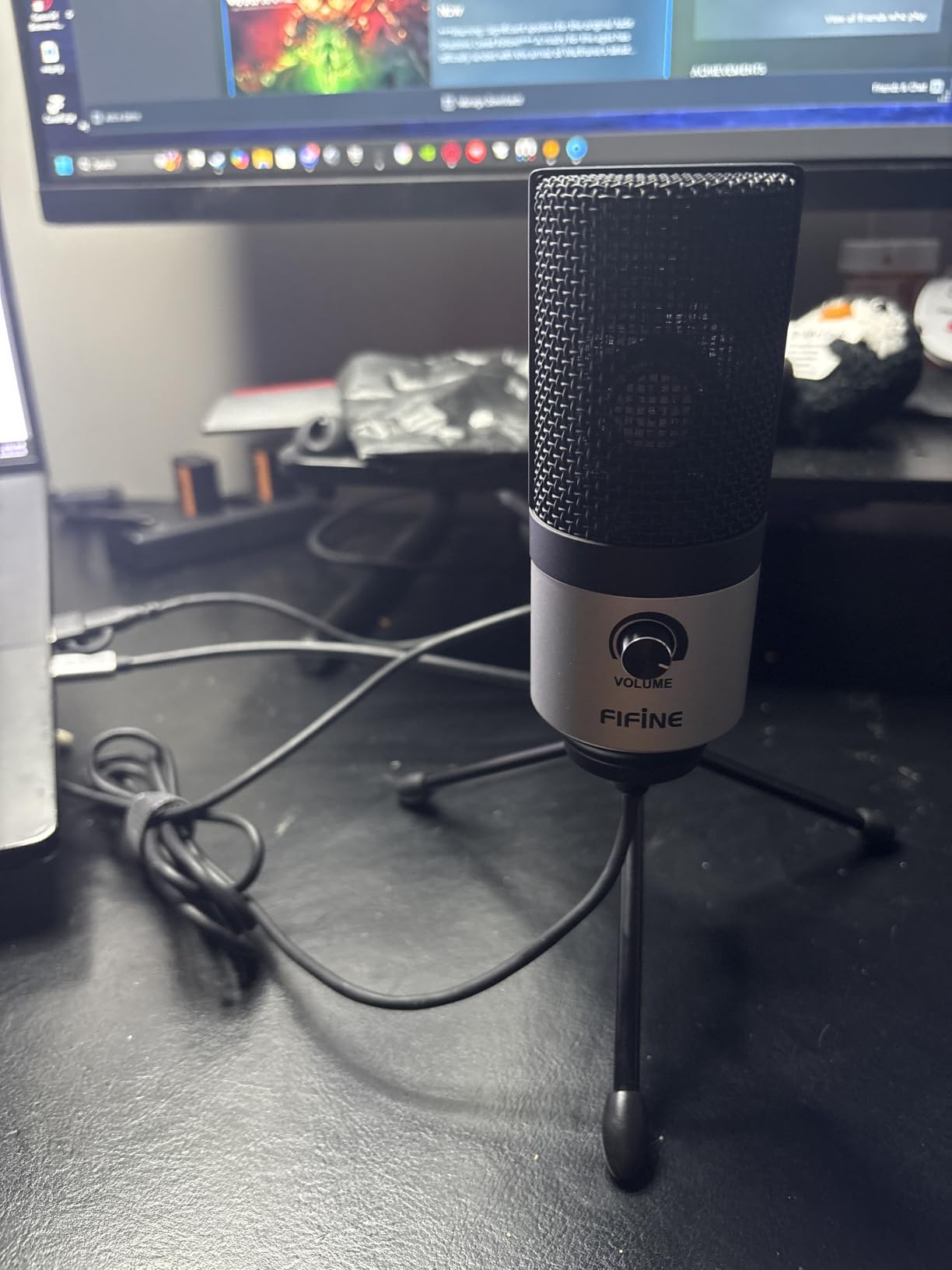
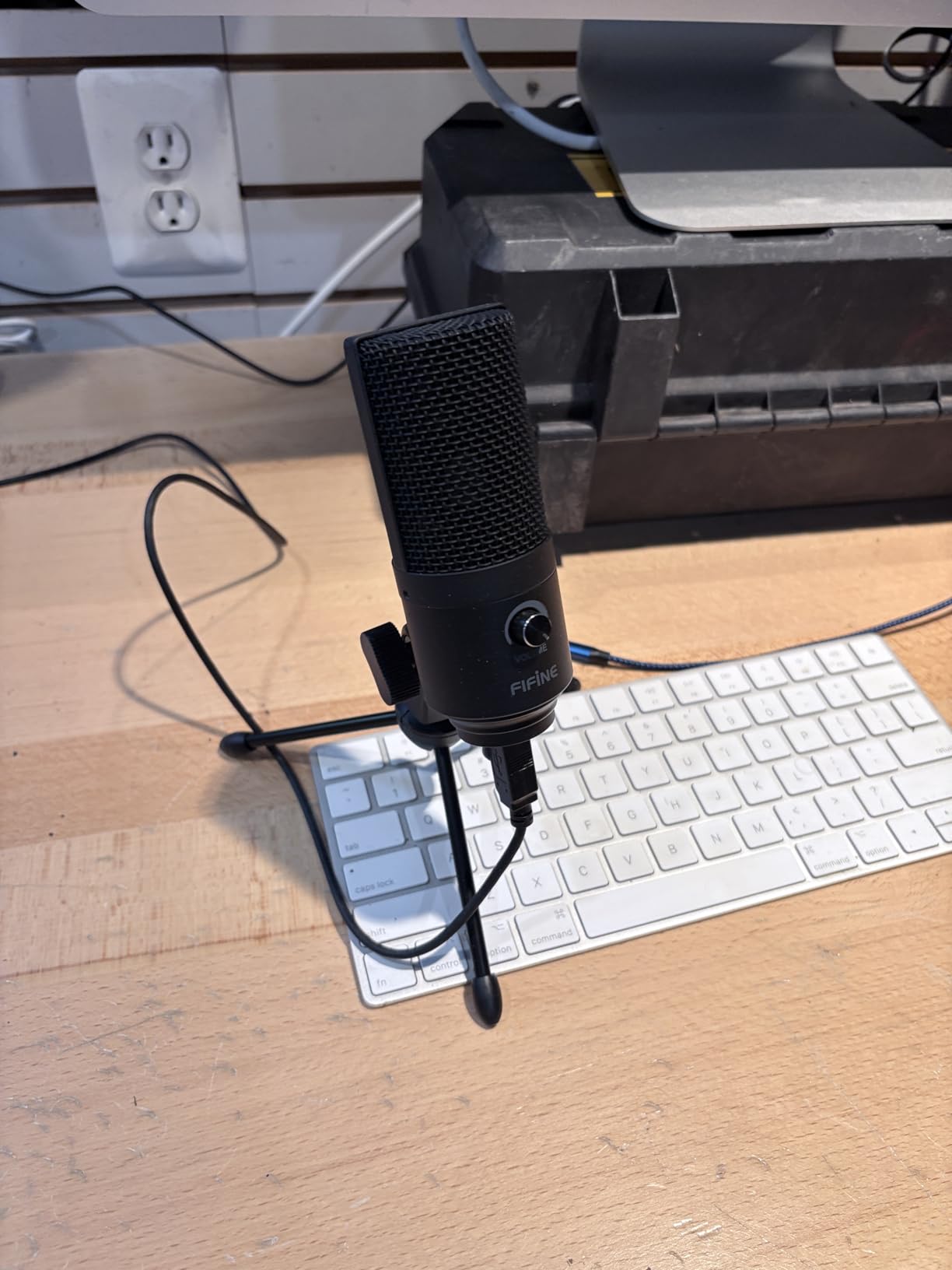
The build is simple but solid: an all-metal body, a small desktop tripod, and a single volume knob on the front. USB cable plugs into your computer and you’re done — no drivers, no software, no fuss.
For 2026, this is still the cheapest streaming mic we can confidently recommend to someone who wants to sound professional without spending much.
What you don’t get at this price
There’s no mute button (you turn the gain knob to zero), no headphone monitoring port, and no shock mount. The small tripod works but you’ll want a boom arm eventually. None of these are dealbreakers at this price — they’re just the trade-offs you accept for going cheap.
Who it’s for
The K669B is the perfect “first real mic” for an absolute beginner streamer, a student on a budget, or anyone who wants a backup USB mic for travel. If you can stretch your budget a little further, the FIFINE T669 bundle at #6 adds a boom arm and pop filter for not much more.
10. TONOR TC310+ — Best Budget RGB Starter Kit
TONOR Gaming Microphone Set with Boom Arm, Vocal Condenser Microphone for Content Creators, USB Mic for PC with Stand, RGB, Tap Mute, Gain Control, Gaming Equipemnt, Twitch, Streaming, TC310+
USB condenser with boom arm
4 RGB modes
Tap-to-mute + gain knob
Metal C-clamp mount
Pros
- Comes with sturdy metal boom arm
- 4 RGB lighting modes are customizable
- Tap-to-mute and onboard gain
- C-clamp fits most desks
- Great value as a complete starter kit
Cons
- No headphone monitoring jack
- Background noise pickup noticeable
- Boom arm and shock mount sold as one unit
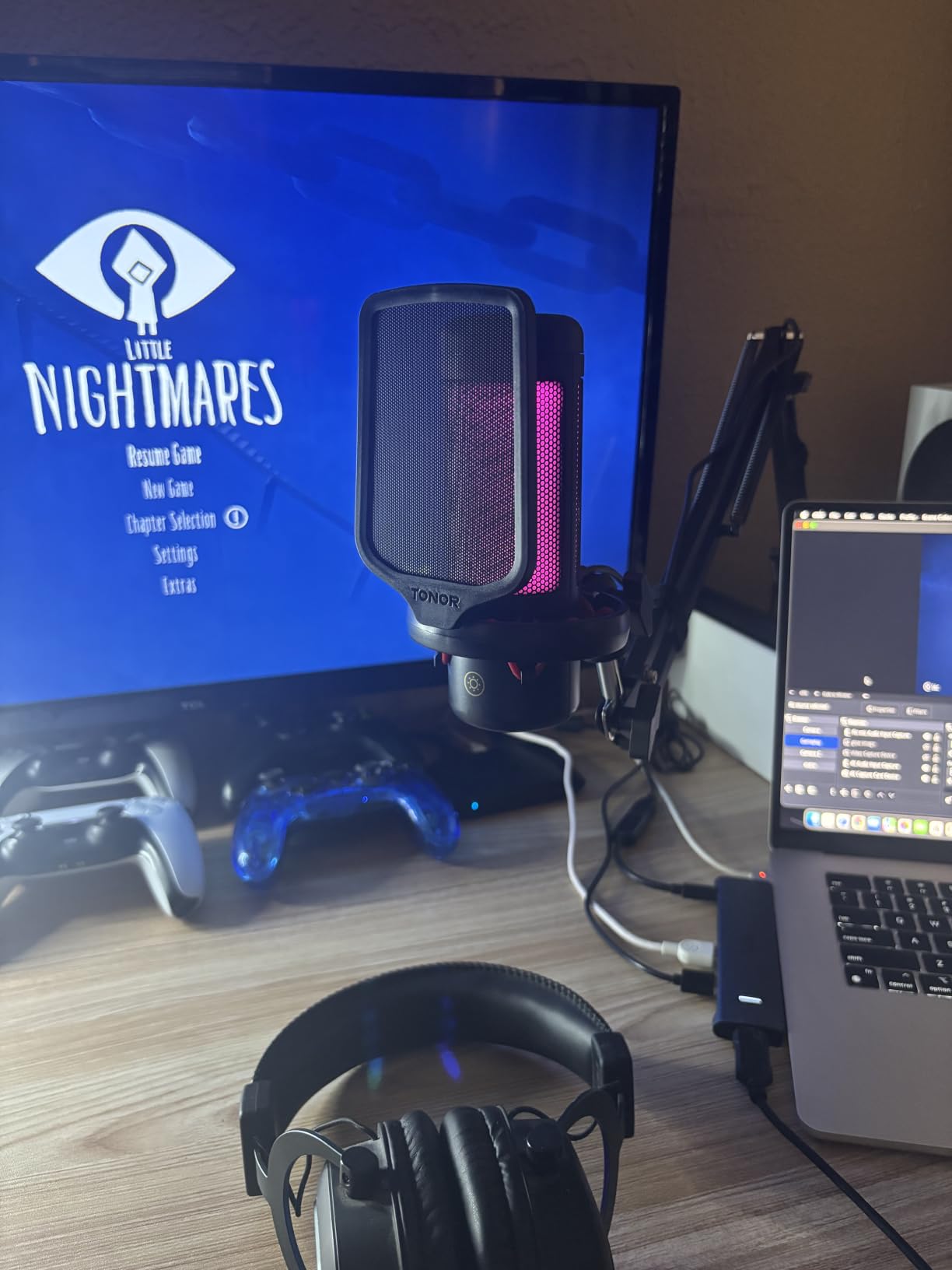
The TONOR TC310+ rounds out our list as a complete starter kit with RGB. You get a USB condenser mic, a sturdy metal boom arm with C-clamp, four RGB lighting modes, and a tap-to-mute sensor with rotating gain control. For a beginner who wants the full setup in one box without spending much, it’s a solid pick.
Sound quality is clear and crisp for the price. Voices come through with a balanced character that works for streaming, Discord calls, and casual podcasting. The cardioid polar pattern is a true unidirectional design, so it does a reasonable job of rejecting off-axis noise compared to multi-pattern mics.
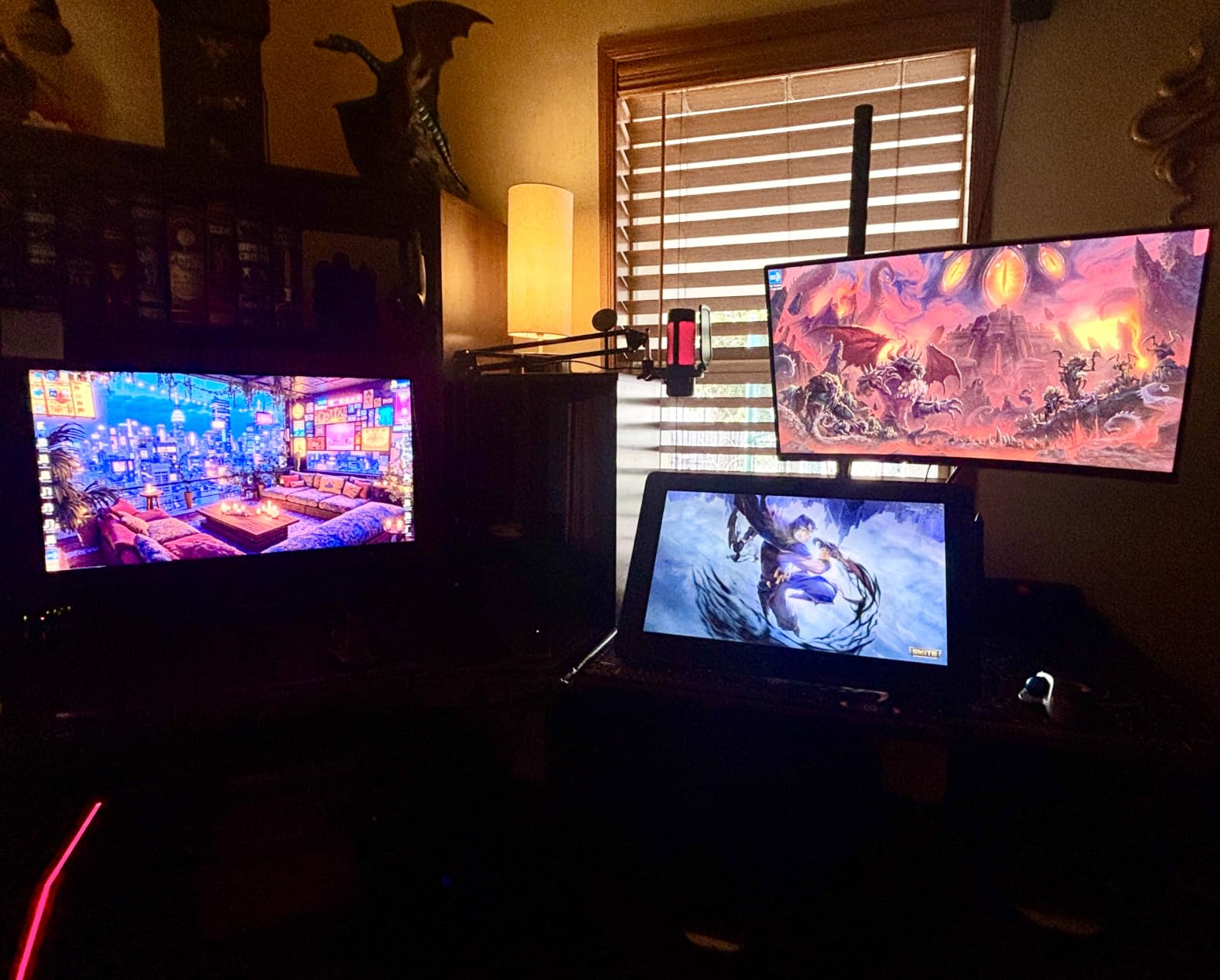
Build is impressive for the price. The boom arm is metal, the C-clamp secures firmly to most desks, and the multiple adjustable joints make positioning easy. The RGB modes — static colors, gradient, breathing, and mix-color — are genuinely fun if your setup has a gaming aesthetic.
The tap-to-mute sensor on top is responsive and avoids the sticky-button feel of cheaper mics. Long-tapping the RGB icon controls brightness, which is a thoughtful touch.
Trade-offs to be aware of
There’s no headphone monitoring jack, so you’ll need to monitor through your computer or speakers. Like most condensers in this price range, it picks up noticeable background noise, so a quiet room helps a lot. The boom arm and shock mount are sold as a single unit, which is fine for most setups but limits flexibility.
Who should buy it
The TONOR TC310+ is the right pick if you want a complete RGB starter kit under a tight budget and you don’t need zero-latency monitoring. If headphone monitoring is critical, look at the FIFINE AM8 at #3 — though you’ll need to add a separate boom arm.
How to Choose the Best Streaming Microphone for You
Picking the right streaming microphone comes down to four decisions: USB or XLR, condenser or dynamic, polar pattern, and software ecosystem. Get those right and you’ll be streaming with great audio in no time.
USB vs XLR: Which Should You Buy?
USB microphones plug straight into your computer and work without extra gear. They’re the right choice for most beginners and anyone who wants a simple, portable setup. XLR microphones need an audio interface (like the Focusrite Scarlett Solo) and a cable, but they give you an upgrade path: start with an AT2020, then move to an SM7B later without changing your interface.
For most streamers starting out, USB is the right answer. The Elgato Wave:3 MK.2 and the FIFINE AM8 are both excellent USB options, with the AM8 offering an XLR output for future upgrades.
If you’re serious about broadcast audio and don’t mind the extra gear, XLR is the way to go. The Shure SM7B at #2 and the Audio-Technica AT2020 at #5 are both excellent XLR choices.
Condenser vs Dynamic Mics for Streaming
Condenser microphones capture more detail and have a wider frequency response, but they also pick up more room noise. They’re the right choice if your streaming space is quiet or acoustically treated.
Dynamic microphones reject background noise much better, which makes them ideal for streamers with mechanical keyboards, fans, untreated rooms, or shared living spaces. The trade-off is slightly less high-end detail in your voice.
If you’re streaming from a noisy or untreated room, go dynamic — the FIFINE AM8 (#3) or the Shure SM7B (#2). If your space is quiet and you want maximum vocal detail, go condenser — the Elgato Wave:3 MK.2 (#1) or the Blue Yeti (#4).
Polar Patterns Explained
The polar pattern describes where the microphone picks up sound from. Cardioid is the most common for streaming — it picks up sound from the front and rejects sound from the back and sides. Supercardioid is even tighter, useful in noisy environments.
Omnidirectional mics pick up equally from all directions, which is great for round-table podcasts but bad for solo streaming. Bidirectional mics pick up from front and back, ideal for two-person interviews. Stereo captures left and right channels separately, useful for music recording.
For solo streaming and podcasting, cardioid or supercardioid is the right choice. Most mics on this list use one or the other. The Blue Yeti at #4 is the only one that offers all four patterns in one mic.
Sample Rate and Bit Depth: How Much Do You Really Need?
Sample rate (measured in kHz) determines how many audio samples per second the mic captures. Bit depth (measured in bits) determines the dynamic range. Higher numbers mean more detail captured.
Most humans hear from 20 Hz to 20 kHz, so a 48 kHz sample rate captures everything audible. Many mics advertise 192 kHz / 24-bit, but as our team notes, this is mostly marketing fluff when the frequency response caps at 20 kHz — you’re capturing frequencies you literally cannot hear.
48 kHz / 24-bit is plenty for streaming. Don’t pay extra for higher specs unless you’re recording music professionally.
Tap-to-Mute, Headphone Monitoring, and On-Mic Controls
Tap-to-mute is essential for live streamers who need to mute quickly without clicking through software. Most of the mics on this list have one. Look for a visible LED indicator so you know when you’re muted.
Headphone monitoring (a 3.5mm jack on the mic) lets you hear yourself in real time with zero latency. This is critical if you find it distracting to hear your own voice delayed through your computer. The Elgato Wave:3 MK.2, FIFINE AM8, and Blue Yeti all have this.
On-mic gain controls let you adjust sensitivity without diving into software. A gain knob is more convenient than software-only adjustment, especially when you’re switching between loud and quiet content.
Software Ecosystem: Wave Link, Blue VO!CE, Motiv Mix, Sonar
The mic is only half the equation. The companion software is where you apply noise reduction, EQ, compression, and routing.
Elgato’s Wave Link is the gold standard for streamers — it lets you mix nine audio sources independently and route them to OBS as separate channels. Blue VO!CE (part of Logitech G Hub) adds broadcast presets and effects. Motiv Mix is Shure’s desktop app for the MV7 and SM7B. SteelSeries Sonar covers the GG ecosystem.
For OBS and Streamlabs users, the Wave Link ecosystem integrates most cleanly. For Logitech mice and keyboard owners, Blue VO!CE is a natural fit.
Acoustic Treatment on a Budget: DIY Tips
The single biggest improvement to your streaming audio isn’t a new mic — it’s treating your room. Reddit threads are full of streamers asking how to fix echoey audio, and the answer is almost always acoustic treatment.
You don’t need to spend a fortune. A few cheap DIY tricks work wonders:
Hang a thick blanket behind your mic — absorbs reflections from the wall in front of you
Use a closet as a vocal booth — clothes act as broadband absorption
Put a folded towel or foam under your desk — cuts reflections from the desk surface
Get close to the mic (4-6 inches) — proximity effect boosts your voice relative to room noise
Buy a few cheap foam panels — stick them at first-reflection points on the walls
For more on balancing your stream’s loudness so the audio isn’t too quiet or clipping, our guide on how to master a song to around -14 LUFS for streaming covers the same broadcast standards your mic output should hit.
Frequently Asked Questions
What microphone do most streamers use?
The most common streaming microphones in 2026 are the Shure SM7B, Blue Yeti, Elgato Wave:3, HyperX QuadCast, and Audio-Technica AT2020. The Shure SM7B dominates the professional tier because of its broadcast-grade sound and noise rejection. For USB-only setups, the Blue Yeti and Elgato Wave:3 are the most popular picks because they’re easy to use and sound excellent out of the box.
What’s the best microphone for live streaming?
For most live streamers, the Elgato Wave:3 MK.2 is the best overall choice thanks to its crystal-clear condenser capsule, Clipguard anti-distortion, and Wave Link software for mixing multiple audio sources. If you stream from a noisy or untreated room, a dynamic mic like the FIFINE AM8 or Shure SM7B rejects background noise much better than a condenser.
What is the holy grail of microphones?
For streaming and podcasting, the holy grail is the Shure SM7B. It’s the mic behind countless podcasts, broadcasts, and Twitch streams because of its warm vocal tone, exceptional off-axis rejection, and bulletproof build quality. The main trade-off is the price and the fact that you need a clean preamp (often a Cloudlifter) to drive it properly.
What mic does Joe Rogan use?
Joe Rogan uses the Shure SM7B for his podcast, often paired with a Cloudlifter CL-1 preamp and a broadcast mixer. The SM7B has become the de facto standard for serious podcasts because of its warm tone, off-axis rejection, and ability to handle loud speaking without distortion.
What is the 3 to 1 rule for microphones?
The 3-to-1 rule for microphones says that when you have multiple microphones or speakers in a room, the distance between each mic should be at least three times the distance from each mic to its sound source. For solo streaming, this isn’t critical, but it helps when you bring on a co-host or guest and want to minimize phase cancellation and bleed between mics.
What is the best microphone for a beginner streamer?
For absolute beginners, the FIFINE AM8 and the FIFINE K669B are our top picks. The AM8 is a dynamic USB/XLR hybrid that rejects room noise and gives you an upgrade path to XLR later. The K669B is the cheapest streaming mic that genuinely sounds good, making it perfect for first-time streamers on a tight budget.
What is the best microphone for YouTube streaming?
For YouTube, you want a microphone that sounds good both live and on recorded playback. The Elgato Wave:3 MK.2 is a top pick because its sound translates well to YouTube voiceovers and live streams alike. If you also sing or play instruments, the Audio-Technica AT2020 gives you more vocal detail for recorded music performances.
Are USB microphones good enough for streaming?
Yes, USB microphones are good enough for the vast majority of streamers. Modern USB mics like the Elgato Wave:3 MK.2, Blue Yeti, and FIFINE AM8 deliver audio quality that would have required a full studio setup just a decade ago. You only need XLR if you want the upgrade path to broadcast mics like the Shure SM7B, or if you already have an audio interface.
Final Verdict: Which Streaming Microphone Should You Buy?
The best streaming microphone for you depends on your room, your budget, and how serious you are about audio. After testing all 10 mics on this list, here are our final recommendations:
Best Overall: Elgato Wave:3 MK.2 — the best mix of sound quality, software, and ease of use
Best Broadcast: Shure SM7B — the gold standard for professional podcasts and streams
Best Value: FIFINE AmpliGame AM8 — the closest thing to a budget SM7B you can buy
Best for Music + Streaming: Audio-Technica AT2020 — studio-grade detail for singers and acoustic players
Cheapest Streaming Mic: FIFINE K669B — the budget pick that won’t embarrass you
Whichever of these best streaming microphones you choose in 2026, pair it with a few cheap acoustic tweaks (a blanket behind the mic, mic placement 4-6 inches from your mouth) and you’ll be streaming with audio that punches well above your setup cost. If you’re curious how your mic’s signal reaches your viewers, our piece on why lossless streaming may not sound different over Bluetooth explains what your audience actually hears.
Happy streaming.