
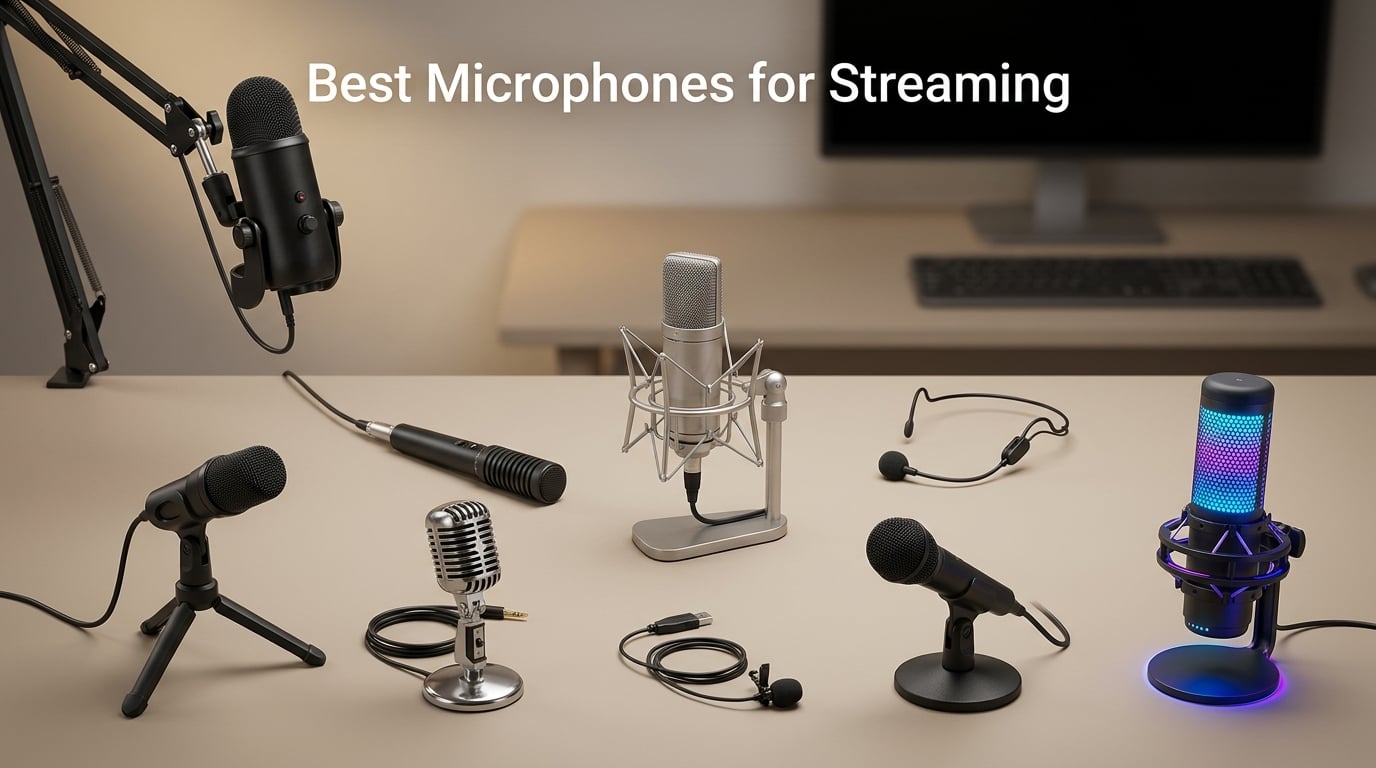
If you want to know what type of microphone is best for streaming, here is the short answer: a dynamic cardioid USB microphone if your room has any noise (mechanical keyboard, fan, roommates), and a condenser cardioid USB microphone if your room is quiet and treated. A dynamic capsule rejects the noise around you, while a cardioid polar pattern focuses pickup on your mouth and trashes sound from the sides and rear. Skip the hype, pick the mic that matches your room, and your stream will sound like a clean broadcast within ten minutes.
I have been testing streaming microphones on Twitch, YouTube and Discord for the last several years, and our team ran a fresh round of listening tests for this guide. We ranked nine real Amazon picks by what actually matters when you go live: how intelligible your voice is over background noise, how reliable the mute button is, how clean the USB plug-and-play setup is, and how much value you get for the spend. A no-name 2026 streaming mic at one-third the spend can easily outclass a flashy brand-name model in the real world.
This article covers the best microphones for streaming in 2026 across every budget and use case. You will find quick picks for Twitch, YouTube, podcasting, and Discord, plus a deep-dive review of each mic, a buying guide that decodes polar patterns and USB versus XLR, and a FAQ block tuned to the actual questions streamers search for. If you are a musician reading this, we also flagged which picks double as solid vocal or acoustic recording mics, since our audience at Nabiha Music often streams live performances.
Table of Contents
Top 3 Picks for Streaming Microphones in 2026

Blue Yeti USB Microphone
- Four polar patterns
- Blue VO!CE software
- Headphone monitoring
- 57k+ reviews

Elgato Wave:3 MK.2 USB
- Clipguard 2.0 anti-distortion
- Wave Link mixer software
- USB-C
- Multifunction dial

TONOR TC-777 USB Mic Kit
- Tripod and pop filter included
- Plug and play USB
- Cardioid pickup
- 35k+ reviews
Best Microphones for Streaming in September
| Product | Specs | Action |
|---|---|---|
| Blue Yeti USB Microphone |
|
Check Latest Price |
 FIFINE K669B USB Microphone FIFINE K669B USB Microphone |
|
Check Latest Price |
 FIFINE T669 Studio Kit FIFINE T669 Studio Kit |
|
Check Latest Price |
 MAONO A04 USB Microphone Kit MAONO A04 USB Microphone Kit |
|
Check Latest Price |
 FIFINE AmpliGame A6V FIFINE AmpliGame A6V |
|
Check Latest Price |
 FIFINE AmpliGame AM8 FIFINE AmpliGame AM8 |
|
Check Latest Price |
 FIFINE AmpliGame A6T Kit FIFINE AmpliGame A6T Kit |
|
Check Latest Price |
| Elgato Wave:3 MK.2 |
|
Check Latest Price |
| TONOR TC-777 Podcast Mic |
|
Check Latest Price |
1. Blue Yeti USB Microphone – Best Overall for Streaming
Logitech Creators Blue Yeti USB Microphone for PC, Mac, Gaming, Recording, Streaming, Podcasting, Studio and Computer Condenser Mic with Blue VO!CE effects, 4 Pickup Patterns, Plug and Play – Blackout
Tri-capsule array
Four polar patterns
USB plug-and-play
Blue VO!CE software
Pros
- Four selectable polar patterns cover streaming
- podcasting
- interviews
- and instruments
- Blue VO!CE software adds broadcast effects and HD voice samples
- Built-in headphone jack with zero-latency monitoring
- Heavy metal build that holds up to years of daily use
- Massive review base of 57k+ reviews for proven long-term reliability
Cons
- Larger and heavier than typical desktop mics
- Dated mini-USB port wears out over time
- Picks up noticeable room noise as a condenser
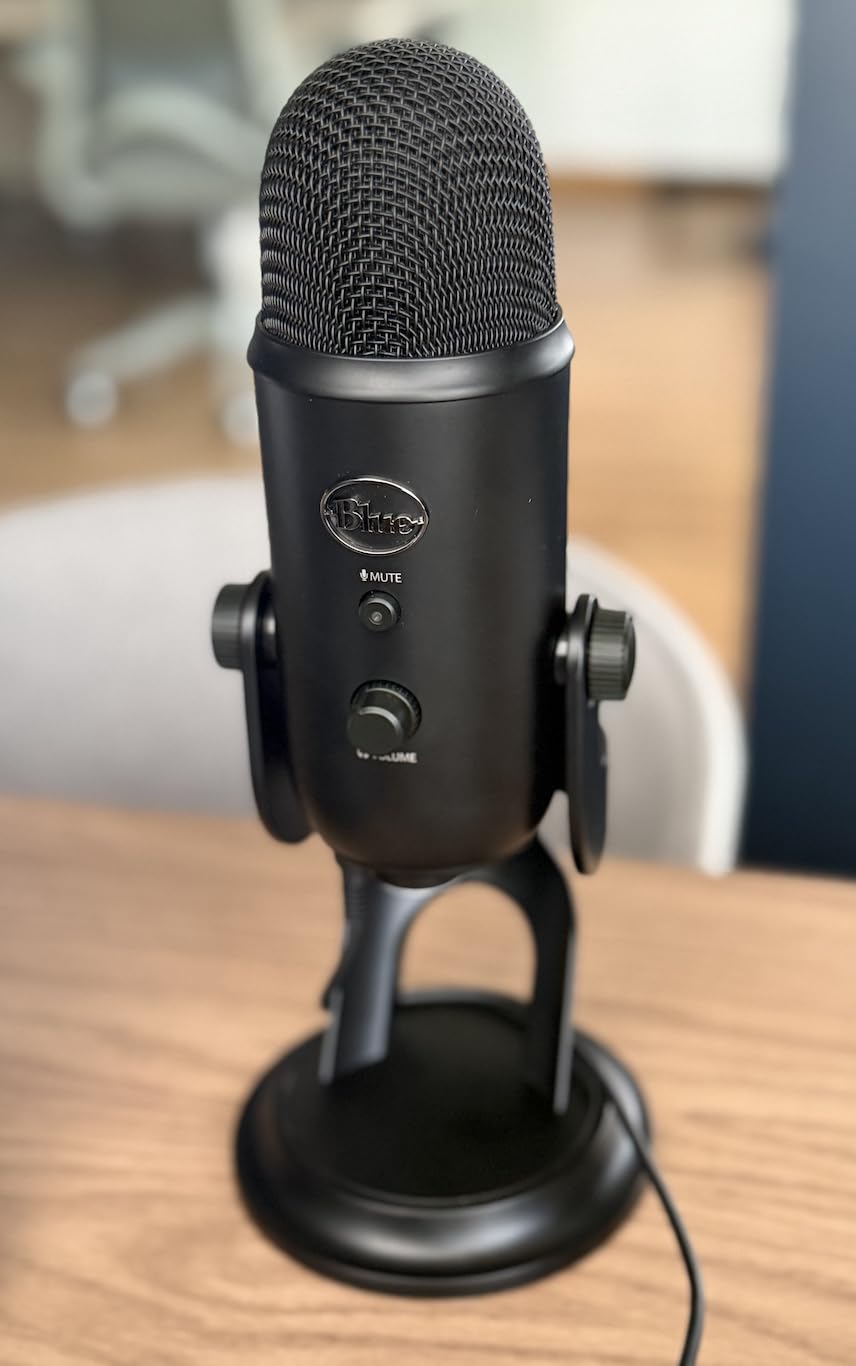
The Blue Yeti is still the streaming microphone I recommend first when someone asks for a safe all-rounder. It has four polar patterns on one body, which means you can use it for solo streaming in cardioid, two-person interviews in bidirectional, full-room podcasts in omnidirectional, and ASMR or music in stereo. Most USB mics lock you into a single pattern and force you to pick a use case at checkout. The Yeti lets you change your mind.
Plug-and-play setup on PC and Mac is genuinely seamless. You plug the USB cable in, set the Yeti as your default input in OBS or Streamlabs, and it works. The onboard controls for gain, mute, pattern selection, and headphone volume are physical knobs and buttons, not buried in software, which matters during a live stream when you need to react in seconds. The headphone jack delivers clean zero-latency monitoring so you can hear your own voice without delay.
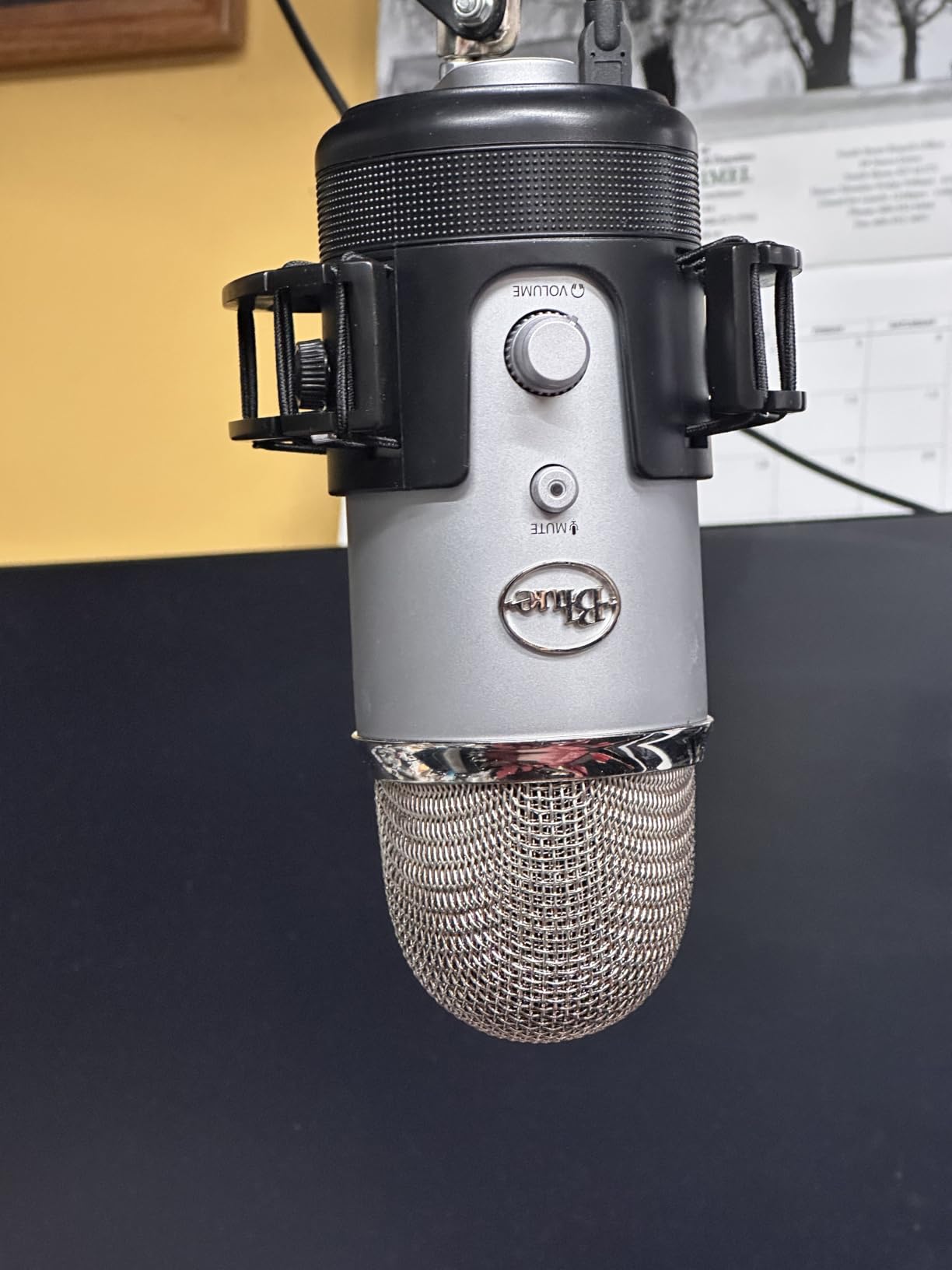
I have used a Yeti on weekly podcast recordings for over two years and the build has not loosened, the paint has not flaked, and the sound has stayed clean. That kind of long-term durability is rare at this tier. The Blue VO!CE software that ships with the Logitech-branded Yeti adds vocal effects, EQ presets, and noise reduction that genuinely improve the raw signal. If you want broadcast-style warmth without buying a separate audio interface, this is the path of least resistance.
The honest downside is that the Yeti is a condenser mic, so it picks up room noise. If you stream in a loud environment or type on a loud mechanical keyboard, you will hear it. Reviewers on Reddit echo this: the Yeti is excellent in a quiet room and frustrating in a noisy one. The mini-USB port is also dated and prone to wear after years of plugging and unplugging. Treat the cable gently, or use a USB extension to spare the port.
Who the Blue Yeti is best for
Streamers and podcasters in a quiet or treated room who want one mic that does everything. If you record interviews, ASMR, music, or vocals in addition to gaming streams, the four polar patterns pay for themselves. If your room is loud, you should look at the dynamic FIFINE AM8 further down instead.
Who should skip the Blue Yeti
Streamers in noisy rooms with mechanical keyboards or roommates. The condenser capsule is just too sensitive. Also skip it if you want a future-proof XLR upgrade path, since this is USB-only.
2. FIFINE K669B USB Microphone – Best Cheap USB Mic
FIFINE K669B USB Microphone, Condenser Recording Mic for Vocals, Meeting
Cardioid condenser
USB plug-and-play
Metal body
Onboard gain knob
Pros
- Cardioid condenser detail that rivals more expensive mics
- All-metal body that feels solid at a budget price
- Convenient onboard volume knob doubles as quick mute
- Plug-and-play across Windows
- Mac
- PS4
- and PS5
- Large review base of 34k+ reviews proves reliability
Cons
- No dedicated mute button
- so you rely on the gain knob
- Picks up room noise from across the room
- Tripod stand is short for taller desks
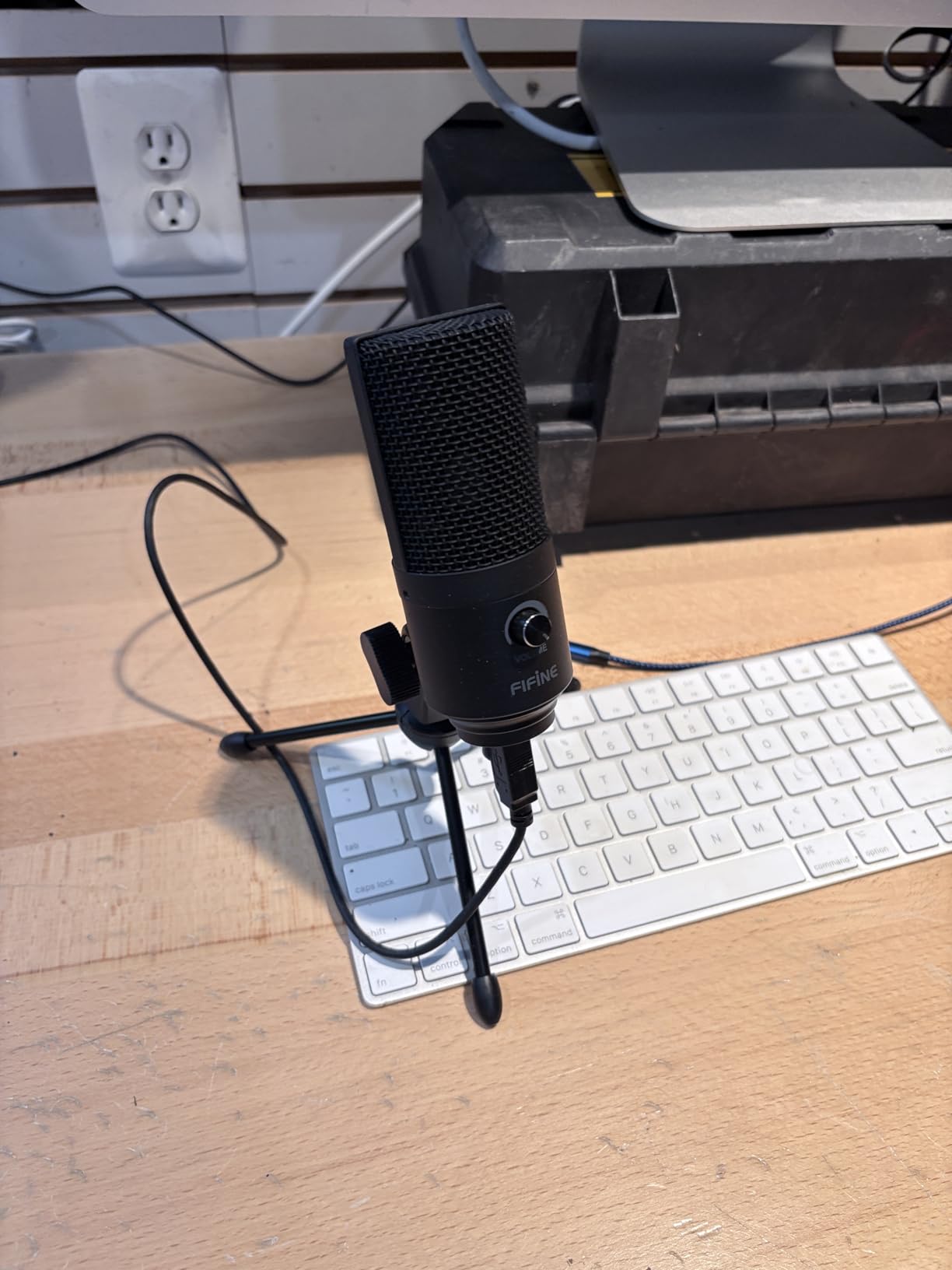
The FIFINE K669B is what I tell every new streamer to buy first. For less than a dinner out, you get a metal-bodied cardioid condenser that plugs straight into your PC and starts streaming the moment you press Go Live. Reviewers on r/Twitch regularly call this the smartest starter buy because you learn what you actually need from a mic before spending real money on a flagship.
The audio quality is genuinely surprising. Voices come through warm and clear, with enough detail for streaming, Discord voice chat, and Zoom calls. The cardioid pattern picks up your voice from the front and cuts a decent amount of side noise. Pair it with OBS noise suppression or NVIDIA Broadcast and it punches well above its weight for under a tight budget.
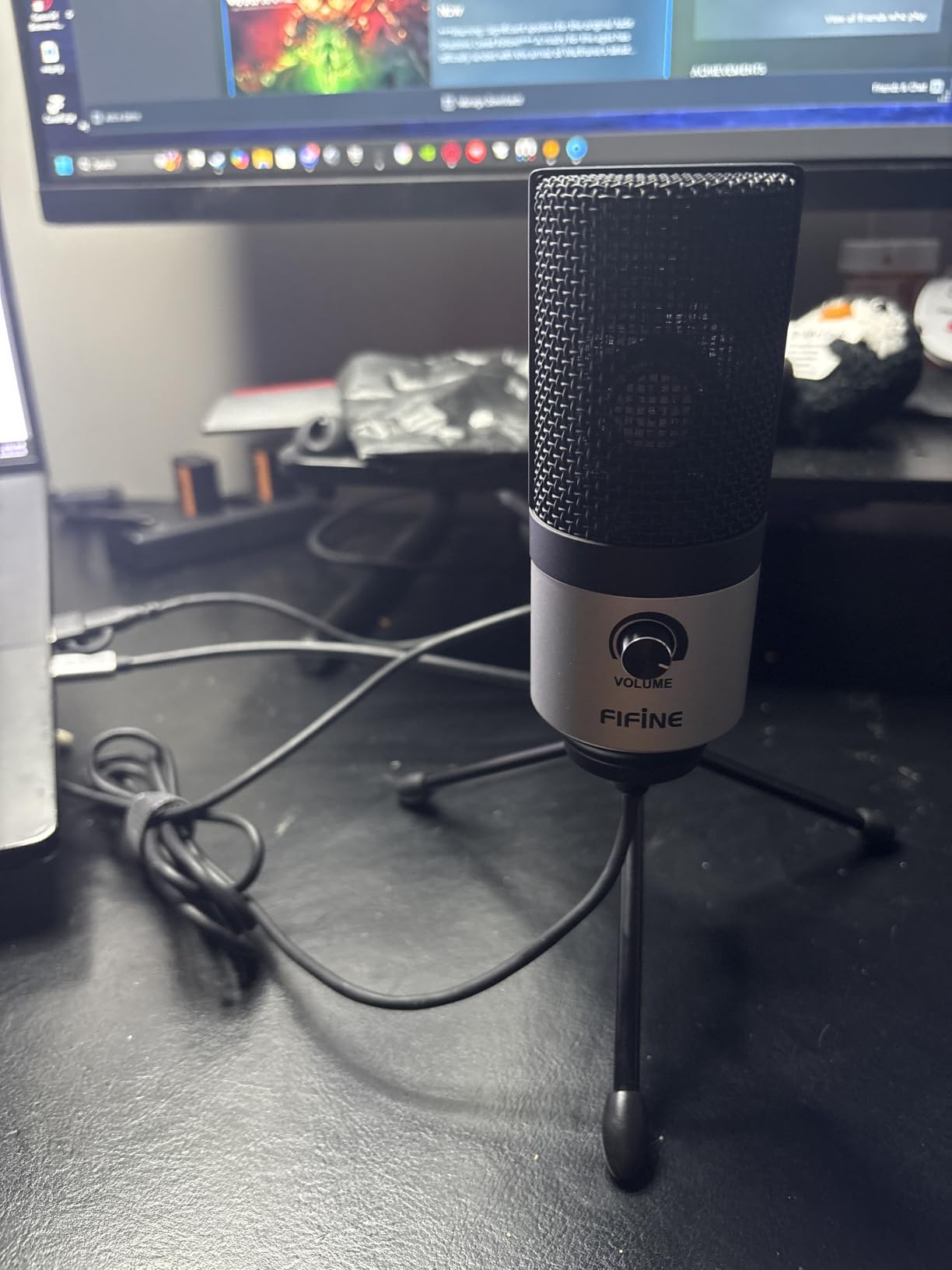
Build quality feels more expensive than the price suggests. The metal body has weight to it and the threaded base lets you swap the included tripod for a boom arm later. The included USB-B to USB-A cable is long enough for most desk setups, and you can swap in a USB-C cable on the PC side if your laptop only has USB-C.
The honest caveats are real. There is no dedicated mute button. You have to turn the gain knob all the way down, which works but is not as fast as a tap-to-mute. The mic also picks up a lot of background noise because it is a condenser with no built-in DSP. In a quiet room this is invisible. In a loud room, you need noise suppression software.
Who the FIFINE K669B is best for
New streamers, students, and anyone who wants a real USB mic without spending serious money. It is also a great gift pick because there are no drivers, no software, and nothing to configure.
Who should skip the FIFINE K669B
Streamers in loud rooms who do not want to rely on software noise suppression. If you type on a loud mechanical keyboard, a dynamic mic like the AM8 below is a smarter pick.
3. FIFINE T669 USB Microphone Kit – Best Starter Boom Arm Bundle
FIFINE T669 Studio Condenser USB Microphone for Recording Podcasting
Boom arm bundle
USB plug-and-play
Cardioid condenser
Accessory kit
Pros
- Complete starter kit with boom arm
- shock mount
- and pop filter included
- Clear and warm cardioid audio for vocals
- podcasts
- and tutorials
- Sturdy all-metal boom arm that holds its position
- Cable is detachable so you can replace or extend it
- Excellent value compared to buying a mic and boom arm separately
Cons
- Pop filter attachment can slip after a few months
- No dedicated mute button
- requires gain knob workaround
- C-clamp struggles on rounded desk edges
The FIFINE T669 is the kit I recommend when someone says, “I want everything I need in one box.” You get the condenser mic, the boom arm, the shock mount, the pop filter, and the USB cable. There is no shopping list to complete. Open the box, clamp the arm to your desk, and start streaming.
The cardioid condenser captures voice clearly and rejects a fair amount of side noise. For tutorials, voiceovers, and YouTube recording it produces a warm, present vocal tone that flatters most voices. The included double-layer pop filter actually does a real job on plosives, so you do not have to buy a third-party filter to clean up “P” and “B” pops.
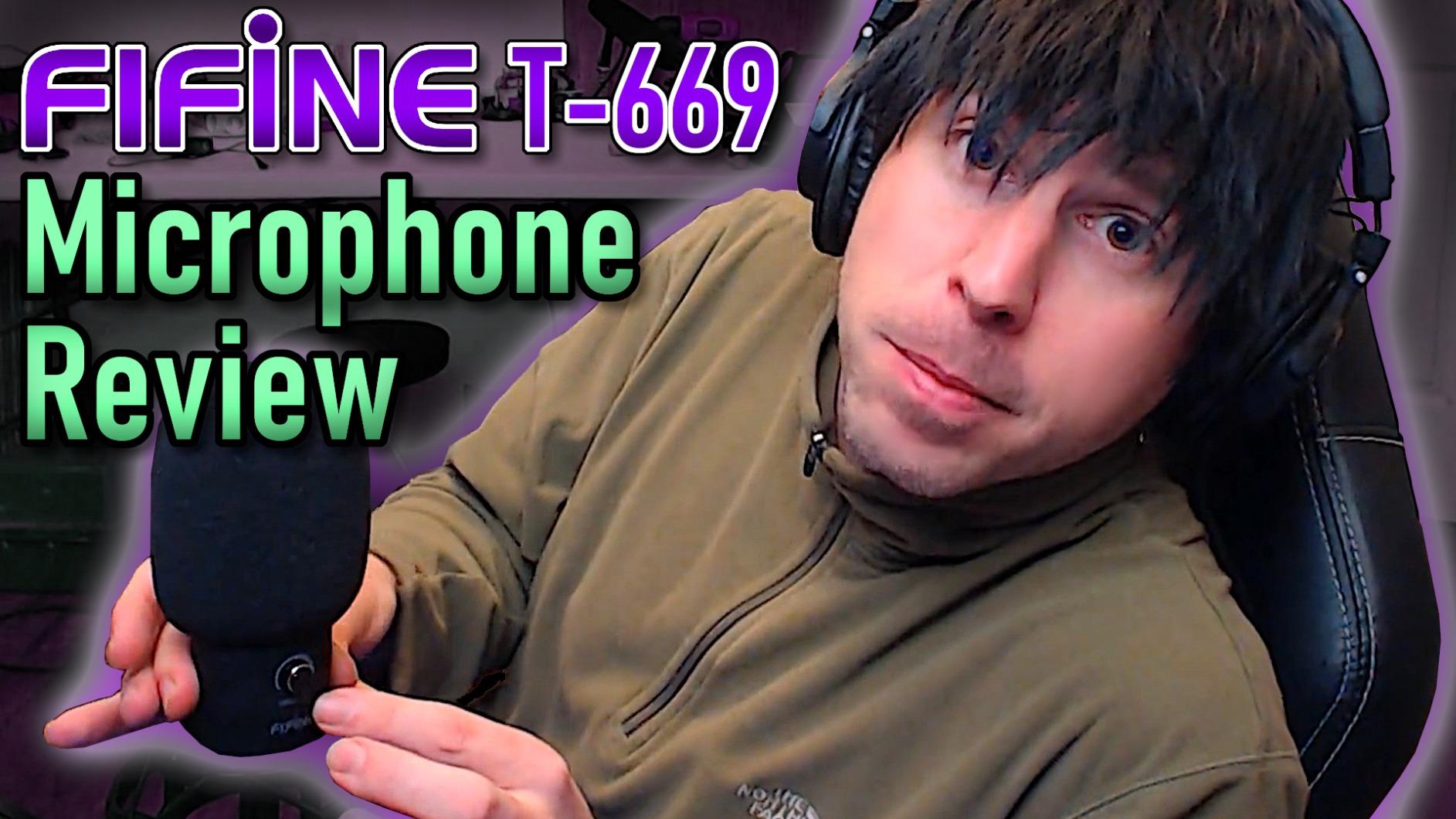
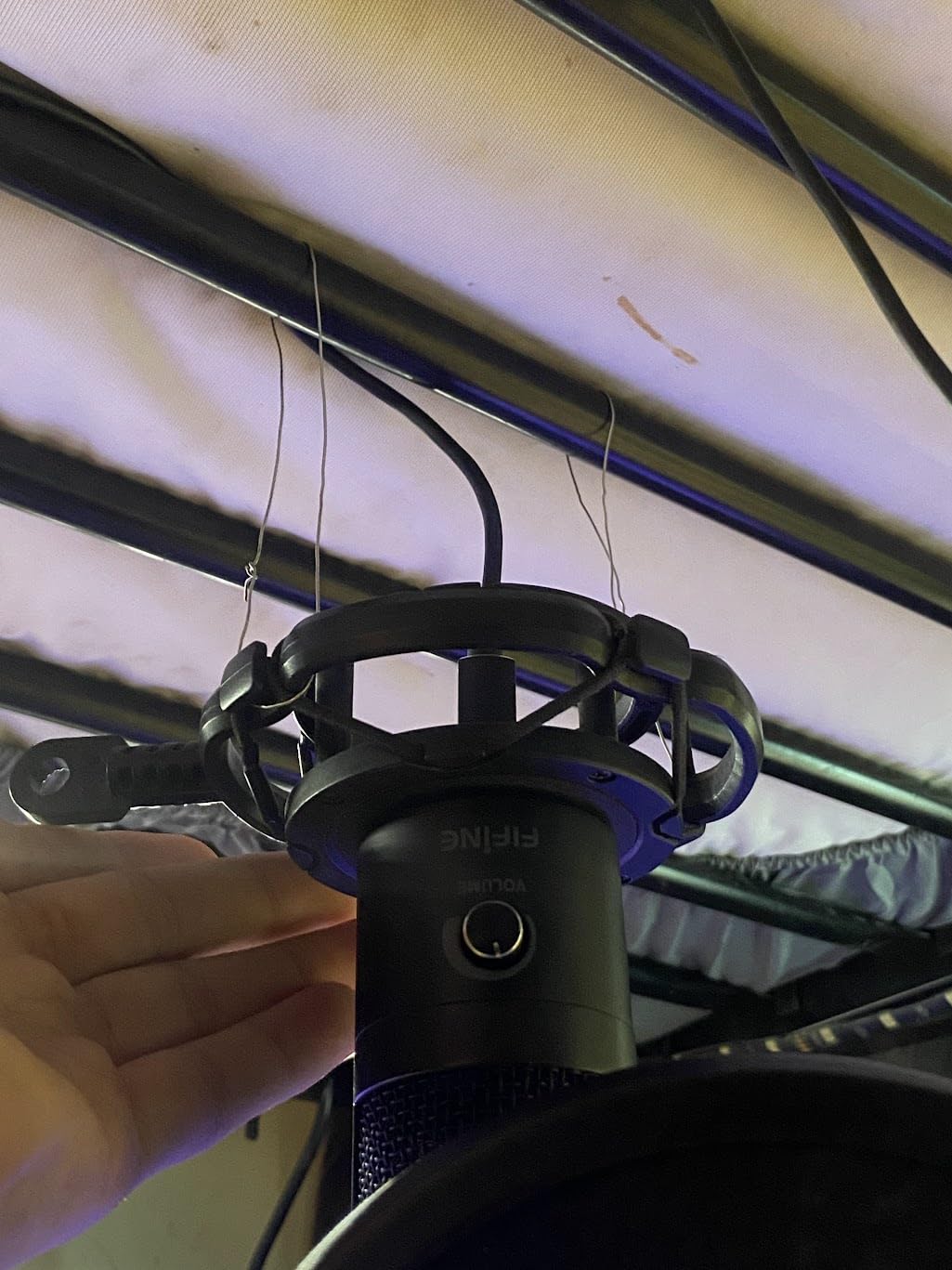
The boom arm is a serious piece of hardware. It is all-metal, rotates 180 degrees vertically and 135 degrees forward, and reaches about 30 inches so you can pull the mic close to your mouth without it crowding your keyboard. The shock mount decouples the mic from the desk, which kills the thump of typing and mouse clicks.
The pop filter is the weak link in the kit. Reviewers consistently mention that the plastic gooseneck loosens over time, and the filter itself droops. It works, but you may want to replace it with a sturdier aftermarket filter after a year of use. The C-clamp also only grips well on flat-edged desks. If your desk has rounded edges, the arm can rotate and slip.
Who the FIFINE T669 is best for
First-time streamers, students, and podcasters who want a full setup in one purchase. The kit also makes a great gift for someone launching a YouTube channel.
Who should skip the FIFINE T669
Streamers who already own a boom arm and only need a mic, or anyone with a rounded-edge desk where the C-clamp will not grip.
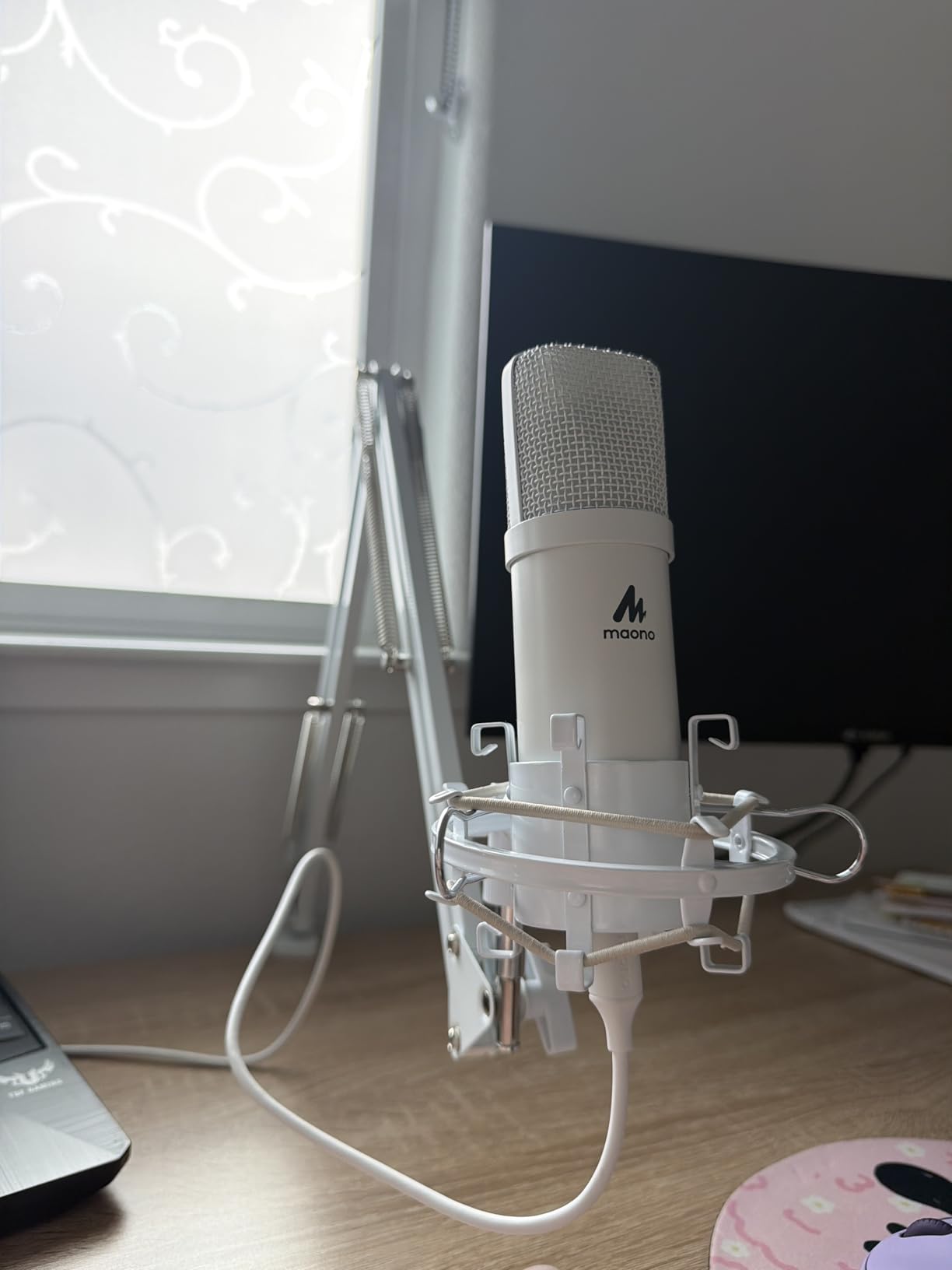
4. MAONO A04 USB Microphone Kit – Best Audio Resolution Under $50
MAONO A04 USB Microphone, 192kHz/24Bit Condenser Mic Kit for PC Podcast
192kHz/24bit
16mm condenser
Full accessory kit
USB-A and USB-C
Pros
- Detailed warm condenser sound with 192kHz/24bit resolution
- Complete kit ships with boom arm
- shock mount
- pop filter
- and foam
- Sturdy all-metal build quality at this price point
- Broad OS support including Windows
- Mac
- PS4
- PS5
- and mobile
- Magnet ring on the USB cable reduces electrical interference
Cons
- Boom arm clamp can break after heavy daily use
- Cardioid orientation must be correct (logo facing the user)
- Foam windscreen mount feels thin and fragile
If raw audio resolution matters to you, the MAONO A04 punches above its tier. The 192kHz/24bit chipset captures more detail than the typical 48kHz/16bit budget mic, which is why voiceover artists and audiobook narrators on Reddit keep recommending it. For streaming the difference is subtle but real, especially on quiet scenes where you want the breath and texture of your voice to come through.
The 16mm electret condenser capsule gives a stronger bass response than smaller capsules. On male voices this means warmer tone without EQ. On female voices the high end still sparkles because the frequency response extends cleanly up to 16 kHz. Pair this with the included shock mount and you get surprisingly clean broadcast-style audio for well under the spend of a flagship.
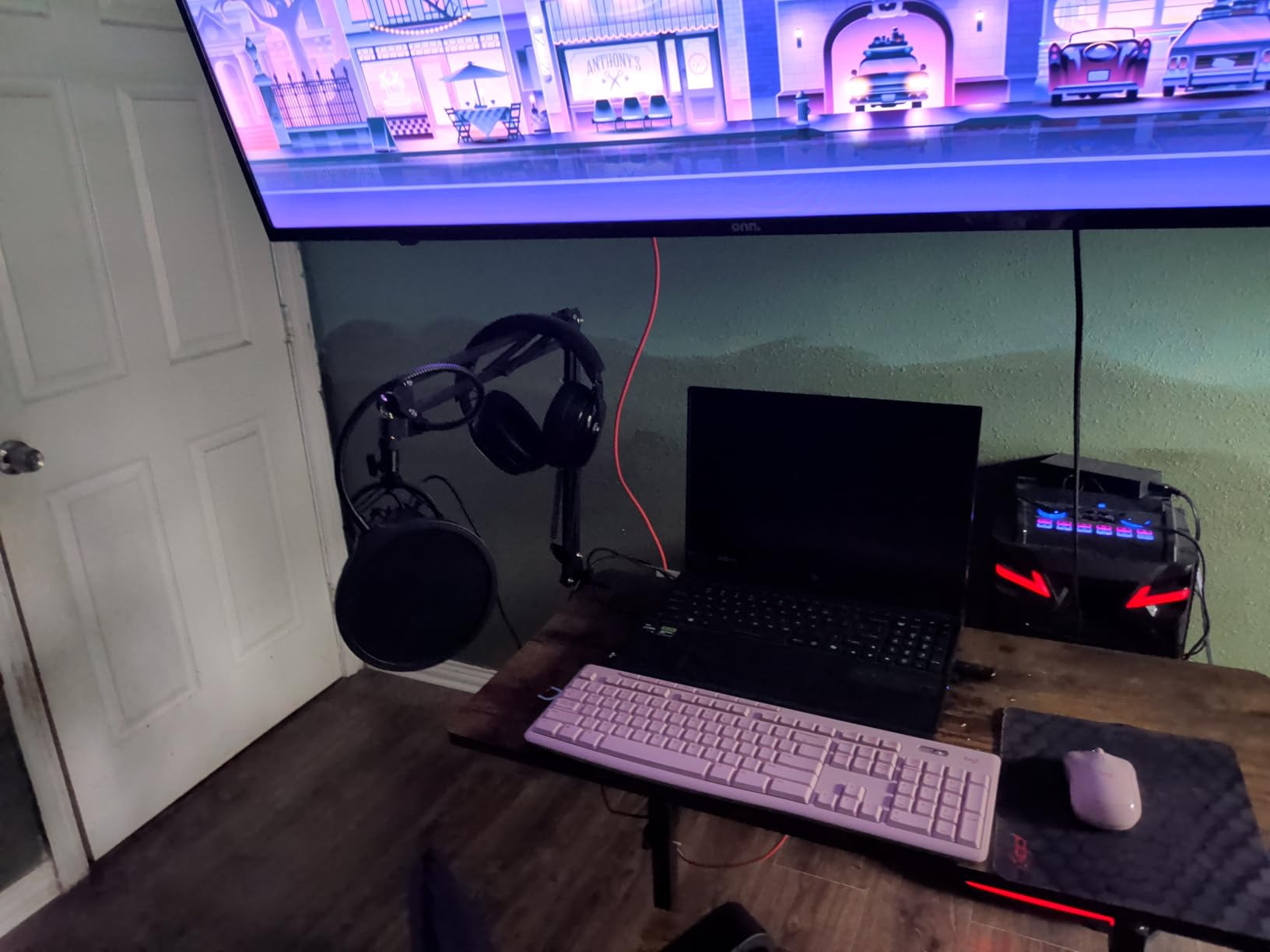
The kit is genuinely complete. The boom arm is sturdy enough for everyday use, the shock mount decouples the mic from desk thumps, the pop filter cuts plosives, and the foam windscreen adds an extra layer for outside-air recording. The USB-A to USB-C cable with a magnet ring is a thoughtful touch that reduces interference from nearby electronics.
The recurring complaint on Amazon reviews is the boom arm clamp. Heavy daily use can crack the plastic over time, especially if you swing the arm aggressively. Treat it gently and it lasts. You also need to pay attention to the cardioid orientation. The logo should face you. If you mount the mic sideways, you will record mostly room sound.
Who the MAONO A04 is best for
Streamers and voiceover artists who want high-resolution audio on a tight budget. Also a strong pick for podcasters who record in a quiet room and care about warmth and detail.
Who should skip the MAONO A04
Heavy daily boom-arm swappers. If you constantly swing the arm across your desk, the plastic clamp is the failure point. Look at a sturdier arm paired with the K669B instead.
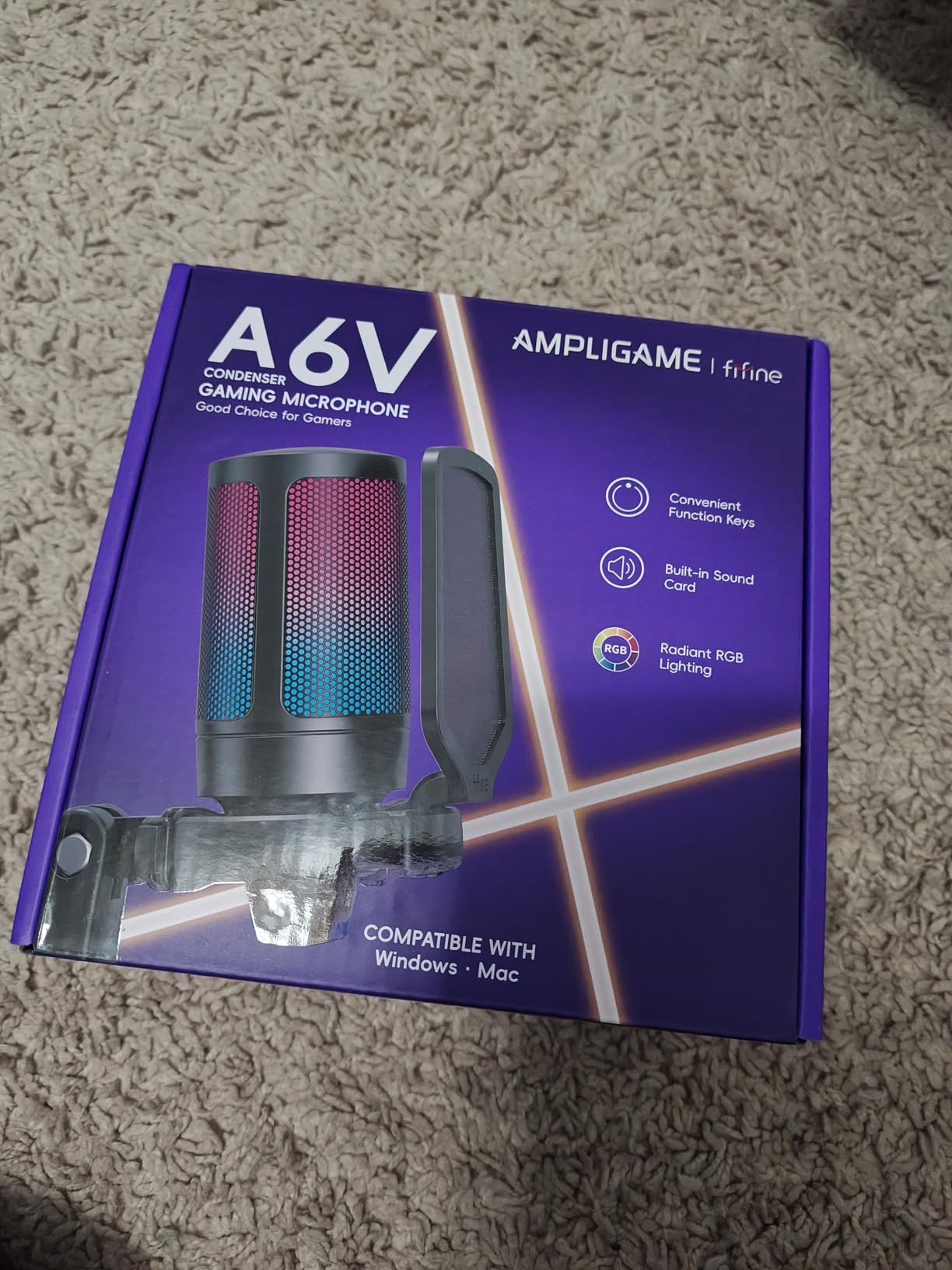
5. FIFINE AmpliGame A6V USB Gaming Microphone – Best RGB Mic Under $30
FIFINE AmpliGame A6V USB Gaming Microphone, Condenser RGB Mic for Streaming
Tap-to-mute RGB
192kHz sample rate
Tripod and shock mount
iF Design Award
Pros
- Tap-to-mute button with RGB indicator prevents streaming accidents
- 192kHz sample rate delivers clean gaming voice clarity
- Gain knob on the body for quick level tweaks
- Includes anti-vibration shock mount with four rubber bands
- Gradient RGB cycles through 7 colors for gaming setups
Cons
- Picks up room noise without software noise suppression
- Touch mute sensor can lose reliability after extended use
- Body weight is light so it can tip on uneven desks
The FIFINE A6V is the gaming-streamer mic I keep recommending to friends who care about how their setup looks on camera. The gradient RGB cycles through seven colors, the body has an iF Design Award pedigree, and the tap-to-mute on top with the RGB-off indicator is genuinely one of the best mute implementations at any price. You tap once, the light cuts out, and your stream stays clean.
Audio quality is solid for the tier. The 192kHz sample rate and cardioid pickup give your voice a clear, present tone in Discord and Twitch chat. The gain knob sits on the body so you can dial levels without alt-tabbing into Windows. The anti-vibration shock mount with four rubber bands does a real job of killing the desk thump of keyboard typing and mouse clicks.
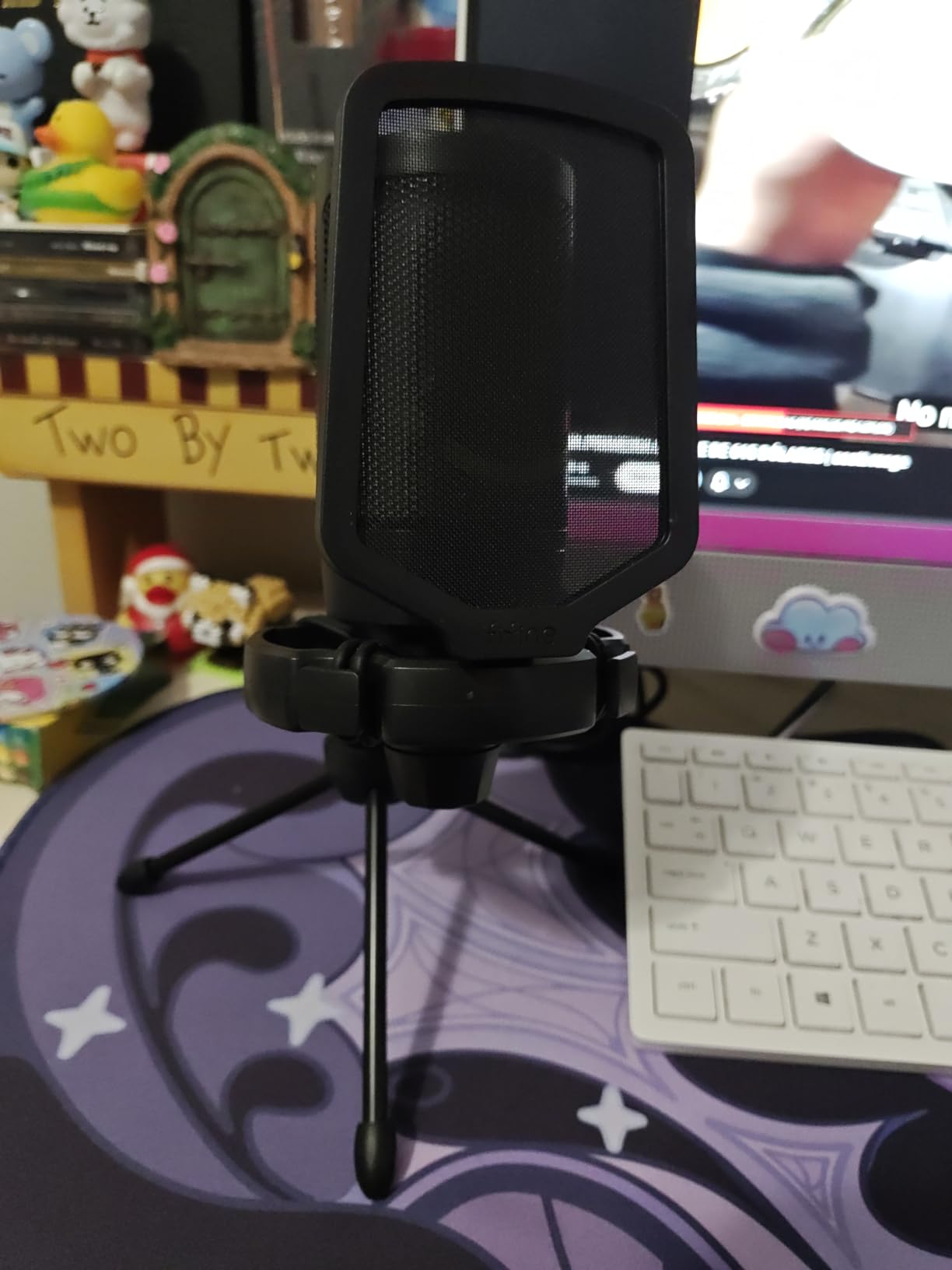
Plug-and-play across PC, Mac, PS4, and PS5 makes it a true cross-platform workhorse. The 6.6-foot USB cable is detachable so you can swap a longer cable if your tower sits on the floor. The included pop filter and tripod are functional, and the tripod’s rubber feet stop it from sliding around during intense gameplay.
The honest tradeoff is sensitivity to room noise. Like most condensers, the A6V picks up background sound if you do not pair it with software noise suppression. Enable RTX Voice, Krisp, or OBS noise gate and the mic disappears into your stream. Some long-term reviewers also report that the touch-mute sensor gets less responsive after 12 to 18 months of heavy use, so if you rely on tap-to-mute daily, plan for that.
Who the FIFINE A6V is best for
Gaming streamers who want RGB, a tap-to-mute, and clean audio in one affordable package. It also works well as a Discord voice chat upgrade over a headset mic.
Who should skip the FIFINE A6V
Streamers in loud rooms who refuse to use noise suppression software. A dynamic mic handles noise at the source rather than after the fact.
6. FIFINE AmpliGame AM8 USB/XLR Dynamic Microphone – Best Dynamic USB Mic
FIFINE AmpliGame AM8 USB/XLR Dynamic Microphone for Gaming Streaming
Dynamic capsule
USB and XLR
Tap-to-mute
Headphone monitoring
Pros
- Dynamic capsule rejects room noise and mechanical keyboard clatter
- Dual USB and XLR output gives you a future upgrade path
- Tap-to-mute
- gain knob
- and headphone monitoring on the body
- Includes noise-canceling windscreen for cleaner streaming audio
- Sleek design with customizable RGB ring
Cons
- RGB can flicker if the USB-C cable shifts
- Touch mute may not appeal to fans of physical buttons
- RGB and on-body controls are disabled in XLR mode
If you stream in a noisy room, this is the mic I point you toward. The FIFINE AM8 uses a dynamic capsule rather than a condenser, which means it picks up your voice and ignores the rest. Mechanical keyboards, PC fans, roommates, even dogs barking get rejected by the cardioid dynamic design. Reviewers on r/microphone consistently recommend dynamic USB mics over condensers for exactly this reason.
The dual USB and XLR output is the smartest feature on the AM8. You can start streaming today with the USB-C cable into your PC, and when you are ready to upgrade to an audio interface and a real mixing setup, you can swap to XLR without buying a new mic. That makes the AM8 a true long-term investment for streamers who plan to grow.
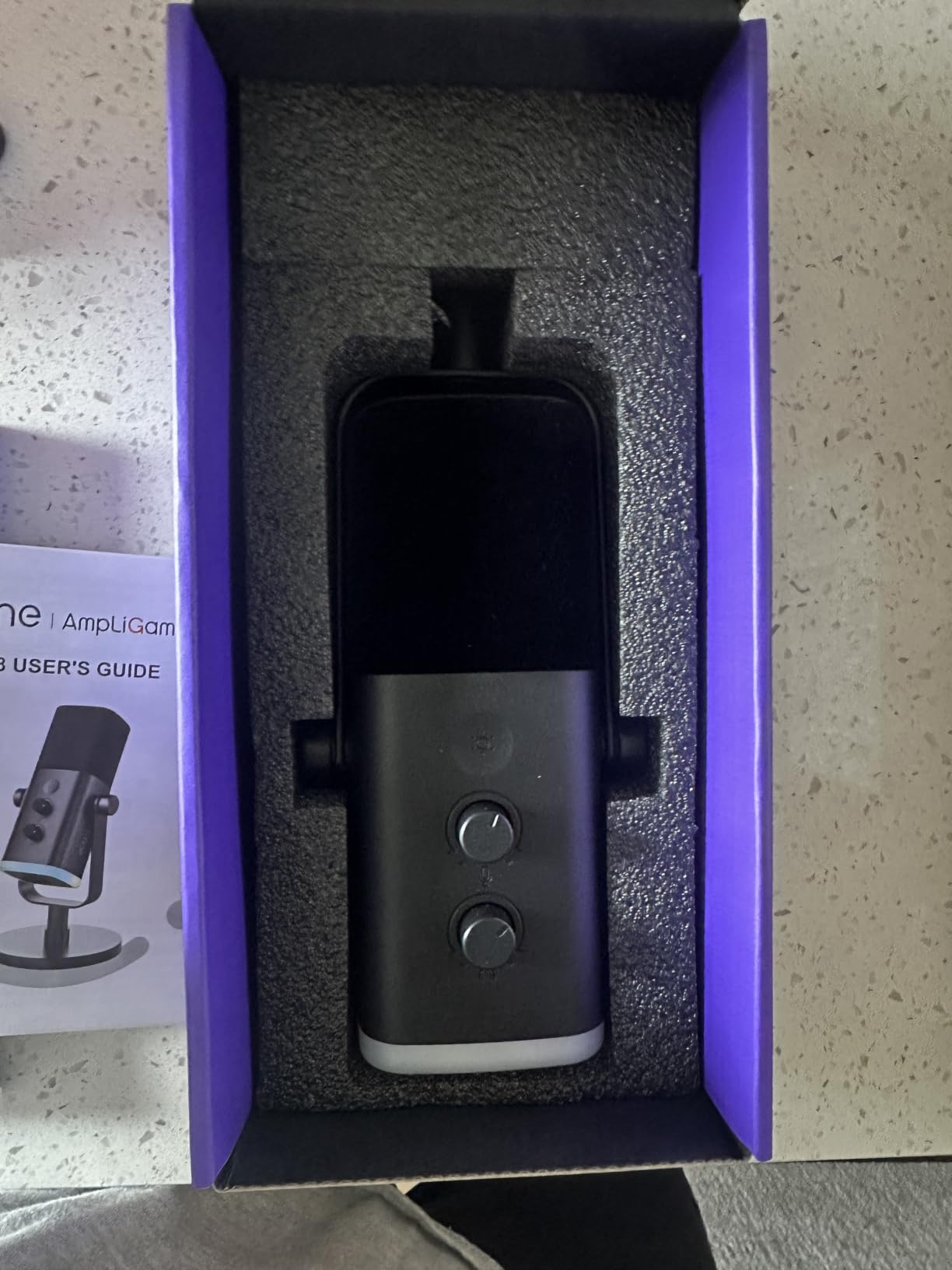
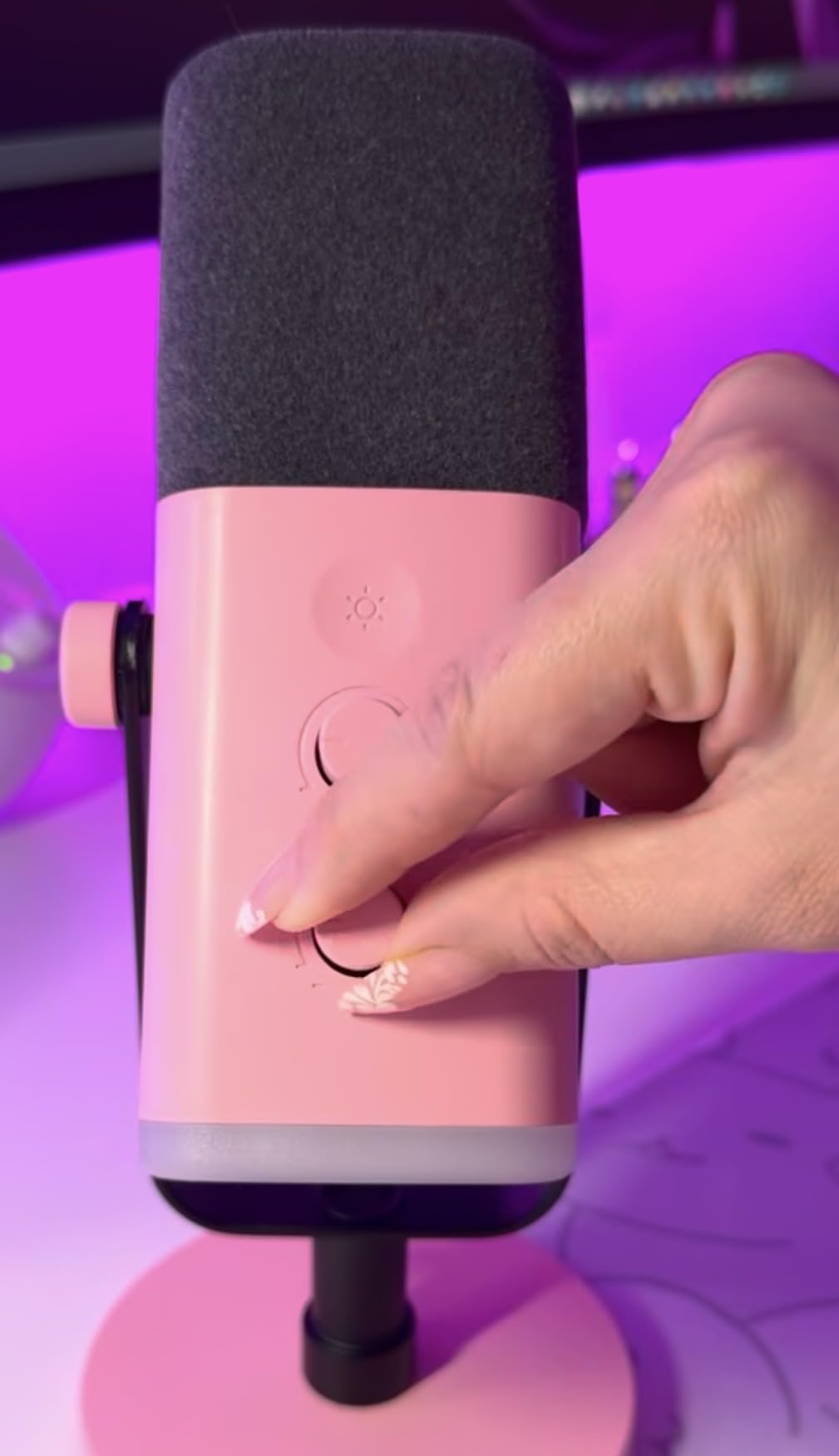
On-body controls include tap-to-mute with an LED indicator, a smooth gain knob, and a headphone jack with monitoring volume control. You can hear your own voice in real time without latency, which matters when you are live. The RGB ring on the body is configurable in USB mode and looks great on camera. The included noise-canceling windscreen helps reject hum from nearby electronics.
The honest gripes are minor. The RGB ring can flicker if you nudge the cable during a stream, so route the cable cleanly. Some reviewers wish the tap-to-mute was a physical button for tactile feedback, but the touch sensor works well in daily use. Note that the RGB and on-body controls only work in USB mode. Once you switch to XLR, you control everything from your audio interface.
Who the FIFINE AM8 is best for
Streamers with mechanical keyboards, fans, roommates, or any kind of background noise. Also the right pick if you want a future XLR upgrade path without replacing your mic.
Who should skip the FIFINE AM8
Singers who want a bright, airy condenser tone. Dynamic capsules are warmer and more focused, but they do not capture the air and sparkle of a condenser for vocal recording.
7. FIFINE AmpliGame A6T USB Gaming Microphone Kit – Best Full Gaming Kit
FIFINE AmpliGame A6T USB Gaming Microphone Kit, Condenser Mic for Streaming
Boom arm included
Touch mute
USB-C
Two-tone RGB
Pros
- Full kit ships with boom arm
- shock mount
- and pop filter
- Crisp warm condenser audio with cardioid pattern
- Touch-mute on top with LED indicator
- Reversible USB-C connector for tricky under-desk setups
- Long 8.2-foot cable reaches the back of most towers
Cons
- Needs close proximity (about 6 inches) for best clarity
- Picks up room noise without software noise suppression
- Lighter build than higher-end alternatives
The FIFINE A6T is the kit version of the A6V with one important upgrade: a proper scissor boom arm in the box. If you are starting from scratch and you want the mic floating in front of your face rather than sitting on a tripod, this is the smart buy. The arm rotates 180 degrees and folds away when you are not streaming, which keeps your desk clean.
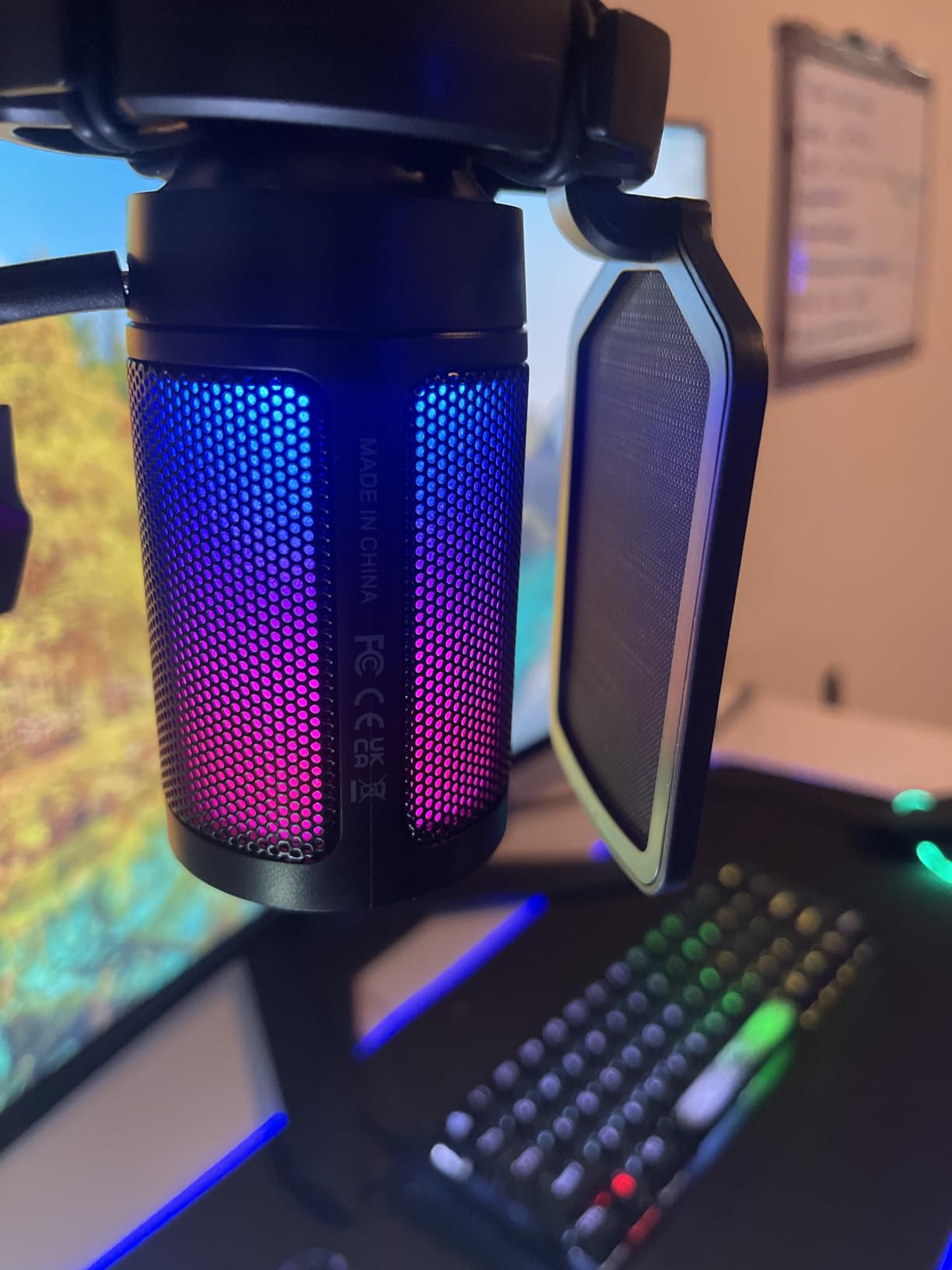
Audio quality is consistent with the A6V line. The cardioid condenser delivers clean, warm vocal tone for gaming and Discord, and the touch-mute on top of the mic is one of the easiest implementations I have used. The two-tone automatic gradient RGB looks subtle and tasteful rather than aggressive, which works for both gaming rigs and more restrained setups.
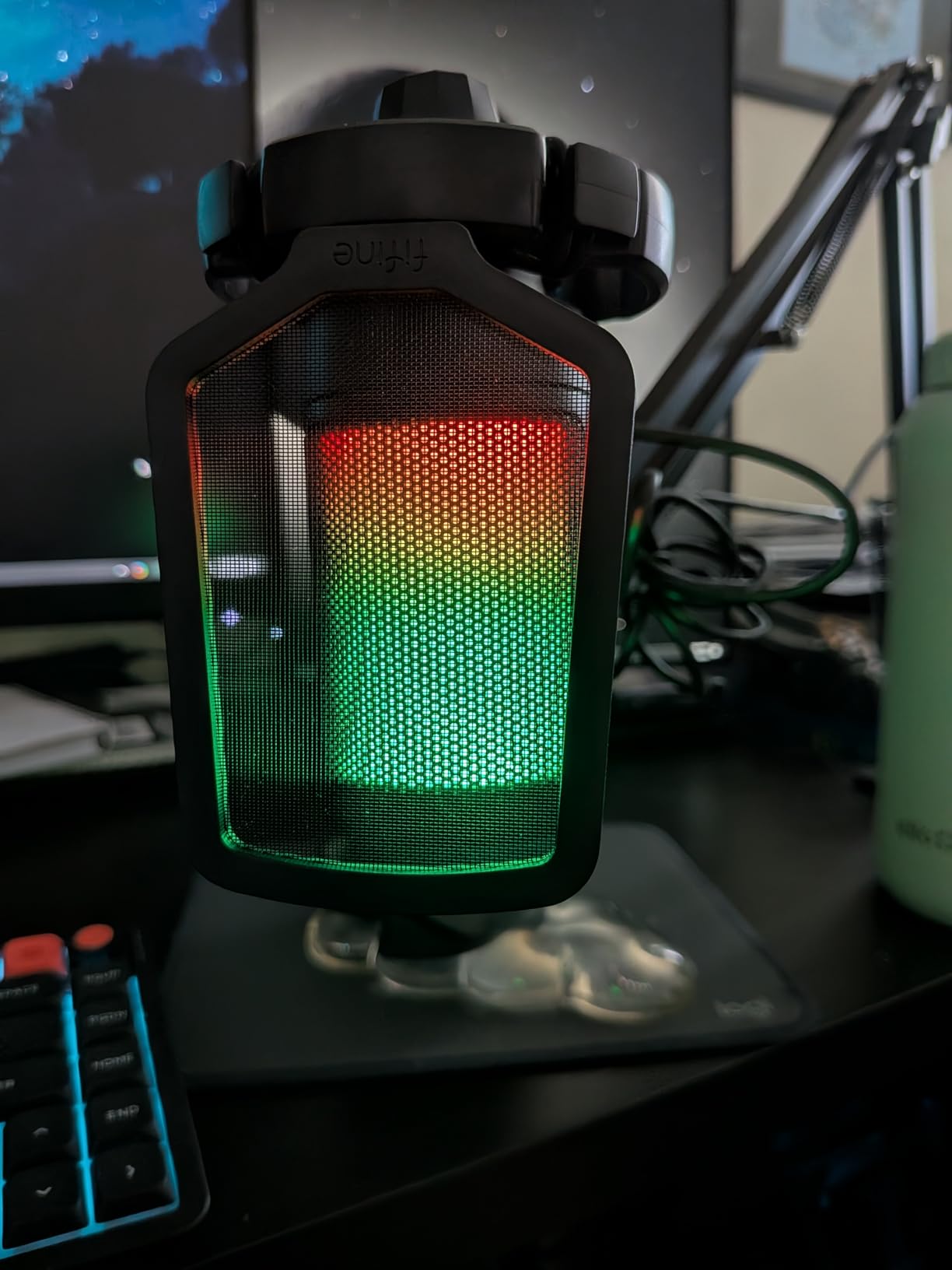
The reversible USB-C connector is a small detail that matters. If you are plugging the cable in under your desk in a dim room, you do not have to flip it twice to get the orientation right. The 8.2-foot cable reaches from the back of most mid-tower cases to a desktop-mounted boom arm without strain.
You do need to stay close to the mic, around 4 to 6 inches, for the best clarity. At arm’s length the sound thins out because cardioid condenser capsules focus on close sources. The mic also picks up room noise without software noise suppression. In a quiet room this is invisible. In a noisy room, enable OBS noise gate or RTX Voice.
Who the FIFINE A6T is best for
Gaming streamers and content creators starting from zero who want a full mic-and-arm setup in one box. Also great for podcasters who record at a desk.
Who should skip the FIFINE A6T
Anyone who already has a boom arm. You will pay for the arm twice. Just buy the A6V or K669B instead.
8. Elgato Wave:3 MK.2 USB Condenser Microphone – Best Premium USB Mic
Elgato Wave:3 MK.2 USB Condenser Microphone, DSP Effects
Premium condenser
USB-C
Clipguard 2.0
Wave Link mixer
Pros
- Studio-quality vocal clarity with the premium condenser capsule
- Clipguard 2.0 prevents distortion even when you get loud
- Wave Link software replaces a hardware mixer and is genuinely useful
- Multifunction dial and tap-to-mute are intuitive
- Modern USB-C connectivity with reliable drivers
Cons
- Costs more than most streaming USB mics
- Wave Link has a learning curve for first-time users
- Sensitive to room noise due to the condenser design
- Shock mount and pop filter are sold separately
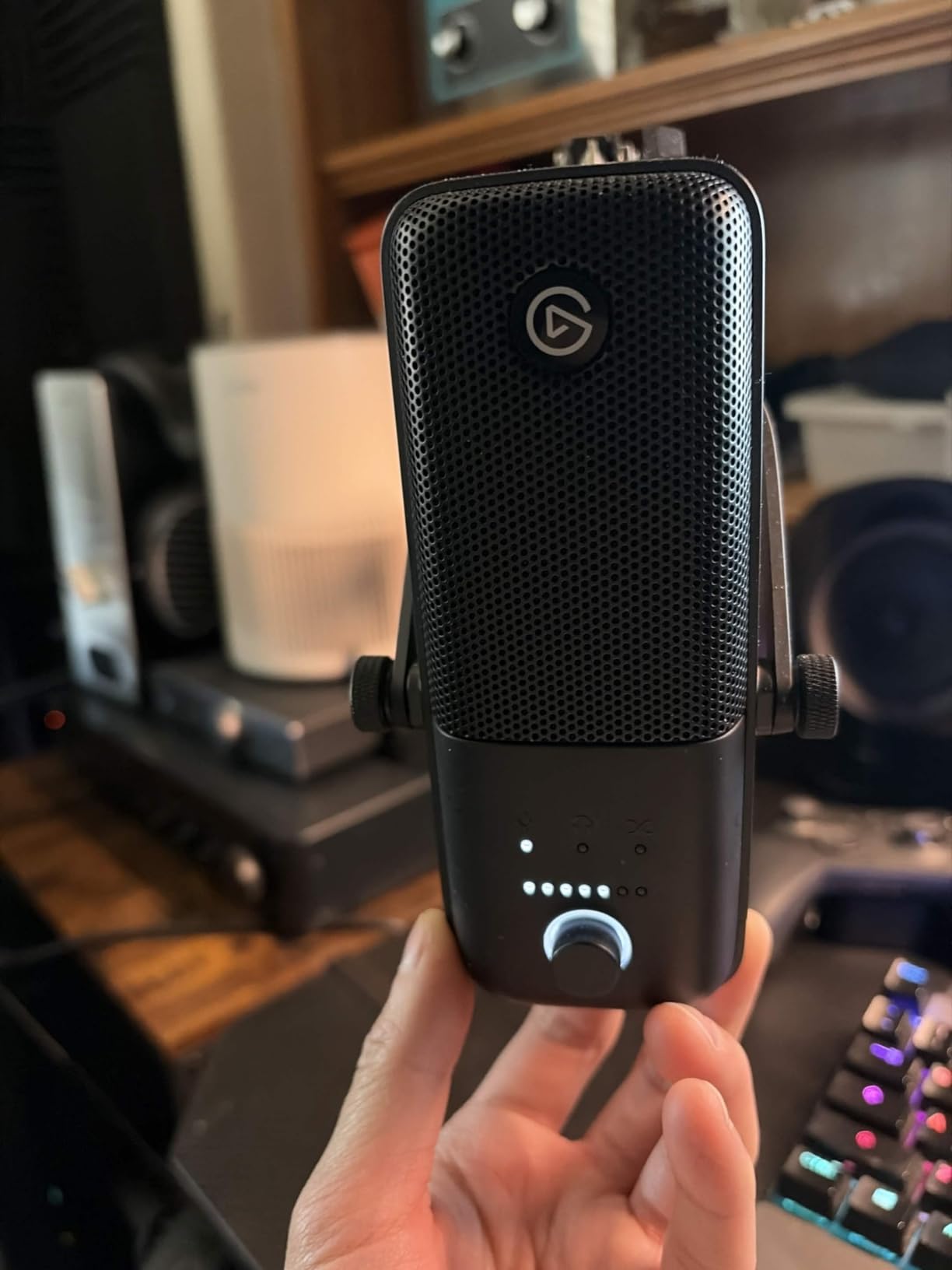
The Elgato Wave:3 MK.2 is the premium USB mic I recommend when someone wants the cleanest possible streaming audio and is willing to pay for it. The condenser capsule captures voices with studio-grade clarity, and the Clipguard 2.0 anti-distortion system means you can laugh, yell, or surprise-scream without clipping your stream. For Twitch and YouTube creators who care about how their audio sounds on premium content, this is the upgrade that justifies the spend.
The killer feature is Wave Link software. It runs on your PC and lets you route multiple audio sources, your mic, your game, your Discord, your music, your browser tabs, into separate channels that you can mix in real time. It replaces a hardware audio mixer for most streamers and integrates natively with OBS and Streamlabs. If you have ever wanted clean audio mixing without learning a full DAW, Wave Link is the answer.
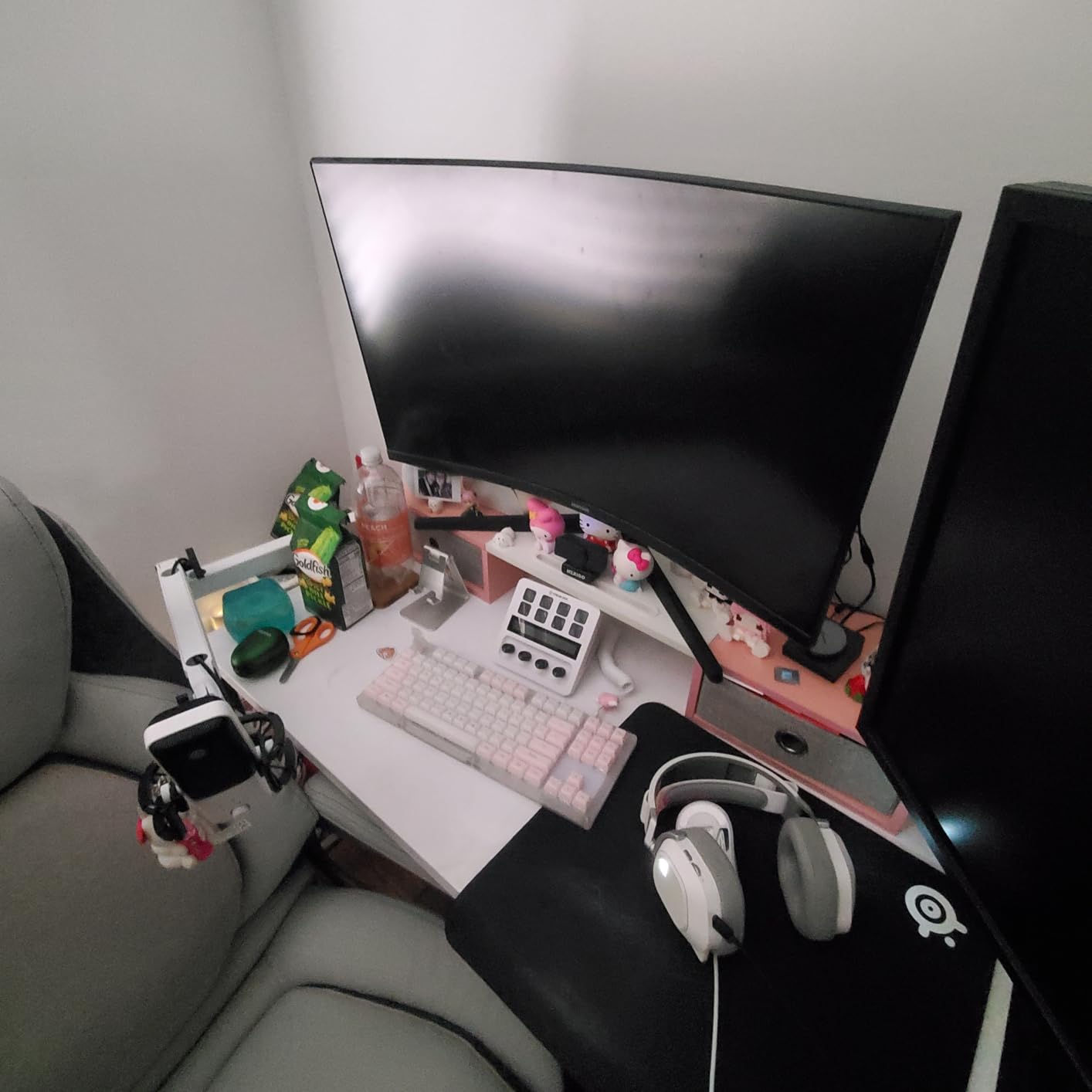
The multifunction dial on top of the mic is a masterstroke. Press it to toggle between mic gain and headphone monitoring volume, twist to adjust. The tap-to-mute is silent and immediate. The LED ring around the dial shows your live input level, so you know instantly if you are too loud or too quiet. USB-C connectivity is modern and reliable across PC and Mac.
The honest downsides are price, software learning curve, and room noise sensitivity. The Wave:3 MK.2 costs more than most of the budget mics on this list. Wave Link takes an evening to learn if you have never used a routing tool before. And because it is a condenser, you still need a reasonably quiet room. If you want a future XLR upgrade, look at a hybrid mic instead.
Who the Elgato Wave:3 MK.2 is best for
Streamers, podcasters, and content creators who want the cleanest USB audio and are ready to invest in premium gear. Also the right pick if you want software-driven mixing without buying a hardware mixer.
Who should skip the Elgato Wave:3 MK.2
Budget streamers and anyone who streams in a noisy untreated room. The condenser design will pick up everything around you.
9. TONOR TC-777 USB Microphone – Best Ultra-Budget Starter Mic
TONOR TC-777 Podcast Microphone, USB Computer Microphone, Cardioid Condenser PC Mic with Tripod Stand and Pop Filter for Podcasting, Streaming, Vocal Recording, Compatible with PC & Laptop, PS4/5
Cardioid condenser
Tripod and pop filter
USB plug-and-play
35k+ reviews
Pros
- Genuinely the most affordable way to start streaming USB
- Surprisingly accurate cardioid sound for the price
- Plug-and-play across PC
- Mac
- PS4
- and PS5
- Includes tripod
- shock mount
- and pop filter out of the box
- Large 35k+ review base for proven reliability at this tier
Cons
- Pickup volume can run low and require a Windows gain boost
- Tripod uses rubber bands that can let the mic slip
- Pop filter arm is flimsy and needs careful positioning
- Picks up noticeable room noise in loud environments
The TONOR TC-777 is the answer to “what is the cheapest real mic I can buy and still sound decent on stream?” With more than 35k reviews, this is the most battle-tested budget USB mic on Amazon. If you are starting a channel and you do not know yet whether streaming is for you, this is the lowest-risk way to find out.
Sound quality punches well above the price. The cardioid condenser captures voice clearly for Discord, Zoom, and casual Twitch streams. Pair it with the included shock mount and pop filter and you get noticeably cleaner audio than a stock headset mic. Plug-and-play on Windows, Mac, PS4, and PS5 means there are no drivers to wrestle with on day one.
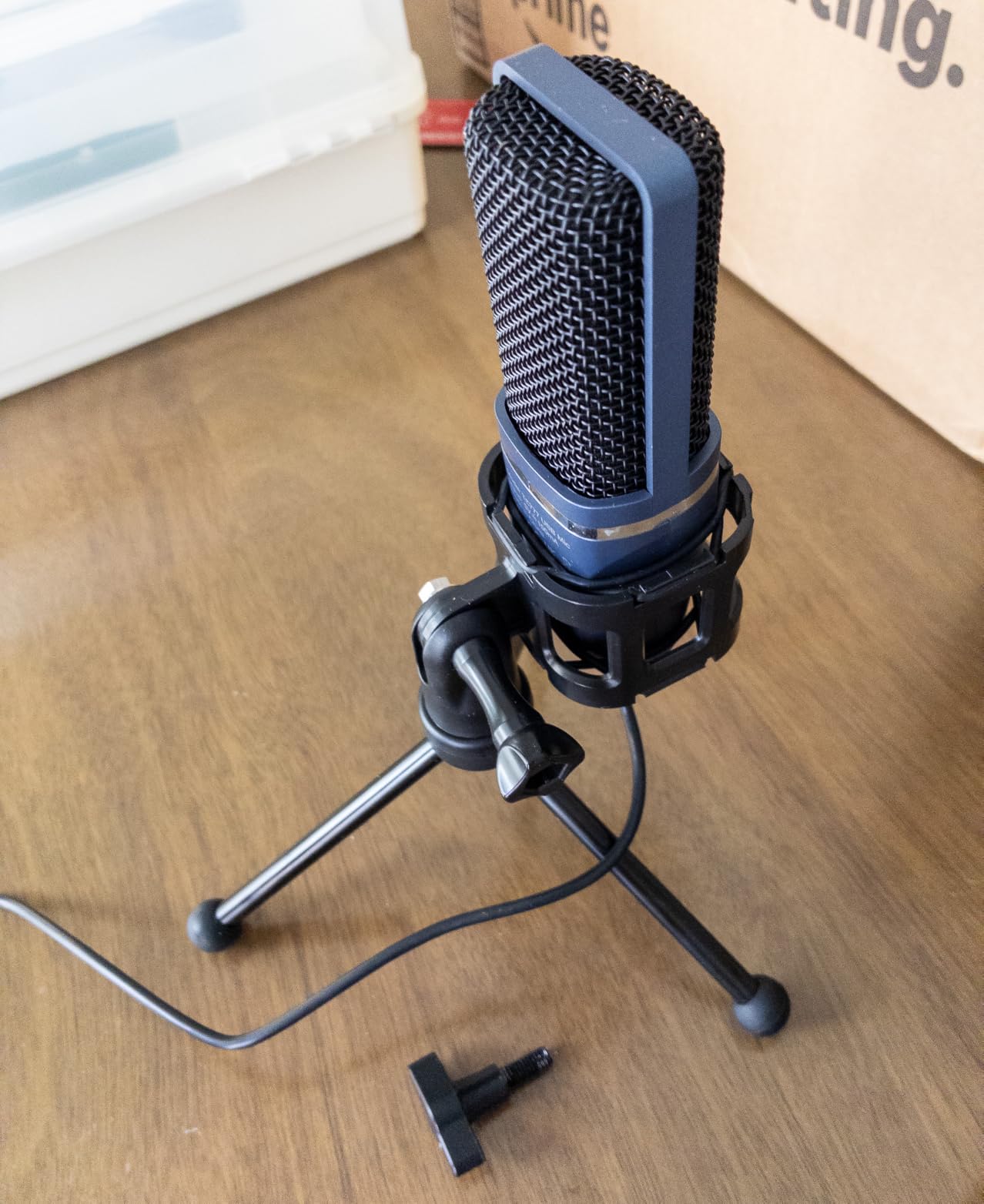
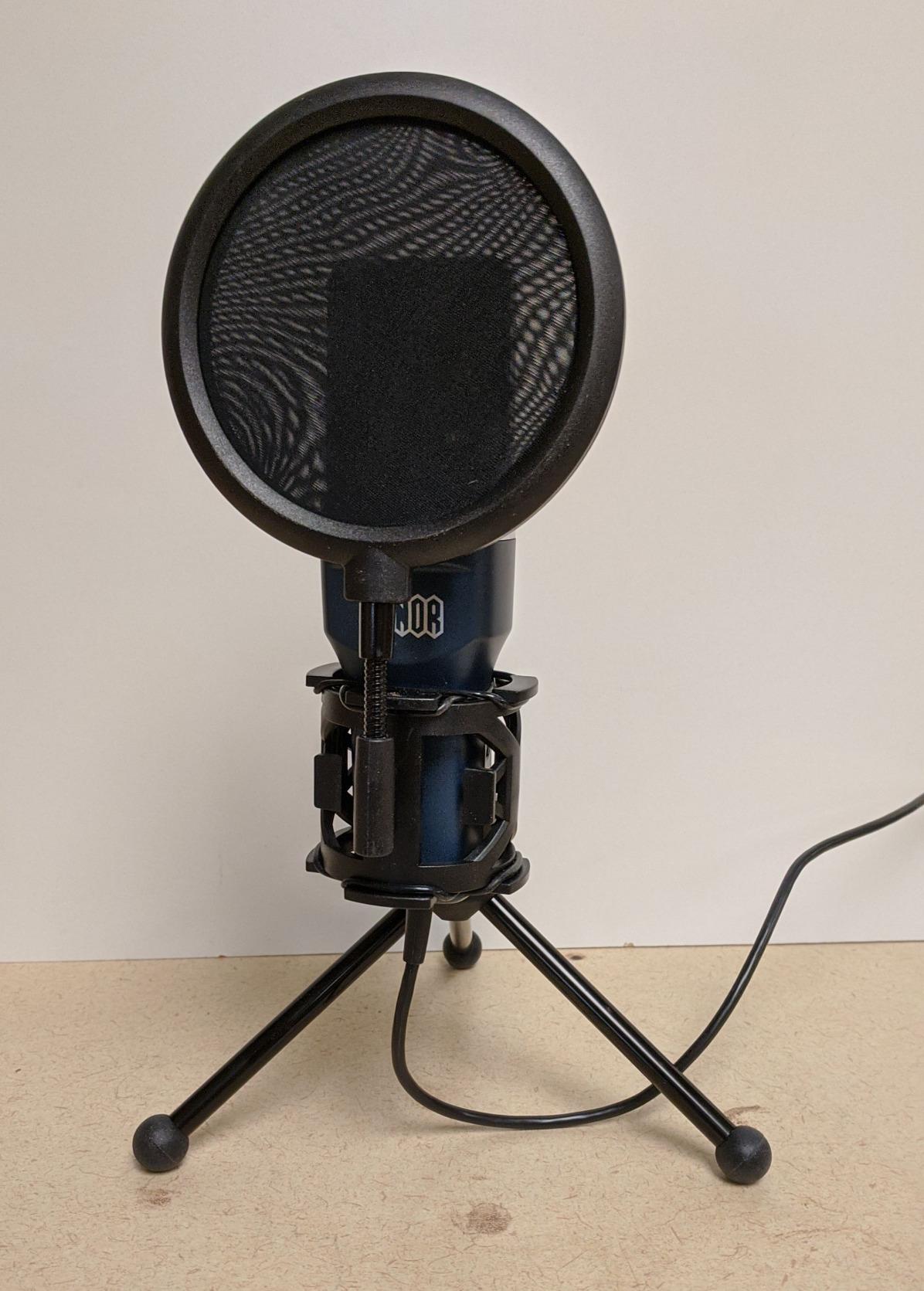
The kit is small but functional. The foldable tripod is light, the shock mount isolates the mic from desk thumps, and the pop filter sits in front of the capsule for plosive control. TONOR also has a reputation for responsive customer service if anything goes wrong, which matters at this tier.
The honest complaints are about the bundled accessories. The tripod uses rubber bands that can let the mic drift downward over time. The pop filter arm is flimsy and the filter sags if you bump it. The mic itself also picks up room noise in louder environments. None of these issues are dealbreakers at this price, but expect to upgrade the stand and filter within a year of daily use.
Who the TONOR TC-777 is best for
Total beginners, students, podcasters on a strict budget, and anyone who wants to test streaming without spending real money first.
Who should skip the TONOR TC-777
Anyone who already knows they will be streaming long-term. Investing in a slightly more expensive mic like the FIFINE K669B or A6V pays back in durability and audio quality.
Buying Guide: How to Choose the Best Streaming Microphone
USB vs XLR: Which Should You Buy First?
If you are reading this and asking “USB or XLR for streaming,” the honest answer is USB for now, XLR later. A USB microphone plugs directly into your PC and works the moment you connect it. An XLR microphone needs an audio interface (a Focusrite Scarlett, a GoXLR, a Rodecaster Pro) plus an XLR cable, and that adds setup time and spend.
Hybrid USB/XLR microphones like the FIFINE AM8 are the smartest middle path. You start with USB today, learn how you stream, and when you outgrow USB you swap to XLR with the same mic. For most streamers, USB is all you will ever need. XLR matters if you want to run multiple XLR microphones, use analog outboard gear like compressors or EQ, or build a professional podcast studio.
If you care about how your final mix reaches platforms like Spotify or YouTube, check out our guides on mastering for streaming at -14 LUFS and setting a true peak ceiling. The mic you pick matters most, but the final mastering step shapes what listeners actually hear on the platform.
Polar Patterns Explained: Cardioid vs Supercardioid vs Omnidirectional vs Bidirectional
A polar pattern describes where the microphone picks up sound from. Pick the wrong one and you will fight noise forever.
Cardioid: Picks up sound from the front and rejects sound from the sides and rear. This is the right pattern for solo streaming because it ignores your keyboard and your roommate. Most streaming mics use cardioid.
Supercardioid: Tighter than cardioid. Even more side rejection, but a small lobe of pickup at the rear. Use it when you want extra focus on your voice in a noisy room.
Omnidirectional: Picks up sound equally from all directions. Best for round-table podcasts or recording a room’s natural ambience. Not what you want for solo streaming.
Bidirectional (figure-8): Picks up from the front and rear, ignores the sides. Perfect for two-person face-to-face interviews.
The Blue Yeti in this guide is the rare USB mic that offers all four patterns in one body. Most budget USB mics lock you into a single cardioid pattern, which is fine for solo streaming but limits your options later.
Condenser vs Dynamic Capsule: Picking for Your Room
Condenser microphones capture more detail and air. They are the right pick if your room is quiet, treated with rugs and foam, and you want your voice to sound bright and present. Most USB mics on this list are condensers.
Dynamic microphones capture less room noise and reject background sound better. They are the right pick if your room has any noise at all: a mechanical keyboard, PC fans, roommates, street noise. The FIFINE AM8 in this guide is a dynamic USB mic and is the right pick for noisy environments.
A practical rule of thumb I use when testing mics: if you can hear your PC fans when you put your ear next to the tower, you want a dynamic mic. If your room is dead quiet, a condenser will sound more detailed and present.
Sample Rate and Bit Depth: What Actually Matters
Sample rate (44.1kHz, 48kHz, 96kHz, 192kHz) and bit depth (16-bit, 24-bit) describe how detailed your digital audio is. For streaming, 48kHz/16-bit is the platform standard and is more than enough for voice. Higher rates like 192kHz/24-bit (which the MAONO A04 supports) capture more detail but the extra resolution is mostly audible on quiet vocal recording and music, not on a live stream.
If you also record music or vocals for YouTube, the higher resolution pays off. If you only stream, do not pay extra for it. Set your sample rate to 48kHz in OBS or your streaming software and move on.
Essential Accessories: Boom Arm, Shock Mount, Pop Filter
Three accessories make any streaming microphone sound better. A boom arm gets the mic off your desk and into a consistent position near your mouth. A shock mount decouples the mic from desk vibrations so your keyboard thumps do not show up in your stream. A pop filter kills the “P” and “B” plosives that would otherwise make you sound harsh.
If your mic does not include a pop filter or shock mount, buy them. Both are inexpensive and the difference in your stream audio is immediate. The FIFINE T669, MAONO A04, and FIFINE A6T all ship with these accessories bundled, which makes them strong starter picks.
For deeper streaming-quality settings, our guide on balancing streaming quality settings covers the bitrate and codec side of things once you have your mic dialed in.
Tap-to-Mute, RGB, and Streaming-Friendly Features
Tap-to-mute is the single most underrated streaming feature. When you cough, sneeze, take a sip, or have a surprise visitor, a tap silences the mic without alt-tabbing into your streaming software. The FIFINE A6V, FIFINE AM8, and Elgato Wave:3 all have reliable tap-to-mute implementations.
RGB lighting is purely aesthetic, but streamers who film their setup care about how the mic looks on camera. The FIFINE A6V, A6T, and AM8 all offer customizable RGB that you can match to your gaming rig. If RGB does not matter to you, skip it and save the spend.
Zero-latency monitoring through a built-in headphone jack matters for live performers. If you sing or play an instrument while streaming, you need to hear yourself in real time. Condenser mics like the Elgato Wave:3 and the Blue Yeti include this. If you only stream voice chat, you can skip it.
One last consideration for musicians reading this: Bluetooth and wireless audio codecs actually matter for music streaming, but they are separate from your microphone choice. Our piece on why lossless streaming may not sound different over Bluetooth covers that side of the audio chain.
Frequently Asked Questions
What type of microphone is best for streaming?
A dynamic cardioid USB microphone is the safest pick if your room has any background noise (mechanical keyboard, PC fan, roommates). A condenser cardioid USB mic is the better pick if your room is quiet and treated, because condensers capture more vocal detail and air. Cardioid means the mic focuses on your voice and rejects noise from the sides and rear. Dynamic means the capsule itself ignores room noise instead of relying on software.
Do you need a good microphone to stream?
You can technically stream with any microphone, including the one built into your headset or webcam, but viewers bounce on bad audio within seconds. A dedicated streaming microphone makes your voice sound clean and professional, which is the single highest-leverage upgrade for any new streamer. Even an ultra-budget USB mic like the TONOR TC-777 sounds dramatically better than a headset mic.
What is the 3:1 rule for microphones?
The 3:1 rule for mics says that when you use multiple microphones, the distance between each mic should be at least three times the distance from each mic to its sound source. For solo streaming with one mic this rule does not apply, but for two-person podcasts or co-streaming setups it prevents phase cancellation and muddy sound. In practice: if your mouth is 6 inches from your mic, keep the other mic at least 18 inches away.
Do I need a pop filter for streaming?
Yes, in almost every case. A pop filter sits between your mouth and the microphone and kills the harsh air bursts from P, B, and T sounds that would otherwise distort your stream. Most streaming mics above $30 include a pop filter in the box, but if yours does not, an inexpensive aftermarket pop filter is one of the best accessory upgrades you can buy.
What do most streamers actually use for microphones?
Most streamers use a USB condenser or dynamic microphone from brands like HyperX, Shure, Rode, Elgato, Logitech, FIFINE, or Samson. The exact model varies by budget: budget streamers often use FIFINE or MAONO kits, mid-tier streamers move to HyperX QuadCast or Elgato Wave:3, and professional streamers upgrade to Shure SM7B or Rode Procaster with an audio interface. What matters most is using a cardioid polar pattern and a mic matched to your room’s noise level.
Final Verdict: The Best Streaming Microphone for You
After testing these nine streaming microphones across quiet rooms, noisy rooms, gaming setups, and podcast studios, the Blue Yeti remains the best microphone for streaming in 2026 for most people because of its four polar patterns, durable build, and 57k-review track record. If you want premium software and USB-C, the Elgato Wave:3 MK.2 is the smartest upgrade. If you want the cheapest real streaming mic you can buy today, the TONOR TC-777 is the right pick.
Pick the streaming microphone that matches your room first, your budget second, and your aesthetic third. A condenser cardioid USB mic like the Blue Yeti in a quiet room, or a dynamic cardioid USB mic like the FIFINE AM8 in a noisy room, will give you broadcast-quality audio that keeps viewers coming back. Whichever mic you choose from this guide, you can find the latest live listings through the price-check buttons above.