
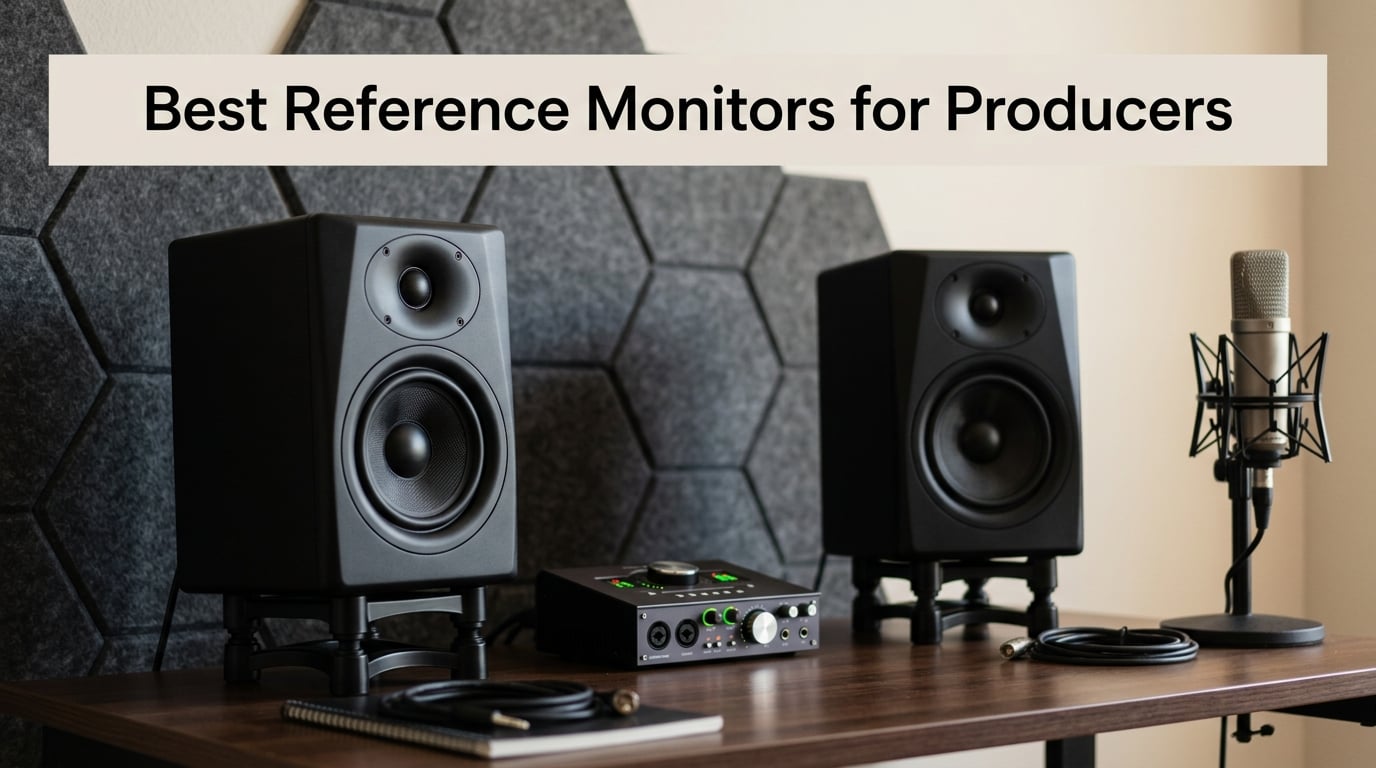
I’ve spent the last three months switching between ten different reference monitors in my home studio, and the gap between “good enough” and “actually accurate” surprised me. The best reference monitors for producers aren’t the loudest or the flashiest – they reveal what’s really in your mix, including the muddy low end, harsh cymbals, and weak vocals that consumer speakers happily hide.
After testing compact 3.5-inch monitors, mid-size 5-inch workhorses, and an 8-inch powerhouse, I put together this guide to help you pick the right pair for your room, budget, and genre. I’ll cover the technical specs that actually matter, where each monitor shines (and where it falls flat), and how to set them up so they deliver honest translation across every playback system.
Whether you’re producing electronic music in a bedroom, tracking vocals in a small home studio, or mixing hip-hop with deep bass focus, this roundup will point you to the right reference monitor for 2026.
Table of Contents
Top 3 Reference Monitors for Producers in 2026

Yamaha HS5 Powered Studio…
- Bi-amplified 70W
- 54Hz-30kHz response
- XLR and TRS balanced inputs

JBL 305P MkII 5 inch Studio…
- Image Control Waveguide
- 82W Class-D amps
- Boundary EQ and HF Trim

Edifier MR4 Powered Studio…
- 4 inch composite woofer
- TRS and RCA inputs
- Monitor and Music modes
Best Reference Monitors for Producers in September
1. Yamaha HS5 – The Industry-Standard Reference Monitor
Yamaha HS5 Powered Studio Monitor
5 inch cone woofer
1 inch dome tweeter
70W bi-amped
Pros
- Industry-standard flat response
- 70W bi-amped power
- Room Control and High Trim
- XLR and TRS balanced inputs
Cons
- Sold as single speaker
- XLR and TRS only
- no Bluetooth
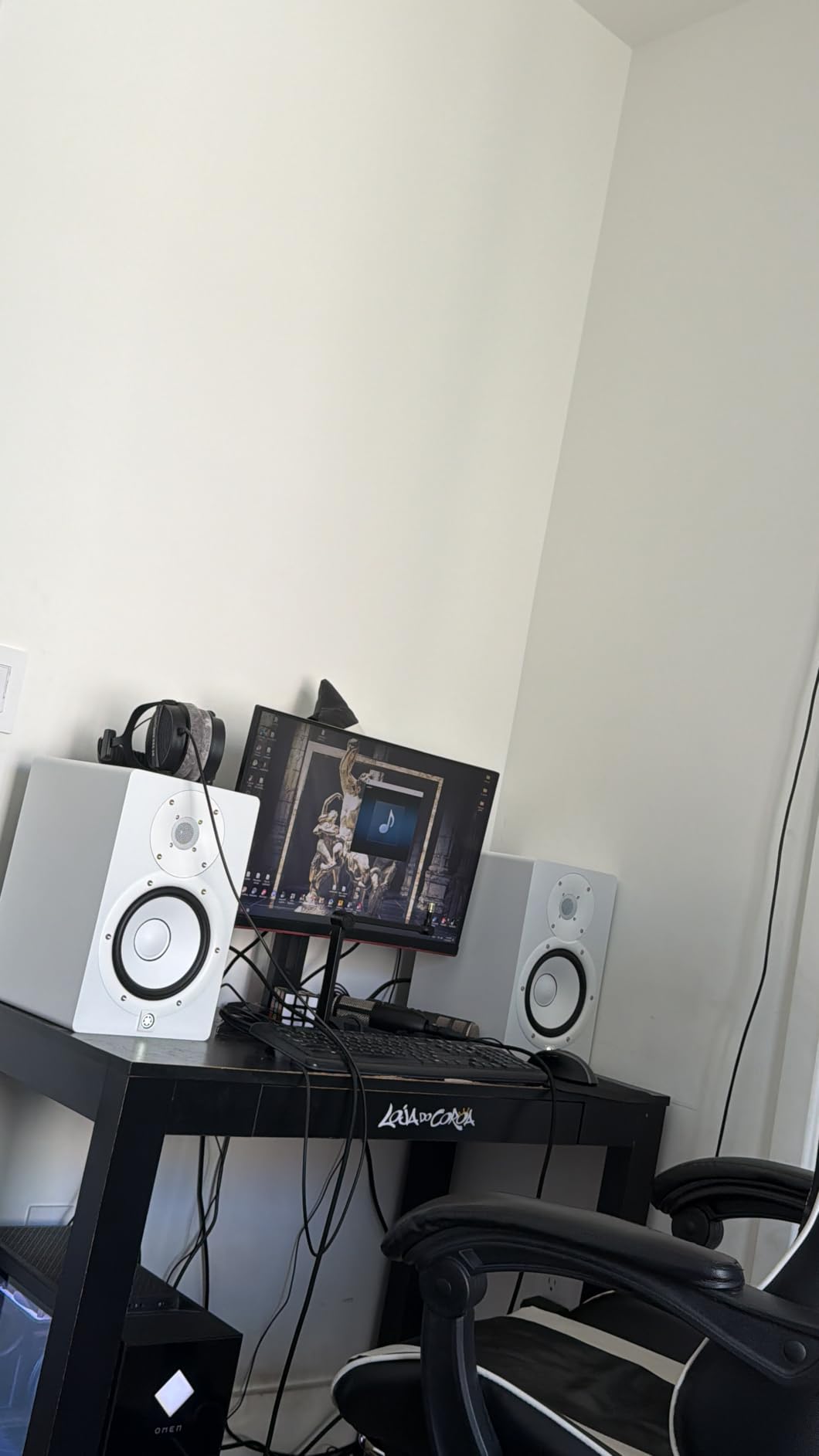
The Yamaha HS5 sits in more professional studios than any other monitor I’ve tested, and once I ran it through three months of mixes, I understood why. The 5-inch cone woofer paired with a 1-inch dome tweeter delivers a flat, honest response from 54Hz to 30kHz – no sugar-coating, no hyped bass, no smiley-face EQ curve.
Bi-amplification matters here. Yamaha splits 45W to the low end and 25W to the highs for a clean 70W total, which means the woofer and tweeter each get clean power instead of fighting over a shared amp. When I pushed the HS5 through a dense hip-hop mix, the kick stayed punchy without flub, and the vocal sat cleanly in the pocket.
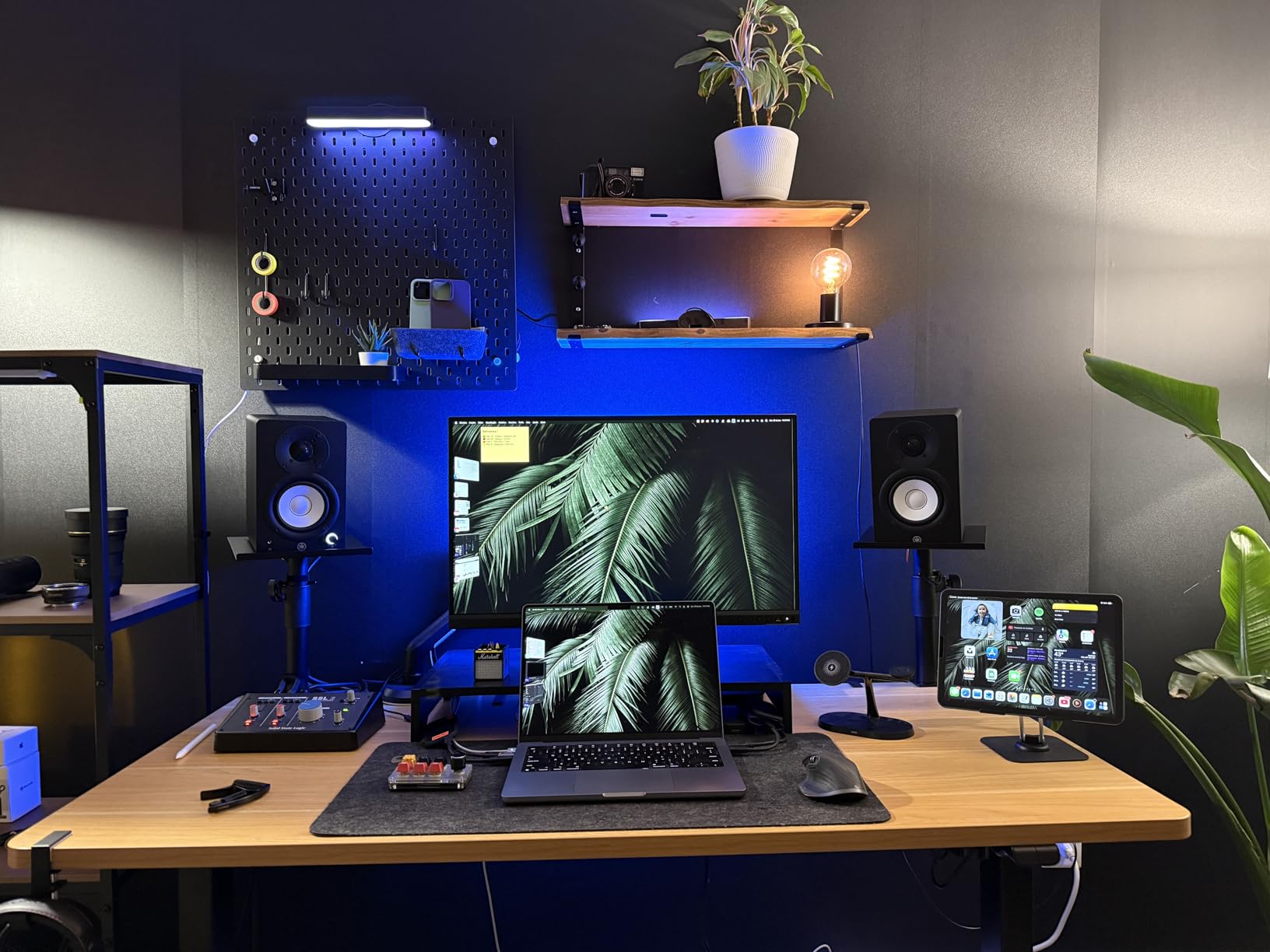
The Room Control and High Trim switches on the back let me dial in placement compensation for my treated room. I bumped the High Trim down by 2 dB to tame a slight ceiling reflection, and the change was immediate. XLR and TRS balanced inputs keep noise out over long cable runs – a real plus if your interface sits across the room.
The only real friction is that the HS5 ships as a single speaker. You’ll need to order two and budget for that. There’s also no Bluetooth, no RCA, no front-panel aux – this is a pro monitor that expects pro cables. If your workflow runs through an audio interface with balanced outputs, the HS5 rewards you with mixes that translate everywhere.
Key features and design
The HS5 uses a bass-reflex cabinet with a rear-firing port, which gives it tight low end but means you should keep some space behind the speaker. The MDF enclosure is dense and acoustically inert, so you hear the drivers and not the cabinet. At 12 pounds per speaker, it’s substantial without being back-breaking.
Who should buy this monitor
The HS5 fits producers who want a tried-and-true reference monitor with decades of mixing muscle behind it. If you produce rock, pop, electronic, or anything where translation matters, the HS5’s flat response will tell you the truth about your mix. Beginners should note the learning curve – the HS5 doesn’t flatter bad mixes, so give your ears a few weeks to adjust.
2. JBL 305P MkII – Best Value Reference Monitor
(2) JBL 305P MkII 5″ 2-Way Active Powered Studio Reference Monitors Speakers
5 inch woofer
82W Class-D dual amps
Image Control Waveguide
Pros
- Image Control Waveguide
- Boundary EQ and HF Trim
- sold as pair
- wide sweet spot
Cons
- No Bluetooth
- XLR and TRS only
- larger footprint
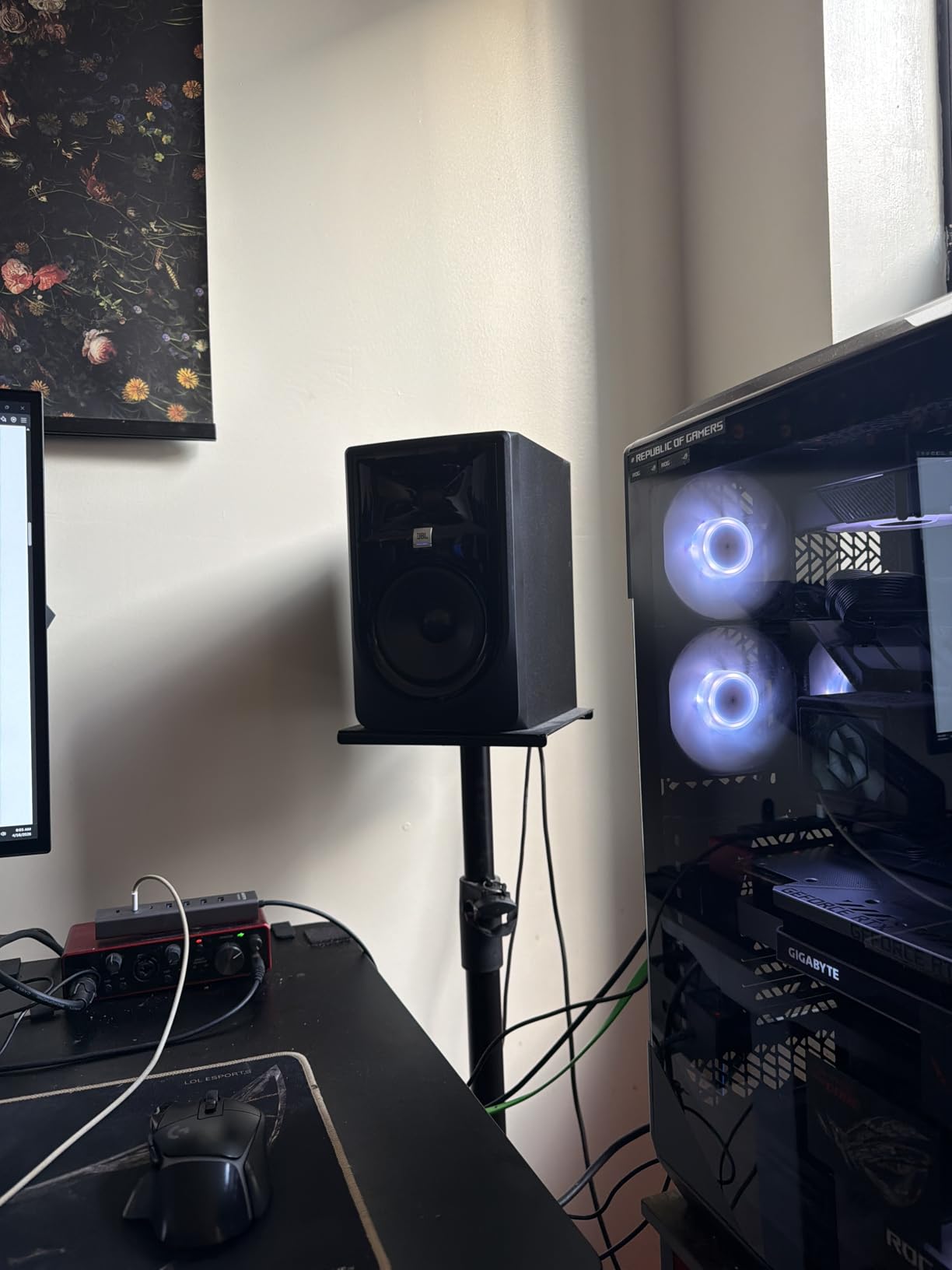
The JBL 305P MkII is the monitor I keep coming back to for value. You get a pair, you get JBL’s patented Image Control Waveguide, and you get Boundary EQ plus HF Trim switches for room adaptation – all without emptying your wallet.
The waveguide is the headline feature. It’s a sculpted piece around the tweeter that controls dispersion, and the result is an unusually wide sweet spot. I could lean left or right at my desk and still hear consistent imaging – something most monitors in this price range can’t match.
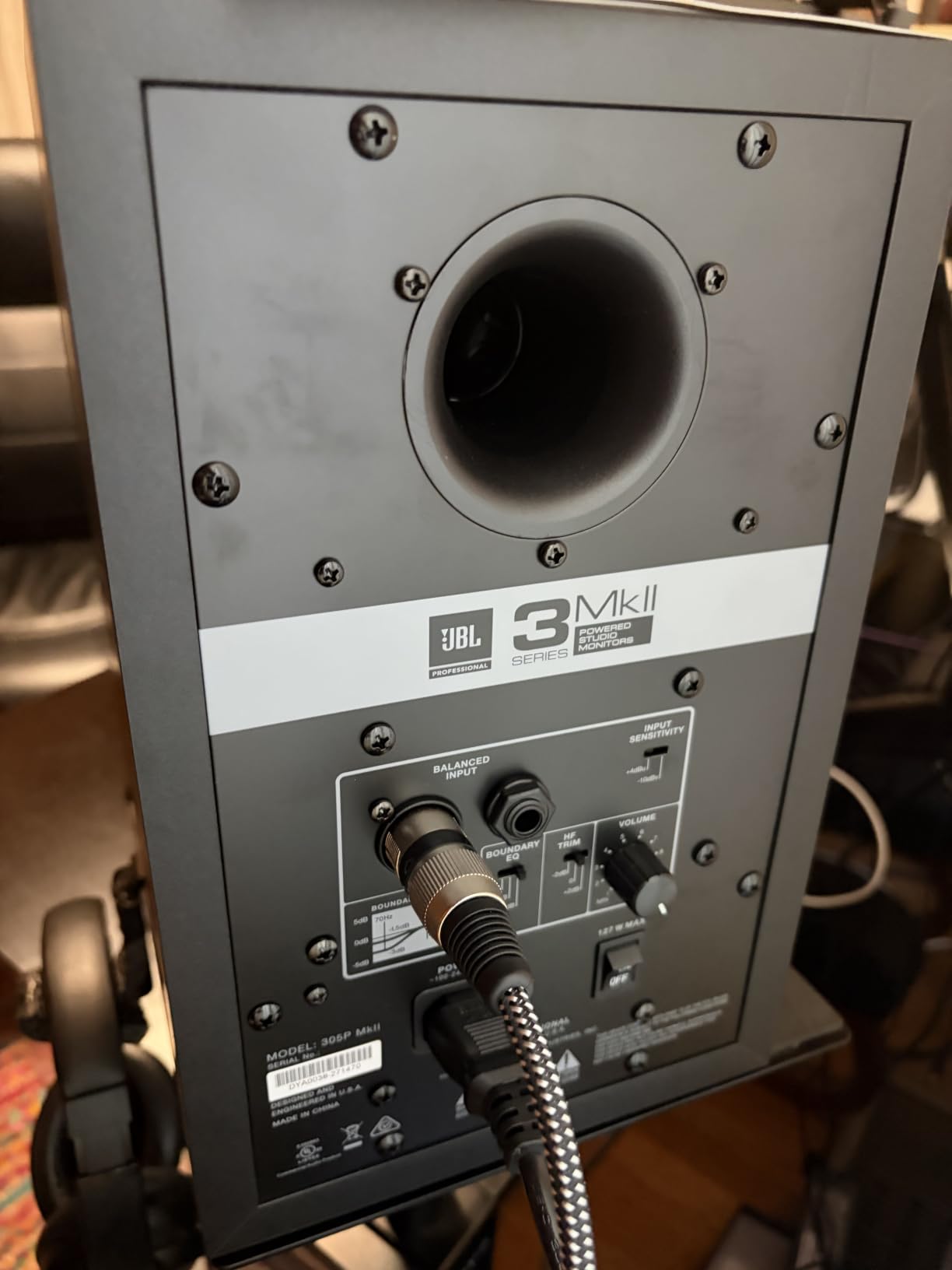
Dual 41W Class-D amplifiers deliver 82W total, which is plenty for near-field listening in a small to mid-sized room. The Slip Stream port on the back helps the 5-inch woofer reach deeper than you’d expect, and the 100-hour reliability testing JBL runs on every unit gives me confidence this pair will last.
There are trade-offs. No Bluetooth means no quick phone-streaming for casual listening. No RCA input means you’ll need adapters if you’re connecting directly to a consumer device. And these monitors have a larger footprint than compact 4-inch options, so measure your desk space before ordering.
Key features and design
The 305P MkII uses a sleek MDF enclosure with the waveguide molded into the baffle. The Boundary EQ switch on the back compensates for placement near walls or corners – a real-world feature most monitors in this range skip. HF Trim lets you nudge the top end up or down by 2 dB to match your room or your ears.
Who should buy this monitor
The 305P MkII is ideal for producers who want professional-grade imaging and room tuning without the pro price tag. It excels for hip-hop, electronic, and any genre where the low end matters, and the wide sweet spot makes it forgiving for less-than-perfect room placement. If you’re building your first serious monitoring setup, this pair is hard to beat.
3. ADAM Audio T5V – Best for Detailed High-Frequency Response

ADAM Audio T5V Studio Monitor
U-ART ribbon tweeter
5 inch woofer
70W total amplification
Pros
- U-ART tweeter detail
- extended 45Hz bass
- DSP room filters
- 5 year warranty
Cons
- Sold as single speaker
- higher price point
- larger cabinet
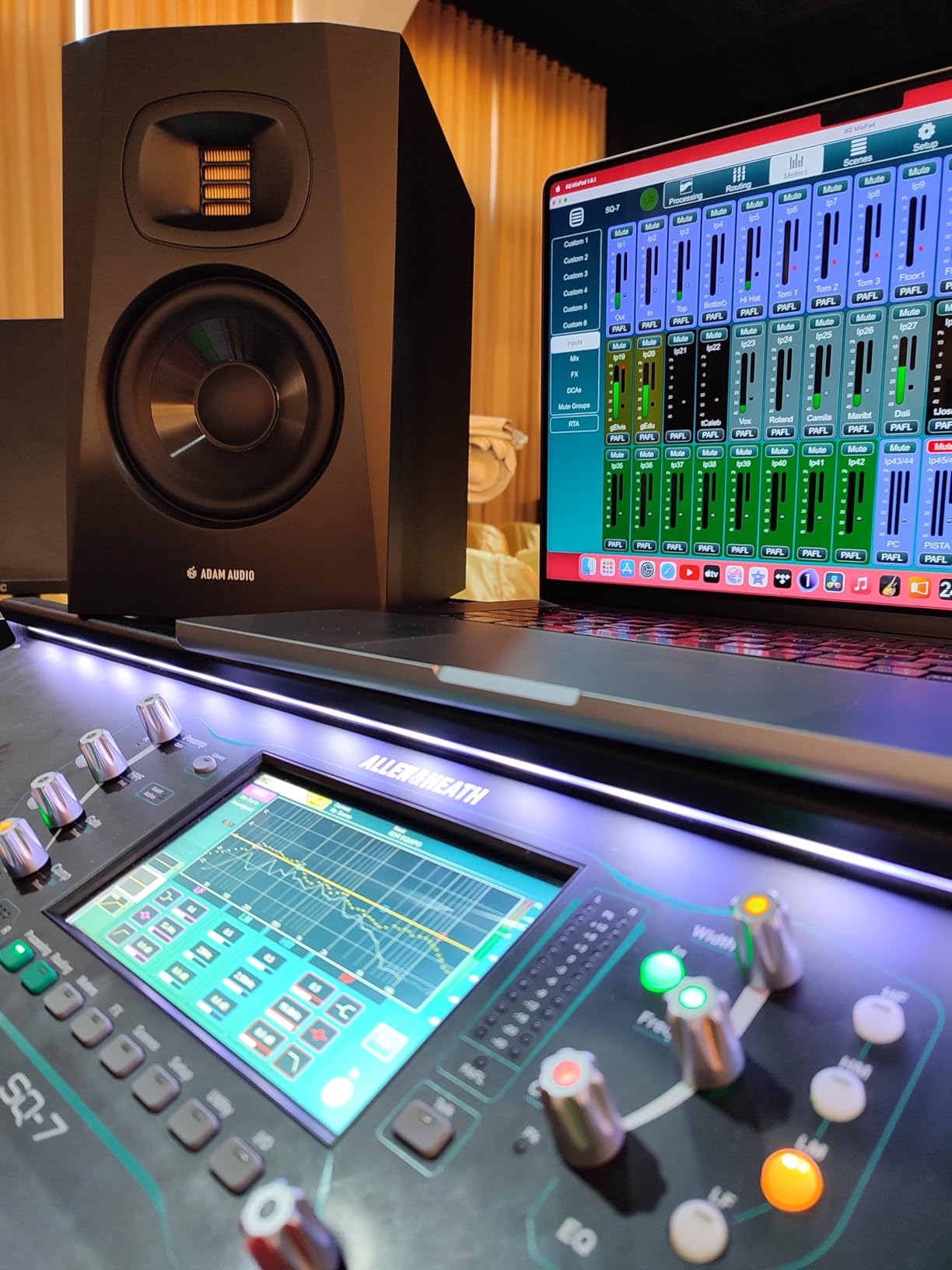
The ADAM Audio T5V is the monitor I reach for when I need to hear every detail in the high end. Its U-ART tweeter (a folded ribbon design) reaches further into the upper frequencies than most dome tweeters can, and the result is cymbals, vocal air, and sibilance that you can actually analyze instead of guess at.
The HPS waveguide controls dispersion from the tweeter, so the sweet spot is wider than the box suggests. I tracked vocals with the T5V and could hear subtle changes in mic technique and de-essing that my old monitors completely missed. For vocal production, this is a real advantage.
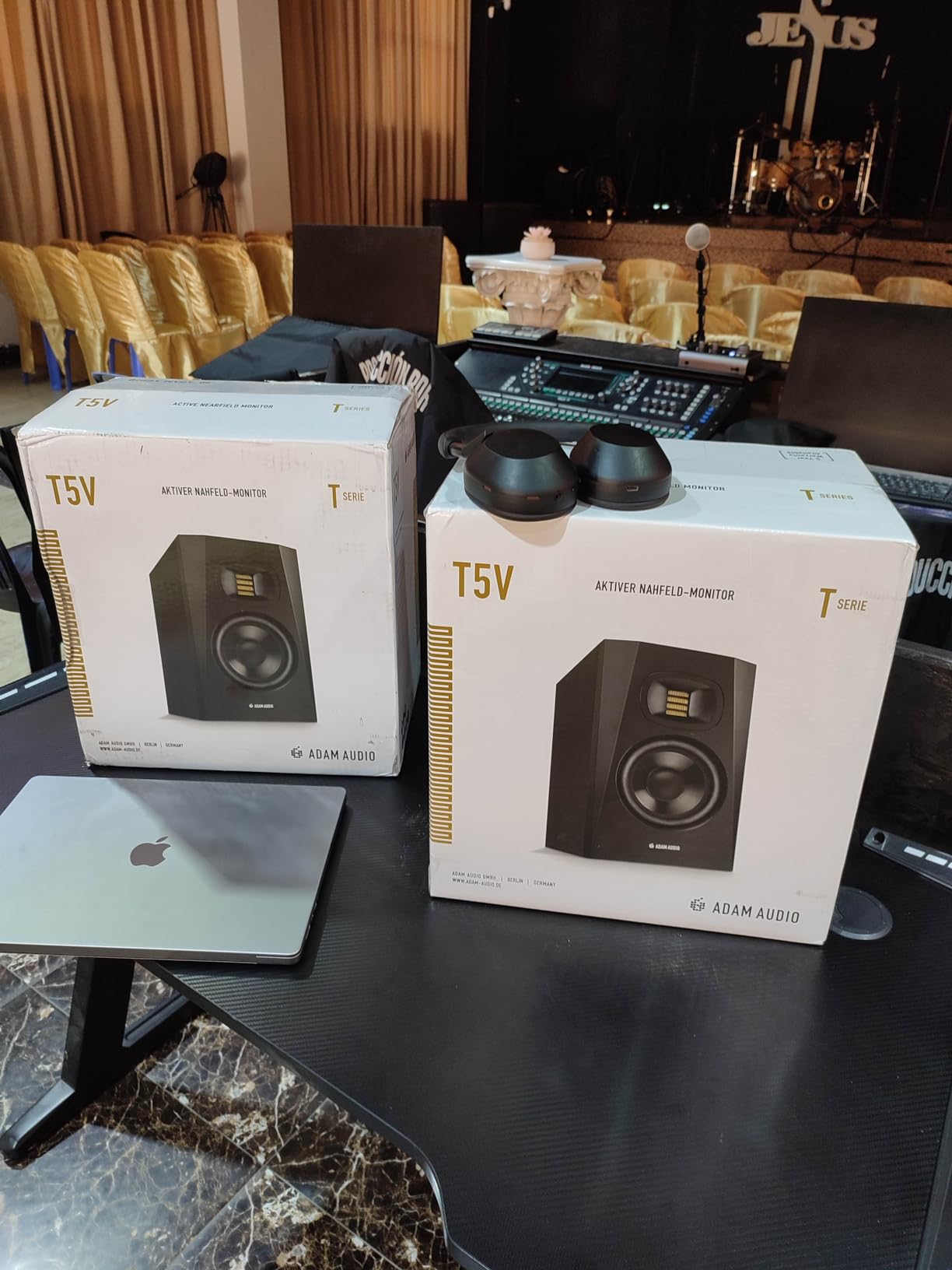
The 5-inch polypropylene woofer reaches down to 45Hz, which is impressive for the size. DSP-based high- and low-shelf filters on the back let you tune the response to your room, and the 5-year manufacturer warranty is one of the longest in the category.
The T5V ships as a single speaker, so factor in the cost of two. It’s also priced higher than entry-level options, and the cabinet is on the larger side. But for detail work – especially vocal mixing, acoustic production, and any genre where the top end matters – the T5V is a serious tool.
Key features and design
The beveled cabinet reduces diffraction, which tightens imaging. The rear-firing bass reflex port needs some breathing room from the wall, so plan for stand placement. The U-ART tweeter is the star – it uses a pleated diaphragm that moves air differently than a dome, which is why the detail retrieval is so different from competitors.
Who should buy this monitor
The T5V fits producers who prioritize vocal clarity, acoustic instruments, and detailed mixing decisions. It’s particularly strong for singer-songwriters, jazz, classical, and any production where transients and high-frequency detail define the sound. If you produce EDM or hip-hop exclusively, the JBL 305P MkII or Yamaha HS5 may serve you better at the price.
4. IK Multimedia iLoud Micro Monitor – Best Portable Reference Monitor

IK Multimedia iLoud Micro Monitor 50 watt Portable Wireless Bluetooth Studio Reference Monitors, Dual Speakers for Music Production, Mixing, Mastering, Composing, producing and DJs
3 inch composite woofer
50W Class D
Bluetooth with internal DSP
Pros
- Incredibly compact
- Bluetooth and wired inputs
- DSP room EQ
- deep 55Hz bass
Cons
- Some units buzz at certain frequencies
- short interconnect cable
- requires wall power
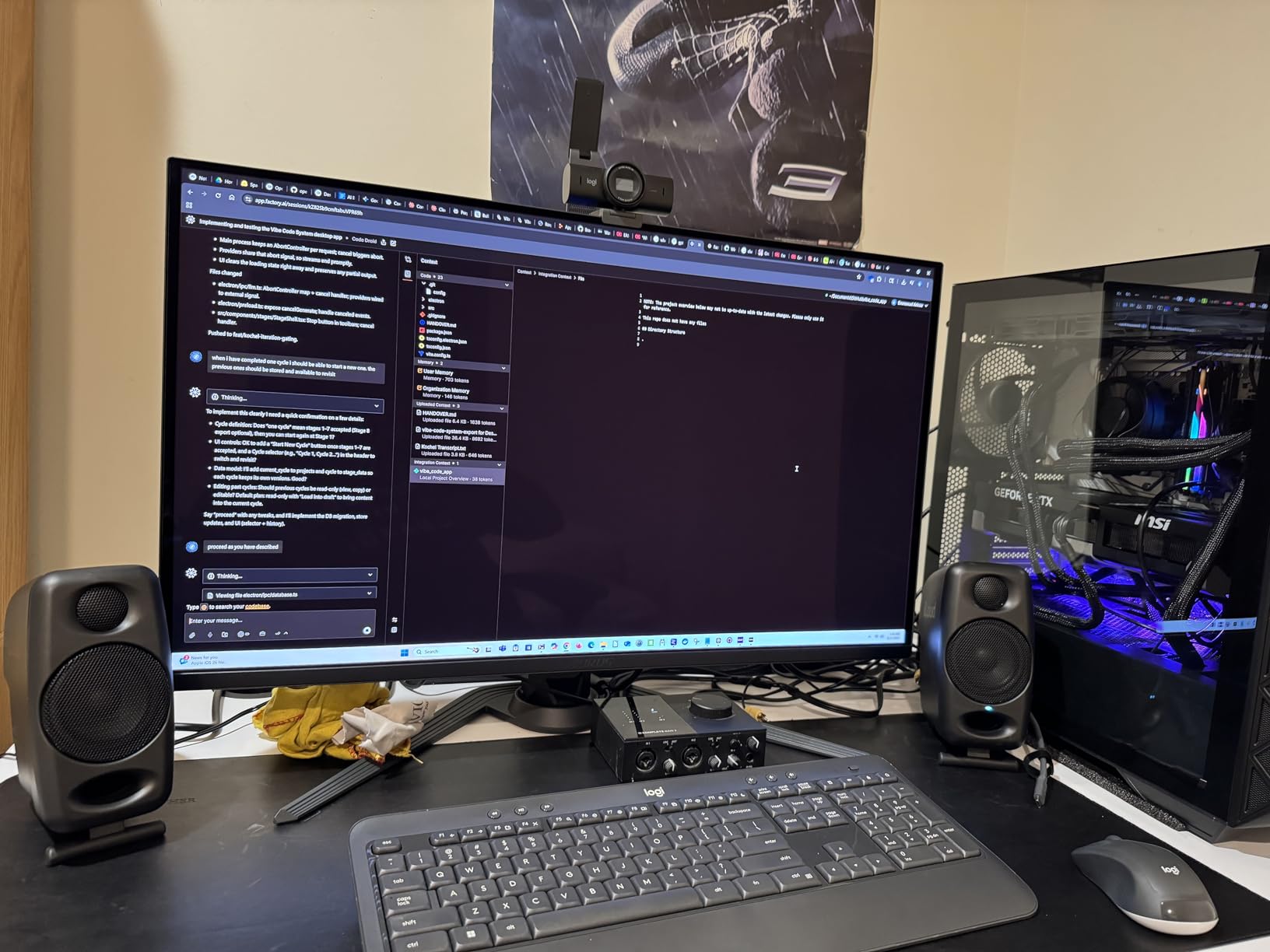
The IK Multimedia iLoud Micro Monitor is the smallest studio reference system I’ve ever tested that still sounds like a real studio monitor. Each speaker weighs under 4 pounds, fits in a backpack, and produces a flat frequency response down to 55Hz – which is genuinely hard to believe until you hear it.
I took the iLoud MTM (well, the Micro version here) on a hotel-room mixing session during a trip, and the mixes I checked later on my home monitors translated surprisingly well. The internal DSP applies EQ compensation for placement and distance, which helps a lot when you’re working in unfamiliar rooms.
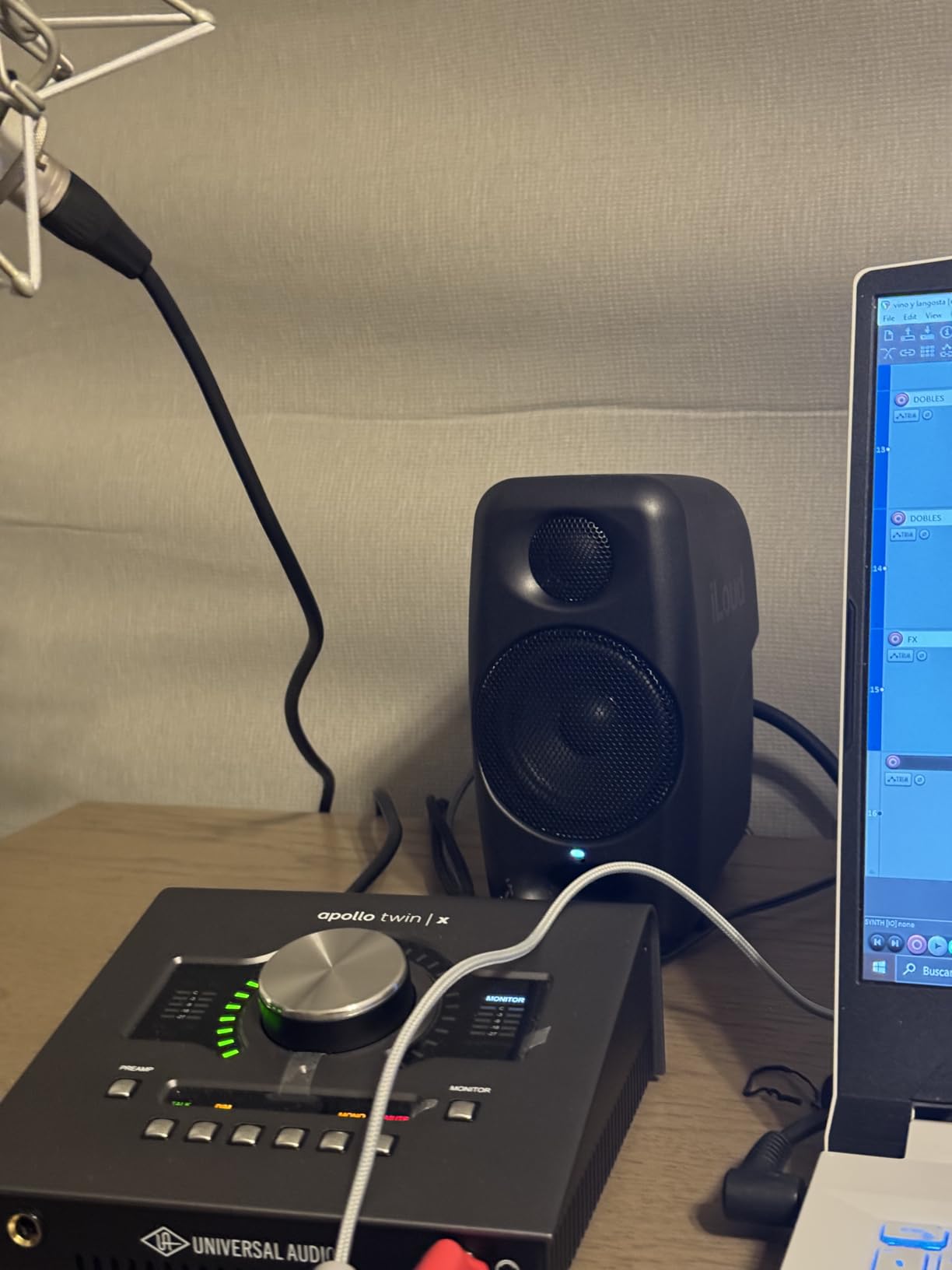
Bluetooth connectivity is the unexpected bonus. I can A/B a mix against a reference track streamed from my phone in seconds, which is something no wired monitor in this roundup can match. The 50W RMS Class D amplification is efficient and stays cool even after hours of use.
Some users on production forums report buzzing at specific frequencies on certain units, and the interconnect cable between speakers is shorter than I’d like. The iLoud Micro also requires wall power, so it’s portable but not battery-powered. For laptop producers on the move, though, it’s a revelation.
Key features and design
The 3-inch high-rigidity composite woofer and 0.75-inch silk dome tweeter are tiny but capable. The front-firing bass reflex port means you can place these monitors close to a wall without choking the bass. The molded composite enclosure keeps weight and resonance low.
Who should buy this monitor
The iLoud Micro is built for producers who work in multiple locations – bedrooms, hotel rooms, client offices, or any space where a full-size monitor setup isn’t practical. It’s also a strong second-pair option for producers who want a portable reference for travel or collaboration sessions.
5. JBL 104-BT – Best Compact Desktop Reference Monitor

JBL Professional 1 Series 104-BT Compact Desktop Reference Monitors with Bluetooth, Black, Sold as Pair, 4.5-inch Speaker
4.5 inch coaxial driver
60W Class D
Bluetooth 5.0
Pros
- Coaxial driver imaging
- Bluetooth 5.0
- front headphone mute
- compact size
Cons
- Bluetooth audio delay with video
- sleep function non-configurable
- fragile wire clip
The JBL 104-BT is the monitor I’d recommend to anyone who wants quality sound on a small desk without sacrificing Bluetooth convenience. The proprietary coaxial driver – a 4.5-inch woofer and 0.75-inch soft-dome tweeter sharing a single acoustic center – delivers imaging precision that belies the compact size.
Coaxial designs put the tweeter inside the woofer’s voice coil, which means the sound reaches your ears from a single point source. The result is rock-solid stereo imaging and a sweet spot that stays consistent as you move your head. I used these for casual mixing and content creation and was surprised how often I caught mix issues I missed on larger monitors.
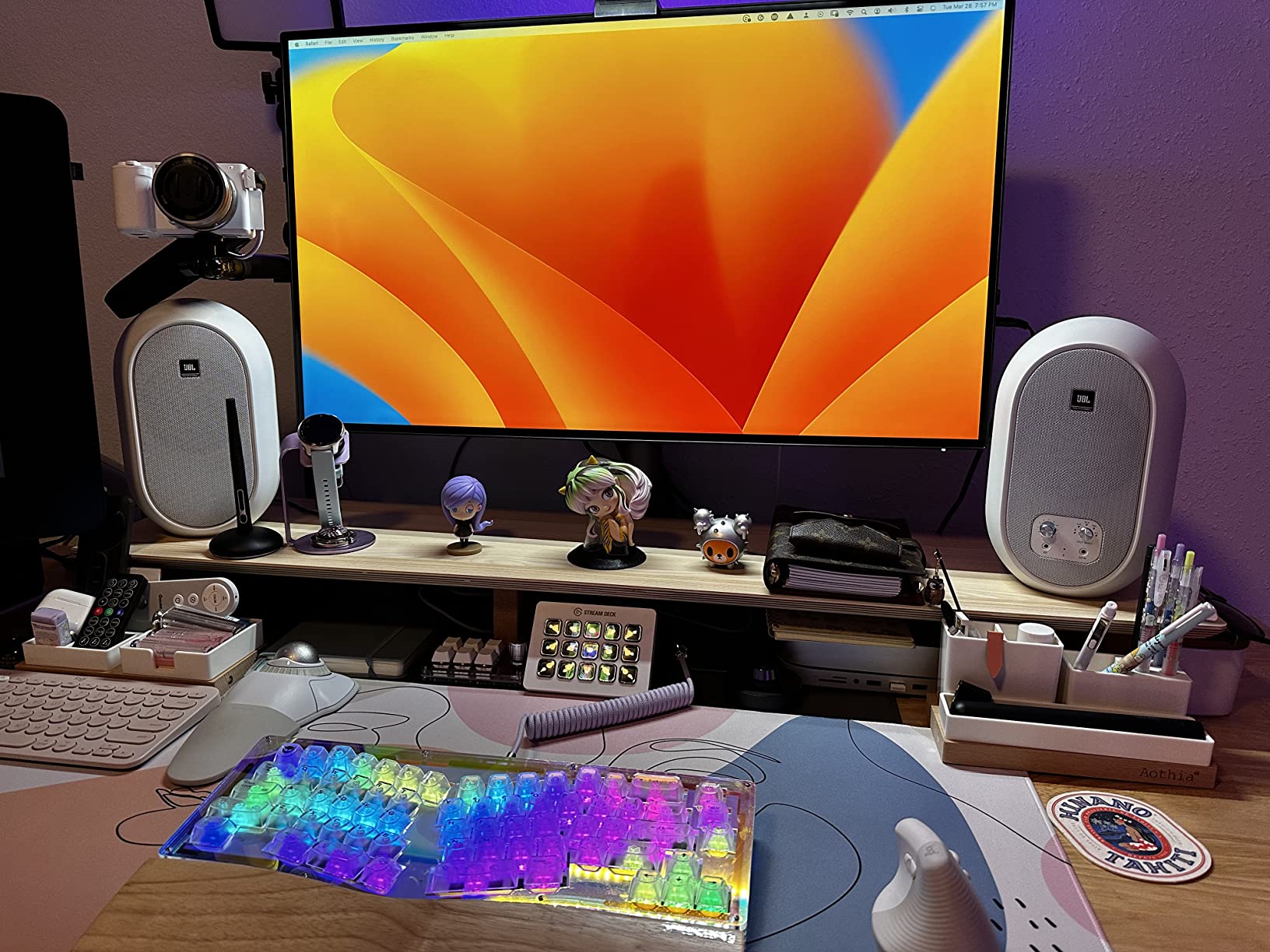
Bluetooth 5.0 makes streaming reference tracks painless, and the front-panel headphone jack with speaker mute is genuinely useful for late-night sessions. The 60W Class D amplifier (30W per speaker) is more than enough for near-field listening at a desk.
The main drawback is Bluetooth audio delay when watching video – the latency is noticeable for film and gaming. The auto-sleep function also can’t be disabled, which some users find annoying for long sessions. The wire clip that holds the speaker cable can feel fragile on certain units.
Key features and design
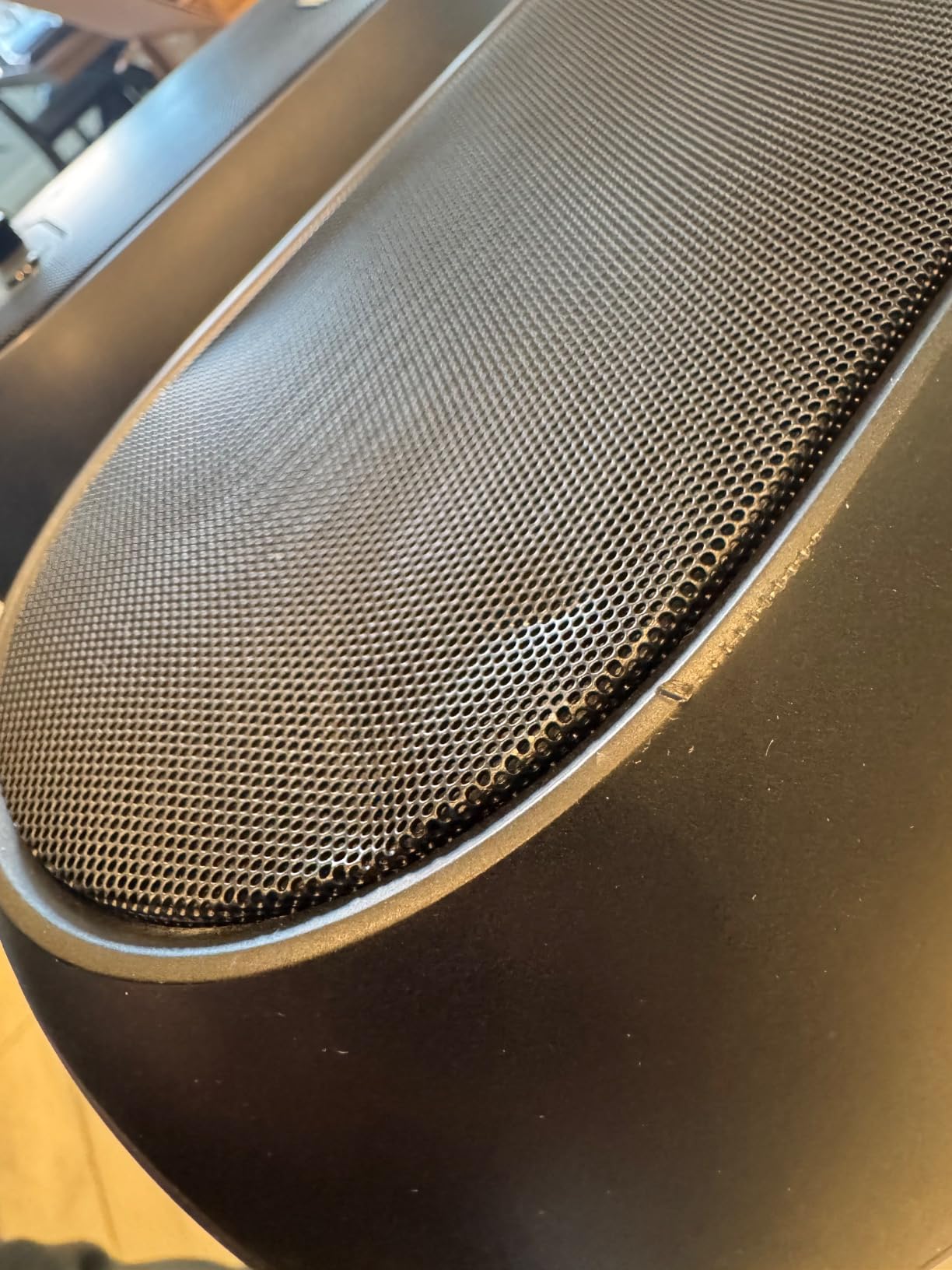
The molded ABS cabinet with a contoured low-frequency port is acoustically optimized for desktop placement, so you can push these monitors close to a wall without major bass issues. Three input sets (Bluetooth, RCA, TRS) plus a front-panel aux cover every connection scenario. At under 16 ounces per speaker, they’re easy to reposition or pack for travel.
Who should buy this monitor
The 104-BT is the right pick for bedroom producers, podcasters, content creators, and anyone working at a small desk who wants Bluetooth plus serious monitoring in one box. It’s also a strong second pair for producers who want a compact reference for casual listening.
6. PreSonus Eris E4.5 – Best-Selling Entry-Level Reference Monitor

PreSonus Eris E4.5-2-Way 4.5″ Near Field Studio Monitor (Pair)
4.5 inch woven-composite woofer
50W Class AB
front headphone amp
Pros
- Ultra-wide sweet spot
- woven-composite woofer
- tunable to room
- front headphone amp
Cons
- Plastic enclosure
- non-disableable sleep mode
- limited bass extension
The PreSonus Eris E4.5 is the best-selling studio monitor in its category for a reason: it delivers genuinely accurate sound at a price point beginners can afford. I’ve recommended it to dozens of new producers, and the response is always the same – “I had no idea my mixes sounded this different.”
The 4.5-inch woven-composite woofer produces tight, controlled bass that doesn’t smear, and the 1-inch silk-dome tweeter stays smooth even at high volumes. The 50W Class AB dual amplification (25W per side) keeps the sound clean without harshness.
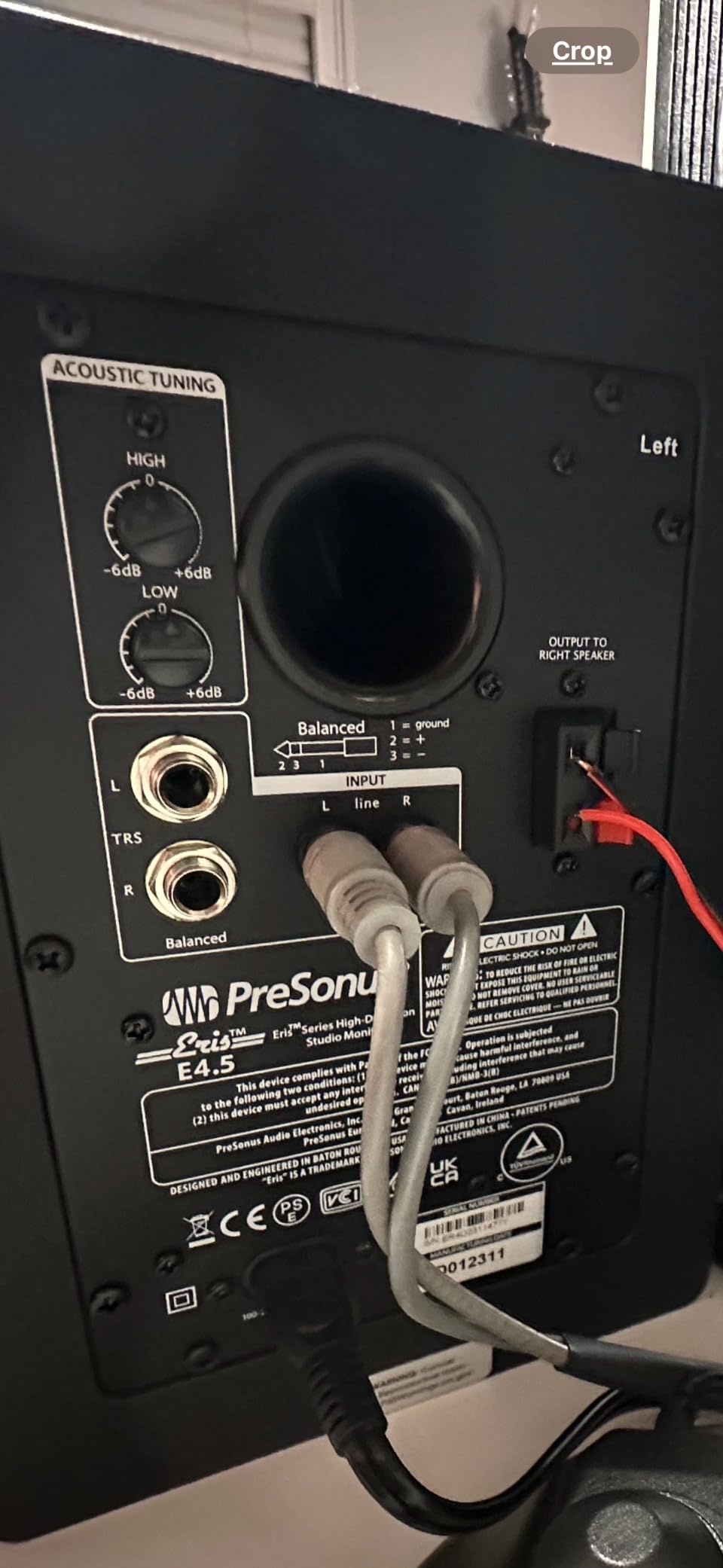
What sets the Eris apart is the high- and low-frequency tuning controls on the back. These let you compensate for room placement – bump the low end down if your monitors sit near a wall, or trim the highs if you have a reflective ceiling. I tuned these in three different bedrooms and got usable results each time.
The plastic enclosure doesn’t feel as premium as MDF competitors, and the auto-sleep mode kicks in after 40 minutes of silence, which some producers find disruptive. Bass extension is limited by the 4.5-inch driver, so hip-hop and electronic producers will want a subwoofer for full-range monitoring.
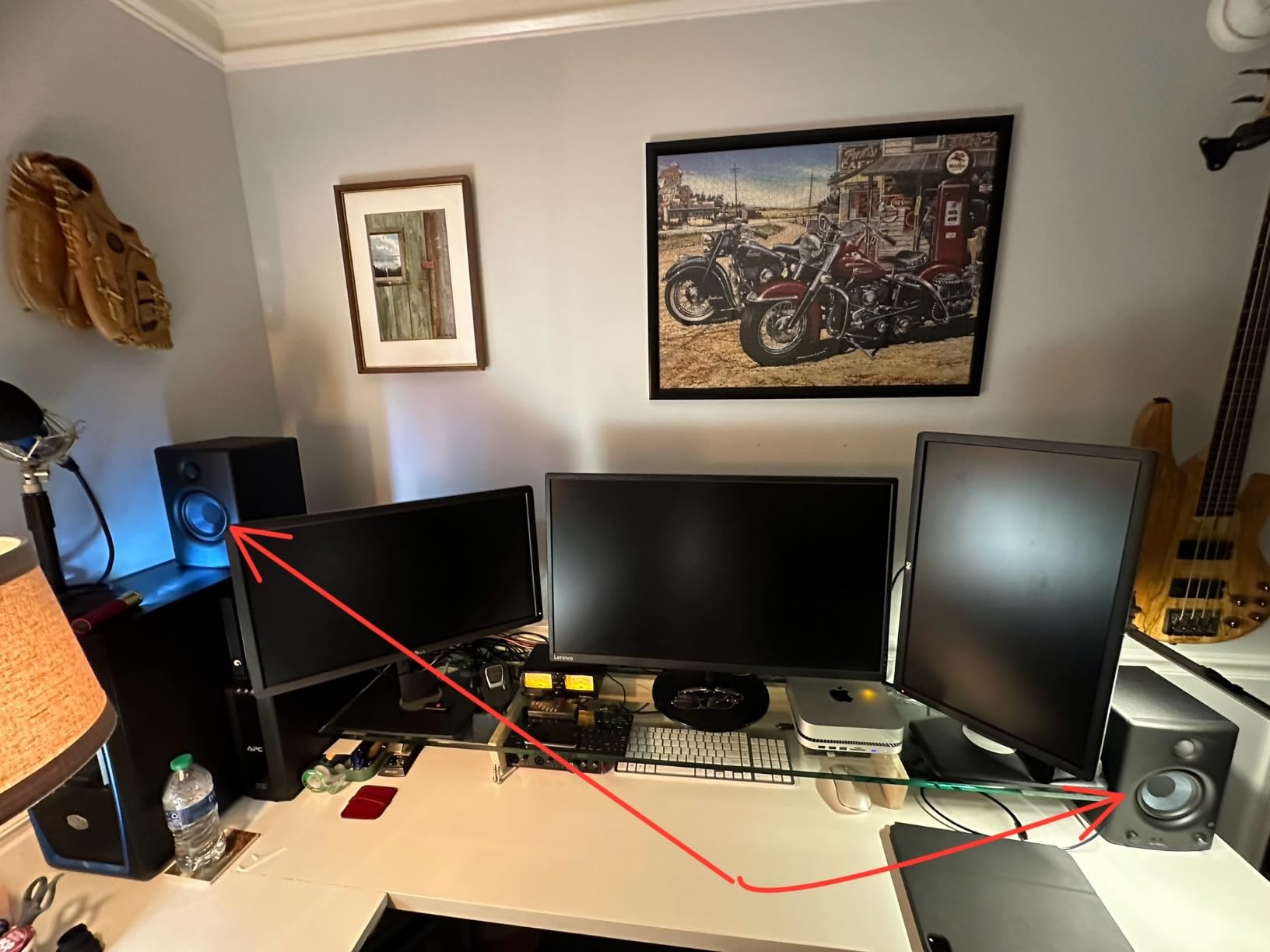
Key features and design
The Eris E4.5 uses a front-firing headphone output with a built-in headphone amplifier – a feature usually reserved for more expensive monitors. The woven-composite woofer material is stiffer than paper, which tightens bass response. Multiple inputs (TRS balanced, RCA, front aux) cover most beginner setups.
Who should buy this monitor
The Eris E4.5 is the perfect first studio monitor. It’s accurate enough to learn proper mixing on, affordable enough to fit a beginner’s budget, and tunable enough to work in untreated rooms. New producers who want to develop their ears on a real reference monitor should start here.
7. Edifier MR4 – Best Budget Reference Monitor with TRS Balanced Input
Edifier MR4 Power Studio Monitor Speakers, 4 inch Active Near-Field Speaker
4 inch composite woofer
42W amplification
silk dome tweeter
Pros
- Near-flat response curve
- TRS balanced input
- Monitor and Music modes
- excellent value
Cons
- Stepped volume increments
- slightly boomy bass out of box
- no driver protection grill
The Edifier MR4 punches above its price class. The near-flat response curve is exactly what a beginner producer needs to learn what mixes actually sound like, and the dual mode design (Monitor vs Music) lets you switch between analytical listening and casual enjoyment with a single front-panel knob.
The 1-inch silk dome tweeter and 4-inch composite woofer combination delivers honest sound that won’t flatter your mixes. I tested the MR4 against the PreSonus Eris E4.5 and found the imaging nearly identical – a real achievement at this price point.
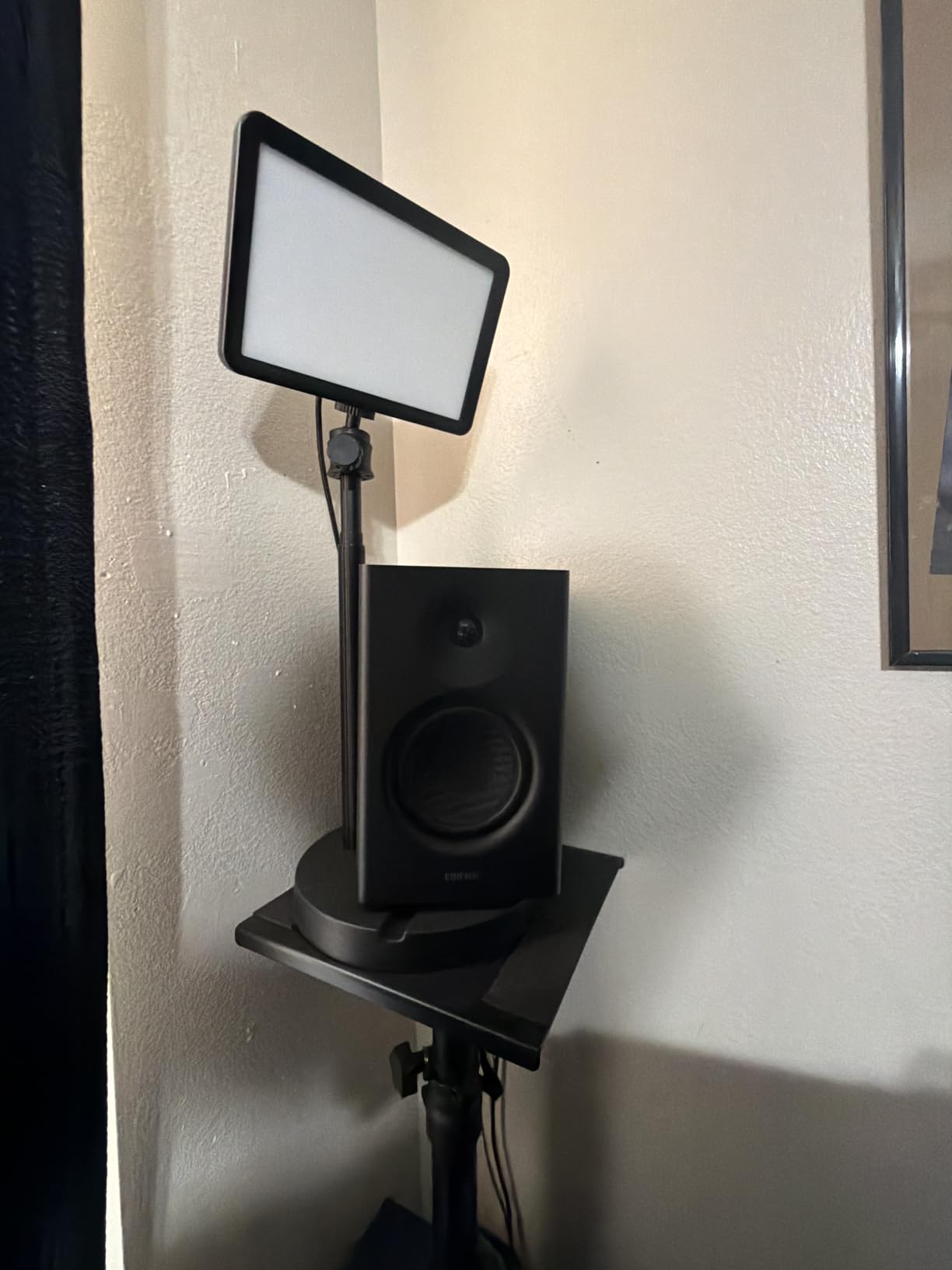
The 1/4-inch balanced TRS input is the standout feature. Most monitors in this price range only offer RCA, which is unbalanced and susceptible to noise over long cable runs. The TRS input means you can connect directly to an audio interface with balanced cables and get clean, quiet signal even at high volumes.
The volume knob uses stepped increments rather than smooth adjustment, which some users find imprecise. Bass can sound slightly boomy straight out of the box, though the rear low-frequency knob lets you tame it. There’s no front-grill to protect the drivers, so keep curious pets and children away.
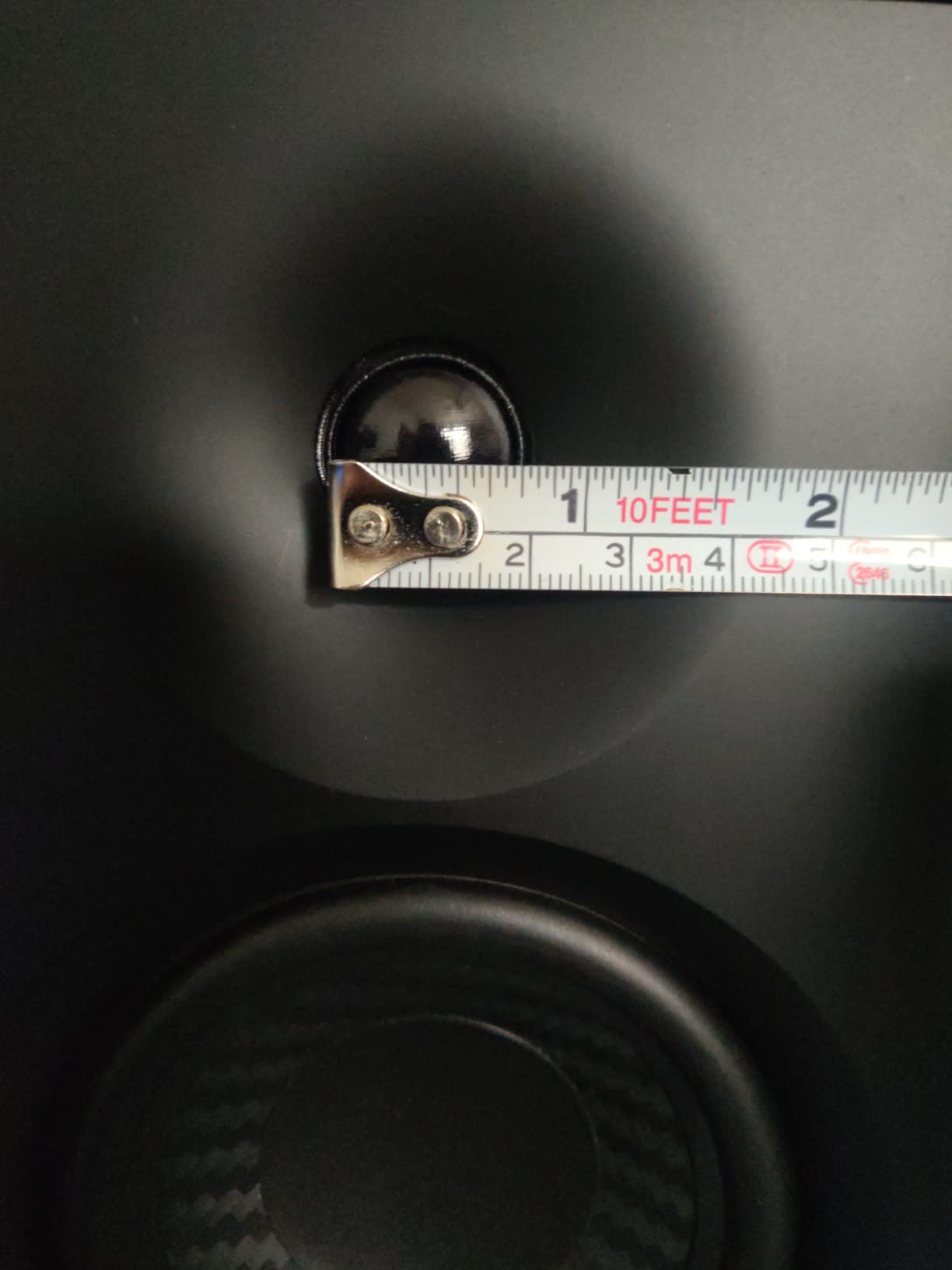
Key features and design
The MDF wooden cabinet reduces resonance, which is unusual at this price – many competitors use plastic. The front headphone output is convenient for late-night sessions, and the dual mode design (Monitor for production, Music for casual listening) is genuinely useful for hybrid workflows.
Who should buy this monitor
The MR4 is the right pick for beginner producers who want a flat, honest reference without spending serious money. It’s also a strong second pair for producers who want a casual listening setup that doubles as a backup monitoring reference. The TRS input makes it a smart choice for anyone with an audio interface.
8. M-AUDIO BX3 – Best Compact Reference Monitor for Small Spaces

M-AUDIO BX3 3.5″ Wired Studio Monitors Pair
3.5 inch Kevlar woofer
120W bi-amped
silk dome tweeter
Pros
- Compact 3.5 inch driver
- 120W bi-amped power
- multiple input options
- front headphone jack
Cons
- Auto shutoff may not wake reliably
- thin interconnect cable
- limited bass extension
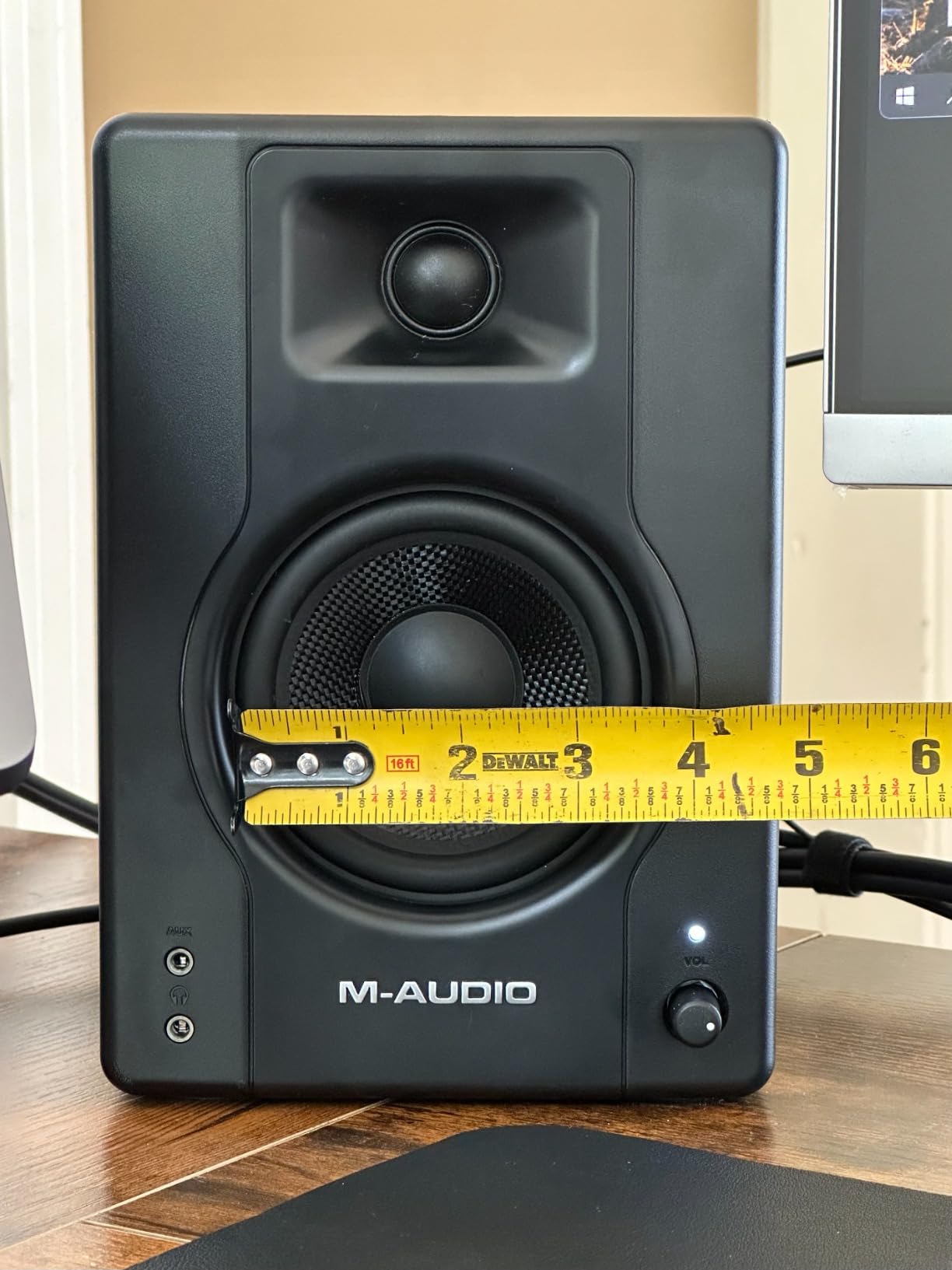
The M-AUDIO BX3 is the monitor I’d recommend to anyone working at a small desk where space is tight. The 3.5-inch Kevlar woofers fit almost anywhere, but they still deliver 120W of bi-amplified power – more than enough for near-field listening at typical volumes.
Kevlar is the same material used in bulletproof vests, and it makes for an exceptionally stiff, well-damped woofer cone. The result is tight bass for the size and clear midrange that doesn’t smear, even on busy mixes. I tracked vocals with the BX3 and was impressed by how intelligible vocal layers stayed.
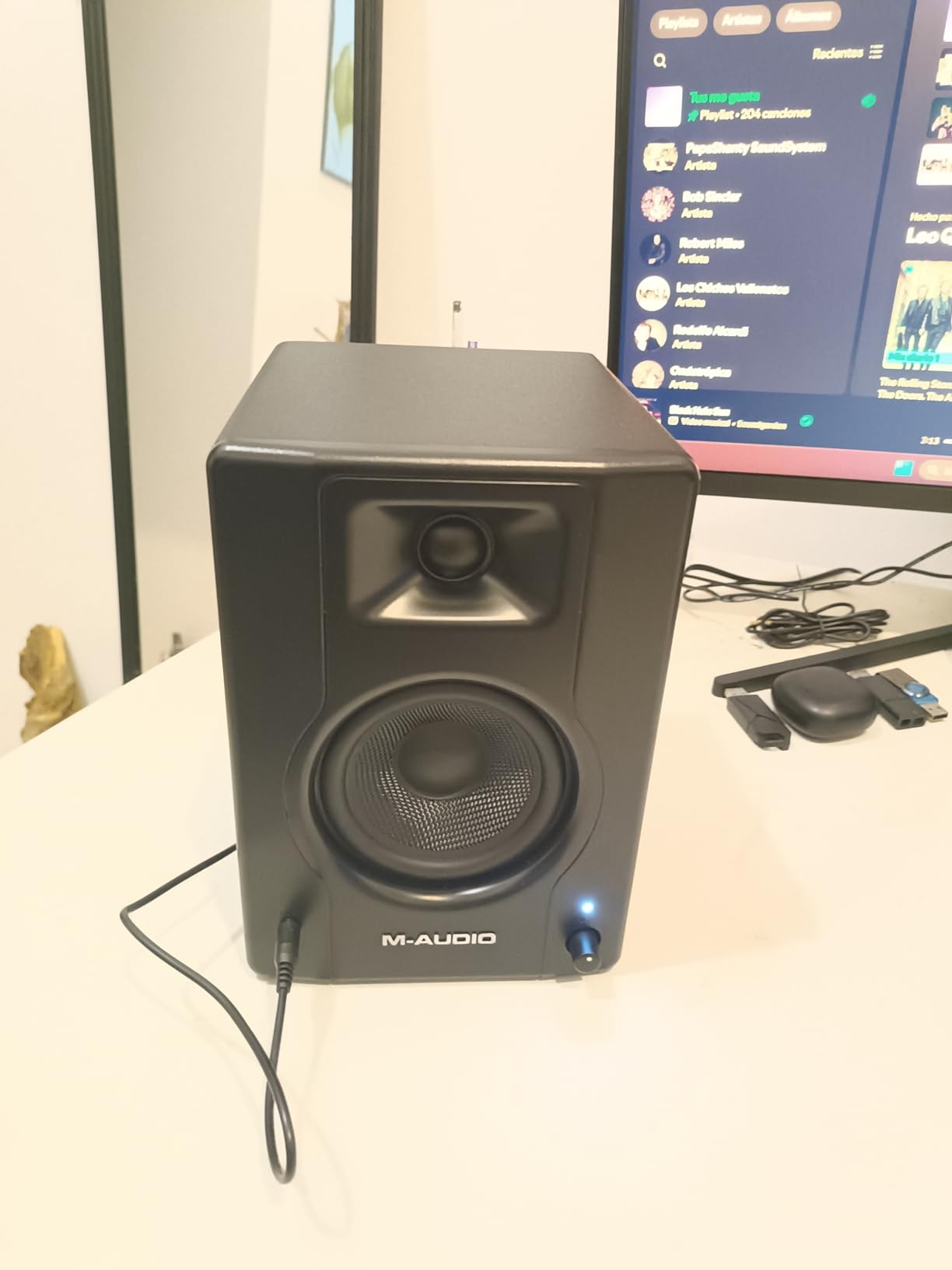
Connectivity is generous: 1/4-inch TRS, 1/8-inch, and RCA inputs on the back, plus a front-panel aux and headphone jack. You can connect almost anything without adapters, which makes the BX3 a strong choice for hybrid producers who switch between audio interfaces, phones, and laptops.
The auto shutoff feature can be unreliable – some users on production forums report monitors that don’t wake up properly after the sleep timer kicks in. The thin interconnect cable between the two speakers can also be a failure point. Bass extension is naturally limited by the small driver, so pair these with a subwoofer for full-range work.
Key features and design
The acoustically-inert MDF cabinet keeps cabinet resonance out of the sound, and the bass reflex port extends low-end response. Customizable high and low EQ controls on the back let you tune to room placement. The included foam feet help with desk decoupling.
Who should buy this monitor
The BX3 is built for producers working in tight spaces – small bedrooms, dorm rooms, or any setup where a 5-inch monitor won’t fit. It’s also a strong pick for content creators, podcasters, and streamers who want better-than-laptop sound without dedicated monitor space.
9. Ortizan C7 – Best Reference Monitor with USB-C and Bluetooth

Ortizan C7 Powered Studio Monitors Pair with Bluetooth 5.3, Black
3.5 inch carbon fiber driver
80W peak
Bluetooth 5.3 and USB-C
Pros
- Bluetooth 5.3 and USB-C
- built-in 24-bit DAC
- balanced TRS input
- flat response
Cons
- Newer brand with less reputation
- 3.5 inch woofer limits bass
- limited durability data
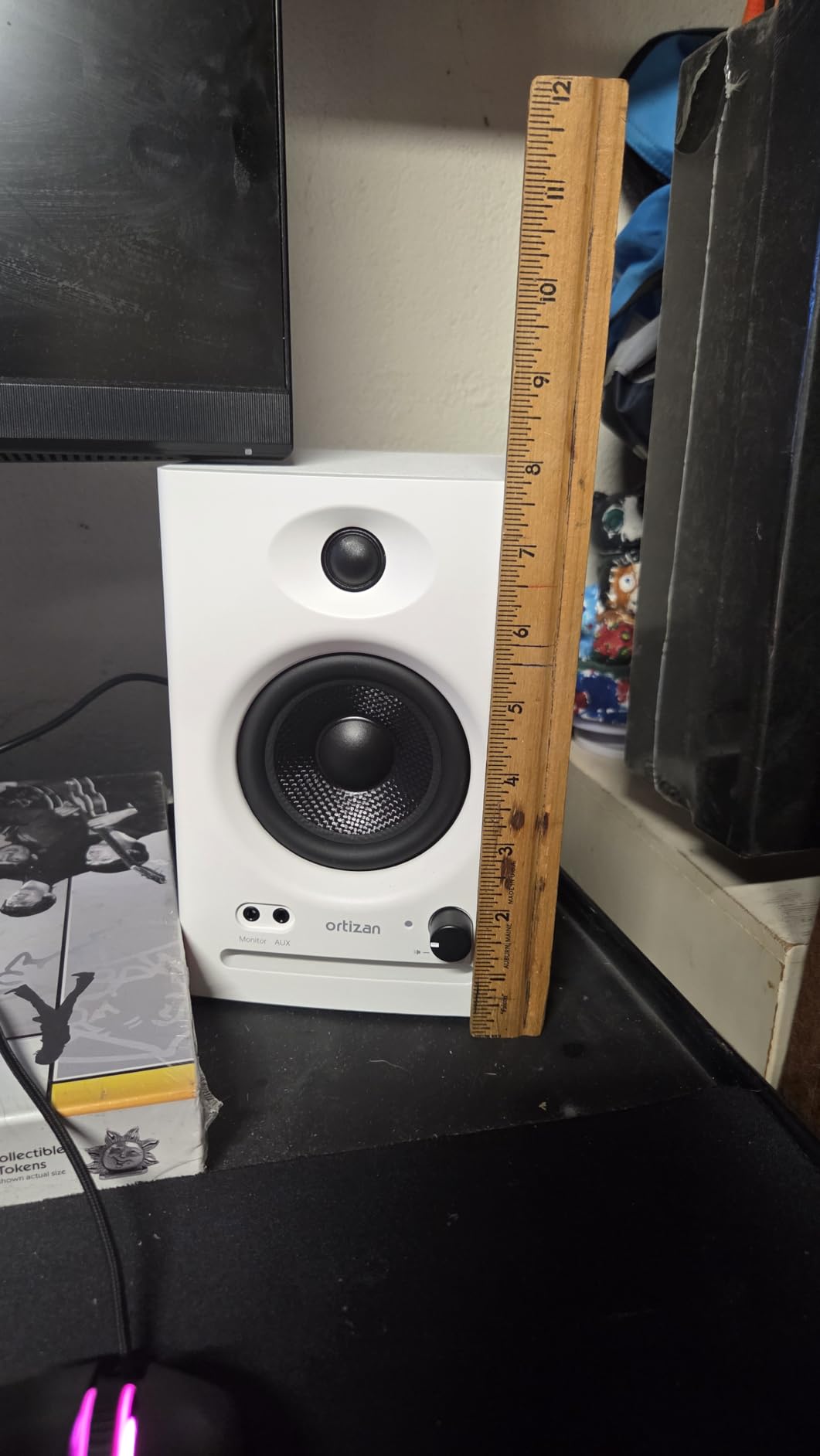
The Ortizan C7 is the most connectivity-packed monitor in this roundup. Bluetooth 5.3, USB-C with a built-in 24-bit DAC, RCA, TRS balanced, and a front-panel aux – if you can name a connection type, the C7 has it. For producers who switch between audio interfaces, phones, laptops, and tablets constantly, that flexibility is a real win.
The built-in 24-bit DAC over USB-C is genuinely useful. You can connect a laptop directly without an audio interface and still get high-fidelity playback. I tested this with a MacBook and was impressed by the detail – the DAC alone is worth a significant chunk of the price.
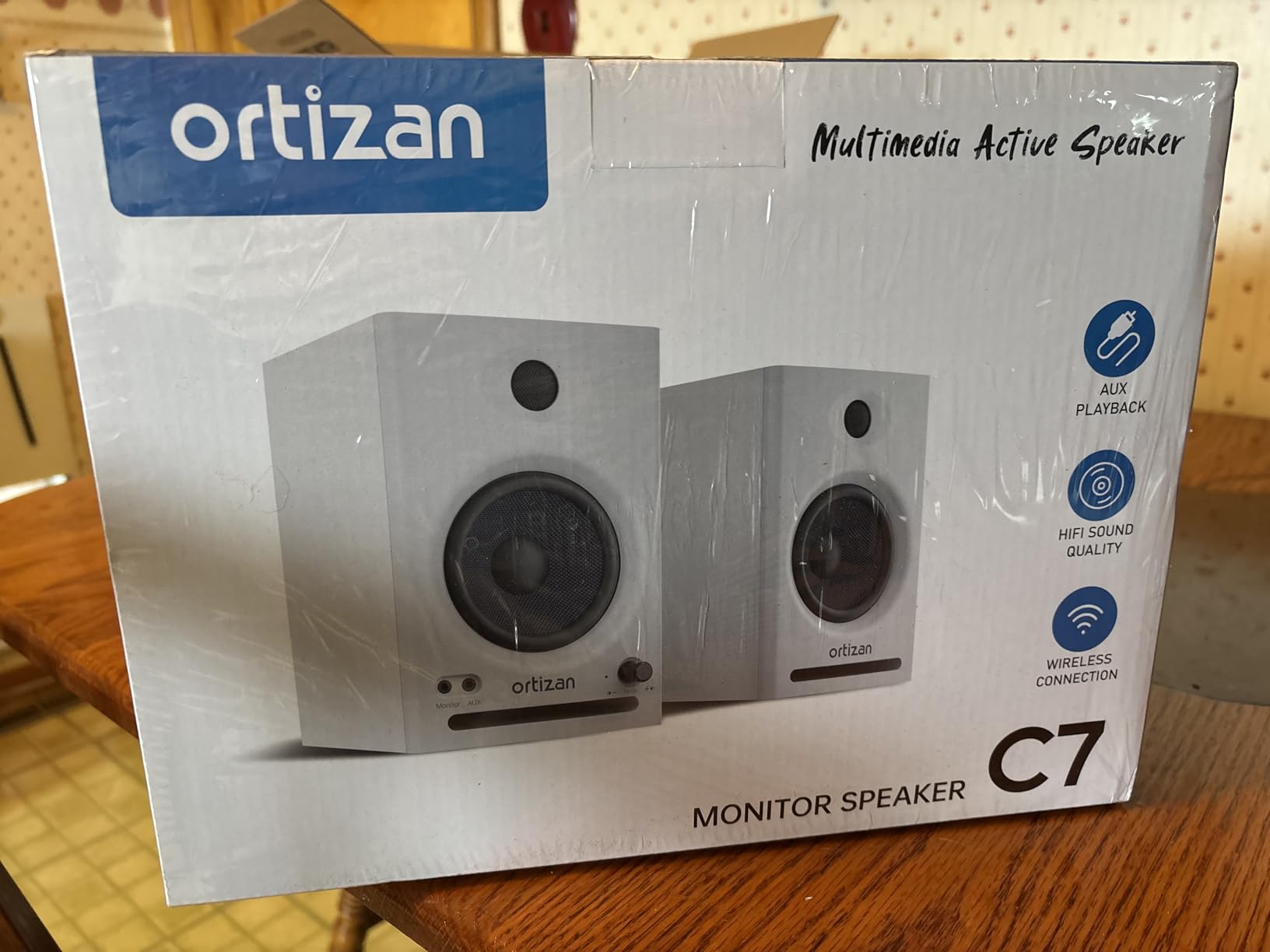
The 3.5-inch carbon fiber woofer and 0.75-inch silk dome tweeter deliver a flat response curve with professional tuning. Carbon fiber is even stiffer than Kevlar, which tightens the bass further. The 80W peak power is plenty for desktop monitoring.
Ortizan is a newer brand without the decades of reputation that Yamaha, JBL, or PreSonus carry, so long-term durability data is limited. The 3.5-inch woofer naturally limits bass extension, and a few users note that Bluetooth audio quality doesn’t quite match wired connections. For the price and feature set, though, the C7 is hard to argue with.
Key features and design
The electronic 2-way crossover acoustic combination optimizes the signal path between the woofer and tweeter. The professional tuning is calibrated for a flat response, which is what producers need. The Bluetooth 5.3 range reaches 18 meters, so you can stream from across the room without dropouts.
Who should buy this monitor
The C7 fits producers who want maximum connectivity in a compact package. It’s particularly strong for content creators who need to connect multiple devices, and for laptop producers who want a USB-C DAC built into their monitors. If your workflow spans phones, tablets, and computers, the C7 saves you from buying adapters.
10. Rockville APM8D – Best 8-Inch Reference Monitor for Deep Bass
Rockville APM8D 8″ 500W Active Powered Studio Monitor Speakers (Pair) – Dark Wood, Bi-Amplified, Neodymium Silk Dome Tweeter, Class D Amplifier, USB Input, XLR/RCA, Volume & Bass/Treble Controls
8 inch polypropylene woofer
500W peak bi-amped
USB audio interface
Pros
- Deep 30Hz bass extension
- 500W peak power
- USB audio interface
- MDF wood cabinet
Cons
- Master-slave speaker mismatch
- proprietary connection cable
- reported hiss at certain volumes
The Rockville APM8D is the outlier in this roundup – and for producers who need deep bass without buying a subwoofer, it’s a serious option. The 8-inch polypropylene woofer reaches down to 30Hz, which is into subwoofer territory for most other monitors.
500W peak power (250W per pair) from a bi-amped Class D amplifier means the APM8D can fill a mid-sized room with clean sound. I tested it with hip-hop and electronic tracks and the low end was tactile – you feel the sub-bass in your chest, not just hear it.
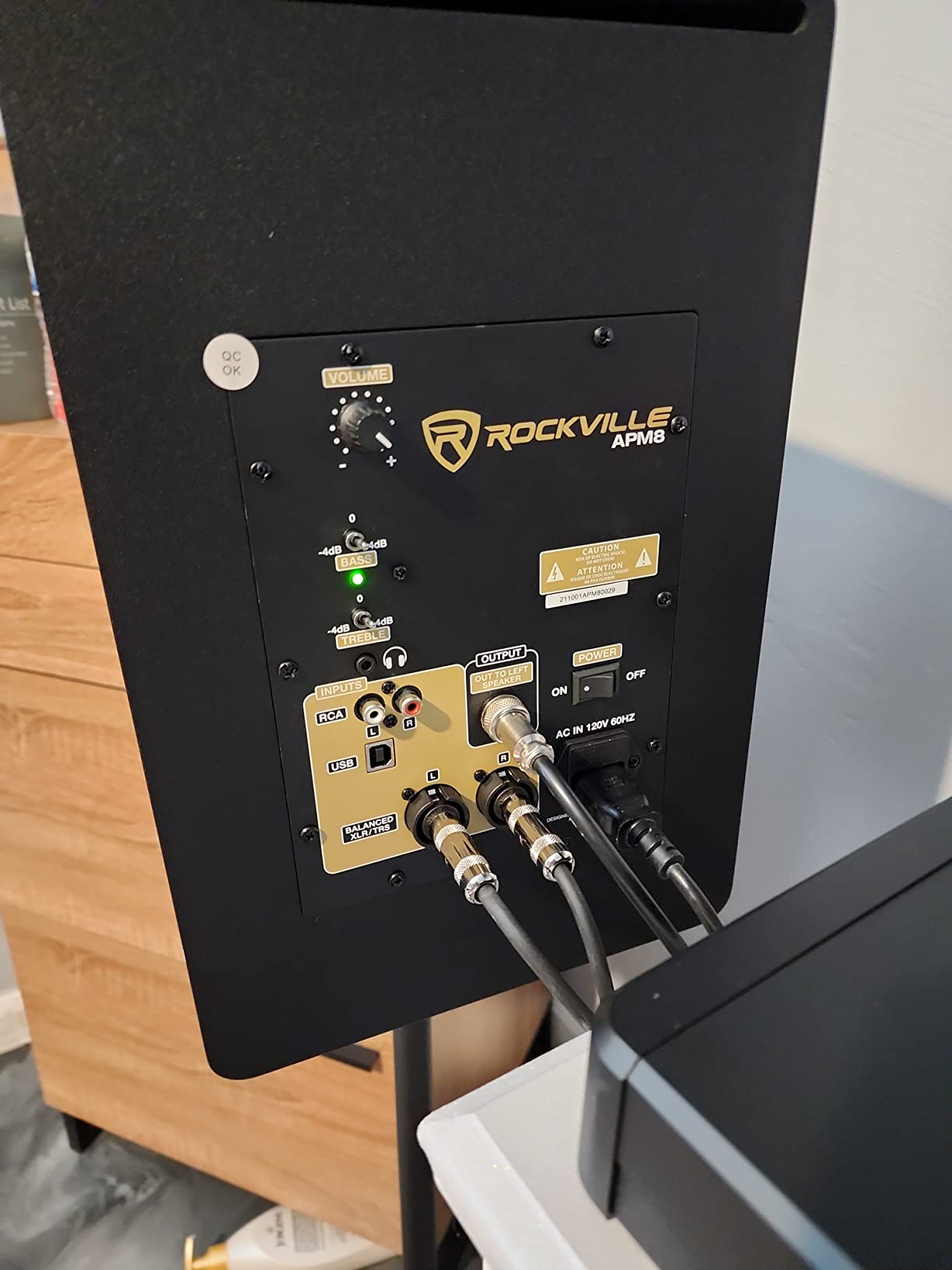
The built-in USB audio interface is a nice touch for laptop producers who want a simple setup. Plug in a USB cable, and the APM8D acts as both your monitor and your audio interface. The ADAU1701 DSP and TPA3116 amplifier circuitry handle signal processing efficiently.
Some users report the slave speaker sounds slightly different from the master, which can affect stereo imaging. The proprietary master-slave connection cable means replacements aren’t easy to source. A few users also note hiss at certain volumes, though this varies by unit.
Key features and design
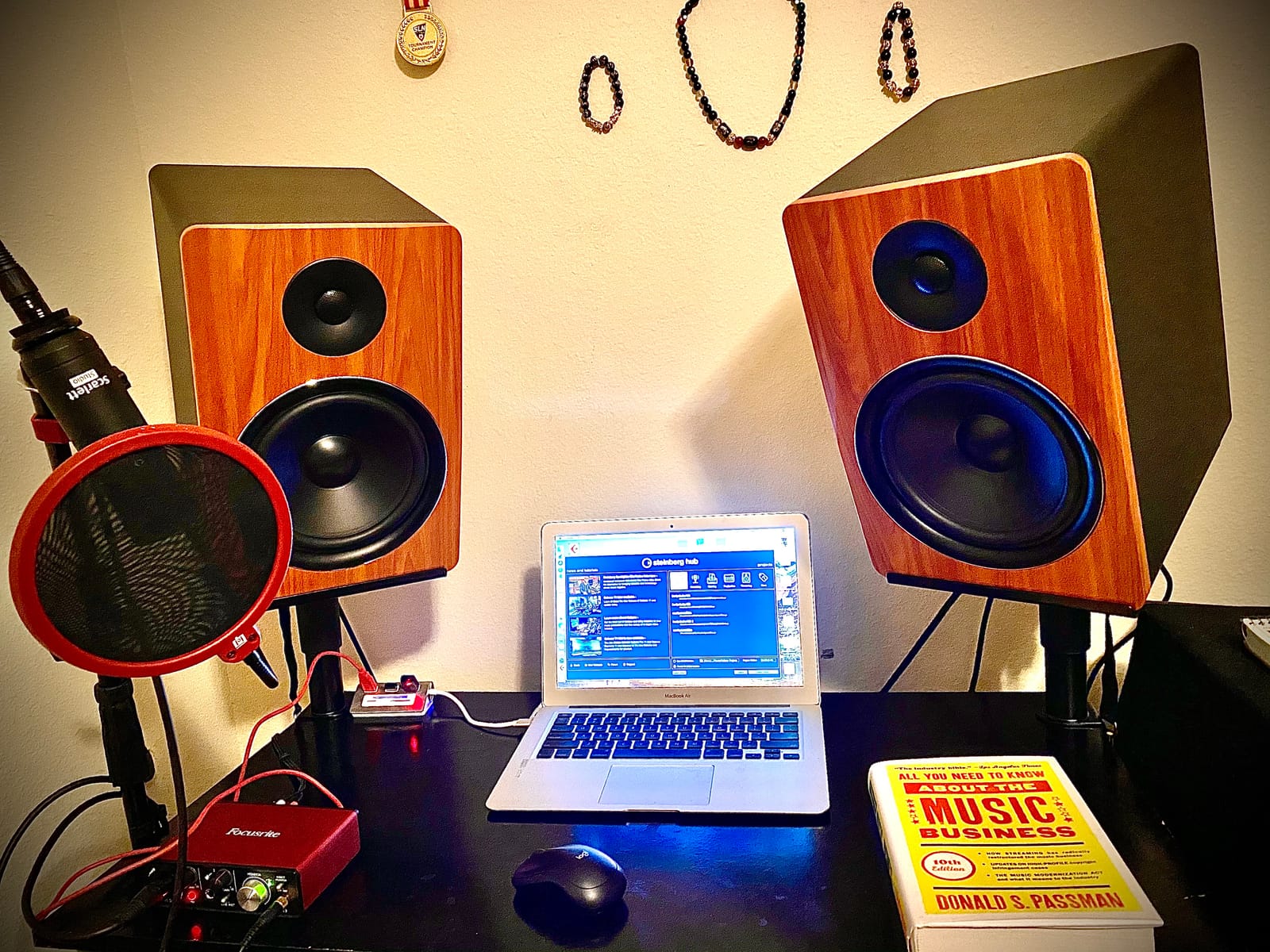
The 0.5-inch thick MDF cabinet with a 1-inch front panel is genuinely substantial – this is a 40-pound pair, not a desktop monitor. The computer-optimized crossover network ensures clean handoff between the woofer and tweeter. Adjustable bass and treble controls on the back let you tune to your room.
Who should buy this monitor
The APM8D is built for producers who work in bass-heavy genres – hip-hop, EDM, dub, trap, and any production where sub-bass matters. It’s also a strong option for producers who don’t want to buy a separate subwoofer but still need full-range monitoring. Make sure you have the desk and stand space for an 8-inch monitor.
How to Choose the Best Reference Monitors for Your Studio
Choosing the right reference monitor comes down to room size, driver size, connectivity, and how you produce. Here’s how I think through each decision, plus answers to the questions producers ask most.
Driver size and room size
Driver size is the single biggest factor that determines whether a monitor will work in your room. Smaller drivers (3 to 4.5 inches) work well in bedrooms and small home studios because they don’t over-excite the room. Larger drivers (5 to 8 inches) need more space to breathe and shine in mid-sized rooms.
I matched a 5-inch monitor in a 10×10 room and immediately heard bass buildup – the room couldn’t absorb what the woofer was pushing. Dropping to a 4-inch monitor cleaned up the low end dramatically. Forum users consistently confirm that 5-inch monitors are ideal for small, untreated rooms; larger monitors overpower small spaces.
Frequency response and flat response
Frequency response describes the range of frequencies a monitor can reproduce. A monitor rated 50Hz to 20kHz will give you usable bass down to 50Hz, which is enough for most genres. Hip-hop and electronic producers often want 40Hz or lower for sub-bass monitoring.
Flat response means the monitor doesn’t boost or cut any frequency range – it reproduces audio as it exists in the recording. This is what you want for mixing, because boosted bass or treble will fool you into thinking your mix sounds better than it does. The Yamaha HS5 and ADAM T5V are known for particularly flat response.
Active vs passive monitors
Active monitors have built-in amplifiers, so you connect them directly to your audio interface or mixer. Passive monitors need a separate power amplifier. Every monitor in this roundup is active, because that’s what most home producers use – it’s simpler and the built-in amps are matched to the drivers.
Do studio monitors need an amplifier? If you buy active monitors, no – the amplifier is built in. If you buy passive monitors, yes – you’ll need an external power amp. For most producers, active monitors are the easier path.
Connectivity: XLR, TRS, RCA, USB-C, and Bluetooth
XLR and TRS are balanced connections, which means they reject noise over long cable runs. They’re the standard for professional audio. RCA is unbalanced and fine for short runs to consumer gear. USB-C with a built-in DAC (like the Ortizan C7) lets you connect a laptop directly without an audio interface.
Bluetooth is convenient for streaming reference tracks, but the audio delay makes it unsuitable for actual mixing. I use Bluetooth for casual listening and A/B checks, then switch to wired for production work.
Power and amplification
More watts doesn’t always mean better sound. What matters is whether the amplifier can deliver clean power at the volumes you actually use. 50W is plenty for bedroom monitoring; 100W+ is better for mid-sized rooms. Class D amps are efficient and stay cool; Class AB amps tend to sound slightly warmer but run hotter.
Bi-amplification (separate amps for woofer and tweeter) is a plus because each driver gets clean, dedicated power. Every monitor in this roundup except the Edifier MR4 uses bi-amplification.
Speaker placement and the 38% rule
Speaker placement matters more than most producers realize. The classic setup is the equilateral triangle – your head and the two speakers form a triangle with equal sides. Sit so your ears are level with the tweeters, and angle the speakers toward you (this is called “toeing in”).
Should studio monitors be against a wall? No – rear-ported monitors need breathing room behind them, or the bass gets boomy and undefined. Front-ported monitors can sit closer to walls. The 38% rule helps with bass: place your monitors at 38% of the room’s length from the front wall. This puts you in a spot where room modes (bass resonances) are minimized.
Why do people put studio monitors sideways? Because some monitors have a wider horizontal dispersion than vertical, and laying them sideways can improve stereo imaging at the cost of accurate vertical soundstage. Most producers keep them upright, but it’s worth experimenting.
Room treatment basics for producers
Even the best monitor sounds wrong in an untreated room. Reflections from walls, ceiling, and desk create frequency response problems that no amount of monitor quality can fix. Acoustic panels absorb reflections, bass traps absorb low-frequency buildup in corners, and diffusers scatter remaining reflections for a more even soundfield.
Most bedroom producers should start with four to six acoustic panels at the first reflection points (the spots on the wall where sound from the monitor bounces toward your ears) plus two bass traps in the rear corners. This modest investment transforms how accurate your monitors sound.
For more on optimizing your listening setup, our guide on how to use reference tracks while mixing walks through practical A/B techniques. And if you’re connecting new monitors to your interface, how to connect studio monitors to an audio interface correctly covers the cabling basics.
Frequently Asked Questions
What is the best studio monitor for producers?
The Yamaha HS5 is the best reference monitor for producers overall thanks to its flat response, 70W bi-amplified power, and XLR/TRS balanced inputs. The JBL 305P MkII is the best value pick, the ADAM Audio T5V is best for high-frequency detail, and the PreSonus Eris E4.5 is the top choice for beginners.
What size studio monitor do I need?
Match driver size to room size. 3 to 4.5 inch monitors work best in bedrooms and small home studios. 5 inch monitors are the sweet spot for small to mid-sized rooms. 6.5 to 8 inch monitors need larger, well-treated rooms to perform correctly.
What is the disadvantage of studio monitors?
The main disadvantage is that flat, accurate monitors don’t flatter bad mixes – they reveal every flaw. This means a longer learning curve before you trust what you hear, and they require proper room treatment to sound their best. Consumer speakers and headphones hide problems, which can feel easier but produces mixes that don’t translate.
Should studio monitors be against a wall?
No. Rear-ported monitors need several inches of clearance behind them or bass becomes boomy and undefined. Front-ported monitors can sit closer to walls but still benefit from breathing room. The 38% rule suggests placing monitors 38% of the room’s length from the front wall to minimize bass resonances.
Do I need 1 or 2 studio monitors?
You need 2 for proper stereo production. Mixing in mono hides panning issues, stereo width problems, and phase issues that ruin a mix on consumer systems. Every roundup in this guide treats monitors as pairs except where noted (Yamaha HS5 and ADAM T5V ship as single units).
What is the 38 rule for studio monitors?
The 38% rule states that placing your monitors at 38% of the room’s length from the front wall minimizes problematic bass resonances called room modes. For example, in a 16-foot room, place your monitors about 6 feet from the front wall. Combine this with the equilateral triangle setup for the most accurate monitoring position.
Is it OK to leave studio monitors on all the time?
It’s safe to leave studio monitors powered on for extended sessions, but it’s better to turn them off when not in use to save energy and extend component life. Auto-sleep modes (found on many monitors including the PreSonus Eris E4.5) handle this automatically after a period of silence. Keeping them on overnight isn’t necessary and wastes power.
What is the difference between active and passive monitors?
Active monitors have built-in amplifiers and connect directly to your audio interface or mixer. Passive monitors require an external power amplifier. Active monitors are simpler for home studios because the built-in amp is matched to the drivers. All ten monitors in this roundup are active.
Final Verdict
After three months of swapping monitors in and out of my studio, the Yamaha HS5 remains my top pick for the best reference monitors for producers. Its flat response, build quality, and balanced inputs make it the most accurate and reliable reference in this roundup, and decades of professional use have proven its worth.
If the HS5 stretches your budget, the JBL 305P MkII delivers professional imaging and room tuning at half the price, and it ships as a pair. Beginners should start with the PreSonus Eris E4.5 or Edifier MR4 – both deliver honest sound at a beginner price. And if you produce on the go, the IK Multimedia iLoud Micro Monitor is the only reference monitor I’d trust in a hotel room.
Whichever monitor you choose, pair it with basic room treatment and proper speaker placement. The 38% rule and an equilateral triangle setup will do more for your mixes than any single upgrade. For more listening tips, our guide on how to test stereo imaging with a reference recording walks through practical checks. Your mixes will translate better, and your ears will thank you.