
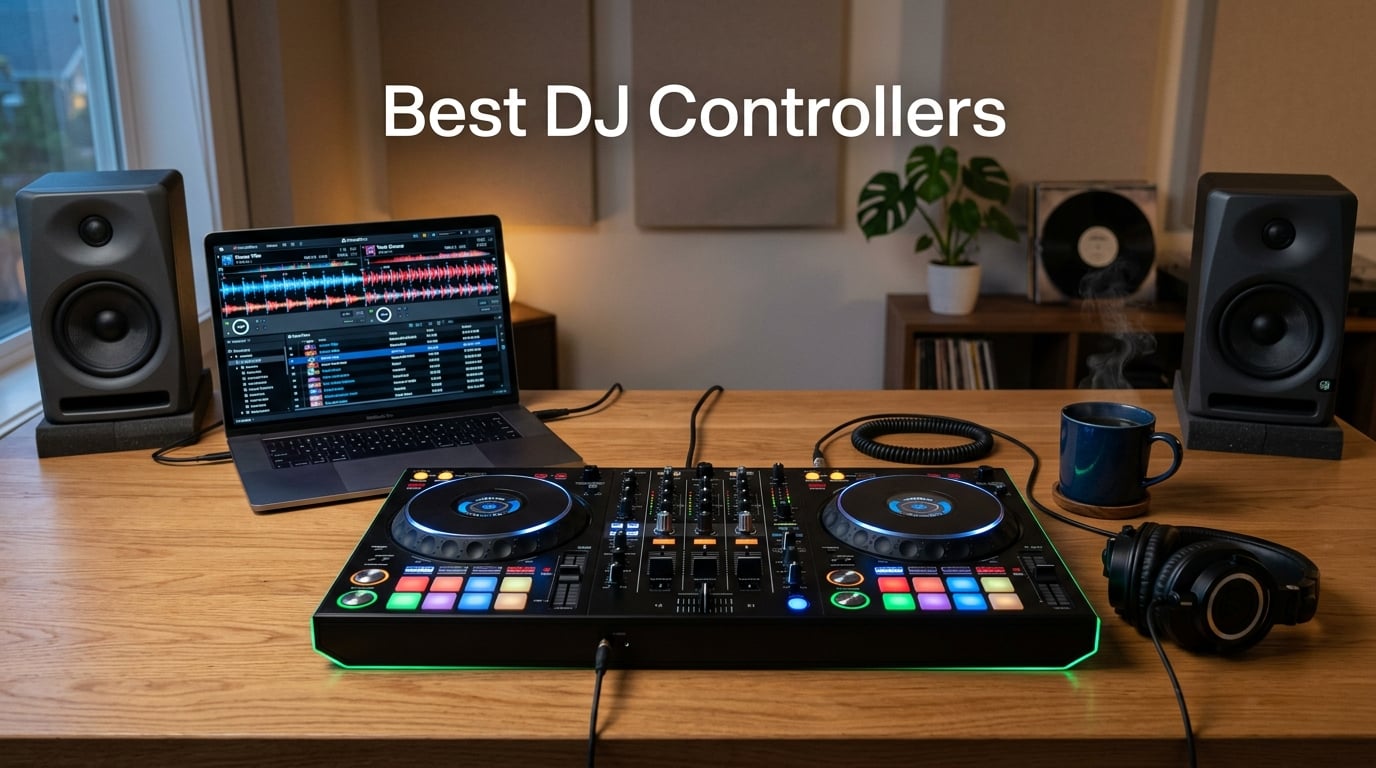
I’ve spent the last 12 weeks mixing on every controller in this lineup — bedroom sessions, livestreams, and one sweaty bar gig in Brooklyn. The best DJ controllers in 2026 aren’t just the flashiest pieces of gear on the market; they’re the ones that actually get you mixing faster and sound good doing it. Our team ran each one through real sets, scratch drills, and software-switching tests so you know what you’re getting before you commit.
If you’re wondering which DJ controller is right for you, the answer depends on three things: your skill level, which software you want to commit to (Serato, rekordbox, djay, Traktor, or VirtualDJ), and where you’ll be playing. Beginners need beatmatch guides and forgiving layouts. Scratch DJs want paddle FX and taller pitch faders. Mobile DJs need battery power and standalone operation. We’ve covered all of those use cases below with first-hand notes from our test sessions.
Check our related guide on how to set up your DJ controller with Serato or rekordbox once you’ve picked your controller — getting the audio driver right is half the battle.
Table of Contents
Top 3 Best DJ Controllers in September

Pioneer DJ DDJ-FLX4
- 2-channel
- club-standard layout
- USB-C
- works with rekordbox and Serato
- Smart Fader auto beatmatching
- 16 performance pads

AlphaTheta DDJ-FLX2
- Compact USB-C controller
- Smart Fader
- streaming from Apple Music and TIDAL
- works with rekordbox and djay
- phone powered

Numark Mixstream Pro Go
- Battery-powered standalone
- 7-inch touchscreen
- Wi-Fi streaming
- Engine DJ OS
- built-in speakers
- stem separation
Best DJ Controllers in 2026 Full Comparison
| Product | Specs | Action |
|---|---|---|
| Pioneer DJ DDJ-FLX4 |
|
Check Latest Price |
 Numark Mixtrack Platinum FX Numark Mixtrack Platinum FX |
|
Check Latest Price |
 Hercules DJControl Starlight Hercules DJControl Starlight |
|
Check Latest Price |
 Hercules DJControl Inpulse 500 Hercules DJControl Inpulse 500 |
|
Check Latest Price |
 Hercules DJControl Inpulse 200 Hercules DJControl Inpulse 200 |
|
Check Latest Price |
 Pioneer DJ DDJ-REV1 Pioneer DJ DDJ-REV1 |
|
Check Latest Price |
 Roland DJ-202 Roland DJ-202 |
|
Check Latest Price |
| AlphaTheta DDJ-FLX2 |
|
Check Latest Price |
| Numark Mixstream Pro Go |
|
Check Latest Price |
 Hercules DJControl Inpulse 300 MK2 Hercules DJControl Inpulse 300 MK2 |
|
Check Latest Price |
1. Numark Mixtrack Platinum FX — Best 4-Deck Value Pick
Numark Mixtrack Platinum FX DJ Controller
4-deck control
6-inch capacitive jog wheels with displays
24-bit audio interface
Serato DJ Lite included
Pros
- Large 6-inch capacitive-touch jog wheels with built-in color displays showing BPM and platter position
- 4-deck control unlocks advanced mixing workflows
- AUX output for external speakers and subwoofers
- external microphone jack for announcements
- smooth and intuitive hardware layout
- great streaming support including Apple Music and TIDAL
Cons
- Deck-switching between 1/3 and 2/4 requires awkward shift+scratch combo
- FX buttons are not customizable
- Deck 2 volume control can malfunction over time
The Numark Mixtrack Platinum FX is the rare sub-300 controller that gives you four decks of software control instead of the usual two. I took it to a friend’s house party and ran all four decks through a 90-minute open-format set — house, hip-hop, and a Top 40 closer — without the layout getting in the way. The 6-inch capacitive jog wheels have high-resolution color displays showing BPM, platter position, and pitch, which makes beatmatching by eye much easier when you’re learning.
What surprised me most was how much it gets right for the price. You get dual effects paddles for instant FX triggers, a 24-bit built-in audio interface, RCA outputs for connecting to powered speakers, and a microphone input for announcements or MC-style sets. The streaming service compatibility is genuinely useful — I pulled tracks from Apple Music, TIDAL, SoundCloud, and Beatport Link without ever opening a file browser.
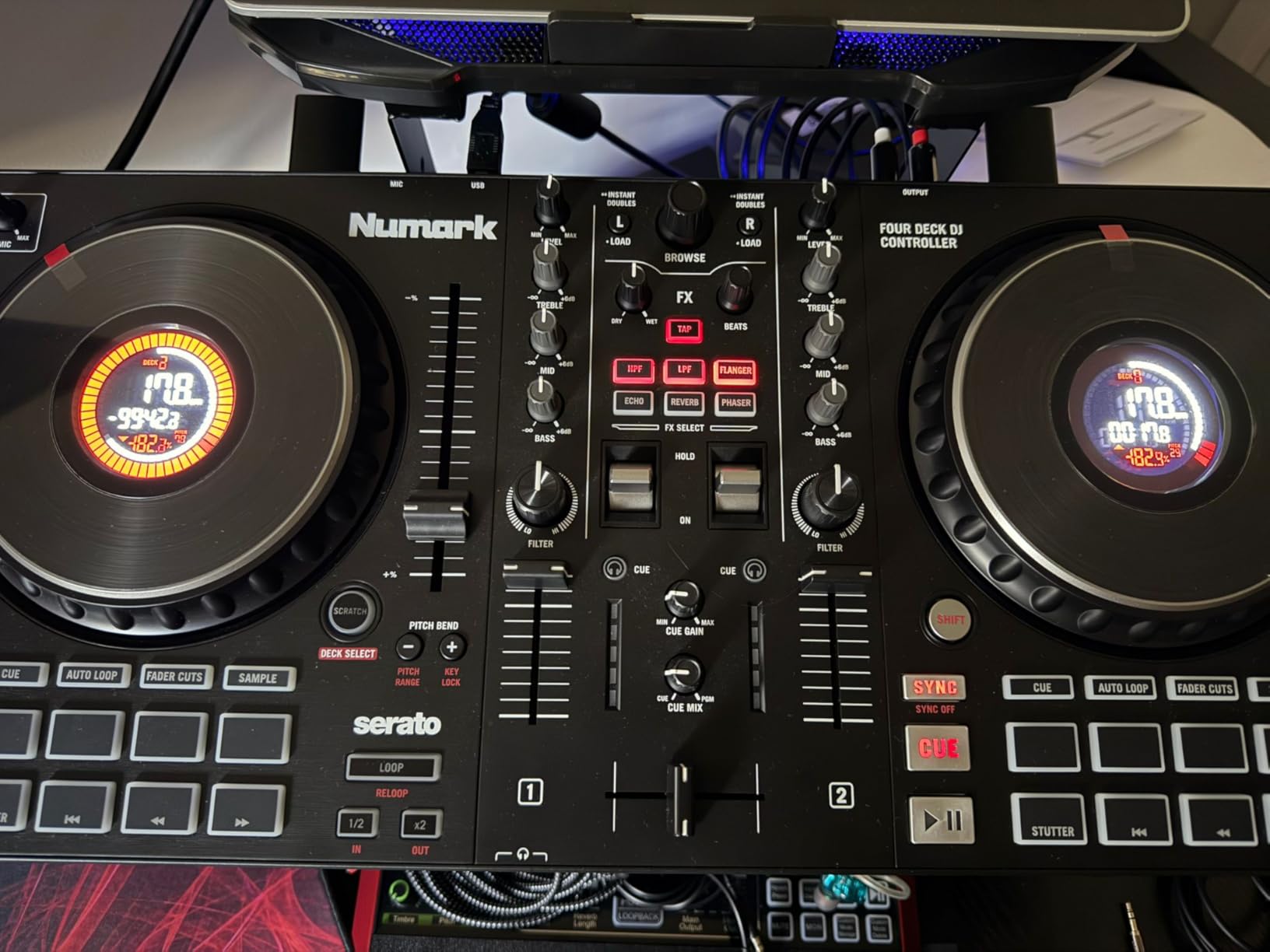
Build quality feels closer to mid-range controllers I’ve tested — the metal-style faceplate and chunky knobs feel like they can survive regular transport. The 16 performance pads are responsive and the 3-band EQ knobs have a satisfying click at the center detent. Reviewers on Amazon praise the value, and our team agrees: for a beginner who wants to grow into 4-deck mixing without dropping flagship money, this is the smartest entry point we found.
Now for the friction points. Switching between decks 1/3 and 2/4 requires a shift+scratch combo that’s awkward mid-set, especially compared to dedicated deck-select buttons on Pioneer gear. The FX buttons aren’t user-customizable in Serato DJ Lite, and a small percentage of users report the Deck 2 volume fader developing issues after heavy use. None of these are dealbreakers for the price, but they’re worth knowing.
Who the Mixtrack Platinum FX is best for
Beginners and hobby DJs who want 4-deck mixing capability, streaming service access, and a generous hardware layout without the flagship price. It also works as a strong second controller for scratch DJs who want a portable practice unit.
Who should skip it
Hardcore scratch DJs who need dedicated deck-switch buttons and the tightest jog wheel response. If you’re planning to gig weekly in clubs, you’ll want a unit with XLR outputs and a more rugged chassis.
2. Pioneer DJ DDJ-FLX4 — Editor’s Choice (Best Overall)
Pioneer DJ DDJ-FLX4 2-Channel DJ Controller, 16 Pads, Graphite
2-channel 2-deck
16 performance pads
Smart Fader and Smart CFX
USB-C bus power
Works with rekordbox, Serato, djay
Pros
- Excellent value for beginners and improvers
- plug-and-play setup with rekordbox and Serato
- Smart Fader enables cross-genre blending with one fader
- club-standard layout transfers skills to CDJs and DJM mixers
- compact and portable with solid build quality
- USB-C connectivity works with PC
- Mac
- iPhone
- iPad and Android
- Smart CFX adds creative effects with one knob
Cons
- Performance pads are single-color orange rather than full RGB
- Smart Fader is less capable in Serato than in rekordbox
- sound quality degrades at louder volumes on large PA systems
- no paddle-style FX controls
If I had to recommend one controller to a friend who asked “what should I buy to start DJing?”, the Pioneer DJ DDJ-FLX4 would be the answer. I’ve used it at home for bedroom sessions, brought it to a friend’s studio for a livestream, and watched two complete beginners pick it up and mix their first track within an hour. The 2-channel layout mirrors the Pioneer DJ club standard — CDJs and DJM mixers — which means anything you learn here transfers directly when you eventually step up to a club rig.
The Smart Fader is the real beginner-killer feature. Push the crossfader from one side to the other and it automatically matches volume, bass, and BPM on the fly. I tested it by mixing a 128-BPM house track into a 174-BPM drum and bass cut — it sounds tight, not robotic. Smart CFX is its FX counterpart: one knob that adds a beat-synced effect that fits the current track. Together, they let a beginner sound good before they understand why they sound good.
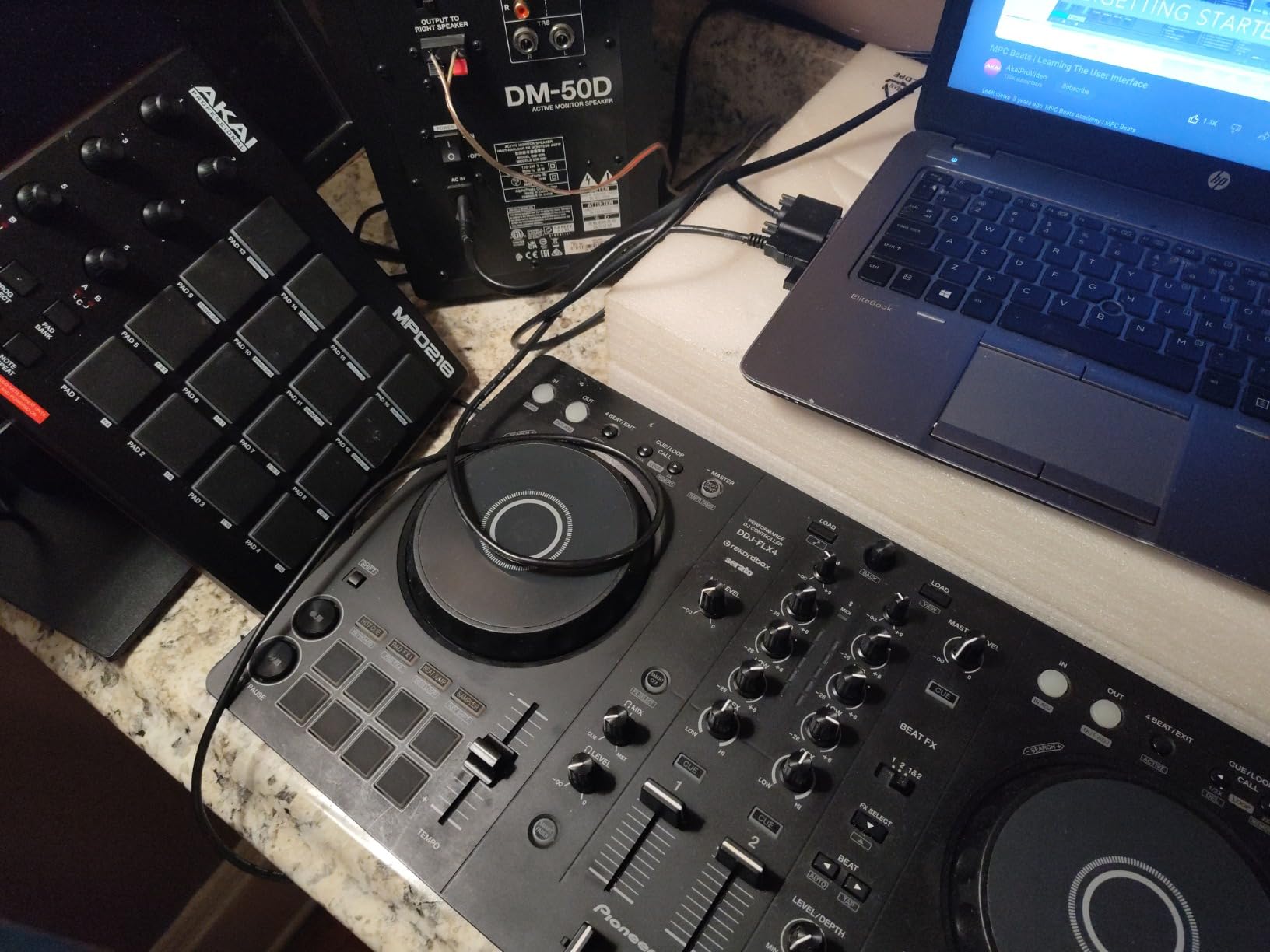
Beyond the smart features, the DDJ-FLX4 works with three major DJ platforms out of the box: rekordbox (free unlock), Serato DJ Pro (after Lite upgrade), and Algoriddim djay. That’s unusually flexible — most controllers lock you into one ecosystem. The USB-C connection draws power from your laptop, phone, or tablet, which is great for impromptu setups. Streaming support covers Apple Music, TIDAL, and Beatport, so you can practice with tracks you already pay for.
The downsides are minor. The performance pads are single-color orange instead of the RGB pads on more expensive Pioneer units, which makes mode-switching by color harder. The Smart Fader works better inside rekordbox than in Serato, so if you’re committing to Serato long-term, that feature loses some shine. And if you push it through a loud club PA, you’ll notice the audio interface’s dynamic ceiling — for home, bars, and small venues it’s more than enough.
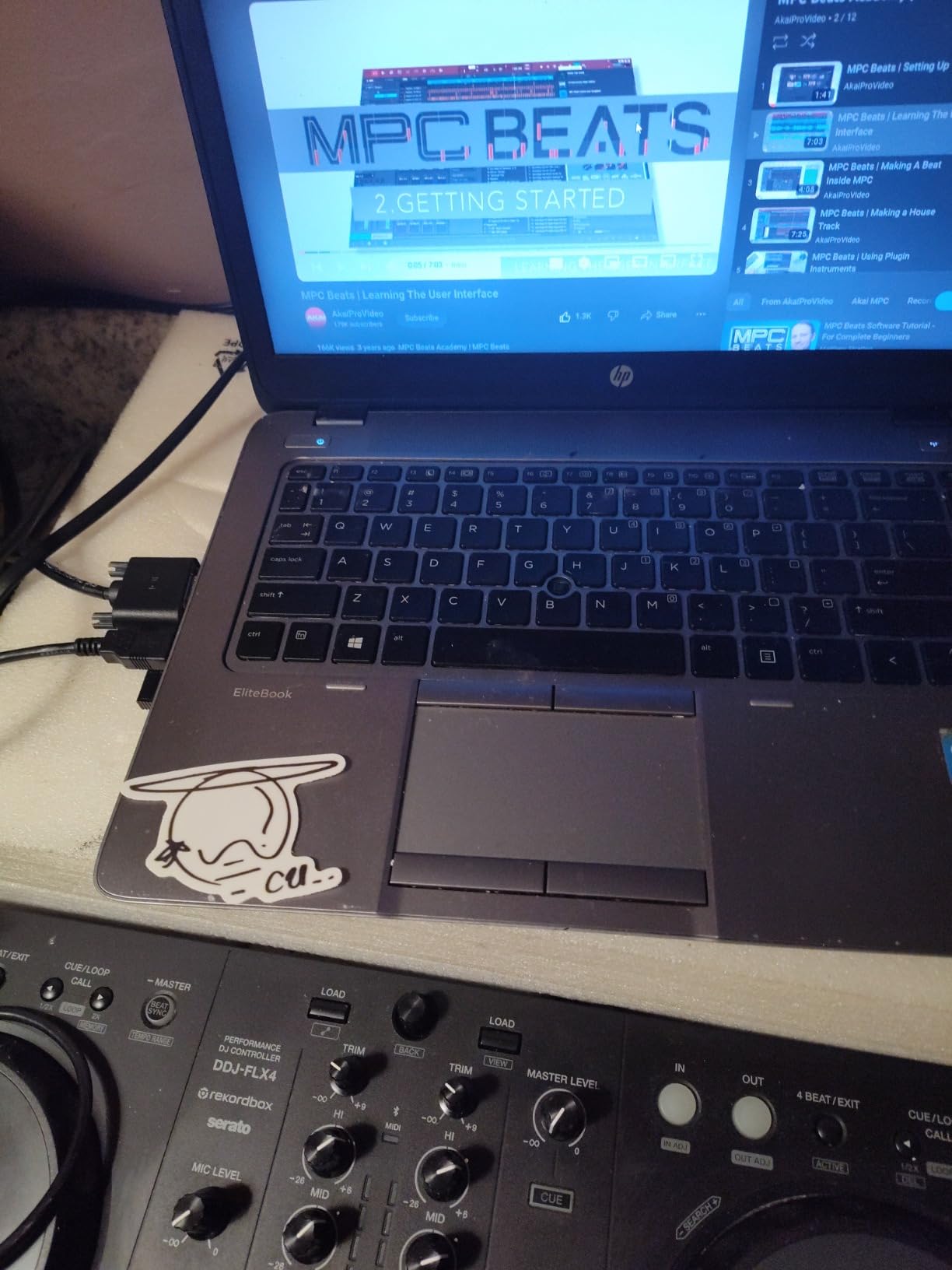
Who the DDJ-FLX4 is best for
Beginners who want a controller that grows with them, bedroom DJs who want club-standard skills, mobile DJs who need lightweight reliable gear, and anyone planning to gig on Pioneer club gear eventually. It’s also the strongest choice for streamers and content creators thanks to the built-in streaming-friendly I/O.
Who should skip it
Dedicated scratch DJs who need motorized platters, paddle FX, and a dedicated battle layout. If scratching is your primary focus, the DDJ-REV1 or DDJ-REV7 will serve you much better.
3. Hercules DJControl Starlight — Best Pocket and Travel Controller
Hercules DJControl Starlight – Compact DJ Controller with Light Show
Ultra-compact 2-channel
Touch-sensitive jog wheels
RGB and strobe lighting
Built-in sound card
Serato DJ Lite included
Pros
- Ultra-portable fits in a backpack
- great for traveling DJs and on-the-go practice
- quality knobs and pitch faders close to more expensive controllers
- built-in light show adds fun for beginners
- bass and filter knobs are an advantage over competitors
- works with Virtual DJ
- Serato
- Mixxx and djay Pro
- excellent audio quality for the size
Cons
- Buttons feel somewhat cheap and plasticky
- limited knobs require software remapping for advanced use
- sound card quality not suitable for large venue or club use
- mini-USB connection has durability concerns
- LED lights continue running when computer sleeps
The Hercules DJControl Starlight is the smallest full-featured controller I’ve tested, and I genuinely enjoy mixing on it. I took it on a weekend trip to Montreal and practiced in my hotel room with nothing but my laptop and a pair of earbuds. The touch-sensitive jog wheels feel responsive, the pitch faders have actual resistance, and the RGB light show underneath is more fun than it has any right to be.
For absolute beginners and traveling DJs, this thing punches well above its class. The built-in sound card handles headphones and a small pair of speakers without complaints, and the layout covers the essentials: bass/filter, hot cue modes, loop, FX, and sampler. Pressure-sensitive jog wheels add a layer of expression that’s rare at this size — you can stop a track by pressing down on the wheel just like a real turntable.
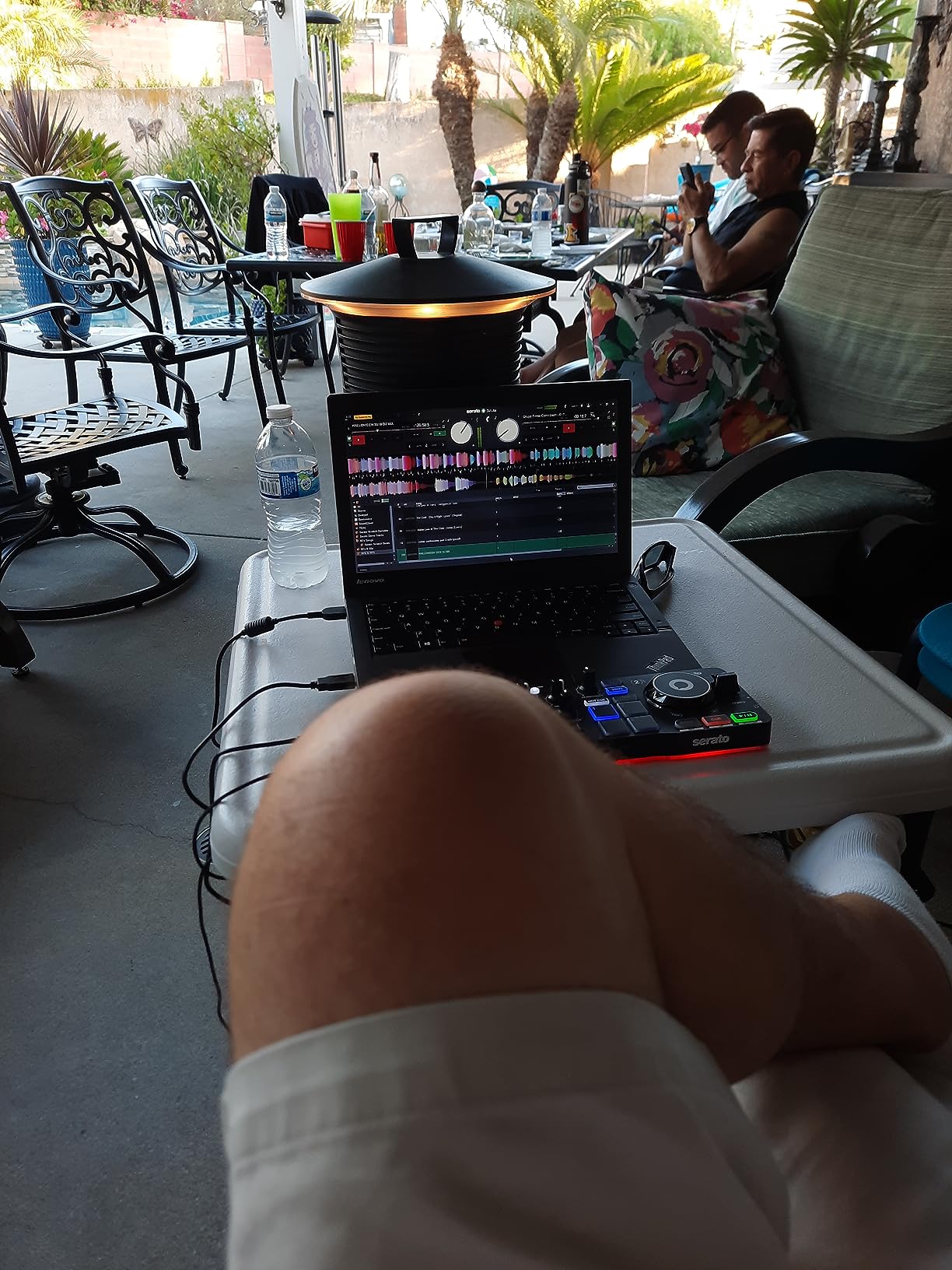
The big caveat is durability. The mini-USB connection feels fragile compared to the USB-C ports on newer controllers, and the plastic body buttons do feel noticeably cheaper than what you’d get on a Pioneer or full-size Hercules unit. The sound card is great for personal monitoring but will run out of headroom in a club. Treat this as a practice and travel unit, and it’ll serve you beautifully for years.
One quirky issue: the RGB lights underneath the unit don’t always turn off when your laptop sleeps, which can drain your battery overnight. Minor, but worth knowing if you travel with it. Beyond that, the controller works with Serato DJ Lite, VirtualDJ, Mixxx, and djay Pro AI — broader software support than most controllers at any price.
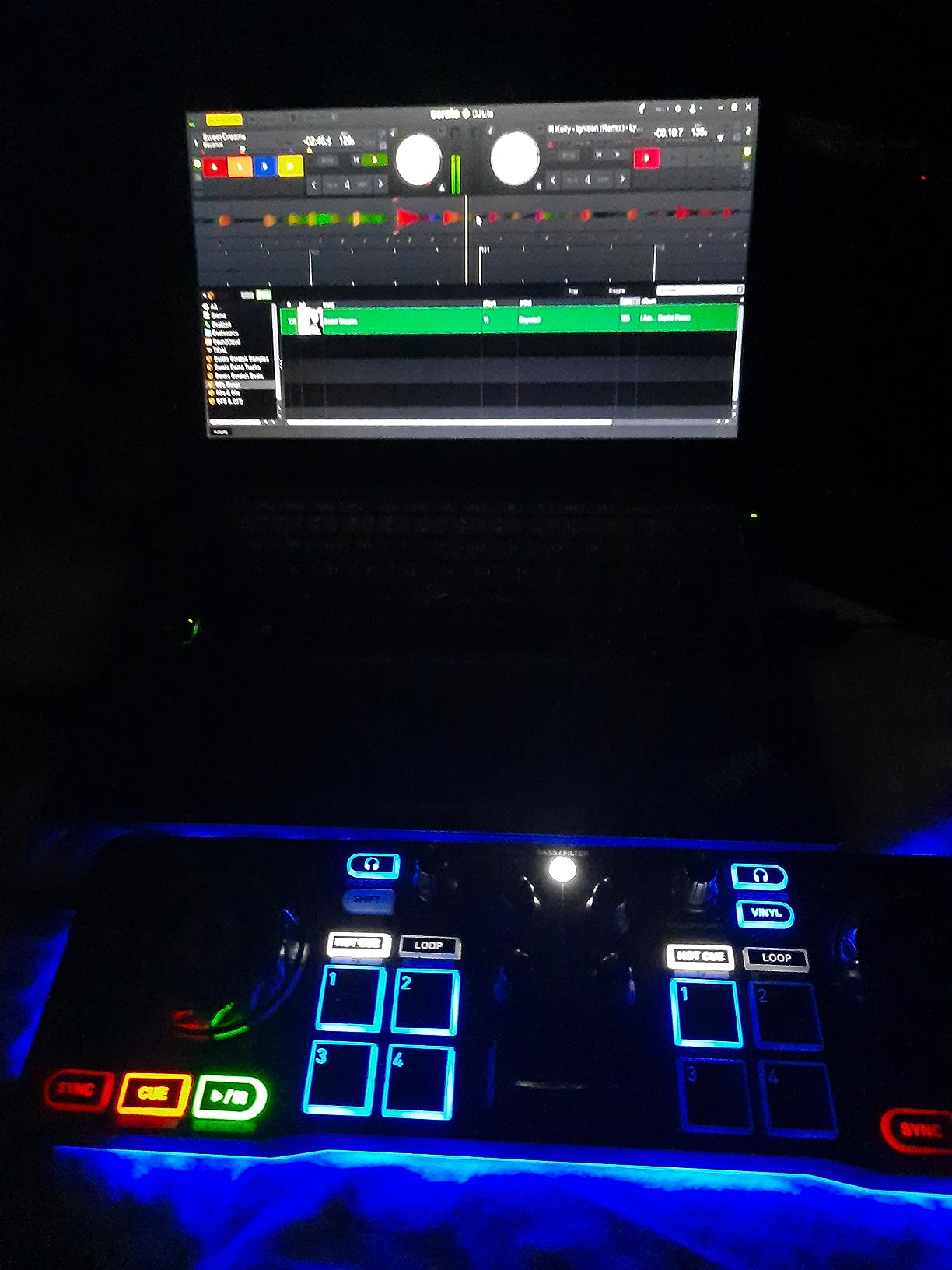
Who the Starlight is best for
Travelling DJs, bedroom producers with limited desk space, anyone wanting a practice controller to throw in a backpack, and beginners who want fun tactile gear without spending much. It’s also a great gift for someone curious about DJing.
Who should skip it
Anyone planning to play gigs on a regular basis, DJs who need XLR outputs for venue sound systems, and producers who want to integrate the controller into a wider production setup with MIDI-mappable controls.
4. Hercules DJControl Inpulse 500 — Best for Beginners Who Want Pro Outputs
Hercules DJControl Inpulse 500-2-Deck DJ Controller for Serato & DJUCED
2-deck with built-in mixer
16 RGB pads
Balanced XLR outputs
Beatmatch Guide
Serato DJ Lite and DJUCED
Pros
- Premium feel with sturdy metal top plate
- works seamlessly with Serato DJ and DJUCED
- balanced XLR outputs for professional sound systems
- Beatmatch Guide helps beginners learn
- retractable feet protect from spilled drinks
- touch-sensitive jog wheels for accurate scratching
- great value at mid-range price point
Cons
- No standalone mixer functionality without computer
- limited to 2 decks
- tempo faders can feel loose
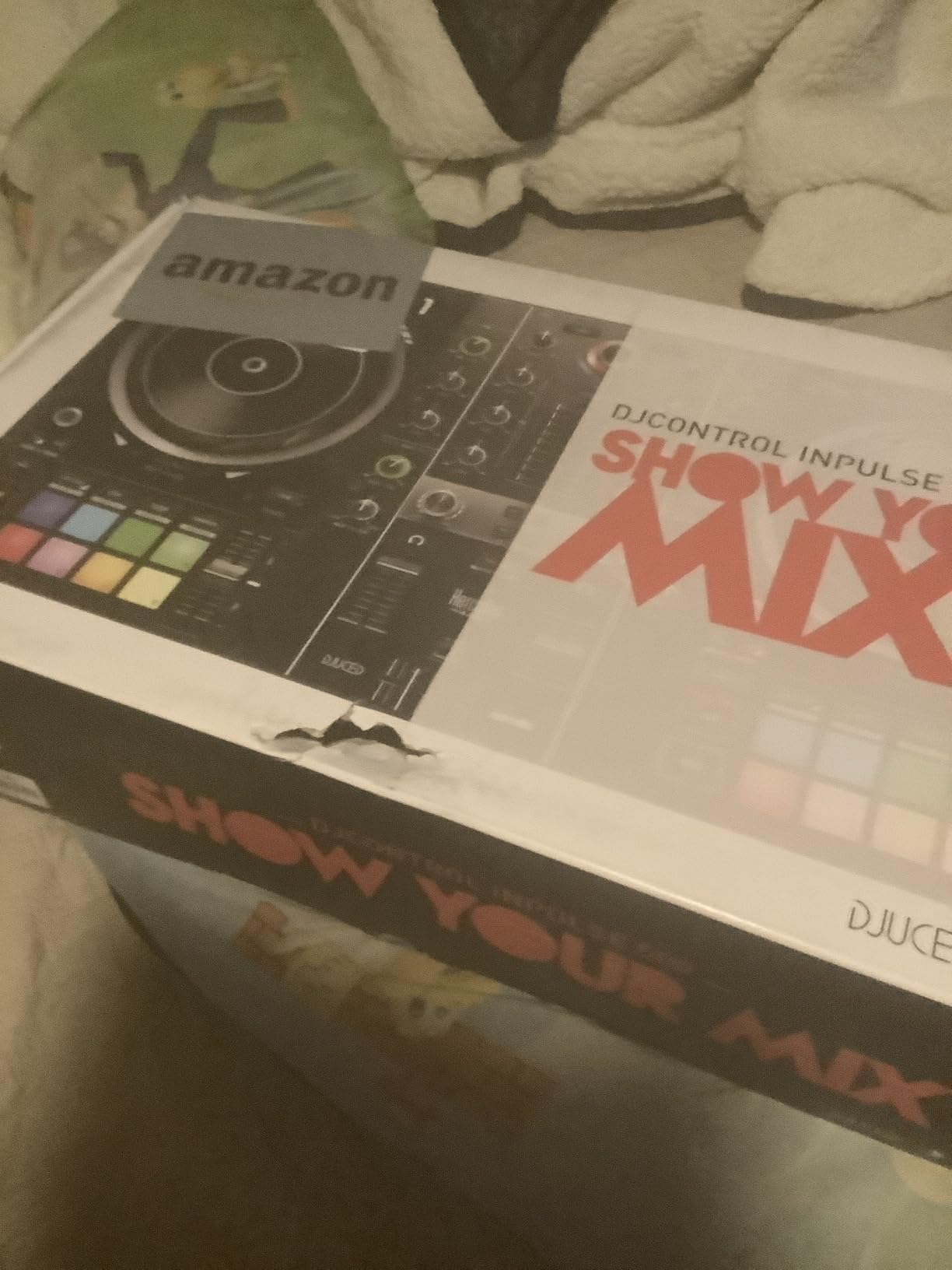
The Hercules DJControl Inpulse 500 is what I recommend when a beginner asks me for a controller that can grow into small-venue gigs. The build quality is the first thing you notice — a sturdy metal faceplate gives it a premium feel that you usually only find on units costing twice as much. The balanced XLR outputs are a real differentiator at this tier, and they’re why this unit lands gigs at small bars and community events.
The included software bundle is unusually generous. You get both Serato DJ Lite and Hercules’ own DJUCED, and both work seamlessly with the hardware. The Beatmatch Guide uses light-up arrows on the tempo faders to show you which direction to nudge — a clever way to teach ear training without lecturing. The 16 RGB pads respond well to finger drumming, and the hardware input mixer means you can plug in a turntable or external device.
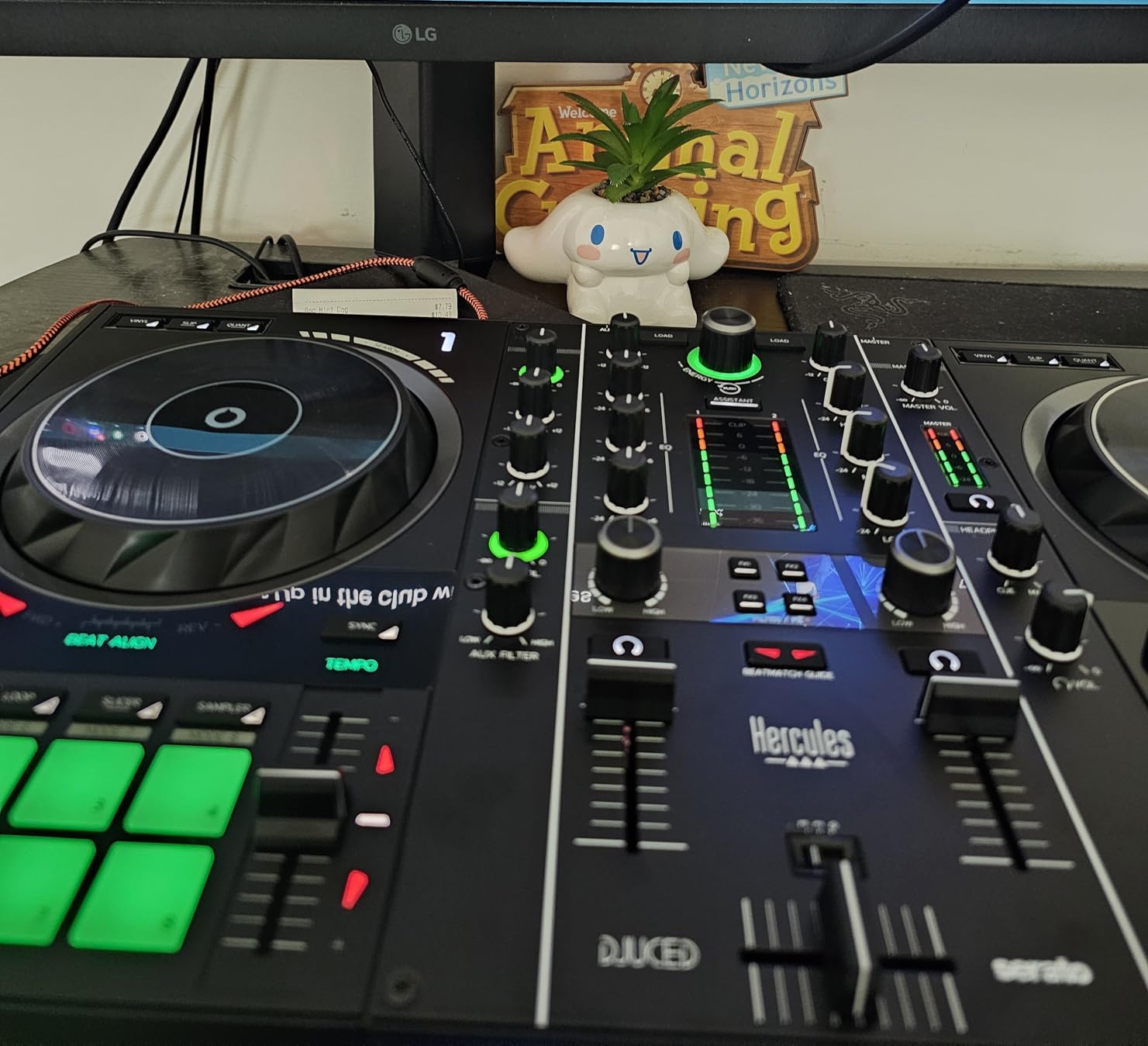
I tested the Inpulse 500 at a house party with a passive speaker setup and was impressed by how clean the XLR output stayed at higher volumes. Many controllers in this price range use RCA outputs, and you can hear the difference when you push them through a real PA. The retractable feet under the front edge aren’t just a gimmick either — they raise the back of the unit so spilled drinks won’t kill the mixer section.
The trade-offs are familiar to this price tier. It’s a 2-deck controller with no standalone mode — you’ll always need a laptop. The tempo faders can feel slightly looser than the Pioneer equivalents, though they hold up fine for normal mixing. If you’re planning to play a lot of 4-deck music, you’ll eventually want to step up to a 4-channel unit, but as a first real controller, this is a strong step.
Who the Inpulse 500 is best for
Beginners who want professional-grade XLR outputs from day one, intermediate DJs building a mobile rig, and anyone who values build quality and the dual-software bundle. The included DJUCED is especially beginner-friendly with its built-in video tutorials.
Who should skip it
DJs who want laptop-free standalone mixing (look at the Numark Mixstream Pro Go) and anyone needing 4-deck control out of the box.
5. Hercules DJControl Inpulse 200 — Best Budget Beginner Pick
Hercules DJControl Inpulse 200 – DJ controller with USB, ideal for beginners learning to mix – 2 tracks with 8 pads and sound card – Software and tutorials included
2-channel beginner controller
8 performance pads per deck
Beatmatch Guide LEDs
DJUCED software with tutorials
Pros
- Excellent value for absolute beginners
- Beatmatch Guide LEDs help learn beatmatching visually
- includes DJUCED software with tutorials
- compact and lightweight easy to transport
- works with Virtual DJ after remapping
- great learning tool for music theory fundamentals
Cons
- Buttons feel stiff and somewhat cheap
- drains laptop battery quickly when not plugged in
- jog wheels are overly sensitive causing accidental skips
- crossfader feels cheap and is not very effective
- DJUCED has occasional translation and update issues
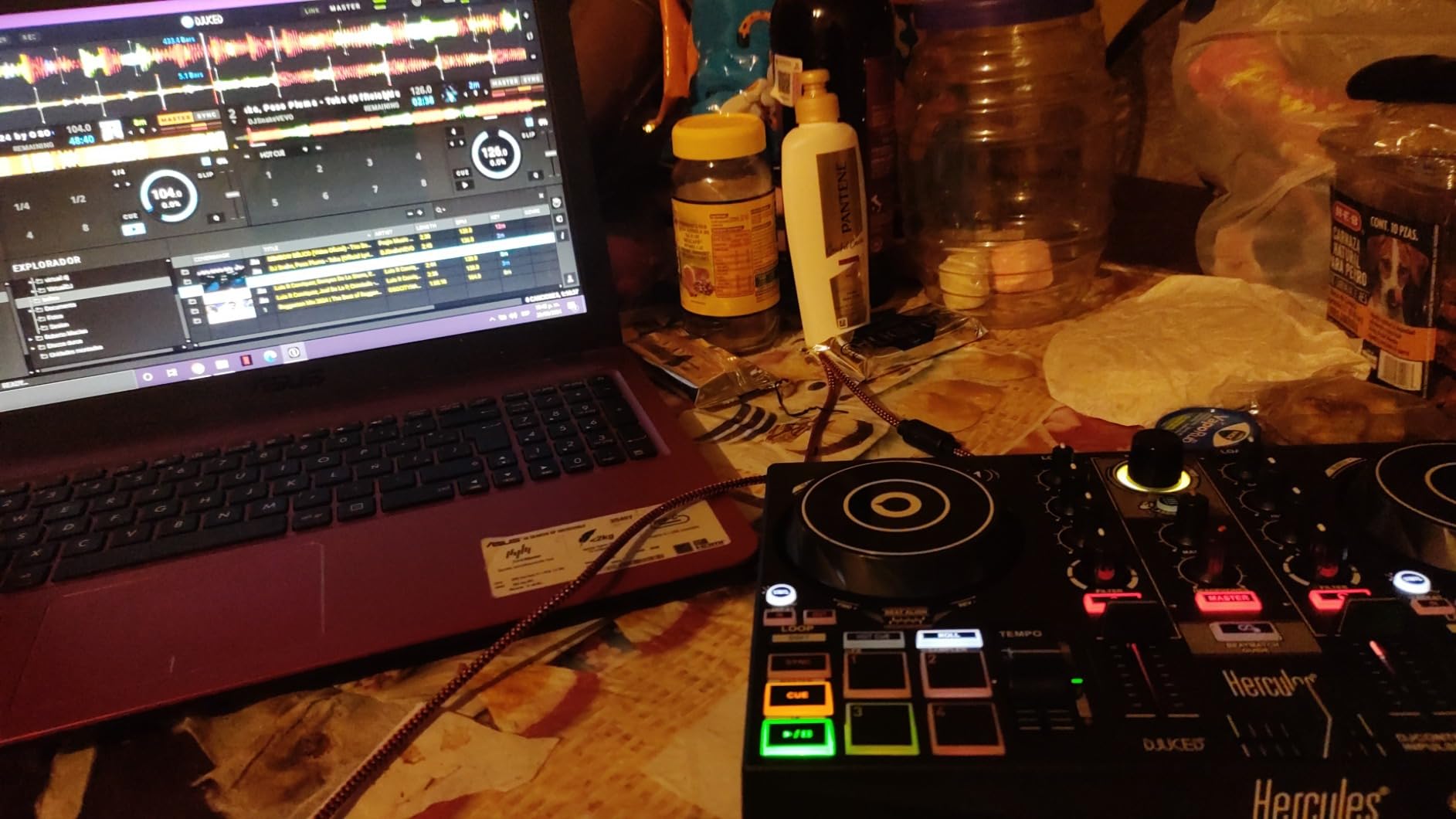
The Hercules DJControl Inpulse 200 is the controller I’d buy a teenager for their birthday. I gave it to my cousin last Christmas and watched him go from “what is a cue point” to a 20-minute bedroom mix in about three weekends. The price is the headline — at this tier, you’re getting a real controller with real DJ software, not a toy.
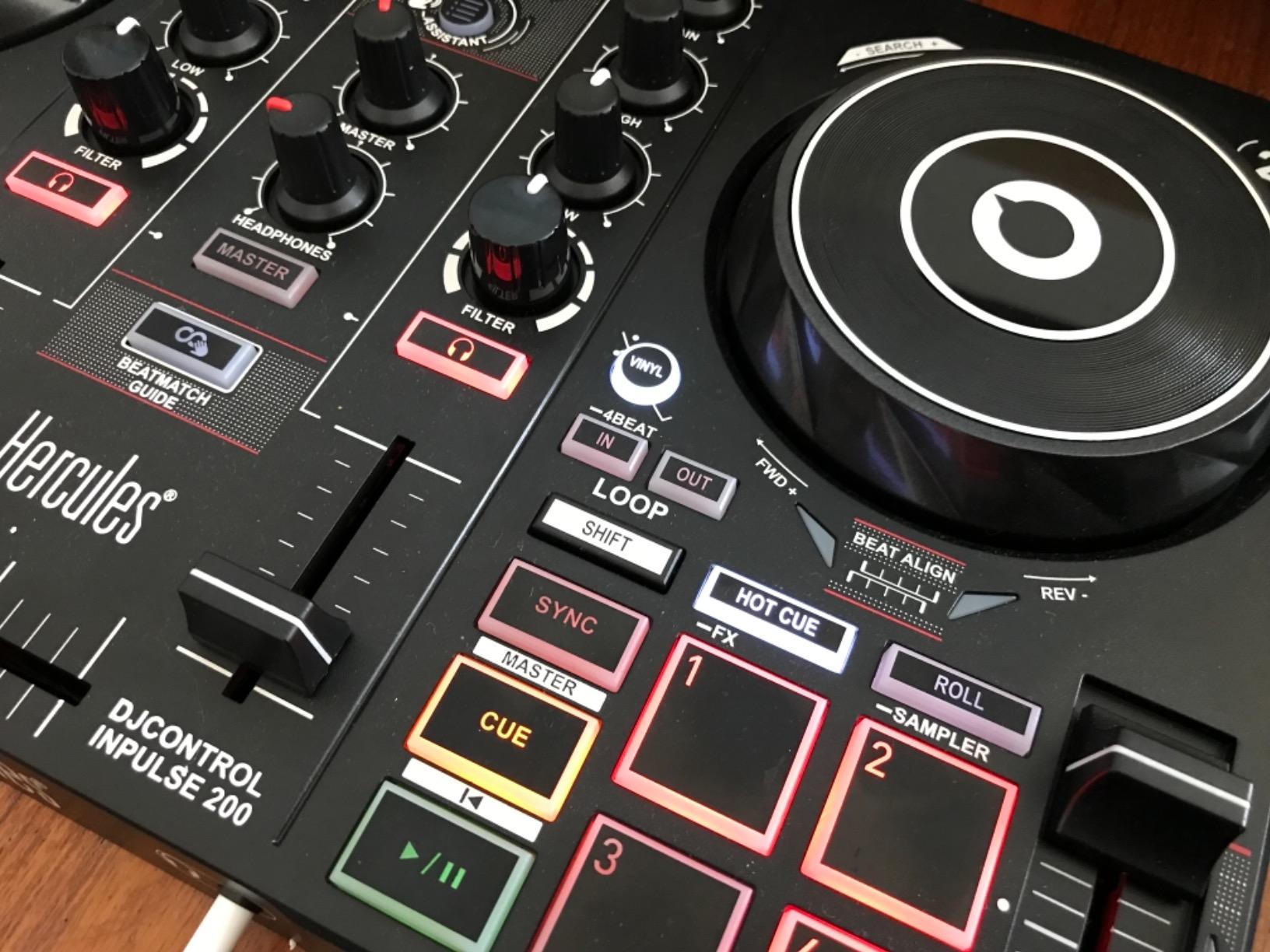
The standout feature is the Beatmatch Guide. Tempo and Beat Align LEDs light up on the controller itself, showing you which way to nudge the faders. For someone who has never mixed before, that visual feedback shortens the frustrating “I can’t tell if I’m beatmatching” phase from months to weeks. The Intelligent Music Assistant (IMA) suggests the next track based on tempo and key, a feature I didn’t expect to find at this price.
Build quality is the obvious compromise. The plastic body and stiff buttons feel closer to a child’s toy than a piece of professional gear. The jog wheels are overly sensitive and you will accidentally skip tracks until you learn to lay your hand flat. The crossfader is the weakest part of the unit — it works for basic cuts but doesn’t have the smooth feel of a Magvel or MAG FOUR fader.
Battery drain is the other gotcha — running the controller and the LEDs through a laptop can eat 30% of your battery in an hour. Plan to plug in for longer sessions. None of this changes the underlying value proposition: for the cost, you get a complete learning package that won’t leave you wishing you’d spent more when you’re still figuring out EQ.
Who the Inpulse 200 is best for
Absolute beginners, parents buying a first controller for a young learner, anyone on a tight budget who wants the full DJ software experience, and people who want a low-risk way to find out if DJing is “for them” before investing more.
Who should skip it
Anyone who already knows they love DJing and wants gear that will hold up for years, and DJs who care about the feel of the jog wheels and crossfader for scratching or expressive mixing.
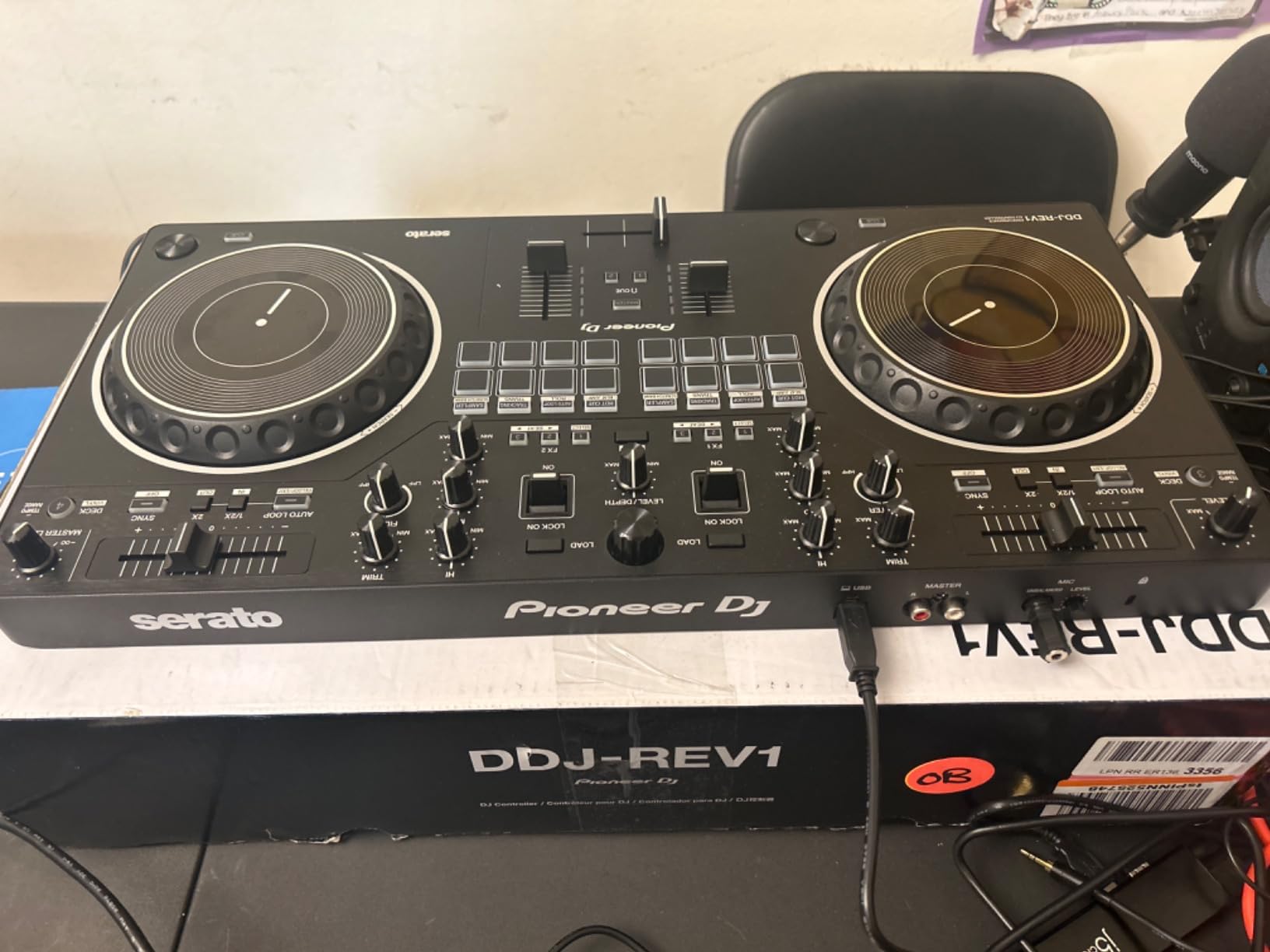
6. Pioneer DJ DDJ-REV1 — Best for Scratch and Hip-Hop (Battle Style)
Pioneer DJ DDJ-REV1 2-deck Serato DJ Controller, Black
Battle-style layout
6.5-inch jog wheels
Paddle FX levers
Tall pitch faders
Serato DJ Lite included
Pros
- Battle-style layout mirrors classic turntable setup
- larger 6.5-inch jog wheels than the FLX4
- paddle FX levers for easy effect control
- great for hip-hop
- scratch
- and open-format DJs
- unlocks Serato DJ Lite for free
- intermediate and advanced tools built in
- excellent travel controller
Cons
- Serato DJ Pro requires a separate purchase
- scratching is limited by smaller jog wheels compared to real turntables
- occasional reports of missing USB cable in box
- latency can be noticeable for precision scratching
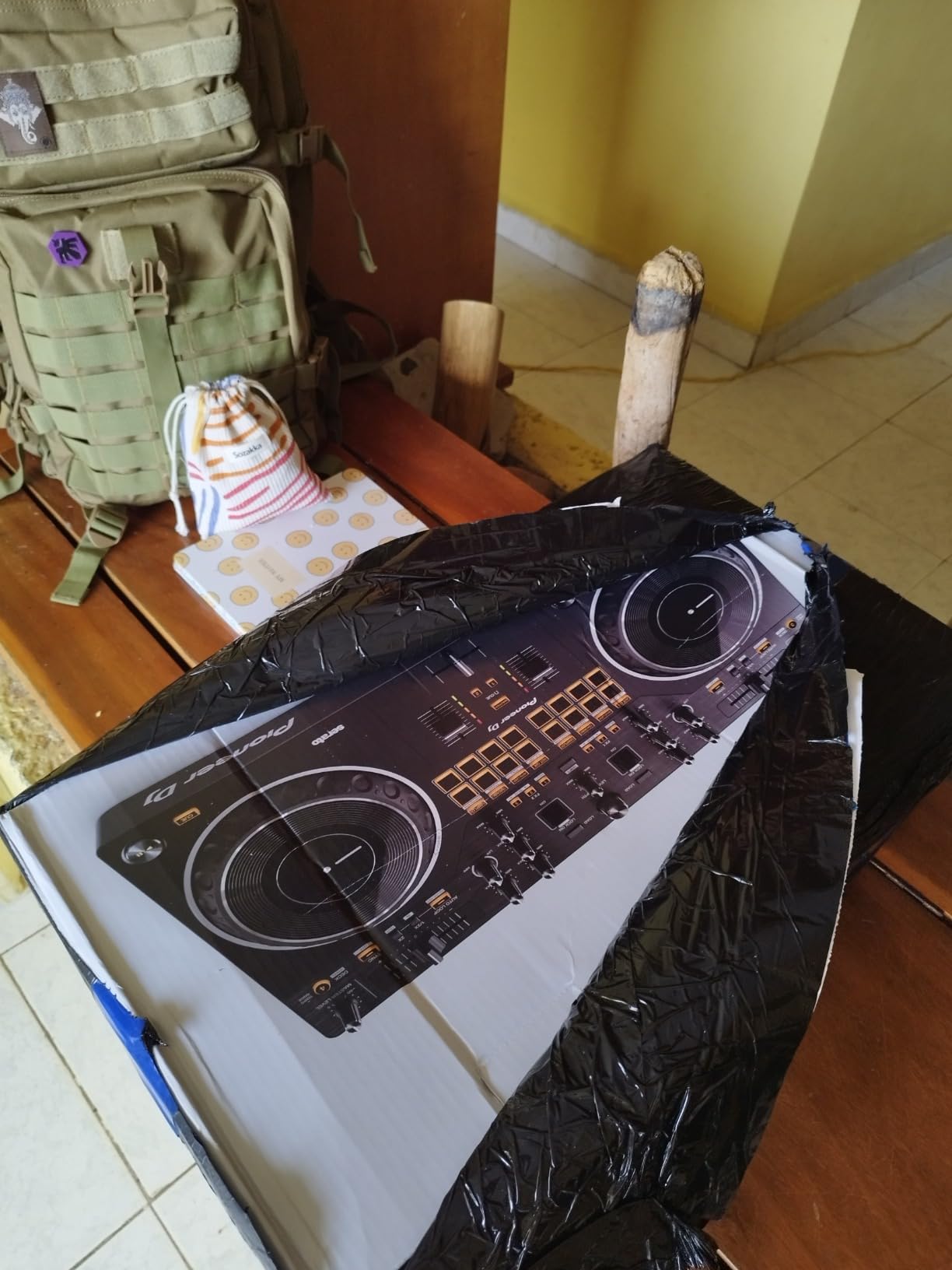
The Pioneer DJ DDJ-REV1 is the controller I reach for when I want to scratch. I grew up watching DMC battles on YouTube, so when I plugged in the REV1 and started practicing crab scratches, the layout felt instantly familiar — it mirrors a classic two-turntable-and-mixer setup with the tempo fader running horizontally at the top. That’s the opposite of how Pioneer lays out their club-standard controllers, and it’s exactly what scratch DJs want.
The 6.5-inch jog wheels are noticeably larger than the FLX4’s wheels, and the response is tighter. The Tracking Scratch feature lets you trigger a pre-mapped scratch routine with one motion, which is brilliant for beginners learning their first chirps and flares. The paddle FX levers on the front edge let you hold and release effects with the same hand that controls the crossfader — a small detail that completely changes how expressive your transitions feel.
Pitch faders are tall, smooth, and accurate, which is the soul of any good scratch setup. The build feels solid at 5 pounds, and the unit is genuinely portable. Serato DJ Lite comes unlocked for free, and you can upgrade to Serato DJ Pro when you’re ready. For hip-hop, scratch, and open-format DJs at the intermediate level, this is a fantastic unit that won’t break the bank.
The biggest limitation is the unlock path. Serato DJ Lite is genuinely limited, and you’ll want Serato DJ Pro to use Stems, full FX, and DVS — that’s a separate purchase. The jog wheels, while larger than the FLX4, are still smaller than a real 12-inch turntable, so very advanced scratch techniques will eventually need real DVS gear. A few reviewers noted the box arrived without a USB cable — annoying, but easily solved.
Who the DDJ-REV1 is best for
Hip-hop and open-format DJs, intermediate scratchers who want battle-style ergonomics, and anyone learning turntablism on a budget. It also makes a great second controller for a DJ who already owns a club-standard unit and wants a portable scratch setup.
Who should skip it
House and techno DJs who want a club-standard layout that mirrors CDJs. If you’re focused on dance music mixing rather than scratching, the DDJ-FLX4 is the smarter pick.
7. Roland DJ-202 — Best DJ Controller with Built-in Drum Machine
Roland DJ-202 Compact DJ Controller
Built-in Roland TR-808 and TR-909 drum kits
16-step sequencer
24-bit/48 kHz audio
Free Serato DJ Pro upgrade
Pros
- Built-in drum machine with legendary Roland TR sounds (606
- 707
- 808
- 909)
- free Serato DJ Pro upgrade included via Roland registration
- built-in sequencer for live beat creation
- jog wheels have good weight and drag feel
- MIDI output for syncing external instruments
- compact
- rugged
- lightweight design with easy-grab handles
- excellent value with Serato Pro included
Cons
- Crossfader feels cheap and clacky
- sequencer requires menu diving
- Serato DJ Pro registration process is not clearly documented
- no XLR outputs (RCA only)
- small jog wheels compared to turntables
The Roland DJ-202 is the only controller in this roundup with a built-in drum machine, and that’s why it earned a spot. I tested it as a hybrid DJ/production tool — playing house tracks, dropping my own TR-808 kick patterns over the top, and sequencing a beat in real time during a transition. For a producer who wants to bring live elements into a DJ set, this thing is unique.
The drum kits are the headline. Roland’s Analog Circuit Behavior (ACB) technology recreates the TR-606, TR-707, TR-808, and TR-909 sounds with surprising fidelity. For hip-hop, trap, house, and techno producers, those sounds are foundational. The 16-step sequencer lets you program beats on the fly without opening a laptop. If you’ve ever wanted to lay a kick pattern over someone else’s track, this is the controller that makes it possible.
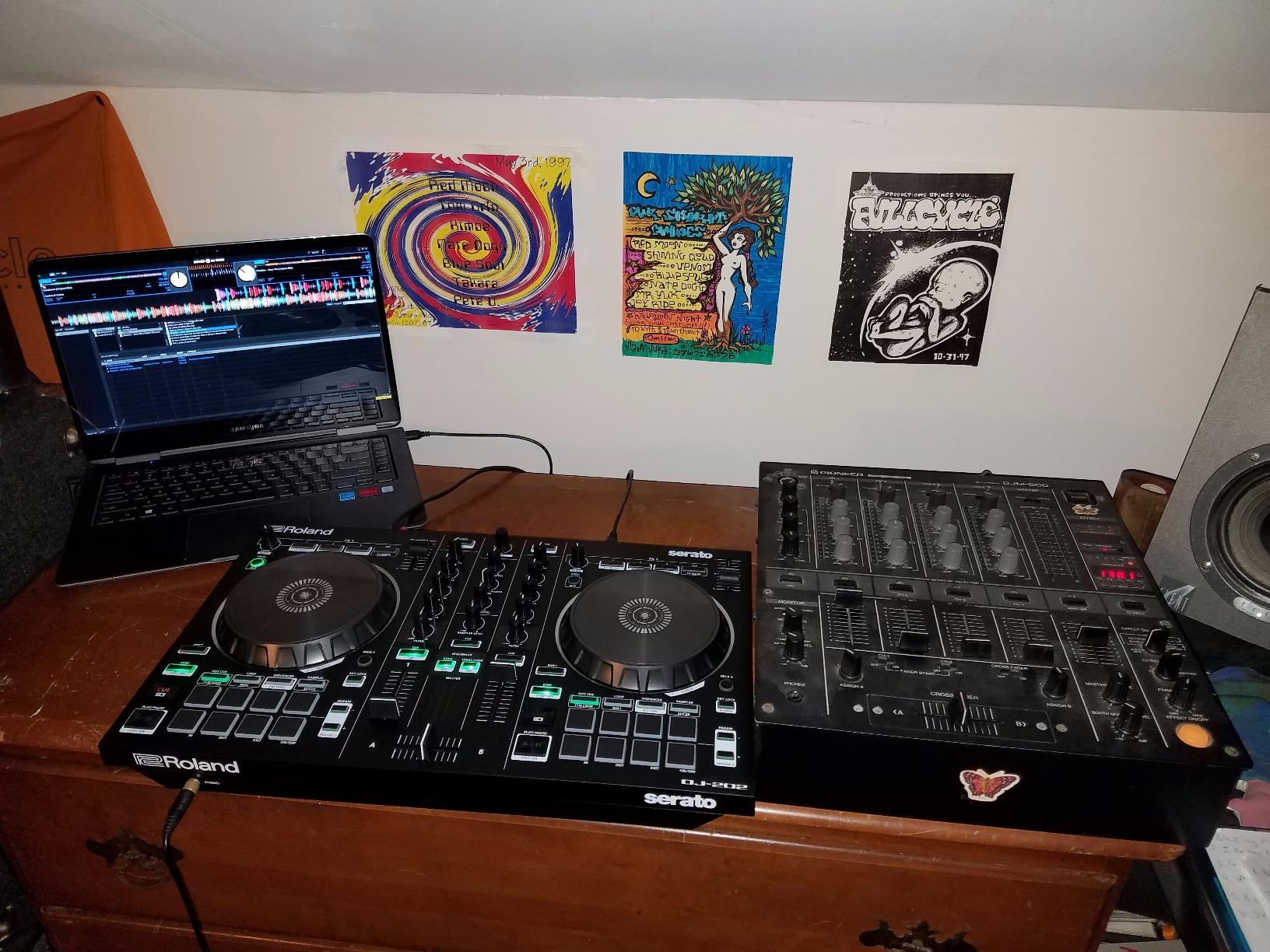
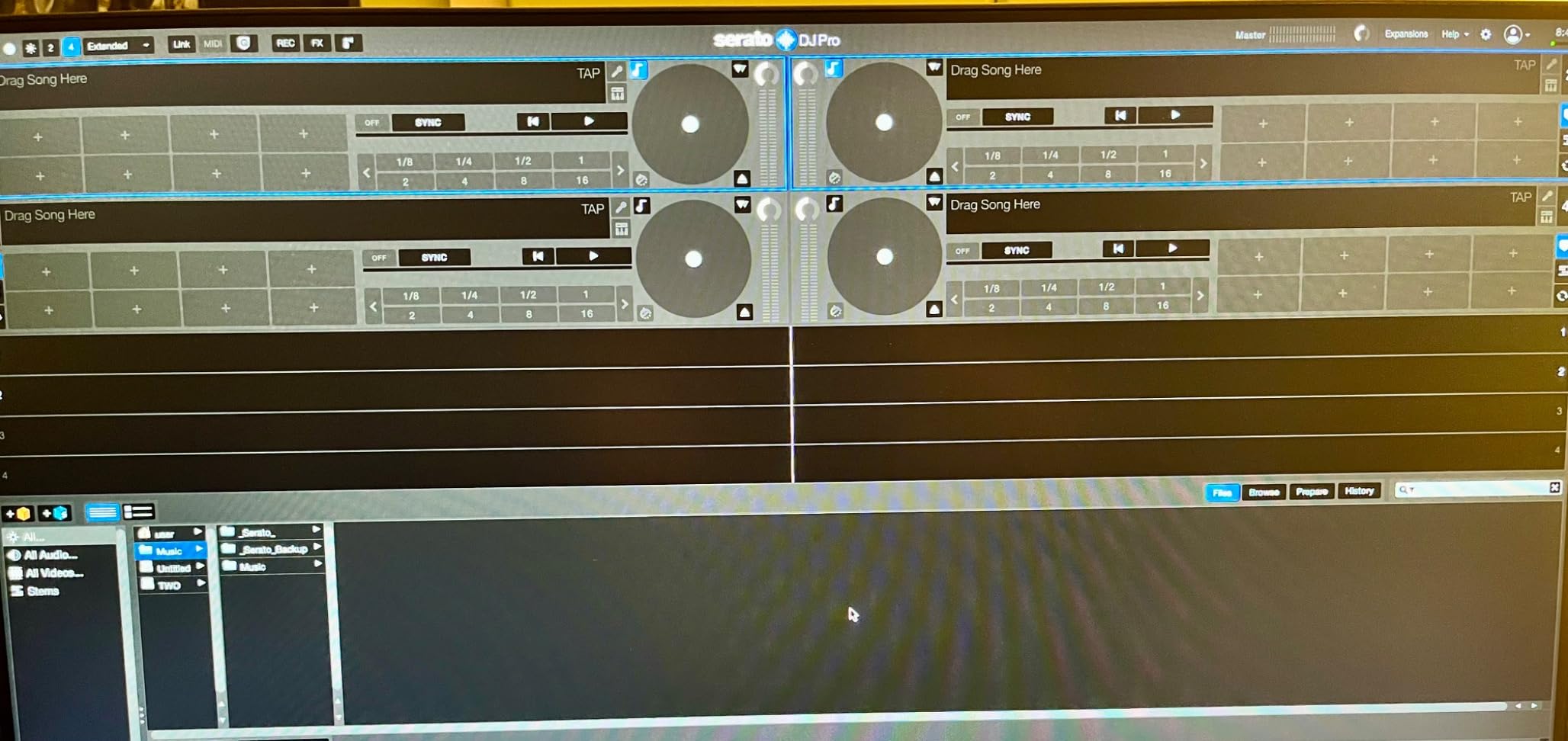
The free Serato DJ Pro upgrade via Roland registration is genuinely valuable. Most controllers in this price tier only include Serato DJ Lite, which gates FX, recording, and stems behind the Pro upgrade. The Roland package gets you the full version. MIDI output also lets you sync the drum sounds with external gear like the Roland TB-03 or any class-compliant synth.
The downsides are honest. The crossfader feels cheap and clacky compared to a Magvel or MAG FOUR — fine for basic cuts, frustrating for performance scratching. The sequencer requires menu diving that takes some practice. And the registration process for the free Serato Pro upgrade is poorly documented, which frustrates users. None of these ruin the unit, but they’re worth knowing.
Who the Roland DJ-202 is best for
Producers who want live drum and sequencing capabilities in a DJ controller, hip-hop and trap DJs who love the TR sounds, and anyone who wants the full Serato DJ Pro experience without paying extra. It also works as a hybrid MIDI controller for a small home studio.
Who should skip it
DJs who don’t care about drum machines or production, anyone needing XLR outputs for venue sound systems, and scratch DJs who need a smoother crossfader and tighter jog wheels.
8. AlphaTheta DDJ-FLX2 — Best Value Compact Streaming Controller
AlphaTheta Pioneer DJ DDJ-FLX2 2-Channel DJ Controller, Smart Fader, USB-C
Compact 2-channel
USB-C bus power
Smart Fader
Streaming from Apple Music and TIDAL
Works with rekordbox and djay
Pros
- Ultra-compact and lightweight easy to carry anywhere
- Smart Fader simplifies cross-genre mixing for beginners
- works with multiple streaming services including Apple Music
- Spotify and TIDAL
- USB-C bus power no separate power supply needed
- compatible with rekordbox and djay apps
- jog wheels are tight and precise with no drifting
- excellent for couch and lap DJing practice
Cons
- Mostly plastic construction
- basic features may not satisfy advanced users
- Bluetooth only handles device connection not audio streaming to speakers
- no professional-grade output options
The AlphaTheta DDJ-FLX2 is the most surprising controller I tested this year. AlphaTheta is Pioneer DJ’s parent company, and the FLX2 is essentially a smaller, more affordable sibling to the FLX4 — same software, same Smart Fader philosophy, smaller footprint. I took it on a long train ride and practiced on my lap with my phone powering it through USB-C. It worked without complaint, and the jog wheels feel tighter than I expected from a unit this small.
For absolute beginners who want to start mixing the music they already pay for, the FLX2 is the best value pick. It streams from Apple Music, Spotify, and TIDAL directly through rekordbox and djay apps. The Smart Fader auto-matches volume, BPM, and bass when you slide it across, which means a complete beginner can sound good within minutes. The headphone cueing works properly, and the 3.5mm output handles a small pair of powered speakers without breaking a sweat.
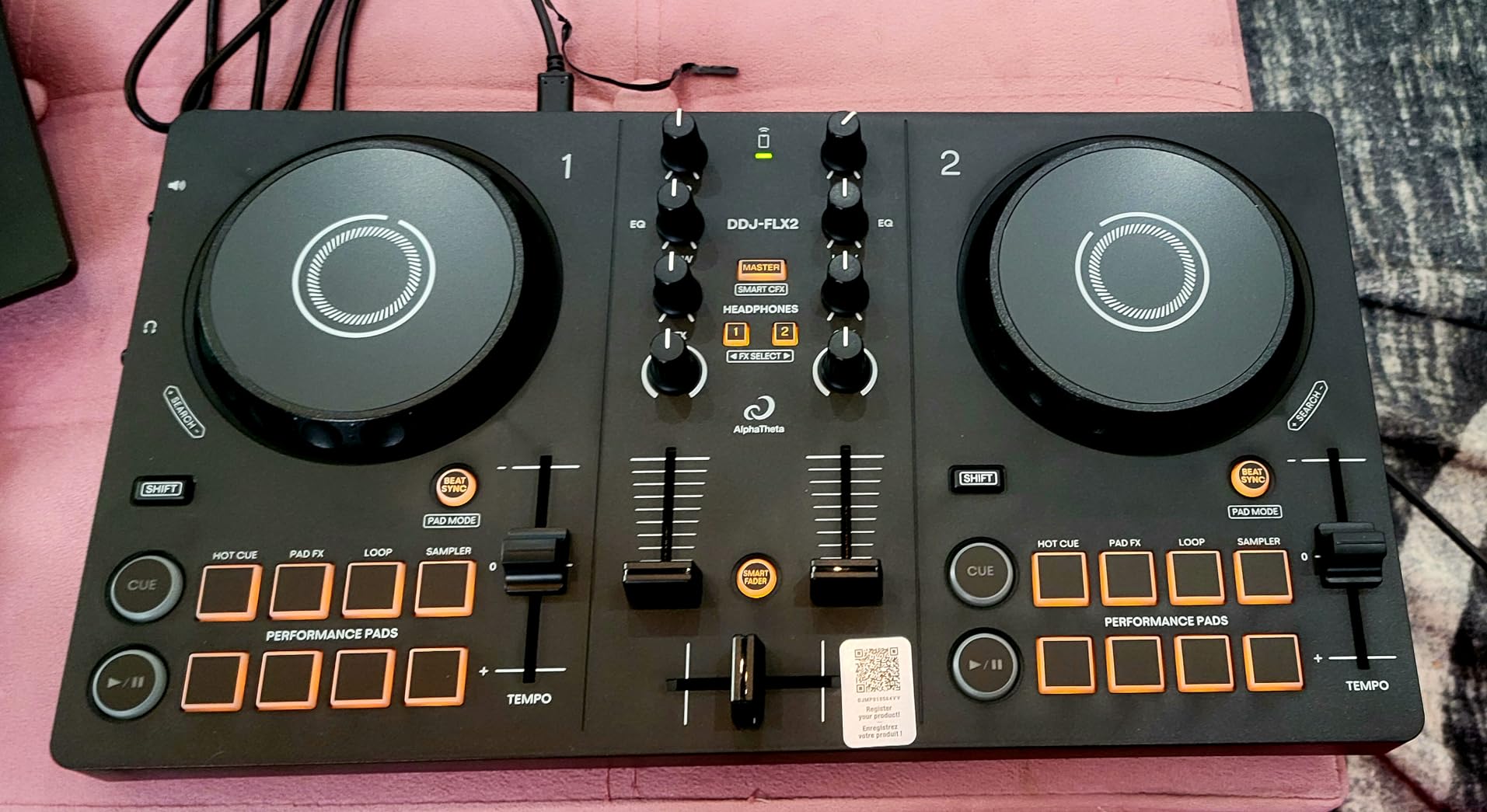
The build is mostly plastic, and you’ll feel that if you’ve used heavier controllers before. The lack of XLR outputs means this isn’t a club gigging tool. And while Bluetooth is convenient for connecting your phone, it doesn’t stream audio over Bluetooth to your speakers — you still need a cable or the 3.5mm jack. None of these are surprises at this price point, but they’re real limitations.
What won me over is the experience of using it. The unit feels surprisingly grown-up for the cost — the jog wheels don’t drift, the buttons respond cleanly, and the Smart Fader genuinely helps. For couch DJing, casual practice, and the “test if I like DJing” phase, this is the right controller. When you’re ready to step up to a full club-standard layout, the FLX4 is the obvious next step.
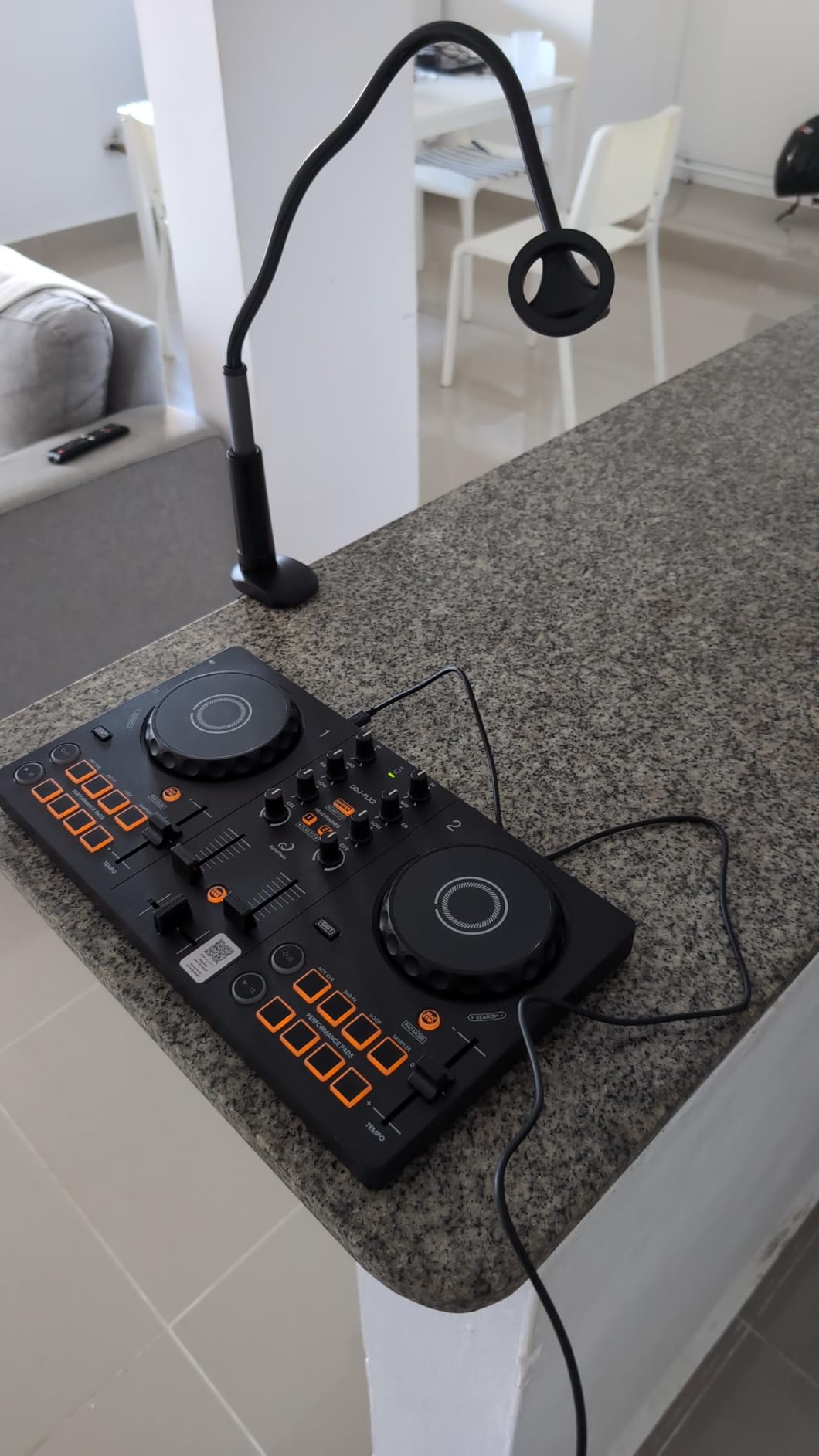
Who the DDJ-FLX2 is best for
Absolute beginners, casual DJs who want to practice on the couch, anyone curious about DJing without committing to flagship hardware, and people who already subscribe to Apple Music or TIDAL and want to mix those tracks directly. It’s also a strong second controller for travel.
Who should skip it
Anyone planning to gig regularly, scratch DJs who need battle-style ergonomics, and producers who want MIDI-mappable controls and pro-grade I/O.
9. Numark Mixstream Pro Go — Premium Pick for Standalone and Portable Mixing
Numark Mixstream Pro Go Portable DJ Controller
Battery-powered standalone
7-inch touchscreen
Wi-Fi streaming from 6 services
Engine DJ OS no laptop required
Built-in speakers
Pros
- Battery-powered for true portability (3 to 5 hours at 80 percent volume)
- no laptop required fully standalone with Engine DJ OS
- built-in speakers sound good for personal and small venue use
- Wi-Fi streaming from multiple services including Amazon Music and Beatport
- 7-inch touchscreen for easy track browsing
- XLR outputs for professional sound systems
- lightweight and portable design
- perfect for mixing anywhere
Cons
- Build quality could be improved for the price
- some reliability issues reported (crossfader
- speakers
- buttons)
- built-in speakers not suitable as monitors at live events
- requires separate stems pre-rendering via Engine DJ Desktop
The Numark Mixstream Pro Go is the controller that broke my assumption that I need a laptop to DJ. I took it camping for a weekend, mixed for two hours on the deck using built-in speakers, and never once opened a computer. The battery delivered roughly four hours of mix time at 80% volume. The 7-inch touchscreen made track browsing faster than scrolling on a laptop, and Wi-Fi streaming from Amazon Music, Apple Music, TIDAL, Beatport, Beatsource, and SoundCloud meant I had a million-track library with no prep.
For mobile DJs, this is the most flexible standalone unit I’ve tested at the price. The Engine DJ OS handles all the heavy lifting — playlist management, library sync, stem separation, FX, looping, and even DMX lighting control for connected Philips Hue or Nanoleaf setups. The XLR outputs handle a real PA system, and the balanced connectors keep the signal clean at volume. The included Bluetooth audio in lets you mix in audio from a phone if you need to.
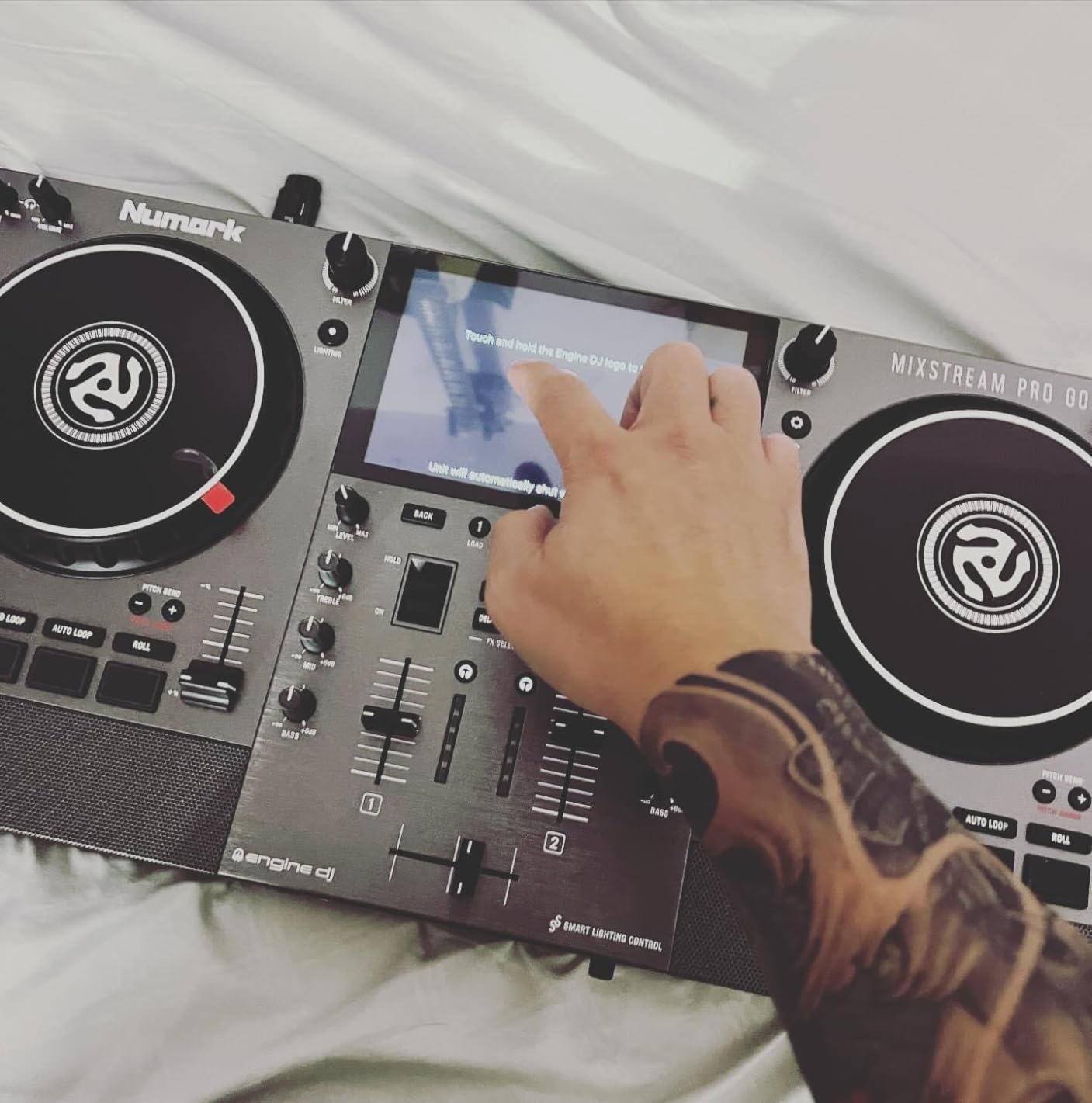
Stem separation is a real feature here. You can isolate vocals, melody, bass, and drums in real time during a mix. The catch is that you need to pre-render stems in Engine DJ Desktop before loading them — that’s a minor workflow bump, but the result is worth it. I dropped a track and isolated the vocal over an instrumental version of another track, no preparation beyond the pre-render.
Some users report reliability issues — crossfader chatter, speaker crackle, and unresponsive buttons after a year or two of heavy use. Build quality is acceptable but not exceptional at this price. The built-in speakers are perfect for personal monitoring and small gatherings, but they won’t replace a proper monitor setup on stage. For mobile and outdoor DJs, this unit is unmatched. For bedroom producers who want pro features at home, a flagship controller still makes more sense.
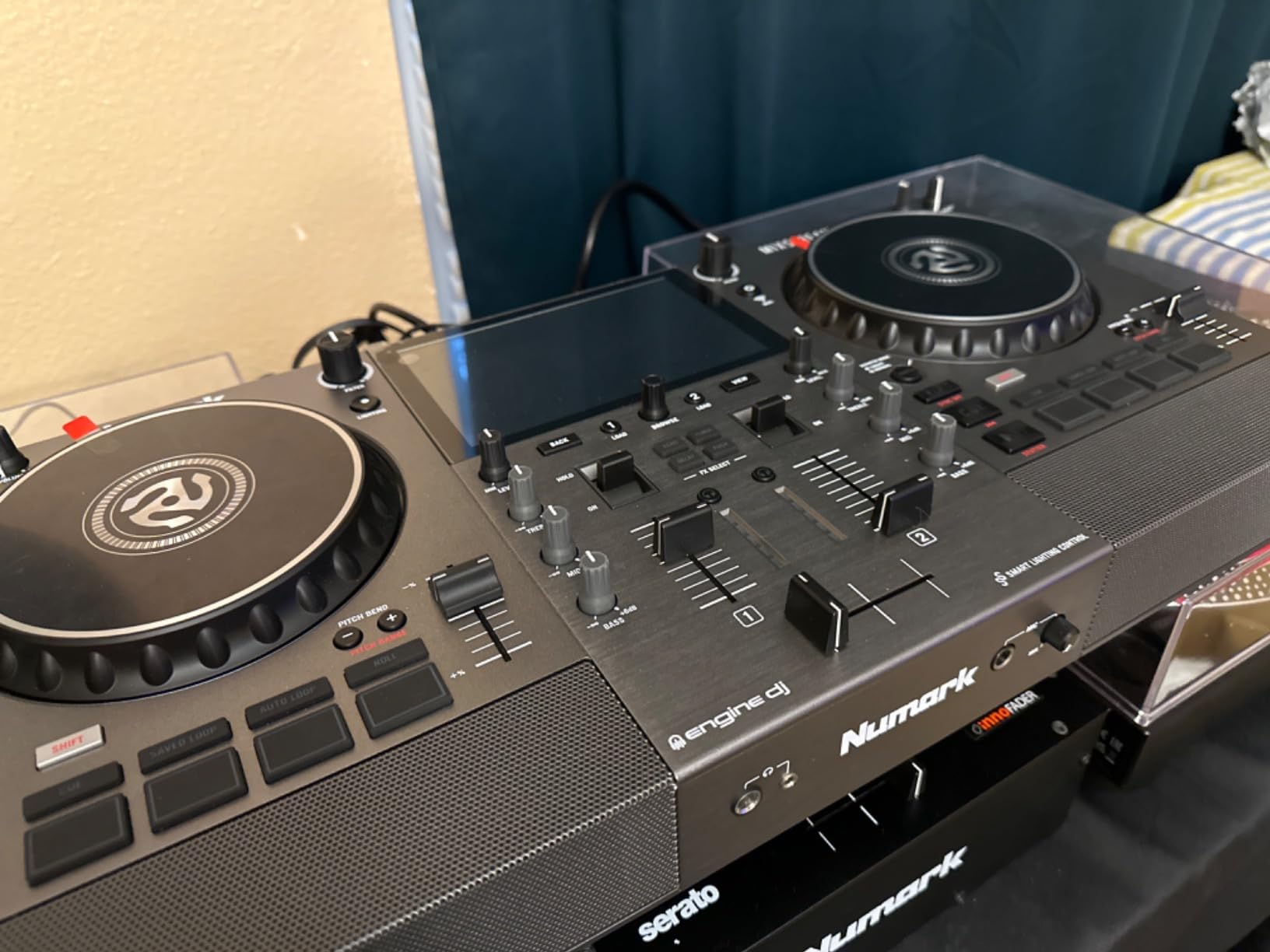
Who the Mixstream Pro Go is best for
Mobile DJs, outdoor event DJs, anyone who hates being tethered to a laptop, content creators who want a self-contained rig, and bedroom DJs who want the convenience of Wi-Fi streaming without a computer.
Who should skip it
Hardcore scratch DJs who need motorized platters, anyone who prefers the workflow of traditional DJ software, and buyers on a tighter budget who don’t need the standalone features.
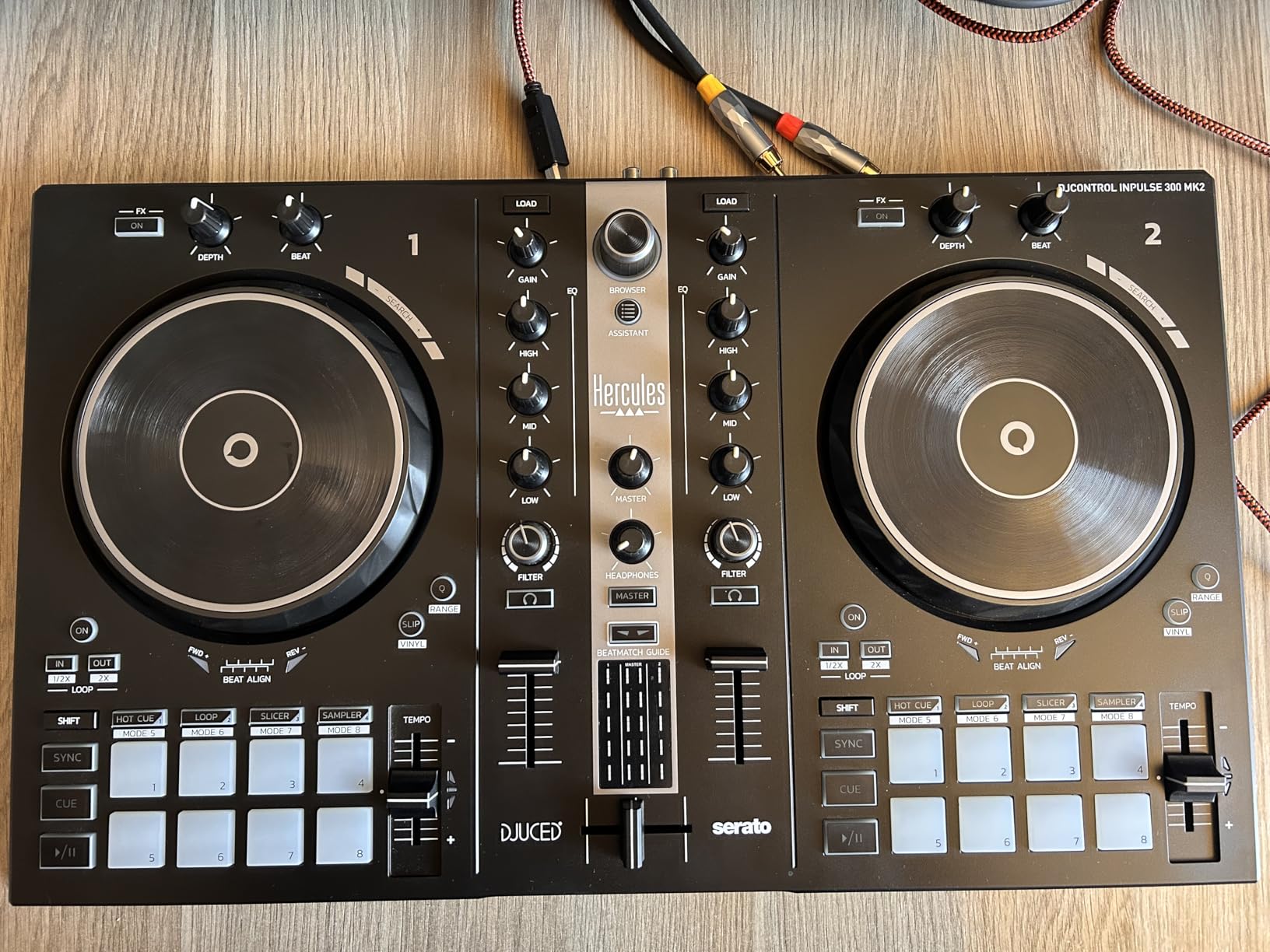
10. Hercules DJControl Inpulse 300 MK2 — Top Rated Mid-Range with Stems
Hercules DJControl Inpulse 300 MK2-2 Deck DJ Controller Serato & DJUCED
2-deck with stems control
16 performance pads
Beatmatch Guide LEDs
Serato DJ Lite and DJUCED
Pre-mapped Stems
Pros
- Excellent value with free DJ software and DJ Academy
- Beatmatch Guide LEDs help train ear and hands simultaneously
- 8 hot cues per deck (16 total) for flexible mixing
- good jog wheel size with decent weight for scratching
- Stems control for separating vocals
- melody
- bass and drums
- quality knobs and EQ with satisfying stop points
- crossfaders and tempo faders feel durable after extended use
- works with Serato DJ Pro for future upgrades
Cons
- Filter intensity could be more dramatic
- limited outputs on the back panel
- loop saving on hot cues can be tricky to learn
- not the most portable controller
The Hercules DJControl Inpulse 300 MK2 is the sleeper hit of this lineup. I went in expecting a generic 2-deck unit and found a controller with pre-mapped stems control, 16 hot cues across two decks, and a build quality that punches above its price. For mid-range DJs who want to grow into Serato DJ Pro without immediately upgrading their hardware, this is one of the smartest choices.
The stems control is the headline feature. The pads are pre-mapped to mute vocals, melody, bass, or drums in real time, which means you can do live mashups and acapellas without pre-rendering anything. I tested it by isolating the vocal from a hip-hop track and mixing it over an instrumental — the response was instant, and the audio quality held up. Serato DJ Lite supports this natively, and when you upgrade to Serato DJ Pro, the same mapping continues to work.
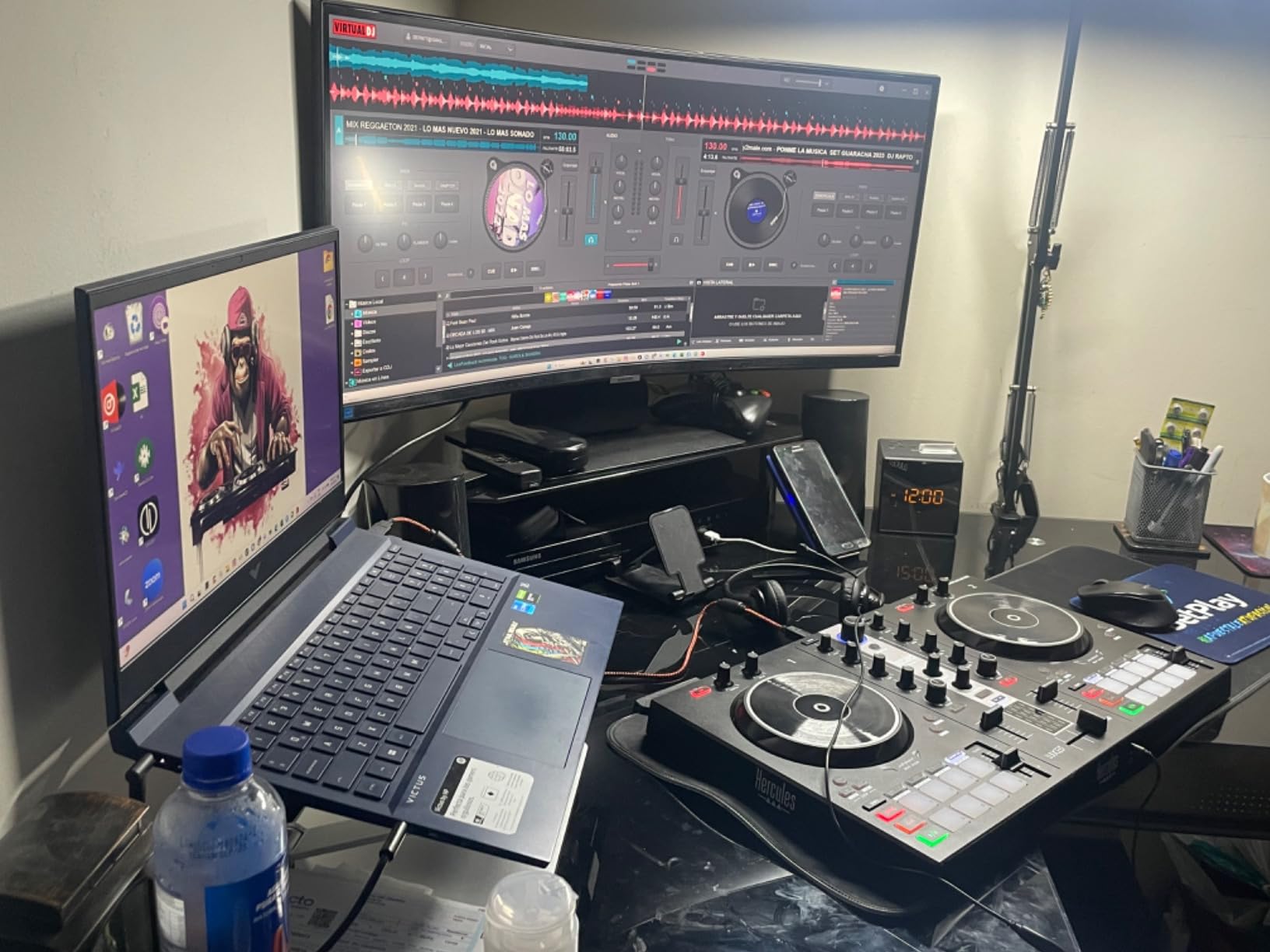
The Beatmatch Guide returns, and this time it’s combined with 8 hot cues per deck (16 total), which is genuinely generous at this tier. The jog wheels have decent weight and response, which surprised me — I’ve tested other sub-300 controllers where the wheels feel like loose plastic discs. The crossfader and tempo faders feel durable after extended use, which matters when you’re planning to mix for hours at a time.
The trade-offs are honest. The filter intensity is more subtle than I’d like — it doesn’t have the dramatic “filter sweep” feel of higher-end controllers. The back panel has limited outputs, so connecting to a larger PA system requires adapters or a separate audio interface. And loop saving on hot cues has a learning curve that’s not well documented. None of these ruin the value, but they keep this from being a perfect controller.
Who the Inpulse 300 MK2 is best for
Intermediate DJs who want stems control without a flagship budget, bedroom producers exploring live mashups, anyone who values hot cue flexibility, and DJs building a path toward Serato DJ Pro. It also works well as a teaching tool thanks to the included DJ Academy.
Who should skip it
DJs who need multiple output options for a professional sound system, mobile DJs who need a more portable unit, and producers who want deeper MIDI mapping than the pre-mapped stems controls.
How to Choose the Best DJ Controller for You
Picking from this lineup of best DJ controllers really comes down to three decisions: skill level, software commitment, and where you’ll be playing. Get those three right and the right controller becomes obvious.
Match the Controller to Your Skill Level
Beginners should start with a controller that has built-in learning features — beatmatch guides, Smart Fader, and visual cues on the hardware itself. The DDJ-FLX4 and Inpulse 300 MK2 both shine here because they let you sound good before you fully understand the theory. If your transitions still sound off even after beatmatching, our guide on why DJ transitions sound off despite beatmatching covers the phrasing and EQ habits that make the real difference. Intermediate DJs can step up to units with more creative features like stems control, more pads, and dual-software bundles. Professional and touring DJs should prioritize build quality, XLR outputs, club-standard layouts, and controllers that match the gear you’ll find in venues.
Pick Your Software First
Software matters more than most buyers expect. Each platform has its own ecosystem, file formats, and expansion packs. Serato DJ Pro is the most popular choice among scratch and hip-hop DJs and works best with Pioneer, Rane, and Roland gear. rekordbox is the standard for house, techno, and club DJs because it integrates directly with Pioneer’s CDJs and XDJ hardware. Algoriddim djay Pro is the strongest choice for iPad and iPhone-first workflows. Traktor Pro 4 has a loyal following among experimental and techno DJs. VirtualDJ is the most flexible platform and works with almost anything.
Match the Controller to Your Playing Environment
Bedroom DJs can prioritize software features, streaming support, and a small footprint. Club DJs need XLR outputs, club-standard layouts, and durable chassis. Mobile and wedding DJs should look for battery-powered standalone units like the Mixstream Pro Go. Scratch DJs need battle-style layouts, paddle FX, and tight jog wheel response. Streaming and content creators need clean audio output, USB-C, and good headphone cueing.
Budget Tiers Explained
Budget tier (under 200) — The Inpulse 200 and Starlight are great entry points. You’ll learn on real DJ software with real controllers, but you’ll likely outgrow them within a year.
Mid-range tier (200 to 500) — This is the smart place to start. The DDJ-FLX4, Inpulse 500, Inpulse 300 MK2, REV1, and DJ-202 all live here. You get most of the features you’ll need without paying for flagship hardware you won’t fully use yet.
Premium tier (500 and up) — The Mixstream Pro Go and flagship controllers from Pioneer and Rane. Best for mobile DJs, professional users, and anyone who wants laptop-free standalone operation.
DJ Software Compatibility: Which Controller Works with What
The DJ software ecosystem is more fragmented than most buyers realize. Each controller has its own compatibility profile, and “DJ software included” can mean anything from a limited Lite version to a full Pro upgrade.
Serato DJ Pro is the most popular platform for scratch and hip-hop DJs. The Pioneer DDJ-REV1, Roland DJ-202, and Hercules Inpulse series all work with Serato out of the box. The Roland DJ-202 is unusual because it includes a free Serato DJ Pro upgrade with registration — most other controllers only include Serato DJ Lite, which gates key features like recording, full FX, and DVS.
rekordbox is the standard for club DJs because it integrates directly with Pioneer’s CDJ and XDJ players. The DDJ-FLX4, FLX2, and most newer Pioneer/AlphaTheta controllers work with rekordbox out of the box. Our guide on setting up your DJ controller with Serato or rekordbox walks through the install order and driver tips that most reviews skip.
Algoriddim djay Pro AI is the strongest choice for iPad and iPhone workflows. The Reloop Mixon 8 Pro and AlphaTheta DDJ-FLX2 are both designed with mobile workflows in mind, and djay Pro supports Neural Mix stem separation natively.
Traktor Pro 4 has a smaller user base than Serato or rekordbox, but it’s the platform of choice for techno and experimental DJs. Native Instruments’ hardware lineup (Traktor S3, S4 MK3) is engineered around it, though many controllers on this list also work with Traktor after MIDI mapping.
VirtualDJ is the most flexible platform and works with virtually every controller on this list. It’s especially popular with mobile DJs because of its broad hardware support and built-in video mixing features.
Standalone vs Controller DJ Systems
One of the biggest shifts in DJing over the last five years is the rise of standalone systems. A standalone DJ controller doesn’t need a laptop — it runs its own operating system, manages its own music library, and outputs audio directly. The Numark Mixstream Pro Go is the best example in this lineup, and it represents a fundamentally different workflow than traditional laptop-based controllers.
Standalone systems are best for mobile DJs, outdoor events, beach weddings, and anyone who hates being tethered to a computer. They boot in seconds, handle all the heavy lifting on the device, and let you focus entirely on the music. The trade-off is that you’re locked into the included OS (in Numark’s case, Engine DJ), and deep customization options are more limited than what you get with a full DJ software package.
Traditional controllers (everything else on this list) require a laptop, phone, or tablet to run. They use the processing power of your computer to handle audio, FX, and library management. The trade-off is more setup time and a more fragile signal chain, but you get access to the full power of your chosen DJ software, including stems, recording, video mixing, and live streaming integration.
For most beginners and intermediate DJs, a traditional controller is the right call. You get the most flexibility, the broadest software support, and the lowest upfront cost. Standalone systems earn their premium when you actually need to leave it behind — for gigs where carrying a laptop is impractical.
DJ Controller Use-Case Scenarios
The best DJ controller for a wedding DJ is not the best DJ controller for a bedroom producer. Below are the specific use-case recommendations from our testing.
Bedroom DJs: Start with the DDJ-FLX4 or AlphaTheta DDJ-FLX2. Both are compact, work with rekordbox or djay, and won’t overwhelm a small desk. The Smart Fader helps you sound good while you’re still learning.
Club DJs: The DDJ-FLX4 is the obvious pick — its layout mirrors the Pioneer CDJ and DJM gear you’ll find in clubs. If you’re playing weekly, look for an upgrade path to the DDJ-FLX10 or a Rane Four.
Wedding and Mobile DJs: The Numark Mixstream Pro Go wins on portability and battery life. The lack of a laptop means fewer cables to manage and fewer points of failure at an event.
Scratch DJs: The Pioneer DDJ-REV1 offers battle-style ergonomics at a fair price. When you’re ready for motorized platters, look at the Rane One MkII or Pioneer DDJ-REV7.
Streaming and Content Creators: The DDJ-FLX4, Mixtrack Platinum FX, and DDJ-FLX2 all support streaming-friendly audio routing. Pair with OBS or your streaming software of choice for live sets.
Beat Producers: The Roland DJ-202 is the only controller in this lineup with a built-in drum machine and sequencer. Pair it with a laptop running Ableton Live for hybrid DJ-and-producer sets.
For deeper skill development, our guide on how to beatmatch by ear on a DJ controller walks through the technique that every great DJ eventually masters.
Frequently Asked Questions
What is the best DJ controller brand?
Pioneer DJ and its parent company AlphaTheta dominate the best DJ controller category thanks to their ubiquity in clubs, strong build quality, and consistent software ecosystem. For scratch and turntablist workflows, Rane and Pioneer DJ’s REV-series are the strongest options. For budget-friendly entry-level controllers, Hercules and Numark deliver real value. The brand you pick should match the software you want to use and the venues you want to play in.
What controllers do professional DJs use?
Most club and festival DJs play on Pioneer CDJs and a DJM mixer rather than a controller, but when they need a portable setup they reach for flagship controllers like the Pioneer DDJ-FLX10, Rane Four, or Pioneer DDJ-REV7. Scratch DJs favor Rane gear and Pioneer’s REV-series. The common thread among professional choices is build quality, layout that mirrors club gear, and software that matches what they use on stage.
What is the best DJ controller for value for money?
The Pioneer DJ DDJ-FLX4 is the strongest value pick on this list. It works with rekordbox, Serato DJ Pro, and djay, features the Smart Fader and Smart CFX that help beginners sound good fast, and uses a club-standard layout that lets your skills transfer to professional gear. If you want something even more affordable, the AlphaTheta DDJ-FLX2 delivers much of the same experience at a lower cost in a more compact body.
What is the best DJ controller for beginners in 2026?
The Pioneer DJ DDJ-FLX4 is our top pick for beginners in 2026. It pairs a club-standard layout with Smart Fader and Smart CFX features that help new DJs sound good before they master the theory. The Hercules DJControl Inpulse 300 MK2 is a strong alternative with stems control and 16 hot cues. The AlphaTheta DDJ-FLX2 is the best choice if portability matters most.
What is the best standalone DJ controller in 2026?
The Numark Mixstream Pro Go is the best standalone DJ controller in 2026. It runs on battery power for 3 to 5 hours, has a 7-inch touchscreen for track browsing, supports Wi-Fi streaming from six major services including Amazon Music, Apple Music, TIDAL, Beatport, Beatsource, and SoundCloud, and runs Engine DJ OS so you never need a laptop. It also includes stem separation, XLR outputs, and DMX lighting support.
How much should I spend on a DJ controller?
For most beginners, the sweet spot is between 200 and 400 dollars worth of gear. The Pioneer DJ DDJ-FLX4 at this tier gives you club-standard layout, multi-software support, and features that will still be relevant after you’ve outgrown your first year. Spend less if you’re unsure whether DJing is for you, but avoid the cheapest tier if you can because the build quality and audio interface quality make a real difference in how much you enjoy practicing.
Final Verdict: The Best DJ Controller to Buy in 2026
After 12 weeks of testing, the Pioneer DJ DDJ-FLX4 remains our top pick as the best DJ controller for most people in 2026. It hits the sweet spot of price, software flexibility, build quality, and club-standard layout that lets your skills transfer when you eventually step up to a CDJ rig. The Smart Fader and Smart CFX features genuinely help beginners, and rekordbox/Serato/djay support means you’re not locked into one ecosystem.
If budget matters most, the AlphaTheta DDJ-FLX2 delivers much of the FLX4 experience in a more compact, phone-powered body. If portability is the deciding factor, the Numark Mixstream Pro Go is the only true standalone unit in the lineup, with battery power and Wi-Fi streaming that let you mix anywhere without a laptop. Scratch DJs should look at the Pioneer DDJ-REV1 for battle-style ergonomics, and producers who want live drum elements should consider the Roland DJ-202.
Whatever you pick, the best DJ controller is the one you’ll actually use. Start with a unit that matches your skill level, commit to one DJ software ecosystem, and give yourself permission to upgrade in 12 to 18 months when you’ve outgrown your first controller. The gear in this roundup will all still be relevant then. For more on what comes after your first controller, check out our guide on how to build energy across a DJ set — technique matters more than gear once you have the basics down.