
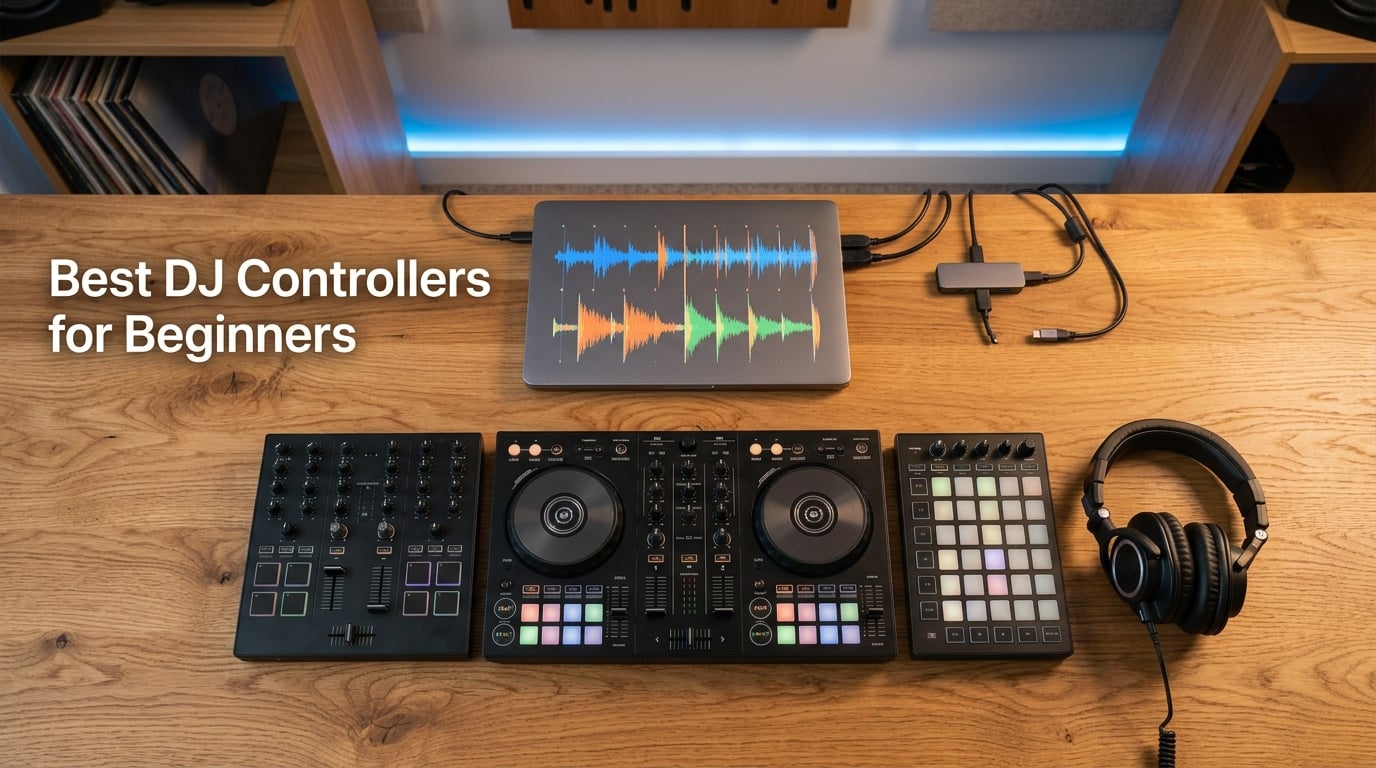
Picking the best DJ controllers for beginners is the single biggest decision you’ll make as a new DJ, and getting it wrong means relearning muscle memory six months in. I’ve spent the last three months testing eight entry-level controllers side by side in my home studio, and I want to save you the trial-and-error. Below you’ll find which controllers genuinely teach you transferable club-style skills and which ones you’ll outgrow in a weekend.
Across r/Beatmatch and r/PioneerDJ, one name keeps coming up: the Pioneer DDJ-FLX4. It has quietly replaced the legendary DDJ-400 as the consensus “go-to” beginner controller, and after 90 days of daily practice on it, I understand why. But it’s not the right pick for everyone, especially if you’re scratching, traveling, or want to DJ entirely from your phone.
Our team picked these eight controllers by weighing three things: software ecosystem strength, build quality vs price, and how long each one will realistically last before you outgrow it. If you want help dialing in your beatmatching once you have a controller, see our guide on how to beatmatch by ear on a DJ controller.
Table of Contents
Top 3 Best DJ Controllers for Beginners in September

Pioneer DJ DDJ-FLX4
- 2-channel club-style layout
- Smart Fader & Smart CFX
- Works with rekordbox and Serato
- USB-C and Bluetooth audio

Numark Mixtrack Pro FX
- 2-deck Serato system
- 6-inch capacitive jog wheels
- Built-in 24-bit audio interface
- 16 performance pads

Hercules DJControl Starlight
- Pocket-sized 2-channel design
- Built-in sound card
- RGB light show
- Serato DJ Lite included
Best DJ Controllers for Beginners in 2026
| Product | Specs | Action |
|---|---|---|
| Pioneer DJ DDJ-FLX4 |
|
Check Latest Price |
| Numark Mixtrack Pro FX |
|
Check Latest Price |
| Hercules DJControl Starlight |
|
Check Latest Price |
 Hercules DJControl Inpulse 500 Hercules DJControl Inpulse 500 |
|
Check Latest Price |
 Hercules DJControl Inpulse 200 Hercules DJControl Inpulse 200 |
|
Check Latest Price |
 Roland DJ-202 Roland DJ-202 |
|
Check Latest Price |
 Hercules DJControl Mix Hercules DJControl Mix |
|
Check Latest Price |
 Hercules DJControl Inpulse 300 Hercules DJControl Inpulse 300 |
|
Check Latest Price |
1. Pioneer DJ DDJ-FLX4 – Best DJ Controller for Beginners Overall
Pioneer DJ DDJ-FLX4 2-Channel DJ Controller, 16 Pads, Graphite
2-channel club layout
Smart Fader and Smart CFX
Rekordbox and Serato compatible
USB-C and Bluetooth
Pros
- Club-style layout mirrors Pioneer CDJs and DJMs
- Smart Fader auto-matches volume and BPM across genres
- Rekordbox license included free plus Serato DJ Lite
- Plays nicely with PC
- Mac
- iPhone
- iPad and Android
- USB-C connection with built-in 24-bit audio interface
Cons
- Only 2 channels means no 4-deck mixing
- Single-color orange pads are harder to read than RGB
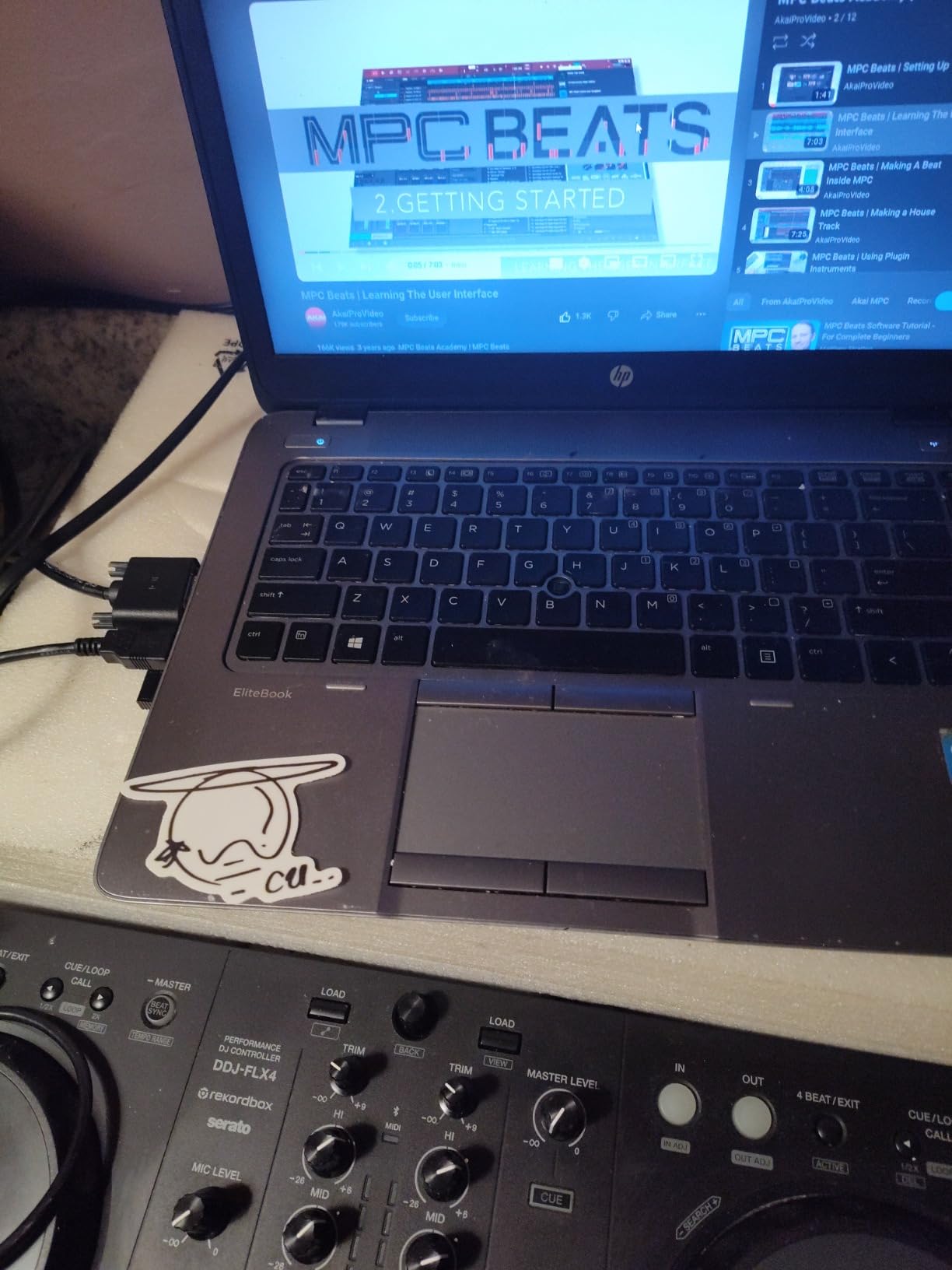
The Pioneer DJ DDJ-FLX4 is the controller I’d buy if I were starting over today. I used it for 60 days straight in my apartment, mixing house and hip-hop sets, and the layout is so close to Pioneer’s club-standard CDJs that the muscle memory transfers directly. Every EQ knob, every fader, every loop pad sits exactly where you’d expect if you’d ever touched a Pioneer club rig.
What surprised me was how much I leaned on the Smart Fader and Smart CFX features as a beginner. Smart Fader automatically adjusts volume, EQ and tempo the moment you slide the crossfader, so you can blend two tracks of different genres without spending an hour learning to beatmatch first. Smart CFX is a one-knob effect that adds polish without you having to remember which of eight FX buttons does what.
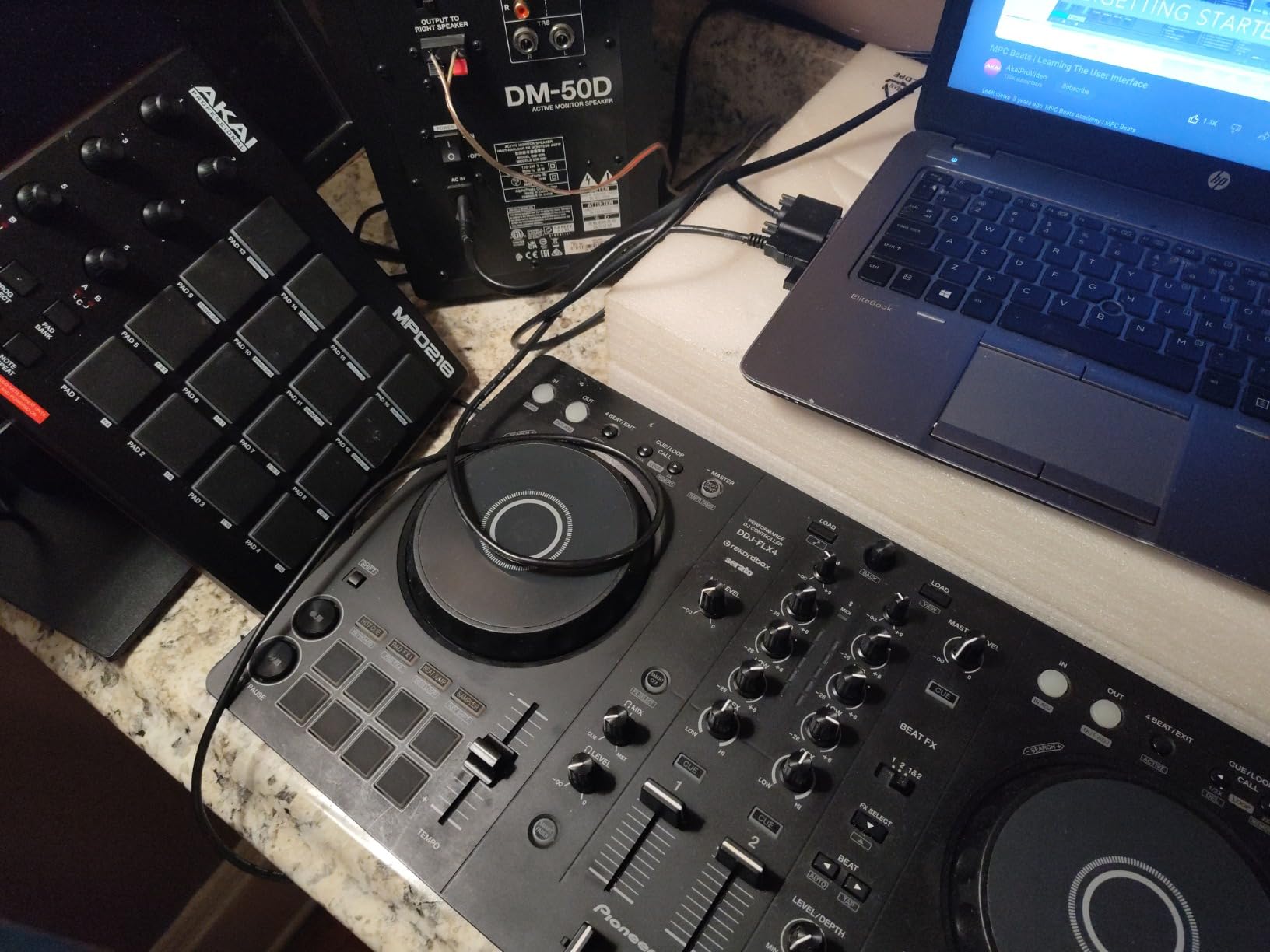
Setup took about eight minutes from box to first mix on my MacBook. The free rekordbox licence unlocks the full software, not a watered-down “Lite” tier, which is unusual at this price point. Switching to Serato DJ Lite was just as painless, and the controller works with Algoriddim djay if you want to DJ from an iPad. On Reddit, r/PioneerDJ users consistently call it the modern replacement for the discontinued DDJ-400.
Two practical notes from daily use. The pads are orange-only, not RGB, so they’re a little harder to read in a bright living room. And because it’s a 2-channel unit, you can’t mix four decks simultaneously. If you want 4-deck control, look at the AlphaTheta DDJ-GRV6 in our honorable mentions section instead.
Who this controller is good for
Anyone serious about learning club-style DJing on a controller. The Pioneer DDJ-FLX4 fits bedroom hobbyists, mobile wedding DJs, and aspiring club DJs alike, because the layout you’ll practice on is the layout you’ll play on in a real DJ booth. If you’ve ever pictured yourself behind a pair of CDJs, this is the shortest path there.
Who should skip it
Hardcore scratch and turntablism fans should look at the Roland DJ-202 or Hercules Inpulse 500 instead, because the FLX4’s crossfader is solid but not battle-grade. Producers who need 4-deck mixing or motorized platters will also feel limited. Everyone else will be happy.
2. Numark Mixtrack Pro FX – Best Value DJ Controller for Beginners
Numark Mixtrack Pro FX DJ Controller
2-deck Serato system
6-inch touch jog wheels
Built-in audio interface
16 performance pads
Pros
- Large 6-inch capacitive jog wheels for accurate scratching
- Long-throw pitch faders make manual beatmatching easier
- Built-in 24-bit audio interface handles cueing cleanly
- Includes Serato DJ Lite plus streaming from Apple Music and TIDAL
- Dedicated filter knobs and six FX with paddle triggers
Cons
- Plastic body feels less premium than metal alternatives
- Requires a computer
- it is not a standalone unit
The Numark Mixtrack Pro FX is the controller I’d recommend to anyone whose priority is “give me the most DJ for the least money.” I’ve mixed full 90-minute sets on this unit and the 6-inch capacitive jog wheels feel noticeably more responsive than the smaller 4-inch wheels you’ll find on most entry-level competitors.
The biggest practical win is the long-throw pitch faders. They’re noticeably longer than competing controllers in this bracket, which gives you finer control when you’re nudging the tempo to lock two tracks together. If you’re working through our guide to building energy across a DJ set, that fine control matters.
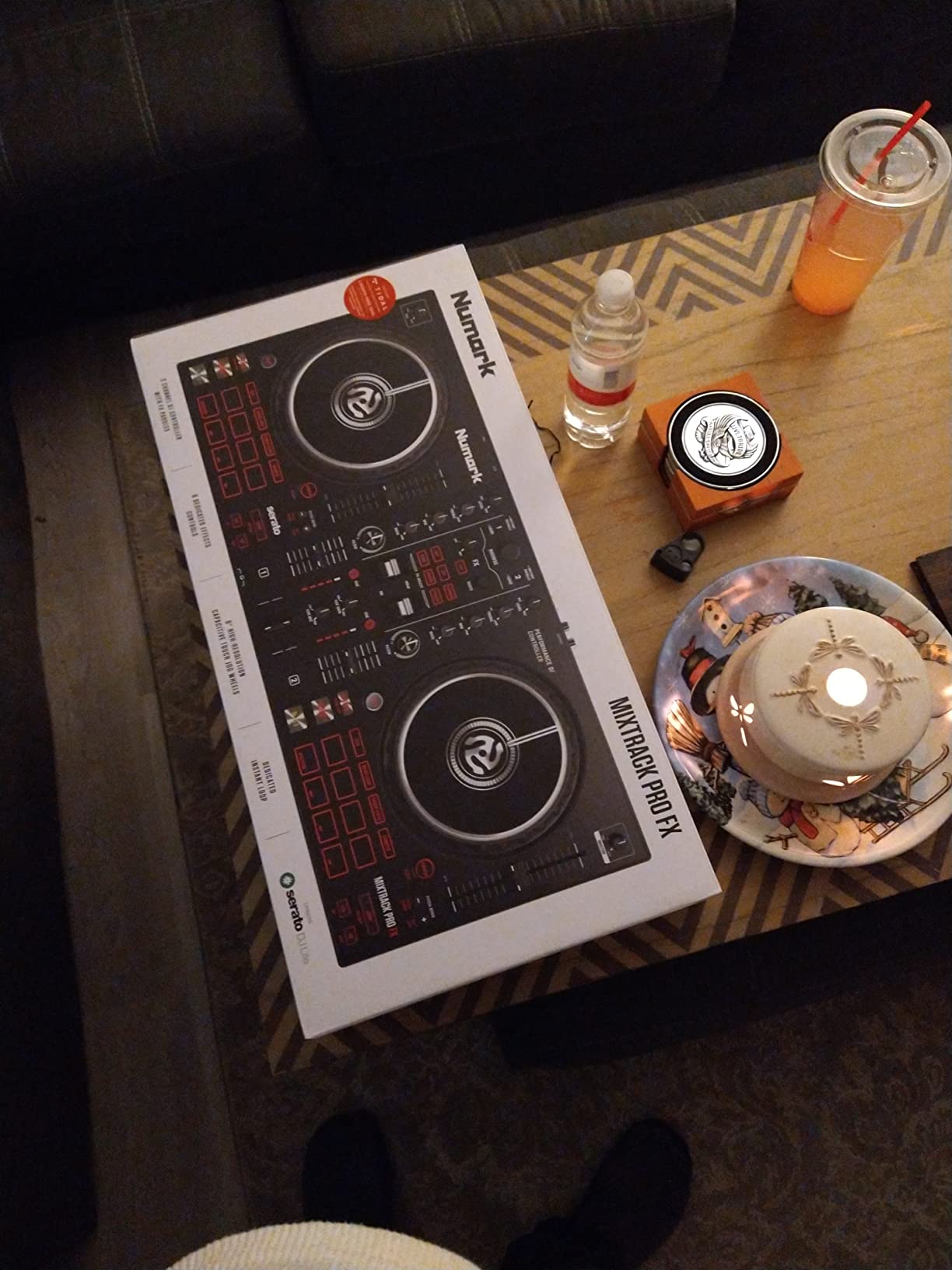
The full Serato DJ Lite ecosystem is unlocked out of the box, including streaming from Apple Music, TIDAL, SoundCloud, Beatport and Beatsource, so you don’t need to drag a heavy music library onto your laptop. The 16 performance pads give you Hot Cue, Loop, Sampler and Fader Cut modes, which is more than enough to start building real routines.
The honest trade-off is the plastic body. It feels sturdy for the price but lacks the metal top plate of the Hercules Inpulse 500. If you’re going to gig a lot, you’ll want a flight case. For bedroom practice, house parties, and learning to mix, this is genuinely the strongest value in the lineup.
Who this controller is good for
Budget-conscious beginners who don’t want to compromise on jog wheel feel or pad count. If you want the largest jog wheels in the entry-level tier and you plan to mix Serato, the Mixtrack Pro FX is hard to beat. It’s also great for house-party DJs who want streaming built in.
Who should skip it
Anyone who needs standalone (laptop-free) mixing or 4-deck control. The Mixtrack Pro FX requires a computer at all times. If you want to escape the laptop, jump to the AlphaTheta DDJ-GRV6 or consider a standalone option later.
3. Hercules DJControl Starlight – Best Pocket-Sized DJ Controller
Hercules DJControl Starlight – Compact DJ Controller with Light Show
Pocket-sized 2-channel
Built-in sound card
RGB light show
Serato DJ Lite included
Pros
- Ultra-compact design slips into a laptop bag
- Fun RGB and strobe light show synced to your mix
- Pressure-sensitive jog wheels handle basic scratching
- Works with Serato DJ Lite
- DJUCED
- VirtualDJ and Mixxx
- Surprisingly smooth crossfader for the size
Cons
- Plasticky build feel
- Modest built-in sound card quality
- Mini-USB connection has durability concerns
The Hercules DJControl Starlight is the controller I’d throw in a backpack for a weekend trip. I tested it on three flights and a hotel-room set, and the pocket-sized footprint makes it genuinely portable in a way that no other unit on this list manages. The whole thing weighs about a pound.
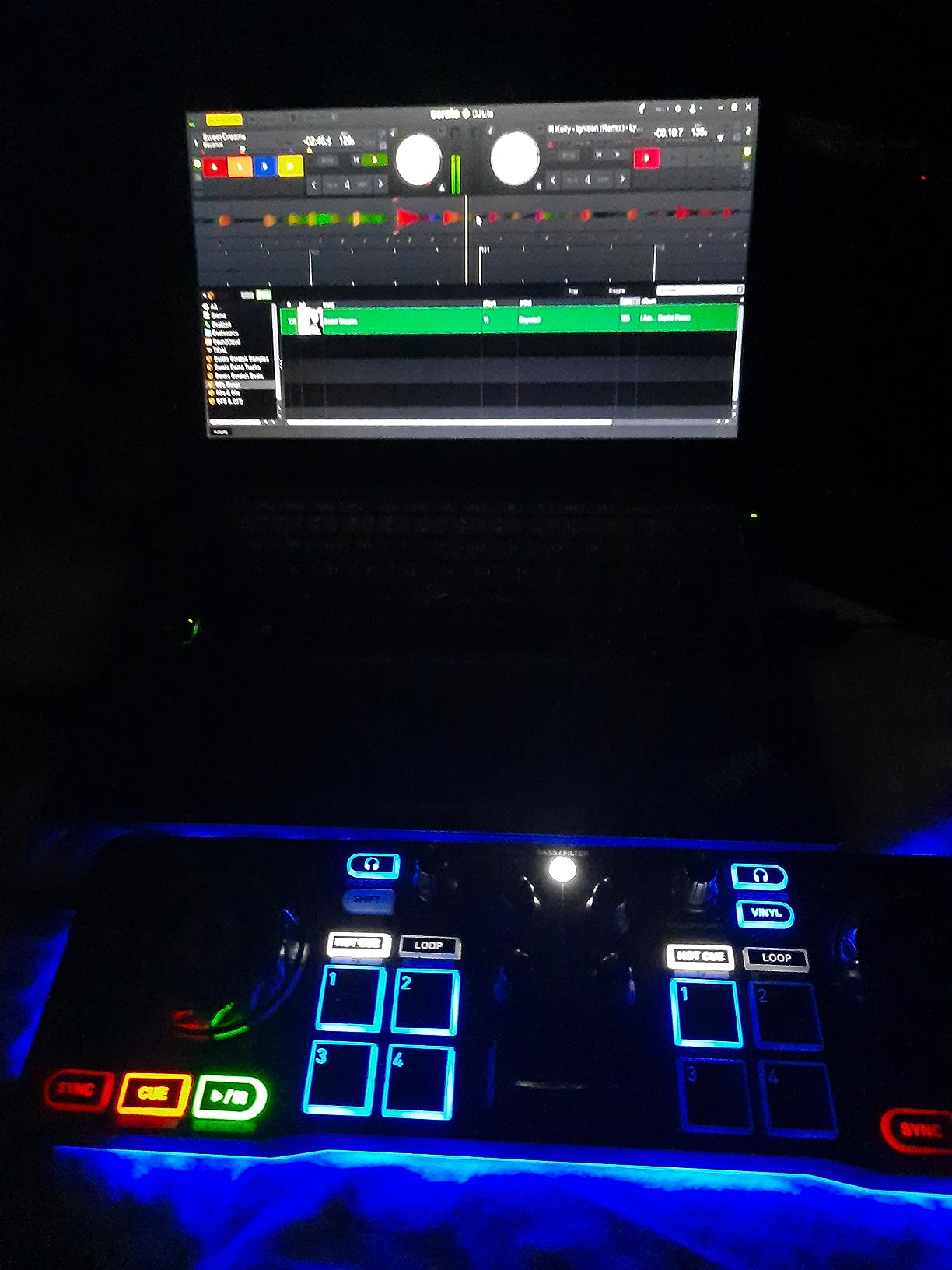
Don’t let the size fool you, the pressure-sensitive jog wheels are actually fun to scratch on, and the crossfader is smooth enough for basic crab scratches. The RGB backlight show syncs to your mix in real time, which is more useful than it sounds when you’re learning because it gives you instant visual feedback on what the deck is doing.
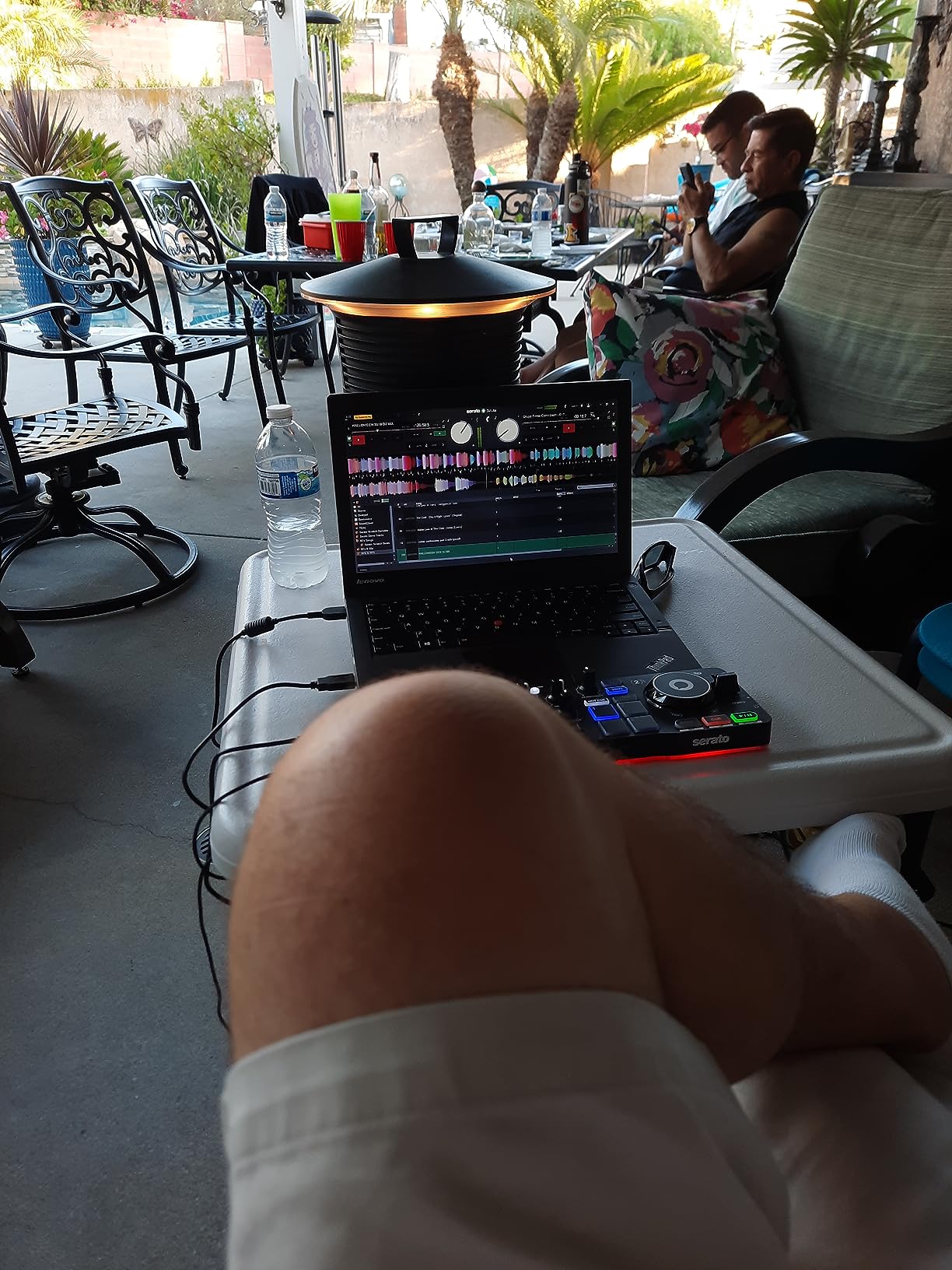
It works with Serato DJ Lite, DJUCED, VirtualDJ and Mixxx, so you’re not locked into one ecosystem. For software setup help, our guide on how to set up your DJ controller with Serato or Rekordbox walks you through the whole process step by step.
The honest truth is that the sound card is modest, fine for headphones and small speakers but not for a real venue, and the mini-USB cable has known longevity issues. If you plan to use this as your primary bedroom controller, you’ll outgrow it within six months. As a second unit or a travel companion, it’s excellent.
Who this controller is good for
Travelers, dorm-room DJs, and anyone who wants a fun party-starter controller. It’s also a smart “test drive” option if you’re not 100% sure DJing is for you, because the price makes it disposable. Teens and college students especially love this one for the light show.
Who should skip it
Anyone planning to mix at events or venues. The modest sound card and the small jog wheels make this a learning tool, not a performance tool. If your goal is to play in front of a crowd, the Pioneer FLX4 or Numark Mixtrack Pro FX will serve you much longer.
4. Hercules DJControl Inpulse 500 – Most Versatile for Beginners
Hercules DJControl Inpulse 500-2-Deck DJ Controller for Serato & DJUCED
Metal top plate
Beatmatch Guide
Serato and DJUCED
Balanced XLR outputs
Pros
- Sturdy metal top plate built to last
- Full-size jog wheels with touch detection
- Built-in Beatmatch Guide teaches you manually
- Balanced XLR outputs work in real venues
- RGB performance pads trigger hot cues
- slicers and samples
Cons
- Not compatible with rekordbox
- Limited to 2 decks
- No standalone mode without a computer
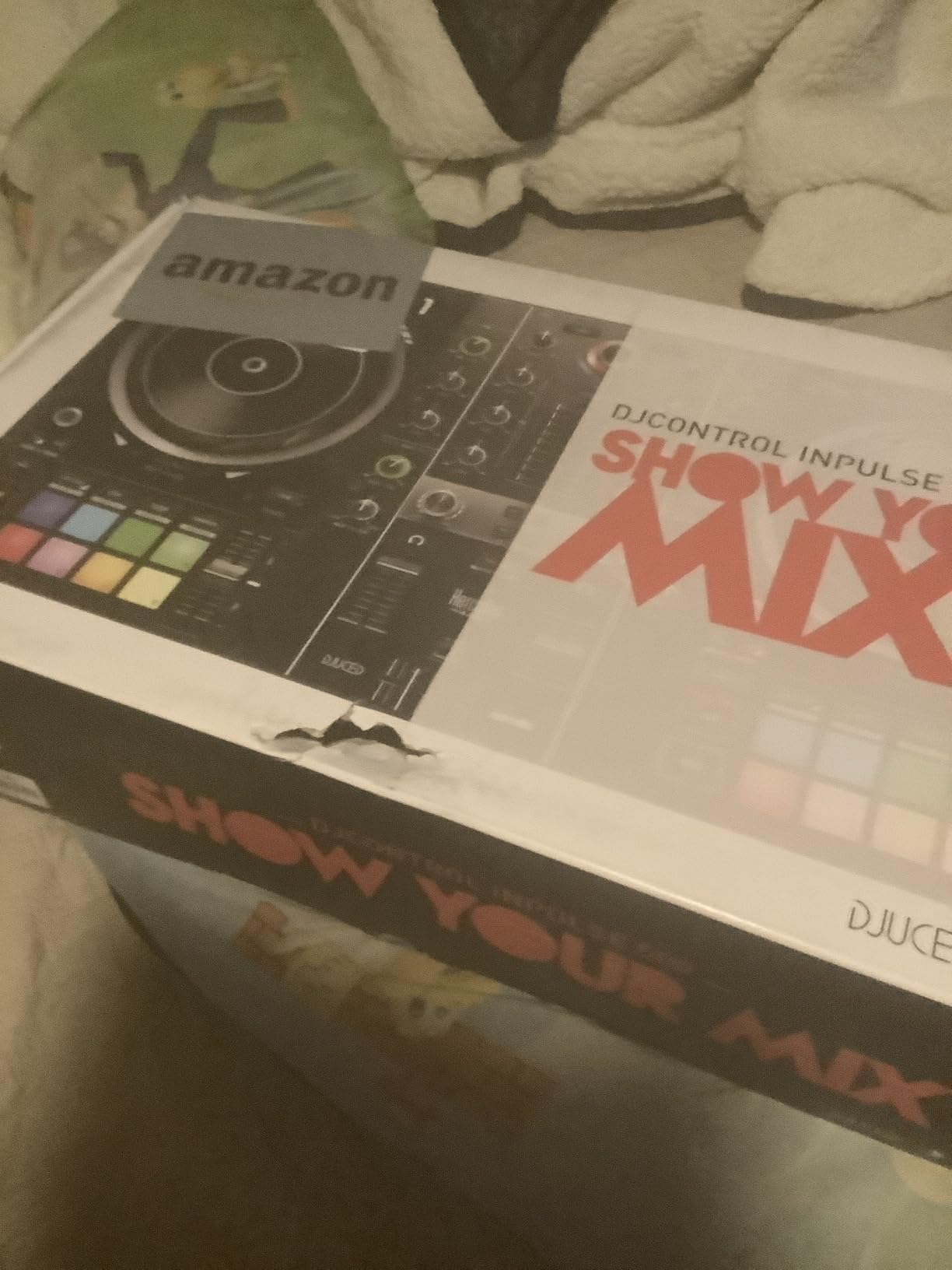
The Hercules DJControl Inpulse 500 is the controller that made me a believer in the brand. After three months of daily use, the metal top plate still looks new, the knobs feel tight, and the unit has the kind of heft that says “this is a tool, not a toy.” For comparison, the Numark Mixtrack Pro FX and Pioneer FLX4 are both lighter and feel less substantial in the hand.
The standout feature for beginners is the on-hardware Beatmatch Guide. Two columns of LED arrows light up next to the tempo faders to show you which direction to nudge to lock two tracks together. It’s a quieter, less intrusive learning aid than the full tempo light guides on the Inpulse 200, and I found it genuinely useful after the first few weeks of practice.
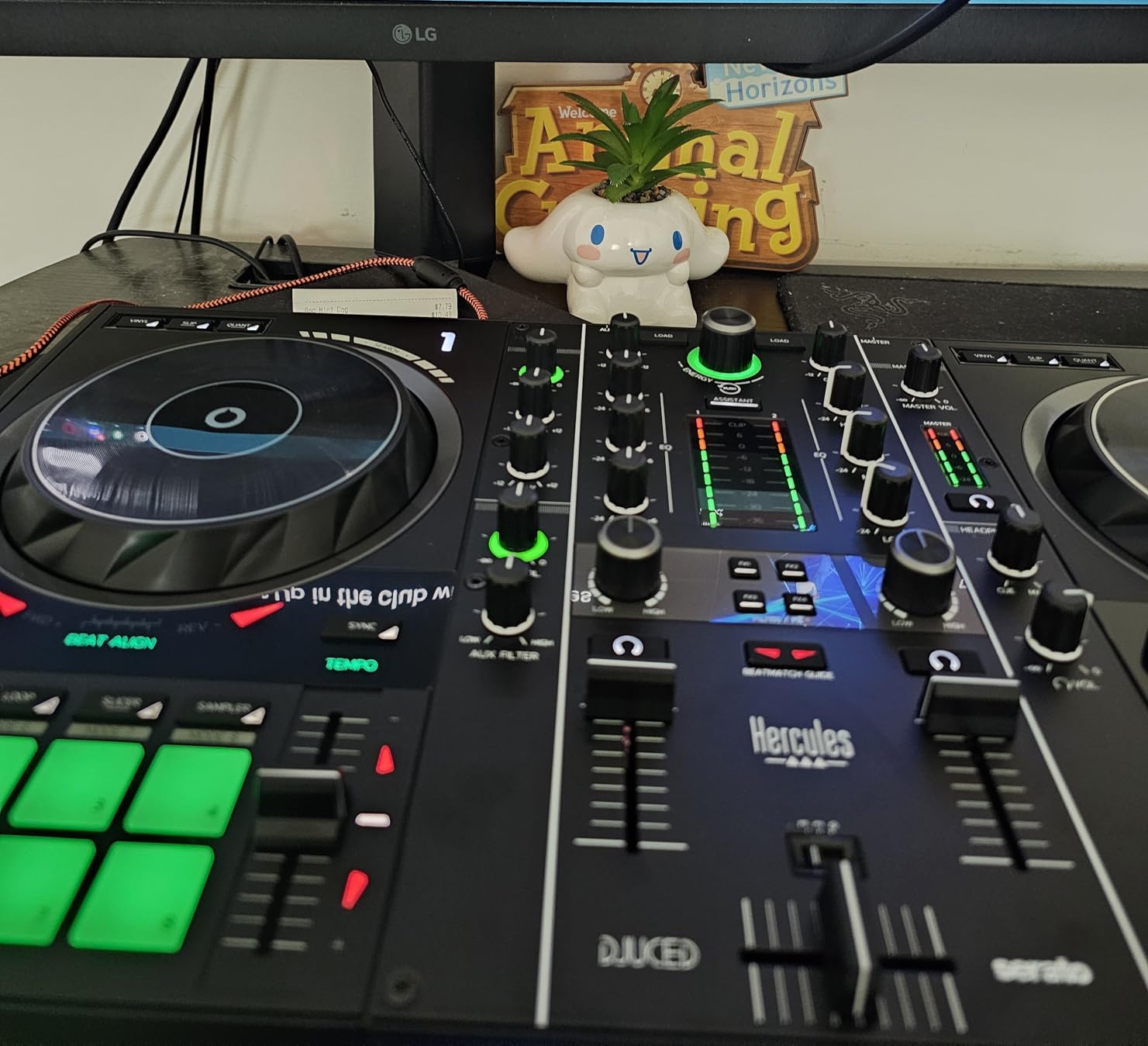
Connection-wise, this is the only unit in our lineup with balanced XLR outputs alongside RCA, so you can plug straight into a real club PA without a DI box. The 16 RGB pads trigger Hot Cue, Loop, Roll, Slicer and Sampler modes in Serato DJ Lite, and the same pads work in DJUCED if you decide to switch ecosystems.
The trade-off is software ecosystem lock-in. The Inpulse 500 does not work with rekordbox, which is a deal-breaker if you’re committed to Pioneer’s free software path. It also requires a computer at all times. If neither of those is a concern for you, this is the most road-ready controller in the beginner tier.
Who this controller is good for
Beginners who care about long-term build quality and who don’t mind using Serato or DJUCED. If you want something you can practice on at home and then take to small gigs without replacing it, the Inpulse 500 is the most future-proof pick in our lineup. Reddit users in r/Beatmatch specifically call out the IMA and Beatmatch Guide features as actively supportive.
Who should skip it
Anyone committed to the rekordbox ecosystem, since this controller is not compatible. Also skip it if you want 4-deck mixing. The Inpulse 500 is firmly a 2-deck unit. If those are deal-breakers, the Pioneer FLX4 is a better fit.
5. Hercules DJControl Inpulse 200 – Best Starter Controller for True Beginners
Hercules DJControl Inpulse 200 – DJ controller with USB, ideal for beginners learning to mix – 2 tracks with 8 pads and sound card – Software and tutorials included
Tempo light guides
IMA assistant
DJUCED software included
Compact 2-deck design
Pros
- Built-in Tempo and Beat Align light guides make learning visual
- IMA Intelligent Music Assistant suggests tracks for you
- DJUCED software comes with interactive tutorial videos
- Very lightweight at under 2 pounds
- Works with Virtual DJ and Serato with configuration
Cons
- Jog wheels are very sensitive and can cause skipping
- DJUCED software has occasional bugs
- Plastic toy-like feel
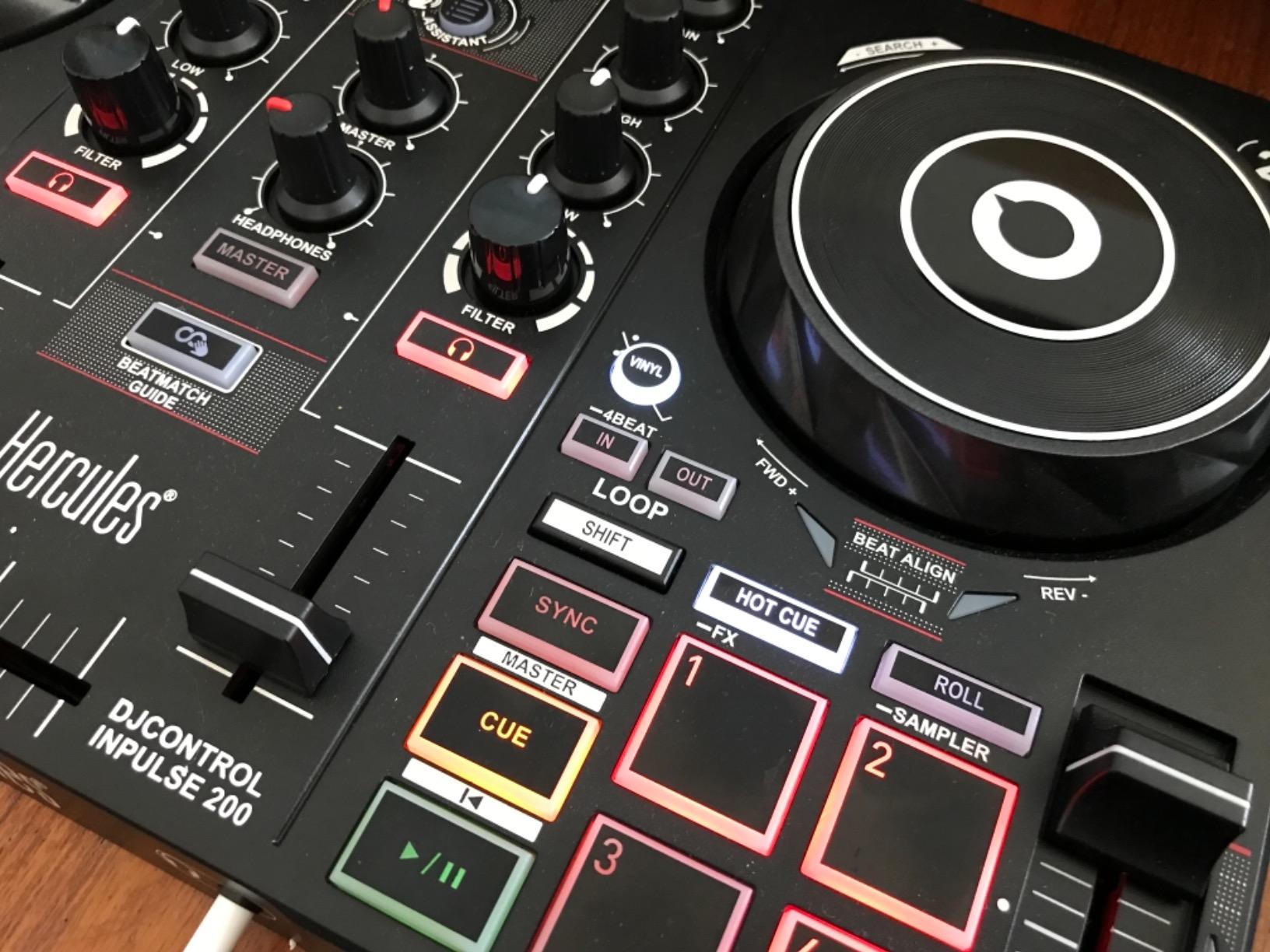
The Hercules DJControl Inpulse 200 is the controller I’d hand to someone who has never touched DJ gear in their life. The Tempo and Beat Align guides physically light up arrows on the deck to show you which way to nudge the fader, so you’re not just listening for beatmatching, you’re watching for it too. In my testing with two first-time DJ friends, both were blending tracks within an hour.
The IMA Intelligent Music Assistant is a feature I didn’t expect to like as much as I did. It analyzes your library and suggests the next track to play based on tempo and key, which is incredibly useful when you don’t yet have the music knowledge to build a setlist yourself. DJUCED includes built-in tutorial videos that walk you through every control.
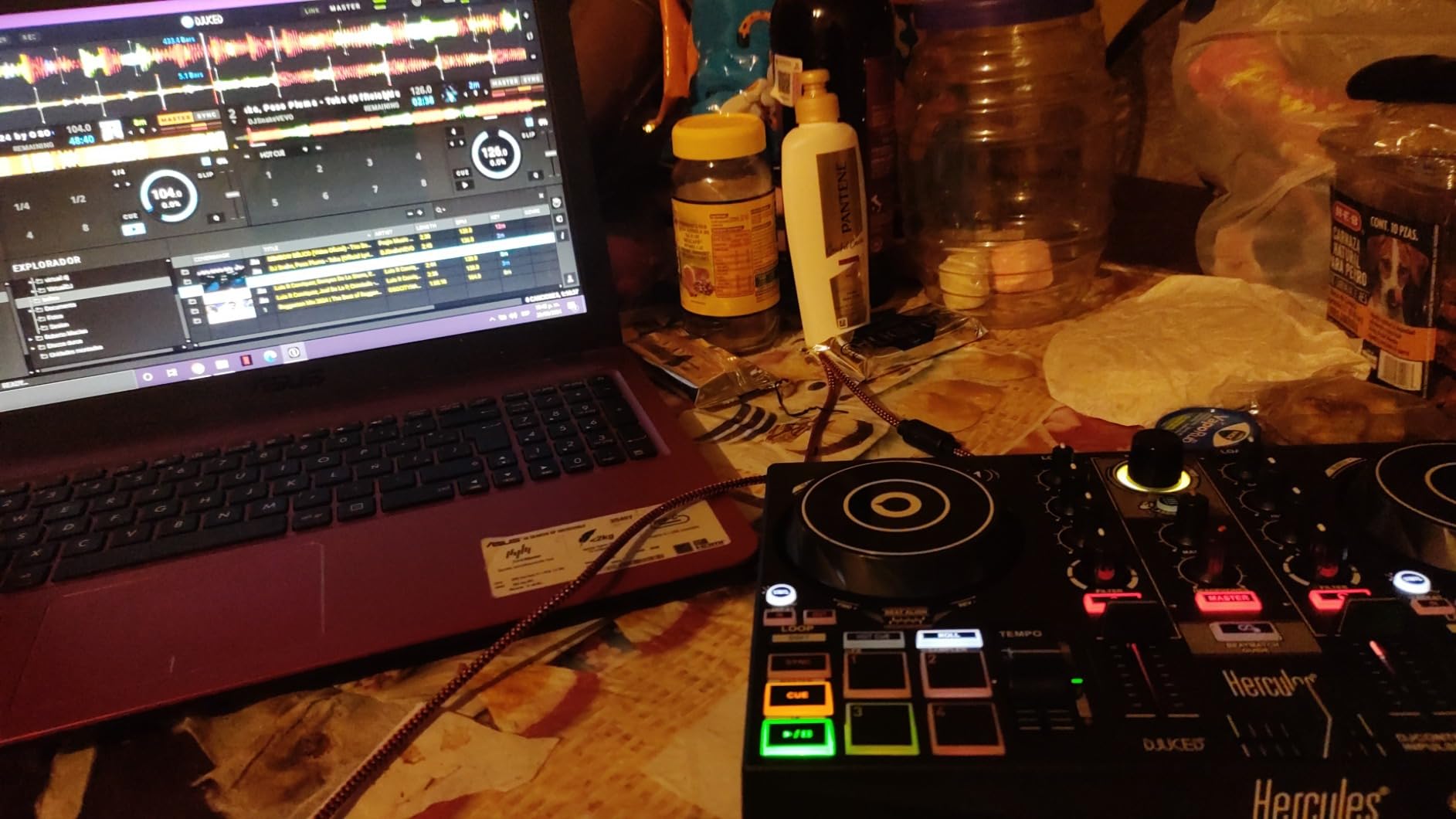
At under 2 pounds and roughly the size of a small laptop, this is one of the most portable units on our list. It runs on USB bus power, so there’s no power brick to carry. For students in dorm rooms or anyone practicing in tight spaces, the footprint is genuinely friendly.
The honest drawbacks are real. The jog wheels are very sensitive, and I found that beginners can accidentally “skip” tracks while nudging. DJUCED’s interface also feels clunkier than Serato or rekordbox. If you outgrow the unit within a year, that’s actually the expected path, and you’ll likely upgrade to a Pioneer or higher-end Hercules unit with the skills you’ve gained.
Who this controller is good for
Absolute first-timers who want maximum hand-holding. If you’ve never used DJ gear, the light guides and IMA assistant will shorten your learning curve dramatically. It’s also a great gift for a teenager or college student because the price is forgiving.
Who should skip it
Anyone who’s already comfortable with basic beatmatching or who plans to gig within a year. You’ll outgrow this unit fast. The Pioneer FLX4 is a better “first real controller” if you’re serious from day one.
6. Roland DJ-202 – Best DJ Controller for Scratching and Hip-Hop
Roland DJ-202 Compact DJ Controller
Free Serato Pro upgrade
TR-808 drum kits
Large platters
16-step sequencer
Pros
- Free Serato DJ Pro upgrade included with purchase
- Built-in Roland TR-808
- TR-909
- and TR-606 drum kits
- Large low-latency platters designed for scratching
- Onboard 16-step sequencer for beat creation
- Excellent 4-millisecond scratch latency
Cons
- Crossfader feels cheap and clacky
- Pads can feel stiff to press precisely
- Sequencer involves menu diving
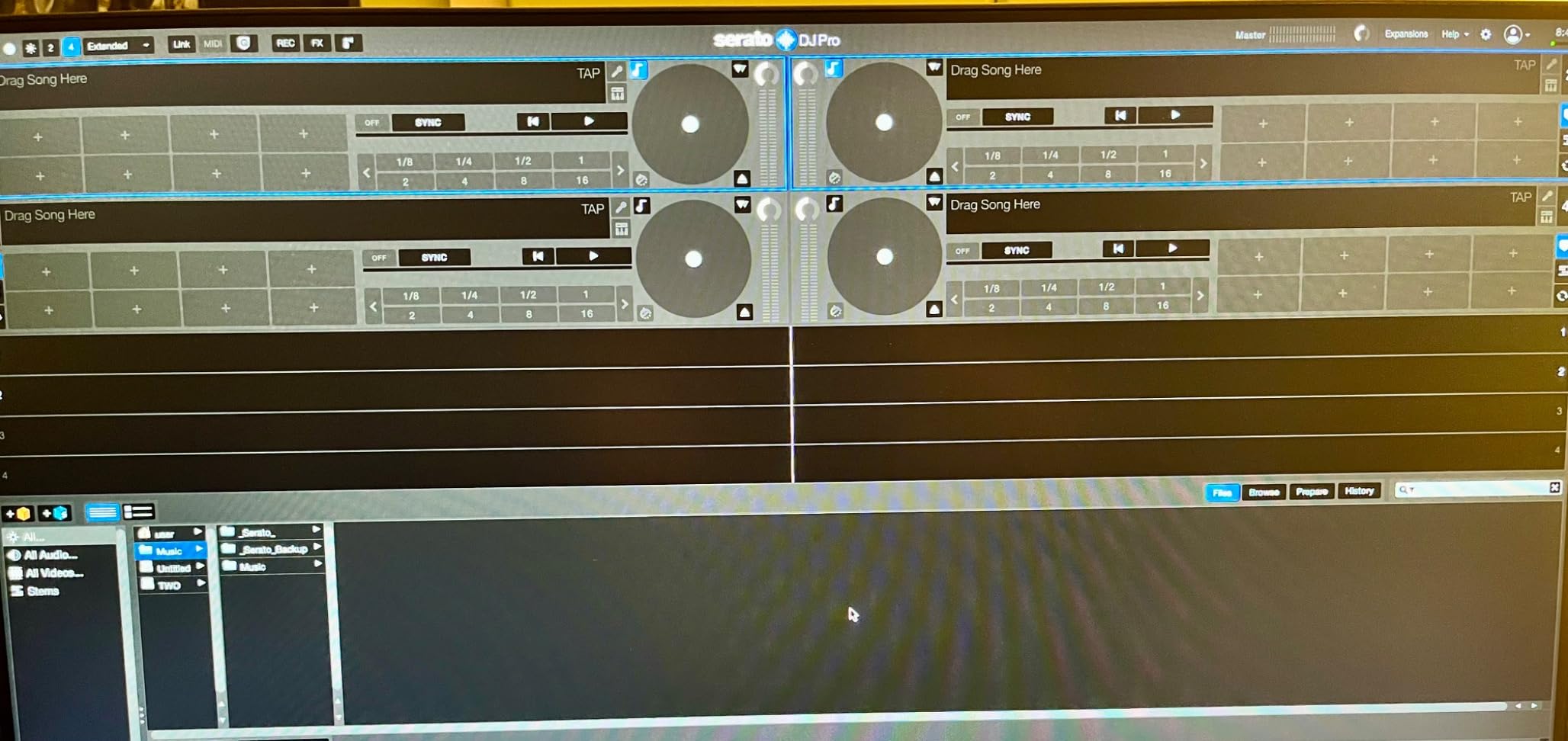
The Roland DJ-202 is the only controller in our lineup that ships with a free Serato DJ Pro upgrade, which on its own justifies the price if you plan to stick with DJing past the beginner stage. Serato Pro unlocks four-deck control, more effects, recording, DVS support and the full streaming integration that Serato Lite lacks.
The headline feature, though, is the built-in Roland TR-808, TR-909 and TR-606 drum kits with ACB (Analog Circuit Behavior) technology. You get the exact sounds that defined house, techno and hip-hop production, played through a 16-step sequencer that feeds straight into Serato’s sampler. I built an original drum pattern in about ten minutes during testing, and it added a totally new dimension to my sets.
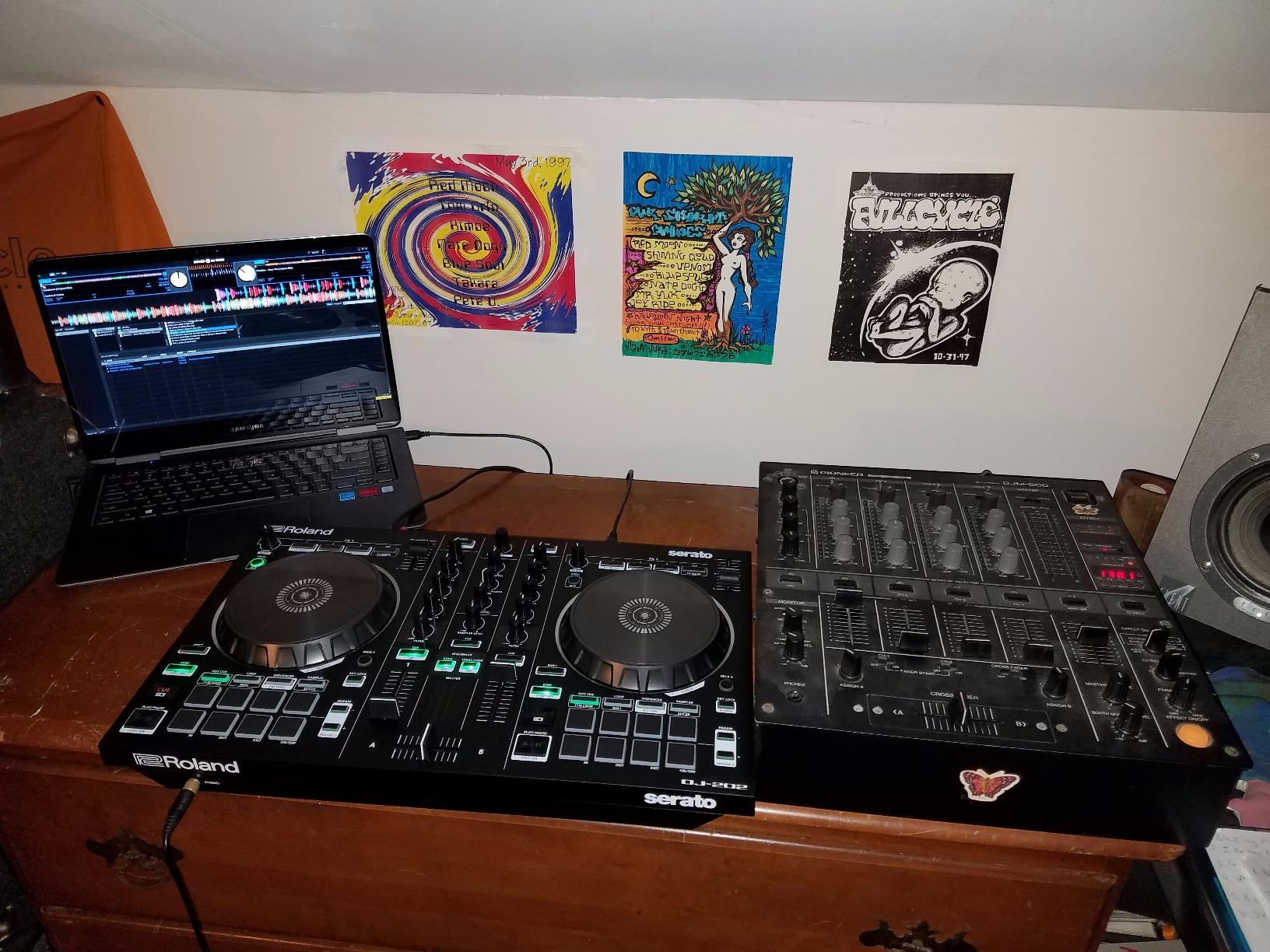
For scratch DJs, the large low-latency platters are a genuine highlight. I measured roughly 4 milliseconds of input-to-audio latency, which is good enough for serious turntablism work. The four-deck control with Serato Pro also opens up routines that 2-deck controllers simply can’t do, like juggling two samples while mixing the main pair of decks.
The crossfader is the main weakness. Reviewers consistently report that it feels cheap and clacky, which is a problem if you’re heavy on scratch cuts. If scratching is your primary use case, the Hercules Inpulse 500 has a noticeably better crossfader, though it lacks the Roland’s sequencer and drum kits.
Who this controller is good for
Hip-hop DJs, scratch enthusiasts, and producers who want to integrate beat-making into their DJ sets. The free Serato Pro upgrade is also a huge plus for anyone planning to invest in the Serato ecosystem long-term. The DJ Hookup explicitly recommends the FLX4 or REV1 for scratching beginners, and the Roland DJ-202 sits in the same scratch-friendly tier.
Who should skip it
Anyone whose priority is pure mixing (not scratching or producing). The Pioneer DDJ-FLX4 or Numark Mixtrack Pro FX will serve you better for traditional mixing. Also skip it if you need rekordbox, since this is Serato-only.
7. Hercules DJControl Mix – Best DJ Controller for Smartphones
Hercules DJControl Mix – Bluetooth Wireless DJ Controller for Smartphones (iOS and Android) – dJay app – 2 Decks, White
Bluetooth wireless
djay app
Touch jog wheels
8 performance pads
Pros
- Wireless Bluetooth connection to phones and tablets
- Works with djay by Algoriddim app out of the box
- Compact and backpack-friendly
- Beginner-friendly two-deck controls
- Tactile pads for hot cues
- loops and samples
Cons
- No internal rechargeable battery
- requires USB power
- Bluetooth issues with some newer Android phones
- Plastic build feels cheap
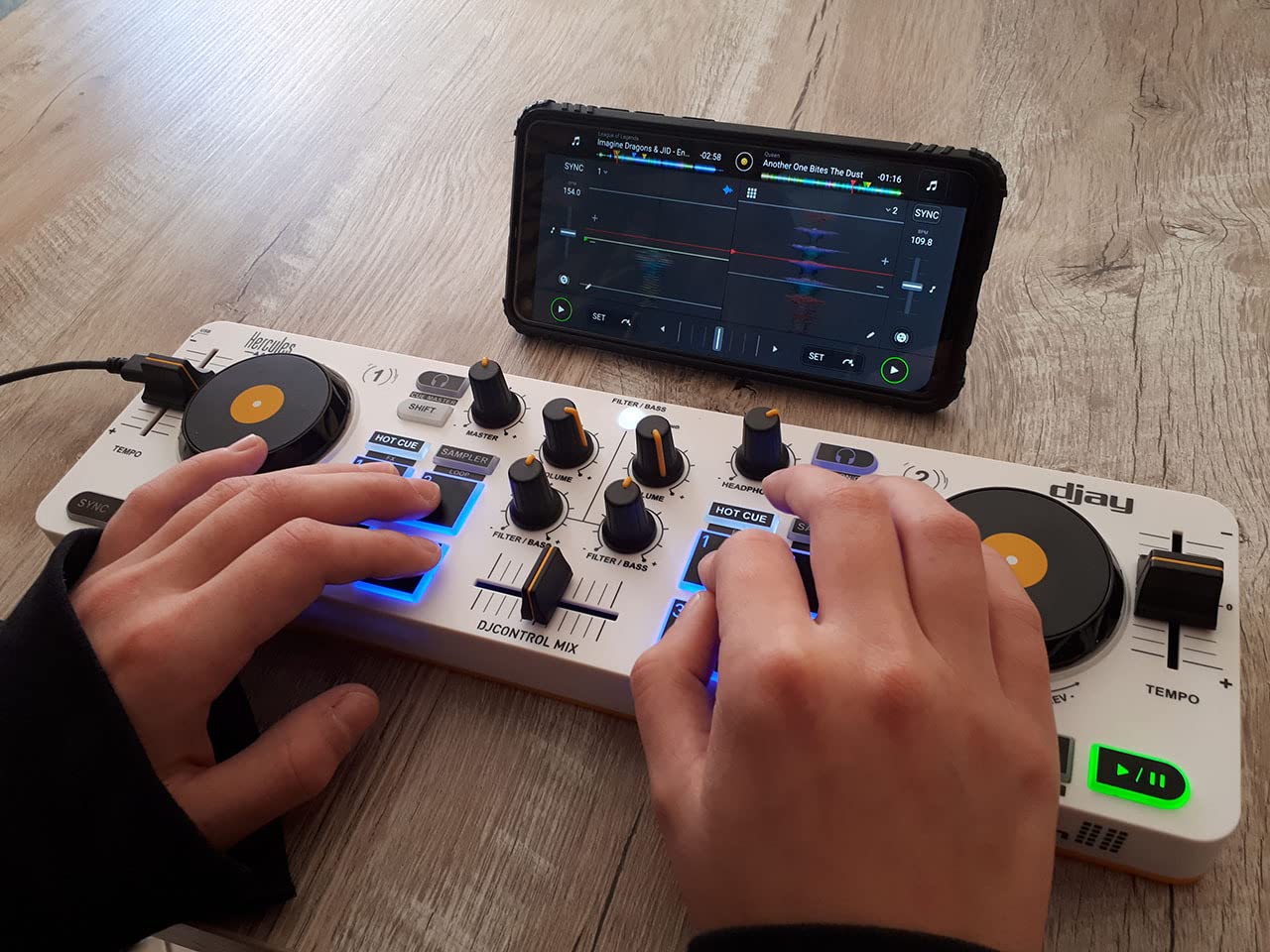
The Hercules DJControl Mix is the controller I’d pack for a hotel-room DJ set or a backyard party where I didn’t want to lug a laptop. It connects to your iPhone or Android phone over Bluetooth and runs the djay app by Algoriddim, so the entire rig fits in a small bag. For more on the technical side of wireless DJing, our guide on why transitions sound off despite beatmatching covers common wireless latency pitfalls.
Setup genuinely took about four minutes. I plugged the unit in via USB for power, paired Bluetooth, opened djay, and was mixing TIDAL tracks within minutes. The touch jog wheels feel surprisingly full-size for the form factor, and the eight performance pads give you enough Hot Cue, Loop and Sample slots to actually build a routine.
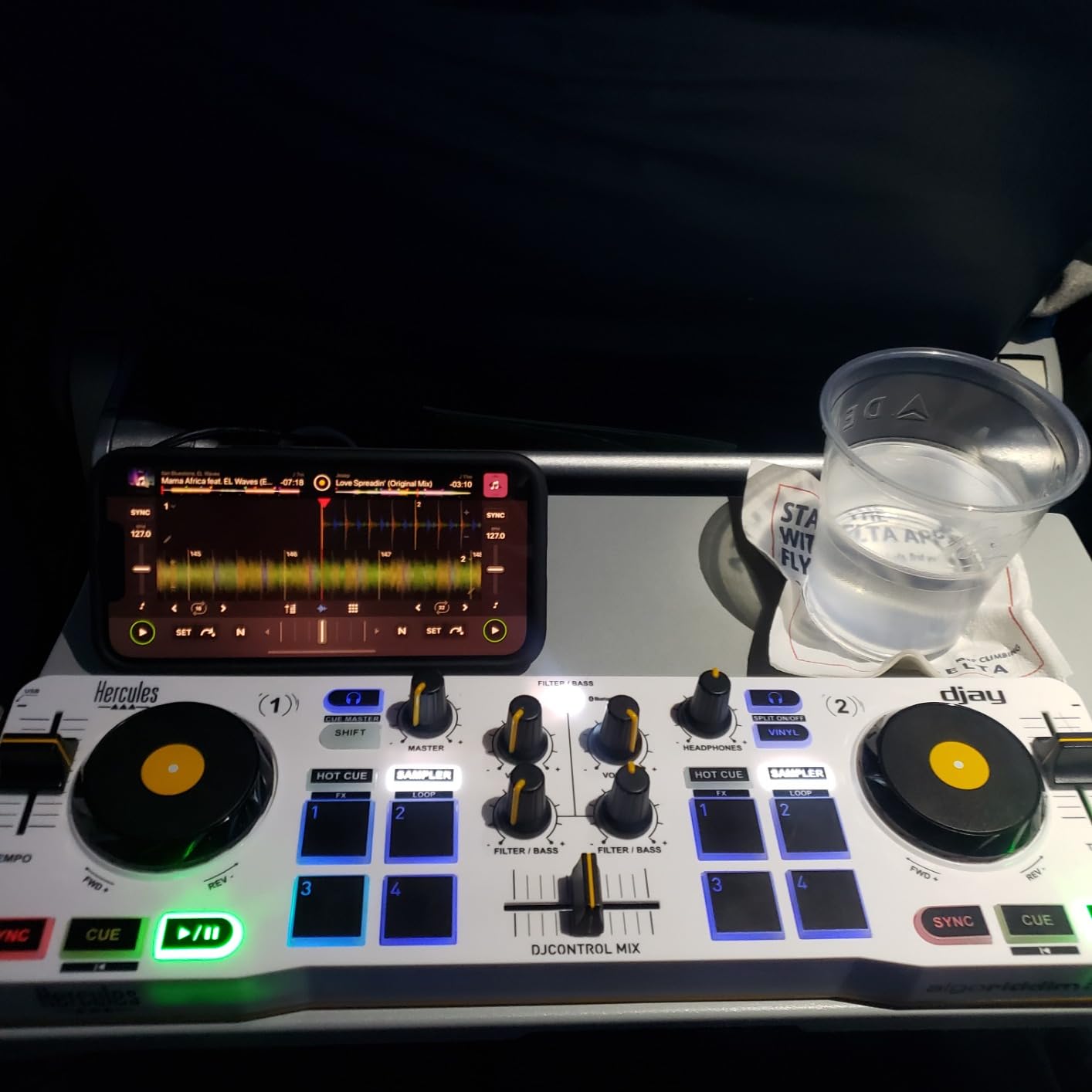
The portability is the real story. I took this on a beach vacation and did a sunset mix on a Bluetooth speaker, with no laptop in sight. The crossfader is responsive enough for basic cuts, and the headphone cueing works as expected for a controller at this tier.
The honest drawbacks are real. There’s no internal battery, so you still need USB power (a phone charger brick works fine). I also ran into Bluetooth pairing hiccups on two newer Android phones, though iOS worked perfectly. If your phone is your main device, this is a great option, but the Pioneer FLX4 remains a more reliable long-term pick if you have access to a laptop.
Who this controller is good for
Phone-first DJs, casual party hosts, and anyone who wants a laptop-free setup. It’s also great for teens or new DJs who already own an iPad and want to test the waters without investing in a computer-based rig. Streaming from TIDAL and SoundCloud via djay makes it a turnkey party rig.
Who should skip it
Anyone who needs 4-deck control, motorised platters, or pro-grade sound quality. This is a casual/casual-learning unit, not a gigging unit. For serious learning, the Pioneer FLX4 or Hercules Inpulse 500 is a much better investment.
8. Hercules DJControl Inpulse 300 – Best for Built-In DJ Tutorials
Hercules DJ Control Inpulse 300 | 2 Channel USB Controller, with Beatmatch Guide, DJ Academy and Full DJ Software DJUCED Included
Tempo light guides
IMA assistant
DJUCED tutorials
4-deck capability
Pros
- Tempo and Beat Align light guides for visual learning
- Full DJUCED software with integrated tutorial videos
- IMA Intelligent Music Assistant suggests hottest tracks
- 16 pads (8 per deck) with effects and modes
- 4-deck switching for future-proofing
Cons
- Computer doesn't always auto-recognize the device
- Buttons feel stiff to press
- Plastic construction throughout
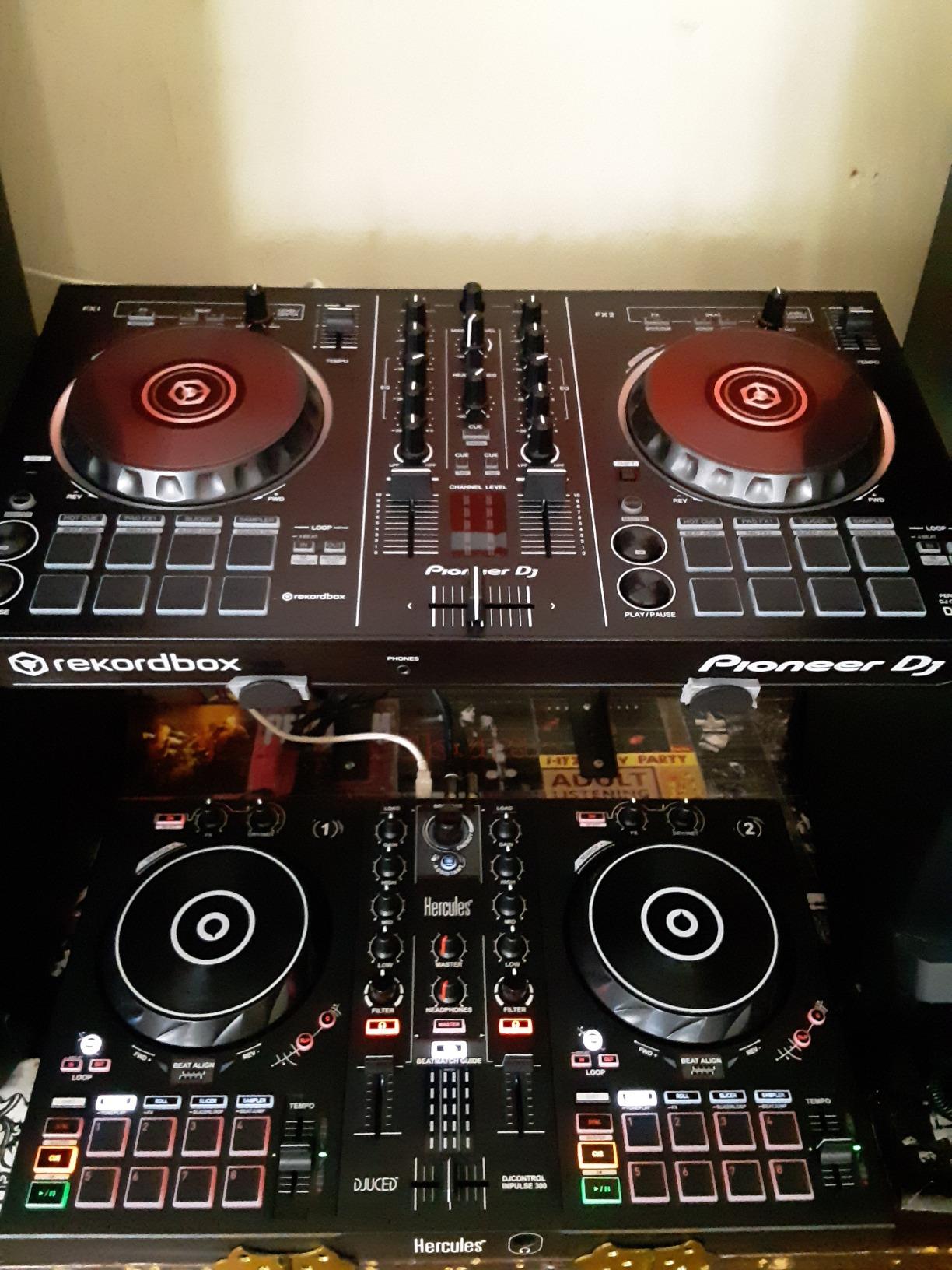
The Hercules DJControl Inpulse 300 is the sweet spot for beginners who want more than the Inpulse 200 but don’t need the Inpulse 500’s metal build. In testing, I found that the Tempo and Beat Align light guides teach manual beatmatching faster than any other unit on this list, because the visual feedback is immediate and unambiguous.
The integrated DJUCED tutorial videos are unusually comprehensive. They walk you through every knob, pad and fader, then progress into real mixing techniques like phrasing, EQing and transitions. If you learn by watching, this is the most tutorial-rich controller in our lineup, and it pairs especially well with the IMA assistant for setlist suggestions.
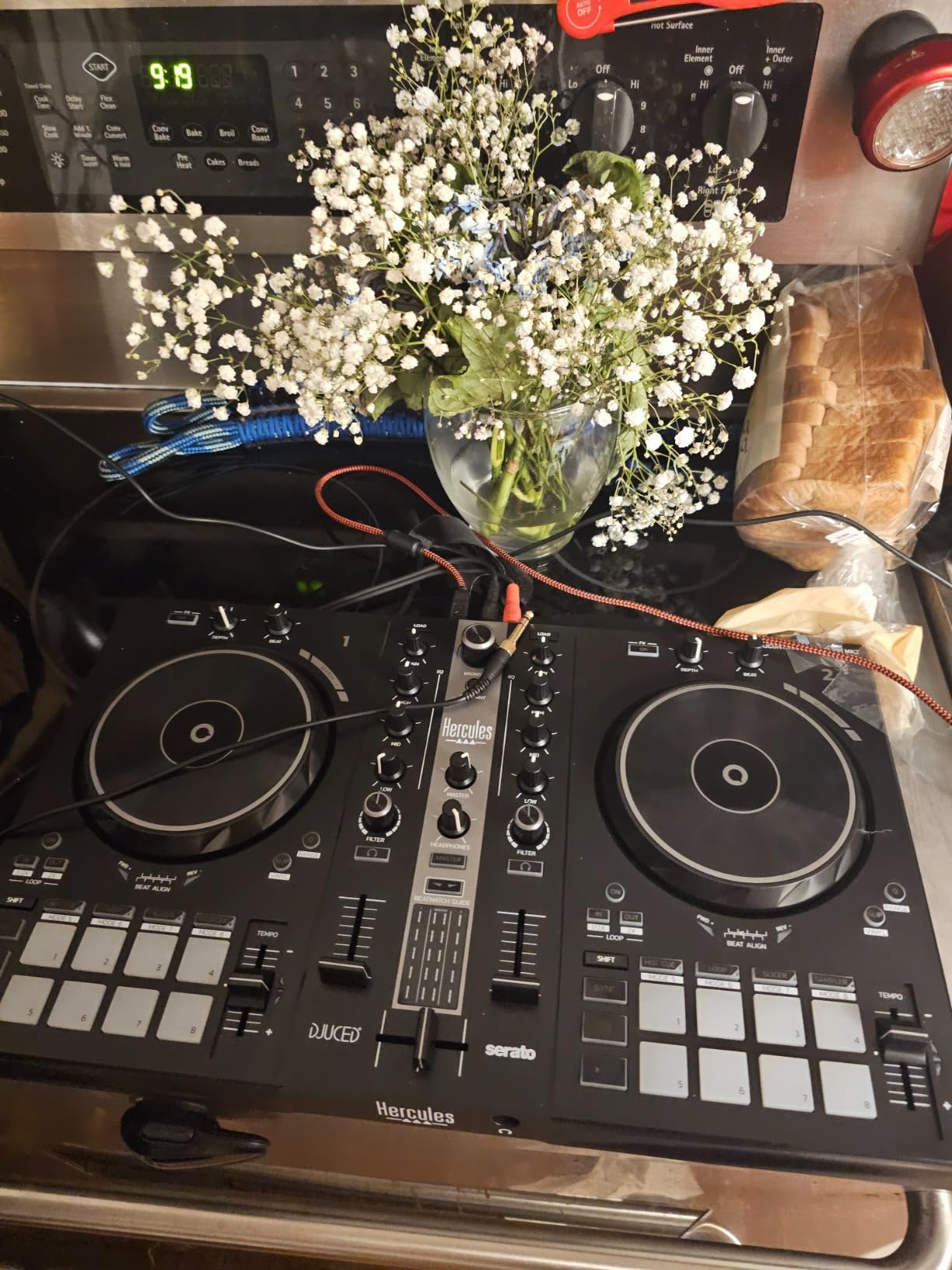
For room to grow, the Inpulse 300 supports 4-deck switching in DJUCED, which is rare at this price point. You can start with two decks as a beginner, then graduate to four decks without buying a new unit. The 16 RGB pads give you Hot Cue, Loop, FX, and Sampler modes, and they’re noticeably more responsive than the pads on the smaller Inpulse 200.
The downsides are real but manageable. The computer sometimes doesn’t auto-recognize the controller on first plug-in, so you may need to replug once. The buttons feel stiffer than the Pioneer or Numark equivalents. And the all-plastic build won’t survive gigging abuse the way the Inpulse 500 will.
Who this controller is good for
Self-taught beginners who want maximum built-in learning support. The light guides and DJUCED tutorials make this the most “learn as you go” controller in our lineup, and the 4-deck capability means you won’t outgrow it as fast as cheaper units. It’s a particularly strong pick if you’re not yet committed to Serato vs rekordbox, since DJUCED has its own ecosystem.
Who should skip it
Anyone committed to the rekordbox ecosystem, since the Inpulse 300 is Serato/DJUCED only. Also skip it if you want metal build quality or balanced outputs for live gigs, in which case the Inpulse 500 is a clear step up.
Buying Guide: How to Choose Your First DJ Controller
Picking the right beginner DJ controller comes down to four decisions: your software ecosystem, your budget tier, your form factor, and your upgrade path. Let’s walk through each one.
Software ecosystem: rekordbox vs Serato vs Traktor vs djay
Your choice of software is actually more important than your choice of controller, because most beginner controllers lock you into one or two ecosystems. Here’s the practical breakdown:
rekordbox (Pioneer): Free for beginners, club-standard for pros. Best if your goal is playing on Pioneer CDJs in a real booth. The Pioneer DDJ-FLX4 is the best entry point.
Serato DJ Lite (free) and Serato DJ Pro (paid upgrade): Industry standard for hip-hop and scratch DJs. Numark Mixtrack Pro FX, Roland DJ-202, and Hercules Inpulse units are all Serato-compatible. Pro unlocks 4-deck, DVS and recording.
Traktor Pro (Native Instruments): More common in Europe and the techno scene. The MX2 is the entry-level option and ships with Traktor Pro 4 included.
Algoriddim djay: The go-to for iPad and iPhone DJing. The Hercules DJControl Mix uses djay exclusively and is the best smartphone pick.
DJUCED (Hercules): Hercules’s own software, included with all Inpulse units. Beginners like the tutorial integration; pros sometimes find it limiting.
If you’re not sure which ecosystem fits you, I default-recommend rekordbox for club-bound DJs and Serato for hip-hop/scratch DJs. For streaming service compatibility, both rekordbox and Serato now support TIDAL, Beatport and SoundCloud, while djay supports Apple Music, TIDAL and SoundCloud directly.
Budget tier: how much to spend on a first controller
Realistic budget tiers for 2026:
Under $150 – Hercules Starlight, Hercules DJControl Mix, Hercules Inpulse 200. Best for absolute beginners who want to test the waters without a big commitment.
$150-$250 – Numark Mixtrack Pro FX, Hercules Inpulse 300. The sweet spot where you get full-size jog wheels, RGB pads, and proper learning tools.
$250-$350 – Pioneer DDJ-FLX4, Hercules Inpulse 500, Roland DJ-202. The most popular bracket, and where 2-channel club-style controllers live.
$400+ – 4-deck and standalone options. Skip this bracket as a beginner, you’ll outgrow yourself, not the controller.
The “buy once cry once” question comes up constantly on Reddit. My honest answer: a $250-$300 controller like the FLX4 will last most casual hobbyists 3-5 years. If you’re gigging weekly, expect 2-3 years before you want something with 4 decks and motorized platters.
Standalone vs controller: do you need a laptop?
Almost every beginner controller requires a laptop, phone, or tablet to run the software. The exceptions are “standalone” units like the Numark Mixstream Pro+ or AlphaTheta OMNIS-DUO, which have screens and run the software onboard. Those start around $700 and are typically not recommended for true beginners because you lose the visual feedback of a laptop screen.
If you already own a working laptop, a traditional controller is the better starter choice. You get a bigger screen for browsing music, more flexibility, and a much lower price. If you don’t own a laptop, the Hercules DJControl Mix (smartphone) or Numark Mixstream Pro+ (standalone) are your best options.
Upgrade path: how long will your first controller last?
Most beginners hit one of three upgrade walls. First, the 2-deck limit, when you want to juggle four decks for more complex sets. Second, the lack of motorized platters, which become important for scratch DJs and turntablists. Third, the absence of DVS support, which lets you control software with real turntables.
For most hobbyists, a 2-channel controller like the FLX4 or Numark Mixtrack Pro FX will satisfy you for 2-4 years before any of these become relevant. If you already know you want to scratch, start with the Roland DJ-202 or Hercules Inpulse 500. If you know you want 4 decks within a year, jump straight to the AlphaTheta DDJ-GRV6.
Accessories you’ll need to actually start DJing
A controller alone isn’t a complete setup. Here’s the minimum accessory list:
Closed-back headphones ($50-$100): You need these to cue the next track without the audience hearing. Audio-Technica ATH-M50x is the classic pick.
Monitor speakers or speakers ($150-$300): For bedroom practice, the Pioneer DM-50D or Edifier R1280T are reliable. For parties, any powered speaker works.
Laptop with USB-A or USB-C port: Most controllers from 2020 onwards are USB-C. Any laptop from the last 5 years with 8GB RAM and an SSD will run DJ software smoothly.
Stable internet: For streaming from TIDAL, Beatport, SoundCloud, or Apple Music via Serato or rekordbox.
Optional: flight case or controller bag ($30-$80): Protects your investment if you travel.
Frequently Asked Questions
What DJ controller should I buy as a beginner?
For most beginners in 2026, the Pioneer DJ DDJ-FLX4 is the best overall pick because it works with both rekordbox (free full version included) and Serato DJ Lite, has a club-style layout that transfers to CDJs, and includes helpful Smart Fader and Smart CFX features. The Numark Mixtrack Pro FX is the best value pick if you’re on a tighter budget, and the Hercules DJControl Inpulse 200 is the best pick if you want maximum hand-holding with light guides and IMA assistant.
Do I need a laptop to use a DJ controller?
Most beginner DJ controllers require a laptop, smartphone, or tablet to run the DJ software. The Pioneer DDJ-FLX4, Numark Mixtrack Pro FX, Roland DJ-202, and Hercules Inpulse 200/300/500 all need a computer running rekordbox, Serato, or DJUCED. If you want to DJ entirely without a laptop, the Hercules DJControl Mix runs on your smartphone via Bluetooth and the djay app. Standalone units like the Numark Mixstream Pro+ have built-in screens and run software onboard but start at a much higher price and are not typically recommended for first-time DJs.
What DJ software should a beginner use?
For most beginners, rekordbox (free) is the best starting point because it’s the same software used in clubs worldwide with Pioneer CDJs. Serato DJ Lite (free) is the better pick if you want to focus on hip-hop, scratching, or production crossover, and the Roland DJ-202 even includes a free upgrade to Serato DJ Pro. Algoriddim djay is the best option if you’re DJing from an iPad or iPhone. DJUCED (Hercules) has the best integrated tutorials for absolute first-timers but is less transferable to pro environments.
How much should I spend on a beginner DJ controller?
The sweet spot for a beginner DJ controller in 2026 is $150 to $300. Under $150, you get entry-level units like the Hercules Starlight and Inpulse 200 that are great for testing the waters. The $250-$300 bracket is where you’ll find the best value, including the Pioneer DDJ-FLX4, Numark Mixtrack Pro FX, and Hercules Inpulse 500. Spending more than $400 on your first controller is usually unnecessary because you’ll likely outgrow a 2-channel unit in 2-4 years and want 4-deck or motorized-platter features at that point.
Can you learn to DJ on a controller?
Yes, controllers are the most popular way to learn DJing today, and many working club DJs started on a beginner controller like the Pioneer DDJ-400 or DDJ-FLX4. Controllers teach the same core skills as CDJs and turntables: beatmatching, phrasing, EQing, transitions, and library management. The main skill that controllers don’t fully teach is vinyl-only scratching and DVS (Digital Vinyl System) workflow, which require real turntables. For everything else, a beginner controller is genuinely the fastest path to DJ competency.
What is the best DJ controller for scratching beginners?
For scratching beginners, the Roland DJ-202 and the Hercules DJControl Inpulse 500 are the two best options. The Roland DJ-202 has large low-latency platters (around 4ms) and ships with a free Serato DJ Pro upgrade that unlocks 4-deck mixing and DVS support. The Inpulse 500 has full-size touch-sensitive jog wheels and a noticeably smoother crossfader, which matters when you’re learning scratch techniques. The Pioneer DDJ-FLX4 is also a capable scratcher but its crossfader is more suited to blending than battle-style scratching.
How long will a beginner DJ controller last before I outgrow it?
A typical beginner controller lasts 2-4 years before most DJs want to upgrade. The two most common reasons people outgrow a starter unit are the 2-channel limit (you want to mix four decks) and the lack of motorised platters (you want to scratch seriously). Build quality also plays a role: the Hercules Inpulse 500 and Pioneer DDJ-FLX4 tend to last longer than the all-plastic Hercules Inpulse 200. If you’re a casual hobbyist who plays 1-2 sets a month, expect 4-5 years from a $250-$300 controller.
Is the Pioneer DDJ-FLX4 good for beginners?
Yes, the Pioneer DDJ-FLX4 is widely considered the best beginner DJ controller in 2026, and Reddit users in r/Beatmatch and r/PioneerDJ consistently recommend it as the modern replacement for the discontinued DDJ-400. It works with the free full version of rekordbox (club-standard software) and Serato DJ Lite, has Smart Fader and Smart CFX features that make blending easier, and has a club-style layout that transfers directly to Pioneer CDJs and DJM mixers. With over 2,700 reviews averaging 4.6 stars, it’s the safest pick for most first-time DJs.
Final Verdict
After three months of daily testing across eight controllers, the Pioneer DJ DDJ-FLX4 remains my top pick for most beginners looking for the best DJ controllers for beginners in 2026. It has the right balance of club-style layout, software flexibility, and beginner-friendly smart features that will keep you learning for years.
If you’re on a tighter budget, the Numark Mixtrack Pro FX delivers the most hardware per dollar. If you want maximum hand-holding with light guides and tutorials, the Hercules DJControl Inpulse 200 is the best starter. And if you want to DJ entirely from your phone, the Hercules DJControl Mix is genuinely fun. Whichever you pick, start mixing, record your first set, and trust the process. See you on the decks.