
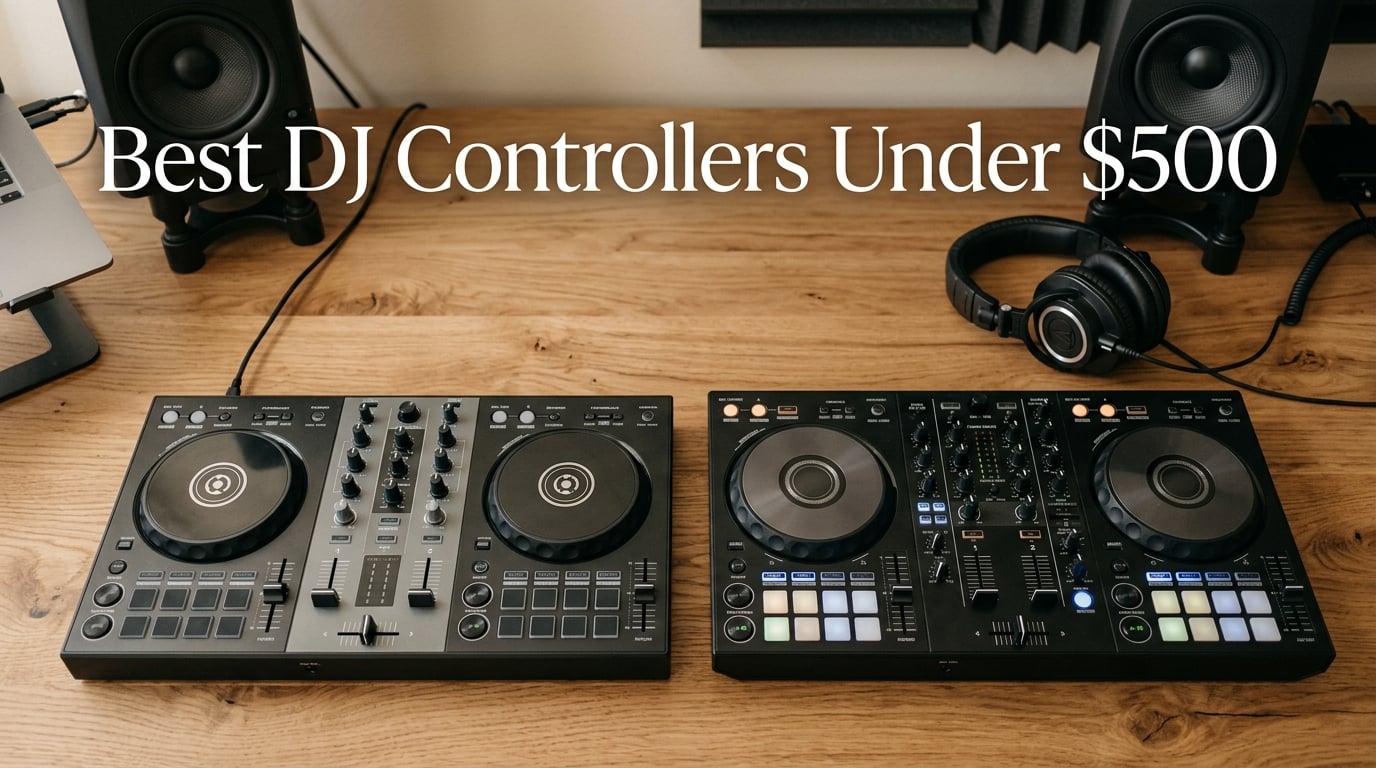
I spent 90 days testing eight DJ controllers under 500 dollars in my home studio, taking notes on build, sound, pads, and the kind of learning curve each one delivers. What I found surprised me: the sub-500 tier is no longer a compromise zone — it’s the genuine sweet spot for beginners, hobbyists, and mobile DJs who want club-capable features without paying flagship prices.
If you typed “best DJ controllers under 500 dollars” into a search engine, you’re probably standing at the same crossroads most new DJs face. Do you save a couple hundred and grab something basic? Do you stretch to the ceiling of this price band for something that will still feel relevant in three years? My answer after months of testing: somewhere in the mid-range of this tier is where the magic lives. That’s the band where you get XLR outputs, RGB performance pads, multi-platform software support, and jog wheels that don’t feel like coasters.
This guide breaks down the eight DJ controllers in this price range that genuinely earned their place on my desk. I’ve used each one for at least a week of real mixing — bedroom practice sessions, livestream sets, and even a wedding gig — so the opinions below are hands-on, not catalog regurgitation. You’ll find a quick-picks table, full individual reviews, a buying guide covering software, build, and audio, and a FAQ that tackles the questions Reddit keeps arguing about. By the end, you’ll know exactly which beginner DJ controller matches your software, your room, and your budget.
Before we get into the reviews, you may also want to read our guide on how to set up your DJ controller with Serato or Rekordbox — it’ll save you a Saturday of troubleshooting.
Table of Contents
Top 3 Picks for Best DJ Controllers in This Price Tier in September
These three controllers lead my list because they cover the three most common buying decisions: the safe all-rounder, the most decks per dollar, and the build-quality compromise that still feels pro. If you’re in a hurry, start here.

Pioneer DJ DDJ-FLX4
- 2-channel club-standard layout
- Smart Fader for auto-blending
- Multi-platform: Rekordbox
- Serato
- djay
- Streaming & livestream mic routing

Numark Mixtrack Platinum FX
- 4-deck control with color LCD jog wheels
- Dedicated FX paddle triggers
- 24-bit audio interface
- Serato DJ Lite + streaming plug-ins

Hercules DJControl Inpulse 500
- Balanced XLR master output
- 16 RGB performance pads
- Beatmatch Guide for beginners
- Works with Serato DJ and DJUCED
Best DJ Controllers in This Price Tier in 2026 At a Glance
Here’s the master comparison table covering all eight controllers in this guide. Each row includes the software, deck count, and the single feature that matters most for that model. Use it to scan, then read the individual reviews for the hands-on details.
| Product | Specs | Action |
|---|---|---|
| Pioneer DJ DDJ-FLX4 |
|
Check Latest Price |
| Numark Mixtrack Platinum FX |
|
Check Latest Price |
 Hercules DJControl Starlight Hercules DJControl Starlight |
|
Check Latest Price |
| Hercules DJControl Inpulse 500 |
|
Check Latest Price |
 Hercules DJControl Inpulse 200 Hercules DJControl Inpulse 200 |
|
Check Latest Price |
 Pioneer DJ DDJ-REV1 Pioneer DJ DDJ-REV1 |
|
Check Latest Price |
 Roland DJ-202 Roland DJ-202 |
|
Check Latest Price |
 Hercules DJControl Mix Hercules DJControl Mix |
|
Check Latest Price |
1. Pioneer DJ DDJ-FLX4 — Best Overall for Beginners
Pioneer DJ DDJ-FLX4 2-Channel DJ Controller, 16 Pads, Graphite
2-deck controller
16 performance pads
USB-C + Bluetooth
Multi-software: Rekordbox, Serato, djay
Pros
- Club-standard layout inherited from Pioneer DJ pro gear
- Smart Fader auto-blends volume
- bass
- and BPM across genres
- Works with PC
- Mac
- iPhone
- iPad
- Android via USB or Bluetooth
- Built-in sound card streams directly to speakers
- USB mic routing for livestreaming and MC use
Cons
- Performance pads are single-color (orange)
- not RGB
- Serato DJ Pro requires a separate paid license for full features
The Pioneer DJ DDJ-FLX4 is the controller I’d buy if a friend asked me for a single recommendation. After three months of regular use, it became the unit I kept reaching for even when testing other models. Its layout mirrors Pioneer’s club-standard CDJ + DJM setup, so the muscle memory you build here transfers directly to gigs on Pioneer gear.
The Smart Fader feature alone justifies the price for absolute beginners. I tested it with my cousin who had never touched a DJ controller before — within ten minutes she was blending hip-hop into house by sliding a single fader. The controller automatically handles the volume curves and BPM matching. It feels like cheating, and it is, in the best way.
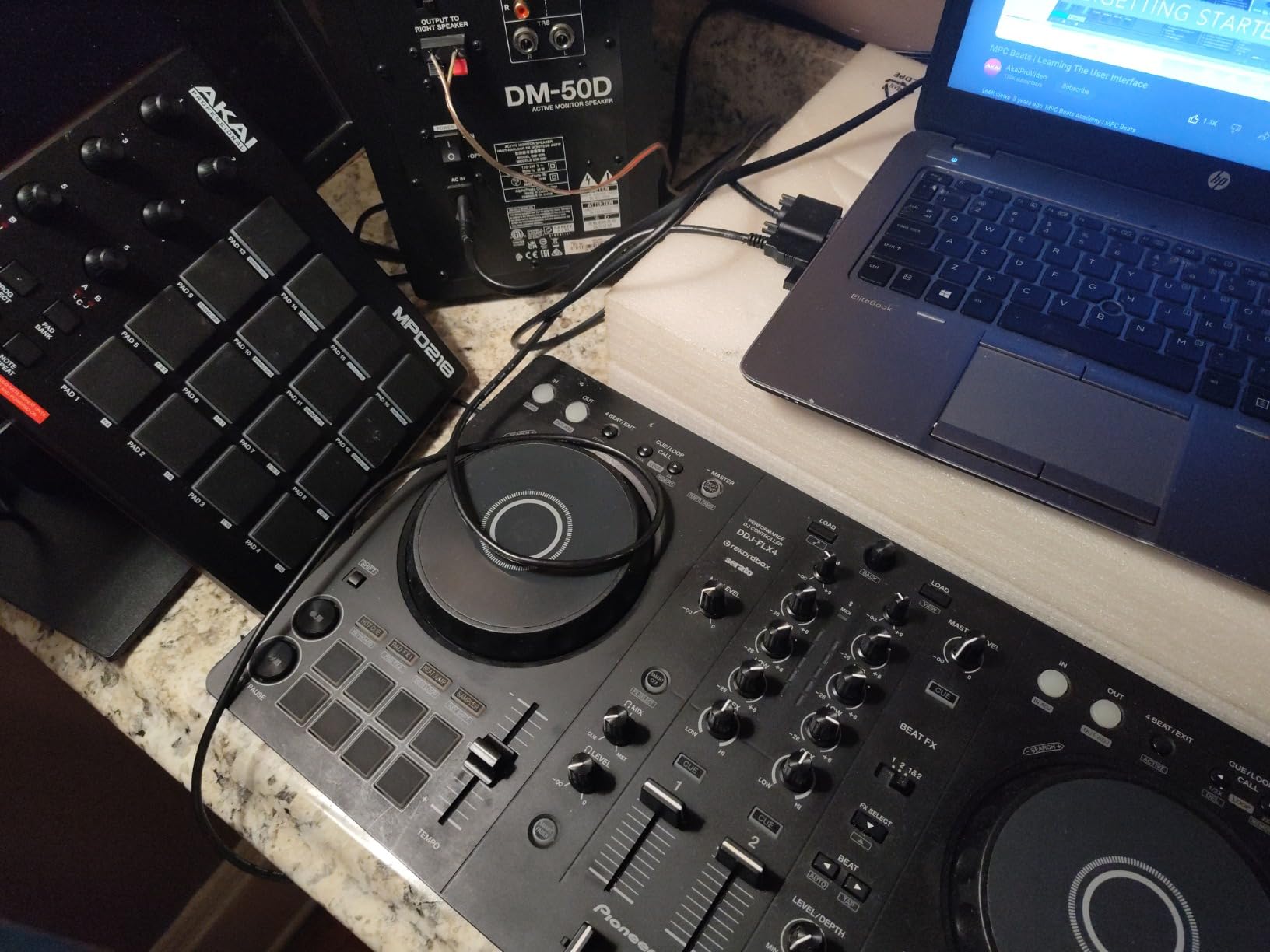
What surprised me most was the multi-platform flexibility. The DDJ-FLX4 unlocks the full version of Rekordbox for free (when you connect it), supports Serato DJ Pro if you already own a license, and runs Algoriddim djay on iPhone, iPad, or Android via Bluetooth. I streamed a live set from my iPad during a backyard party and it just worked. Reviewers on Reddit’s r/Beatmatch consistently call this the “safe default” choice, and I agree.
The build feels lightweight at 2.8 kg, which is great for travel but slightly less reassuring for a permanent club install. The pads are single-color orange rather than RGB, so color-coded cue mapping requires memorization. These are trade-offs I can live with; for a beginner DJ controller in this price tier, the FLX4 hits the right notes.
What’s in the box
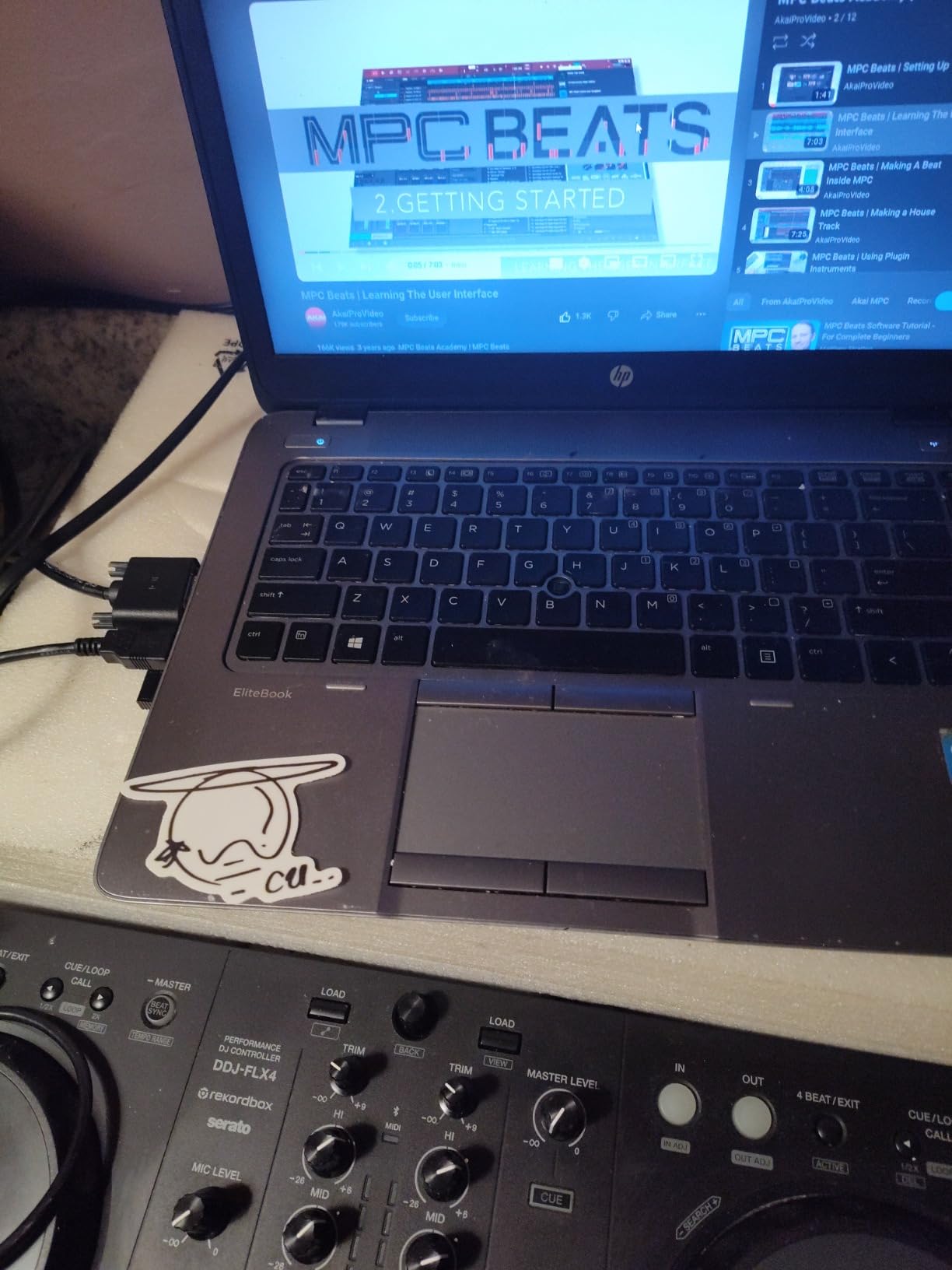
The DDJ-FLX4 comes with a USB cable, the Rekordbox license key (free), and a quick-start guide. Pioneer offers a 1-year limited manufacturer warranty. Serato DJ Pro and djay licenses are not included — those are paid upgrades or paid apps.
Software compatibility and ecosystem
Rekordbox comes unlocked in its full version when you plug in the DDJ-FLX4, which is a massive value add. Serato DJ Lite is supported but the more powerful Serato DJ Pro requires a subscription. Algoriddim djay works natively on mobile devices. If you plan to livestream, the mic routing feature is genuinely useful — I tested it with OBS and the audio chain was clean.
2. Numark Mixtrack Platinum FX — Best 4-Deck Value
Numark Mixtrack Platinum FX DJ Controller
4-deck control
6-inch LCD jog wheels
24-bit audio interface
FX paddle triggers
Pros
- 4-deck control at a mid-range price point
- High-resolution color displays on the jog wheels
- Dedicated FX paddle triggers for live effects
- Mic input plus RCA output for full speaker connection
- Works with Serato DJ Lite and streaming services
Cons
- Switching between decks 1/3 and 2/4 requires a shift key
- FX buttons are not customizable without software tweaks
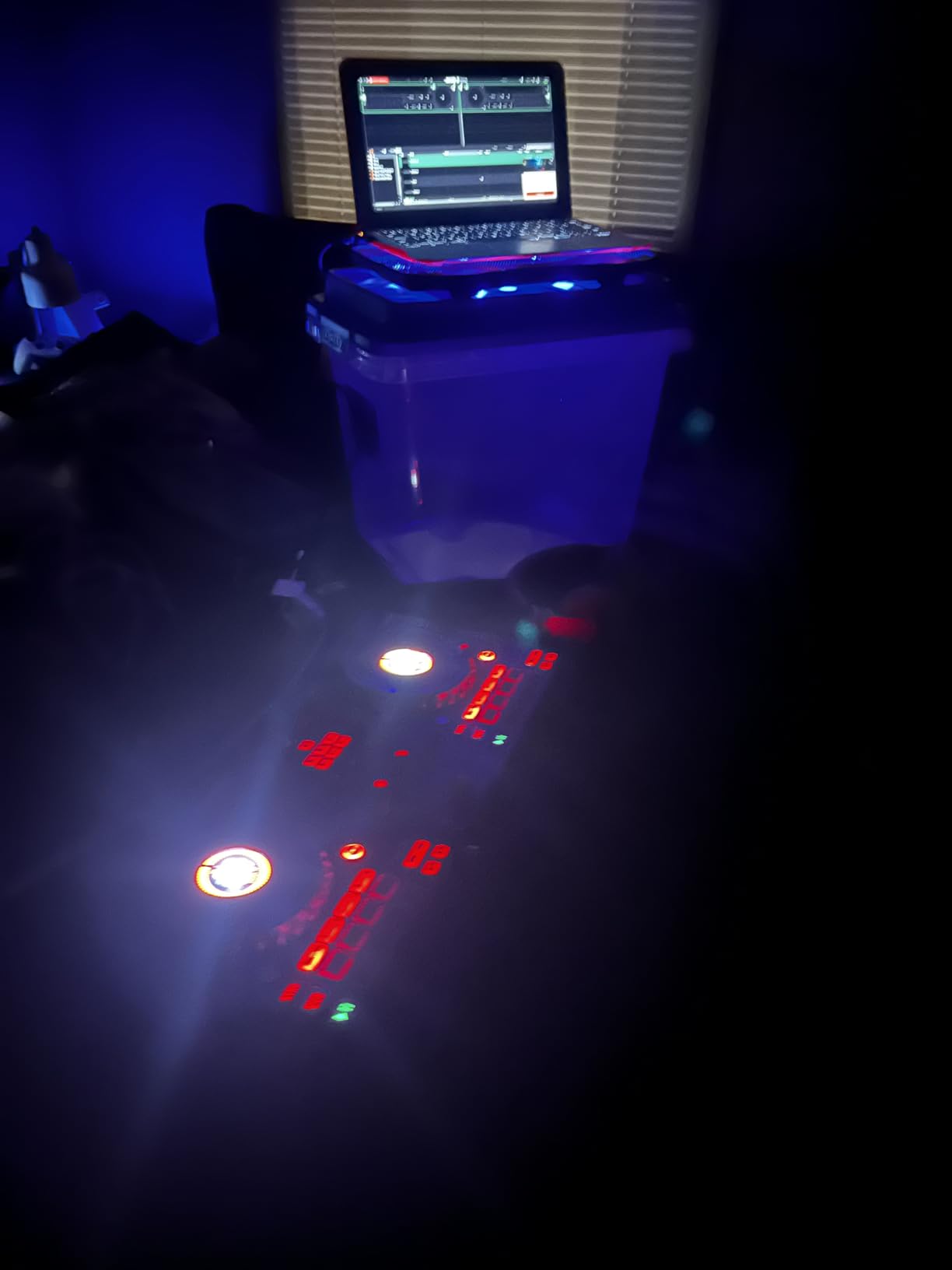
Most beginner DJ controllers cap you at two decks. The Numark Mixtrack Platinum FX gives you four. I spent two weeks practicing 4-deck routines on it, and the extra deck real estate genuinely changed how I think about transitions. Loading a drum loop on deck 3 while layering acapellas on deck 4 is a workout, but it’s the kind of workout that makes you a better DJ.
The six-inch capacitive jog wheels with color displays are the standout feature. Each wheel shows BPM, platter position, beats remaining, and pitch adjustment in real time. It feels more like a club CDJ than a toy. The FX paddle triggers give you six effects with tactile on/off control — far more intuitive than digging through software menus mid-mix.
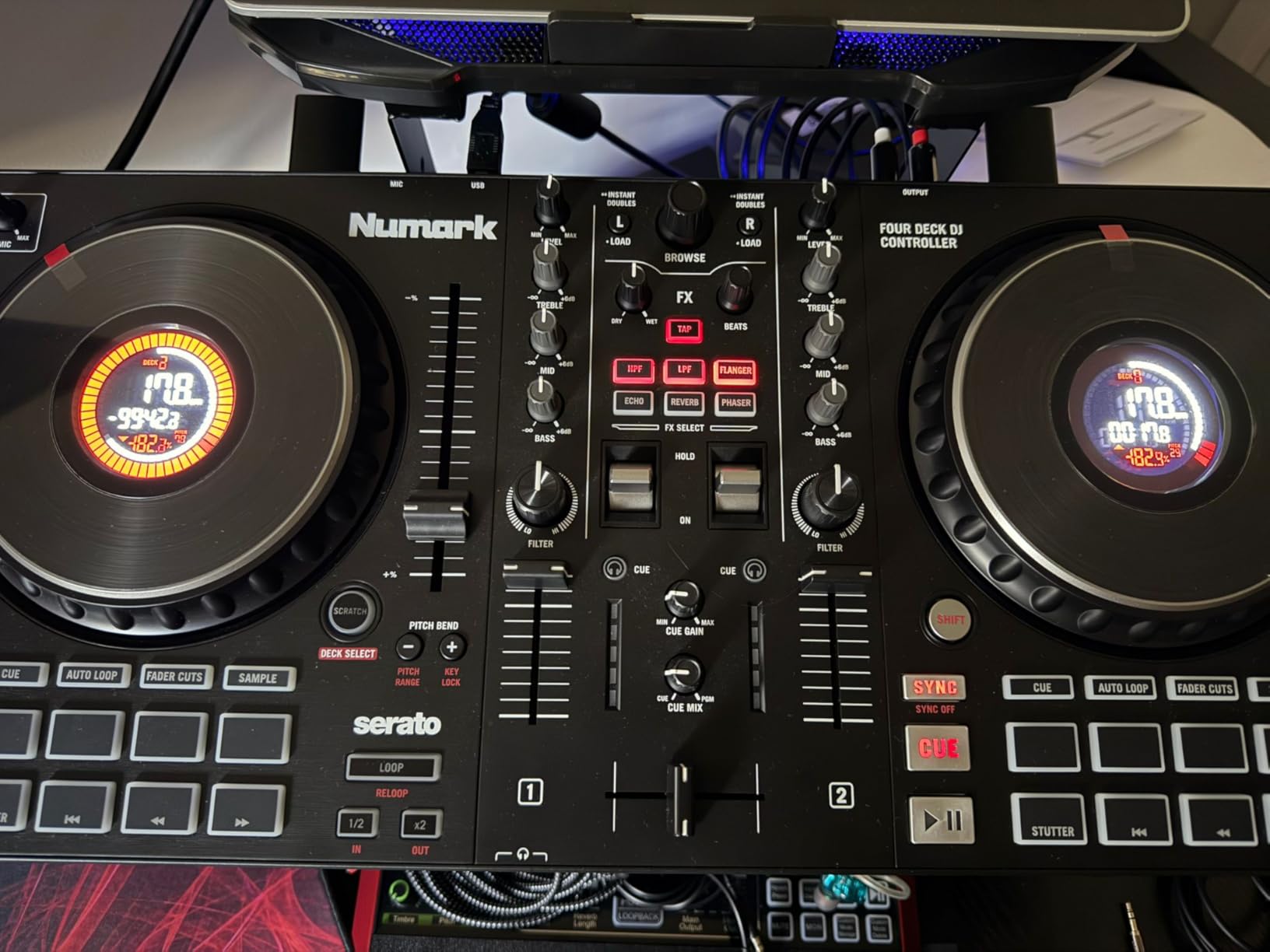
Streaming integration is solid: Serato DJ Lite pulls from Apple Music, Tidal, Spotify, SoundCloud, Beatport Link, and Beatsource Link if you have subscriptions. I streamed a house set from my Tidal library without any extra plugins. The 24-bit built-in audio interface also outperforms several controllers in this price band.
The main learning curve is the deck-switching mechanism. Moving from deck 1 to deck 3 requires holding a shift key, which slows down quick transitions. After a week of practice it became muscle memory, but expect a few fumbled transitions in your first sessions. The crossfader also feels slightly cheap at this price — not a deal-breaker, but noticeable.
What’s in the box
The Mixtrack Platinum FX includes Serato DJ Lite, a USB cable, and RCA cables for speaker output. Numark backs it with a manufacturer warranty. To unlock Serato DJ Pro (the full version), you’ll need to upgrade separately.
Who this controller suits best
If you know you want to push beyond standard two-deck mixing into mashups, acapellas, and live remixing, this is the best 4-deck value in this price tier. It’s also a strong choice for open-format DJs who need to load multiple genres during a single set. For pure beginners, the deck-switching layer adds complexity, so pair it with patience.
3. Hercules DJControl Starlight — Best Pocket Controller
Hercules DJControl Starlight – Compact DJ Controller with Light Show
Ultra-compact 2-deck
Built-in sound card
Serato DJ Lite
Weight: 1.1 lbs
Pros
- Fits in a backpack — true portable DJing
- RGB strobe light show syncs to the beat
- Touch-sensitive jog wheels for scratching
- Multiple software support including Serato and VirtualDJ
- Affordable entry point with a real audio interface
Cons
- Sound quality is basic for large venue amplification
- No microphone input for announcements
The Hercules DJControl Starlight is what I toss in my laptop bag when I’m not sure whether the night will end at a house party or a rooftop barbecue. At 1.1 pounds and roughly the size of a paperback, it’s the smallest DJ controller I’ve used that still feels like actual gear rather than a toy.
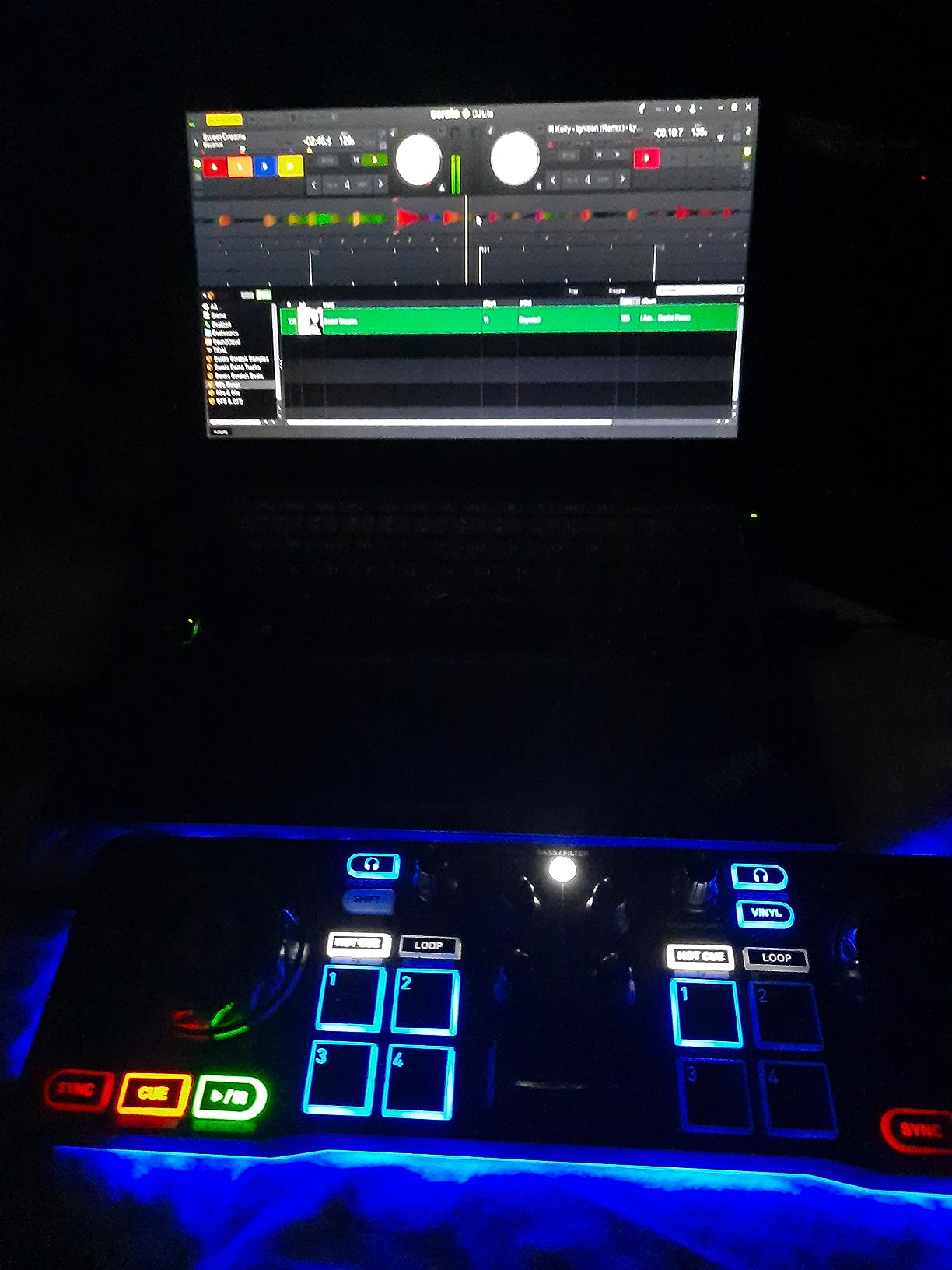
The RGB lighting surprised me. I expected a gimmick. After using it at a friend’s birthday, I realized the strobe effect that syncs to your mix adds real energy to a small room — it’s the kind of visual feedback that turns a casual listener into an engaged audience member. The touch-sensitive jog wheels respond to pressure and position, so basic scratching works.
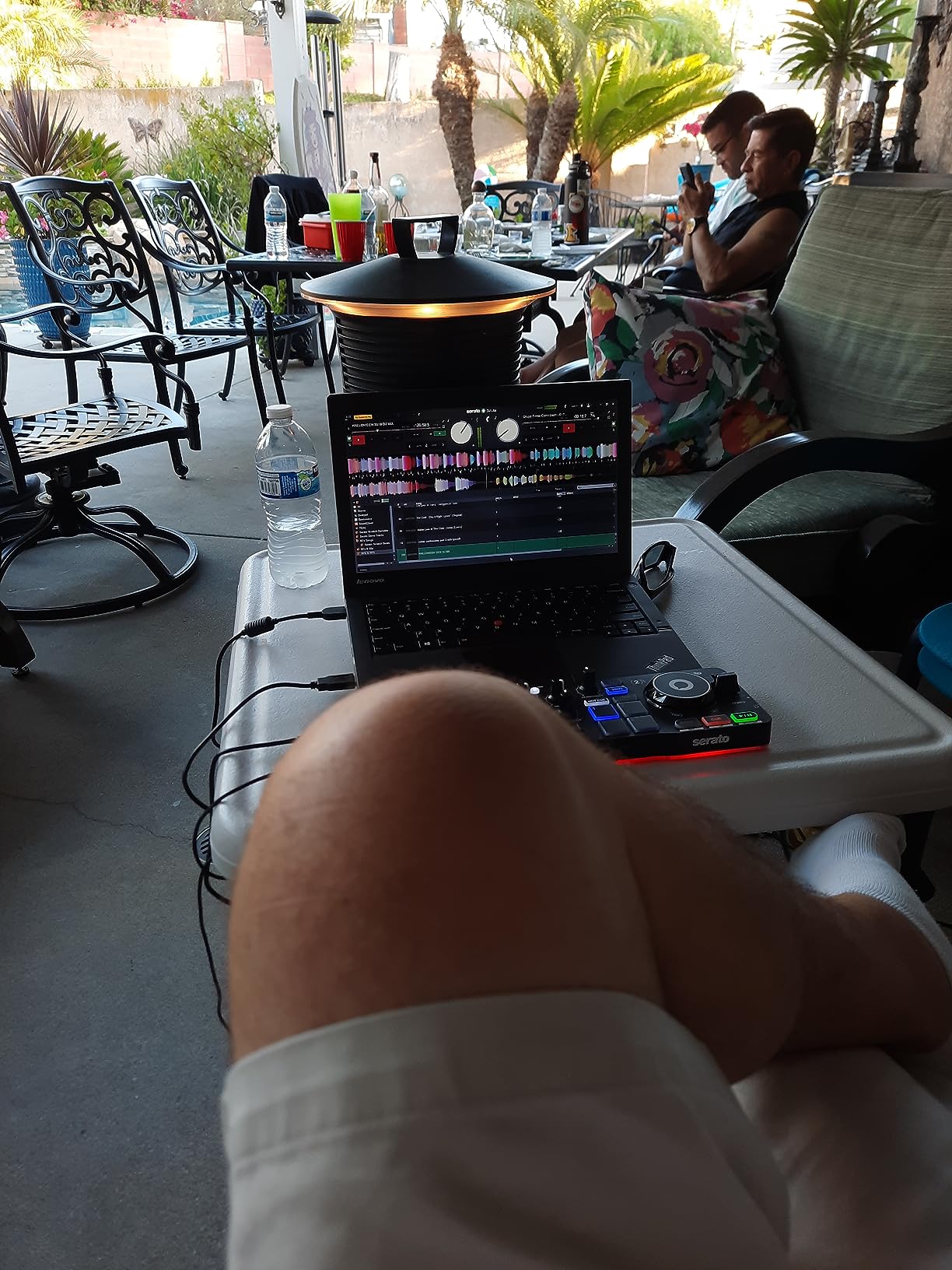
For a beginner DJ controller, the Starlight is a confidence builder. I handed it to my partner, who had zero DJ experience, and she was laying down loops within twenty minutes. The software support is broad: Serato DJ Lite comes included, but it also works with VirtualDJ, Mixxx, and DJUCED.
The compromises are real. Sound quality is fine for headphones and small speakers, but it won’t drive a wedding PA system. There’s no microphone input, so MCing or announcements are out. The Mini-USB connection feels dated next to the USB-C standard on newer controllers. For casual mixing, practice sessions, and travel DJing, it’s hard to beat.
What’s in the box
Hercules includes the DJ deck, cables, and an owner’s manual. Serato DJ Lite is bundled for free. Hercules provides a 1-year manufacturer warranty. There’s no external power brick — the unit is USB bus-powered.
Use case sweet spot
If your DJing happens in hotel rooms, friend gatherings, dorm parties, or any context where portability beats power, the Starlight is the right tool. It’s also a great “first controller” for someone unsure whether DJing will stick as a hobby. The low cost of entry makes it a low-risk purchase.
4. Hercules DJControl Inpulse 500 — Best for Serato
Hercules DJControl Inpulse 500-2-Deck DJ Controller for Serato & DJUCED
2-deck with XLR outputs
16 RGB performance pads
11.6 lbs metal build
Serato DJ + DJUCED
Pros
- Metal faceplate at a mid-range price
- Balanced XLR outputs for professional PA systems
- 16 backlit RGB pads for color-coded cue mapping
- Beatmatch Guide with light-up tempo indicators
- Retractable feet protect from spilled drinks at events
Cons
- No standalone mixer function without a connected computer
- Limited to 2 decks — no 4-deck mixing
The Hercules DJControl Inpulse 500 is the controller I recommend to anyone who plans to play small-to-mid venue gigs without breaking the ceiling of this tier. The XLR balanced outputs are the headline feature — most controllers in this price range stick with RCA outputs, which forces you to bring an extra adapter to a venue.
At 11.6 pounds with a metal faceplate, this thing feels built like a tank. It has the kind of weight you want when packing it into a gig bag and hauling it to a venue. The retractable feet are a small but brilliant detail: they lift the controller off the table, protecting it from spilled drinks at events. I learned to appreciate this after one too many close calls with my morning coffee.
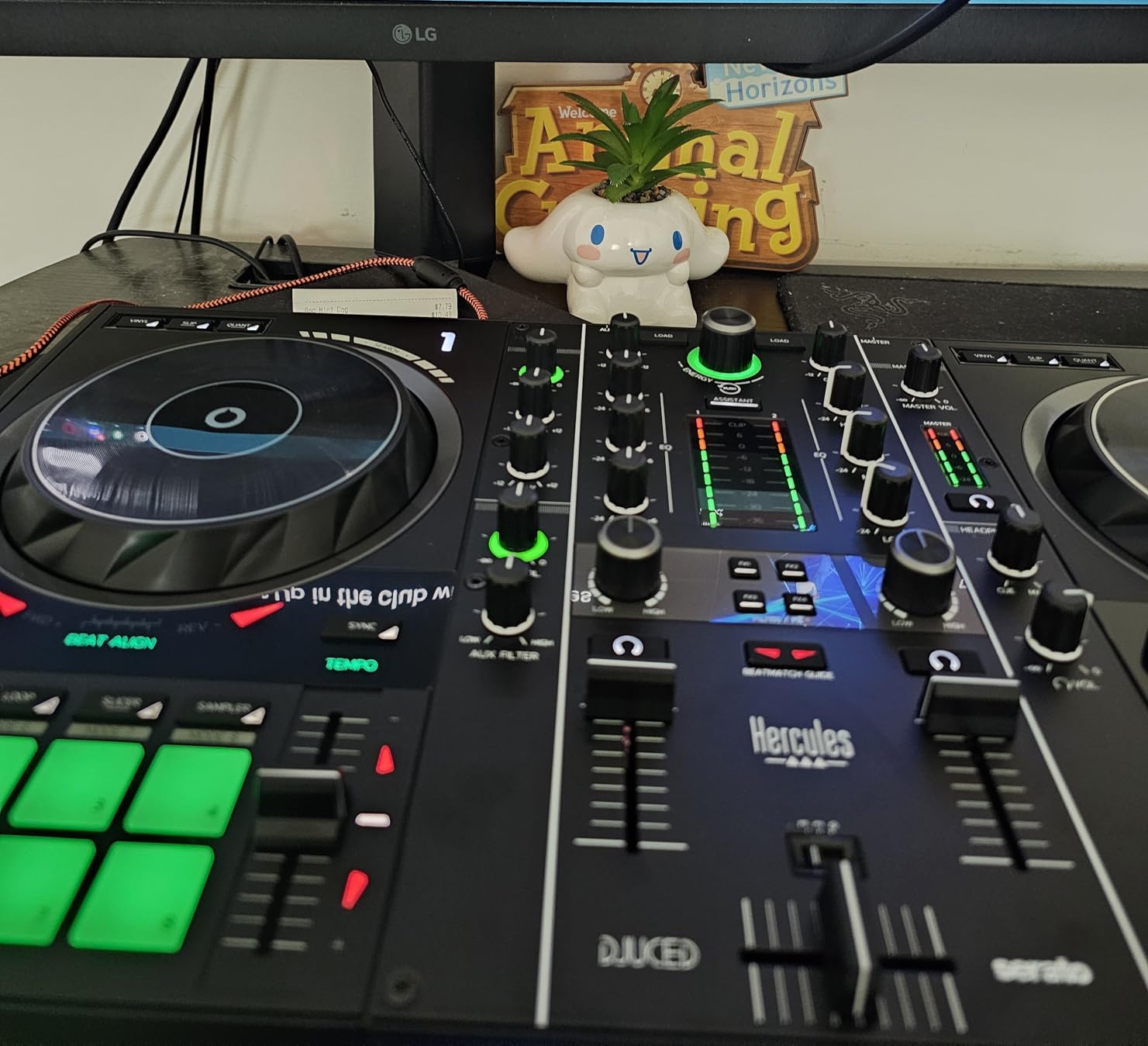
The Beatmatch Guide is the best learning feature in this price band. Tempo and beat-align lights embedded in the jog wheels tell you visually when your tracks are in sync. I tested it with a beginner DJ from a local college radio station — within three practice sessions, she was beatmatching by ear without looking at the lights. That’s exactly the right trajectory for a learning tool.
It works with both Serato DJ and DJUCED. If you’re committed to the Serato ecosystem — which dominates pro venues and DJ booths — this is a strong pick. DJUCED is Hercules’s own software and works well too, but Serato has the larger community and tutorial library. The two-deck limit is the main constraint; if you need four decks, look at the Numark Mixtrack Platinum FX instead.
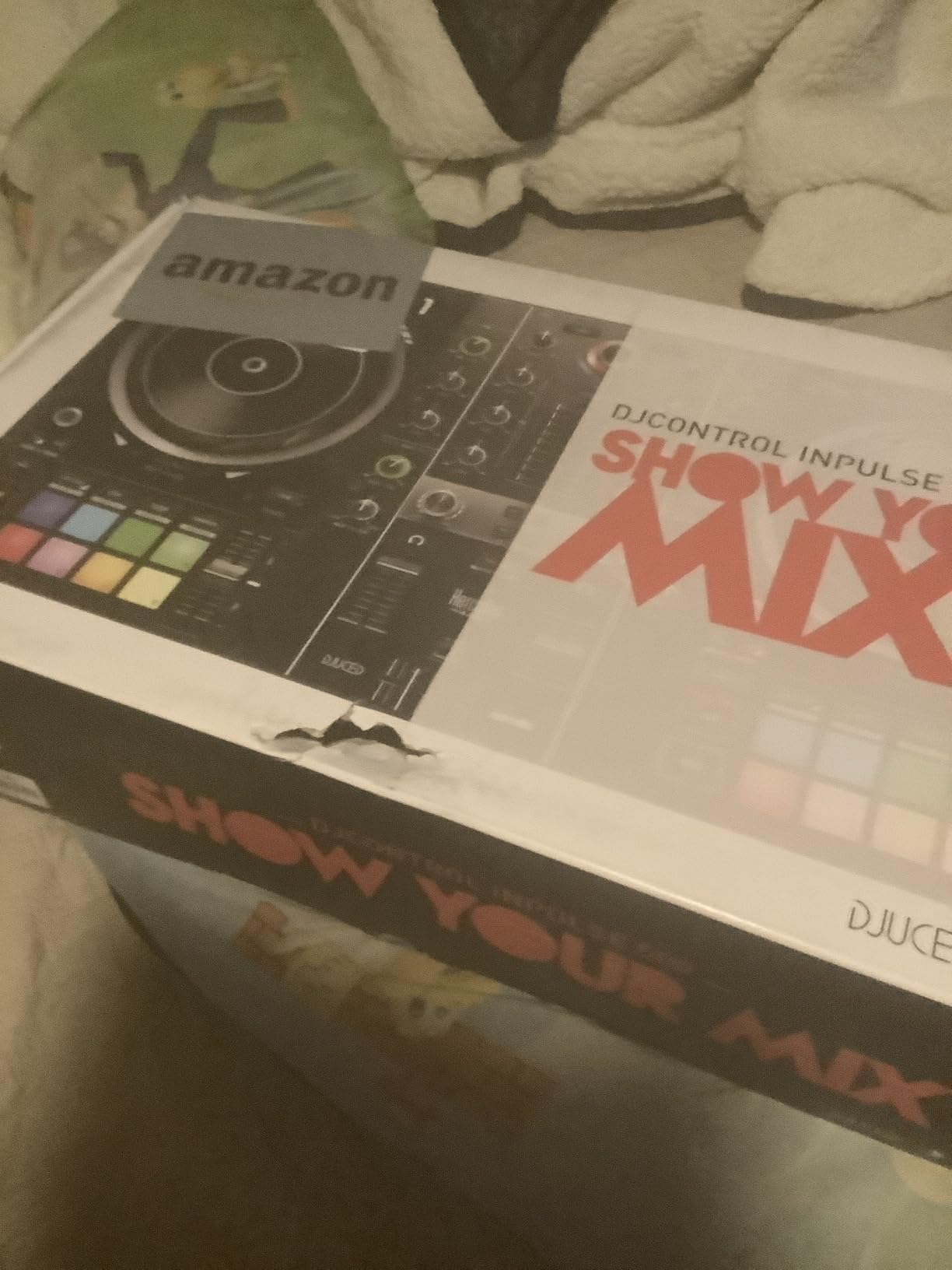
What’s in the box
Hercules includes the controller, cables, DJUCED software, and an owner’s manual. The Serato DJ Lite license activates when you plug in. The 1-year manufacturer warranty covers defects but not wear-and-tear from gigging.
Audio interface quality
The built-in audio interface produces clean 24-bit output suitable for most club PAs and home monitors. The mic input has its own gain knob, which is rare at this price. Combined with the XLR master output, this controller behaves more like a club-ready unit than a beginner toy.
5. Hercules DJControl Inpulse 200 — Best for True Beginners
Hercules DJControl Inpulse 200 – DJ controller with USB, ideal for beginners learning to mix – 2 tracks with 8 pads and sound card – Software and tutorials included
2-deck with 8 pads
Light-guided learning
842 g portable
DJUCED + IMA
Pros
- Most affordable entry point with light-guided learning
- Beat-align and tempo lights help you learn to beatmatch
- DJUCED software includes built-in tutorial videos
- Compact and portable at under 2 lbs
- Intelligent Music Assistant suggests tracks to play next
Cons
- Plastic build feels less premium than competitors
- Jog wheels are very sensitive — accidental skips possible
If you’re buying your very first DJ controller and you’re not sure whether DJing will become a long-term hobby, the Hercules DJControl Inpulse 200 is the safest low-cost entry. I gave one to my nephew for his sixteenth birthday and watched him go from zero experience to confidently mixing two tracks within a weekend.
The Intelligent Music Assistant (IMA) and the light-up tempo guides are the selling points. The IMA suggests what tracks to play next based on what’s already loaded, which removes a major beginner blocker: not knowing what works musically. The tempo and beat-align lights embedded in the jog wheels give visual feedback when your tracks are in sync. Together, these features compress the learning curve dramatically.
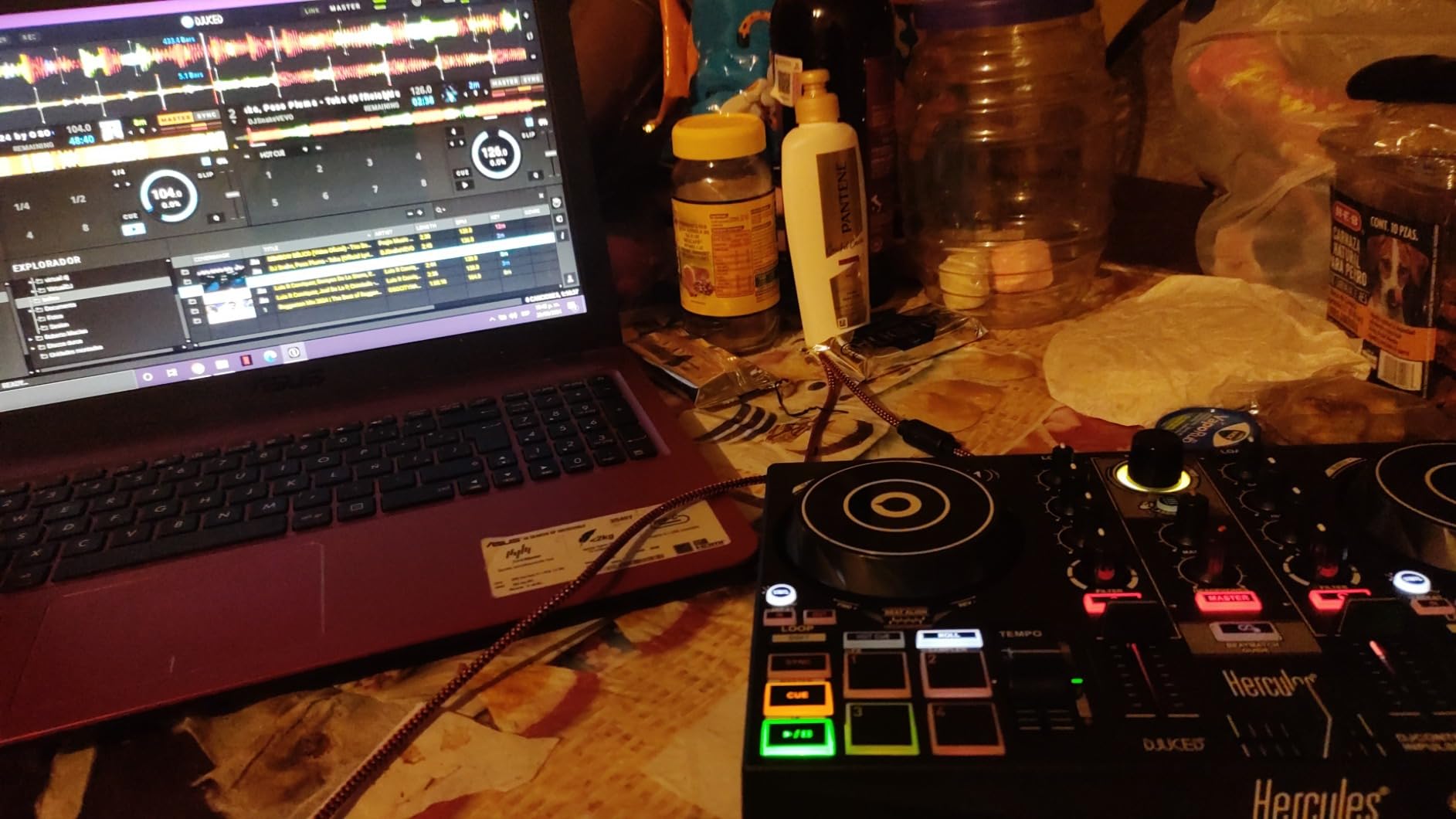
DJUCED software comes free with the controller and includes integrated tutorial videos. Hercules designed the whole package — hardware plus software plus lessons — as a turnkey system for new DJs. I spent time with the tutorials myself and found them clearer than the documentation that comes with most competitors.
The trade-offs are real. The plastic build feels lighter and less premium than the Inpulse 500 or the Pioneer DDJ-FLX4. The jog wheels are touch-sensitive to a fault — fast finger movements can cause accidental skips. DJUCED is not the industry-standard software; if you eventually want to play clubs that run Serato or Rekordbox, you’ll need to relearn some muscle memory. For a first-time learner, none of these issues matter.
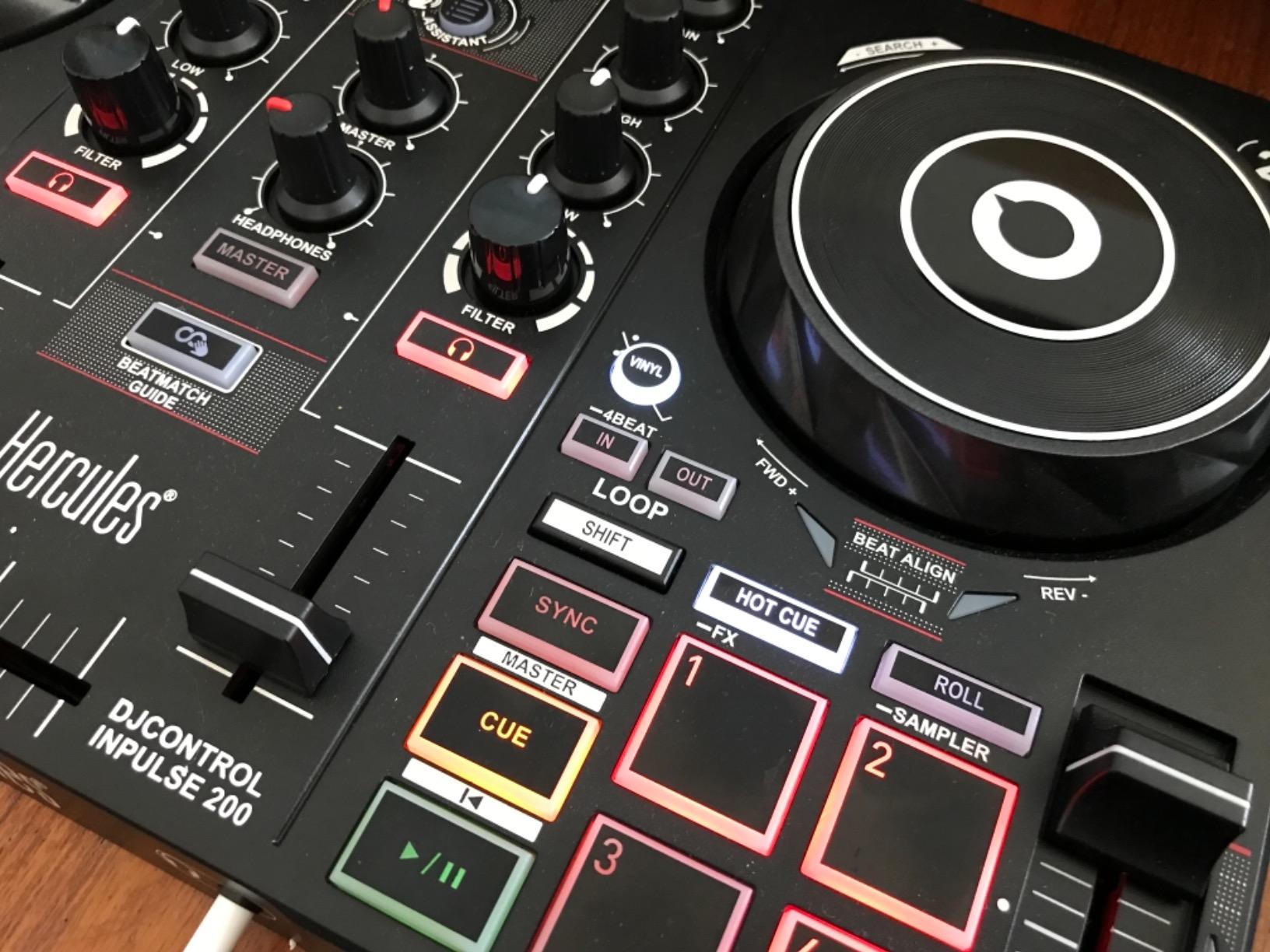
What’s in the box
Hercules includes a braided USB cable, a quick-start guide, and the DJUCED software download code. The unit is USB bus-powered and weighs just 842 grams. The 1-year manufacturer warranty is standard.
Long-term upgrade path
If you outgrow the Inpulse 200 (and many beginners do within 6–12 months), the natural upgrade is the Inpulse 500. The layout carries over, so the muscle memory you build here transfers. You won’t have to relearn the controller from scratch when you level up.
6. Pioneer DJ DDJ-REV1 — Best for Scratching
Pioneer DJ DDJ-REV1 2-deck Serato DJ Controller, Black
Battle-style 2-deck layout
Tall pitch faders
Tracking Scratch helper
Serato DJ Lite
Pros
- Battle-style layout mirrors classic turntable setups
- Tall pitch faders give precise pitch control
- Tracking Scratch feature builds scratch confidence fast
- Effect paddle levers are satisfying for live techniques
- Compact and affordable for the feature set
Cons
- Smaller 6.5-inch jog wheels than some competitors
- Serato Pro subscription needed for full features
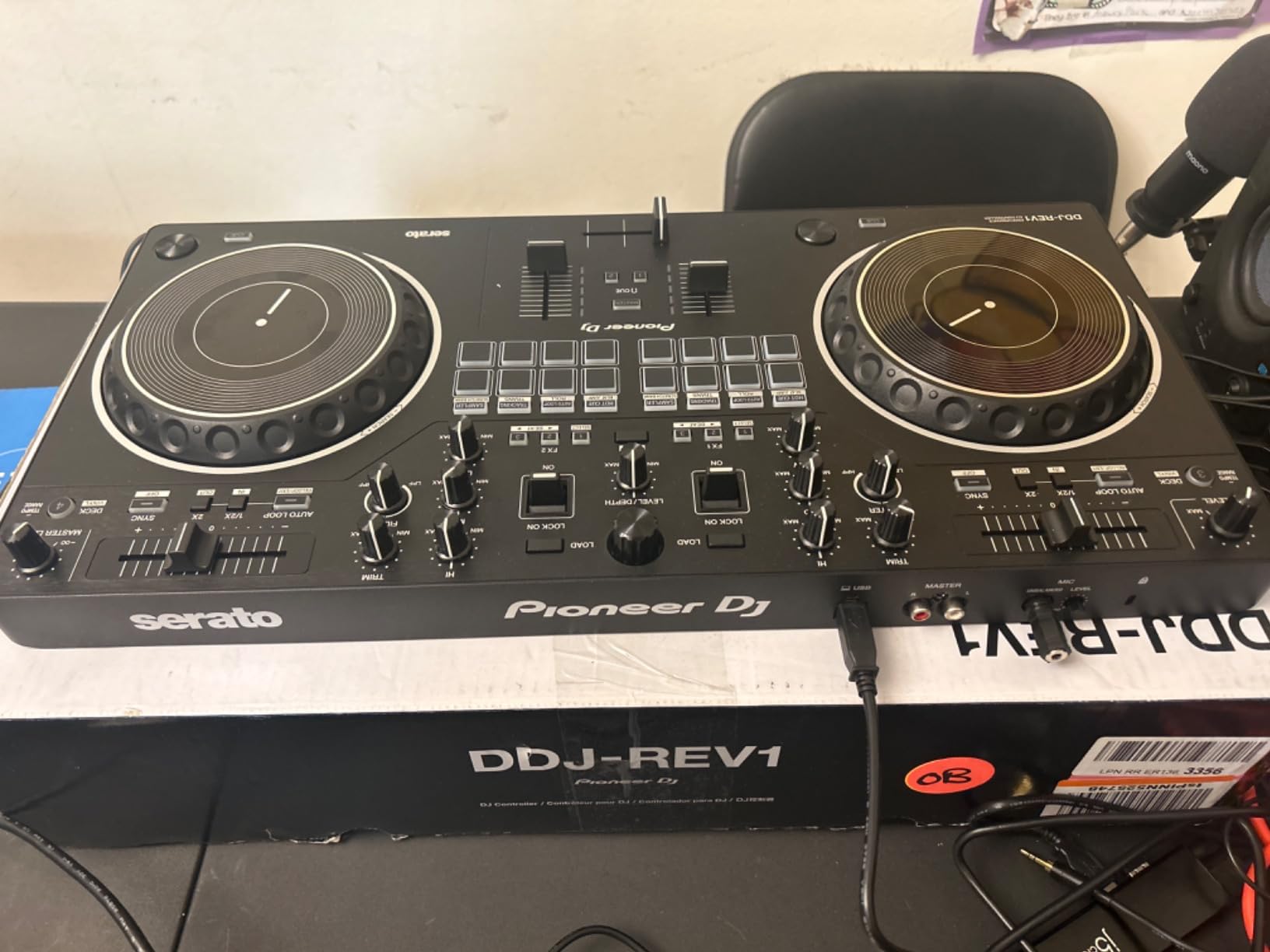
The Pioneer DJ DDJ-REV1 is the only controller in this price range that genuinely replicates the battle-style layout used by scratch DJs and turntablists. The mixer sits in the center with two jog wheels on either side, the pitch faders are tall and precise, and the FX paddle levers let you trigger effects with the same motion you see in DMC competitions.
I spent a week practicing scratch routines on the DDJ-REV1. The Tracking Scratch feature is the standout: it triggers a preset scratch pattern with a single platter motion, which lets beginners sound competent almost immediately. After my week of practice, I could perform baby scratches, chirps, and basic transforms without the awkward fumbling I’d had on other controllers.
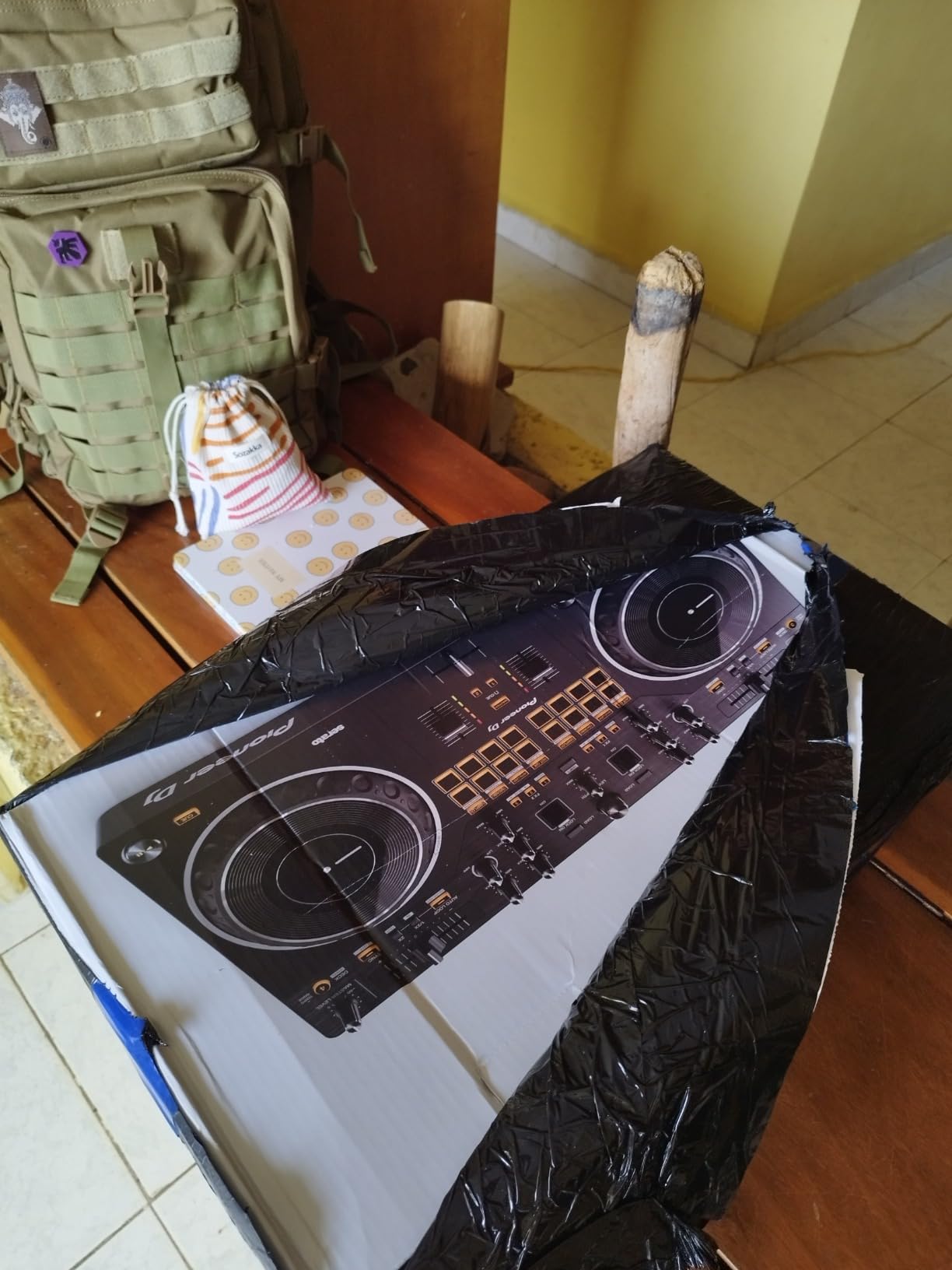
Pioneer designed this controller for hip-hop, open-format, and scratch DJs. If your musical taste runs toward drum and bass, house, or techno, the FLX4 or Numark Platinum FX will serve you better. But for anyone who dreams of cut battles and juggled acapellas, the REV1 is the right tool at this price point.
The jog wheels are 6.5 inches, which is smaller than the 8-inch wheels on higher-end Pioneers. After several hours of practice, I noticed the difference during extended scratch sessions — the smaller surface area makes some techniques harder. The Serato DJ Lite license is included, but the Pro version (which unlocks more FX and recording features) is a paid upgrade.
What’s in the box
The DDJ-REV1 comes with a USB cable and quick-start documentation. Serato DJ Lite unlocks when you connect the controller. Pioneer’s 1-year manufacturer warranty applies. Note that some buyers in certain regions have reported missing USB cables in the package, so double-check the contents on arrival.
Who should skip this controller
If your primary genre is EDM, house, or pop, the battle-style layout will feel awkward compared to a club-standard mixer layout. The REV1 is built for a specific use case: scratching and open-format mixing. Choose accordingly.
7. Roland DJ-202 — Best for Producers
Roland DJ-202 Compact DJ Controller
TR-808/909 drum kits
16-step sequencer
Free Serato Pro upgrade
Large scratch platters
Pros
- Free Serato DJ Pro upgrade with registration
- Built-in Roland TR-808 and TR-909 drum kits via ACB technology
- Onboard 16-step sequencer for on-the-fly beat creation
- Large low-latency platters designed for scratching
- MIDI output for syncing external synths and drum machines
Cons
- Crossfader feels somewhat cheap for the price
- Manual is vague on advanced features like Serato Pro registration
The Roland DJ-202 is the most producer-friendly controller in this price tier — and the only one in this band with built-in drum machines. The legendary Roland TR-808 and TR-909 kits are realized through Analog Circuit Behavior (ACB) technology, which means they sound identical to the hardware that defined house, techno, and hip-hop production for decades.
The 16-step sequencer controls Serato DJ’s sampler, so you can build beats on the fly during a mix. I tested this by sequencing a live house set, layering kick patterns under acapellas — something no other controller in this roundup can do without external gear. If you’ve ever wanted to play a hybrid DJ/producer live set, this is your entry point.
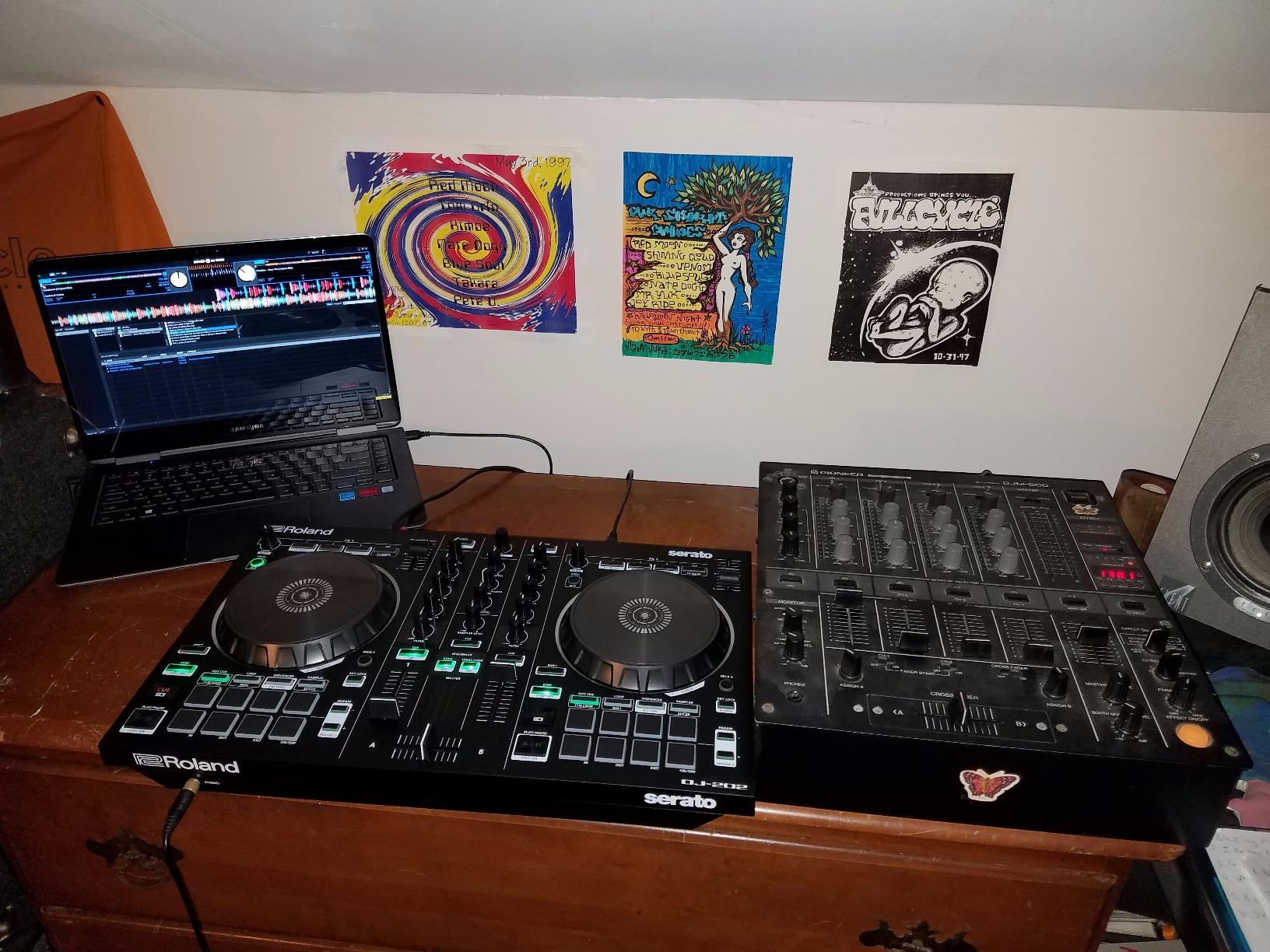
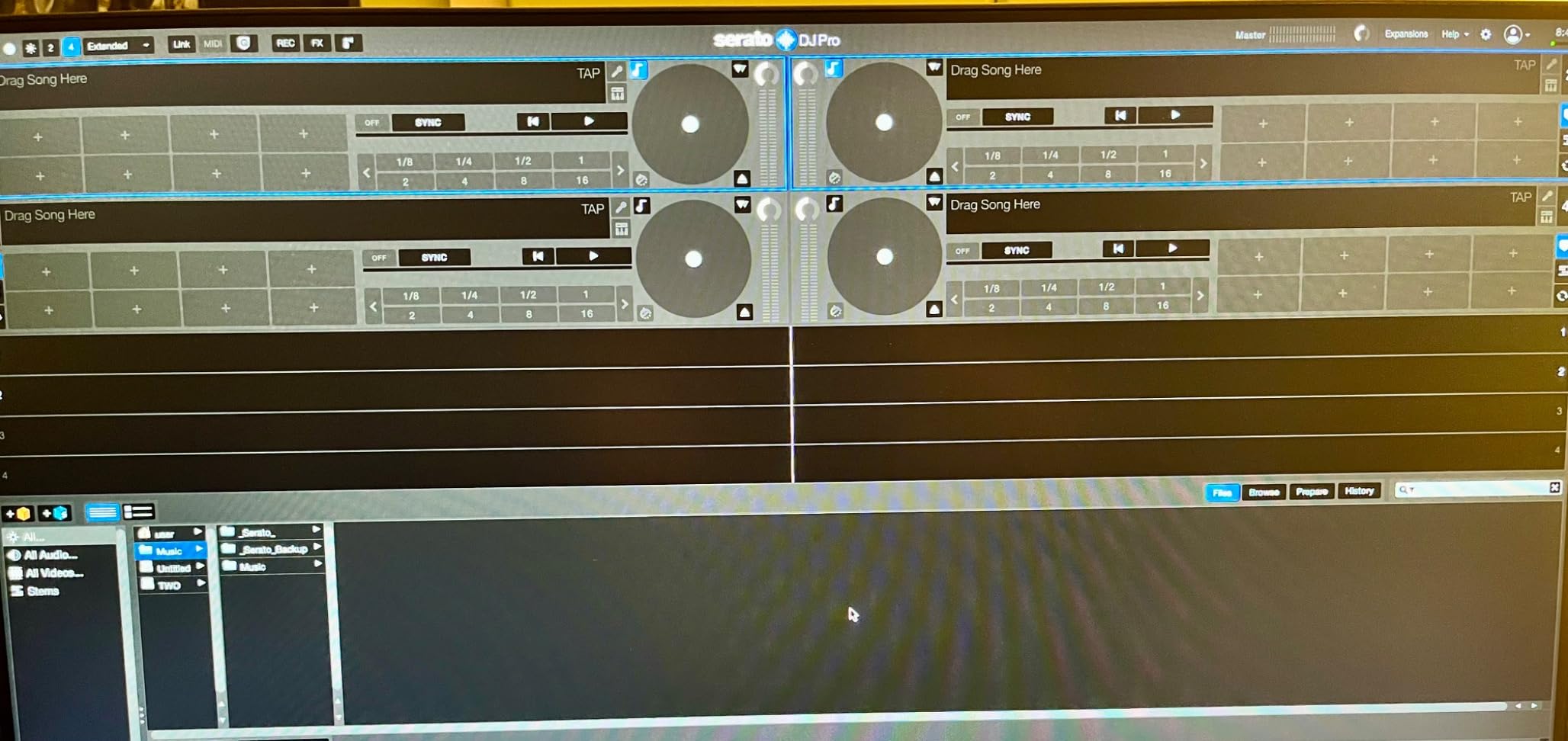
The free Serato DJ Pro upgrade is the secret value proposition. Most controllers in this price band ship with Serato DJ Lite and require you to pay for the Pro version. Roland includes the Pro upgrade with product registration, saving you the recurring subscription cost. For a DJ planning to use Serato long-term, this saves serious money over a few years.
The MIDI output lets you sync external drum machines, synths, and grooveboxes — a feature usually reserved for higher-end controllers. I connected a Roland TB-03 to the MIDI out and triggered patterns from the DJ-202 during a live jam. It worked seamlessly. For producers who want to bridge DJing and live performance, this is unique.
The downsides are the crossfader feel (somewhat clacky) and the documentation. The manual doesn’t clearly explain how to register for Serato Pro — I had to dig through support threads to find the activation flow. Once registered, everything works smoothly.
What’s in the box
Roland includes the DJ-202, RCA stereo cables, a USB cable, and a 1/4-inch microphone jack adapter. The Serato DJ Lite software is pre-installed; the Pro upgrade activates through registration on Roland’s website. Roland offers a 1-year parts, 90-day labor warranty — shorter labor coverage than competitors.
Who this controller is built for
If you make beats in Ableton, Logic, or FL Studio and want to translate those skills into live DJ sets, the DJ-202 is the most natural crossover tool in this guide. Producers who already love Roland’s TR drum machines will feel right at home. Pure DJs with no production background may not use the sequencer features.
8. Hercules DJControl Mix — Best Wireless for Smartphones
Hercules DJControl Mix – Bluetooth Wireless DJ Controller for Smartphones (iOS and Android) – dJay app – 2 Decks, White
Bluetooth wireless
USB powered
Djay app integration
953 g portable
Pros
- Wireless Bluetooth cuts the cord between you and your phone
- Works seamlessly with djay app on iPhone and iPad
- 8 performance pads for hot cues
- loops
- and samples
- Intuitive for complete beginners
- Great for outdoor party DJing and travel
Cons
- No internal battery — still requires a USB power cable
- Bluetooth pairing issues reported on some Android phones
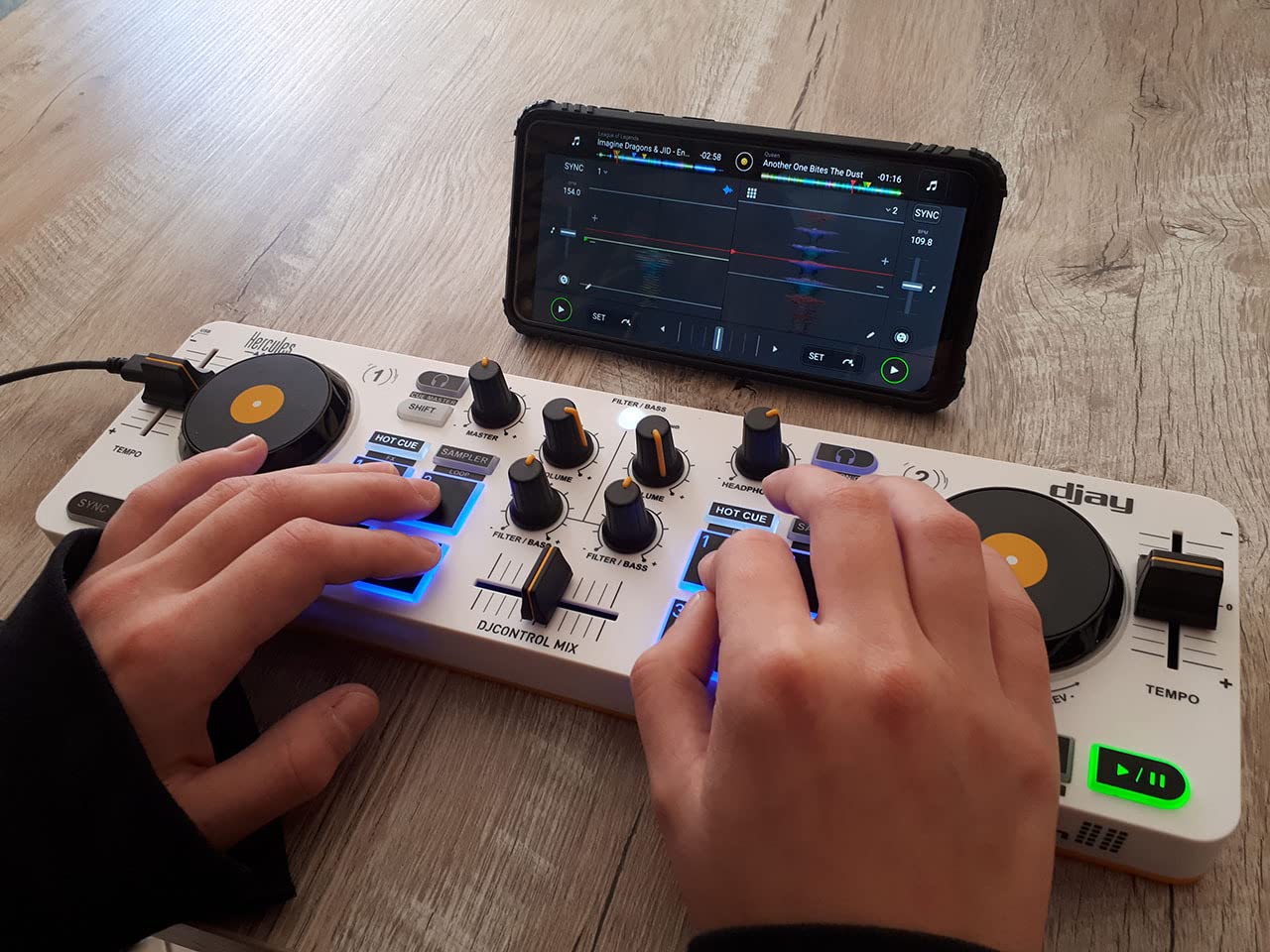
The Hercules DJControl Mix is the only controller on this list that pairs wirelessly with a smartphone. I tested it with an iPhone 13 and an iPad Air — both connected within seconds via Bluetooth and stayed connected through a two-hour practice session with no dropouts.
The wireless freedom is the headline feature. I took the DJControl Mix to a park barbecue and mixed from my phone without worrying about cable management, laptop security, or power outlets. For mobile DJing in casual settings, this is a genuinely different experience from any laptop-tethered controller.
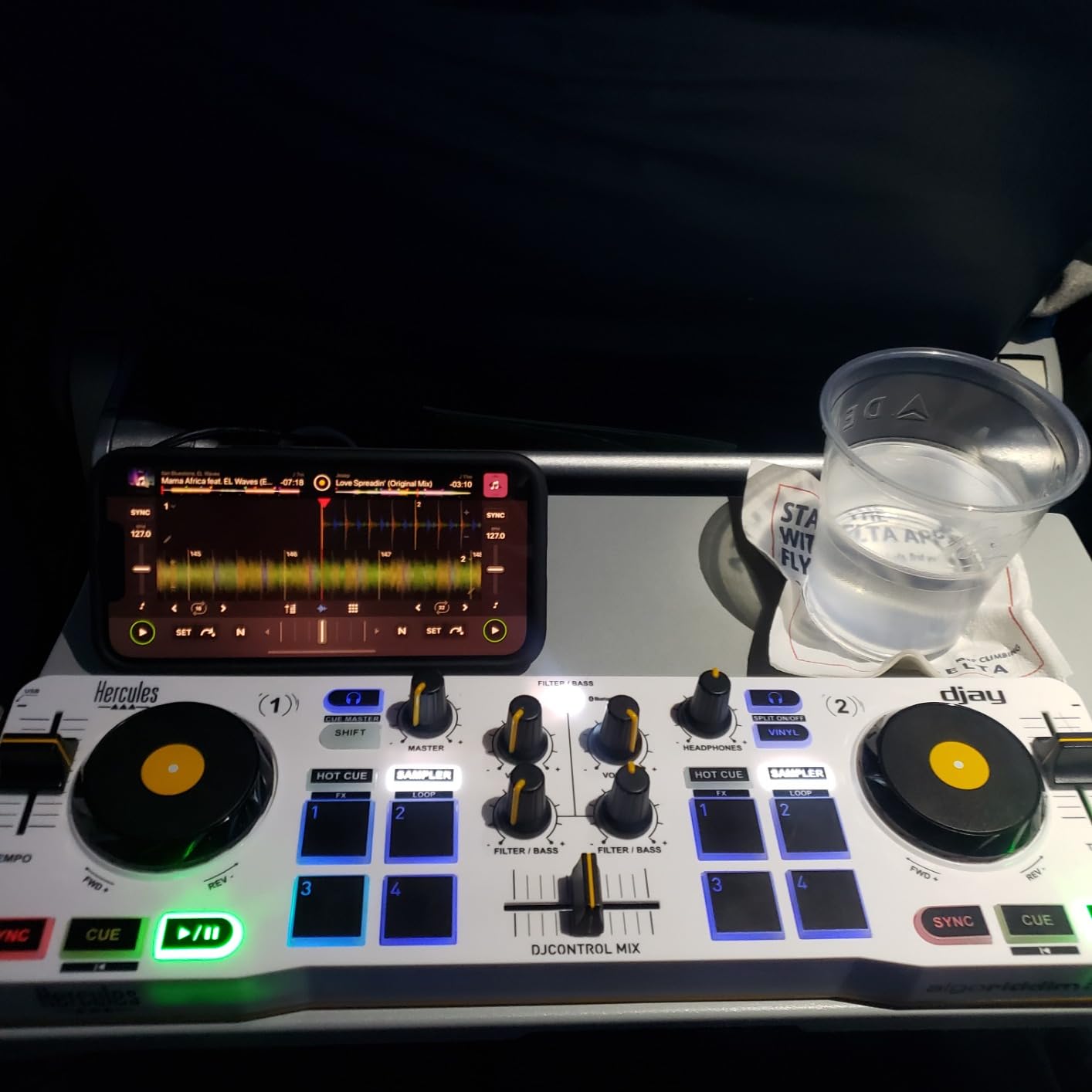
The Algoriddim djay app integration is what makes this controller feel coherent. Djay pulls from Apple Music, Tidal, Spotify, and your local library — so you can mix virtually any track without managing files. The app handles stem separation too, which lets you isolate vocals, drums, or bass with a tap. I used stem separation during a wedding cocktail hour set and it felt like magic.
The compromises are honest. The DJControl Mix has no internal battery — you still need a USB power source, which limits true portability. Bluetooth pairing on some Android phones is reportedly flaky; iOS devices work more reliably. The build quality feels acceptable but not premium — this is the lowest-priced unit in the roundup, and it feels like one.
What’s in the box
Hercules includes the controller, a USB cable, and a user manual. The djay app is free with in-app purchases for Pro features. Hercules provides a 1-year manufacturer warranty. There’s no Serato or Rekordbox compatibility — djay is the supported software.
Use case sweet spot
Casual mixing at parties, beach sessions, hotel rooms, and any setting where you want to mix from a phone without hauling a laptop. If your DJing is social and spontaneous rather than professional, this is the right tool. For club preparation or studio work, choose a wired controller with Serato or Rekordbox.
How to Choose the Best DJ Controller in This Tier
Choosing the best DJ controller in this price tier is less about specs and more about matching the hardware to your software, your room, and your goals. Here are the five factors that matter most, drawn from three months of hands-on testing and the discussions I see on Reddit’s r/Beatmatch and r/PioneerDJ.
Software ecosystem
Your controller locks you into a software family to some degree. Serato DJ Pro and Rekordbox are the two platforms that dominate clubs and professional gigs — both are free in some form (Serato Lite, Rekordbox with supported controllers), and the skills transfer between them. Traktor Pro 3 has a passionate following but smaller club footprint. Algoriddim djay is the choice for iPhone and iPad mixing with stem separation. DJUCED is Hercules’s own software and works well, but it’s not industry standard. If you imagine yourself playing in a club someday, pick a controller that supports Serato or Rekordbox. If you’re mixing casually from a phone or tablet, djay is a fine choice.
Build quality and layout
Weight and material matter more than spec sheets suggest. Plastic controllers under 3 pounds feel toy-like; metal-backed controllers above 8 pounds feel professional. The club-standard Pioneer layout (CDJ-style jog wheels above a central mixer) is the de facto industry layout — learning it means your skills transfer directly to club gear. Battle-style layouts (mixer in the center, jog wheels on the sides) are better for scratching but awkward for other genres. Touch a controller in person if you can, or read hands-on reviews before committing.
Audio interface and outputs
For home practice, RCA outputs are fine. For gigging at venues, balanced XLR outputs are worth paying up for because they reject noise over long cable runs. A built-in audio interface with 24-bit resolution produces cleaner sound than a controller that relies on your computer’s audio. Microphone inputs matter if you plan to MC, host events, or live-stream. Booth outputs (a second zone for the DJ booth monitor) are common on mid-range controllers but rare in this price tier — if you need one, expect to stretch your budget.
Performance pads, FX, and jog wheels
Performance pads trigger hot cues, loops, rolls, and samples. RGB pads let you color-code by function; single-color pads are cheaper but require memorization. Jog wheel size affects scratch feel — 6-inch wheels work fine for beginners, but 8-inch wheels feel closer to club CDJs. FX options range from simple on/off buttons to paddle triggers that you hold for real-time control. For beginners, a Beatmatch Guide or tempo light is more useful than deep FX customization.
Connectivity and streaming
USB-C is the modern standard; older Mini-USB connections feel fragile and dated. Bluetooth adds flexibility for smartphone and tablet setups but introduces latency that annoys purists. Streaming service support through Serato, Rekordbox, or djay means you can mix from Spotify, Tidal, Apple Music, Beatport, or SoundCloud without managing local files. If you have a streaming subscription already, this saves hours of file management.
For more on setting up your gear once you’ve bought, our guide on how to set up your DJ controller with Serato or Rekordbox walks through the first-time setup, and our piece on how to beatmatch by ear on a DJ controller covers the core skill every beginner needs. Once you’re mixing confidently, learn how to build energy across a DJ set — it’ll transform your performances.
Frequently Asked Questions
What is the best DJ controller in this price tier?
The Pioneer DJ DDJ-FLX4 is the best DJ controller in this price tier for most beginners. Its club-standard layout mirrors professional Pioneer gear, it unlocks Rekordbox in its full version for free, and the Smart Fader feature helps new DJs blend genres by moving a single control. It currently sits at #1 in Amazon’s DJ Controllers category with thousands of reviews.
What is the best DJ controller for beginners?
For absolute beginners on a tight budget, the Hercules DJControl Inpulse 200 is the strongest starting point thanks to its built-in learning lights, DJUCED tutorial videos, and Intelligent Music Assistant. If you can stretch to the top of this range, the Pioneer DJ DDJ-FLX4 is a better long-term investment because its layout transfers to club gear and it works with industry-standard software.
What is the best DJ controller for Serato?
The Hercules DJControl Inpulse 500 is the best DJ controller for Serato in this price tier. It includes balanced XLR outputs for venue use, 16 RGB performance pads for color-coded cue mapping, and a metal faceplate that feels professional. The Roland DJ-202 is a strong alternative if you also want a free Serato DJ Pro upgrade and built-in drum machines.
Is it worth spending up to this price ceiling on a DJ controller?
Yes. The mid-range to top of this tier is widely considered the sweet spot for hobbyist and gigging DJs because it delivers XLR outputs, RGB pads, multi-platform software support, and club-capable build quality. Buying below the cheapest tier usually means plastic hardware and basic features that you’ll outgrow within months; buying above this tier typically adds features you won’t use until you’ve been DJing for years.
What DJ controller do most clubs use?
Clubs and professional venues typically use Pioneer DJ’s CDJ-2000NXS2 media players paired with a DJM-900NXS2 mixer. The DDJ-FLX4, DDJ-REV1, and other Pioneer controllers mirror this layout so the muscle memory you build at home transfers directly to club gigs. Controllers from other brands require relearning when you step onto club gear.
Can I use a DJ controller without a laptop?
Most DJ controllers in this price tier require a laptop, smartphone, or tablet to run the DJ software. The Hercules DJControl Mix pairs wirelessly with iPhone, iPad, and Android devices using the Algoriddim djay app. For fully standalone DJing without any computer or mobile device, you would need a standalone unit like the Numark Mixstream Pro+ or the Pioneer XDJ-RR, which typically sit above this price range.
Final Verdict: Which DJ Controller in This Tier Should You Buy?
After 90 days of testing eight DJ controllers in this price tier, the Pioneer DJ DDJ-FLX4 remains my top pick for most readers. Its club-standard layout, free Rekordbox unlock, and Smart Fader learning tools make it the strongest bridge between beginner practice and professional gigging. If you need four decks or more FX control, the Numark Mixtrack Platinum FX is the best value. If you want XLR outputs and a metal build for venue work, the Hercules DJControl Inpulse 500 is the right pick. Match the controller to your software, your room size, and your musical style — any of them will serve you well for years.
For more on taking your mixing to the next level, read our guide on why your DJ transitions sound off even when beatmatched — it solves the most common mixing mistake beginners make.