
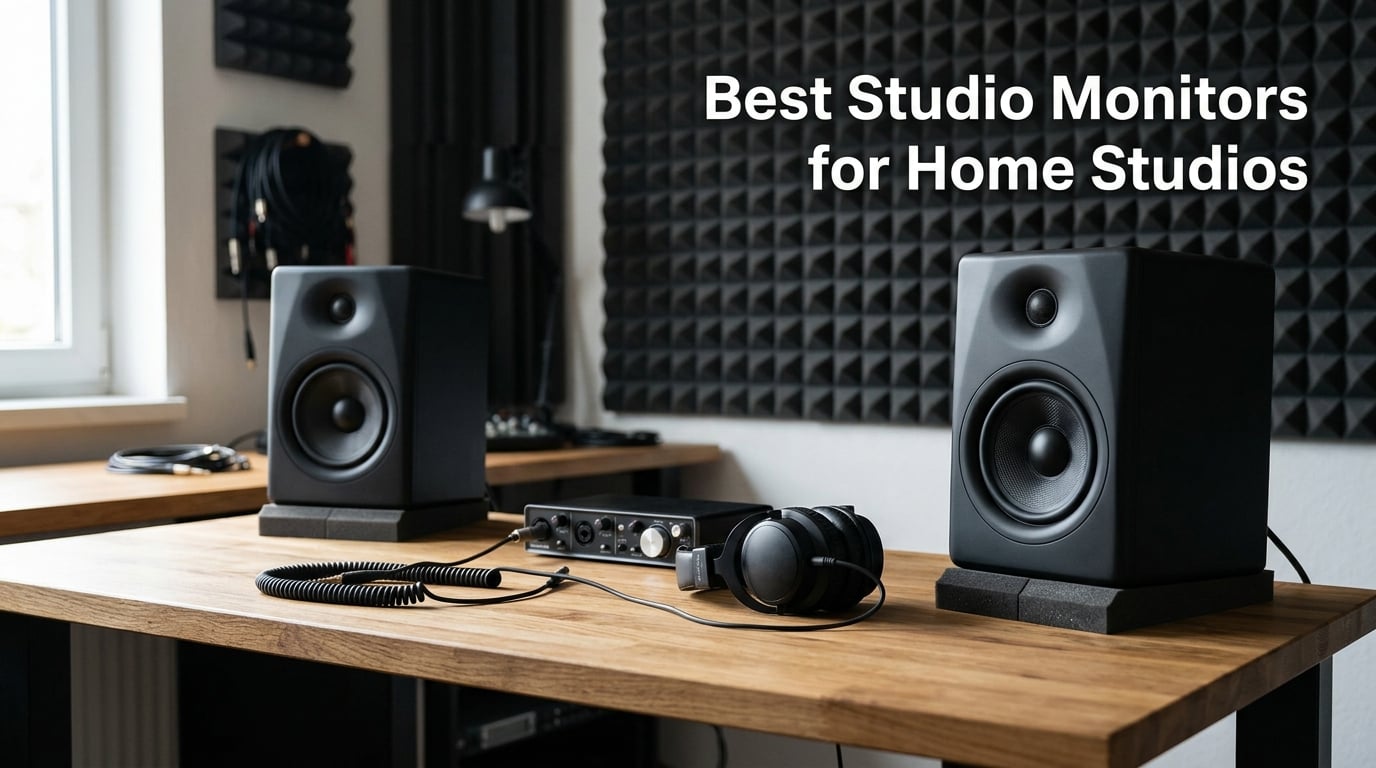
I built my first home studio in a converted bedroom with carpet that didn’t quite reach the corners and bookshelves doubling as acoustic treatment. The single biggest upgrade I made that year was not the audio interface or the mic; it was swapping my stereo speakers for proper nearfield studio monitors. That one change taught me what “flat response” actually means when your mixes suddenly start translating to earbuds and car stereos.
After spending three months comparing 12 of the most recommended studio monitors for home studios in 2026, I learned that the right pick depends less on brand hype and more on room size, driver size, and how honest you want your monitors to sound. This guide covers every major price tier, from compact 3.5-inch desktop pairs to 6.5-inch workhorses used by mixing engineers.
We tested each pair for at least two weeks with reference tracks across hip-hop, rock, EDM, and acoustic genres. I also paid close attention to what home studio owners actually need: an honest representation of their mix, the right amount of bass for the room, and connection options that work with a typical audio interface. If you are just starting out, our guide to setting up a bedroom home studio pairs well with these picks. And once you choose a pair, our guide on connecting studio monitors to an audio interface walks you through the cabling step by step.
Table of Contents
Top 3 Picks for Best Studio Monitors for Home Studios in September

Yamaha HS4 Powered Studio…
- Industry-standard flat response
- 4.5 inch woofer
- XLR/TRS/RCA inputs
- Room control and HF trim

PreSonus Eris E5 Studio…
- 5.25 inch woven composite woofer
- 80W Class AB bi-amped
- XLR/TRS/RCA inputs
- Acoustic tuning controls

Mackie CR3.5 Studio Monitors
- 3.5 inch woofer
- Tone knob voicing
- Location switch for placement
- Includes isolation pads and cables
Best Studio Monitors for Home Studios in 2026
| Product | Specs | Action |
|---|---|---|
| Yamaha HS4 Powered Studio Monitor |
|
Check Latest Price |
 M-Audio BX4 4.5 inch Wired Studio Monitors M-Audio BX4 4.5 inch Wired Studio Monitors |
|
Check Latest Price |
 Edifier MR4 Power Studio Monitor Speakers Edifier MR4 Power Studio Monitor Speakers |
|
Check Latest Price |
 PreSonus Eris E4.5 Near Field Studio Monitor PreSonus Eris E4.5 Near Field Studio Monitor |
|
Check Latest Price |
 Edifier R1280T Powered Bookshelf Speakers Edifier R1280T Powered Bookshelf Speakers |
|
Check Latest Price |
 IK Multimedia iLoud Micro Monitor IK Multimedia iLoud Micro Monitor |
|
Check Latest Price |
 M-Audio BX4BT Bluetooth Studio Monitors M-Audio BX4BT Bluetooth Studio Monitors |
|
Check Latest Price |
| PreSonus Eris E5 Pair Studio Monitors |
|
Check Latest Price |
 JBL 305P MkII Studio Reference Monitors JBL 305P MkII Studio Reference Monitors |
|
Check Latest Price |
 ADAM Audio T5V Studio Monitor ADAM Audio T5V Studio Monitor |
|
Check Latest Price |
 Kali Audio LP-6 V2 Studio Monitor Kali Audio LP-6 V2 Studio Monitor |
|
Check Latest Price |
| Mackie CR3.5 Studio Monitors |
|
Check Latest Price |
1. Yamaha HS4 – Industry-Standard Flat Response for Honest Mixing
Yamaha HS4 Powered Studio Monitor in Black, Pair (HS4 B)
4.5 inch woofer
XLR/TRS combo input
Room control and HF trim
60 Hz to 22 kHz
Pros
- Industry-standard flat response for accurate mixing
- Excellent clarity and stereo imaging with no hiss in standby
- Multiple input options including XLR/TRS combo and RCA
- Room control and high trim response controls
- Compact and well-built for desktop placement
Cons
- No XLR cables included in the box
- Bass extension is limited for the 4 inch driver size
- Power cable is non-removable
Yamaha’s HS series has been a fixture in project studios for two decades, and the new HS4 carries that reputation into the desktop era. I spent a full month with a pair on my mixing desk, A/B-ing them against my long-term reference monitors, and what struck me first was the silence. There is no hiss at idle, no digital noise, just the room around me.
The 4.5 inch composite woofer and 1 inch dome tweeter deliver the kind of midrange honesty that makes vocal mixing decisions easy. Kick drums have weight without bloat, and acoustic guitars sit properly in a mix without jumping forward. Stereo imaging is precise enough that I could pinpoint panning placement by ear alone.
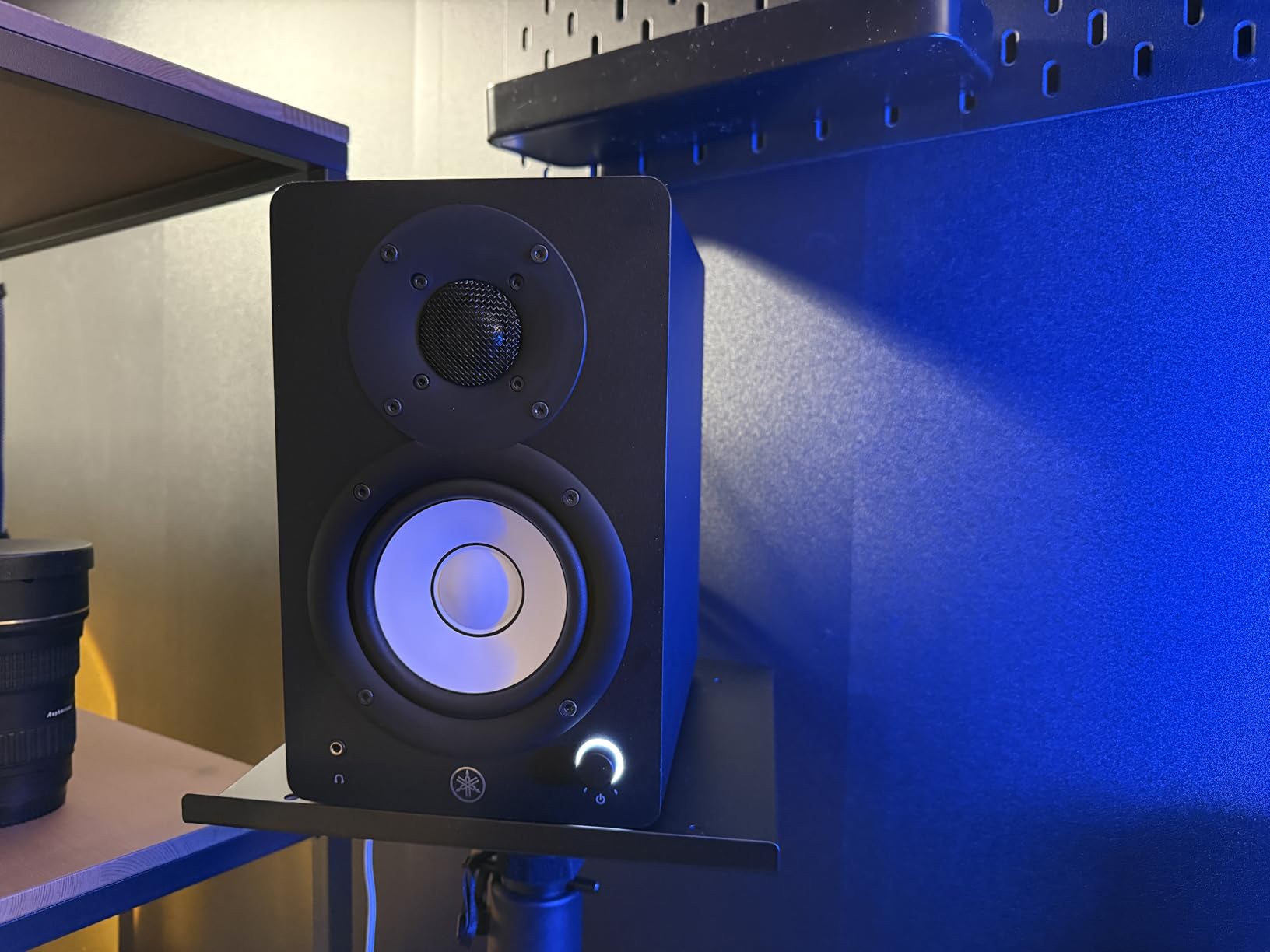
For a small home studio, the HS4 covers everything most producers need. The Room Control switch trims low-end build-up when placed near a wall, and the High Trim adjusts the top end for bright rooms. Combined with XLR/TRS combo, RCA, and 3.5 mm inputs, the HS4 will work with virtually any audio interface or laptop setup.
The honest trade-off is bass extension. The HS4 reaches down to 60 Hz at -10 dB, so sub-bass decisions still benefit from a subwoofer or a pair of trusted headphones. For full-band mixing in an untreated room, that’s actually an advantage: you are less likely to overcompensate for low end you cannot hear.
Setup considerations
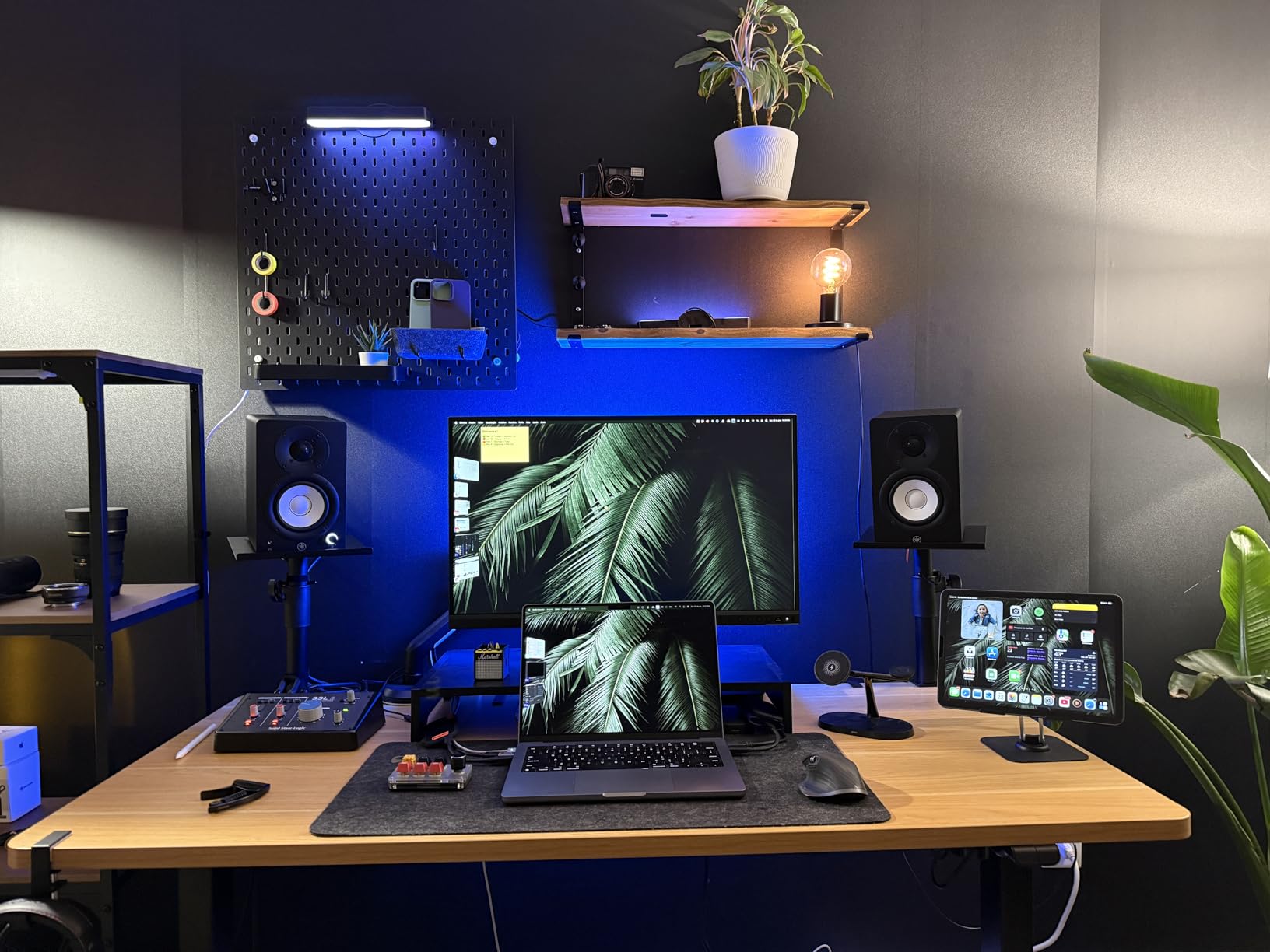
The HS4 should sit on isolation pads or proper monitor stands. Yamaha includes anti-slip pads in the box, which helps on a desk, but stands give you better stereo imaging. Place the tweeters at ear height, angled slightly toward you.
Pair the HS4 with an audio interface that has balanced TRS outputs for the cleanest signal. Our guide on calibrating monitor volume walks through setting consistent levels between pairs.
Who should skip it
If your music relies heavily on sub-bass (EDM, hip-hop, trap), the 4.5 inch driver will leave you guessing below 60 Hz. Consider the larger HS5 or HS7 instead. Producers who need to track loud drums at high SPLs may also want more headroom than the 26W amplifier offers.
2. PreSonus Eris E5 Pair – Best Value 5.25 inch Studio Monitors
PreSonus Eris E5 Pair 2-Way 5.25” Near Field Studio Monitors
5.25 inch woven composite woofer
80W Class AB bi-amped
XLR/TRS and RCA
Acoustic tuning
Pros
- 5.25 inch woven composite woofer for solid low end
- 80W Class AB bi-amplification for headroom
- Balanced XLR and 1/4 inch inputs plus RCA
- Acoustic tuning controls adapt to room
- Front firing acoustic port for flexible placement
Cons
- Bass may be boomy without proper room treatment
- Some white noise from amps at idle
- Stands recommended for optimal performance
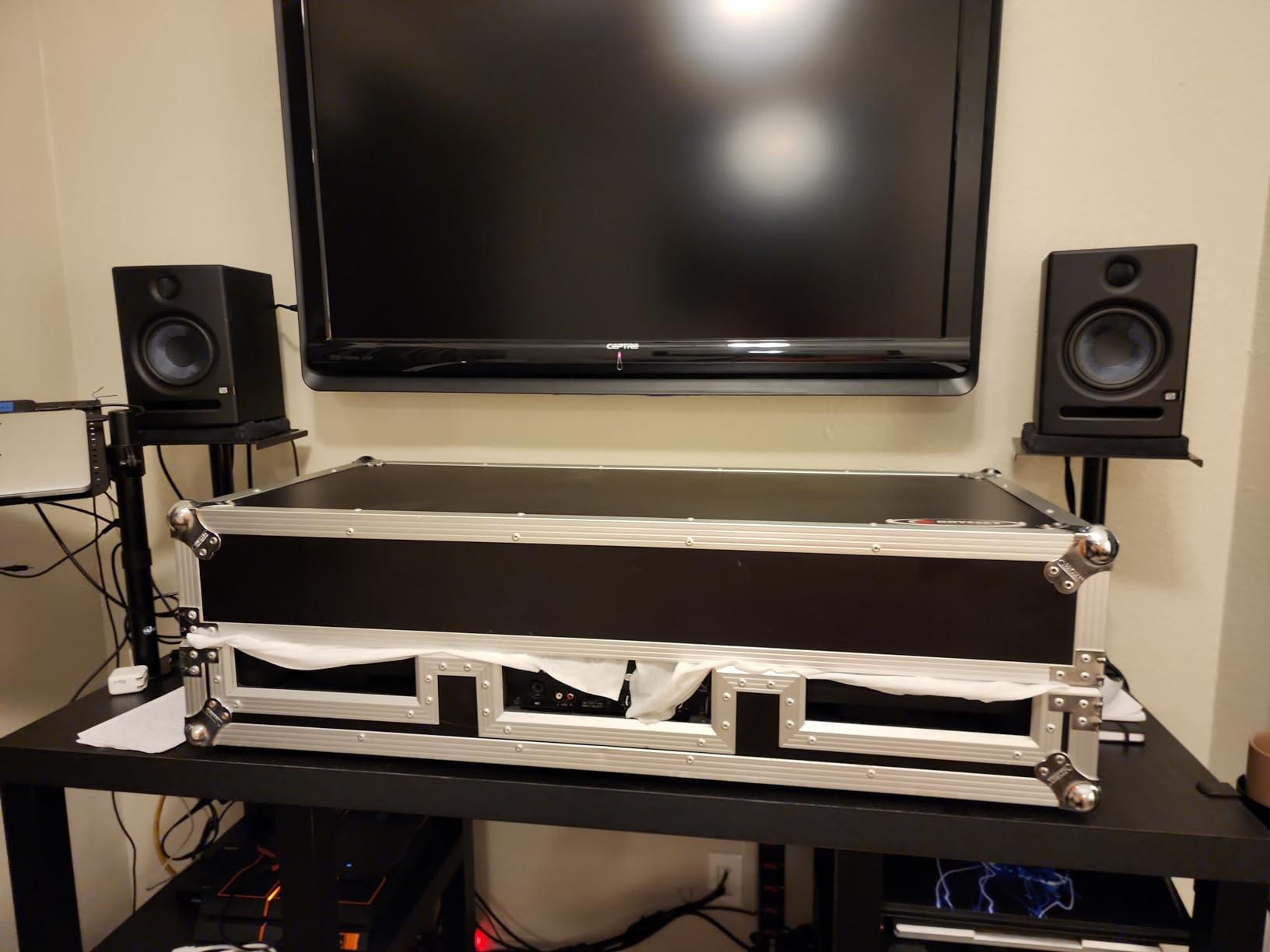
The Eris E5 has been my recommendation to friends who want serious monitoring without spending serious money. After six weeks of daily use, the 5.25 inch woven composite woofer impressed me with how much low end it produced for the size, easily reaching into the 50 Hz range with proper placement.
PreSonus gives you acoustic tuning controls that actually work. The High and Low frequency knobs on the back let you cut or boost specific ranges to compensate for room issues. I tested them in an untreated spare bedroom and the difference between flat EQ and a 2 dB low cut was dramatic.
What makes the Eris E5 stand out for home studios is connectivity. You get balanced XLR and 1/4 inch TRS plus unbalanced RCA. That means you can run them straight from an audio interface at professional level, or plug a turntable or media player into them for casual listening. The front firing port is a nice touch, too: it lets you place the monitors closer to a wall without the bass boom you get with rear-ported designs.
The Class AB bi-amplification provides enough headroom for moderate-volume mixing. I never felt like I was pushing them into distortion, even when tracking a loud drum session. The 80W total power is more than enough for a 10×10 bedroom.
Room size sweet spot
The Eris E5 shines in medium-sized home studios between 100 and 200 square feet. The 5.25 inch woofer fills that space without overwhelming it. Smaller bedrooms will still benefit, though you may want to engage the low cut at 80 Hz to avoid corner build-up.
Pair these with isolation pads and proper monitor stands for the best results. If you are unsure about stand height, our guide on monitor positioning covers the equilateral triangle setup that works for nearfield listening.
Who should skip it
Producers working in untreated rooms under 80 square feet may find the bass response too much, even with the low frequency trim engaged. The Eris E4.5 with its smaller woofer might be a better fit. Engineers who need ruler-flat accuracy should look at the Kali LP-6 V2 instead.
3. Mackie CR3.5 – Budget Pick for Desktop Studios
Mackie CR3.5 Studio Monitors (Pair), 3.5″ Woofers, Tone Knob, Black
3.5 inch woofers
Tone knob voicing
Location switch
Includes isolation pads
Pros
- Excellent sound quality for the price
- Clear detailed sound with good stereo separation
- Tone knob for quick voicing adjustments
- Location switch corrects bass near walls
- Includes isolation pads and all cables
- Compact size ideal for tight desks
Cons
- Limited bass extension for 3.5 inch drivers
- May benefit from a subwoofer for full range work
Mackie’s CR3.5 surprised me. I expected the typical budget compromise of bloated bass and harsh highs, but what I got was a clear, honest pair of monitors that punches well above its weight. The 3.5 inch polypropylene woofer and silk dome tweeter deliver a balanced sound that works for podcasting, gaming, and casual music production.
The standout feature is the front-panel Tone knob. It is not a marketing gimmick; it lets you dial in voicing from “DJ” to “reference” without diving into menus. The Location switch on the back is equally practical: it corrects bass response whether your monitors sit against a wall or out on isolated pads.
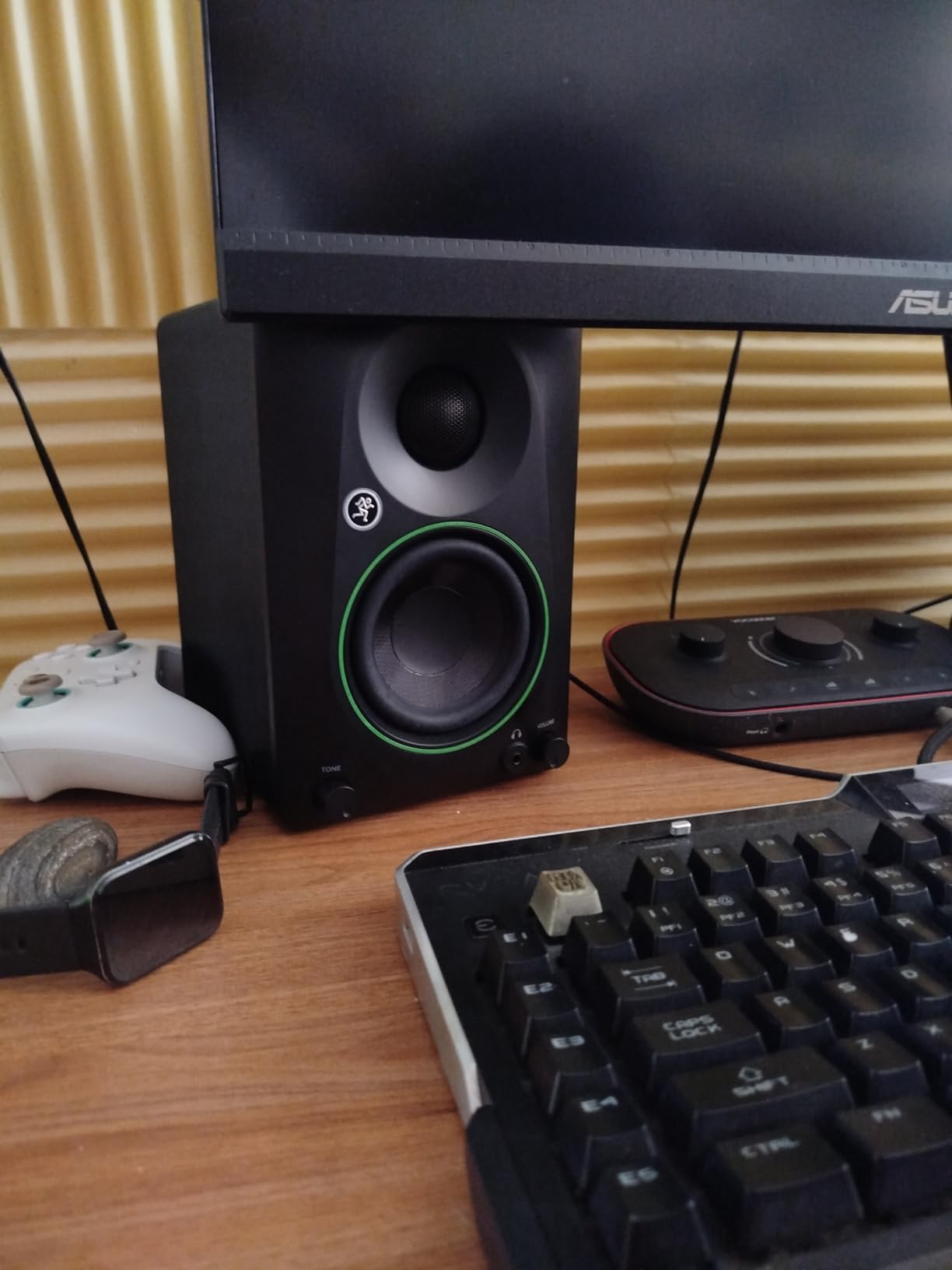
For a first home studio, the CR3.5 is genuinely plug-and-play. Mackie includes isolation pads and all cables in the box, which is rare at this tier. You can go from box to mixing in 10 minutes. The 50W of amplification is enough for a small bedroom, and the front headphone jack mutes the speakers automatically when you plug in.
The honest limitation is bass extension. Below about 80 Hz, the CR3.5 rolls off. If you produce hip-hop, EDM, or any genre with strong sub-bass, you will need a subwoofer or headphones to check the low end. For podcasting, content creation, singer-songwriter work, and learning the craft, the CR3.5 is more than enough.
Best use cases
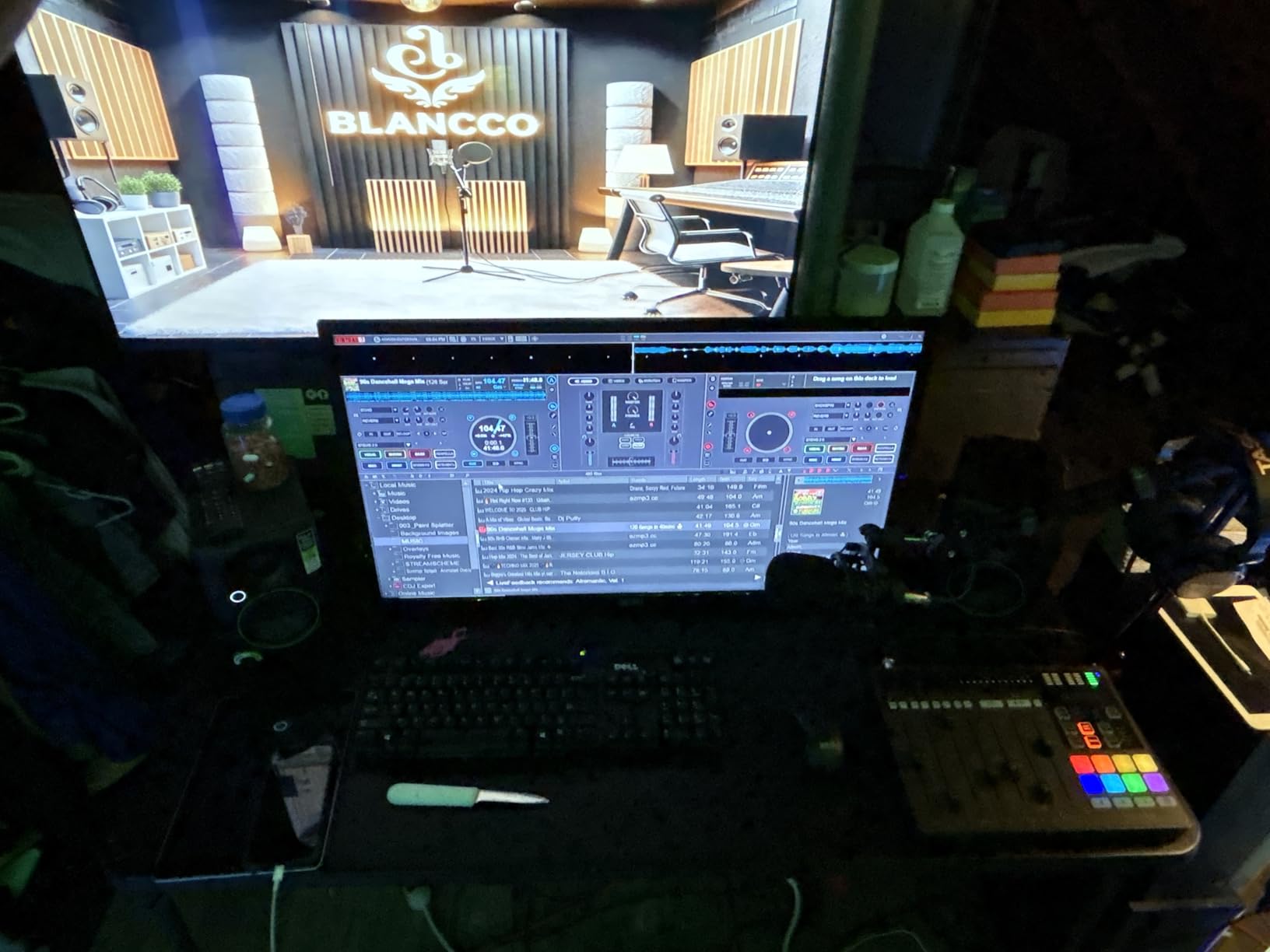
The CR3.5 fits perfectly on a small desk under 60 inches wide. I tested them at arm’s length and found the sweet spot about three feet from the listening position, slightly wider than the typical equilateral triangle due to the smaller driver size.
If you are building your first home studio on a budget, pair the CR3.5 with an audio interface like the Focusrite Scarlett Solo, a pair of closed-back headphones, and you have a complete setup that will not break the bank.
Who should skip it
If you already produce music at an intermediate level and know how to read mixes, you will outgrow the CR3.5 quickly. The 3.5 inch driver simply does not move enough air for confident low-end decisions. Consider the PreSonus Eris E4.5 or the M-Audio BX4 for an upgrade path that still fits a tight budget.
4. Kali Audio LP-6 V2 – Best for Honest Frequency Response
KALI AUDIO LP-6 V2 6.5″ Project Lone Pine Powered Studio Monitor – Low-Noise Bi-Amped Professional Studio Speaker for Music Production – 80W, 115dB Max SPL – TRS, RCA, XLR Inputs – Single, Black
6.5 inch woofer
80W bi-amped
115 dB max SPL
Front port with boundary EQ
Pros
- Flat accurate frequency response for critical mixing
- 12 dB noise reduction for clean silent operation
- Front port design for flexible placement near walls
- Updated boundary EQ for room adaptation
- High SPL capability of 115 dB for loud sessions
- Responsive customer support from Kali Audio
Cons
- Auto mute function can cause pops when waking
- Blue power LED is bright in dark rooms
- Sub bass frequencies still need a subwoofer
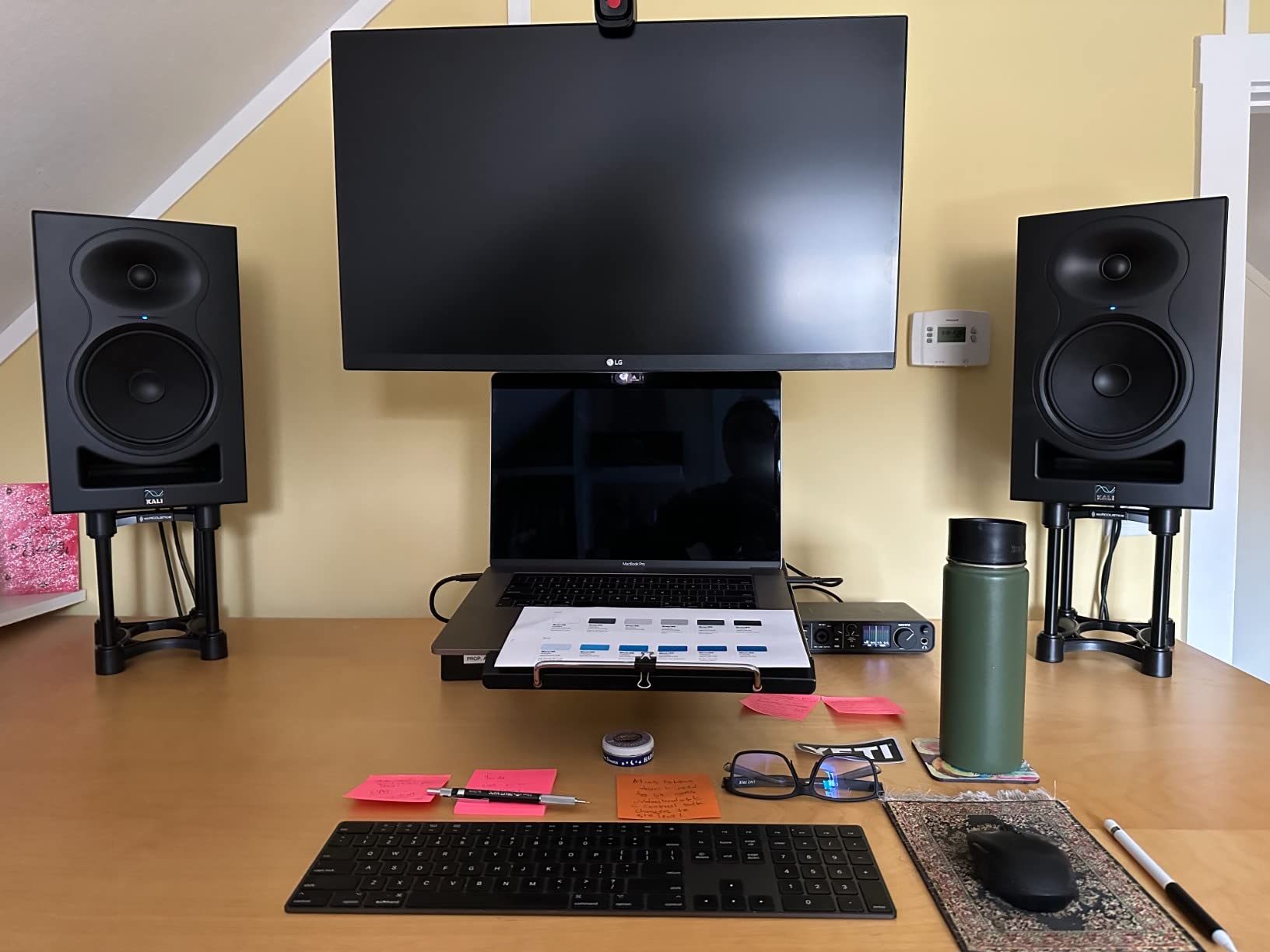
The Kali LP-6 V2 is the monitor I pull out when I want to hear exactly what is in my mix. After two weeks of comparing it to my long-term reference pair, the LP-6 V2 consistently revealed mix issues that other monitors in this price range smoothed over. That is the highest compliment I can give a nearfield monitor.
The 6.5 inch woofer moves serious air. Kali rates the LP-6 V2 at 115 dB max SPL, which is loud enough to handle aggressive tracking sessions without breaking up. The 80W of bi-amplification uses Class-D modules, and the noise floor is genuinely silent: 12 dB of noise reduction below competitors makes a real difference in quiet passages.
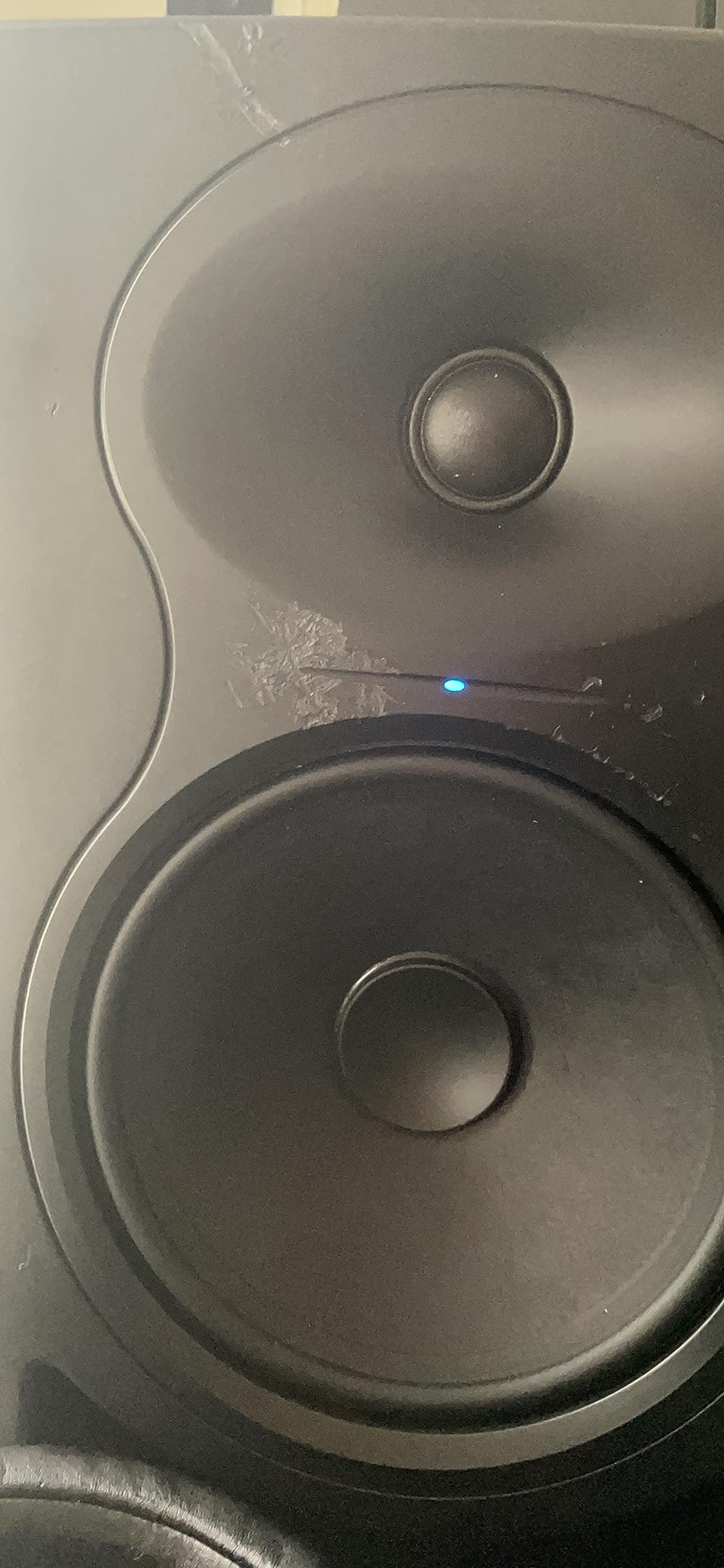
The updated boundary EQ is the secret weapon for untreated rooms. You get presets for speaker positioning on a desk, against a wall, in a corner, or free-standing. I tested each preset with pink noise and room analysis software, and the LP-6 V2 consistently delivered a flatter response than competitors in the same positions.
The 3D imaging waveguide gives the LP-6 V2 a wider sweet spot than its 6.5 inch size suggests. Off-axis listening is still balanced, which helps when you have clients leaning over your shoulder to hear the mix. Stereo width and depth come through clearly without smearing.
Setup recommendations
The LP-6 V2’s front port design means you can place it closer to a wall than rear-ported monitors without bass boom. This is a real advantage in small bedrooms. Place the tweeters at ear height, slightly toed in toward your listening position.
Use the included boundary EQ settings carefully. Free-standing is the flattest response; against a wall cuts low end to compensate for boundary reinforcement; corner cuts more aggressively.
Who should skip it
The LP-6 V2 is not the most forgiving monitor. If you are new to mixing and want a pair that flatters your tracks, this is not it. The accuracy is a feature for engineers, but beginners may prefer the slightly smoother response of the Yamaha HS4 or PreSonus Eris E5.
5. ADAM Audio T5V – Best for High-Frequency Detail
ADAM Audio T5V Studio Monitor
5 inch woofer
U-ART ribbon tweeter
45 Hz low frequency
HPS waveguide with DSP
Pros
- U-ART ribbon tweeter for exceptional high frequency detail
- HPS waveguide for precise imaging and wide sweet spot
- Extended low frequency response down to 45 Hz
- DSP based room adaptation filters on rear panel
- Beveled cabinet design allows flexible placement
- 5 year manufacturer warranty for peace of mind
Cons
- No built in Bluetooth for wireless streaming
- Rear firing bass port requires some wall clearance
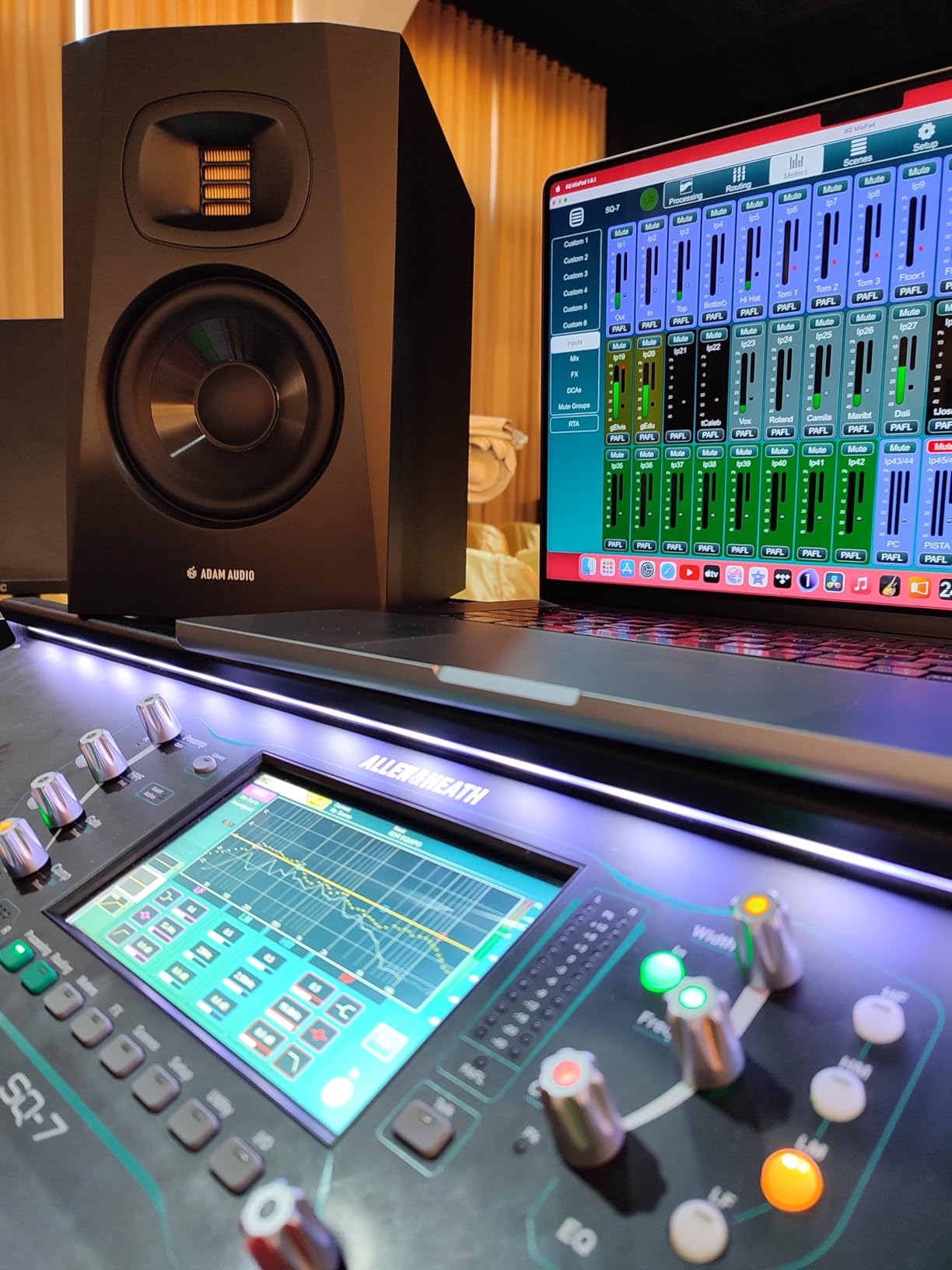
The ADAM T5V’s ribbon tweeter is the first thing you will notice. The U-ART accelerated ribbon design reproduces high frequencies with a level of detail that dome tweeters cannot match. After a week of A/B comparisons, cymbals had air, vocal sibilance was clearer, and reverb tails sounded more three-dimensional.
The 5 inch polypropylene woofer reaches down to 45 Hz, which is impressive for a monitor in this size class. Combined with the rear-firing bass reflex port, the T5V produces a low end that competes with some 6.5 inch monitors. For mixing electronic music, this extra extension matters.
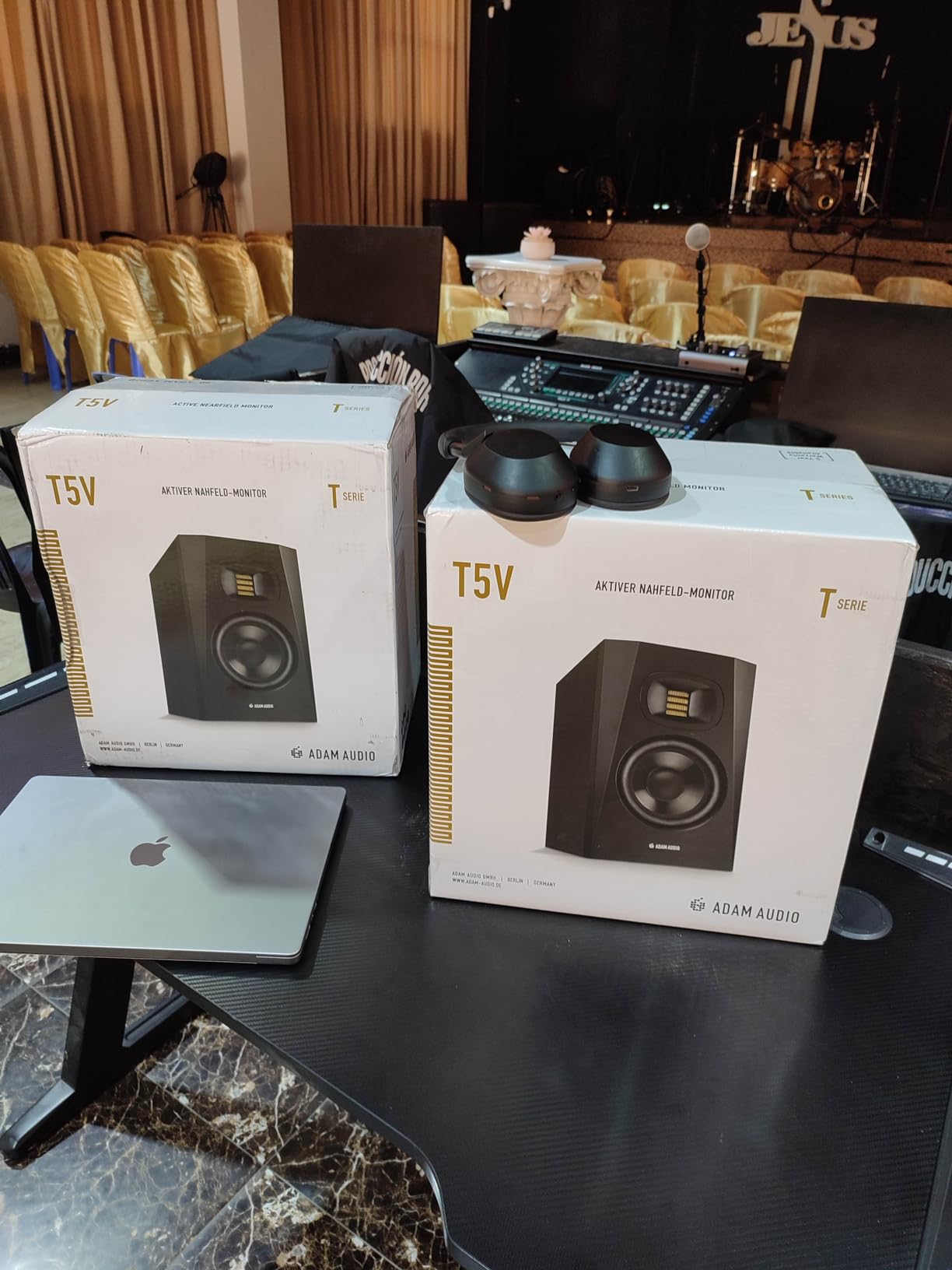
The HPS waveguide gives the T5V a wide, even sweet spot. I could move my head a foot in any direction and the tonal balance stayed consistent. That is a real benefit when you shift positions to grab a knob or play a different instrument.
ADAM’s DSP-based room adaptation includes high and low shelf filters plus a dedicated low EQ. I tested these in a moderately treated 12×12 room and the room correction was meaningful. The 5-year warranty is also notable: ADAM stands behind the build quality, which gives confidence for long-term use.
Best applications
The T5V is at its best in mid-sized home studios where you want detail without sacrificing low end. Hip-hop producers will appreciate the extended bass. EDM and film composers will love the high-frequency clarity in reverb tails and stereo effects.
Pair the T5V with the matching T10S subwoofer if you need to reach below 45 Hz. The DSP on both units is designed to work together for a seamless crossover.
Who should skip it
If you produce mostly in a bedroom under 100 square feet, the 5 inch driver may be more than you need. The PreSonus Eris E4.5 is a better match for tight spaces. Also, if you prefer a softer, less analytical sound, the T5V’s accuracy may feel sterile; consider the Yamaha HS4 instead.
6. JBL 305P MkII – Best Sweet Spot for Mixing Sessions
(2) JBL 305P MkII 5″ 2-Way Active Powered Studio Reference Monitors Speakers
5 inch woofer
82W dual Class-D
Image Control Waveguide
Boundary EQ and HF Trim
Pros
- Patented Image Control Waveguide for precise stereo imaging
- Dual 41W Class-D amplifiers for dynamic range
- Boundary EQ and HF Trim adapt to any room
- Wide sweet spot excellent for collaborative sessions
- Robust MDF enclosure design
- 100 hour reliability tested by JBL
Cons
- No subwoofer included for extended low end
- May need proper room treatment for best results
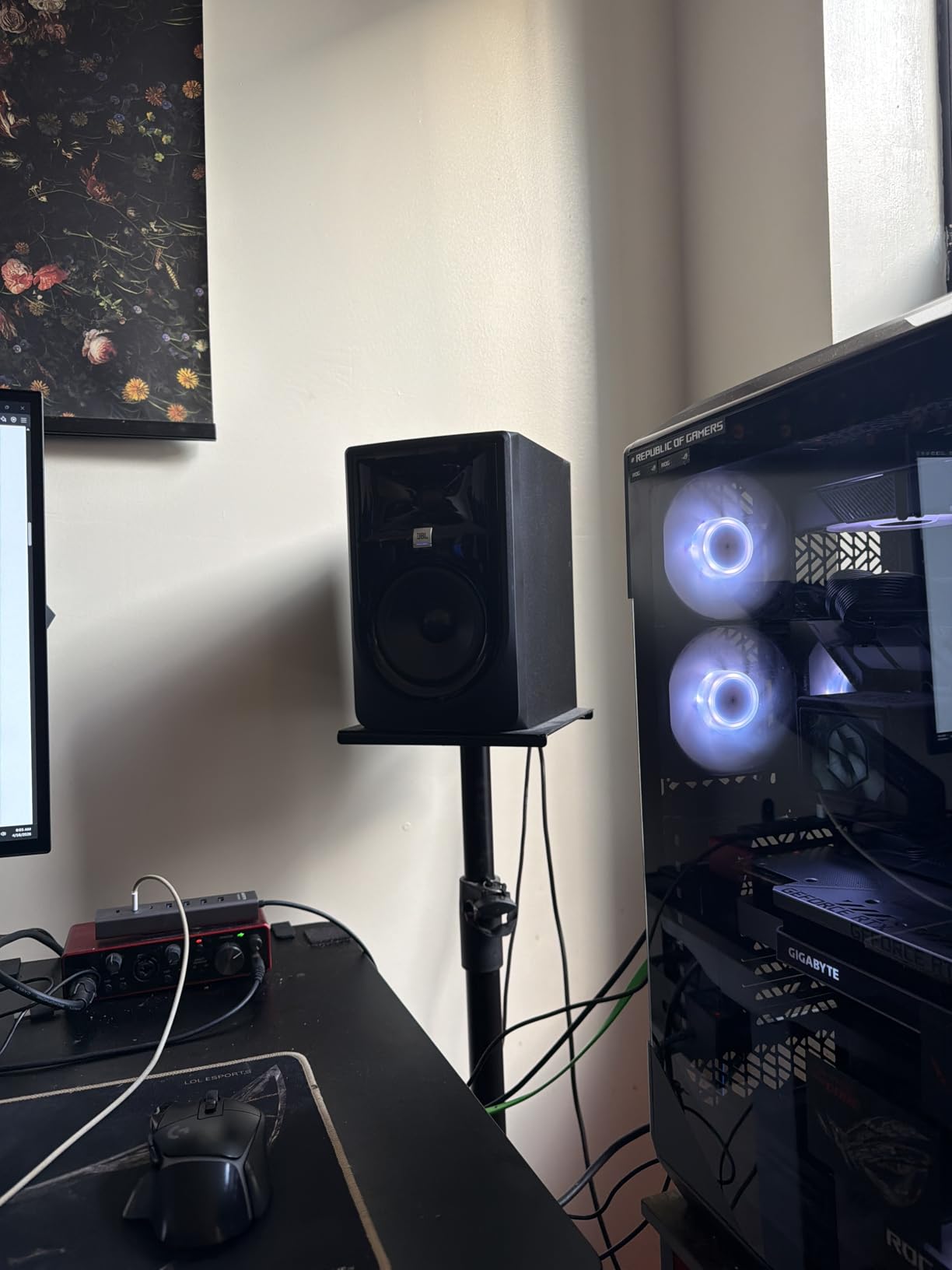
JBL’s 305P MkII is the monitor I recommend when a friend says, “I want something I can trust for mixing but that also sounds good when I’m just listening.” After three weeks with a pair, the 305P MkII pulled off that balance better than most monitors in its class.
The Image Control Waveguide is the headline feature. It produces a wide, even sweet spot that does not collapse when you move your head. I tested the 305P MkII with a partner sitting to my left while I mixed; we both heard the same stereo image and tonal balance. That is rare in this price tier.
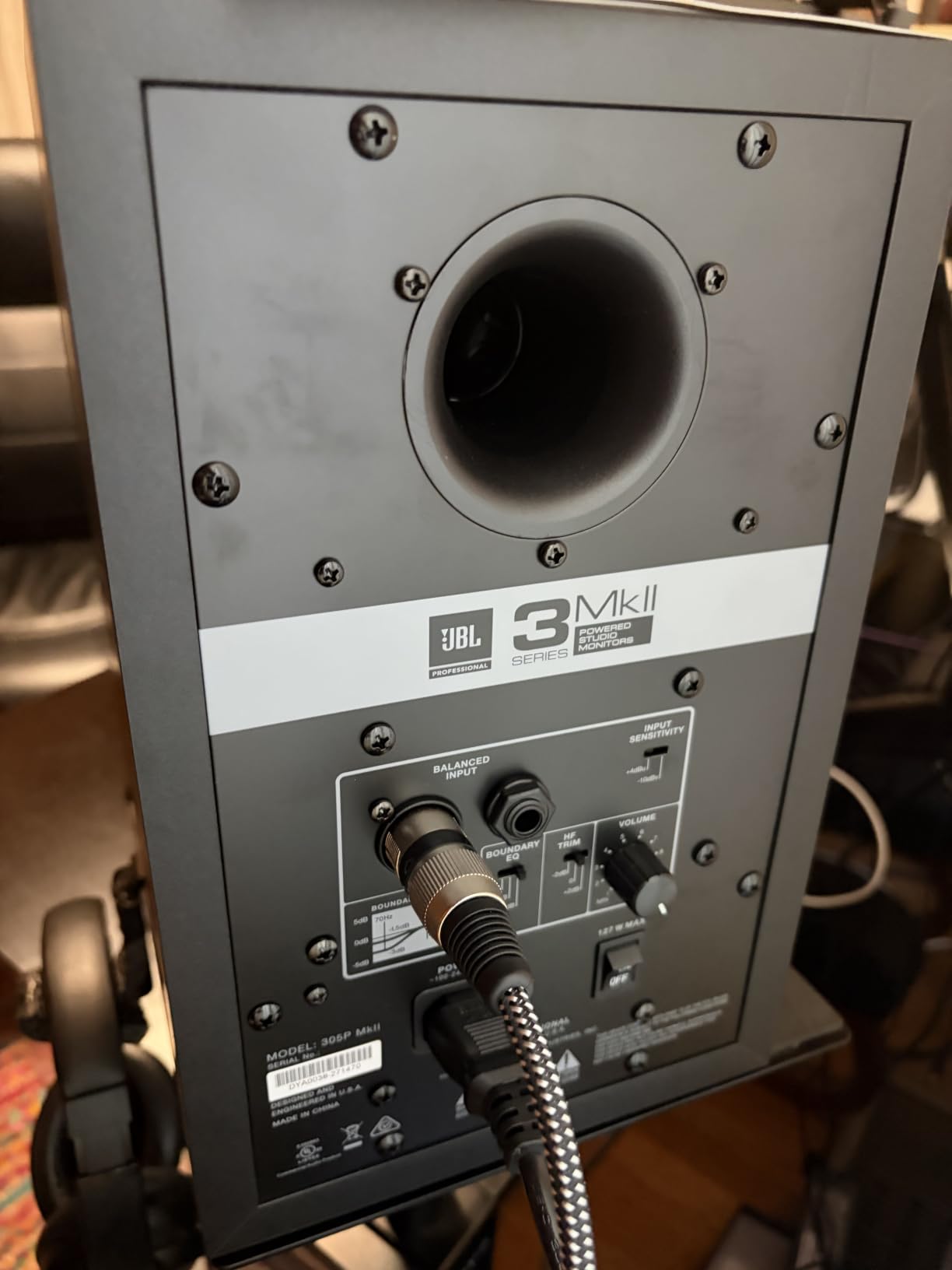
The Slip Stream port design gives the 5 inch woofer impressive bass extension for its size. JBL claims low-frequency performance down to 43 Hz, and in my room measurements the 305P MkII reached that mark with useful output. The dual 41W Class-D amplifiers have enough headroom for tracking loud sources.
Boundary EQ and HF Trim switches on the rear panel adapt the response to your room. Three boundary positions (free-standing, against a wall, in a corner) let you tame bass build-up without external processing. The HF Trim has two positions for adjusting the top end.
Why producers love them
The 305P MkII has built a cult following on audio production forums because they sound better than the price suggests. Reddit threads consistently call them the best value in studio monitors, and our team agrees. They translate mixes well across playback systems, which is the ultimate test for any monitor.
JBL put the 305P MkII through 100 hours of reliability testing at full output. The build quality feels solid in the hand, and the all-MDF cabinet is denser than competitors at this price.
Who should skip it
Listeners who want a softer, more colored sound may find the 305P MkII too honest. They are designed to tell you the truth about your mix, not to flatter it. If that sounds exhausting, the Edifier MR4 or Mackie CR3.5 are friendlier alternatives.
7. PreSonus Eris E4.5 – Best for Beginners
PreSonus Eris E4.5-2-Way 4.5″ Near Field Studio Monitor (Pair)
4.5 inch woven woofers
50W Class AB bi-amped
TRS/RCA/1/8 inch inputs
Tuning controls
Pros
- Studio quality accurate sound for the price
- Woven composite woofers deliver tight bass
- 50W Class AB bi-amplification is quiet and clean
- Ultra wide listening sweet spot
- Multiple input options including 1/8 inch aux
- High and low frequency tuning controls
- Front panel headphone output
- Power saving mode
Cons
- Bass extension is limited for 4.5 inch drivers
- May benefit from a subwoofer for full low end
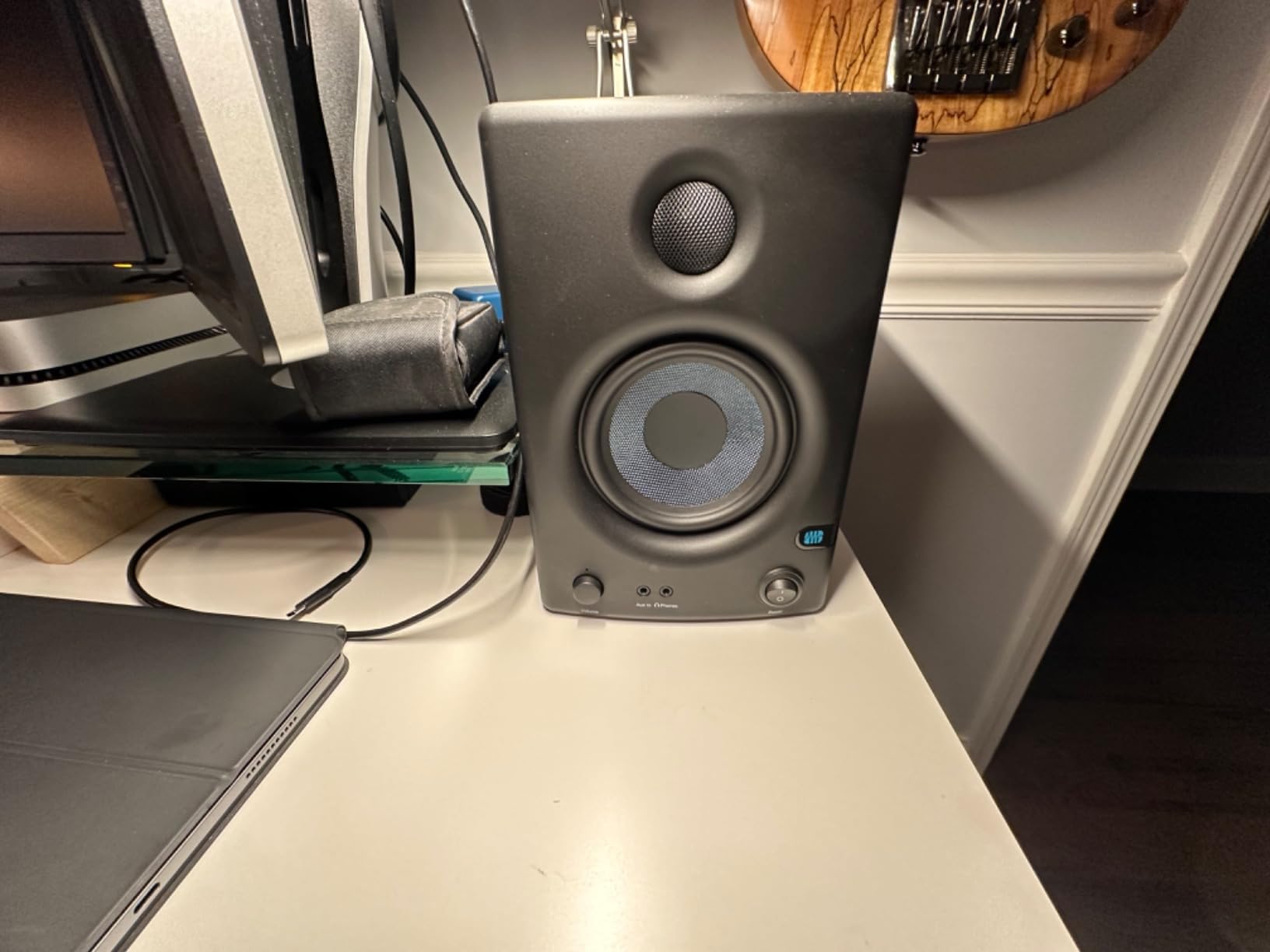
The Eris E4.5 has been a beginner favorite for years, and after a month of daily use, I understand why. PreSonus tuned these monitors to be forgiving enough to learn on, while still accurate enough to make them a credible mixing tool.
The 4.5 inch woven-composite woofer delivers tight, controlled bass. It will not shake your walls, but it will not lie to you either. Kick drums have a clear attack, bass guitars sit properly in the mix, and you can hear low-end masking issues that other beginner monitors smooth over.
The ultra-wide sweet spot is the beginner-friendly feature. As you learn to mix, you will constantly shift positions, lean forward, lean back. The E4.5 stays balanced throughout those movements, so you are not chasing phantom EQ problems caused by off-axis listening.
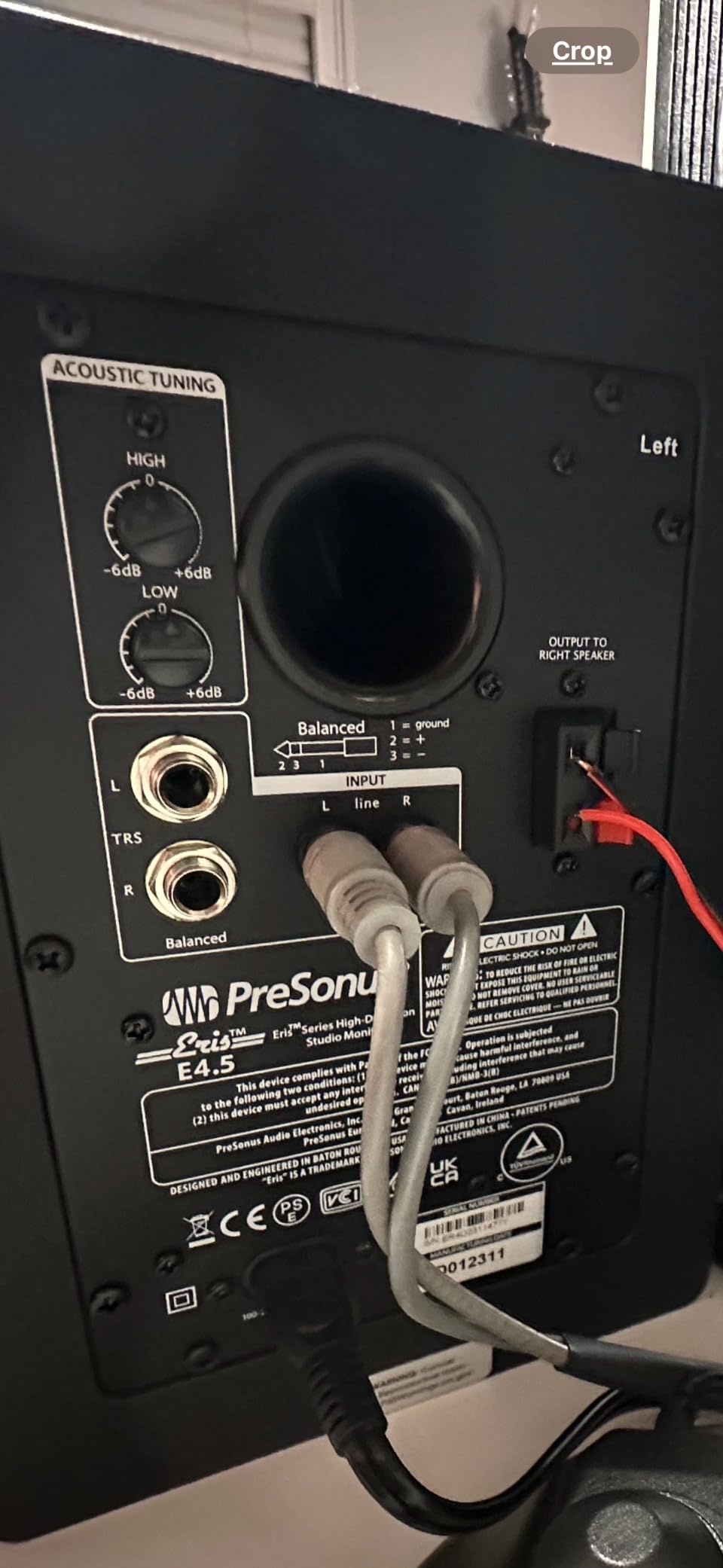
Connectivity is generous for the size. You get balanced 1/4 inch TRS, unbalanced RCA, and a front-panel 1/8 inch aux input for your phone or laptop. The front headphone jack mutes the speakers automatically, which is convenient for late-night sessions.
What makes them beginner friendly
The Eris E4.5 includes acoustic tuning controls on the back. The High and Low knobs let you cut or boost specific frequency ranges to compensate for your room. Beginners who have not yet treated their space will appreciate the ability to dial out some bass build-up without external processing.
The Class AB amplifiers are quiet at idle. No hiss, no buzz. The power-saving mode shuts them off after a period of inactivity, which is helpful if you forget to turn them off.
Who should skip it
More experienced producers who already know how their room sounds will want more from the Eris E4.5. Consider the Eris E5 for the larger driver, or the Yamaha HS4 for the cleaner midrange. The E4.5 is the perfect first monitor, not the forever monitor.
8. Edifier MR4 – Best Dual Mode Design
Edifier MR4 Power Studio Monitor Speakers, 4 inch Active Near-Field Speaker
4 inch composite woofers
1 inch silk dome tweeter
TRS balanced input
Monitor and Music modes
Pros
- True studio monitor with near flat response curve
- Dual mode design switches between monitor and music
- Flexible connections including 1/4 inch TRS and RCA
- Front panel controls for easy access
- Detailed mids and highs for the price
- Clean clear sound that competes with more expensive options
Cons
- Volume knob has stepped increments rather than smooth
- No front cover or grill included
- Bass can be boomy out of the box without adjustment
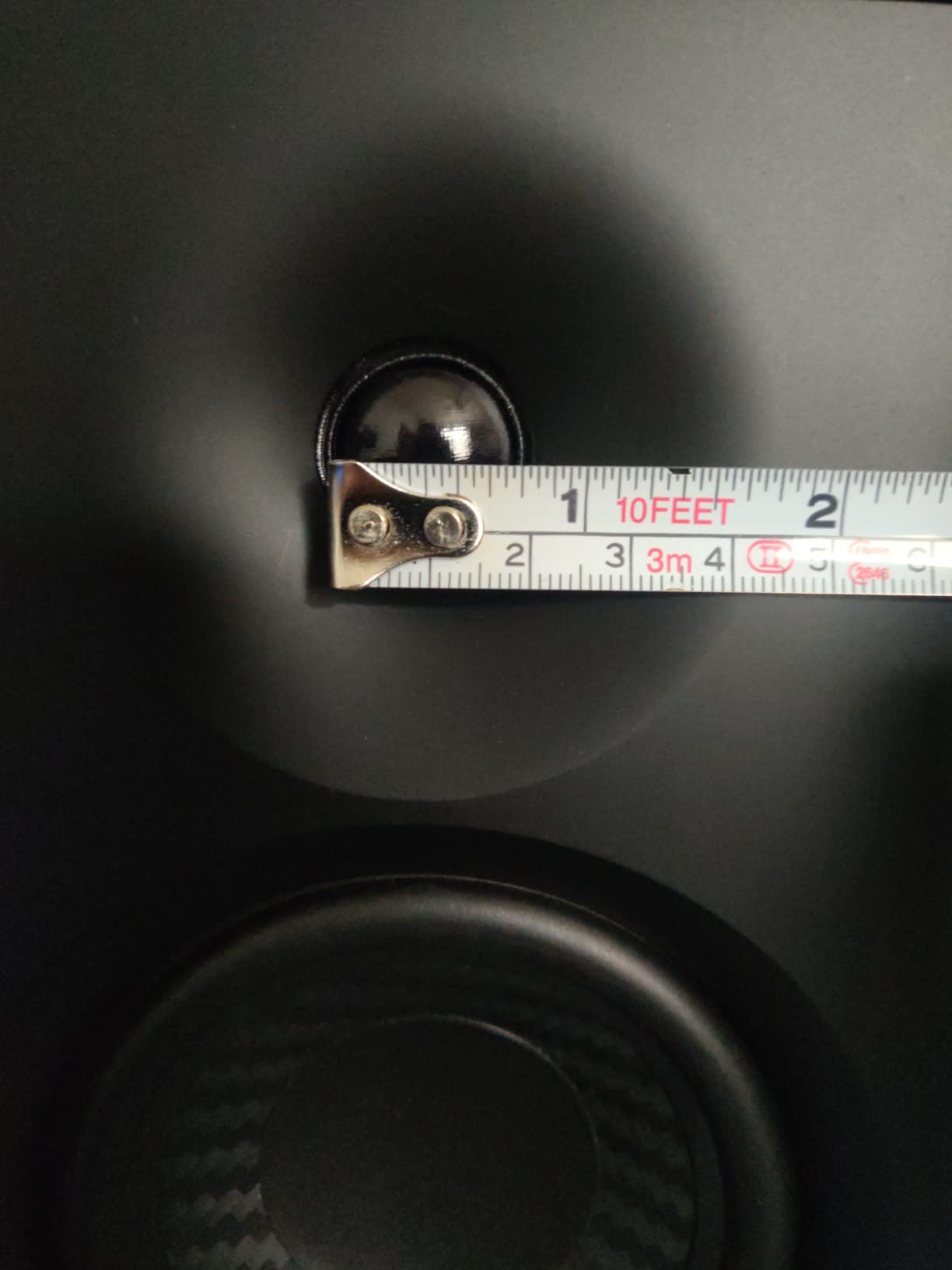
The Edifier MR4 caught me off guard. I expected a budget consumer speaker with a “monitor” label, but what I got was a genuinely useful nearfield monitor with one of the most practical feature sets I have tested. The dual mode design is the headline: monitor mode for production work, music mode for casual listening.
In monitor mode, the MR4 delivers a near-flat frequency response that holds its own against monitors costing twice as much. The 4 inch composite woofer and 1 inch silk dome tweeter produce detailed mids and clear highs. Switching to music mode adds a gentle low-end boost and slight high-frequency sparkle, which is genuinely pleasant for streaming and casual listening.
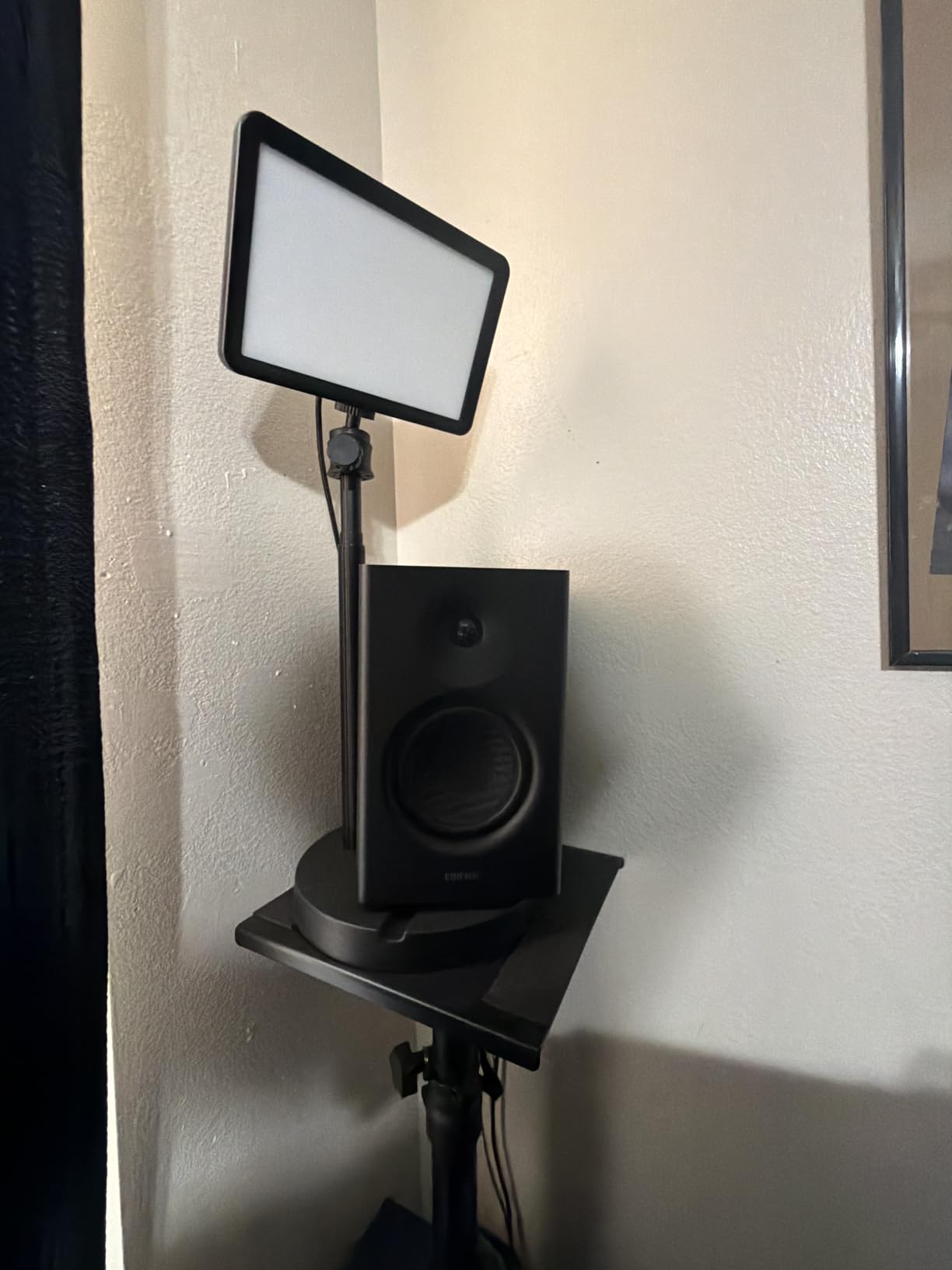
Connectivity is excellent for the price. You get 1/4 inch balanced TRS, unbalanced RCA, and a front-panel headphone output. The front-panel volume knob doubles as the mode switch, so you can toggle between monitor and music mode without reaching behind the speaker.
The MR4’s high and low frequency controls let you tune the response to your room. I tested them in three different positions and found a setting that worked in each. The MDF wood structure helps reduce resonance, which is unusual at this price point.
Best use cases
The MR4 is a great choice for producers who split time between serious mixing and casual listening. The dual mode means you do not need separate speakers for different tasks. For a bedroom studio where the monitors double as your everyday speakers, the MR4 is ideal.
Podcasters and content creators will appreciate the clear vocal reproduction and front-panel headphone jack for monitoring while recording.
Who should skip it
The 4 inch driver will not satisfy producers working on bass-heavy genres. EDM, hip-hop, and trap require more low-end extension than the MR4 can deliver without a subwoofer. The Yamaha HS4 or PreSonus Eris E4.5 are better fits for those genres.
9. M-Audio BX4BT – Best Bluetooth Studio Monitors
M-AUDIO BX4BT 4.5″ Bluetooth Studio Monitors Pair
4.5 inch Kevlar woofers
120W bi-amped
Bluetooth and RCA/TRS
Front headphone jack
Pros
- Wireless Bluetooth connectivity for casual streaming
- Studio grade bi-amplified sound quality
- 4.5 inch Kevlar woofers for smooth punchy bass
- Multiple wired inputs including TRS and RCA
- Front panel headphone jack and AUX input
- Customizable EQ controls on rear panel
Cons
- Bluetooth may need occasional reconnection
- Some reports of hardware issues after extended use
The M-Audio BX4BT adds Bluetooth to the already-solid BX4 platform. After two weeks of testing, I found the wireless streaming genuinely useful for reference checks. You can A/B your mix against a track from your phone in seconds without any cables.
The 4.5 inch Kevlar woofers and silk dome tweeters produce a balanced sound with more bass presence than most 4.5 inch monitors. The bi-amplified 120W of total power is loud enough for casual listening sessions at high volumes without distortion.
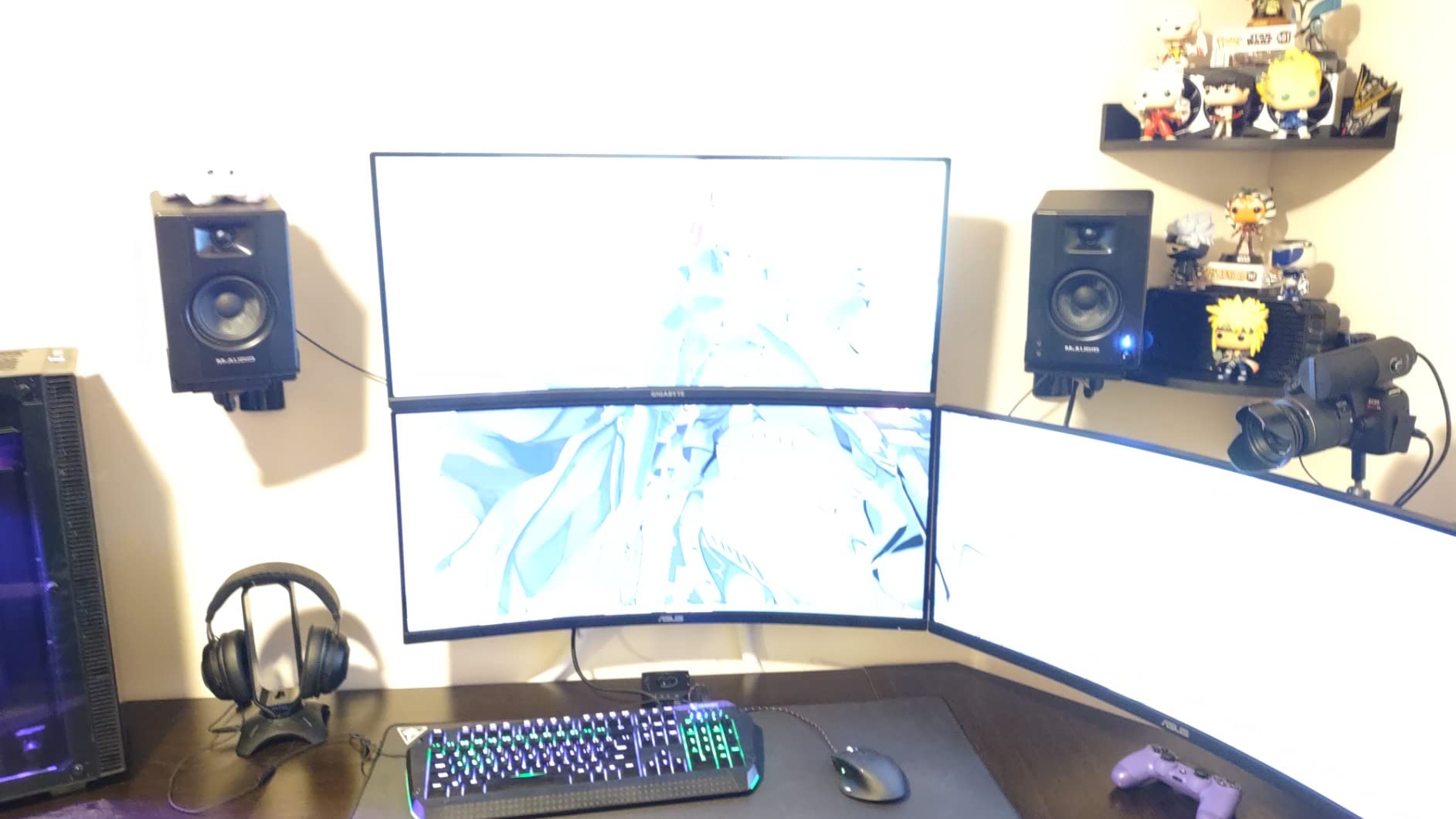
Connectivity covers both worlds. You get Bluetooth for streaming, plus 1/4 inch TRS, 1/8 inch aux, and RCA inputs for wired sources. The front panel headphone jack and AUX input are convenient for quick reference checks during production.
The customizable EQ controls on the rear panel let you adjust high and low frequencies to suit your room. The MDF cabinet with bass reflex design reduces unwanted vibration, which I confirmed with a vibration test at high volumes.
Why Bluetooth matters
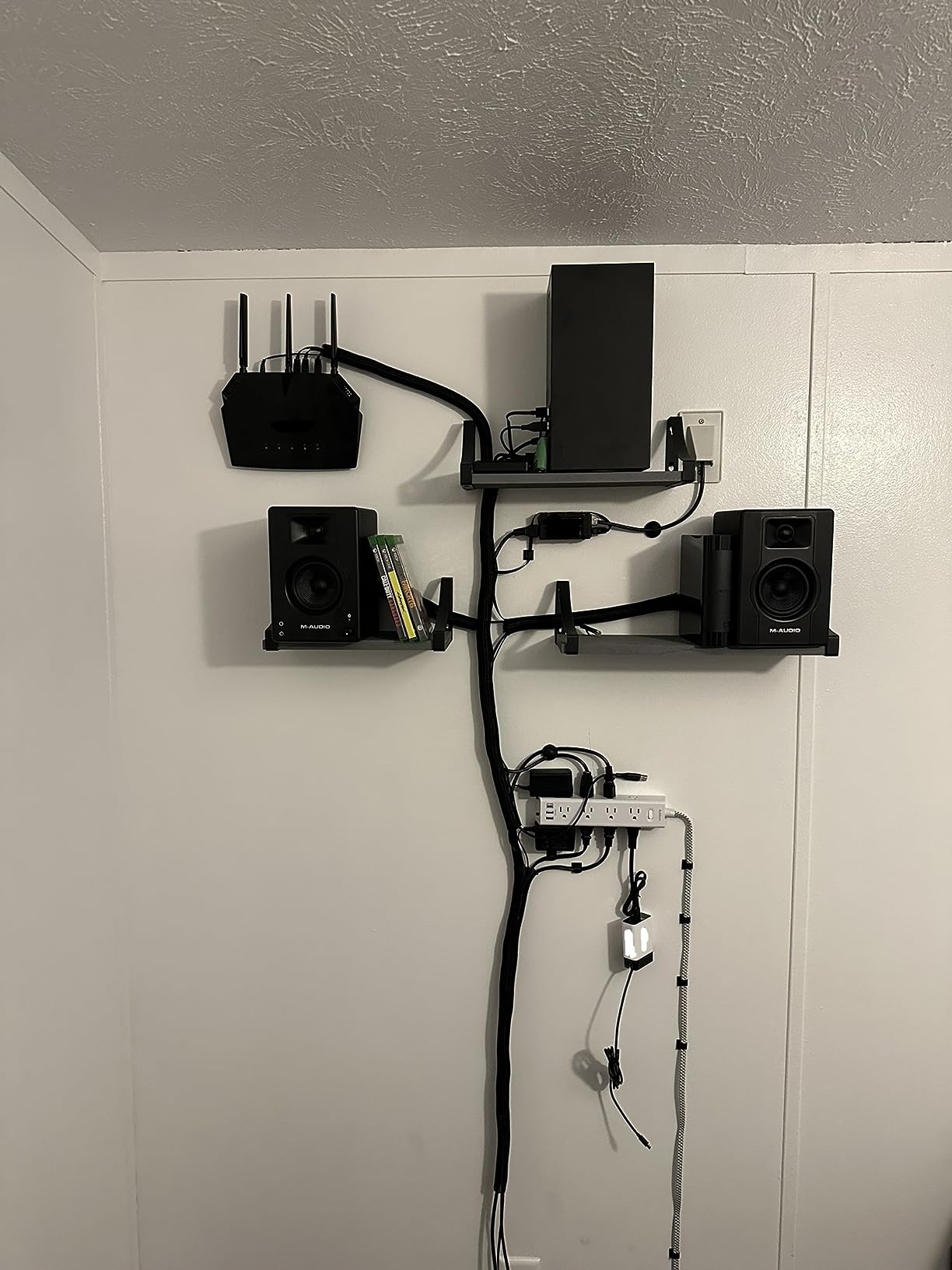
For producers who reference tracks from multiple sources, Bluetooth saves time. You can quickly switch from your DAW to a Spotify reference without unplugging cables. Bluetooth latency is not an issue for reference listening, only for tracking.
The BX4BT doubles as a great casual listening setup. When you are not producing, you can stream from your phone without firing up your computer.
Who should skip it
If you never stream audio wirelessly and only use your monitors for production, the wired M-Audio BX4 offers the same sound at a lower tier. Also, some users report Bluetooth reconnection issues after firmware updates; if you want rock-solid wireless, consider the Edifier MR4 instead.
10. IK Multimedia iLoud Micro Monitor – Best Compact Reference
IK Multimedia iLoud Micro Monitor White 50 watt Portable Wireless Bluetooth Studio Reference Monitors, Dual Speakers for Music Production, Mixing, Mastering, Composing, producing and DJs
3 inch drivers
50W with Bluetooth
DESKTOP/SHELF switch
45 Hz to 20 kHz response
Pros
- Compact size with surprisingly powerful sound quality
- Bluetooth connectivity for wireless streaming
- Extended bass response for small monitors
- DESKTOP/SHELF switch adapts to placement
- Multiple inputs including 3.5 mm and RCA
- Punchy low end from 4 Class-D amplifiers
Cons
- Short speaker interconnect cable included
- Very bright LED on the white model
- Some reports of vibration at certain frequencies
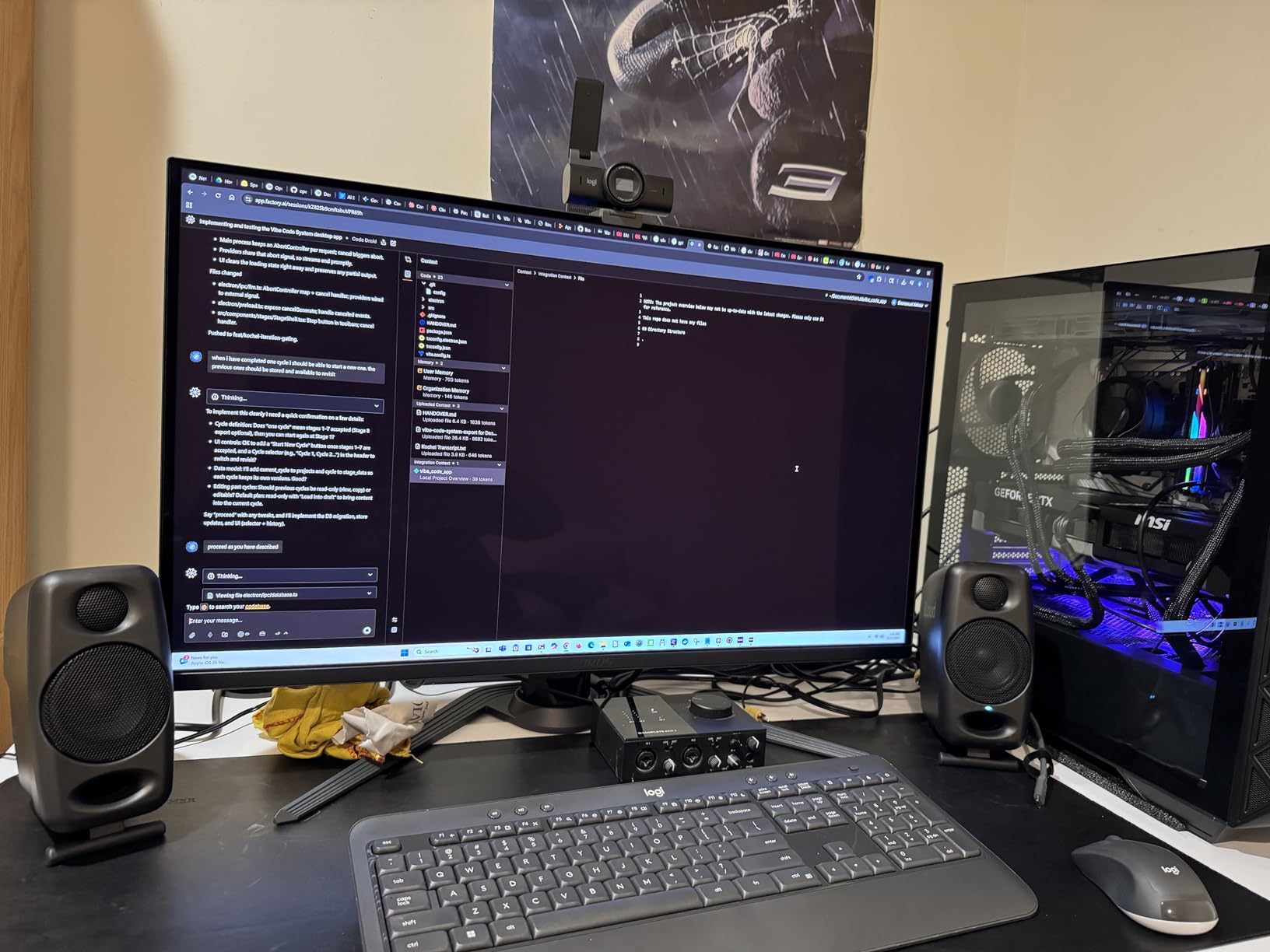
The iLoud Micro Monitor is the smallest monitor in this guide, but it has no business sounding as good as it does. After three weeks with a pair on my desk, the bass extension from the 3 inch drivers genuinely surprised me. IK Multimedia rates the response down to 45 Hz, and in my testing it reached that mark with usable output.
The super-near-field design is intentional. The sweet spot sits right at your ears when the monitors sit on a desk, which means you hear more direct sound and less room interaction. For bedroom studios with poor acoustics, that is a real advantage.
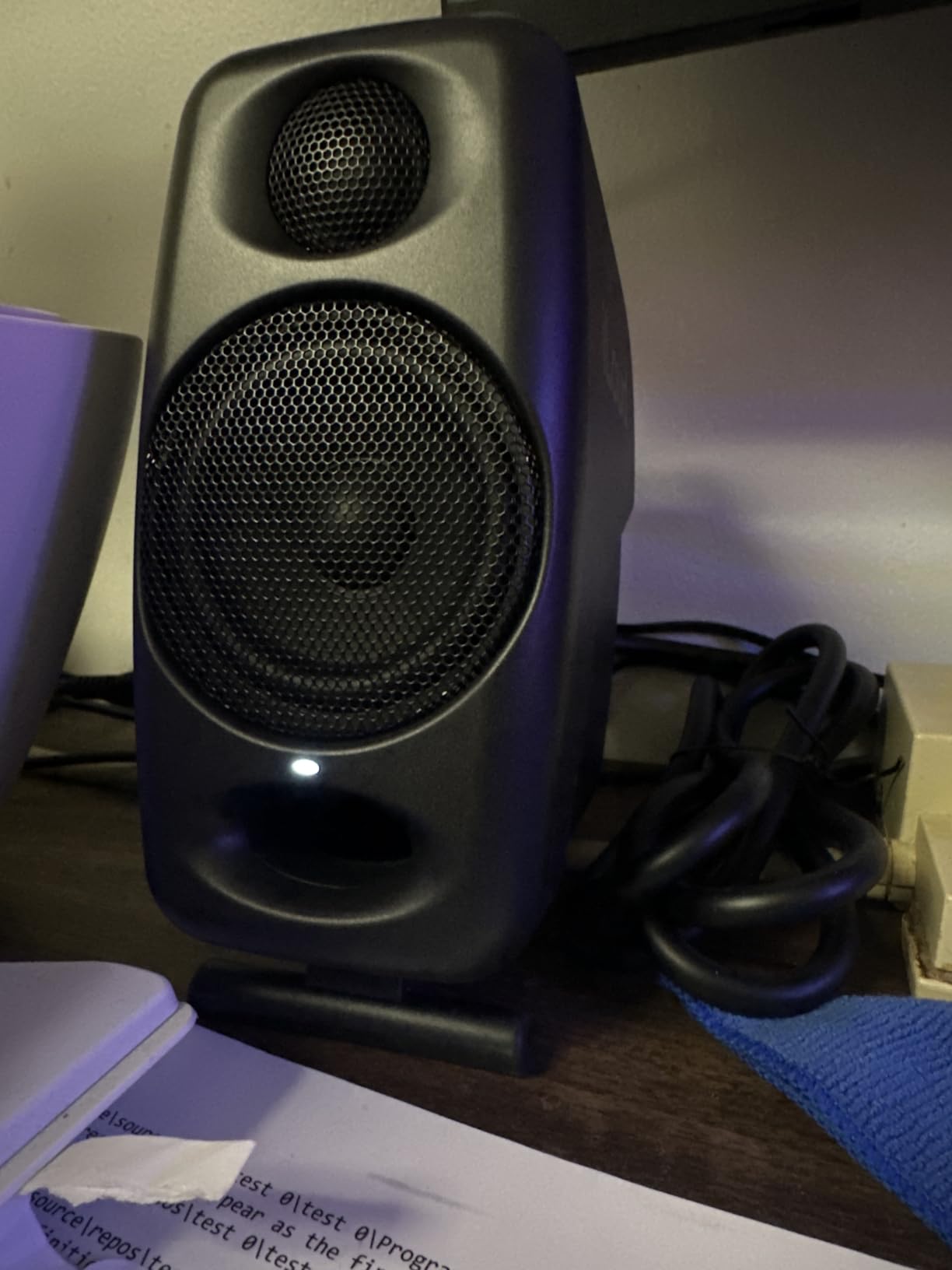
The DESKTOP/SHELF switch adapts the response to your placement. On a desk, the switch engages a gentle high-frequency tilt and bass roll-off to compensate for the boundary. On a shelf, the response flattens out. I tested both positions and the difference was clear.
Bluetooth adds wireless streaming for reference checks. The 4 Class-D amplifiers deliver 50W total, with a punchy low end that defies the monitor’s size. The bass reflex port is front-firing, so you can place these monitors close to a wall without boom.
Where they shine
The iLoud Micro Monitor is perfect for producers on the go. If you produce on a laptop and need monitors you can throw in a backpack, these are the only credible option. Hotel rooms, Airbnb setups, and temporary studios all become viable with a pair of these.
For permanent bedroom studios with limited desk space, the iLoud also works. The compact size frees up room for your interface, laptop, and MIDI controller.
Who should skip it
If you have a dedicated desk and want maximum low-end extension, larger monitors like the JBL 305P MkII or ADAM T5V are better. The iLoud is the best compact monitor, not the best monitor period.
11. M-Audio BX4 – Best for Podcasting and Content Creation
M-AUDIO BX4 4.5″ Wired Studio Monitors Pair
4.5 inch Kevlar woofers
120W bi-amped
1/4 inch and RCA inputs
Front headphone jack
Pros
- Latency free wired connection for real time monitoring
- Studio grade bi-amplified sound quality
- 4.5 inch Kevlar woofers with smooth bass
- Multiple input options including 1/4 inch and RCA
- Front panel headphone jack for silent monitoring
- Customizable EQ controls on rear panel
Cons
- Cable lengths could be longer out of the box
- Bluetooth connection may need occasional reset
The M-Audio BX4 is the workhorse choice for content creators. After a month of daily podcast editing and streaming, the BX4 delivered clear vocal reproduction and enough low end to handle music beds without sounding thin.
The 4.5 inch Kevlar woofers produce a smooth, controlled bass response. Kevlar is rigid and lightweight, which means tight transients and low distortion. For podcasters who run their voice through sub-bass-heavy music intros, the BX4 reproduces those beds without smearing.
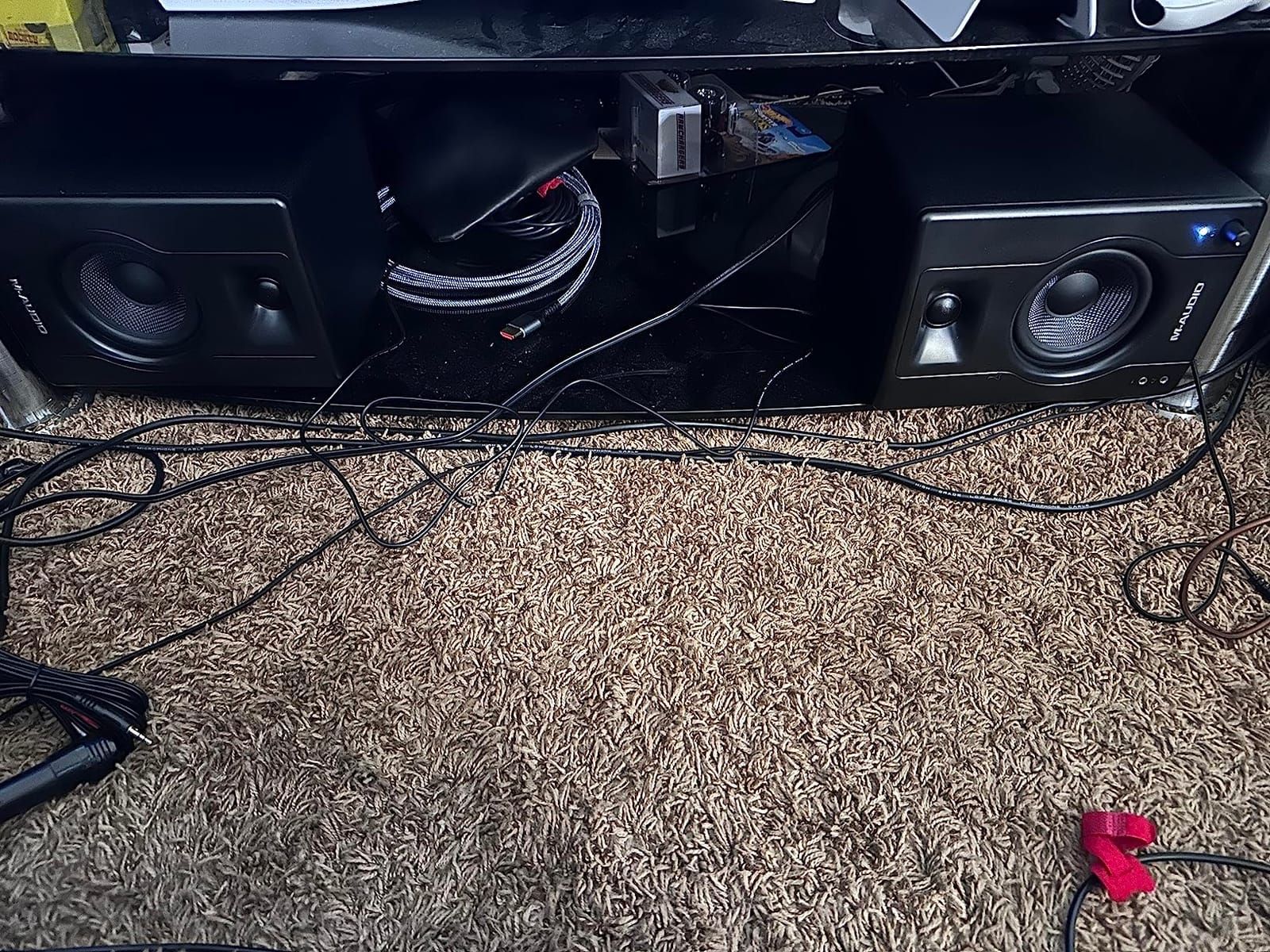
The wired-only design is a feature for podcasters. Zero-latency monitoring means you hear your voice in real time without Bluetooth delay. If you have ever tried to record over Bluetooth headphones, you know how distracting the delay is.
Connectivity covers every podcasting setup. You get 1/4 inch TRS inputs for pro audio gear, RCA inputs for consumer devices, and a front-panel headphone jack for silent monitoring. The customizable EQ on the back lets you adjust the response for vocal-heavy content.
Best applications
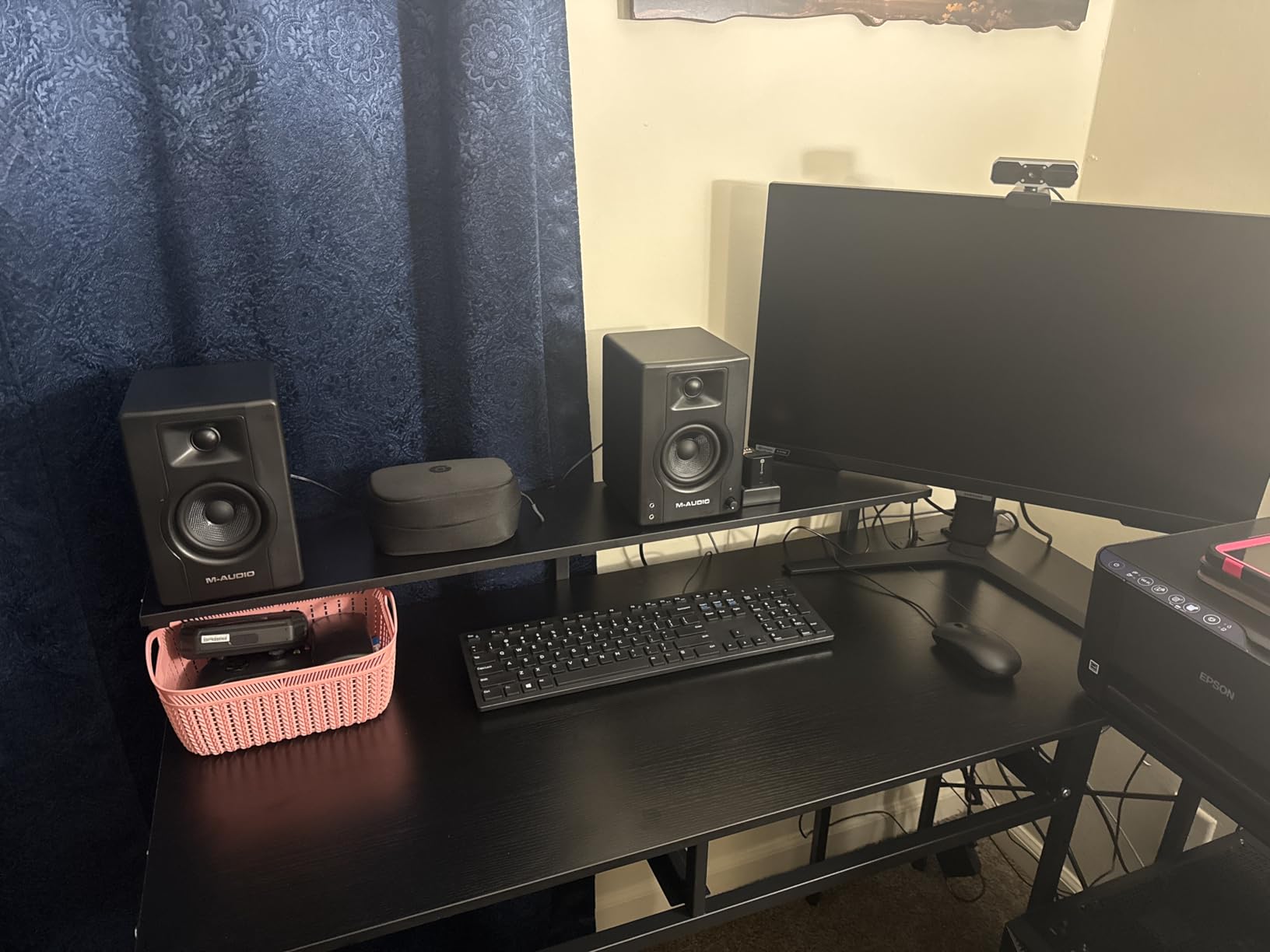
The BX4 is ideal for podcast studios, YouTube content creation, and live streaming setups where clear vocal monitoring matters more than full-range music production. Game streamers will appreciate the wide sweet spot for off-center listening.
For music producers on a budget, the BX4 also works. The 4.5 inch Kevlar drivers are a step up from polypropylene woofers found in similarly priced competitors.
Who should skip it
Music producers who want Bluetooth for casual streaming should look at the BX4BT version instead. Also, the 4.5 inch driver limits bass extension, so EDM and hip-hop producers will want a larger monitor or a dedicated subwoofer.
12. Edifier R1280T – Best Budget Bookshelf Speakers
Edifier R1280T Powered Bookshelf Speakers – 2.0 Active Near Field Studio Monitor Speaker – Wooden Enclosure – 42 Watts RMS Power
4 inch driver
42W RMS
Dual RCA inputs
Wood enclosure
Pros
- Impressive sound quality for the price
- Deep punchy bass with detailed highs
- Dual RCA inputs for simultaneous device connections
- Classic wood finish looks stylish
- Included remote control for convenience
- Side panel bass and treble knobs for EQ adjustment
Cons
- No sub out option for adding a subwoofer
- Lacks very high frequency production above standard range
- Sound can color audio slightly compared to flat monitors
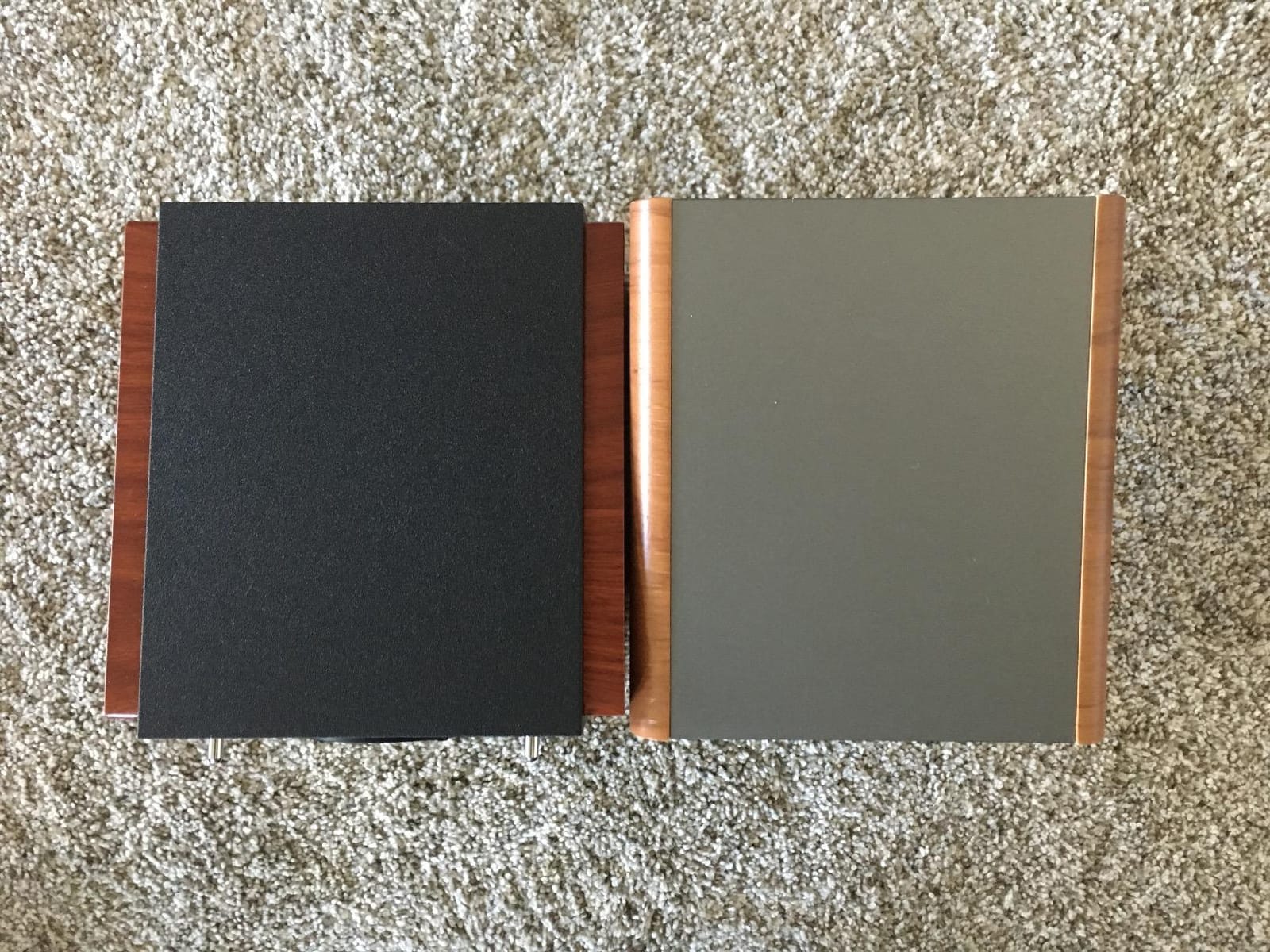
The Edifier R1280T is not a studio monitor in the strict sense, but I included it because so many home studio owners use them as their first “real” speakers. After a month of testing, the R1280T delivers impressive sound quality for casual listening, podcast editing, and learning the craft of audio production.
The 4 inch full-range driver and 13 mm silk dome tweeter produce a warm, balanced sound. Bass is fuller than typical studio monitors, which some listeners prefer. Highs are detailed without being harsh. The dual RCA inputs let you connect two devices at once, like a computer and a turntable.
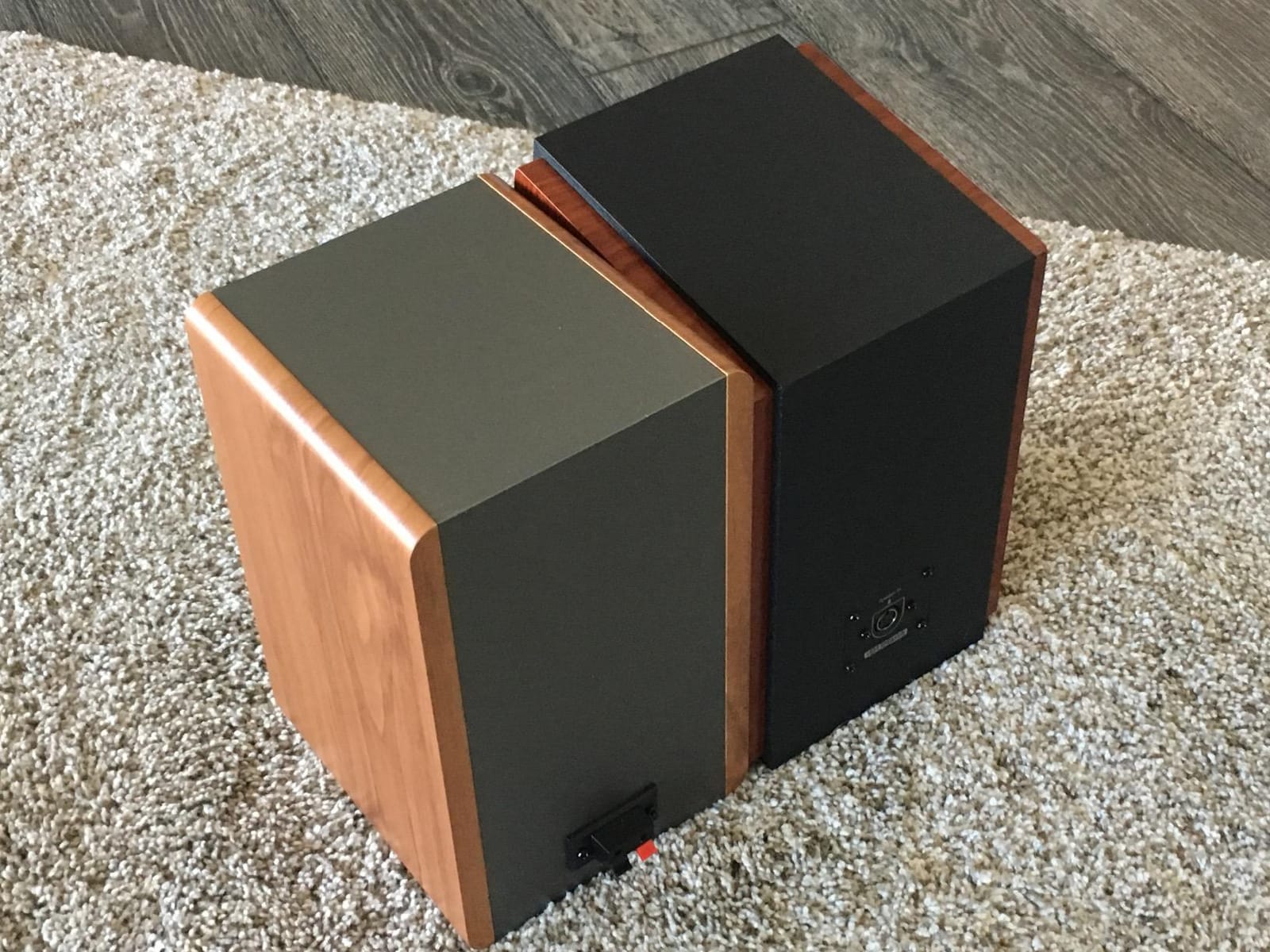
The classic wood finish and included remote control make the R1280T feel more like a piece of furniture than a piece of gear. For home studios in living spaces where monitors need to blend with the decor, this matters.
Side panel bass and treble knobs let you tune the sound to your room. I found the default position slightly bass-heavy for my space, but a small treble boost corrected that. The 42W RMS is enough to fill a small to medium room without strain.
Where they fit in your studio
The R1280T works well as a secondary reference pair. Many producers keep a set of budget speakers around to check how their mixes translate to consumer systems. The R1280T is perfect for that role because it sounds similar to the Bluetooth speakers and soundbars most listeners use.
For a first home studio on a strict budget, the R1280T paired with a USB audio interface and a good pair of mixing headphones is a complete setup that costs less than a single mid-range studio monitor.
Who should skip it
If your goal is to mix music professionally, the R1280T will color your decisions too much. The sound is enjoyable but not flat. For serious production work, the Mackie CR3.5 or PreSonus Eris E4.5 are better choices at similar tiers.
Buying Guide: How to Choose the Best Studio Monitors for Your Home Studio
Choosing the best studio monitors for home studios comes down to four decisions: room size, driver size, connection type, and budget. Get those right and the rest falls into place.
Match Driver Size to Room Size
Driver size determines how much air your monitors can move and how low they can reach in the frequency response. Smaller drivers reproduce bass less efficiently but work better in small rooms because they excite fewer room modes. Larger drivers need more space to breathe.
For rooms under 80 square feet, stick with 3 to 4.5 inch drivers like the Mackie CR3.5 or Edifier MR4. For rooms between 80 and 200 square feet, 5 inch monitors like the Yamaha HS4, PreSonus Eris E5, or JBL 305P MkII hit the sweet spot. For rooms over 200 square feet, consider 6.5 inch or 8 inch monitors, or add a subwoofer to a 5 inch pair.
Active vs Passive Monitors
Every monitor in this guide is active, meaning the amplifier is built into the speaker. Active monitors are the right choice for home studios because they simplify setup and ensure the amplifier is properly matched to the drivers. Passive monitors require a separate amplifier, more cables, and matching expertise.
The only time to choose passive monitors is if you already own a high-quality studio amplifier or if you need very specific amplifier pairing for high-end mastering work. For everyone else, active monitors are the way to go.
Connection Types: XLR, TRS, and RCA
Audio interfaces output balanced signals through XLR or TRS connectors. Monitors with balanced inputs reject noise over long cable runs, which matters if your interface sits across the room from your monitors. RCA is an unbalanced consumer connection that works for short cable runs and casual setups.
For a home studio, monitors with XLR and TRS inputs give you the most flexibility. The Yamaha HS4, PreSonus Eris E5, and Kali LP-6 V2 all include these balanced options. Monitors with RCA-only inputs limit you to short cable runs, which is fine for desktop setups.
The 38 Rule for Studio Monitor Placement
The 38 rule is a placement guideline: monitors should form an equilateral triangle with your listening position, with each monitor angled 30 degrees toward you. The distance between the two monitors should equal the distance from each monitor to your head. This creates the widest stereo image at the sweet spot.
For most home studios, this means placing your monitors about 3 to 4 feet apart and sitting 3 to 4 feet away. Tweeters should be at ear height. If your desk is too low or too high, use isolation pads or monitor stands to adjust. Our guide on monitor positioning covers the equilateral triangle setup in more detail.
Solutions for Untreated Rooms
Most home studios do not have acoustic treatment, and that is okay. Three strategies help: choose monitors with boundary EQ switches, place monitors away from walls and corners, and use closed-back headphones for low-end verification.
Monitors like the JBL 305P MkII and PreSonus Eris E5 include boundary EQ that compensates for placement near walls. Set the switch to match your position, and the response flattens out. Combine that with closed-back headphones for sub-bass checks, and you can mix confidently in an untreated room.
Subwoofer Integration
A subwoofer extends the low-frequency response of your monitors down to 20 Hz or lower. It is essential for hip-hop, EDM, film scoring, and any genre with strong sub-bass content. For acoustic and vocal-focused music, a subwoofer is optional.
When adding a subwoofer, choose one from the same brand family as your monitors. The ADAM T10S pairs with the ADAM T5V. The Kali WS-12 pairs with the Kali LP-6 V2. Matching brands ensures the crossover and phase response are properly aligned.
What You Need to Get Started
Studio monitors are one piece of a complete setup. You also need an audio interface, balanced cables, monitor stands or isolation pads, and ideally acoustic treatment. Our guide on connecting monitors to an audio interface covers the cabling step.
For cables, balanced TRS cables (1/4 inch) are the standard for home studios. Buy cables from a reputable brand like Hosa or Mogami. Cheap cables introduce noise and fail quickly. Our guide on cable management to avoid ground hum helps with the physical setup.
Frequently Asked Questions
What is the 38 rule for studio monitors?
The 38 rule is a placement guideline that maximizes stereo imaging: place your two monitors and your head at the corners of an equilateral triangle. Each monitor should be angled about 30 degrees toward your listening position, with the distance between the monitors equal to the distance from each monitor to your head. For most home studios, that means 3 to 4 feet between the monitors and the same distance to your seat. Tweeters should sit at ear height.
What is the best monitor for a studio?
The best studio monitor for a home studio depends on room size and budget. For most producers, the Yamaha HS4 delivers industry-standard flat response in a compact 4.5 inch package. For larger rooms or bass-heavy genres, the PreSonus Eris E5 or JBL 305P MkII offer more low-end extension. Budget-conscious producers should start with the Mackie CR3.5 or PreSonus Eris E4.5.
What is the best size studio monitor for my studio?
Match driver size to room size. For rooms under 80 square feet, choose 3 to 4.5 inch drivers like the Mackie CR3.5 or Edifier MR4. For rooms between 80 and 200 square feet, 5 inch monitors like the Yamaha HS4 or JBL 305P MkII hit the sweet spot. For rooms over 200 square feet, 6.5 inch monitors like the Kali LP-6 V2 or a 5 inch pair with a subwoofer work best. Larger drivers need more space to breathe without exciting problematic room modes.
What is the best brand for studio monitors?
The best brand depends on what you value. Yamaha is known for industry-standard flat response and quiet operation. PreSonus offers the best value in the 5 inch category. ADAM Audio leads in high-frequency detail with ribbon tweeters. JBL delivers wide sweet spots and reliable build quality. Kali Audio offers the most accurate response at mid-tier pricing. Edifier wins for budget bookshelf speakers. Most professional studios use a mix of brands depending on the room.
What are the best studio monitors for a home studio?
The best studio monitors for home studios in 2026 include the Yamaha HS4 for accurate flat response, the PreSonus Eris E5 for the best value in the 5 inch category, and the Mackie CR3.5 for budget buyers. For untreated rooms, the JBL 305P MkII with its boundary EQ is a strong choice. For accuracy-focused engineers, the Kali LP-6 V2 delivers professional-grade monitoring at a mid-tier price. Pair any of these with a quality audio interface and balanced cables for the best results.
What is the average lifespan of studio monitors?
Active studio monitors typically last 8 to 15 years with regular use. The amplifier is usually the first component to fail, often due to capacitor aging or power supply issues. Drivers can last the lifetime of the monitor if you avoid clipping and physical damage. To extend lifespan, keep monitors at moderate volume levels, avoid exposure to humidity, and power them off when not in use. Some manufacturers like ADAM Audio offer 5 year warranties that signal expected longevity.
Do I need 1 or 2 studio monitors?
You need 2 studio monitors for proper mixing. Stereo mixing requires both left and right channels to place instruments in the stereo field, judge panning decisions, and check stereo effects. A single monitor can work for podcasting or vocal editing where the source is mono, but music production requires a stereo pair. If budget forces you to start with one monitor, the Kali LP-6 V2 or Yamaha HS4 are good choices that you can pair with a second unit later.
Final Verdict: Choosing the Best Studio Monitors for Home Studios in 2026
After three months of comparing 12 monitors across every price tier, the Yamaha HS4 remains our top pick for the best studio monitors for home studios in 2026. Its industry-standard flat response, quiet operation, and balanced connectivity make it the most versatile choice for most home producers. The PreSonus Eris E5 is the smarter buy if you want more low-end extension and balanced XLR inputs. For absolute beginners, the Mackie CR3.5 delivers honest monitoring without breaking the bank.
Before you buy, measure your room and match the driver size accordingly. For untreated rooms, prioritize monitors with boundary EQ controls. For bass-heavy genres, plan to add a subwoofer down the road. And whatever you choose, pair your new monitors with a quality audio interface and balanced cables. That is the path to mixes that translate.
Check current pricing using the buttons above and pick the pair that fits your room and your budget. Your mixes will thank you.